
Ink Neon Cat Samurai Storyboard
An 11-panel cinematic storyboard of a white cat samurai fighting ink monsters in a sumi-e world with neon explosions, ideal for concept art or animation planning.
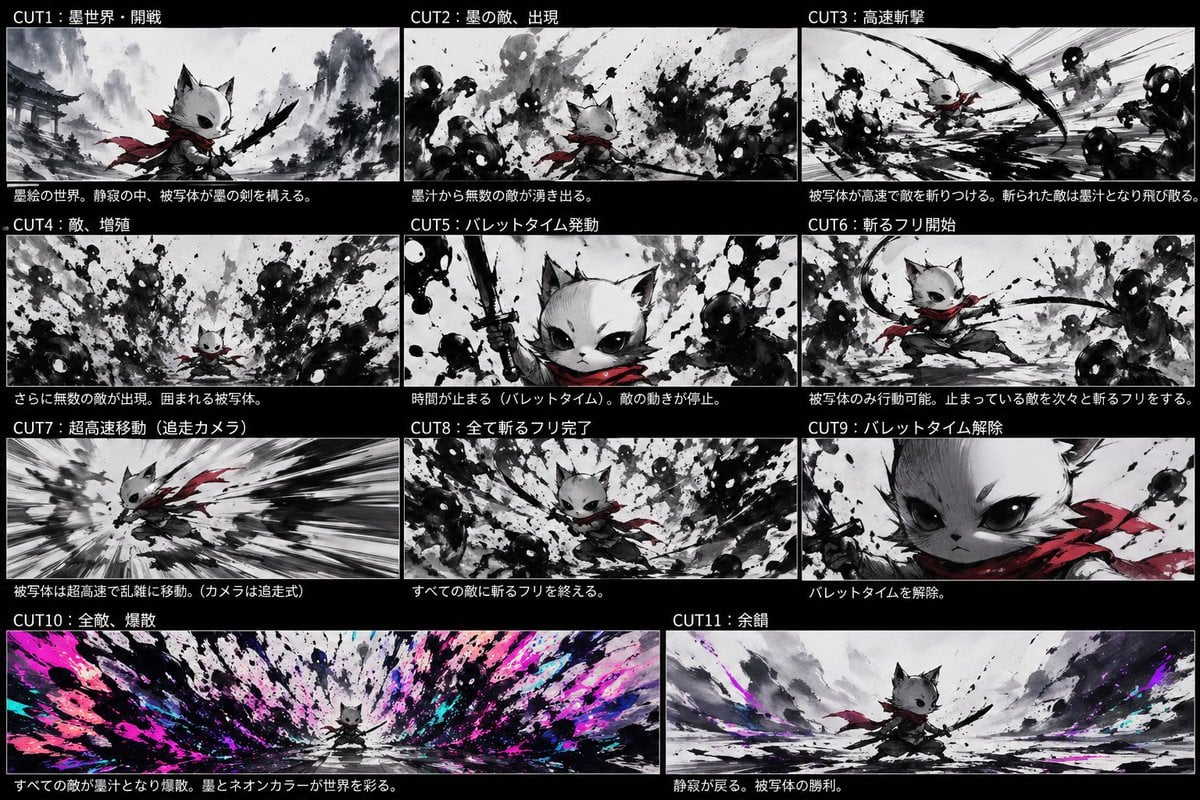
- Prompt included
- Model and format preset
- Free template
The prompt behind this image
Copy the exact prompt behind Ink Neon Cat Samurai Storyboard, or open it in the studio and make it yours.
- Type
- anime storyboard sheet
- Style
- dynamic sumi-e ink painting fused with neon accents, cinematic concept board, monochrome black-and-white base with selective crimson and electric magenta/cyan highlights, rough brush splatter textures, high contrast, dramatic speed lines, manga action composition
- Subject › Main Character
- small anthropomorphic cat warrior with white fur, oversized dark eyes, pointed ears, a short muzzle, and a determined expression
- Subject › Outfit
- flowing {argument name="scarf color" default="crimson red"} scarf, dark loose samurai-style clothing, black ink sword held in one paw
- Subject › Scale
- tiny hero against overwhelming waves of ink enemies
- Layout › Background
- solid black page with 11 storyboard panels separated by thin white borders
- Layout › Sections › 0 › Title
- CUT1:墨世界・開戦
- Layout › Sections › 0 › Position
- top-left
- Layout › Sections › 0 › Count
- 1
- Layout › Sections › 0 › Labels
- opening battle in the ink world
- Layout › Sections › 1 › Title
- CUT2:墨の敵、出現
- Layout › Sections › 1 › Position
- top-center
- Layout › Sections › 1 › Count
- 1
- Layout › Sections › 1 › Labels
- ink enemies appear from splashes
- Layout › Sections › 2 › Title
- CUT3:高速斬撃
- Layout › Sections › 2 › Position
- top-right
- Layout › Sections › 2 › Count
- 1
- Layout › Sections › 2 › Labels
- high-speed slash attack
- Layout › Sections › 3 › Title
- CUT4:敵、増殖
- Layout › Sections › 3 › Position
- middle-left
- Layout › Sections › 3 › Count
- 1
- Layout › Sections › 3 › Labels
- enemies multiply and surround the hero
- Layout › Sections › 4 › Title
- CUT5:バレットタイム発動
- Layout › Sections › 4 › Position
- middle-center
Raw JSON
{"type":"anime storyboard sheet","style":"dynamic sumi-e ink painting fused with neon accents, cinematic concept board, monochrome black-and-white base with selective crimson and electric magenta/cyan highlights, rough brush splatter textures, high contrast, dramatic speed lines, manga action composition","subject":{"main character":"small anthropomorphic cat warrior with white fur, oversized dark eyes, pointed ears, a short muzzle, and a determined expression","outfit":["flowing {argument name=\"scarf color\" default=\"crimson red\"} scarf","dark loose samurai-style clothing","black ink sword held in one paw"],"scale":"tiny hero against overwhelming waves of ink enemies"},"layout":{"background":"solid black page with 11 storyboard panels separated by thin white borders","sections":[{"title":"CUT1:墨世界・開戦","position":"top-left","count":1,"labels":["opening battle in the ink world"]},{"title":"CUT2:墨の敵、出現","position":"top-center","count":1,"labels":["ink enemies appear from splashes"]},{"title":"CUT3:高速斬撃","position":"top-right","count":1,"labels":["high-speed slash attack"]},{"title":"CUT4:敵、増殖","position":"middle-left","count":1,"labels":["enemies multiply and surround the hero"]},{"title":"CUT5:バレットタイム発動","position":"middle-center","count":1,"labels":["bullet time activated"]},{"title":"CUT6:斬るフリ開始","position":"middle-right","count":1,"labels":["begin fake slashing while time is stopped"]},{"title":"CUT7:超高速移動(追走カメラ)","position":"lower-left","count":1,"labels":["ultra-fast movement with chase camera"]},{"title":"CUT8:全て斬るフリ完了","position":"lower-center","count":1,"labels":["all fake slashes completed"]},{"title":"CUT9:バレットタイム解除","position":"lower-right","count":1,"labels":["bullet time released"]},{"title":"CUT10:全敵、爆散","position":"bottom-left wide","count":1,"labels":["all enemies explode into ink and neon color"]},{"title":"CUT11:余韻","position":"bottom-right wide","count":1,"labels":["quiet aftermath and victory pose"]}],"count":11},"panels":[{"title":"CUT1:墨世界・開戦","scene":"A misty ink-wash battlefield with distant traditional Japanese temple architecture and mountains. The cat warrior stands in the foreground in a low ready stance, scarf trailing, raising a black brushlike sword. The world is mostly grayscale with subtle red on the scarf.","camera":"medium-wide low angle"},{"title":"CUT2:墨の敵、出現","scene":"Dozens of amorphous shadow enemies with glowing white eyes emerge from violent black ink splashes around the small cat. Chaotic splatter fills the frame.","camera":"wide shot"},{"title":"CUT3:高速斬撃","scene":"The hero launches into a rapid diagonal slash through clustered ink monsters. Strong motion streaks and curved black slash arcs dominate the composition.","camera":"dynamic action perspective"},{"title":"CUT4:敵、増殖","scene":"The enemies increase in number, surrounding the cat from all directions. Dense abstract silhouettes and splashes close in menacingly.","camera":"wide encirclement shot"},{"title":"CUT5:バレットタイム発動","scene":"Close-up hero shot. The cat lifts the sword vertically with fierce confidence as nearby ink enemies freeze in place. Splatter textures remain suspended midair.","camera":"tight close-up"},{"title":"CUT6:斬るフリ開始","scene":"In frozen time, only the cat moves, stepping through a poised slashing gesture among immobilized shadow enemies. The scarf draws elegant red curves through the grayscale scene.","camera":"medium action shot"},{"title":"CUT7:超高速移動(追走カメラ)","scene":"A speed-tunnel composition with the cat sprinting or dashing at extreme velocity, body leaning forward, scarf whipping behind, background stretched into black-and-white radial blur.","camera":"tracking chase shot"},{"title":"CUT8:全て斬るフリ完了","scene":"The hero returns to the center after finishing all staged slash poses around every enemy. Ink masses form a circular vortex around the calm cat.","camera":"wide centered shot"},{"title":"CUT9:バレットタイム解除","scene":"Extreme close-up of the cat's face and shoulder, intense eyes looking forward, red scarf prominent, signaling the end of bullet time.","camera":"extreme close-up"},{"title":"CUT10:全敵、爆散","scene":"A massive panoramic detonation as every frozen enemy bursts at once into black ink, bright {argument name=\"neon accent colors\" default=\"magenta, cyan, and violet\"} paint, and explosive splashes radiating outward from the tiny centered hero.","camera":"ultra-wide panoramic shot"},{"title":"CUT11:余韻","scene":"After the explosion, the battlefield becomes quiet again. The cat stands victorious in a broad ink-wash landscape with residual neon color streaks fading into the mist.","camera":"wide heroic epilogue shot"}],"text":{"header language":"Japanese","captions":"each panel has white Japanese title text on black bars and a short explanatory sentence below the image area"},"rendering":{"aspect ratio":"16:9 overall sheet","finish":"polished storyboard illustration, concept-art quality, expressive ink splashes, seamless visual continuity between panels"}}How to use Ink Neon Cat Samurai Storyboard in 3 steps
- 1Upload ImagePNG, JPG or paste
Add your photo
Upload the photo the template builds on. The prompt, model and format are already set.
- 2…a portrait of your subject in softgolden-hour light, 85mm…
Personalize
Edit the subject and creative details for your destination.
- 3Generate
Generate
Press Generate — your image is created in PicX Studio, so you can compare it with the original and refine one variable at a time.
More like this
Templates with the same subject, style or setup. Open one to see its prompt.

80s Neon Disco Night

Anime Catgirl in Chinese Ink Landscape
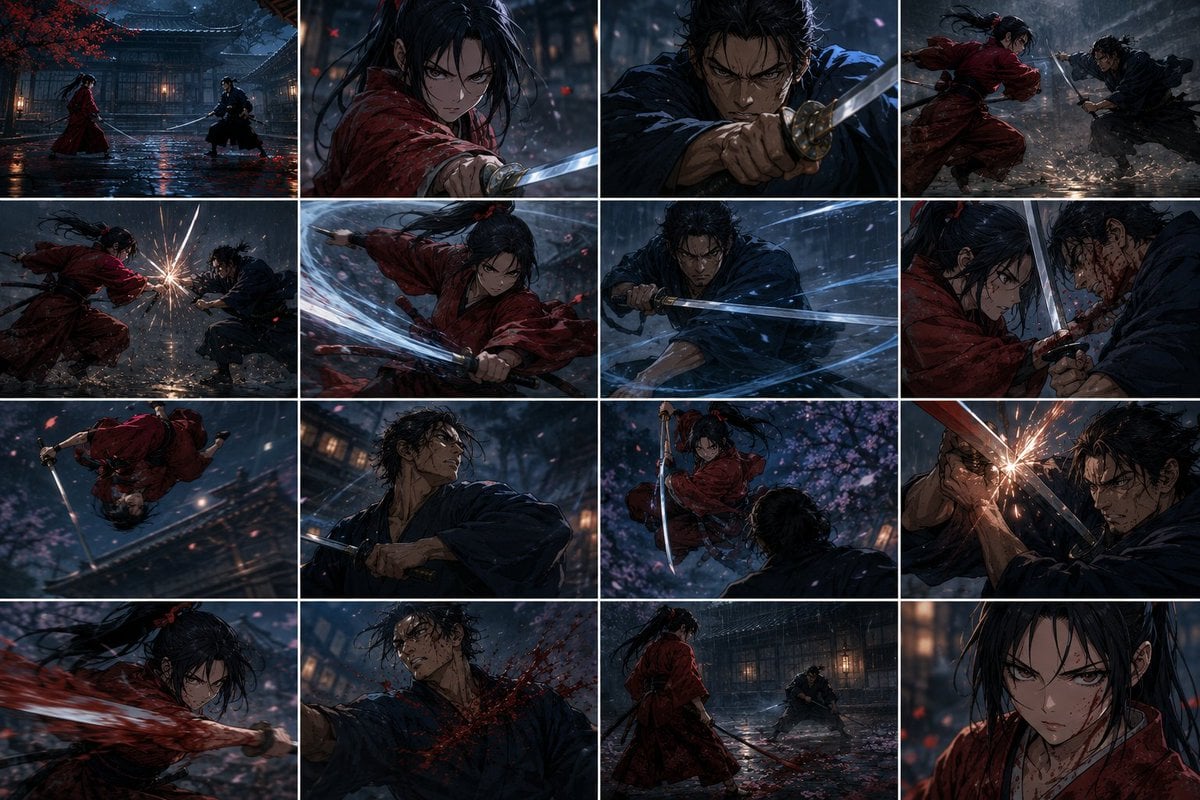
Rainy Samurai Duel Storyboard

Cat Photobomb Selfie — 0.5x Wide Angle Café Chaos

Surreal Cat Astronaut — Humanoid Face Freefall
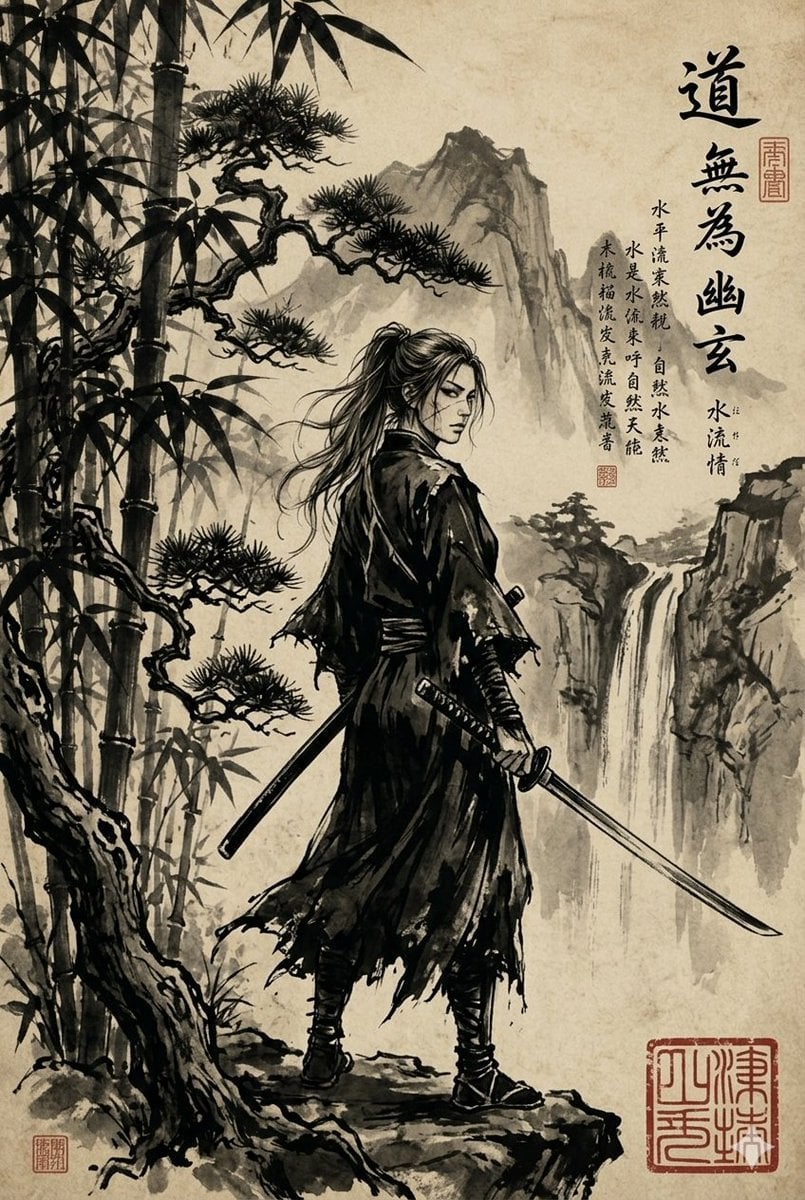
Ink-Wash Samurai Landscape

Cartoon TV Show Poster Pack

Rainy Night Android Cyberpunk Portrait

Korean Idol Partial Shadow Editorial Portrait

Cyberpunk Neon Profile Fashion Portrait

Neon Night Crosswalk Candid Portrait

Subway Platform Quiet Introspective Portrait
Make it yours
Ink Neon Cat Samurai Storyboard works as-is. These are the safest ways to change it without losing the look.
Swap the setting
Keep the rest of the prompt and replace the location block. The current setting is “solid black page with 11 storyboard panels separated by thin white borders”.
Change one field
Copy a single group, rewrite it, and generate again so you can see what that field is doing.
Keep the frame, change the subject
Hold the composition and light of Ink Neon Cat Samurai Storyboard, then swap wardrobe, props or the person for a new take.
| If the result… | Why | Fix |
|---|---|---|
| The result drifts from the preview | Too many fields changed at once. | Reuse Ink Neon Cat Samurai Storyboard as-is first, then change one group — subject, light, or setting. |
| GPT Image 2 ignores part of the JSON | Some models flatten or skip nested keys. | Keep the same values and paste them as a short paragraph instead. |
More GPT Image 2 templates
Other prompts made for GPT Image 2.

Six VTuber Japanese Logo Sheet

Realistic Portrait of Woman and Deer

The Vista Modular Condo Poster

AI Model Routing Comparison Infographic

2.5D Anime Art Board

Isometric Productivity Desk Scene

New York Double Exposure Poster

Four-Panel AI Landscape Comparison

Japanese Tatami Lifestyle Magazine Cover

NESCAFÉ Coffee Map Poster
More image prompts
Fresh picks from across the catalog.
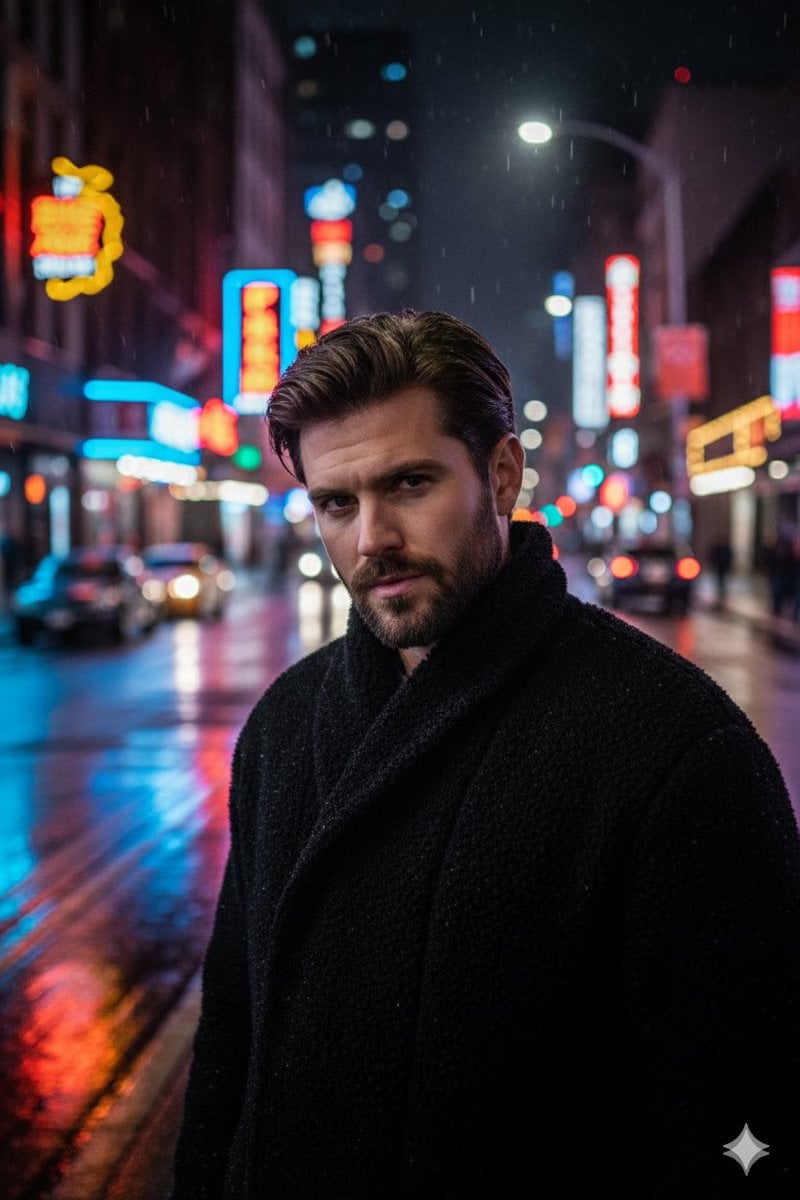
Cinematic Neon Night Street Portrait
Y2K Korean Street Editorial Collage
Anime Inspired Korean Fashion Portrait
E-commerce Product Listing: Embroidered Pinstripe Blazer
Hyper-Realistic Gourmet Burger Infographic
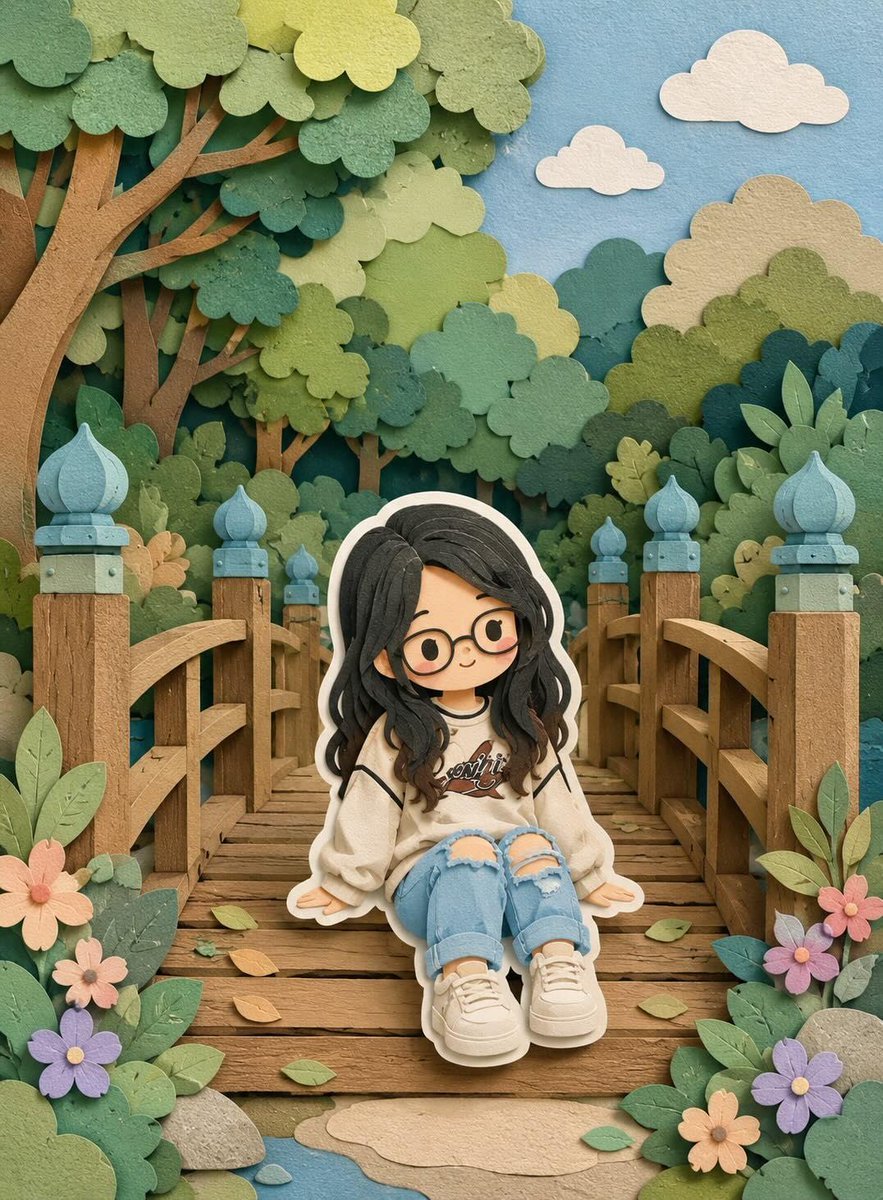
3D Layered Paper-Cut Chibi Art
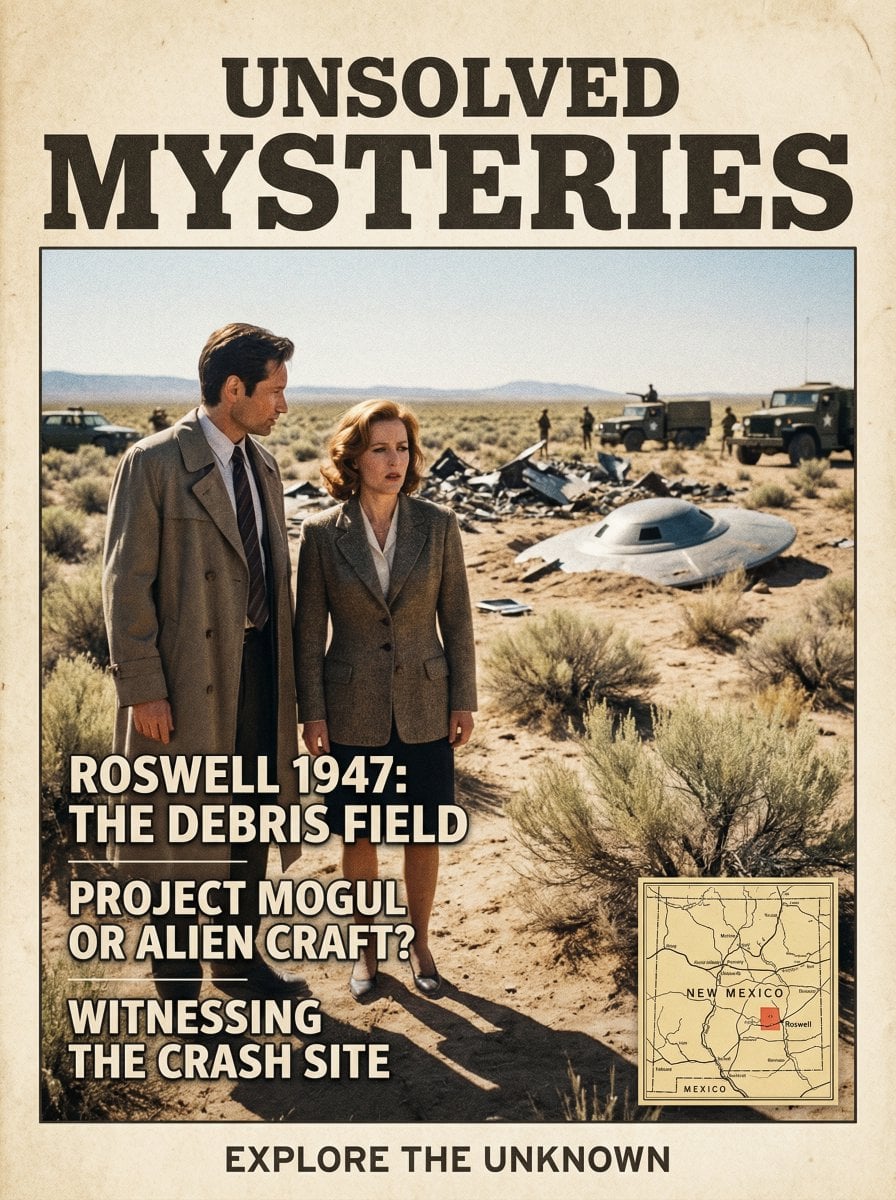
Roswell Incident Magazine Cover
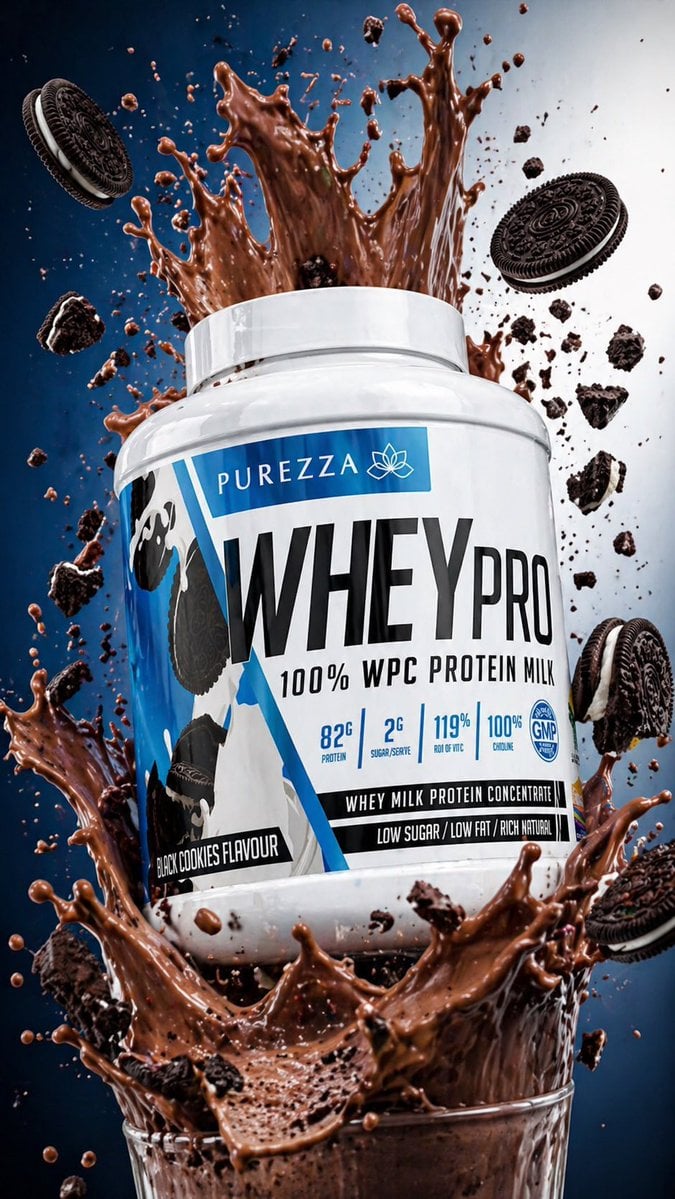
Protein Powder Splash Hero Shot
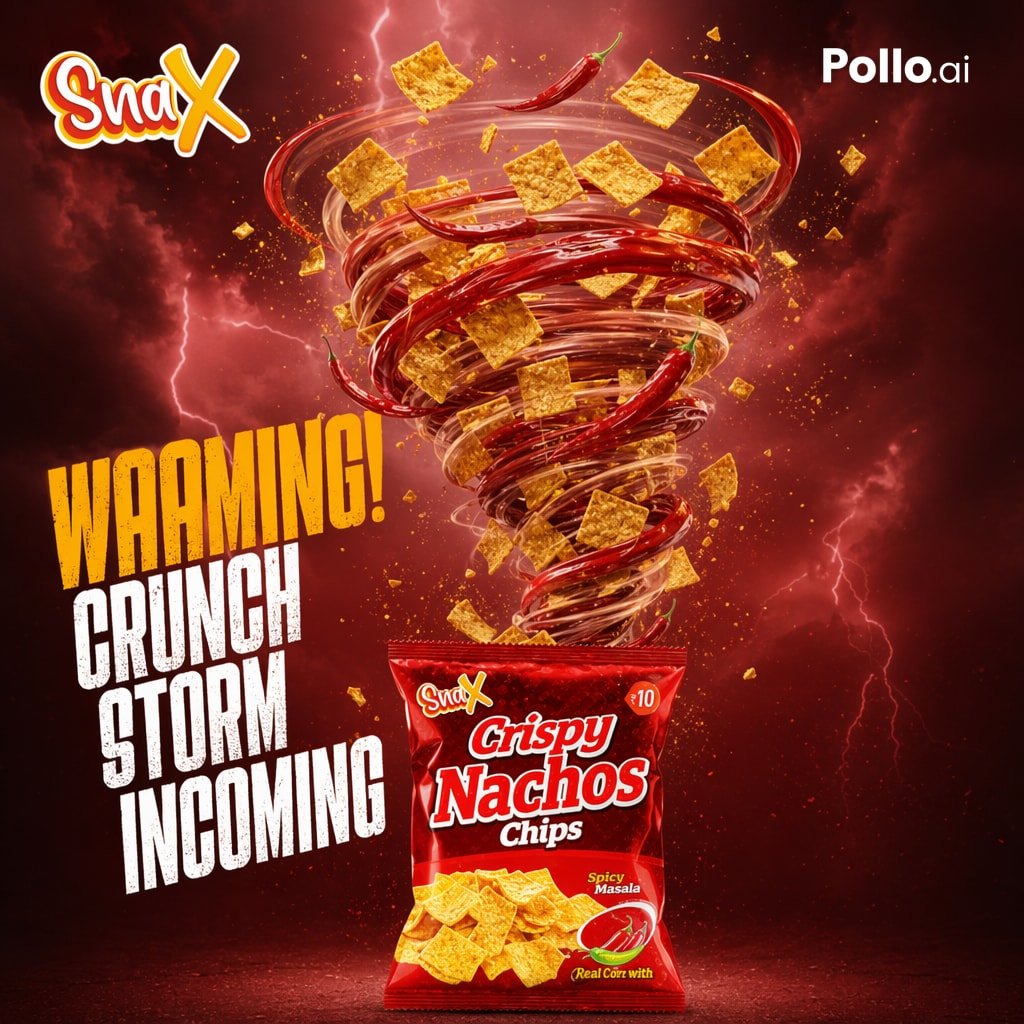
Spicy Nacho Tornado Ad
Blond Apron Man Serving Heart Omurice
Browse template categories
Ink Neon Cat Samurai Storyboard questions
How do I use the Ink Neon Cat Samurai Storyboard template?
Add your photo if the template asks for one, edit the prompt if you like — the template's model and format are already selected — and press Generate. Your version opens in PicX Studio.
Can I customize the Ink Neon Cat Samurai Storyboard template?
Yes. You can change the subject, setting, lighting, mood, format, and available model controls before creating your image.
Is the Ink Neon Cat Samurai Storyboard template free?
Opening and editing this template is free. Generating uses credits, shown on the Generate button when you are signed in.
Which AI model should I use?
Start with GPT Image 2, which is the model associated with this template. You can compare another compatible model for a different finish.
Looking for something else? Browse all templates.

Your photo, any look
Thousands of ready templates for every top image and video model, from one credit balance.