
Rainy Samurai Duel Storyboard
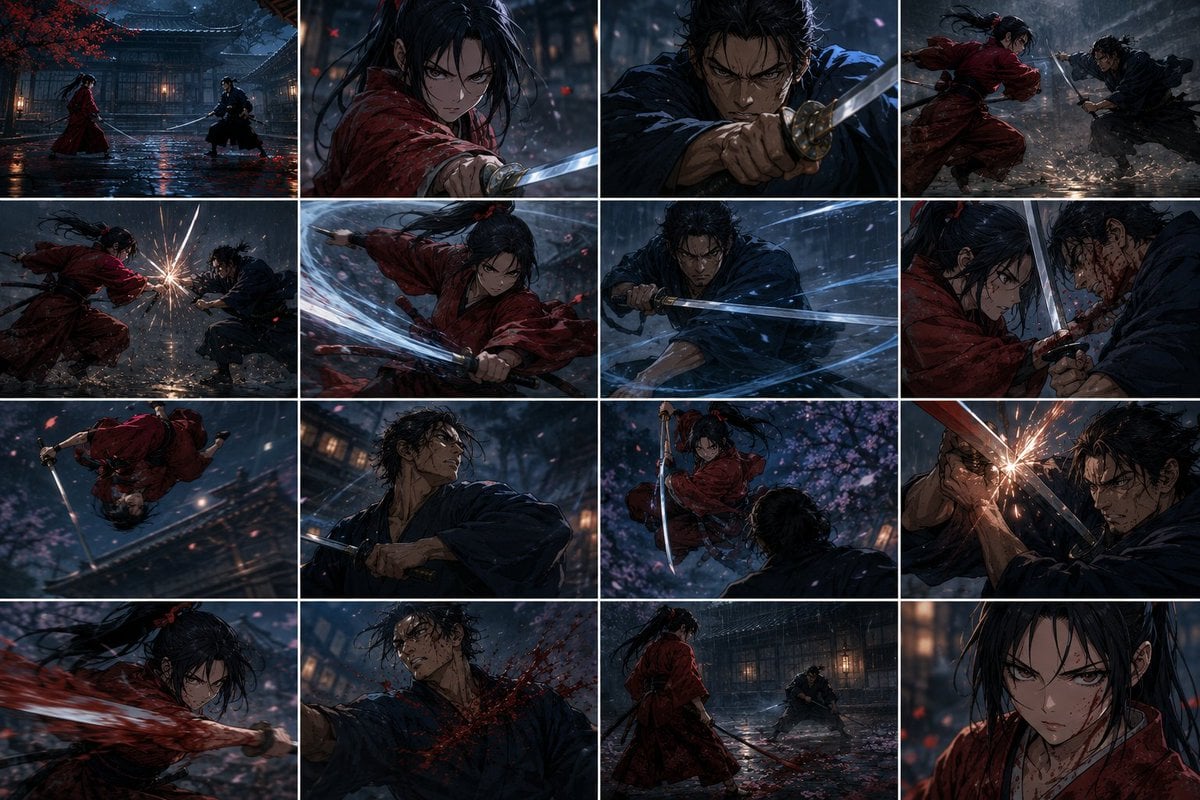
Generates a 16-panel cinematic anime storyboard of two samurai dueling in a rain-soaked temple courtyard, useful for animation planning or shot separation.
- Prompt included
- Model and format preset
- Premium template
The prompt behind this image
Copy the exact prompt behind Rainy Samurai Duel Storyboard, or open it in the studio and make it yours.
Goal: Create a 4-by-4 storyboard contact sheet of a cinematic anime samurai duel, designed as separable shots for animation. The scene follows {argument name="red warrior" default="a long-haired female ronin in a soaked crimson kimono"} fighting {argument name="blue warrior" default="a rugged male samurai in a dark navy kimono"} in {argument name="setting" default="a rain-drenched Edo-period temple courtyard at night"}. Make the faces intentionally anonymized with soft dark square censor blocks over visible faces, while preserving hair, clothing, weapons, and action poses. Canvas: Wide 16:9 image, arranged as exactly 16 rectangular cinematic frames in a clean 4 columns by 4 rows grid, with thin white gutters between panels. Each panel should feel like a different camera shot from the same fight sequence. Use dramatic low-key lighting, wet reflective ground, rain streaks, drifting red petals, lantern glow, motion blur, sword glints, sparks, and splashes. Style: highly detailed dark anime film stills, painterly realism, dynamic composition, intense choreography, shallow depth of field, moody blue-black shadows with crimson accents. Panel count and content: Include exactly 16 panels: 1. Wide establishing shot: both warriors face each other across the wet courtyard, red warrior on the left, blue warrior on the right, swords drawn, temple building and lanterns behind them. 2. Close-up action shot of the red warrior thrusting a katana toward camera, hair whipping in rain, face covered by a dark square. 3. Close-up action shot of the blue warrior gripping his katana defensively, blade angled forward, face covered by a dark square. 4. Side-view clash: red warrior lunges from the left while blue warrior counters from the right, rain and petals swirling. 5. Low side shot: swords collide with a bright burst of sparks between the fighters. 6. Dynamic tracking shot: red warrior spins or slashes horizontally, red sleeves flowing, bright sword arc crossing the frame. 7. Blue warrior mid-guard with a katana sweeping through rain, multiple blue-white motion trails around the blade. 8. Tight two-shot: red and blue warriors locked close in a blade bind, wet hair and blood flecks visible, both faces obscured. 9. Acrobatic shot: red warrior flips upside down over the courtyard roofline or walkway, sword extended, rain streaks and motion blur emphasizing speed. 10. Medium close-up of the blue warrior looking upward or turning with his katana ready, temple lights blurred behind him, face obscured. 11. Over-the-shoulder shot from behind the blue warrior as the red warrior leaps down with raised sword beneath pink blossoms. 12. Extreme close clash: crossed blades near the camera with a starburst of sparks, blue warrior partially hidden by a dark face block. 13. Close-up of the red warrior performing a powerful slash, crimson sleeve and hair sweeping across the frame, face obscured. 14. Impact shot: the blue warrior is struck across the chest or shoulder, dark red blood sprays across his navy robe, face obscured. 15. Wide standoff reset: red warrior stands in the foreground with sword lowered while the blue warrior crouches at distance in front of the temple, rain pooling on the ground. 16. Final portrait close-up of the red warrior in rain, crimson robe stained and hair framing the face, large dark square obscuring the face. Constraints: Keep the grid layout exact, with 16 distinct shots and consistent characters, outfits, swords, weather, and setting across all panels. No captions, no speech bubbles, no logos, no watermark. Emphasize cinematic action continuity, wet fabric texture, realistic sword metal, glowing lantern reflections, and high-contrast rain-night atmosphere. Overall mood should be {argument name="mood" default="tragic, brutal, elegant, and suspenseful"}.
How to use Rainy Samurai Duel Storyboard in 3 steps
- 1Upload ImagePNG, JPG or paste
Add your photo
Upload the photo the template builds on. The prompt, model and format are already set.
- 2…a portrait of your subject in softgolden-hour light, 85mm…
Personalize
Edit the subject and creative details for your destination.
- 3Generate
Generate
Press Generate — your image is created in PicX Studio, so you can compare it with the original and refine one variable at a time.
More like this
Templates with the same subject, style or setup. Open one to see its prompt.
Cinematic Villain Duel Storyboard
Rainy Courier Storyboard
Rainy City Manga Storyboard

Headphones Lifestyle Nine Panel Grid
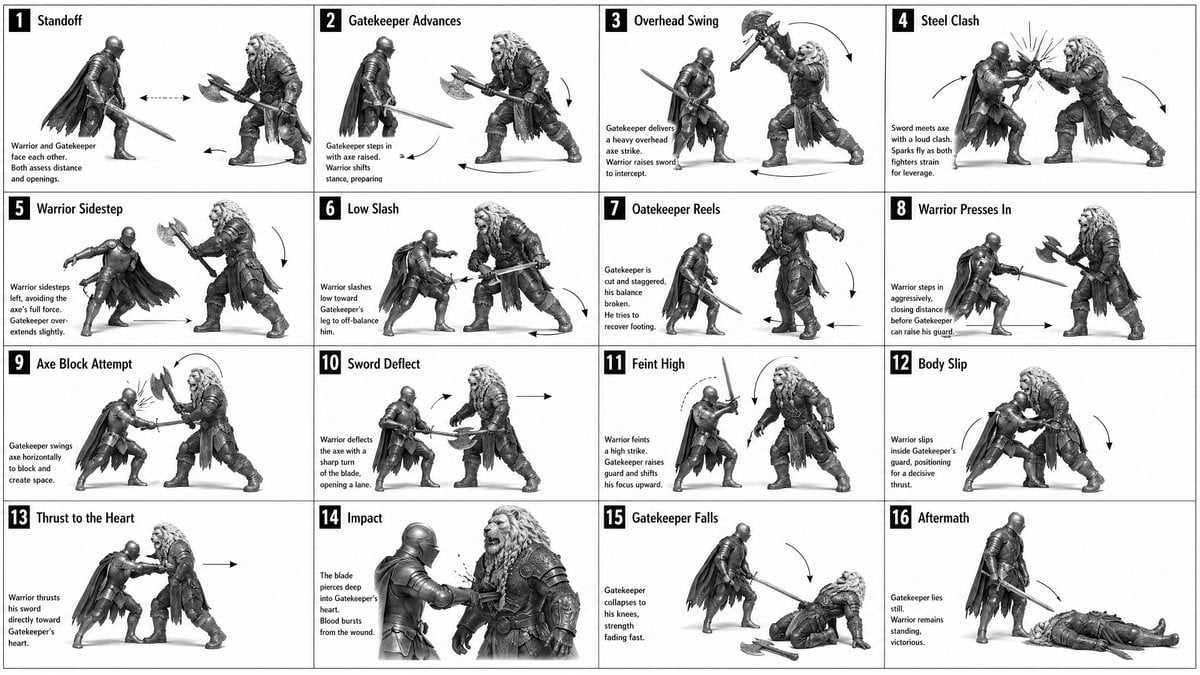
Panel Medieval Duel Storyboard
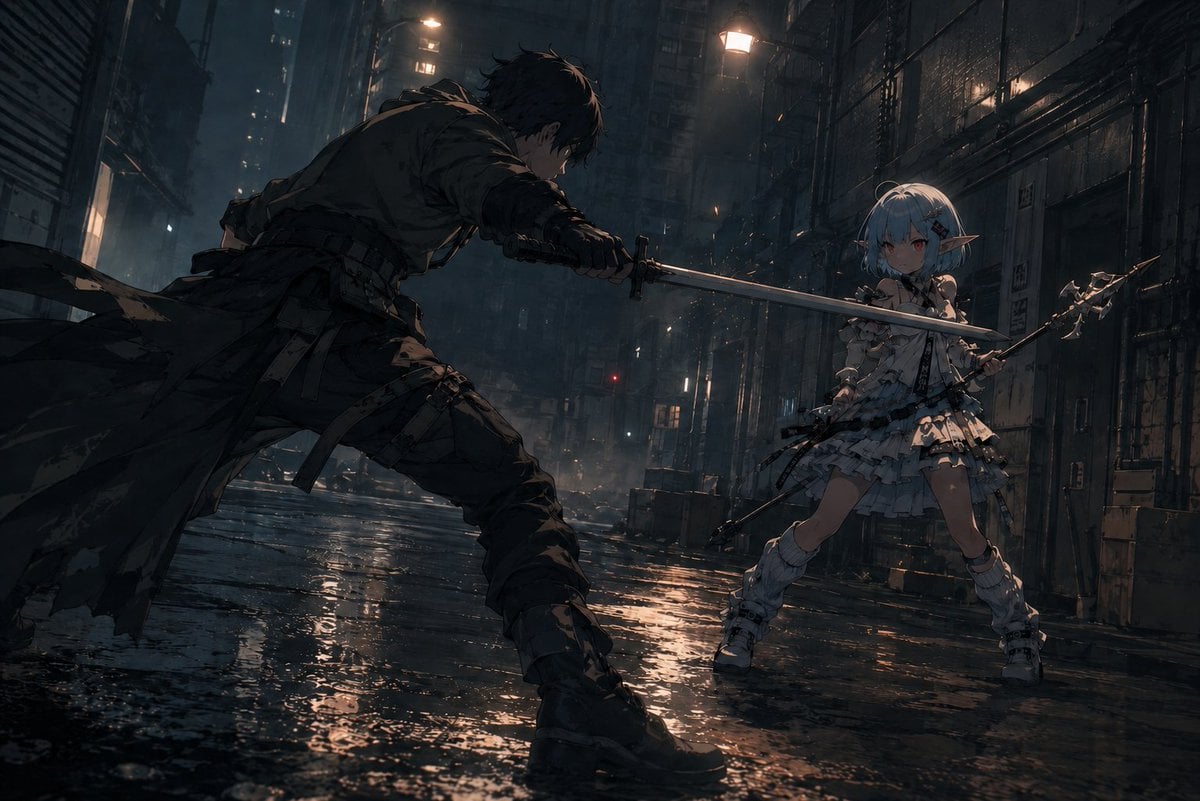
Rainy Cyberpunk Alley Sword Duel
Seedance - Storyboard to Movie
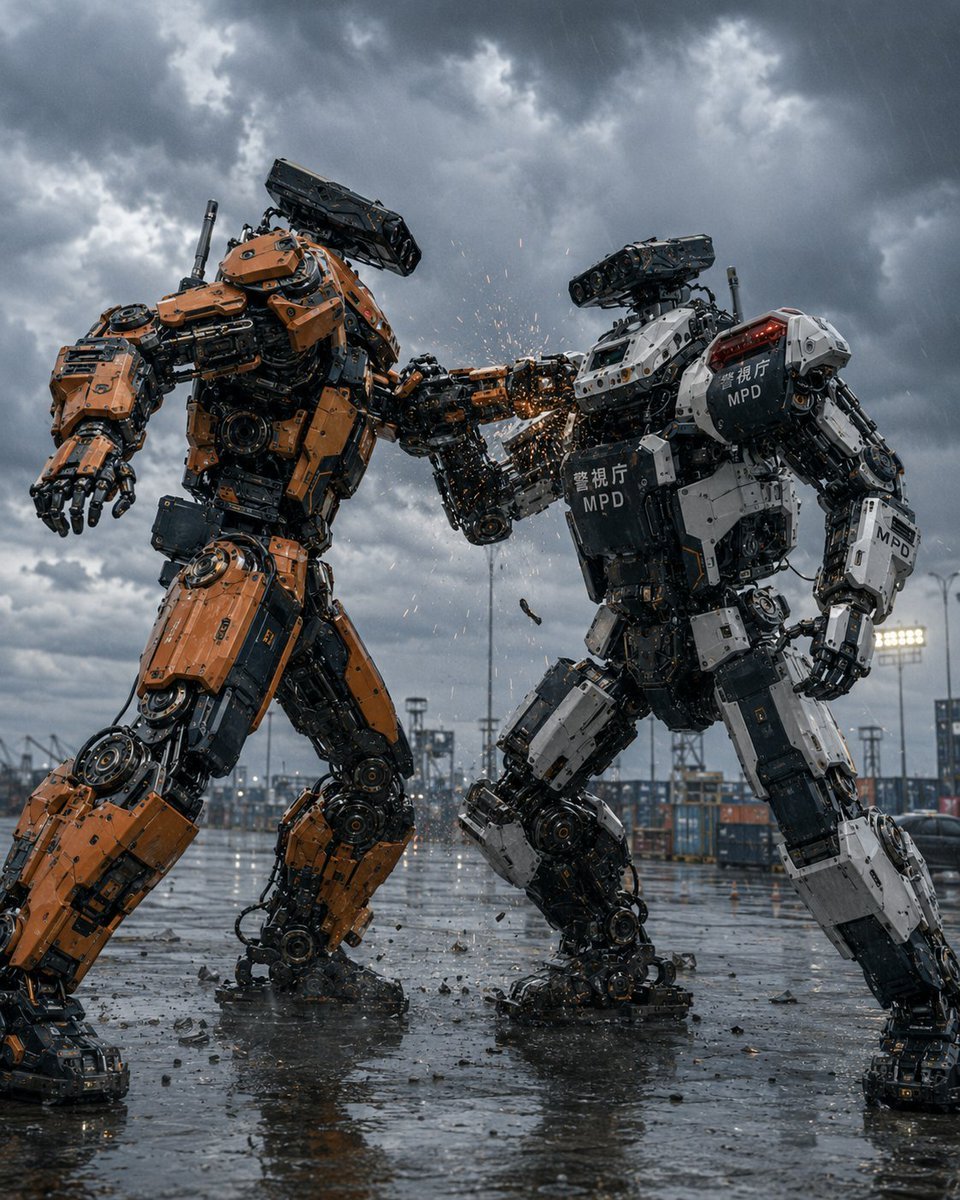
Stormy Police Mech Duel
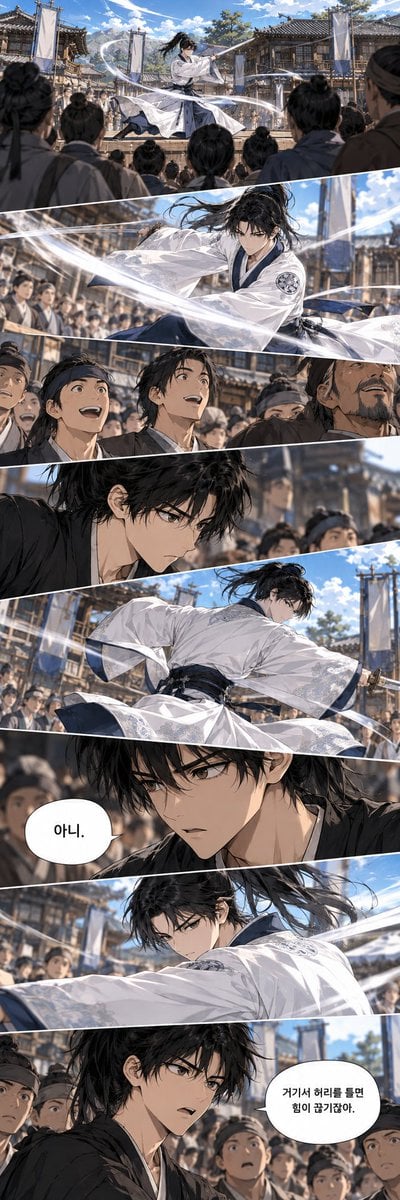
Historical Manhwa Sword Duel Page
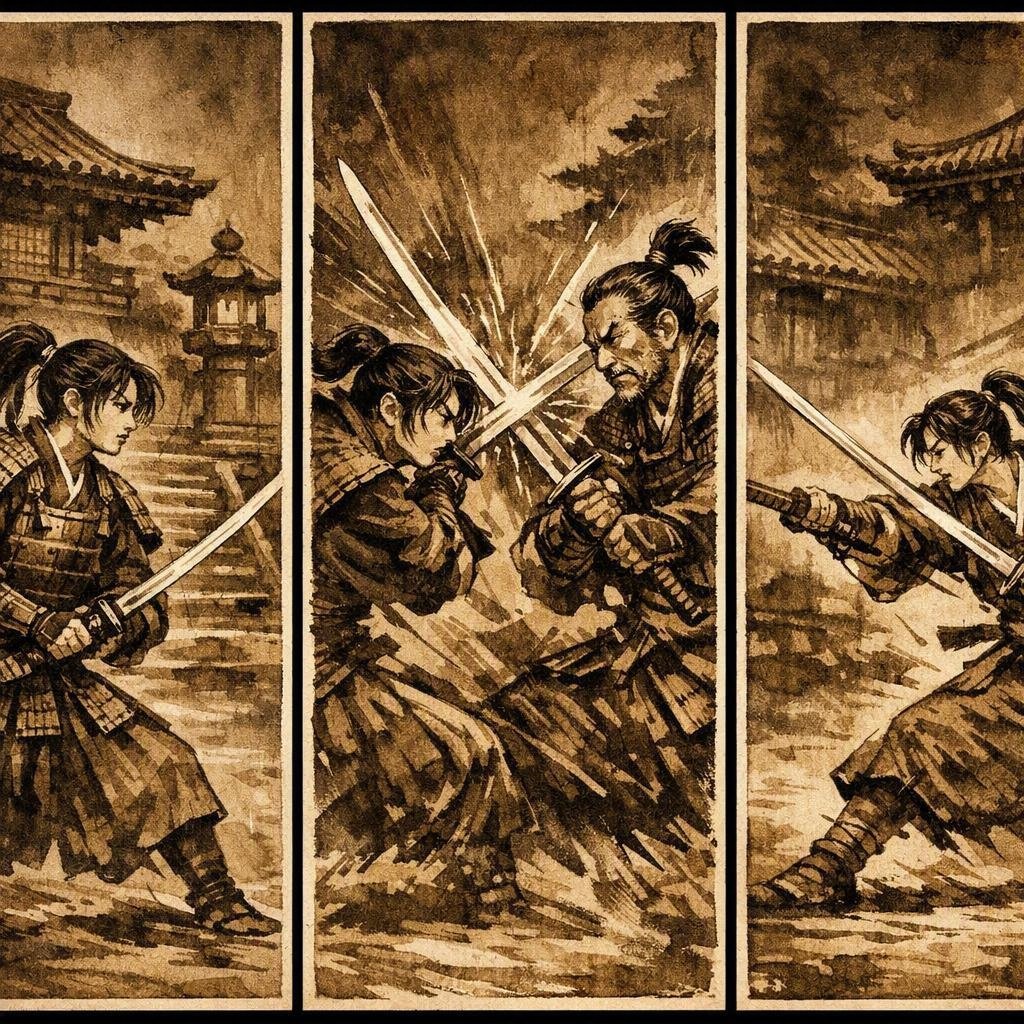
Japanese Samurai Ukiyo-e Triptych
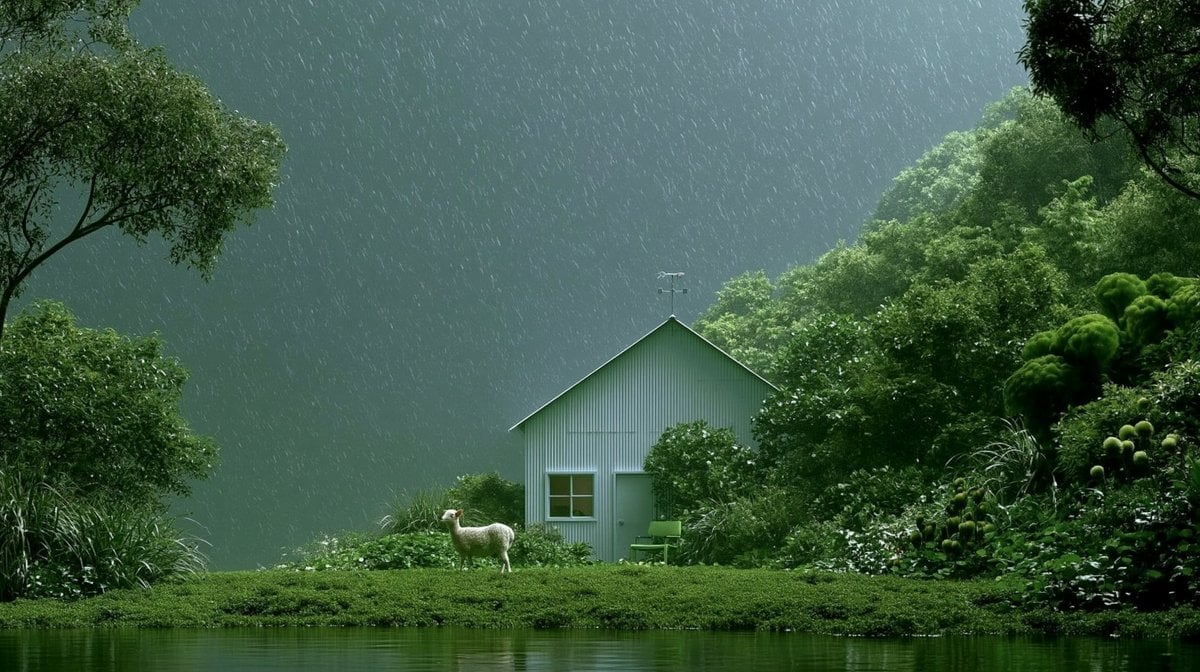
Rainy Cottage Garden With Sheep

Cyber Samurai Empress Portrait
Make it yours
Rainy Samurai Duel Storyboard works as-is. These are the safest ways to change it without losing the look.
Change one field
Copy a single group, rewrite it, and generate again so you can see what that field is doing.
Keep the frame, change the subject
Hold the composition and light of Rainy Samurai Duel Storyboard, then swap wardrobe, props or the person for a new take.
| If the result… | Why | Fix |
|---|---|---|
| The result drifts from the preview | Too many fields changed at once. | Reuse Rainy Samurai Duel Storyboard as-is first, then change one group — subject, light, or setting. |
| The model over-stylizes the scene | The prose prompt leaves finish and camera underspecified. | Add one camera or lighting sentence and stay on GPT Image 2. |
More GPT Image 2 templates
Other prompts made for GPT Image 2.

Six VTuber Japanese Logo Sheet

Realistic Portrait of Woman and Deer

The Vista Modular Condo Poster

AI Model Routing Comparison Infographic

2.5D Anime Art Board

Isometric Productivity Desk Scene

New York Double Exposure Poster

Four-Panel AI Landscape Comparison

Japanese Tatami Lifestyle Magazine Cover

NESCAFÉ Coffee Map Poster
More image prompts
Fresh picks from across the catalog.
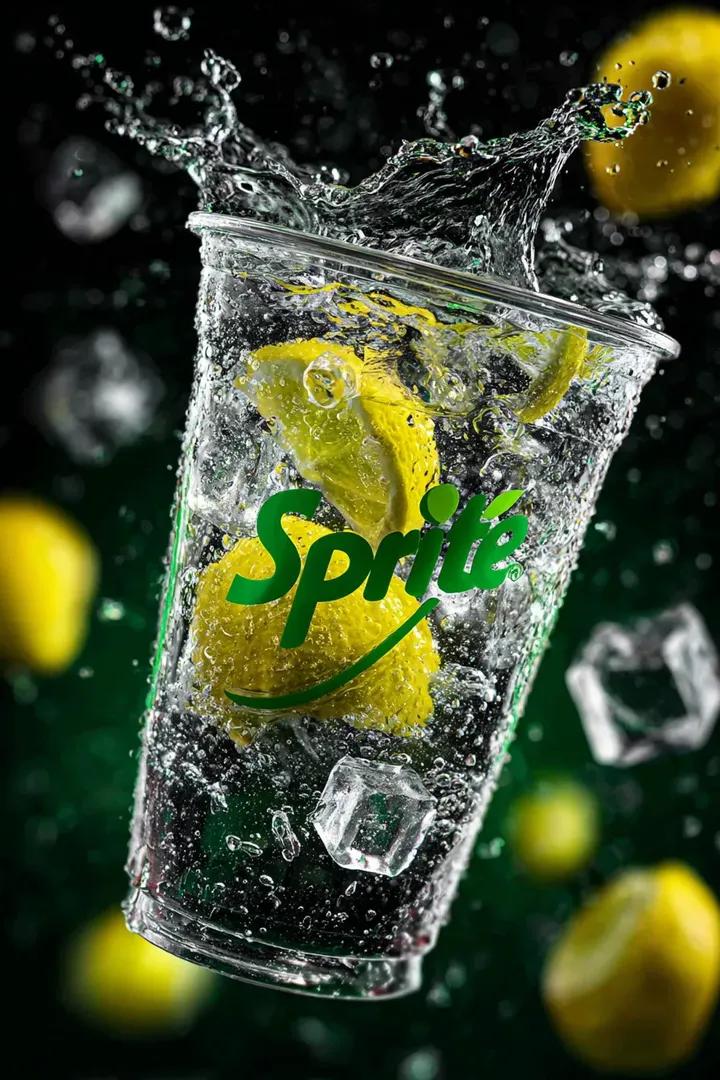
Floating Sprite Product Photography Prompt
SynClub Elf Character Promo Card
1970 Dodge Charger Burnout Prompt for Nano Banana 2
Realistic X Profile Page Mockup
Geographically Accurate Precision Illustration of Interlaken, Switzerland
Retro Anime Silhouette Prompt
High Fashion Action Nike Nano Banana

Fashion Editorial with Exact 2D Cartoon Duplicate
Y2K Coquette Streetwear in a Vintage Record Store
Hyper-Realistic Cinematic Rifle Portrait
Browse template categories
Rainy Samurai Duel Storyboard questions
How do I use the Rainy Samurai Duel Storyboard template?
Add your photo if the template asks for one, edit the prompt if you like — the template's model and format are already selected — and press Generate. Your version opens in PicX Studio.
Can I customize the Rainy Samurai Duel Storyboard template?
Yes. You can change the subject, setting, lighting, mood, format, and available model controls before creating your image.
Is the Rainy Samurai Duel Storyboard template free?
Opening and editing this template is free. Generating uses credits, shown on the Generate button when you are signed in.
Which AI model should I use?
Start with GPT Image 2, which is the model associated with this template. You can compare another compatible model for a different finish.
Looking for something else? Browse all templates.

Your photo, any look
Thousands of ready templates for every top image and video model, from one credit balance.