
Historical Manhwa Sword Duel Page
A vertical Korean webtoon-style action page showing a young swordsman’s martial arts display before a stunned historical crowd.
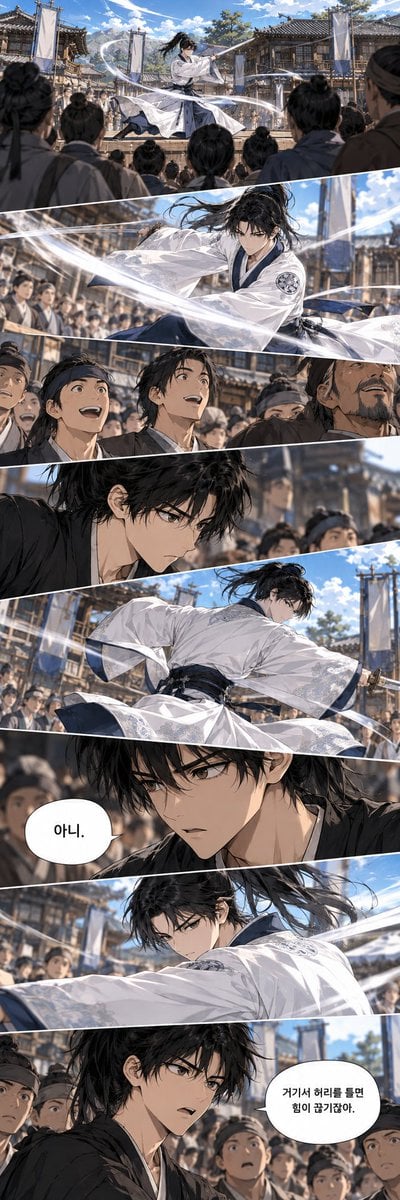
- Prompt included
- Model and format preset
- Free template
The prompt behind this image
Copy the exact prompt behind Historical Manhwa Sword Duel Page, or open it in the studio and make it yours.
Goal: Create a dramatic vertical Korean webtoon/manhwa action page about {argument name="character name" default="a young swordsman"} performing an elegant martial arts demonstration in a crowded historical courtyard. Canvas: Tall vertical comic page, smartphone webtoon aspect ratio around 9:21, full-bleed art with thin white diagonal panel gutters. Cinematic anime/manhwa rendering, highly detailed linework, soft painterly shading, dynamic motion blur, bright daylight, blue sky with scattered clouds. Layout: Use exactly 8 stacked diagonal comic panels. 1. Top establishing panel: a wide shot of a traditional Joseon-era courtyard surrounded by tiled wooden buildings, banners, and a large crowd viewed from behind; the young swordsman in flowing white robes leaps or spins at center, long black hair trailing, surrounded by sweeping white ribbon-like sword energy. 2. Action close-up panel: the swordsman in white robes cuts across the frame in midair, intense eyes, loose black hair, dark blue inner garment and sash, circular crest on the sleeve, translucent sleeves and white energy arcs slicing diagonally through the composition; blurred spectators behind him. 3. Crowd reaction panel: four prominent male spectators in simple period clothing and headbands look upward in amazement, with many more faces behind them; expressions include shock, wonder, open mouths, and raised brows. 4. Quiet tension panel: close side profile of the same young man now in a black outer robe, damp tousled black hair falling over sharp eyes, serious expression, crowd and courtyard blurred in the background. 5. Wide action panel: back and side view of the swordsman in white robes twisting through a powerful slash, robe fabric flaring, dark sash visible, long hair whipping, white motion ribbons crossing the foreground, crowd watching behind. 6. Close-up dialogue panel: intense front three-quarter close-up of the young man in black robe, pale skin, sharp gray eyes, messy black bangs, focused and restrained expression; add one white oval speech bubble on the left containing the Korean text {argument name="first speech bubble" default="아니."}. 7. Action close-up panel: the swordsman in white robes extends his arm in a decisive slash, face partially turned toward the viewer, hair streaming, sleeve and white energy streaks sweeping from left to right, spectators blurred behind. 8. Final reaction/dialogue panel: the young man in black robe stands among stunned spectators, looking to the side with alert disbelief; add one white oval speech bubble on the right containing the Korean text {argument name="second speech bubble" default="거기서 허리를 틀면 힘이 끊기잖아."}. Subject details: The main character is a beautiful, serious young East Asian male with {argument name="hair color" default="long messy black hair"}, sharp narrow eyes, pale skin, athletic build, and a composed but intense expression. His martial arts outfit alternates between a flowing white hanbok-style robe with navy inner layers and a black robe in the dialogue panels. The crowd consists of dozens of Joseon-era townspeople and trainees in muted brown, gray, and navy garments with cloth headbands. Visual style: High-end Korean fantasy manhwa, semi-realistic anime faces, intricate clothing folds, dramatic perspective, diagonal speed lines, luminous white sword wind effects, shallow depth of field, detailed historical architecture, expressive crowd reactions, polished webtoon coloring. Constraints: Keep exactly 8 panels and exactly 2 speech bubbles. Preserve the Korean speech bubble text exactly as written. Do not add extra captions, sound effects, logos, watermarks, or modern objects.
How to use Historical Manhwa Sword Duel Page in 3 steps
- 1Upload ImagePNG, JPG or paste
Add your photo
Upload the photo the template builds on. The prompt, model and format are already set.
- 2…a portrait of your subject in softgolden-hour light, 85mm…
Personalize
Edit the subject and creative details for your destination.
- 3Generate
Generate
Press Generate — your image is created in PicX Studio, so you can compare it with the original and refine one variable at a time.
More like this
Templates with the same subject, style or setup. Open one to see its prompt.
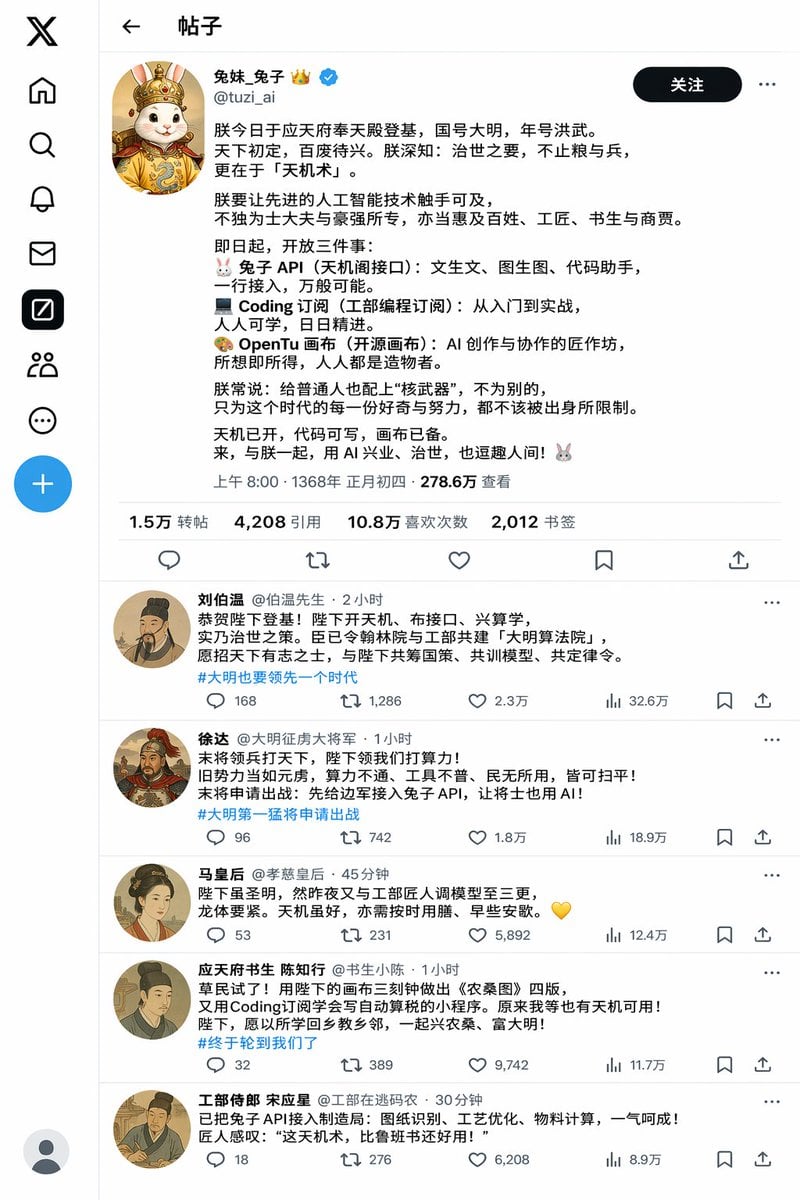
Historical Rabbit King Social Media Page
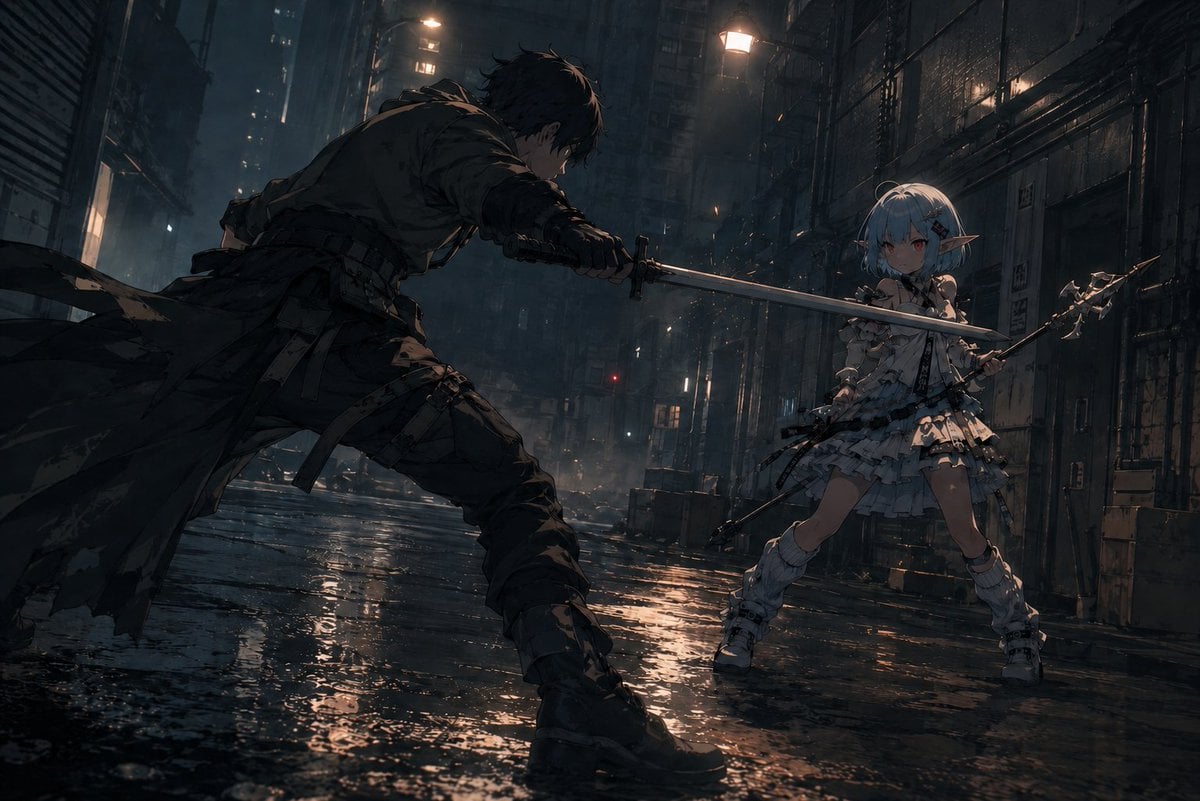
Rainy Cyberpunk Alley Sword Duel

Ancient Temple Portrait — White Dress Nano Banana
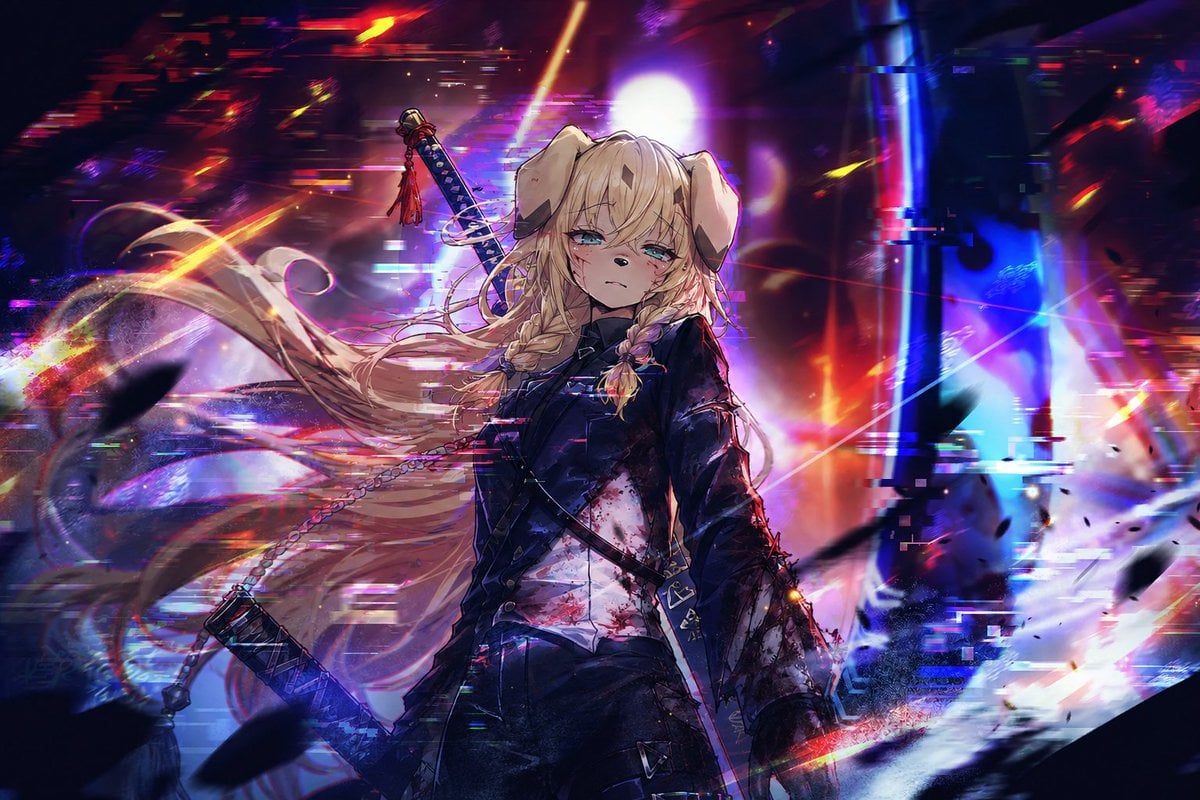
Cyberpunk Dog-Eared Swordswoman
Stormy Police Mech Duel
Watercolor Chibi Schoolgirl Swordswoman

Quiet Hamster Manga Page
Heaven-Splitting Xianxia Swordsman
Anime Warrior With Whip Sword
Ethereal Xianxia Sword Maiden
Cinematic Villain Duel Storyboard
Cyberpunk Ronin Duel
Make it yours
Historical Manhwa Sword Duel Page works as-is. These are the safest ways to change it without losing the look.
Change one field
Copy a single group, rewrite it, and generate again so you can see what that field is doing.
Keep the frame, change the subject
Hold the composition and light of Historical Manhwa Sword Duel Page, then swap wardrobe, props or the person for a new take.
| If the result… | Why | Fix |
|---|---|---|
| The result drifts from the preview | Too many fields changed at once. | Reuse Historical Manhwa Sword Duel Page as-is first, then change one group — subject, light, or setting. |
| The model over-stylizes the scene | The prose prompt leaves finish and camera underspecified. | Add one camera or lighting sentence and stay on GPT Image 2. |
More GPT Image 2 templates
Other prompts made for GPT Image 2.

Six VTuber Japanese Logo Sheet

Realistic Portrait of Woman and Deer

The Vista Modular Condo Poster

AI Model Routing Comparison Infographic

2.5D Anime Art Board

Isometric Productivity Desk Scene

New York Double Exposure Poster

Four-Panel AI Landscape Comparison

Japanese Tatami Lifestyle Magazine Cover

NESCAFÉ Coffee Map Poster
More image prompts
Fresh picks from across the catalog.
Luxury Smartwatch Lifestyle Ad
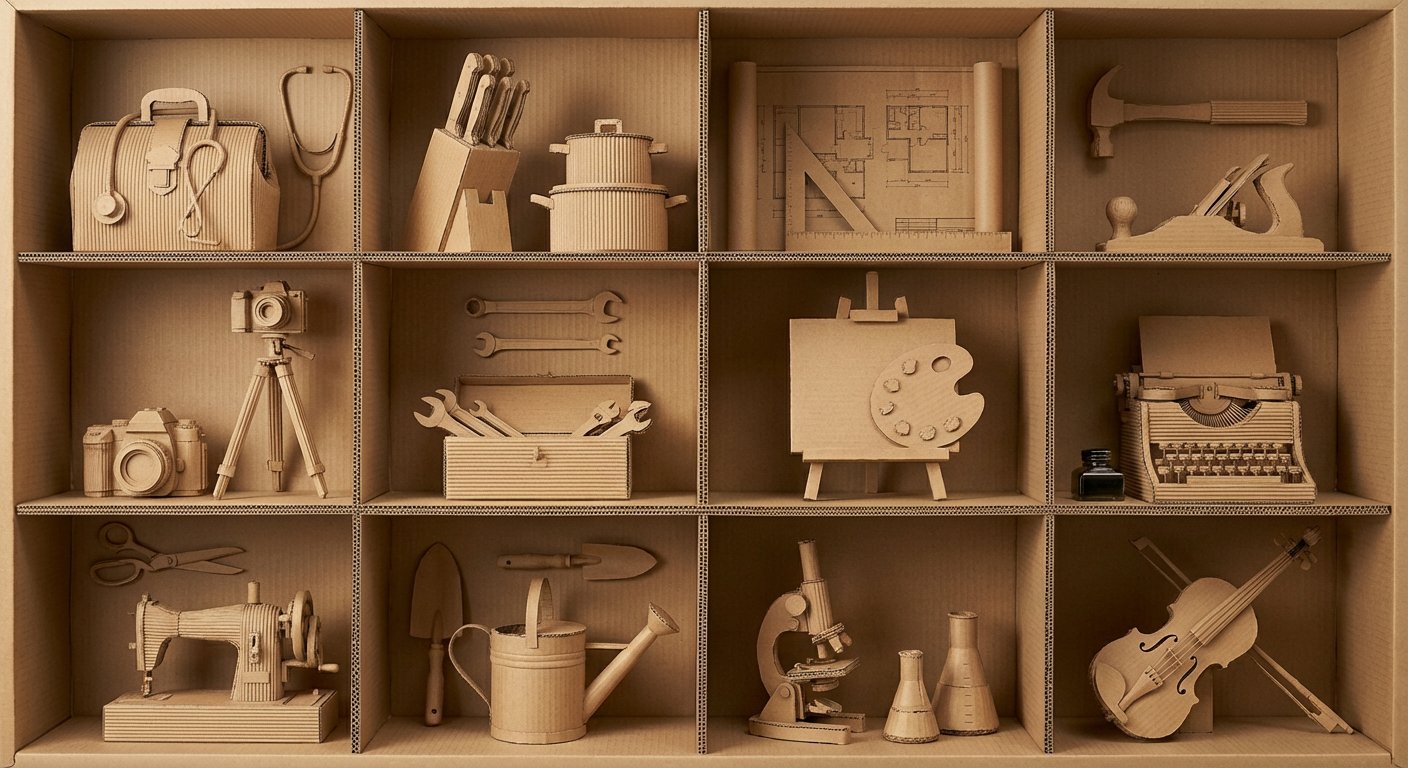
瓦楞纸艺术作品框格展示
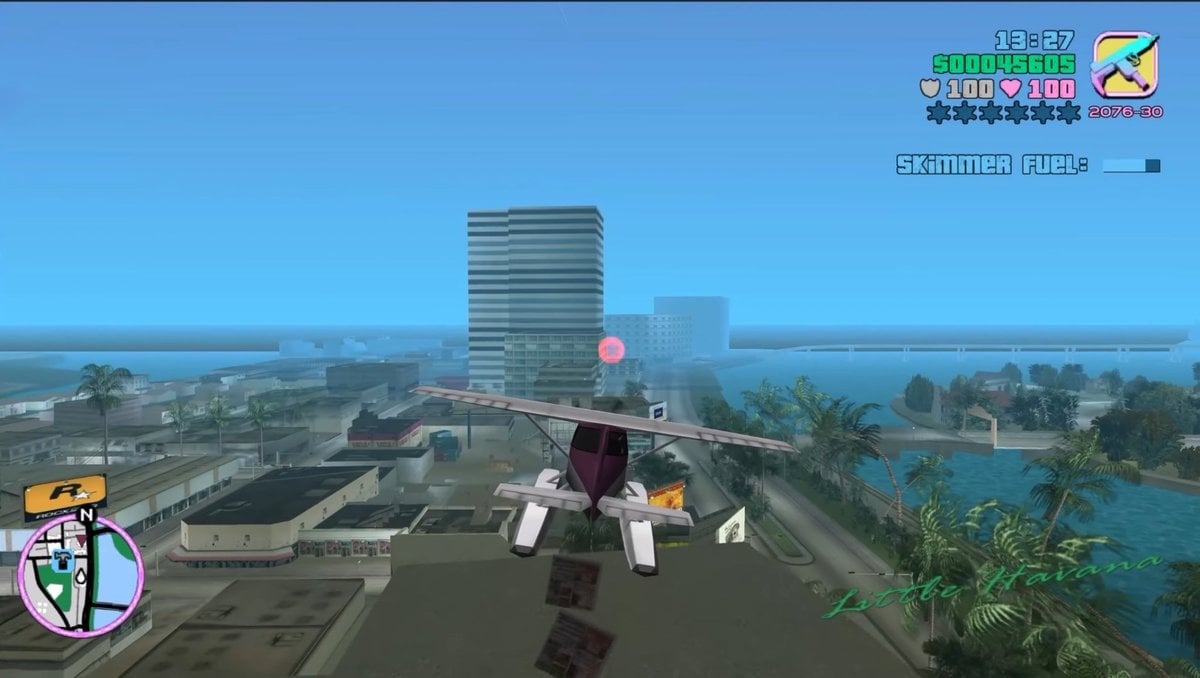
Retro Open-World Seaplane Screenshot
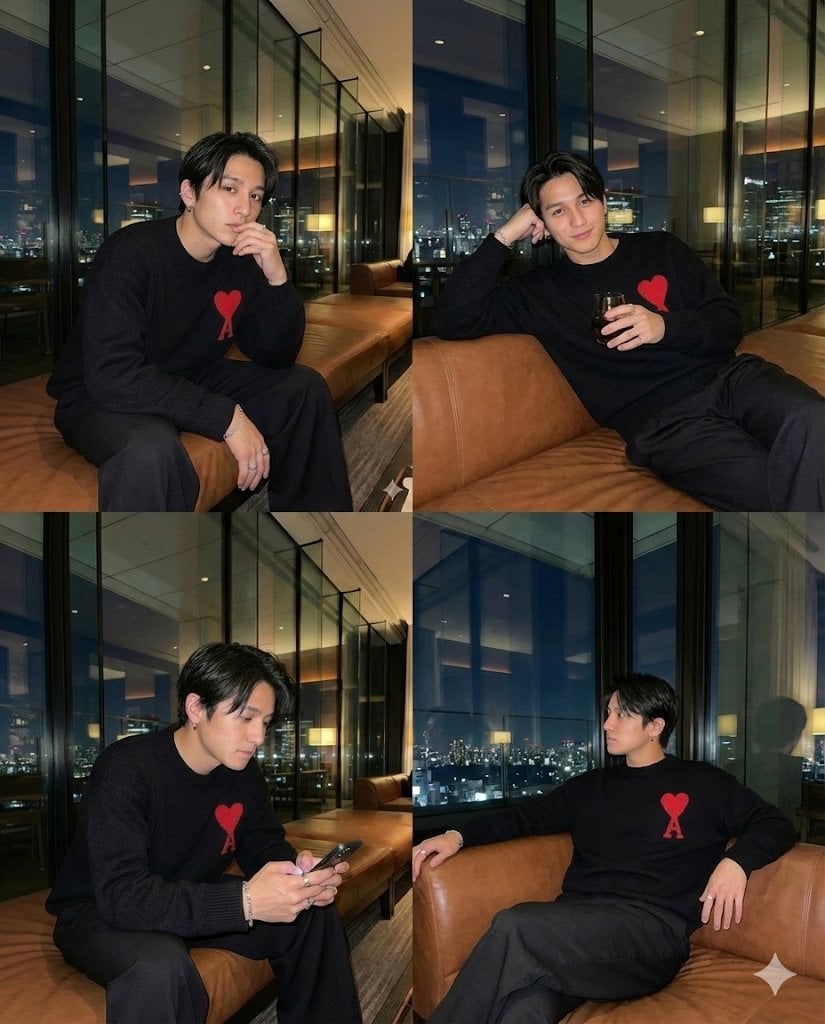
Generating 4 Images Simultaneously (Grid View)
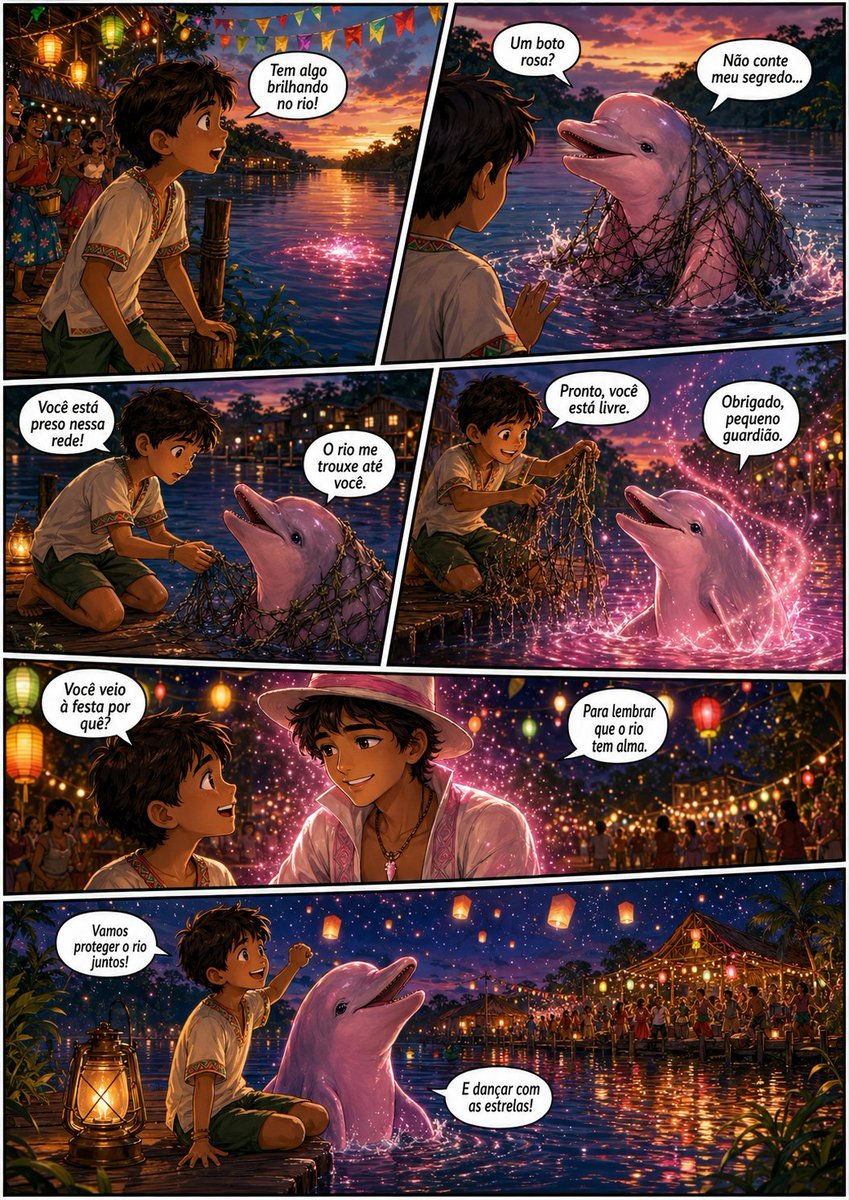
Pink Boto Festival Comic Page
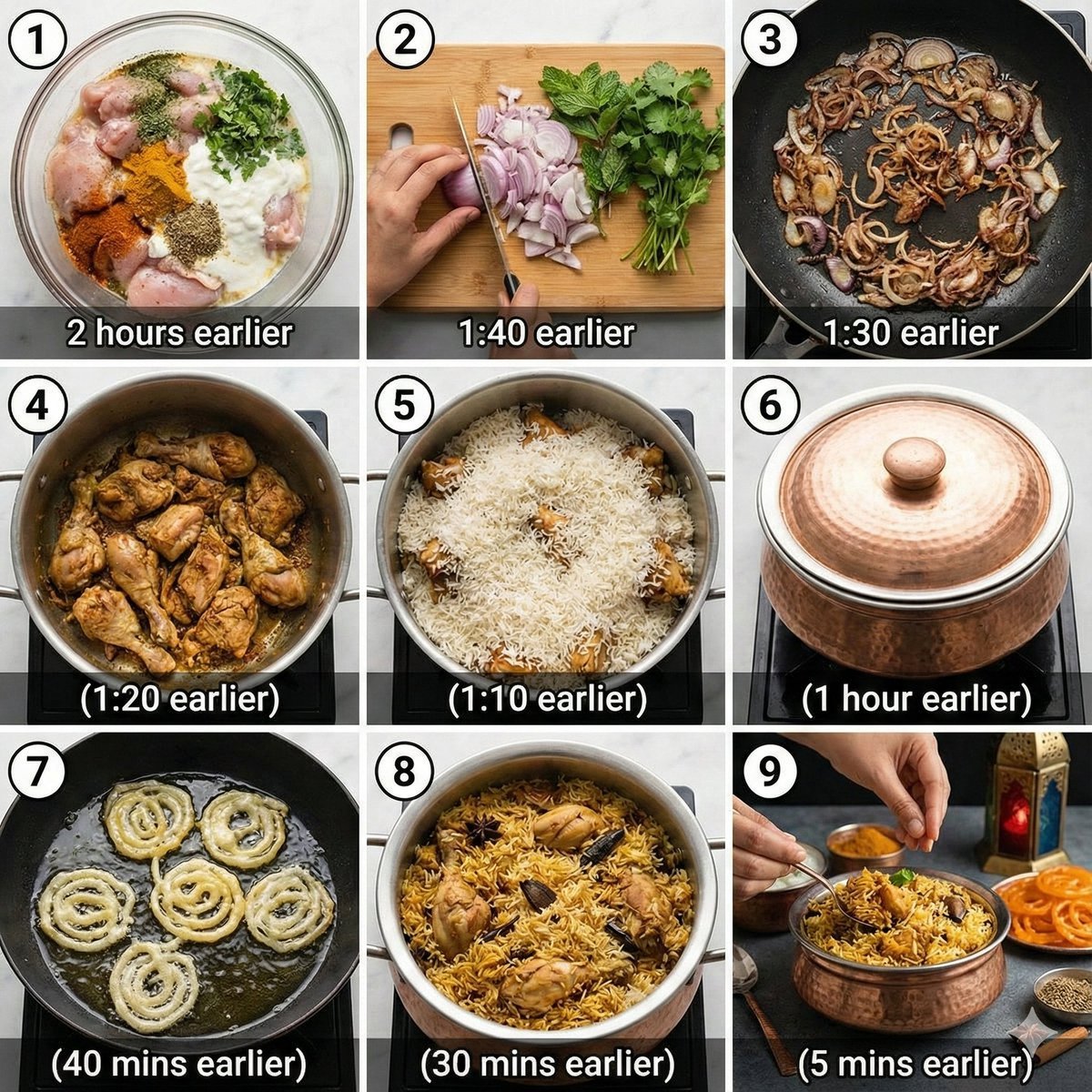
Chicken Biryani Prompt

Cinematic Men's Fashion Portrait Prompt
LZA
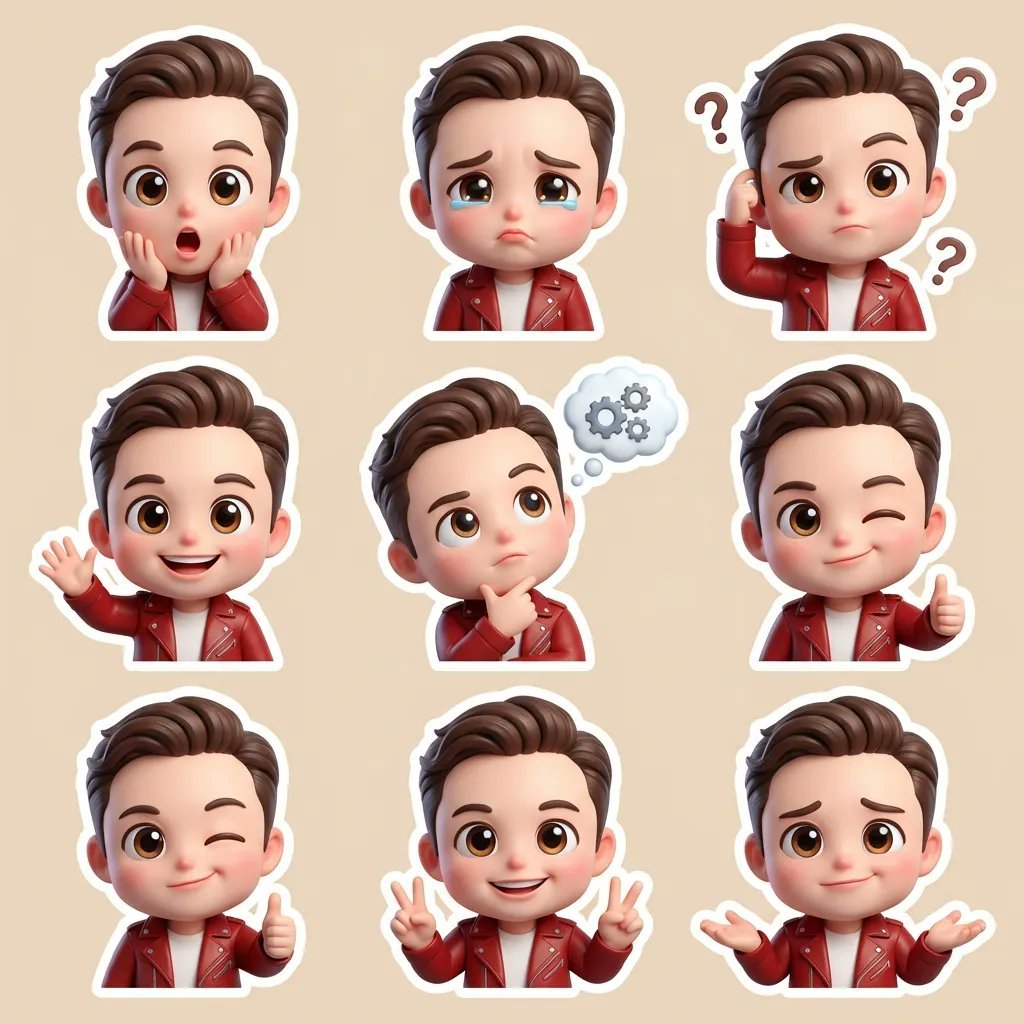
3D Chibi Cartoon Sticker Set Generation Prompt
High-Contrast Close-Up with Strict Identity and Texture Focus
Browse template categories
Historical Manhwa Sword Duel Page questions
How do I use the Historical Manhwa Sword Duel Page template?
Add your photo if the template asks for one, edit the prompt if you like — the template's model and format are already selected — and press Generate. Your version opens in PicX Studio.
Can I customize the Historical Manhwa Sword Duel Page template?
Yes. You can change the subject, setting, lighting, mood, format, and available model controls before creating your image.
Is the Historical Manhwa Sword Duel Page template free?
Opening and editing this template is free. Generating uses credits, shown on the Generate button when you are signed in.
Which AI model should I use?
Start with GPT Image 2, which is the model associated with this template. You can compare another compatible model for a different finish.
Looking for something else? Browse all templates.

Your photo, any look
Thousands of ready templates for every top image and video model, from one credit balance.