
Retro Open-World Seaplane Screenshot
This prompt generates a nostalgic PS2-era open-world game screenshot of a seaplane flying over a tropical city with a full retro HUD, useful for recreating classic video game imagery.
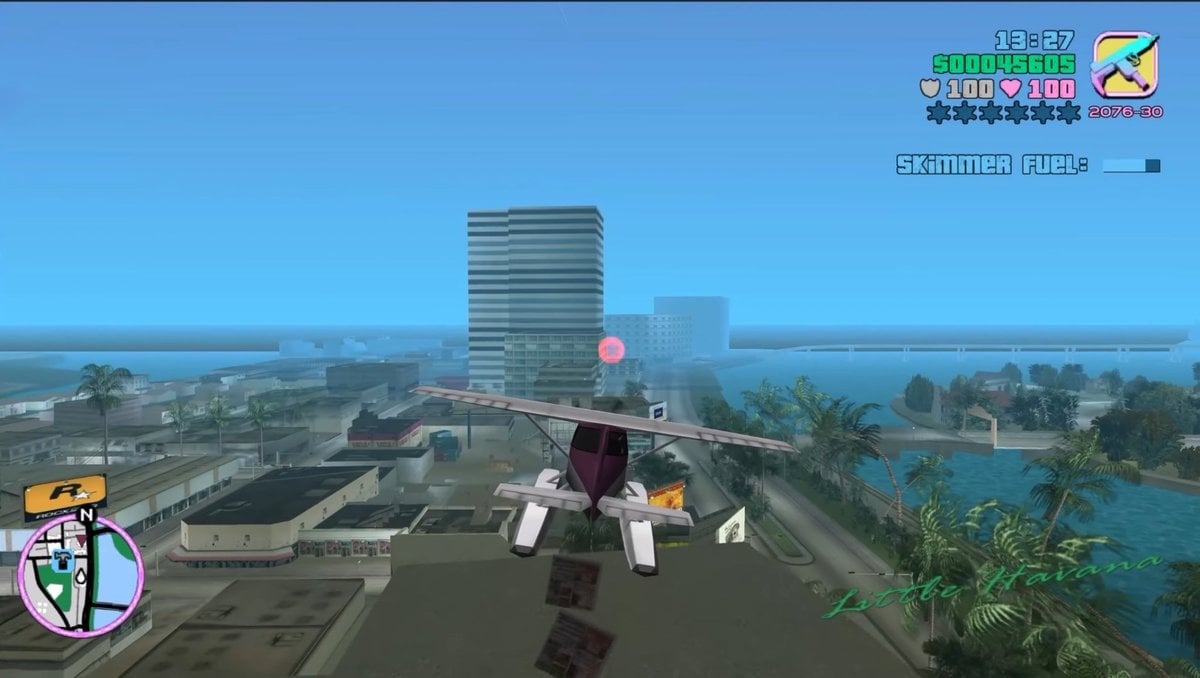
- Prompt included
- Model and format preset
- Free template
The prompt behind this image
Copy the exact prompt behind Retro Open-World Seaplane Screenshot, or open it in the studio and make it yours.
A third-person gameplay screenshot styled exactly like an early-2000s open-world crime game, showing a small white and burgundy seaplane flying low over a tropical coastal city. The camera is positioned directly behind the aircraft, centered on its tail, with the plane heading toward a cluster of mid-rise buildings near the waterfront. The city below has flat-roofed buildings, palm-lined streets, canals, and bright turquoise water, with a hazy blue sky and light atmospheric fog that softens the distance. A tall striped office tower stands near the center background, and a glowing pink checkpoint ring floats in front of the buildings. On the right side, a curving shoreline and canal are lined with dense palm trees. Add a retro video game HUD in the top-right corner with the time reading 13:27, green money text reading 500045605, two lines of white health and armor values both reading 100, a row of 6 wanted stars with 2 lit and 4 unlit, a small weapon icon in a rounded square, and ammo text reading 2076-30. Beneath that, display the mission text “SKIMMER FUEL!” with a small horizontal blue progress bar. In the bottom-left corner, include a circular minimap with a pink border, black streets, pale land, blue water, a north marker labeled N, and a small player arrow. In the bottom-right corner, overlay the location name {argument name="location name" default="Little Havana"} in elegant green cursive script. Use low-polygon vehicles and buildings, simple textures, soft shadows, saturated tropical colors, slight screen blur, and the unmistakable nostalgic look of a PlayStation 2-era action game screenshot with a 16:9 frame.
How to use Retro Open-World Seaplane Screenshot in 3 steps
- 1Upload ImagePNG, JPG or paste
Add your photo
Upload the photo the template builds on. The prompt, model and format are already set.
- 2…a portrait of your subject in softgolden-hour light, 85mm…
Personalize
Edit the subject and creative details for your destination.
- 3Generate
Generate
Press Generate — your image is created in PicX Studio, so you can compare it with the original and refine one variable at a time.
More like this
Templates with the same subject, style or setup. Open one to see its prompt.

Leather Bound Atlas Open

Safe Deposit Box Open
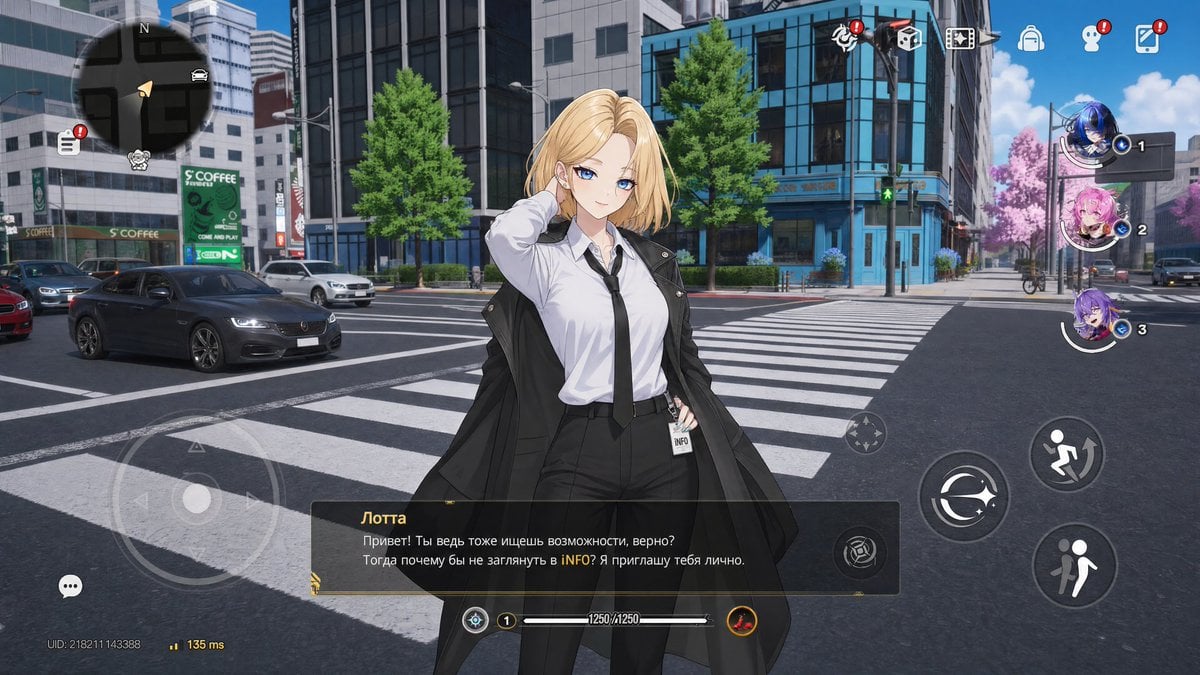
Open-World Gacha Dialogue Screenshot
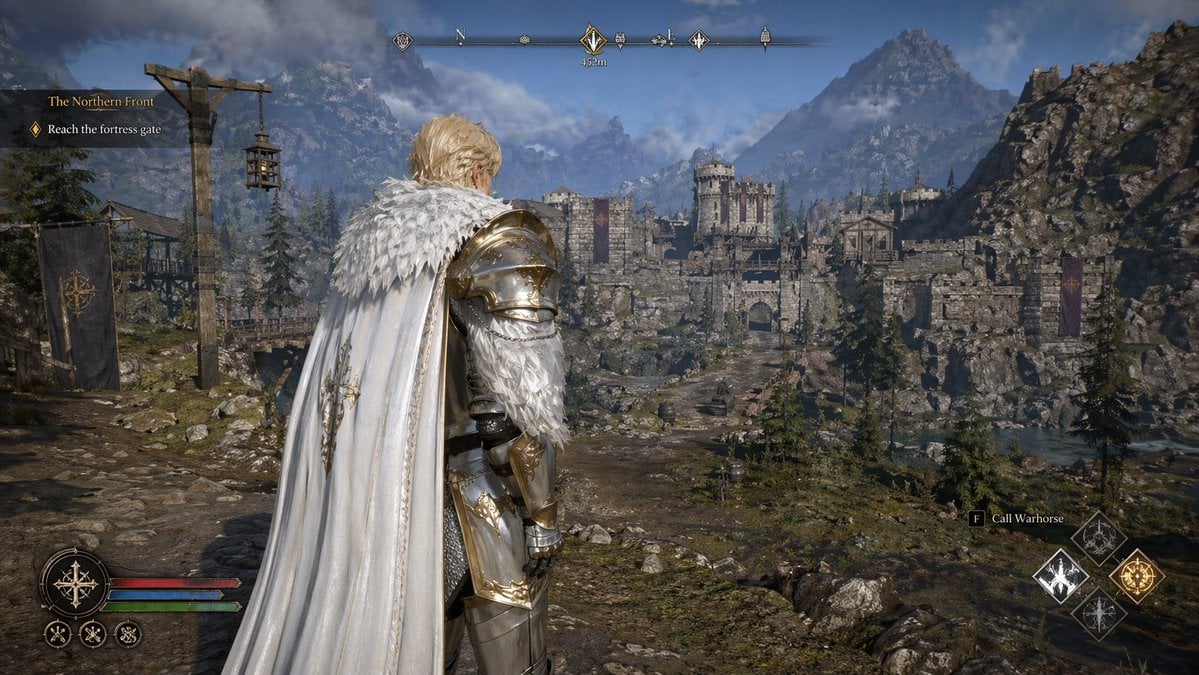
Open-world RPG screenshot style
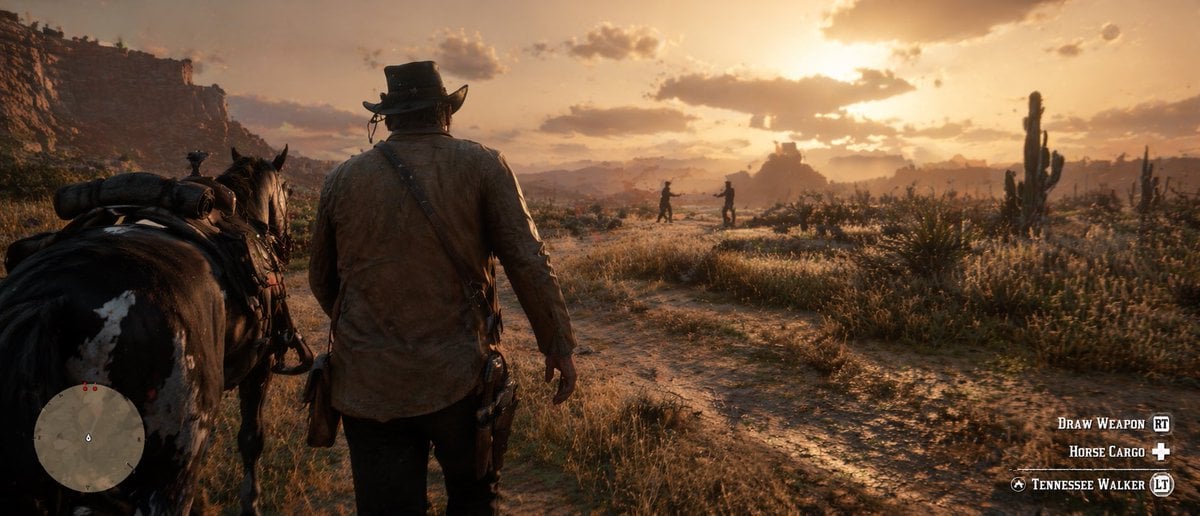
Western Open-World Game Screenshot
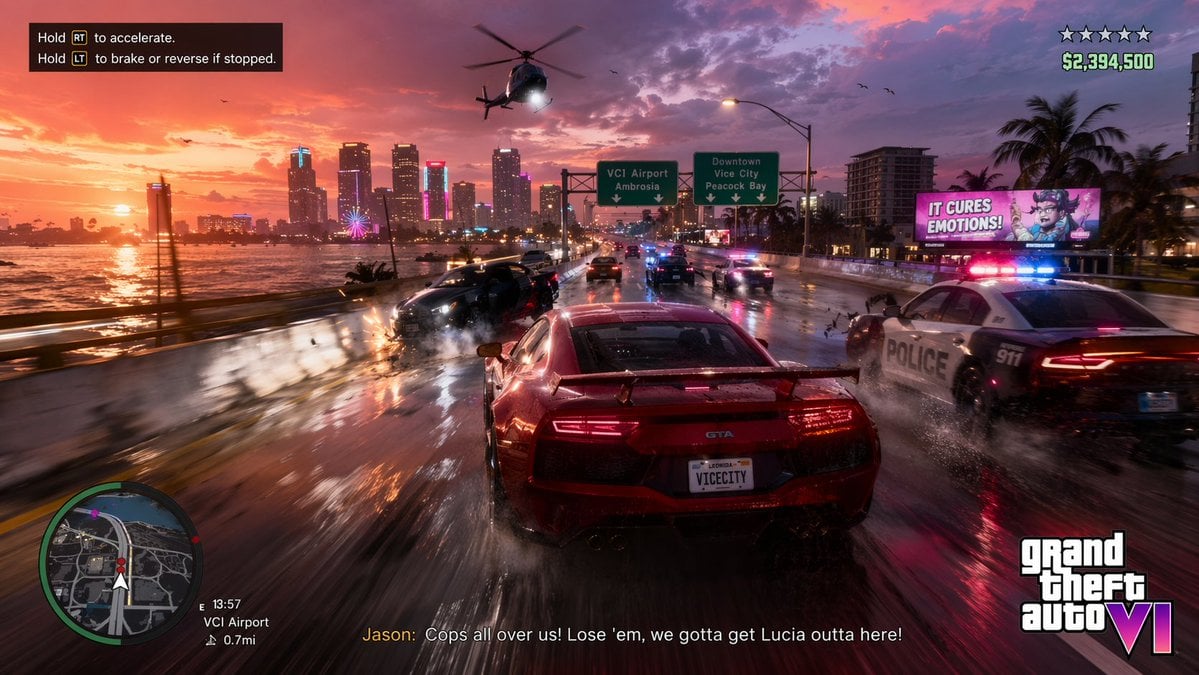
Open-World Action Game HUD Screenshot
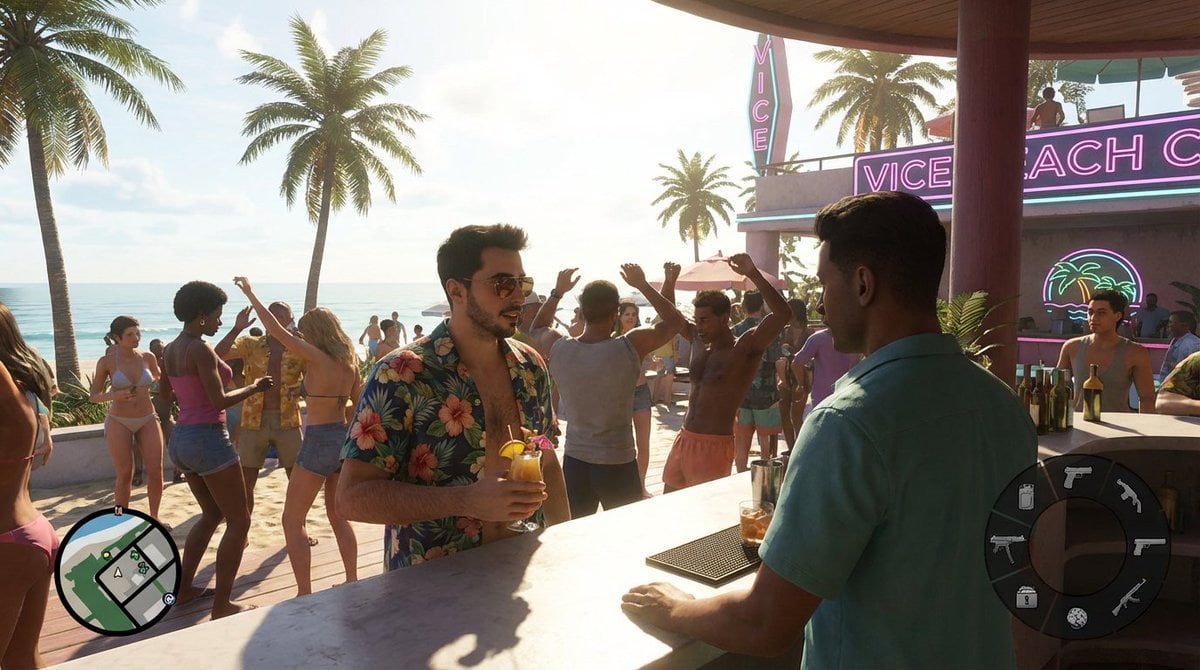
Beach Club Open-World Game Screenshot
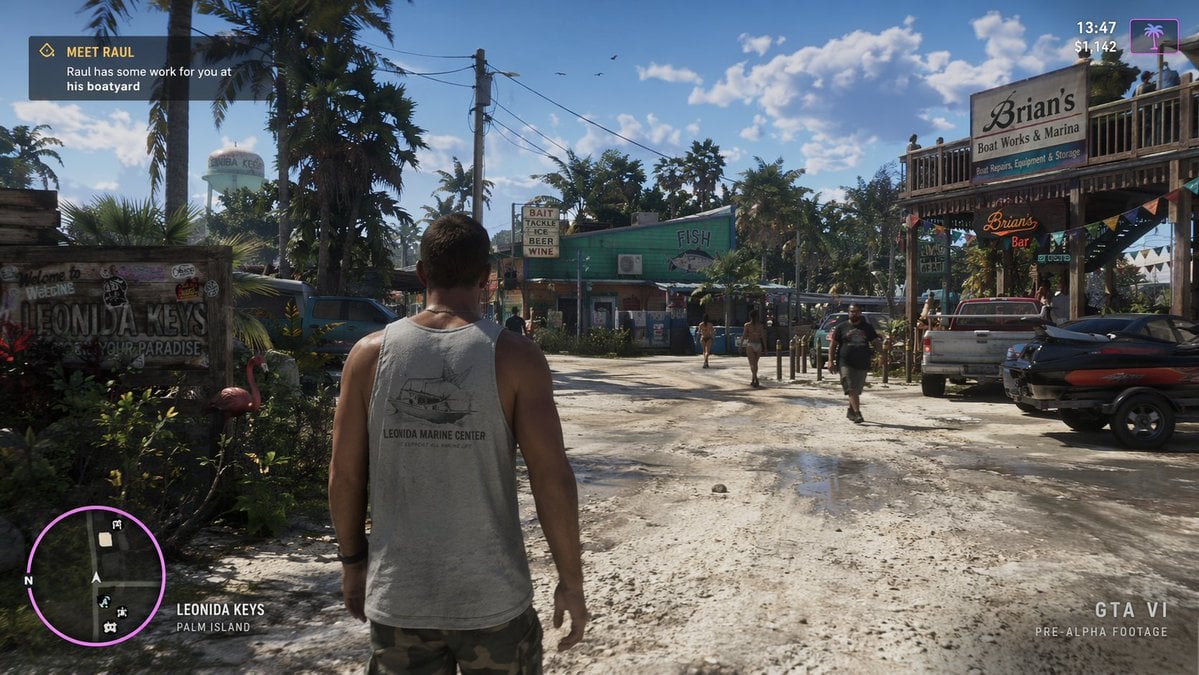
Open-World Game Screenshot Mockup

Sunday Afternoon, 1988

Two Tickets, One Night

If We Met in 1985

Found Photograph: Us, 1970
Make it yours
Retro Open-World Seaplane Screenshot works as-is. These are the safest ways to change it without losing the look.
Change one field
Copy a single group, rewrite it, and generate again so you can see what that field is doing.
Keep the frame, change the subject
Hold the composition and light of Retro Open-World Seaplane Screenshot, then swap wardrobe, props or the person for a new take.
| If the result… | Why | Fix |
|---|---|---|
| The result drifts from the preview | Too many fields changed at once. | Reuse Retro Open-World Seaplane Screenshot as-is first, then change one group — subject, light, or setting. |
| The model over-stylizes the scene | The prose prompt leaves finish and camera underspecified. | Add one camera or lighting sentence and stay on GPT Image 2. |
More GPT Image 2 templates
Other prompts made for GPT Image 2.

Six VTuber Japanese Logo Sheet

Realistic Portrait of Woman and Deer

The Vista Modular Condo Poster

AI Model Routing Comparison Infographic

2.5D Anime Art Board

Isometric Productivity Desk Scene

New York Double Exposure Poster

Four-Panel AI Landscape Comparison

Japanese Tatami Lifestyle Magazine Cover

NESCAFÉ Coffee Map Poster
More image prompts
Fresh picks from across the catalog.
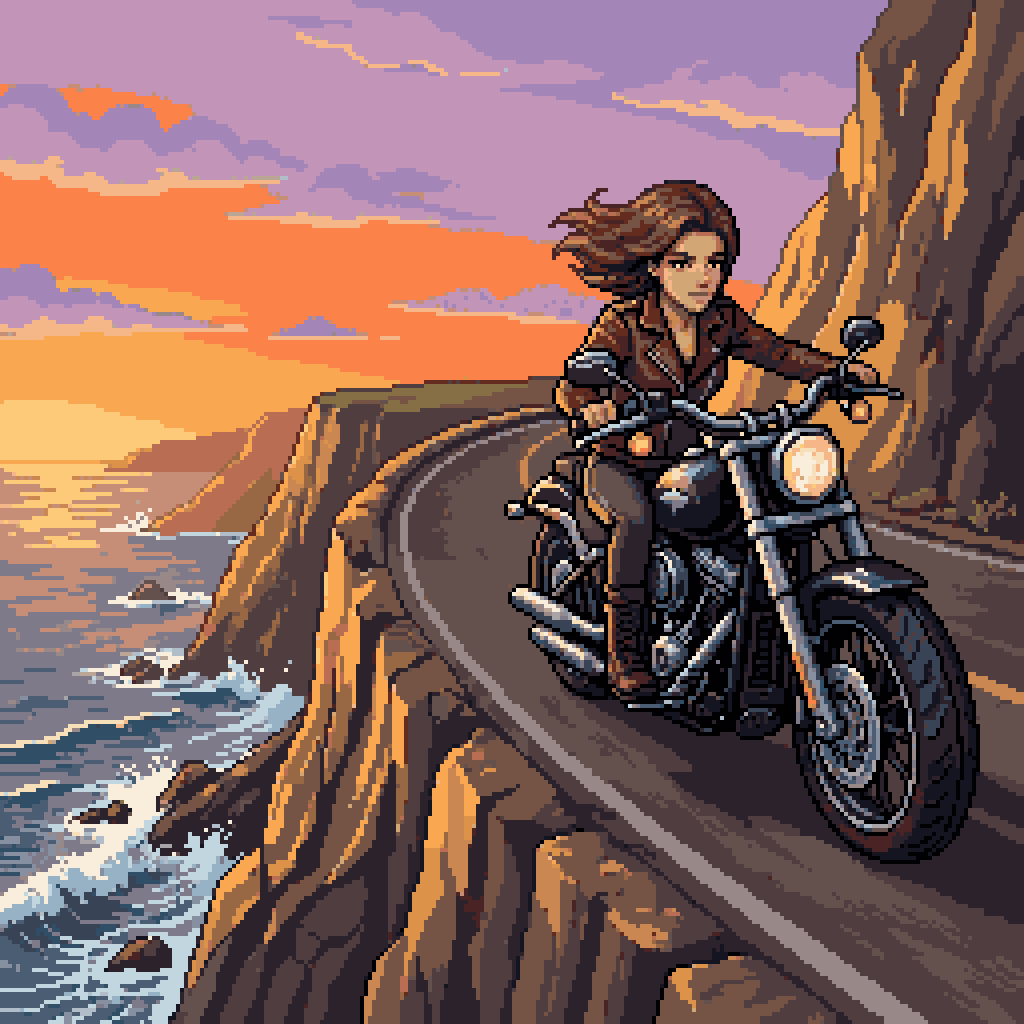
Woman Riding Motorcycle on Cliff Road
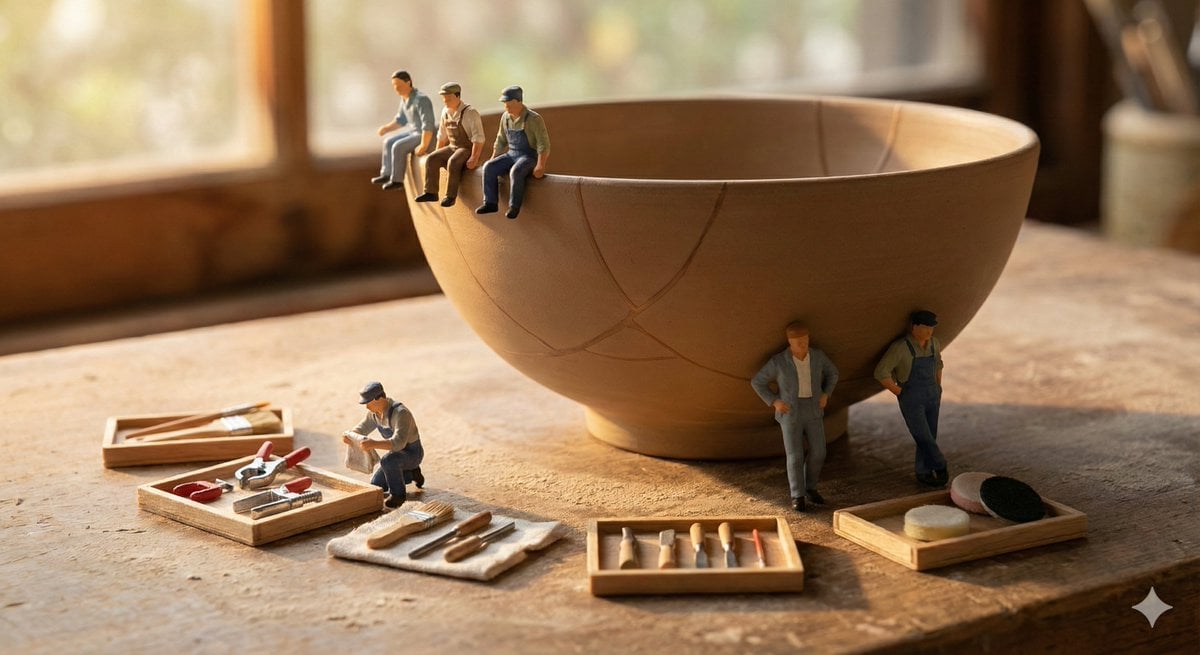
Miniature Realism Prompt for Restoration Scene
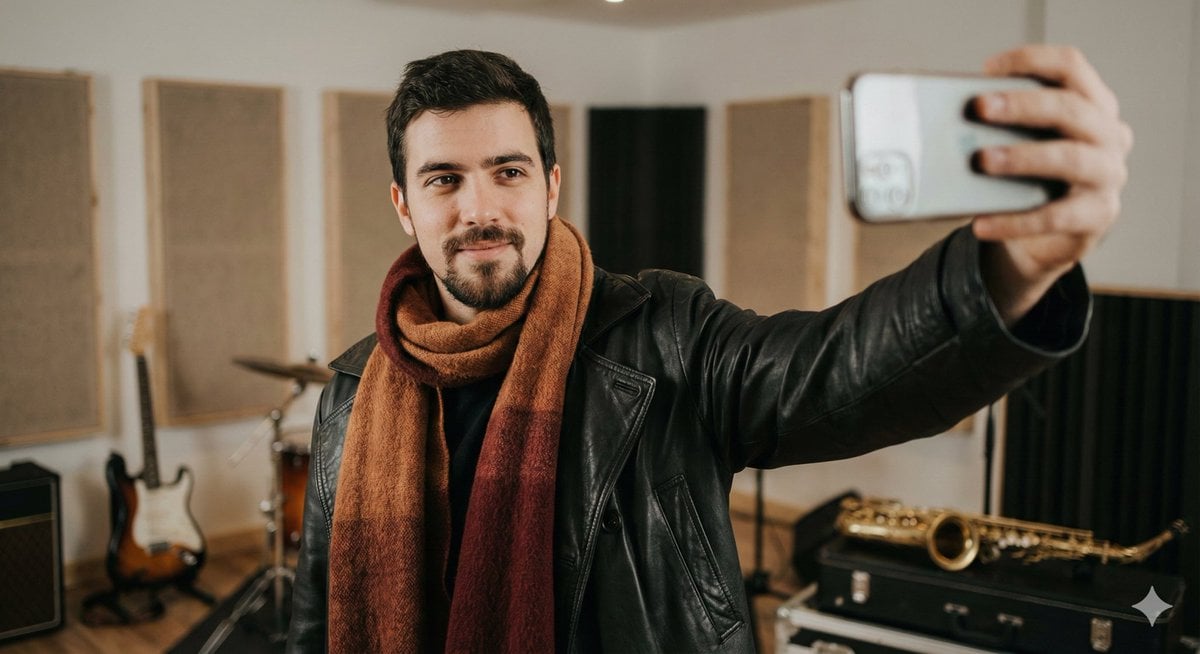
Selfie Portrait in Recording Studio Prompt

Product Photography Prompt: Swiss Army Knife
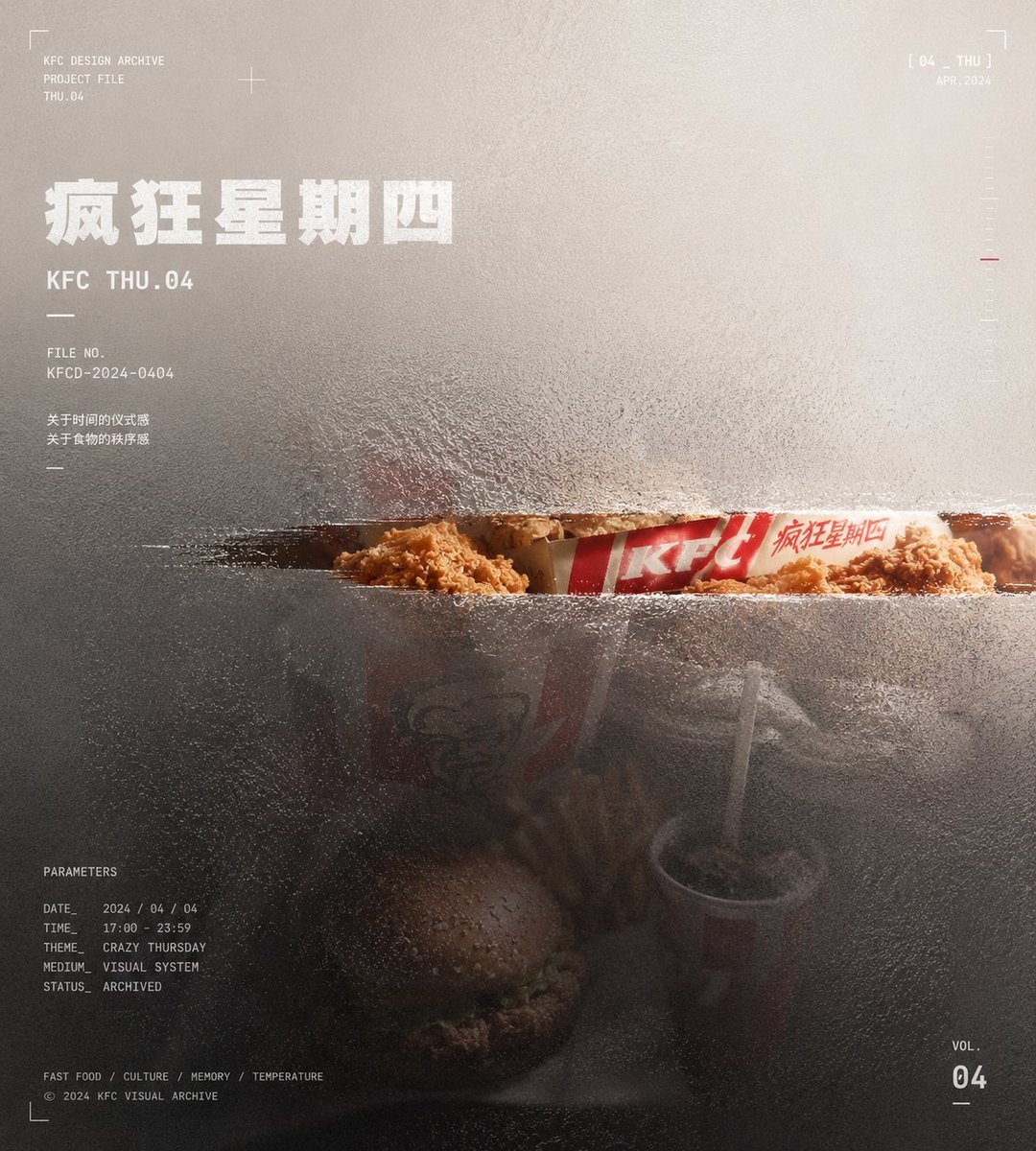
Frosted Glass Portfolio Cover Aesthetic
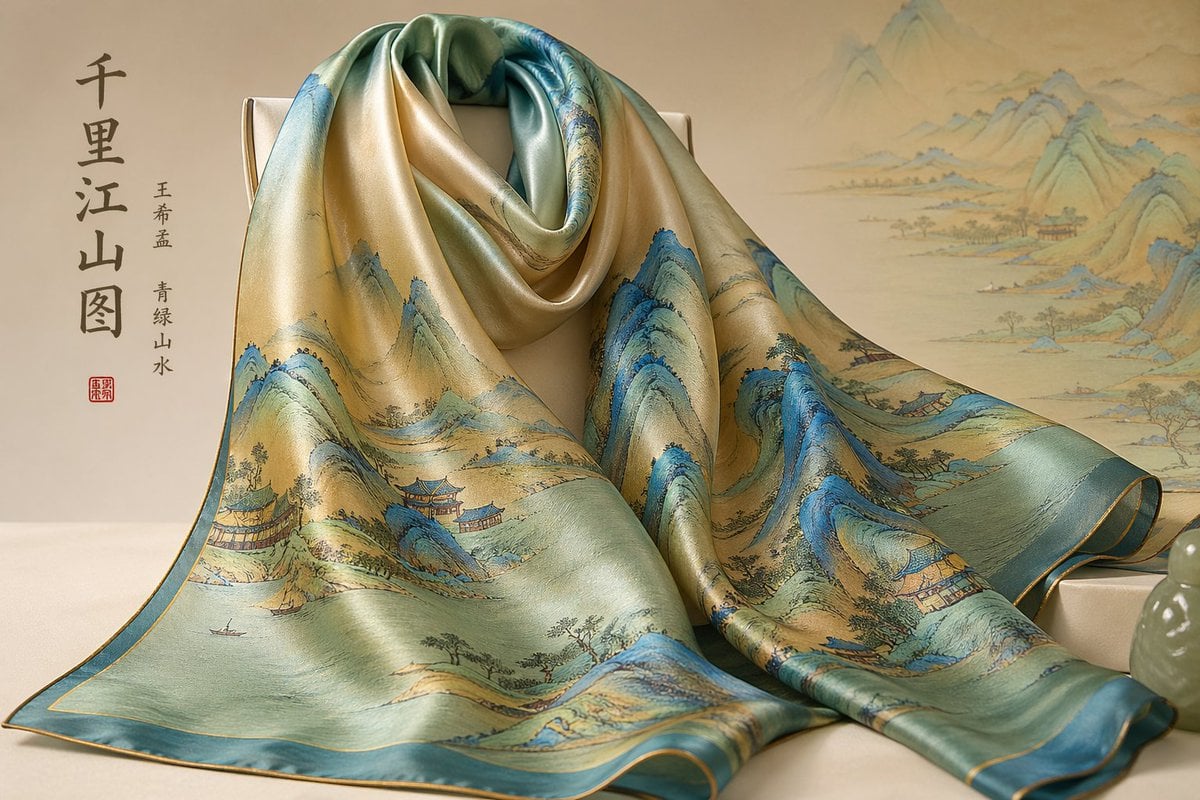
Gpt2 E Commerce Main Image Traditional Chinese Art and Porcelain Vases
Strictly Controlled Editorial Pose and Anatomy Prompt
Silksong 4-panel comic from uploaded character
Retro Magic Academy Visual Novel UI
Cinematic New Year 2026 Birthday Photoshoot Prompt
Browse template categories
Retro Open-World Seaplane Screenshot questions
How do I use the Retro Open-World Seaplane Screenshot template?
Add your photo if the template asks for one, edit the prompt if you like — the template's model and format are already selected — and press Generate. Your version opens in PicX Studio.
Can I customize the Retro Open-World Seaplane Screenshot template?
Yes. You can change the subject, setting, lighting, mood, format, and available model controls before creating your image.
Is the Retro Open-World Seaplane Screenshot template free?
Opening and editing this template is free. Generating uses credits, shown on the Generate button when you are signed in.
Which AI model should I use?
Start with GPT Image 2, which is the model associated with this template. You can compare another compatible model for a different finish.
Looking for something else? Browse all templates.

Your photo, any look
Thousands of ready templates for every top image and video model, from one credit balance.