
Frosted Glass Portfolio Cover Aesthetic
A poetic and structural prompt for creating visual covers where the subject is obscured by frosted glass textures, leaving only a clear narrow window of detail.
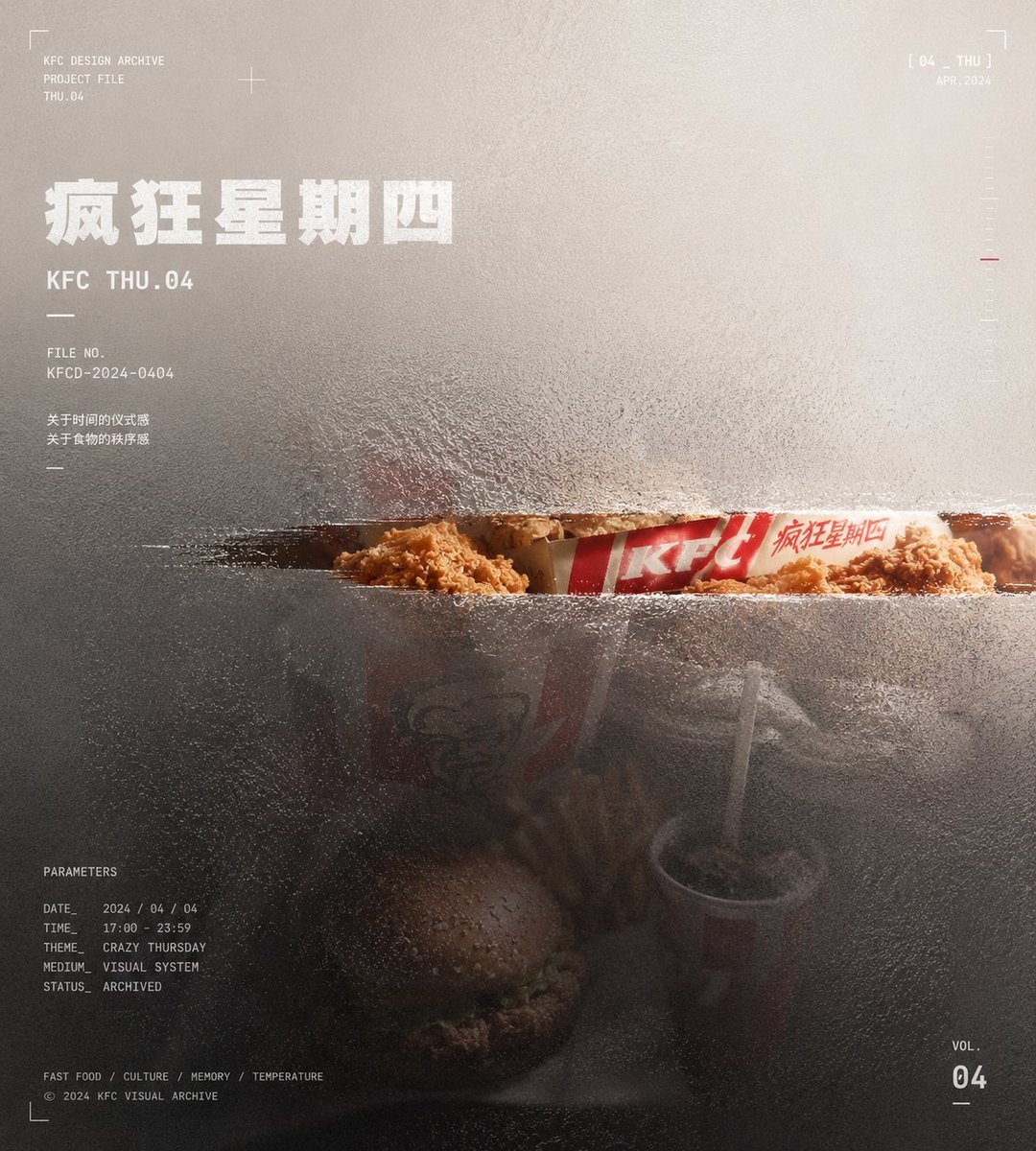
- Prompt included
- Model and format preset
- Free template
The prompt behind this image
Copy the exact prompt behind Frosted Glass Portfolio Cover Aesthetic, or open it in the studio and make it yours.
Generate a visual piece with the order of a portfolio cover, built around a specific theme's content. Don't fully display the core subject; instead, first compress it into a main mass offset from the central axis, sinking it between a semi-transparent hazy surface layer and a low-saturation background field. The subject's complete outline, secondary details, and ordinary descriptive elements are all swallowed by embossed-glass grain, tiny refractive displacement, milky haze, and low-contrast blur — only at the position that best carries the theme's recognizability is a clean, clear narrow window cut open, letting that portion retain real texture, higher contrast, and necessary color, while the rest turns into dark mass, softened contours, fragmented edges, and transitions devoured by the background. The clear narrow window should feel like a precise slit wiped open on the material's surface — restrained in size but semantically precise, becoming the viewer's sole strong entry point into the theme. The background is derived from the theme's spatial relationships, material properties, sense of time, and emotional temperature into a large-area, low-noise color field; the upper or outer area retains a light airy feel, one side forms a pale "breathing" zone, and the area where the subject sits is pressed into lower brightness; the background doesn't carry ordinary scene narrative, but instead performs the structural function of swallowing edges, carrying white text, and creating a sense of distance and memory. Keep the color balance between a large area of low-saturation structural color, a low-brightness subject color, a small amount of concentrated true color, and white informational color; the hue changes with the theme, while the brightness hierarchy, restrained saturation, and local color values stay stable. The image uses three layers — sharp, semi-sharp, and out-of-focus: the clear narrow window handles theme recognition, the short, bold white title and numbering stay semi-sharp and legible, while most of the subject, the background, and the tiny information at the bottom go into hazy, out-of-focus blur. The text uses a modern sans-serif font, white or near-white; the bold titles are short, heavy, looking as if printed on glass and slightly bitten into by the surface layer; corner marks, edge dates, numbering, and tiny captions at the bottom form a metadata coordinate system, like a piece number, archival record, and production parameters — the text serves the reading path without covering the clear narrow window. The overall surface retains a visible grainy embossed-glass touch, with the texture's density changing with the underlying light and dark areas — denser in dark areas, milkier in bright areas — with fine fragmented refraction and slight displacement at the edges, so that all images, subjects, and text look as if uniformly pressed under the same piece of material. The final image should present a calm, restrained, technical-archive-feeling visual cover: information is deliberately hidden, and only the most critical part is released. This time's theme: {argument name="theme" default="Crazy Thursday KFC"} Ratio: 9:10
How to use Frosted Glass Portfolio Cover Aesthetic in 3 steps
- 1
Open
The prompt is already in the box next to the preview, with the template's model and format selected.
- 2…a portrait of your subject in softgolden-hour light, 85mm…
Personalize
Edit the subject and creative details for your destination.
- 3Generate
Generate
Press Generate — your image is created in PicX Studio, so you can compare it with the original and refine one variable at a time.
More like this
Templates with the same subject, style or setup. Open one to see its prompt.
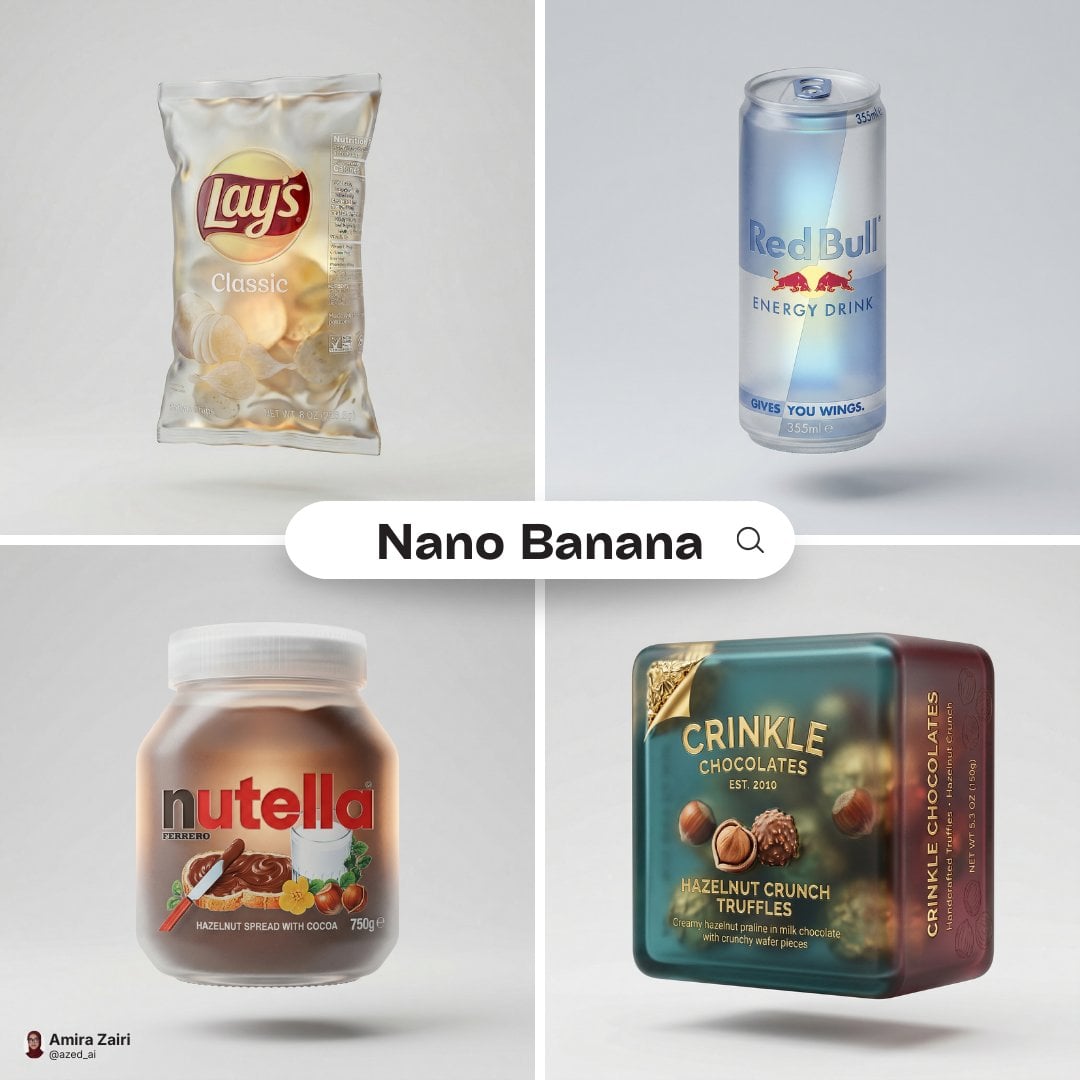
A hyper-detailed 3D frosted translucent glass version of the attached

Cinematic Glass Brand Logo Volcanic Landscape
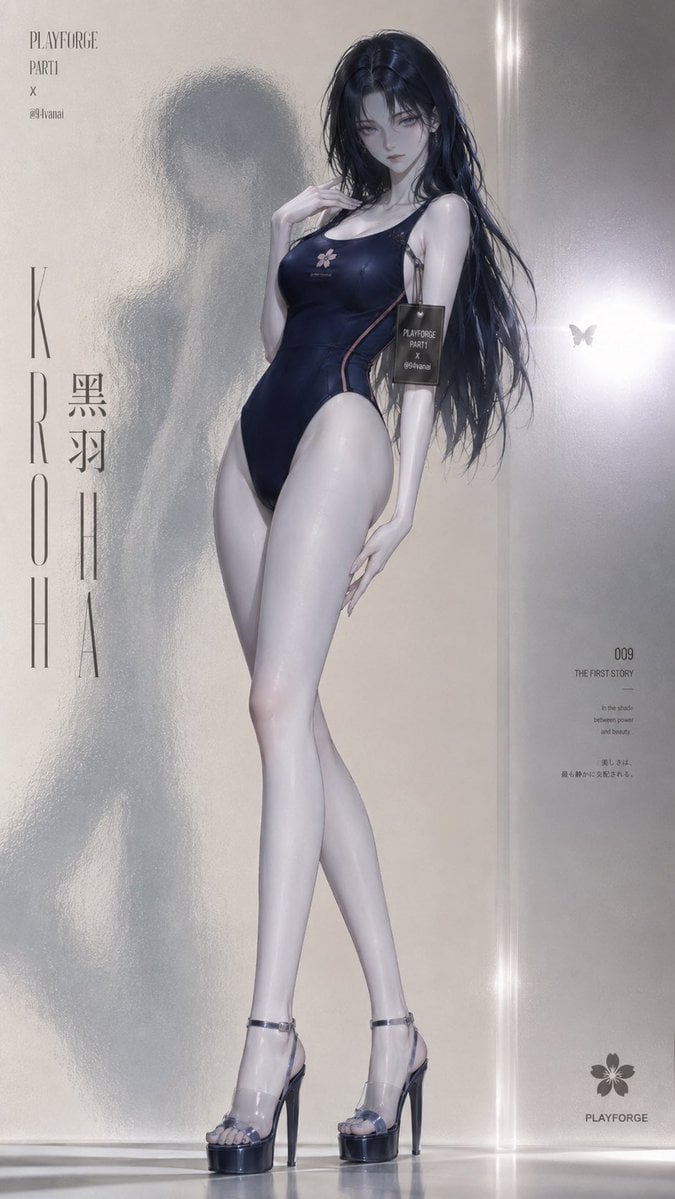
Frosted Glass Minimalist Texture
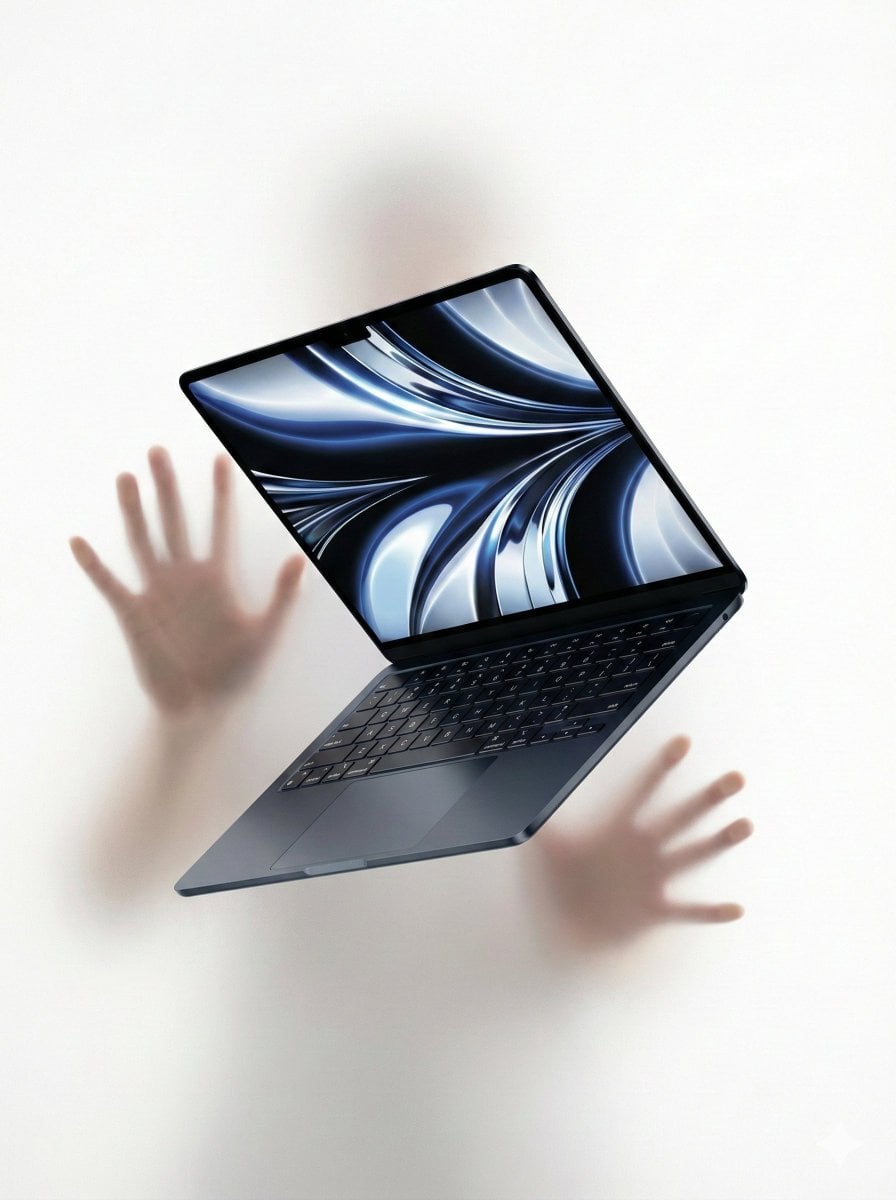
Ethereal Product Visual with Frosted Glass Hands
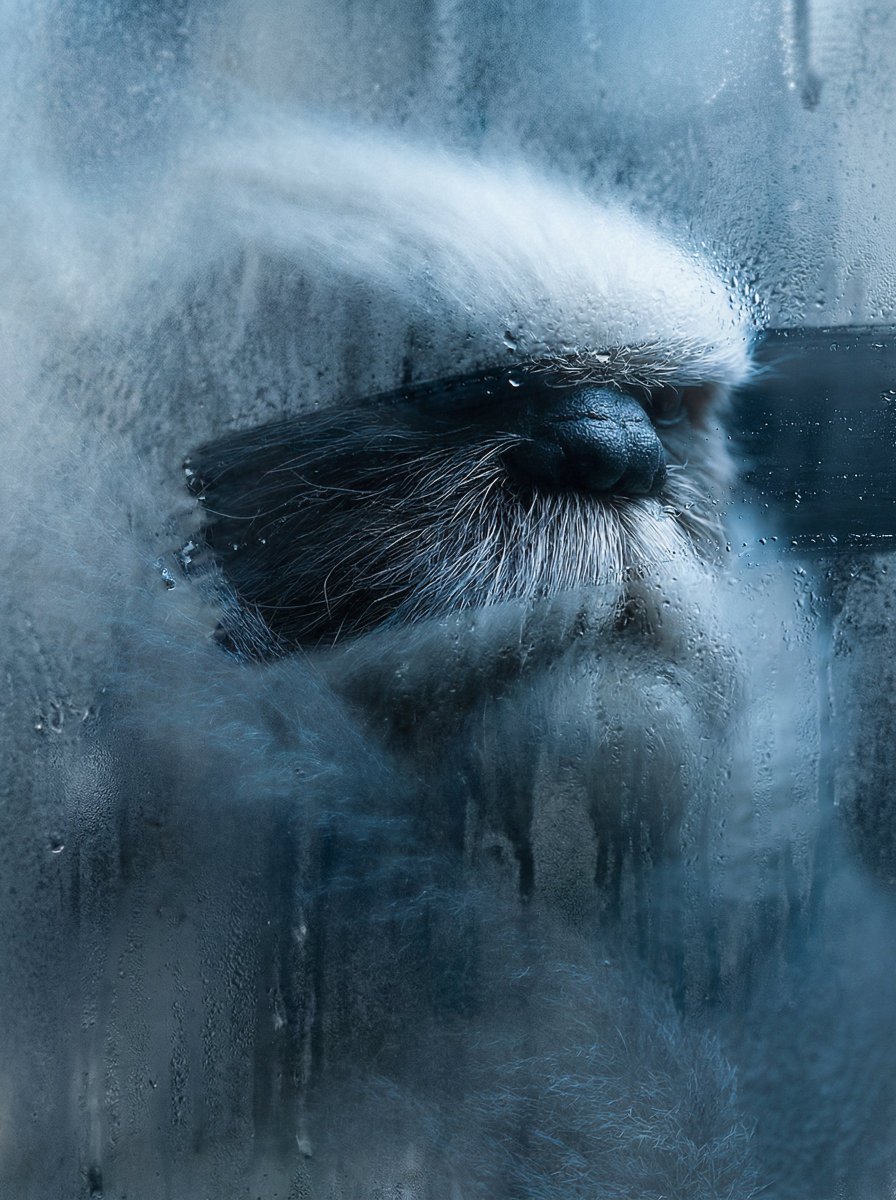
Frosted Glass Effect Prompt

Christmas Ornament Portrait Glossy Glass Resin Finish with Hand Painted Details Holiday Lighting
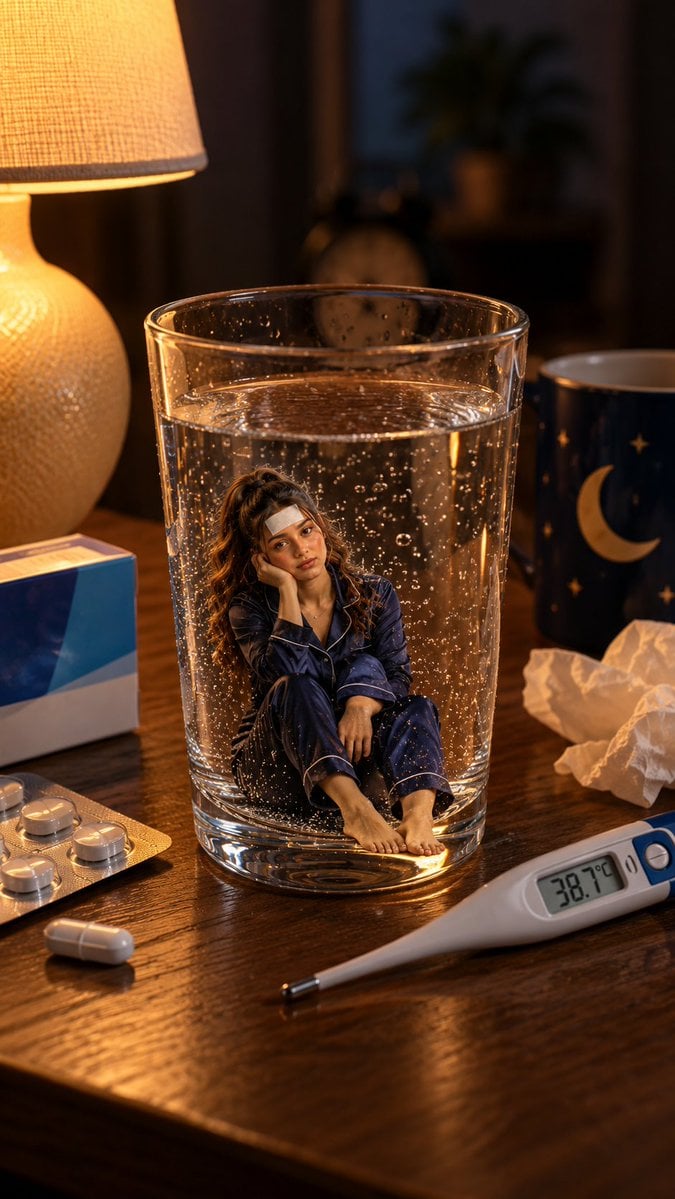
Mini Sick Woman in Water Glass
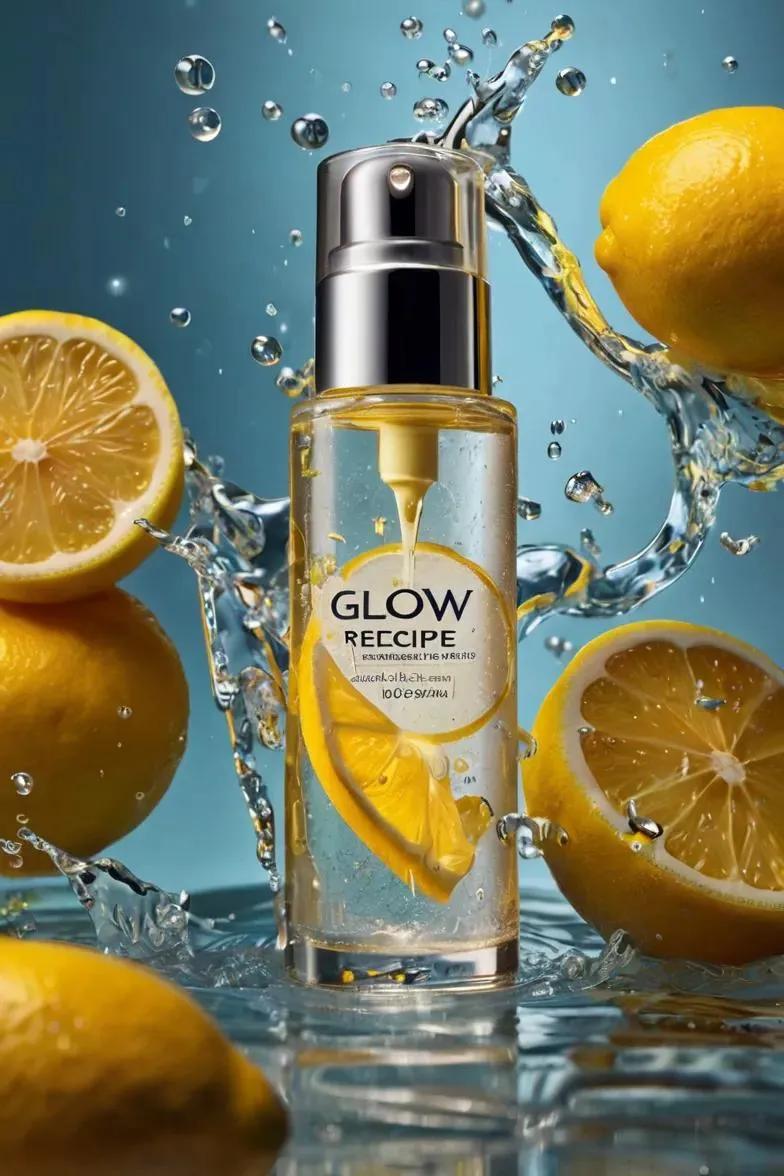
Ultra-realistic skincare advertising photography featuring a frosted
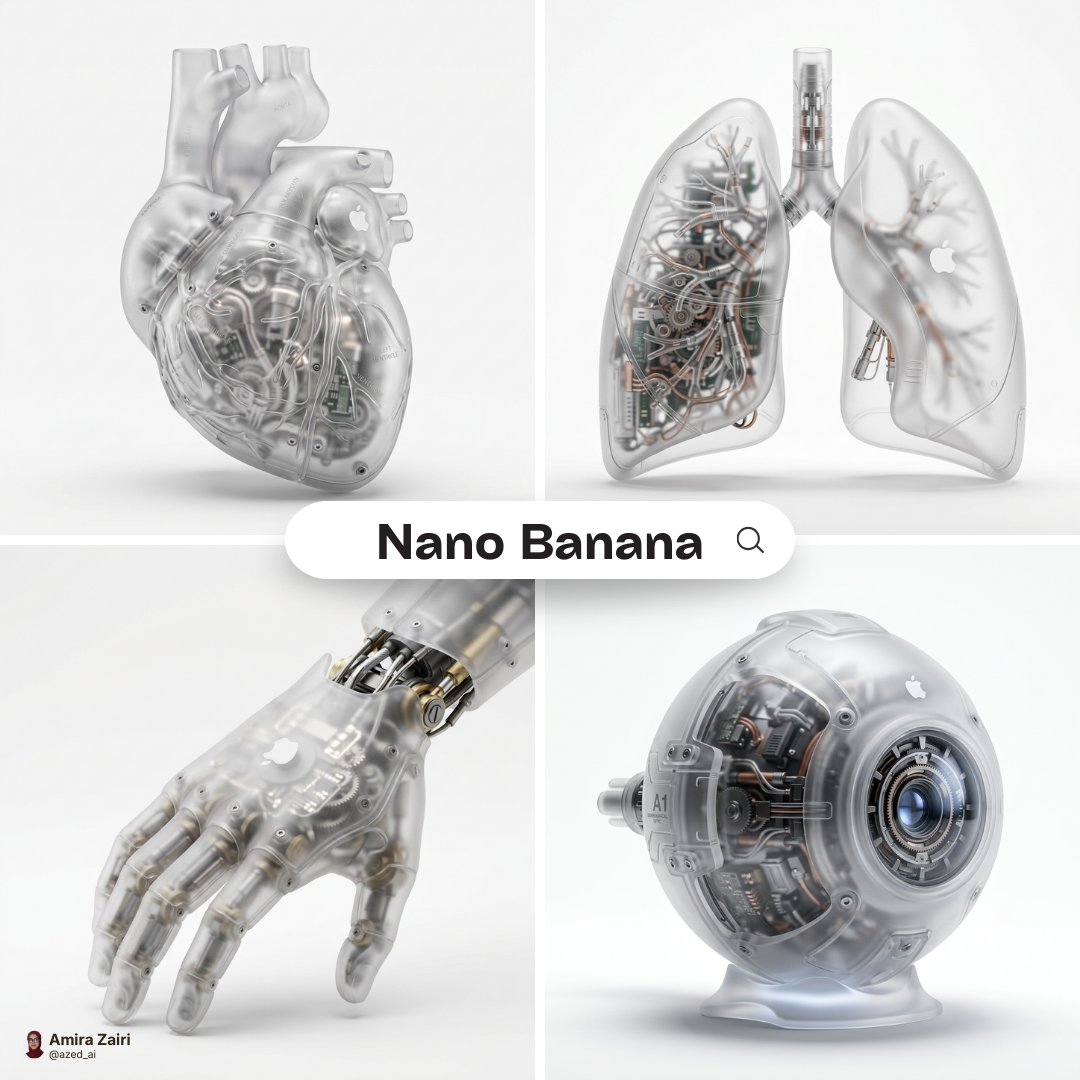
A hyper-realistic 3D anatomical human made from semi-translucent frosted
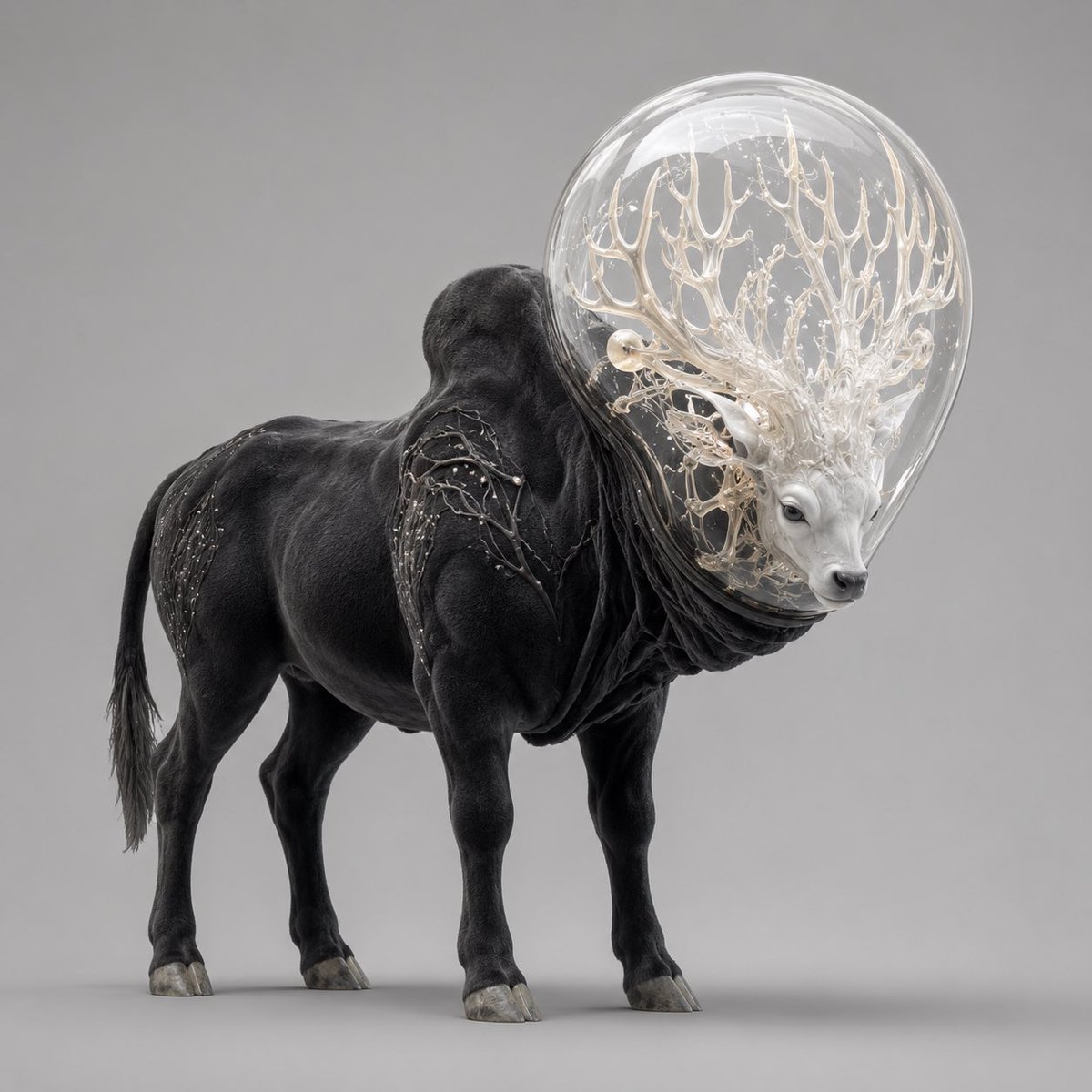
Glass-Orb Antler Bull Creature

Off Duty Fashion Magazine Cover

Japanese Tatami Lifestyle Magazine Cover
Make it yours
Frosted Glass Portfolio Cover Aesthetic works as-is. These are the safest ways to change it without losing the look.
Change one field
Copy a single group, rewrite it, and generate again so you can see what that field is doing.
Keep the frame, change the subject
Hold the composition and light of Frosted Glass Portfolio Cover Aesthetic, then swap wardrobe, props or the person for a new take.
| If the result… | Why | Fix |
|---|---|---|
| The result drifts from the preview | Too many fields changed at once. | Reuse Frosted Glass Portfolio Cover Aesthetic as-is first, then change one group — subject, light, or setting. |
| The model over-stylizes the scene | The prose prompt leaves finish and camera underspecified. | Add one camera or lighting sentence and stay on GPT Image 2. |
More GPT Image 2 templates
Other prompts made for GPT Image 2.

Six VTuber Japanese Logo Sheet

Realistic Portrait of Woman and Deer

The Vista Modular Condo Poster

AI Model Routing Comparison Infographic

2.5D Anime Art Board

Isometric Productivity Desk Scene

New York Double Exposure Poster

Four-Panel AI Landscape Comparison

NESCAFÉ Coffee Map Poster

Brutalist Cogito Chinese Typography Poster
More image prompts
Fresh picks from across the catalog.
Realistic Mac Webcam Photo Edit
Hyper-realistic Childhood Cartoon Fashion Shoot
Cinematic Winter Night Couple Triptych
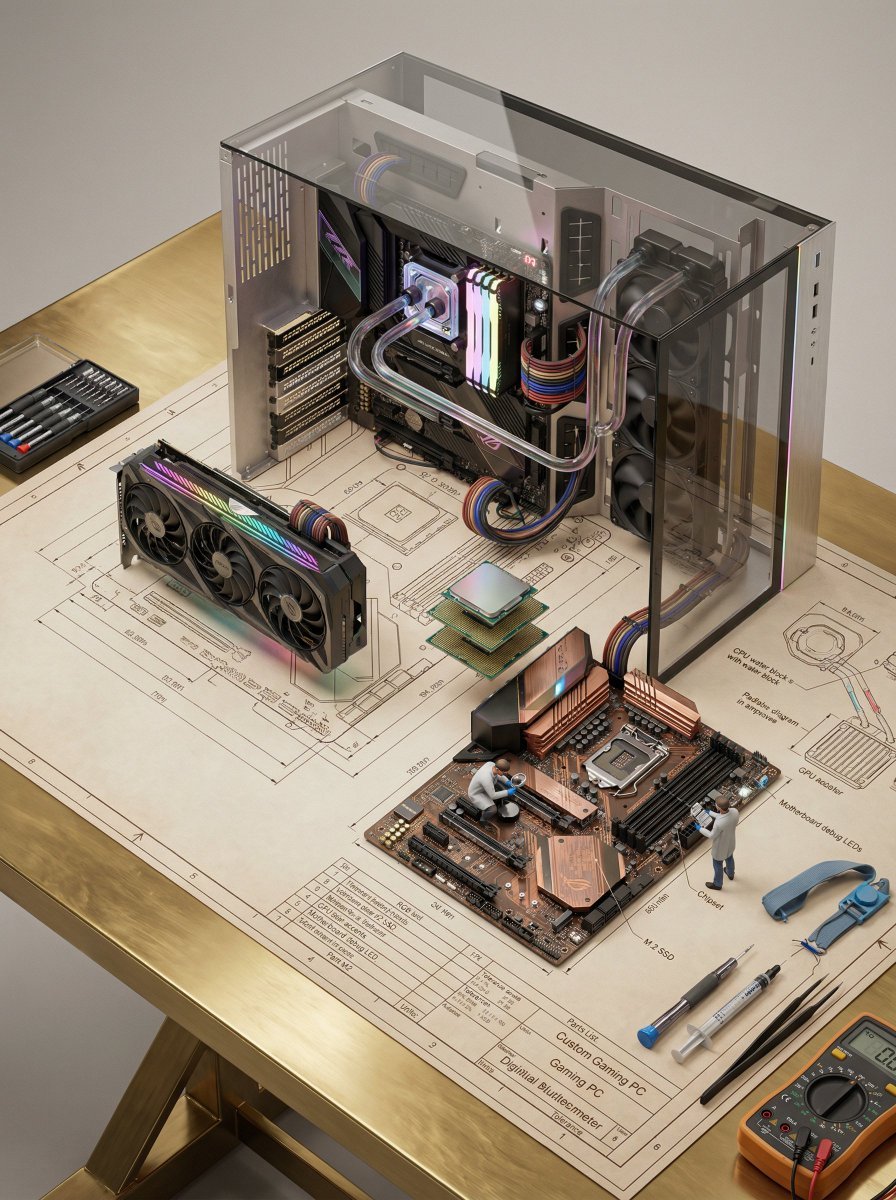
Technical Blueprint of an AI GPU Cluster
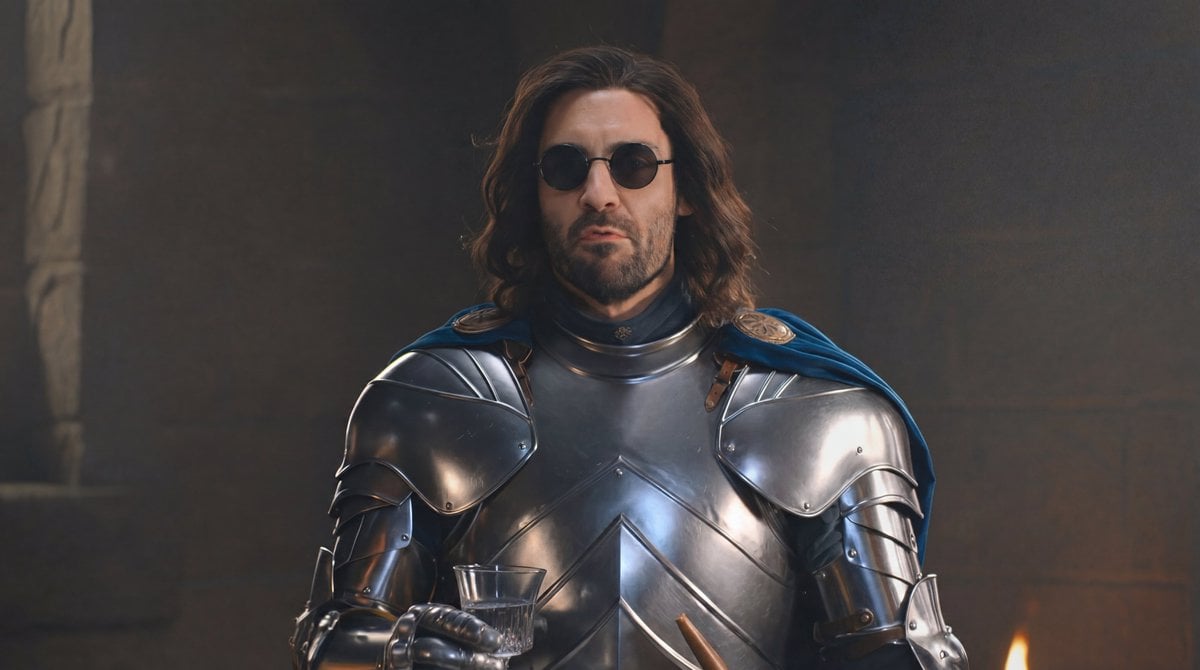
Glasses Removal and Face Integration
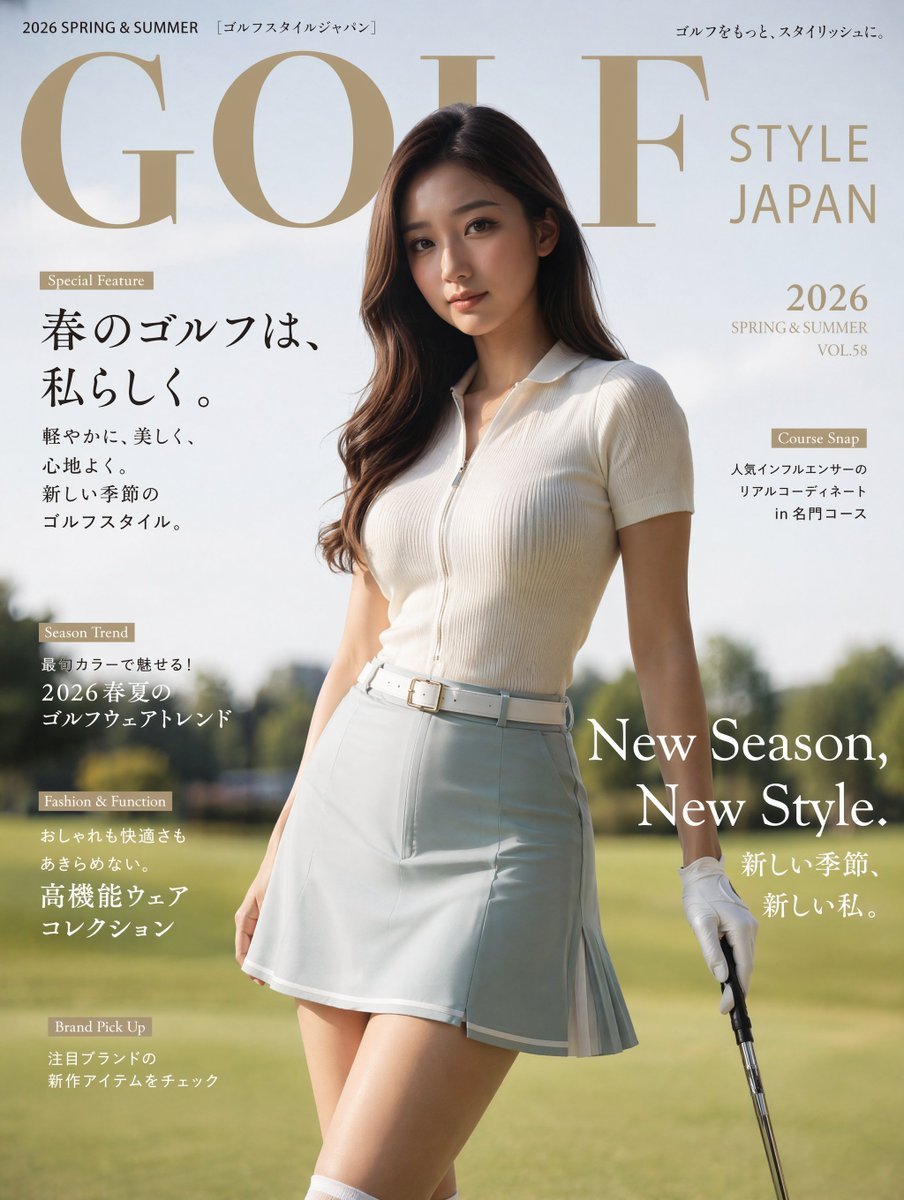
Japanese Golf Fashion Magazine Cover
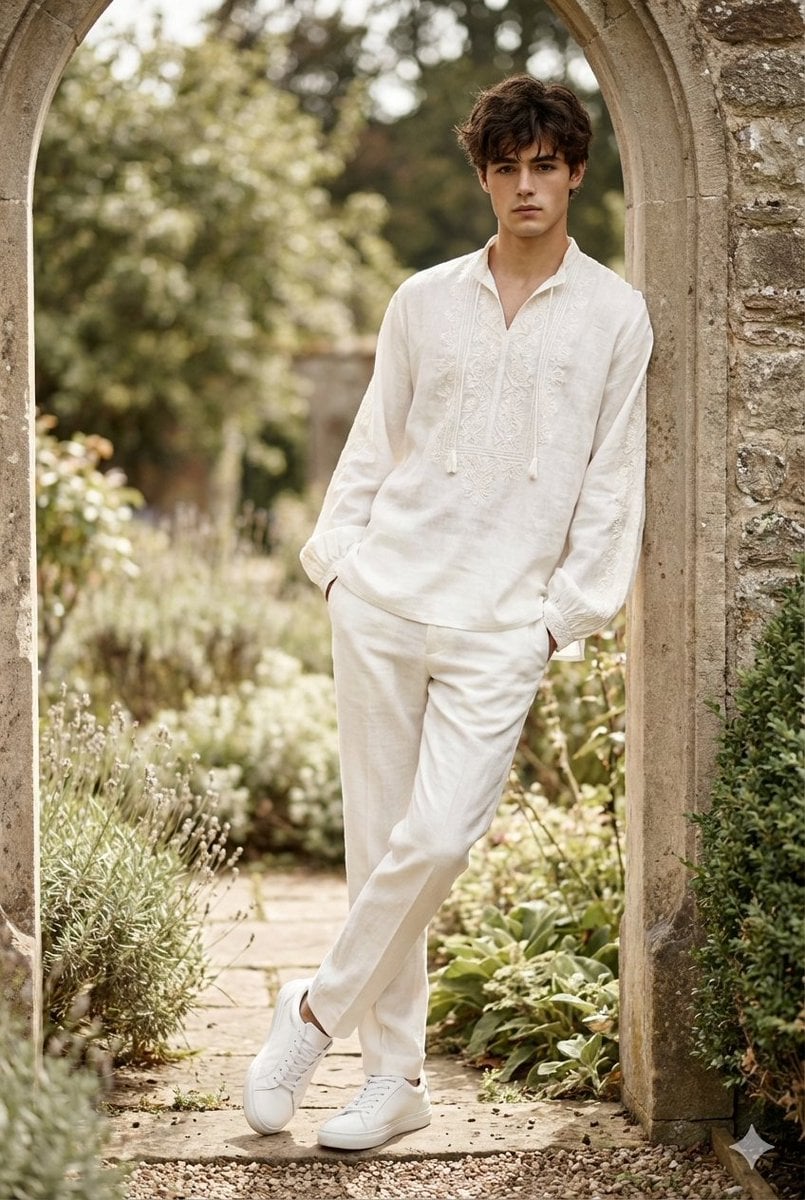
High-Fashion Boho Editorial Prompt
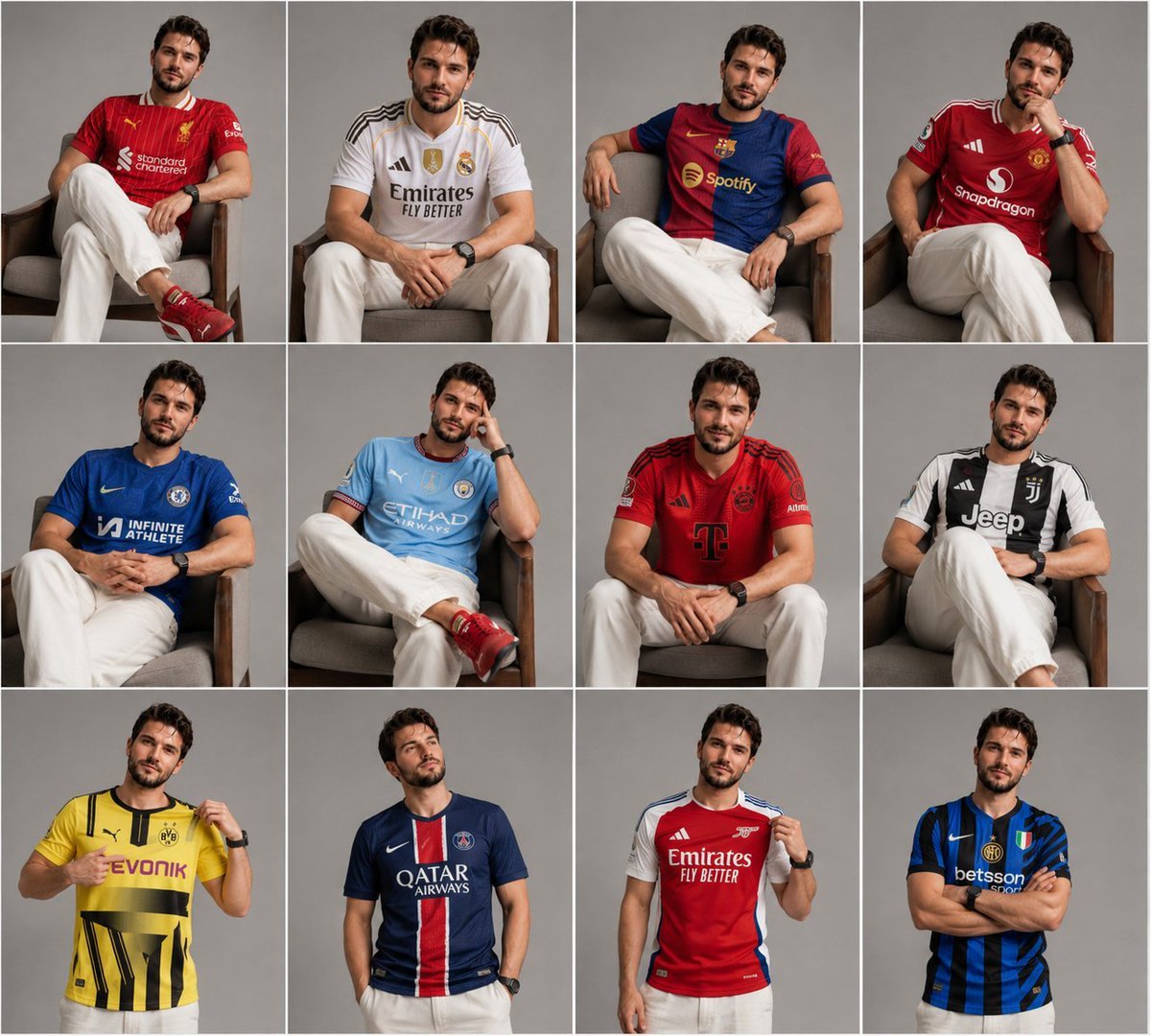
Football Jersey Grid Collage
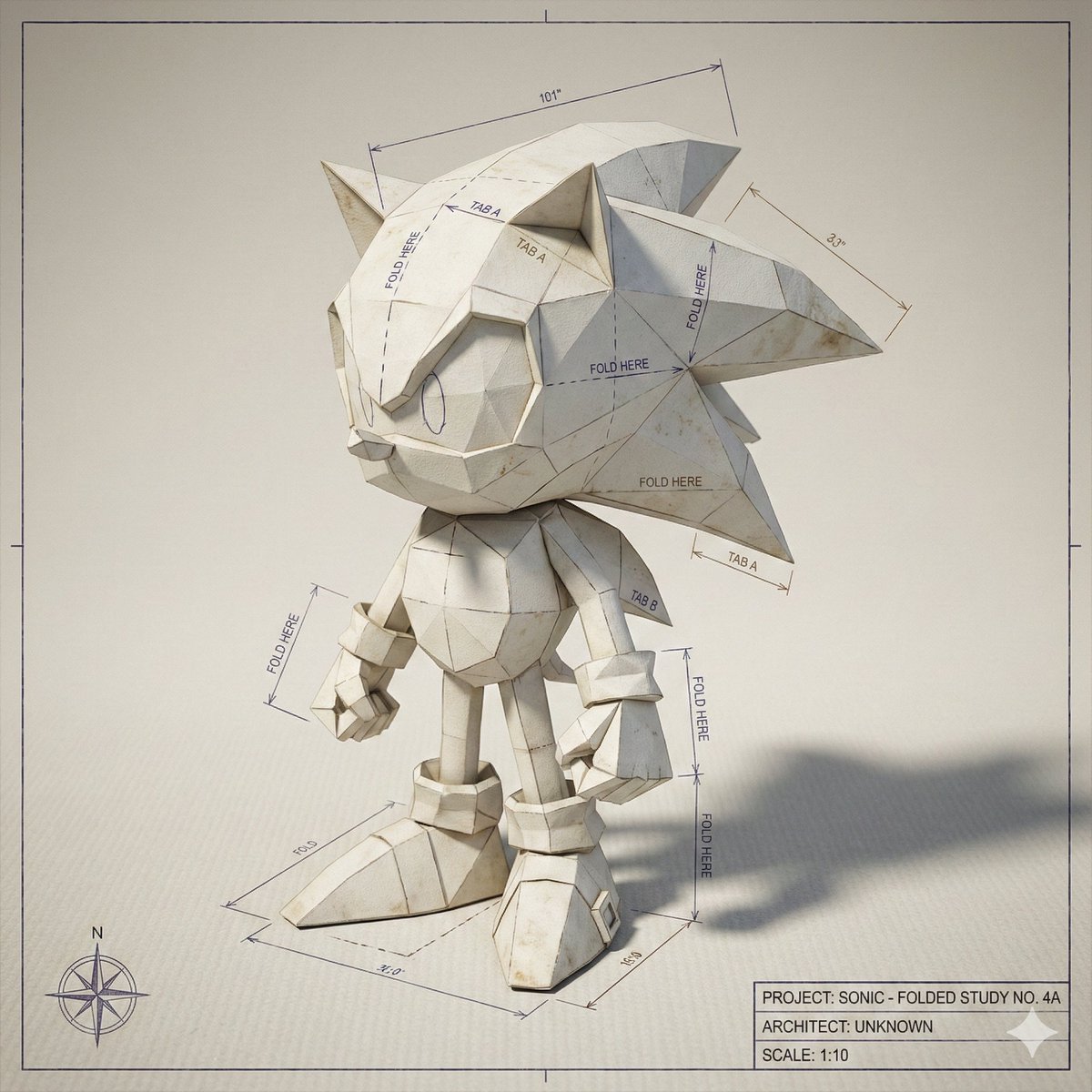
Folded Paper Blueprint of a Character
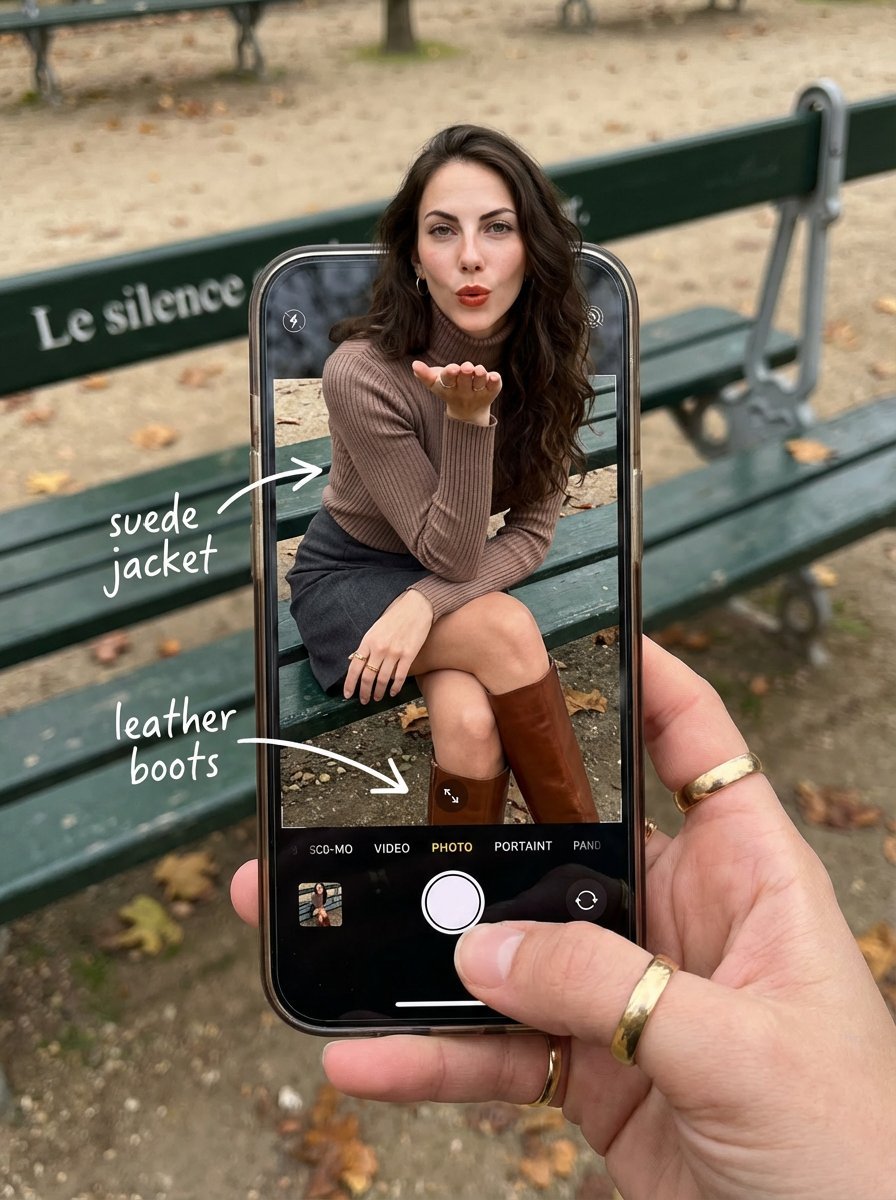
OOTD Breakdown Smartphone Pop-out Illusion
Browse template categories
Frosted Glass Portfolio Cover Aesthetic questions
How do I use the Frosted Glass Portfolio Cover Aesthetic template?
Add your photo if the template asks for one, edit the prompt if you like — the template's model and format are already selected — and press Generate. Your version opens in PicX Studio.
Can I customize the Frosted Glass Portfolio Cover Aesthetic template?
Yes. You can change the subject, setting, lighting, mood, format, and available model controls before creating your image.
Is the Frosted Glass Portfolio Cover Aesthetic template free?
Opening and editing this template is free. Generating uses credits, shown on the Generate button when you are signed in.
Which AI model should I use?
Start with GPT Image 2, which is the model associated with this template. You can compare another compatible model for a different finish.
Looking for something else? Browse all templates.

Your photo, any look
Thousands of ready templates for every top image and video model, from one credit balance.