
Technical Blueprint of an AI GPU Cluster
A highly detailed prompt for Gemini Nano Banana Pro to generate a futuristic, cinematic image of a technical blueprint transforming into a photorealistic, self-assembling AI GPU cluster on a polished brass drafting…
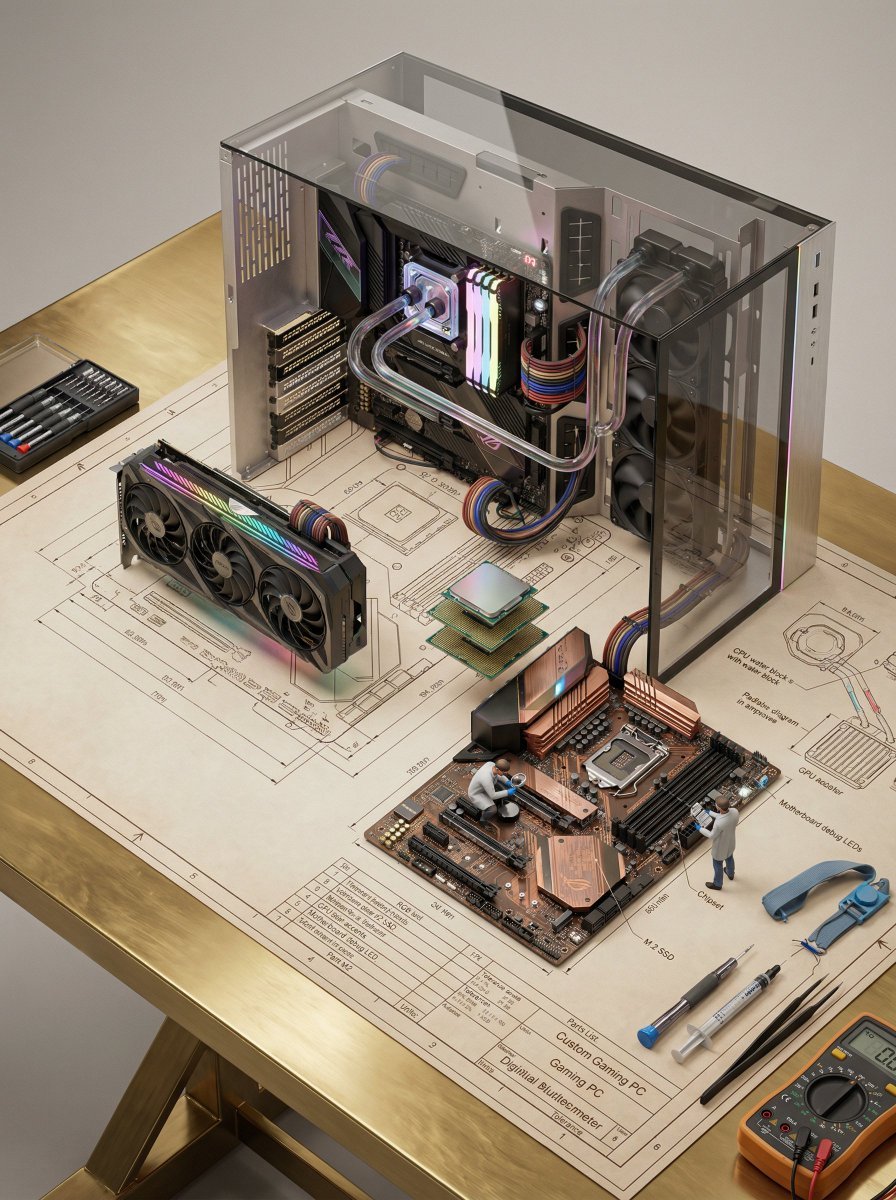
- Prompt included
- Model and format preset
- Free template
The prompt behind this image
Copy the exact prompt behind Technical Blueprint of an AI GPU Cluster, or open it in the studio and make it yours.
A detailed technical blueprint of a high-performance AI GPU cluster placed on a polished brass drafting table, with a photorealistic miniature AI server system self-assembling from it — multiple GPU accelerator units (sleek black and metallic modules with neon green accents) rising from the dimension lines, high-speed interconnect bridges threading through the tolerance annotations, and dense compute nodes forming from the grid layout. Stacks of GPU cards slide into server chassis above the parts list, each unit locking in with precision. NVLink-style connectors and high-bandwidth interconnects assemble seamlessly between GPUs, forming a powerful parallel compute network. Rack-mounted AI servers emerge vertically, with layered compute blades building upward in perfect alignment. A liquid cooling system forms from exploded-diagram callouts — transparent cooling pipes with glowing coolant flowing through them, cold plates attaching to GPUs, and radiators assembling with high-performance fans. Heat dissipation fins and airflow channels dynamically shape around the system. A tiny engineer in futuristic protective gear stands on a GPU module inspecting circuits with a holographic diagnostic interface, while another miniature technician connects high-speed data cables into a switch unit. Fiber optic lines glow faintly, representing active data transfer. Functional details illuminate — GPU core lights pulsing softly, status LEDs blinking in synchronized patterns, data streams visualized as glowing lines moving between nodes, and monitoring panels activating during assembly. Signature tools of the trade — precision screwdriver, thermal paste applicator, anti-static tools, fiber connectors, and a digital diagnostic tablet — rest across the blueprint’s title block, partially integrated into the scene. All elements grow organically from the blueprint like a 3D mechanical diorama — circuit traces rising from printed schematics, GPU modules emerging from drawn outlines, cables threading through pencil grid lines. Seamless transformation from 2D blueprint into a fully operational AI infrastructure. LIGHTING: Soft studio lighting combined with strong neon green and cool blue glows from GPUs and data pathways. Subtle reflections from the brass surface and volumetric light enhancing depth. CAMERA & LENS: Shot on a full-frame camera, 35mm lens. Slight low-angle perspective to emphasize scale and power. Cinematic depth of field with focus on central GPU cluster. COMPOSITION: Vertical 2:3 format. Central stacked GPU cluster rising upward with symmetrical balance. Clean negative space around edges with layered depth. STYLE & MOOD: Futuristic, cinematic, high-end AI infrastructure aesthetic inspired by NVIDIA design language. Powerful, clean, and cutting-edge. DETAILS: Ultra-detailed textures — matte black metal, glowing accents, micro circuitry, cooling liquid reflections, cable braiding, LED indicators. 8K resolution, HDR,
How to use Technical Blueprint of an AI GPU Cluster in 3 steps
- 1
Open
The prompt is already in the box next to the preview, with the template's model and format selected.
- 2…a portrait of your subject in softgolden-hour light, 85mm…
Personalize
Edit the subject and creative details for your destination.
- 3Generate
Generate
Press Generate — your image is created in PicX Studio, so you can compare it with the original and refine one variable at a time.
More like this
Templates with the same subject, style or setup. Open one to see its prompt.

Paper Tunnel Book Architecture

Automotive Blueprint Split Composition

Blueprint Split Reality Archetype Prompt
Automotive Blueprint Split Composition
Blueprint Split Reality Archetype Prompt
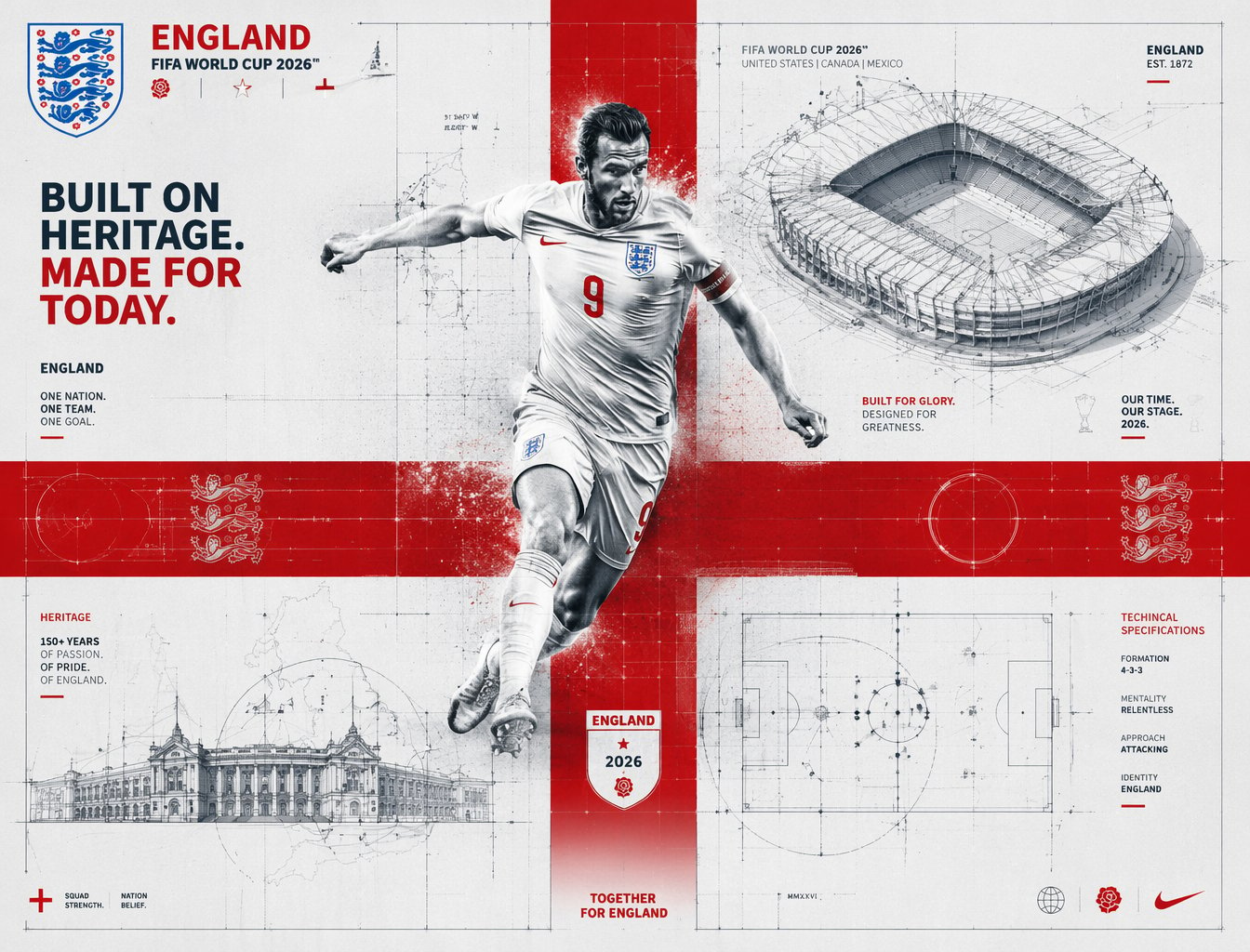
FIFA 2026 England — Blueprint Heritage
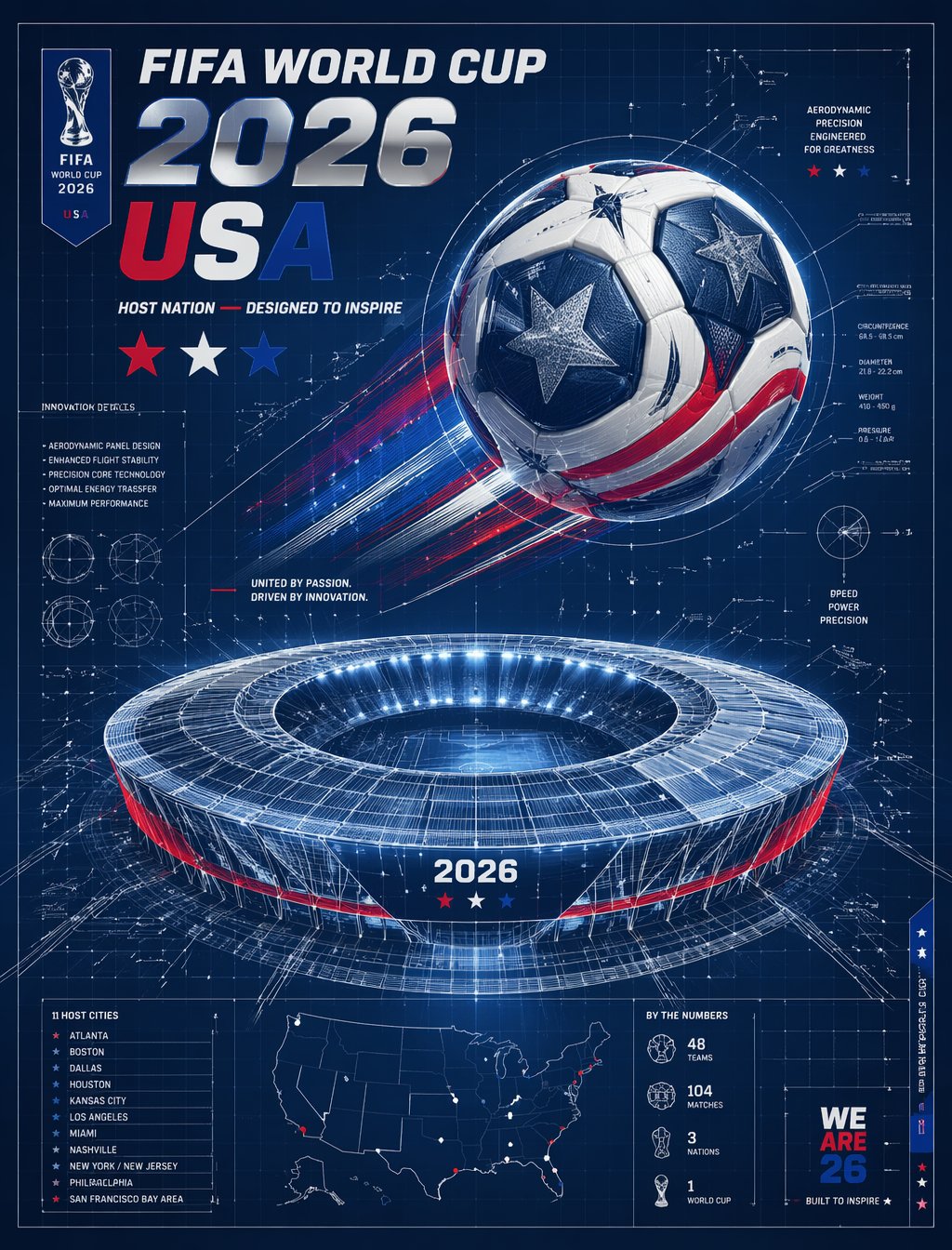
FIFA 2026 USA — Blueprint Host Nation

Isometric Vehicle Teardown Infographic Template

Character Archive — Blueprint Concept Sheet
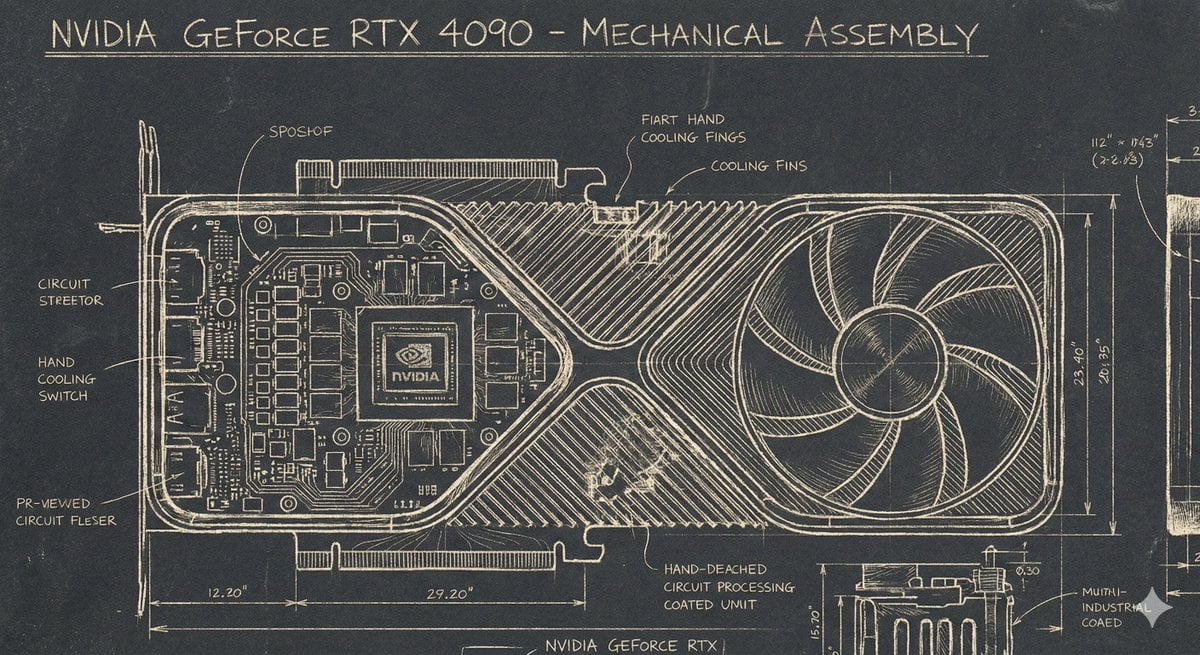
Sgraffito Mechanical Blueprint of NVIDIA 4090 GPU
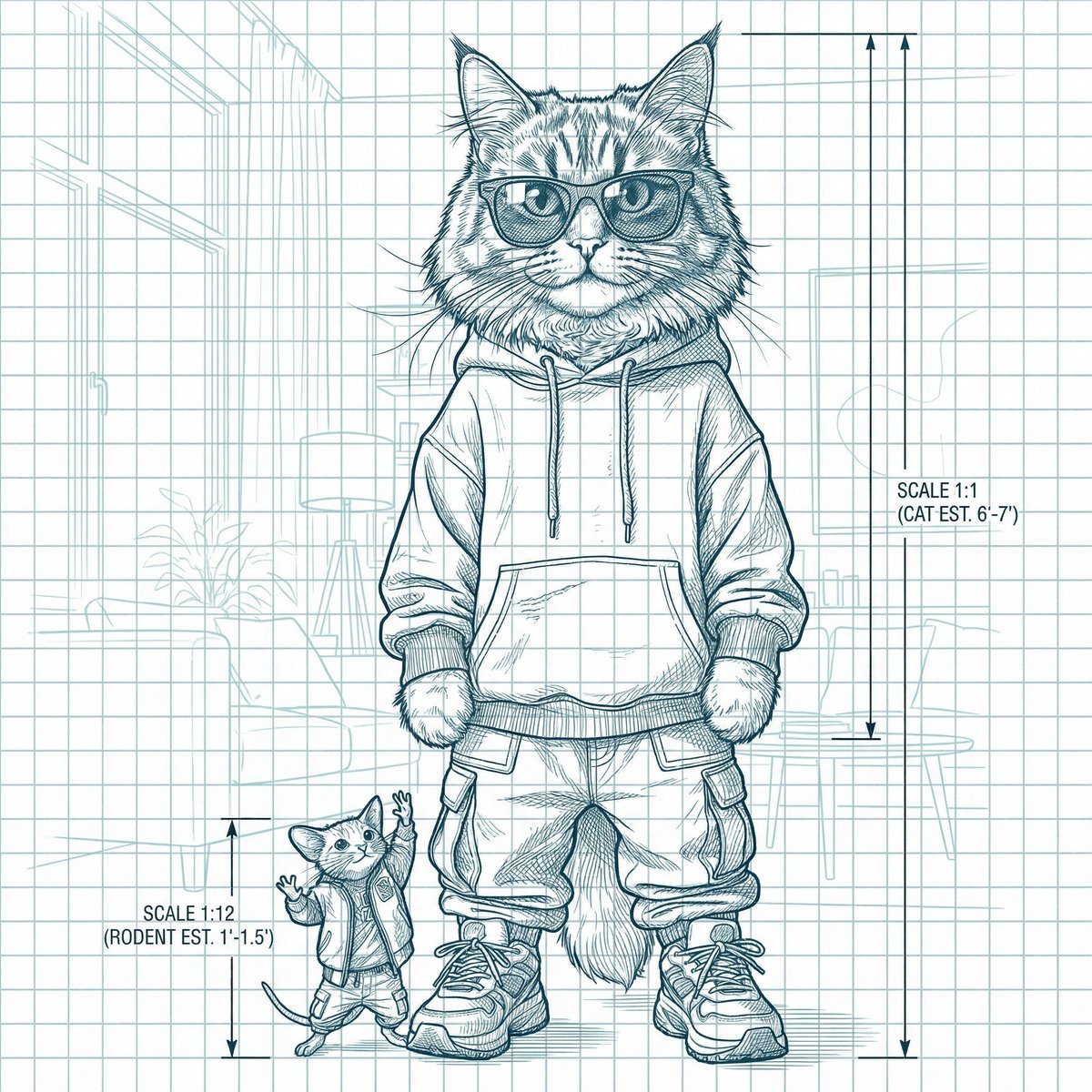
Blueprint-style technical schematic generation
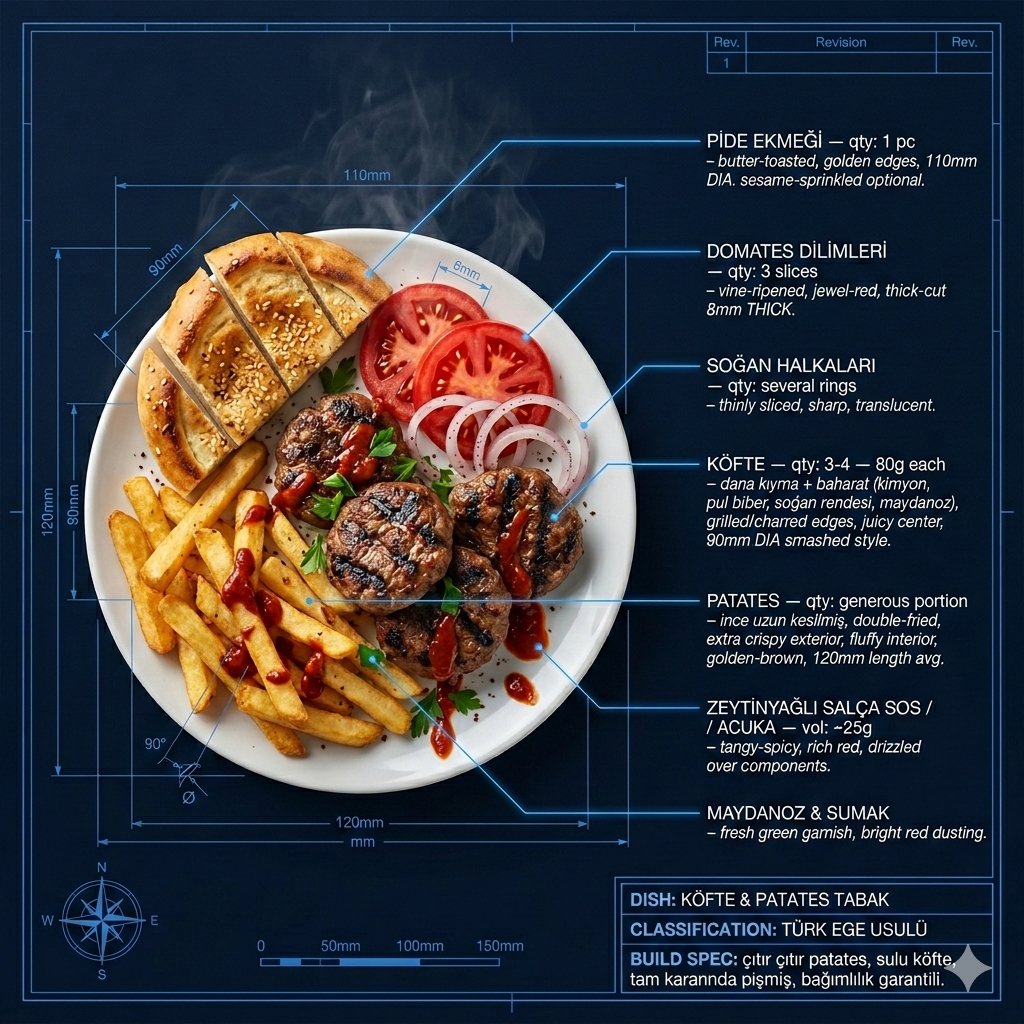
Technical Architectural Blueprint of KÖFTE & PATATES
Make it yours
Technical Blueprint of an AI GPU Cluster works as-is. These are the safest ways to change it without losing the look.
Change one field
Copy a single group, rewrite it, and generate again so you can see what that field is doing.
Keep the frame, change the subject
Hold the composition and light of Technical Blueprint of an AI GPU Cluster, then swap wardrobe, props or the person for a new take.
| If the result… | Why | Fix |
|---|---|---|
| The result drifts from the preview | Too many fields changed at once. | Reuse Technical Blueprint of an AI GPU Cluster as-is first, then change one group — subject, light, or setting. |
| The model over-stylizes the scene | The prose prompt leaves finish and camera underspecified. | Add one camera or lighting sentence and stay on Nano Banana 2. |
More Nano Banana 2 templates
Other prompts made for Nano Banana 2.

Photorealistic Leaf Shaped Like a Dragon

K-Pop Idol Portrait Grid for Rapid Selection

Poetic Rain Forest Portrait During Golden Hour

Urban Street Portrait with Cartoon Inner Self Duo

Candid Nighttime Photo with Cat Prompt

High-Concept 3D Diorama Generation Prompt

Cinematic Futuristic Studio Portrait Template

Skincare Editorial Photography Collage Prompt

Hyper-Realistic Commercial Product Photography (Splash Effect)

Hyper-Realistic Nightclub Portrait Prompt
More image prompts
Fresh picks from across the catalog.
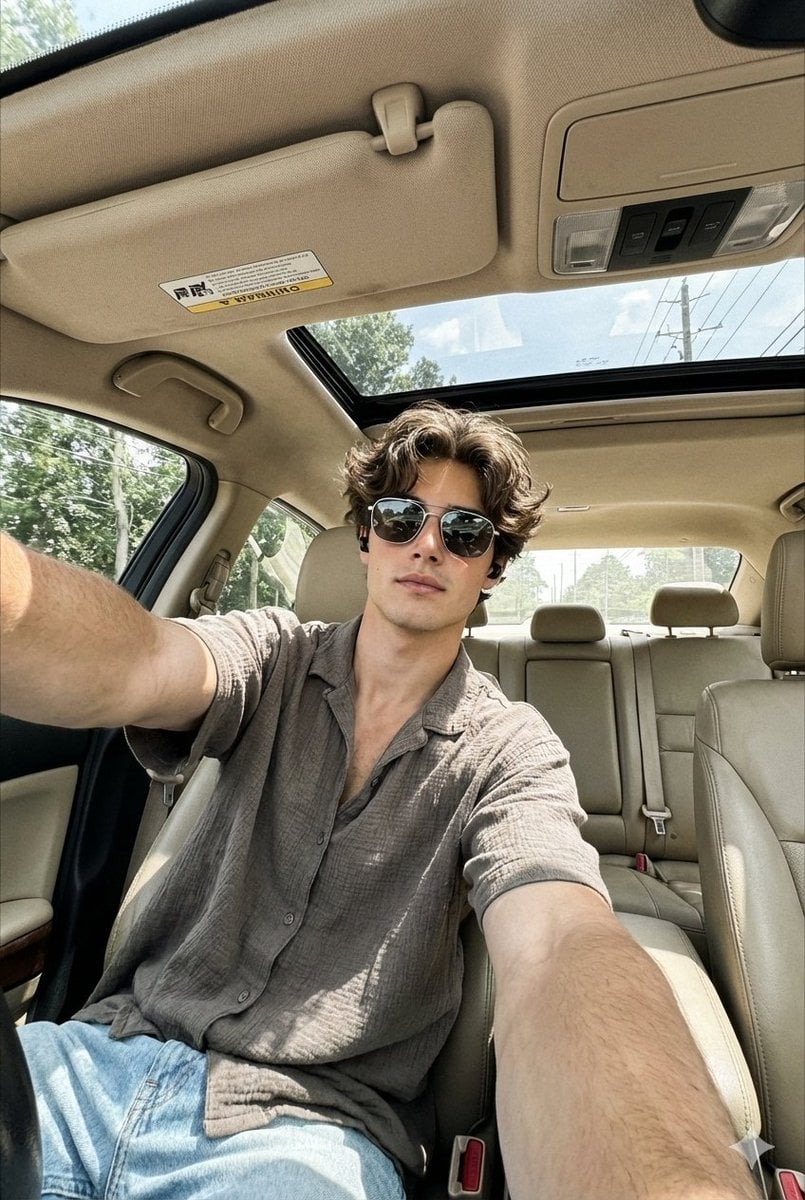
Wide-Angle Car Selfie Replication Prompt

Japanese X Monetization Thumbnail
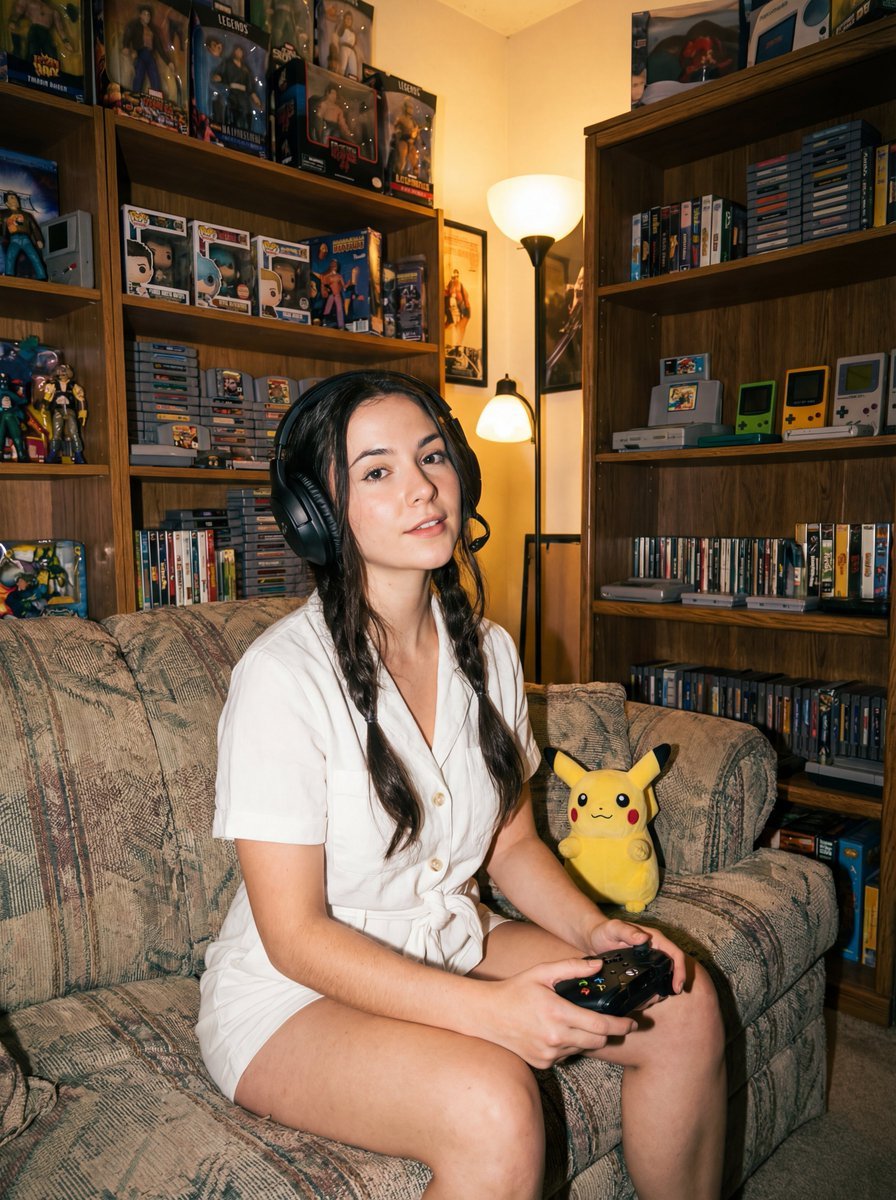
Direct flash gamer girl Nano Banana Pro JSON tag prompt
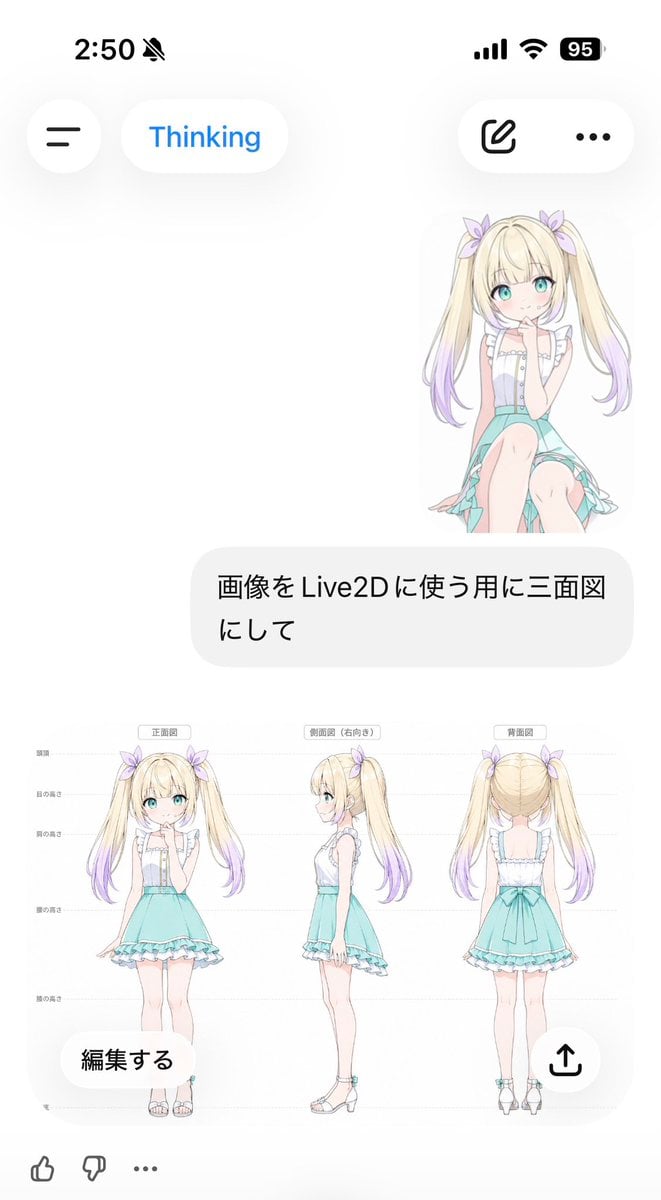
Anime Live2D Turnaround Chat Screenshot
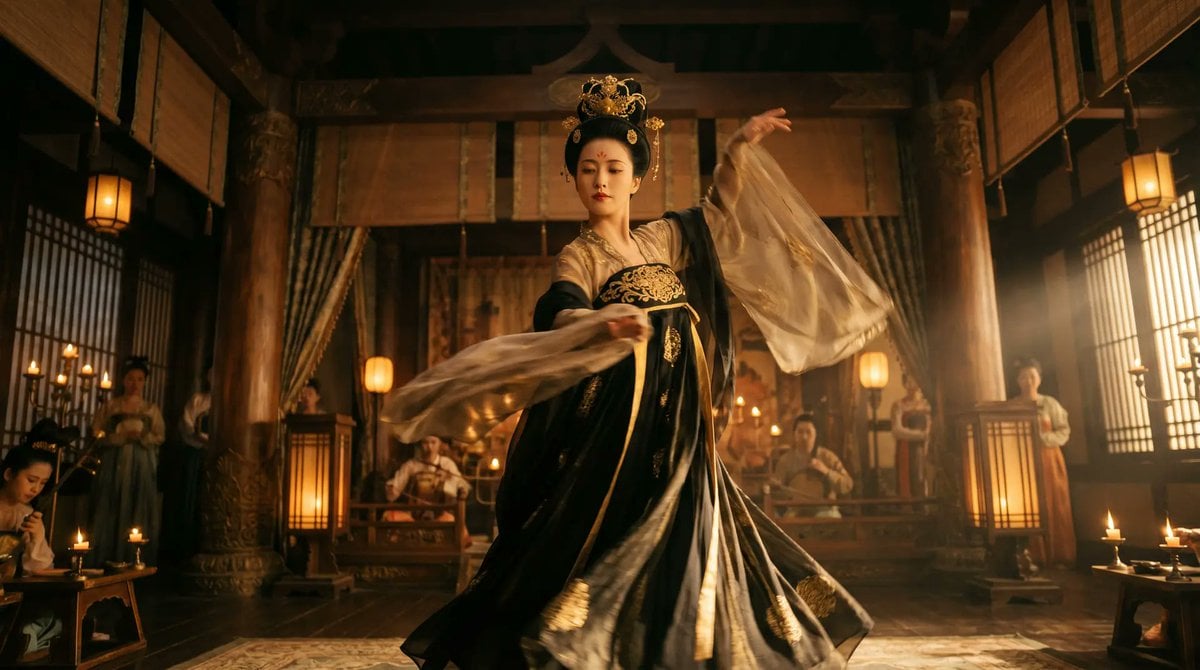
Cinematic Tang Court Dancer at Night
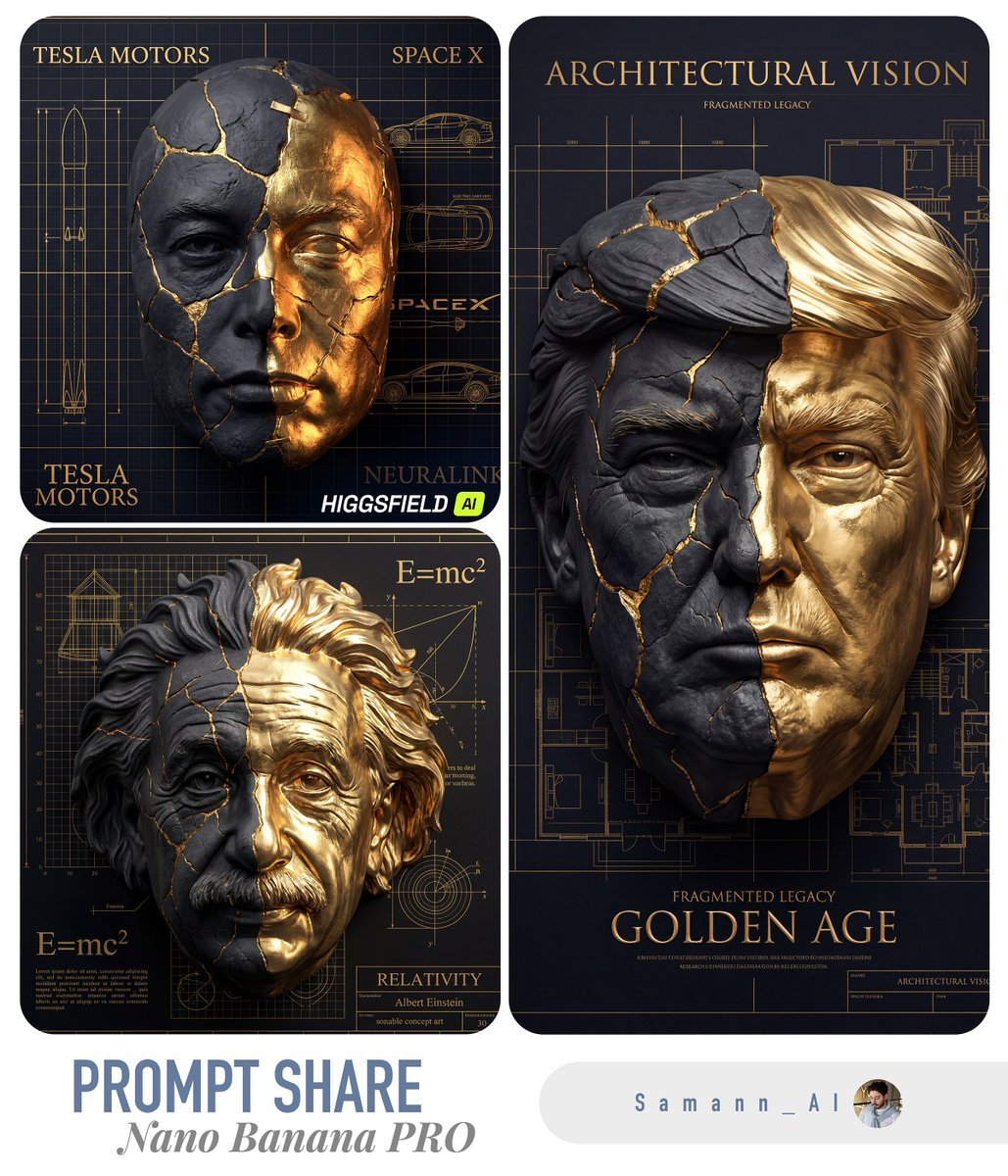
Kintsugi-Inspired Architectural 3D Portrait

Y2K Fashion Magazine Cover
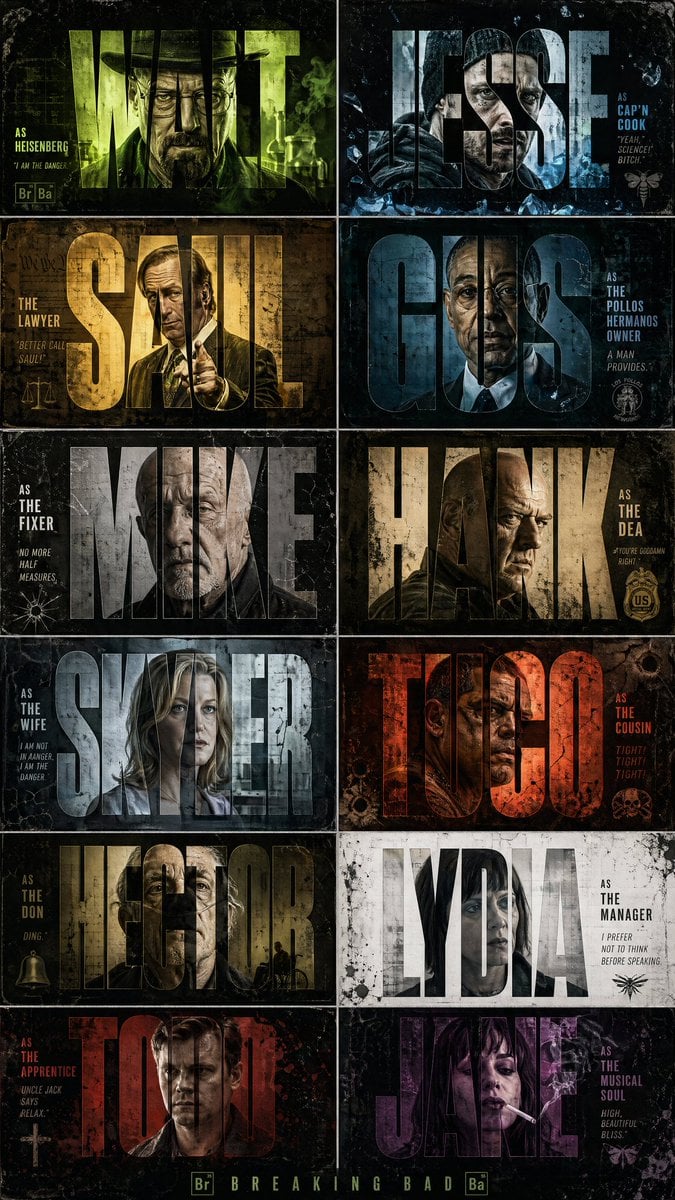
Breaking Bad Stylized Poster Design
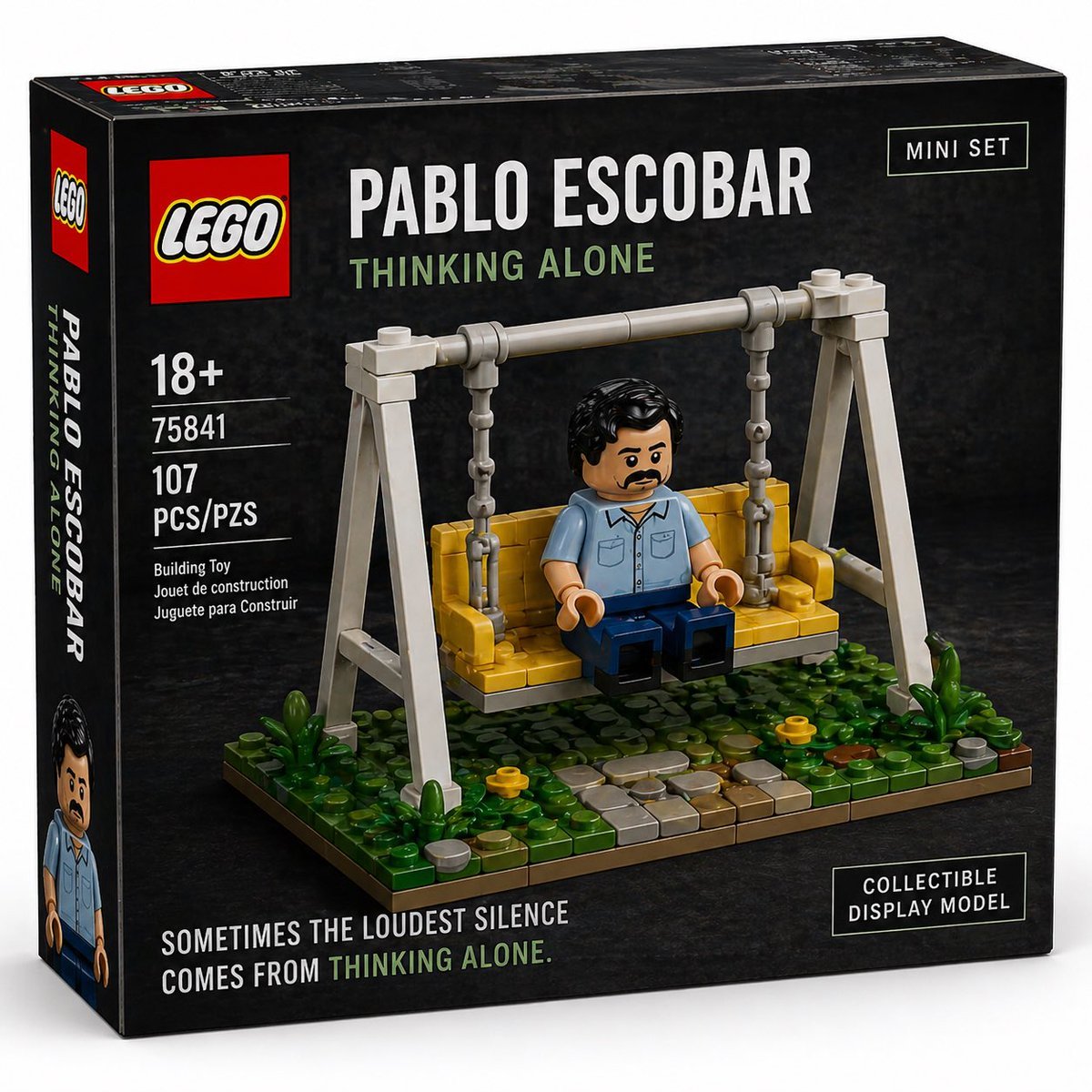
Brick Mini Set Box Mockup
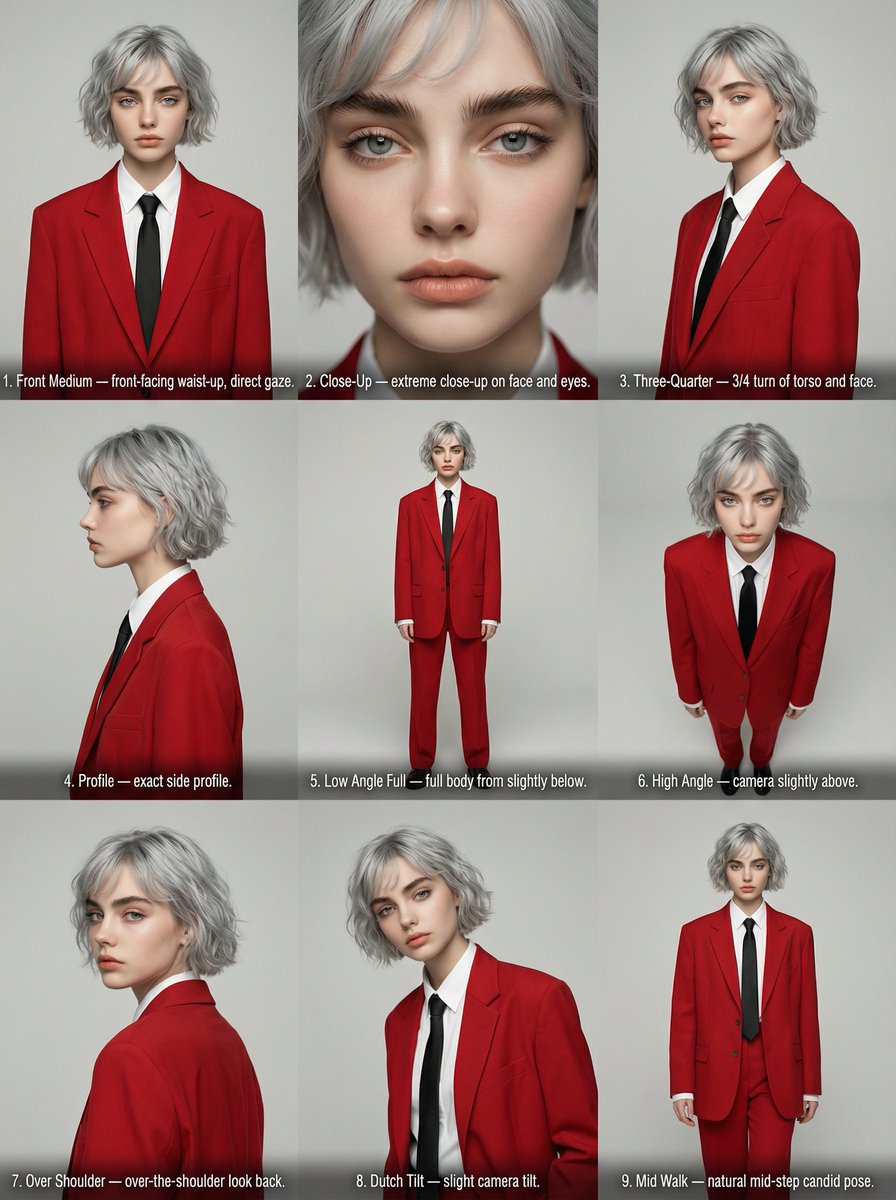
Editorial Angle Reference Sheet Grid
Browse template categories
Technical Blueprint of an AI GPU Cluster questions
How do I use the Technical Blueprint of an AI GPU Cluster template?
Add your photo if the template asks for one, edit the prompt if you like — the template's model and format are already selected — and press Generate. Your version opens in PicX Studio.
Can I customize the Technical Blueprint of an AI GPU Cluster template?
Yes. You can change the subject, setting, lighting, mood, format, and available model controls before creating your image.
Is the Technical Blueprint of an AI GPU Cluster template free?
Opening and editing this template is free. Generating uses credits, shown on the Generate button when you are signed in.
Which AI model should I use?
Start with Nano Banana 2, which is the model associated with this template. You can compare another compatible model for a different finish.
Looking for something else? Browse all templates.

Your photo, any look
Thousands of ready templates for every top image and video model, from one credit balance.