
Brick Mini Set Box Mockup
A realistic parody toy-building-set package showing a brick-built swing diorama, suitable for generating collectible box art and novelty construction set concepts.
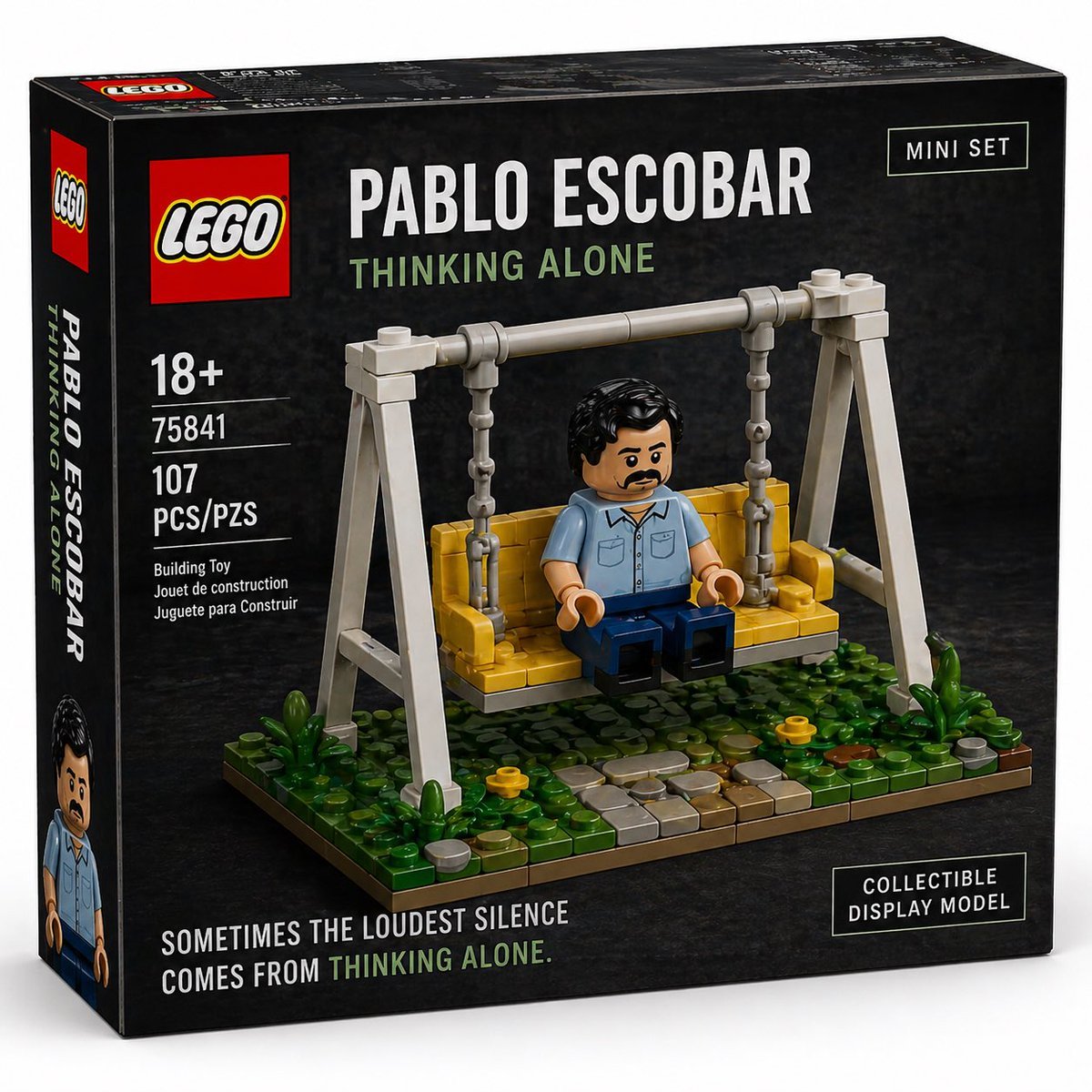
- Prompt included
- Model and format preset
- Free template
The prompt behind this image
Copy the exact prompt behind Brick Mini Set Box Mockup, or open it in the studio and make it yours.
- Type
- toy building set product box mockup
- Branding › Style
- premium LEGO-style packaging parody
- Branding › Logo
- classic red square toy brick logo at top left
- Branding › Series Badges › 0 › Text
- MINI SET
- Branding › Series Badges › 0 › Position
- top right
- Branding › Series Badges › 1 › Text
- COLLECTIBLE DISPLAY MODEL
- Branding › Series Badges › 1 › Position
- bottom right
- Box › Orientation
- front-facing 3/4 view showing front panel and left spine
- Box › Shape
- square cardboard set box
- Box › Background
- dark charcoal black textured studio backdrop printed across the box
- Box › Lighting
- soft studio lighting with subtle reflections and realistic packaging shadows
- Main Product › Subject
- brick-built miniature diorama of a solitary man sitting on a swing
- Main Product › Character › Name
- {argument name="character name" default="PABLO ESCOBAR"}
- Main Product › Character › Style
- block minifigure-inspired figure with a deliberately simplified blurred face, black short wavy hair, light blue short-sleeve button-up shirt, dark blue pants, seated with hands resting near lap
- Main Product › Build › Piece Style
- realistic plastic construction bricks
- Main Product › Build › Scene
- yellow bench swing suspended by two chains from a pale gray A-frame swing set on a rectangular base
- Main Product › Build › Base Details
- lush green ground with small plants, 2 yellow flowers, scattered round stones, and a curved path made of gray and tan tiles
- Printed Text › Front Title
- {argument name="box title" default="PABLO ESCOBAR"}
- Printed Text › Front Subtitle
- {argument name="subtitle" default="THINKING ALONE"}
- Printed Text › Bottom Quote
- {argument name="quote" default="SOMETIMES THE LOUDEST SILENCE COMES FROM THINKING ALONE."}
- Printed Text › Left Specs
- 18+, 75841, 107 PCS/PZS, Building Toy, Jouet de construction, Juguete para Construir
- Printed Text › Spine Text
- PABLO ESCOBAR, THINKING ALONE
- Layout › Sections › 0 › Title
- front branding area
- Layout › Sections › 0 › Position
- top left
Raw JSON
{"type":"toy building set product box mockup","branding":{"style":"premium LEGO-style packaging parody","logo":"classic red square toy brick logo at top left","series_badges":[{"text":"MINI SET","position":"top right"},{"text":"COLLECTIBLE DISPLAY MODEL","position":"bottom right"}]},"box":{"orientation":"front-facing 3/4 view showing front panel and left spine","shape":"square cardboard set box","background":"dark charcoal black textured studio backdrop printed across the box","lighting":"soft studio lighting with subtle reflections and realistic packaging shadows"},"main_product":{"subject":"brick-built miniature diorama of a solitary man sitting on a swing","character":{"name":"{argument name=\"character name\" default=\"PABLO ESCOBAR\"}","style":"block minifigure-inspired figure with a deliberately simplified blurred face, black short wavy hair, light blue short-sleeve button-up shirt, dark blue pants, seated with hands resting near lap"},"build":{"piece_style":"realistic plastic construction bricks","scene":"yellow bench swing suspended by two chains from a pale gray A-frame swing set on a rectangular base","base_details":"lush green ground with small plants, 2 yellow flowers, scattered round stones, and a curved path made of gray and tan tiles"}},"printed_text":{"front_title":"{argument name=\"box title\" default=\"PABLO ESCOBAR\"}","front_subtitle":"{argument name=\"subtitle\" default=\"THINKING ALONE\"}","bottom_quote":"{argument name=\"quote\" default=\"SOMETIMES THE LOUDEST SILENCE COMES FROM THINKING ALONE.\"}","left_specs":["18+","75841","107 PCS/PZS","Building Toy","Jouet de construction","Juguete para Construir"],"spine_text":["PABLO ESCOBAR","THINKING ALONE"]},"layout":{"sections":[{"title":"front branding area","position":"top left","count":2,"labels":["toy brick logo","main title and subtitle"]},{"title":"specification column","position":"left front panel","count":6,"labels":["18+","75841","107 PCS/PZS","Building Toy","Jouet de construction","Juguete para Construir"]},{"title":"feature badges","position":"right side of front panel","count":2,"labels":["MINI SET","COLLECTIBLE DISPLAY MODEL"]},{"title":"scene details","position":"center front image","count":6,"labels":["swing frame","2 chains","yellow bench seat","seated figure","stone path","plants and flowers"]}]} ,"style":{"look":"hyper-real commercial product photography, highly believable toy packaging, crisp typography, realistic printed box edges and perspective","color_palette":"black, gray, yellow, green, red, white, muted blue","mood":"somber, ironic, collectible display piece"}}How to use Brick Mini Set Box Mockup in 3 steps
- 1Upload ImagePNG, JPG or paste
Add your photo
Upload the photo the template builds on. The prompt, model and format are already set.
- 2…a portrait of your subject in softgolden-hour light, 85mm…
Personalize
Edit the subject and creative details for your destination.
- 3Generate
Generate
Press Generate — your image is created in PicX Studio, so you can compare it with the original and refine one variable at a time.
More like this
Templates with the same subject, style or setup. Open one to see its prompt.
Miniature Brick Fantasy Town Diorama

Minimalist T-Shirt Mockup
Minimal Shampoo Ad Mockup
Sunset Boxing Gym Manga Page
Miniature Salsa Box Garden Diorama
Vice City Sunset Game Menu Mockup
Eggs Benedict Miniature Acrylic Box
LEGO Miniature Diorama of 'The Nun' Horror Film Set
Wizard in a Box Miniature Diorama
Product Shot - T-Shirt Mockup
Our Song was on a Cassette
Cinematic Studio Portrait Lighting Setup
Make it yours
Brick Mini Set Box Mockup works as-is. These are the safest ways to change it without losing the look.
Swap the setting
Keep the rest of the prompt and replace the location block. The current setting is “dark charcoal black textured studio backdrop printed across the box”.
Swap the light
One lighting change is enough to compare takes. Current light: “soft studio lighting with subtle reflections and realistic packaging shadows”.
Change one field
Copy a single group, rewrite it, and generate again so you can see what that field is doing.
| If the result… | Why | Fix |
|---|---|---|
| The result drifts from the preview | Too many fields changed at once. | Reuse Brick Mini Set Box Mockup as-is first, then change one group — subject, light, or setting. |
| GPT Image 2 ignores part of the JSON | Some models flatten or skip nested keys. | Keep the same values and paste them as a short paragraph instead. |
More GPT Image 2 templates
Other prompts made for GPT Image 2.
Six VTuber Japanese Logo Sheet
Realistic Portrait of Woman and Deer
The Vista Modular Condo Poster
AI Model Routing Comparison Infographic
2.5D Anime Art Board

Isometric Productivity Desk Scene
New York Double Exposure Poster
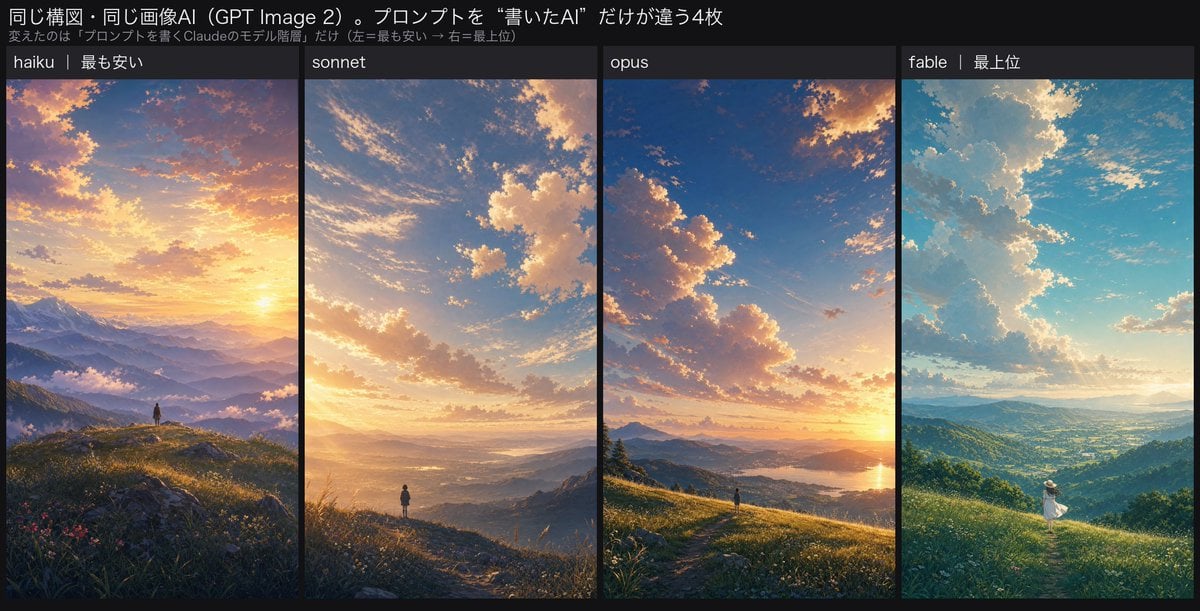
Four-Panel AI Landscape Comparison
Japanese Tatami Lifestyle Magazine Cover
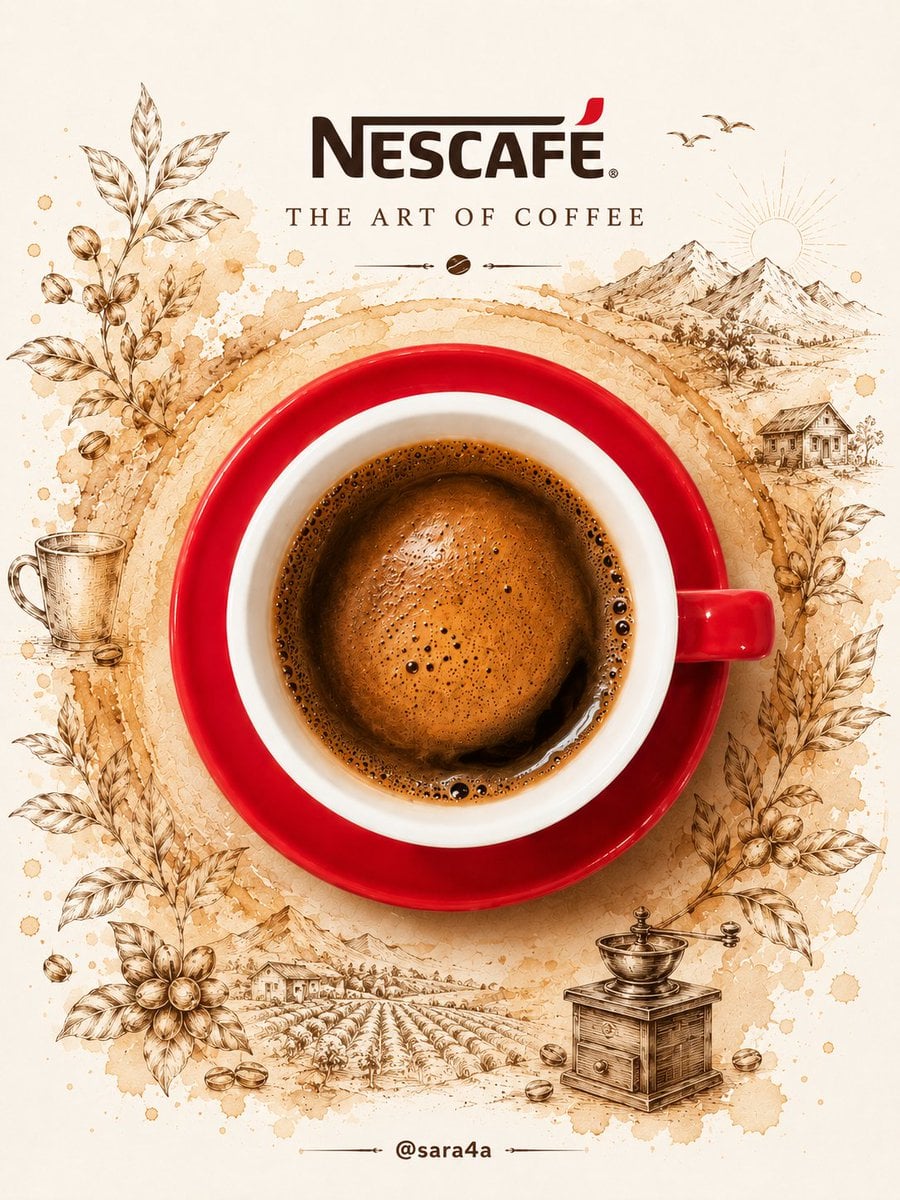
NESCAFÉ Coffee Map Poster
More image prompts
Fresh picks from across the catalog.
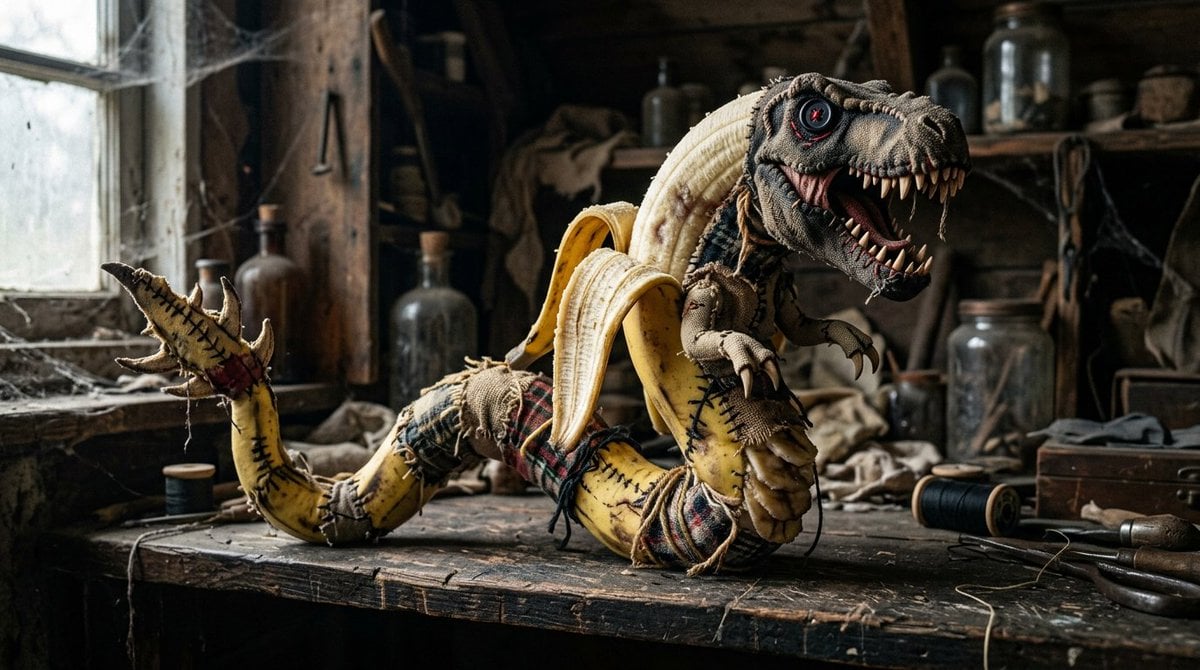
Rag Doll Banana T-Rex Monster

Low-Angle Anime Summer Hand Reach

Kylian Mbappé Devastated Photo
Old Photo Restoration and Upscaling
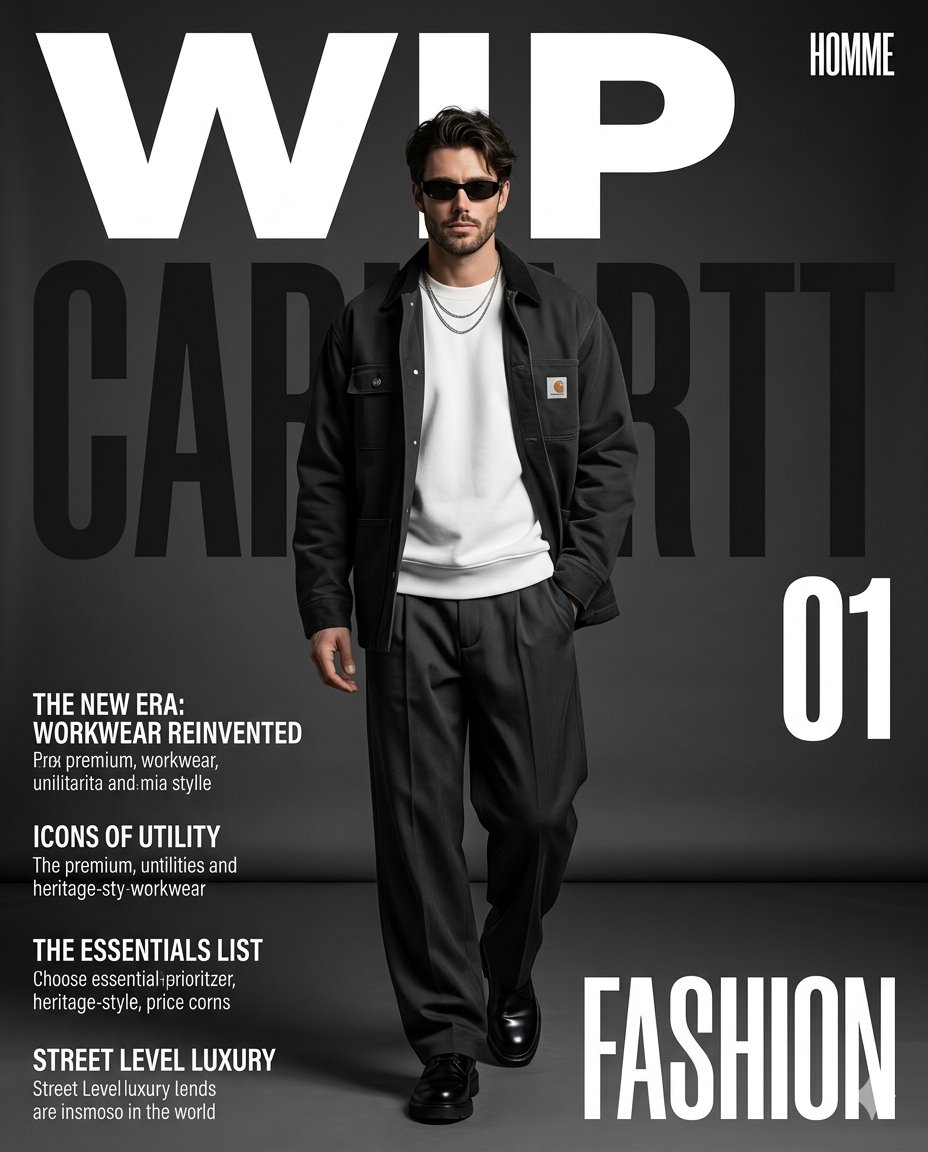
Premium Workwear Magazine Cover
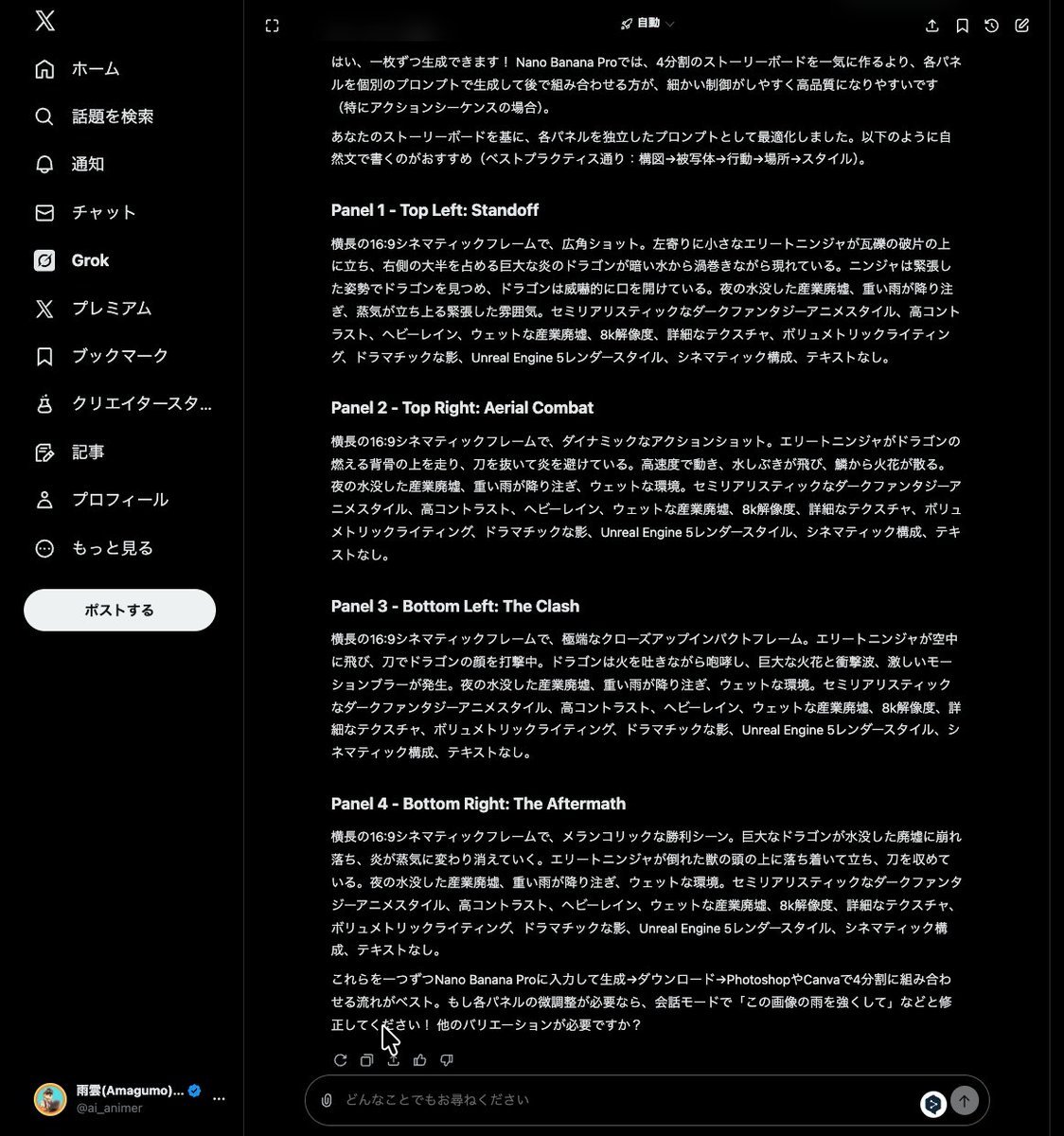
Grok Instruction for Generating Nano Banana Pro Image Prompts
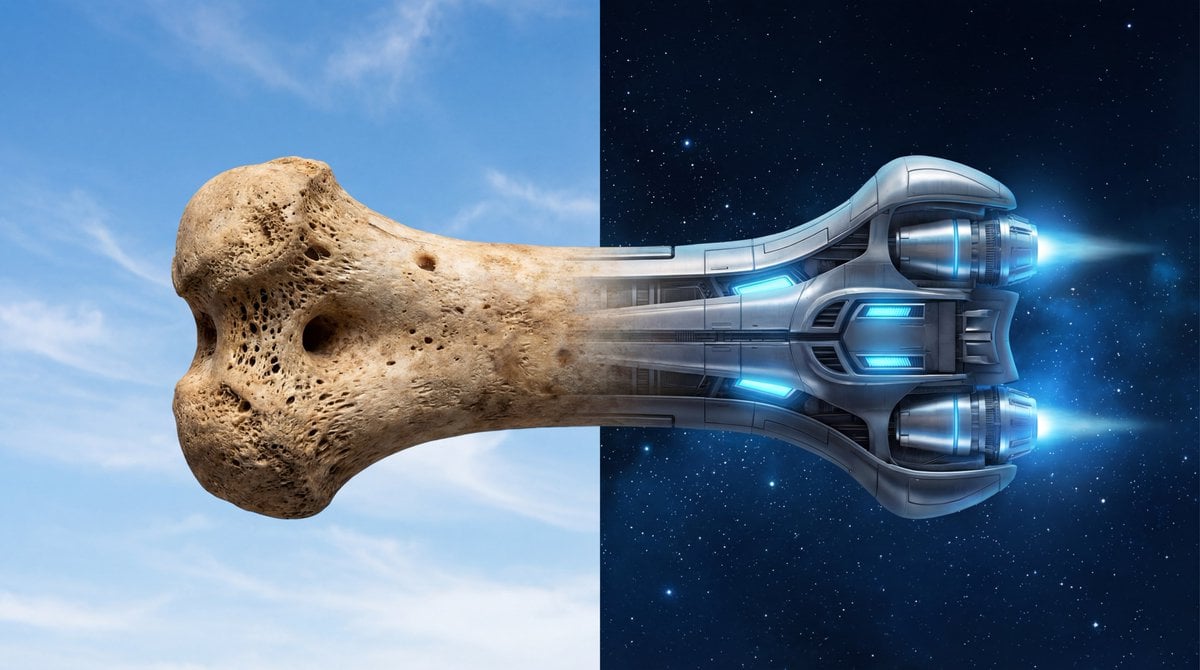
Bone to Spaceship Transition Image
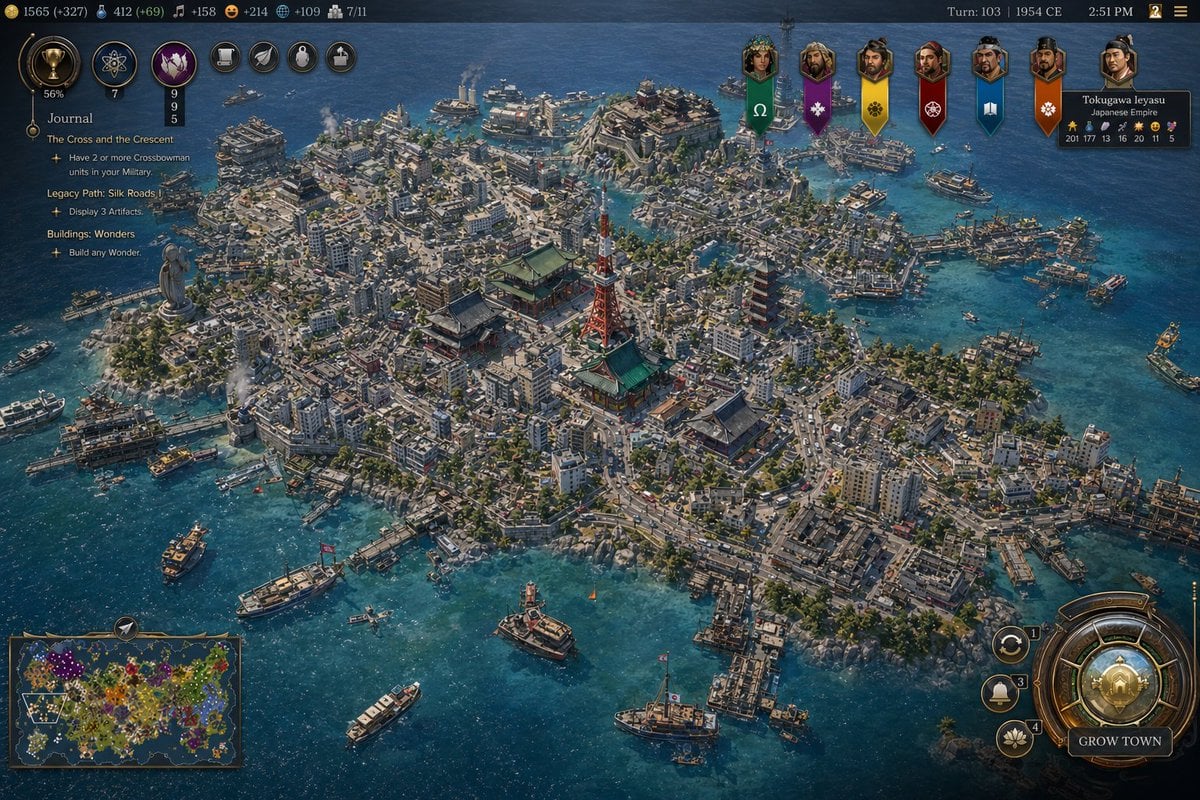
Civ-Style 1954 Tokyo Harbor Screenshot
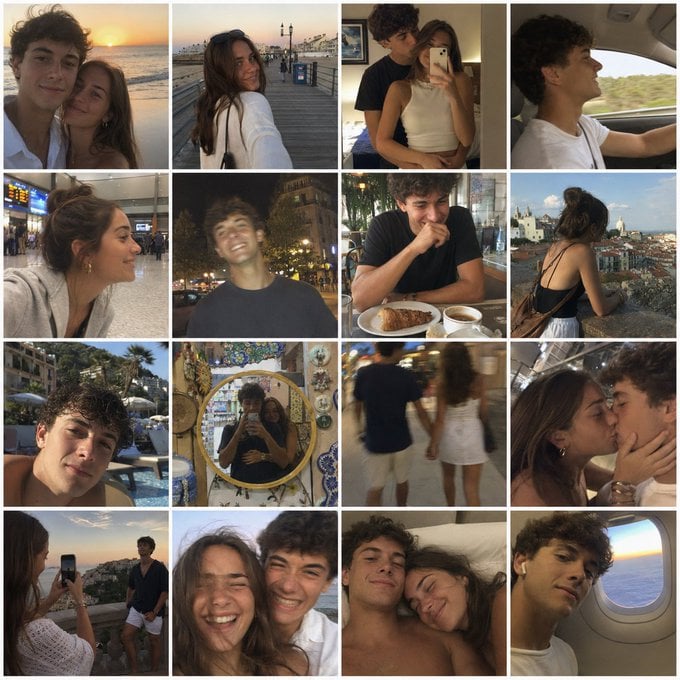
Nostalgic Vacation iPhone Snapshot Grid
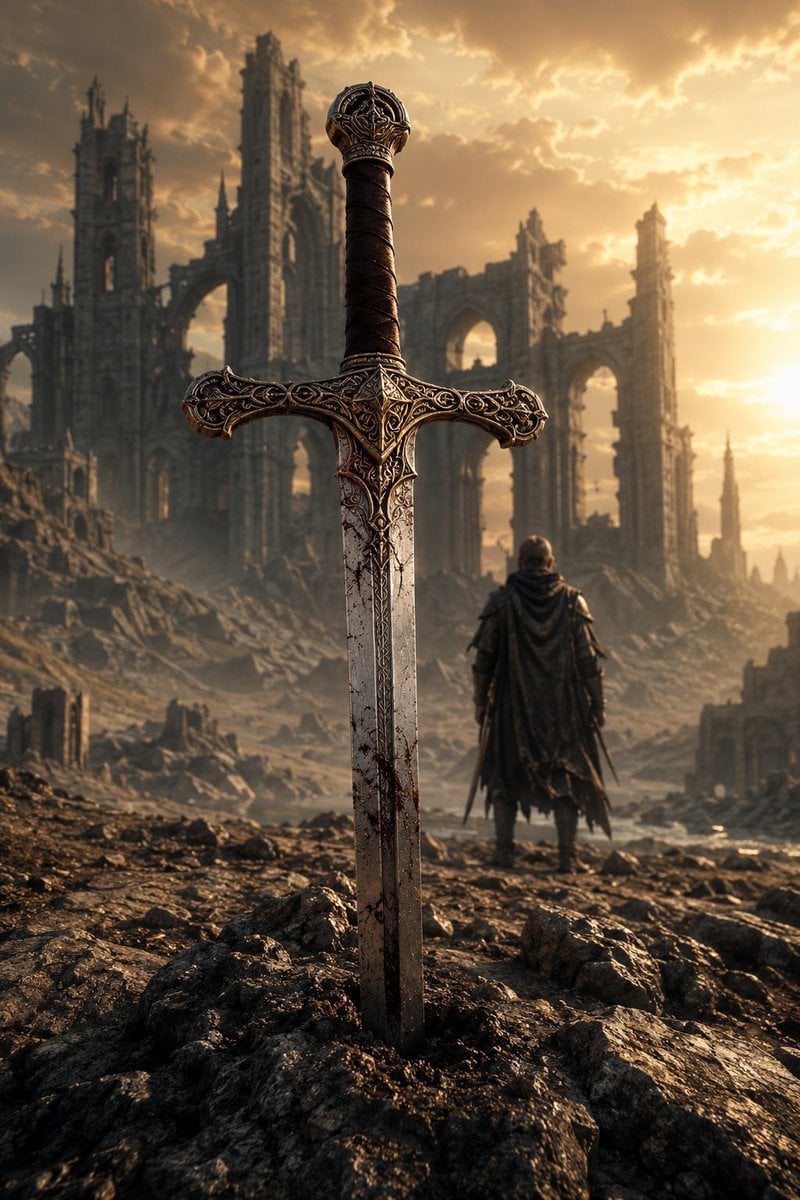
Medieval Fantasy Sword in Apocalyptic Landscape
Browse template categories
Brick Mini Set Box Mockup questions
How do I use the Brick Mini Set Box Mockup template?
Add your photo if the template asks for one, edit the prompt if you like — the template's model and format are already selected — and press Generate. Your version opens in PicX Studio.
Can I customize the Brick Mini Set Box Mockup template?
Yes. You can change the subject, setting, lighting, mood, format, and available model controls before creating your image.
Is the Brick Mini Set Box Mockup template free?
Opening and editing this template is free. Generating uses credits, shown on the Generate button when you are signed in.
Which AI model should I use?
Start with GPT Image 2, which is the model associated with this template. You can compare another compatible model for a different finish.
Looking for something else? Browse all templates.

Your photo, any look
Thousands of ready templates for every top image and video model, from one credit balance.