
Low-Angle Anime Summer Hand Reach
This prompt generates a cinematic single-character anime illustration of a woman in a windy summer countryside scene reaching toward the viewer, ideal for showcasing dramatic perspective and vivid seasonal atmosphere.

- Prompt included
- Model and format preset
- Free template
The prompt behind this image
Copy the exact prompt behind Low-Angle Anime Summer Hand Reach, or open it in the studio and make it yours.
A dramatic anime-style summer scene viewed from an extreme low angle with strong foreshortening: a young woman in a flowing white sundress and a wide-brim straw hat stands on a sunlit country path and reaches one hand directly toward the camera, her open palm dominating the foreground in exaggerated perspective as if inviting the viewer to take her hand. She has very long {argument name="hair color" default="deep black"} hair streaming powerfully sideways in the wind, and a white ribbon tied to the hat also whips through the air. Her dress is sleeveless, softly pleated, light and breezy, cinched at the waist with a fabric bow on one side, with glossy sunlight highlights on her skin and fabric. The composition emphasizes motion, scale, and cinematic depth, with the character towering against a vivid cobalt summer sky filled with a few wispy cloud streaks and puffy white clouds near the horizon. Place her on a paved rural walkway bordered by rustic wooden fences on both sides, with green fields and distant low mountains in the background. Use crisp cel-shaded anime rendering with painterly detail, saturated colors, bright midday lighting, high contrast, ultra-clean linework, and a sense of awe and freedom. No text, no additional characters, single-subject illustration.
How to use Low-Angle Anime Summer Hand Reach in 3 steps
- 1Upload ImagePNG, JPG or paste
Add your photo
Upload the photo the template builds on. The prompt, model and format are already set.
- 2…a portrait of your subject in softgolden-hour light, 85mm…
Personalize
Edit the subject and creative details for your destination.
- 3Generate
Generate
Press Generate — your image is created in PicX Studio, so you can compare it with the original and refine one variable at a time.
More like this
Templates with the same subject, style or setup. Open one to see its prompt.
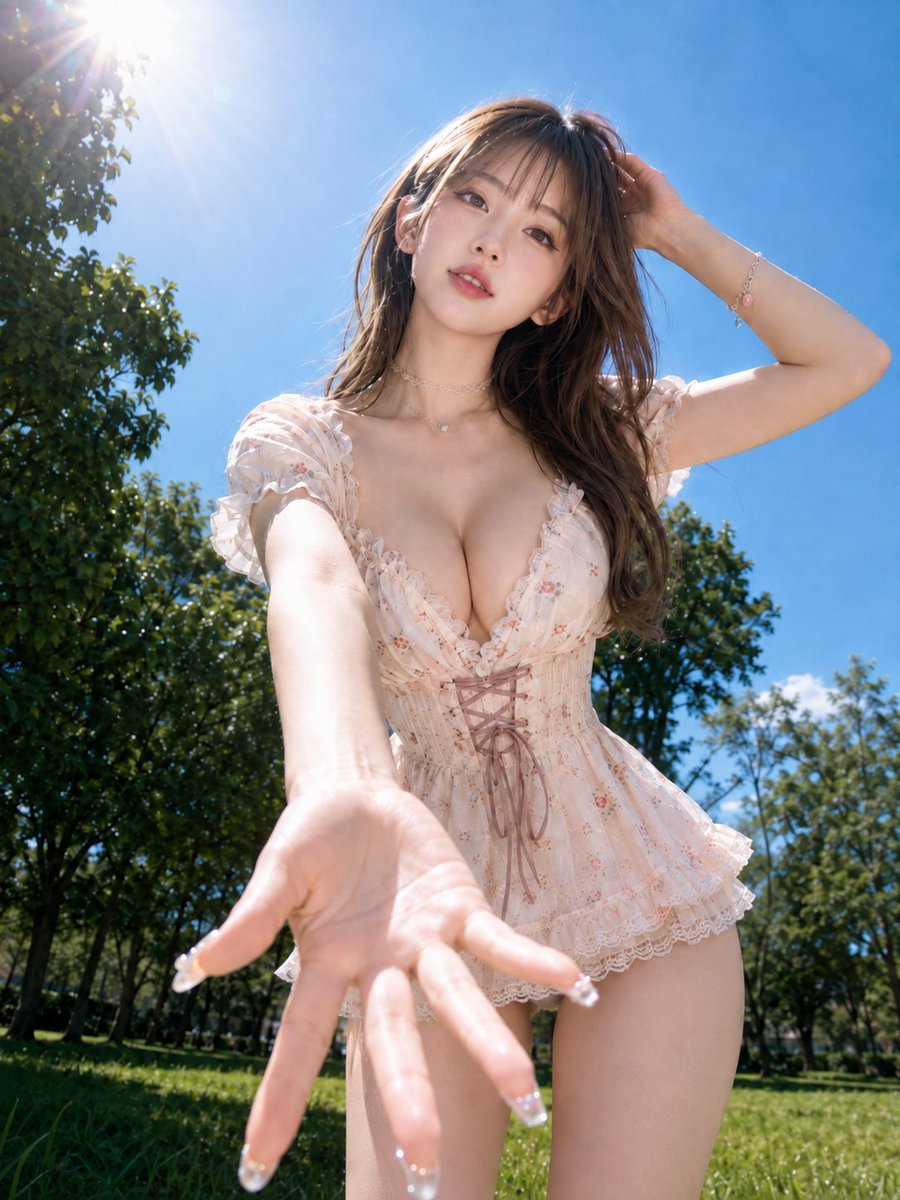
Reaching Hand in Summer Park
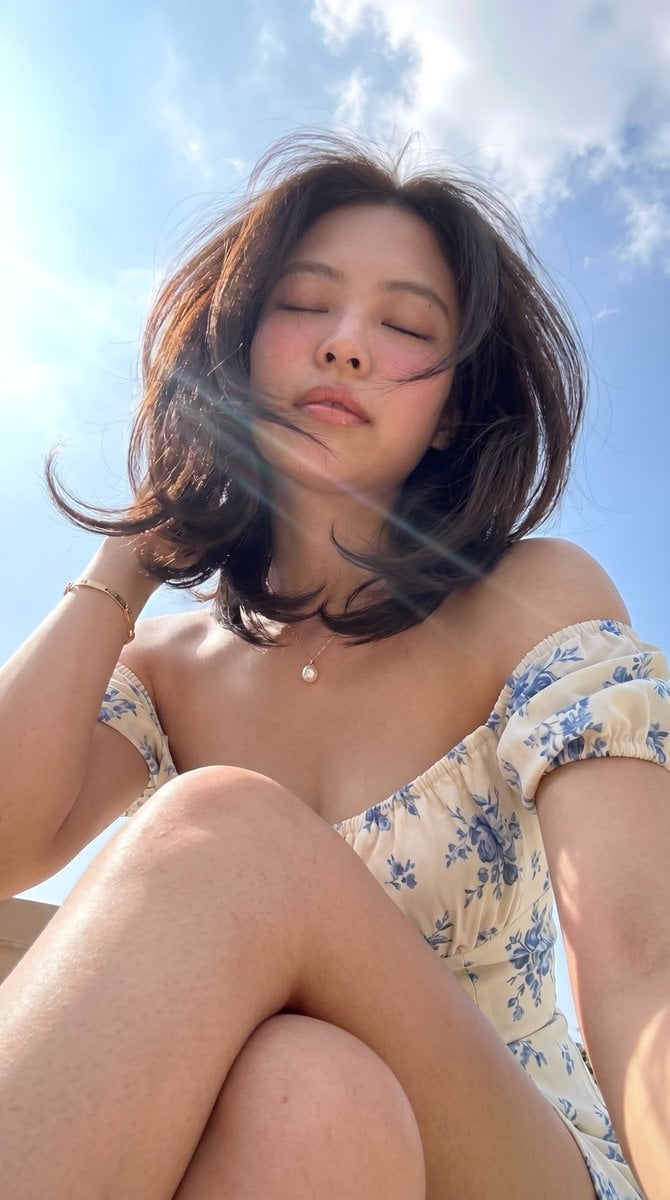
Low-Angle Summer Sky Portrait
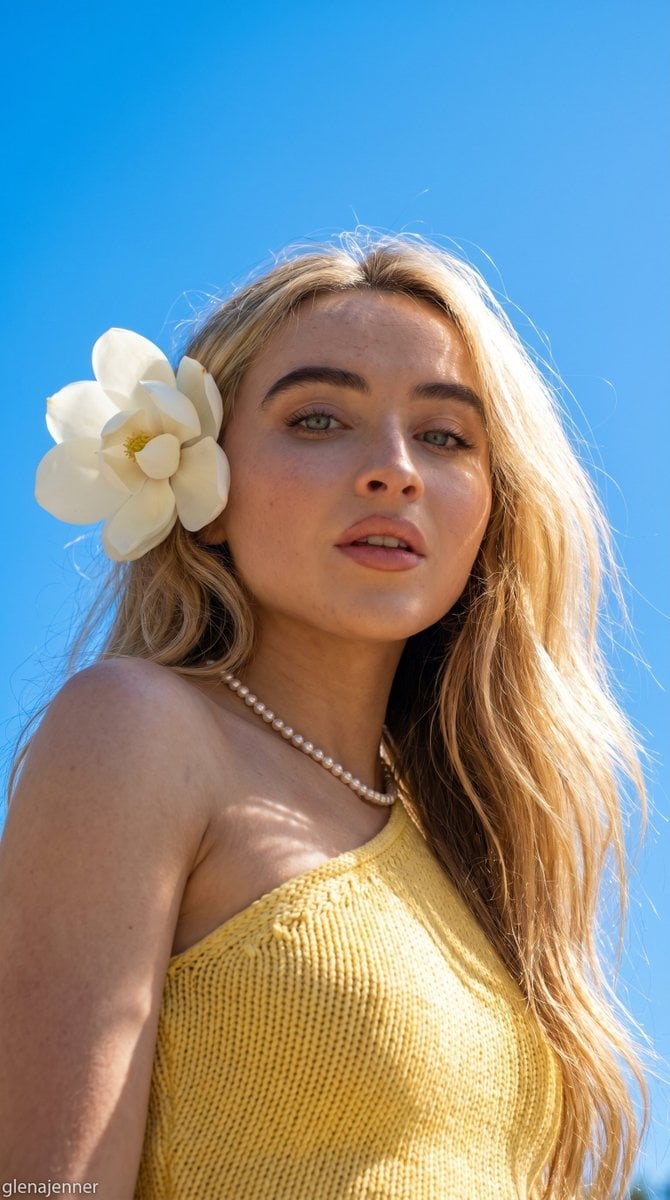
Low-Angle Summer Sky Portrait

Anime Fairy Godmother Glow
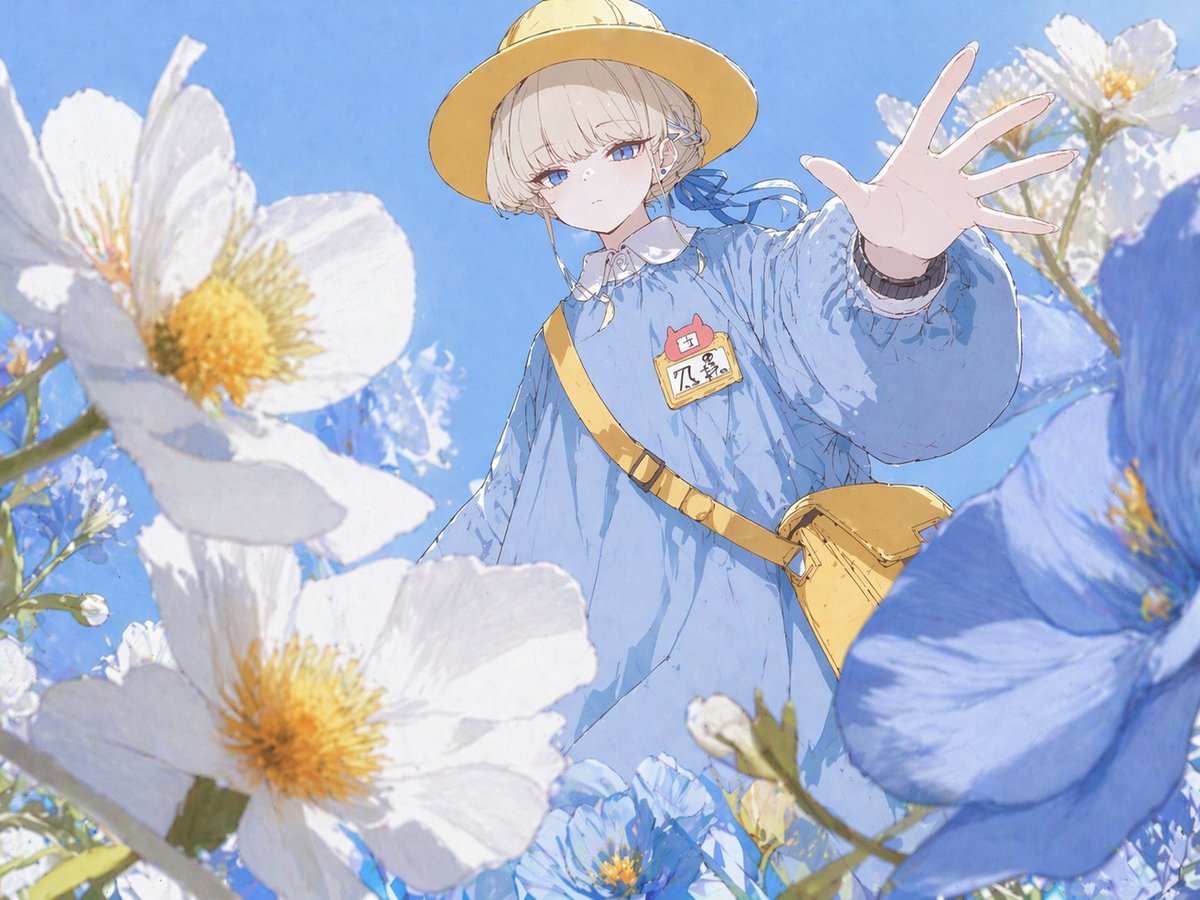
Anime Girl Reaching Through Flowers
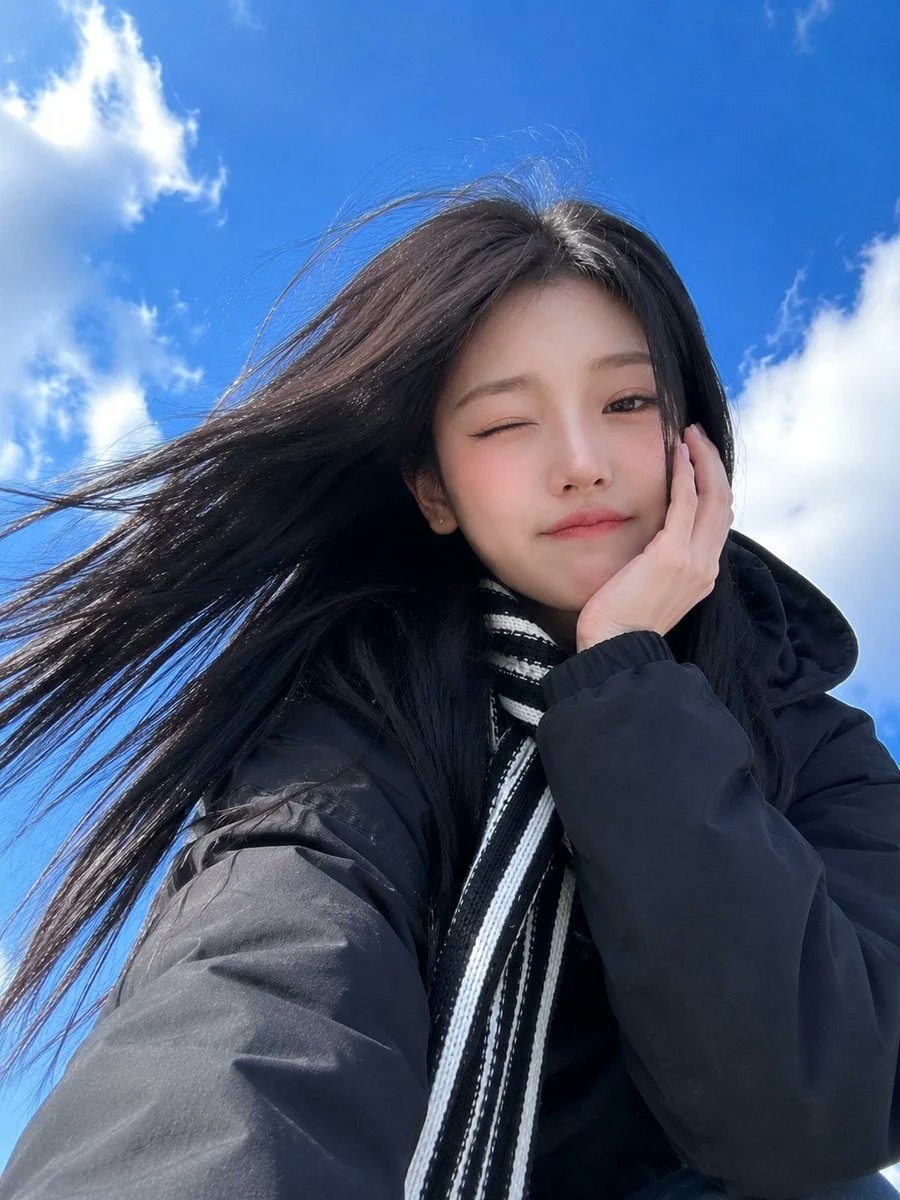
Low-Angle Winter Scarf Selfie
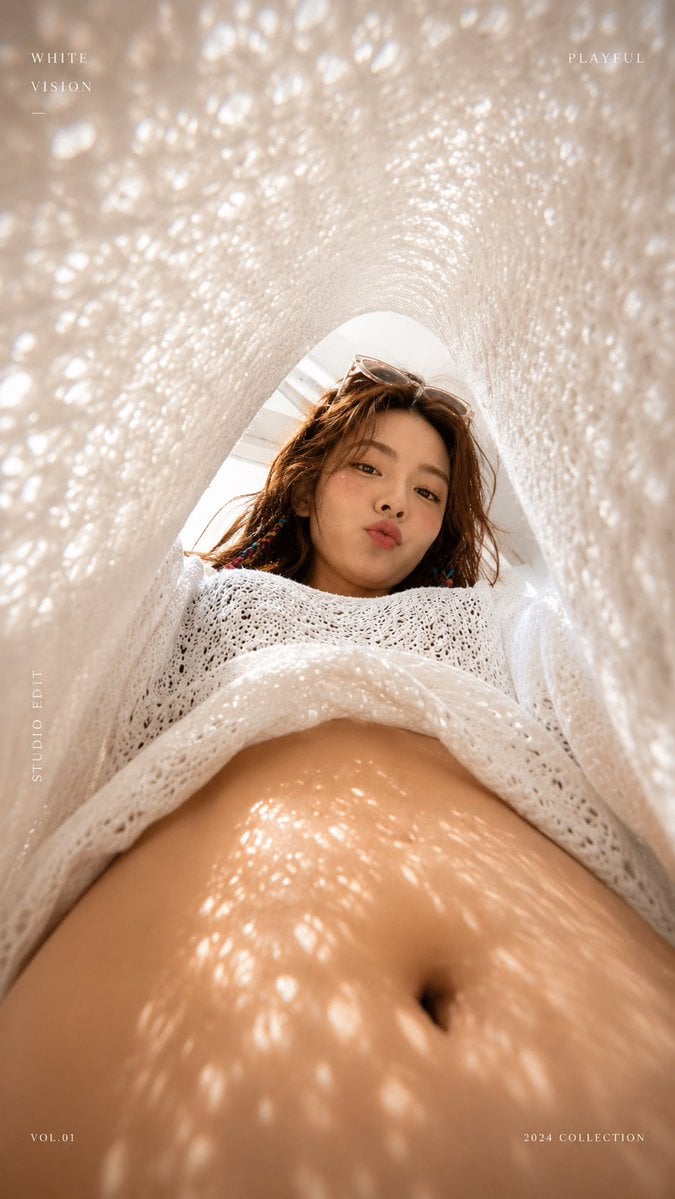
White Lace Low-Angle Editorial

Pastel Anime Summer Beach Collage
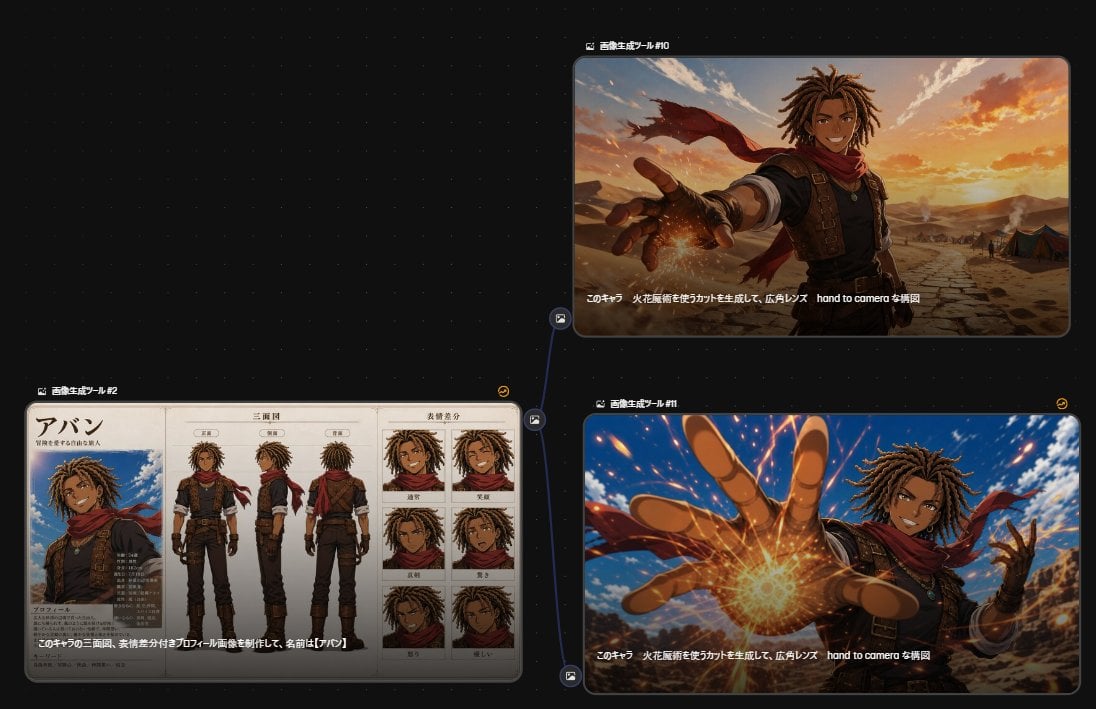
Anime Character Generation Workflow
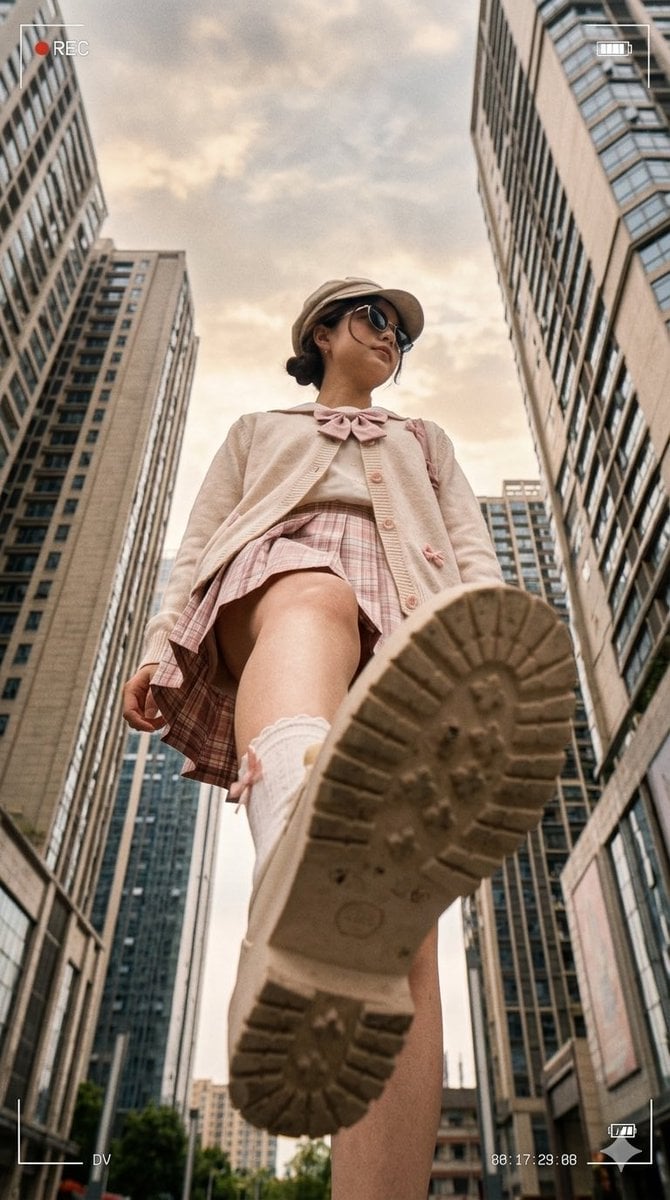
Low Angle Urban DV Style Portrait
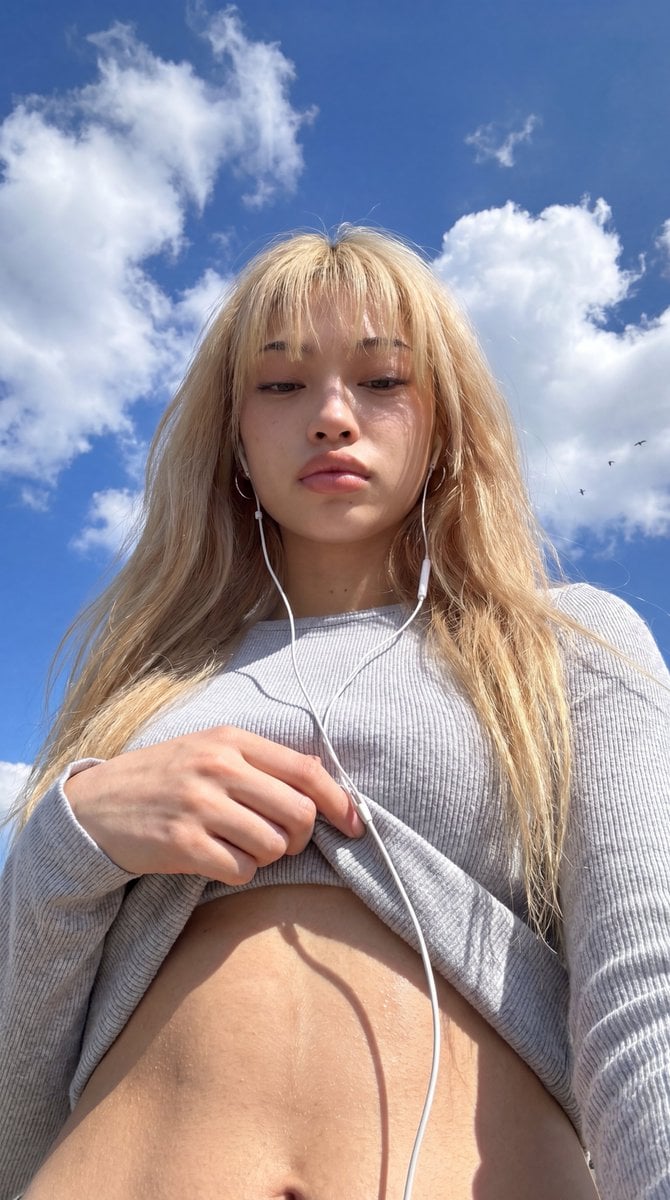
Low-Angle Wide-Sky Smartphone Selfie
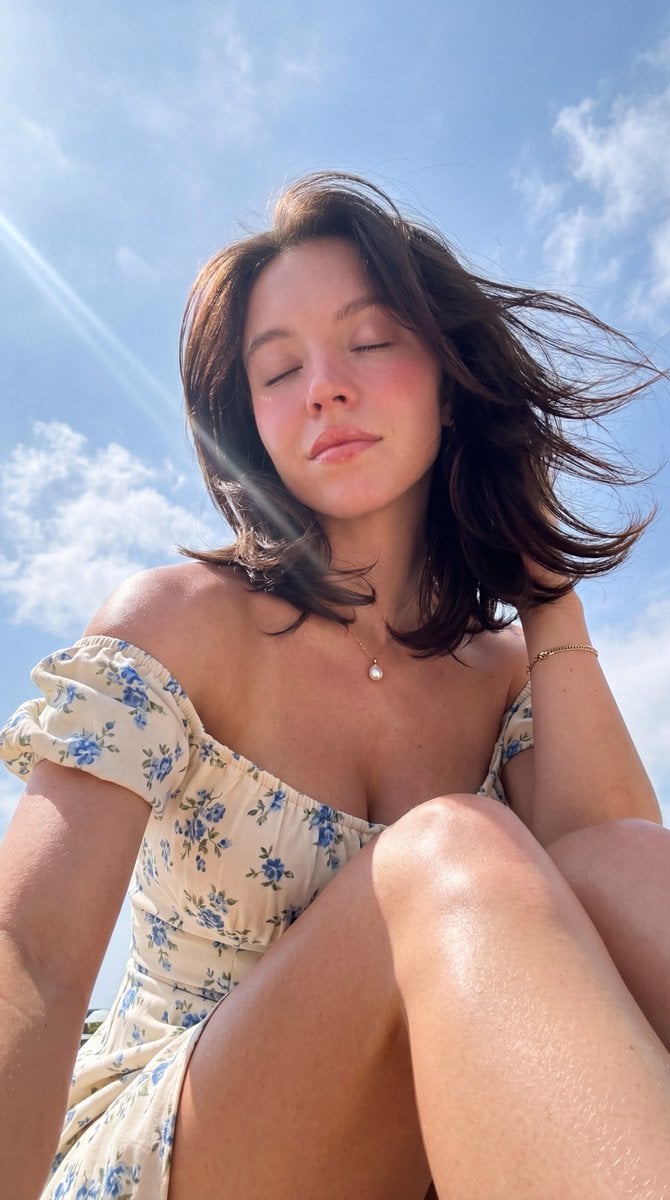
Hyper-Photorealistic Low Angle Portrait
Make it yours
Low-Angle Anime Summer Hand Reach works as-is. These are the safest ways to change it without losing the look.
Change one field
Copy a single group, rewrite it, and generate again so you can see what that field is doing.
Keep the frame, change the subject
Hold the composition and light of Low-Angle Anime Summer Hand Reach, then swap wardrobe, props or the person for a new take.
| If the result… | Why | Fix |
|---|---|---|
| The result drifts from the preview | Too many fields changed at once. | Reuse Low-Angle Anime Summer Hand Reach as-is first, then change one group — subject, light, or setting. |
| The model over-stylizes the scene | The prose prompt leaves finish and camera underspecified. | Add one camera or lighting sentence and stay on GPT Image 2. |
More GPT Image 2 templates
Other prompts made for GPT Image 2.

Six VTuber Japanese Logo Sheet

Realistic Portrait of Woman and Deer

The Vista Modular Condo Poster

AI Model Routing Comparison Infographic

2.5D Anime Art Board

Isometric Productivity Desk Scene

New York Double Exposure Poster

Four-Panel AI Landscape Comparison

Japanese Tatami Lifestyle Magazine Cover

NESCAFÉ Coffee Map Poster
More image prompts
Fresh picks from across the catalog.
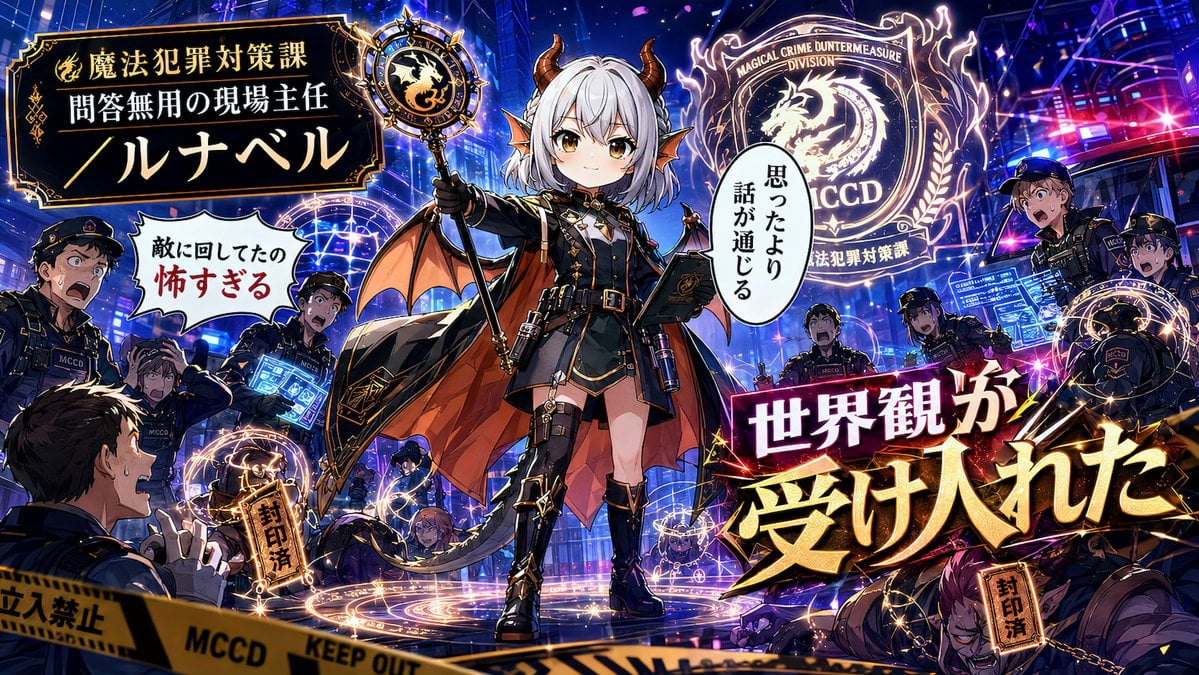
Alternative Faction Character Success Story
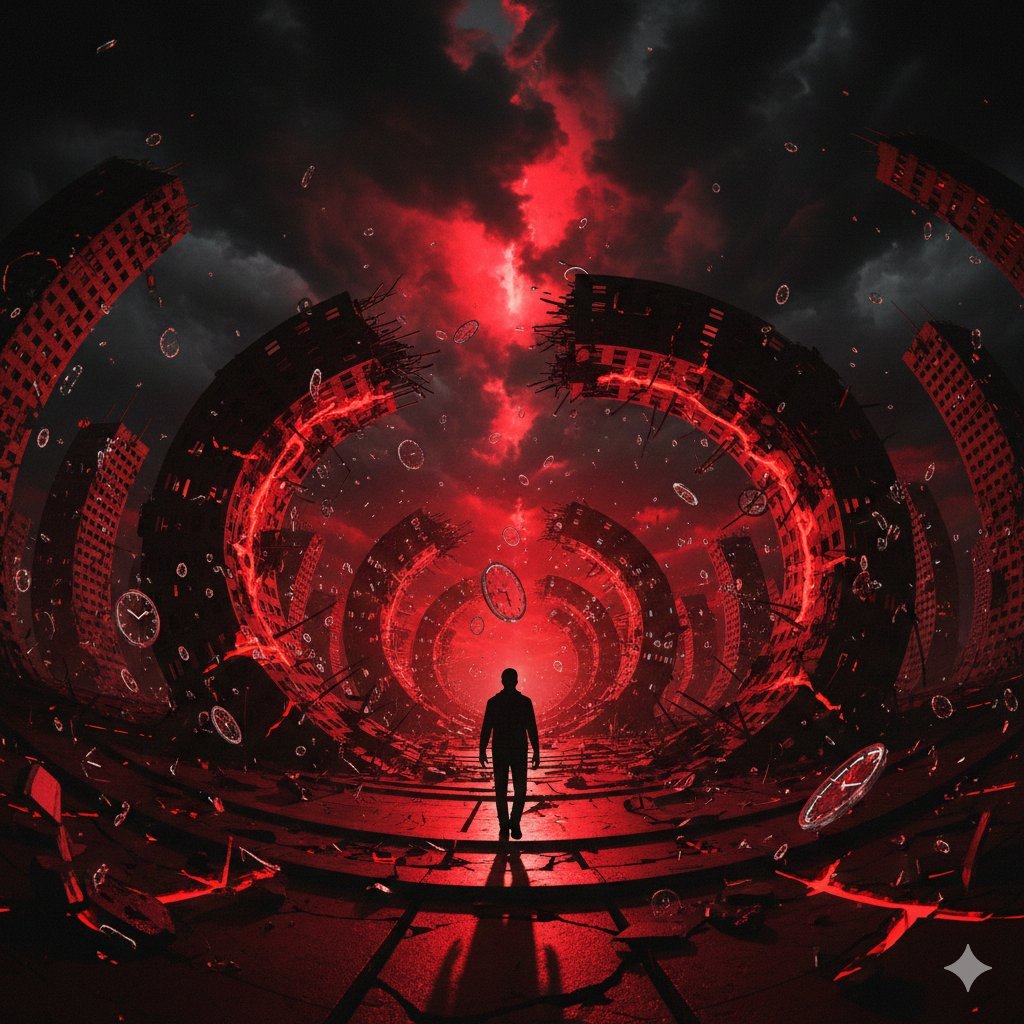
Surreal Physics Dystopia Image Generation Prompt

High-Concept 3D Diorama Generation Prompt
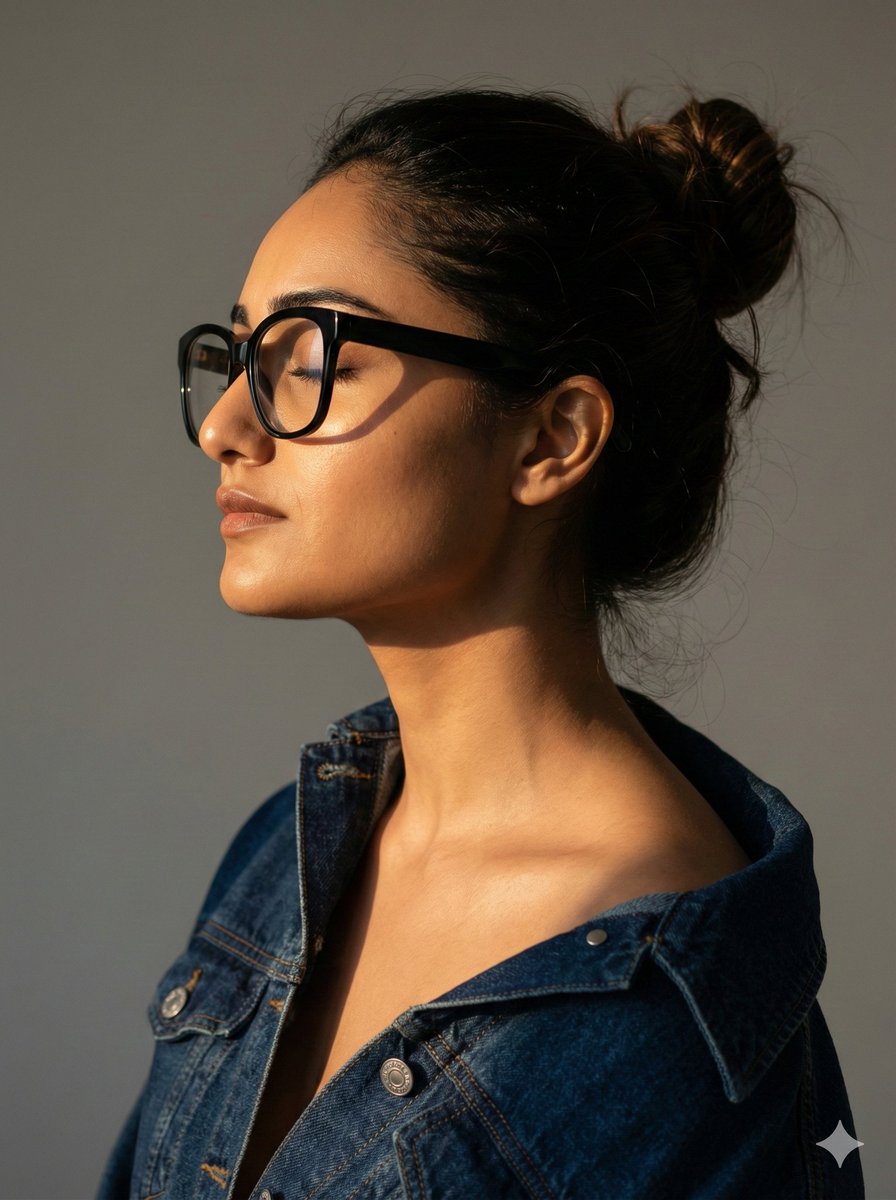
Cinematic Profile Portrait with Identity Preservation
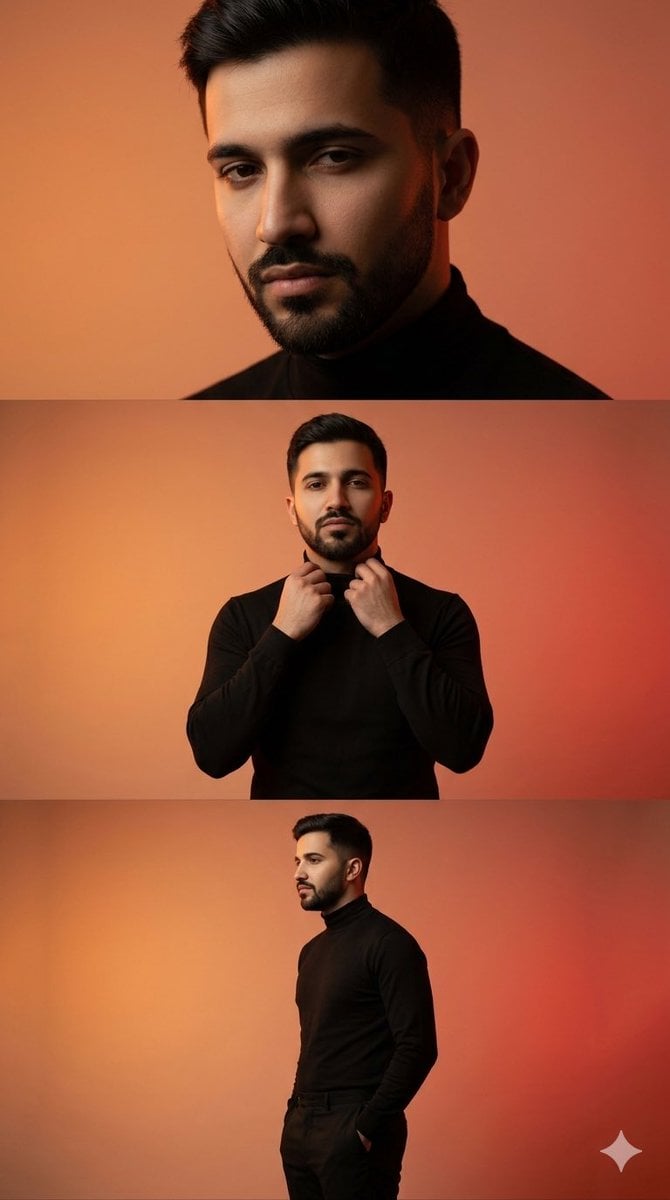
Vertical collage of a stylish young man

Anime Style Character Transformation
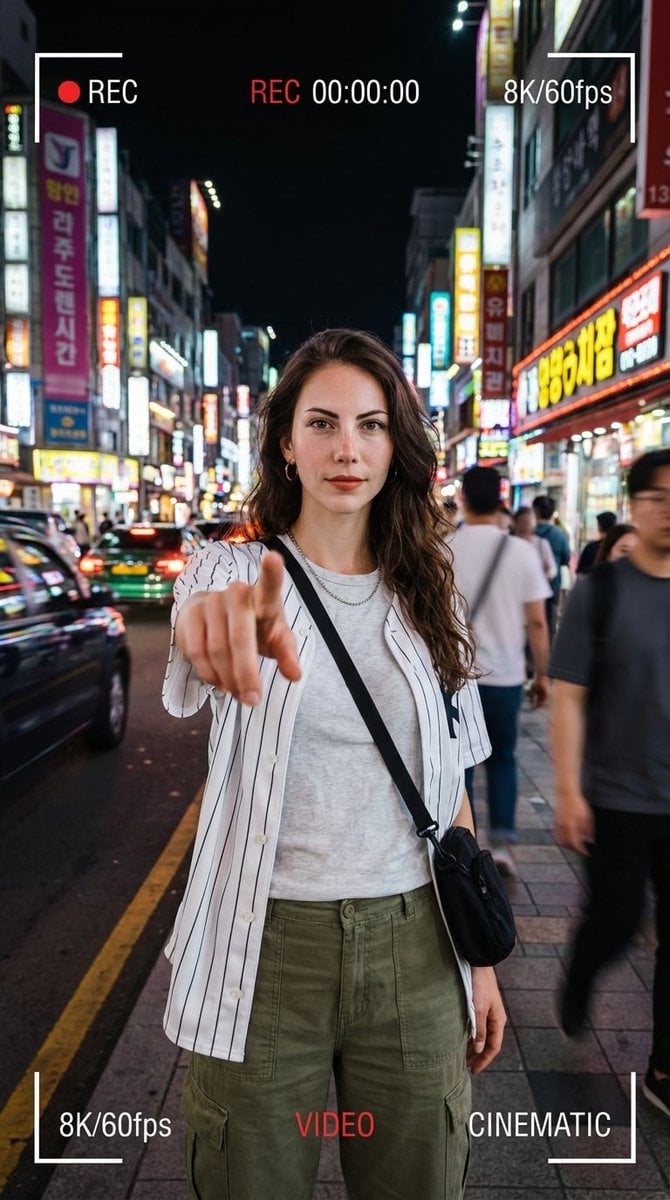
Hyper-Realistic Urban Night Portrait with UI Overlay
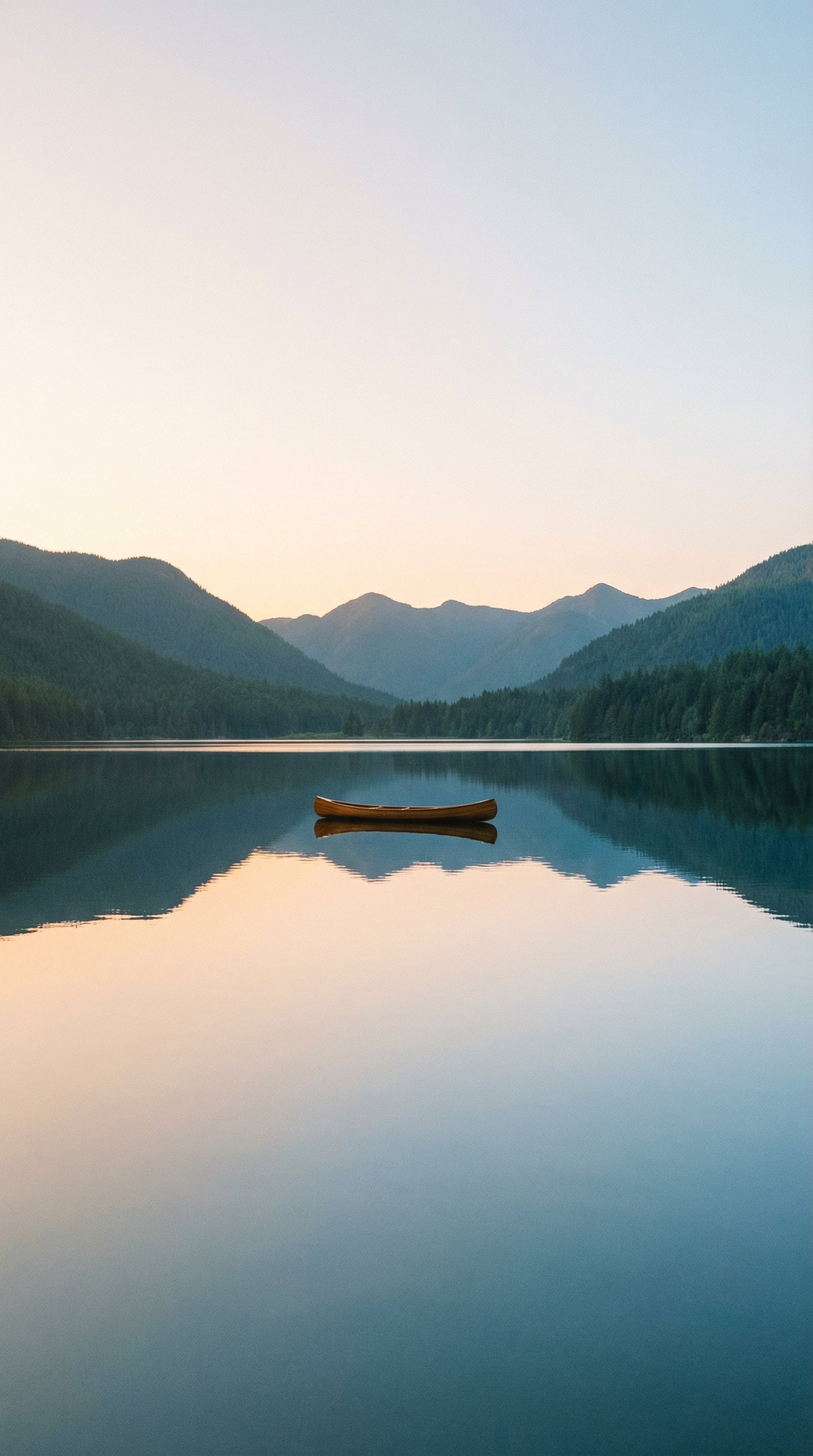
untitled
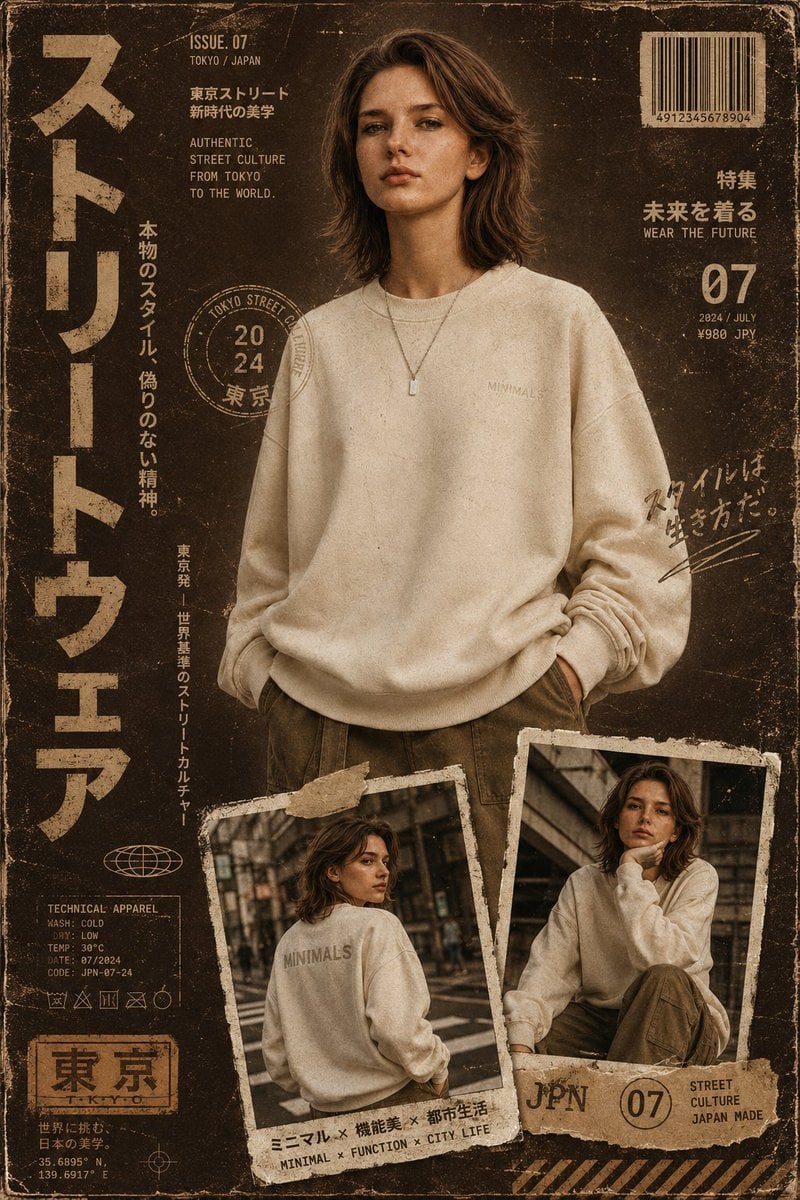
Streetwear Magazine Layout Template
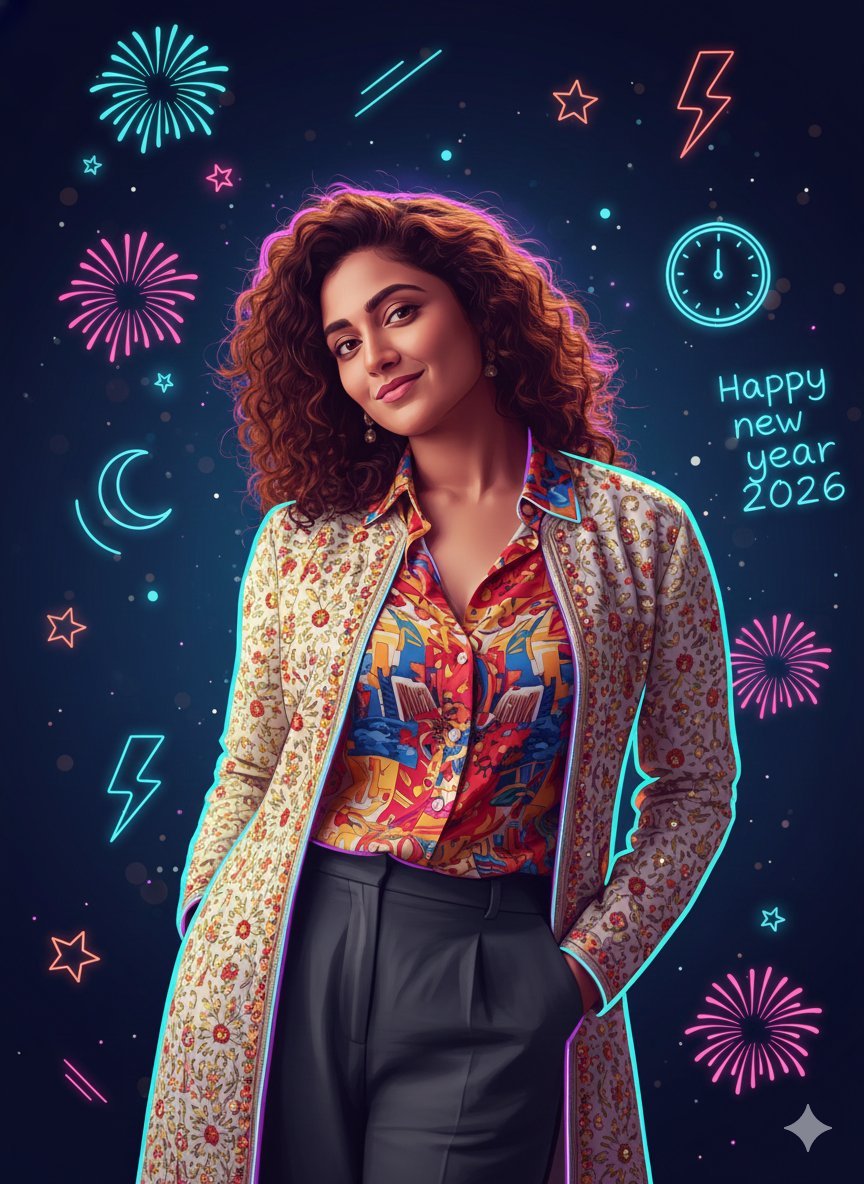
Sigma Dark Neon New Year 2026 Doodle Illustration Prompt
Browse template categories
Low-Angle Anime Summer Hand Reach questions
How do I use the Low-Angle Anime Summer Hand Reach template?
Add your photo if the template asks for one, edit the prompt if you like — the template's model and format are already selected — and press Generate. Your version opens in PicX Studio.
Can I customize the Low-Angle Anime Summer Hand Reach template?
Yes. You can change the subject, setting, lighting, mood, format, and available model controls before creating your image.
Is the Low-Angle Anime Summer Hand Reach template free?
Opening and editing this template is free. Generating uses credits, shown on the Generate button when you are signed in.
Which AI model should I use?
Start with GPT Image 2, which is the model associated with this template. You can compare another compatible model for a different finish.
Looking for something else? Browse all templates.

Your photo, any look
Thousands of ready templates for every top image and video model, from one credit balance.