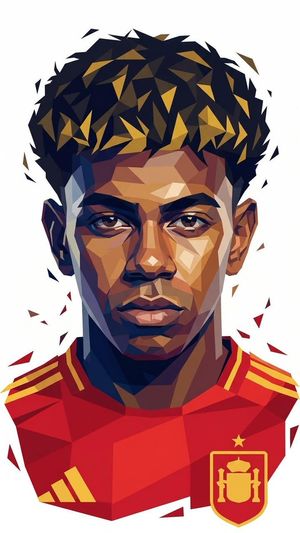
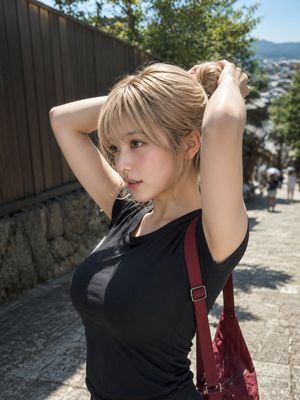
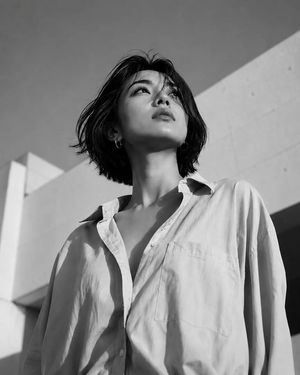
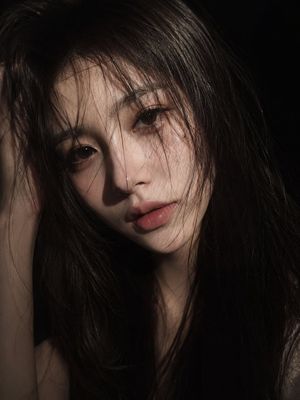
How do I use the Low-Angle Summer Sky Portrait template?
Choose the primary action to open PicX Studio with the available template settings. Review the model and format, personalize the creative direction, and generate when ready.
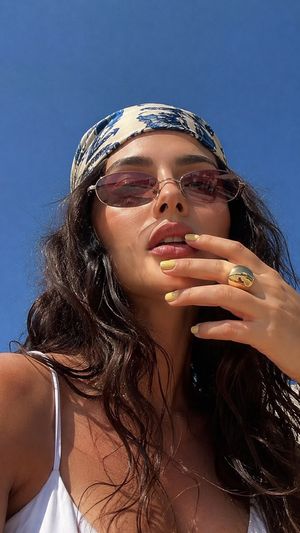
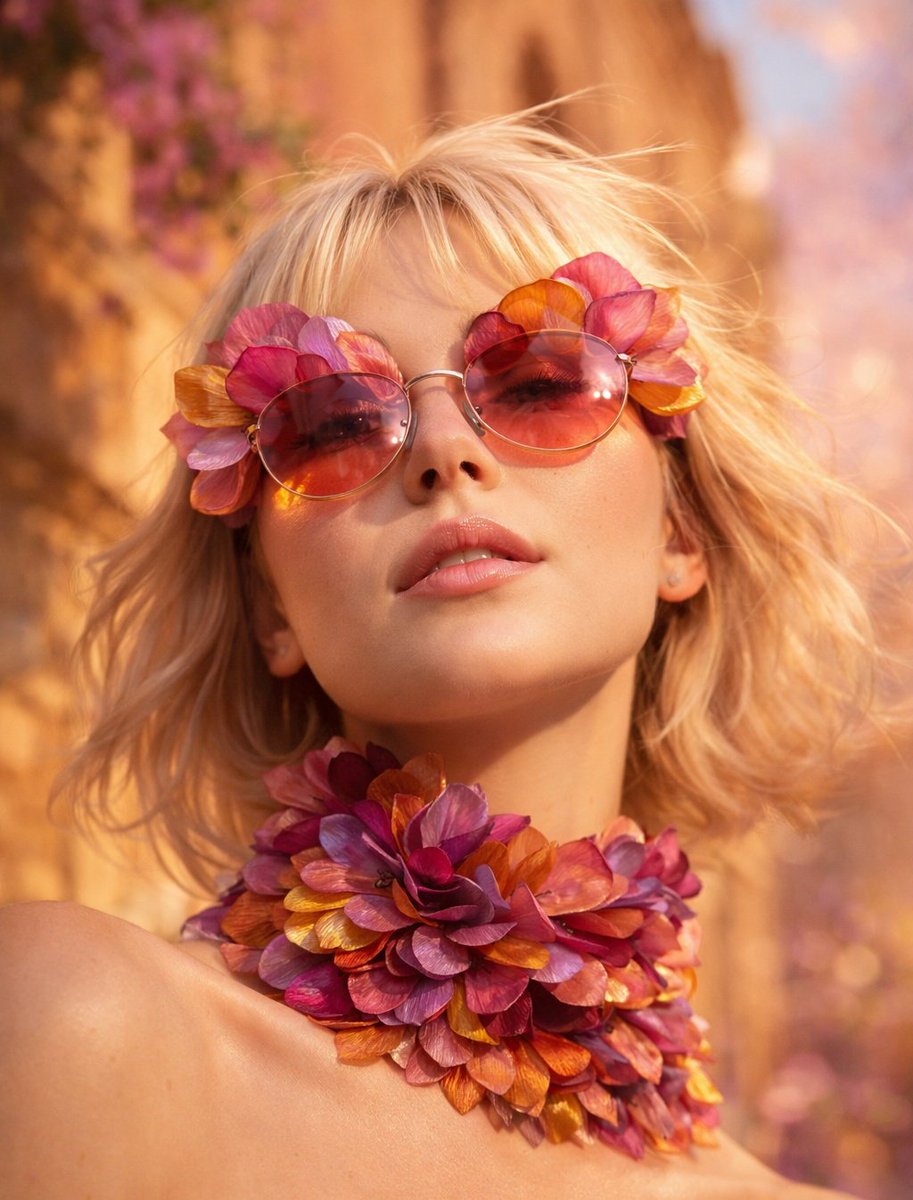
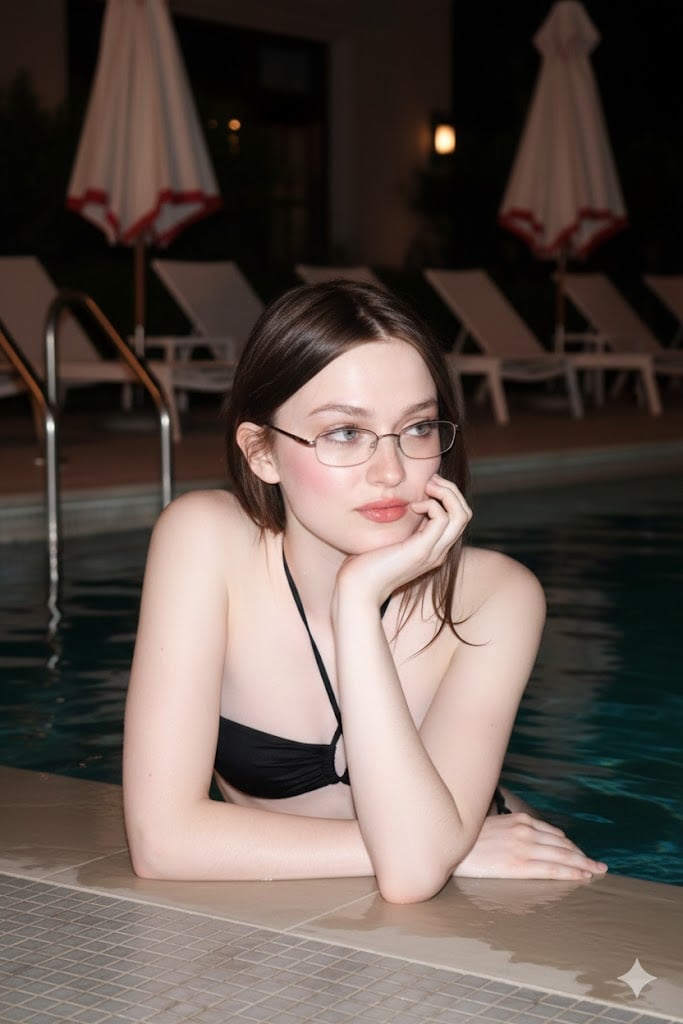
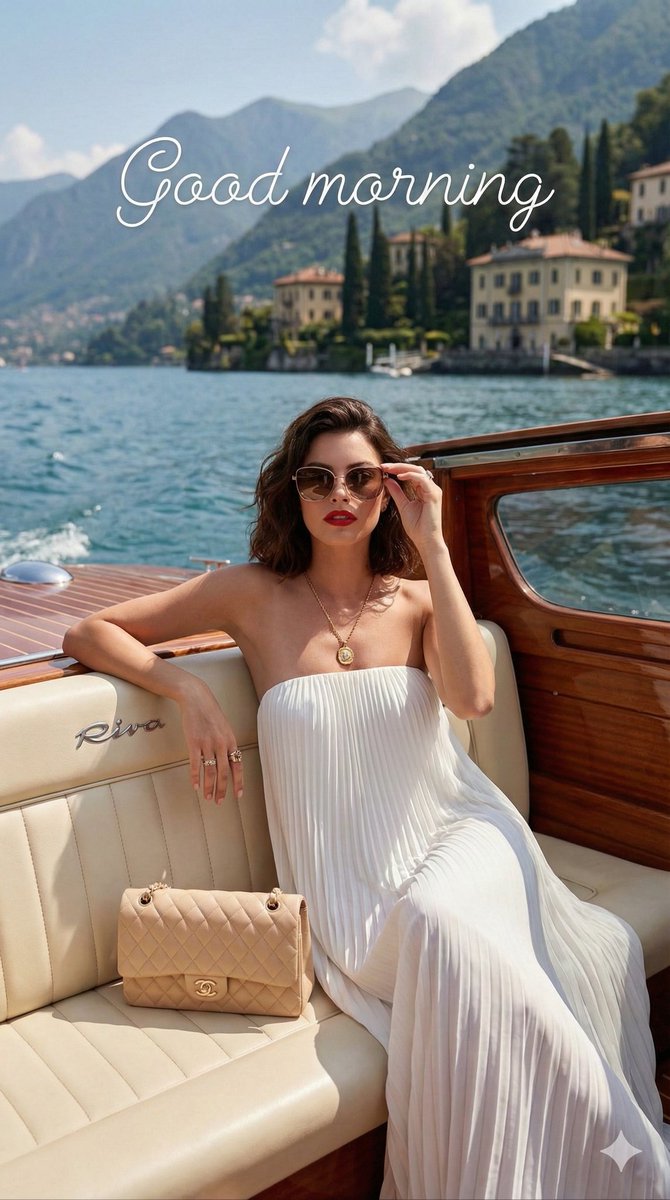
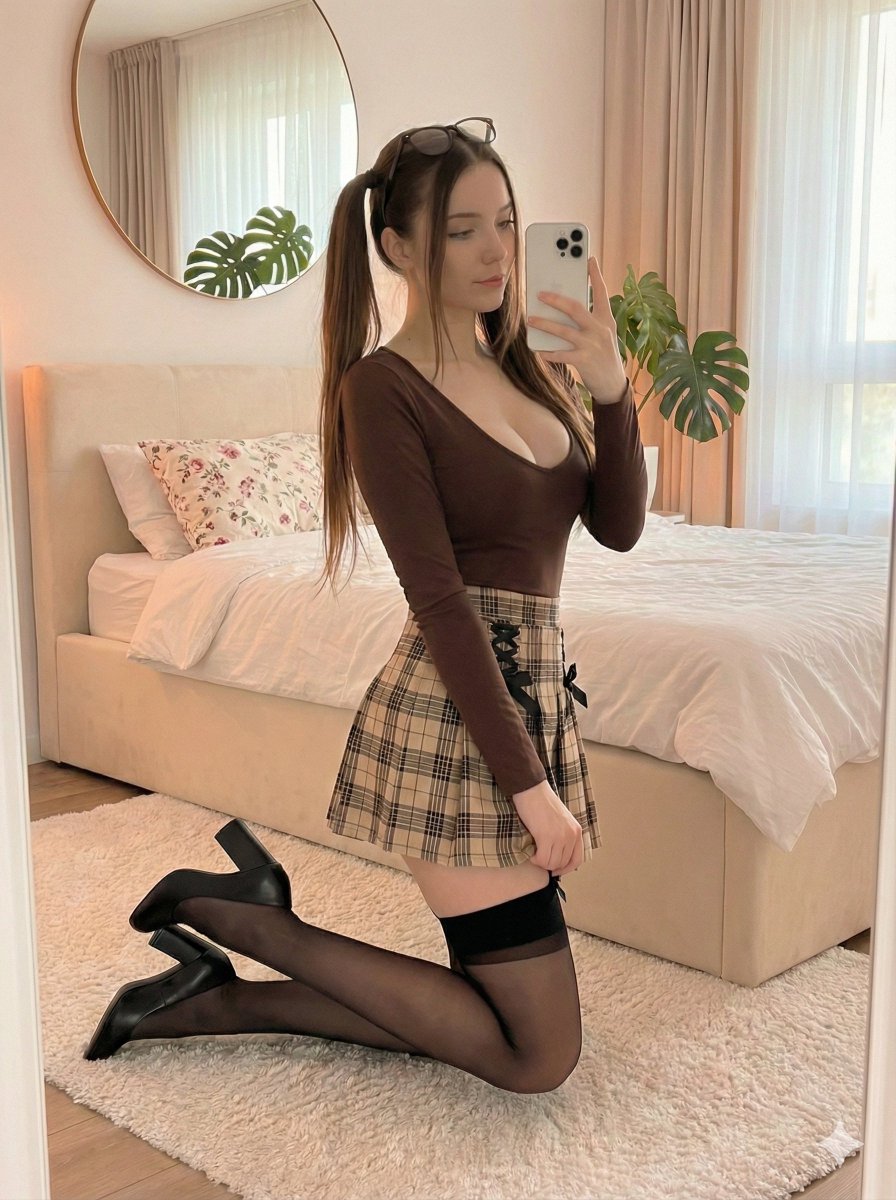
A striking low-angle portrait prompt for a subject under a clear blue sky, featuring a magnolia flower accessory and rim lighting.
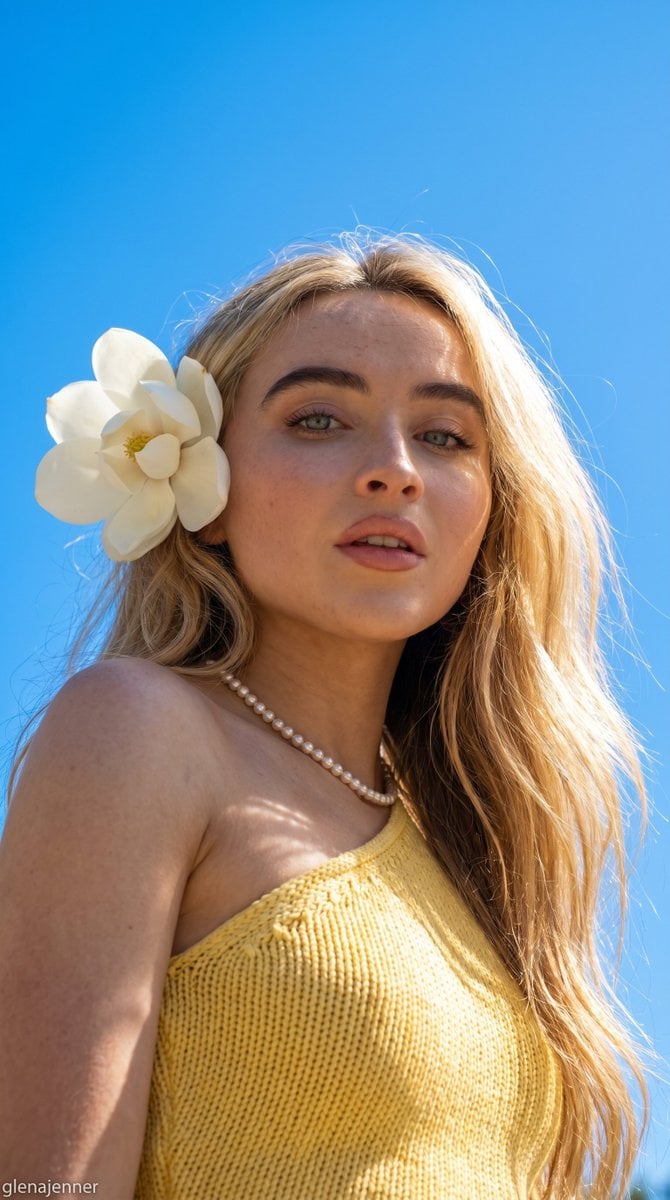
{ "scene": { "setting": "outdoor portrait under a clear summer sky", "background": "vibrant cloudless blue sky with subtle wisps of white clouds, open-air environment, bright natural daylight creating a clean and minimalist backdrop", "lighting": "natural golden sunlight from behind and above subject, realistic rim lighting around hair, soft facial illumination, authentic outdoor highlights and shadows, slight lens glow from direct sunlight" }, "subject": { "type": "female", "pose": "low-angle close-up portrait, head slightly tilted forward, shoulders relaxed, looking directly toward camera with confident posture", "expression": "calm confident expression with softly parted lips, relaxed eyes, elegant and sophisticated mood", "face": "Use uploaded reference image, keep identity exact, preserve natural facial proportions, realistic skin texture with visible pores, subtle peach fuzz, natural imperfections, no artificial smoothing", "hair": "Use uploaded reference image, keep identity exact hair color, long flowing hair, realistic individual strands, natural movement from light breeze, illuminated edges from sunlight", "eyes": "Use uploaded reference image, keep identity exact, realistic catchlights from natural daylight, highly detailed iris texture", "skin": "natural skin tone with realistic texture, visible pores, authentic complexion variation, soft sunlight highlights, realistic subsurface scattering", "body": "accurate anatomy with natural proportions and realistic posture" }, "clothing": { "outfit": "{argument name="outfit" default="red one-shoulder knitted top"} with visible woven texture, realistic fabric details and natural folds", "footwear": "not visible", "accessories": "single pearl necklace, {argument name="flower" default="large white magnolia flower"} tucked beside hair, minimal elegant styling" }, "environment_details": { "props": "{argument name="flower" default="large white magnolia flower"} positioned near ear", "atmosphere": "fresh summer day, elegant outdoor beauty editorial, serene and luxurious aesthetic", "details": "natural hair movement, realistic sunlight reflections, authentic skin rendering, subtle atmospheric depth, clean outdoor environment" }, "camera": { "angle": "low-angle portrait perspective looking upward toward subject", "framing": "close-up portrait capturing head, shoulders and upper chest", "focus": "sharp focus on face with natural depth separation", "lens": "50mm professional portrait lens with realistic optical rendering", "settings": "f/2.8 aperture, ISO 100, 1/1000 shutter speed, full-frame mirrorless camera" }, "style": { "realism": "ultra realistic outdoor beauty photography", "color_tone": "rich blue sky, warm natural skin tones, {argument name="hair color" default="deep burgundy-red"} hair, clean white accents" } }
Choose the primary action to open PicX Studio with the available template settings. Review the model and format, personalize the creative direction, and generate when ready.
Yes. You can change the subject, setting, lighting, mood, format, and available model controls before creating your image.
This template is free to open and customize. Generation usage is shown in PicX Studio before you create.
Start with Nano Banana 2, which is the model associated with this template. You can compare another compatible model for a different finish.
Follow a topic to a crawlable collection of related PicX Studio templates.