
untitled
untitled is a ready photo look for Seedance 2.0 Standard.
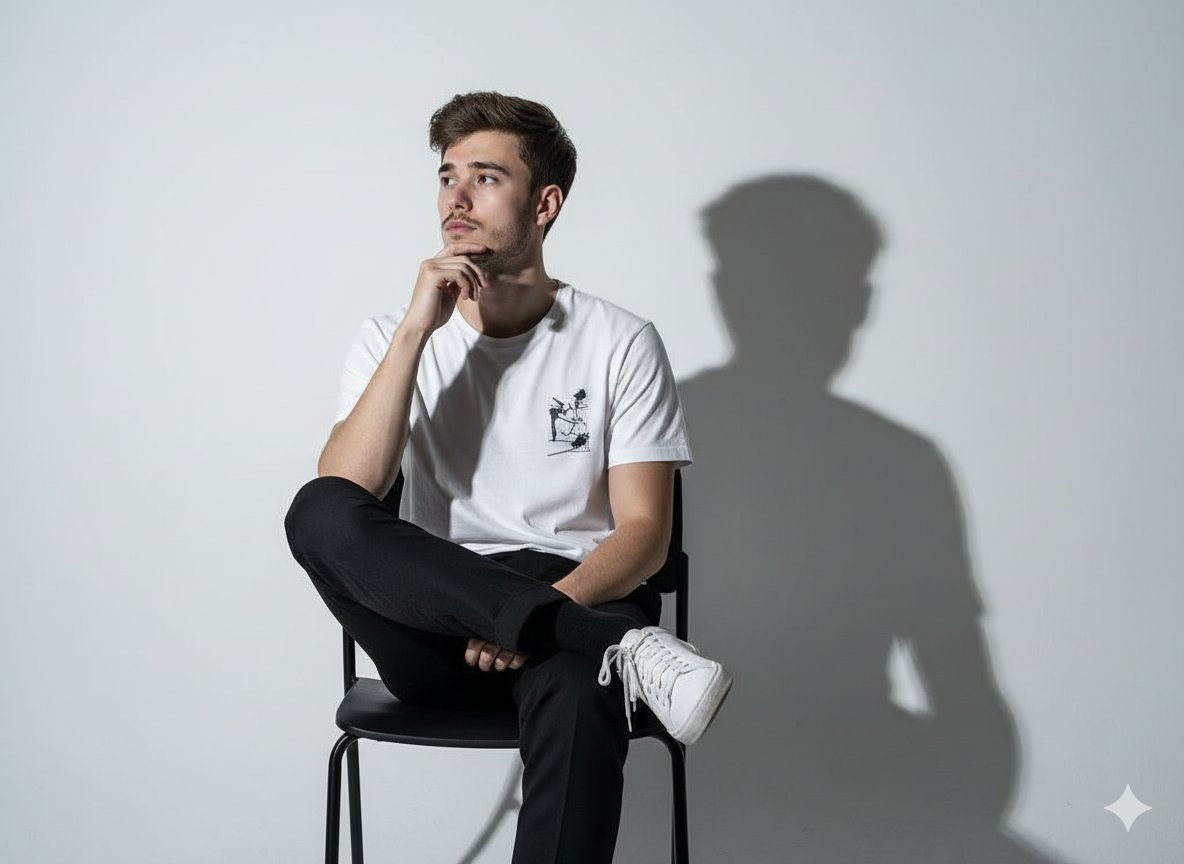
- Prompt included
- Model and format preset
- Free template
The prompt behind this image
Copy the exact prompt behind untitled, or open it in the studio and make it yours.
Ultra-realistic cinematic destruction sequence, dense modern city, extreme physical danger, aggressive forward motion, handheld chase camera, collapsing architecture, debris interaction, volumetric dust, shockwaves, no stability, no safe zones, high intensity pacing, hard cuts only, no fade, no dissolve, no morph transition. Shot 1: Camera already sprinting forward through a city street, people running past, distant rumble growing fast Cut to Shot 2: A building ahead suddenly compresses inward like crushed by invisible force, sending debris outward Cut to Shot 3: Camera dodges falling glass and concrete, whipping sideways, barely avoiding impact Cut to Shot 4: Street behind begins collapsing inward, asphalt folding and pulling everything backward Cut to Shot 5: FULL ACTION entire building façade rips forward across the street, camera dives under falling debris Cut to Shot 6: The space ahead compresses distance visually shrinking, buildings bending toward each other Cut to Shot 7: IMPOSSIBLE MOMENT camera runs through a narrowing gap as two skyscrapers slam together behind Cut to Shot 8: Ground lifts upward violently, flipping cars, camera stumbles but keeps moving Cut to Shot 9: Final, everything collapses inward toward a single disaster, camera pulled into it mid-run.
How to use untitled in 3 steps
- 1
Open
The prompt is already in the box next to the preview, with the template's model and format selected.
- 2…a portrait of your subject in softgolden-hour light, 85mm…
Personalize
Edit the subject and creative details for your destination.
- 3Generate
Generate
Press Generate — your image is created in PicX Studio, so you can compare it with the original and refine one variable at a time.
More like this
Templates with the same subject, style or setup. Open one to see its prompt.












Make it yours
untitled works as-is. These are the safest ways to change it without losing the look.
Change one field
Copy a single group, rewrite it, and generate again so you can see what that field is doing.
Keep the frame, change the subject
Hold the composition and light of 51-untitled, then swap wardrobe, props or the person for a new take.
| If the result… | Why | Fix |
|---|---|---|
| The result drifts from the preview | Too many fields changed at once. | Reuse 51-untitled as-is first, then change one group — subject, light, or setting. |
| The model over-stylizes the scene | The prose prompt leaves finish and camera underspecified. | Add one camera or lighting sentence and stay on Seedance 2.0 Standard. |
More Seedance 2.0 Standard templates
Other prompts made for Seedance 2.0 Standard.







More image prompts
Fresh picks from across the catalog.
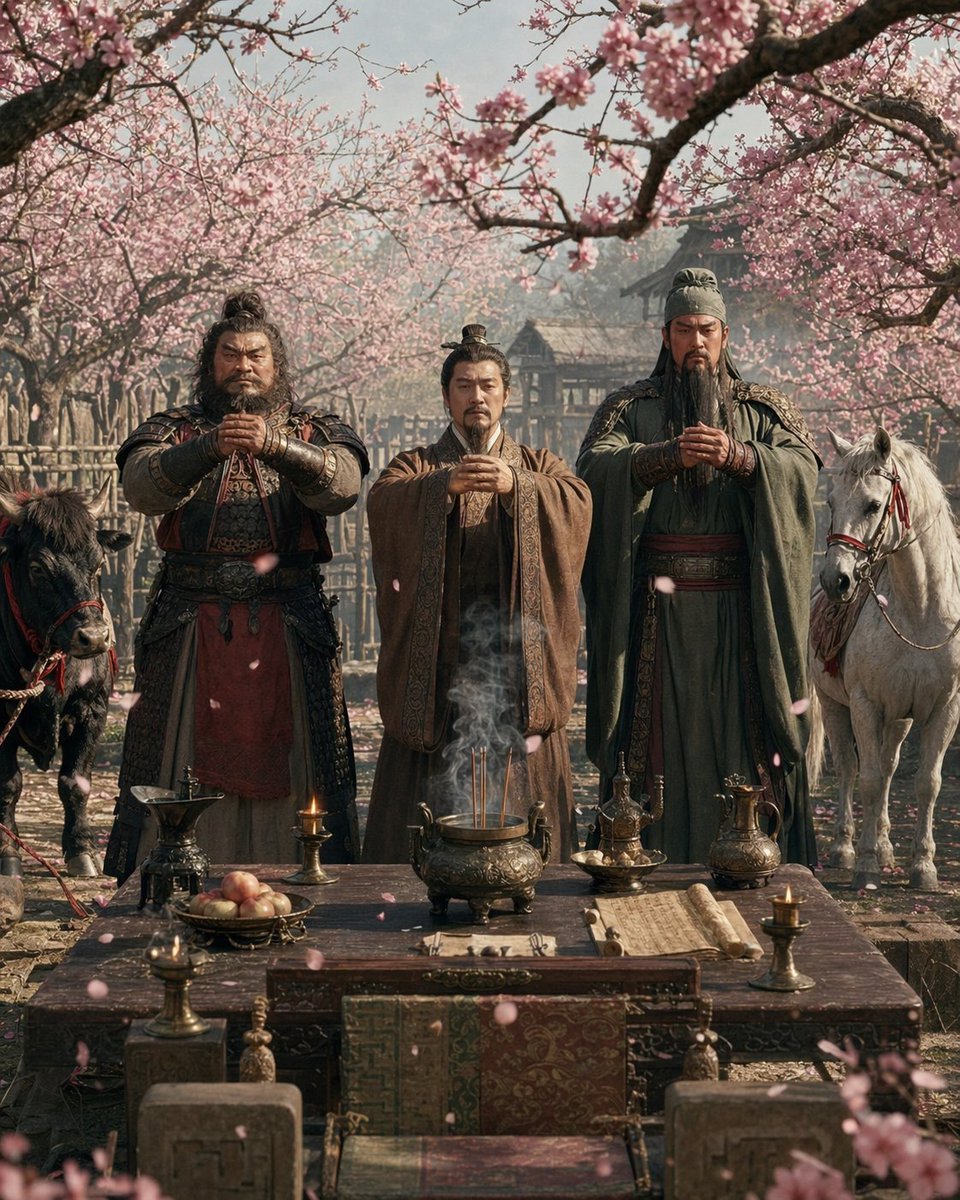
Peach Garden Oath Cinematic Scene
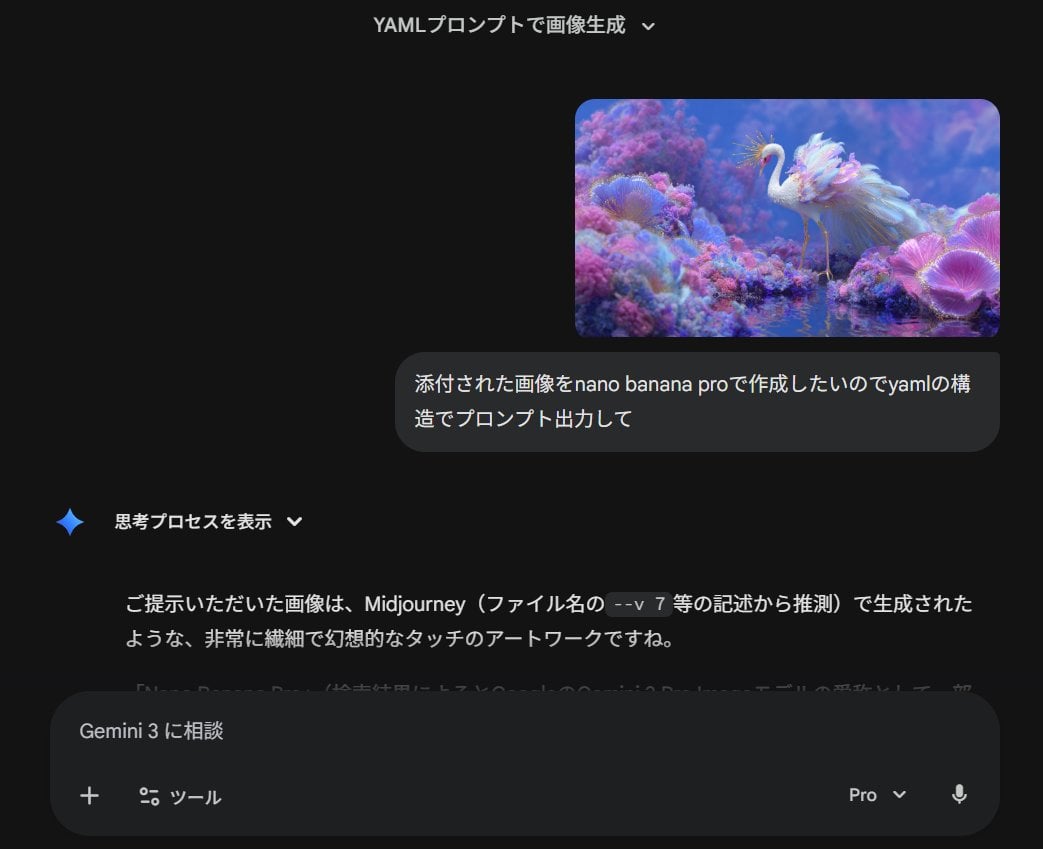
Meta-Prompt for Generating YAML-Structured Prompts from Images
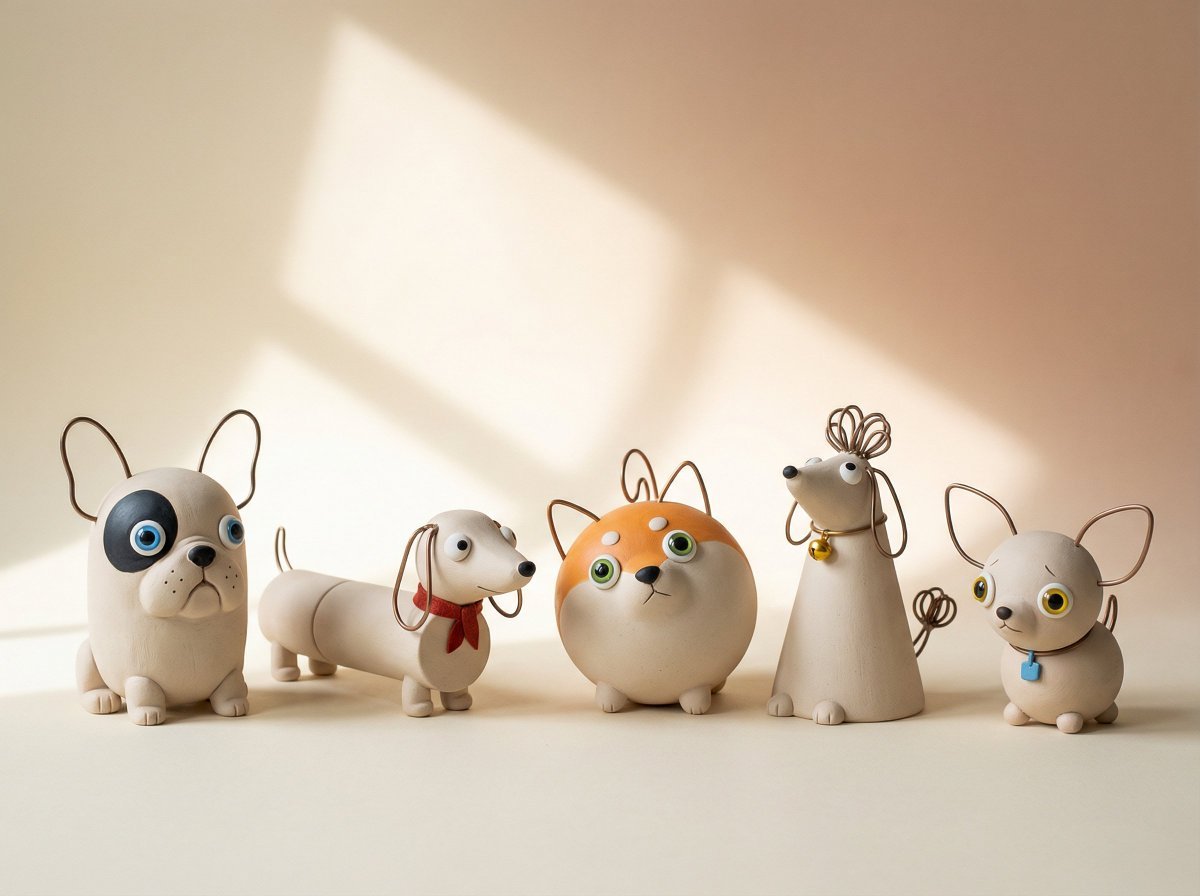
Handmade Clay Figurine Style with Wire Elements
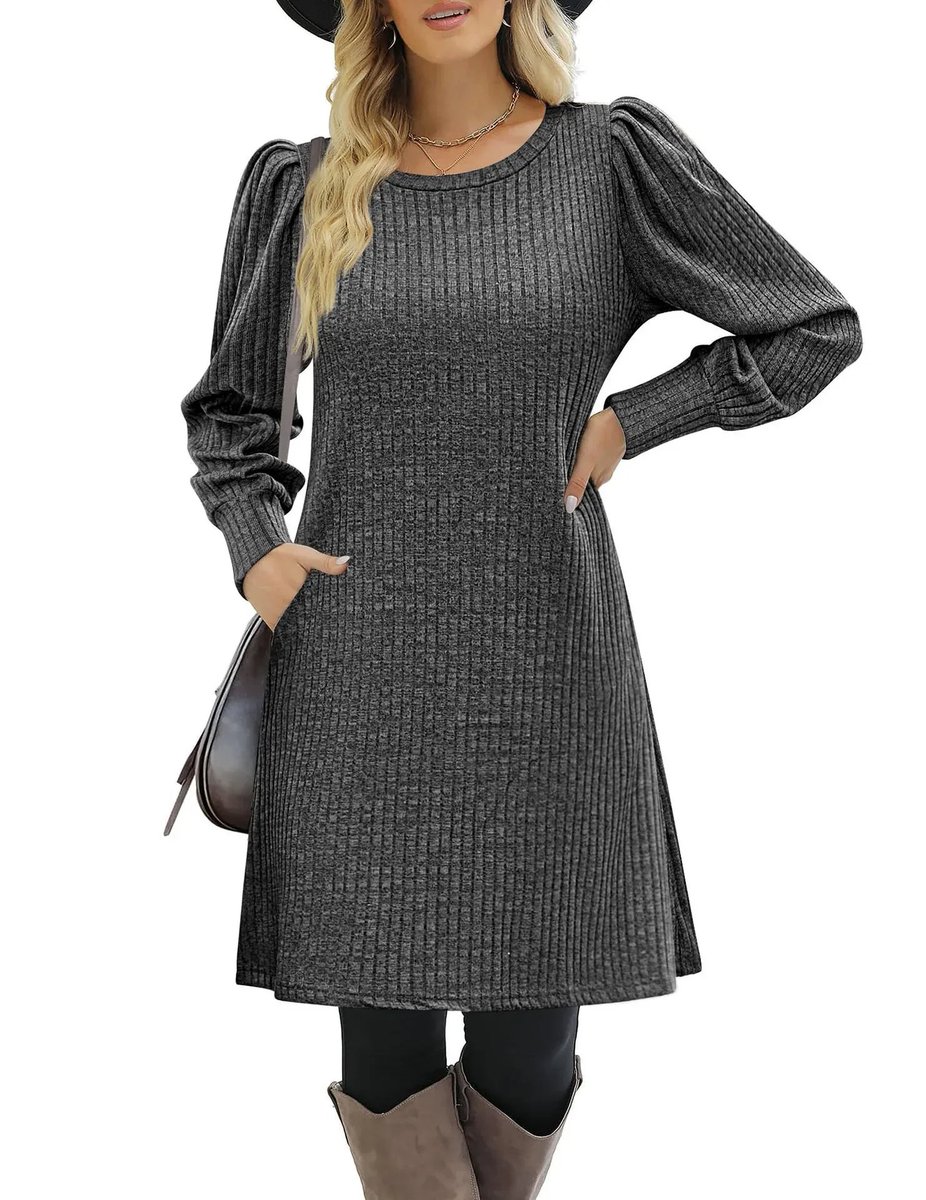
E-commerce product listing photo prompt for lifestyle setting
Nano Banana Pro Style Transfer
F3 Wind Tunnel Aerodynamic Test
Ultra-Photorealistic Candid Travel Romance Scene: Aegean Stone Street
Caffeine-Free Herbal Tea Chart
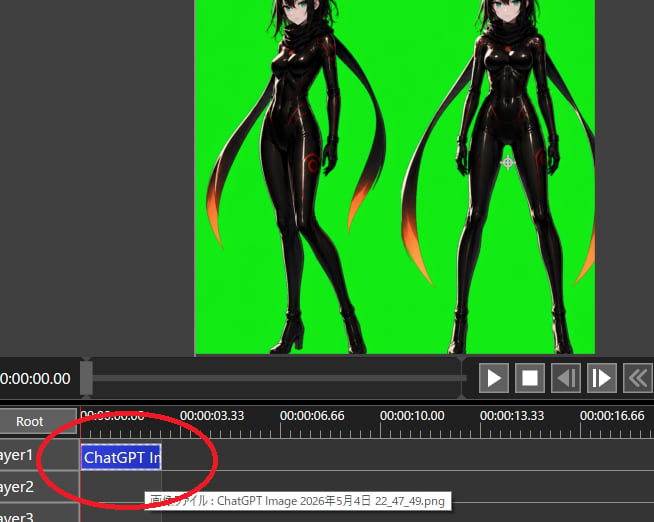
Chroma Key Video Editor Screenshot

Dark Fantasy Ponyo Warrior Poster
Browse template categories
untitled questions
How do I use the 51-untitled template?
Add your photo if the template asks for one, edit the prompt if you like — the template's model and format are already selected — and press Generate. Your version opens in PicX Studio.
Can I customize the 51-untitled template?
Yes. You can change the subject, setting, lighting, mood, format, and available model controls before creating your image.
Is the 51-untitled template free?
Opening and editing this template is free. Generating uses credits, shown on the Generate button when you are signed in.
Which AI model should I use?
Start with Seedance 2.0 Standard, which is the model associated with this template. You can compare another compatible model for a different finish.
Looking for something else? Browse all templates.

Your photo, any look
Thousands of ready templates for every top image and video model, from one credit balance.