
Caffeine-Free Herbal Tea Chart
A polished Traditional Chinese infographic poster showing nine caffeine-free herbal teas in a premium grid layout, ideal for wellness content, educational posts, or beverage menu visuals.
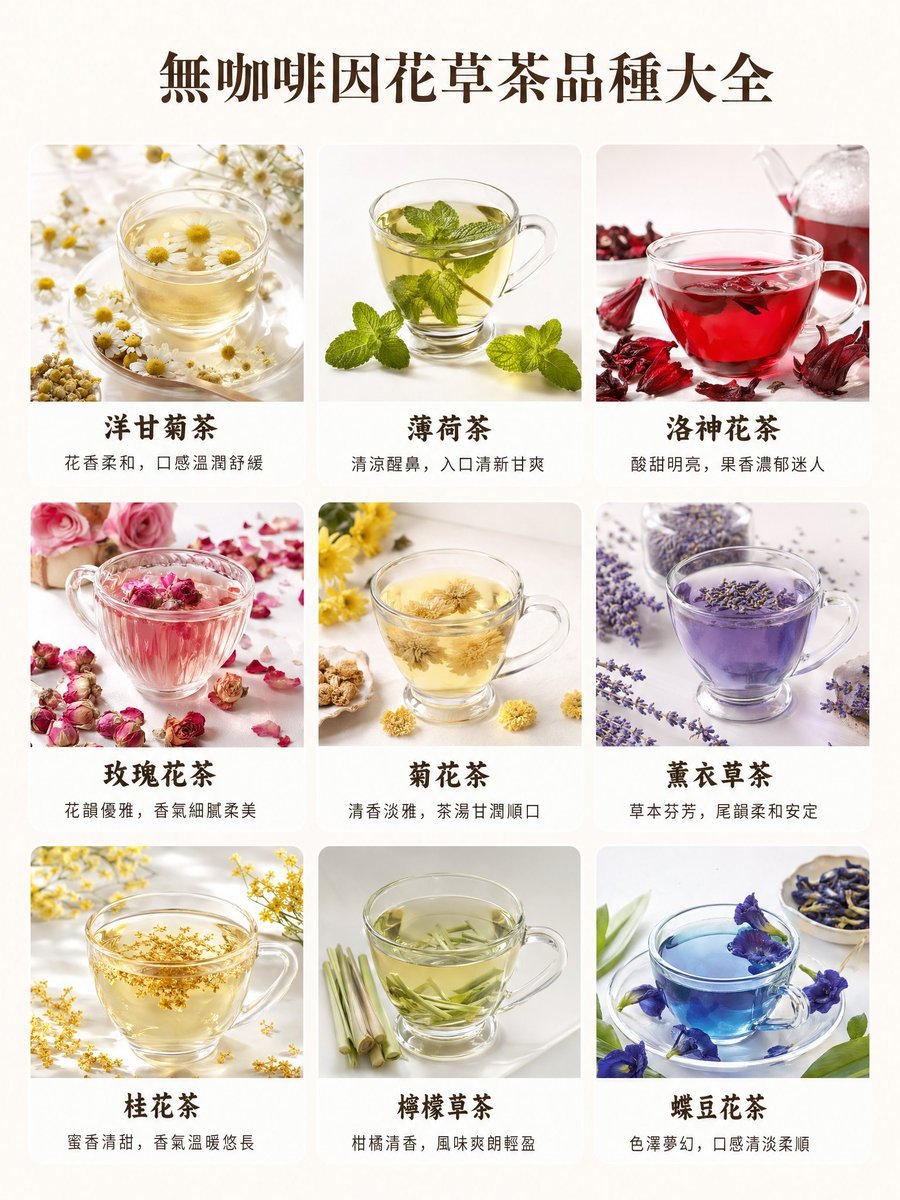
- Prompt included
- Model and format preset
- Free template
The prompt behind this image
Copy the exact prompt behind Caffeine-Free Herbal Tea Chart, or open it in the studio and make it yours.
- Type
- herbal tea variety infographic poster
- Language
- Traditional Chinese
- Style
- clean premium editorial food photography collage, bright high-key lighting, soft natural shadows, white background, elegant wellness aesthetic
- Subject
- a 3 by 3 grid of caffeine-free herbal tea varieties presented in transparent glass teacups with matching botanicals scattered around each cup
- Text › Headline
- {argument name="headline text" default="無咖啡因花草茶品種大全"}
- Layout › Canvas
- vertical poster
- Layout › Background
- warm off-white paper tone
- Layout › Grid › Rows
- 3
- Layout › Grid › Columns
- 3
- Layout › Grid › Count
- 9
- Layout › Grid › CardStyle
- rounded rectangular photo cards with narrow gaps
- Layout › Grid › ImagePosition
- top image with title and subtitle beneath each card
- Layout › Sections › 0 › Title
- 洋甘菊茶
- Layout › Sections › 0 › Position
- row 1 column 1
- Layout › Sections › 0 › Count
- 1
- Layout › Sections › 0 › Labels
- 花香柔和,口感溫潤舒緩
- Layout › Sections › 0 › Image
- clear glass cup of pale golden chamomile tea with floating white-and-yellow chamomile flowers, many loose chamomile blossoms scattered on the white surface
- Layout › Sections › 1 › Title
- 薄荷茶
- Layout › Sections › 1 › Position
- row 1 column 2
- Layout › Sections › 1 › Count
- 1
- Layout › Sections › 1 › Labels
- 清涼醒鼻,入口清新甘爽
- Layout › Sections › 1 › Image
- clear glass cup of light green mint tea filled with fresh mint sprigs, extra mint leaves placed in front on a white background
- Layout › Sections › 2 › Title
- 洛神花茶
- Layout › Sections › 2 › Position
- row 1 column 3
Raw JSON
{"type":"herbal tea variety infographic poster","language":"Traditional Chinese","style":"clean premium editorial food photography collage, bright high-key lighting, soft natural shadows, white background, elegant wellness aesthetic","subject":"a 3 by 3 grid of caffeine-free herbal tea varieties presented in transparent glass teacups with matching botanicals scattered around each cup","text":{"headline":"{argument name=\"headline text\" default=\"無咖啡因花草茶品種大全\"}"},"layout":{"canvas":"vertical poster","background":"warm off-white paper tone","grid":{"rows":3,"columns":3,"count":9,"cardStyle":"rounded rectangular photo cards with narrow gaps","imagePosition":"top image with title and subtitle beneath each card"},"sections":[{"title":"洋甘菊茶","position":"row 1 column 1","count":1,"labels":["花香柔和,口感溫潤舒緩"],"image":"clear glass cup of pale golden chamomile tea with floating white-and-yellow chamomile flowers, many loose chamomile blossoms scattered on the white surface"},{"title":"薄荷茶","position":"row 1 column 2","count":1,"labels":["清涼醒鼻,入口清新甘爽"],"image":"clear glass cup of light green mint tea filled with fresh mint sprigs, extra mint leaves placed in front on a white background"},{"title":"洛神花茶","position":"row 1 column 3","count":1,"labels":["酸甜明亮,果香濃郁迷人"],"image":"clear glass cup of vivid ruby red hibiscus tea with dried hibiscus calyxes around it and a glass pitcher pouring or placed behind"},{"title":"玫瑰花茶","position":"row 2 column 1","count":1,"labels":["花韻優雅,香氣細膩柔美"],"image":"clear glass cup of soft pink rose tea with dried rosebuds and scattered pink petals surrounding the cup"},{"title":"菊花茶","position":"row 2 column 2","count":1,"labels":["清香淡雅,茶湯甘潤順口"],"image":"clear glass cup of pale yellow chrysanthemum tea with whole dried yellow chrysanthemum flowers around the base"},{"title":"薰衣草茶","position":"row 2 column 3","count":1,"labels":["草本芬芳,尾韻柔和安定"],"image":"clear glass cup of translucent purple lavender tea with lavender sprigs and a blurred jar of lavender in the background"},{"title":"桂花茶","position":"row 3 column 1","count":1,"labels":["蜜香清甜,香氣溫暖悠長"],"image":"clear glass cup of pale golden osmanthus tea filled with tiny floating yellow osmanthus blossoms, more blossoms scattered around"},{"title":"檸檬草茶","position":"row 3 column 2","count":1,"labels":["柑橘清香,風味爽朗輕盈"],"image":"clear glass cup of pale green lemongrass tea with cut lemongrass stalks beside the cup and slender leaf pieces steeping inside"},{"title":"蝶豆花茶","position":"row 3 column 3","count":1,"labels":["色澤夢幻,口感清淡柔順"],"image":"clear glass cup of vivid sapphire blue butterfly pea flower tea on a saucer, decorated with blue petals and blossoms around the cup"}]},"typography":{"headline":"large dark brown serif Chinese type centered at top","cardTitles":"bold dark brown Chinese serif centered beneath each image","captions":"smaller gray Chinese text centered beneath each title"},"colorPalette":{"dominant":["cream white","dark brown","soft gray"],"accentTeaColors":["pale gold","fresh green","ruby red","blush pink","lavender purple","osmanthus gold","lemongrass green","butterfly pea blue"]},"constraints":["all 9 drinks shown in transparent glass cups","realistic food photography, not illustration","consistent white studio tabletop","minimalist luxurious layout","traditional Chinese text only","balanced spacing and clean margins"]}How to use Caffeine-Free Herbal Tea Chart in 3 steps
- 1Upload ImagePNG, JPG or paste
Add your photo
Upload the photo the template builds on. The prompt, model and format are already set.
- 2…a portrait of your subject in softgolden-hour light, 85mm…
Personalize
Edit the subject and creative details for your destination.
- 3Generate
Generate
Press Generate — your image is created in PicX Studio, so you can compare it with the original and refine one variable at a time.
More like this
Templates with the same subject, style or setup. Open one to see its prompt.
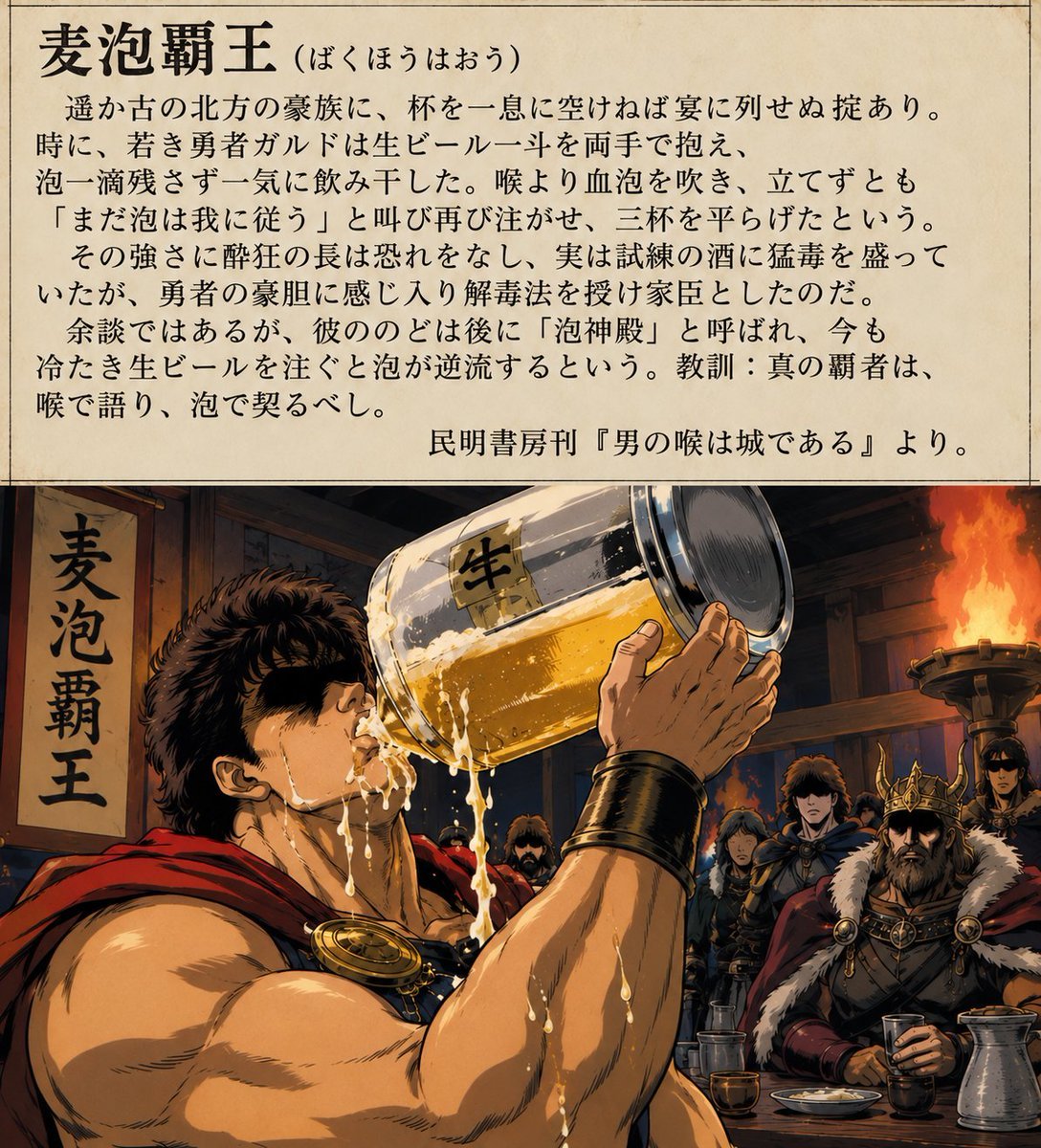
Grain-Free Manga Image Restoration
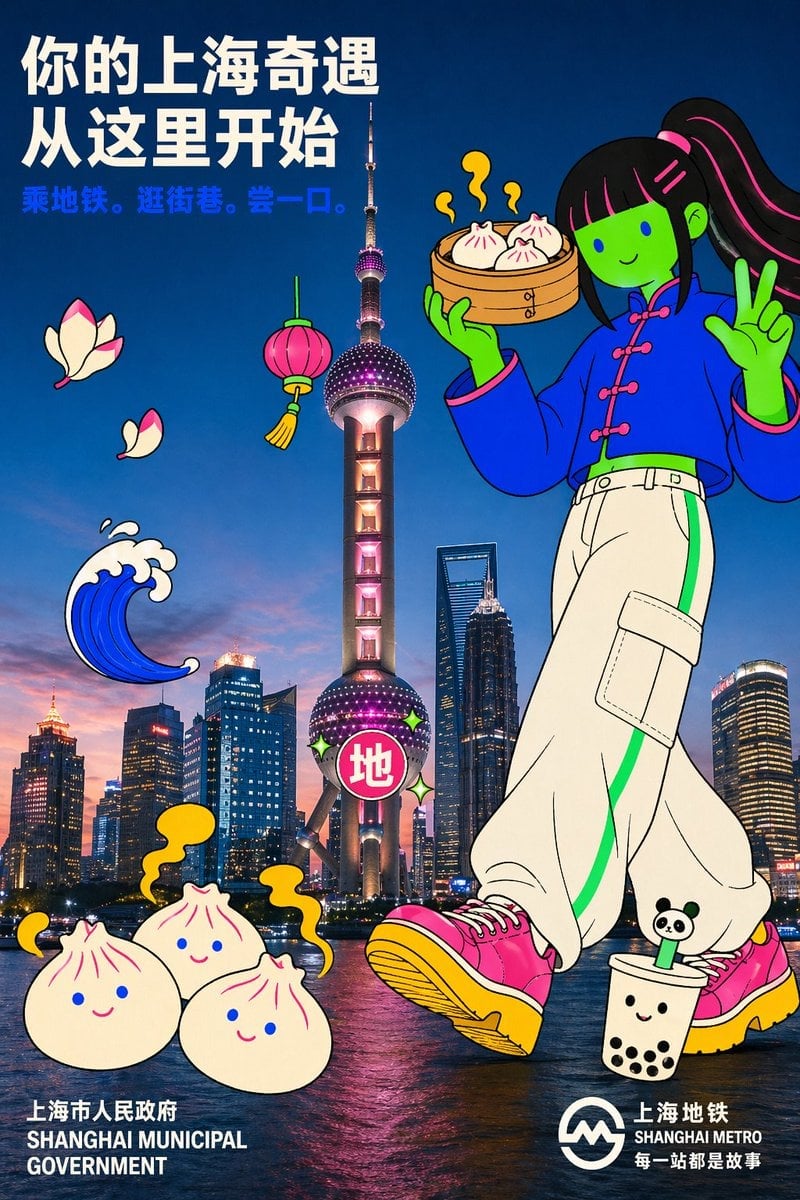
Holding a cartoon xiaolongbao steamer basket up to eye level with one
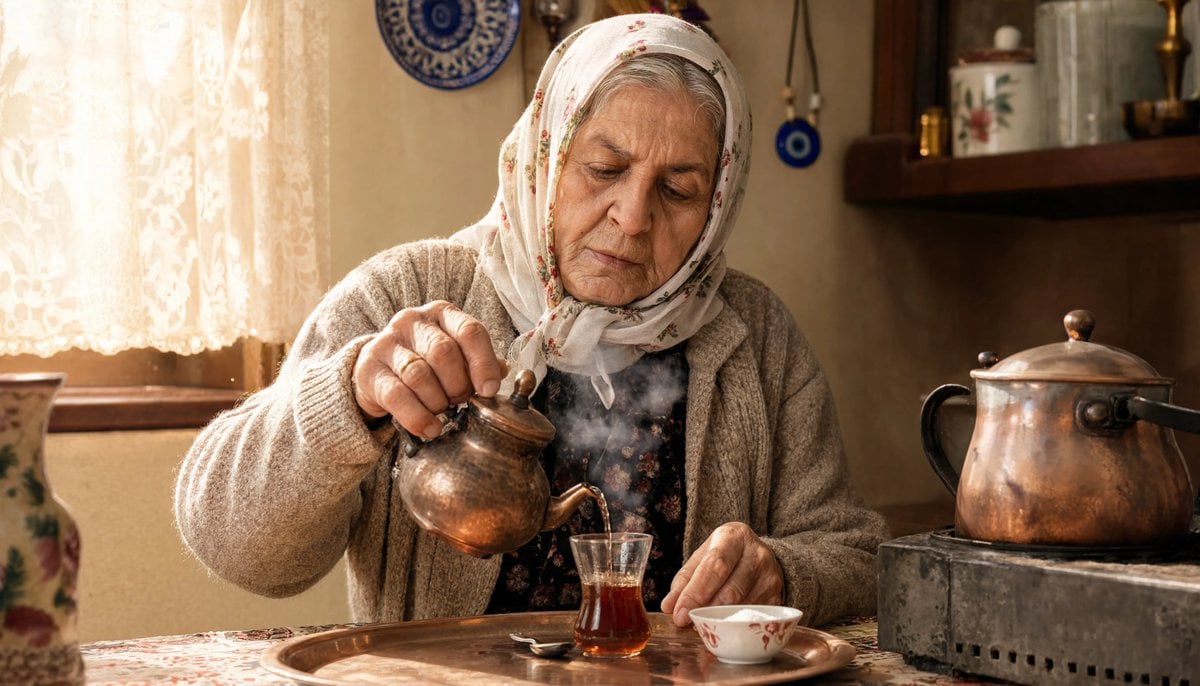
Turkish Grandma Pouring Tea
Orange Oshi Afternoon Tea
Clean Longjing Tea Infographic Upscale
Japanese Egg Cooking Flowchart UI
Longjing Tea Infographic Poster
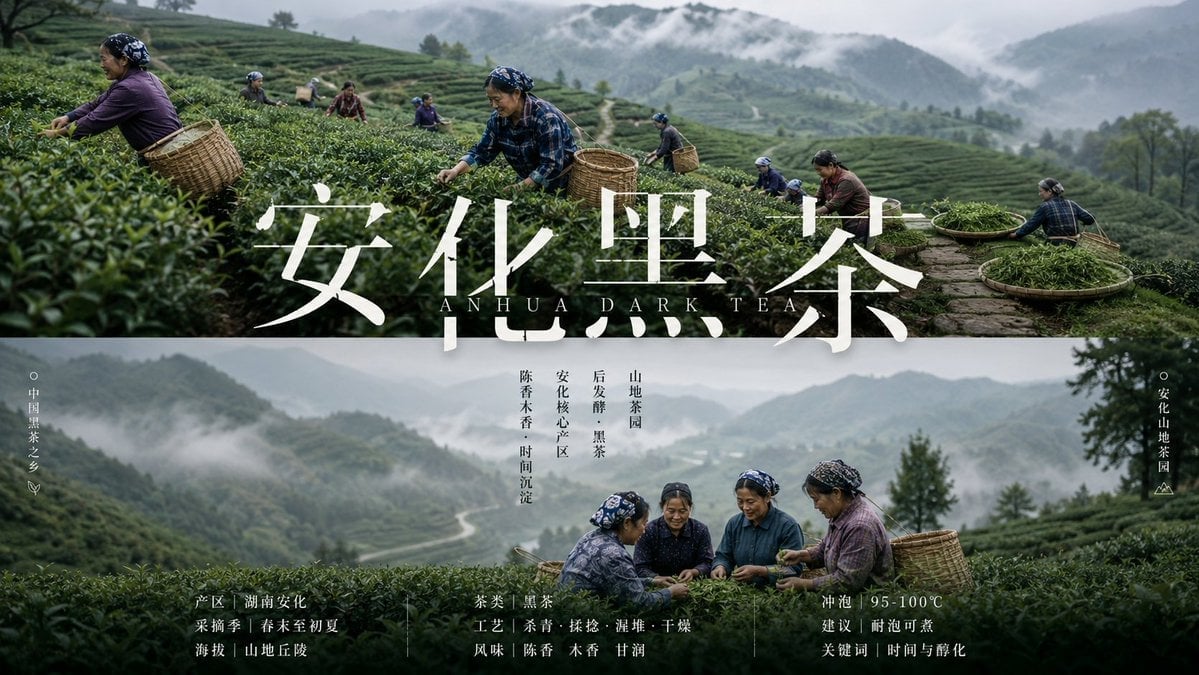
Anhua Dark Tea Mountain Poster
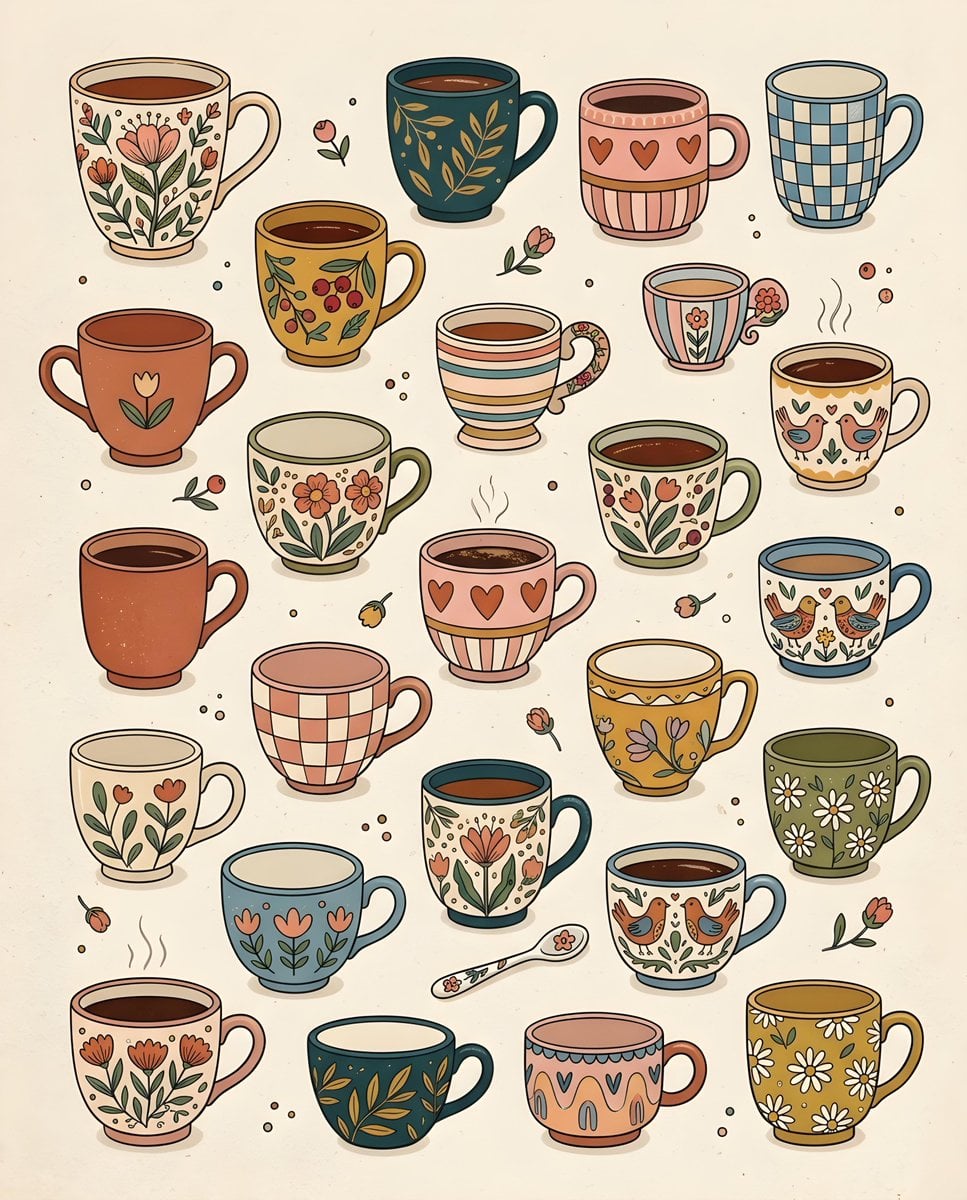
Whimsical Hand-Drawn Teacups
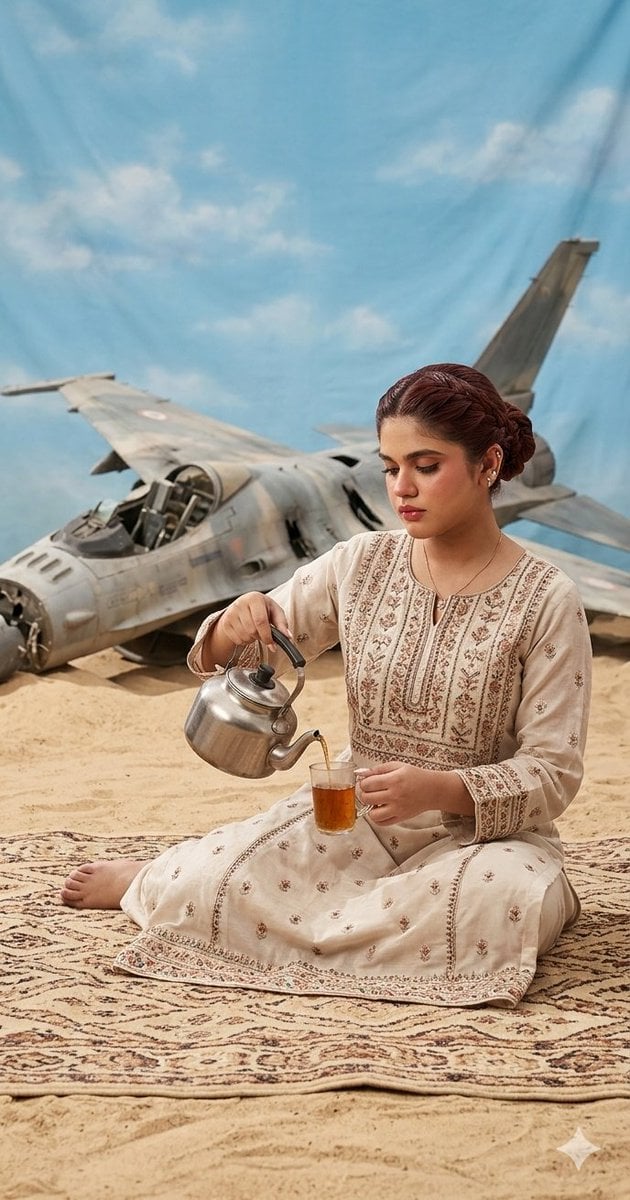
Surrealist Desert Tea Ceremony
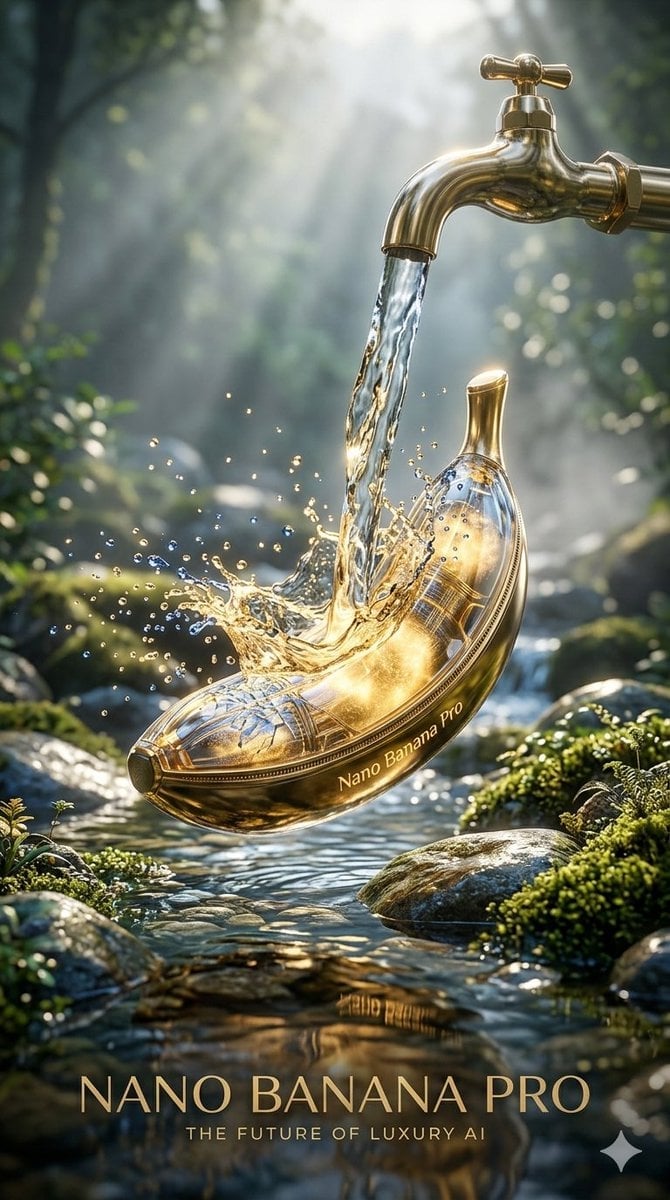
Luxury Golden Tea Cup Mountain Stream
Ermine in a Japanese Tea Room
Make it yours
Caffeine-Free Herbal Tea Chart works as-is. These are the safest ways to change it without losing the look.
Swap the setting
Keep the rest of the prompt and replace the location block. The current setting is “warm off-white paper tone”.
Change one field
Copy a single group, rewrite it, and generate again so you can see what that field is doing.
Keep the frame, change the subject
Hold the composition and light of Caffeine-Free Herbal Tea Chart, then swap wardrobe, props or the person for a new take.
| If the result… | Why | Fix |
|---|---|---|
| The result drifts from the preview | Too many fields changed at once. | Reuse Caffeine-Free Herbal Tea Chart as-is first, then change one group — subject, light, or setting. |
| GPT Image 2 ignores part of the JSON | Some models flatten or skip nested keys. | Keep the same values and paste them as a short paragraph instead. |
More GPT Image 2 templates
Other prompts made for GPT Image 2.

Six VTuber Japanese Logo Sheet

Realistic Portrait of Woman and Deer

The Vista Modular Condo Poster

AI Model Routing Comparison Infographic

2.5D Anime Art Board

Isometric Productivity Desk Scene

New York Double Exposure Poster

Four-Panel AI Landscape Comparison

Japanese Tatami Lifestyle Magazine Cover

NESCAFÉ Coffee Map Poster
More image prompts
Fresh picks from across the catalog.
3D Stylized Cartoon Skater
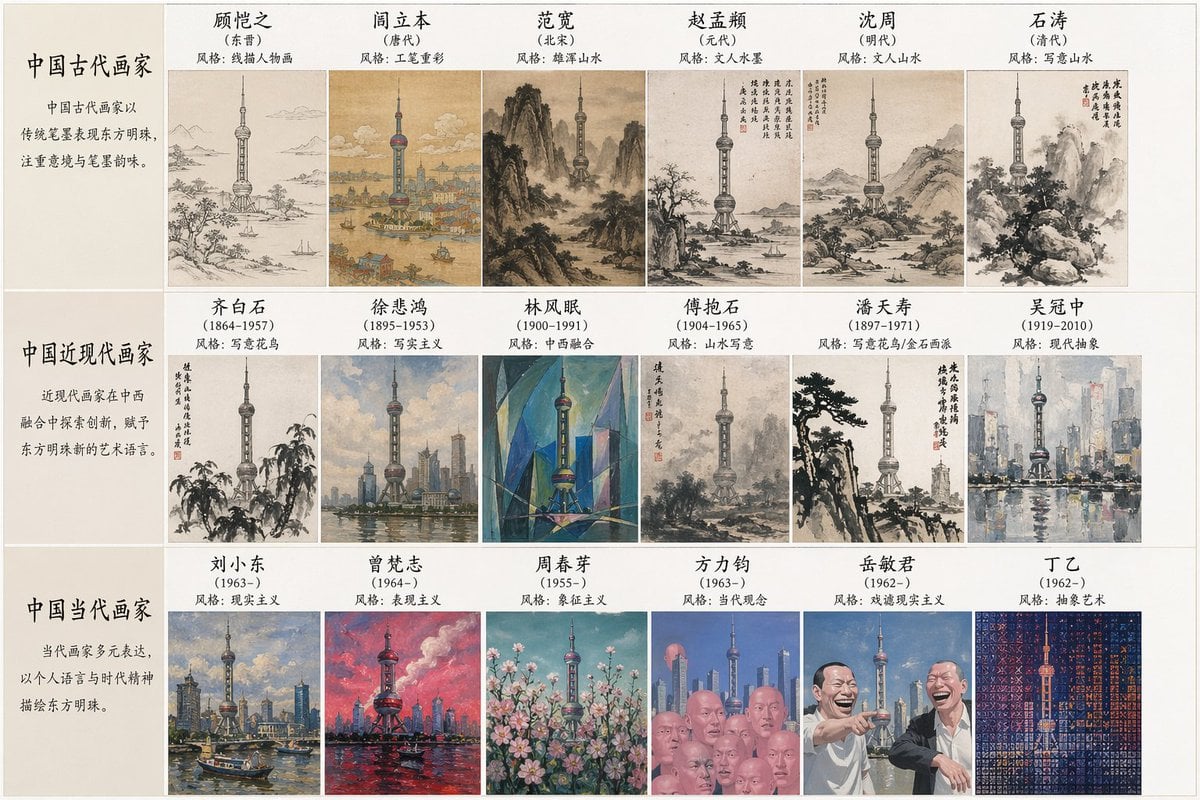
Artistic Style Synthesis for Landmarks

Gemini Nano Banana 2
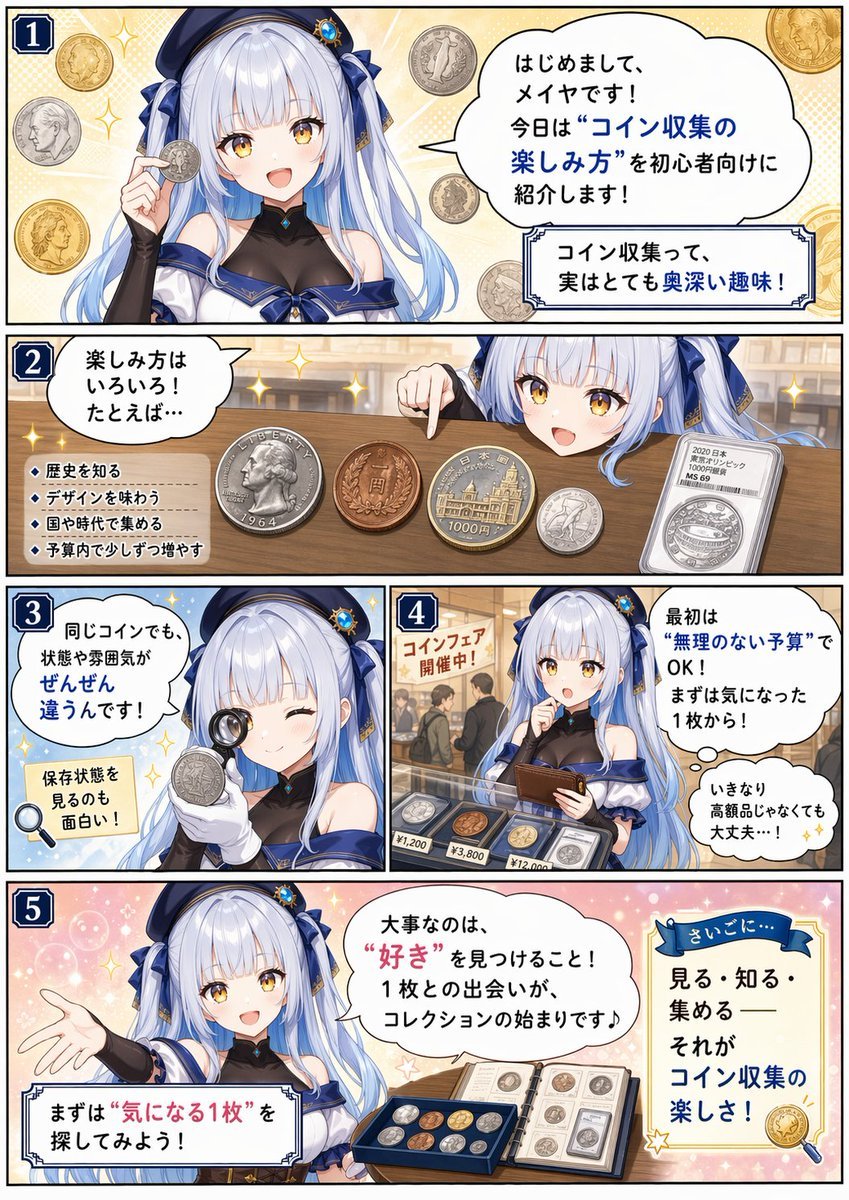
Beginner Coin Collecting Manga Page

Poem-Based Ulzzang Aesthetic Portrait Prompt

Chicken Tikka Masala Mug Desk Photo

Caricature Bobblehead Figurine Prompt

X Ayzalnooor24521 a Cinematic High Resolution Portrait of
Rainy Neon Macau RPG Screenshot

Editorial Male Portrait with Neon Lighting
Browse template categories
Caffeine-Free Herbal Tea Chart questions
How do I use the Caffeine-Free Herbal Tea Chart template?
Add your photo if the template asks for one, edit the prompt if you like — the template's model and format are already selected — and press Generate. Your version opens in PicX Studio.
Can I customize the Caffeine-Free Herbal Tea Chart template?
Yes. You can change the subject, setting, lighting, mood, format, and available model controls before creating your image.
Is the Caffeine-Free Herbal Tea Chart template free?
Opening and editing this template is free. Generating uses credits, shown on the Generate button when you are signed in.
Which AI model should I use?
Start with GPT Image 2, which is the model associated with this template. You can compare another compatible model for a different finish.
Looking for something else? Browse all templates.

Your photo, any look
Thousands of ready templates for every top image and video model, from one credit balance.