
Longjing Tea Infographic Poster
A refined Chinese tea infographic layout showcasing Longjing tea origin, flavor, features, brewing advice, and premium product photography.
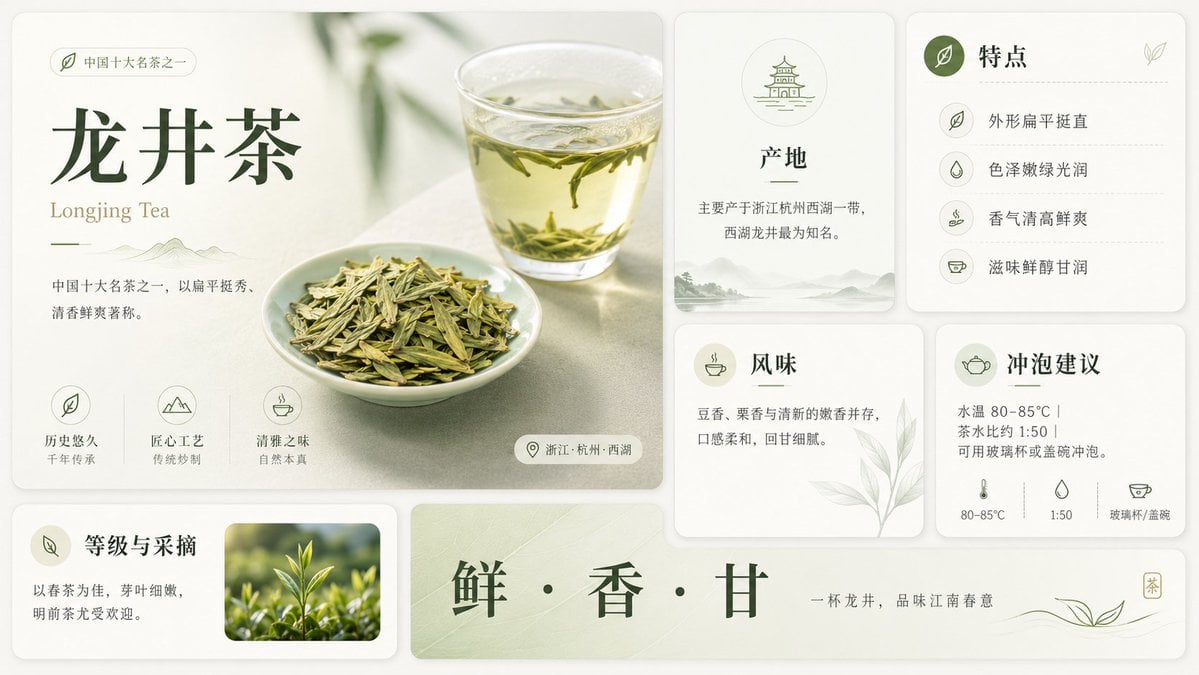
- Prompt included
- Model and format preset
- Premium template
The prompt behind this image
Copy the exact prompt behind Longjing Tea Infographic Poster, or open it in the studio and make it yours.
Goal: Create a clean premium Chinese tea infographic poster about {argument name="tea name" default="龙井茶"}, with an elegant editorial layout, soft natural lighting, and a refined off-white and sage-green palette. Canvas: Wide horizontal 16:9 composition, approximately 1200×675 px, with a warm ivory background and rounded-card UI layout. Use subtle shadows, thin dividers, pale green botanical accents, and minimalist line icons. Overall style should feel like a polished lifestyle magazine infographic for a famous Chinese tea. Layout: Use exactly 8 rounded rectangular content cards plus 1 long bottom slogan banner. Arrange them in a neat grid. Left side contains one large hero card occupying about half the width and most of the height. Right side contains four smaller information cards in a 2×2 grid. Bottom left contains one small card. Bottom center/right contains one long horizontal slogan banner. Keep generous spacing and consistent rounded corners. Main hero card: Show a softly lit tabletop scene with a clear glass cup of pale yellow-green tea in the upper right, visible floating Longjing tea leaves, and a small white porcelain dish piled with flat green tea leaves in the lower center. Add blurred green plant shadows in the background. Text on the left: small pill label with a leaf icon and {argument name="category label" default="中国十大名茶之一"}; large dark-green Chinese title {argument name="tea name" default="龙井茶"}; smaller English subtitle “Longjing Tea”; short description in Chinese: “中国十大名茶之一,以扁平挺秀、清香鲜爽著称。” At the bottom of this hero card, include exactly 3 feature icon blocks: 1) leaf icon, label “历史悠久”, sublabel “千年传承”; 2) mountain icon, label “匠心工艺”, sublabel “传统炒制”; 3) teacup icon, label “清雅之味”, sublabel “自然本真”. Add a small location pill at the lower right with a pin icon and text “浙江·杭州·西湖”. Right information cards: Create exactly 4 cards. Card 1, top middle: “产地” with a small pagoda/temple line icon in a circle, text “主要产于浙江杭州西湖一带,西湖龙井最为知名。” and faint misty mountain scenery along the bottom. Card 2, top right: “特点” with a dark green circular leaf icon and exactly 4 listed rows separated by dotted lines: “外形扁平挺直”, “色泽嫩绿光润”, “香气清高鲜爽”, “滋味鲜醇甘润”, each with a small matching line icon. Card 3, lower middle: “风味” with a teacup icon, text “豆香、栗香与清新的嫩香并存,口感柔和,回甘细腻。” and a pale botanical leaf illustration in the lower right. Card 4, lower right: “冲泡建议” with a teapot icon, text “水温 80–85°C | 茶水比例 1:50 | 可用玻璃杯或盖碗冲泡。” At the bottom of this card include exactly 3 small brewing icons and labels: thermometer “80–85°C”, water drop “1:50”, teacup “玻璃杯/盖碗”. Bottom left card: “等级与采摘” with a leaf icon badge, text “以春茶为佳,芽叶细嫩,明前茶尤受欢迎。” and one rectangular photo inset on the right showing fresh bright green tea shoots growing outdoors with shallow depth of field. Bottom slogan banner: A long pale green banner with subtle tea-leaf texture. Center the large dark-green Chinese slogan {argument name="slogan text" default="鲜 · 香 · 甘"}. On the right add smaller text “一杯龙井,品味江南春意”, a delicate flowing line drawing of tea leaves, and a tiny vertical square seal containing “茶”. Visual style: Premium minimal Chinese design, soft natural photography mixed with clean vector icons, warm ivory cards, sage green accents, dark forest-green typography, thin elegant Chinese serif-style font for headings, smaller gray-green body text, balanced whitespace, subtle paper texture, no clutter. Constraints: Use exactly the card count and item counts described above. Keep all Chinese text crisp and legible. Do not add extra sections, extra icons, watermarks, logos, people, or unrelated decorative objects.
How to use Longjing Tea Infographic Poster in 3 steps
- 1Upload ImagePNG, JPG or paste
Add your photo
Upload the photo the template builds on. The prompt, model and format are already set.
- 2…a portrait of your subject in softgolden-hour light, 85mm…
Personalize
Edit the subject and creative details for your destination.
- 3Generate
Generate
Press Generate — your image is created in PicX Studio, so you can compare it with the original and refine one variable at a time.
More like this
Templates with the same subject, style or setup. Open one to see its prompt.

Japan Travel Brochure Poster

Gpt2 Infographic Edu Visual Ink Wash Tribute Poster for Chen Uen

Gpt2 Infographic Edu Visual Biomimetic Skyray Aircraft Poster
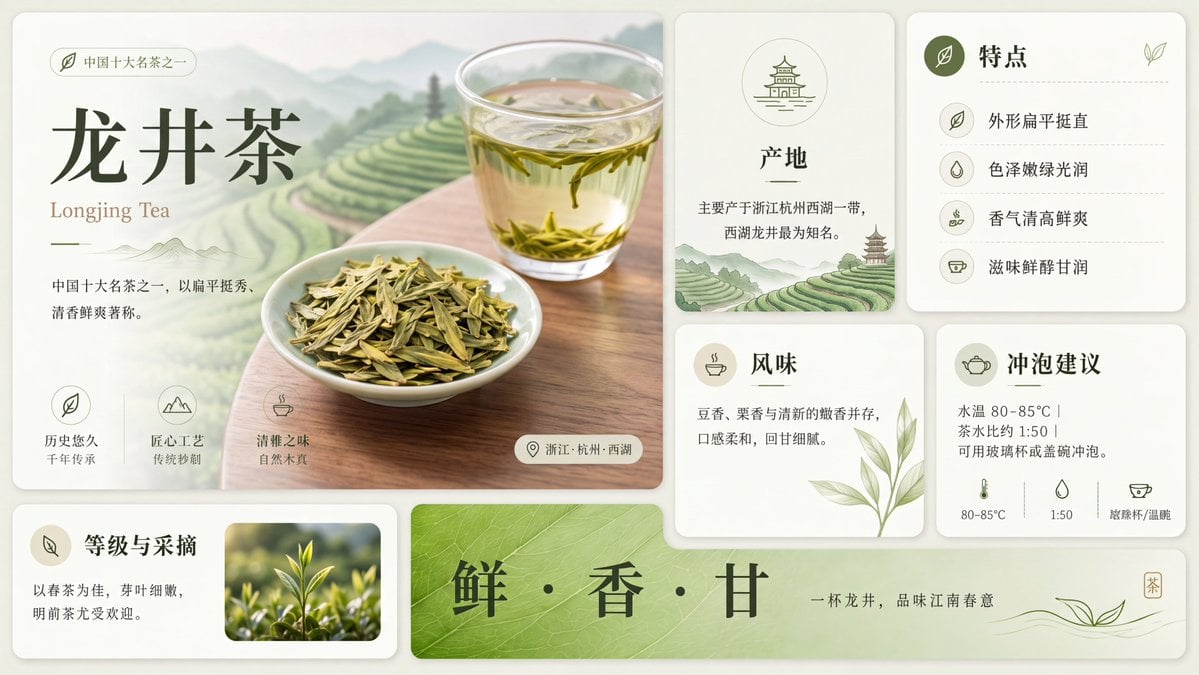
Clean Longjing Tea Infographic Upscale

Cartoon TV Show Poster Pack

Trendy Cafe Drink Promo Poster

Urban Fashion Editorial Collage Streetwear Poster

Premium Fashion Editorial Cover Layout System

Polo Ralph Lauren Luxury American Heritage Fashion Campaign

Monochrome Halftone Editorial Fashion Poster

Retro Mirror Luxury Fashion Campaign Poster

Luxury Fashion Campaign Typography Poster System
Make it yours
Longjing Tea Infographic Poster works as-is. These are the safest ways to change it without losing the look.
Change one field
Copy a single group, rewrite it, and generate again so you can see what that field is doing.
Keep the frame, change the subject
Hold the composition and light of Longjing Tea Infographic Poster, then swap wardrobe, props or the person for a new take.
| If the result… | Why | Fix |
|---|---|---|
| The result drifts from the preview | Too many fields changed at once. | Reuse Longjing Tea Infographic Poster as-is first, then change one group — subject, light, or setting. |
| The model over-stylizes the scene | The prose prompt leaves finish and camera underspecified. | Add one camera or lighting sentence and stay on GPT Image 2. |
More GPT Image 2 templates
Other prompts made for GPT Image 2.

Six VTuber Japanese Logo Sheet

Realistic Portrait of Woman and Deer

The Vista Modular Condo Poster

AI Model Routing Comparison Infographic

2.5D Anime Art Board

Isometric Productivity Desk Scene

New York Double Exposure Poster

Four-Panel AI Landscape Comparison

Japanese Tatami Lifestyle Magazine Cover

NESCAFÉ Coffee Map Poster
More image prompts
Fresh picks from across the catalog.

Double Exposure Rugged Portrait
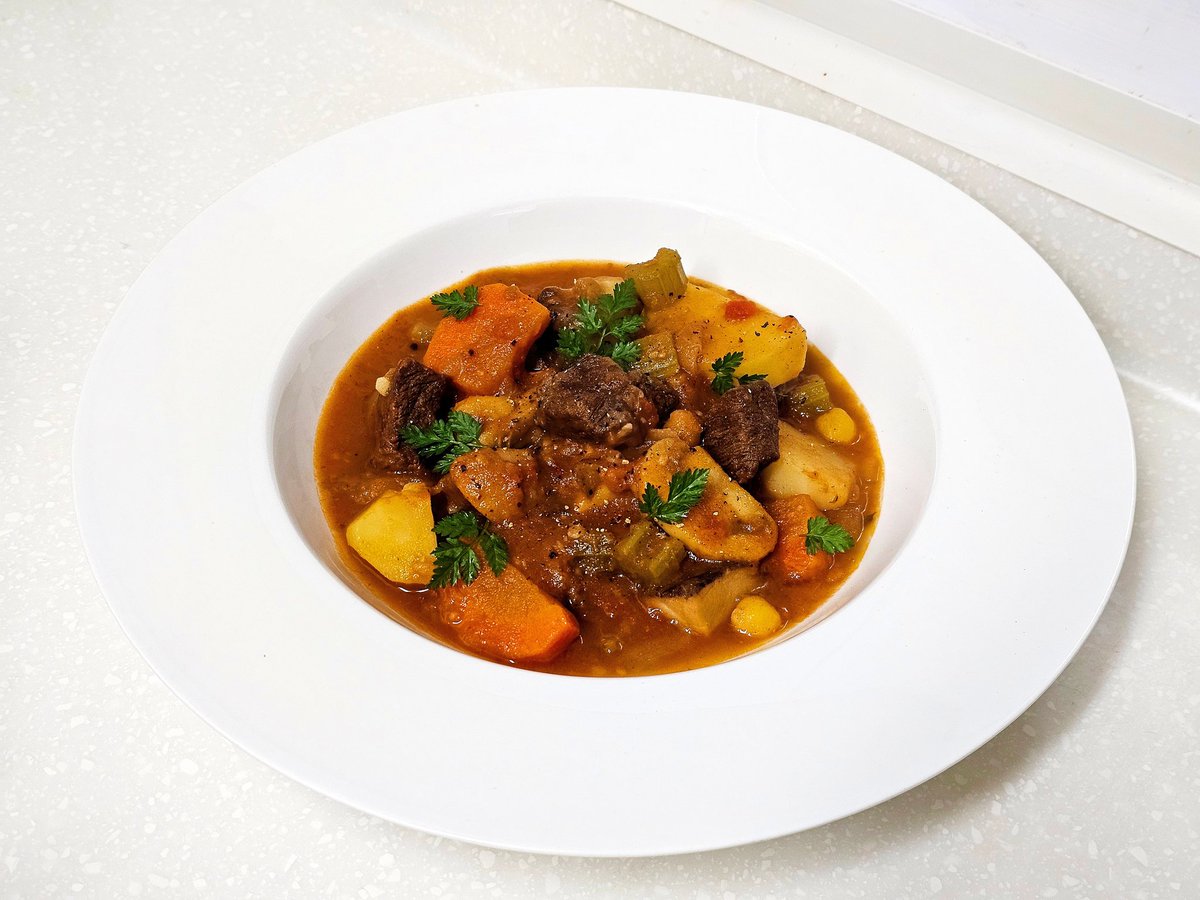
Nanako Nana's Stew Recipe Reconstruction
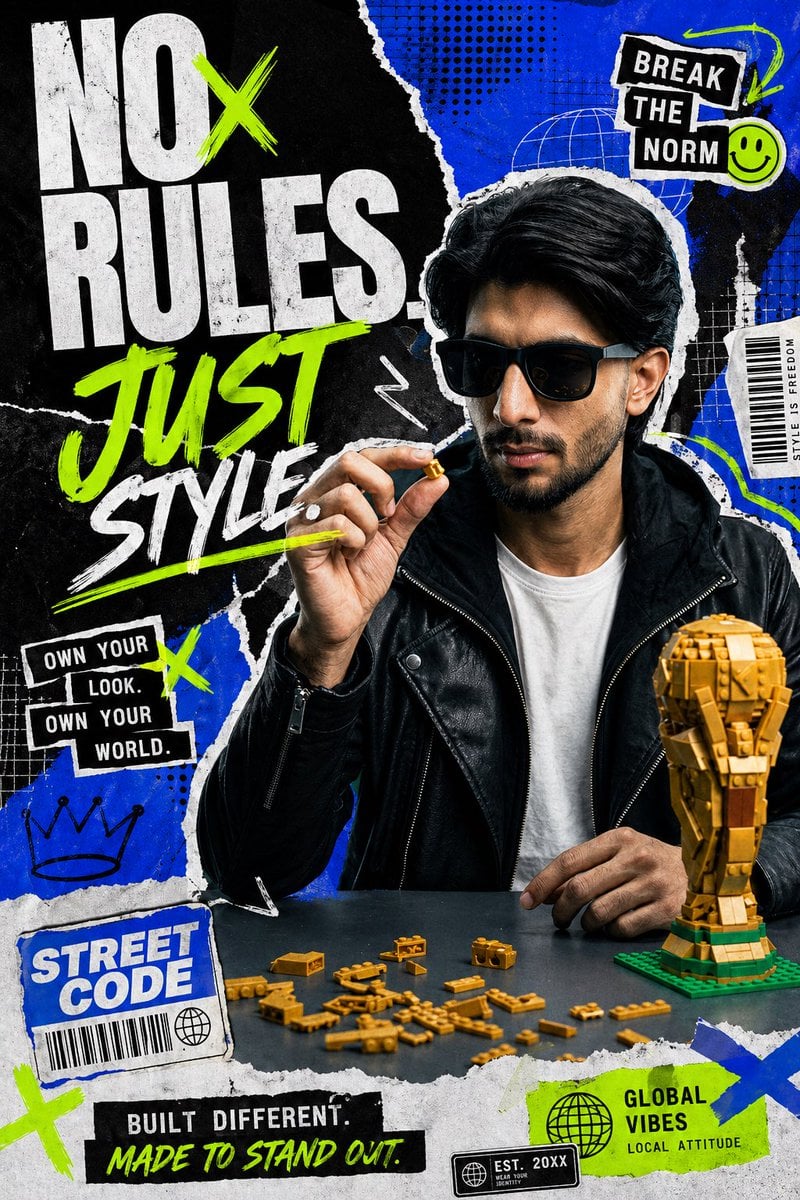
Streetwear Collage Poster With Gold Bricks
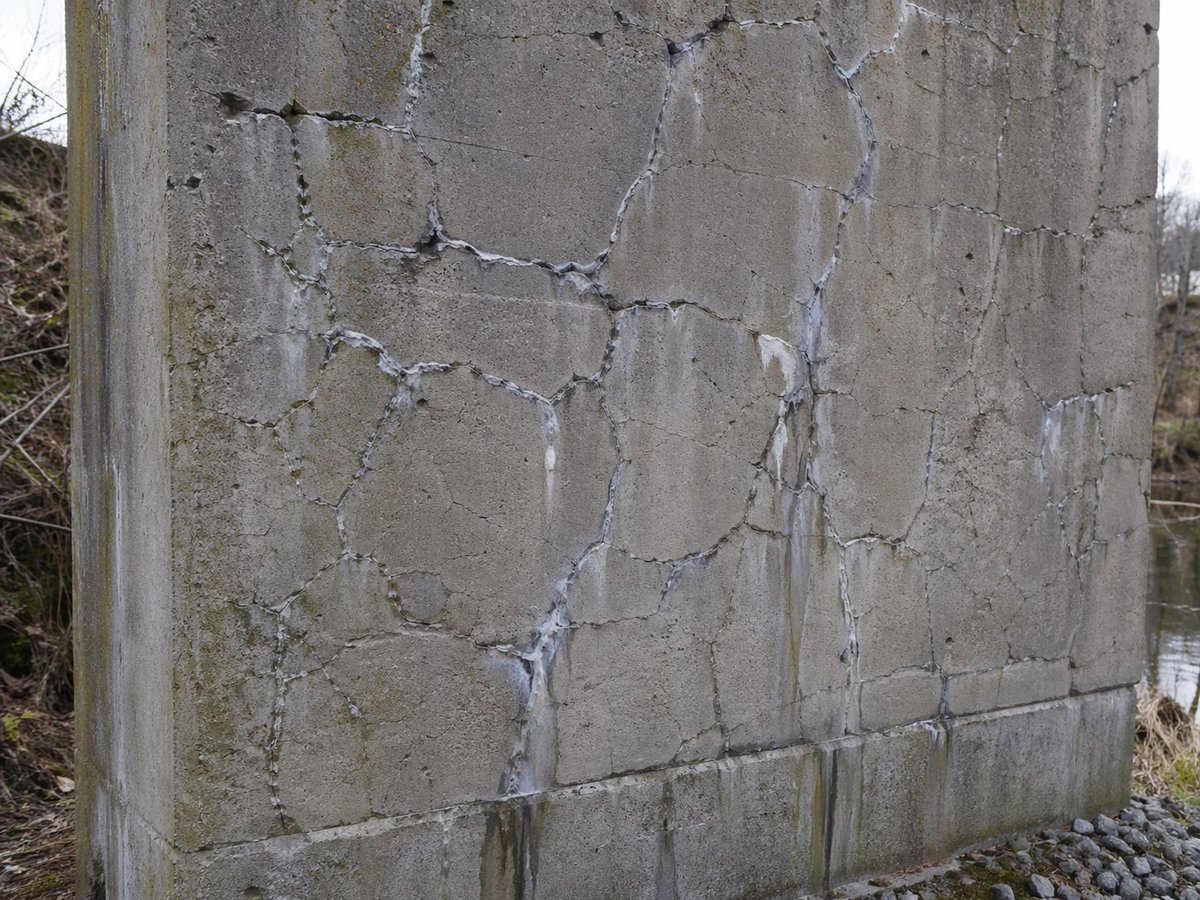
Concrete Wall with ASR Map Cracking

Tropical Kayaking Travel Photography
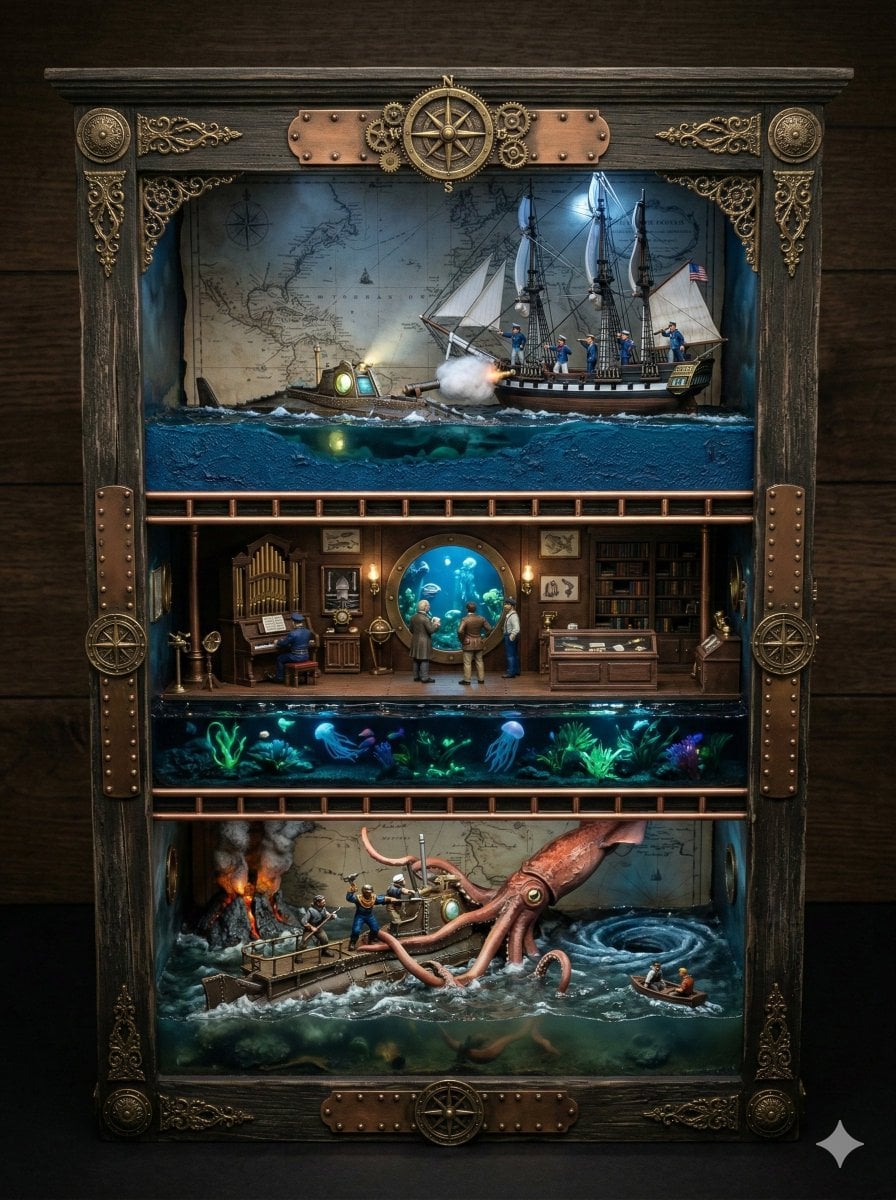
Ornate Box Diorama Prompt for Twenty Thousand Leagues Under the Sea

Scrapbook Photo Collage Portrait

Cinematic Boxer Portrait with Cartier Branding
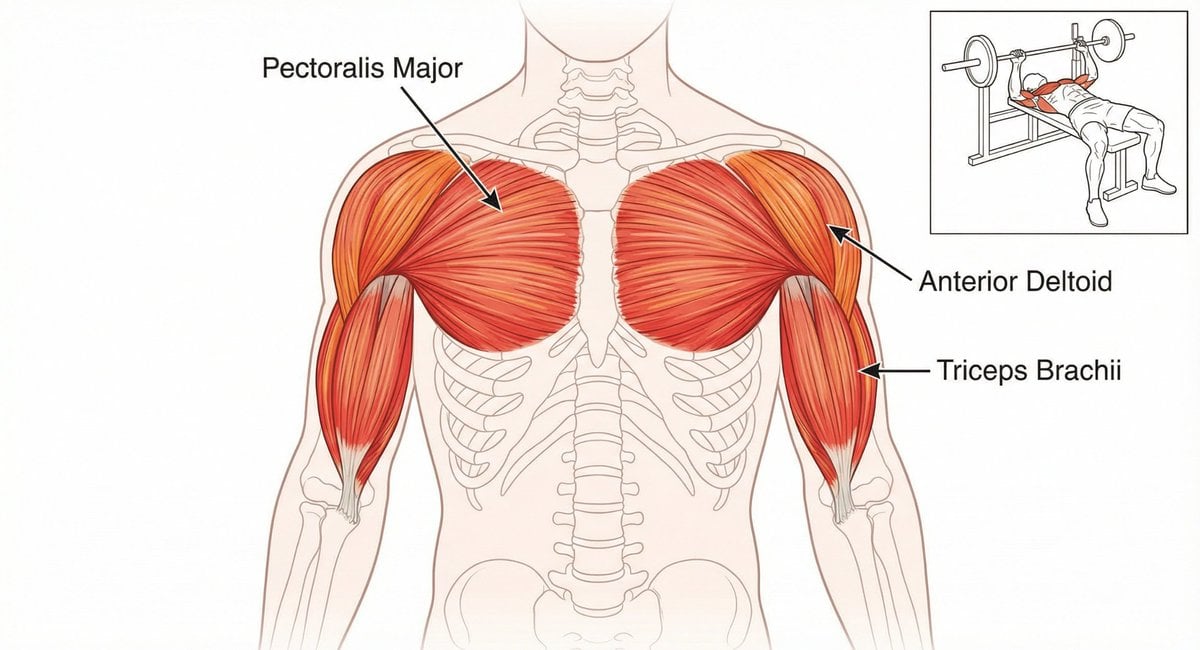
Bench press muscle diagram

Conceptual Editorial Visual Prompt: Contained Human Aquarium
Browse template categories
Longjing Tea Infographic Poster questions
How do I use the Longjing Tea Infographic Poster template?
Add your photo if the template asks for one, edit the prompt if you like — the template's model and format are already selected — and press Generate. Your version opens in PicX Studio.
Can I customize the Longjing Tea Infographic Poster template?
Yes. You can change the subject, setting, lighting, mood, format, and available model controls before creating your image.
Is the Longjing Tea Infographic Poster template free?
Opening and editing this template is free. Generating uses credits, shown on the Generate button when you are signed in.
Which AI model should I use?
Start with GPT Image 2, which is the model associated with this template. You can compare another compatible model for a different finish.
Looking for something else? Browse all templates.

Your photo, any look
Thousands of ready templates for every top image and video model, from one credit balance.