How do I use the Tropical Kayaking Travel Photography template?
Choose the primary action to open PicX Studio with the available template settings. Review the model and format, personalize the creative direction, and generate when ready.
A prompt for generating a high-detail travel photograph of a woman kayaking in a serene island lagoon. Change the subject, setting, or lighting one variable at a time.

{ "prompt": "An adult woman sitting in a bright {argument name="kayak color" default="yellow"} kayak on crystal-clear turquoise water, surrounded by dramatic limestone cliffs and lush tropical greenery. She is wearing an olive-green halter top and a lightweight wrap skirt, holding a kayak paddle while posing casually. Natural sunlight, vibrant tropical colors, serene island lagoon atmosphere, travel and lifestyle photography, realistic skin tones, shallow depth of field.", "negative_prompt": "blurry, low resolution, distorted anatomy, extra limbs, harsh shadows, overexposed highlights, watermark, text, artificial look", "style": "travel photography, lifestyle editorial", "lighting": "natural daylight, soft sunlight", "camera": { "lens": "35mm", "aperture": "f/2.8", "iso": 100 }, "quality": "high detail, realistic, sharp focus", "aspect_ratio": "2:3" }
Choose the primary action to open PicX Studio with the available template settings. Review the model and format, personalize the creative direction, and generate when ready.
Yes. You can change the subject, setting, lighting, mood, format, and available model controls before creating your image.
This template is free to open and customize. Generation usage is shown in PicX Studio before you create.
Start with Nano Banana 2, which is the model associated with this template. You can compare another compatible model for a different finish.
© 2026 PicX Studio. All rights reserved.

Follow a topic to a crawlable collection of related PicX Studio templates.
43,474 public templates available. Verified via the PicX Studio public templates API; refreshed hourly.









![This image into a 64K DSLR shot resolution of A stylish urban fashion — Transform this image [Upload Your Image] into a 64K DSLR shot resolution of A stylish ur](https://images.meigen.ai/tweets/2008470156146860416/0.jpg)
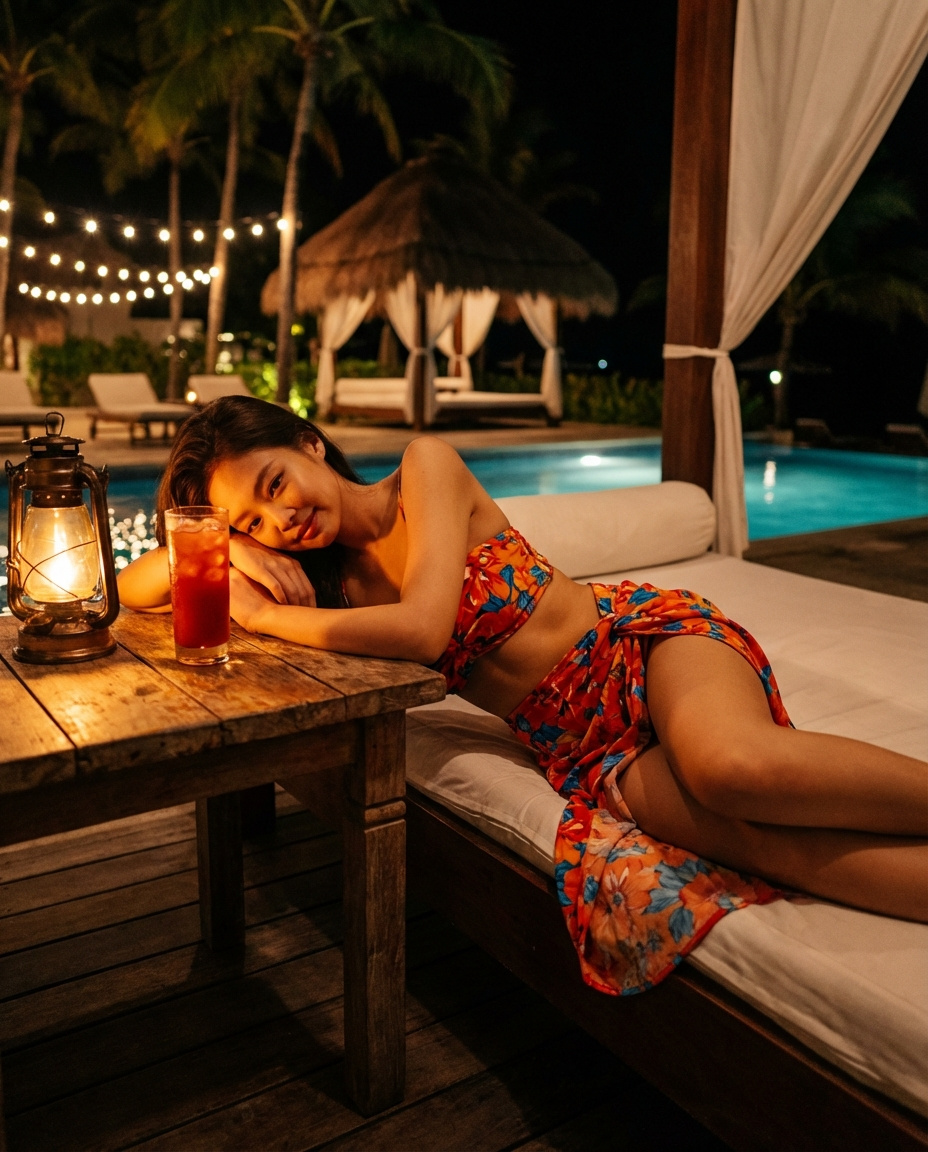
![Cocktail Studio Photography Tropical — A high-end studio photograph of a [YOUR COCKTAIL], shot from a high-angle slightly top-down perspective. The drink is ser](/_next/image?url=https%3A%2F%2Fcdn.picxstudio.com%2Fuploads%2Fmeigen_2010403834699685983_b85fed55-0d0f-4028-9223-891964141241.jpg&w=828&q=100)




![Naive doodle-style subject illustration — A doodle-style {argument name="subject" default="[subject]"}, naive lines, humorous shape exaggeration](https://pbs.twimg.com/media/G6Wl2YxbsAARB2b.jpg)











![Existential Exhaustion Photorealistic Portrait — photorealistic. {argument name="character" default="[character]"}. sitting at {argument name="environment" defa](https://cms-assets.youmind.com/media/1778315758811_qwcsq6_HH1TZMaXkAgHkGN.jpg)







![Cyberpunk Neon Street Food Advertisement Prompt — Hyper-stylized street food advertisement of [{argument name="food name" default="Food Name"}], glowing neon ac](https://pbs.twimg.com/media/G_WnSh1a4AA1O-E.jpg)



![Encyclopedic 3D Infographic Evolution Chart — 役割と主題: 16:9 比率の巨大で百科事典的な 3D インフォグラフィックポスター。タイトル:「THE EVOLUTION OF {argument name="製品名" default="[製品名]"}」。ビジュアルスタイル](https://pbs.twimg.com/media/G95BJy8bMAAMeUO.jpg)