
Pixel Art Survival Game UI Mockup
Generates a retro 8-bit style video game interface featuring a survival game scene with customizable text menus and HUD elements.
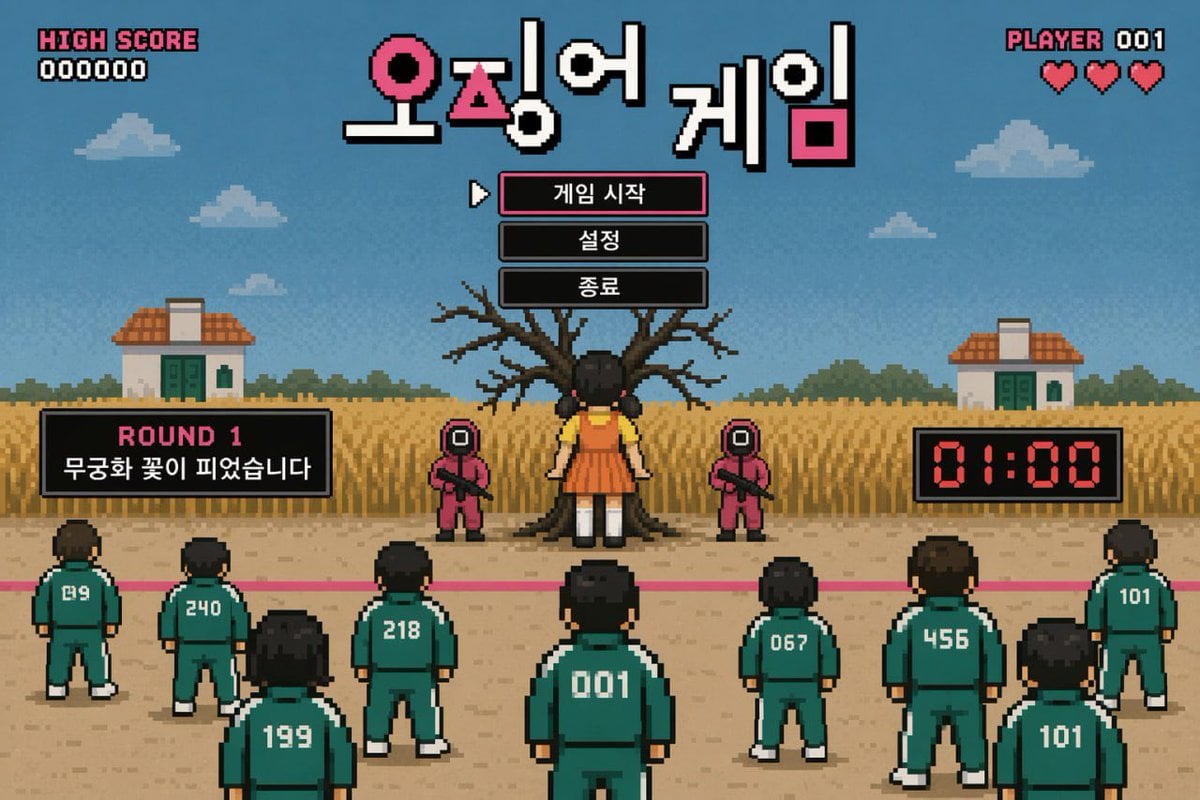
- Prompt included
- Model and format preset
- Free template
The prompt behind this image
Copy the exact prompt behind Pixel Art Survival Game UI Mockup, or open it in the studio and make it yours.
- Type
- retro pixel art video game mockup
- Theme
- survival death game
- Hud › Top Left
- HIGH SCORE, 000000
- Hud › Top Center Title
- {argument name="game title" default="오징어 게임"}
- Hud › Top Right
- PLAYER 001, 3 red hearts
- Menu › Style
- centered under title, black boxes, white pixel font, cursor pointing to first item
- Menu › Items
- {argument name="menu item 1" default="게임 시작"}, {argument name="menu item 2" default="설정"}, {argument name="menu item 3" default="종료"}
- Gameplay Ui › Mid Left Panel
- ROUND 1, {argument name="round description" default="무궁화 꽃이 피었습니다"}
- Gameplay Ui › Mid Right Panel
- 01:00 digital red timer
- Scene › Background
- blue sky, pixel clouds, 2 small houses, tall yellow grass field
- Scene › Midground
- large bare tree, 1 giant doll in yellow shirt and orange dress facing the tree, 2 guards in pink jumpsuits with square masks holding rifles
- Scene › Foreground
- pink starting line on dirt ground, 9 players in green tracksuits facing away from the viewer
- Scene › Player Numbers
- 019, 240, 199, 218, 001, 067, 456, 101, 101
Raw JSON
{
  "type": "retro pixel art video game mockup",
  "theme": "survival death game",
  "hud": {
    "top_left": ["HIGH SCORE", "000000"],
    "top_center_title": "{argument name=\"game title\" default=\"오징어 게임\"}",
    "top_right": ["PLAYER 001", "3 red hearts"]
  },
  "menu": {
    "style": "centered under title, black boxes, white pixel font, cursor pointing to first item",
    "items": [
      "{argument name=\"menu item 1\" default=\"게임 시작\"}",
      "{argument name=\"menu item 2\" default=\"설정\"}",
      "{argument name=\"menu item 3\" default=\"종료\"}"
    ]
  },
  "gameplay_ui": {
    "mid_left_panel": ["ROUND 1", "{argument name=\"round description\" default=\"무궁화 꽃이 피었습니다\"}"],
    "mid_right_panel": ["01:00 digital red timer"]
  },
  "scene": {
    "background": "blue sky, pixel clouds, 2 small houses, tall yellow grass field",
    "midground": "large bare tree, 1 giant doll in yellow shirt and orange dress facing the tree, 2 guards in pink jumpsuits with square masks holding rifles",
    "foreground": "pink starting line on dirt ground, 9 players in green tracksuits facing away from the viewer",
    "player_numbers": ["019", "240", "199", "218", "001", "067", "456", "101", "101"]
  }
}How to use Pixel Art Survival Game UI Mockup in 3 steps
- 1Upload ImagePNG, JPG or paste
Add your photo
Upload the photo the template builds on. The prompt, model and format are already set.
- 2…a portrait of your subject in softgolden-hour light, 85mm…
Personalize
Edit the subject and creative details for your destination.
- 3Generate
Generate
Press Generate — your image is created in PicX Studio, so you can compare it with the original and refine one variable at a time.
More like this
Templates with the same subject, style or setup. Open one to see its prompt.

Pixel Limited Finale Fireworks

Pixel Limited Garden Maze

Pixel Limited Rooftop Concert

Pixel Limited Bicycle Coast

Pixel Limited Castle Gate

Pixel Limited Kitchen Chaos

Pixel Limited Carnival Ride

Pixel Limited Rainy Bus Stop

Pixel Limited Space Dock

Pixel Limited Cafe Morning

Pixel Limited Mountain Summit

Pixel Limited Underwater Reef
Make it yours
Pixel Art Survival Game UI Mockup works as-is. These are the safest ways to change it without losing the look.
Swap the setting
Keep the rest of the prompt and replace the location block. The current setting is “blue sky, pixel clouds, 2 small houses, tall yellow grass field”.
Change one field
Copy a single group, rewrite it, and generate again so you can see what that field is doing.
Keep the frame, change the subject
Hold the composition and light of Pixel Art Survival Game UI Mockup, then swap wardrobe, props or the person for a new take.
| If the result… | Why | Fix |
|---|---|---|
| The result drifts from the preview | Too many fields changed at once. | Reuse Pixel Art Survival Game UI Mockup as-is first, then change one group — subject, light, or setting. |
| GPT Image 2 ignores part of the JSON | Some models flatten or skip nested keys. | Keep the same values and paste them as a short paragraph instead. |
More GPT Image 2 templates
Other prompts made for GPT Image 2.

Six VTuber Japanese Logo Sheet

Realistic Portrait of Woman and Deer

The Vista Modular Condo Poster

AI Model Routing Comparison Infographic

2.5D Anime Art Board

Isometric Productivity Desk Scene

New York Double Exposure Poster

Four-Panel AI Landscape Comparison

Japanese Tatami Lifestyle Magazine Cover

NESCAFÉ Coffee Map Poster
More image prompts
Fresh picks from across the catalog.
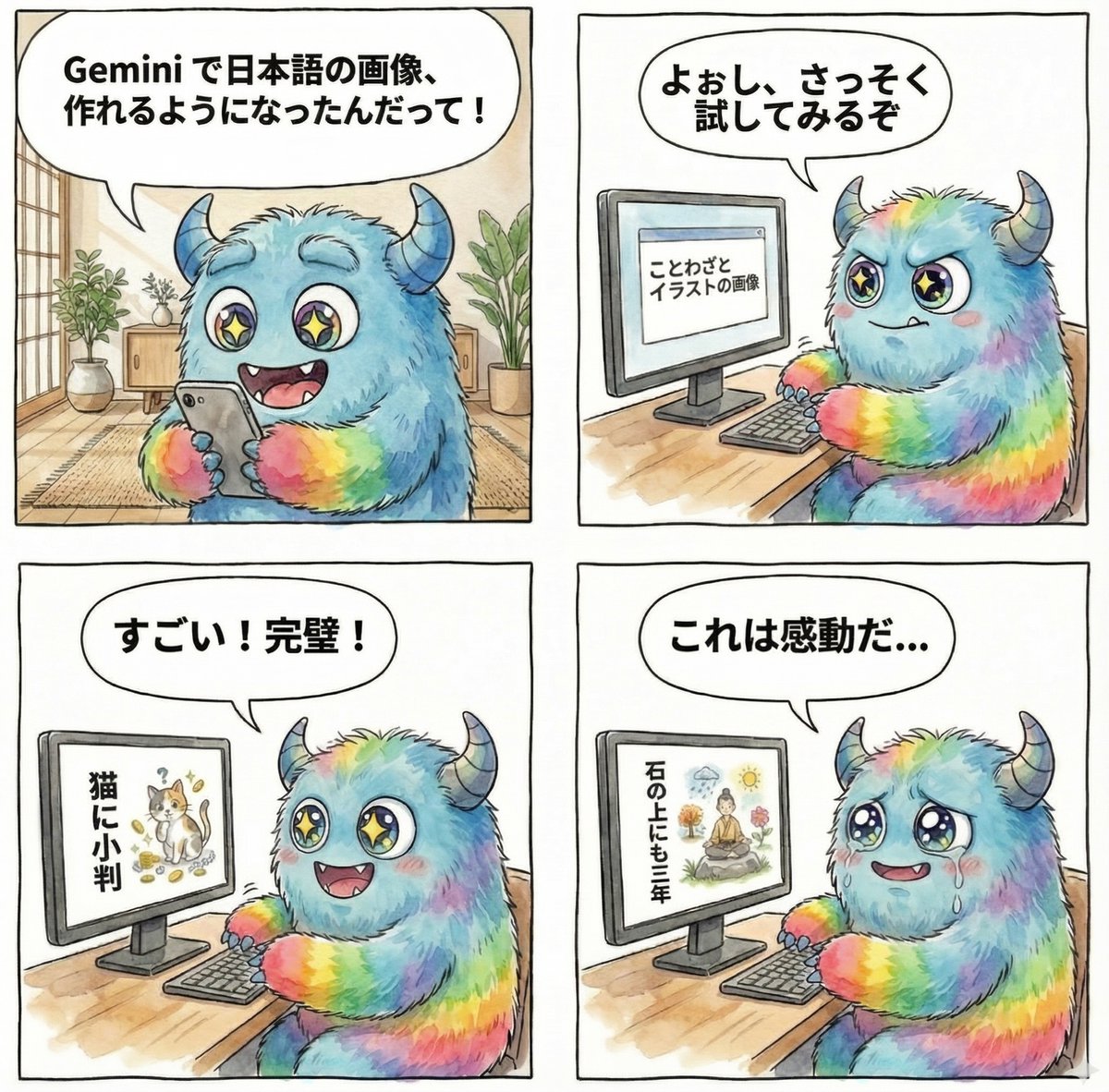
panel manga about Gemini generating Japanese text images
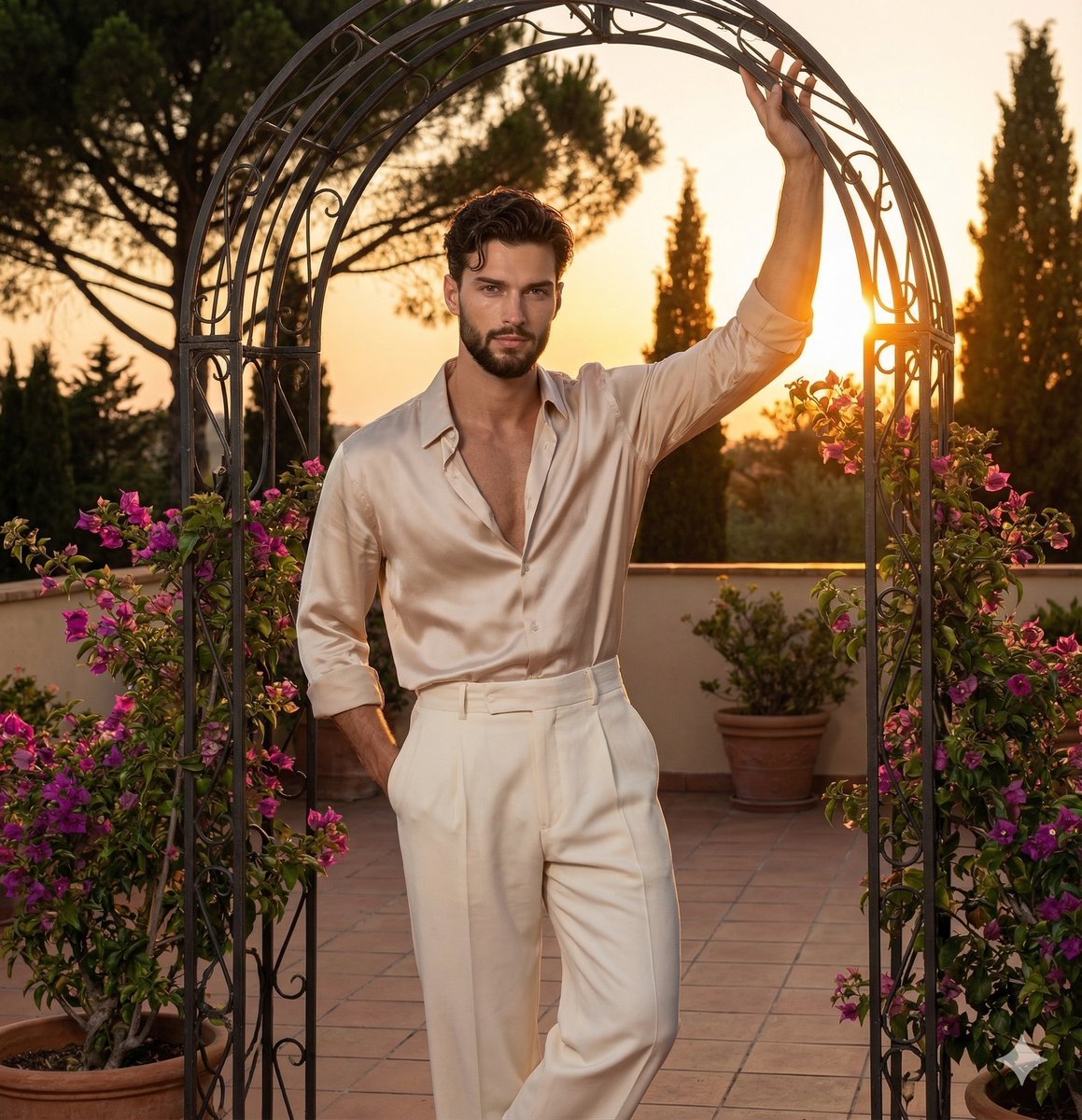
Golden Hour Editorial Portrait with Complex Lighting
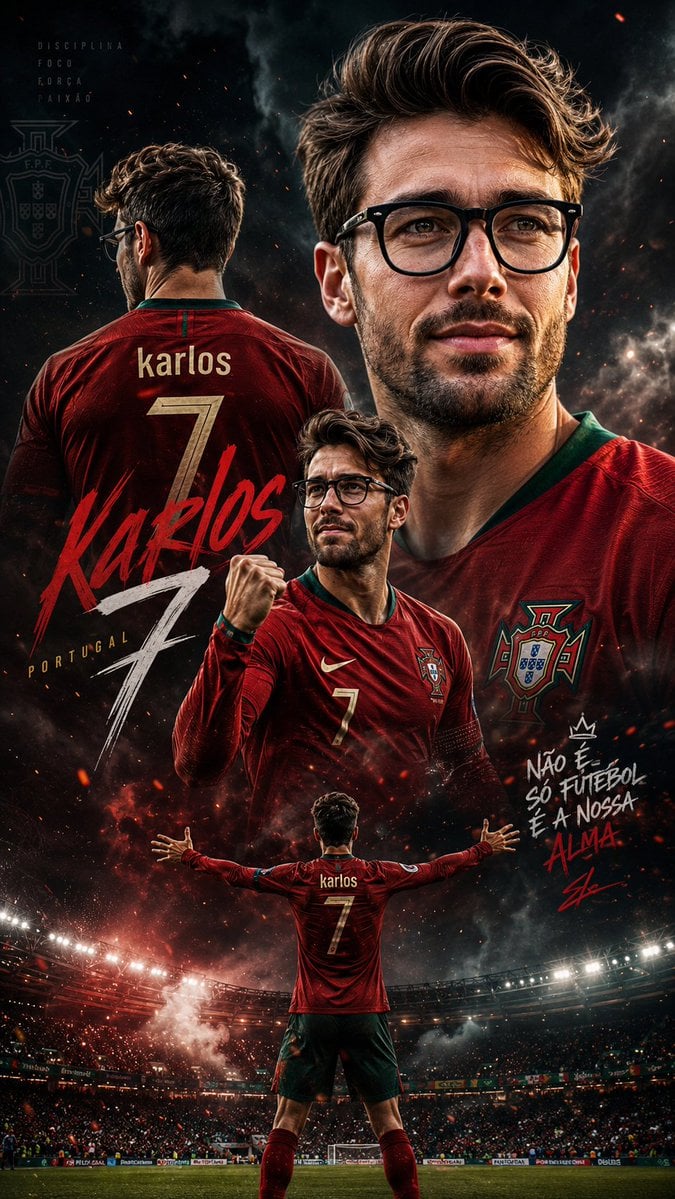
Cinematic Football Sports Poster
Cinematic Boxing Portrait Prompt (Luxury Fashion x Combat Sport)
Retro Space Heroine Cosplay Portrait
Modern MPLUS Link UI Redesign
Football Player Signing Presentation

Bored Club Chibi Kids Poster
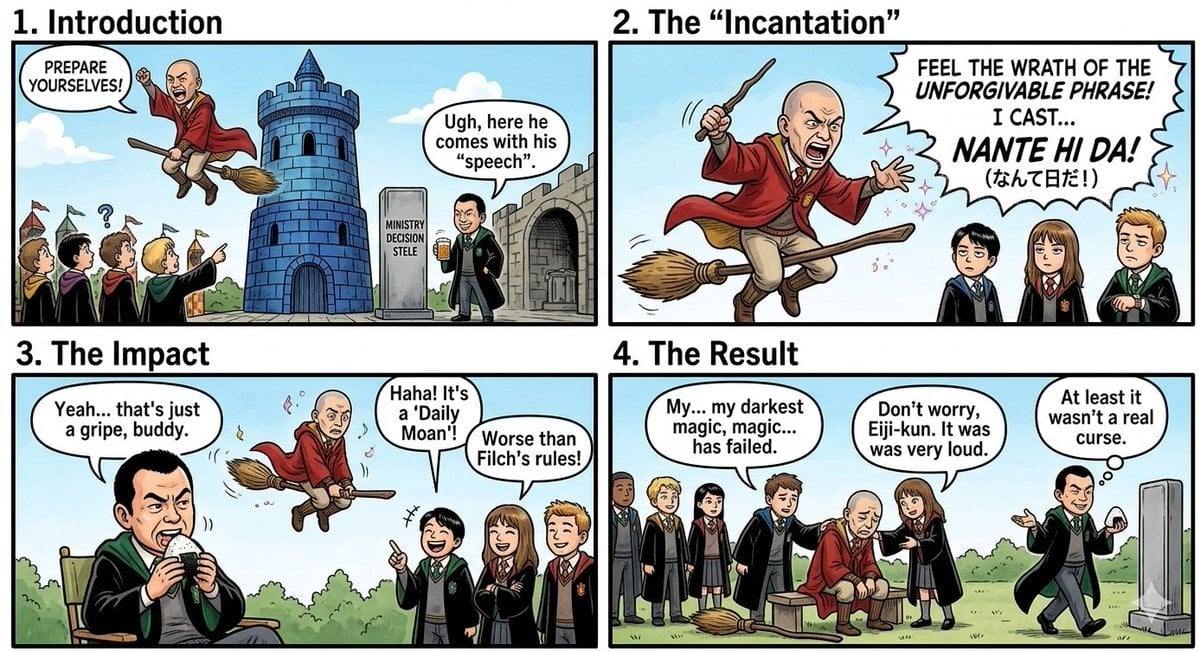
Nano Banana Pro Prompt: Harry Potter Style Slander
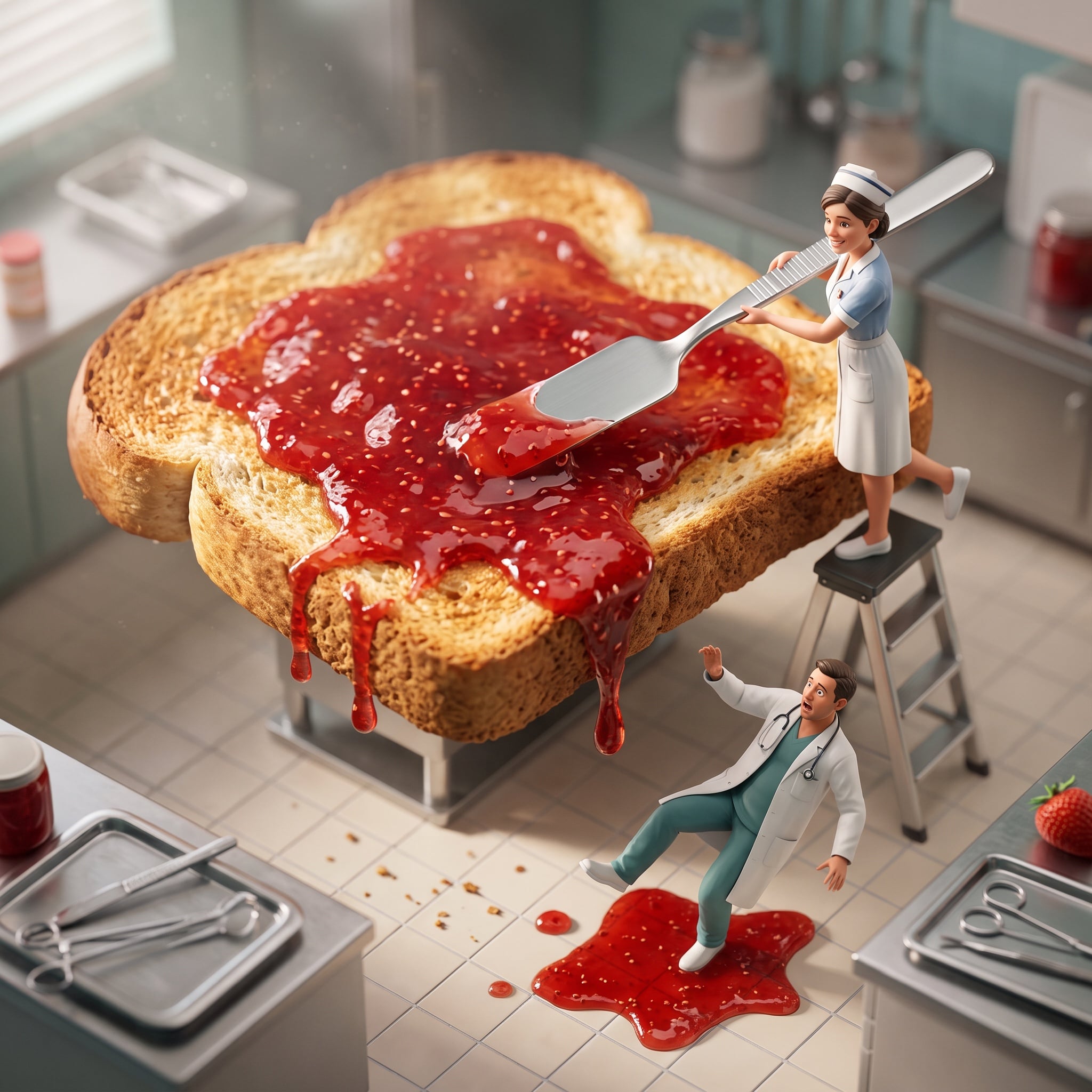
Cinematic Miniature Diorama Animation Prompt
Browse template categories
Pixel Art Survival Game UI Mockup questions
How do I use the Pixel Art Survival Game UI Mockup template?
Add your photo if the template asks for one, edit the prompt if you like — the template's model and format are already selected — and press Generate. Your version opens in PicX Studio.
Can I customize the Pixel Art Survival Game UI Mockup template?
Yes. You can change the subject, setting, lighting, mood, format, and available model controls before creating your image.
Is the Pixel Art Survival Game UI Mockup template free?
Opening and editing this template is free. Generating uses credits, shown on the Generate button when you are signed in.
Which AI model should I use?
Start with GPT Image 2, which is the model associated with this template. You can compare another compatible model for a different finish.
Looking for something else? Browse all templates.

Your photo, any look
Thousands of ready templates for every top image and video model, from one credit balance.