
Cinematic Miniature Diorama Animation Prompt
A highly detailed JSON prompt for generating an 8K cinematic miniature diorama animation.
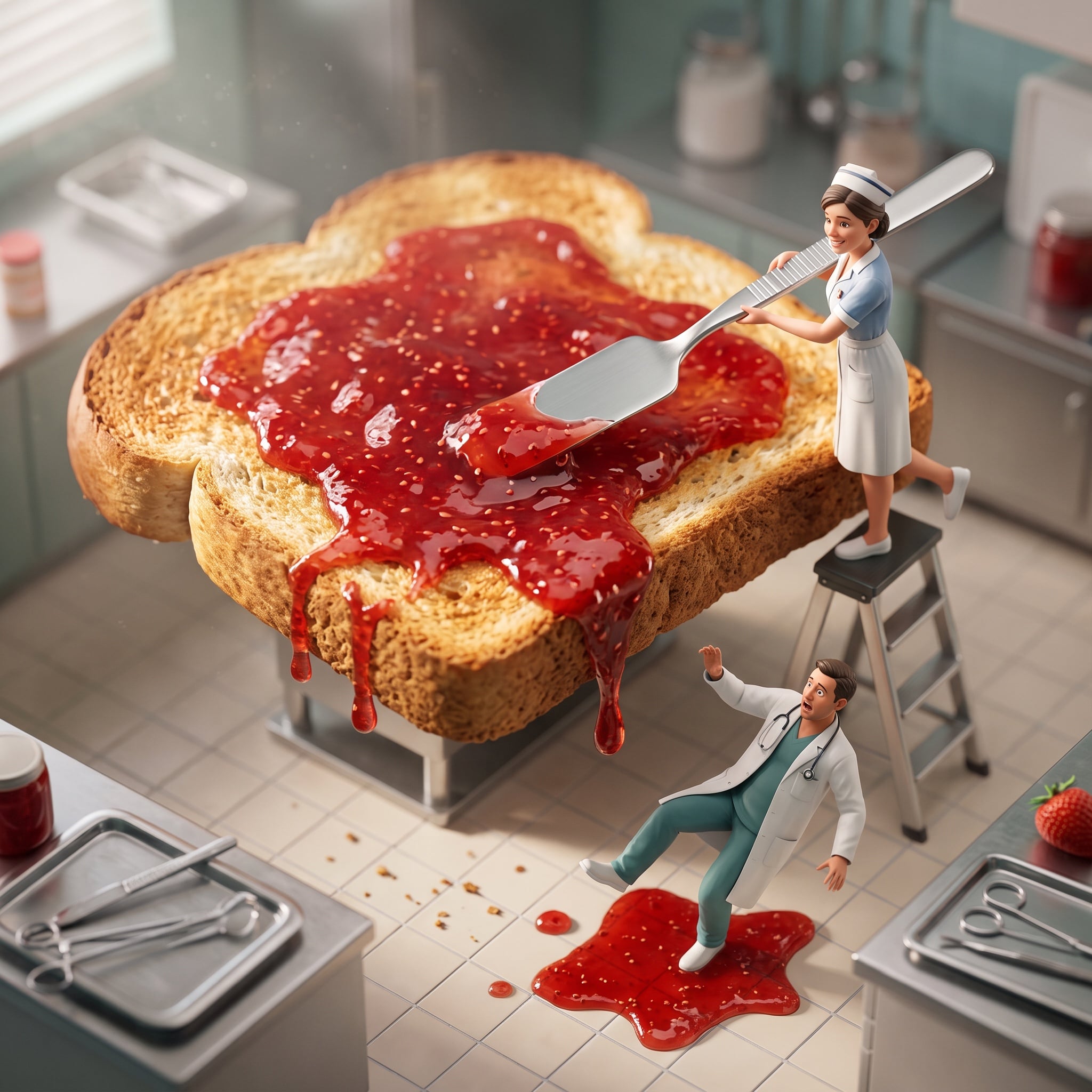
- Prompt included
- Model and format preset
- Premium template
The prompt behind this image
Copy the exact prompt behind Cinematic Miniature Diorama Animation Prompt, or open it in the studio and make it yours.
- Global Settings › Medium
- 3D cinematic miniature diorama animation
- Global Settings › Resolution
- 8K
- Global Settings › Style
- luxury hyper-realistic photography
- Global Settings › Detail Level
- ultra-detailed micro textures
- Global Settings › Camera Effects › Depth Of Field
- shallow
- Global Settings › Camera Effects › Tilt Shift
- true
- Global Settings › Lighting › Type
- soft cinematic lighting
- Global Settings › Lighting › Volumetric Fog
- true
- Global Settings › Lighting › Global Illumination
- realistic GI with natural light bounce
- Global Settings › Render Quality
- photorealistic
- Global Settings › Color Grading
- warm, playful tones
- Scene › Environment
- miniature hospital kitchen diorama
- Scene › Scale Contrast
- tiny characters interacting with oversized food
- Scene › Main Object › Object
- giant toasted bread slice
- Scene › Main Object › Texture
- crispy golden-brown toast with realistic pores and crumbs
- Scene › Main Object › Scale
- massive compared to characters
- Scene › Characters › 0 › Type
- nurse
- Scene › Characters › 0 › Action
- spreading strawberry jam
- Scene › Characters › 0 › Pose
- standing on a small ladder
- Scene › Characters › 0 › Tool
- oversized spatula
- Scene › Characters › 0 › Expression
- focused and cheerful
- Scene › Characters › 1 › Type
- doctor
- Scene › Characters › 1 › Action
- slipping on spilled jam
- Scene › Characters › 1 › Pose
- off-balance, almost falling
Raw JSON
{
  "global_settings": {
    "medium": "3D cinematic miniature diorama animation",
    "resolution": "8K",
    "style": "luxury hyper-realistic photography",
    "detail_level": "ultra-detailed micro textures",
    "camera_effects": {
      "depth_of_field": "shallow",
      "tilt_shift": true
    },
    "lighting": {
      "type": "soft cinematic lighting",
      "volumetric_fog": true,
      "global_illumination": "realistic GI with natural light bounce"
    },
    "render_quality": "photorealistic",
    "color_grading": "warm, playful tones"
  },
  "scene": {
    "environment": "miniature hospital kitchen diorama",
    "scale_contrast": "tiny characters interacting with oversized food",
    "main_object": {
      "object": "giant toasted bread slice",
      "texture": "crispy golden-brown toast with realistic pores and crumbs",
      "scale": "massive compared to characters"
    },
    "characters": [
      {
        "type": "nurse",
        "action": "spreading strawberry jam",
        "pose": "standing on a small ladder",
        "tool": "oversized spatula",
        "expression": "focused and cheerful"
      },
      {
        "type": "doctor",
        "action": "slipping on spilled jam",
        "pose": "off-balance, almost falling",
        "expression": "surprised, comedic"
      }
    ],
    "props": {
      "tools": "surgical instruments humorously repurposed as cooking utensils",
      "details": "ladders, trays, miniature kitchen elements"
    },
    "food_details": {
      "strawberry_jam": {
        "appearance": "bright red, glossy, thick",
        "behavior": "slowly dripping from toast edges",
        "surface_reflection": "realistic highlights and viscosity"
      }
    },
    "atmosphere": {
      "mood": "playful, cheerful, comedic",
      "motion": "subtle animation in jam drips and character gestures",
      "depth": "cinematic miniature realism"
    }
  }
}How to use Cinematic Miniature Diorama Animation Prompt in 3 steps
- 1
Open
The prompt is already in the box next to the preview, with the template's model and format selected.
- 2…a portrait of your subject in softgolden-hour light, 85mm…
Personalize
Edit the subject and creative details for your destination.
- 3Generate
Generate
Press Generate — your image is created in PicX Studio, so you can compare it with the original and refine one variable at a time.
More like this
Templates with the same subject, style or setup. Open one to see its prompt.

Isometric Brand Store Diorama

Miniature Sick Day Diorama

Stylized Miniature 3D Diorama Craft

Cozy Isometric Bathroom Miniature Diorama

Layered Paper Cut Forest Diorama

Soft Handcrafted Paper-Cut Layered Illustration
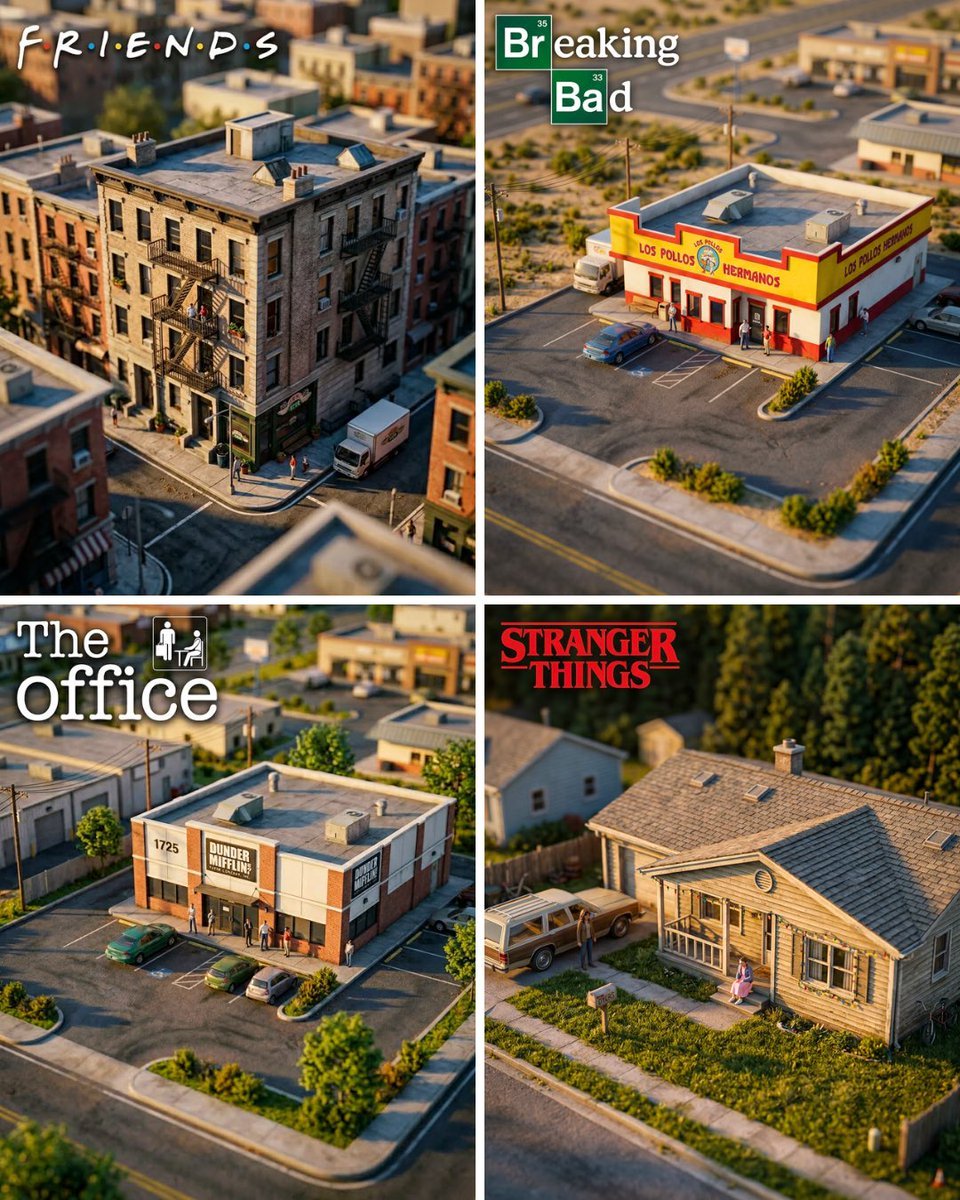
Hyper-Realistic Miniature Diorama Creator

Toon Cartoon Finale Fireworks

Toon Cartoon Garden Maze

Toon Cartoon Rooftop Concert

Toon Cartoon Kitchen Chaos

Toon Cartoon Carnival Ride
Make it yours
Cinematic Miniature Diorama Animation Prompt works as-is. These are the safest ways to change it without losing the look.
Swap the setting
Keep the rest of the prompt and replace the location block. The current setting is “3D cinematic miniature diorama animation”.
Swap the light
One lighting change is enough to compare takes. Current light: “soft cinematic lighting”.
Change one field
Copy a single group, rewrite it, and generate again so you can see what that field is doing.
| If the result… | Why | Fix |
|---|---|---|
| The result drifts from the preview | Too many fields changed at once. | Reuse Cinematic Miniature Diorama Animation Prompt as-is first, then change one group — subject, light, or setting. |
| Nano Banana 2 ignores part of the JSON | Some models flatten or skip nested keys. | Keep the same values and paste them as a short paragraph instead. |
More Nano Banana 2 templates
Other prompts made for Nano Banana 2.

Photorealistic Leaf Shaped Like a Dragon

K-Pop Idol Portrait Grid for Rapid Selection

Poetic Rain Forest Portrait During Golden Hour

Urban Street Portrait with Cartoon Inner Self Duo

Candid Nighttime Photo with Cat Prompt

High-Concept 3D Diorama Generation Prompt

Cinematic Futuristic Studio Portrait Template

Skincare Editorial Photography Collage Prompt

Hyper-Realistic Commercial Product Photography (Splash Effect)

Hyper-Realistic Nightclub Portrait Prompt
More image prompts
Fresh picks from across the catalog.

Cloisonné Craft PPT Cover
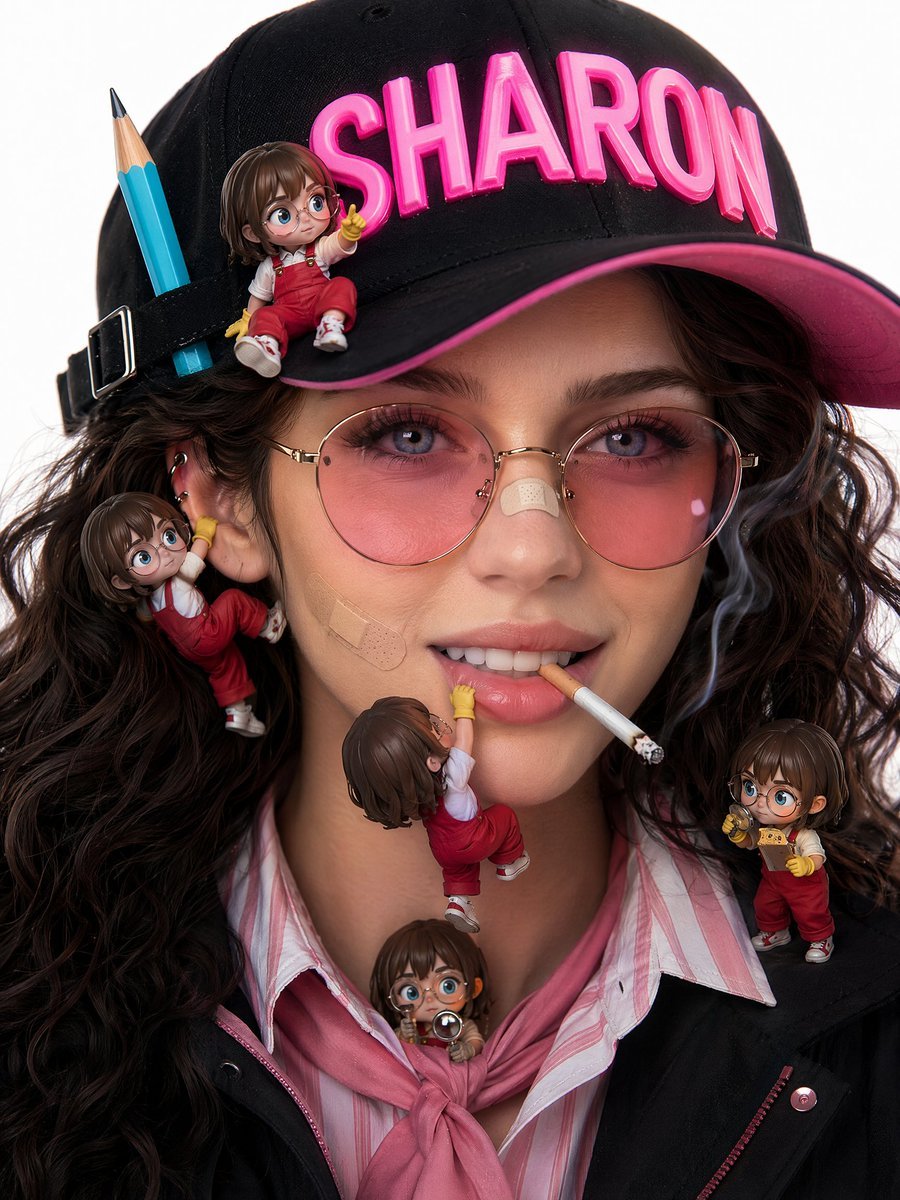
Photorealistic beauty campaign portrait prompt
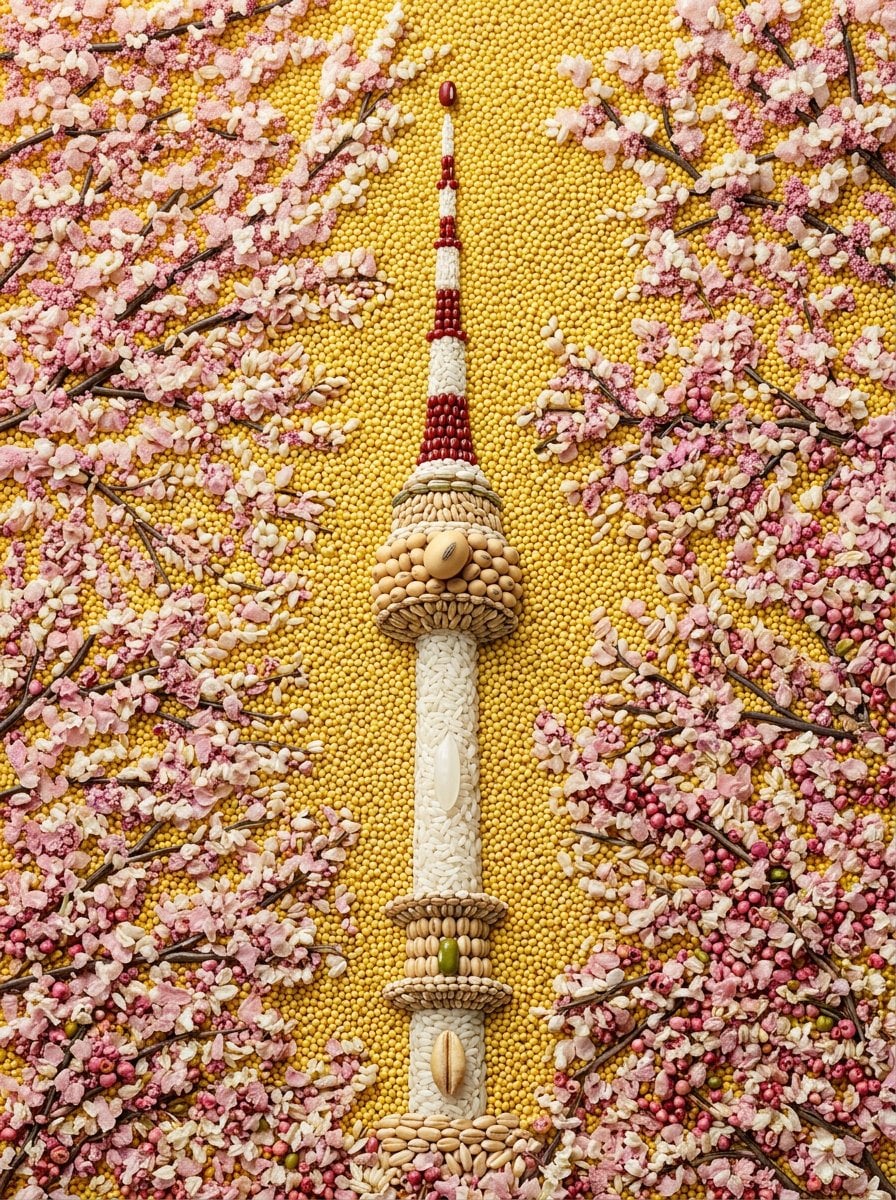
Maximalist Grain Art Prompt for Nano Banana 2
World Famous Puppet Show Scene
Neon Japanese AI Prompt Promo Banner
3D Miniature Clay Figurine Illusion in an Artist's Studio
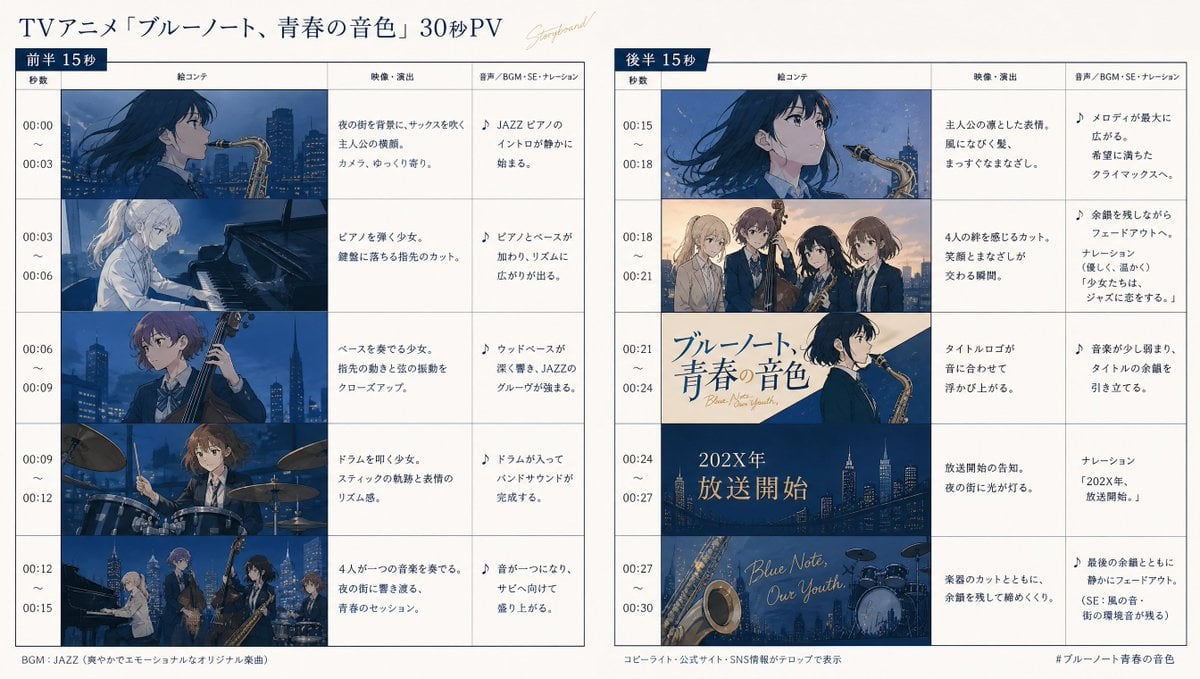
Anime Storyboard Generation
Kamehameha Style Transformation Prompts

Old Photo Restoration Prompt

Photorealistic 4K Coffee Image Prompt
Browse template categories
Cinematic Miniature Diorama Animation Prompt questions
How do I use the Cinematic Miniature Diorama Animation Prompt template?
Add your photo if the template asks for one, edit the prompt if you like — the template's model and format are already selected — and press Generate. Your version opens in PicX Studio.
Can I customize the Cinematic Miniature Diorama Animation Prompt template?
Yes. You can change the subject, setting, lighting, mood, format, and available model controls before creating your image.
Is the Cinematic Miniature Diorama Animation Prompt template free?
Opening and editing this template is free. Generating uses credits, shown on the Generate button when you are signed in.
Which AI model should I use?
Start with Nano Banana 2, which is the model associated with this template. You can compare another compatible model for a different finish.
Looking for something else? Browse all templates.

Your photo, any look
Thousands of ready templates for every top image and video model, from one credit balance.