
Miniature Sick Day Diorama
Generates a cinematic macro scene of a tiny unwell woman surrounded by oversized medicine, tea, tissues, and get-well objects.

- Prompt included
- Model and format preset
- Free template
The prompt behind this image
Copy the exact prompt behind Miniature Sick Day Diorama, or open it in the studio and make it yours.
Create a surreal, ultra-realistic miniature cinematic sick-day scene on a wooden tabletop at golden hour. A tiny young woman, {argument name="character name" default="a tired young woman"}, sits on top of an oversized red-and-orange medicine box labeled “POWER CAPS,” wrapped in a soft gray blanket over a cream shirt and plaid pajama pants, wearing white sneakers. She looks exhausted and slightly feverish, holding a small spoon in one hand and a small bowl or cup of medicine in the other, gazing downward with a quiet unwell expression. Surround her with giant everyday recovery objects scaled much larger than her: exactly 1 oversized digital thermometer leaning vertically on the left showing “38.5 °C” with a sad face icon, exactly 1 yellow sticky note above her reading “Get Well Soon” with a red heart, exactly 1 large cream ceramic mug in the back reading “Take Care” with a smiling sun illustration, exactly 1 clear glass of water on the right filled with sparkling bubbles, exactly 1 blue medicine box labeled “Panadol Advance” in the right foreground, exactly 1 amber pill bottle on the lower right with a white label reading “Rest Hydrate Feel Better” and a red heart, exactly 1 blister pack in the front holding 10 white tablets, exactly 1 loose white capsule on the tabletop, and exactly 5 crumpled white tissues scattered around the scene. Use warm backlit sunlight streaming through a window, soft bokeh trees outside, shallow depth of field, realistic textures on paper, plastic, ceramic, glass, foil, wood grain, and fabric. Make it feel like a tiny cinematic diorama photographed with a macro lens, cozy but melancholic, with realistic shadows, reflections, scale contrast, and no extra objects or text beyond the specified labels. Use {argument name="mood" default="warm, caring, tired, cinematic"} lighting and a {argument name="camera angle" default="slightly low front macro angle"} composition.
How to use Miniature Sick Day Diorama in 3 steps
- 1Upload ImagePNG, JPG or paste
Add your photo
Upload the photo the template builds on. The prompt, model and format are already set.
- 2…a portrait of your subject in softgolden-hour light, 85mm…
Personalize
Edit the subject and creative details for your destination.
- 3Generate
Generate
Press Generate — your image is created in PicX Studio, so you can compare it with the original and refine one variable at a time.
More like this
Templates with the same subject, style or setup. Open one to see its prompt.

Isometric Brand Store Diorama

Stylized Miniature 3D Diorama Craft

Cozy Isometric Bathroom Miniature Diorama

Paper Tunnel Book Architecture

Layered Paper Cut Forest Diorama

Soft Handcrafted Paper-Cut Layered Illustration
Hyper-Realistic Miniature Diorama Creator

Isometric Process Educational Diorama

FIFA World Cup — Brazil National Pass Diorama
Miniature 3D City Diorama Map
Miniature Salsa Box Garden Diorama

敦煌纸雕飞天 — 3D Layered Paper Cutout
Make it yours
Miniature Sick Day Diorama works as-is. These are the safest ways to change it without losing the look.
Change one field
Copy a single group, rewrite it, and generate again so you can see what that field is doing.
Keep the frame, change the subject
Hold the composition and light of Miniature Sick Day Diorama, then swap wardrobe, props or the person for a new take.
| If the result… | Why | Fix |
|---|---|---|
| The result drifts from the preview | Too many fields changed at once. | Reuse Miniature Sick Day Diorama as-is first, then change one group — subject, light, or setting. |
| The model over-stylizes the scene | The prose prompt leaves finish and camera underspecified. | Add one camera or lighting sentence and stay on GPT Image 2. |
More GPT Image 2 templates
Other prompts made for GPT Image 2.

Six VTuber Japanese Logo Sheet

Realistic Portrait of Woman and Deer

The Vista Modular Condo Poster

AI Model Routing Comparison Infographic

2.5D Anime Art Board

Isometric Productivity Desk Scene

New York Double Exposure Poster

Four-Panel AI Landscape Comparison

Japanese Tatami Lifestyle Magazine Cover

NESCAFÉ Coffee Map Poster
More image prompts
Fresh picks from across the catalog.

Playful Portrait with Foreground Text and Gradient Background

Low-Key Portrait with Moon Projection Silhouette

Hyperrealistic Streetwear Studio Portrait
GPT 2 Day 500 Gaming Thumbnail
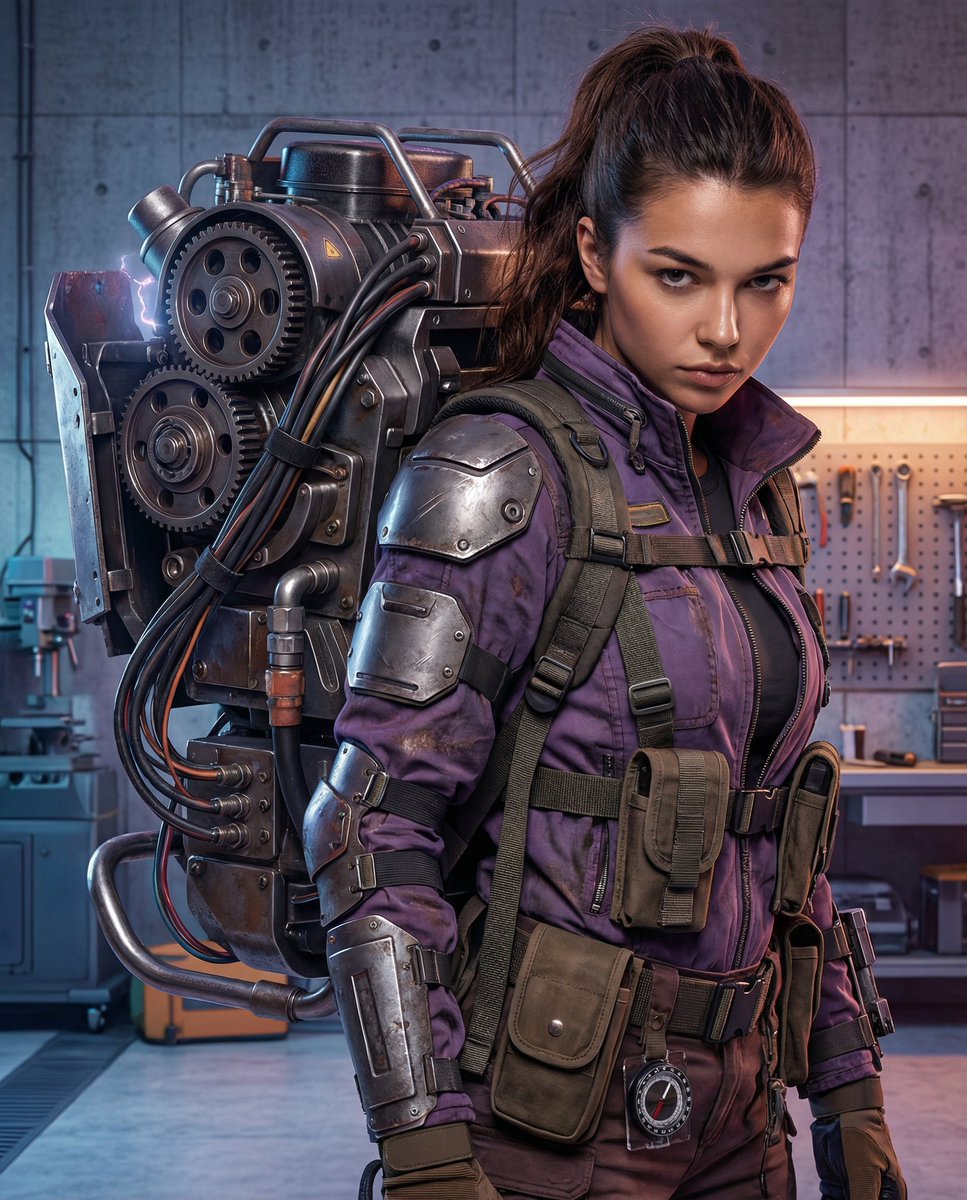
Cyberpunk Mechanic with Massive Exosuit Backpack
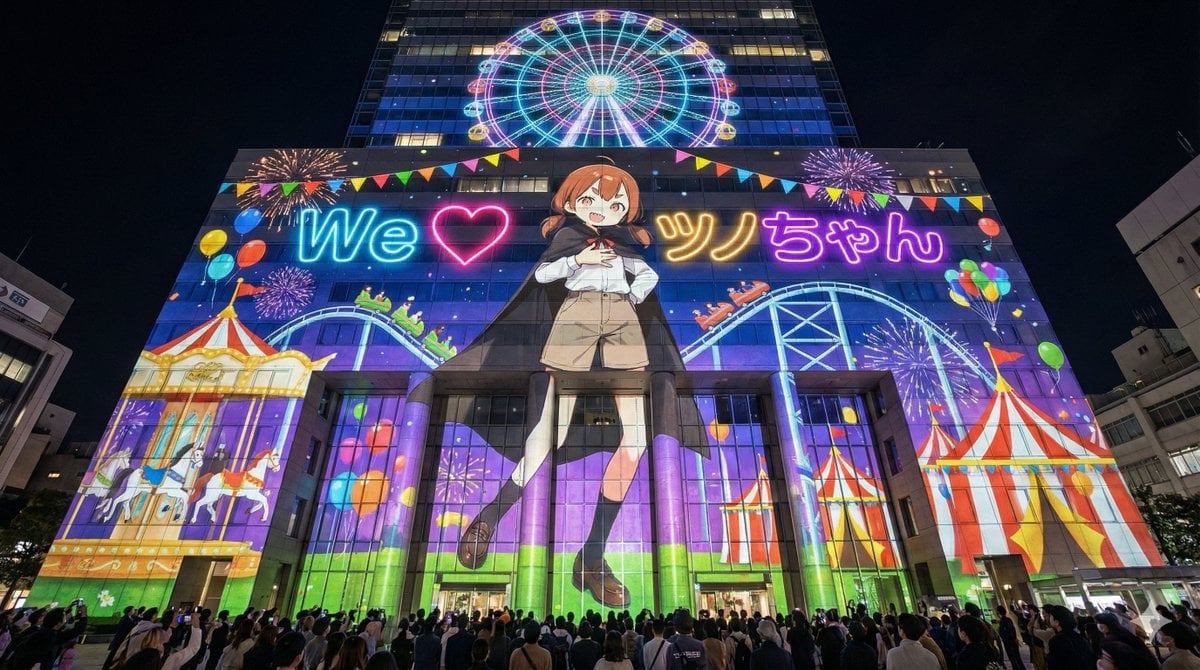
Projection Mapping Prompt for Nano Banana Pro (Amusement Park Theme)
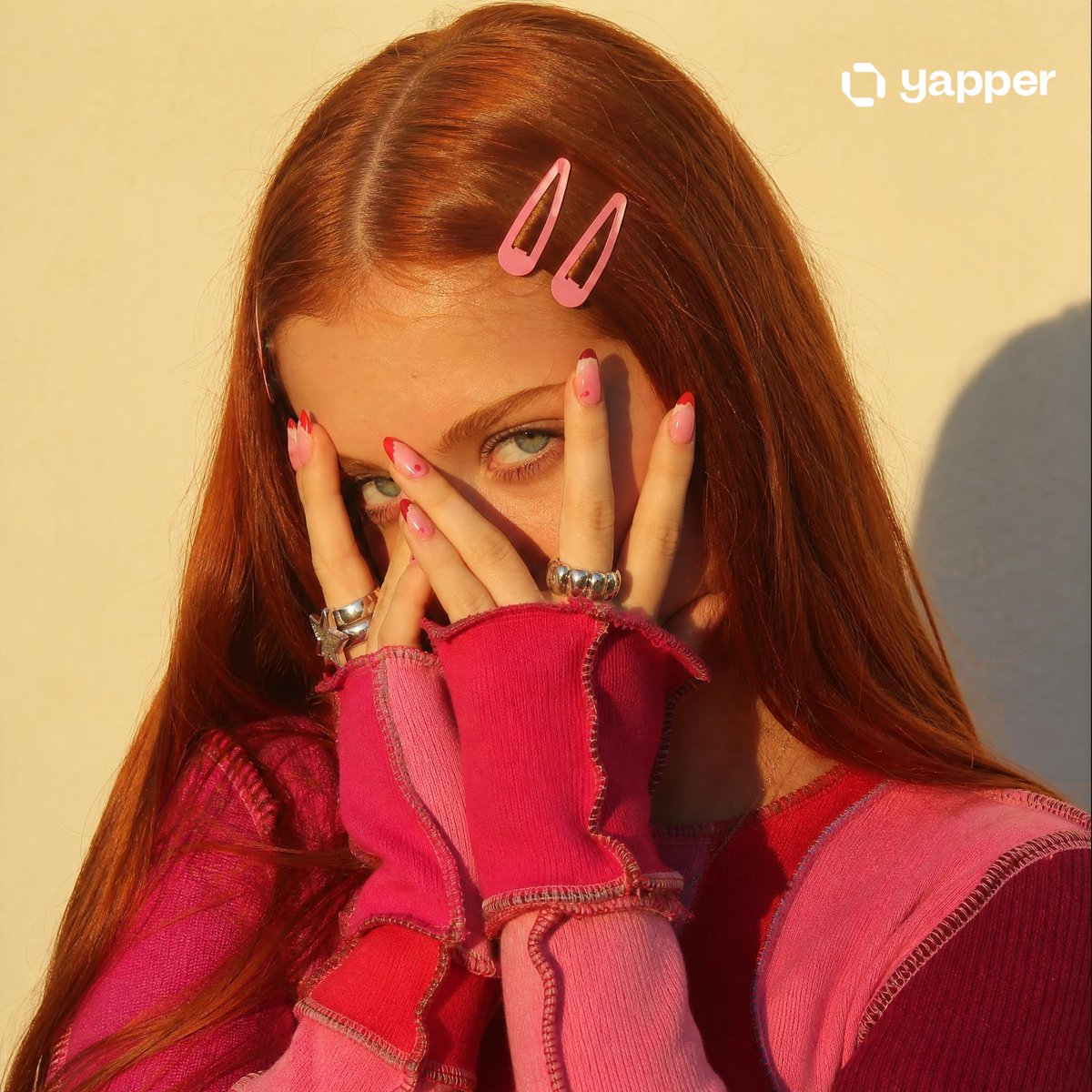
Y2K Indie Sleaze Portrait
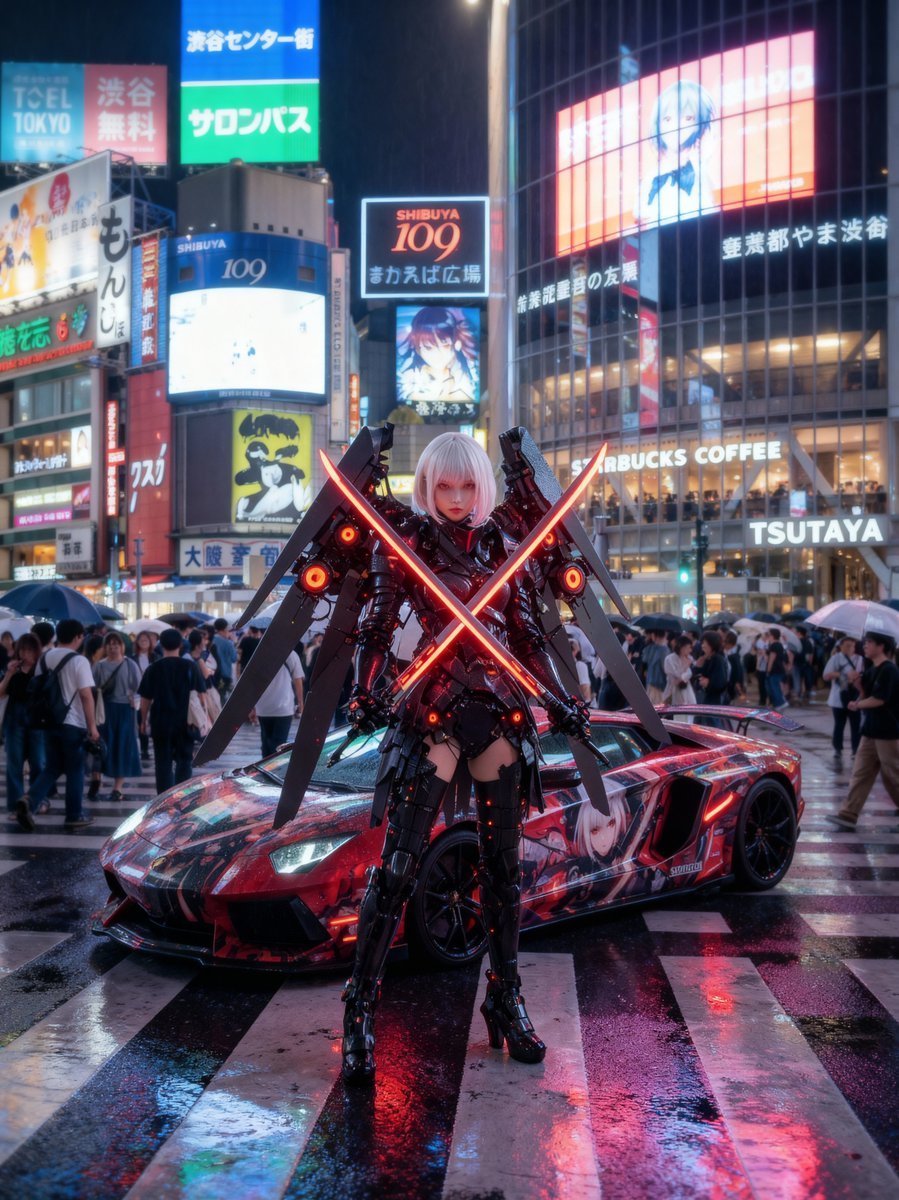
Cosplayer with itasha at Shibuya Scramble Crossing

50 artifacts from different eras and cultures
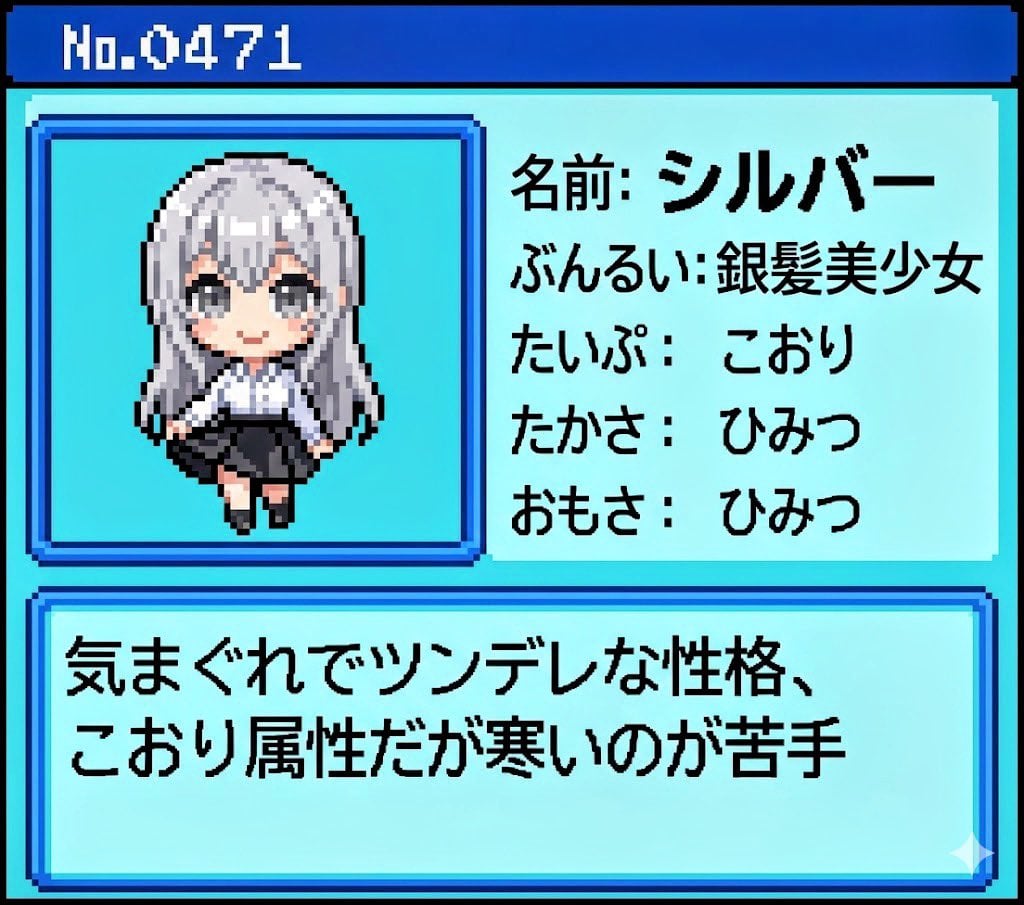
Generating Pokémon Zukan (Illustrated Guide) Style Art
Browse template categories
Miniature Sick Day Diorama questions
How do I use the Miniature Sick Day Diorama template?
Add your photo if the template asks for one, edit the prompt if you like — the template's model and format are already selected — and press Generate. Your version opens in PicX Studio.
Can I customize the Miniature Sick Day Diorama template?
Yes. You can change the subject, setting, lighting, mood, format, and available model controls before creating your image.
Is the Miniature Sick Day Diorama template free?
Opening and editing this template is free. Generating uses credits, shown on the Generate button when you are signed in.
Which AI model should I use?
Start with GPT Image 2, which is the model associated with this template. You can compare another compatible model for a different finish.
Looking for something else? Browse all templates.

Your photo, any look
Thousands of ready templates for every top image and video model, from one credit balance.