
FIFA World Cup — Brazil National Pass Diorama
Brazil national World Cup pass with stadium diorama and burst football.

- Prompt included
- Model and format preset
- Premium template
The prompt behind this image
Copy the exact prompt behind FIFA World Cup — Brazil National Pass Diorama, or open it in the studio and make it yours.
Adopt Brazil's most iconic landmarks, famous stadiums, national team colors, and football culture elements. Create a hyper-realistic World Cup pass themed poster. The composition uses a first-person perspective, with a realistic hand in the foreground holding a giant World Cup pass. The pass is exclusively designed for the national team, with the overall color scheme automatically adopting the classic colors of the Brazilian national team. In the center of the pass, a three-dimensional miniature diorama presents the country's iconic city and famous stadium. A football bursts out from inside the pass toward the viewer, creating a strong visual impact. The background naturally integrates the most representative city skyline and landmarks. Celebration streamers, confetti, light particles, and event atmosphere elements fall through the air. The overall composition resembles a collectible travel pass combined with an official World Cup promotional poster. The main subject is the pass, which occupies 50% of the frame. Football elements take up 20% of the frame. City elements take up 30% of the frame.Style requirements: Hyper-realistic photography, cinematic poster design, IMAX visual style, official World Cup promotional video texture, high detail, ultra-wide-angle perspective, volumetric lighting, dynamic particles, depth of field blur, HDR, 8K, collectible poster quality, travel poster aesthetic, epic atmosphere, high contrast, high impact, premium commercial design.
How to use FIFA World Cup — Brazil National Pass Diorama in 3 steps
- 1
Open
The prompt is already in the box next to the preview, with the template's model and format selected.
- 2…a portrait of your subject in softgolden-hour light, 85mm…
Personalize
Edit the subject and creative details for your destination.
- 3Generate
Generate
Press Generate — your image is created in PicX Studio, so you can compare it with the original and refine one variable at a time.
More like this
Templates with the same subject, style or setup. Open one to see its prompt.
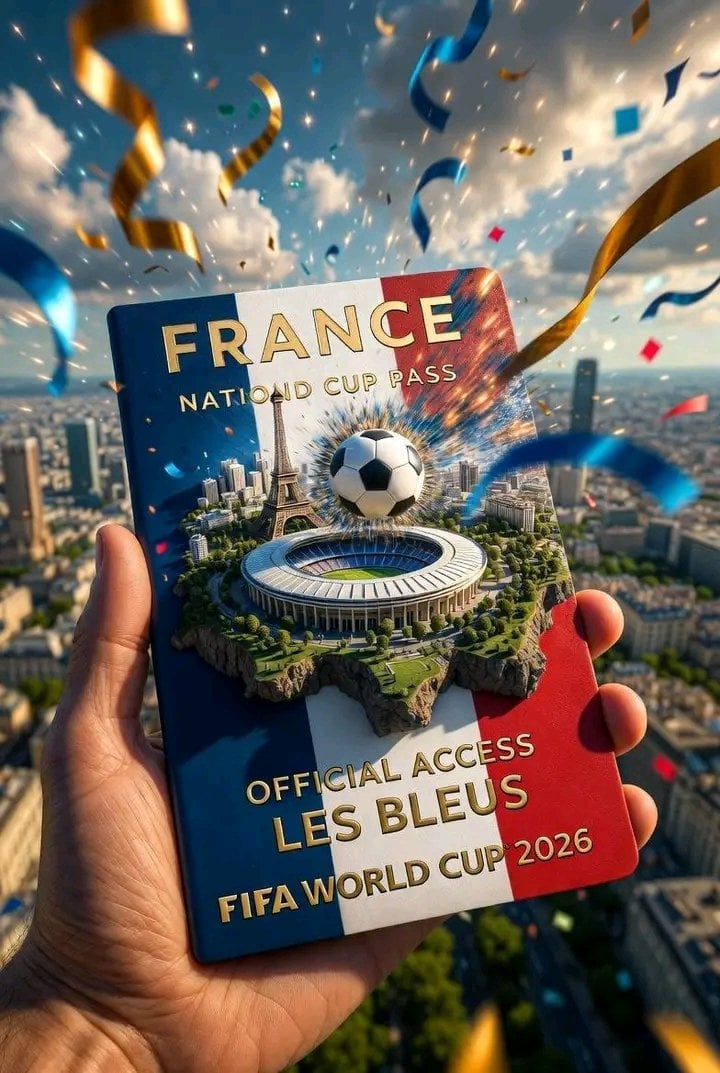
FIFA World Cup — National Cup Pass (Variable)

Cyberpunk Neon Brazil World Cup Poster

FIFA-Inspired — World Cup Final Goal Net Commercial

FIFA World Cup Trophy — Flag Ribbons Hero
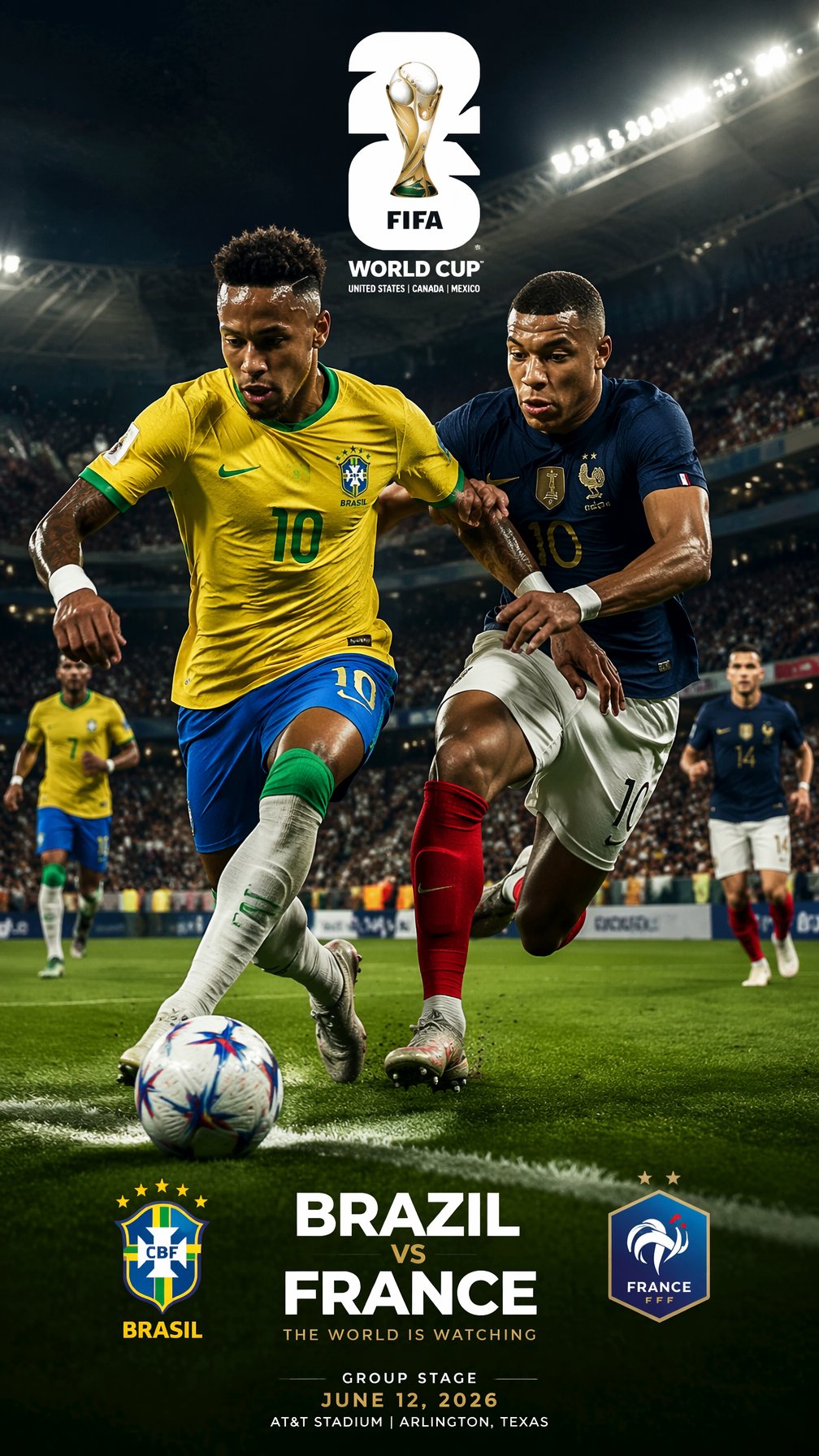
FIFA 2026 — Brazil vs France Match Sim Poster
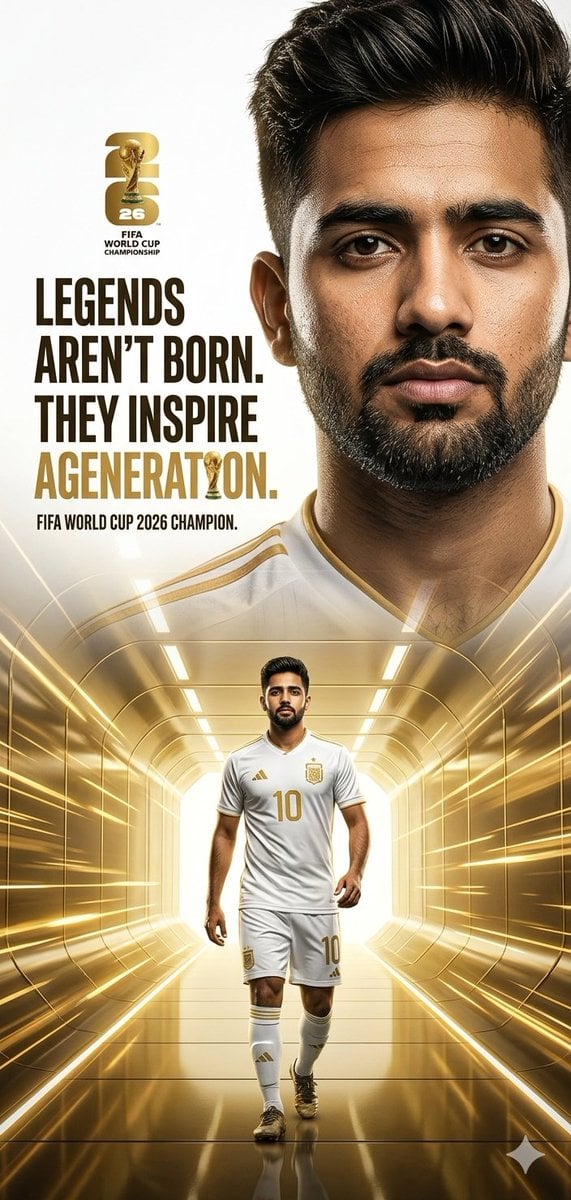
FIFA World Cup 2026 Hero Poster

FIFA World Cup Anime Poster
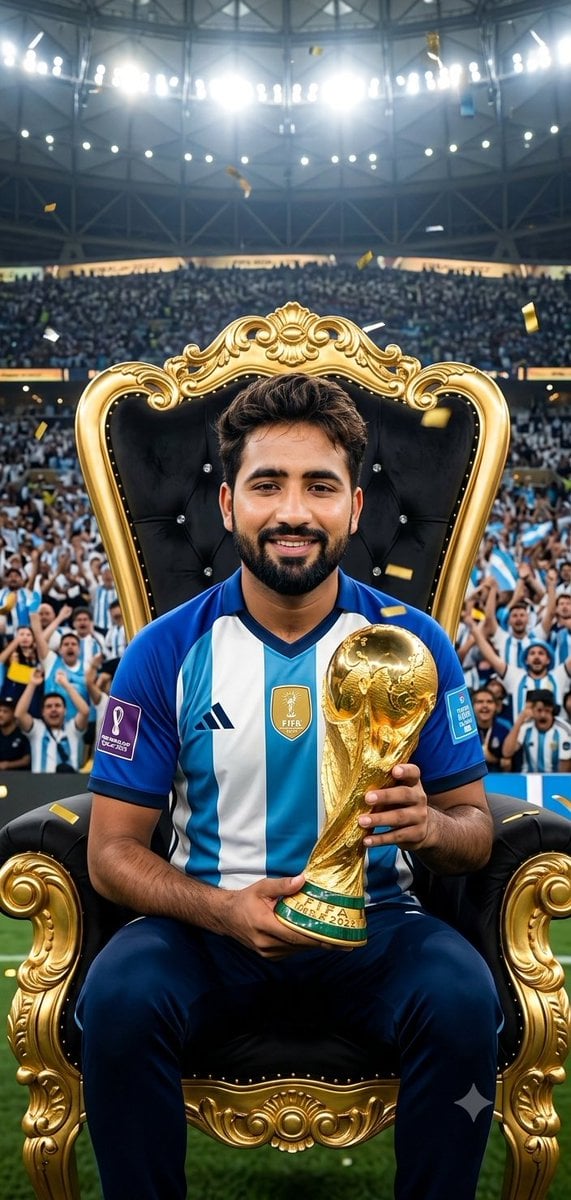
FIFA World Cup Victory Throne
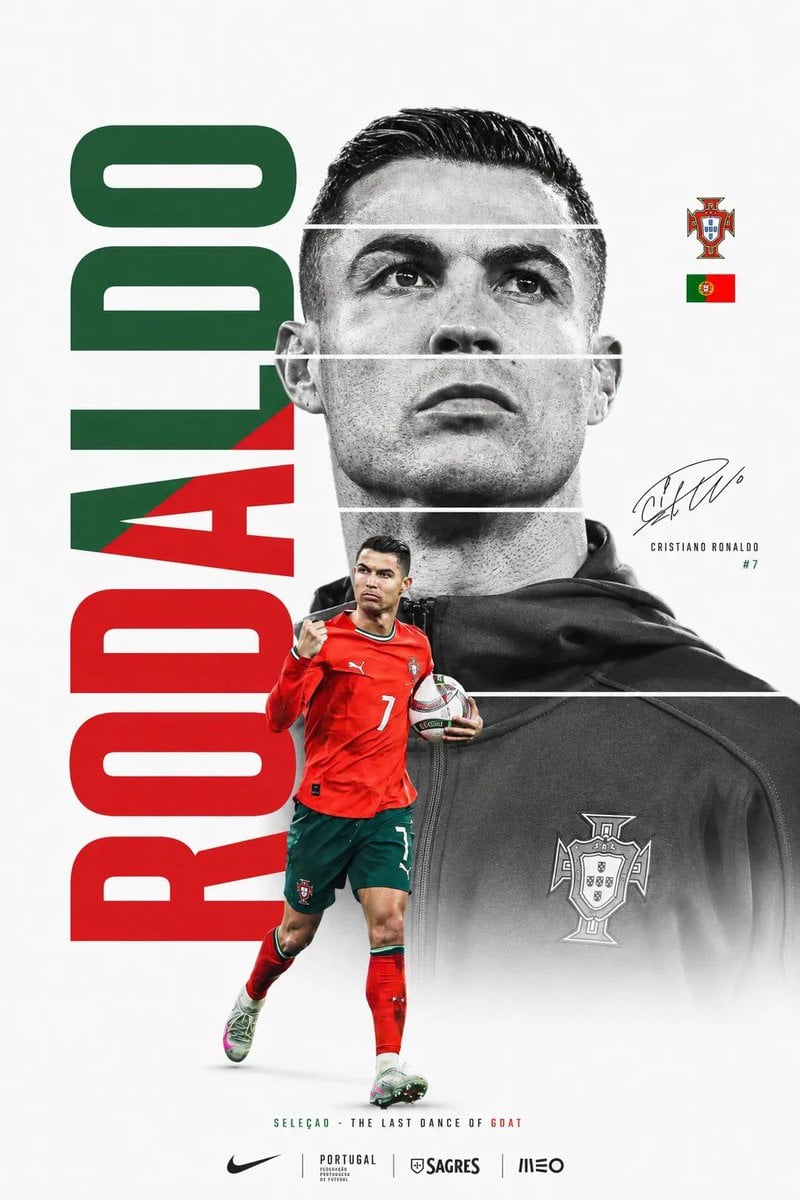
FIFA World Cup Minimalist Poster
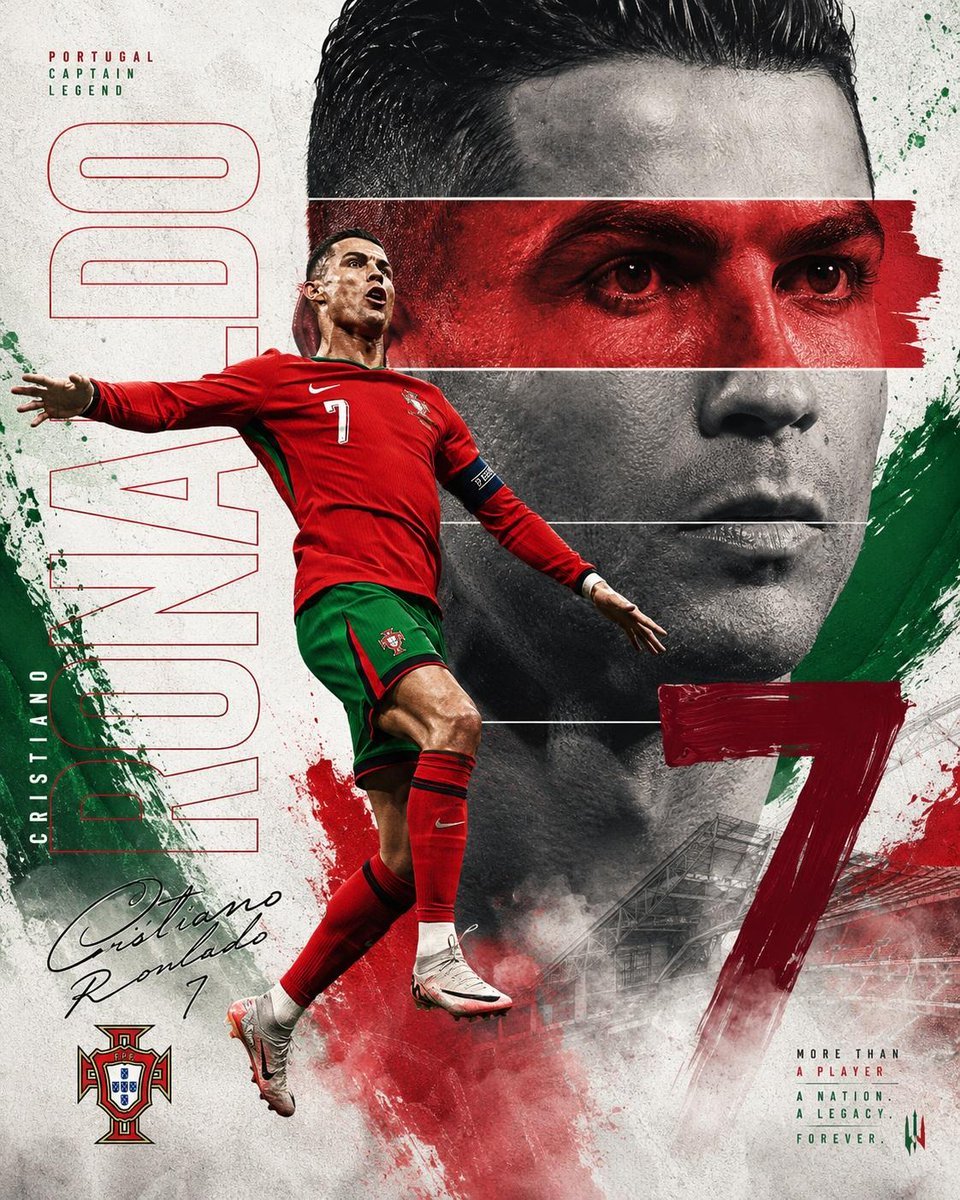
Nike FIFA World Cup Sports Poster
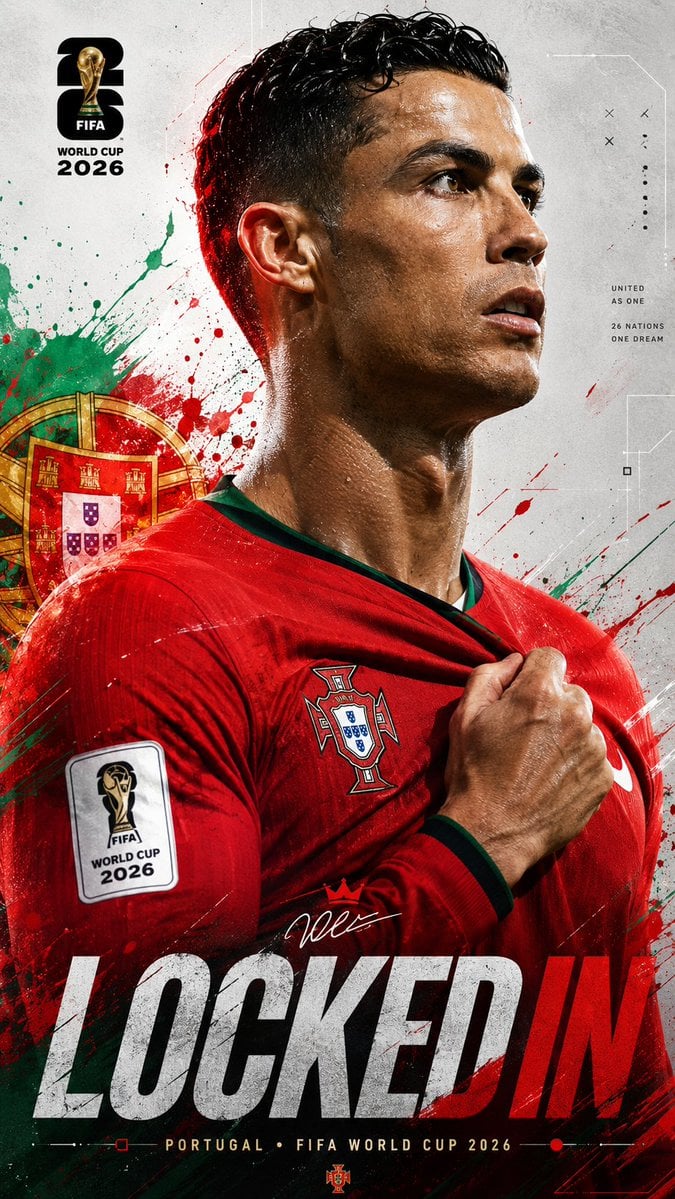
FIFA World Cup 2026 Sports Poster
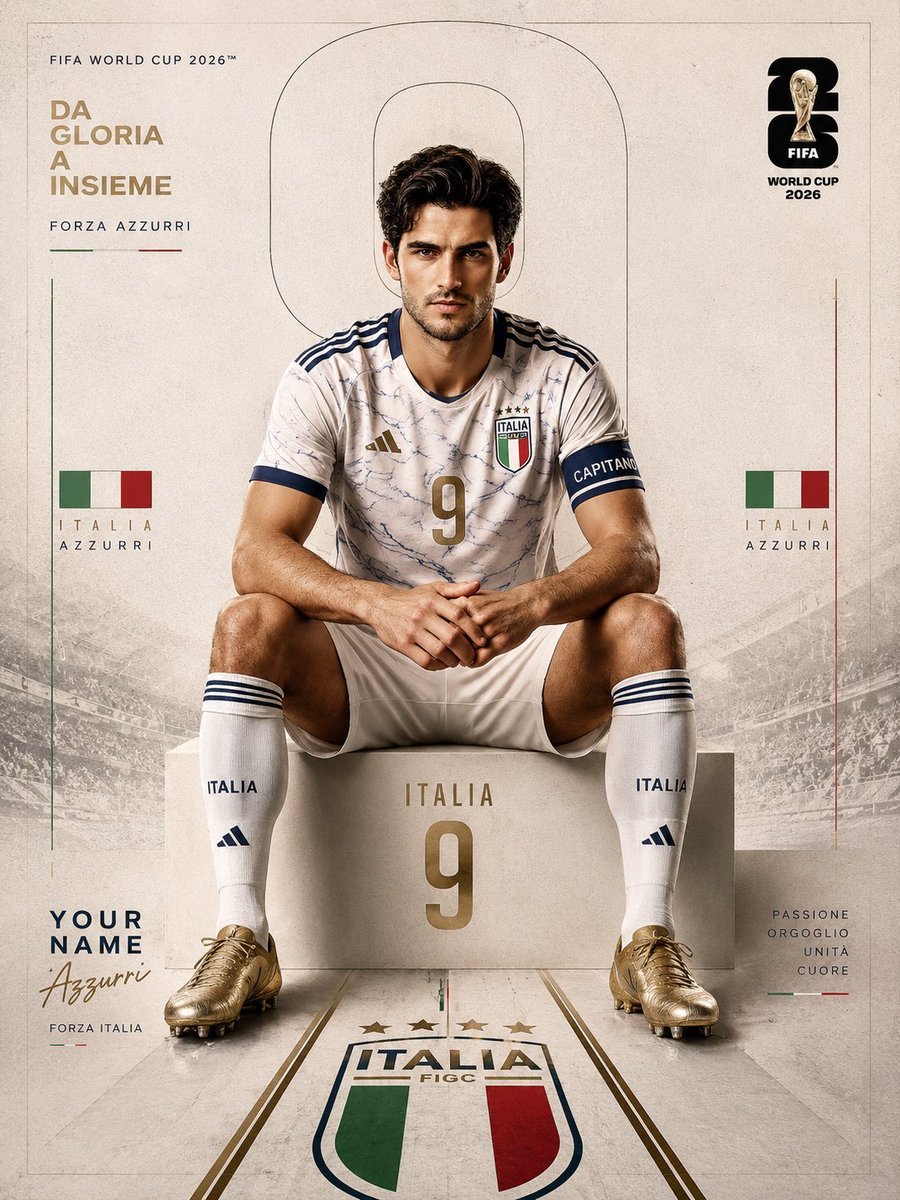
FIFA World Cup 2026 Sports Editorial
Make it yours
FIFA World Cup — Brazil National Pass Diorama works as-is. These are the safest ways to change it without losing the look.
Change one field
Copy a single group, rewrite it, and generate again so you can see what that field is doing.
Keep the frame, change the subject
Hold the composition and light of FIFA World Cup — Brazil National Pass Diorama, then swap wardrobe, props or the person for a new take.
| If the result… | Why | Fix |
|---|---|---|
| The result drifts from the preview | Too many fields changed at once. | Reuse FIFA World Cup — Brazil National Pass Diorama as-is first, then change one group — subject, light, or setting. |
| The model over-stylizes the scene | The prose prompt leaves finish and camera underspecified. | Add one camera or lighting sentence and stay on PicX Studio. |
More image prompts
Fresh picks from across the catalog.
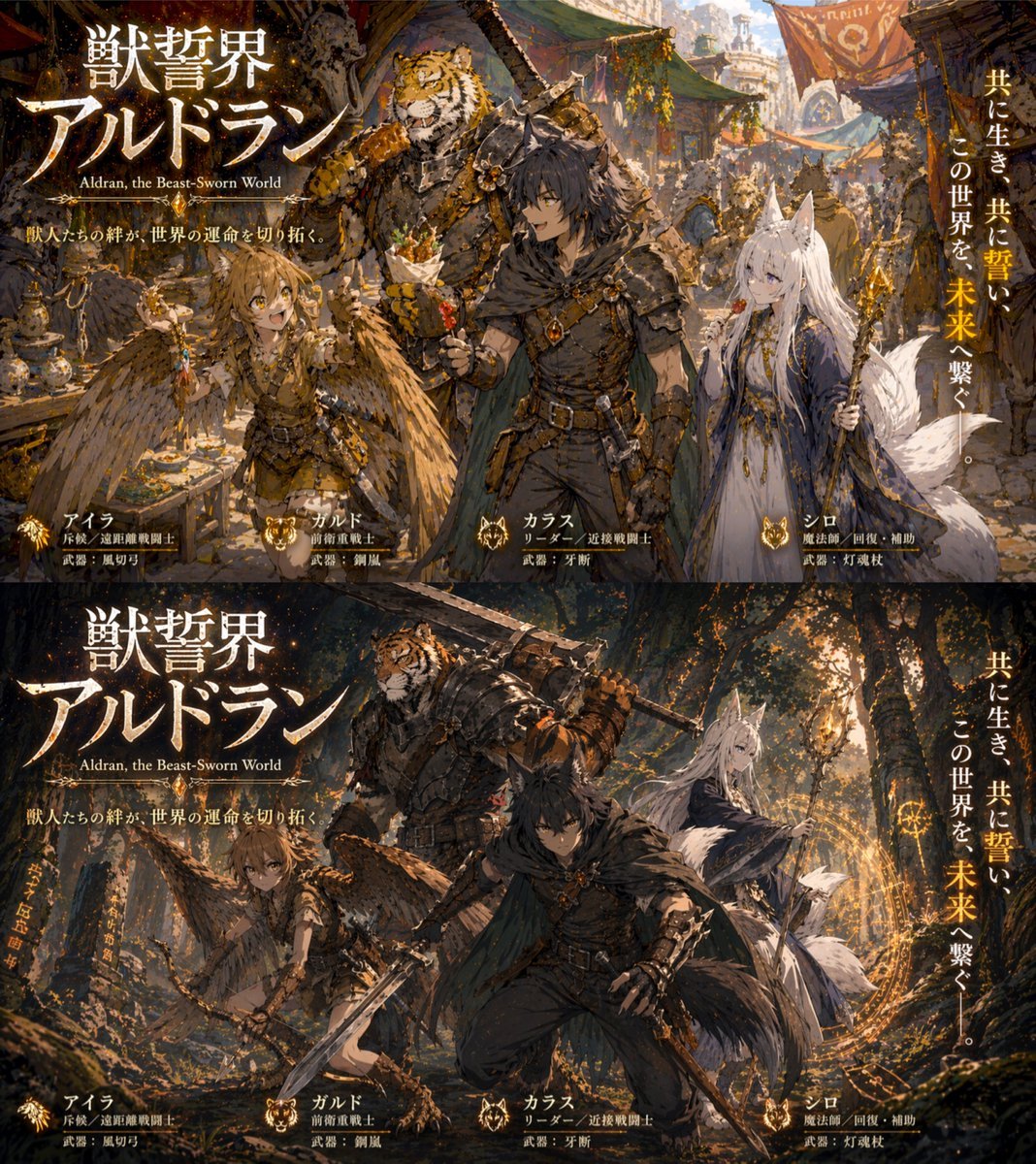
Two-Panel RPG Concept Art

Classic Hollywood Glamour Portrait Prompt
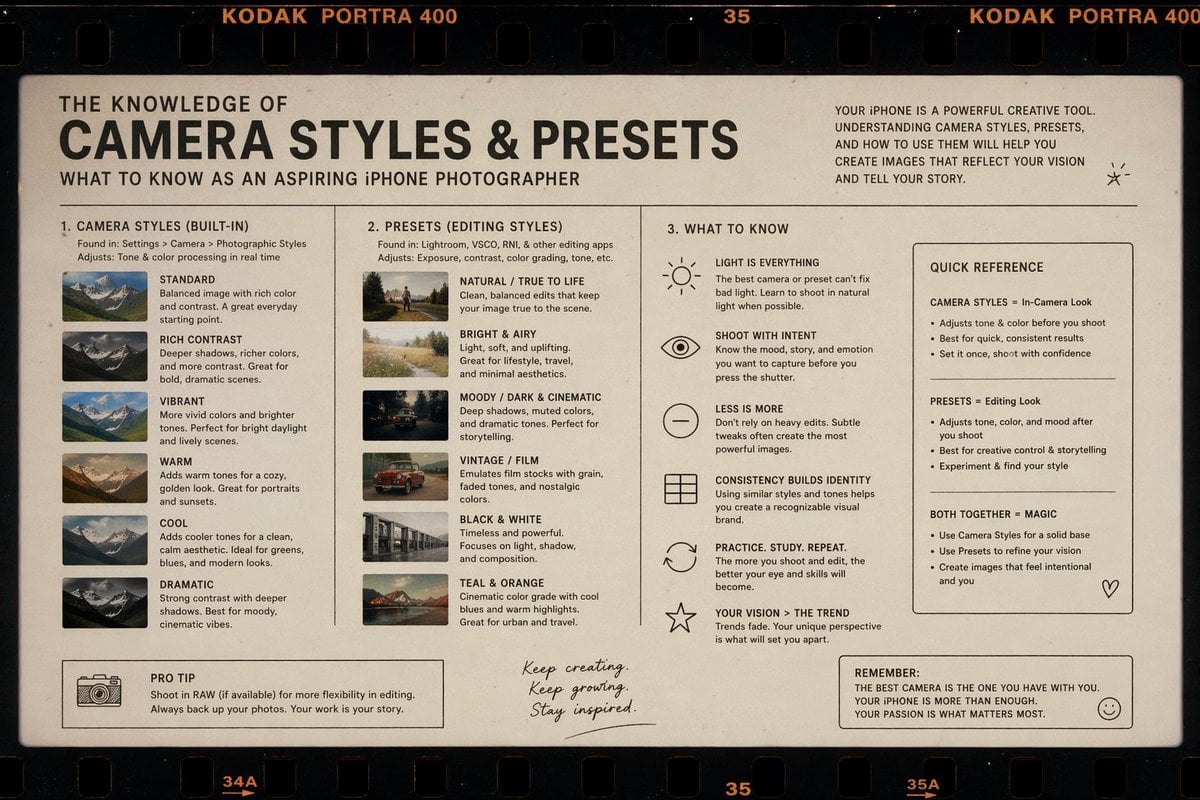
Film Style Instructional Diagram

Cozy Window Portrait With Privacy Block
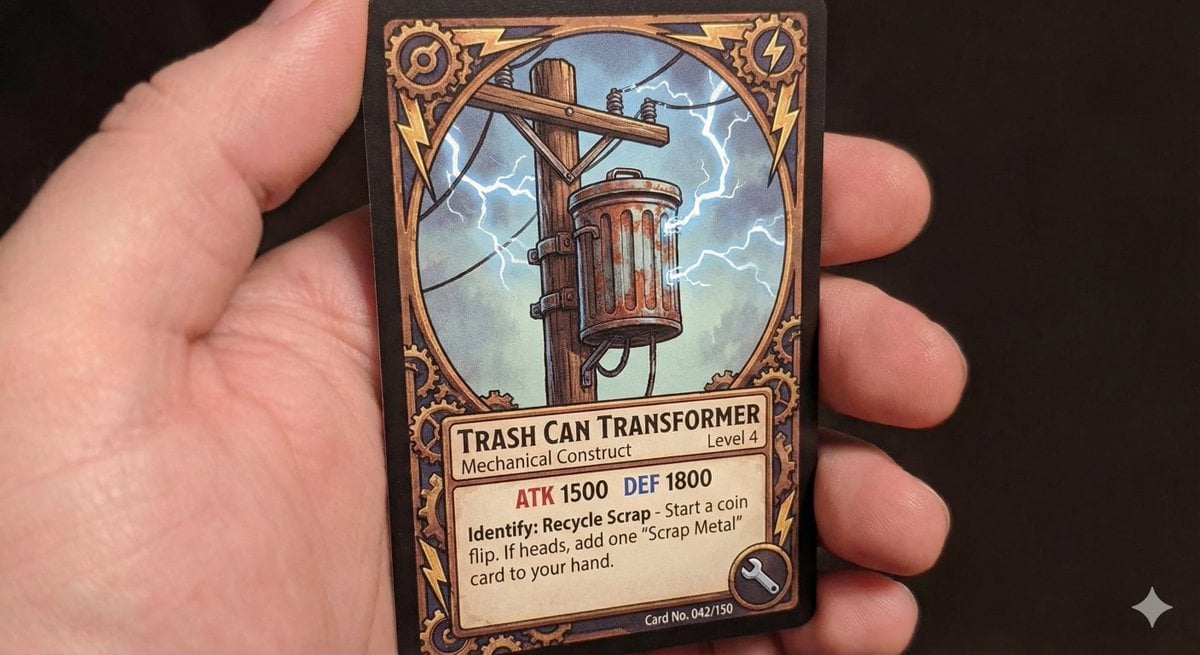
TCG style pole-mounted transformer
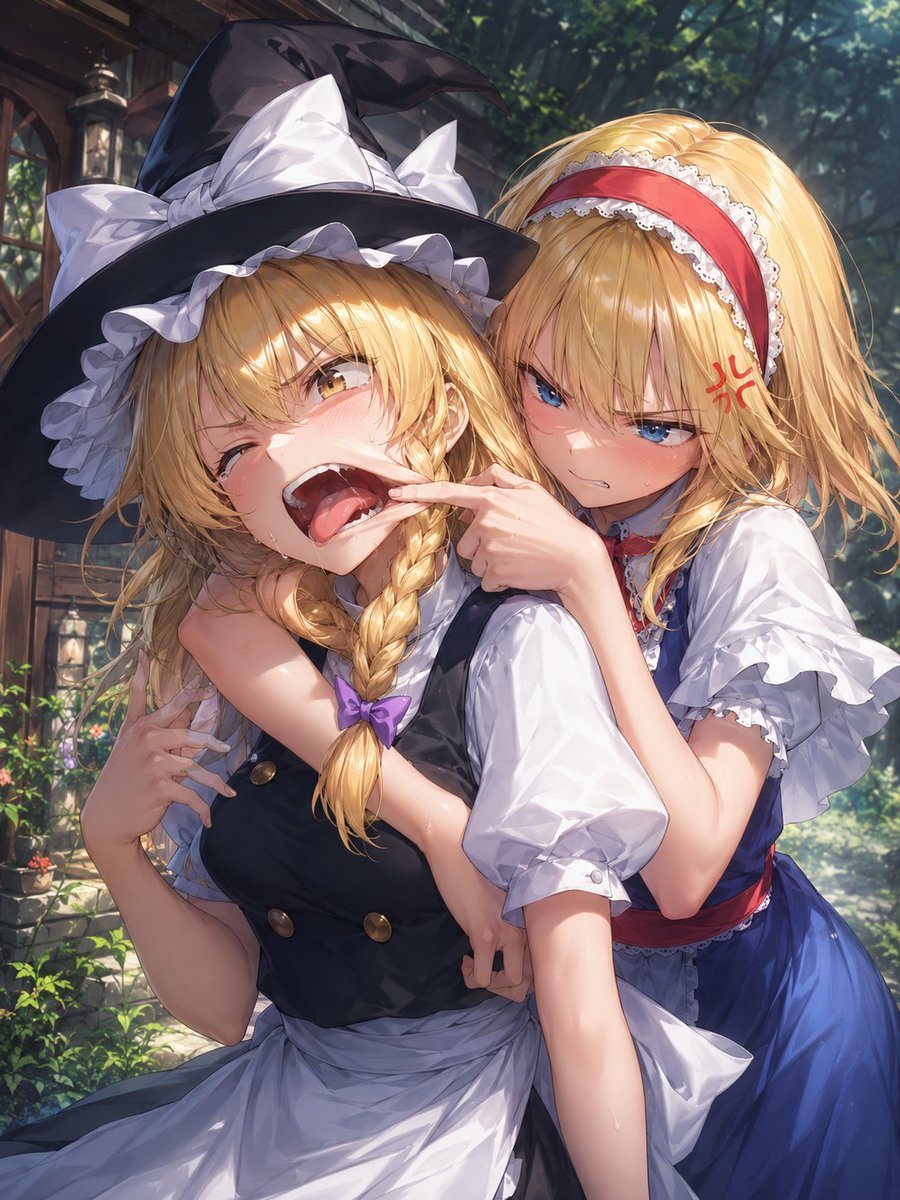
Playful Anime Witch Cheek Pull

Ultra-Realistic Billiards Player Portrait

Cinematic Editorial Portrait of a Podcast Host

High-Fidelity Mirror Selfie with Valentine's Roses and Identity Lock

Caution Tape Fashion — Industrial Editorial
Browse template categories
FIFA World Cup — Brazil National Pass Diorama questions
How do I use the FIFA World Cup — Brazil National Pass Diorama template?
Add your photo if the template asks for one, edit the prompt if you like — the template's model and format are already selected — and press Generate. Your version opens in PicX Studio.
Can I customize the FIFA World Cup — Brazil National Pass Diorama template?
Yes. You can change the subject, setting, lighting, mood, format, and available model controls before creating your image.
Is the FIFA World Cup — Brazil National Pass Diorama template free?
Opening and editing this template is free. Generating uses credits, shown on the Generate button when you are signed in.
Which AI model should I use?
Choose a compatible model in PicX Studio based on the style, speed, and output controls your project needs.
Looking for something else? Browse all templates.

Your photo, any look
Thousands of ready templates for every top image and video model, from one credit balance.