
Playful Anime Witch Cheek Pull
Generates a detailed anime illustration of two blonde girls in fantasy maid-witch outfits sharing a comedic cheek-pulling moment in a sunny garden.
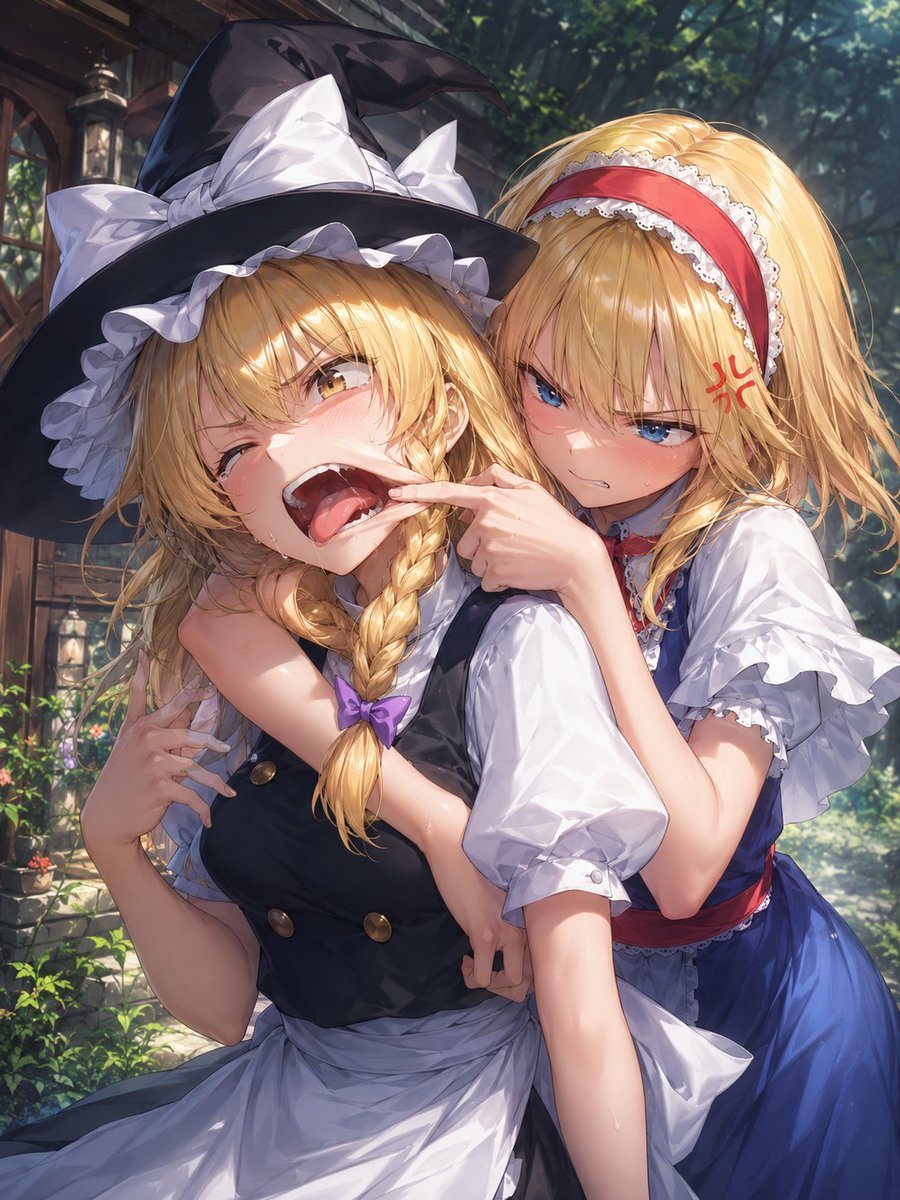
- Prompt included
- Model and format preset
- Free template
The prompt behind this image
Copy the exact prompt behind Playful Anime Witch Cheek Pull, or open it in the studio and make it yours.
Create a polished anime-style vertical illustration of two blonde young women in a sunlit forest cottage garden, close-up waist framing, highly detailed hair, expressive faces, soft painterly rendering, dramatic dappled sunlight, lush green background, wooden house and hanging lantern partially visible on the left. The front character is {argument name="front character name" default="a witch girl"}, wearing a large black witch hat with oversized white bow and frilled brim, long golden-blonde hair in a thick side braid tied with a small purple bow, a black sleeveless dress with brass buttons over a puffy white blouse and white apron. She is blushing, winking with teary eyes, mouth open in a comedic exaggerated cry, one cheek stretched sideways by the other girl's finger, body leaning forward in surprise. The rear character is {argument name="rear character name" default="a doll-like girl"}, standing close behind with one arm wrapped around the front girl's shoulders, wearing a blue dress with white puff sleeves, white lace trim, red waist sash, and a red headband with white lace. She has long flowing golden-blonde hair, sharp blue eyes, flushed cheeks, an annoyed pout, and a small red anger-symbol mark near her temple while pulling the front girl's cheek with her index finger. Emphasize playful rivalry, cute slapstick emotion, glossy eyes, delicate skin highlights, detailed frills, rich fabric folds, warm backlighting, cinematic depth of field, vibrant high-resolution anime illustration.
How to use Playful Anime Witch Cheek Pull in 3 steps
- 1Upload ImagePNG, JPG or paste
Add your photo
Upload the photo the template builds on. The prompt, model and format are already set.
- 2…a portrait of your subject in softgolden-hour light, 85mm…
Personalize
Edit the subject and creative details for your destination.
- 3Generate
Generate
Press Generate — your image is created in PicX Studio, so you can compare it with the original and refine one variable at a time.
More like this
Templates with the same subject, style or setup. Open one to see its prompt.












Make it yours
Playful Anime Witch Cheek Pull works as-is. These are the safest ways to change it without losing the look.
Change one field
Copy a single group, rewrite it, and generate again so you can see what that field is doing.
Keep the frame, change the subject
Hold the composition and light of Playful Anime Witch Cheek Pull, then swap wardrobe, props or the person for a new take.
| If the result… | Why | Fix |
|---|---|---|
| The result drifts from the preview | Too many fields changed at once. | Reuse Playful Anime Witch Cheek Pull as-is first, then change one group — subject, light, or setting. |
| The model over-stylizes the scene | The prose prompt leaves finish and camera underspecified. | Add one camera or lighting sentence and stay on GPT Image 2. |
More GPT Image 2 templates
Other prompts made for GPT Image 2.

Six VTuber Japanese Logo Sheet

Realistic Portrait of Woman and Deer

The Vista Modular Condo Poster

AI Model Routing Comparison Infographic

2.5D Anime Art Board

Isometric Productivity Desk Scene

New York Double Exposure Poster

Four-Panel AI Landscape Comparison

Japanese Tatami Lifestyle Magazine Cover

NESCAFÉ Coffee Map Poster
More image prompts
Fresh picks from across the catalog.
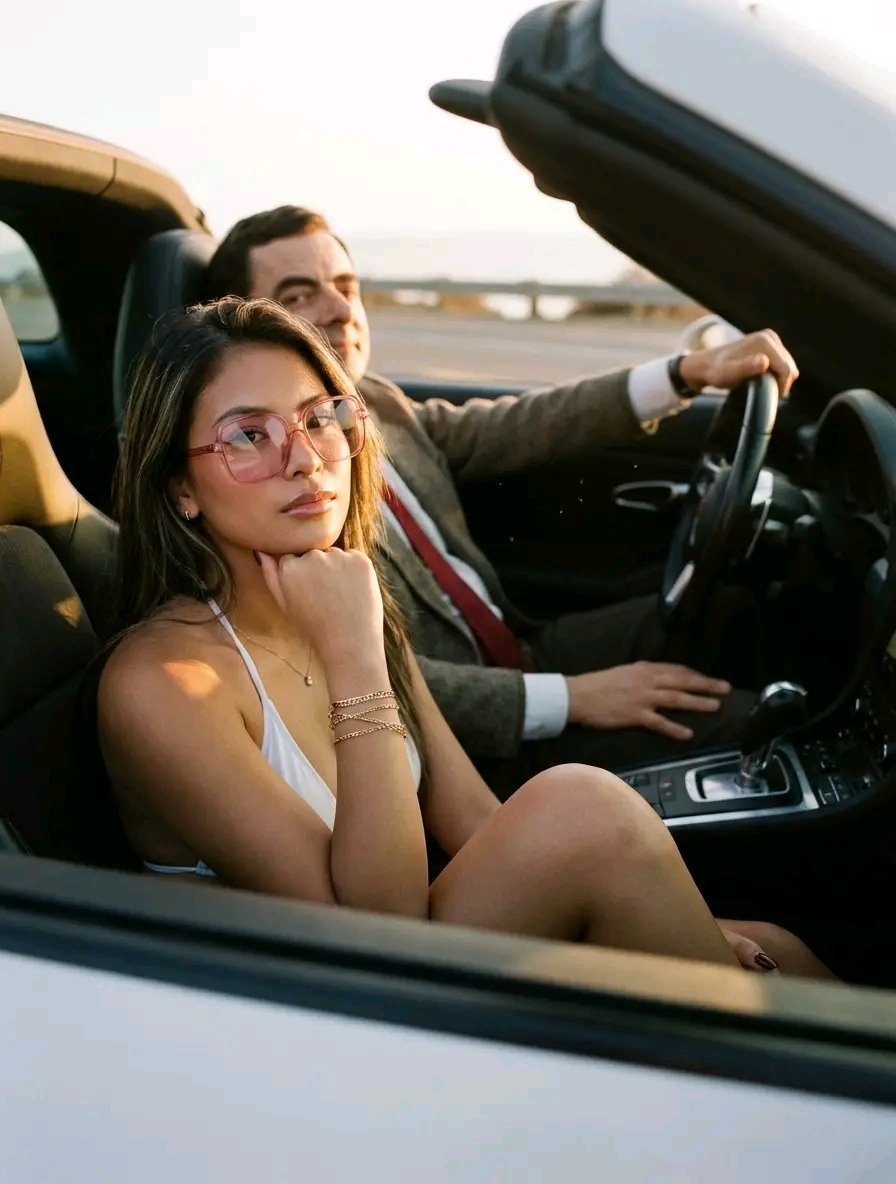
Golden Hour Luxury Sports Car Portrait Prompt with Face Lock
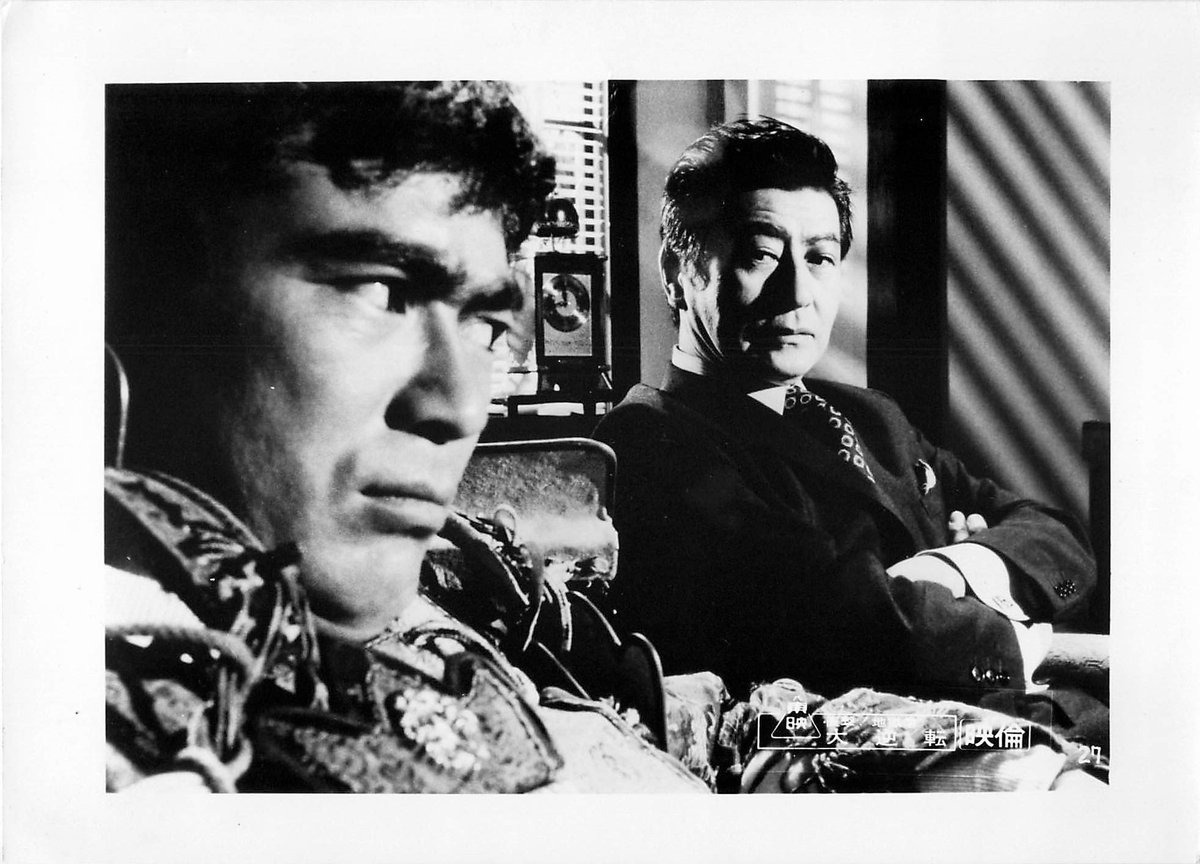
Colorizing a High-Contrast Monochrome Image with Intermediate Tones
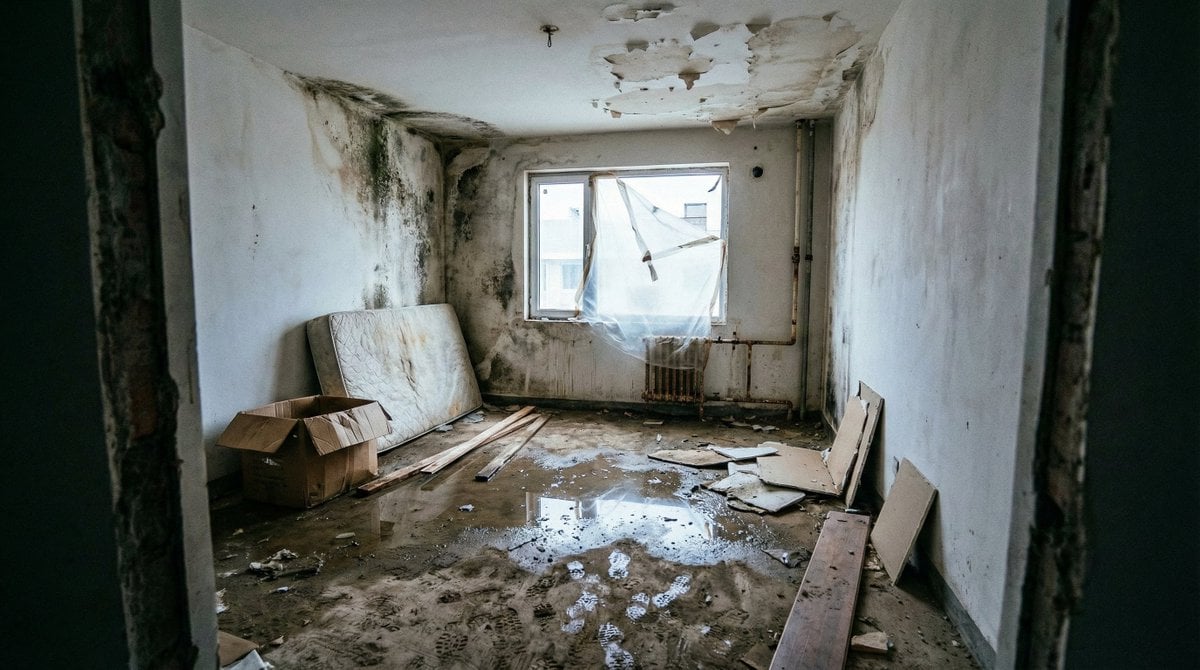
Renovation Visualization: Before Frame
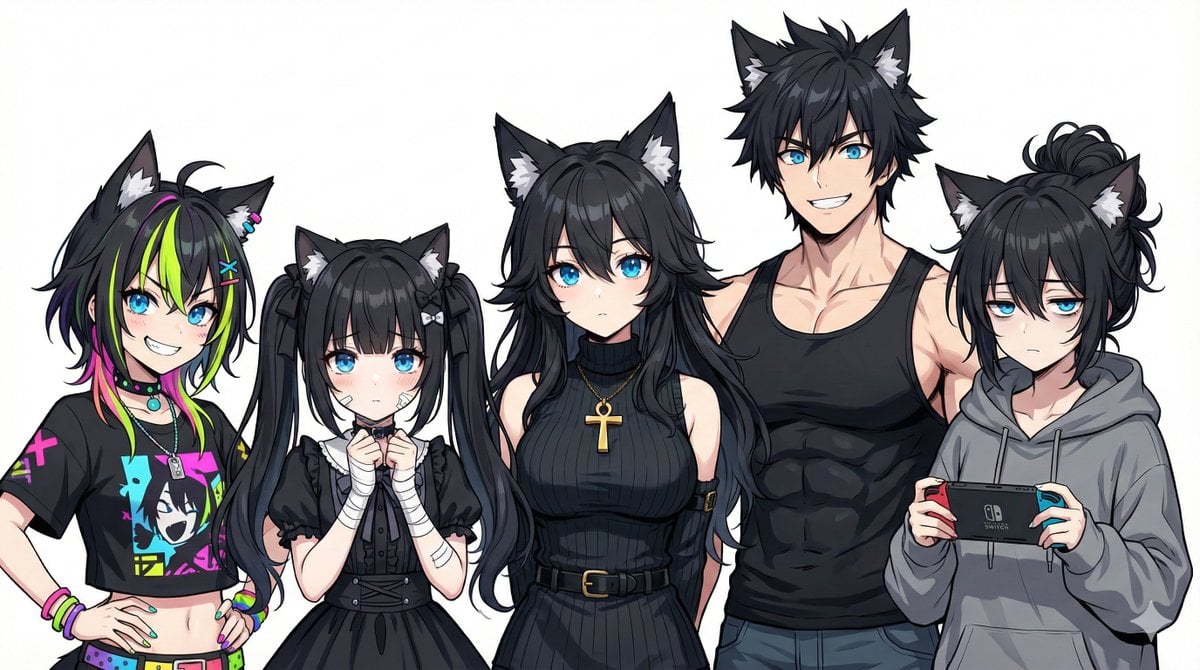
Generating Siblings Based on a Reference Character
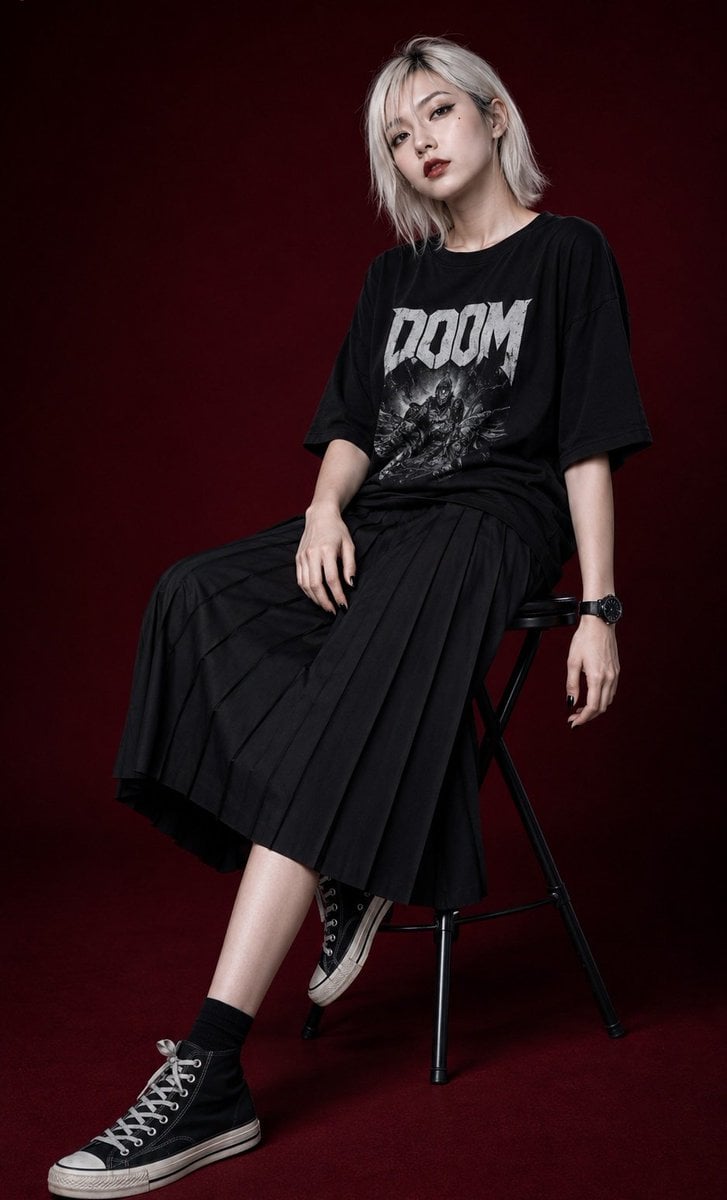
Edgy Asian Fashion Studio Portrait
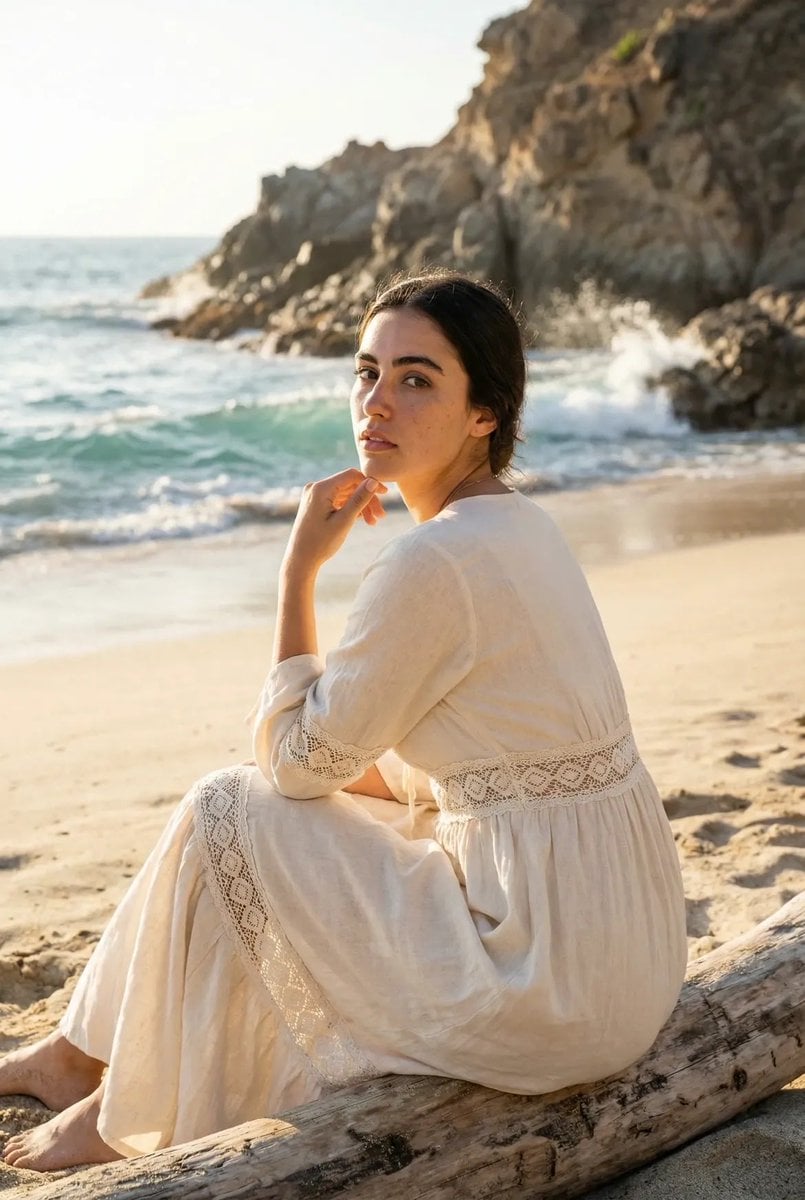
Cinematic Beach Portrait at Golden Hour
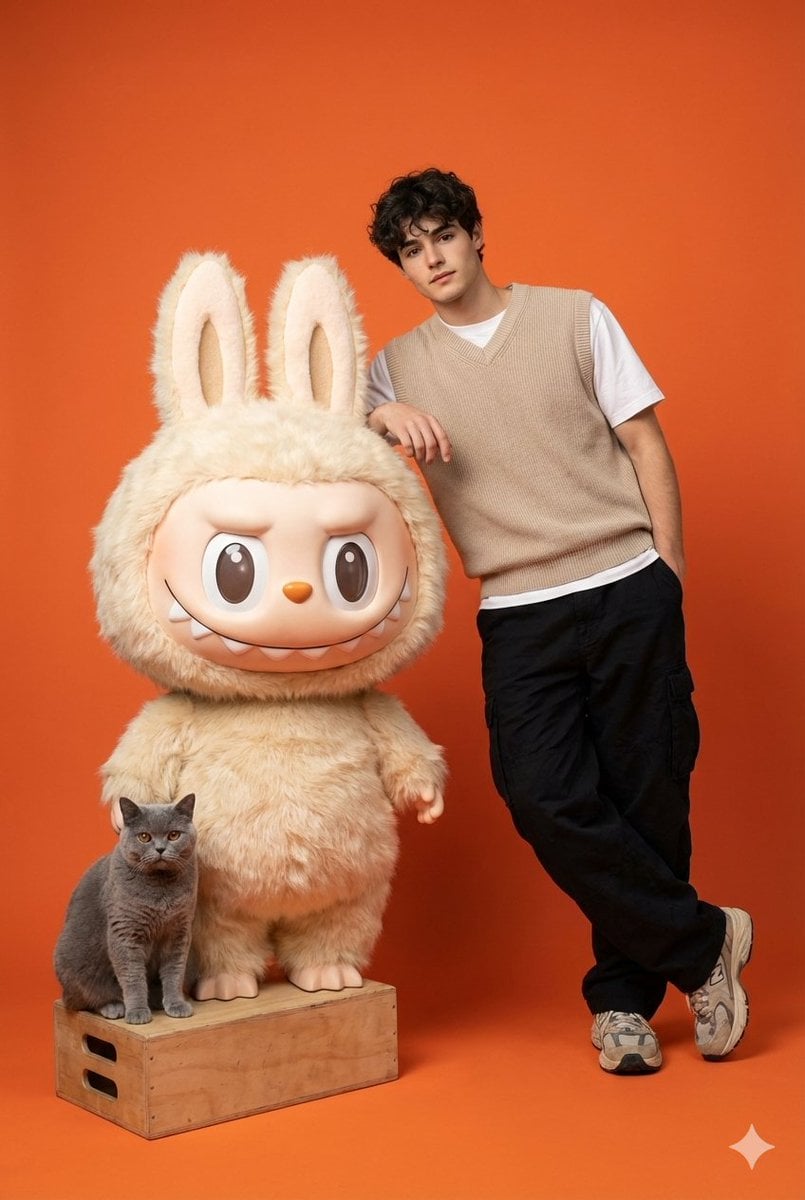
Gen-Z Streetwear Model with Labubu and British Shorthair
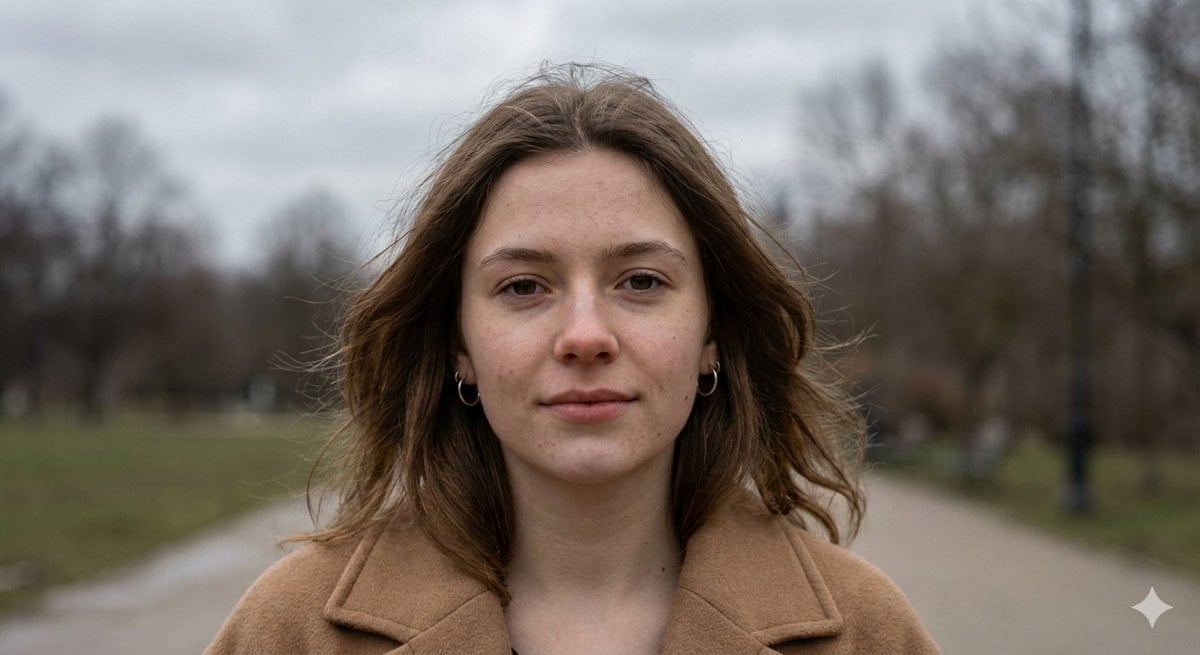
Hyper-Realistic Overcast Morning Portrait
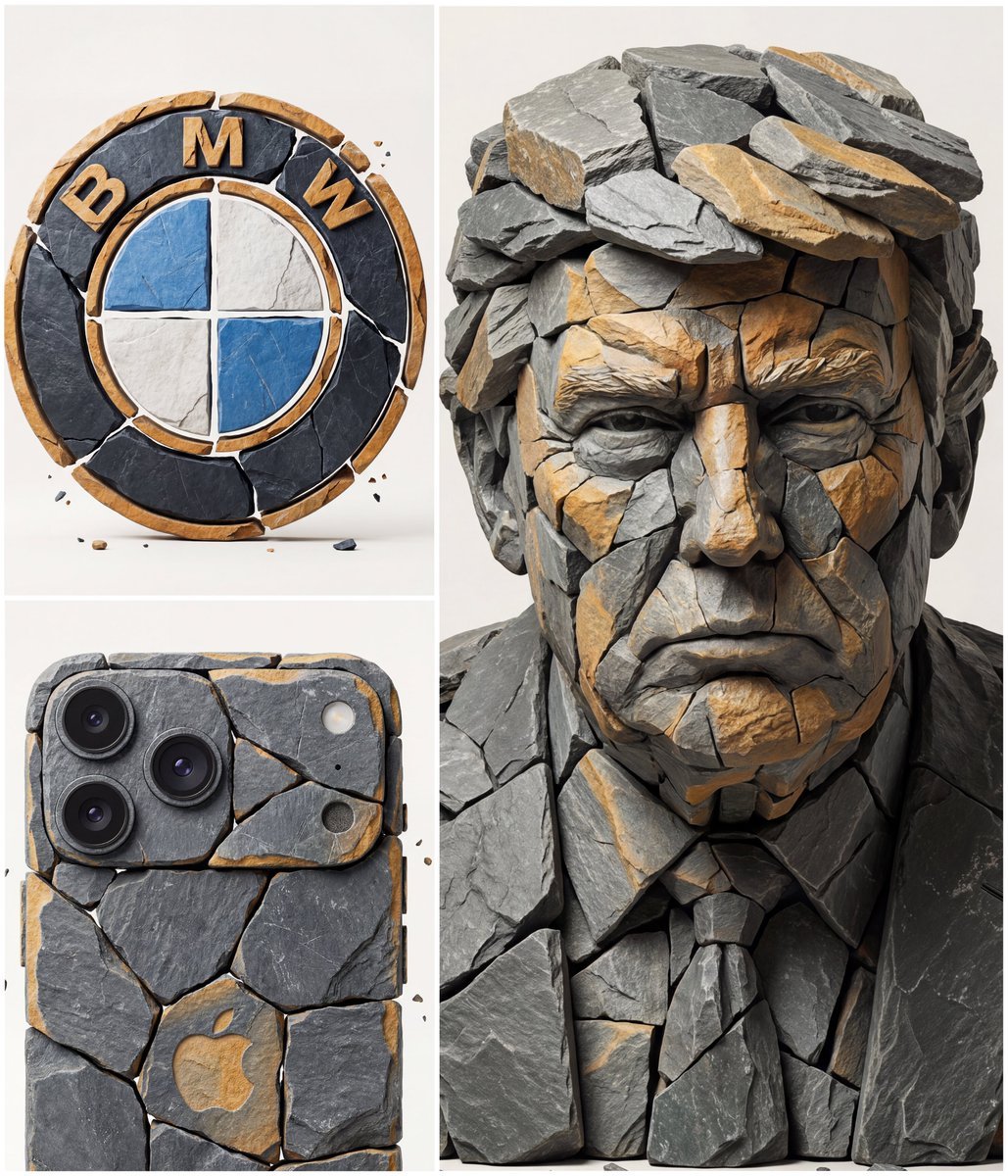
Image to Fragmented Stone Sculpture Style Transfer
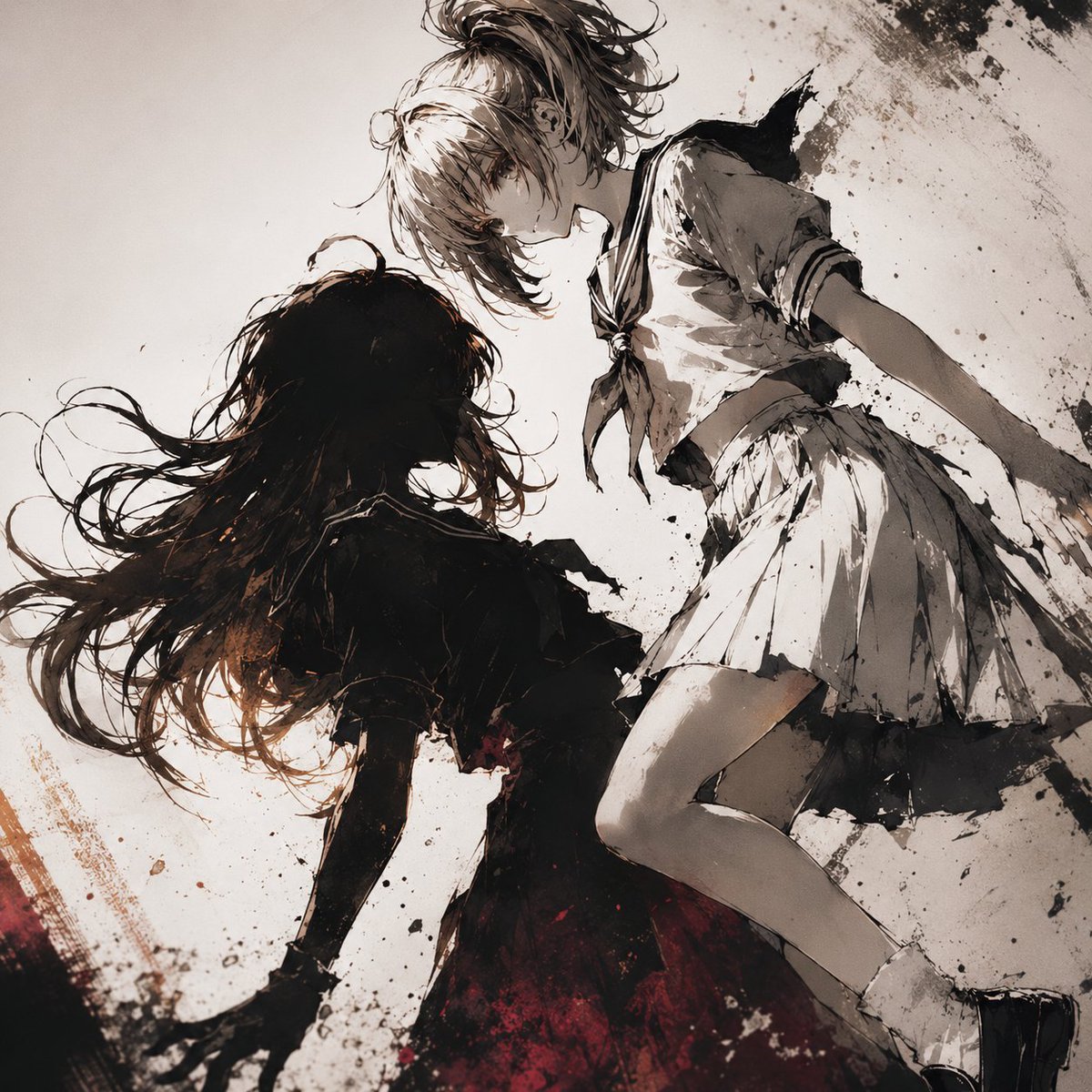
Two Girls in Ink Storm
Browse template categories
Playful Anime Witch Cheek Pull questions
How do I use the Playful Anime Witch Cheek Pull template?
Add your photo if the template asks for one, edit the prompt if you like — the template's model and format are already selected — and press Generate. Your version opens in PicX Studio.
Can I customize the Playful Anime Witch Cheek Pull template?
Yes. You can change the subject, setting, lighting, mood, format, and available model controls before creating your image.
Is the Playful Anime Witch Cheek Pull template free?
Opening and editing this template is free. Generating uses credits, shown on the Generate button when you are signed in.
Which AI model should I use?
Start with GPT Image 2, which is the model associated with this template. You can compare another compatible model for a different finish.
Looking for something else? Browse all templates.

Your photo, any look
Thousands of ready templates for every top image and video model, from one credit balance.