
Golden Hour Luxury Sports Car Portrait Prompt with Face Lock
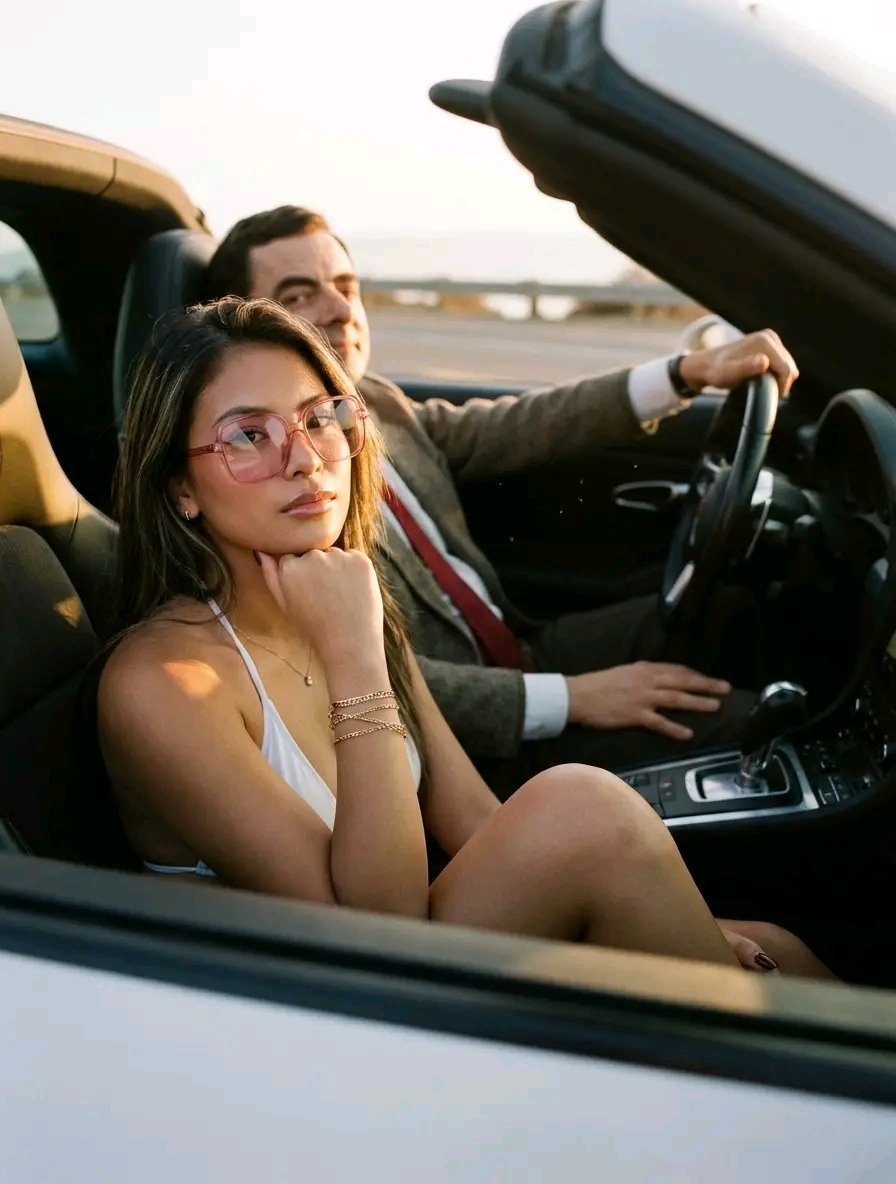
An extremely detailed prompt for Google Gemini Nano Banana Pro, focusing on generating an ultra-realistic 8K RAW photo inside a luxury sports car during golden hour.
- Prompt included
- Model and format preset
- Free template
The prompt behind this image
Copy the exact prompt behind Golden Hour Luxury Sports Car Portrait Prompt with Face Lock, or open it in the studio and make it yours.
Edit the image, ensuring the face, hair, and clothes for BOTH the woman and the man are kept 100% identical to their respective uploaded images. These elements are locked and must not be changed or edited in any way. **Subjects** * **The Woman**: As described below, with face, hair, and clothes from her uploaded image. * **The Man**: He is the driver. His face, hair, and clothes should be kept 100% identical to a reference image. He has a relaxed and calm demeanor that complements the woman's style. **Realism & Photographic Details** * **Photography Style**: Ultra-realistic, photorealistic, 8K, RAW photo. * **Camera & Lens**: Shot on a 35mm film camera with a 50mm f/1.4 lens. Introduce subtle lens distortion and very slight chromatic aberration on the edges of high-contrast areas. * **Film & Grain**: Emulate the look of Portra 400 film with fine, natural film grain. Add halation, a soft red glow around highlights. * **Focus & Sharpeness**: Use a shallow depth of field (f/1.4) to create a soft, blurry background (bokeh). The focus should be critically sharp on the woman's eyes, with a natural fall-off. The man will be slightly less in focus. The overall image should not be artificially sharpened. * **Texture & Micro-details**: Render hyper-realistic skin texture on the woman, including visible pores, fine lines, and nearly invisible vellus hair (peach fuzz). Fabric textures on the car interior should be highly detailed. Capture subtle imperfections like dust motes in the air, fingerprints on the car window, and minor reflections on the glossy lips. **Lighting & Mood** * **Source & Quality**: Natural, soft-diffused sunlight from the "golden hour" (late afternoon) streaming through the car's side window (passenger side). * **Effect**: The light should cast soft shadows and create a warm, gentle glow primarily on the right side of the woman's face. The man, in the driver's seat, will be more in shadow, creating depth and dimension in the scene. Create specular highlights on the woman's cheekbones and glossy lips. * **Contrast**: The car's interior should be in shadow, creating a high-contrast scene that makes the subjects pop. **Pose & Composition** * **Scene**: A candid, stylish moment inside a **luxury sports car, open roof type** featuring two people. * **Woman's Pose**: She is in the passenger seat, leaning forward slightly, resting her chin on one hand in a candid, thoughtful, or slightly bored manner. * **Man's Pose**: He is in the driver's seat, relaxed, with one hand resting on the steering wheel. He is looking forward, focused on the road, or taking a quick, natural glance toward the woman. * **Angle**: Shot from a slightly low angle from the passenger side. * **Framing**: The woman is the primary subject in the foreground. Include her knees/legs to enhance the candid, casual feel. The man is partially framed, visible from the chest up. **Woman's Details** * **Expression**: A neutral, calm, confide
How to use Golden Hour Luxury Sports Car Portrait Prompt with Face Lock in 3 steps
- 1Upload ImagePNG, JPG or paste
Add your photo
Upload the photo the template builds on. The prompt, model and format are already set.
- 2…a portrait of your subject in softgolden-hour light, 85mm…
Personalize
Edit the subject and creative details for your destination.
- 3Generate
Generate
Press Generate — your image is created in PicX Studio, so you can compare it with the original and refine one variable at a time.
More like this
Templates with the same subject, style or setup. Open one to see its prompt.

80s Golden Hour Cinema

Rooftop Fisheye — Cat-Ear Balaclava at Golden Hour
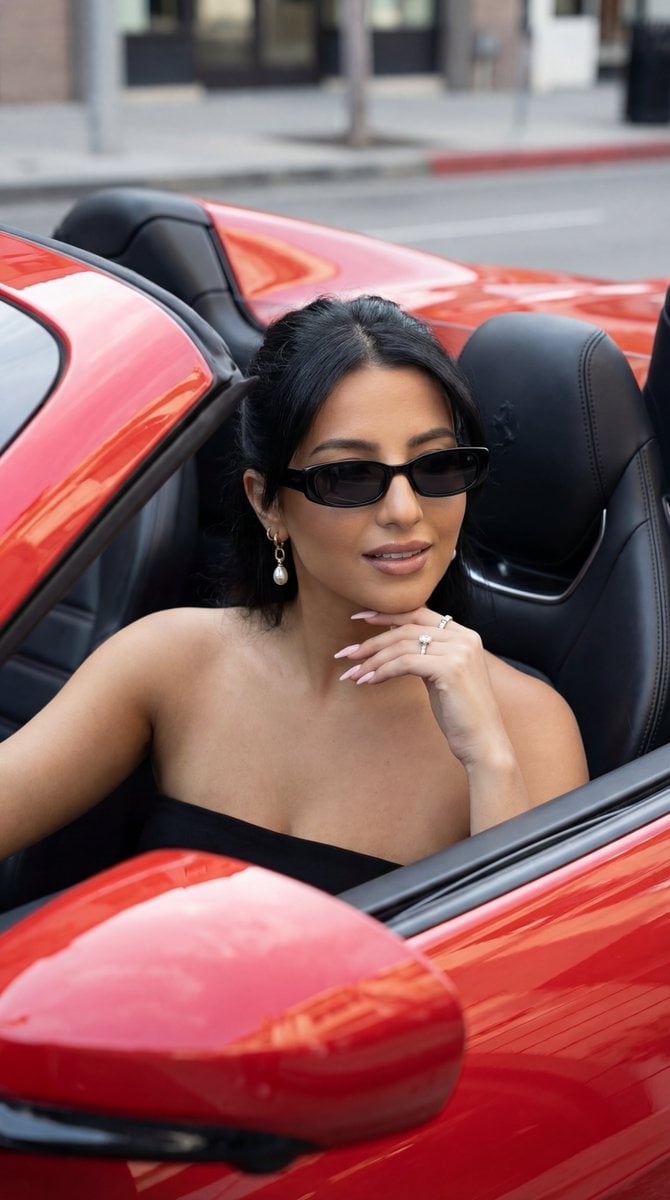
Luxury Car Editorial Portrait (Identity Lock)
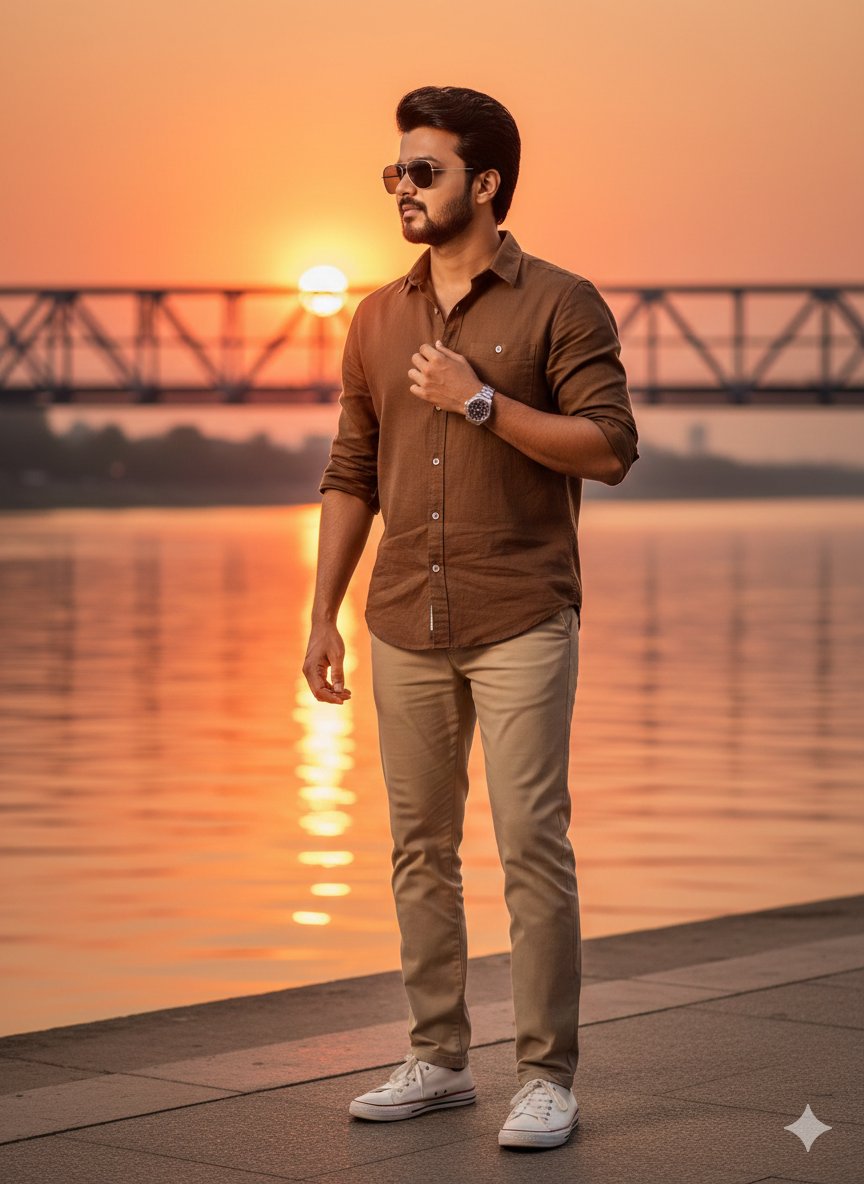
Golden Hour Riverside Portrait with Identity Lock

Cinematic Golden Hour Garden Portrait

Cinematic Golden Hour Urban Portrait
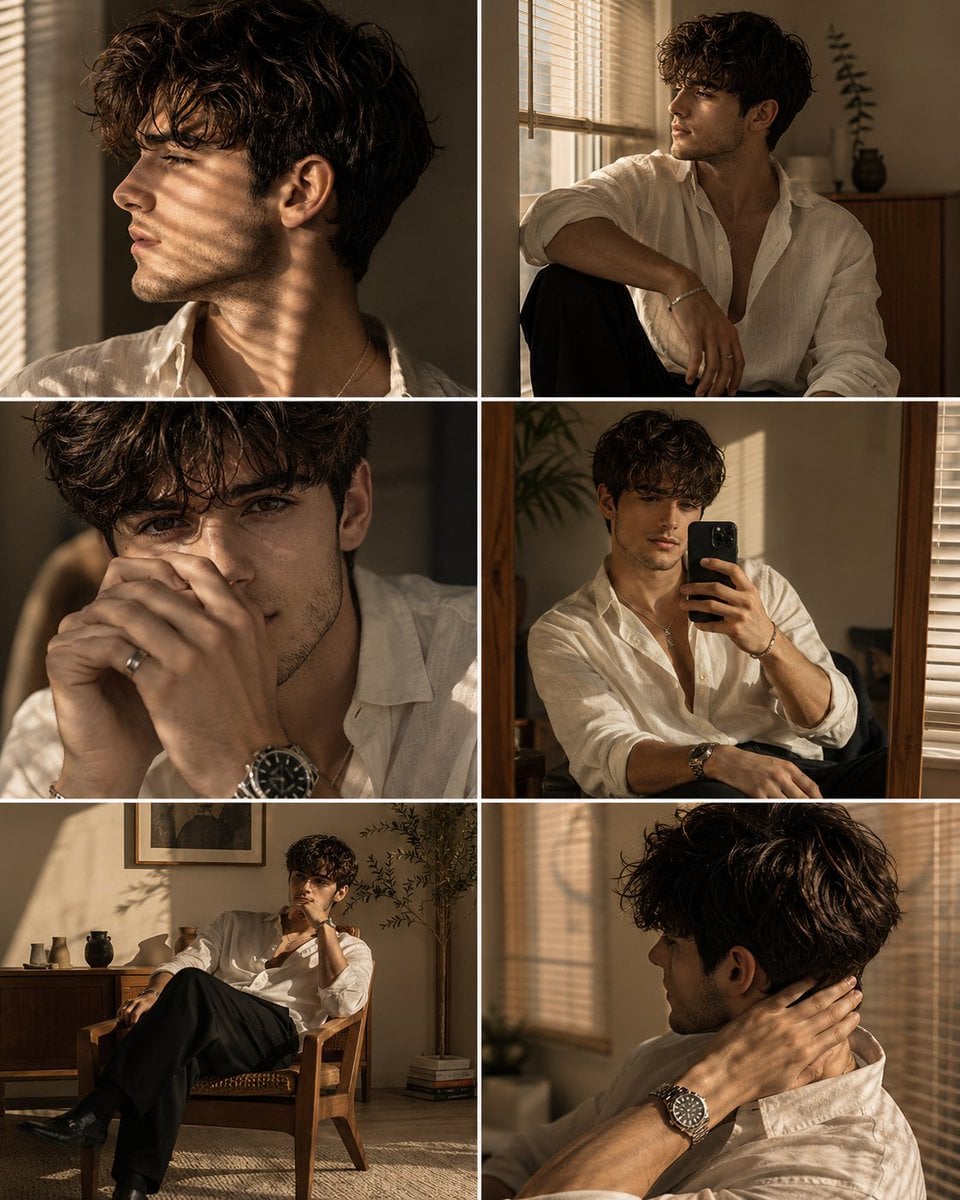
Luxury Men's Golden Hour Collage

Golden Hour Redhead Portrait
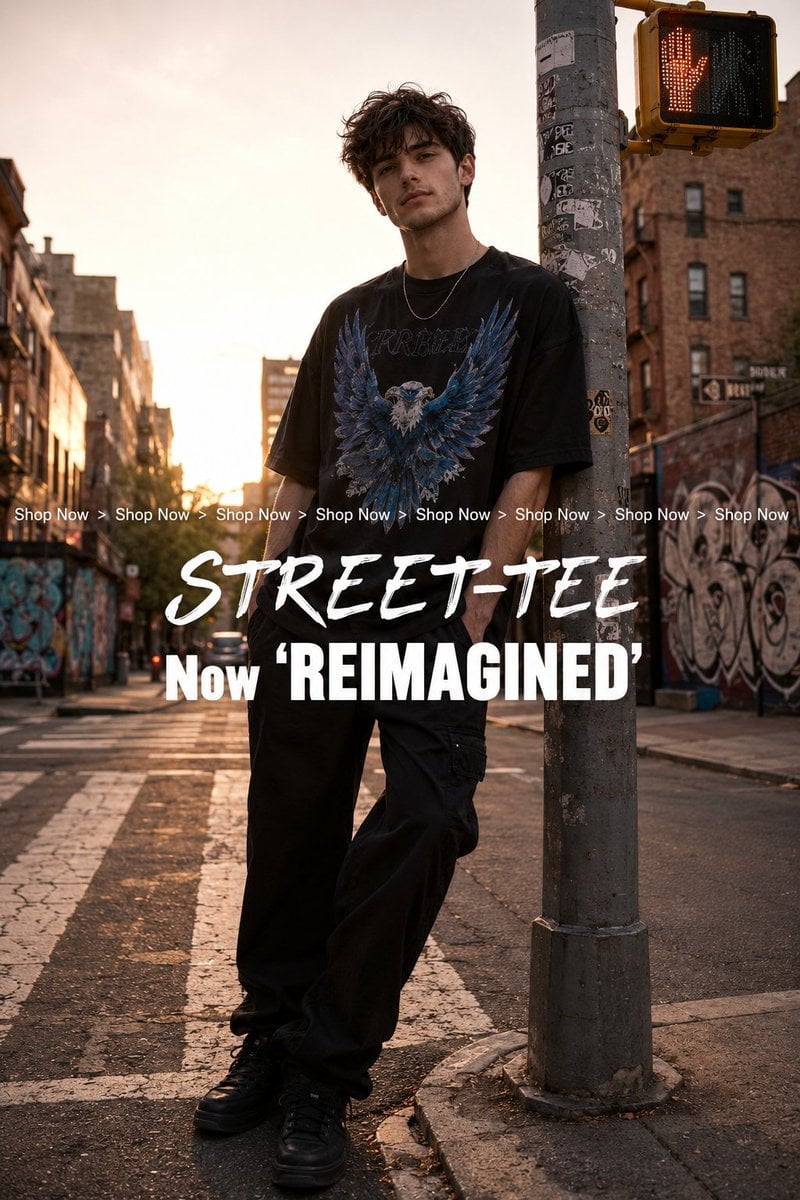
Golden Hour Streetwear Facebook Ad

Golden Hour Cinematic Boss Energy Portrait

Golden Hour Cinematic Portrait
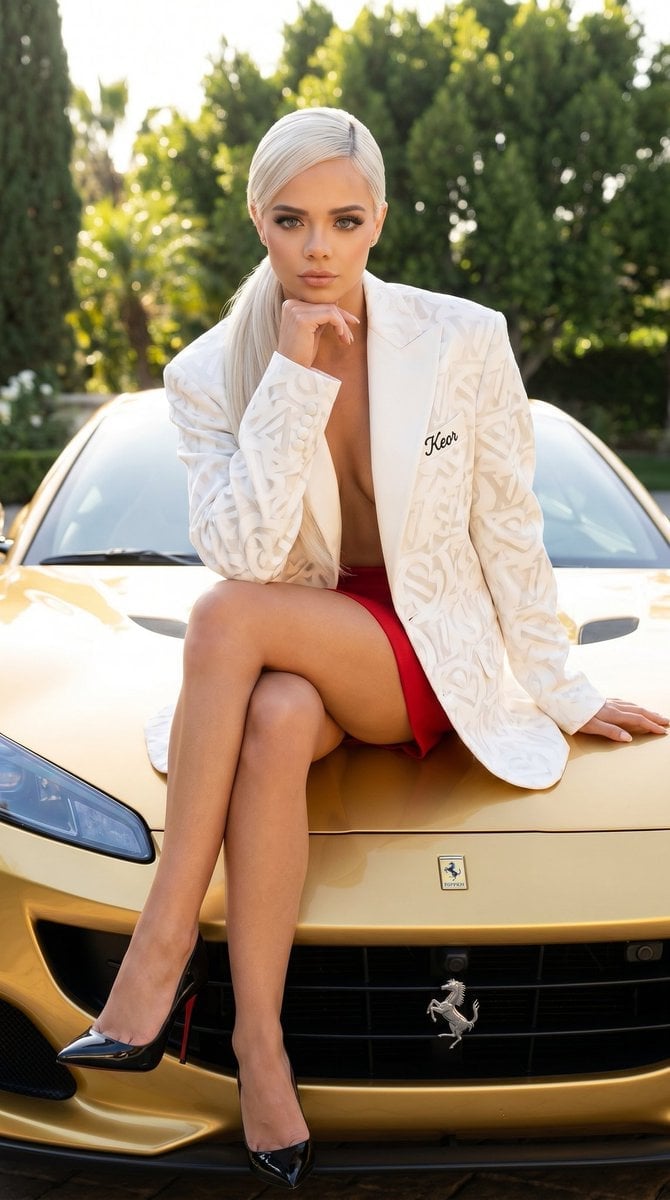
Luxury Car Fashion Portrait with Monogram Blazer
Make it yours
Golden Hour Luxury Sports Car Portrait Prompt with Face Lock works as-is. These are the safest ways to change it without losing the look.
Change one field
Copy a single group, rewrite it, and generate again so you can see what that field is doing.
Keep the frame, change the subject
Hold the composition and light of Golden Hour Luxury Sports Car Portrait Prompt with Face Lock, then swap wardrobe, props or the person for a new take.
| If the result… | Why | Fix |
|---|---|---|
| The result drifts from the preview | Too many fields changed at once. | Reuse Golden Hour Luxury Sports Car Portrait Prompt with Face Lock as-is first, then change one group — subject, light, or setting. |
| The model over-stylizes the scene | The prose prompt leaves finish and camera underspecified. | Add one camera or lighting sentence and stay on Nano Banana 2. |
More Nano Banana 2 templates
Other prompts made for Nano Banana 2.

Photorealistic Leaf Shaped Like a Dragon

K-Pop Idol Portrait Grid for Rapid Selection

Poetic Rain Forest Portrait During Golden Hour

Urban Street Portrait with Cartoon Inner Self Duo

Candid Nighttime Photo with Cat Prompt

High-Concept 3D Diorama Generation Prompt

Cinematic Futuristic Studio Portrait Template

Skincare Editorial Photography Collage Prompt

Hyper-Realistic Commercial Product Photography (Splash Effect)

Hyper-Realistic Nightclub Portrait Prompt
More image prompts
Fresh picks from across the catalog.
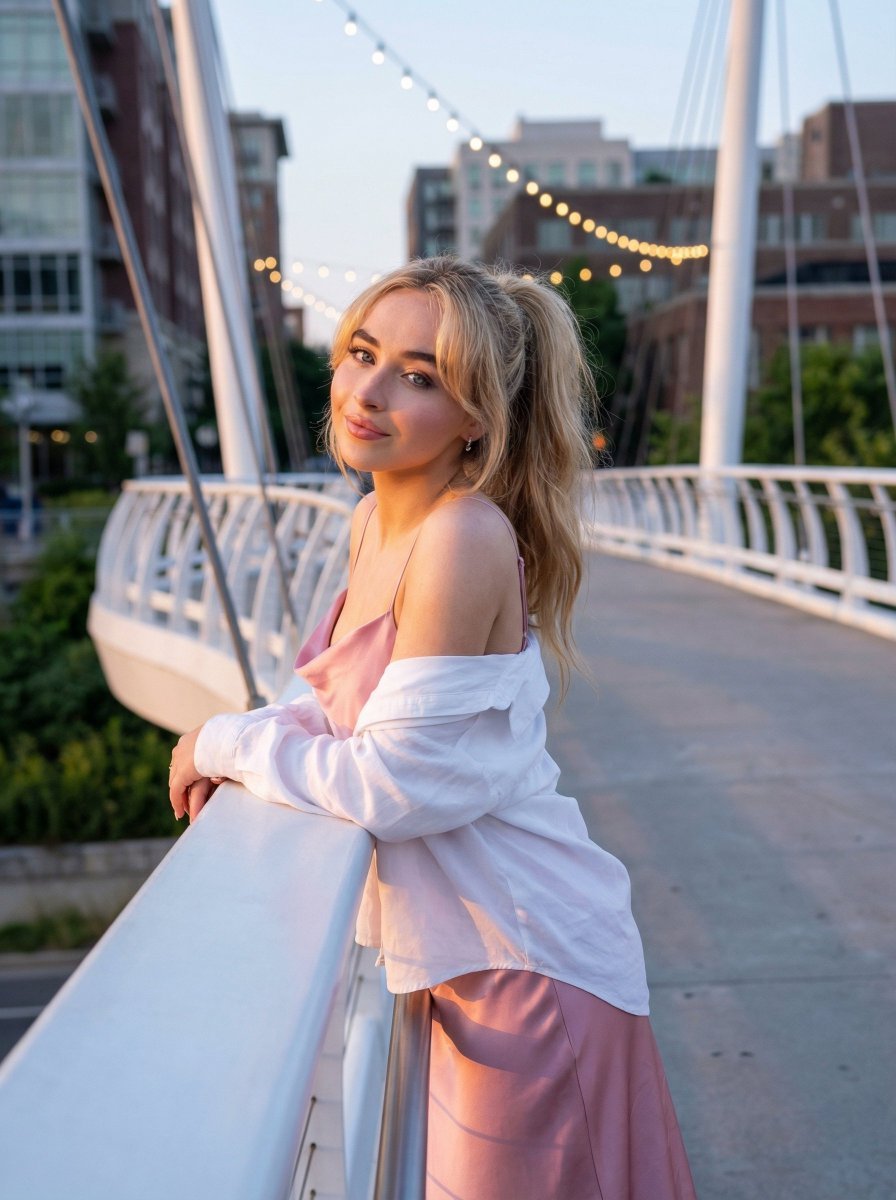
Trendy Aesthetic Lifestyle Photo on a Bridge
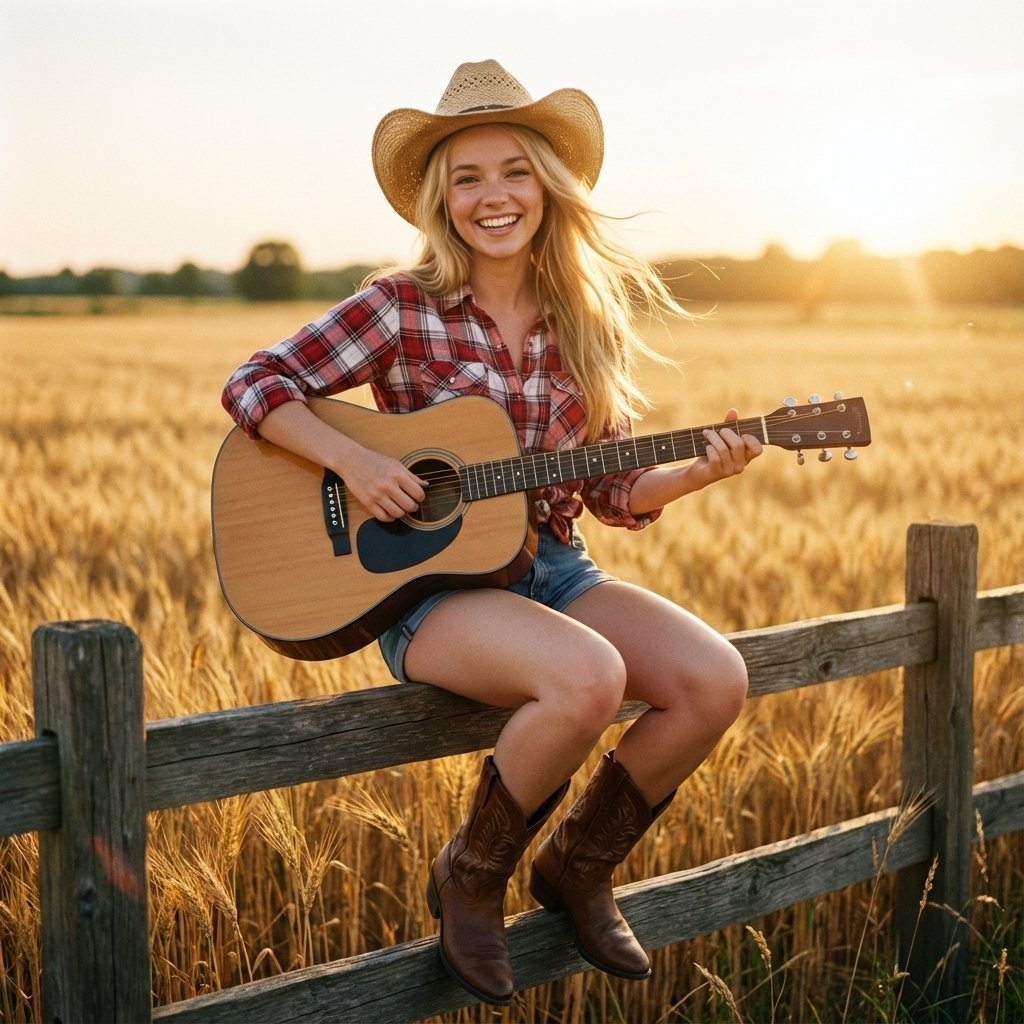
Country Singer Conversion (Image-to-Image)
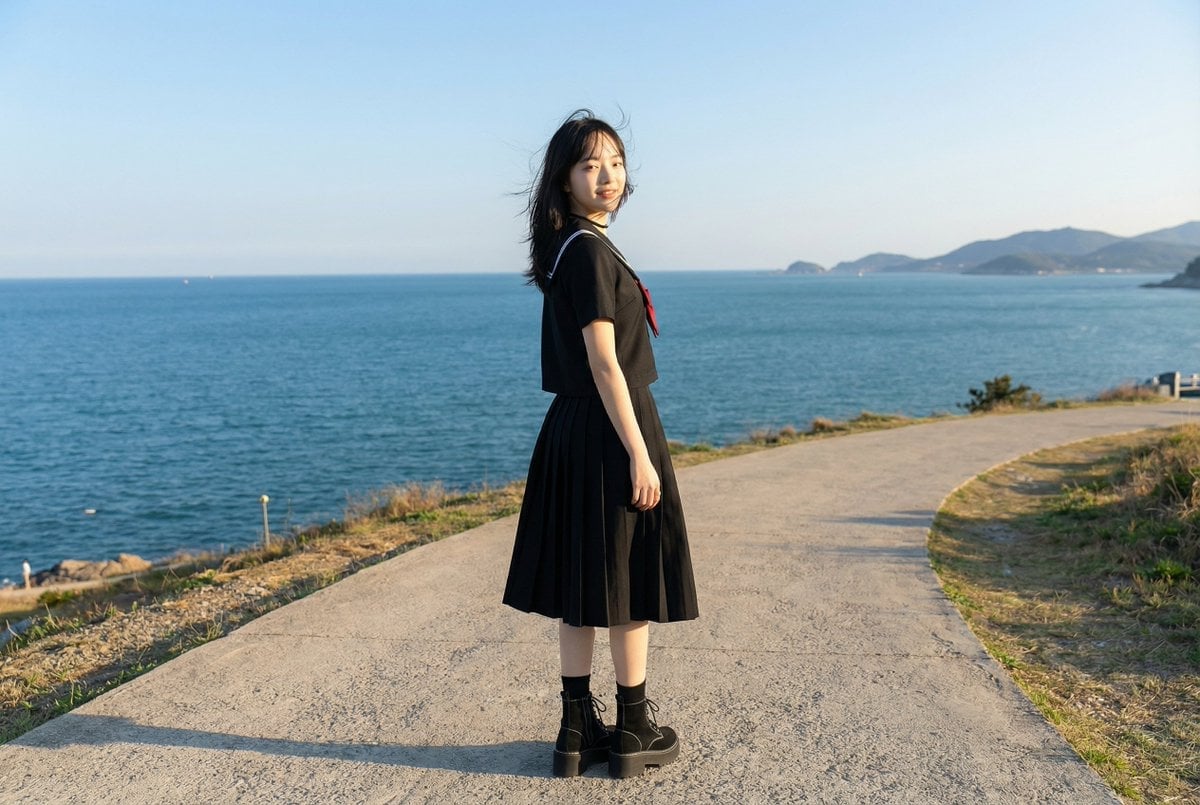
Cinematic Scene Generation for Video Input
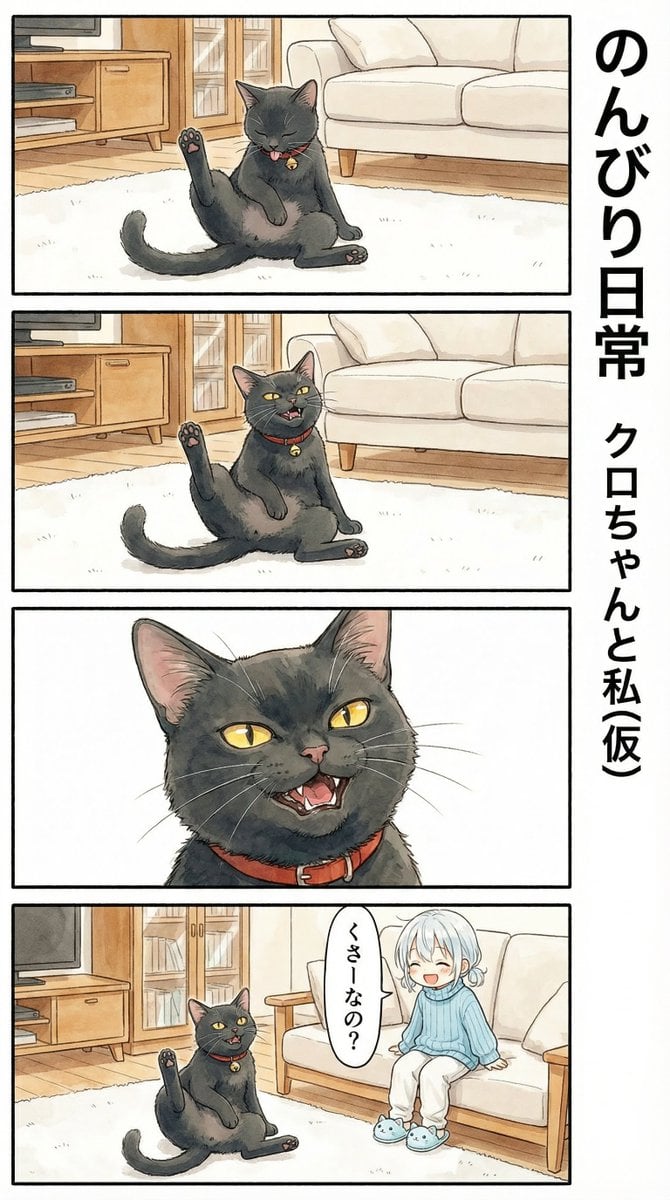
Flehmen Response AI Manga Panel Prompt
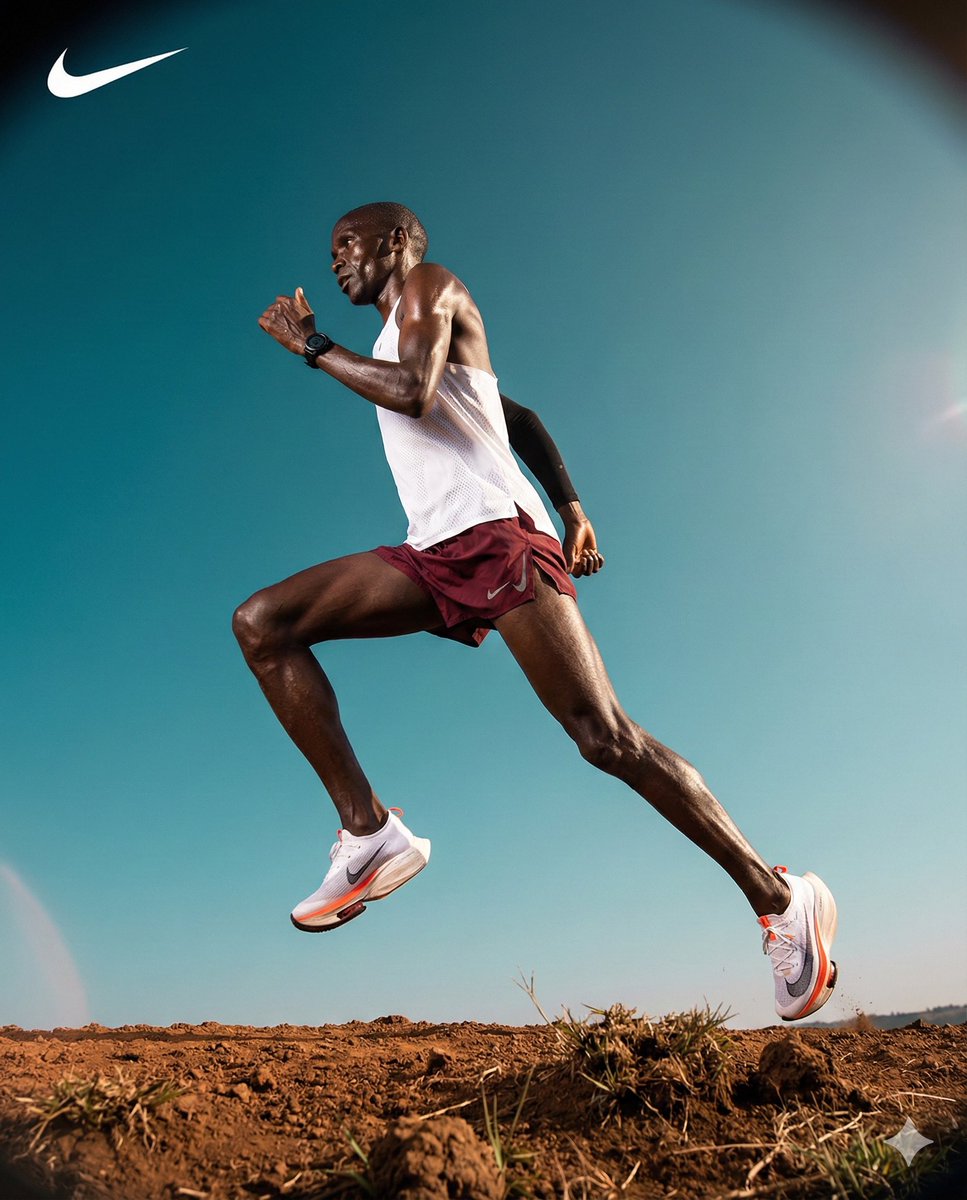
High-Contrast Commercial Sports Photography of Runner

24 The Getty Center — California Series
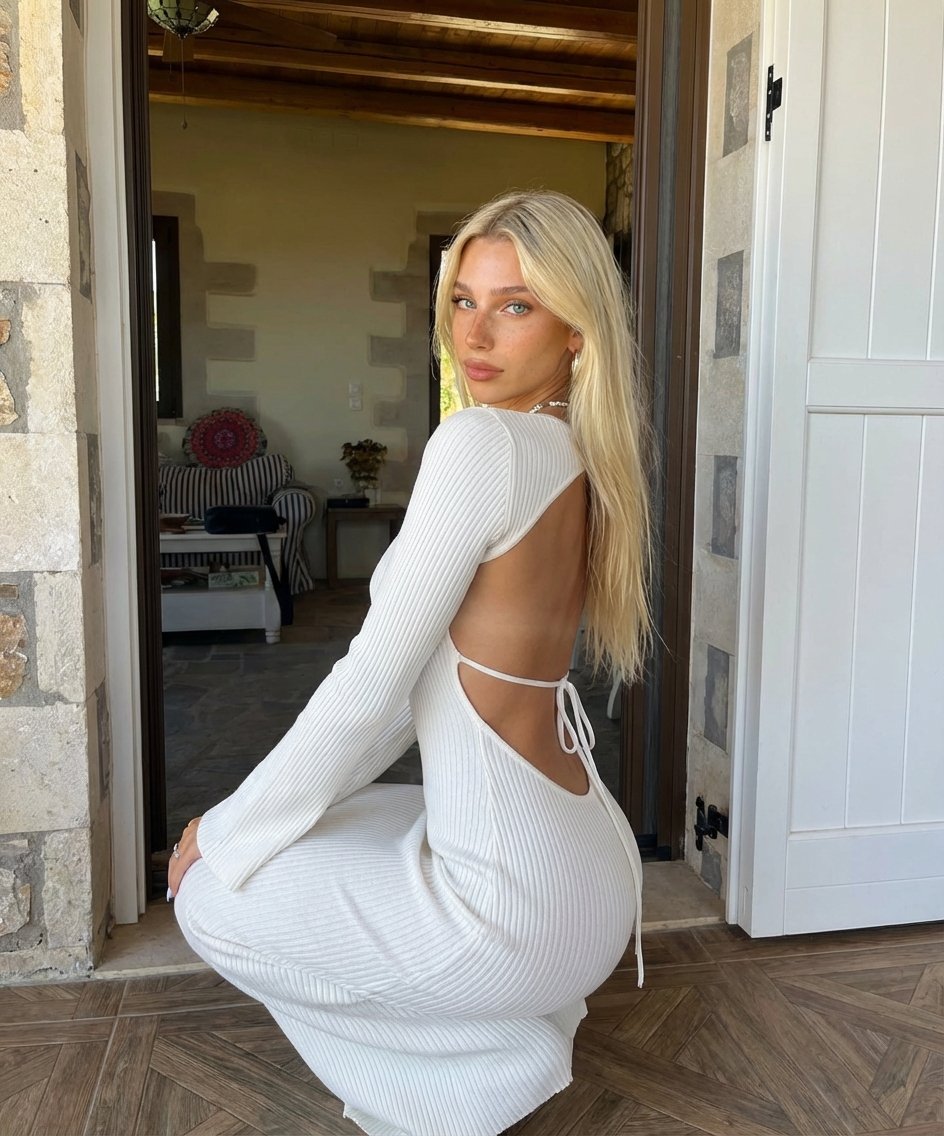
Blonde Woman Backless Dress Portrait Prompt
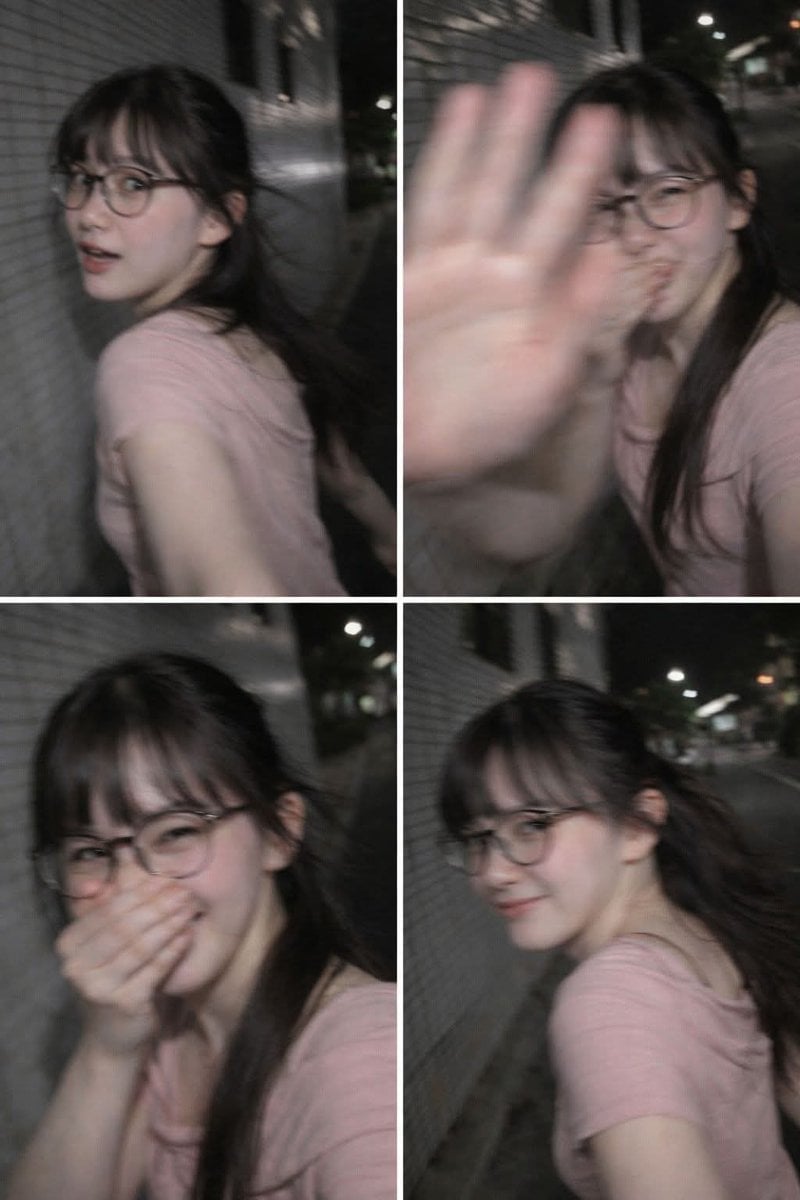
Ultra-Realistic Candid Nighttime Smartphone Photo Prompt
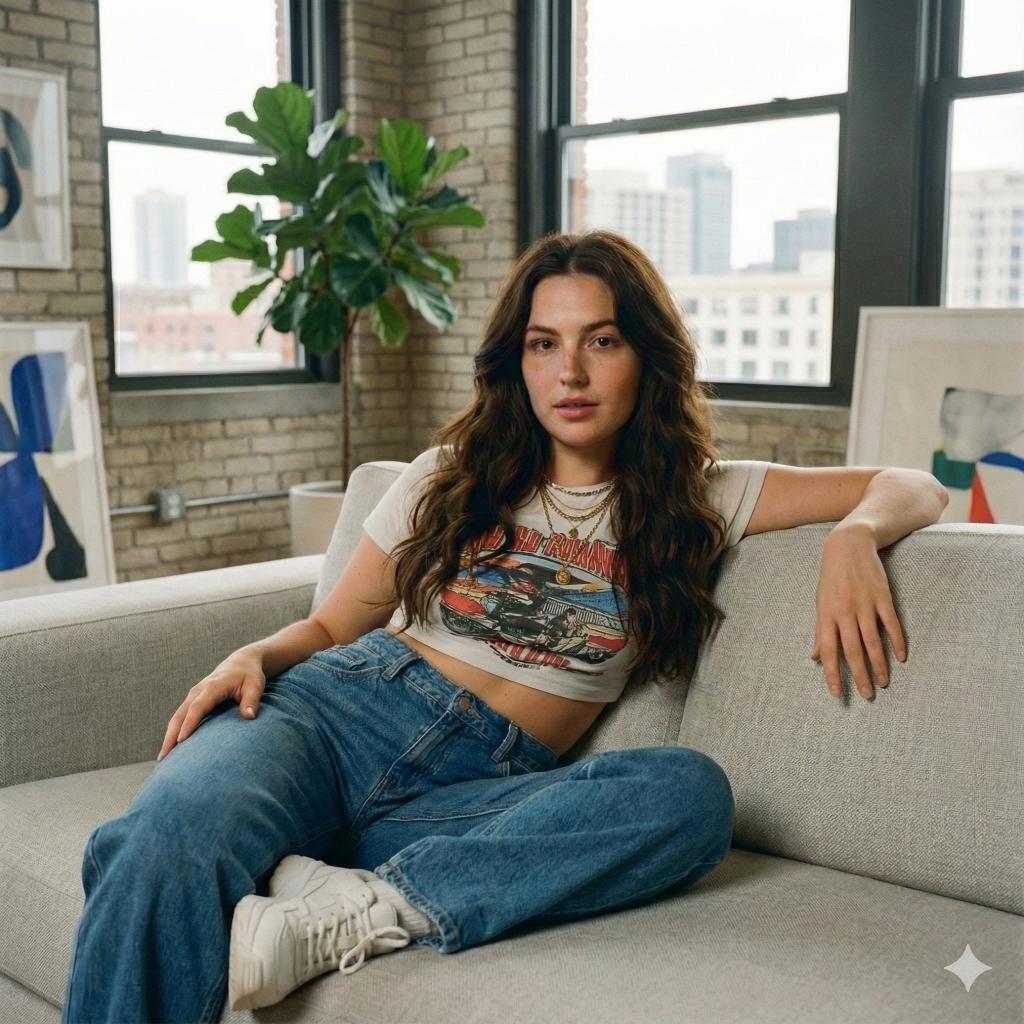
Modern Loft Lifestyle Editorial Portrait Prompt
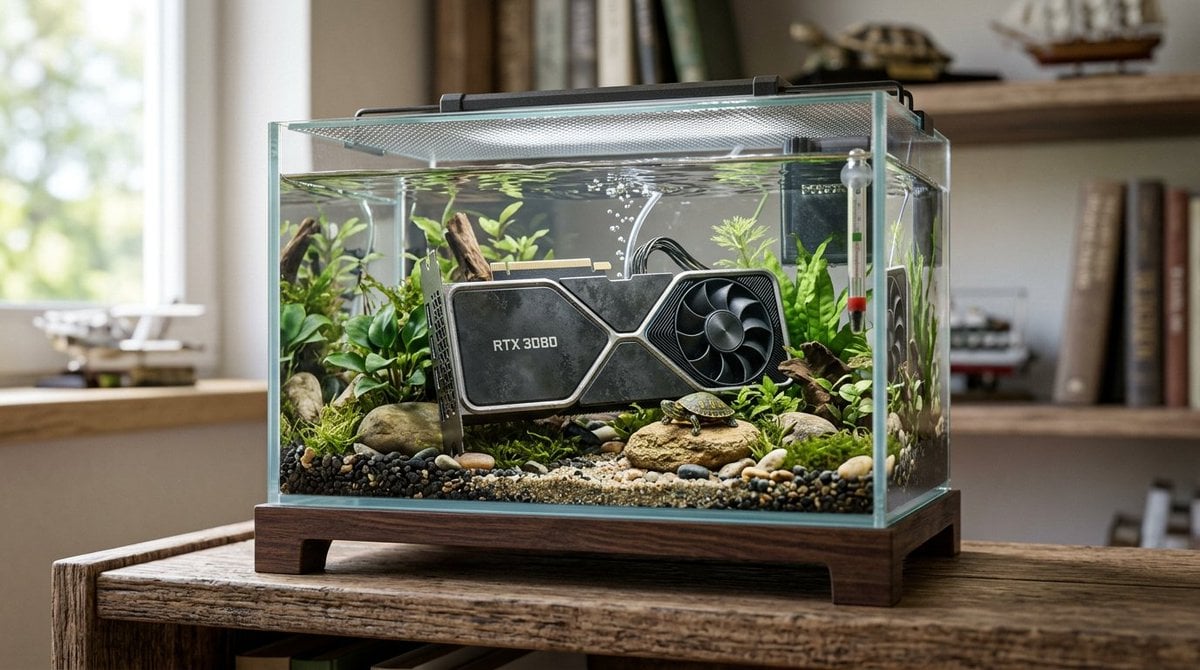
Hyper-Realistic Miniature Turtle Tank Diorama
Browse template categories
Golden Hour Luxury Sports Car Portrait Prompt with Face Lock questions
How do I use the Golden Hour Luxury Sports Car Portrait Prompt with Face Lock template?
Add your photo if the template asks for one, edit the prompt if you like — the template's model and format are already selected — and press Generate. Your version opens in PicX Studio.
Can I customize the Golden Hour Luxury Sports Car Portrait Prompt with Face Lock template?
Yes. You can change the subject, setting, lighting, mood, format, and available model controls before creating your image.
Is the Golden Hour Luxury Sports Car Portrait Prompt with Face Lock template free?
Opening and editing this template is free. Generating uses credits, shown on the Generate button when you are signed in.
Which AI model should I use?
Start with Nano Banana 2, which is the model associated with this template. You can compare another compatible model for a different finish.
Looking for something else? Browse all templates.

Your photo, any look
Thousands of ready templates for every top image and video model, from one credit balance.