
Luxury Car Fashion Portrait with Monogram Blazer
A photorealistic fashion prompt of a woman posing on a golden Ferrari, wearing a custom monogrammed blazer in a sunny outdoor setting.
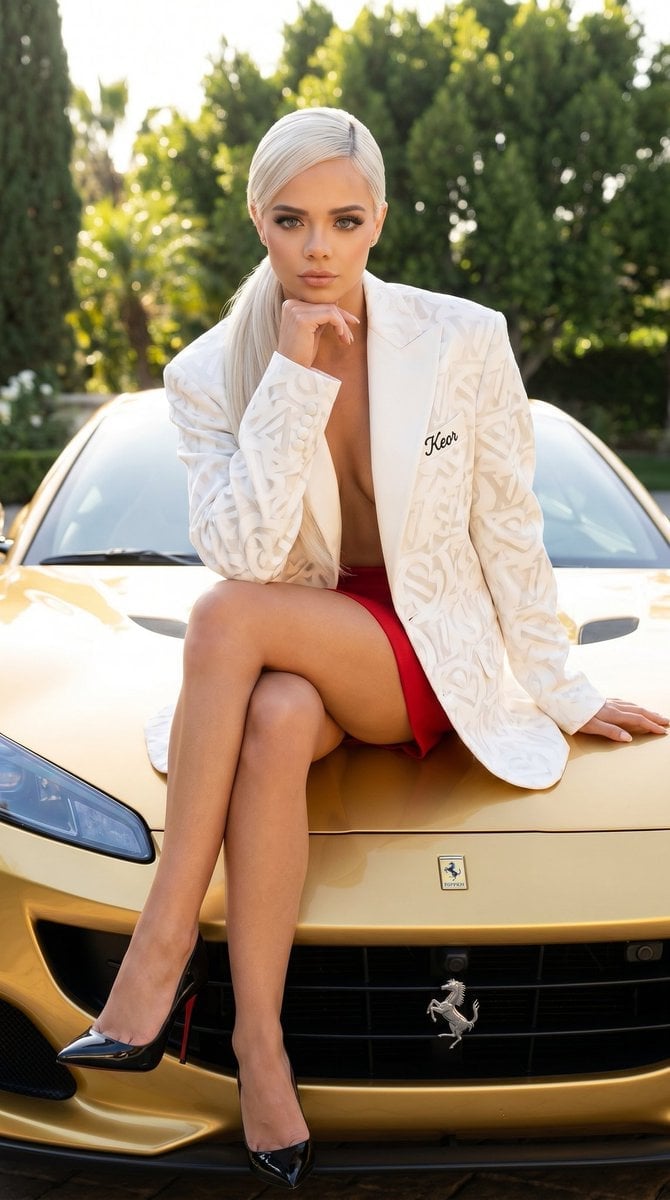
- Prompt included
- Model and format preset
- Premium template
The prompt behind this image
Copy the exact prompt behind Luxury Car Fashion Portrait with Monogram Blazer, or open it in the studio and make it yours.
{ "image_description": "A highly detailed, photorealistic image of a stunning young woman with sleek platinum blonde hair styled in a chic side-parted bob with a long ponytail. She has fair skin, striking dark eyes with bold makeup, and full lips. She is posing confidently on the hood of a luxurious golden car outdoors under bright natural sunlight. She wears an oversized white blazer with a prominent abstract monogram pattern, open at the front, paired with red short skirt as bottom. Her legs are elegantly crossed, wearing glossy black high-heeled stilettos. One hand rests under her chin while the other supports her on the car, with a direct, confident gaze toward the viewer. The background features lush green trees and a sunny, high-end outdoor setting.", "composition": "Medium full-body fashion shot from a low angle, emphasizing her pose, figure, and the luxurious ferrari car. Bright golden-hour sunlight with strong highlights and soft shadows, creating a cinematic and glamorous atmosphere.", "details": { "woman": "Beautiful woman in her early-to-mid 20s, slim and toned physique, platinum blonde hair, confident expression, polished makeup.", "clothing": "{argument name="clothing" default="Open dark monogram-patterned blazer, black bottoms, glossy black strappy high heels"}", "environment": "Luxury outdoor setting with {argument name="car" default="vintage or classic golden car"}, trees, and bright daylight.", "props": "Luxury car as seating surface." }, "modifications": { "additions": "{argument name="custom text" default="Add a small, elegant embroidered sign reading 'Keor' in delicate cursive script"} on the visible border or edge of the blazer." }, "style": "Photorealistic, ultra-high resolution luxury fashion photography, sharp focus on the subject, cinematic natural lighting with golden tones, realistic fabric textures, skin glow, and glossy reflections on the car and heels.", "technical": { "resolution": "8K", "aspect_ratio": "portrait", "full_prompt": "Photorealistic portrait of a beautiful platinum blonde woman posing on a luxury golden car, wearing an open dark monogram blazer with black bottoms and black high heels, hand on chin, sunny outdoor setting, add subtle embroidered 'Keor' on the border of the blazer --ar 2:3 --v 6 --q 2 --stylize 250" } }
How to use Luxury Car Fashion Portrait with Monogram Blazer in 3 steps
- 1
Open
The prompt is already in the box next to the preview, with the template's model and format selected.
- 2…a portrait of your subject in softgolden-hour light, 85mm…
Personalize
Edit the subject and creative details for your destination.
- 3Generate
Generate
Press Generate — your image is created in PicX Studio, so you can compare it with the original and refine one variable at a time.
More like this
Templates with the same subject, style or setup. Open one to see its prompt.

Nano Banana 2 High Fashion Sports Campai

Couture Fashion Editorial Woman and Drag

Ive Yujin Fashion Portrait in Blue

Nano Banana 2 Editorial Fashion Portrait

Caution Tape Fashion — Industrial Editorial

Luxury Fashion Editorial Portrait
Luxury Car Night Editorial Portrait
Luxury Car Interior Lifestyle Portrait
Cinematic Noir Luxury Car Portrait
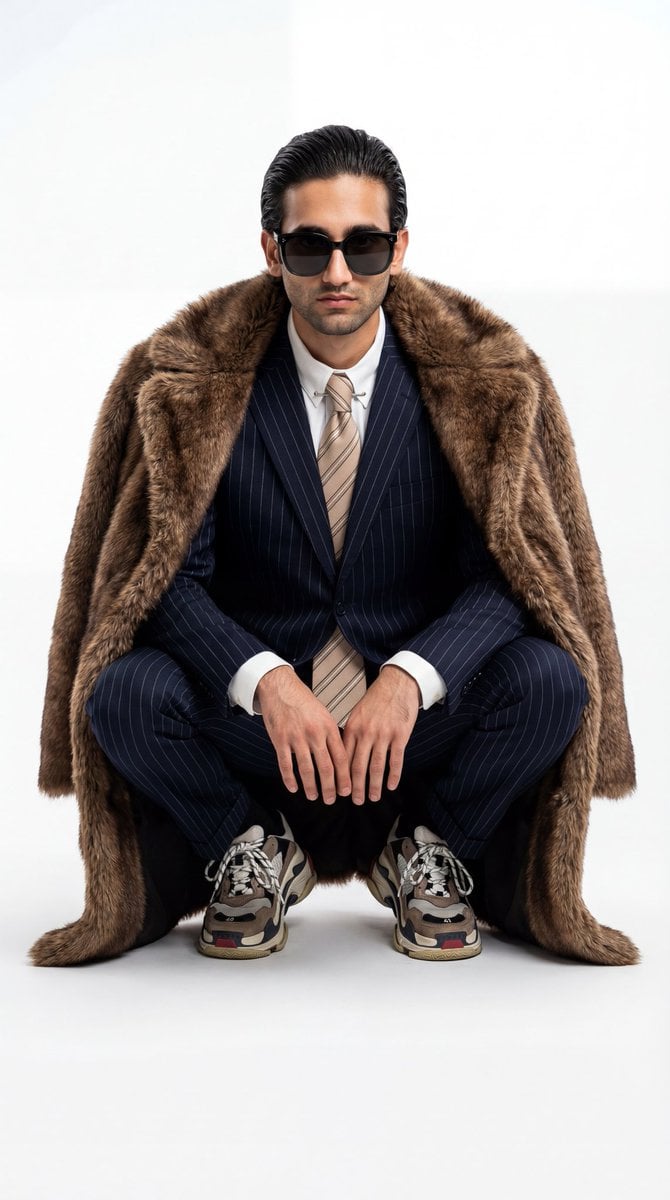
Ultra-Realistic Luxury Fashion Editorial Portrait

Ultra Detailed 3d Plush Cartoon Characte

19 Luxury Helicopter Travel — California Series
Make it yours
Luxury Car Fashion Portrait with Monogram Blazer works as-is. These are the safest ways to change it without losing the look.
Change one field
Copy a single group, rewrite it, and generate again so you can see what that field is doing.
Keep the frame, change the subject
Hold the composition and light of Luxury Car Fashion Portrait with Monogram Blazer, then swap wardrobe, props or the person for a new take.
| If the result… | Why | Fix |
|---|---|---|
| The result drifts from the preview | Too many fields changed at once. | Reuse Luxury Car Fashion Portrait with Monogram Blazer as-is first, then change one group — subject, light, or setting. |
| The model over-stylizes the scene | The prose prompt leaves finish and camera underspecified. | Add one camera or lighting sentence and stay on Nano Banana 2. |
More Nano Banana 2 templates
Other prompts made for Nano Banana 2.

Photorealistic Leaf Shaped Like a Dragon

K-Pop Idol Portrait Grid for Rapid Selection

Poetic Rain Forest Portrait During Golden Hour

Urban Street Portrait with Cartoon Inner Self Duo

Candid Nighttime Photo with Cat Prompt

High-Concept 3D Diorama Generation Prompt

Cinematic Futuristic Studio Portrait Template

Skincare Editorial Photography Collage Prompt

Hyper-Realistic Commercial Product Photography (Splash Effect)

Hyper-Realistic Nightclub Portrait Prompt
More image prompts
Fresh picks from across the catalog.
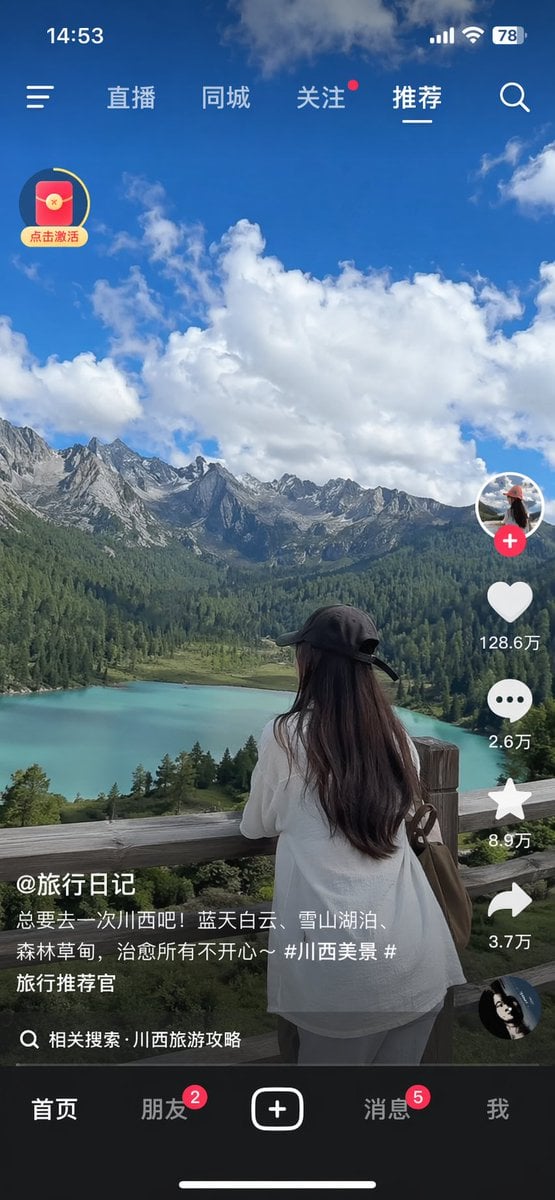
Short-Video App Interface Mockup
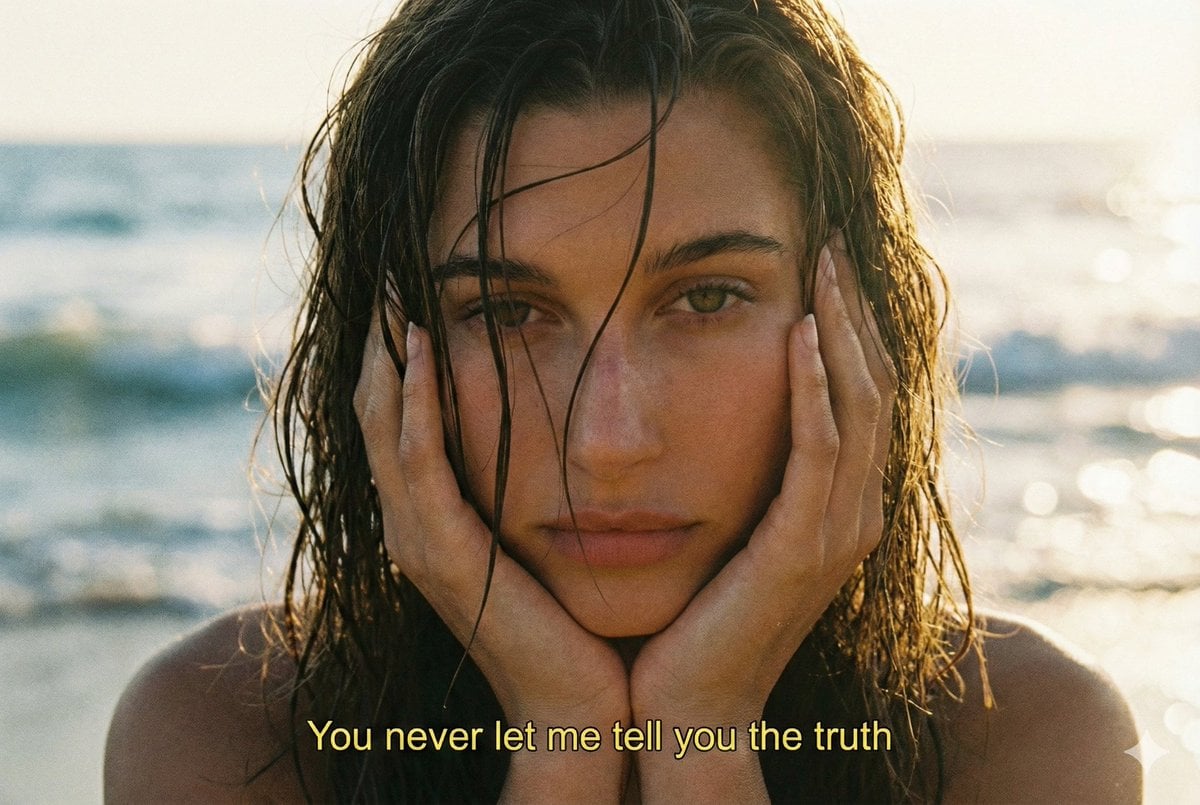
Cinematic 90s Film Still Portrait Prompt
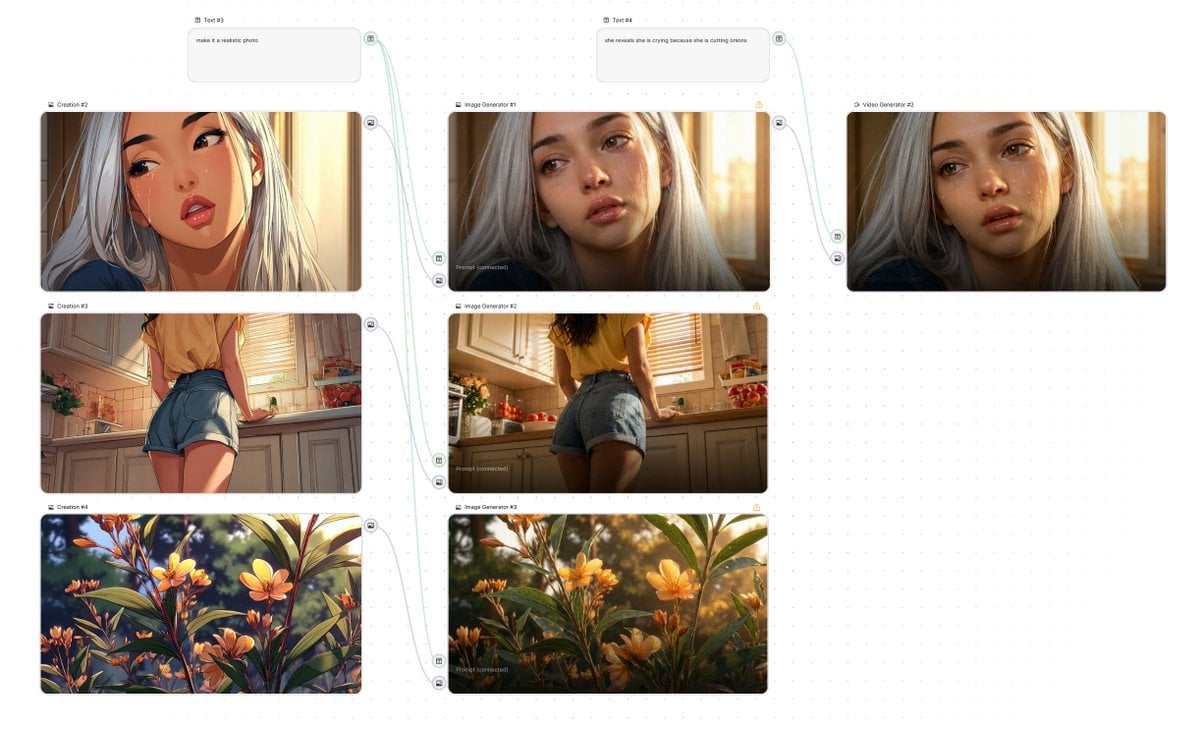
Simple Image-to-Image Realism Conversion
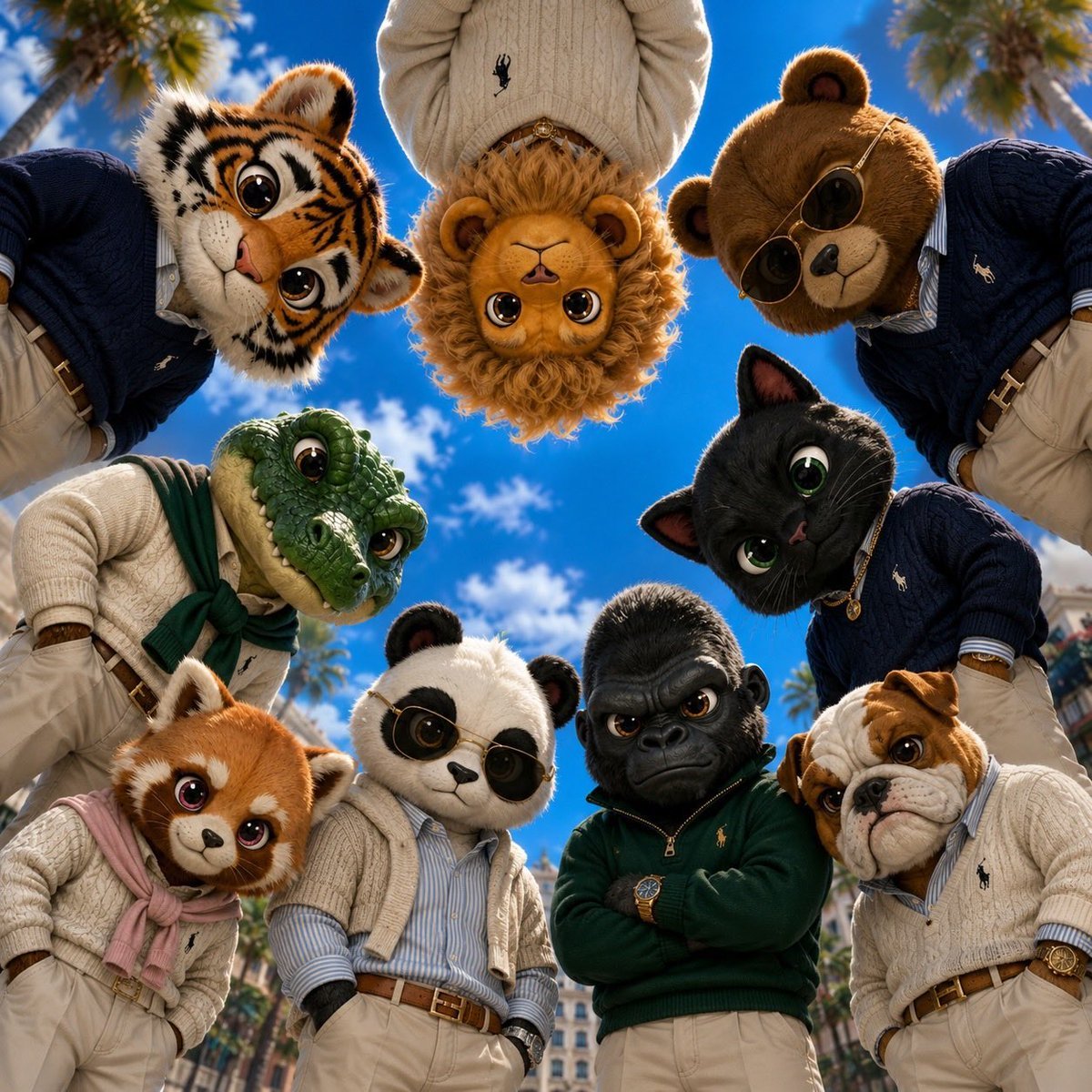
Old Money & Gangster Style Animal Squads
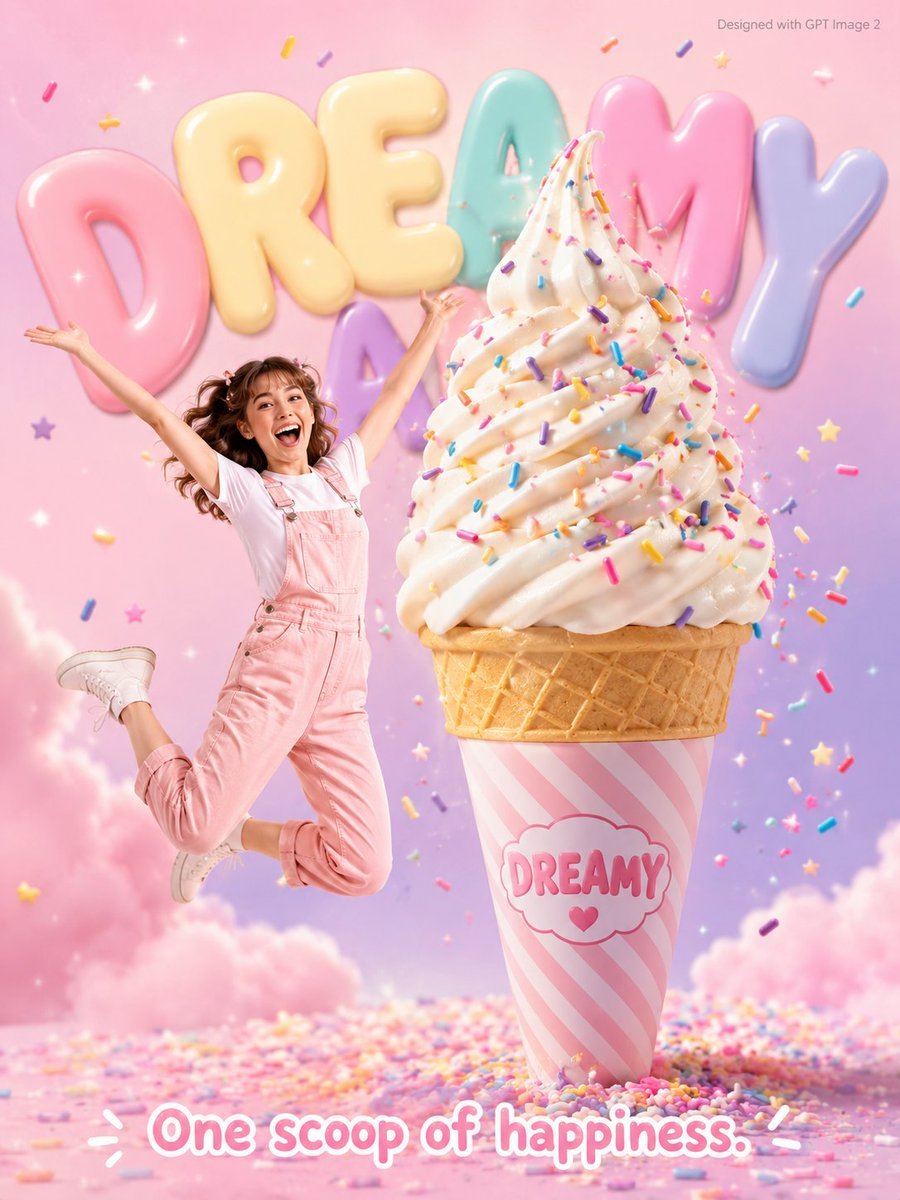
Dreamy Dessert Advertisement Poster
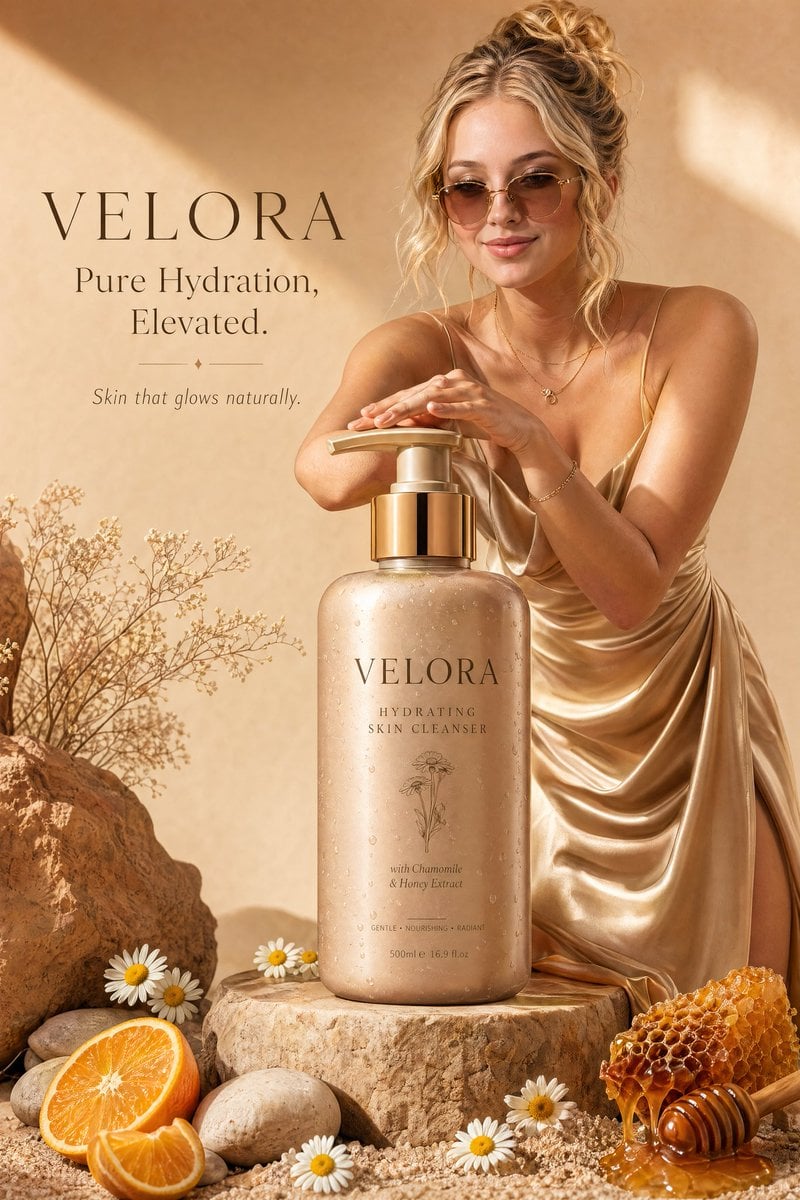
Luxury Skincare Advertisement
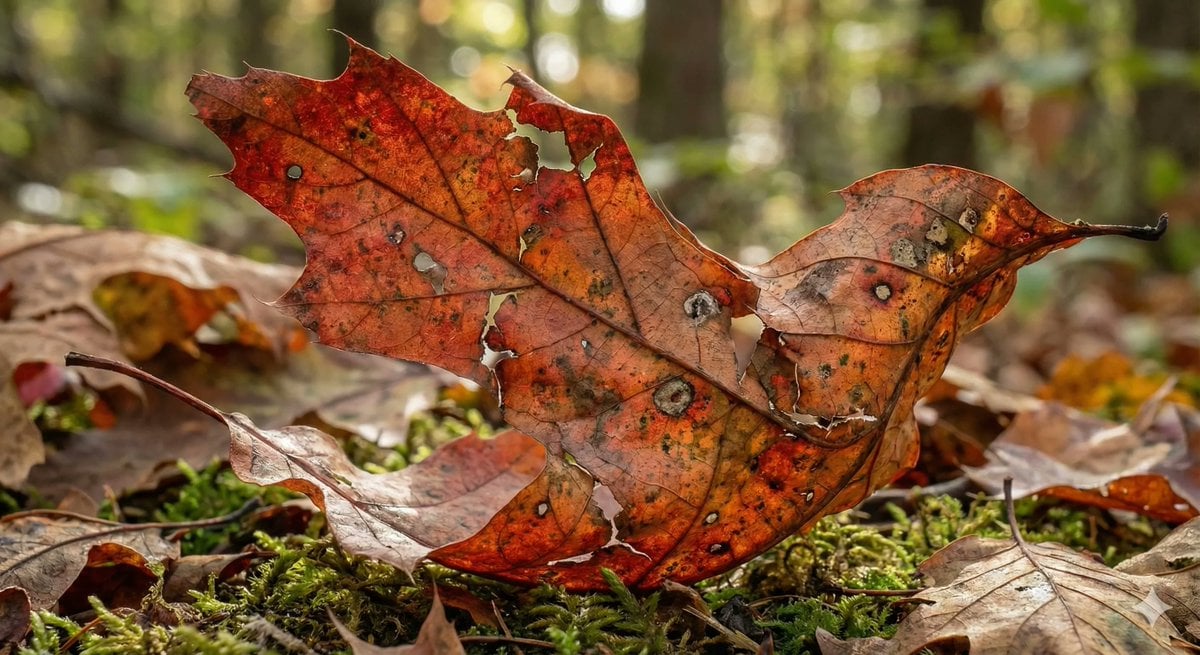
Photorealistic Leaf Shaped Like a Bird
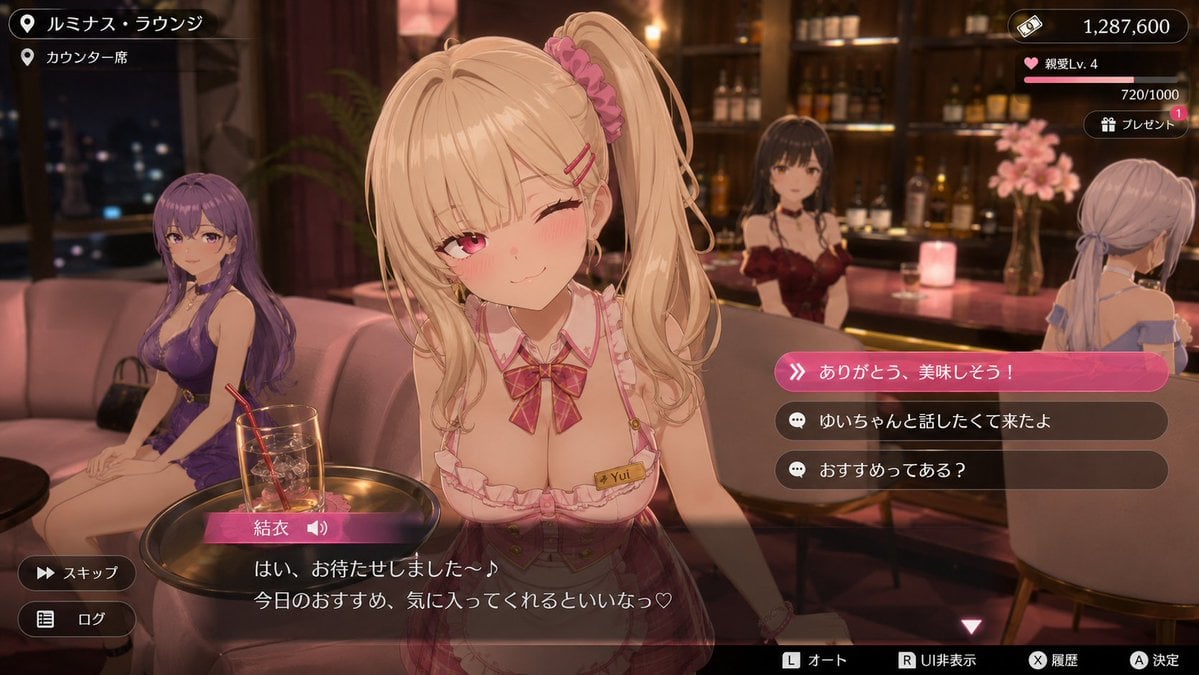
Anime Visual Novel Confession Scene
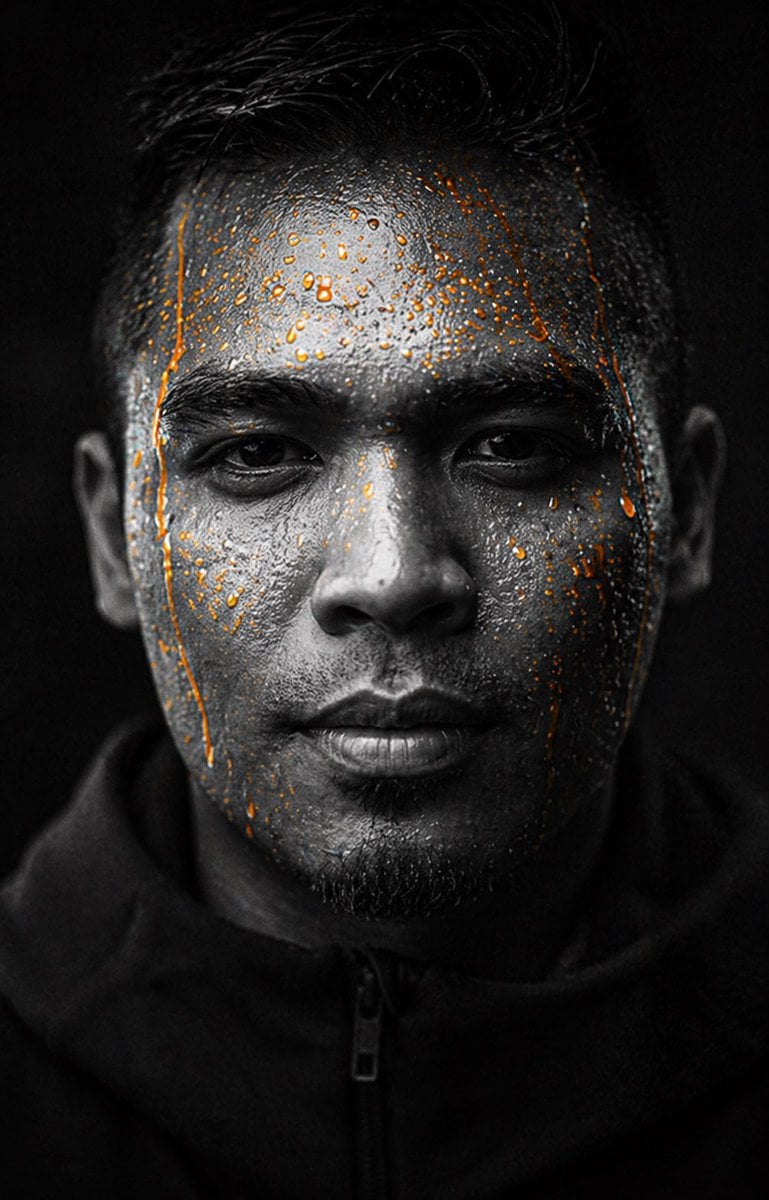
Gpt2 Profile Avatar Dark Gatorade Style Portrait
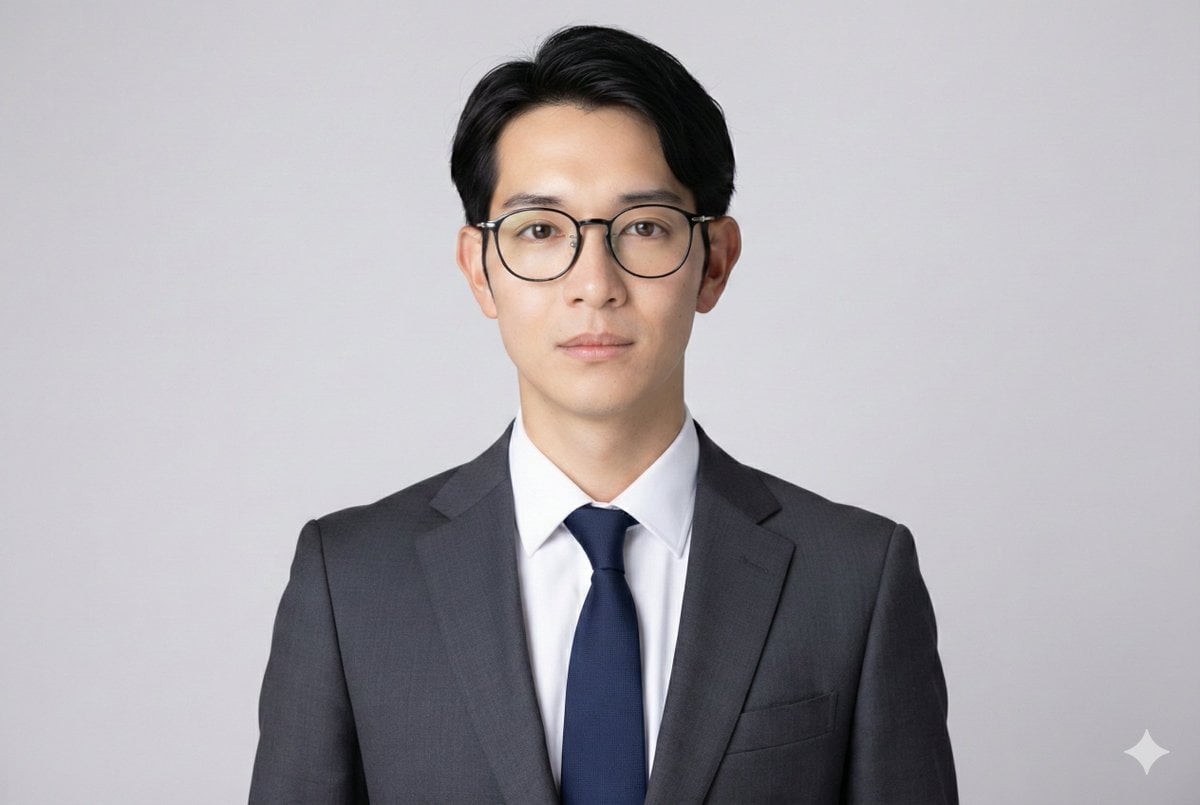
Professional ID Photo Generation Prompt
Browse template categories
Luxury Car Fashion Portrait with Monogram Blazer questions
How do I use the Luxury Car Fashion Portrait with Monogram Blazer template?
Add your photo if the template asks for one, edit the prompt if you like — the template's model and format are already selected — and press Generate. Your version opens in PicX Studio.
Can I customize the Luxury Car Fashion Portrait with Monogram Blazer template?
Yes. You can change the subject, setting, lighting, mood, format, and available model controls before creating your image.
Is the Luxury Car Fashion Portrait with Monogram Blazer template free?
Opening and editing this template is free. Generating uses credits, shown on the Generate button when you are signed in.
Which AI model should I use?
Start with Nano Banana 2, which is the model associated with this template. You can compare another compatible model for a different finish.
Looking for something else? Browse all templates.

Your photo, any look
Thousands of ready templates for every top image and video model, from one credit balance.