How do I use the Cinematic Noir Luxury Car Portrait template?
Edit the prompt in the box under the preview — the template's model and format are already selected — and press Generate. Your version appears right on this page.
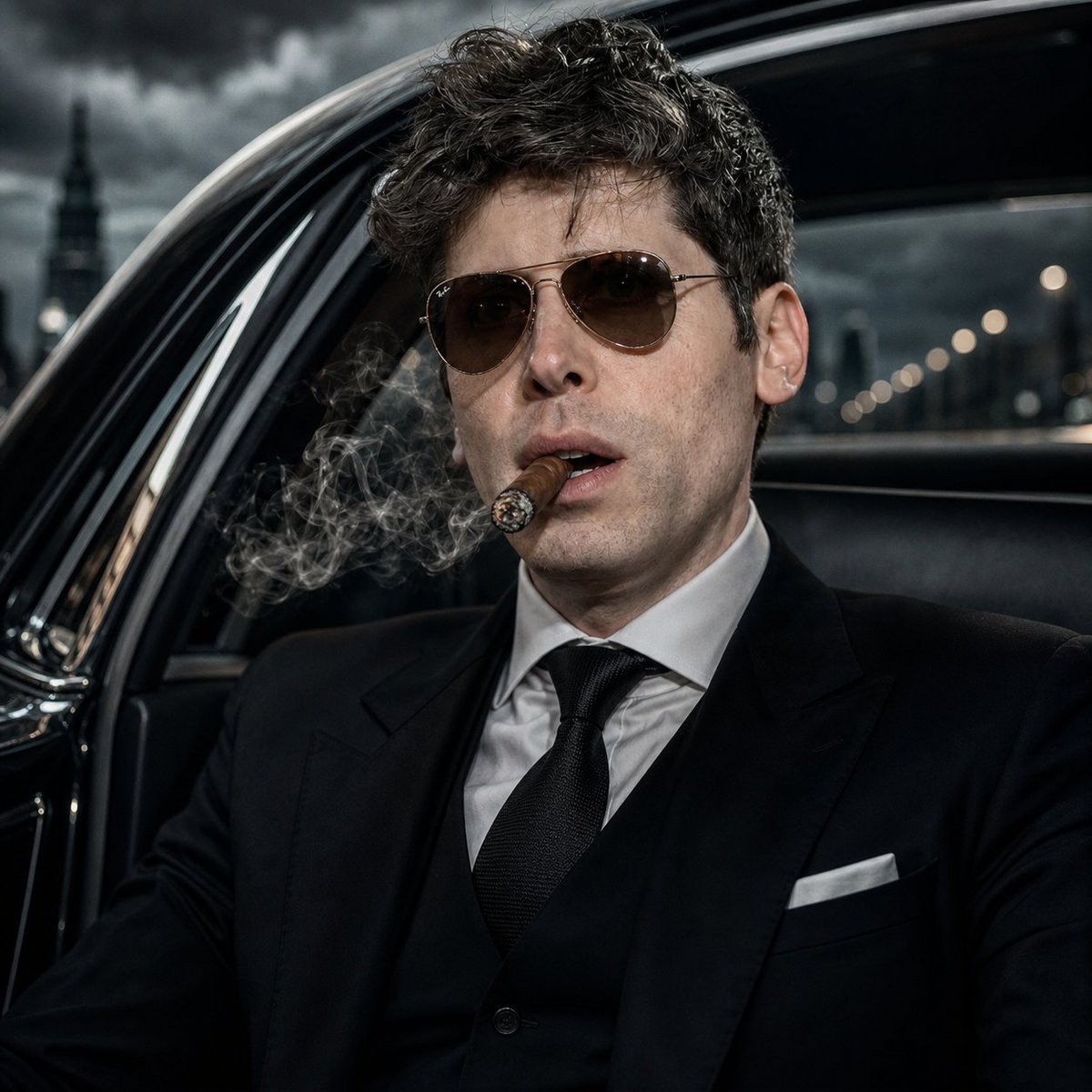
A high-contrast black-and-white cinematic prompt designed to preserve facial identity from a reference image while placing the subject in a luxury crime-drama setting.

Use the uploaded reference image as the exact identity reference. Preserve the same face shape, eyes, nose, lips, beard, haircut, age, skin texture, facial proportions, and overall masculine identity. Do not redesign the face. Create an ultra-realistic black-and-white cinematic portrait of {argument name="subject" default="the same man"} sitting in the {argument name="setting" default="back seat of a luxury car at night"}. He wears a {argument name="clothing" default="dark tailored suit"}, white shirt, loosened tie, and sunglasses. He leans slightly forward with one elbow on his knee, holding a cigarette near the open car window, smoke drifting outside. His expression is silent, tired, powerful, and cinematic. Background: blurred city lights through rain-covered car windows, leather seats, reflections on glass, night traffic bokeh. Lighting: noir black-and-white contrast, soft side light across face, deep shadows, film grain, luxury crime-drama mood. Composition: vertical 4:5, intimate close-up from the front passenger angle. No text, no logo, no watermark.
Use the uploaded reference image as the exact identity reference. Preserve the same face shape, eyes, nose, lips, beard, haircut, age, skin texture, facial proportions, and overall masculine identity. Do not redesign the face. Create an ultra-realistic black-and-white cinematic portrait of {argument name="subject" default="the same man"} sitting in the {argument name="setting" default="back seat of a luxury car at night"}. He wears a {argument name="clothing" default="dark tailored suit"}, white shirt, loosened tie, and sunglasses. He leans slightly forward with one elbow on his knee, holding a cigarette near the open car window, smoke drifting outside. His expression is silent, tired, powerful, and cinematic. Background: blurred city lights through rain-covered car windows, leather seats, reflections on glass, night traffic bokeh. Lighting: noir black-and-white contrast, soft side light across face, deep shadows, film grain, luxury crime-drama mood. Composition: vertical 4:5, intimate close-up from the front passenger angle. No text, no logo, no watermark.
Edit the prompt in the box under the preview — the template's model and format are already selected — and press Generate. Your version appears right on this page.
Yes. You can change the subject, setting, lighting, mood, format, and available model controls before creating your image.
Opening and editing this template is free. Generating uses credits, shown on the Generate button when you are signed in.
Start with Nano Banana 2, which is the model associated with this template. You can compare another compatible model for a different finish.
Follow a topic to a crawlable collection of related PicX Studio templates.