
Premium RPG Character Card UI
A detailed Japanese prompt for creating high-quality RPG character cards with integrated UI elements, status gauges, and profile information.
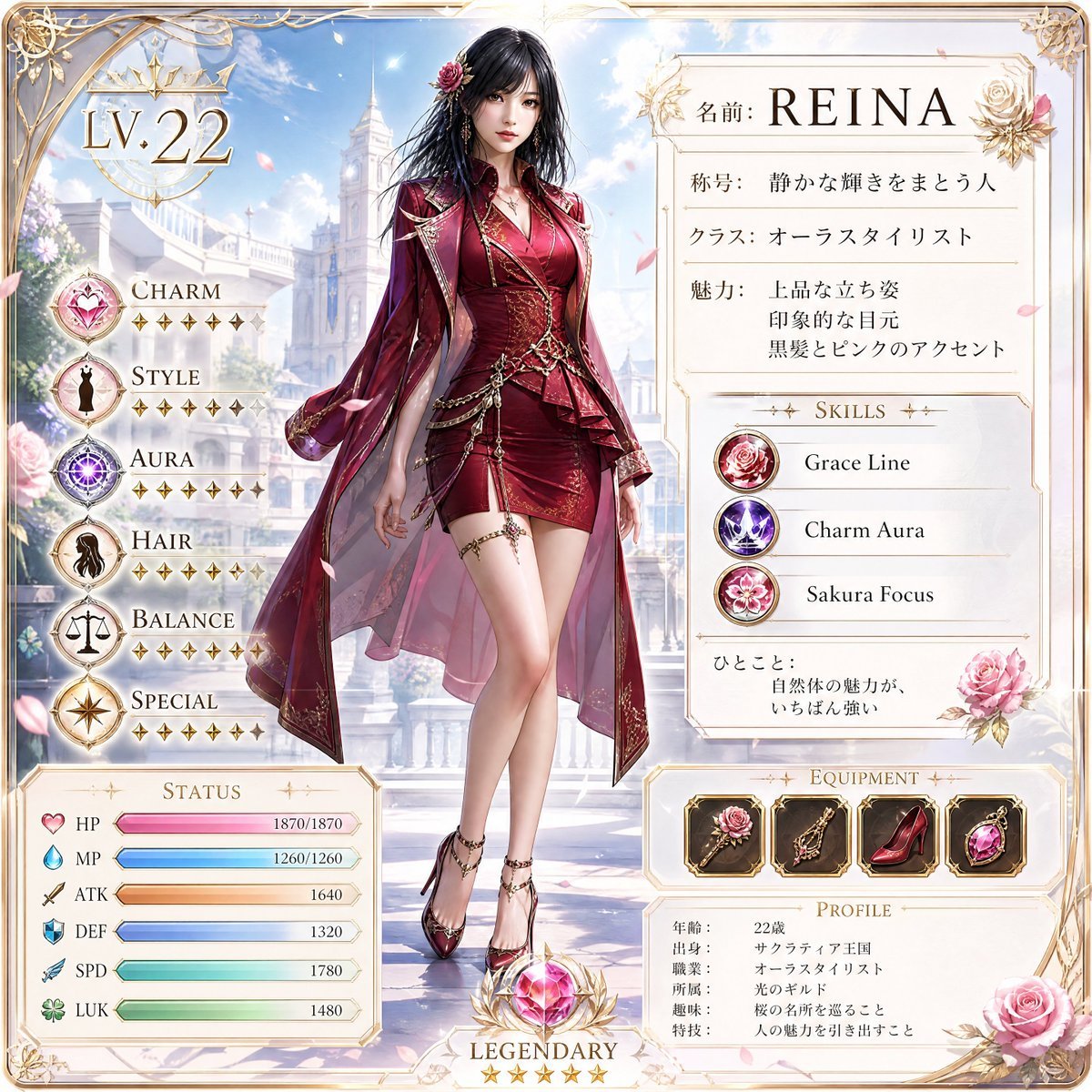
- Prompt included
- Model and format preset
- Free template
The prompt behind this image
Copy the exact prompt behind Premium RPG Character Card UI, or open it in the studio and make it yours.
参照画像をベースに、正方形の高品質RPGキャラクターカードを作成してください。参照画像が実写の場合は、人物の顔立ち、髪型、表情、雰囲気、アクセサリーを反映してください。参照画像がアニメやイラストの場合は、キャラクターデザイン、髪型、色、表情、ポーズ、雰囲気を参考にし、元絵の完全再現ではなくオリジナルRPGキャラクターとして再構成してください。カード中央に、参照画像の人物やキャラクターをもとにした、{argument name="年齢" default="22歳"}の成人した日本人の女性RPGキャラクターを配置してください。セミロングの黒髪、バラの花飾り、上品で魅力的なモデル体型、バランスの良い立ち姿、柔らかく印象的な顔立ち、落ち着いた自信のある表情を反映し、子供っぽくせず、大人向けで洗練された雰囲気にしてください。日本語中心の書き換え可能なプロフィールUIをカード内に配置してください。名前:{argument name="名前" default="REINA"} 称号:{argument name="称号" default="静かな輝きをまとう人"}
How to use Premium RPG Character Card UI in 3 steps
- 1Upload ImagePNG, JPG or paste
Add your photo
Upload the photo the template builds on. The prompt, model and format are already set.
- 2…a portrait of your subject in softgolden-hour light, 85mm…
Personalize
Edit the subject and creative details for your destination.
- 3Generate
Generate
Press Generate — your image is created in PicX Studio, so you can compare it with the original and refine one variable at a time.
More like this
Templates with the same subject, style or setup. Open one to see its prompt.
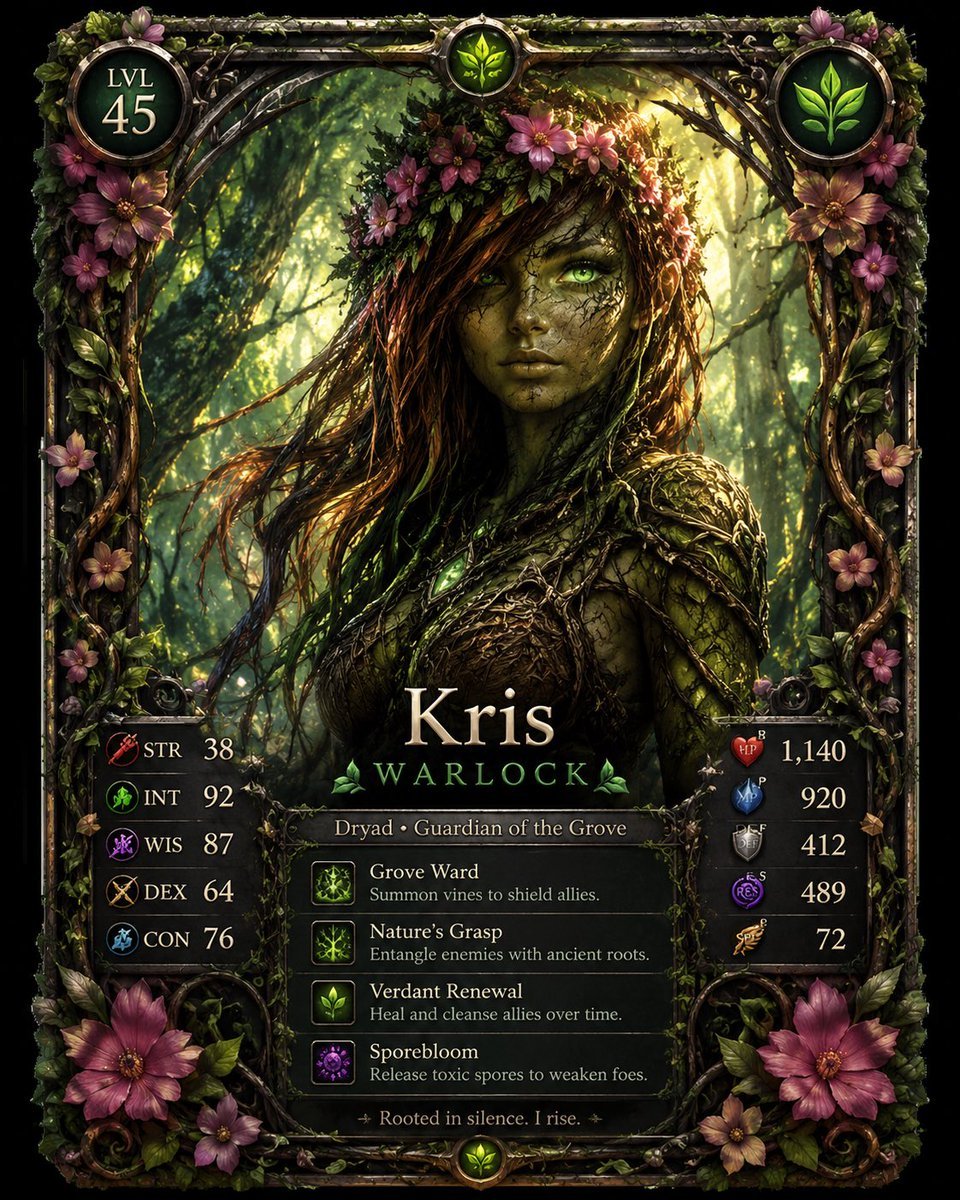
Fantasy Dryad RPG Character Card
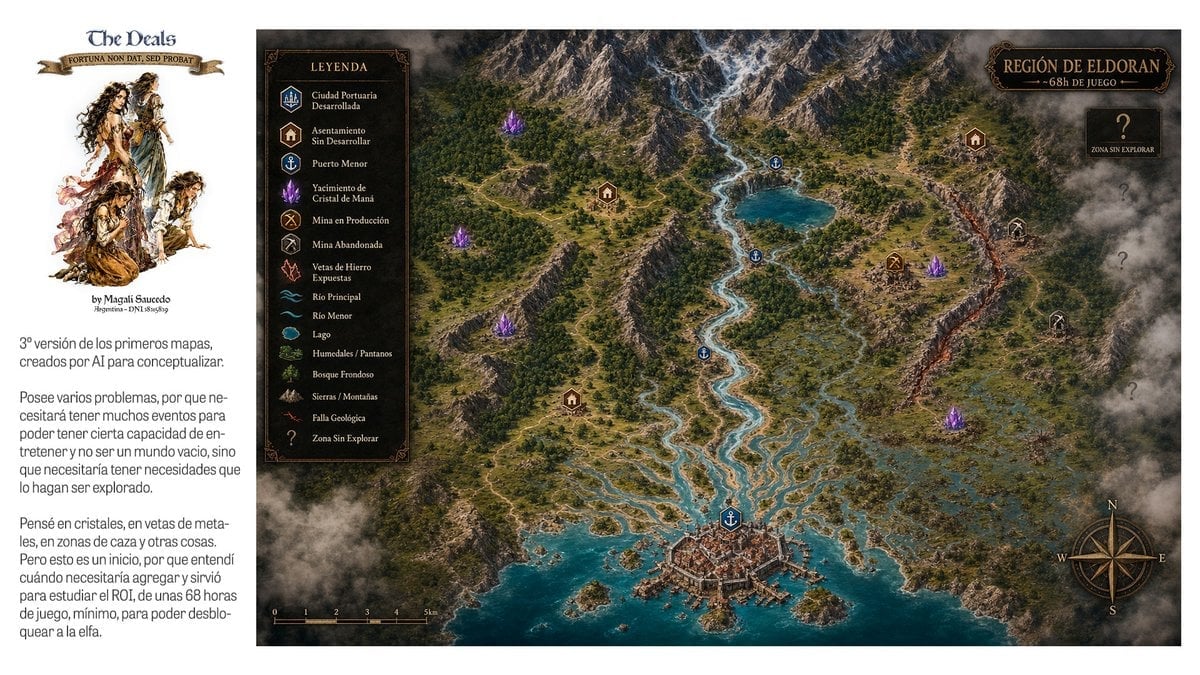
Fantasy RPG Region Map Sheet
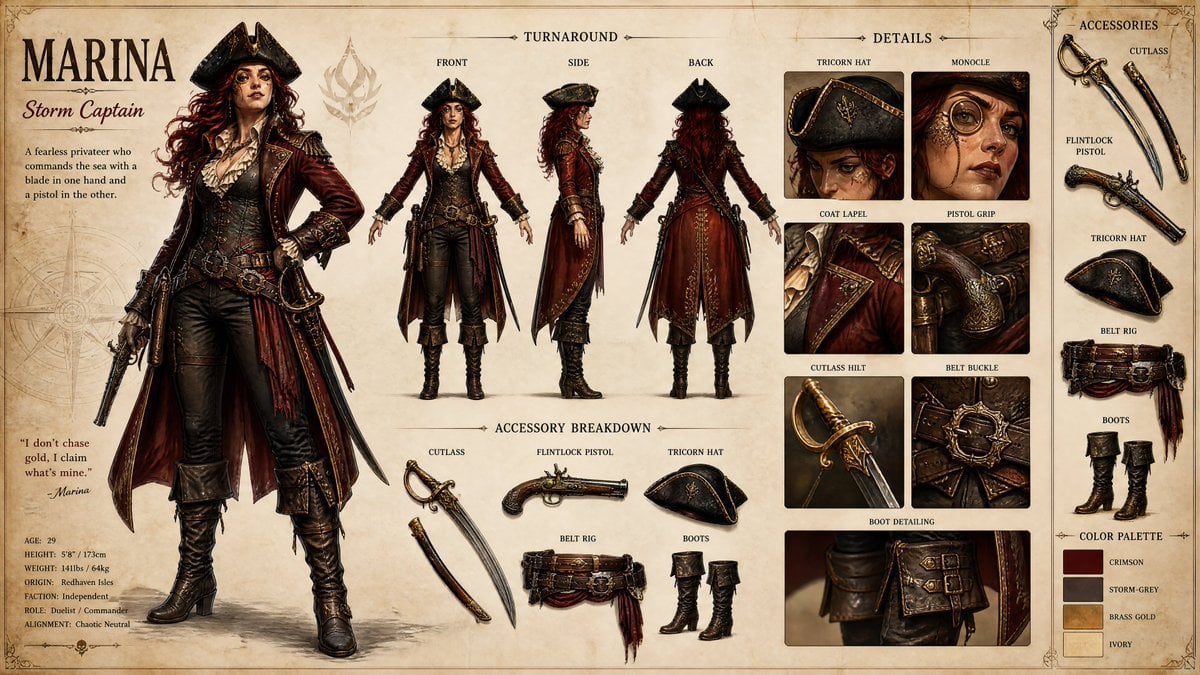
Pirate RPG Character Design Sheet

JRPG Fantasy Title Logo Splash Screen
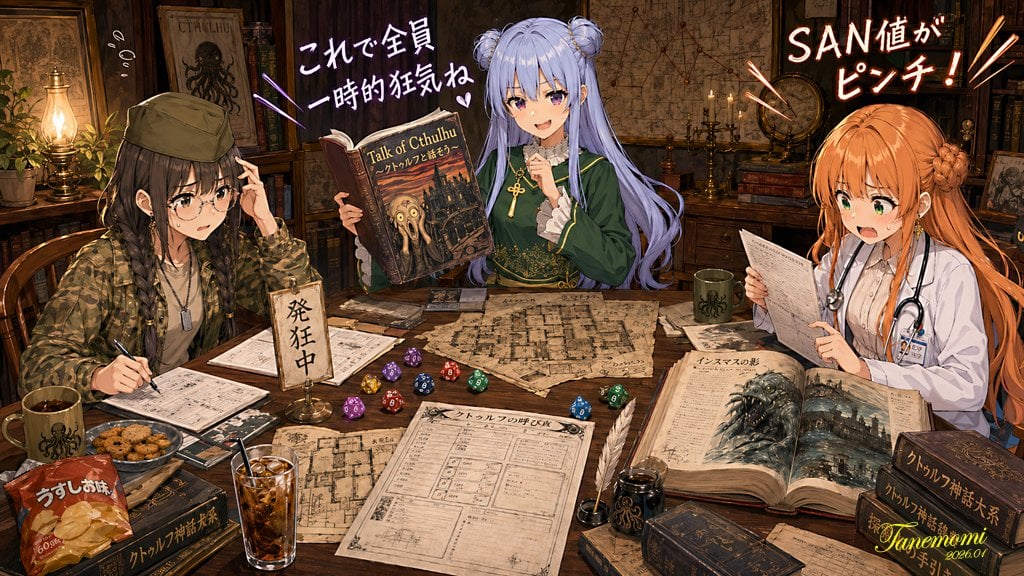
Anime Cthulhu TRPG Study Session
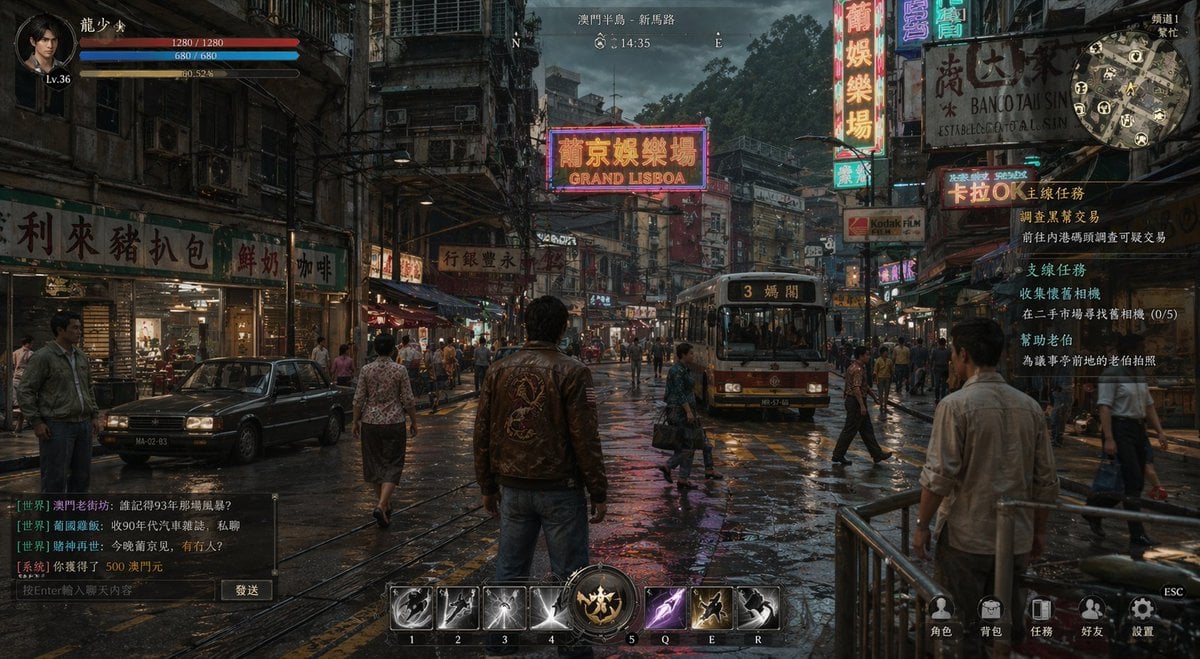
Rainy Neon Macau RPG Screenshot
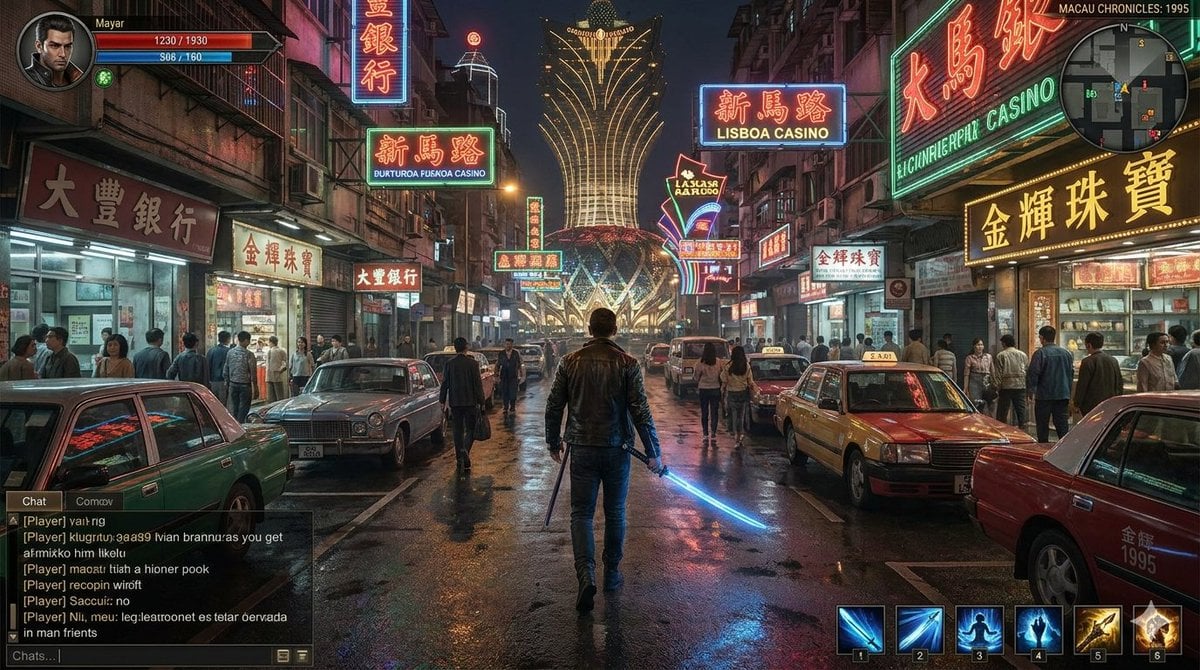
Neon Macau RPG Street Battle HUD
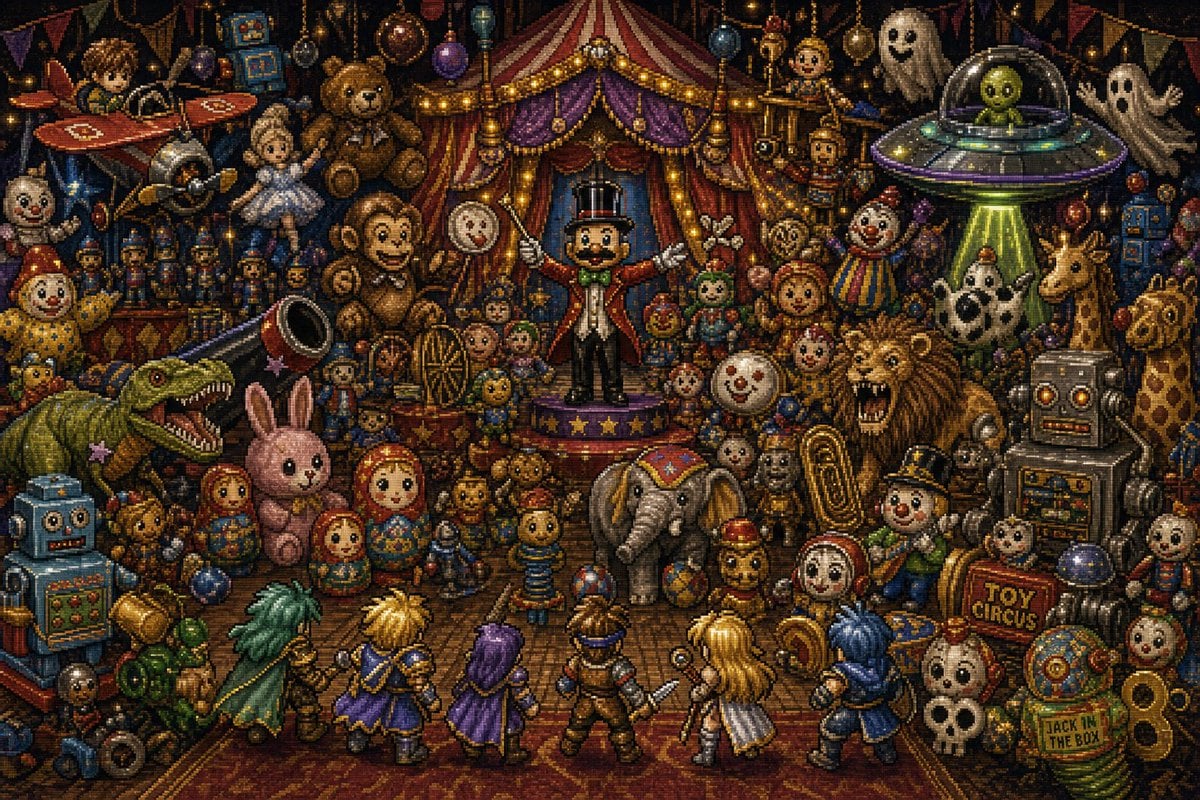
Toy Circus JRPG Battle
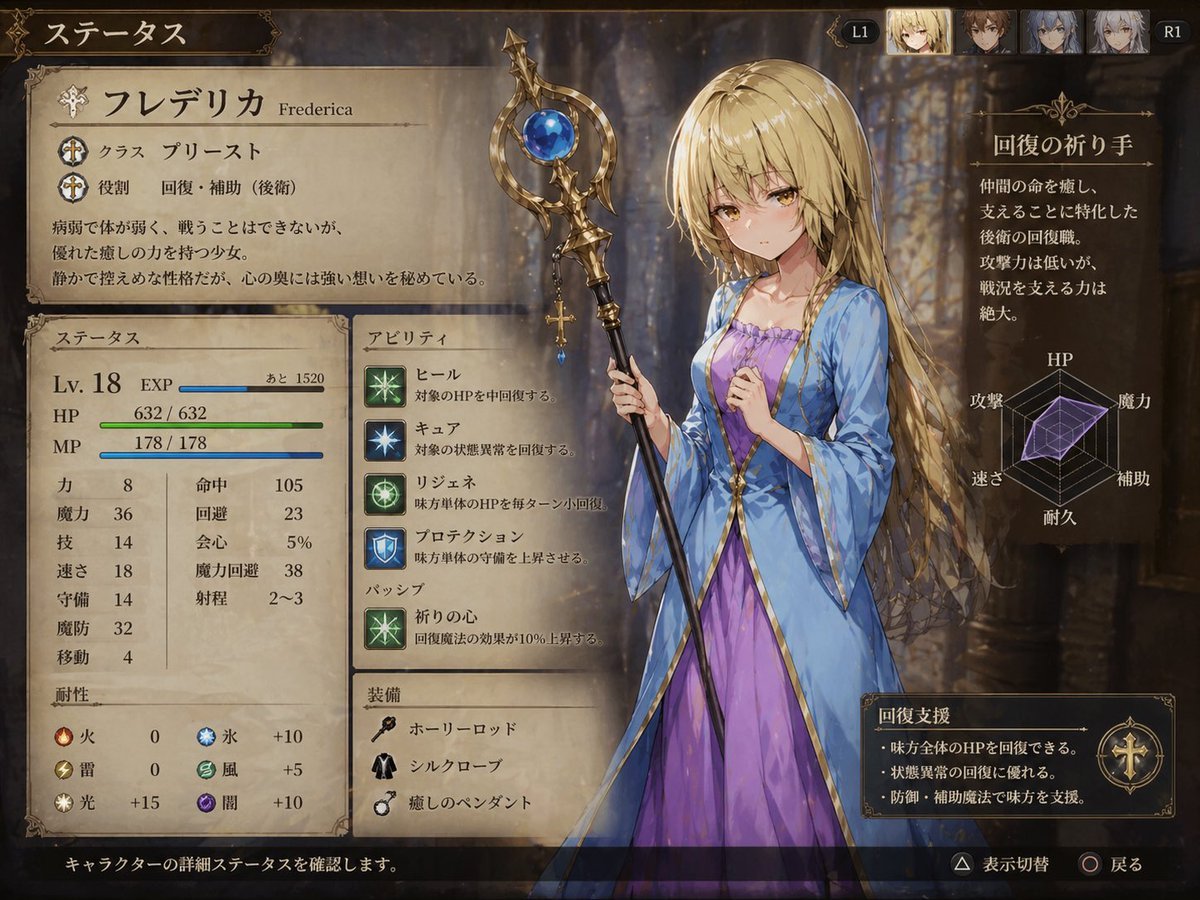
Fantasy JRPG Priest Status Screen
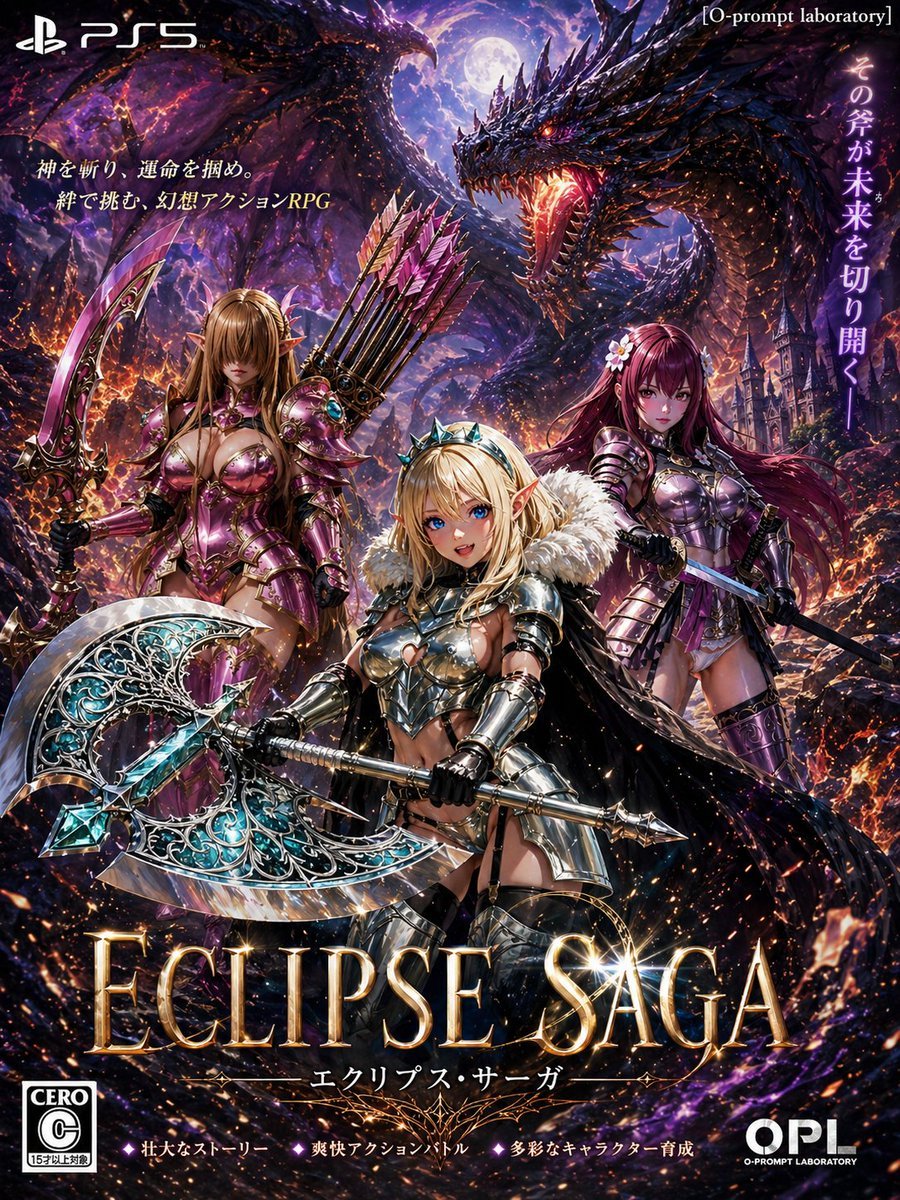
Dark Fantasy PS5 RPG Cover Art
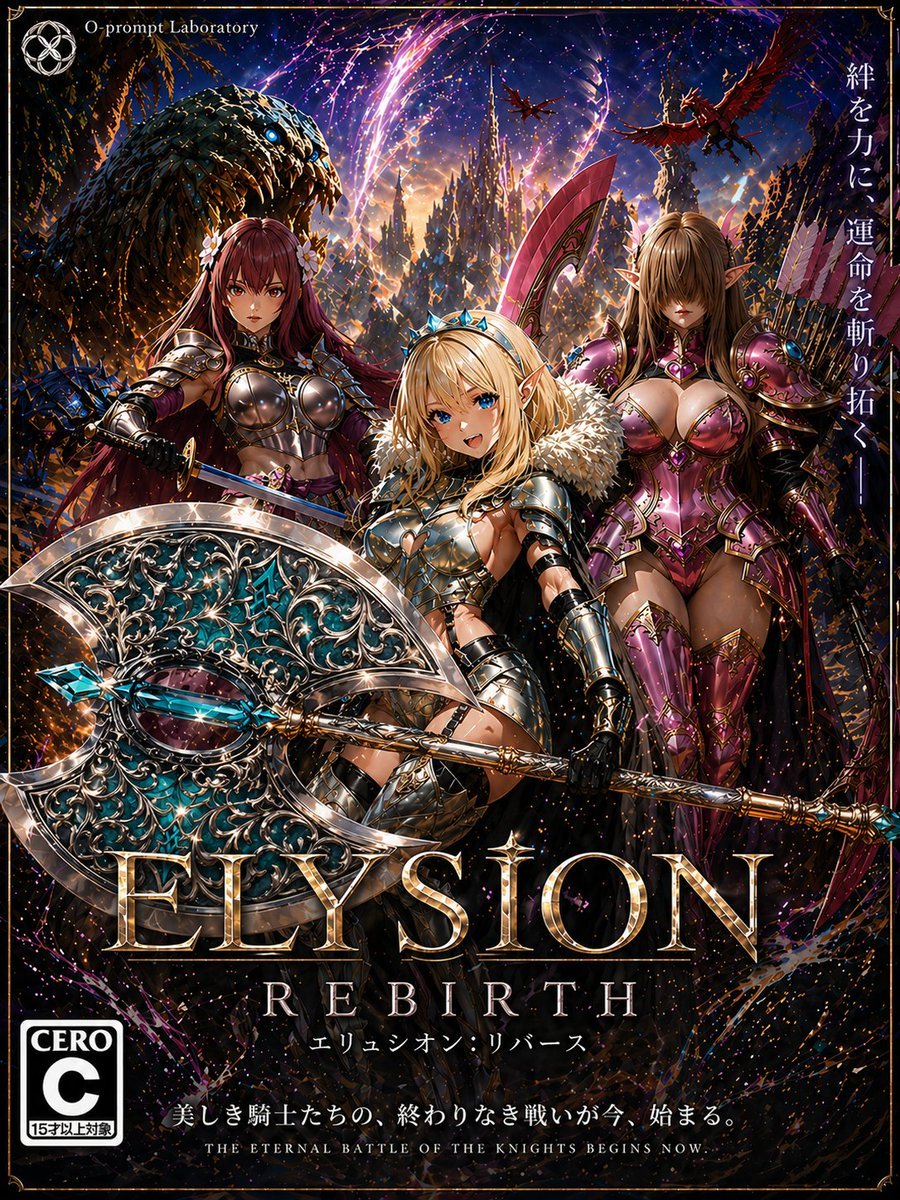
Fantasy RPG Game Cover with Three Knight Women

JRPG Hatsune Miku Fantasy Logo
Make it yours
Premium RPG Character Card UI works as-is. These are the safest ways to change it without losing the look.
Change one field
Copy a single group, rewrite it, and generate again so you can see what that field is doing.
Keep the frame, change the subject
Hold the composition and light of Premium RPG Character Card UI, then swap wardrobe, props or the person for a new take.
| If the result… | Why | Fix |
|---|---|---|
| The result drifts from the preview | Too many fields changed at once. | Reuse Premium RPG Character Card UI as-is first, then change one group — subject, light, or setting. |
| The model over-stylizes the scene | The prose prompt leaves finish and camera underspecified. | Add one camera or lighting sentence and stay on GPT Image 2. |
More GPT Image 2 templates
Other prompts made for GPT Image 2.

Six VTuber Japanese Logo Sheet

Realistic Portrait of Woman and Deer

The Vista Modular Condo Poster

AI Model Routing Comparison Infographic

2.5D Anime Art Board

Isometric Productivity Desk Scene

New York Double Exposure Poster

Four-Panel AI Landscape Comparison

Japanese Tatami Lifestyle Magazine Cover

NESCAFÉ Coffee Map Poster
More image prompts
Fresh picks from across the catalog.
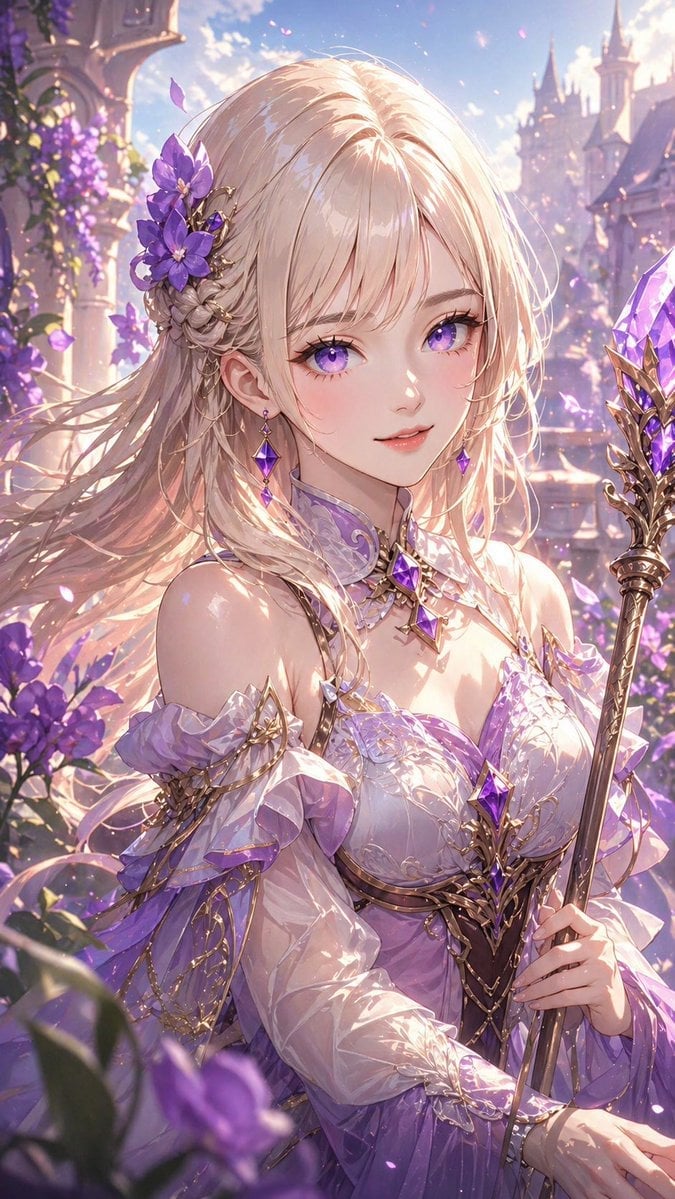
Lavender Fantasy Mage Portrait
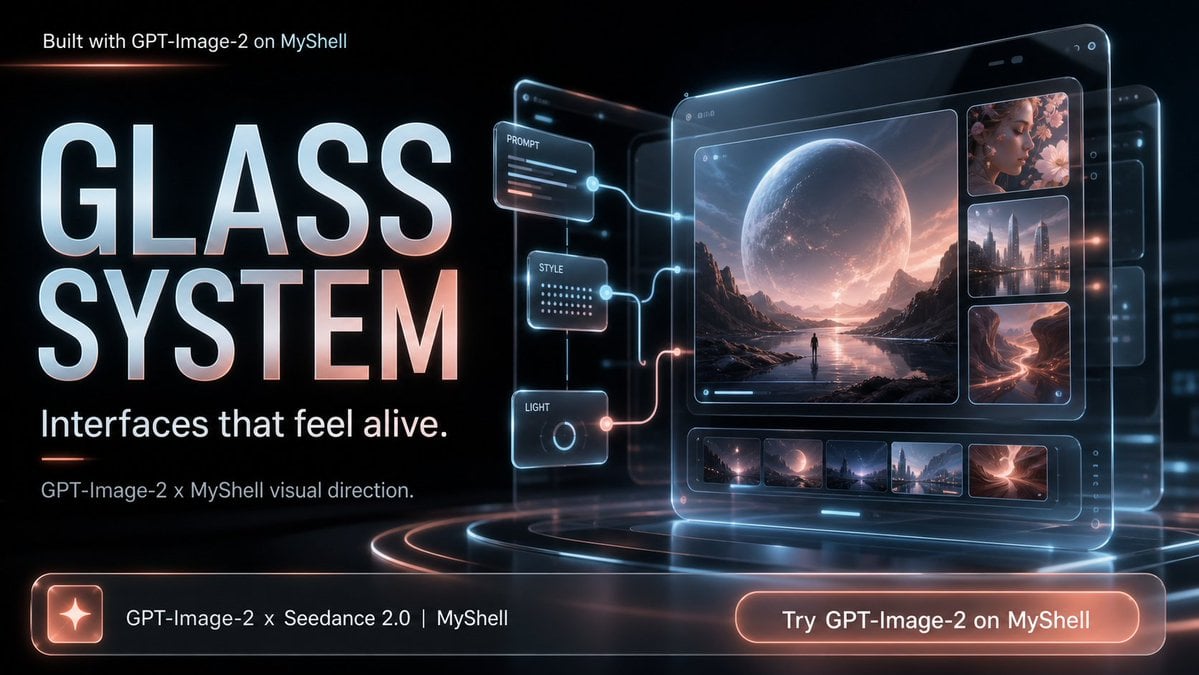
Futuristic Glass UI Product Banner
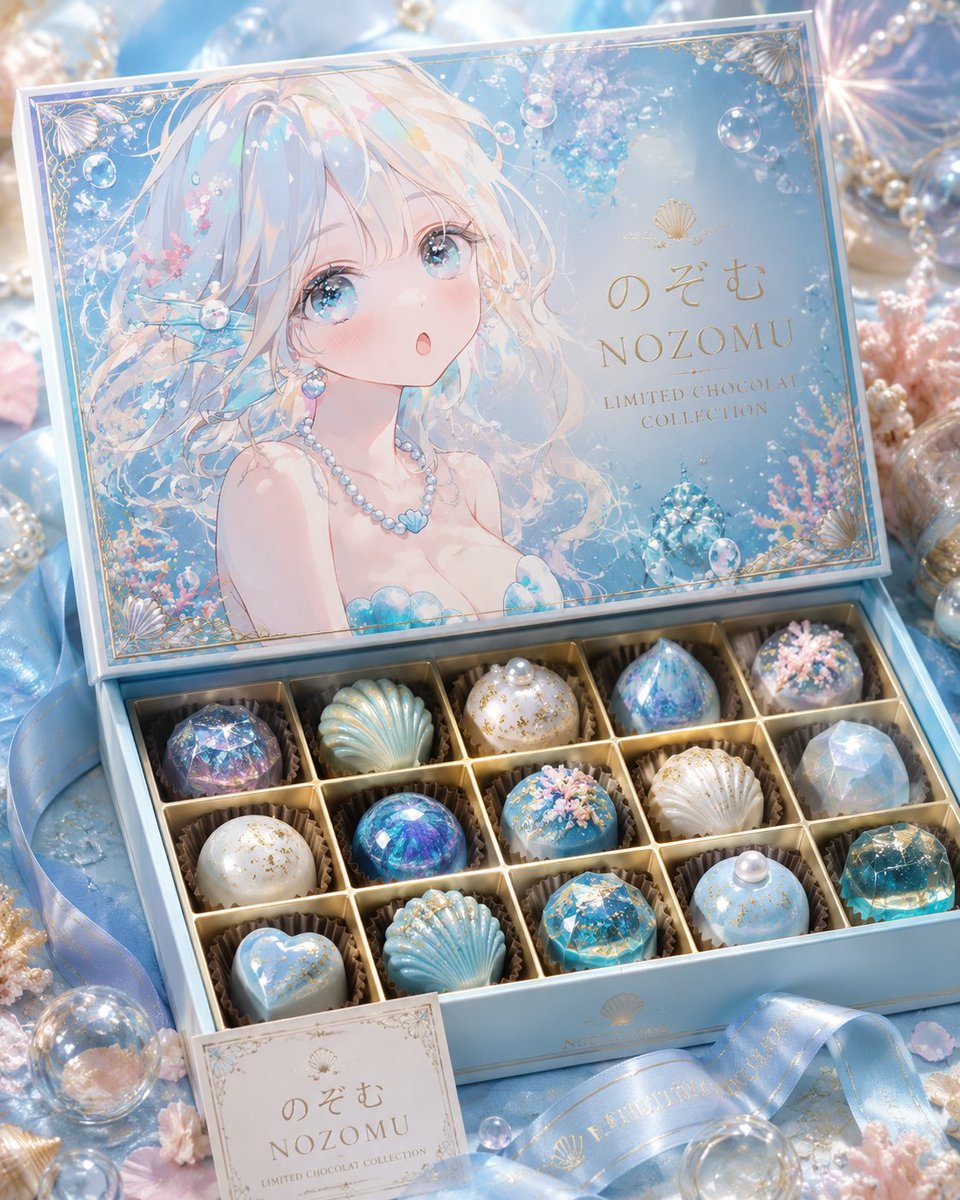
Luxury Ocean Princess Chocolate Box
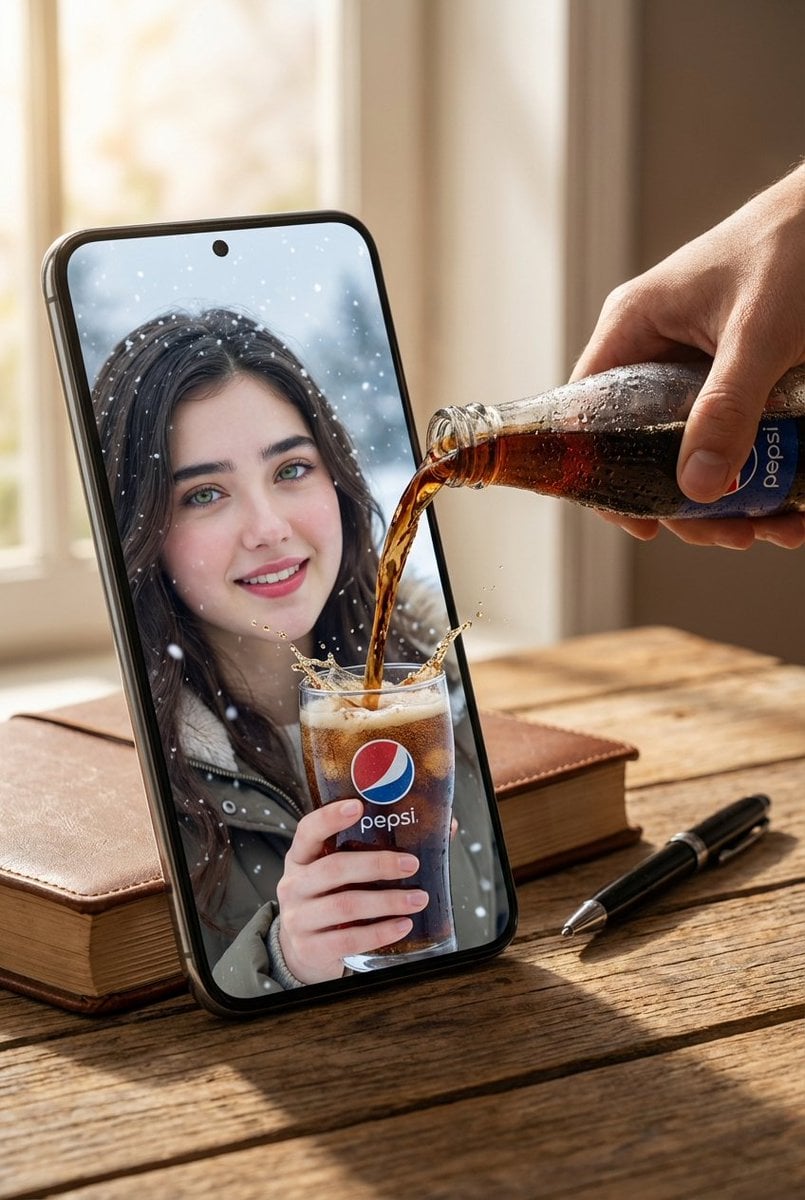
Surreal Pepsi Advertising Concept
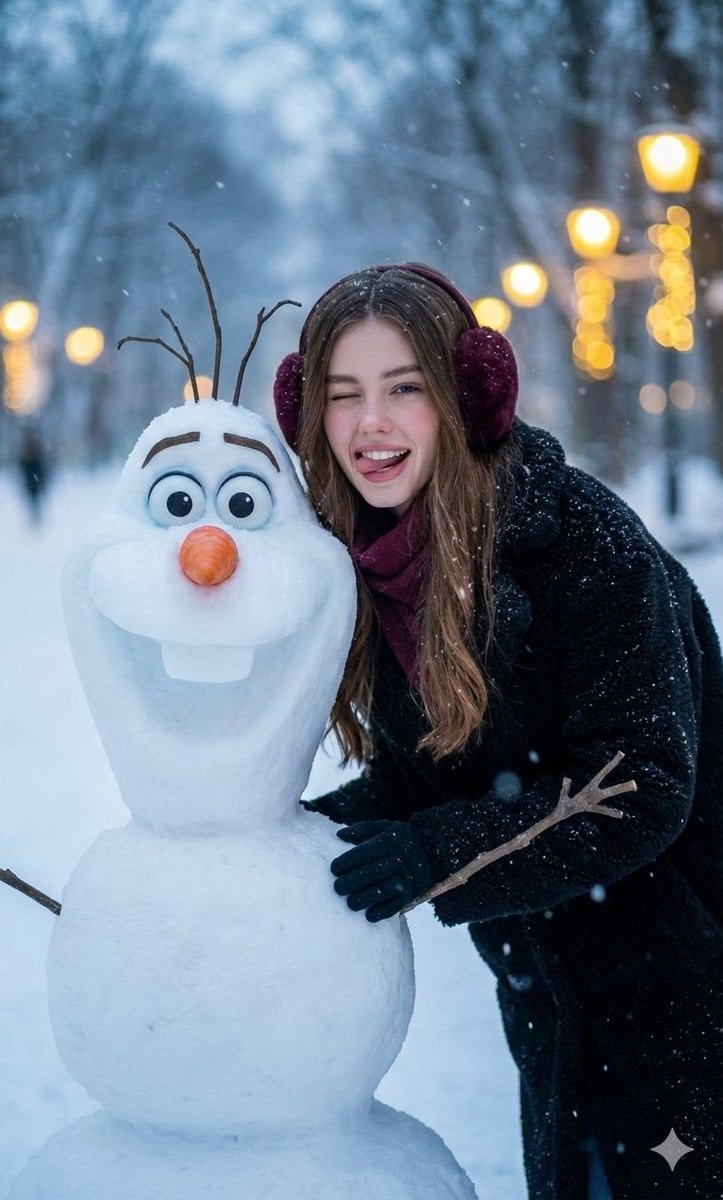
Realistic Olaf and Girl Winter Portrait
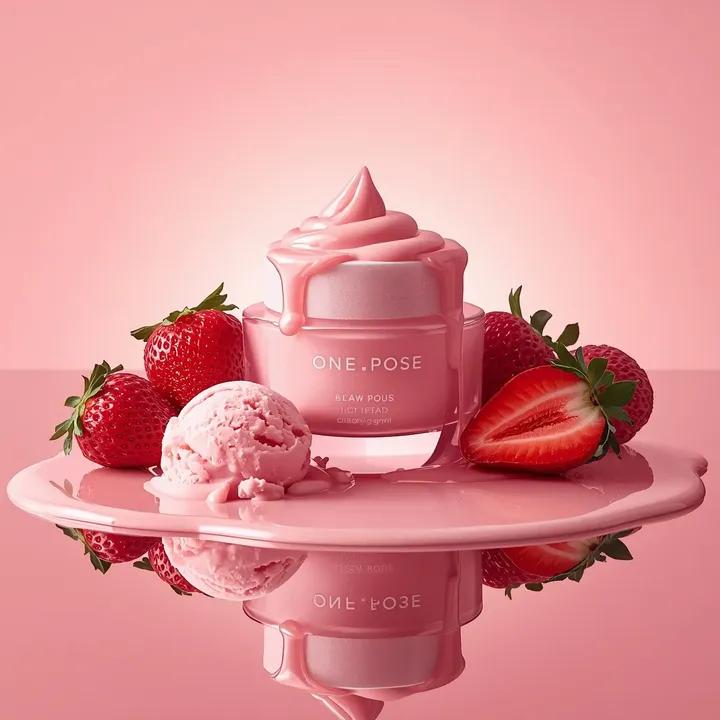
Ultra-Realistic Luxury Skincare Product Photography (Duplicate)
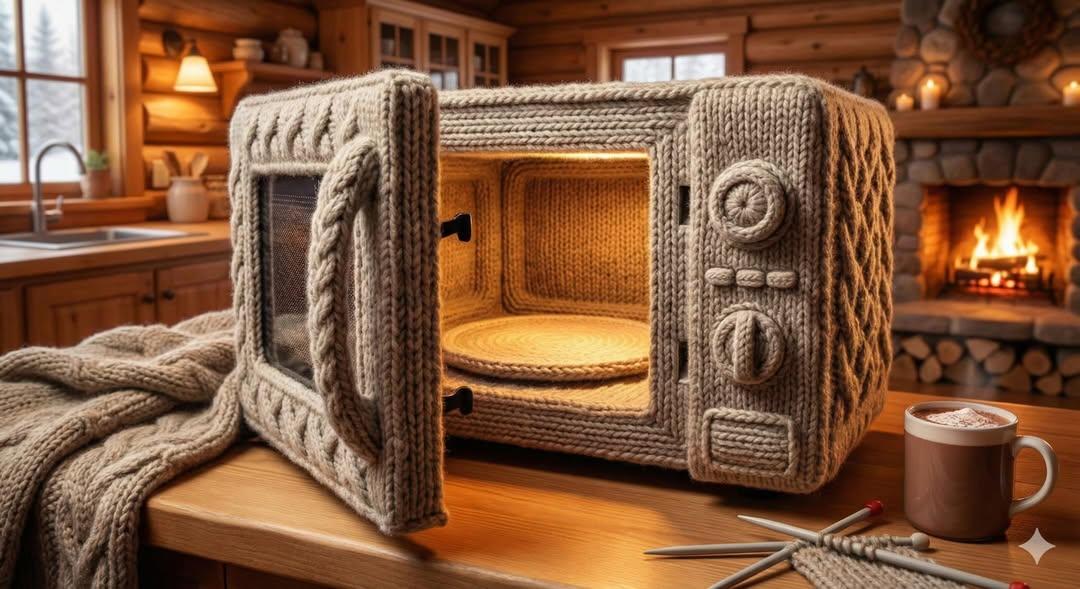
Knitted Yarn Object Generation Prompt
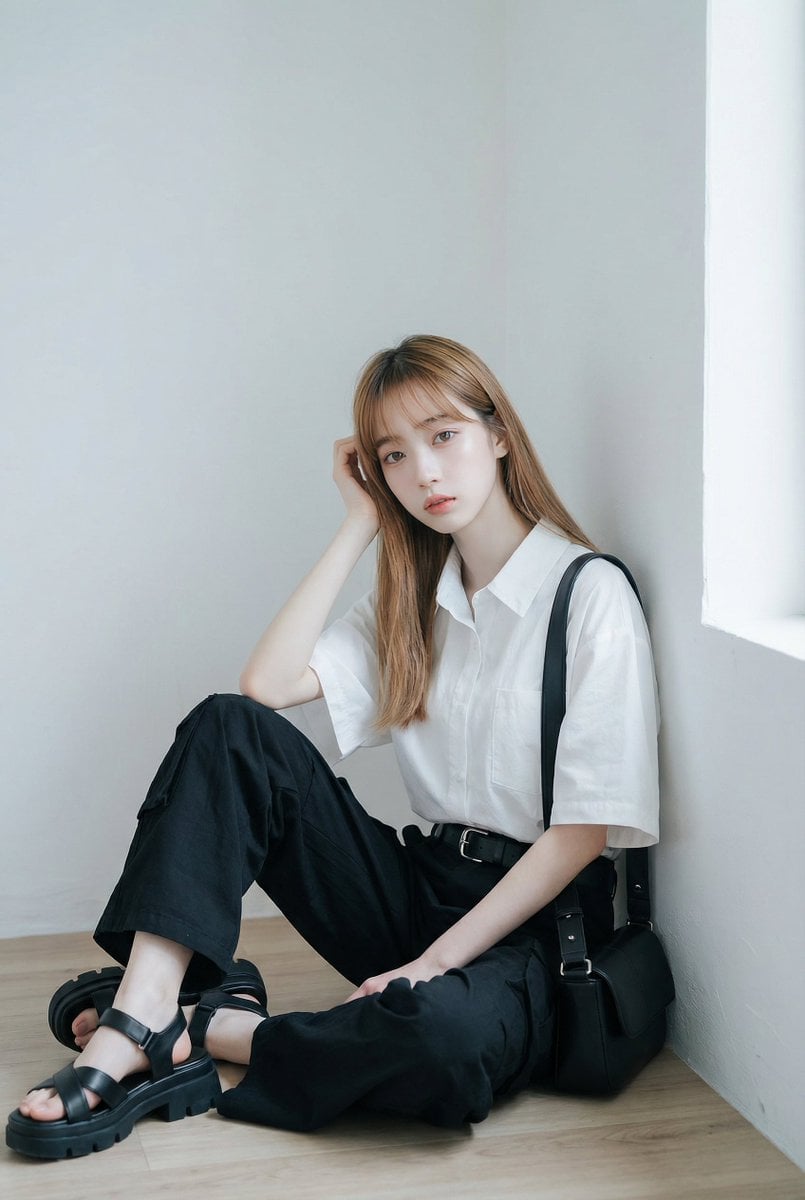
AI Fashion Prompt: Monochromatic Minimalist Utilitarian Style
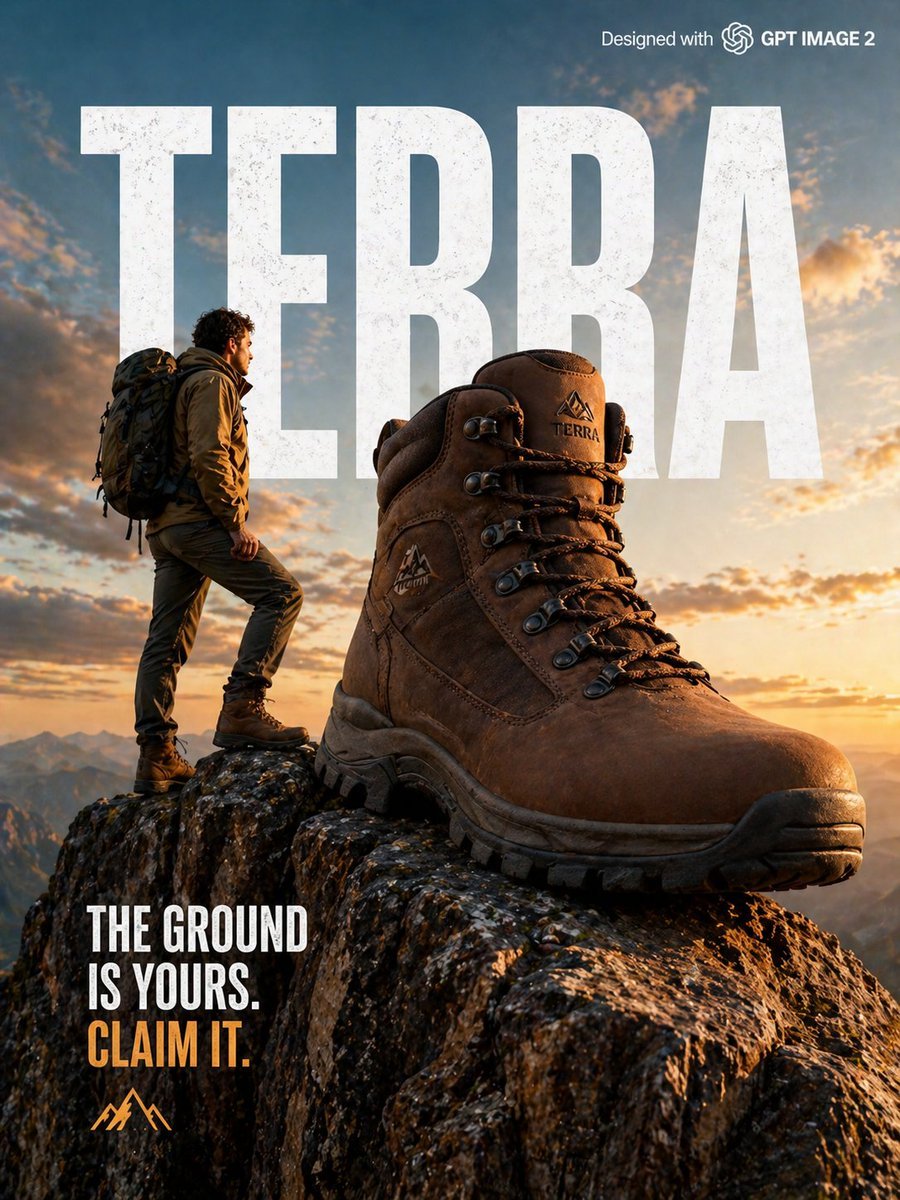
X Strength04 X Gpt Image 2 on Chatgpt
Vintage Delhi Travel Poster
Browse template categories
Premium RPG Character Card UI questions
How do I use the Premium RPG Character Card UI template?
Add your photo if the template asks for one, edit the prompt if you like — the template's model and format are already selected — and press Generate. Your version opens in PicX Studio.
Can I customize the Premium RPG Character Card UI template?
Yes. You can change the subject, setting, lighting, mood, format, and available model controls before creating your image.
Is the Premium RPG Character Card UI template free?
Opening and editing this template is free. Generating uses credits, shown on the Generate button when you are signed in.
Which AI model should I use?
Start with GPT Image 2, which is the model associated with this template. You can compare another compatible model for a different finish.
Looking for something else? Browse all templates.

Your photo, any look
Thousands of ready templates for every top image and video model, from one credit balance.