
Futuristic Glass UI Product Banner
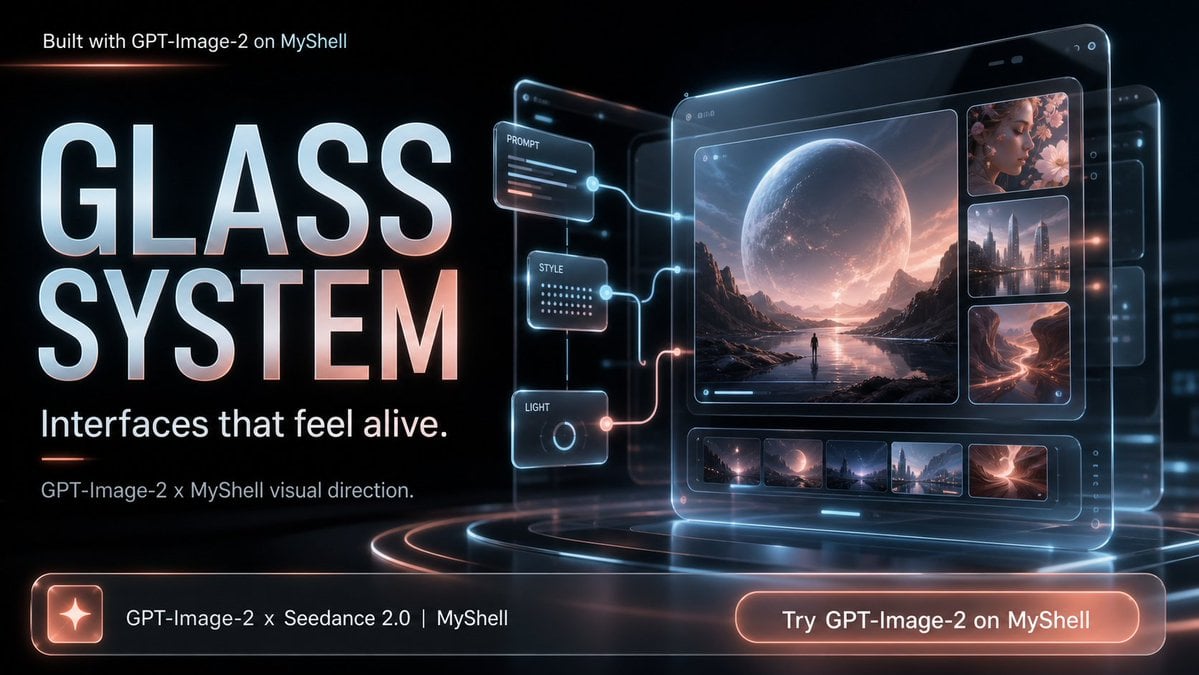
Generates a cinematic glassmorphism promotional banner for GPT-Image-2 or a similar AI creative platform.
- Prompt included
- Model and format preset
- Free template
The prompt behind this image
Copy the exact prompt behind Futuristic Glass UI Product Banner, or open it in the studio and make it yours.
- Type
- cinematic futuristic promotional banner for an AI image generation platform
- Canvas › Aspect Ratio
- 16:9 widescreen
- Canvas › Resolution Feel
- high-resolution social media launch graphic
- Canvas › Background
- deep black glassmorphism environment with subtle blue circuitry, red-orange light streaks, reflective floor rings, volumetric glow and lens flares
- Text › Top Left
- {argument name="top label text" default="Built with GPT-Image-2 on MyShell"}
- Text › Main Headline
- {argument name="headline text" default="GLASS\nSYSTEM"}
- Text › Subheadline
- {argument name="subheadline text" default="Interfaces that feel alive."}
- Text › Supporting Line
- {argument name="supporting line" default="GPT-Image-2 x MyShell visual direction."}
- Text › Bottom Bar Text
- GPT-Image-2 x Seedance 2.0 | MyShell
- Text › Button Text
- {argument name="button text" default="Try GPT-Image-2 on MyShell"}
- Layout › Left Panel › Position
- left half
- Layout › Left Panel › Contents
- large stacked typography dominating the composition; the words GLASS and SYSTEM are set in huge bold condensed sans-serif letters with icy blue-white fill, faint red rim light, glossy bevel, and soft bloom; smaller clean white copy sits below
- Layout › Right Panel › Position
- right half
- Layout › Right Panel › Contents
- large transparent floating glass tablet interface angled slightly in perspective, with layered glass panels behind it, rounded corners, glowing blue outlines, tiny UI dots, and sci-fi depth
- Layout › Bottom Call To Action › Position
- full-width bottom strip
- Layout › Bottom Call To Action › Contents
- one long translucent rounded glass bar with a glowing orange border, a square icon tile at the far left containing a white sparkle/star, center-left product text, and a large rounded orange glowing button on the right
- Interface Details › Main Tablet › Count
- 1
- Interface Details › Main Tablet › Description
- primary glassmorphism creative dashboard showing a cinematic landscape generation preview
- Interface Details › Main Tablet › Main Preview
- large image of a lone tiny figure standing by reflective water between dark mountains under an enormous moon-like planet in a pink-blue sunset sky
- Interface Details › Main Tablet › Right Thumbnail Column › Count
- 3
- Interface Details › Main Tablet › Right Thumbnail Column › Items
- top thumbnail: floral pink image with a muted square overlay, middle thumbnail: futuristic city skyline with water reflections, bottom thumbnail: glowing red canyon or desert portal scene
- Interface Details › Main Tablet › Bottom Filmstrip › Count
- 5
- Interface Details › Main Tablet › Bottom Filmstrip › Items
- small dark sci-fi landscape thumbnail, small moon planet lake thumbnail, small blue futuristic city thumbnail, small tall skyline reflection thumbnail, small red canyon energy thumbnail
- Interface Details › Connected Control Cards › Count
- 3
Raw JSON
{"type":"cinematic futuristic promotional banner for an AI image generation platform","canvas":{"aspect_ratio":"16:9 widescreen","resolution_feel":"high-resolution social media launch graphic","background":"deep black glassmorphism environment with subtle blue circuitry, red-orange light streaks, reflective floor rings, volumetric glow and lens flares"},"text":{"top_left":"{argument name=\"top label text\" default=\"Built with GPT-Image-2 on MyShell\"}","main_headline":"{argument name=\"headline text\" default=\"GLASS\\nSYSTEM\"}","subheadline":"{argument name=\"subheadline text\" default=\"Interfaces that feel alive.\"}","supporting_line":"{argument name=\"supporting line\" default=\"GPT-Image-2 x MyShell visual direction.\"}","bottom_bar_text":"GPT-Image-2 x Seedance 2.0 | MyShell","button_text":"{argument name=\"button text\" default=\"Try GPT-Image-2 on MyShell\"}"},"layout":{"left_panel":{"position":"left half","contents":"large stacked typography dominating the composition; the words GLASS and SYSTEM are set in huge bold condensed sans-serif letters with icy blue-white fill, faint red rim light, glossy bevel, and soft bloom; smaller clean white copy sits below"},"right_panel":{"position":"right half","contents":"large transparent floating glass tablet interface angled slightly in perspective, with layered glass panels behind it, rounded corners, glowing blue outlines, tiny UI dots, and sci-fi depth"},"bottom_call_to_action":{"position":"full-width bottom strip","contents":"one long translucent rounded glass bar with a glowing orange border, a square icon tile at the far left containing a white sparkle/star, center-left product text, and a large rounded orange glowing button on the right"}},"interface_details":{"main_tablet":{"count":1,"description":"primary glassmorphism creative dashboard showing a cinematic landscape generation preview","main_preview":"large image of a lone tiny figure standing by reflective water between dark mountains under an enormous moon-like planet in a pink-blue sunset sky","right_thumbnail_column":{"count":3,"items":["top thumbnail: floral pink image with a muted square overlay","middle thumbnail: futuristic city skyline with water reflections","bottom thumbnail: glowing red canyon or desert portal scene"]},"bottom_filmstrip":{"count":5,"items":["small dark sci-fi landscape thumbnail","small moon planet lake thumbnail","small blue futuristic city thumbnail","small tall skyline reflection thumbnail","small red canyon energy thumbnail"]}},"connected_control_cards":{"count":3,"position":"between headline and main tablet","items":[{"label":"PROMPT","description":"small floating glass card with three colored horizontal text lines, connected by a glowing blue cable to the tablet"},{"label":"STYLE","description":"small floating glass card with rows of dot-matrix style indicators, connected by a glowing blue cable"},{"label":"LIGHT","description":"small floating glass card with a circular dial icon, connected by a glowing red-orange cable"}]},"layered_panels":{"count":3,"description":"three additional semi-transparent rounded rectangular glass slabs behind the main tablet, offset to the upper right to create depth"}},"style":{"visual_keywords":["glassmorphism","neon sci-fi UI","premium AI product launch","cinematic lighting","holographic dashboard","black background","cyan and coral glow","rounded translucent panels","ultra polished advertising design"],"lighting":"cool cyan rim lights balanced with warm coral-orange highlights, soft bloom, reflections, and thin luminous connector lines","typography":"bold modern sans-serif for headline, clean UI sans-serif for small copy, all text crisp and readable","composition":"left-aligned headline and copy balanced against a right-aligned holographic interface, strong horizontal call-to-action bar anchoring the bottom"},"rendering_instructions":"Create a polished promotional hero banner, not a flat mockup. Emphasize transparent glass depth, realistic reflections, glowing edges, and cinematic atmosphere. Keep all listed text legible and preserve the exact counts of 3 control cards, 3 right-side thumbnails, 5 bottom filmstrip thumbnails, 3 background glass panels, 1 sparkle icon tile, and 1 call-to-action button."}How to use Futuristic Glass UI Product Banner in 3 steps
- 1Upload ImagePNG, JPG or paste
Add your photo
Upload the photo the template builds on. The prompt, model and format are already set.
- 2…a portrait of your subject in softgolden-hour light, 85mm…
Personalize
Edit the subject and creative details for your destination.
- 3Generate
Generate
Press Generate — your image is created in PicX Studio, so you can compare it with the original and refine one variable at a time.
More like this
Templates with the same subject, style or setup. Open one to see its prompt.

Playful Futuristic Brand Kit Board

Coffee Boba Product Poster
Vibrant Fruit Infusion Banner
Futuristic Product Launch Poster

A k.pop idol on the stage with mic

Trendy Cafe Drink Promo Poster

Futuristic Chrome Helmet Fashion Portrait

Futuristic Studio Neon Ring Minimalist Portrait

Cinematic Glass Brand Logo Volcanic Landscape
Futuristic Chrome Helmet Fashion Portrait
Futuristic Studio Neon Ring Minimalist Portrait

Minimalist Skincare Product Water Stone Still
Make it yours
Futuristic Glass UI Product Banner works as-is. These are the safest ways to change it without losing the look.
Swap the setting
Keep the rest of the prompt and replace the location block. The current setting is “deep black glassmorphism environment with subtle blue circuitry, red-orange ligh”.
Swap the light
One lighting change is enough to compare takes. Current light: “cool cyan rim lights balanced with warm coral-orange highlights, soft bloom, ref”.
Change one field
Copy a single group, rewrite it, and generate again so you can see what that field is doing.
| If the result… | Why | Fix |
|---|---|---|
| The result drifts from the preview | Too many fields changed at once. | Reuse Futuristic Glass UI Product Banner as-is first, then change one group — subject, light, or setting. |
| GPT Image 2 ignores part of the JSON | Some models flatten or skip nested keys. | Keep the same values and paste them as a short paragraph instead. |
More GPT Image 2 templates
Other prompts made for GPT Image 2.

Six VTuber Japanese Logo Sheet

Realistic Portrait of Woman and Deer

The Vista Modular Condo Poster

AI Model Routing Comparison Infographic

2.5D Anime Art Board

Isometric Productivity Desk Scene

New York Double Exposure Poster

Four-Panel AI Landscape Comparison

Japanese Tatami Lifestyle Magazine Cover

NESCAFÉ Coffee Map Poster
More image prompts
Fresh picks from across the catalog.
Ultra-Realistic Café Portrait Prompt for Nano Banana 2
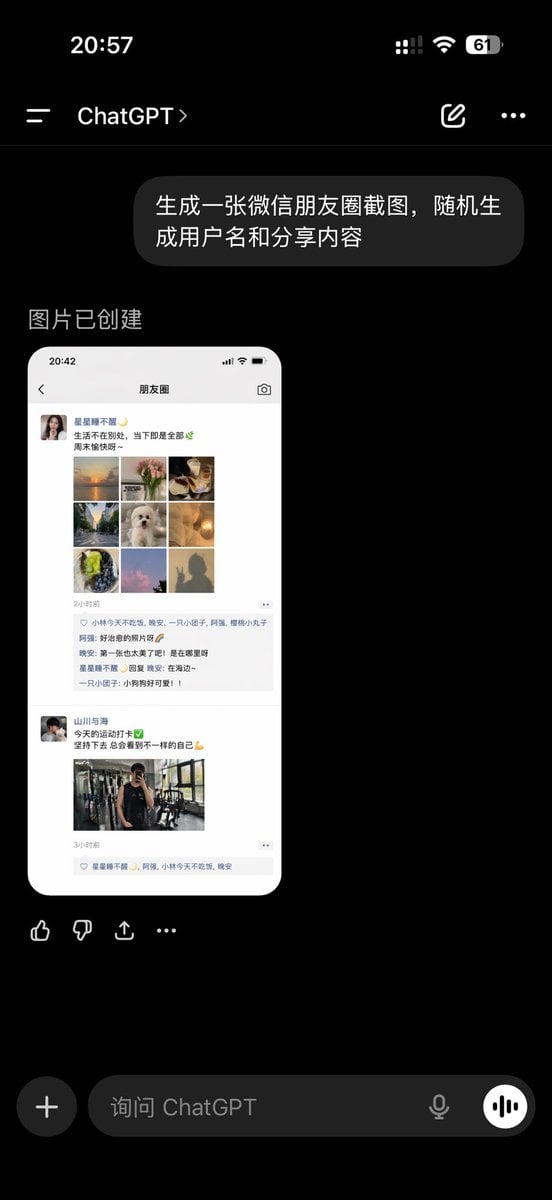
ChatGPT App Showing WeChat Moments Screenshot
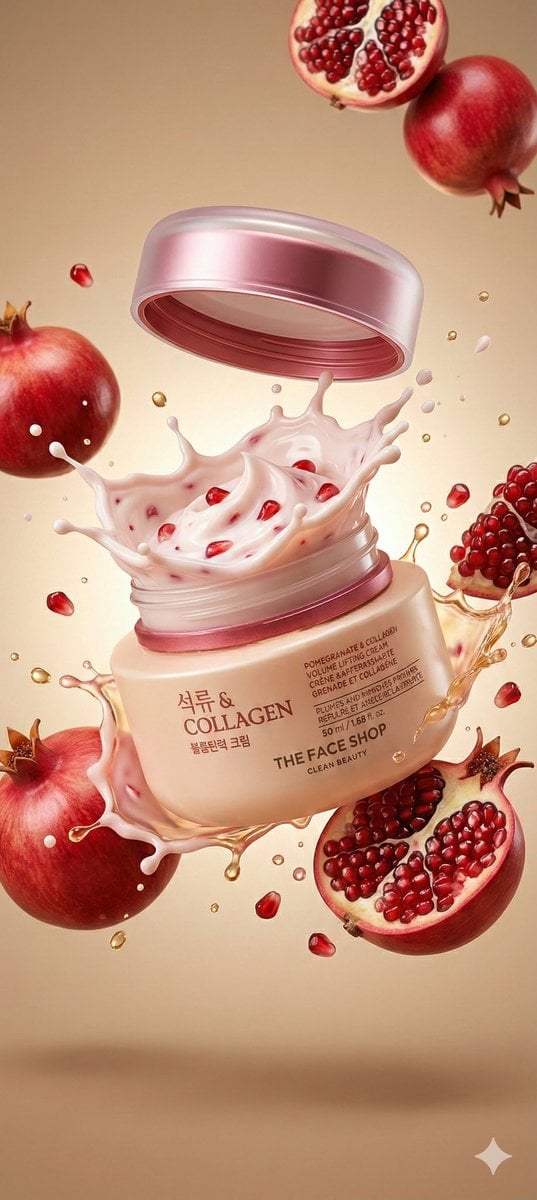
Cosmetic Jar Explosion Product Photography Prompt
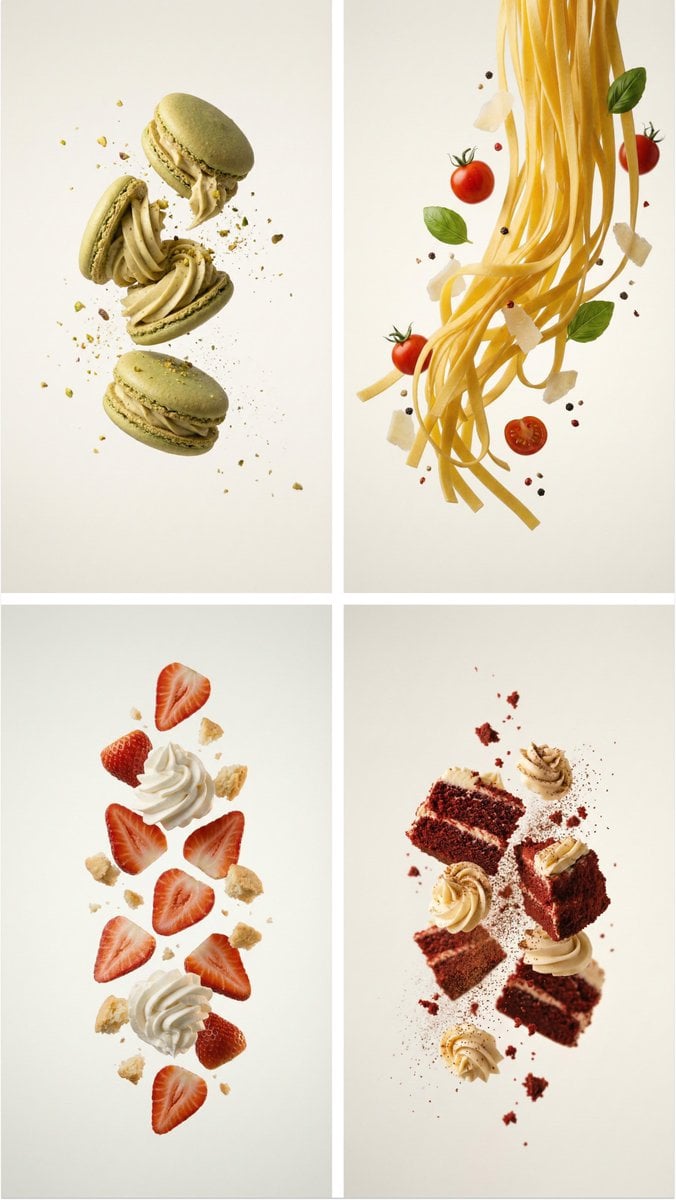
Professional Food Poster Prompt for NanoBananaPro
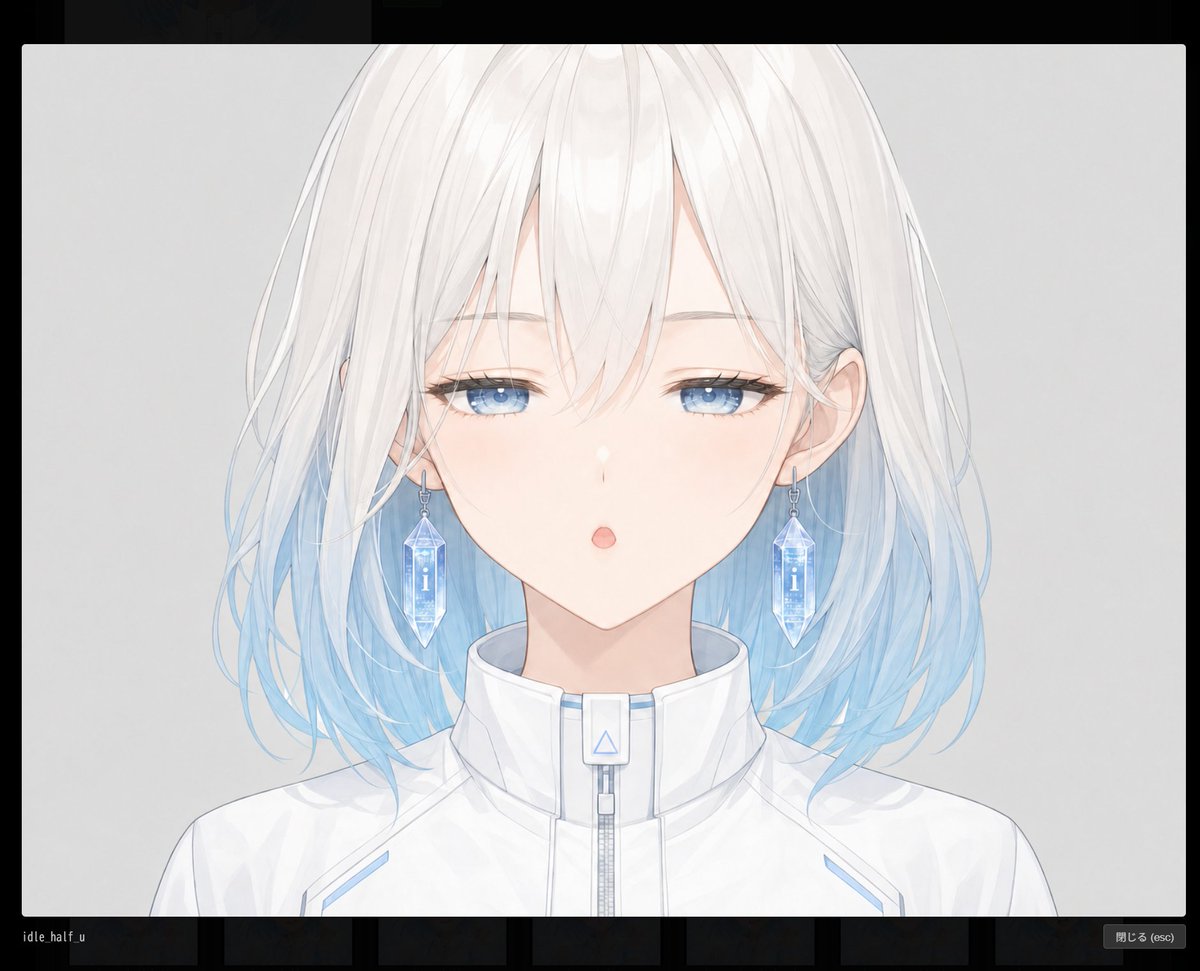
Blank Face Anime Portrait Base

Old Photo Restoration Prompt for Professional DSLR Quality
Cyberpunk Neon Logo Fashion Photography
Manga Evolution Architectural Section Prompt
Garden Portrait With White Summer Dress
Cinematic Beachwear Model Portrait
Browse template categories
Futuristic Glass UI Product Banner questions
How do I use the Futuristic Glass UI Product Banner template?
Add your photo if the template asks for one, edit the prompt if you like — the template's model and format are already selected — and press Generate. Your version opens in PicX Studio.
Can I customize the Futuristic Glass UI Product Banner template?
Yes. You can change the subject, setting, lighting, mood, format, and available model controls before creating your image.
Is the Futuristic Glass UI Product Banner template free?
Opening and editing this template is free. Generating uses credits, shown on the Generate button when you are signed in.
Which AI model should I use?
Start with GPT Image 2, which is the model associated with this template. You can compare another compatible model for a different finish.
Looking for something else? Browse all templates.

Your photo, any look
Thousands of ready templates for every top image and video model, from one credit balance.