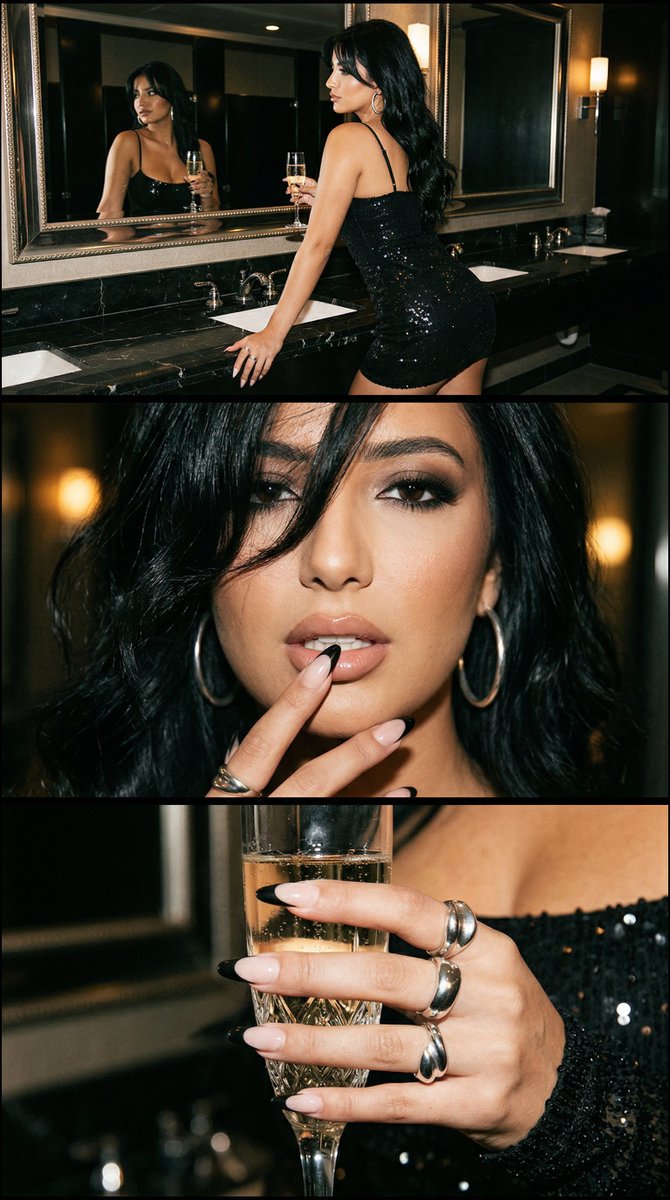
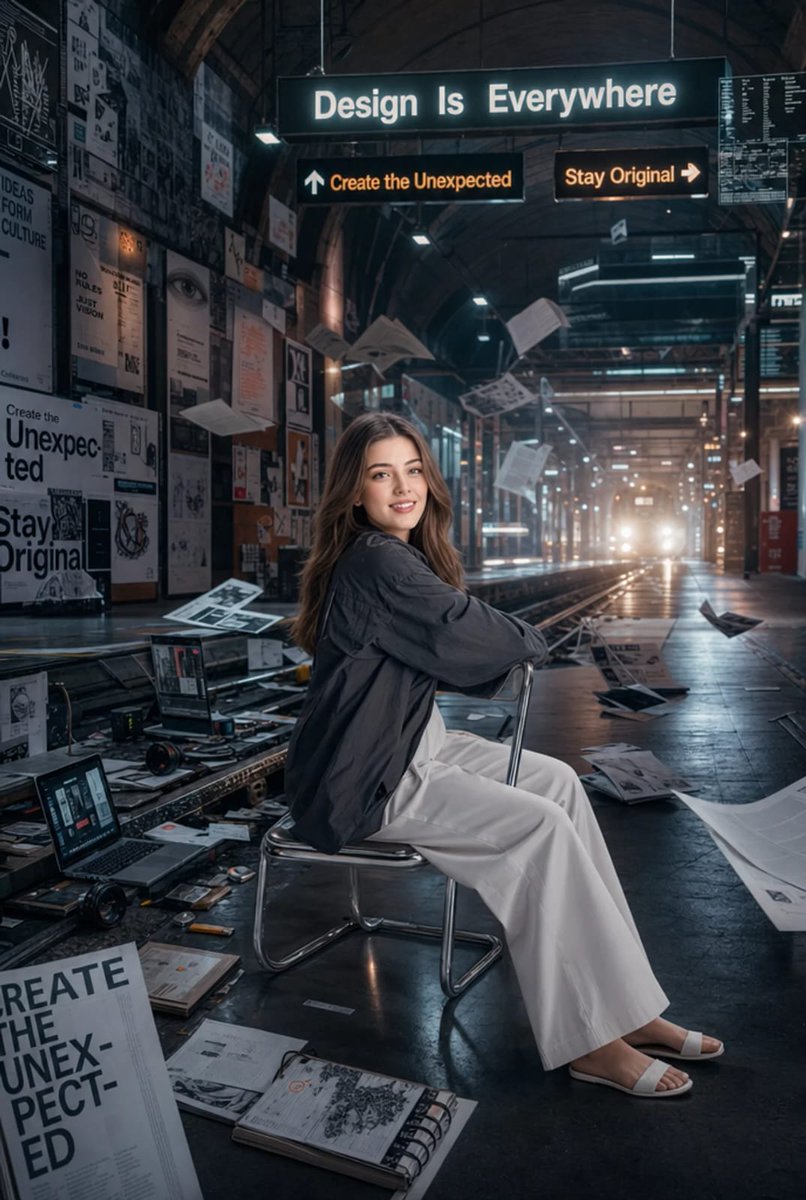
Luxury Beauty Nightlife Triptych with Identity Lock
{
"generation_request": {
"meta_data": {
"tool": "NanoBanana Pro",
"task_type": "luxury_beauty_nightlife_triptych",
"language": "en",
"priority": "highest",
"version": "v1.3_BLACK_GLAM_TRIPTYCH_NAIL_LOCK"
},
"input": {
"mode": "image_to_image",
"reference_image_usage": "very_high",
"preserve_identity": true,
"preserve_facial_features": true,
"notes": "Create a luxury 3-panel vertical beauty editorial collage. Keep the exact same glamorous adult woman identity across all three panels. All styling details must remain identical in every panel: same jet-black hair color and hairstyle, same smoky eye makeup, same glossy nude lips, same black French manicure, same silver hoop earrings, same silver rings, same black sequin dress, same skin tone, same facial structure, same beauty styling language, same luxury nightlife mood. Do not redesign or vary styling between panels. The triptych must feel like one coherent editorial story shot in the same session. The manicure seen in panel 2 must be exactly repeated in panel 3 with no redesign."
},
"output_settings": {
"aspect_ratio": "4:5",
"orientation": "portrait",
"resolution_target": "ultra_high_res",
"num_images": 1,
"layout": {
"type": "stacked_triptych",
"rows": 3,
"cols": 1,
"gutter": "thin_black",
"outer_border": "none",
"panel_consistency": "maximum"
},
"render_style": "luxury_beauty_editorial",
"sharpness": "editorial_crisp",
"grain": "subtle_flash_film"
},
"scene": {
"environment": "dark luxury mirrored bathroom or upscale nightlife lounge interior with glossy black marble, brass fixtures, reflective panels, cinematic dim ambiance",
"lighting": "direct glam flash mixed with low warm ambient light, glossy skin highlights, rich shadow contrast",
"mood": "seductive, glamorous, high-end nightlife beauty editorial"
},
"subject": {
"description": "the exact same glamorous adult woman across all three panels, refined facial symmetry, full glossy lips, striking eyes, luxury nightlife presence",
"skin": "luminous realistic skin texture with flash glow, identical skin tone and finish in all panels",
"hair": "exact same soft tousled jet-black waves in all three panels, same length, same texture, same parting, same face-framing strands, no hairstyle variation",
"makeup": "identical smoky eye makeup in all three panels, glossy nude lips, sculpted bronzed skin, defined lashes, high-glam editorial finish, no makeup variation",
"expression": "confident, sultry, polished"
},
"wardrobe": {
"outfit": "exact same deep black sequin mini dress with thin straps and body-hugging silhouette in all three panels",
"fabric": "high-shine black sequins with realistic sparkle and contour",
"styling": "luxury nightlife glamour",
"consistency": "dress design, neckline, straps, fit, sequin texture and color must remain identical across all panels"
},
"accessories": {
"earrings": "exact same large silver hoop earrings in all panels wher"
}
}










![Character Archive — Blueprint Concept Sheet — A character concept sheet of a [character], featuring detailed front, back, and side views, along with close-up sk](/_next/image?url=https%3A%2F%2Fcdn.picxstudio.com%2Fuploads%2Fcharacter-archive-blueprint_bfd5779a-687e-4233-83b2-2ae86a20e679.jpg&w=828&q=100)
![Naive doodle-style subject illustration — A doodle-style {argument name="subject" default="[subject]"}, naive lines, humorous shape exaggeration](https://pbs.twimg.com/media/G6Wl2YxbsAARB2b.jpg)











![New Year's Eve Projection Mapping on Skyscraper Prompt — [1. キャラクターの特徴]
{argument name="キャラクターの特徴" default="Q版ピンクお団子髪の女の子、桜・太鼓髪飾り付き。眼鏡着用で笑顔。赤地桜・鶴柄振袖、金帯、赤白下駄。"}](https://pbs.twimg.com/media/G9e_lkeaYAUHqZd.jpg)
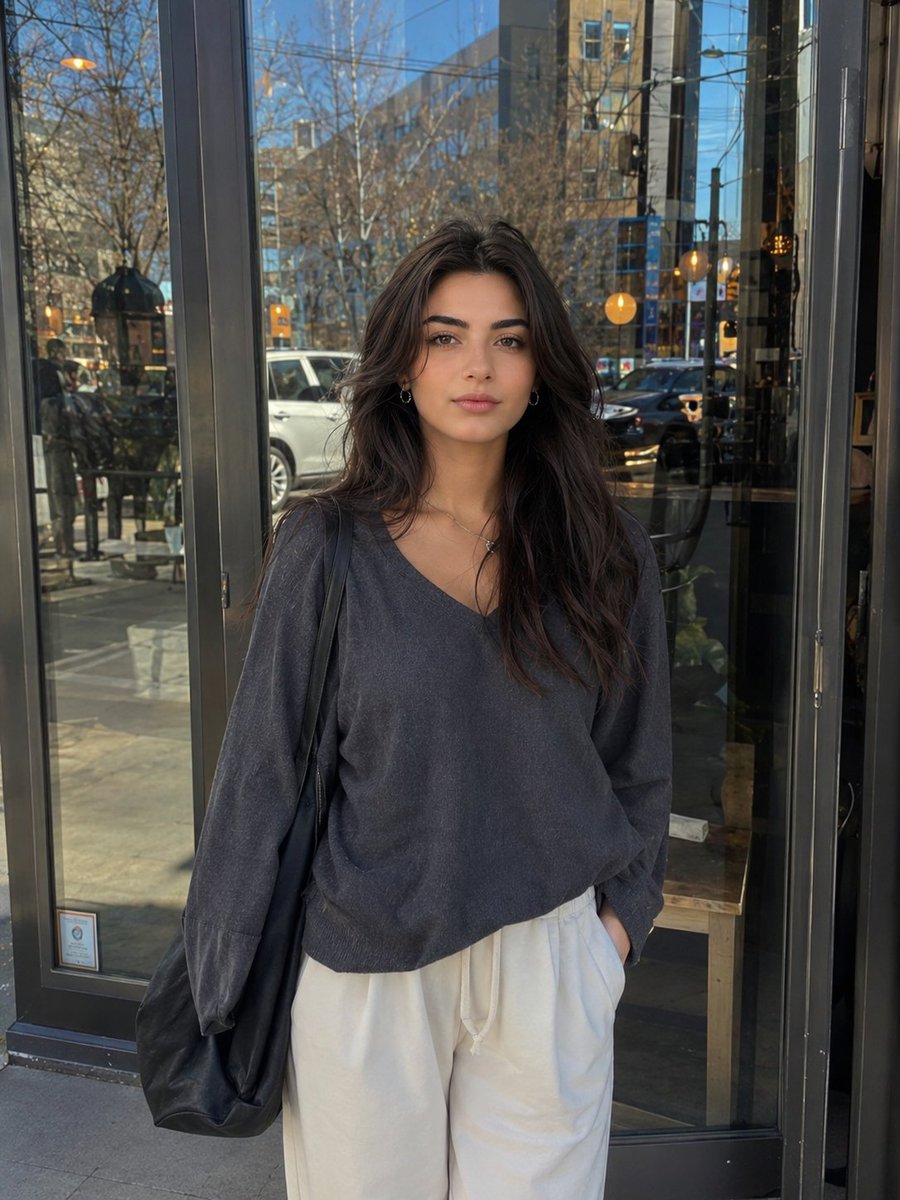





![Overhead Direct-Flash Bedroom Portrait — Create an [overhead direct-flash editorial portrait] style fashion image of an adult woman, aspect ratio [aspect ratio]](https://cms-assets.youmind.com/media/1779959528513_nraq1s_HJT6kJdbMAA_We3.jpg)