
High-End Street Photography Transformation
A detailed instruction prompt to transform an uploaded reference image into a high-end street photography portrait of a traveler/photographer.
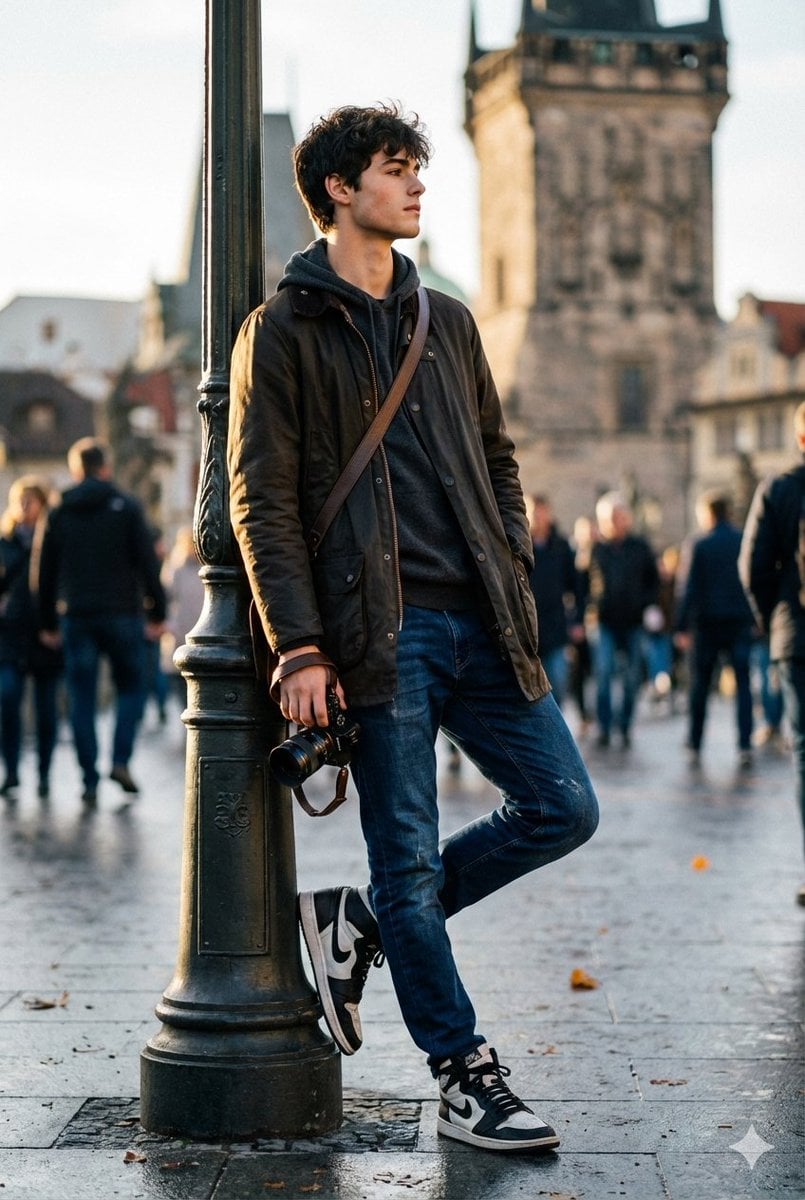
- Prompt included
- Model and format preset
- Free template
The prompt behind this image
Copy the exact prompt behind High-End Street Photography Transformation, or open it in the studio and make it yours.
transform the photo a reference image into a high-end street-photography portrait of a traveler/photographer leaning casually on a lamp post in front of a historic tower. Keep the original pose and composition: standing with left leg bent and foot on the lamp base, right leg relaxed, left hand in jacket pocket, right hand holding a camera down by the thigh, shoulders slightly turned to camera, chin up and gaze off-frame. Preserve the camera, and textured jacket but enhance and stylize as follows: Wardrobe & accessories: keep the dark parka/jacket but enrich fabric texture (subtle waxed canvas look), change inner hoodie to a soft charcoal knit, keep blue jeans but slightly deepened to rich indigo with natural creasing. Emphasize the high-top sneakers boost contrast on black-and-white panels and add faint scuff details for realism. Add a small messenger bag strap across the chest and a compact leather wrist strap on the camera. Lighting & color: cinematic cool-tone grade (soft blue shadows) with warm golden rim light hitting the left side of the face and shoulder (suggest late-afternoon sun). Slightly boost contrast and midtones to create punch without losing skin detail. Add subtle film grain and gentle vignette to focus on the subject. Camera & optics: emulate 35mm-50mm prime look, shallow DOF (f/1.8-2.8) so the tower and crowd become painterly bokeh while the subject remains razor-sharp. Slight perspective correction to emphasize the tower peek. behind his shoulder. Enhance catchlight/reflection in the eyes (or sunglasses reflection if present) and sharpen camera details. Background & atmosphere: keep the busy pedestrian scene but soften and desaturate it so the subject pops; raise clarity and texture on the stone tower so it reads as a strong architectural anchor. Add a few falling autumn leaves and a faint wet-pavement sheen to suggest recent rain (subtle reflections under shoes).. Final touches: natural skin retouching (preserve stubble and pores), boost micro-contrast on jacket and jeans, accentuate lens/glass reflections on the camera. Export as photorealistic, vertical 4K editorial crop with high detail. Position (short): standing, left foot on lamp base, leaning against lamppost, camera in right hand, left hand in pocket, gaze off-frame.
How to use High-End Street Photography Transformation in 3 steps
- 1Upload ImagePNG, JPG or paste
Add your photo
Upload the photo the template builds on. The prompt, model and format are already set.
- 2…a portrait of your subject in softgolden-hour light, 85mm…
Personalize
Edit the subject and creative details for your destination.
- 3Generate
Generate
Press Generate — your image is created in PicX Studio, so you can compare it with the original and refine one variable at a time.
More like this
Templates with the same subject, style or setup. Open one to see its prompt.
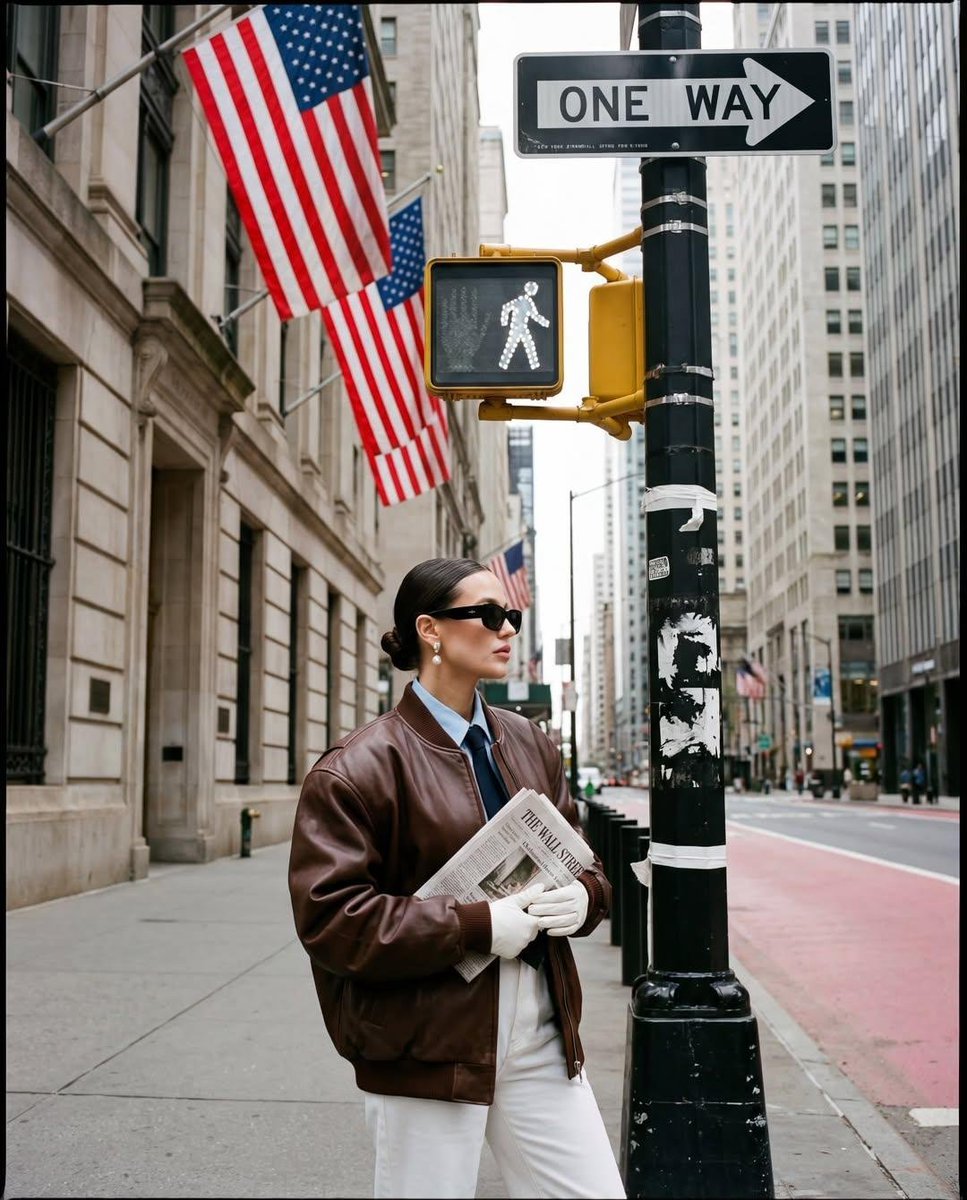
Ultra-realistic street fashion editorial photograph in New York City
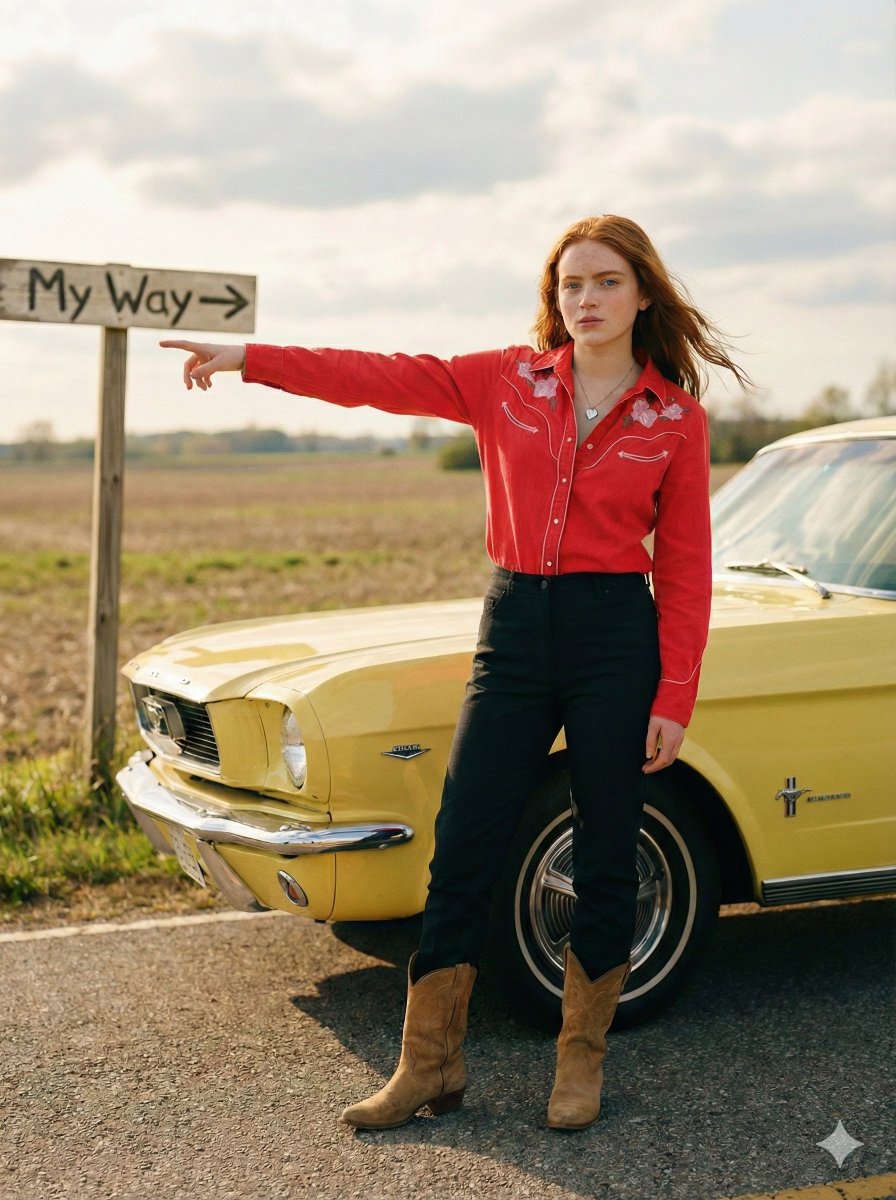
Standing beside the car, torso slightly angled, arm extended
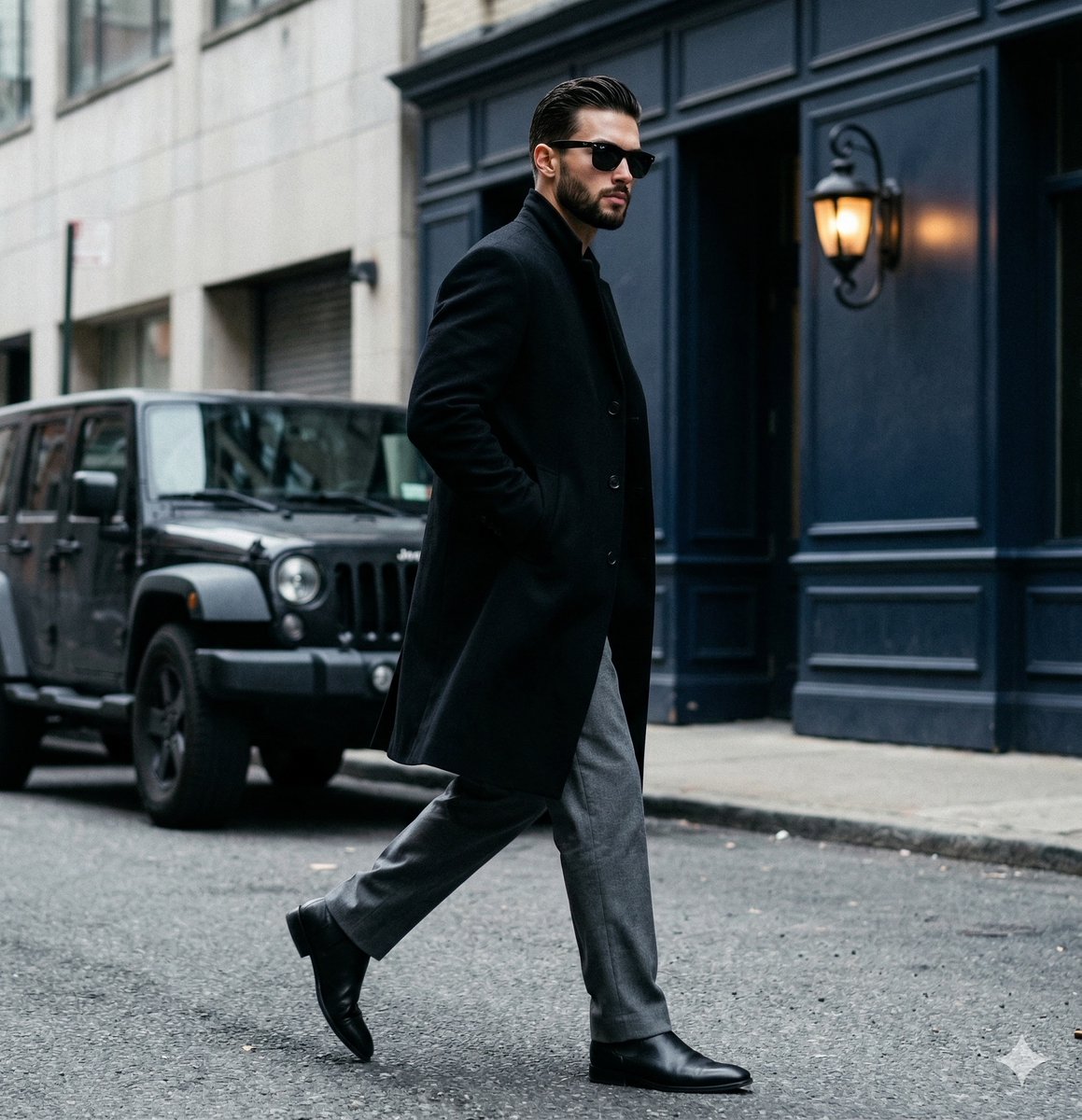
A candid paparazzi-style street photography shot of a handsome man

Two Tickets, One Night

Meet Me When It Rains

Two Hearts. One Scooter.

1986 Street Couple

1985 Street Scene

Mirror Selfie Chibi Characters Pixar Style

Flower Petal Sunglasses Couture Portrait

Fashion Portrait Colored Smoke Studio

Mountain Valley Lifestyle Portrait
Make it yours
High-End Street Photography Transformation works as-is. These are the safest ways to change it without losing the look.
Change one field
Copy a single group, rewrite it, and generate again so you can see what that field is doing.
Keep the frame, change the subject
Hold the composition and light of High-End Street Photography Transformation, then swap wardrobe, props or the person for a new take.
| If the result… | Why | Fix |
|---|---|---|
| The result drifts from the preview | Too many fields changed at once. | Reuse High-End Street Photography Transformation as-is first, then change one group — subject, light, or setting. |
| The model over-stylizes the scene | The prose prompt leaves finish and camera underspecified. | Add one camera or lighting sentence and stay on Nano Banana 2. |
More Nano Banana 2 templates
Other prompts made for Nano Banana 2.

Photorealistic Leaf Shaped Like a Dragon

K-Pop Idol Portrait Grid for Rapid Selection

Poetic Rain Forest Portrait During Golden Hour

Urban Street Portrait with Cartoon Inner Self Duo

Candid Nighttime Photo with Cat Prompt

High-Concept 3D Diorama Generation Prompt

Cinematic Futuristic Studio Portrait Template

Skincare Editorial Photography Collage Prompt

Hyper-Realistic Commercial Product Photography (Splash Effect)

Hyper-Realistic Nightclub Portrait Prompt
More image prompts
Fresh picks from across the catalog.
Cinematic Composite Portrait of Multiple Emotional Selves
Real Object and Doodle Composite Art
Urban Skywalk Cinematic Couple Portrait
Gothic Anime Facial Expression Sheet

Cyberpunk Flash Sale Landing Hero
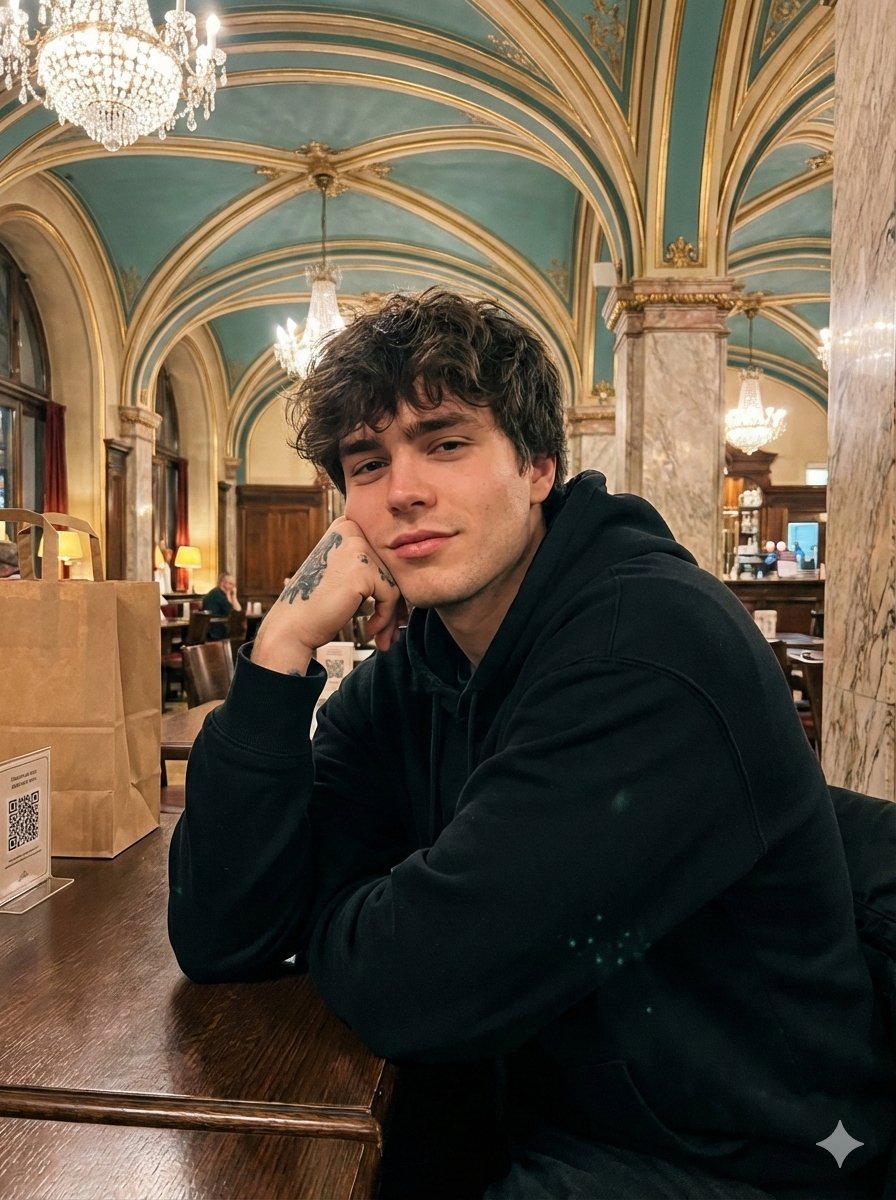
Opulent Café Portrait with Voluminous Hair

Akashi Typographic Travel Poster
Futuristic City With Sparkling Artifacts

LINE Sticker Generation Prompt
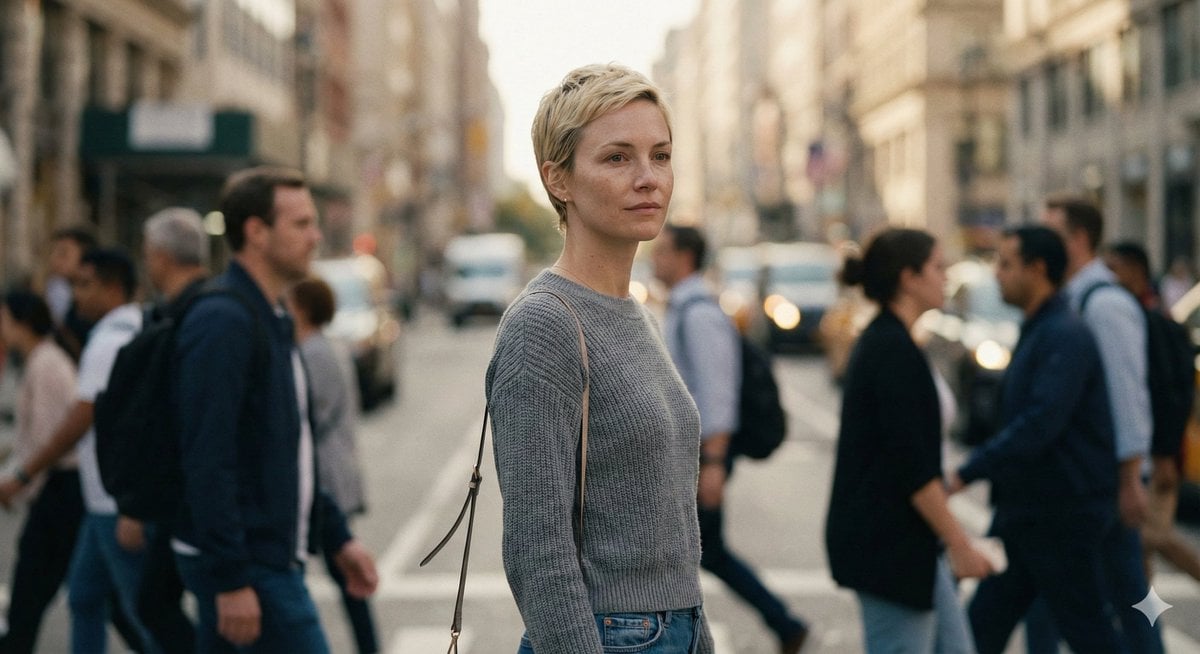
Ultra-Realistic 8K Candid Street Portrait Prompt
Browse template categories
High-End Street Photography Transformation questions
How do I use the High-End Street Photography Transformation template?
Add your photo if the template asks for one, edit the prompt if you like — the template's model and format are already selected — and press Generate. Your version opens in PicX Studio.
Can I customize the High-End Street Photography Transformation template?
Yes. You can change the subject, setting, lighting, mood, format, and available model controls before creating your image.
Is the High-End Street Photography Transformation template free?
Opening and editing this template is free. Generating uses credits, shown on the Generate button when you are signed in.
Which AI model should I use?
Start with Nano Banana 2, which is the model associated with this template. You can compare another compatible model for a different finish.
Looking for something else? Browse all templates.

Your photo, any look
Thousands of ready templates for every top image and video model, from one credit balance.