
Futuristic City With Sparkling Artifacts
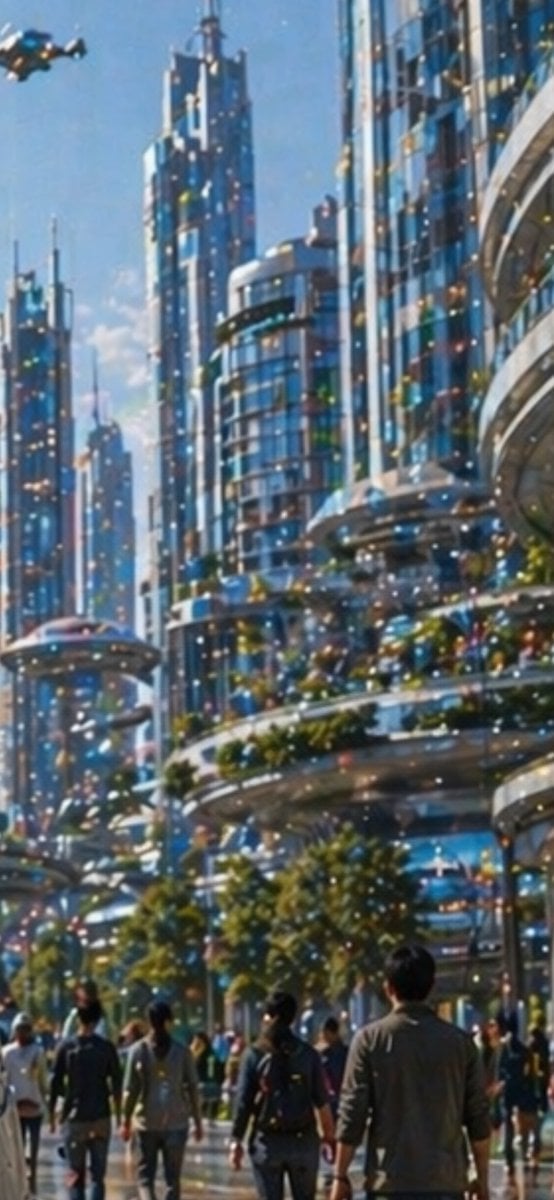
Generates a vertical utopian sci-fi city street scene with pedestrians, glass towers, a flying vehicle, and a heavy layer of multicolored image-noise artifacts for demonstrating visual quality issues.
- Prompt included
- Model and format preset
- Free template
The prompt behind this image
Copy the exact prompt behind Futuristic City With Sparkling Artifacts, or open it in the studio and make it yours.
A bright daytime futuristic city street viewed from pedestrian level, looking upward through a canyon of tall sleek skyscrapers with blue-tinted glass facades, rounded balconies, layered terraces, and elegant sci-fi architecture. The scene shows a bustling urban promenade with about 12 visible pedestrians in the foreground and midground, casually dressed and walking away from the viewer, including one central figure in a gray jacket. At the upper left, include 1 small hovering flying vehicle or drone-like air taxi. The buildings are highly reflective and polished, with integrated greenery: trees along the walkway and planted terrace edges. The sky is clear blue with soft sunlight, giving the image a clean optimistic utopian mood. Across the entire image, add a conspicuous artifact layer of dense multicolored sparkling dots and specks, like a noisy pixel grid or glittering digital contamination scattered uniformly over the architecture, people, sky, and street. Use a painterly semi-realistic style with soft focus, luminous highlights, vertical composition, and cinematic depth.
How to use Futuristic City With Sparkling Artifacts in 3 steps
- 1Upload ImagePNG, JPG or paste
Add your photo
Upload the photo the template builds on. The prompt, model and format are already set.
- 2…a portrait of your subject in softgolden-hour light, 85mm…
Personalize
Edit the subject and creative details for your destination.
- 3Generate
Generate
Press Generate — your image is created in PicX Studio, so you can compare it with the original and refine one variable at a time.
More like this
Templates with the same subject, style or setup. Open one to see its prompt.

Cozy Knit Sweater Window Portrait

Minimalist Hand-Drawn Doodle Portrait
Futuristic Ring Megacity Concept Art

Futuristic Chrome Helmet Fashion Portrait

Futuristic Studio Neon Ring Minimalist Portrait
Futuristic Chrome Helmet Fashion Portrait
Futuristic Studio Neon Ring Minimalist Portrait

Black Liquid Cyberpunk Portrait Poster

Cyberpunk Neon Brazil World Cup Poster

Playful Futuristic Brand Kit Board

Nano Banana Pro 2.0 — 3x3 Travel Profile Grid

Nano Banana - Paris Night Party Dancing
Make it yours
Futuristic City With Sparkling Artifacts works as-is. These are the safest ways to change it without losing the look.
Change one field
Copy a single group, rewrite it, and generate again so you can see what that field is doing.
Keep the frame, change the subject
Hold the composition and light of Futuristic City With Sparkling Artifacts, then swap wardrobe, props or the person for a new take.
| If the result… | Why | Fix |
|---|---|---|
| The result drifts from the preview | Too many fields changed at once. | Reuse Futuristic City With Sparkling Artifacts as-is first, then change one group — subject, light, or setting. |
| The model over-stylizes the scene | The prose prompt leaves finish and camera underspecified. | Add one camera or lighting sentence and stay on GPT Image 2. |
More GPT Image 2 templates
Other prompts made for GPT Image 2.

Six VTuber Japanese Logo Sheet

Realistic Portrait of Woman and Deer

The Vista Modular Condo Poster

AI Model Routing Comparison Infographic

2.5D Anime Art Board

Isometric Productivity Desk Scene

New York Double Exposure Poster

Four-Panel AI Landscape Comparison

Japanese Tatami Lifestyle Magazine Cover

NESCAFÉ Coffee Map Poster
More image prompts
Fresh picks from across the catalog.
Light novel cover and bookstore display
Software Shortcut Infographic
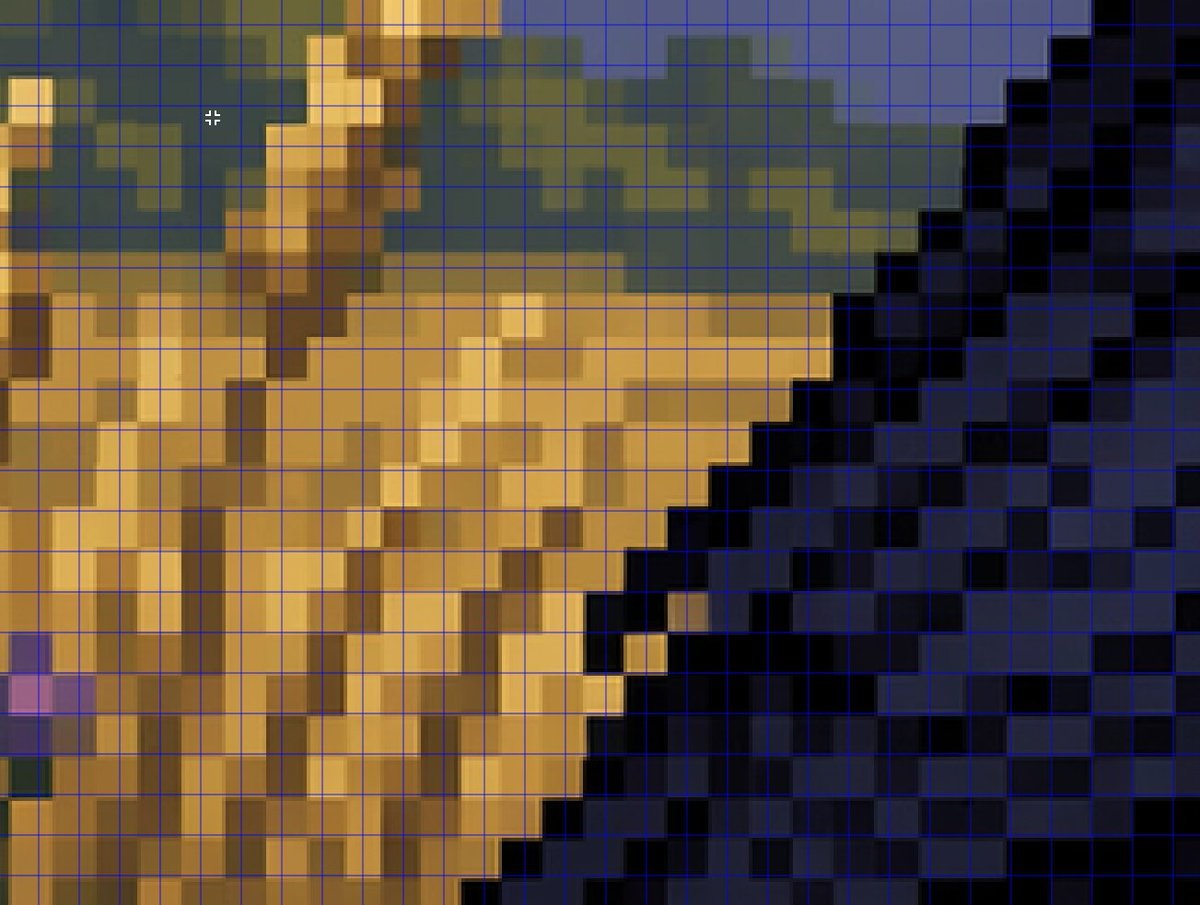
Zoomed Fake Pixel Art Grid Analysis
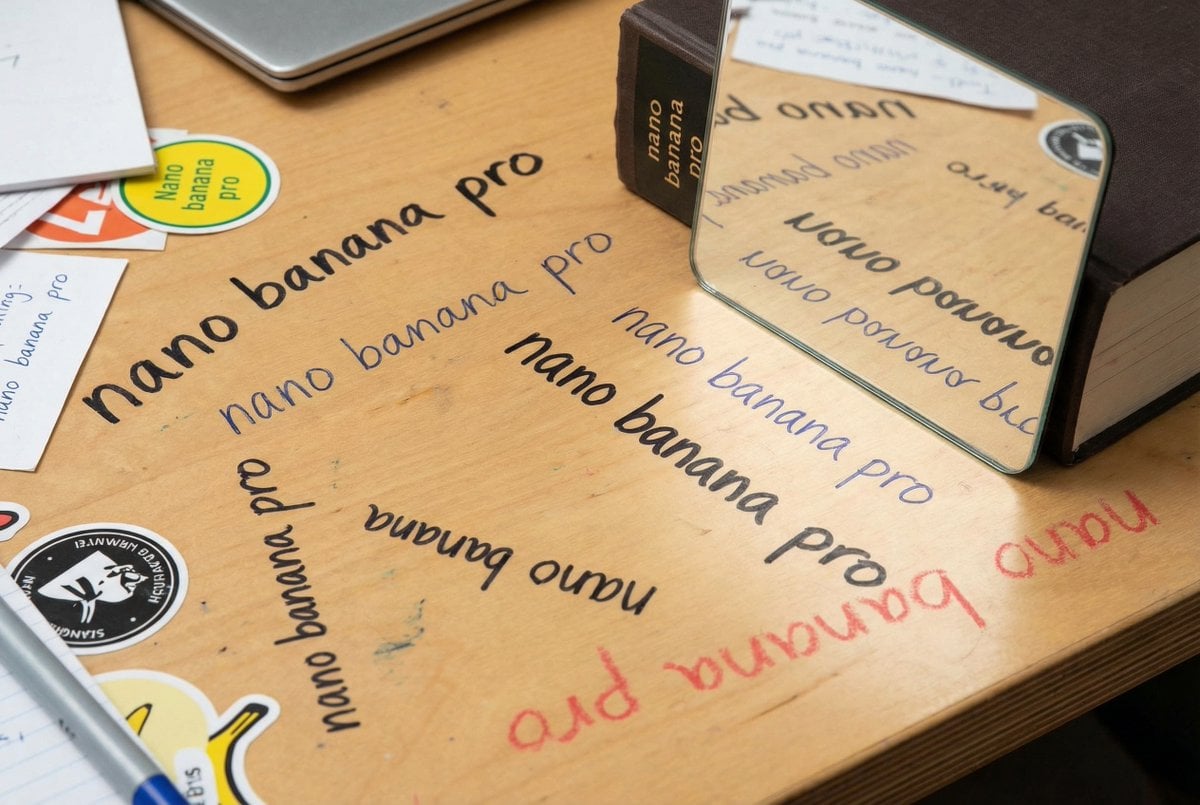
Glossy magazine article with full text

Ultra-Photoreal BTS Superhero Selfie
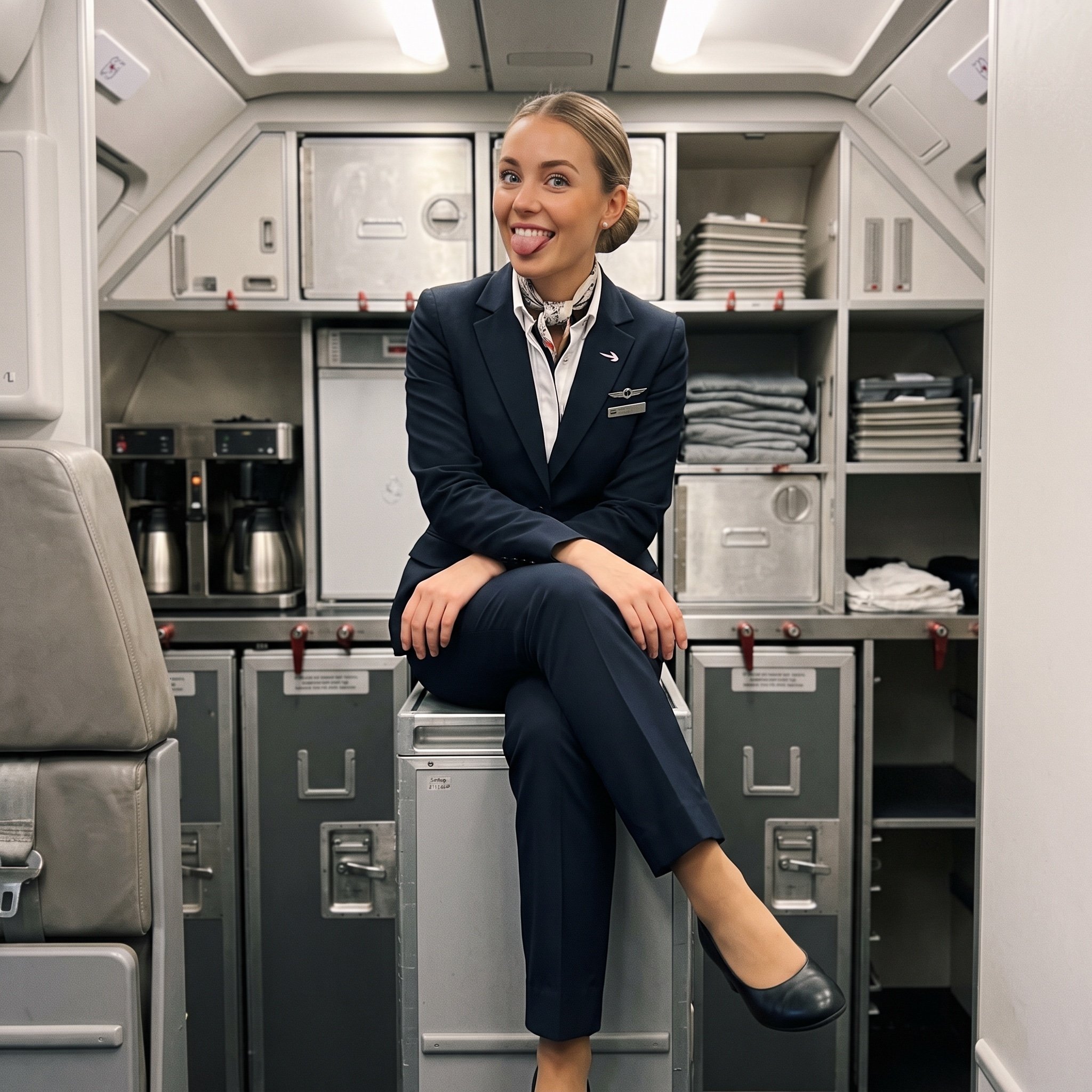
Playful off-duty cabin crew flash photo prompt
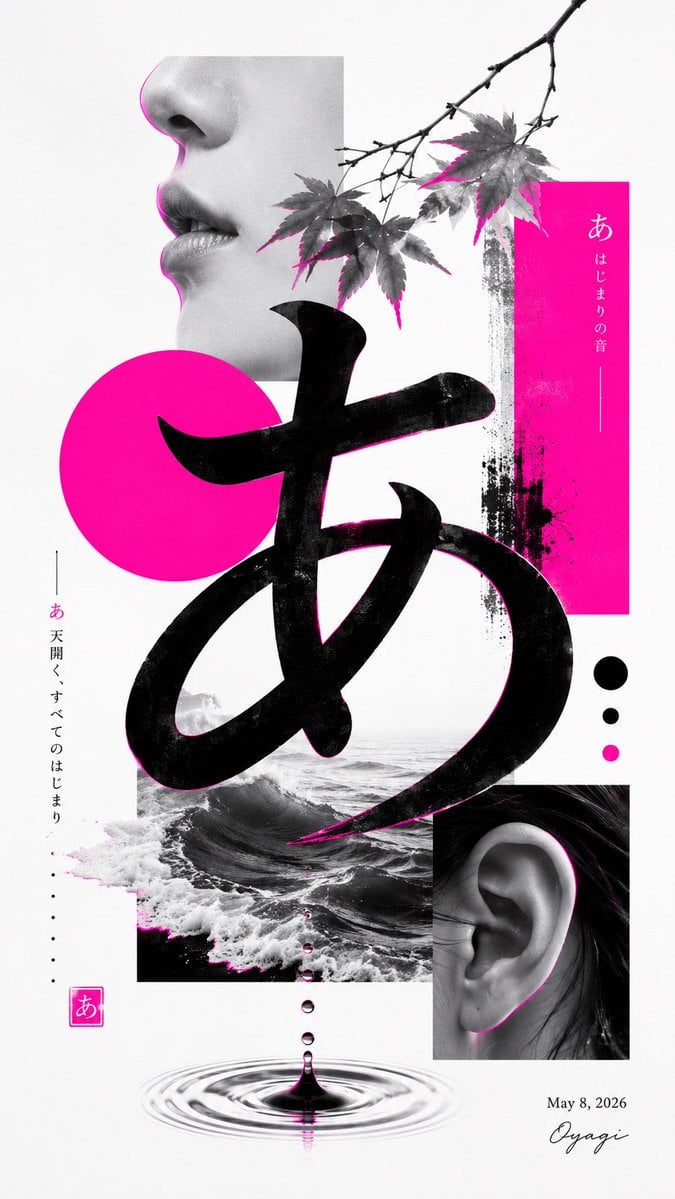
Minimalist Contemporary Typography Art
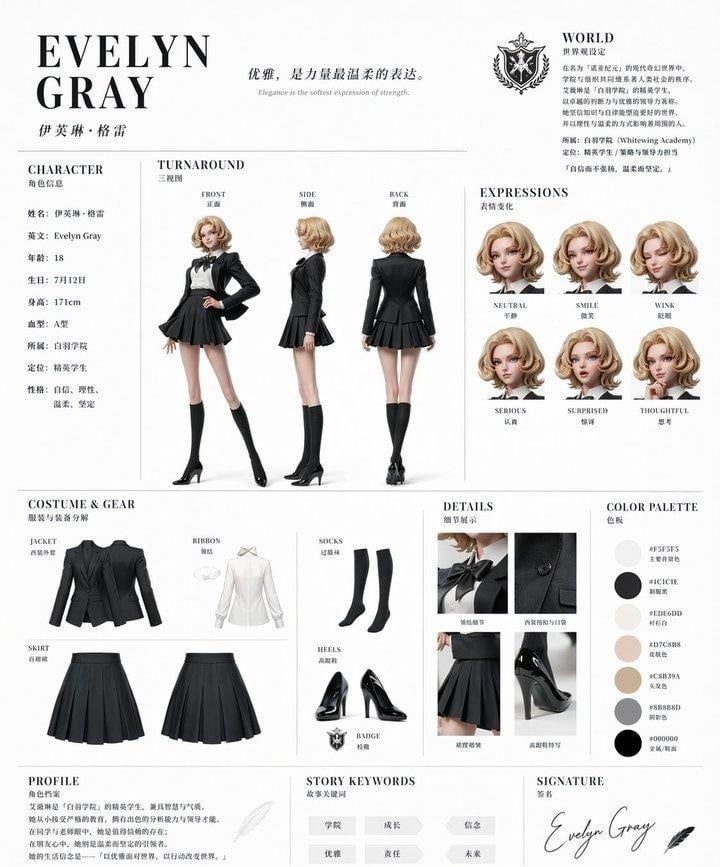
Elegant Academy Character Sheet
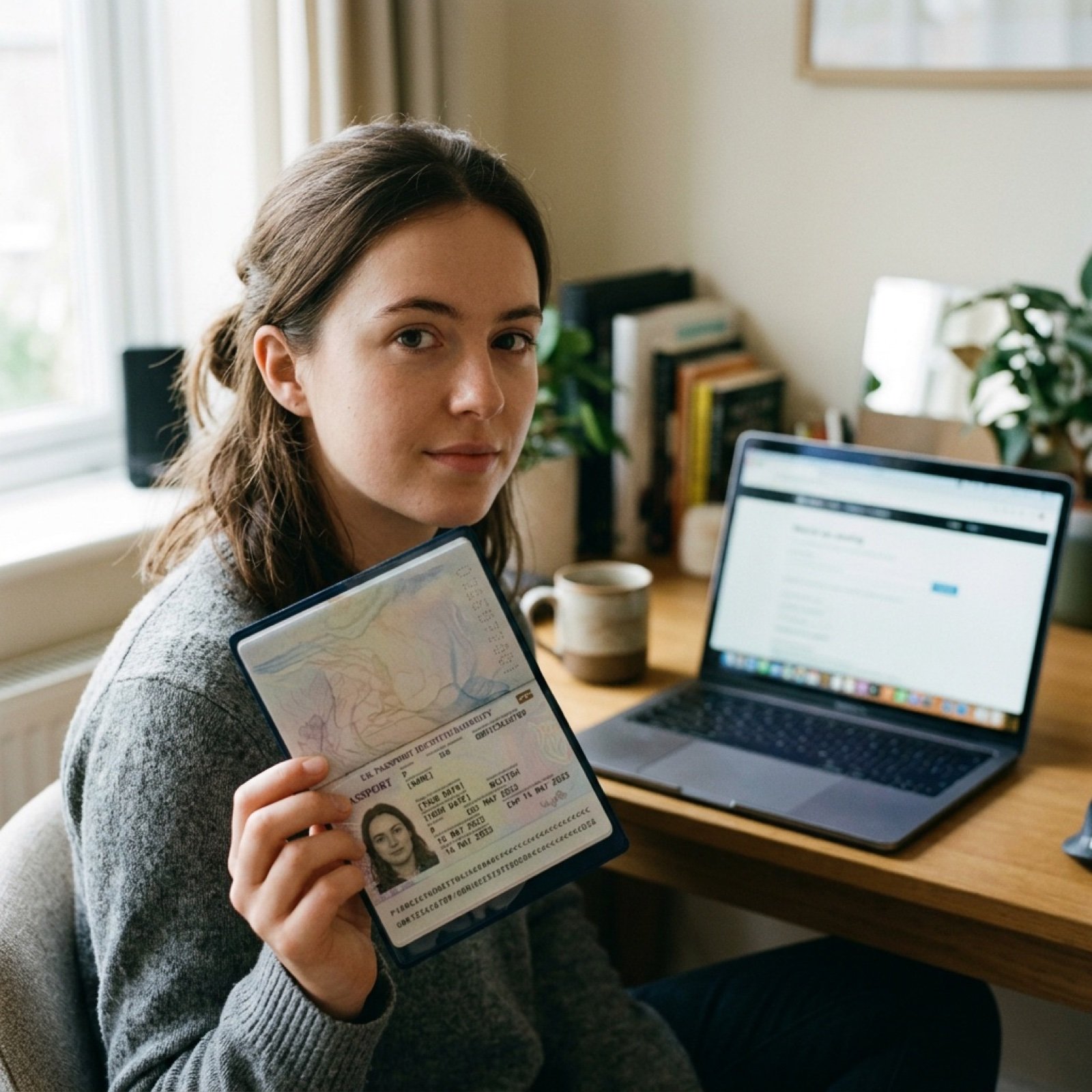
ID verification character with visible passport
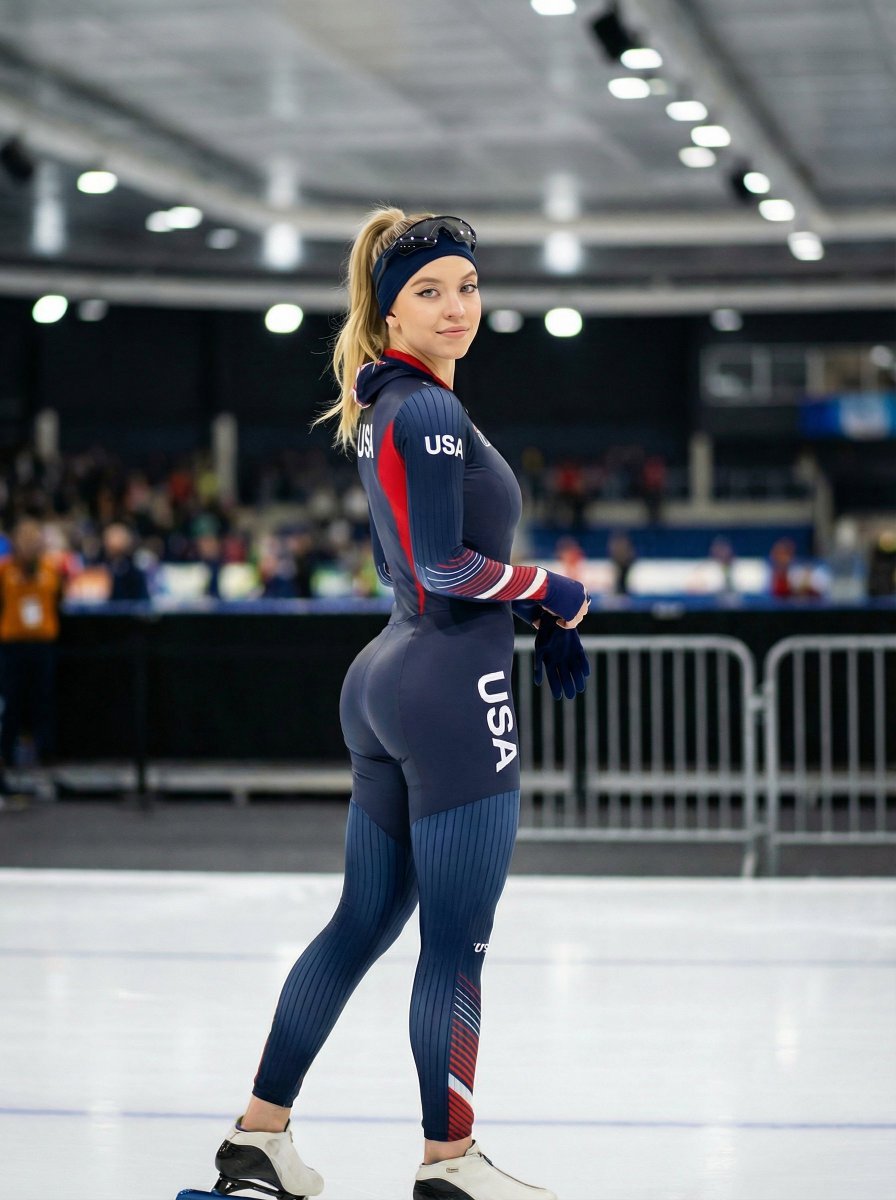
Ultra-Realistic Speed Skating Portrait Prompt
Browse template categories
Futuristic City With Sparkling Artifacts questions
How do I use the Futuristic City With Sparkling Artifacts template?
Add your photo if the template asks for one, edit the prompt if you like — the template's model and format are already selected — and press Generate. Your version opens in PicX Studio.
Can I customize the Futuristic City With Sparkling Artifacts template?
Yes. You can change the subject, setting, lighting, mood, format, and available model controls before creating your image.
Is the Futuristic City With Sparkling Artifacts template free?
Opening and editing this template is free. Generating uses credits, shown on the Generate button when you are signed in.
Which AI model should I use?
Start with GPT Image 2, which is the model associated with this template. You can compare another compatible model for a different finish.
Looking for something else? Browse all templates.

Your photo, any look
Thousands of ready templates for every top image and video model, from one credit balance.