
Minimalist Hand-Drawn Doodle Portrait
Minimalist Hand-Drawn Doodle Portrait is a ready photo look for GPT Image.
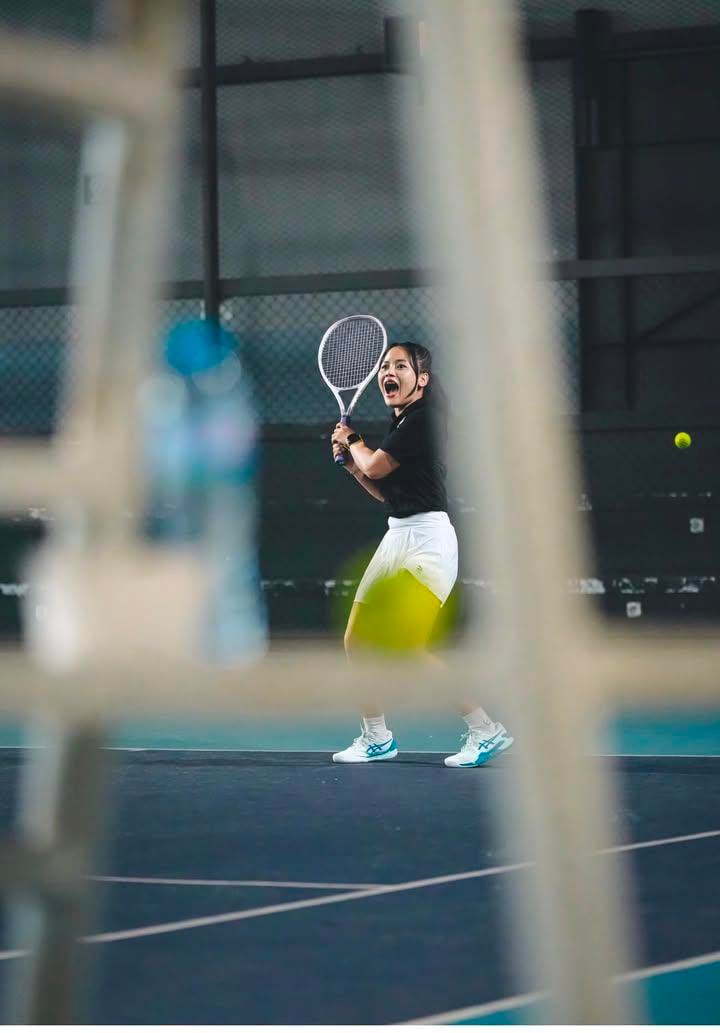
- Prompt included
- Model and format preset
- Free template
The prompt behind this image
Copy the exact prompt behind Minimalist Hand-Drawn Doodle Portrait, or open it in the studio and make it yours.
Transform the image into a minimalist hand-drawn doodle illustration. Use simple brush-pen outlines with slightly wobbly, imperfect strokes. Reduce all details to cute, childlike shapes while preserving the main subject and composition. Naive sketchbook aesthetic, playful and whimsical character design, clean white background, minimal linework, expressive simplicity, handmade doodle style, water color ink drawing, charming imperfections, simple cartoon illustration.
How to use Minimalist Hand-Drawn Doodle Portrait in 3 steps
- 1
Open
The prompt is already in the box next to the preview, with the template's model and format selected.
- 2…a portrait of your subject in softgolden-hour light, 85mm…
Personalize
Edit the subject and creative details for your destination.
- 3Generate
Generate
Press Generate — your image is created in PicX Studio, so you can compare it with the original and refine one variable at a time.
More like this
Templates with the same subject, style or setup. Open one to see its prompt.
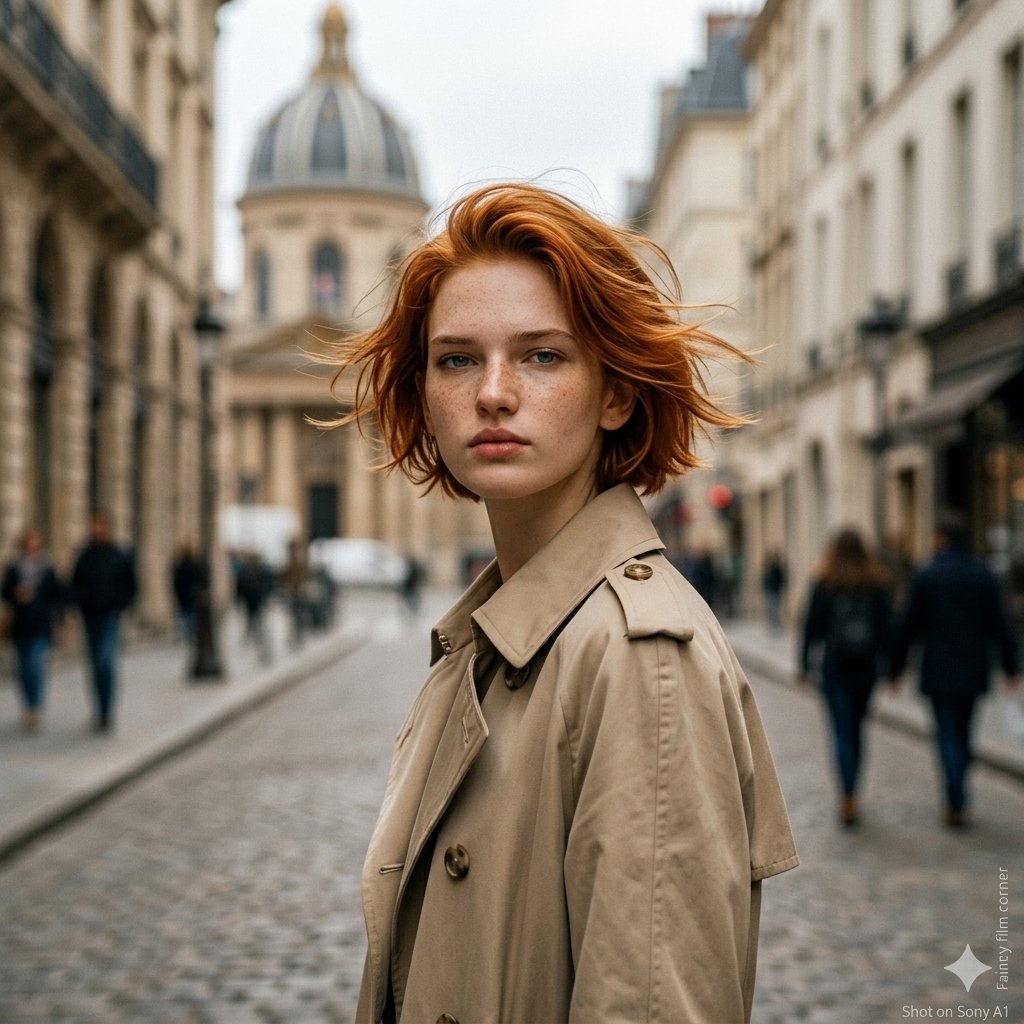
Gemini Nano Banana 2 Isometric 3d City D
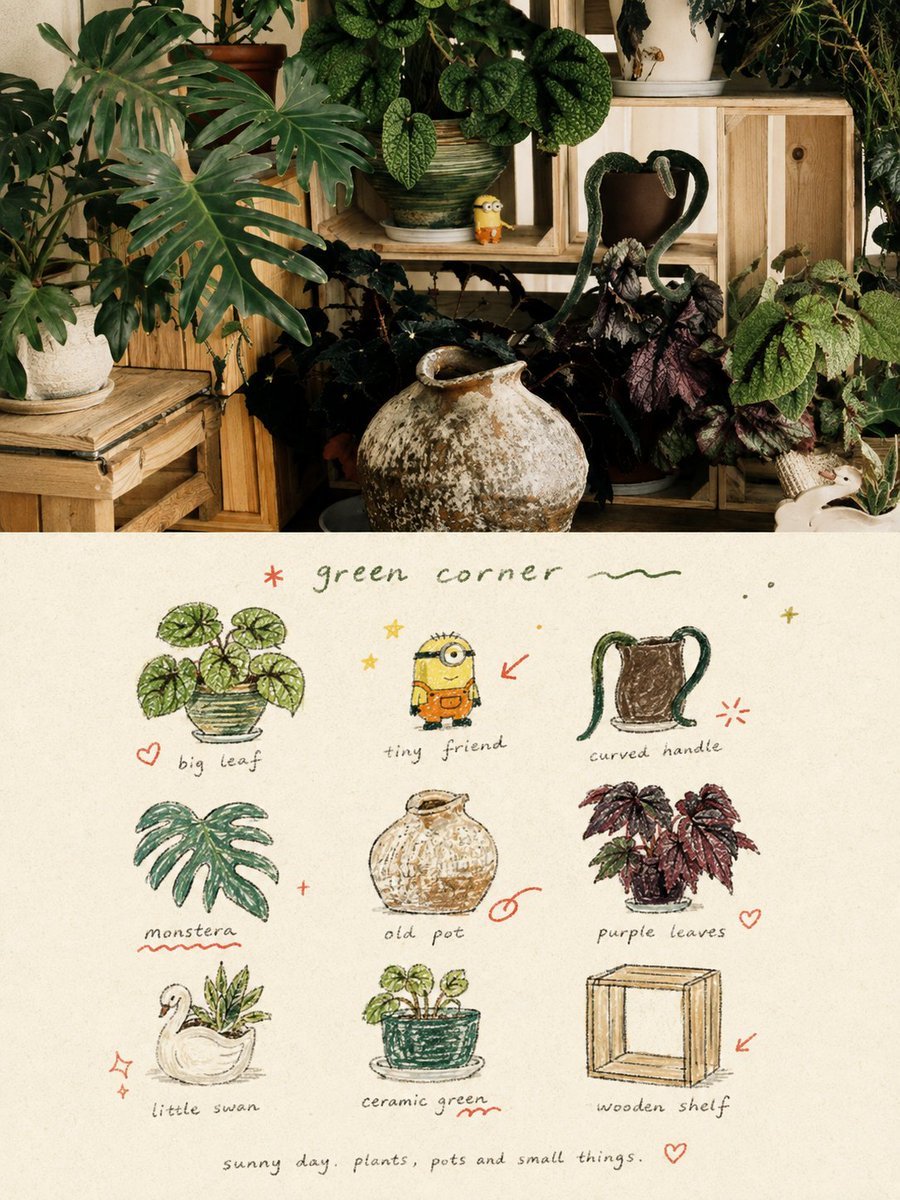
Hand-Drawn Doodle Grid Poster
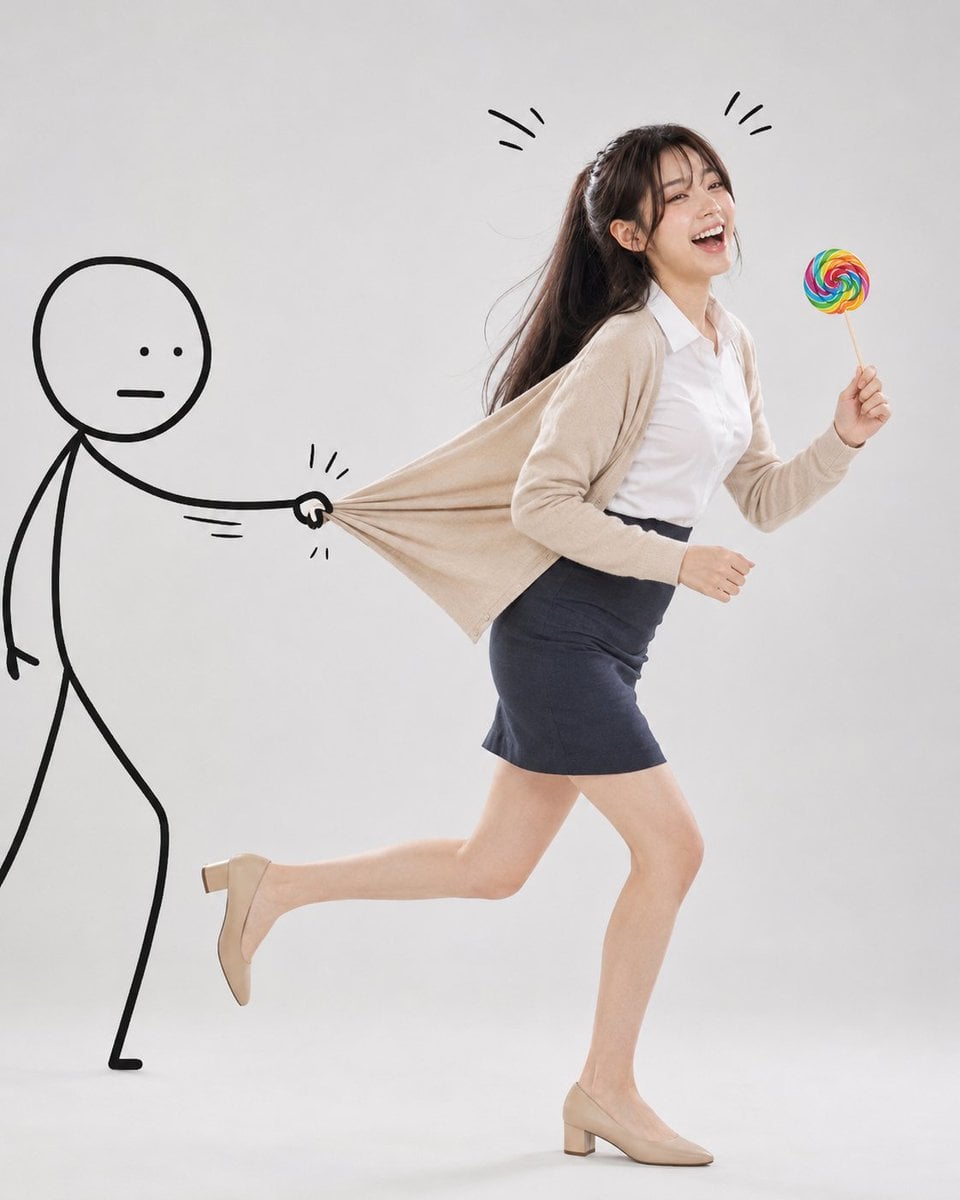
Surreal Studio Photography with Hand-Drawn Doodle
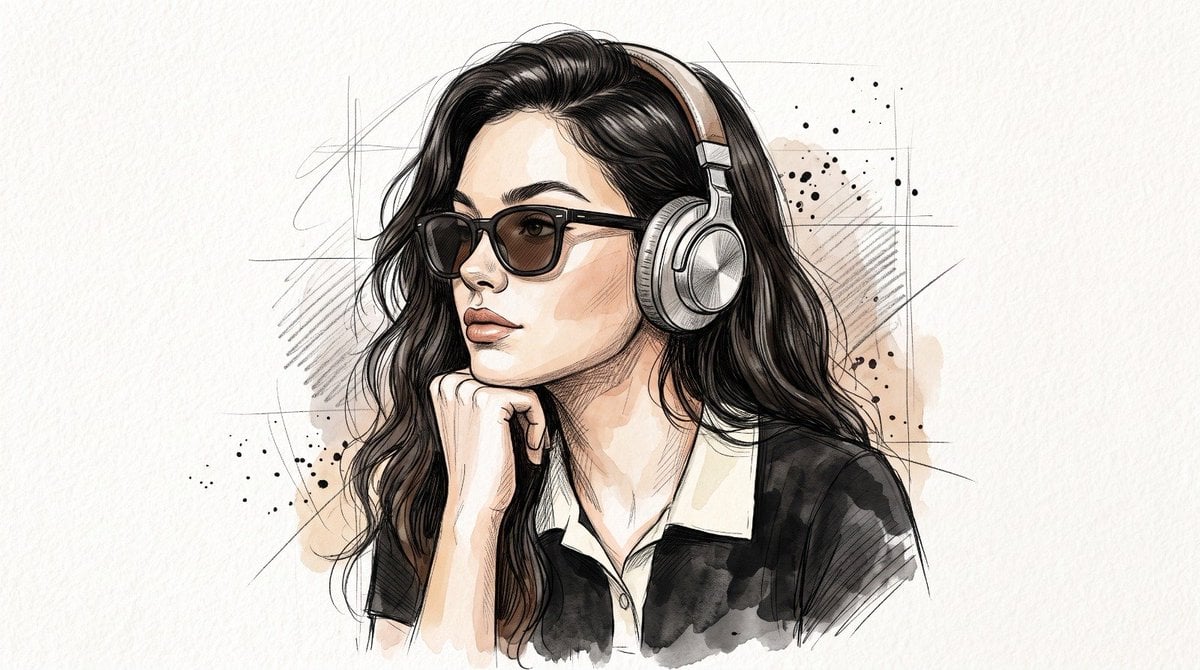
Minimal Hand-Drawn Sketch Watercolor Portrait
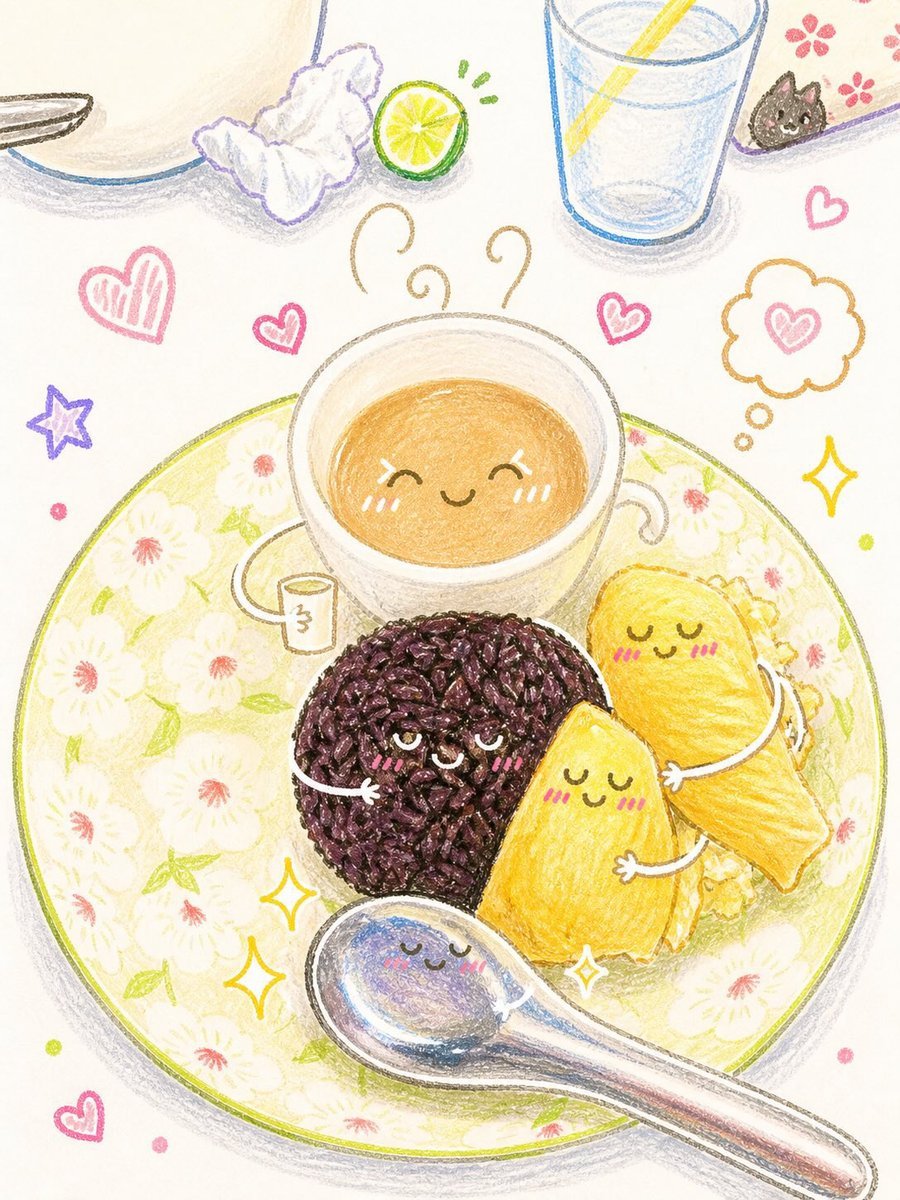
Interactive Hand-Drawn Doodle Art
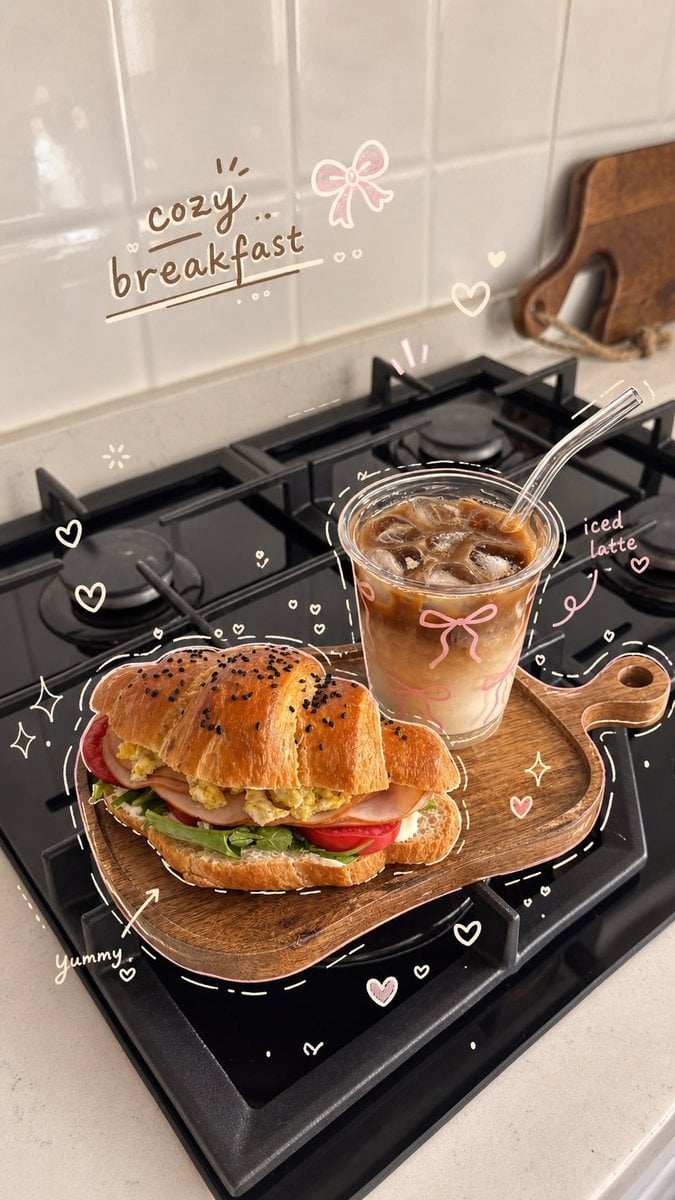
Cozy Hand-Drawn Food Doodle
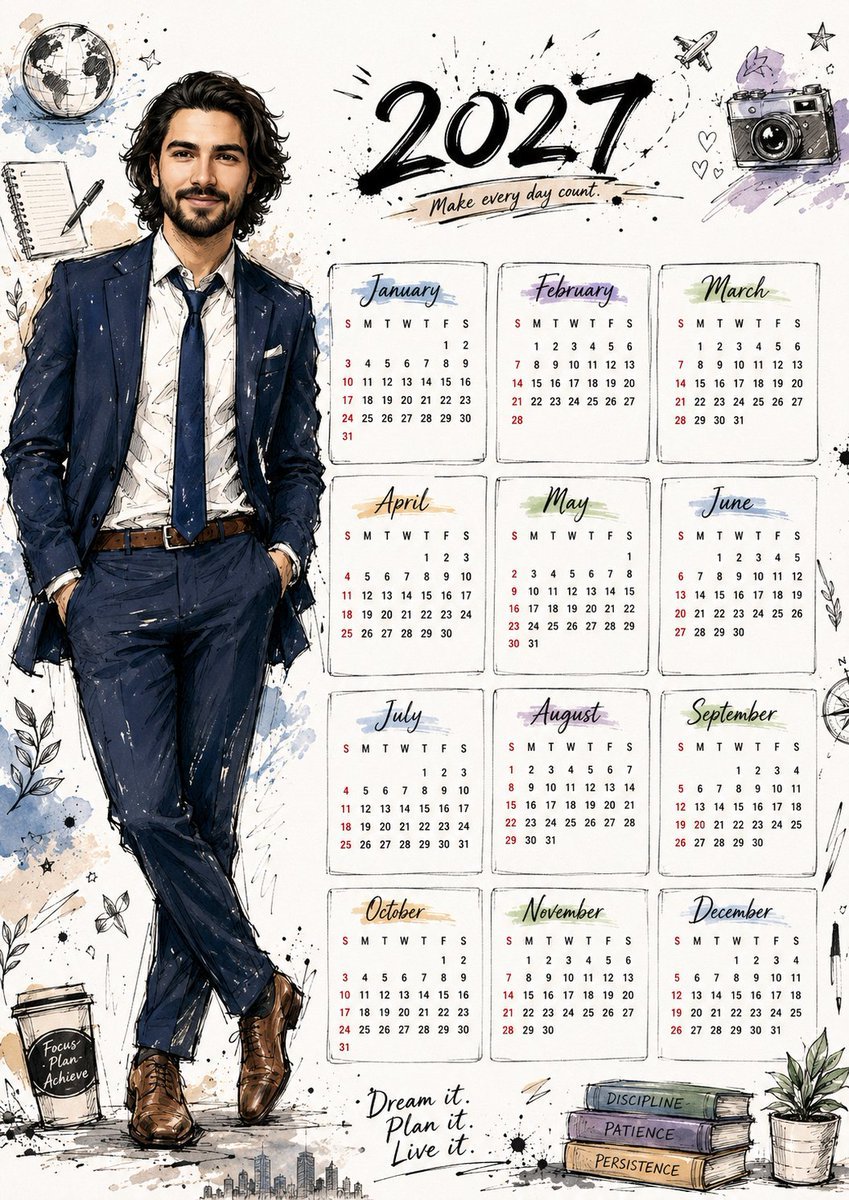
Hand Drawn Doodle Calendar Illustration
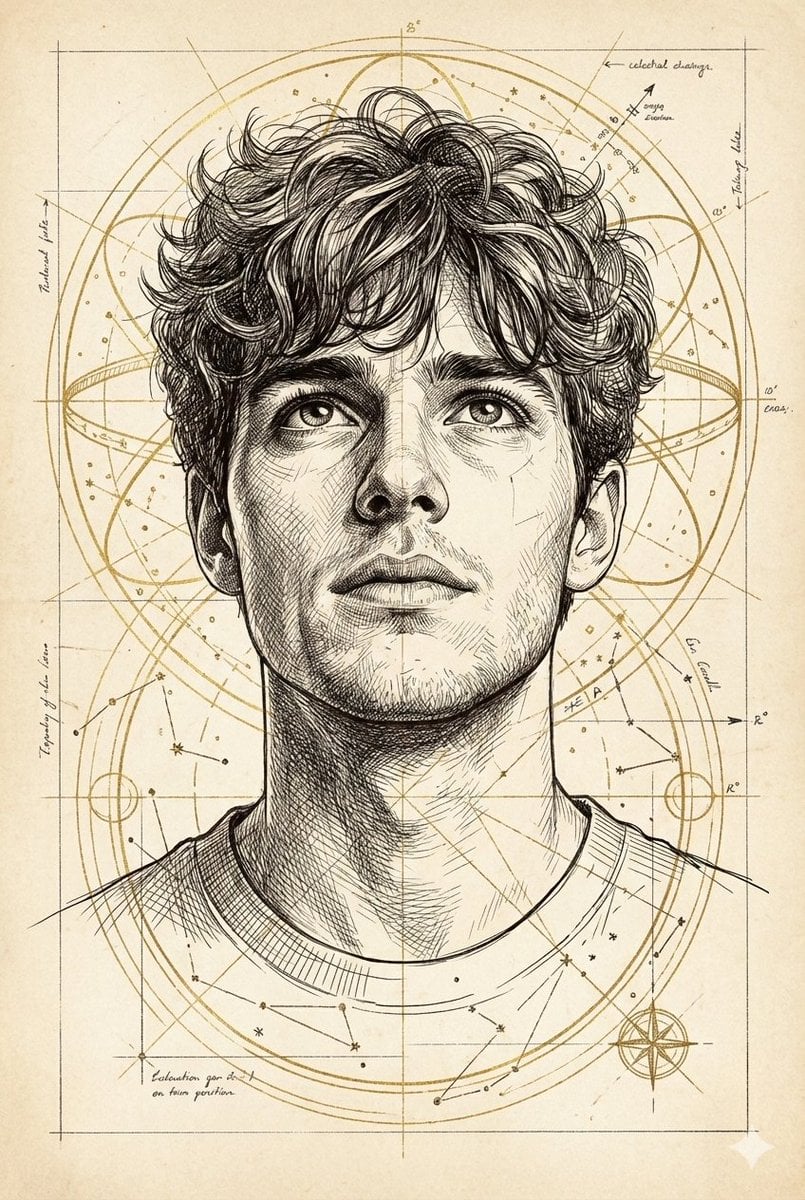
Hand-Drawn Technical Illustration Portrait Prompt

Found Photograph: Us, 1970

80s Couple Studio Portrait

80s Bollywood Star

80s Golden Hour Cinema
Make it yours
Minimalist Hand-Drawn Doodle Portrait works as-is. These are the safest ways to change it without losing the look.
Change one field
Copy a single group, rewrite it, and generate again so you can see what that field is doing.
Keep the frame, change the subject
Hold the composition and light of Minimalist Hand-Drawn Doodle Portrait, then swap wardrobe, props or the person for a new take.
| If the result… | Why | Fix |
|---|---|---|
| The result drifts from the preview | Too many fields changed at once. | Reuse Minimalist Hand-Drawn Doodle Portrait as-is first, then change one group — subject, light, or setting. |
| The model over-stylizes the scene | The prose prompt leaves finish and camera underspecified. | Add one camera or lighting sentence and stay on GPT Image. |
More image prompts
Fresh picks from across the catalog.
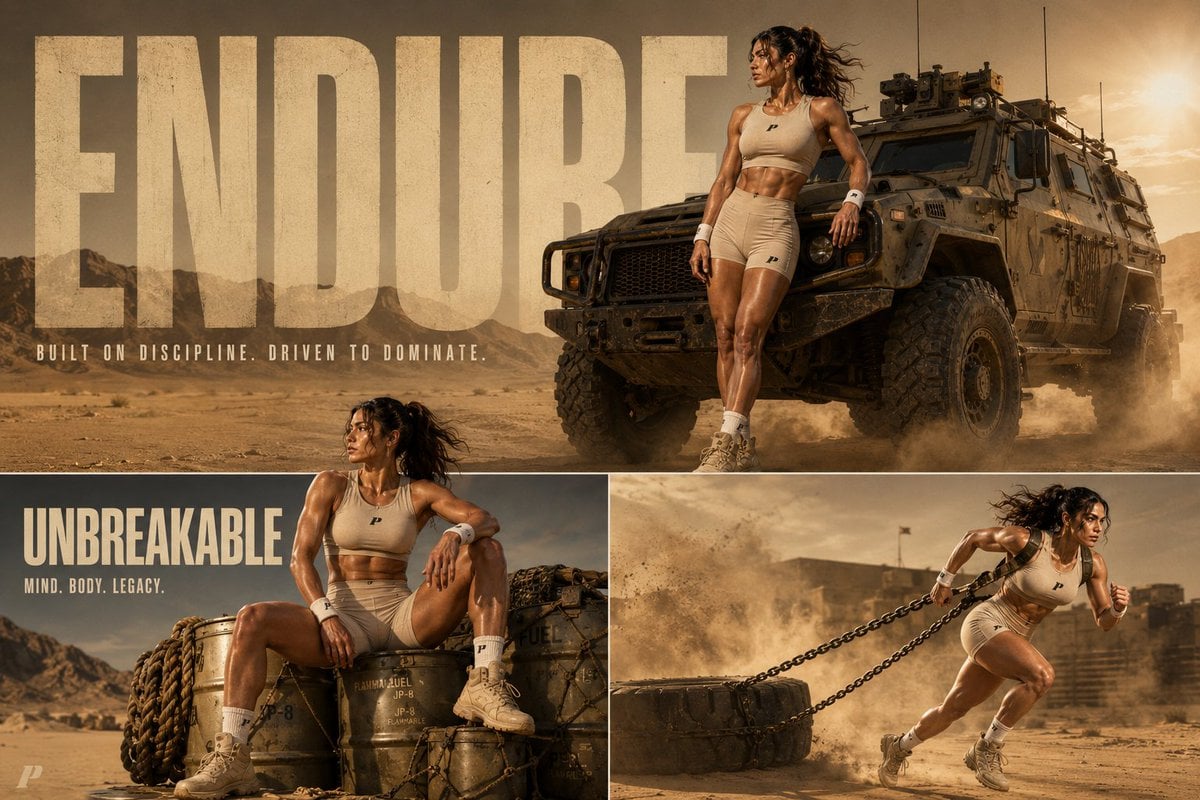
Tactical Athlete Desert Magazine Layout
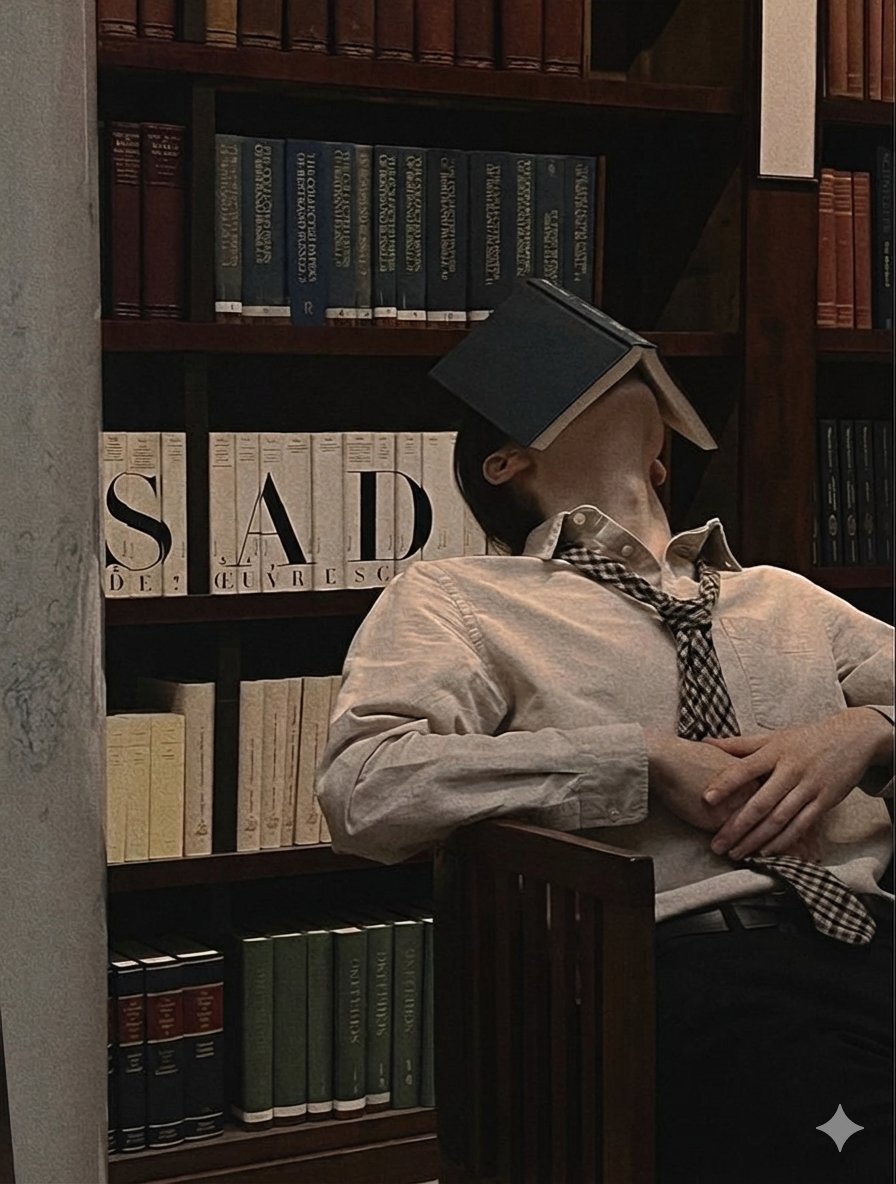
Introspective Indoor Portrait with Book Covering Face Prompt

Darkly Comic Bug Spray Ad

Change an existing image to a Santa theme
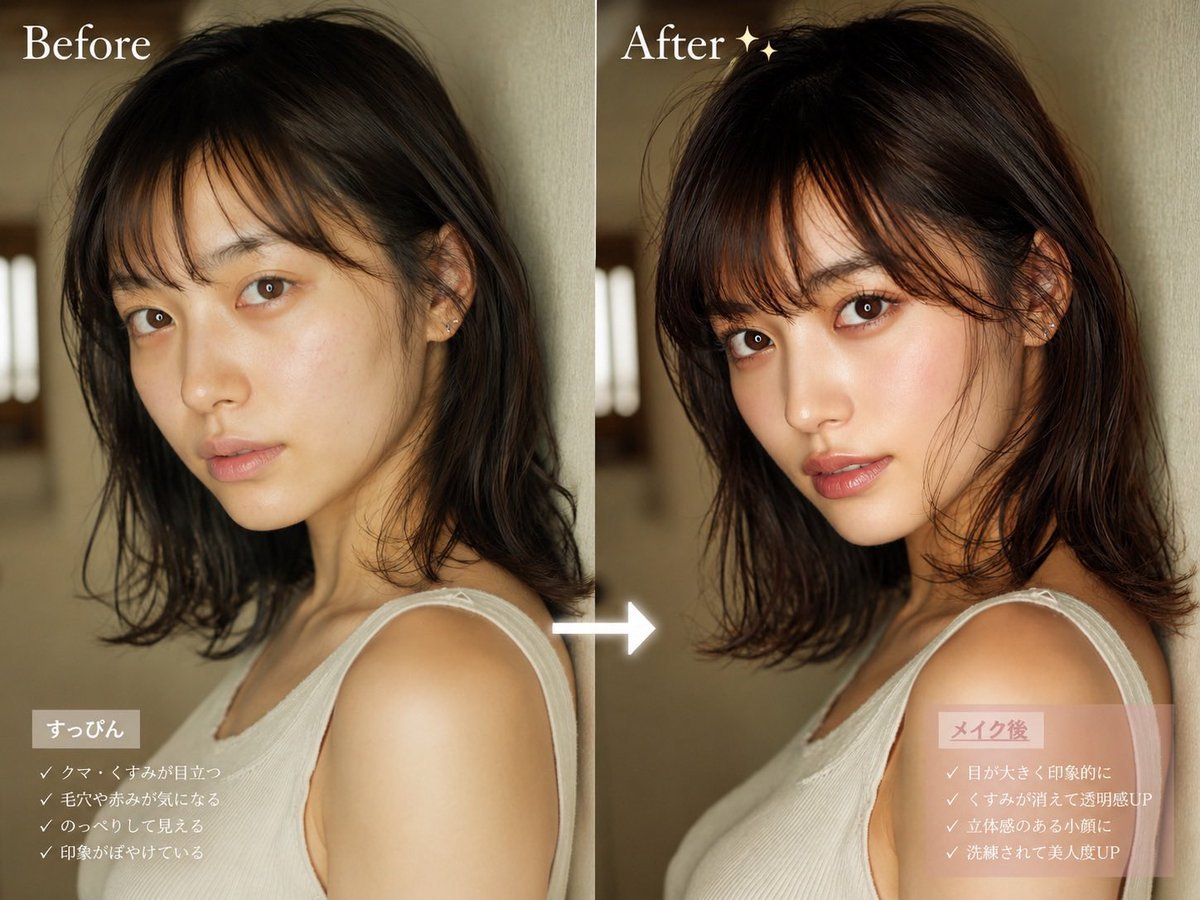
Before After Makeup Transformation
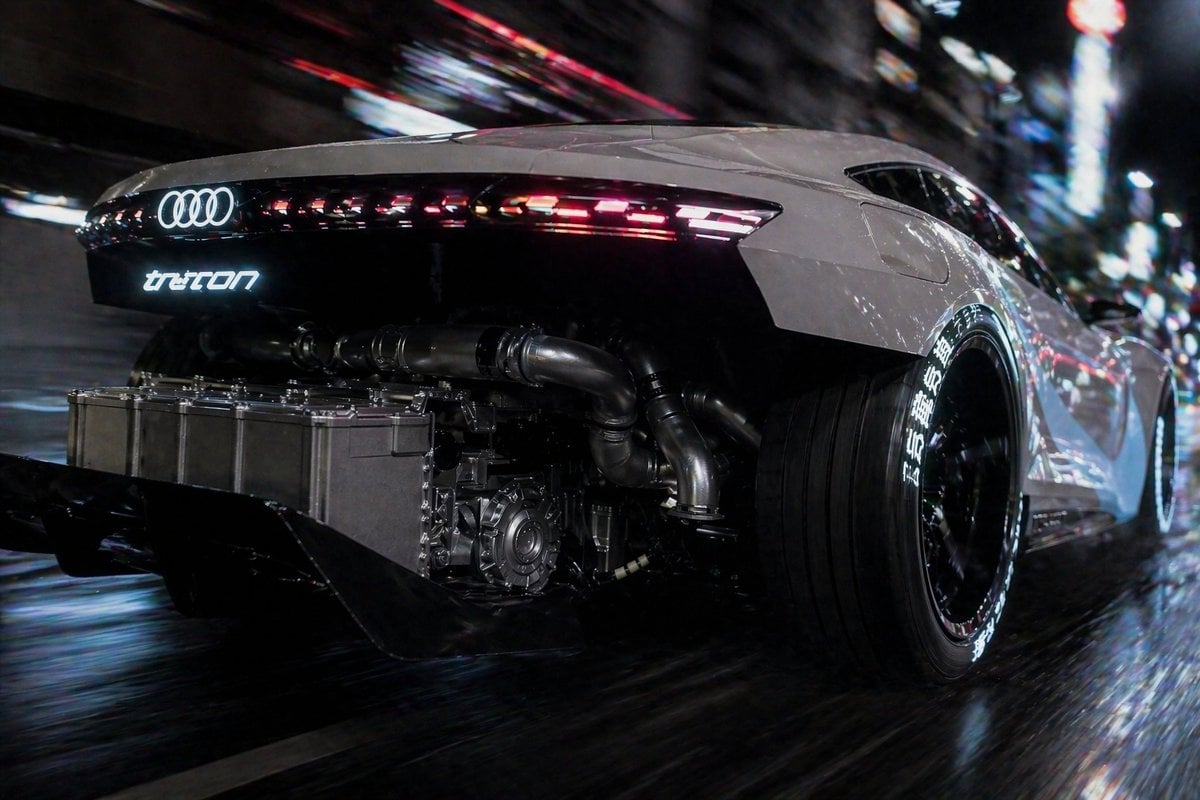
Cyberpunk Audi Rear Chase Shot
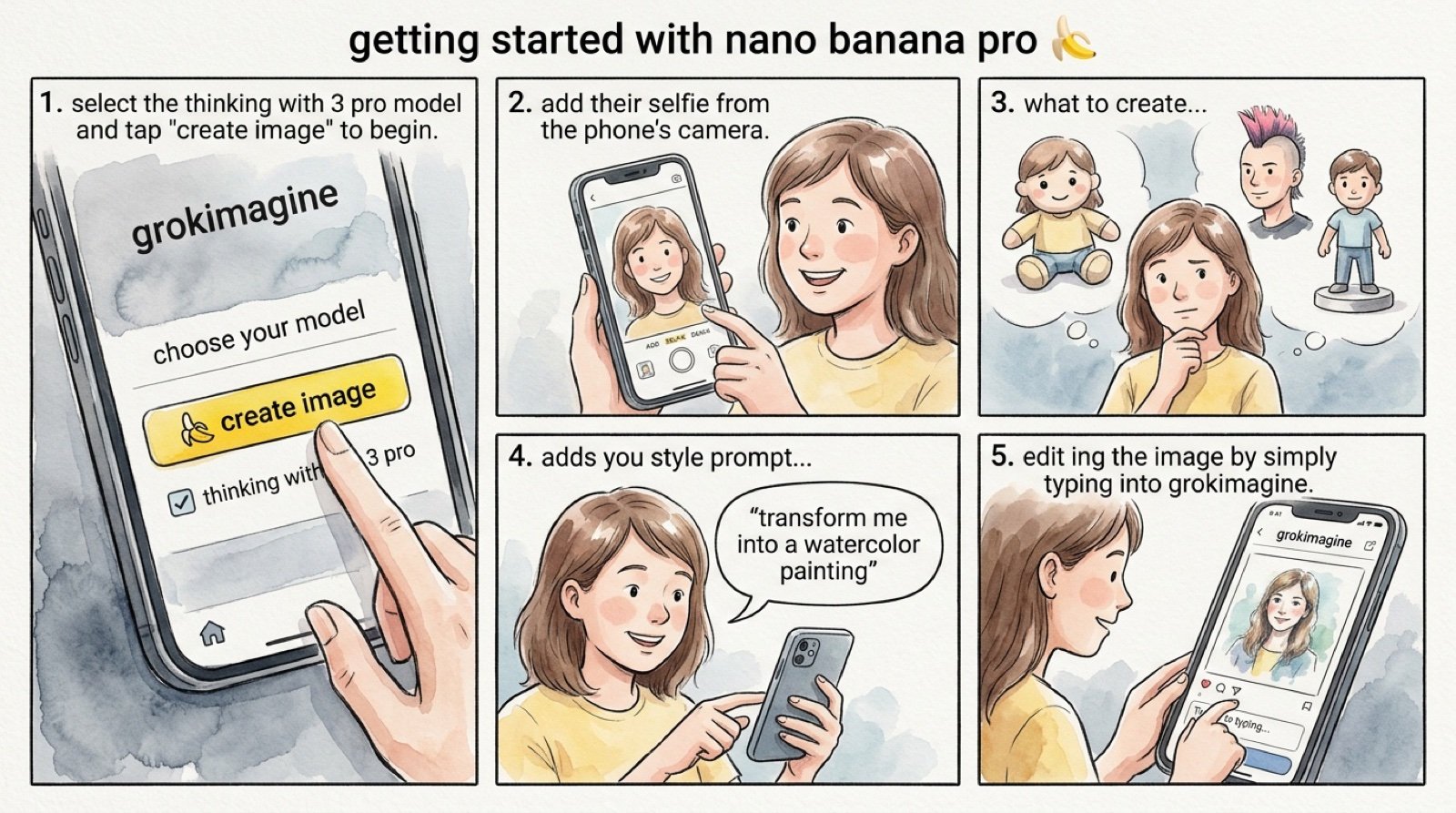
Grok 4 Comic Tutorial Prompt
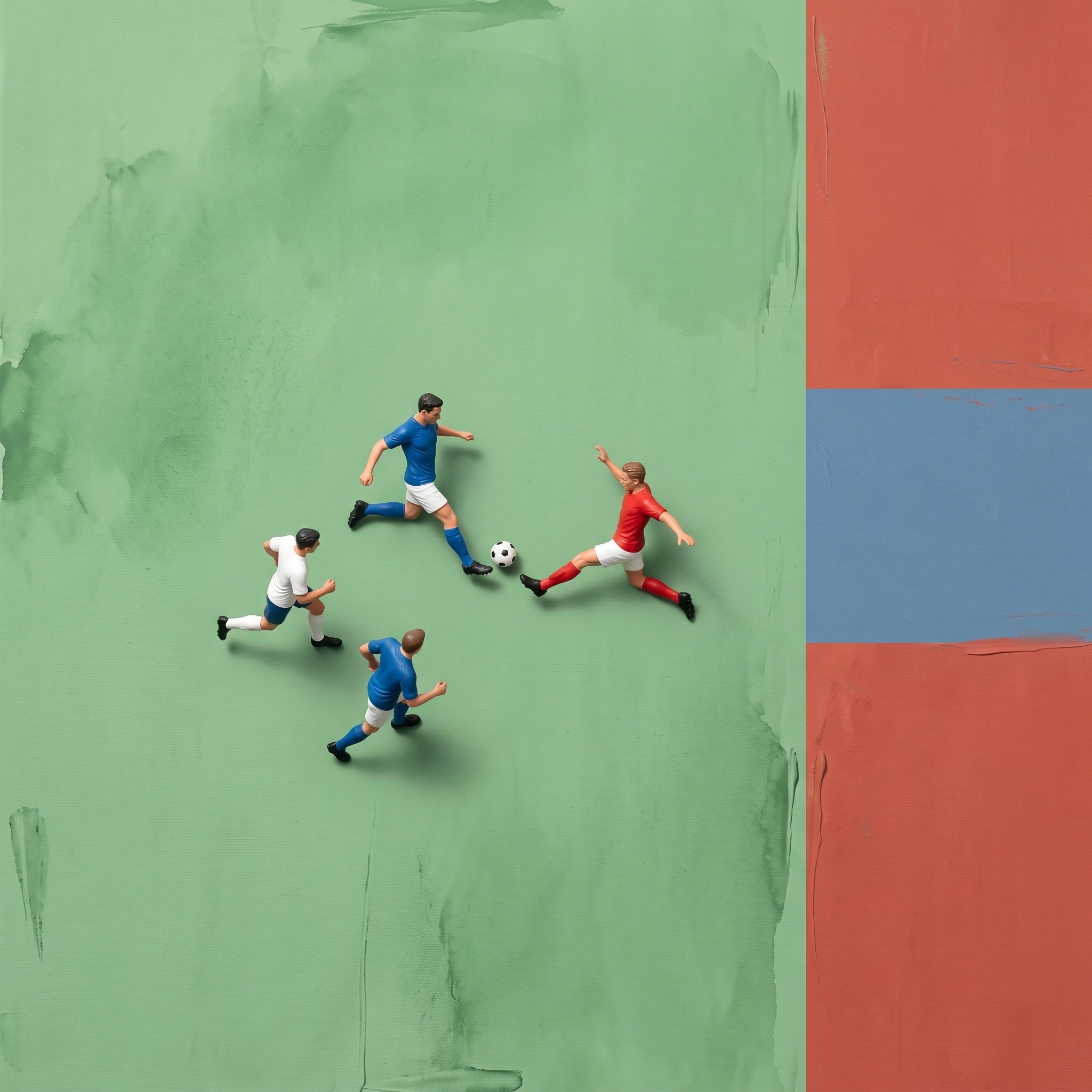
Miniature Ink Movement Image Generation Prompt
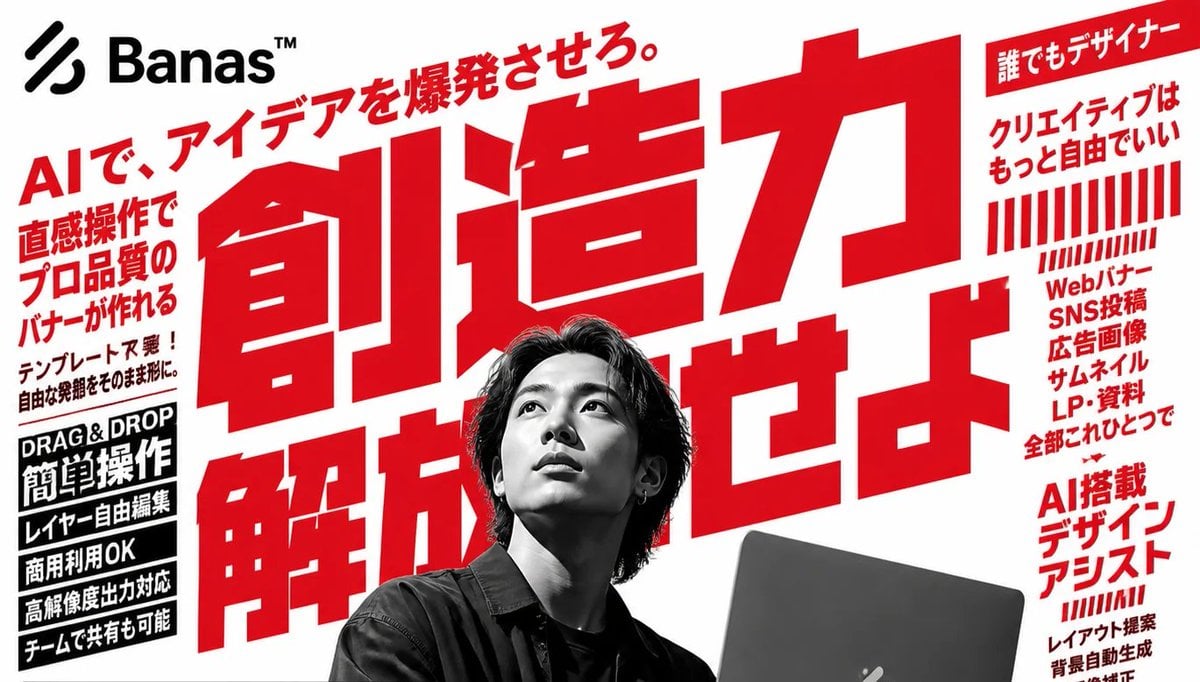
Bold Japanese AI Design Tool Ad
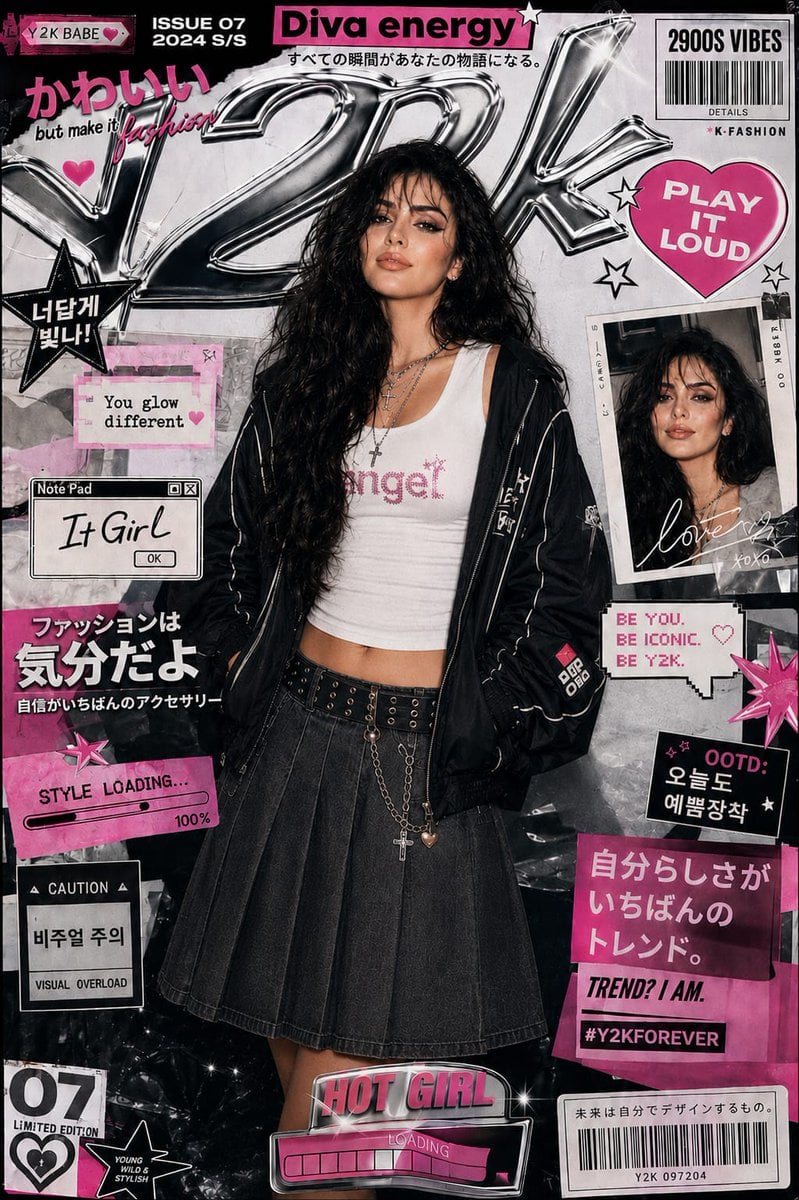
Y2K Style K-Fashion Poster
Browse template categories
Minimalist Hand-Drawn Doodle Portrait questions
How do I use the Minimalist Hand-Drawn Doodle Portrait template?
Add your photo if the template asks for one, edit the prompt if you like — the template's model and format are already selected — and press Generate. Your version opens in PicX Studio.
Can I customize the Minimalist Hand-Drawn Doodle Portrait template?
Yes. You can change the subject, setting, lighting, mood, format, and available model controls before creating your image.
Is the Minimalist Hand-Drawn Doodle Portrait template free?
Opening and editing this template is free. Generating uses credits, shown on the Generate button when you are signed in.
Which AI model should I use?
Start with GPT Image, which is the model associated with this template. You can compare another compatible model for a different finish.
Looking for something else? Browse all templates.

Your photo, any look
Thousands of ready templates for every top image and video model, from one credit balance.