
Miniature Ink Movement Image Generation Prompt
A highly detailed, structured JSON prompt for generating images in a 'Miniature Ink Movement' style.
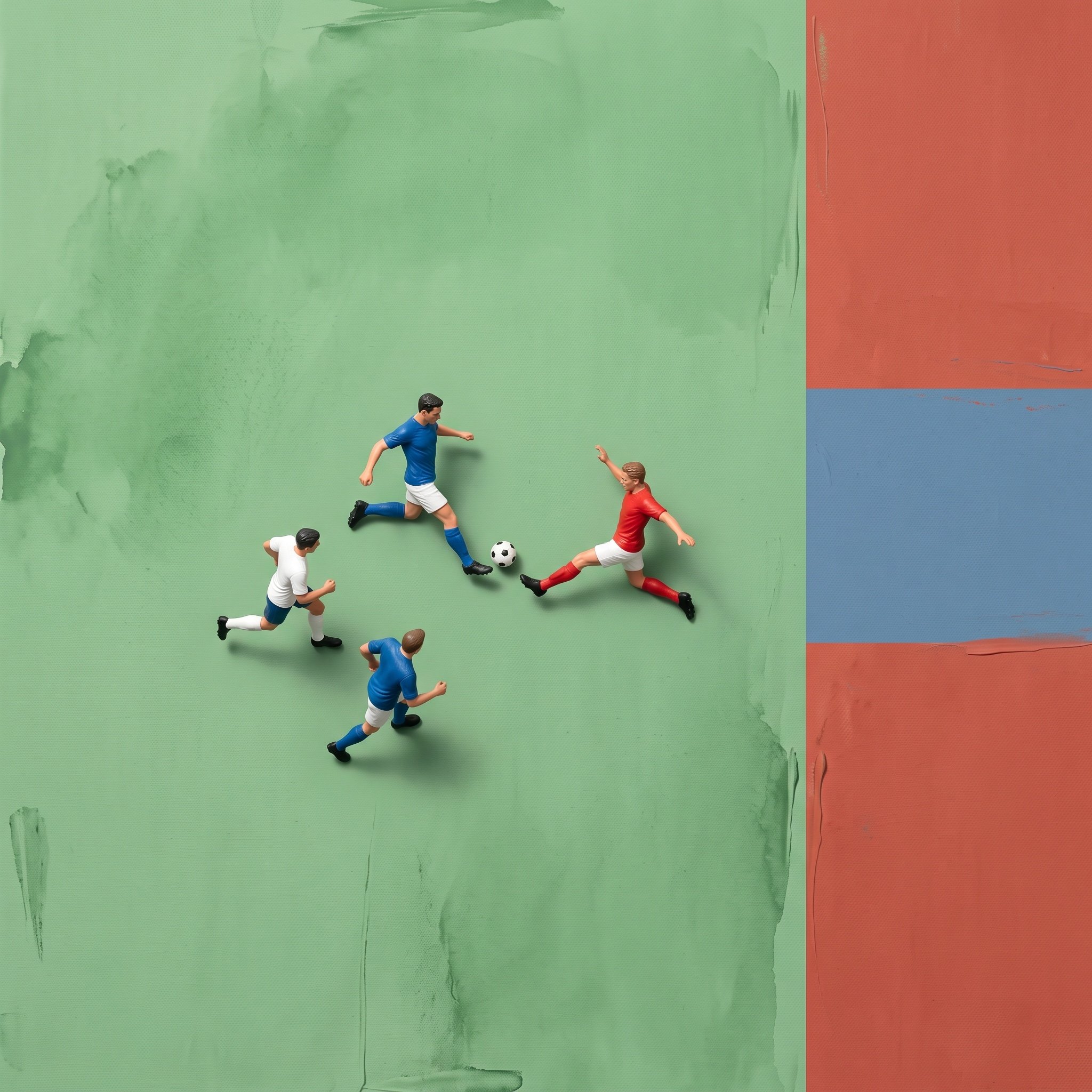
- Prompt included
- Model and format preset
- Free template
The prompt behind this image
Copy the exact prompt behind Miniature Ink Movement Image Generation Prompt, or open it in the studio and make it yours.
{ "色彩": { "色彩行为": "主色调主导,辅以极柔和的第二色点缀", "饱和度": "中高饱和度,柔化处理,绝不刺眼或浑浊" }, "环境": { "世界类型": "抽象的画布表面", "材质": [ "水墨颜料", "微妙的调色刀纹理", "极简笔触", "轻薄的颜料堆叠肌理" ], "表现规则": "环境以克制的色彩、干净的质感和可控的颜料厚度象征性地表现运动场地或竞技场——绝不追求字面意义上的写实", "背景风格": "平静、均匀的色彩块,带有微妙的颜料肌理" }, "主体": { "比例": "微缩模型", "外观": "{argument name="外观" default="高度写实的人物形象"}", "活动": "{argument name="活动" default="运动中的动态瞬间"}", "服装": "精准的运动专用服装与装备", "姿态风格": "自然、运动中的姿态", "阴影": "柔和、微妙的阴影直接投射在主体下方,强化俯视视角" }, "构图": { "镜头角度": "严格俯视", "镜头朝向": "与表面完全垂直(90度正上方视角)", "透视规则": [ "无倾斜", "无对角角度", "无透视变形", "无景深透视" ], "布局": "图形化、编辑感、简洁几何", "负空间": "刻意且充裕", "景深": "扁平的、海报式景深" }, "灯光": { "类型": "柔和的工作室灯光", "光线方向": "均匀的顶部照明", "对比度": "低至中等的对比度", "目的": "保持表面平静感,消除方向性戏剧性" }, "风格": { "风格流派": [ "概念性纯艺术", "编辑摄影", "超现实微缩" ] } }
How to use Miniature Ink Movement Image Generation Prompt in 3 steps
- 1
Open
The prompt is already in the box next to the preview, with the template's model and format selected.
- 2…a portrait of your subject in softgolden-hour light, 85mm…
Personalize
Edit the subject and creative details for your destination.
- 3Generate
Generate
Press Generate — your image is created in PicX Studio, so you can compare it with the original and refine one variable at a time.
More like this
Templates with the same subject, style or setup. Open one to see its prompt.

Paper Tunnel Book Architecture

Vintage Lithograph Retro World Cup Poster
Vintage Lithograph Retro World Cup Poster

Isometric Brand Store Diorama

Movement Sheet - Dance Reference (Seedance 2.0)
Miniature Pet on Palm Prompt for Image Generation
Miniature Suitcase Travel Poster
Minimal Ink Vignette Archive

Miniature Sick Day Diorama
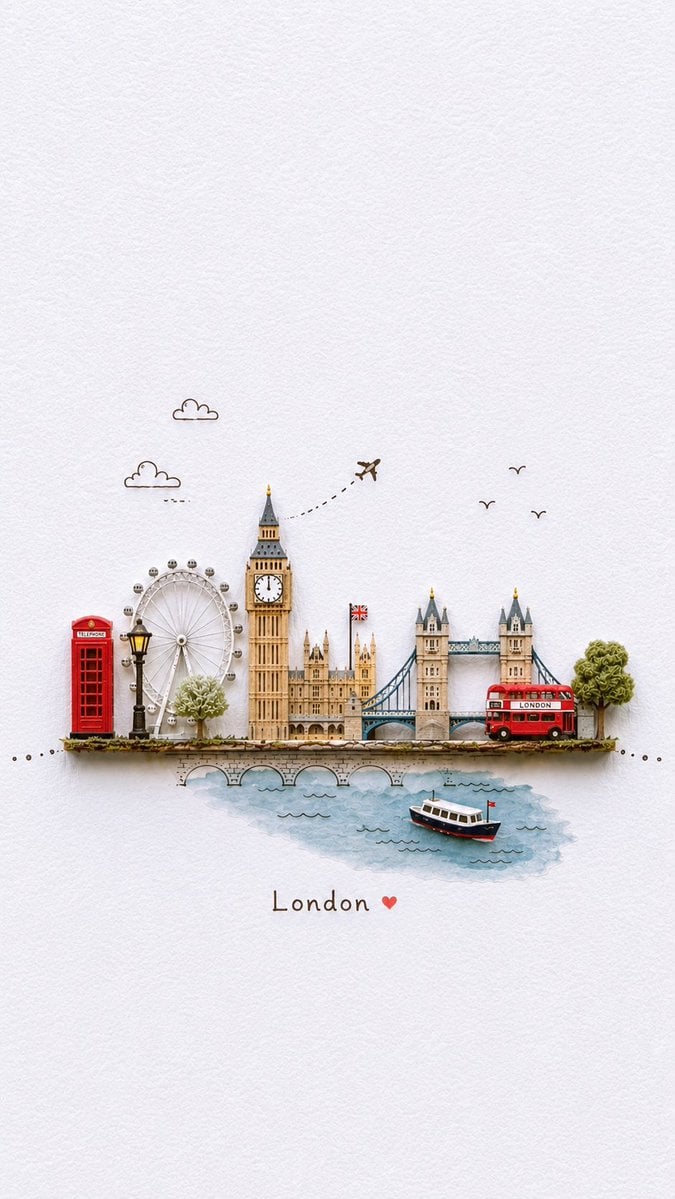
Miniature Paper-Craft Travel Illustration

Stylized Miniature 3D Diorama Craft
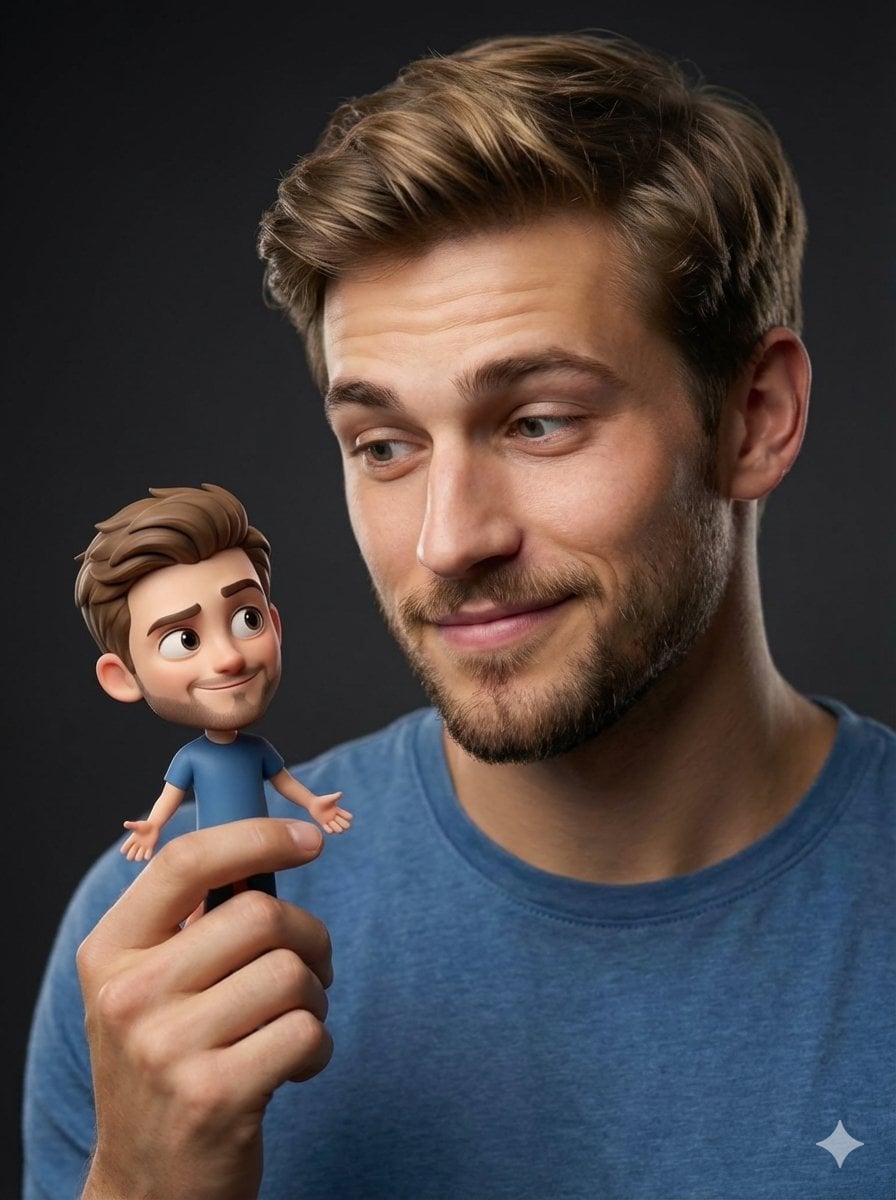
Human with Miniature 3D Self Portrait
Make it yours
Miniature Ink Movement Image Generation Prompt works as-is. These are the safest ways to change it without losing the look.
Change one field
Copy a single group, rewrite it, and generate again so you can see what that field is doing.
Keep the frame, change the subject
Hold the composition and light of Miniature Ink Movement Image Generation Prompt, then swap wardrobe, props or the person for a new take.
| If the result… | Why | Fix |
|---|---|---|
| The result drifts from the preview | Too many fields changed at once. | Reuse Miniature Ink Movement Image Generation Prompt as-is first, then change one group — subject, light, or setting. |
| The model over-stylizes the scene | The prose prompt leaves finish and camera underspecified. | Add one camera or lighting sentence and stay on Nano Banana 2. |
More Nano Banana 2 templates
Other prompts made for Nano Banana 2.

Photorealistic Leaf Shaped Like a Dragon

K-Pop Idol Portrait Grid for Rapid Selection

Poetic Rain Forest Portrait During Golden Hour

Urban Street Portrait with Cartoon Inner Self Duo

Candid Nighttime Photo with Cat Prompt

High-Concept 3D Diorama Generation Prompt

Cinematic Futuristic Studio Portrait Template

Skincare Editorial Photography Collage Prompt

Hyper-Realistic Commercial Product Photography (Splash Effect)

Hyper-Realistic Nightclub Portrait Prompt
More image prompts
Fresh picks from across the catalog.
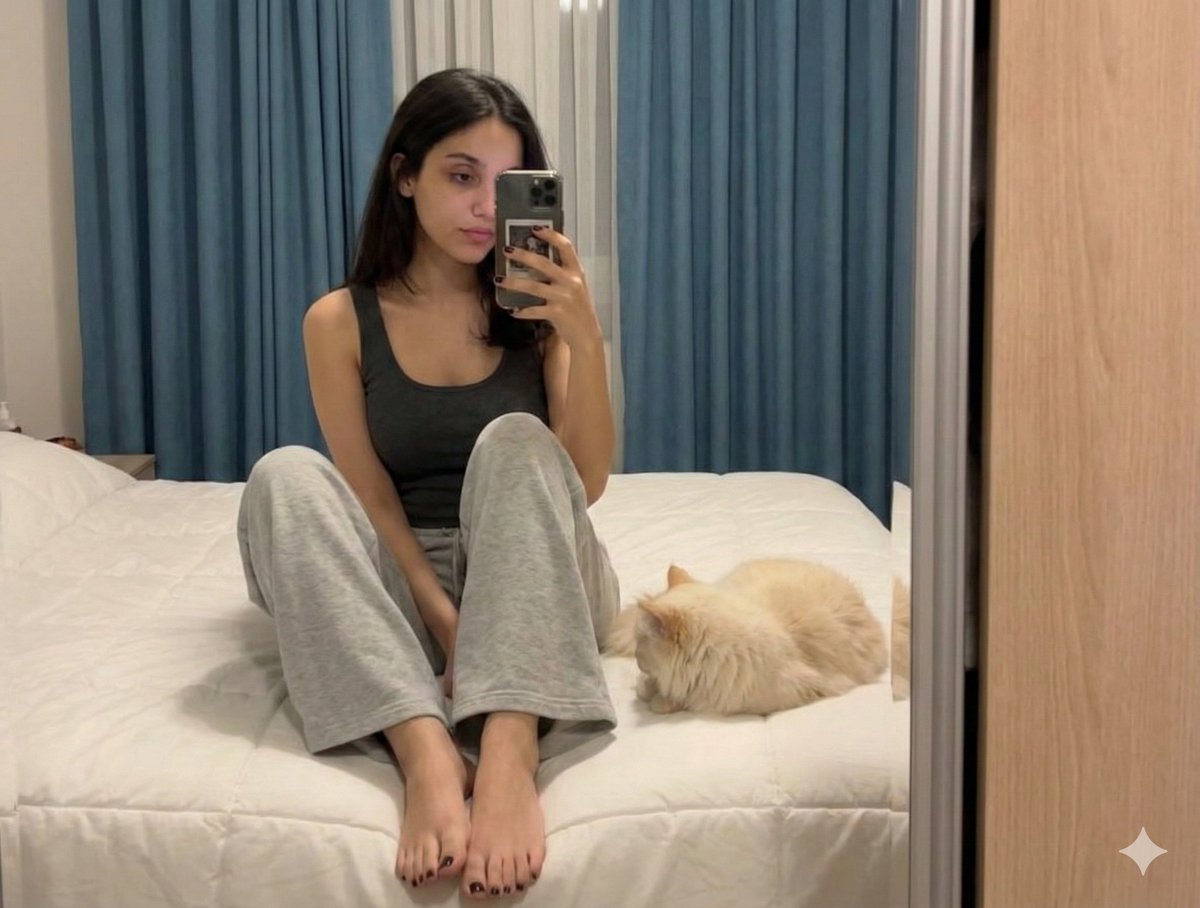
Nano Banana Pro Prompt: Candid Mirror Selfie with Cat
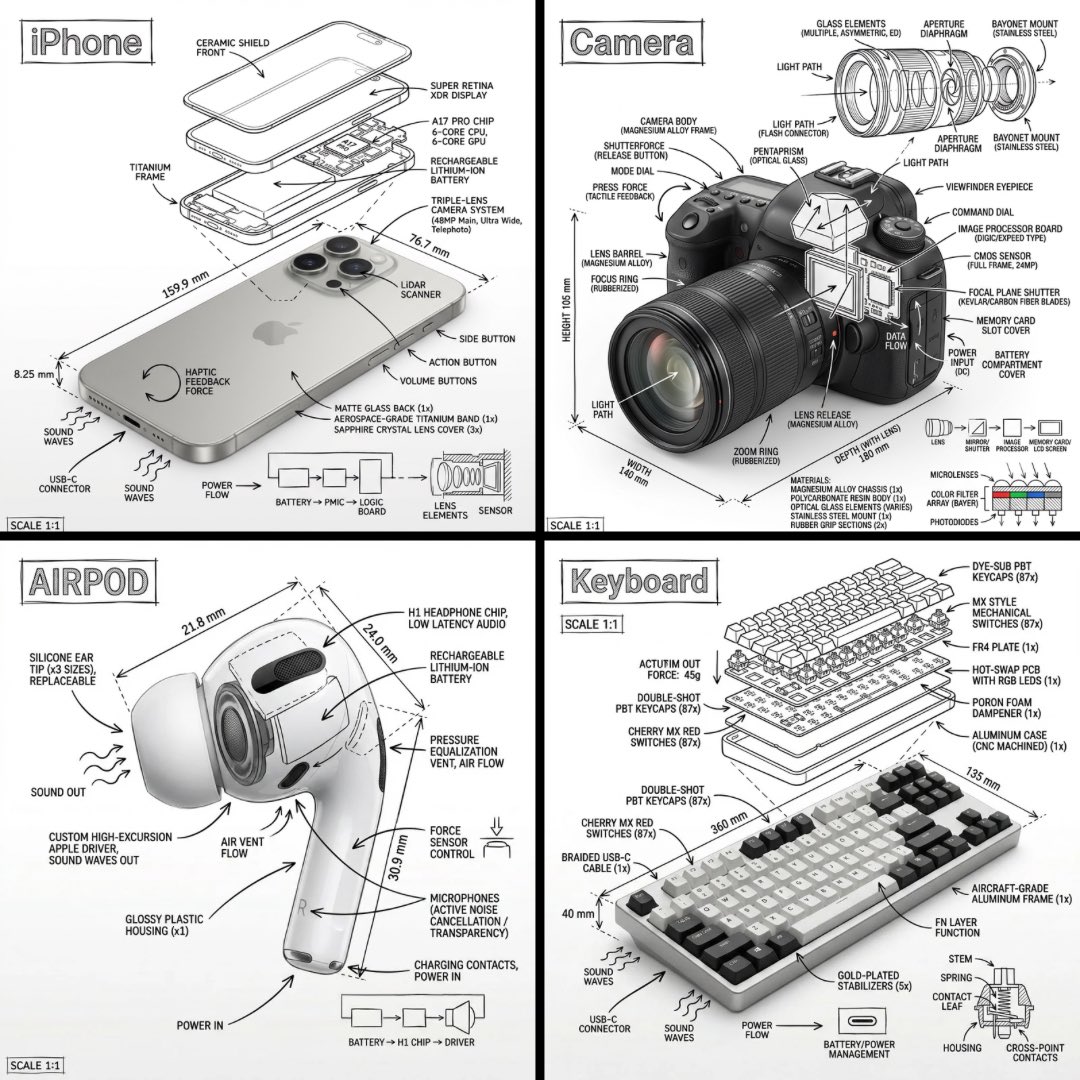
Technical Manual Infographic Style
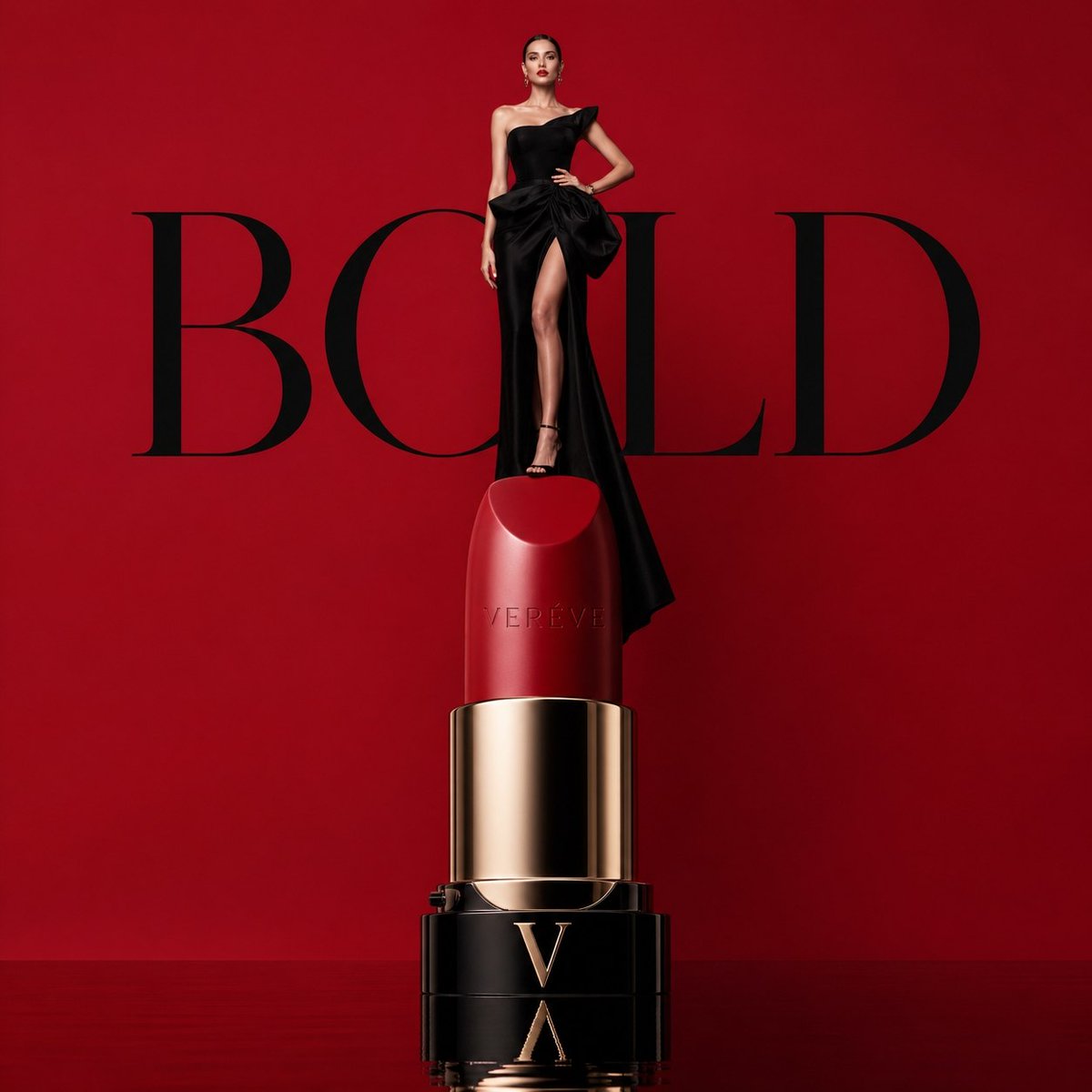
Avant-garde Luxury Beauty Campaign
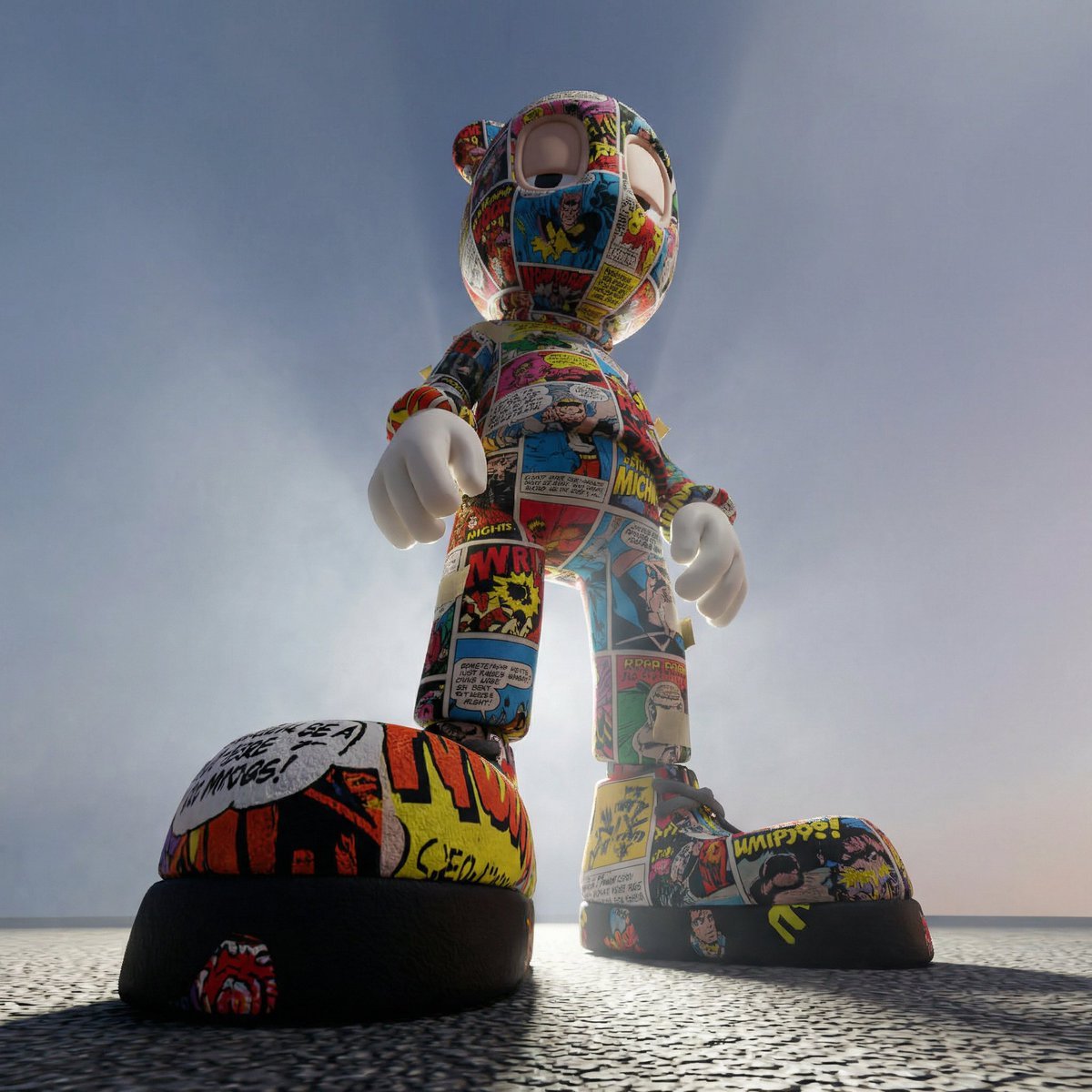
Worm's-Eye Perspective Character Shot (Likeness Preservation)
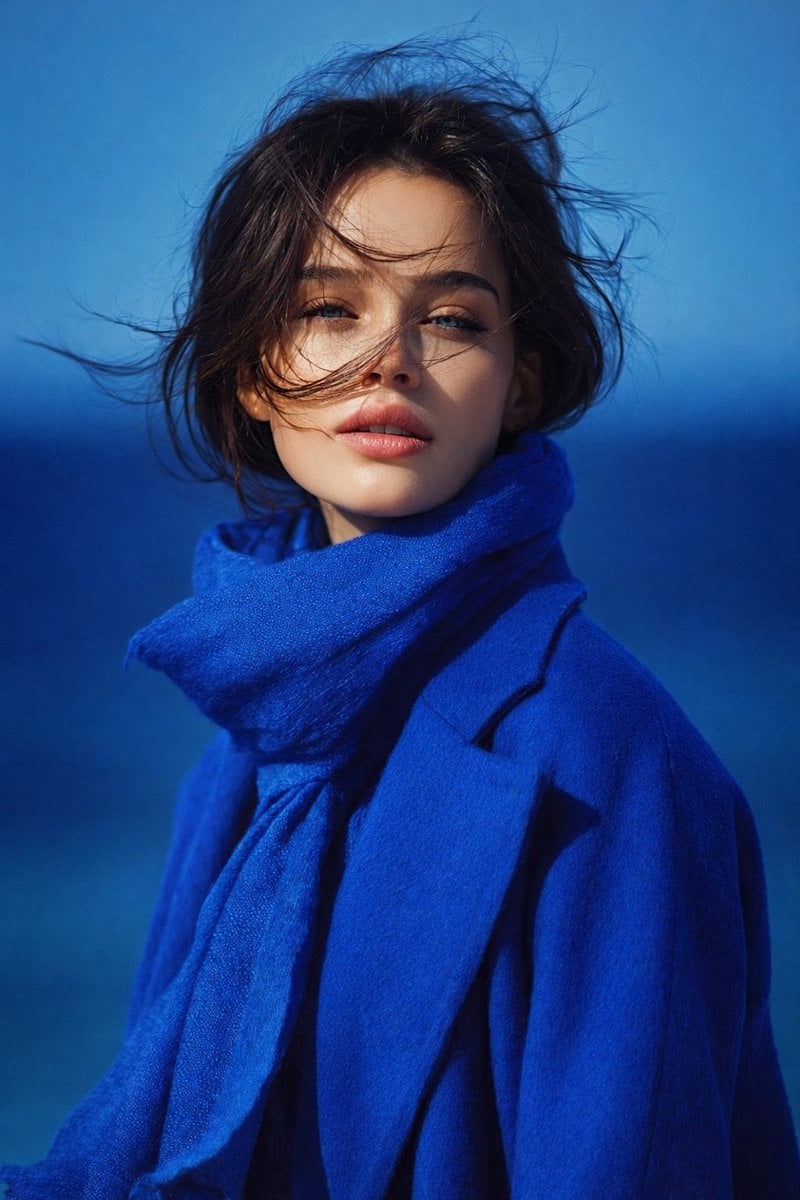
8K Portrait Photography with Cool Tones and Shallow Depth
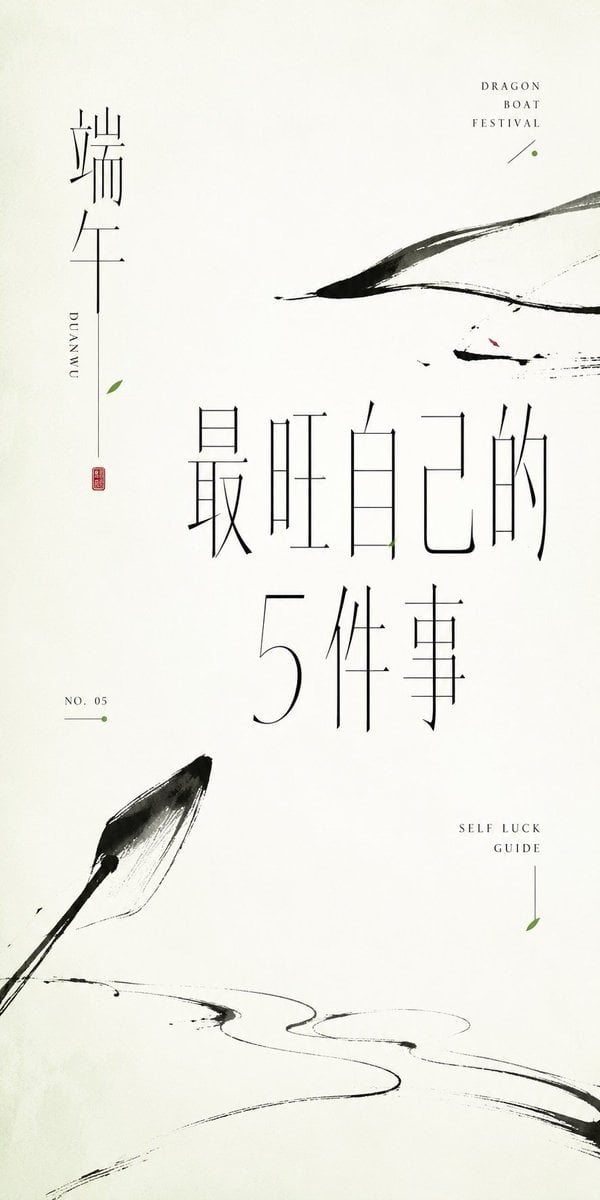
Minimalist Oriental Ink Typography Poster
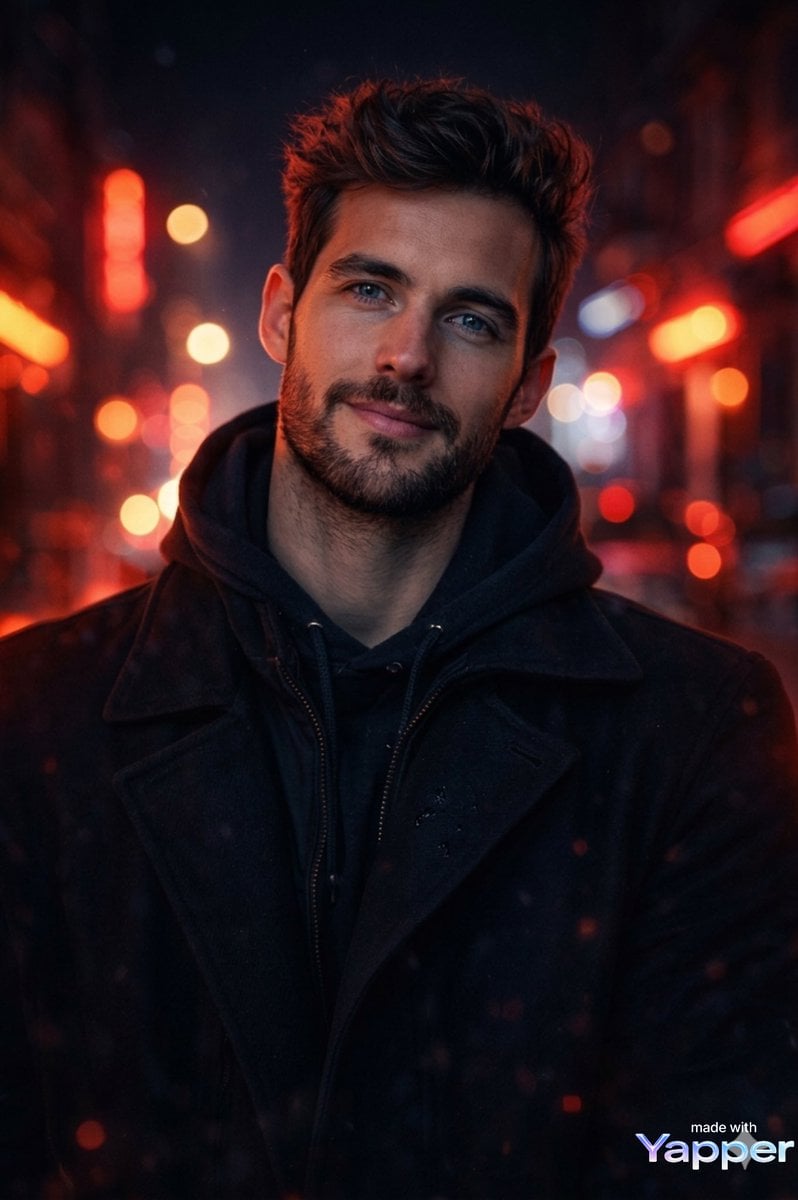
Cinematic Portrait Prompt with Neon Lighting
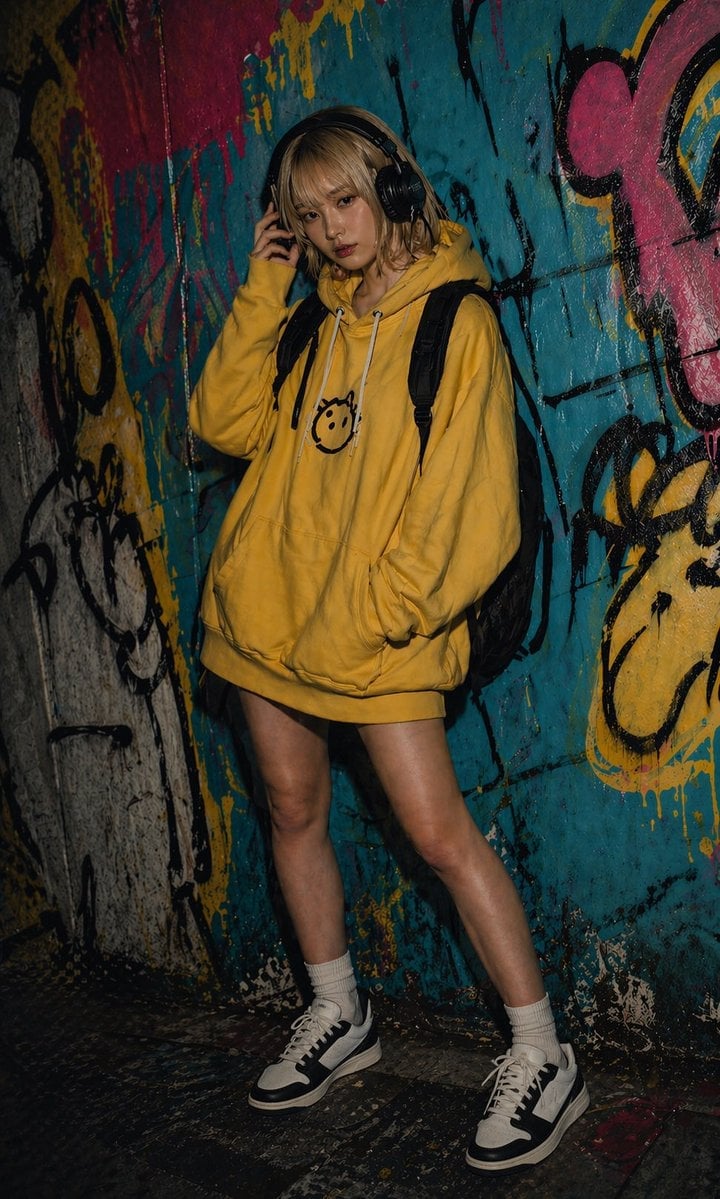
Urban Graffiti Hoodie Fashion Portrait
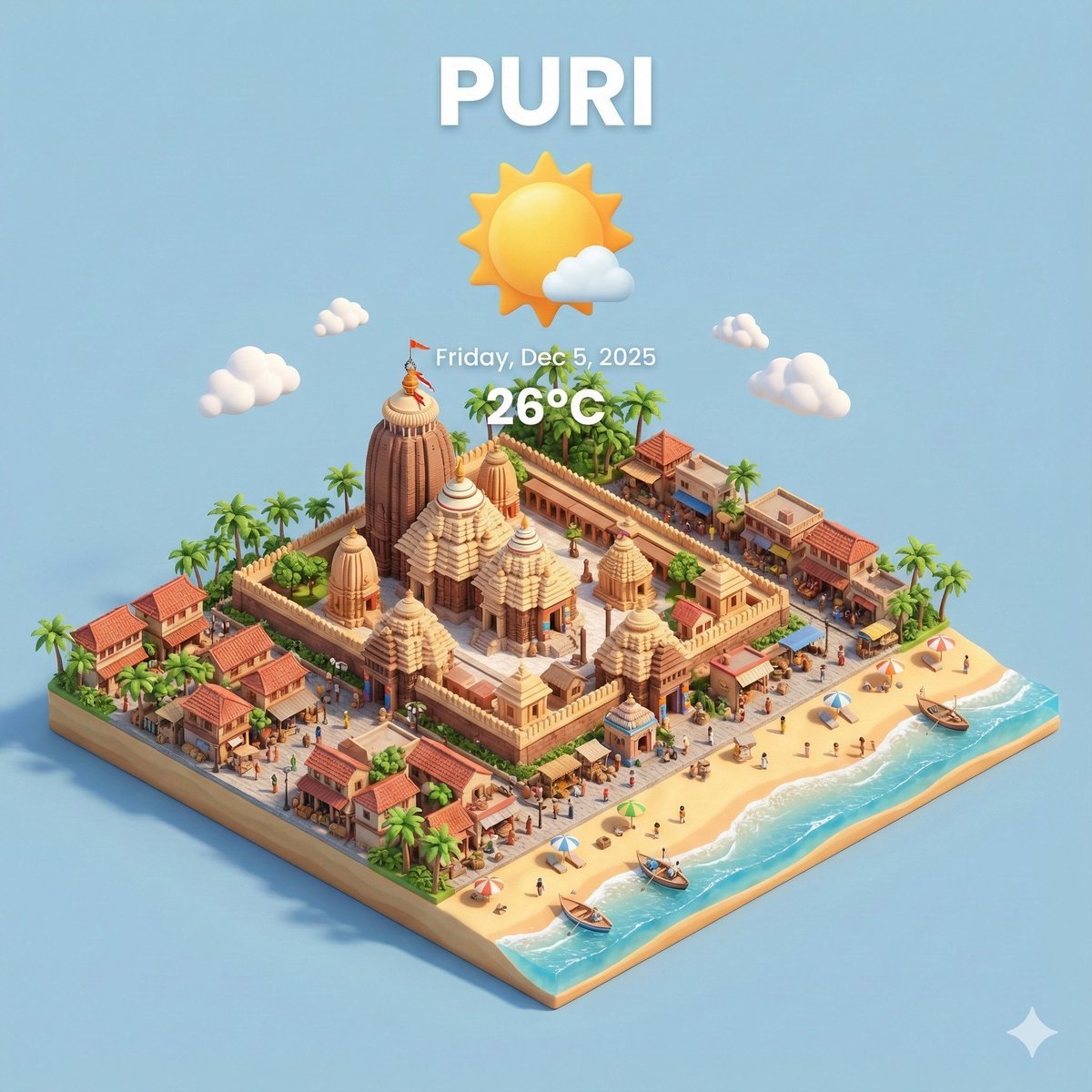
Miniature 3D City with Live Weather Prompt
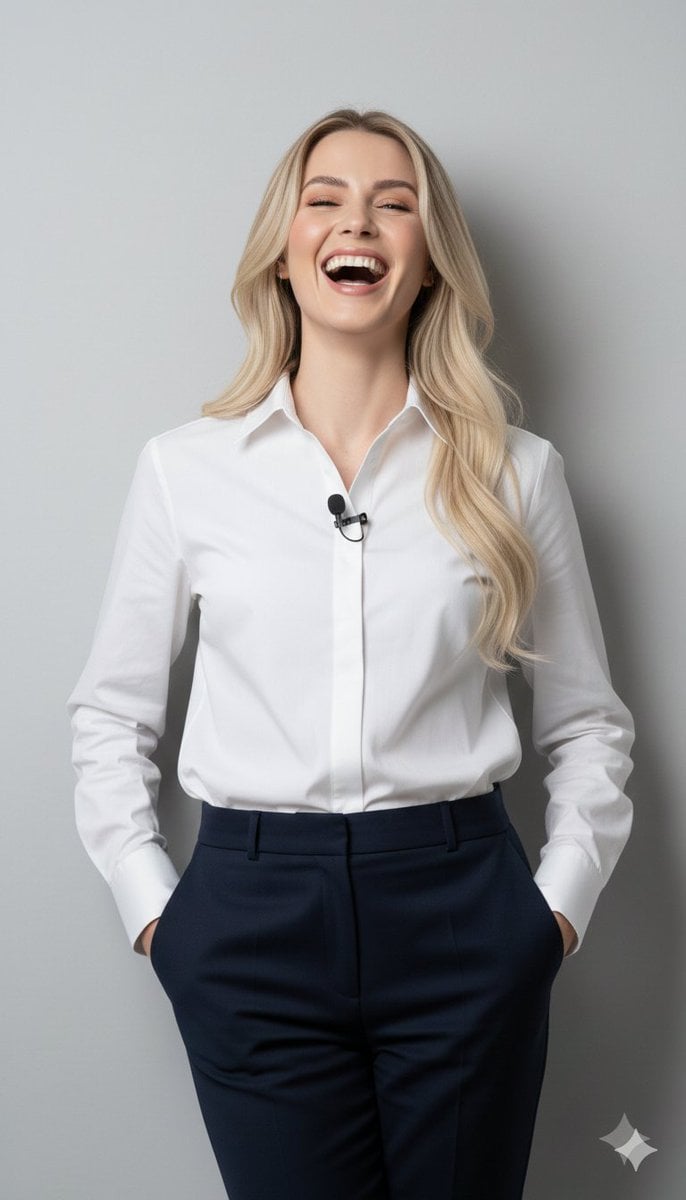
8K Close-Up Portrait of Joyful Laughter
Browse template categories
Miniature Ink Movement Image Generation Prompt questions
How do I use the Miniature Ink Movement Image Generation Prompt template?
Add your photo if the template asks for one, edit the prompt if you like — the template's model and format are already selected — and press Generate. Your version opens in PicX Studio.
Can I customize the Miniature Ink Movement Image Generation Prompt template?
Yes. You can change the subject, setting, lighting, mood, format, and available model controls before creating your image.
Is the Miniature Ink Movement Image Generation Prompt template free?
Opening and editing this template is free. Generating uses credits, shown on the Generate button when you are signed in.
Which AI model should I use?
Start with Nano Banana 2, which is the model associated with this template. You can compare another compatible model for a different finish.
Looking for something else? Browse all templates.

Your photo, any look
Thousands of ready templates for every top image and video model, from one credit balance.