
Minimalist Oriental Ink Typography Poster
A sophisticated prompt for creating minimalist posters that combine traditional Chinese ink wash aesthetics with modern experimental typography and clean layouts.
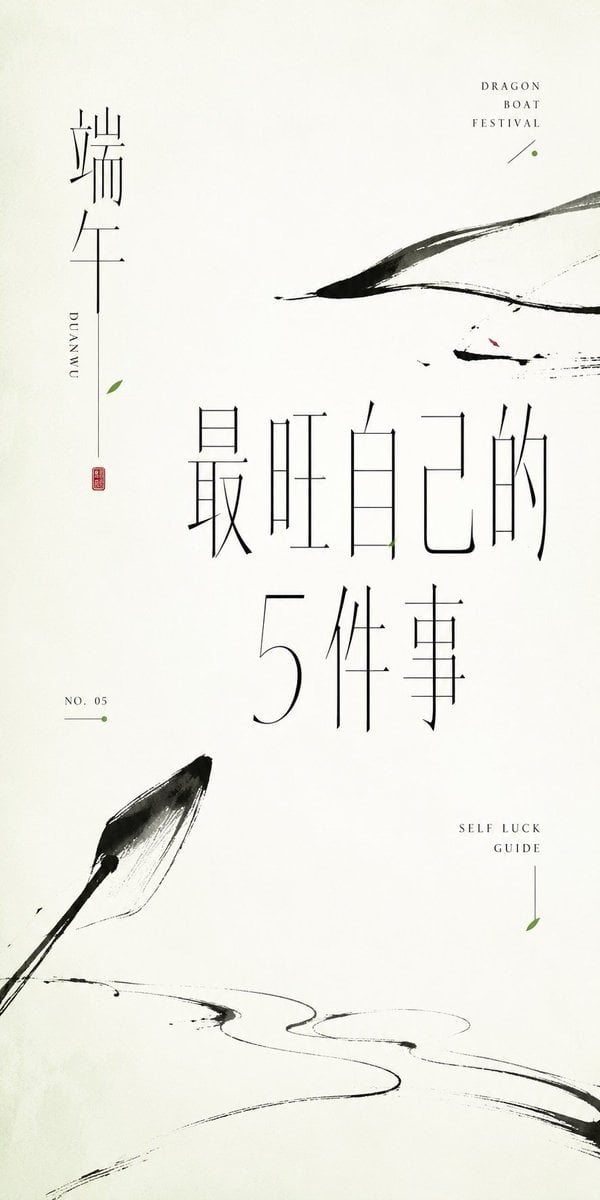
- Prompt included
- Model and format preset
- Free template
The prompt behind this image
Copy the exact prompt behind Minimalist Oriental Ink Typography Poster, or open it in the studio and make it yours.
Around the specific theme, generate a minimalist Oriental-typography poster: the image is dominated by large areas of clean empty space, and the main subject is not a full illustration but several cropped, floating, and irregularly distributed sections of thick black ink branches, or a linear structure corresponding to the theme, carrying visual weight the way calligraphy brushstrokes do; the edges of the strokes should show dry-wet variation, broken ink blocks, flying-white (dry-brush) texture, slight bleeding, and a handmade sense of unevenness. The structure may extend in from the edge of the frame, or suddenly cut off in the empty space, forming a quiet but tense reading path. Text is one of the core design elements: use an extremely thin, elongated typeface with a Song-typeface or Ming-typeface quality; Chinese text can mix vertical and horizontal layout, with widened letter spacing and slender strokes, and locally it may be broken apart, misaligned, elongated, or combined with thin lines as if experimenting with the typeface; small English text should use a high-contrast serif or a thin, narrow serif typeface, kept small and restrained, scattered through the empty areas as quiet annotations. The hierarchy should be clear: one main title should carry the greatest textual presence, while the remaining short lines are sparsely arranged like specimen labels, and must not fill the frame. Colors should keep a high-brightness, clear, clean paper-like feel; the background is close to a warm white or a light tone derived from the theme, black carries the structure and the order of the text, and a small amount of bright, soft accent color derived from the theme is used only for flower petals, dot-like symbols, thin lines, or partial letterform slices — small in area but precisely placed, giving the image a light, fresh mood. Overall it should feel like a fusion of ink painting, typeface design, and modern layout, with low information density, wide margins, and a scattered yet controlled visual weight, avoiding over-decoration, bold commercial lettering, a dirty vintage filter look, and an ordinary floral-illustration feel. This time's theme: {argument name="theme" default="Dragon Boat Festival — 5 Things to Boost Your Own Luck"} Purpose: {argument name="purpose" default="self-media cover image"} Ratio 5:2
How to use Minimalist Oriental Ink Typography Poster in 3 steps
- 1
Open
The prompt is already in the box next to the preview, with the template's model and format selected.
- 2…a portrait of your subject in softgolden-hour light, 85mm…
Personalize
Edit the subject and creative details for your destination.
- 3Generate
Generate
Press Generate — your image is created in PicX Studio, so you can compare it with the original and refine one variable at a time.
More like this
Templates with the same subject, style or setup. Open one to see its prompt.

Trendy Cafe Drink Promo Poster

Premium Fashion Editorial Cover Layout System

Premium Fashion Editorial Campaign Poster System

Typography Mask Editorial Fashion Poster

Luxury Sliced Wordmark Player Poster
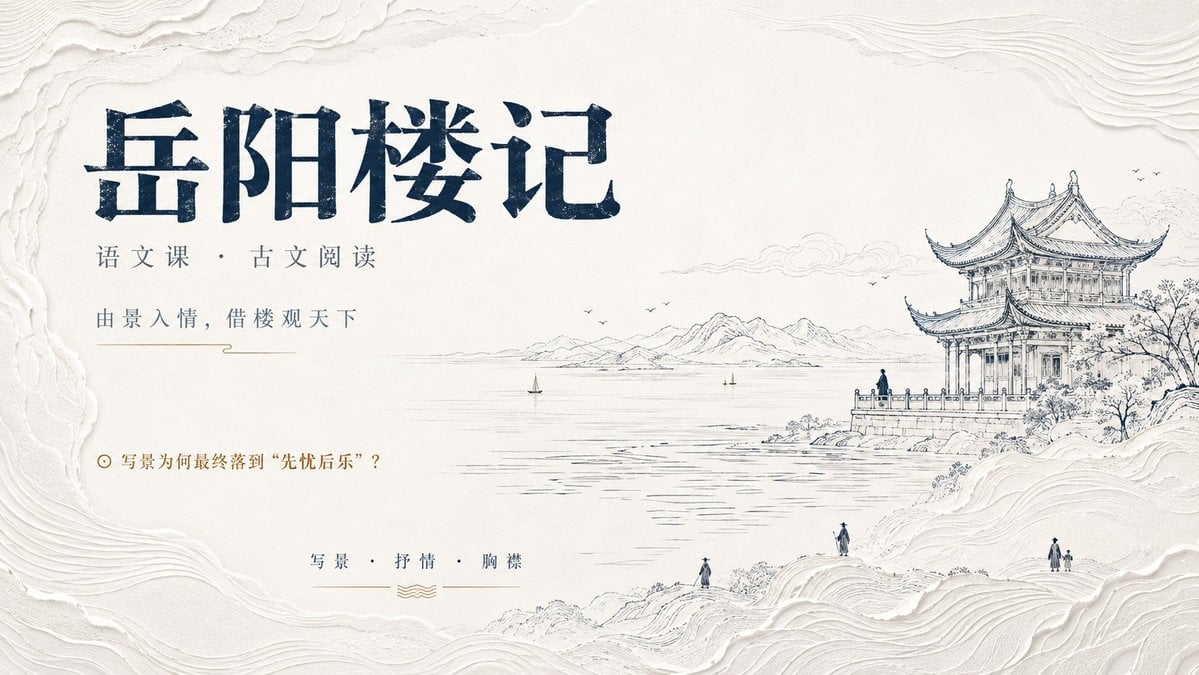
Modern Oriental Minimalist Poster

Luxury Fashion Campaign Typography Poster System

Premium Vintage Travel Poster Landscape
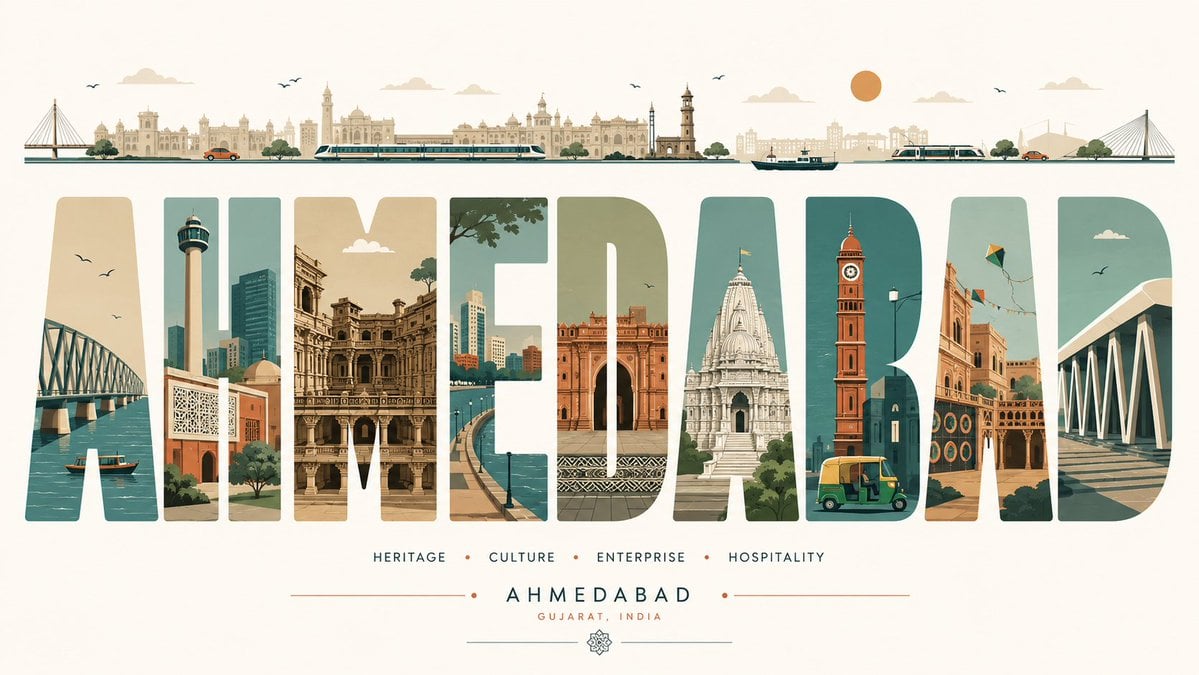
Minimalist Typography Travel Poster
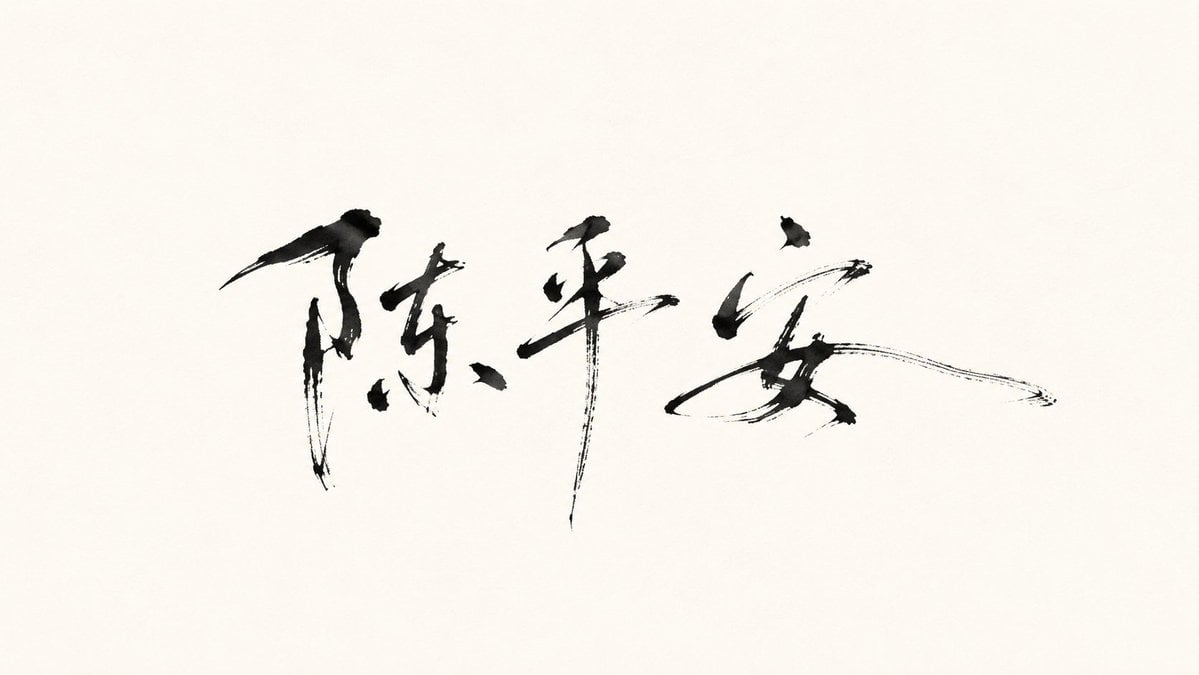
Minimalist Oriental Ink Signature Design

Gpt2 Infographic Edu Visual Ink Wash Tribute Poster for Chen Uen
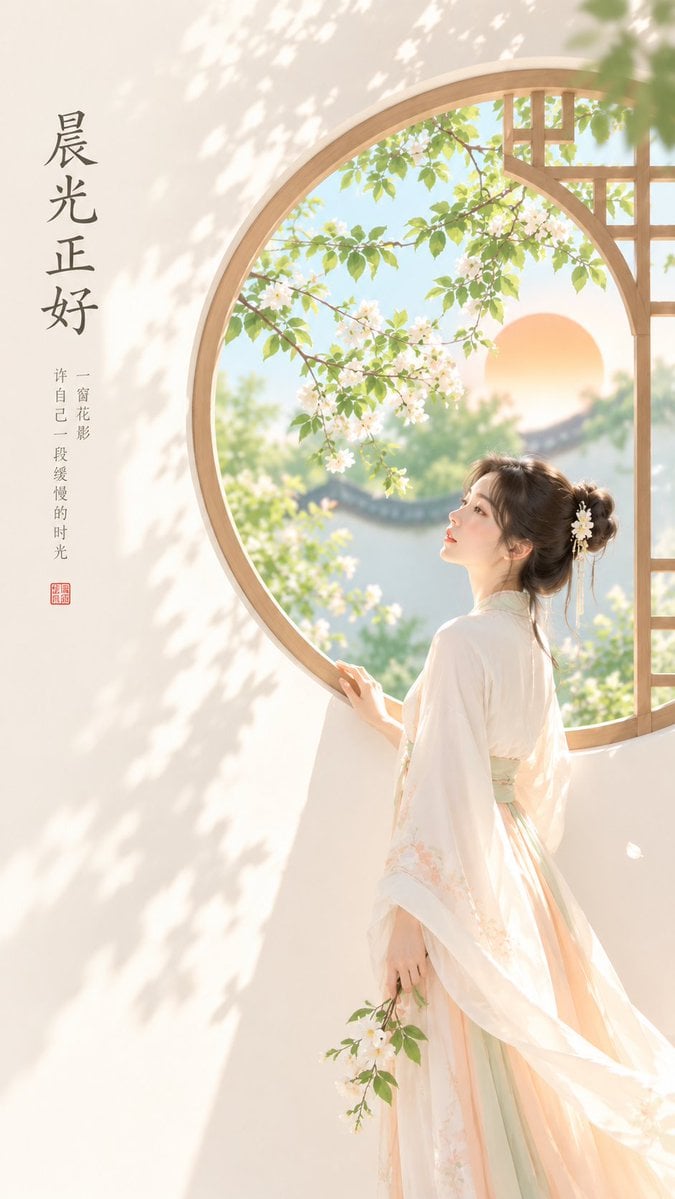
Oriental Zen Minimalist Cover Art
Make it yours
Minimalist Oriental Ink Typography Poster works as-is. These are the safest ways to change it without losing the look.
Change one field
Copy a single group, rewrite it, and generate again so you can see what that field is doing.
Keep the frame, change the subject
Hold the composition and light of Minimalist Oriental Ink Typography Poster, then swap wardrobe, props or the person for a new take.
| If the result… | Why | Fix |
|---|---|---|
| The result drifts from the preview | Too many fields changed at once. | Reuse Minimalist Oriental Ink Typography Poster as-is first, then change one group — subject, light, or setting. |
| The model over-stylizes the scene | The prose prompt leaves finish and camera underspecified. | Add one camera or lighting sentence and stay on GPT Image 2. |
More GPT Image 2 templates
Other prompts made for GPT Image 2.

Six VTuber Japanese Logo Sheet

Realistic Portrait of Woman and Deer

The Vista Modular Condo Poster

AI Model Routing Comparison Infographic

2.5D Anime Art Board

Isometric Productivity Desk Scene

New York Double Exposure Poster

Four-Panel AI Landscape Comparison

Japanese Tatami Lifestyle Magazine Cover

NESCAFÉ Coffee Map Poster
More image prompts
Fresh picks from across the catalog.
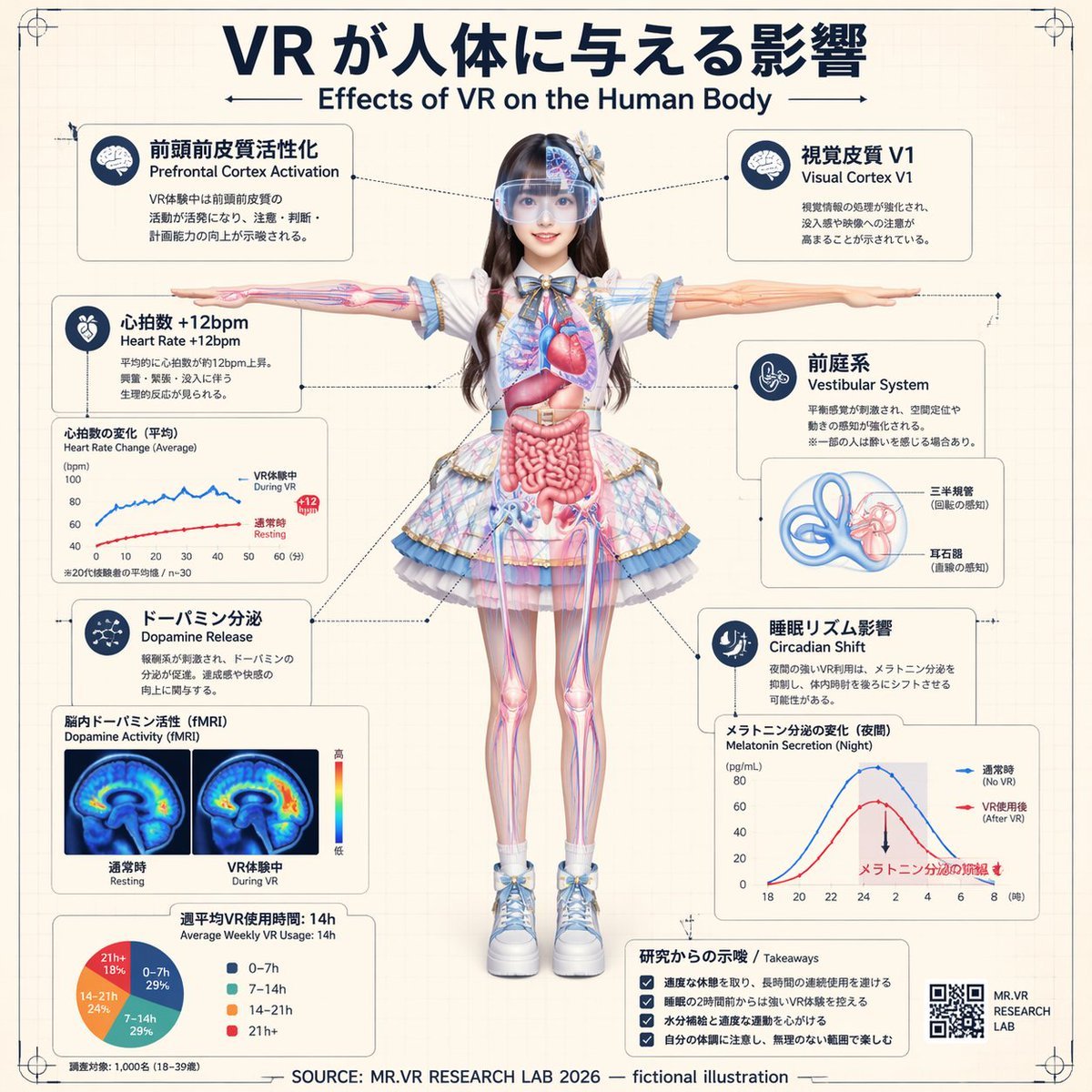
VR Effects on the Human Body Infographic
Seedance - Epic Fight Scene
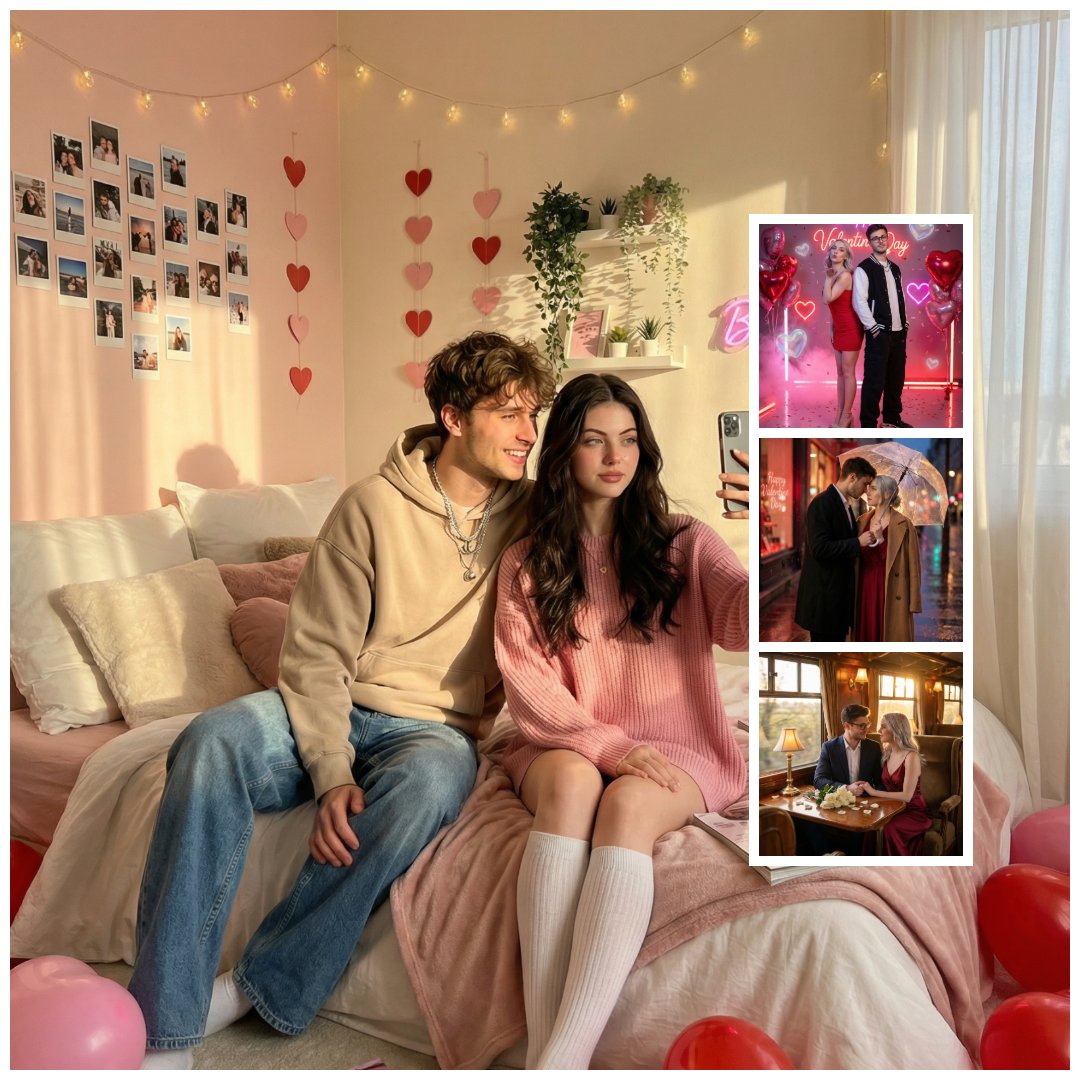
Gen Z Valentine's Day Bedroom Scene Prompt
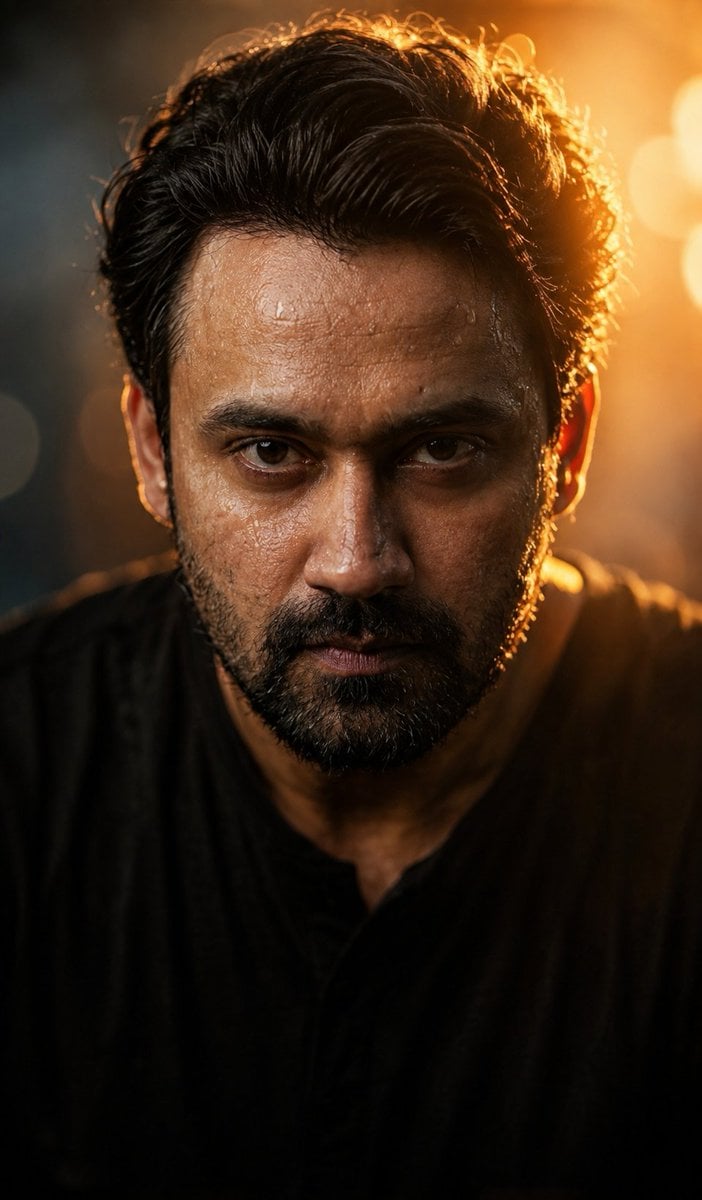
Cinematic Wet Face Portrait at Golden Hour
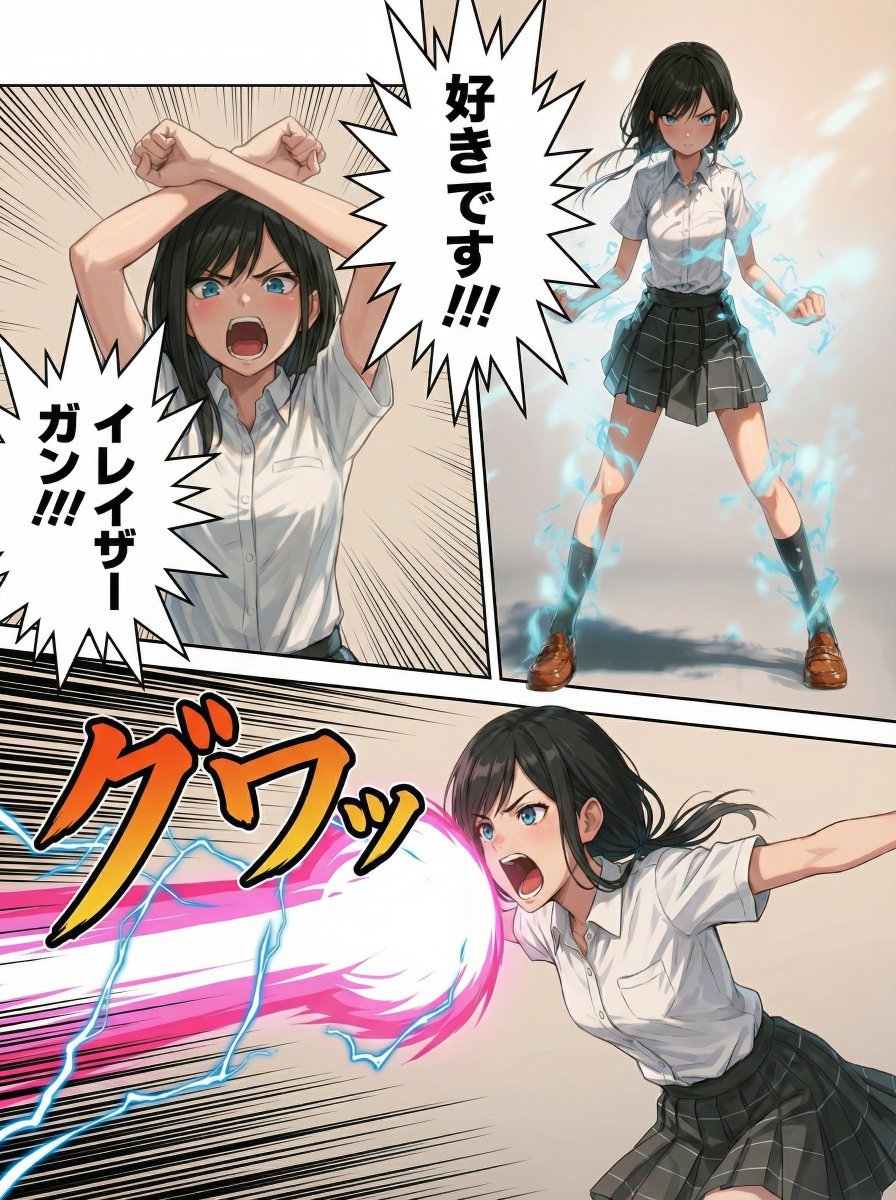
Eraser Gun Style Prompt for Nano Banana Pro (Fighting Pose Stage)
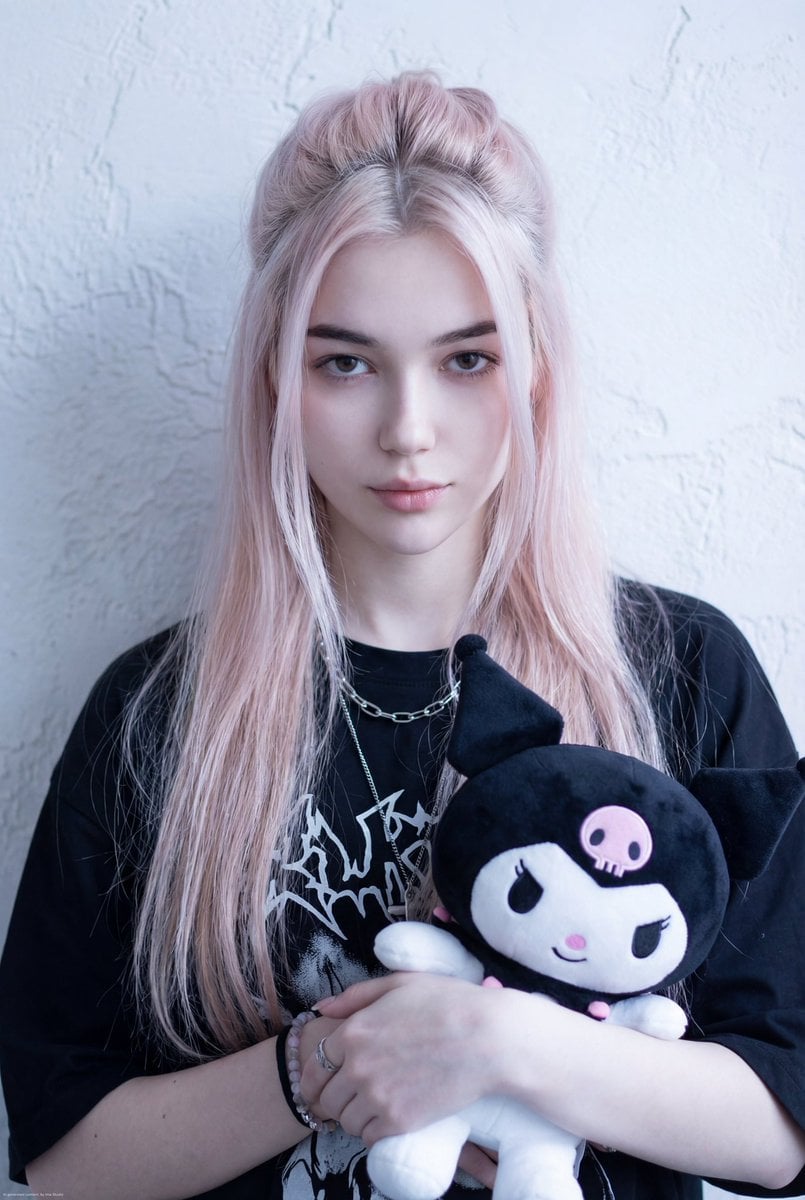
Kuromi Influencer Portrait Prompt for Nano Banana Pro
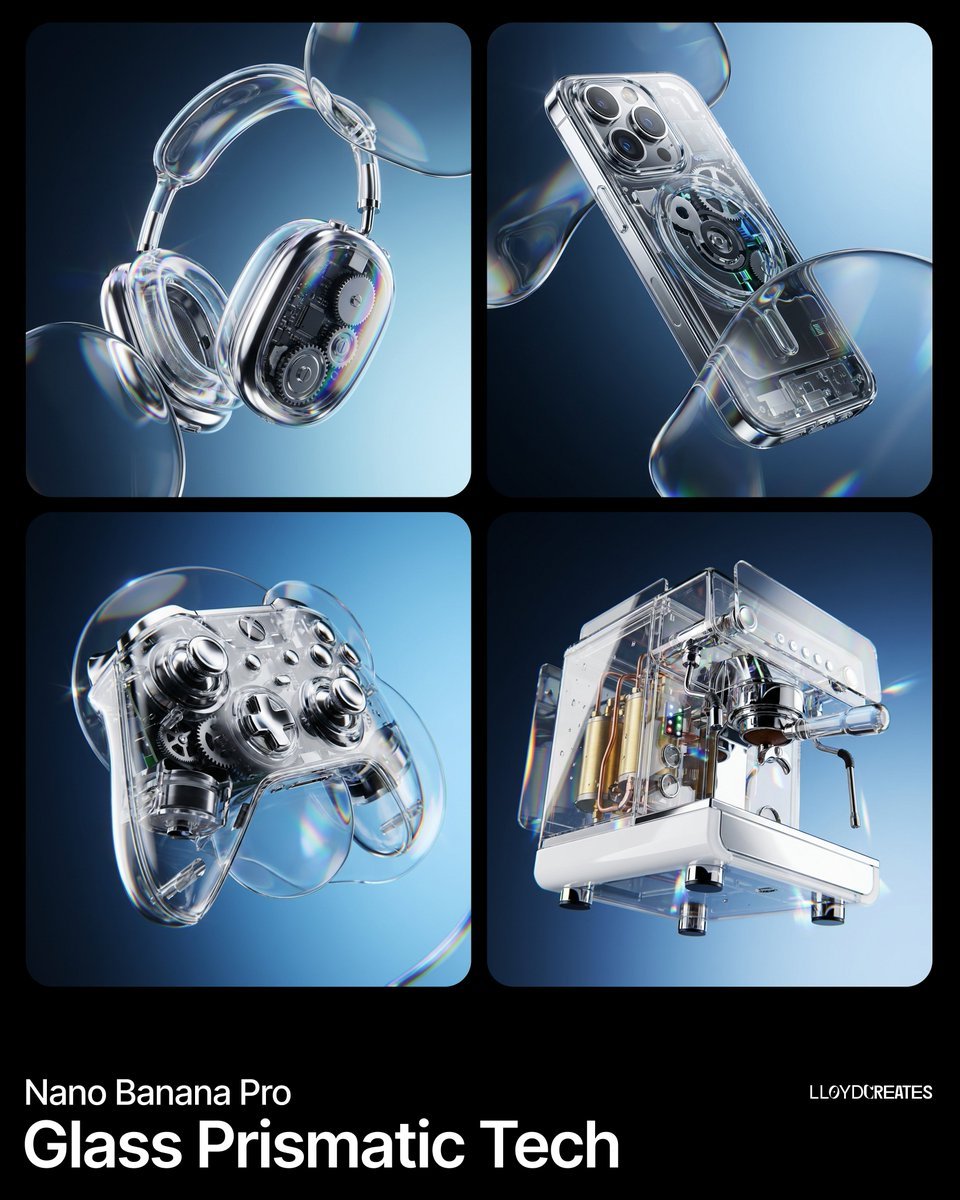
Y2K Frutiger Aero Glass Prismatic Tech Product Shot
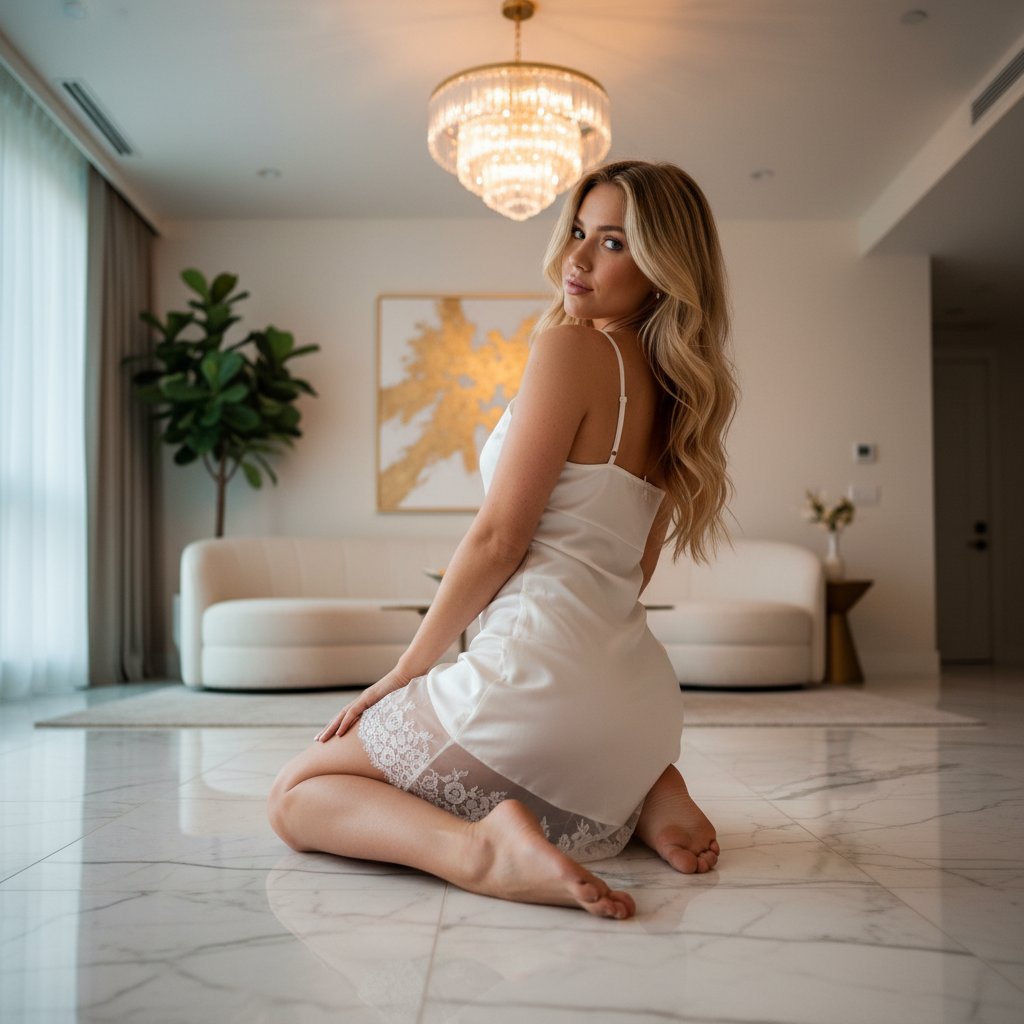
Ethereal Opulence: High-Fashion Editorial Portrait
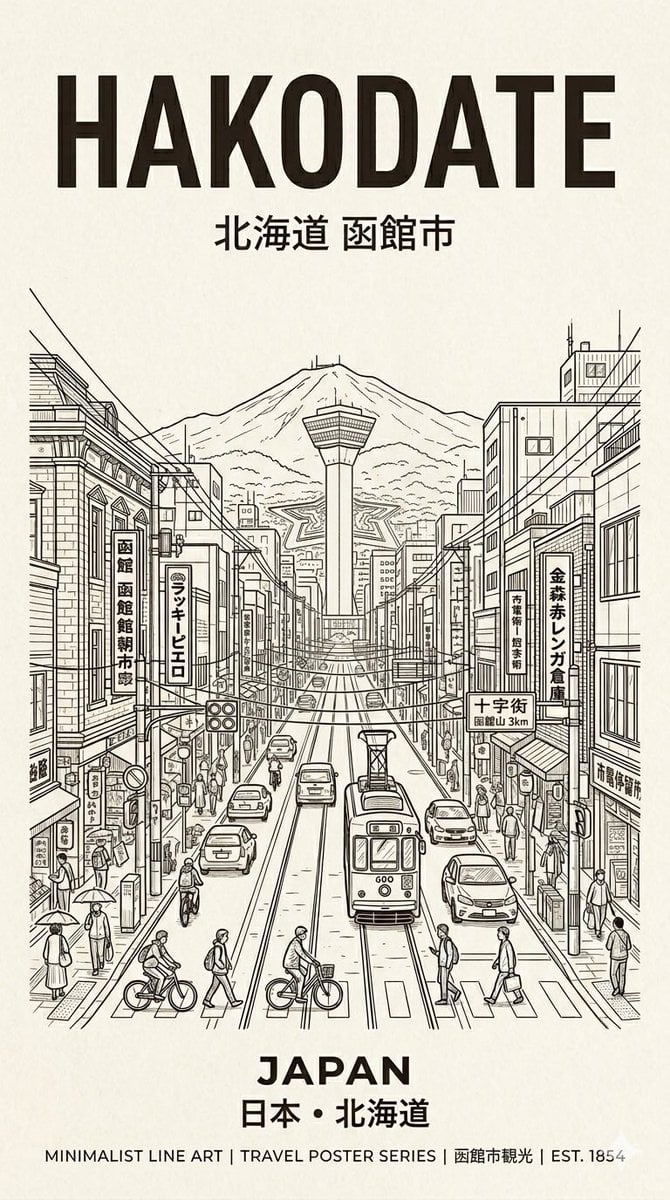
Hakodate Vintage Travel Poster
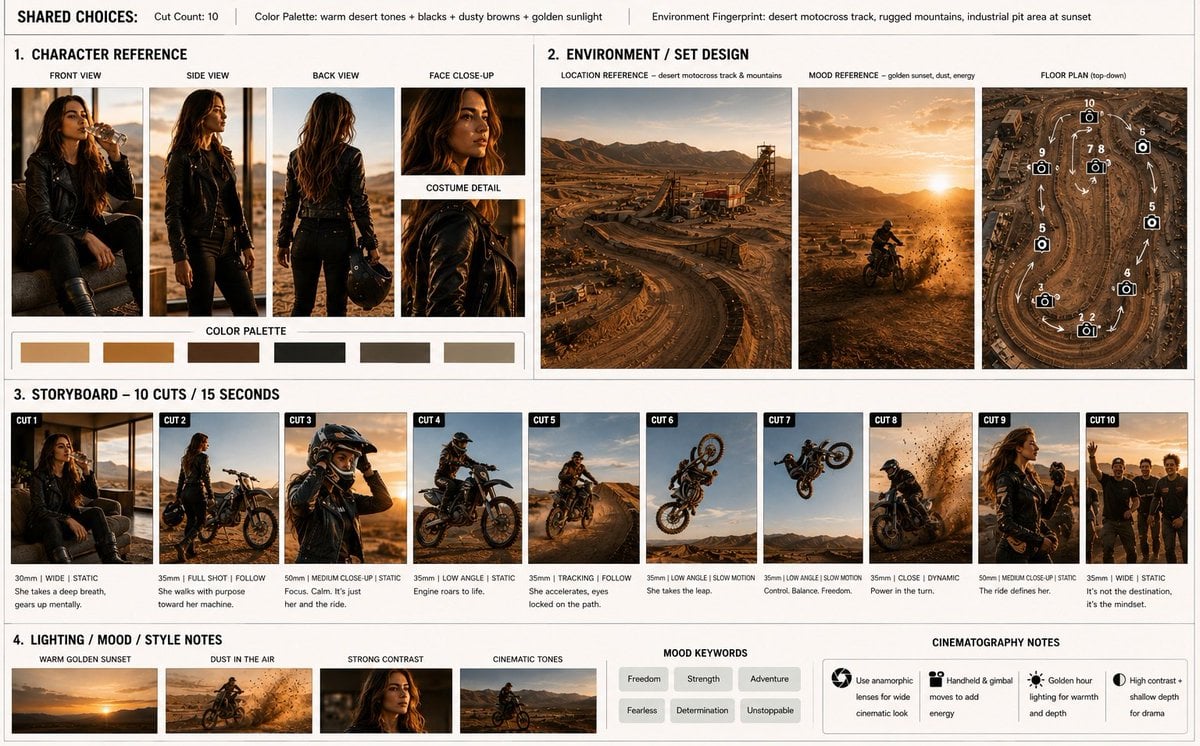
Motocross Legend Storyboard
Browse template categories
Minimalist Oriental Ink Typography Poster questions
How do I use the Minimalist Oriental Ink Typography Poster template?
Add your photo if the template asks for one, edit the prompt if you like — the template's model and format are already selected — and press Generate. Your version opens in PicX Studio.
Can I customize the Minimalist Oriental Ink Typography Poster template?
Yes. You can change the subject, setting, lighting, mood, format, and available model controls before creating your image.
Is the Minimalist Oriental Ink Typography Poster template free?
Opening and editing this template is free. Generating uses credits, shown on the Generate button when you are signed in.
Which AI model should I use?
Start with GPT Image 2, which is the model associated with this template. You can compare another compatible model for a different finish.
Looking for something else? Browse all templates.

Your photo, any look
Thousands of ready templates for every top image and video model, from one credit balance.