
Minimal Ink Vignette Archive
A prompt for GPT Image 2 that converts an uploaded photo into a vintage editorial ink vignette with a custom title and caption.
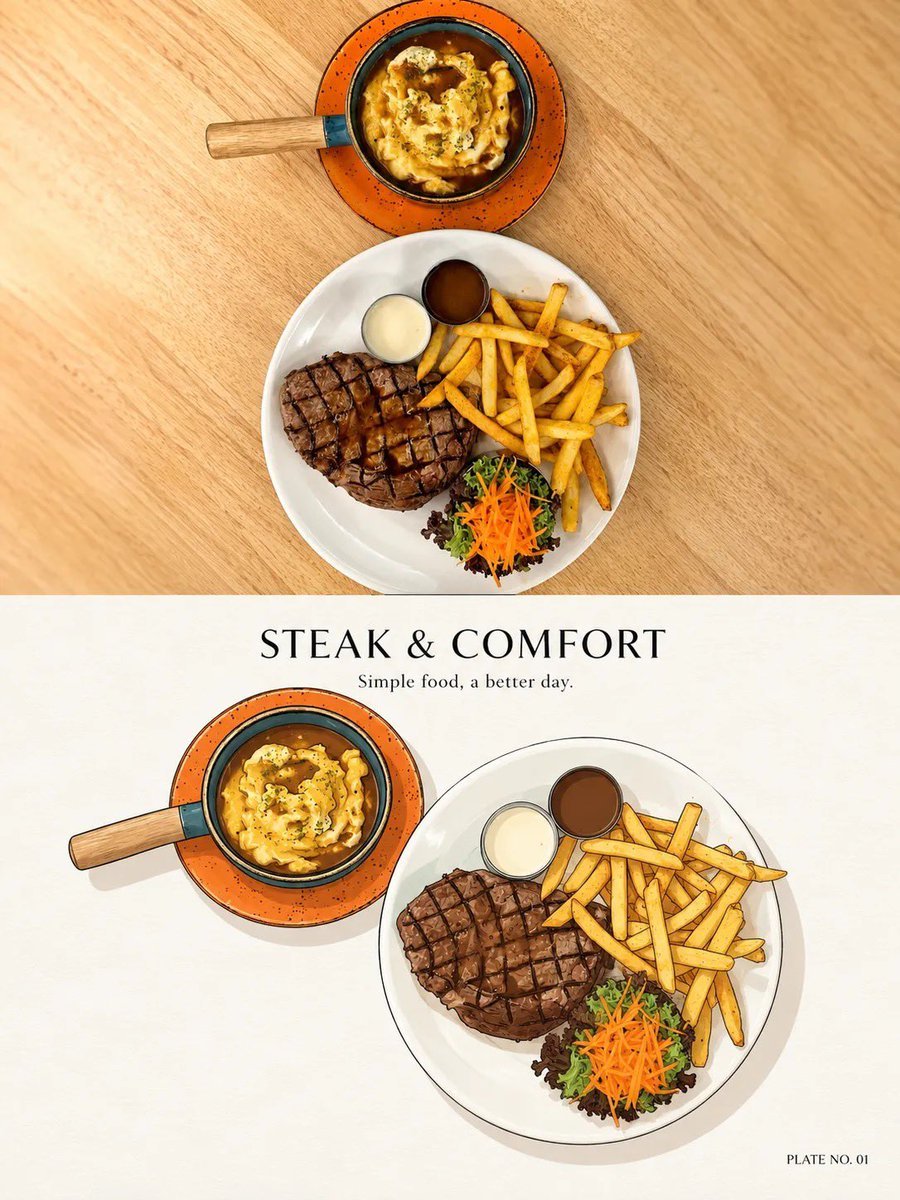
- Prompt included
- Model and format preset
- Free template
The prompt behind this image
Copy the exact prompt behind Minimal Ink Vignette Archive, or open it in the studio and make it yours.
Create ONE refined PHOTO + MINIMAL INK VIGNETTE artwork based ONLY on the uploaded photograph. FORMAT: Vertical 3:4. ### TOP — ORIGINAL PHOTO Use approximately the upper 48–50% for the original photograph. Preserve the photo faithfully and photorealistically. Do not redraw, beautify, replace, remove, duplicate, or invent important elements. Preserve: - people, animals, faces, clothing, poses and gestures - food and objects - buildings and environment - perspective, lighting, colors and atmosphere Only crop or scale proportionally when necessary. ### BOTTOM — MINIMAL INK VIGNETTE Use a warm ivory / natural off-white paper background. Study THIS photograph independently and identify the ONE main visual subject or small group that best represents the moment. Illustrate only what matters. Remove roughly 70–90% of unnecessary background detail. Recognition should come mainly from: silhouette + shape + color + pose + 1–3 distinctive details. Keep the illustration relatively small with generous negative space. ### STYLE Vintage editorial / classic printed vignette. Use: - thin controlled dark-ink outlines - slightly imperfect hand-drawn contours - simple geometric forms - restrained flat colors - subtle tonal variation - minimal texture - soft grounding shadow - clean shape separation Keep it charming, graphic, tidy, nostalgic and understated. Use fewer strokes than a detailed sketch. Avoid: photorealistic illustration, watercolor, painterly brushwork, dense sketching, cross-hatching, excessive outlines, comic-book style, anime/chibi, 3D rendering, vector-perfect geometry, or unnecessary tiny details. ### TITLE + CAPTION Above the illustration, create: ONE short editorial title: approximately 2–4 words, inspired specifically by the photograph. ONE micro-caption: approximately 3–8 words, natural and understated. Never use generic titles such as “Beautiful Moment,” “Sweet Memories,” or “Wonderful Day.” If a recognizable place, landmark, food, brand, event, or subject is clearly visible, its real name may be used. Never guess. ### INDEX Add a tiny bottom-right label based on the main subject: - Food/drink → PLATE NO. 01 - Animal → PORTRAIT NO. 01 - Person/group → MOMENT NO. 01 - Place/architecture/landscape → VIEW NO. 01 - Object/miscellaneous → STUDY NO. 01 For a person + pet, normally use MOMENT NO. 01. ### FINAL FEEL A beautifully curated personal visual archive: REAL PHOTOGRAPH ABOVE + SIMPLIFIED MEMORY BELOW + SHORT EDITORIAL TITLE + TINY HUMAN CAPTION + ADAPTIVE INDEX Quiet, minimal, collectible, elegant, and consistent. IMPORTANT: Analyze every uploaded photograph independently. Never carry over subjects, objects, locations, colors, captions, or details from previous images.
How to use Minimal Ink Vignette Archive in 3 steps
- 1Upload ImagePNG, JPG or paste
Add your photo
Upload the photo the template builds on. The prompt, model and format are already set.
- 2…a portrait of your subject in softgolden-hour light, 85mm…
Personalize
Edit the subject and creative details for your destination.
- 3Generate
Generate
Press Generate — your image is created in PicX Studio, so you can compare it with the original and refine one variable at a time.
More like this
Templates with the same subject, style or setup. Open one to see its prompt.
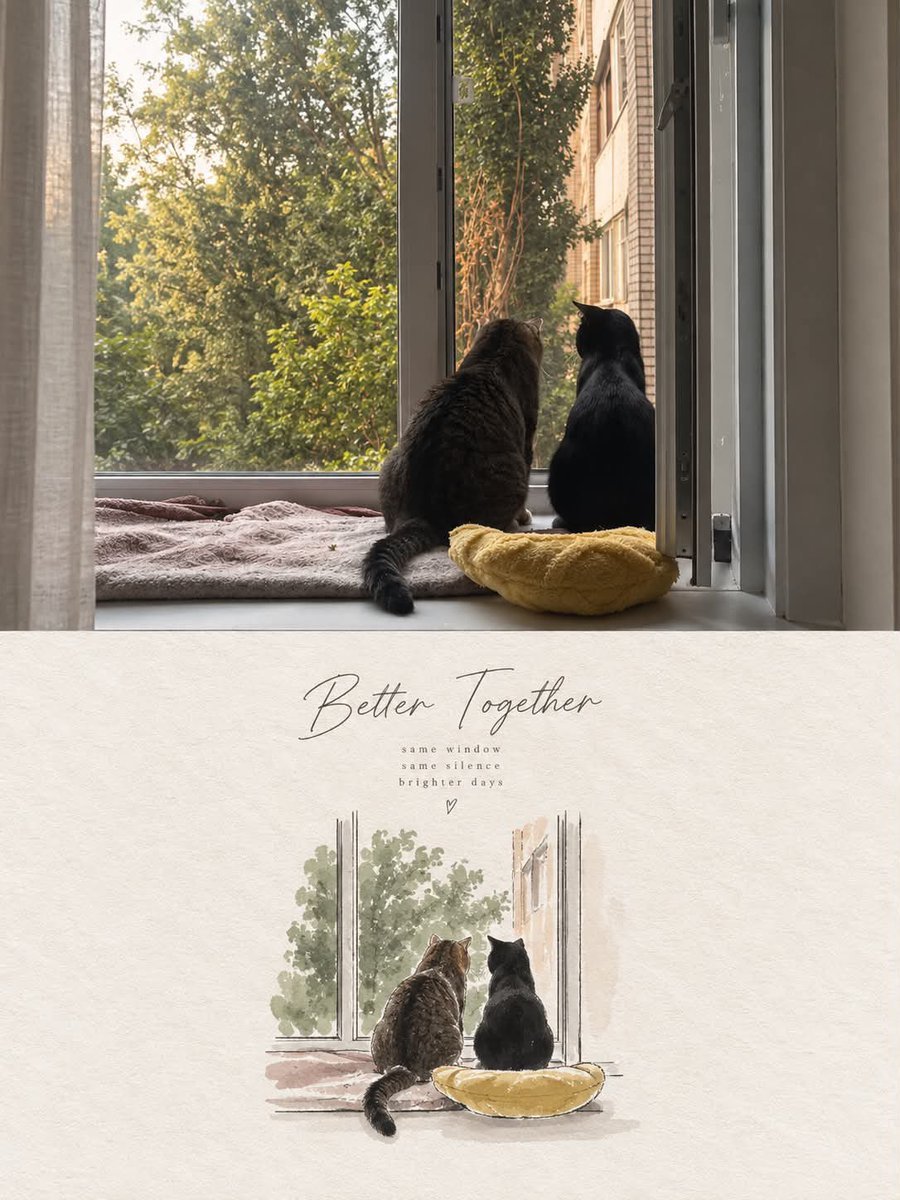
Minimal Watercolor Editorial Vignette

Japanese Architectural Concrete Studio Fashion Campaign

Quiet Luxury Black and White Fashion Editorial Portrait

Premium Editorial Branding Poster Charcoal Green

Premium Vintage Travel Poster Landscape

Japanese Café Sketch Duo Illustration

Delicate Japanese Café Lifestyle Illustration

Soft Shadow Studio Minimalist Product Shot

Minimalist Skincare Product Water Stone Still

Botanical Skincare Minimal Product Advertising

Vintage Lithograph Retro World Cup Poster

Luxury Sliced Wordmark Player Poster
Make it yours
Minimal Ink Vignette Archive works as-is. These are the safest ways to change it without losing the look.
Change one field
Copy a single group, rewrite it, and generate again so you can see what that field is doing.
Keep the frame, change the subject
Hold the composition and light of Minimal Ink Vignette Archive, then swap wardrobe, props or the person for a new take.
| If the result… | Why | Fix |
|---|---|---|
| The result drifts from the preview | Too many fields changed at once. | Reuse Minimal Ink Vignette Archive as-is first, then change one group — subject, light, or setting. |
| The model over-stylizes the scene | The prose prompt leaves finish and camera underspecified. | Add one camera or lighting sentence and stay on GPT Image 2. |
More GPT Image 2 templates
Other prompts made for GPT Image 2.

Six VTuber Japanese Logo Sheet

Realistic Portrait of Woman and Deer

The Vista Modular Condo Poster

AI Model Routing Comparison Infographic

2.5D Anime Art Board

Isometric Productivity Desk Scene

New York Double Exposure Poster

Four-Panel AI Landscape Comparison

Japanese Tatami Lifestyle Magazine Cover

NESCAFÉ Coffee Map Poster
More image prompts
Fresh picks from across the catalog.
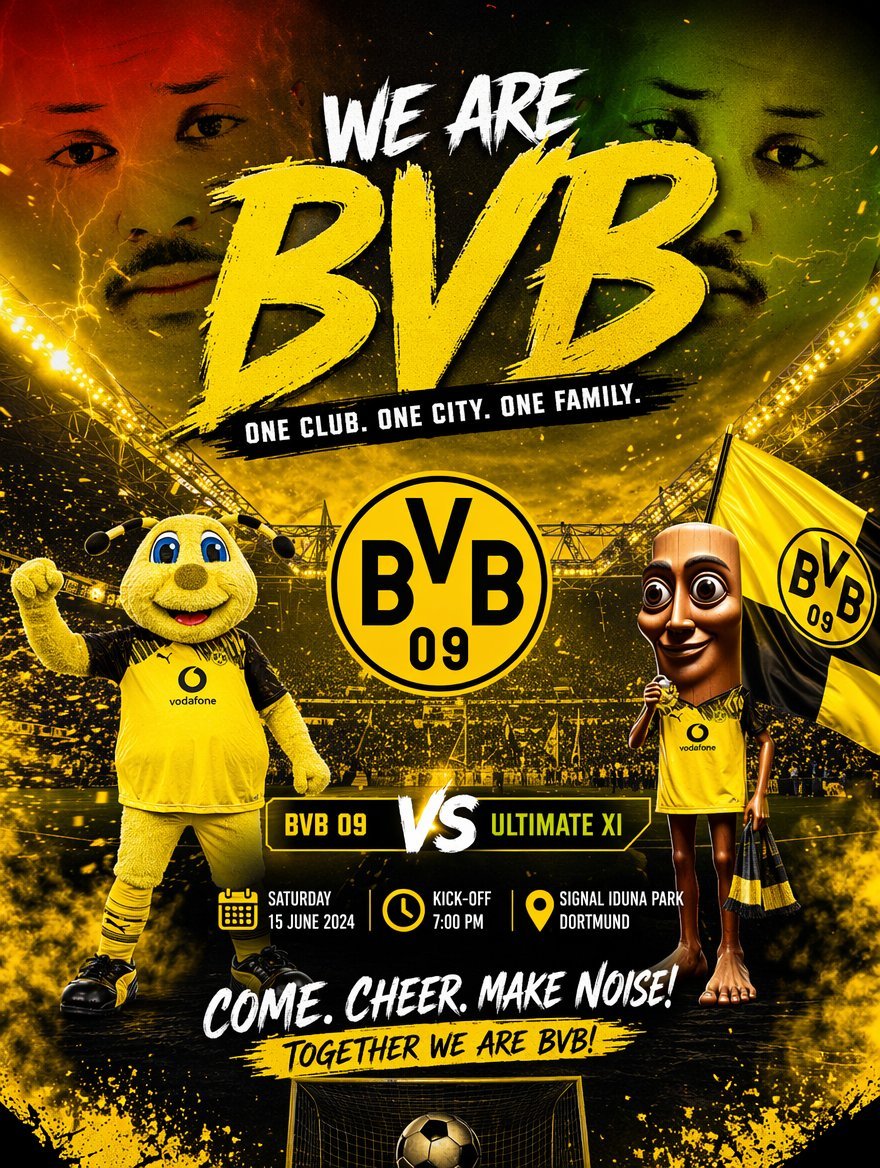
Soccer Event Poster Redesign
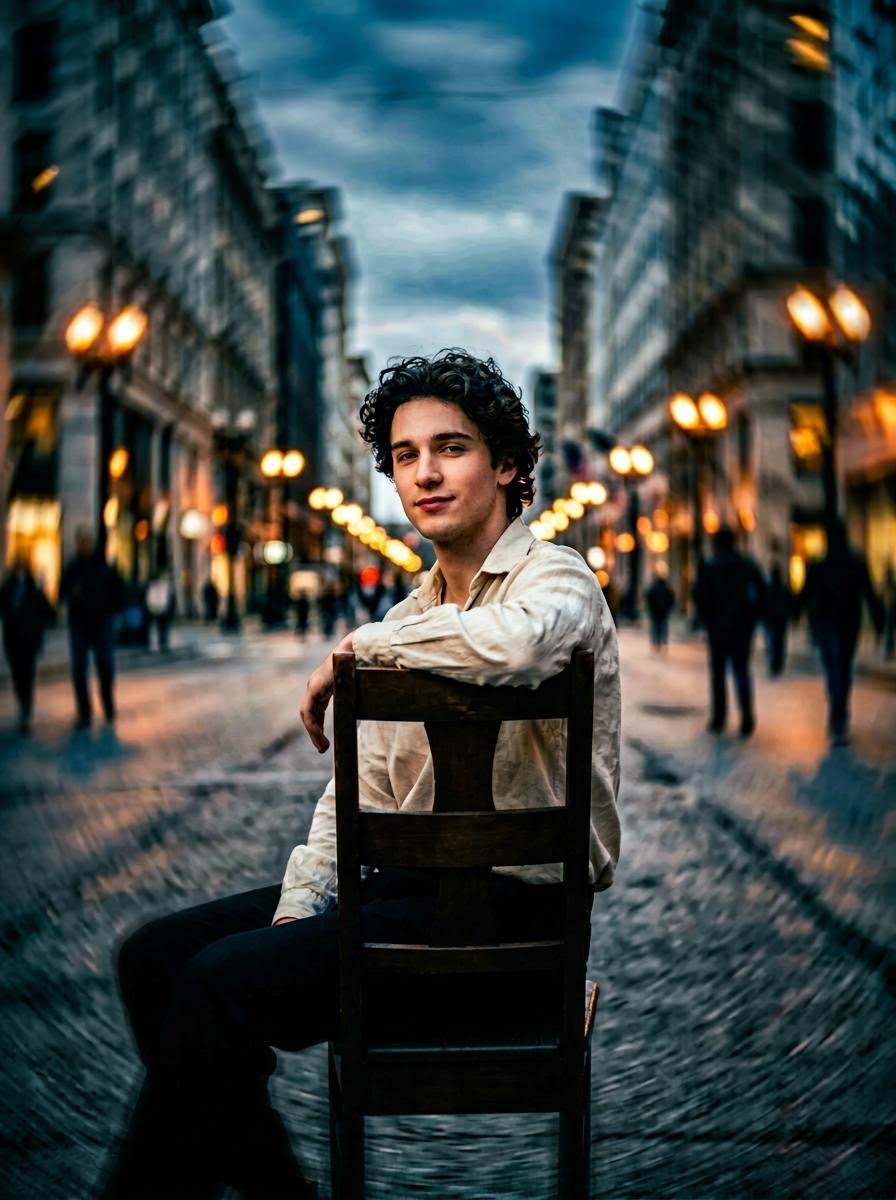
Hollywood-Style Cinematic Photo with Time Distortion
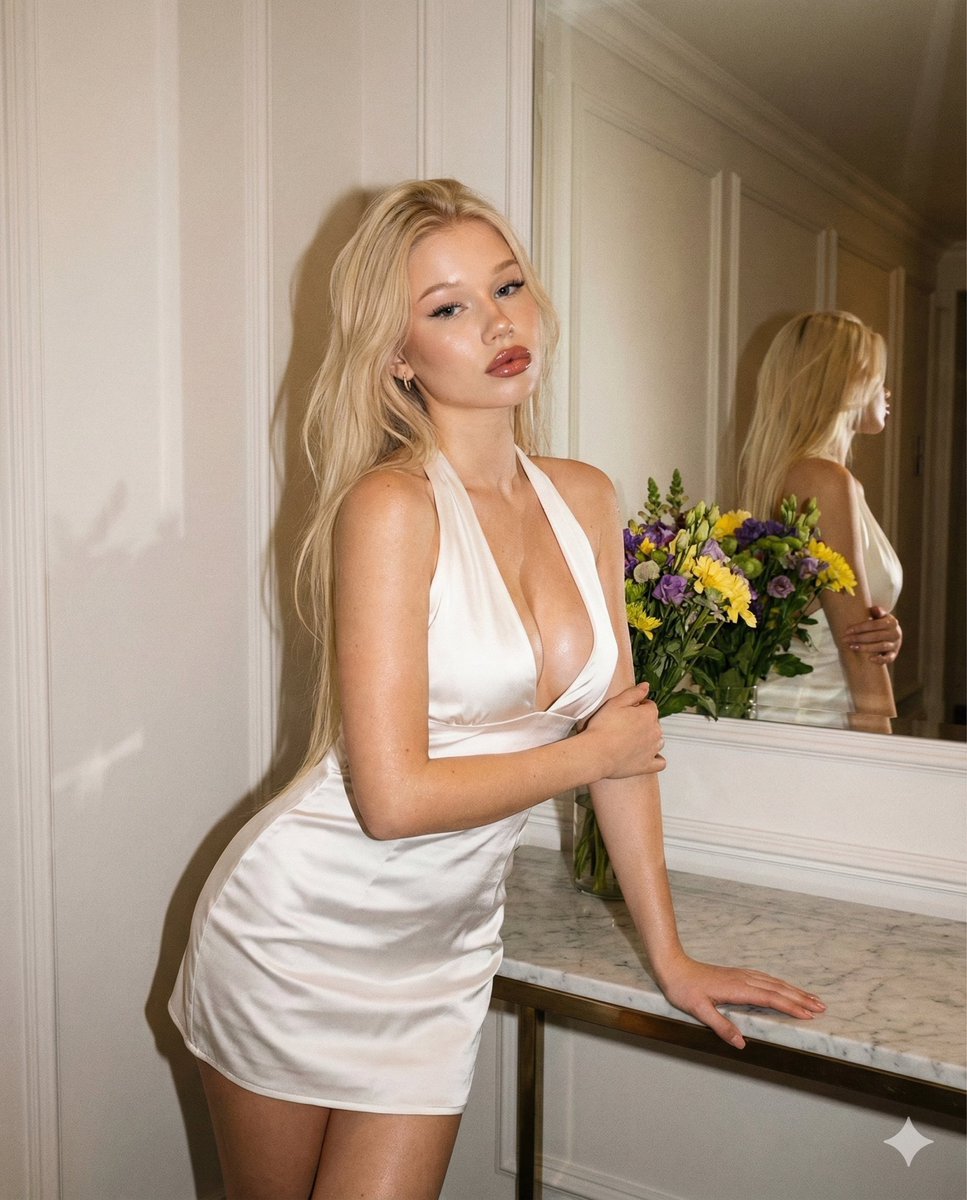
Vintage Evening Flash Portrait Transformation Prompt

Cinematic Scene for Happy Women's Day
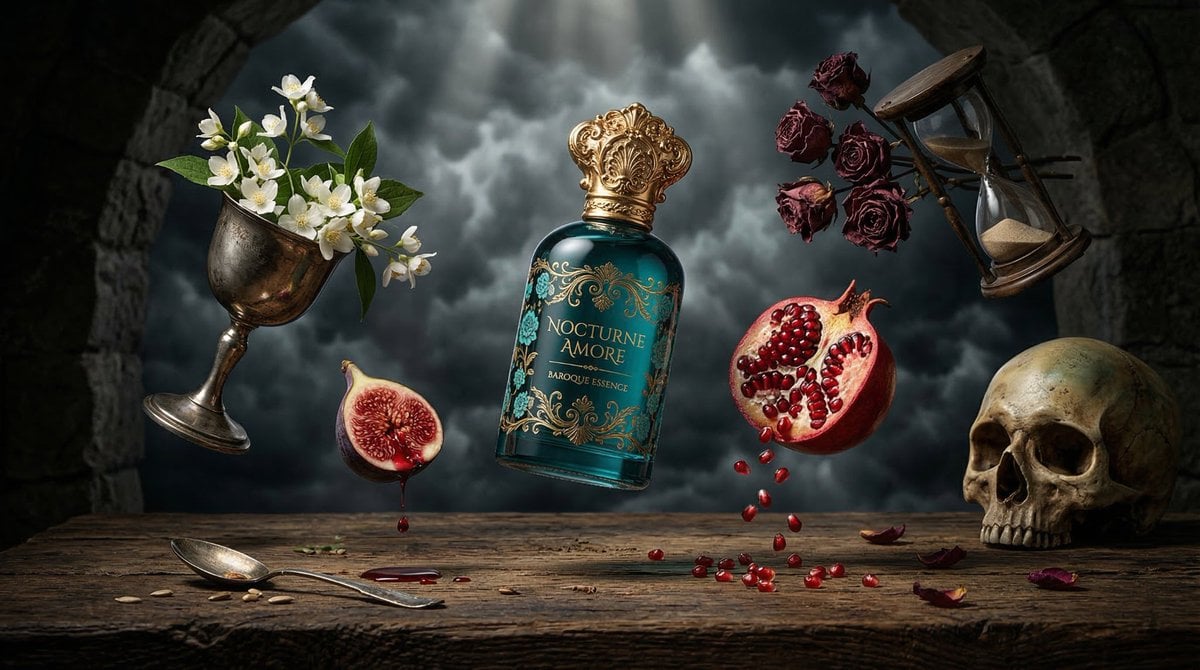
Surreal Baroque Perfume Ad Prompt
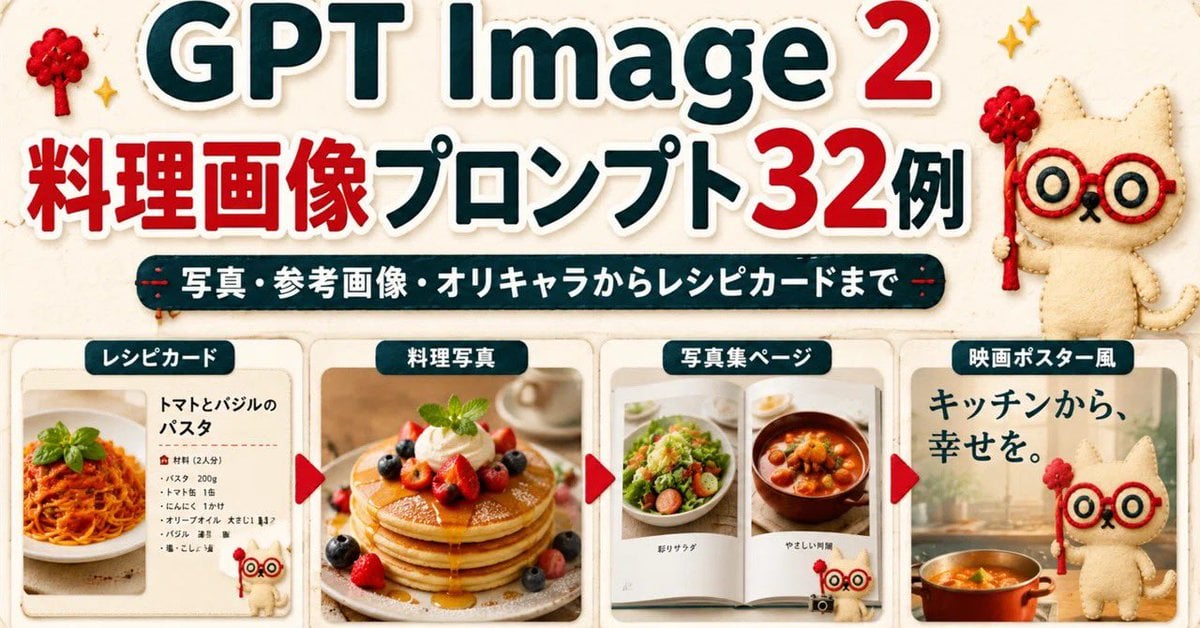
GPT Image 2 Cooking Prompt Banner
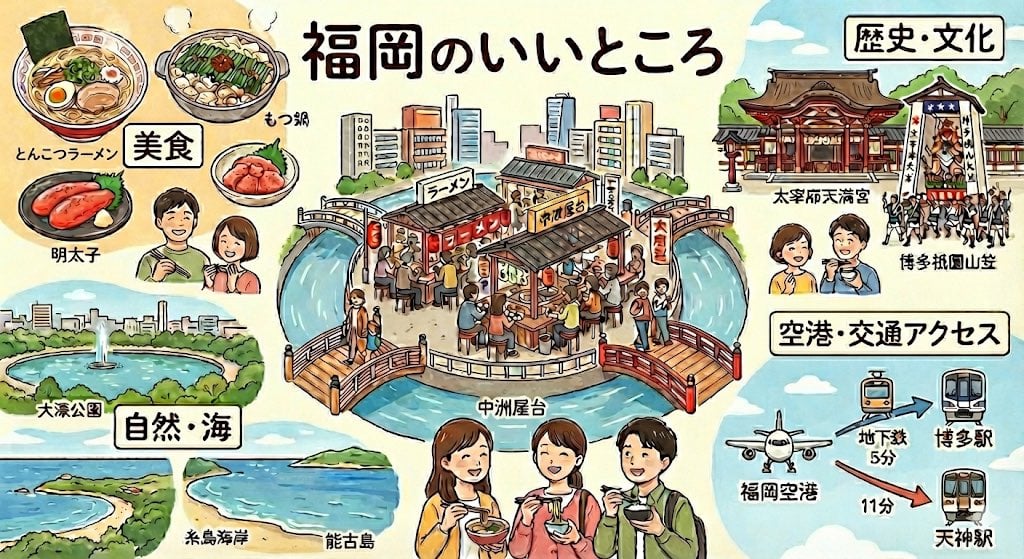
Summarize Fukuoka’s good points in one image
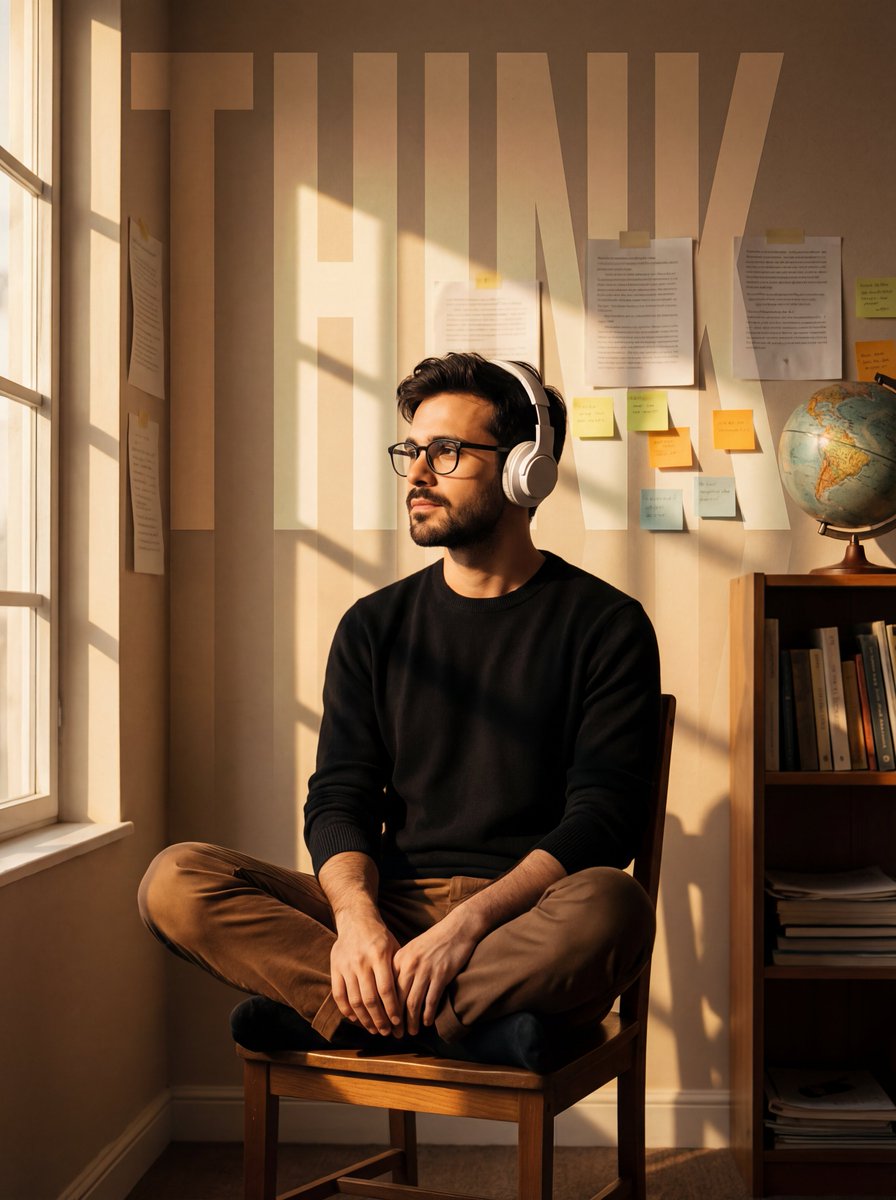
Cinematic Portrait with Window Shadows and Typography Overlay
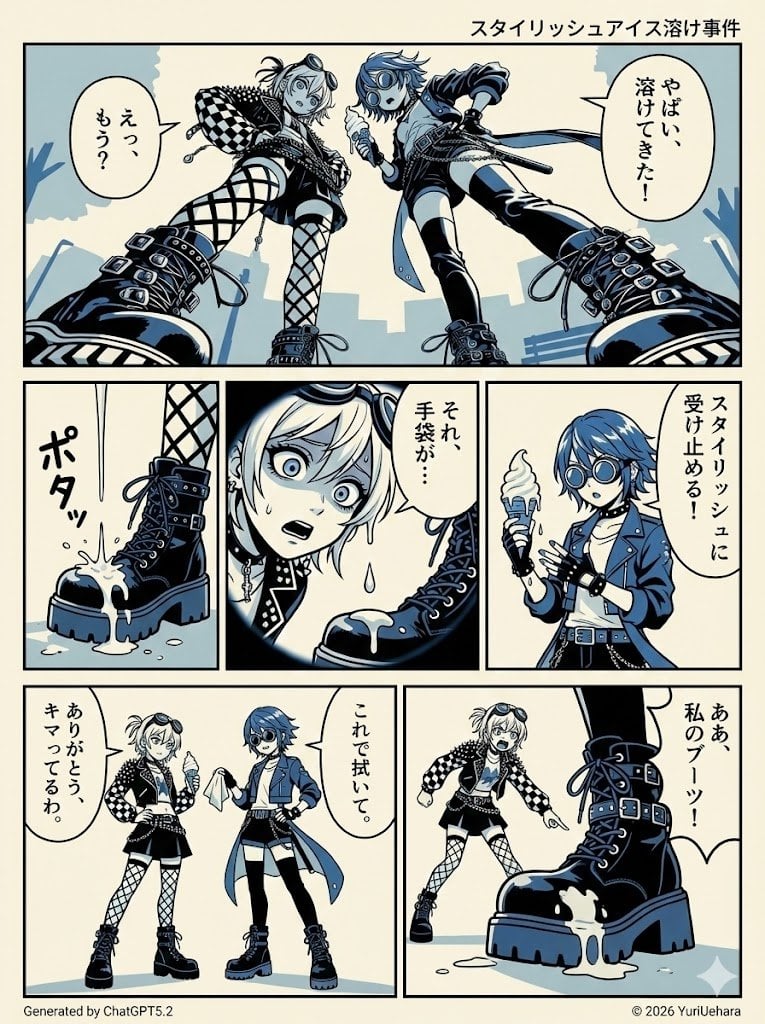
Identical Prompt Comparison (Nano Banana Pro vs. ChatGPT)
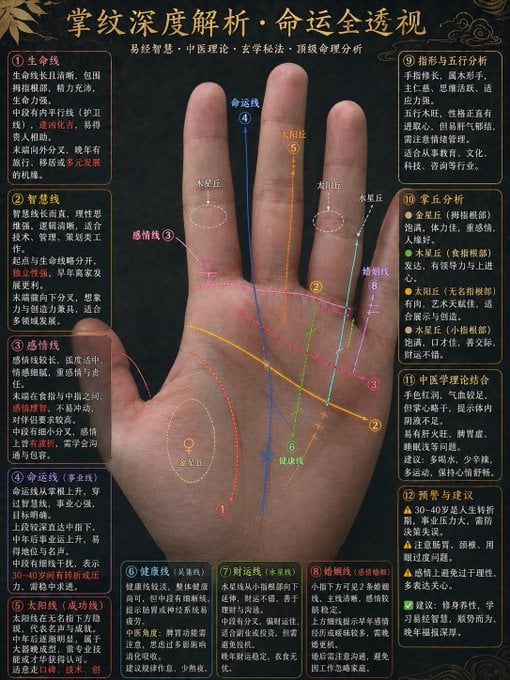
Traditional Palmistry Analysis Infographic
Browse template categories
Minimal Ink Vignette Archive questions
How do I use the Minimal Ink Vignette Archive template?
Add your photo if the template asks for one, edit the prompt if you like — the template's model and format are already selected — and press Generate. Your version opens in PicX Studio.
Can I customize the Minimal Ink Vignette Archive template?
Yes. You can change the subject, setting, lighting, mood, format, and available model controls before creating your image.
Is the Minimal Ink Vignette Archive template free?
Opening and editing this template is free. Generating uses credits, shown on the Generate button when you are signed in.
Which AI model should I use?
Start with GPT Image 2, which is the model associated with this template. You can compare another compatible model for a different finish.
Looking for something else? Browse all templates.

Your photo, any look
Thousands of ready templates for every top image and video model, from one credit balance.