
Paper Tunnel Book Architecture
Master Paper Cut AI Art template: Paper Tunnel Book Architecture.

- Prompt included
- Model and format preset
- Free template
The prompt behind this image
Copy the exact prompt behind Paper Tunnel Book Architecture, or open it in the studio and make it yours.
An architectural floor plan of a Victorian mansion spread across a vintage drafting table, with the spaces rising into inhabitable miniature paper architecture. The grand foyer emerges with intricate paper-cut staircase balustrades, the library reveals tiny leather-bound books with gold foil titles cut from paper, the conservatory blooms with delicate paper orchids and ferns. Each room grows from the 2D blueprint lines like a 3D architectural diorama — steel beams rising from drawn lines, scaffolding threading through paper walls. Warm studio lighting, cinematic depth, paper fibers and pencil marks visible on blueprint. Master paper architecture, 8K detail, aspect ratio 2:3
How to use Paper Tunnel Book Architecture in 3 steps
- 1
Open
The prompt is already in the box next to the preview, with the template's model and format selected.
- 2…a portrait of your subject in softgolden-hour light, 85mm…
Personalize
Edit the subject and creative details for your destination.
- 3Generate
Generate
Press Generate — your image is created in PicX Studio, so you can compare it with the original and refine one variable at a time.
More like this
Templates with the same subject, style or setup. Open one to see its prompt.
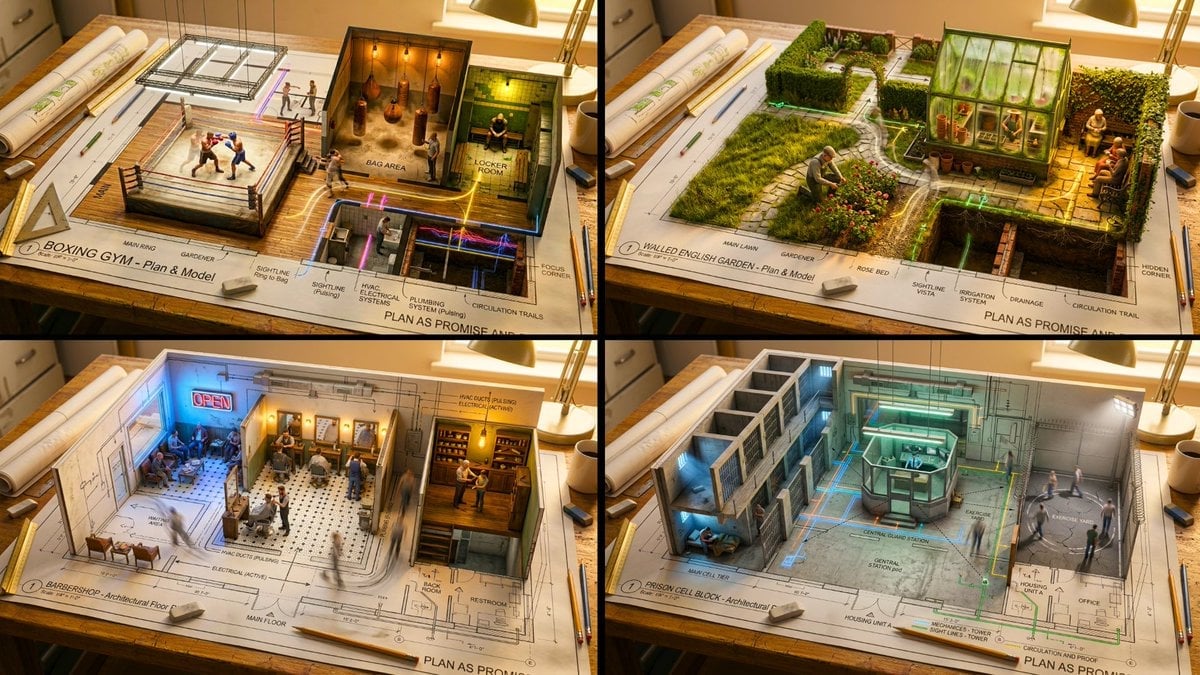
Master Architectural Paper Cut — Floor Plan Rising into Inhabitable Miniature
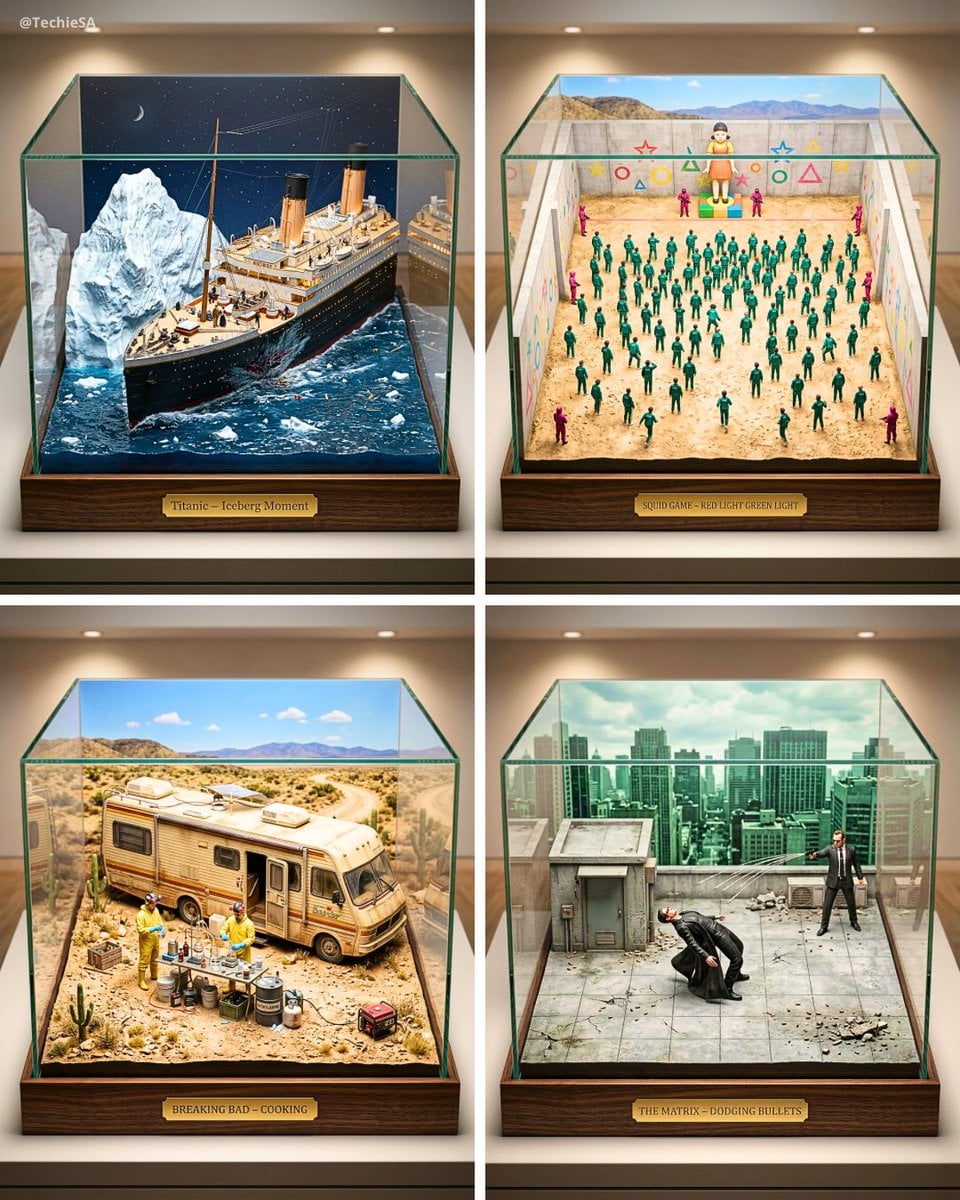
Paper Cut Architectural Section
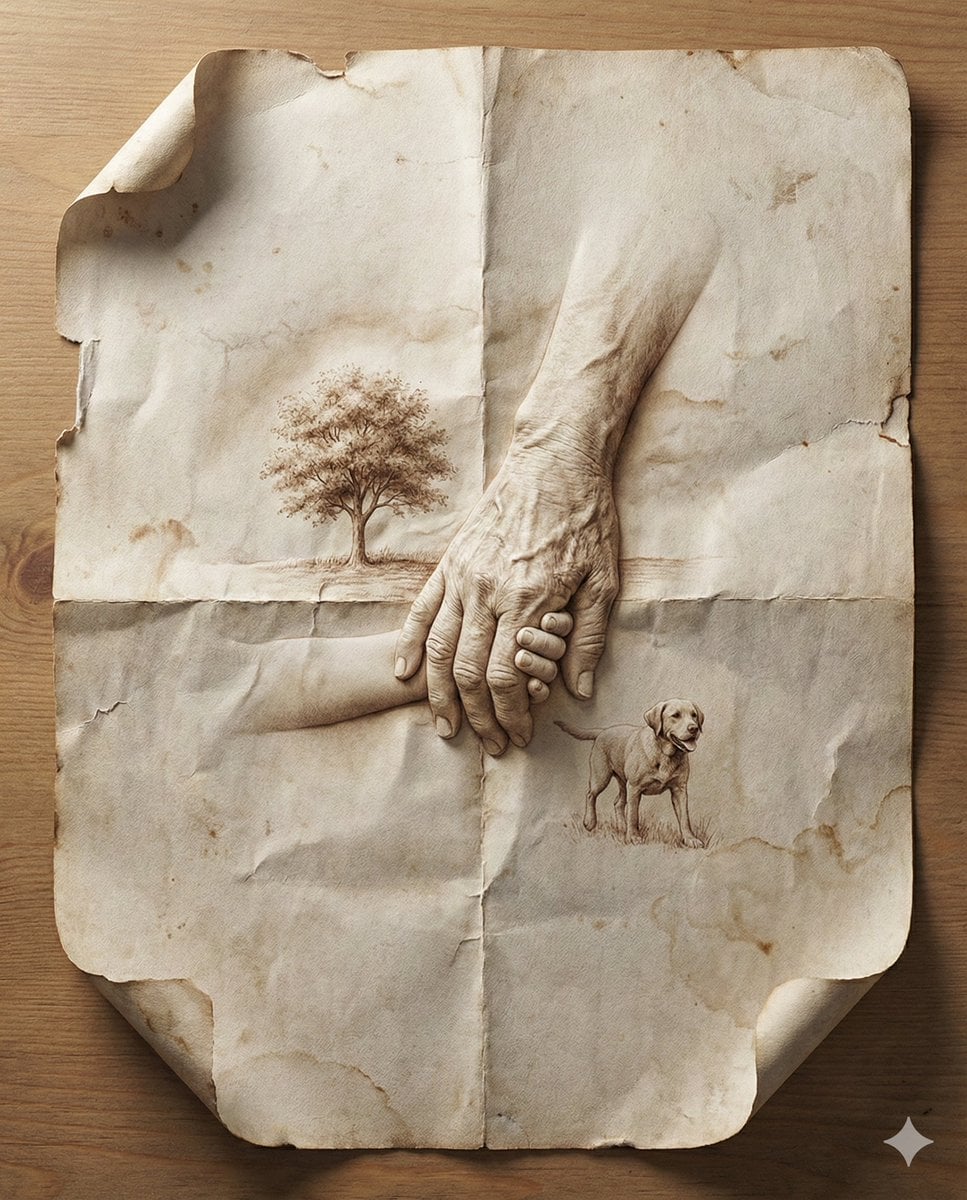
Paper Cut Musical Instrument
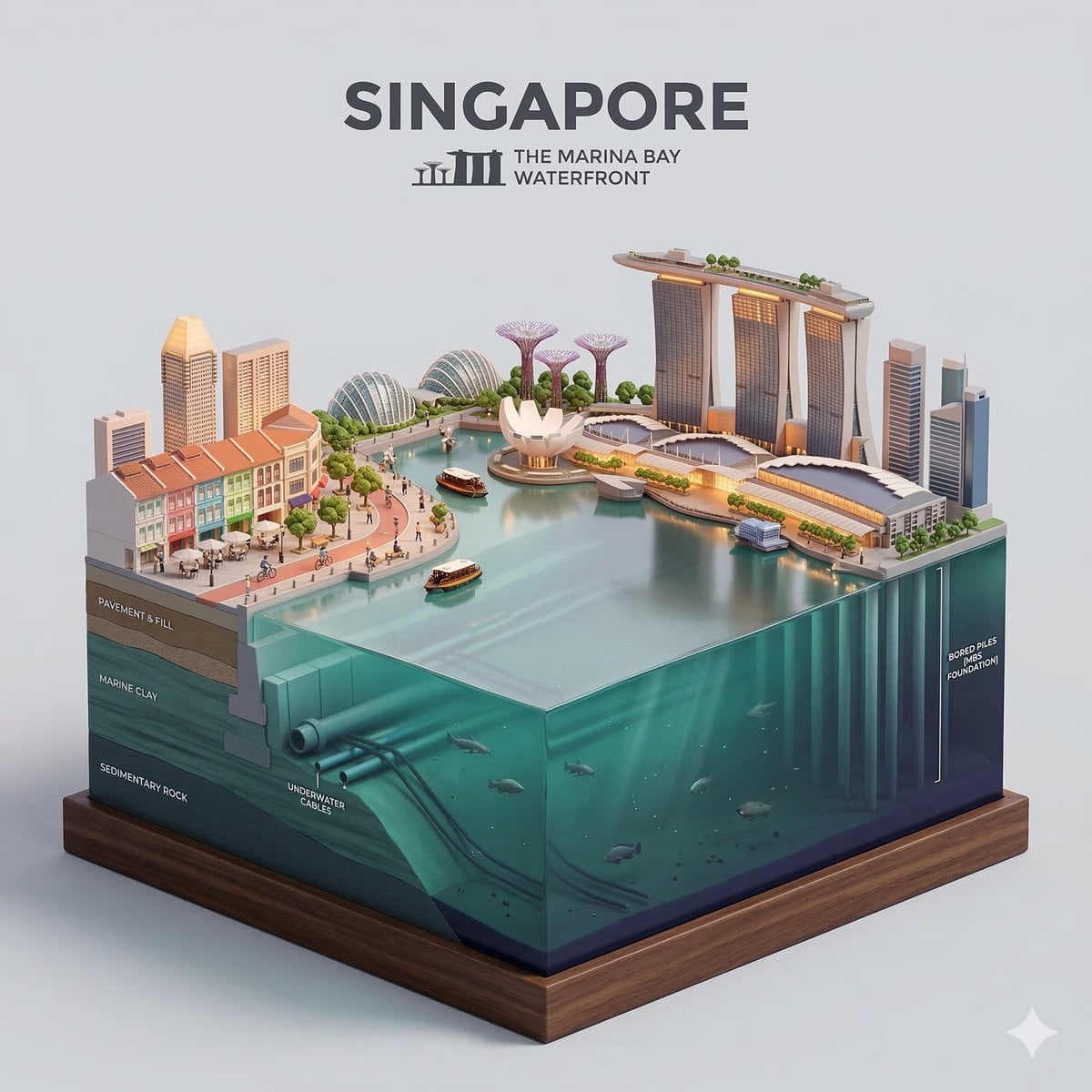
Paper Cut Cityscape Tunnel Book

Layered Paper Cut Forest Diorama

Master Paper Cut Illustration — Saudi Arabia Travel Poster in Layered Paper Art
Paper Cut Fairy Tale Scene

Paper Cut Mythological Scene
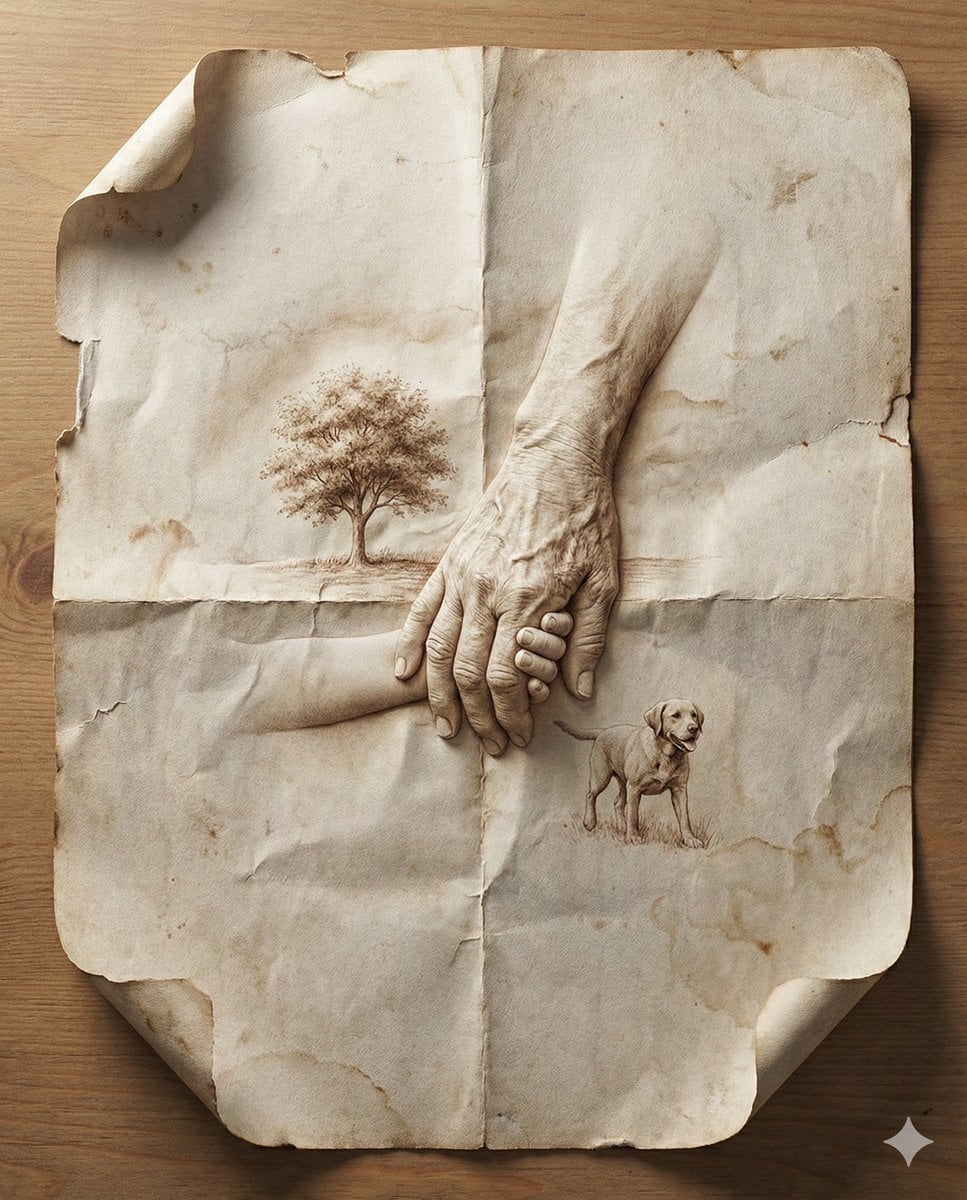
Master Aged Paper Memory — Folded Paper with Emerging Scene from Creases
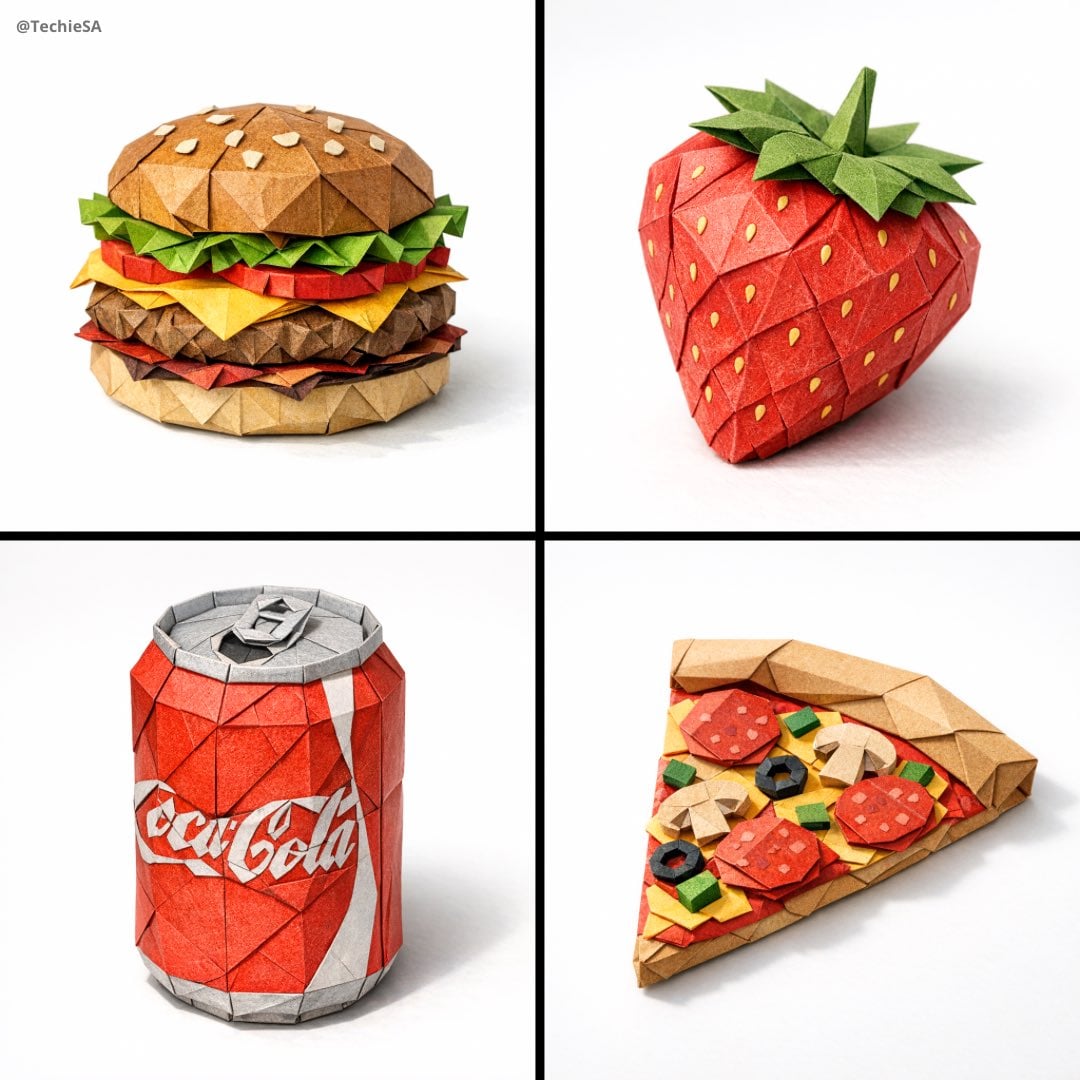
Master Origami Food Art — Hyper-Detailed Paper Folding Cuisine
Master Aged Paper Memory — Folded Paper with Emerging Scene from Creases
Master Origami Food Art — Hyper-Detailed Paper Folding Cuisine
Make it yours
Paper Tunnel Book Architecture works as-is. These are the safest ways to change it without losing the look.
Change one field
Copy a single group, rewrite it, and generate again so you can see what that field is doing.
Keep the frame, change the subject
Hold the composition and light of Paper Tunnel Book Architecture, then swap wardrobe, props or the person for a new take.
| If the result… | Why | Fix |
|---|---|---|
| The result drifts from the preview | Too many fields changed at once. | Reuse Paper Tunnel Book Architecture as-is first, then change one group — subject, light, or setting. |
| The model over-stylizes the scene | The prose prompt leaves finish and camera underspecified. | Add one camera or lighting sentence and stay on PicX Studio. |
More image prompts
Fresh picks from across the catalog.

Moody Cinematic Studio Portrait Prompt

Commercial Product Photography (CGI Advertising Composite)
Cinematic Night Portrait of a Young Woman
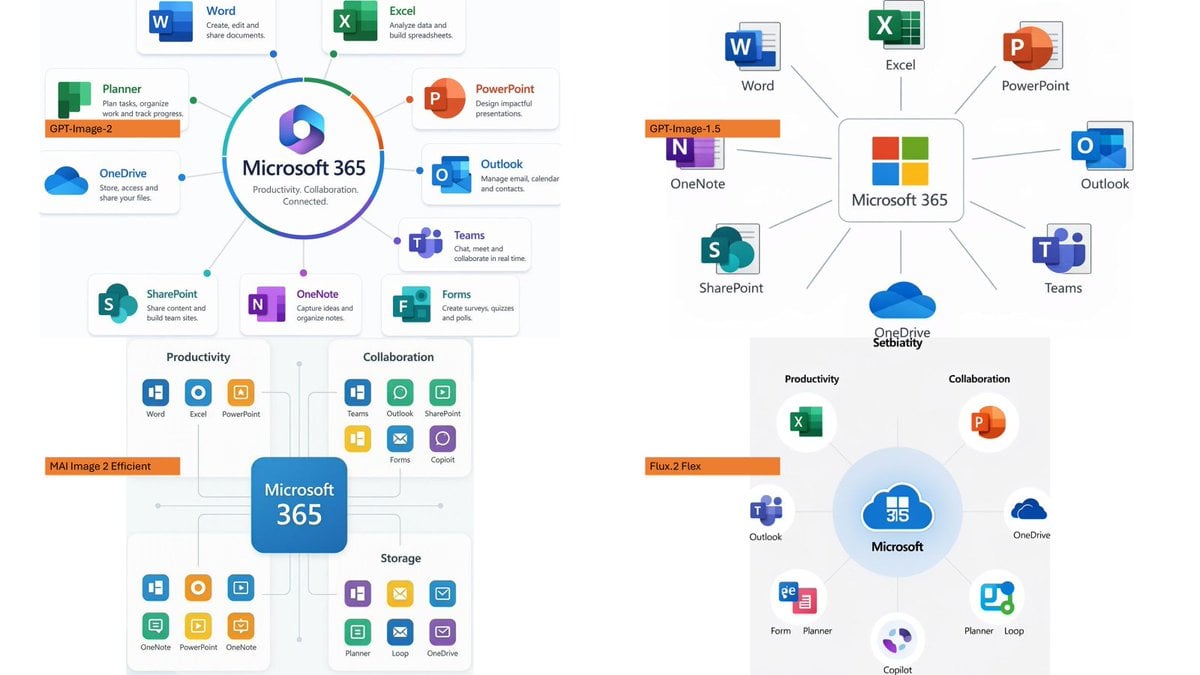
Microsoft 365 Model Comparison Infographic
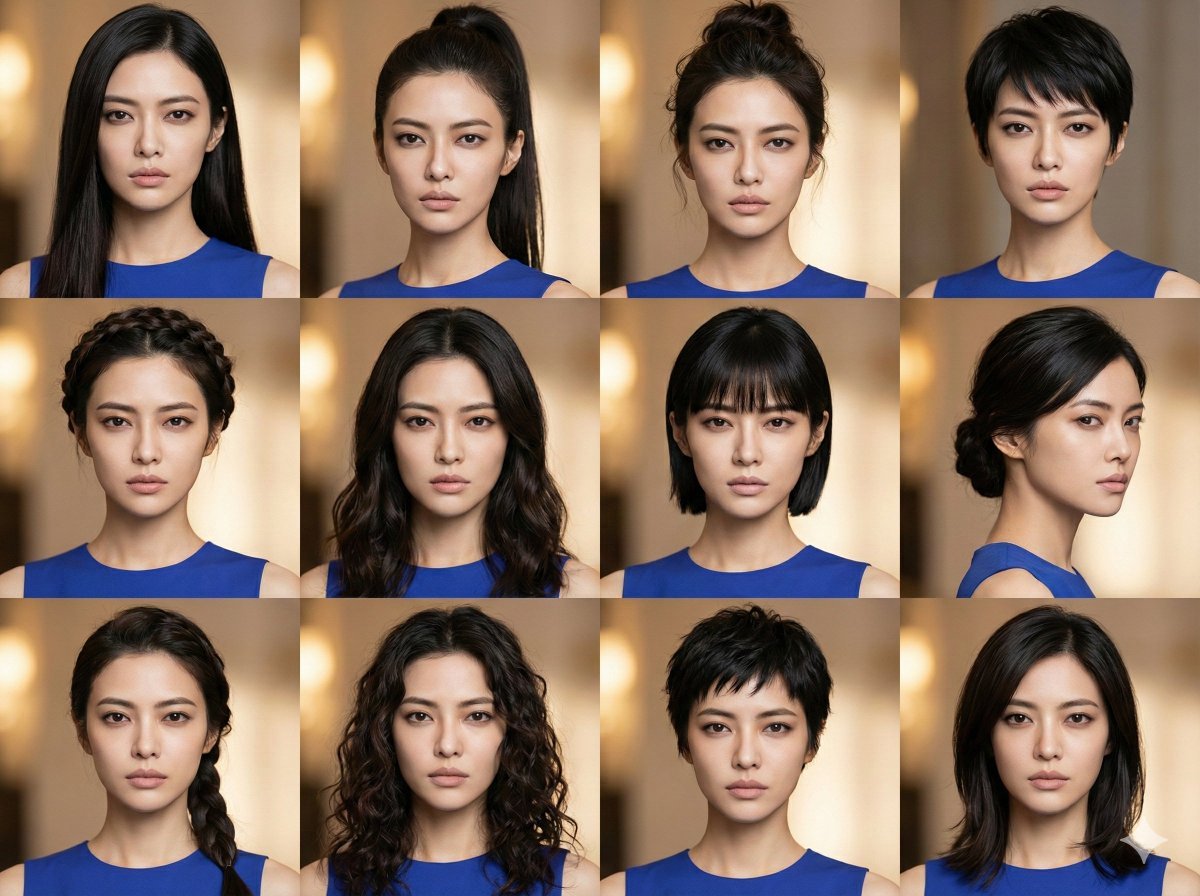
Female Hairstyle Collage for New Year Look
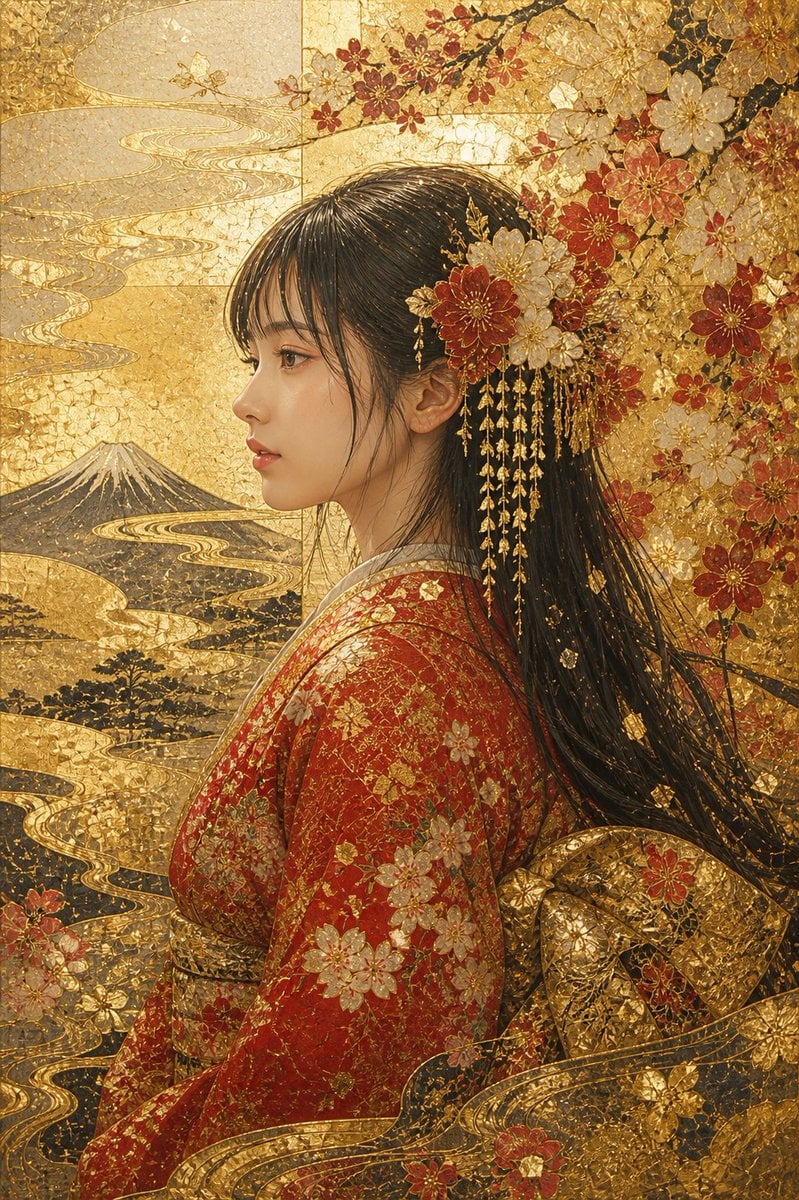
Kirikane Gold Kimono Portrait
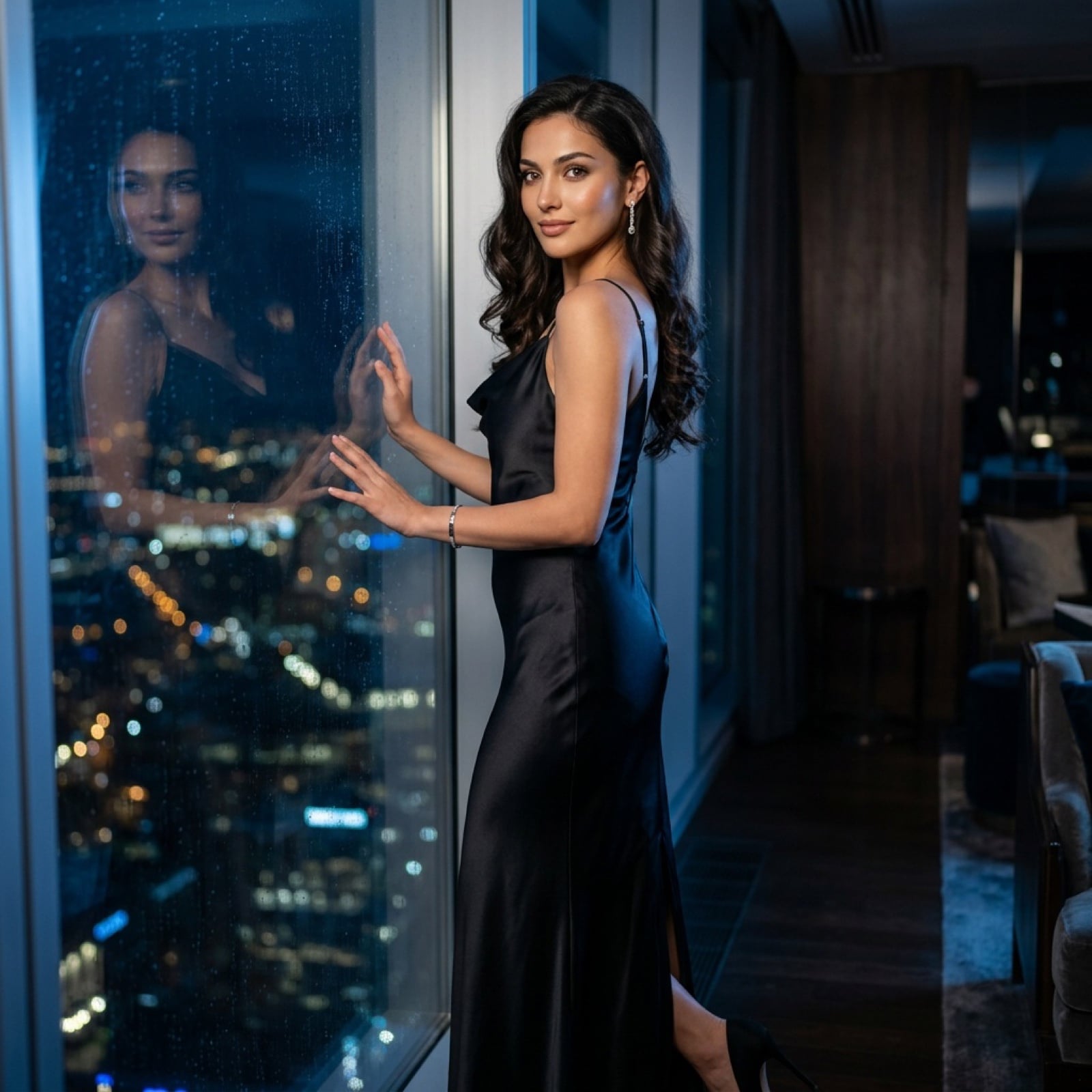
Cinematic Evening Fashion Portrait with Identity Lock
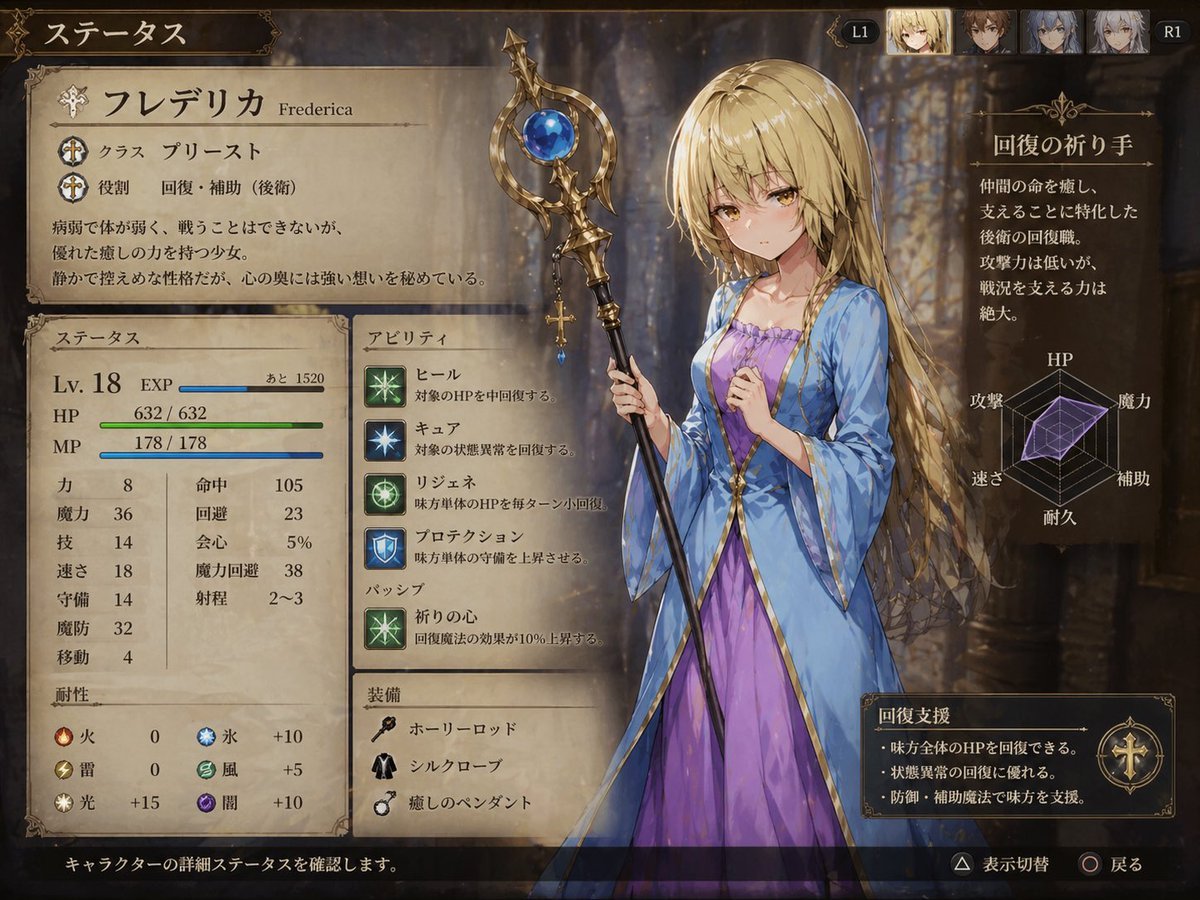
Fantasy JRPG Priest Status Screen
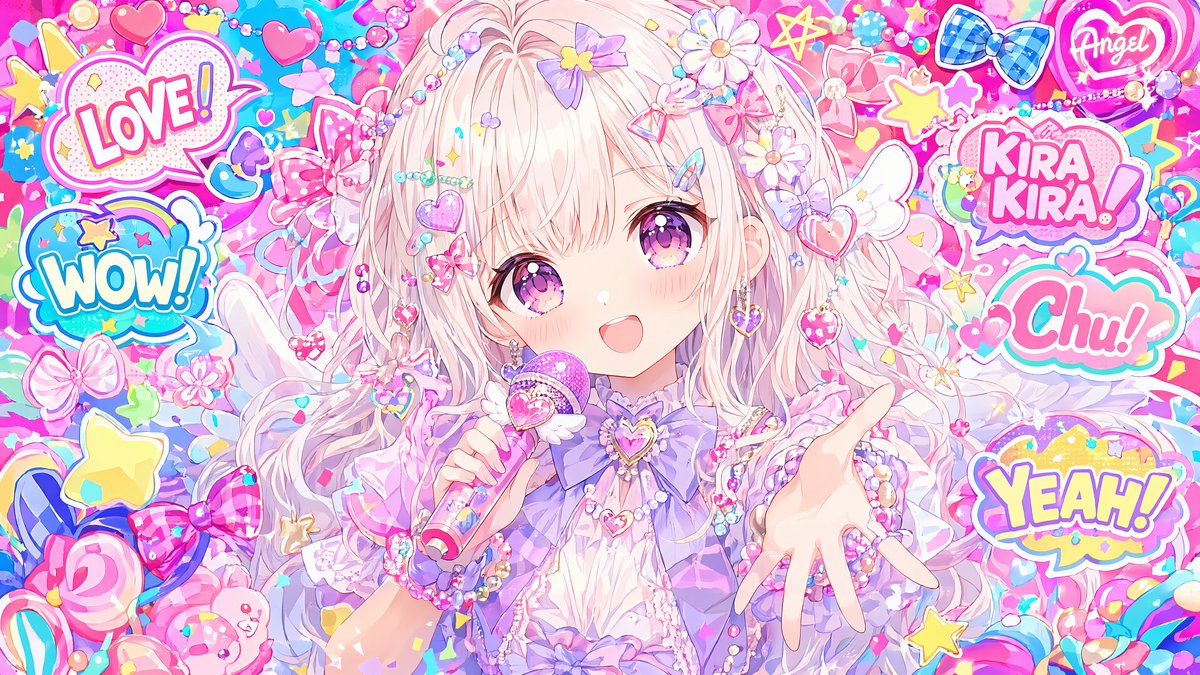
Maximalist Kawaii Angel Sticker Collage
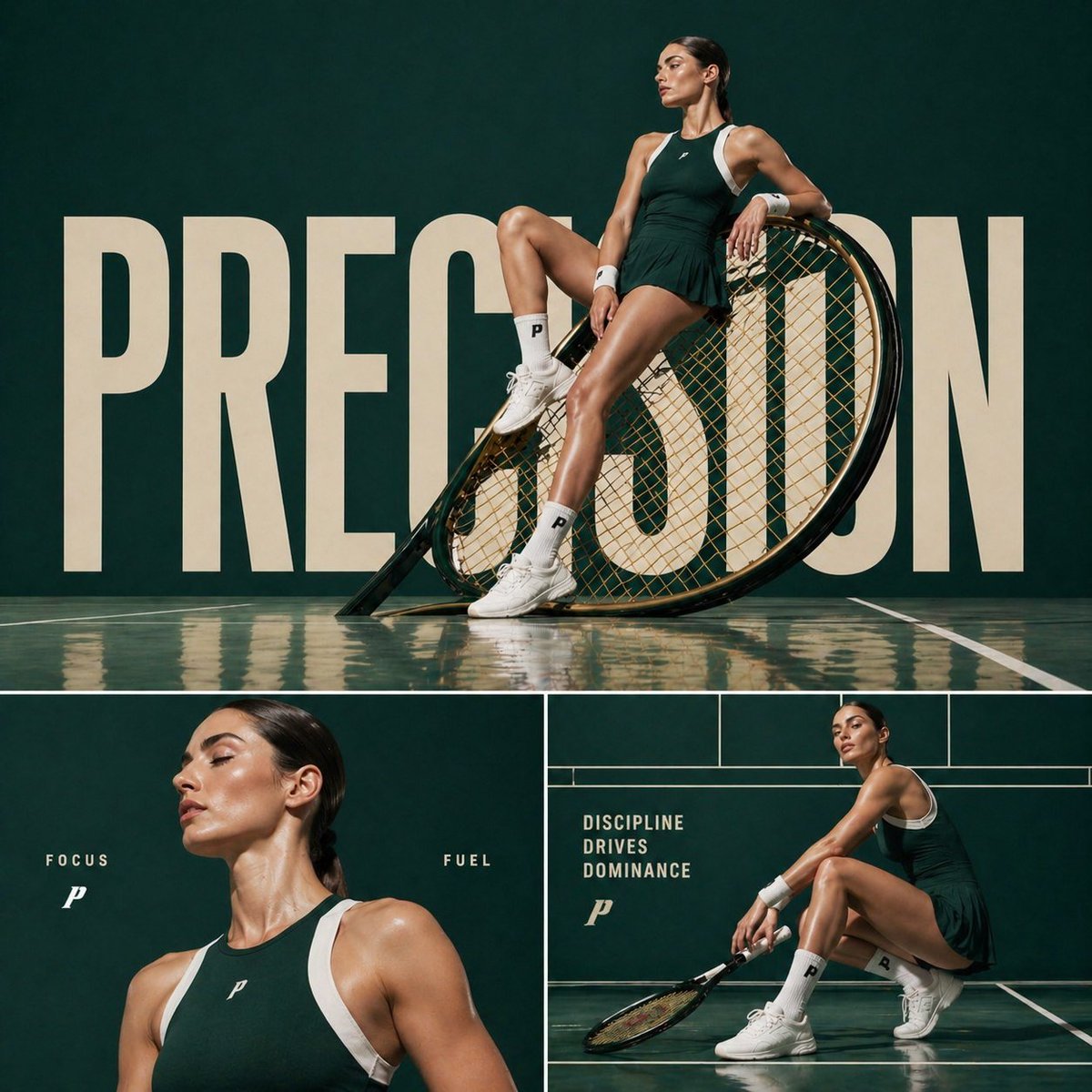
Luxury Tennis Editorial Poster
Browse template categories
Paper Tunnel Book Architecture questions
How do I use the Paper Tunnel Book Architecture template?
Add your photo if the template asks for one, edit the prompt if you like — the template's model and format are already selected — and press Generate. Your version opens in PicX Studio.
Can I customize the Paper Tunnel Book Architecture template?
Yes. You can change the subject, setting, lighting, mood, format, and available model controls before creating your image.
Is the Paper Tunnel Book Architecture template free?
Opening and editing this template is free. Generating uses credits, shown on the Generate button when you are signed in.
Which AI model should I use?
Choose a compatible model in PicX Studio based on the style, speed, and output controls your project needs.
Looking for something else? Browse all templates.

Your photo, any look
Thousands of ready templates for every top image and video model, from one credit balance.