
Paper Cut Architectural Section
Master Paper Cut AI Art template: Paper Cut Architectural Section.
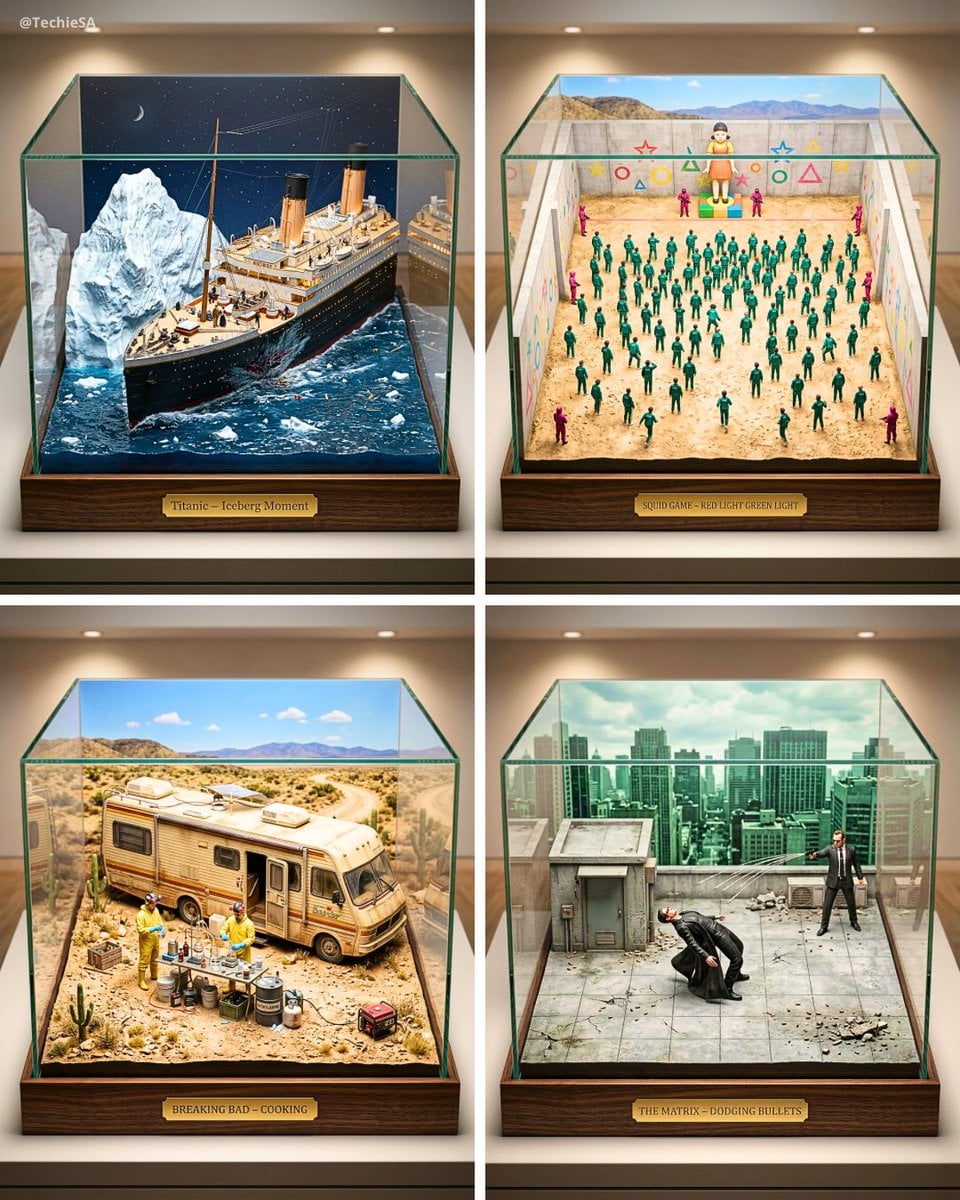
- Prompt included
- Model and format preset
- Free template
The prompt behind this image
Copy the exact prompt behind Paper Cut Architectural Section, or open it in the studio and make it yours.
Cutaway architectural section of a Gothic cathedral as precision paper model. Stone walls: textured grey papers with individual block cuts showing mortar joints. Flying buttresses: separate layers demonstrating thrust mechanics. Stained glass windows: vellum papers in jewel tones with lead came lines laser-etched. Vaulted ceiling: ribbed structure in cream paper showing keystone geometry. Nave: pews in walnut-stained paper, floor tiles individually cut. Clerestory: triforium gallery with paper figures in prayer. Light streams through vellum windows casting colored paper shadows on nave floor. Master architectural paper section, 8K, aspect ratio 3:4
How to use Paper Cut Architectural Section in 3 steps
- 1
Open
The prompt is already in the box next to the preview, with the template's model and format selected.
- 2…a portrait of your subject in softgolden-hour light, 85mm…
Personalize
Edit the subject and creative details for your destination.
- 3Generate
Generate
Press Generate — your image is created in PicX Studio, so you can compare it with the original and refine one variable at a time.
More like this
Templates with the same subject, style or setup. Open one to see its prompt.

Paper Tunnel Book Architecture
Watercolor Dreamscape — Nano Banana

Paper Cut Vintage Travel Poster
Paper Cut Steampunk Mechanism
Paper Cut Scientific Illustration
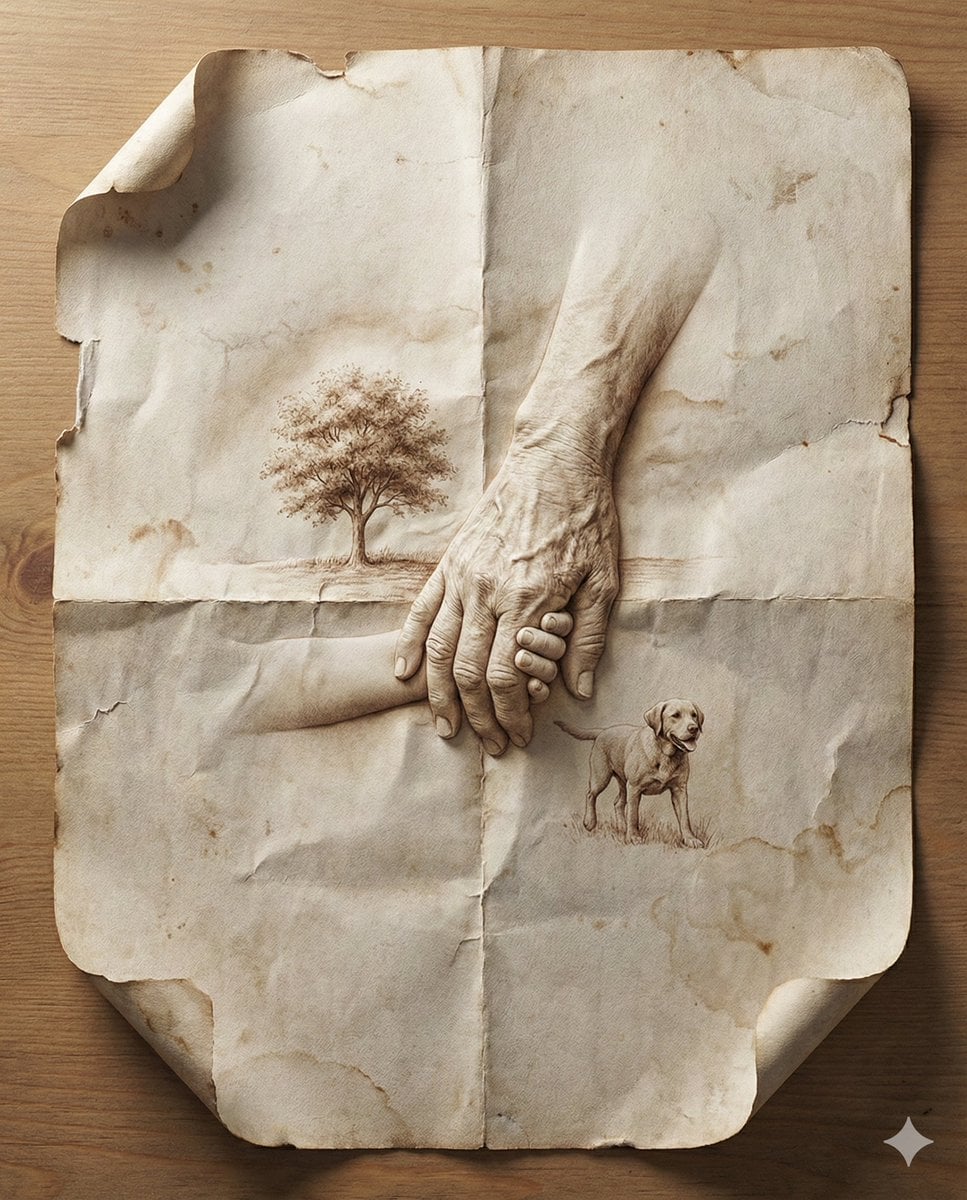
Paper Cut Musical Instrument
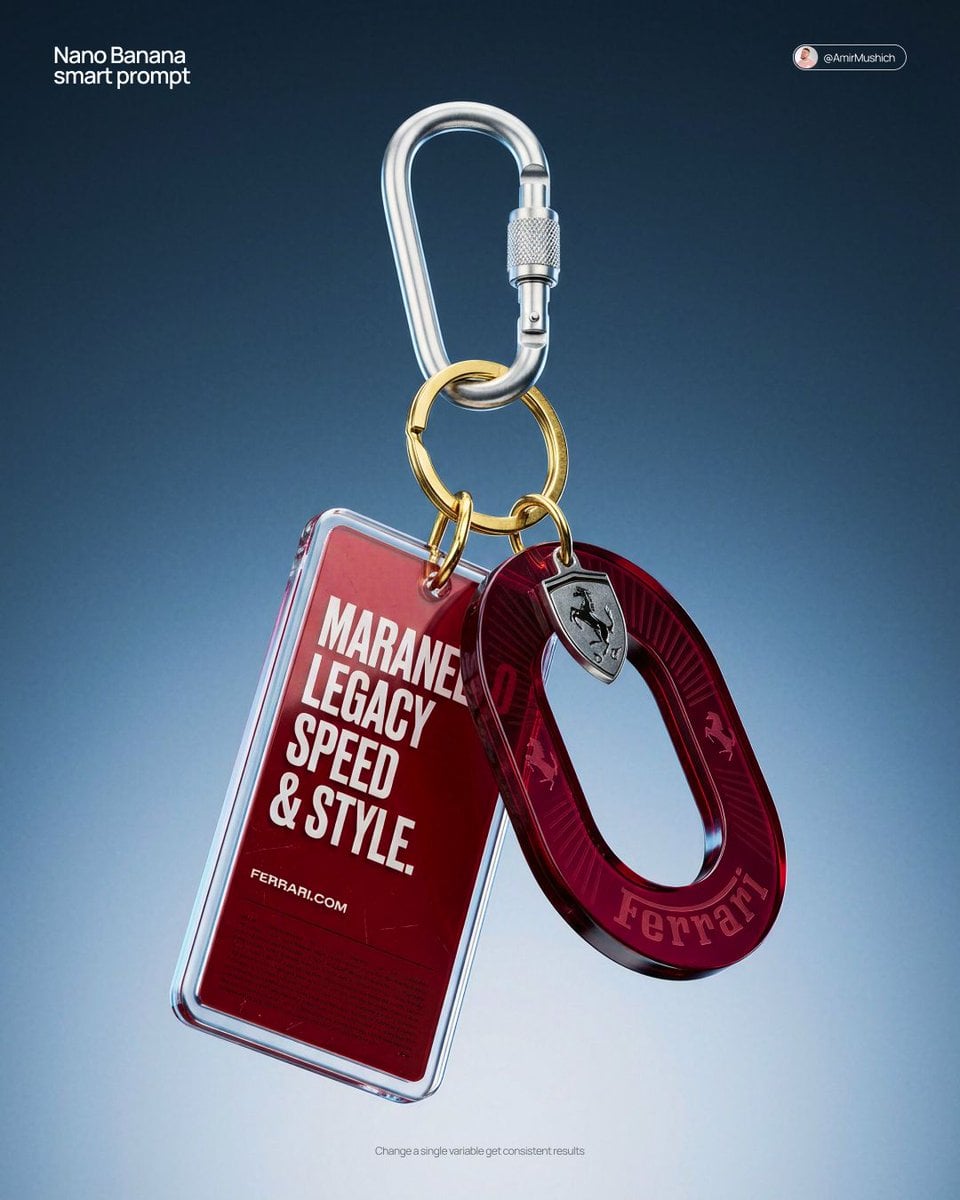
Paper Cut Fashion Editorial
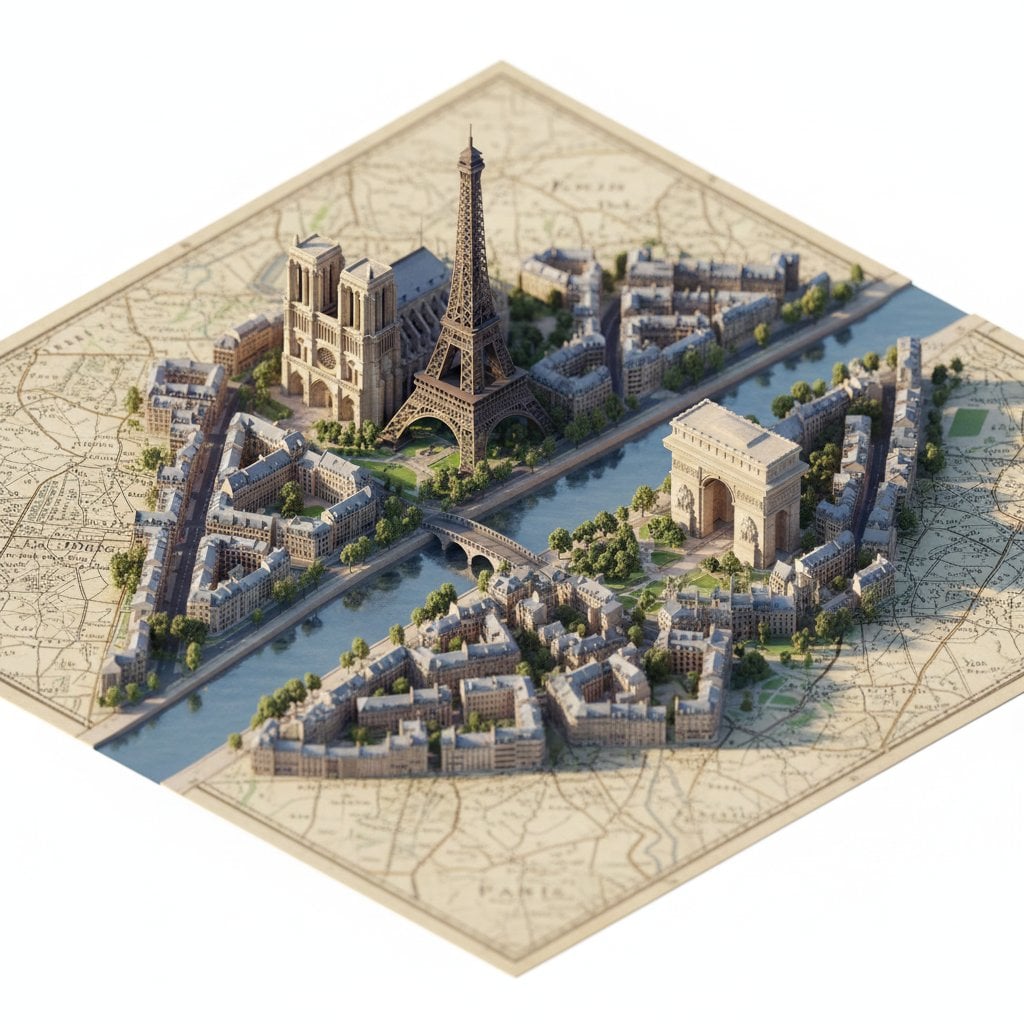
Paper Cut Celestial Map
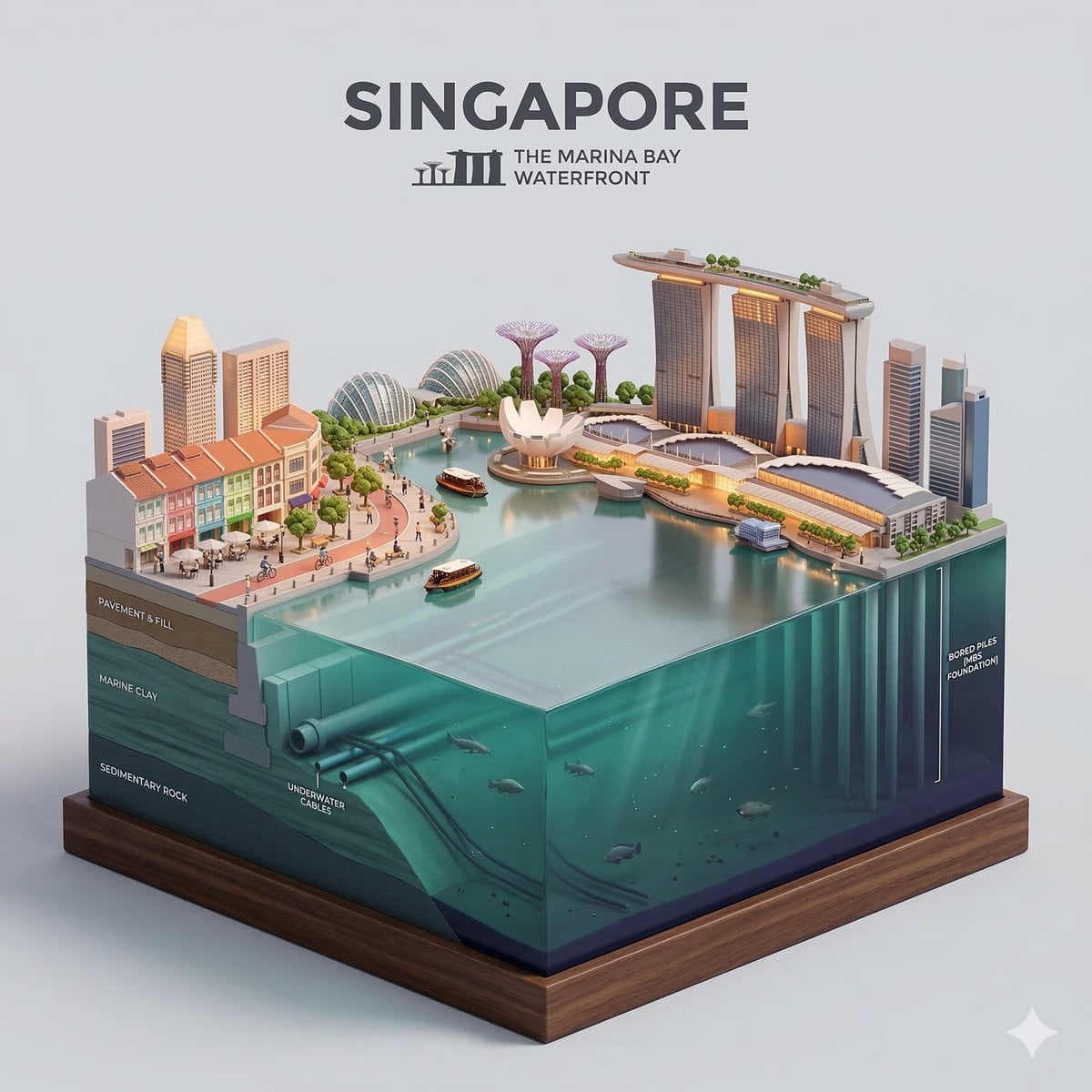
Paper Cut Cityscape Tunnel Book
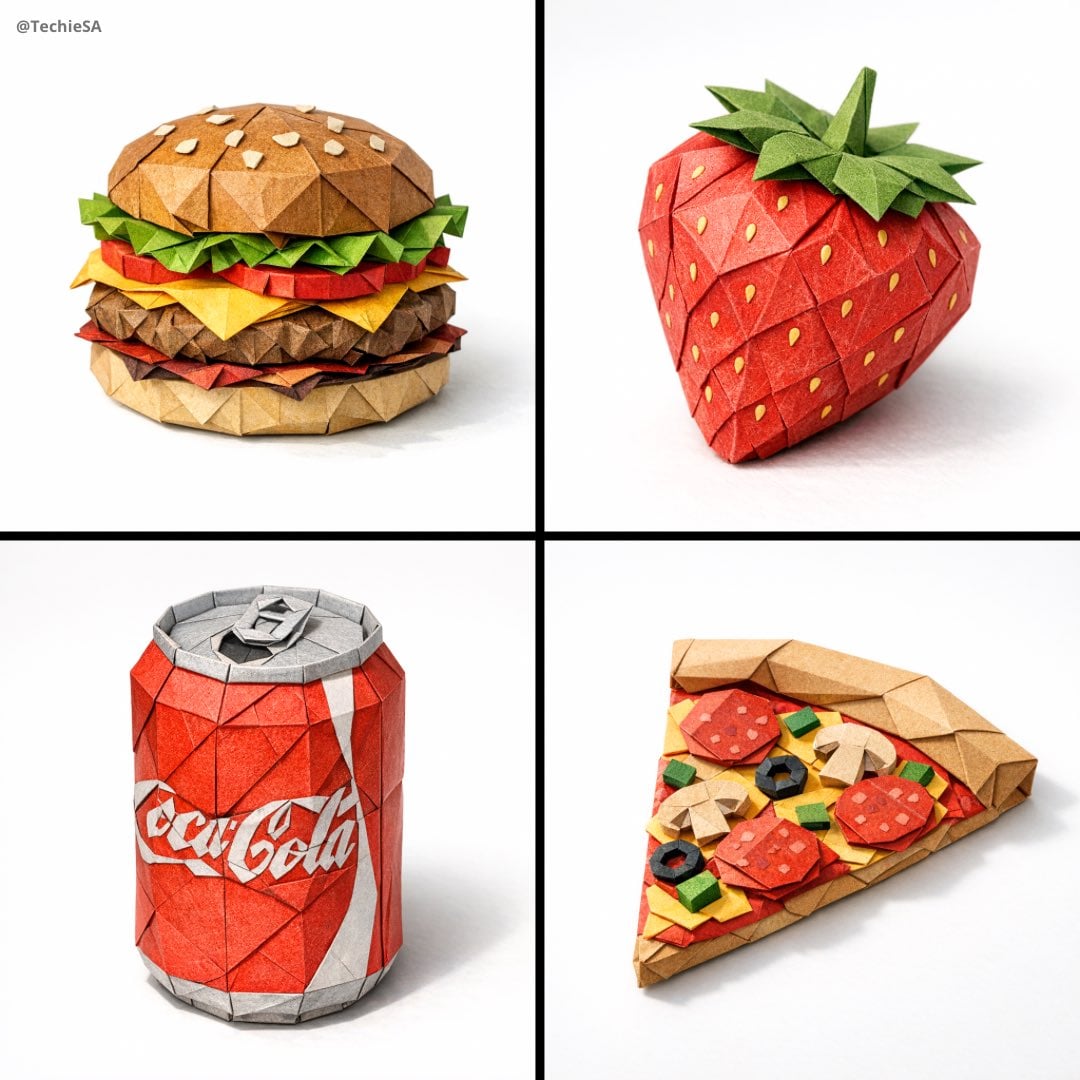
Paper Cut Botanical Illustration

Layered Paper Cut Forest Diorama

Master Blind Embossed Paper Art — White-on-White Monochromatic Luxury Stationery
Make it yours
Paper Cut Architectural Section works as-is. These are the safest ways to change it without losing the look.
Change one field
Copy a single group, rewrite it, and generate again so you can see what that field is doing.
Keep the frame, change the subject
Hold the composition and light of Paper Cut Architectural Section, then swap wardrobe, props or the person for a new take.
| If the result… | Why | Fix |
|---|---|---|
| The result drifts from the preview | Too many fields changed at once. | Reuse Paper Cut Architectural Section as-is first, then change one group — subject, light, or setting. |
| The model over-stylizes the scene | The prose prompt leaves finish and camera underspecified. | Add one camera or lighting sentence and stay on PicX Studio. |
More image prompts
Fresh picks from across the catalog.

Video prompt for surreal miniature Pringles can snowboard scene
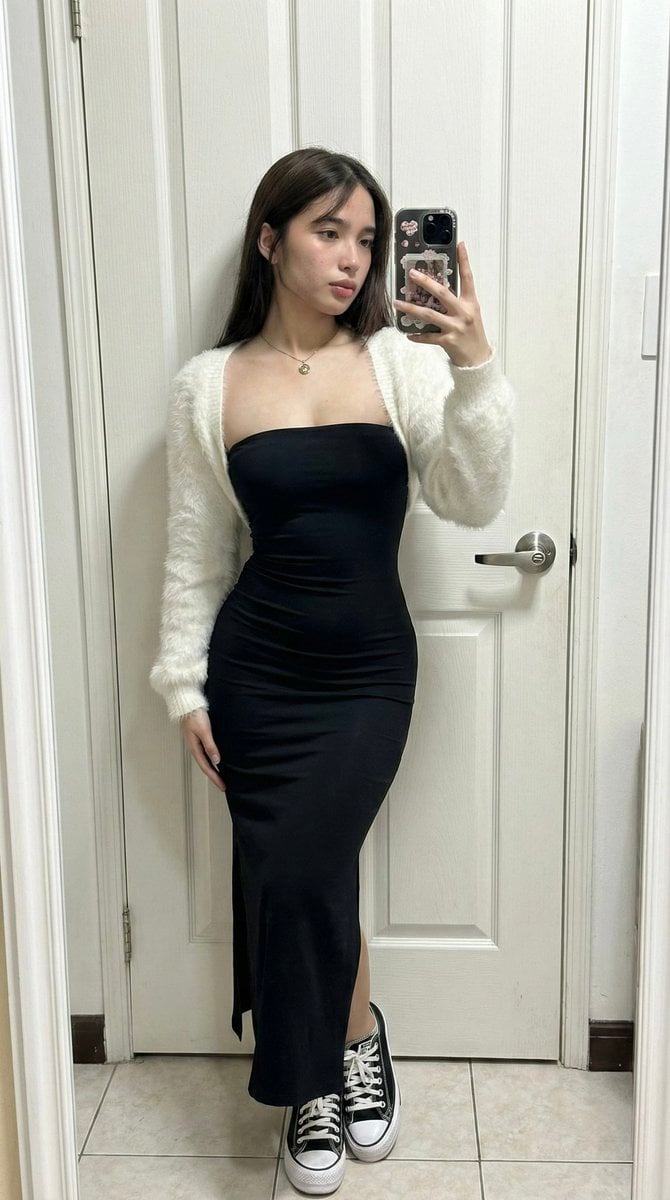
Ultra-Wide Candid Mirror Capture with Bio-Fidelity

NanoBananaPro Image Generation Prompt: Two High School Girls in Shibuya
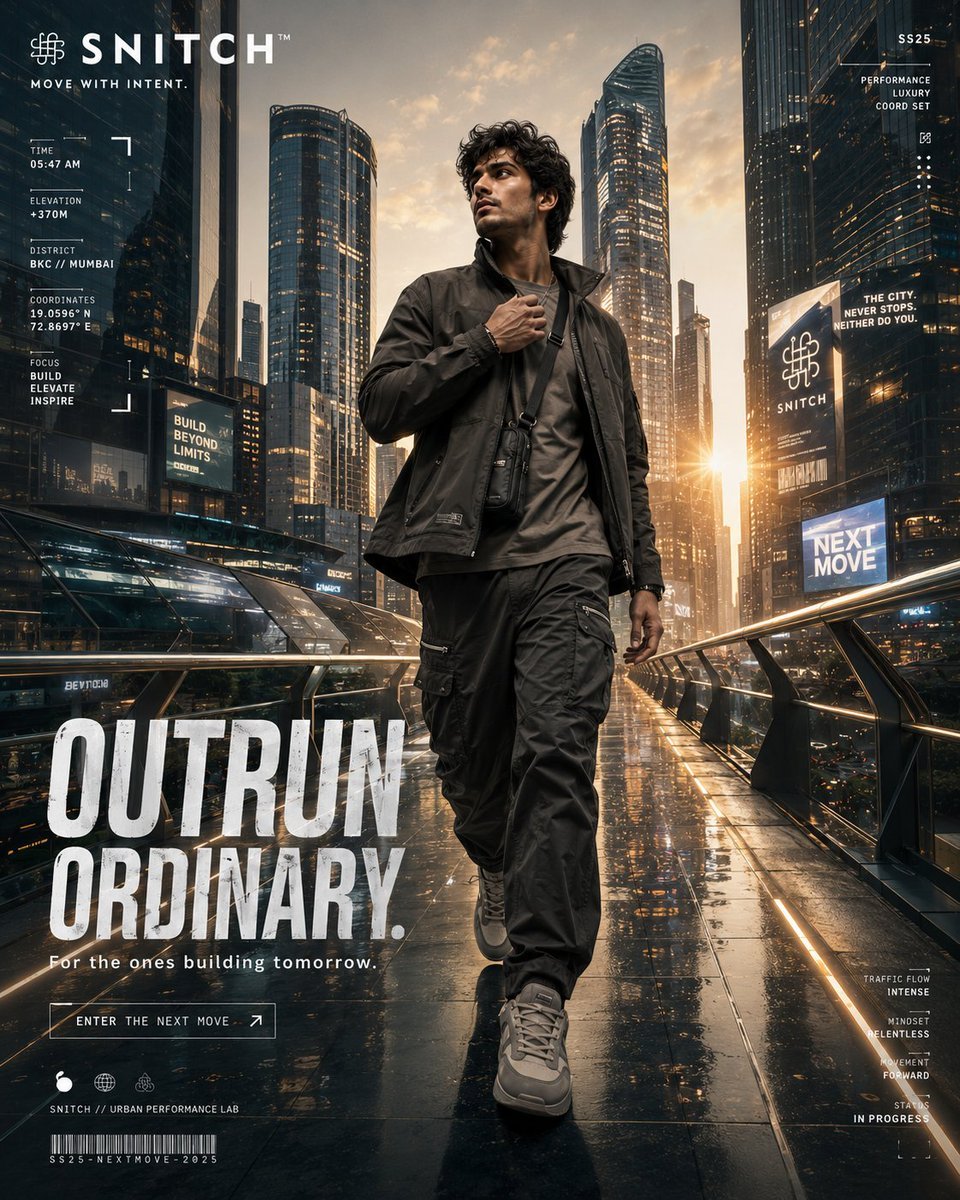
Futuristic Urban Performance Poster
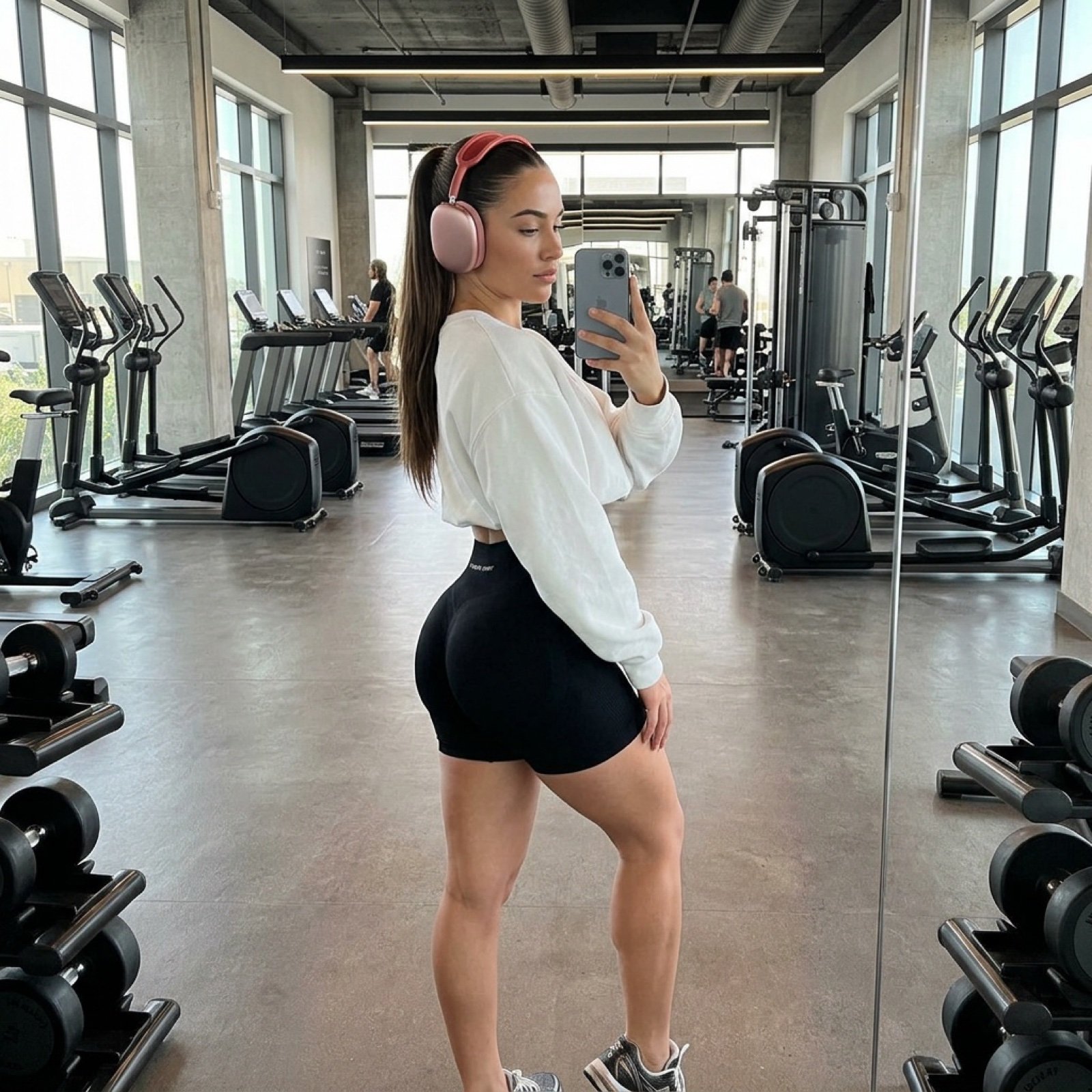
Photorealistic Gym Mirror Selfie Prompt

24 The Getty Center — California Series

Surreal Pepsi Advertising Concept
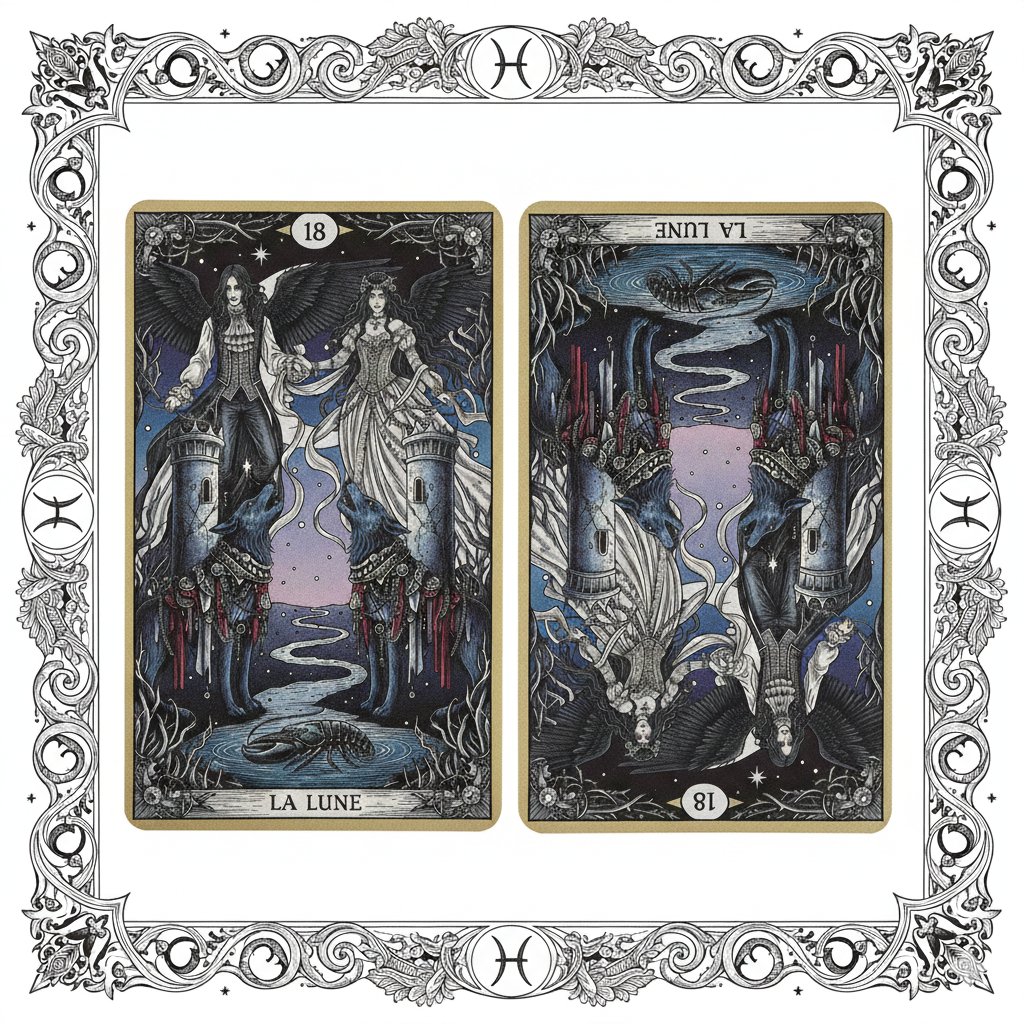
Nano Banana Pro Prompt: Tarot Card 18 (The Moon) with Mális Mizer and Pisces
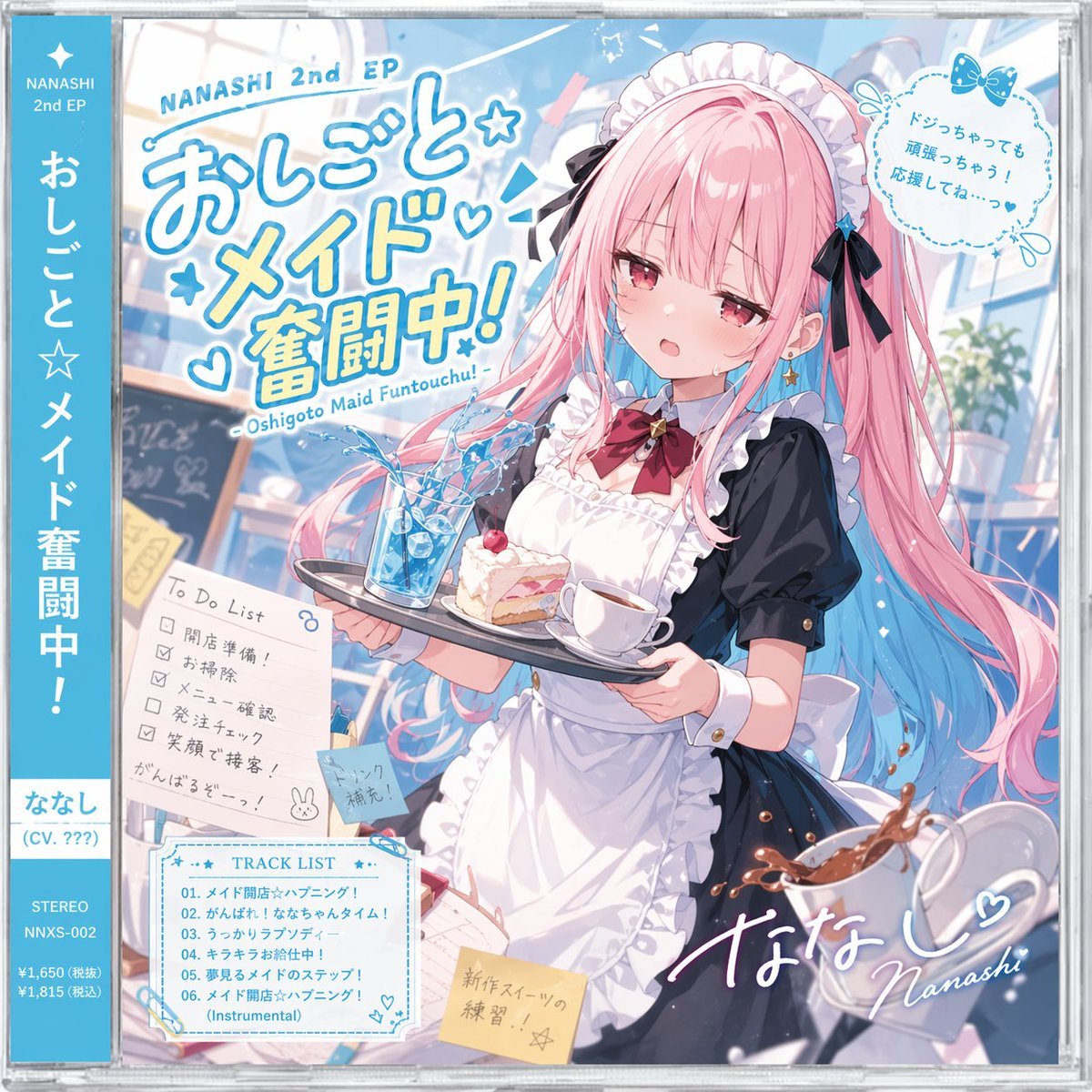
Anime Maid CD Album Cover
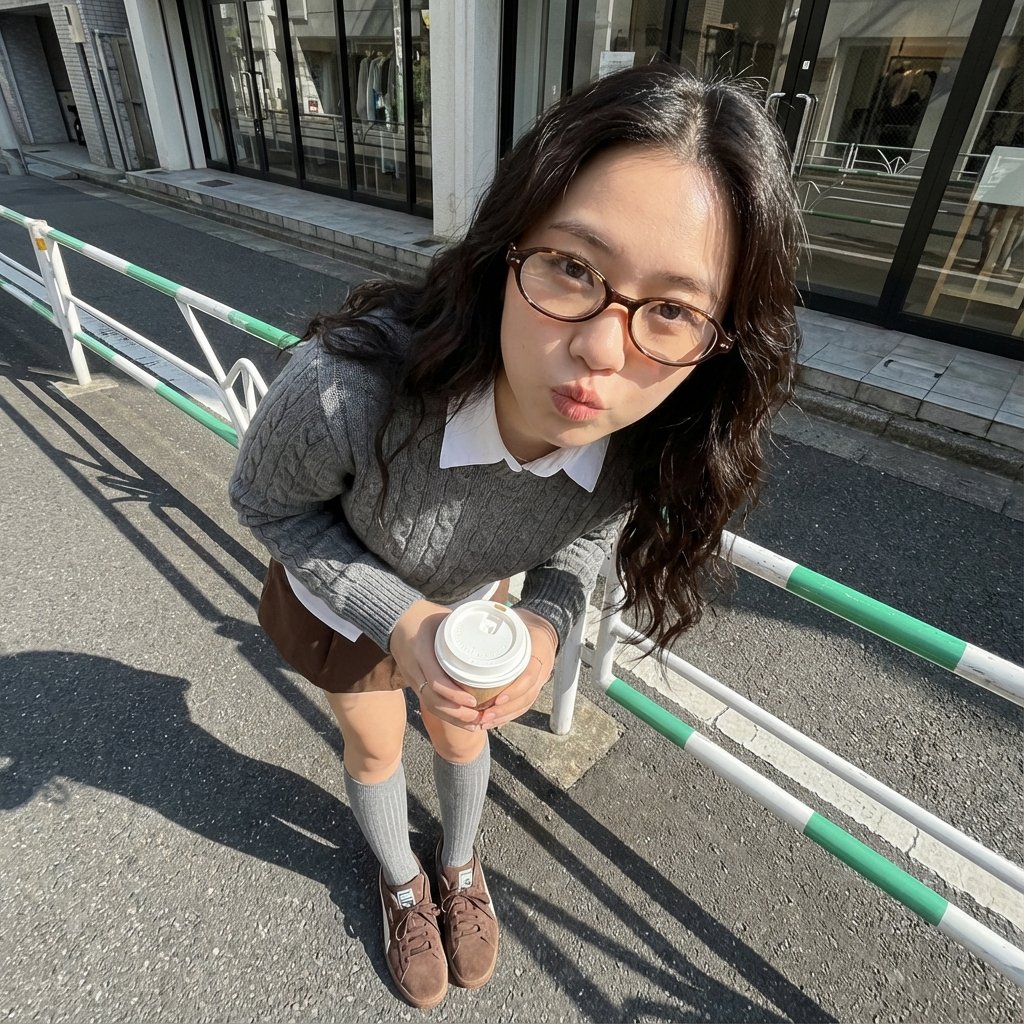
Photorealistic Cute Academic Street Photography Portrait
Browse template categories
Paper Cut Architectural Section questions
How do I use the Paper Cut Architectural Section template?
Add your photo if the template asks for one, edit the prompt if you like — the template's model and format are already selected — and press Generate. Your version opens in PicX Studio.
Can I customize the Paper Cut Architectural Section template?
Yes. You can change the subject, setting, lighting, mood, format, and available model controls before creating your image.
Is the Paper Cut Architectural Section template free?
Opening and editing this template is free. Generating uses credits, shown on the Generate button when you are signed in.
Which AI model should I use?
Choose a compatible model in PicX Studio based on the style, speed, and output controls your project needs.
Looking for something else? Browse all templates.

Your photo, any look
Thousands of ready templates for every top image and video model, from one credit balance.