
Paper Cut Celestial Map
Master Paper Cut AI Art template: Paper Cut Celestial Map.
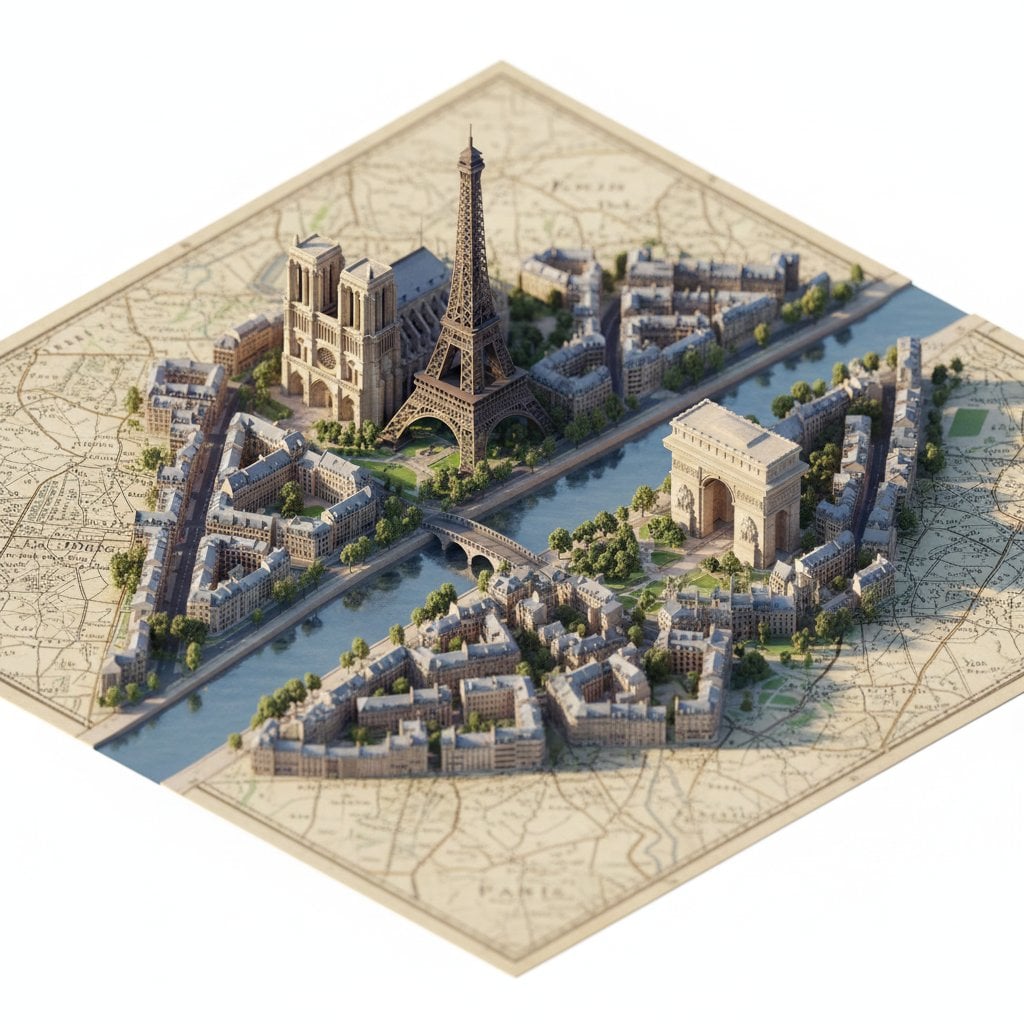
- Prompt included
- Model and format preset
- Free template
The prompt behind this image
Copy the exact prompt behind Paper Cut Celestial Map, or open it in the studio and make it yours.
Antique celestial map rendered as multi-layered paper cut art. Parchment-toned base layer with hand-drawn constellation lines in sepia ink. Constellation figures emerging as separate paper layers: Orion in ivory paper with gold foil stars at joint positions, Cassiopeia in pearl paper with crystalline star points, Pegasus in silver metallic paper with translucent vellum wings. Each figure elevated on graduated spacers creating astronomical depth. Ornate border laser-cut with zodiac symbols. Aged paper texture: foxing spots, deckle edges, ink bleed. Candlelight warmth illumination, master cartographic paper cut, 8K, aspect ratio 2:3
How to use Paper Cut Celestial Map in 3 steps
- 1
Open
The prompt is already in the box next to the preview, with the template's model and format selected.
- 2…a portrait of your subject in softgolden-hour light, 85mm…
Personalize
Edit the subject and creative details for your destination.
- 3Generate
Generate
Press Generate — your image is created in PicX Studio, so you can compare it with the original and refine one variable at a time.
More like this
Templates with the same subject, style or setup. Open one to see its prompt.
Paper Cut Scientific Illustration
Watercolor Dreamscape — Nano Banana
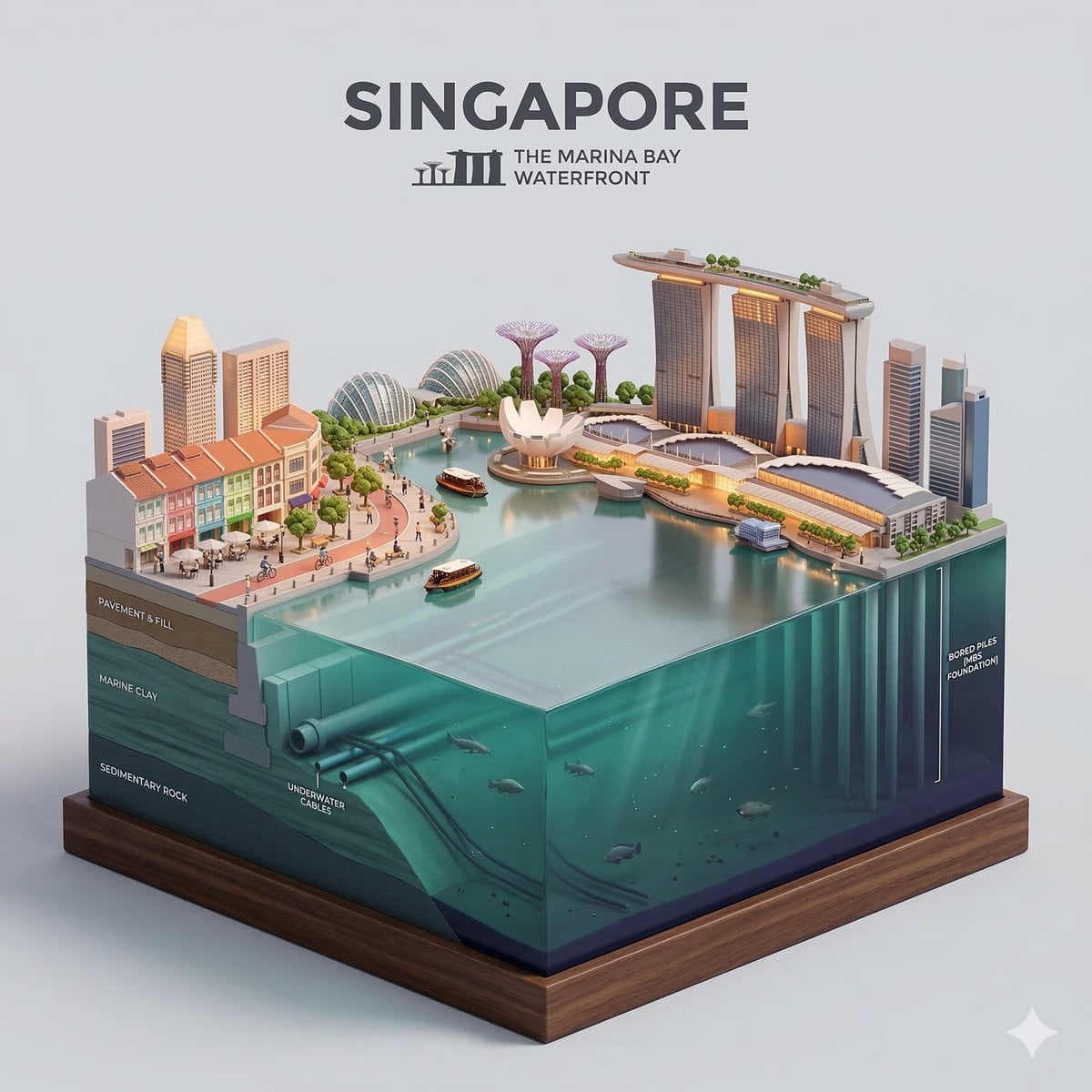
Paper Cut Architectural Section

Paper Cut Vintage Travel Poster
Paper Cut Steampunk Mechanism
Paper Cut Musical Instrument
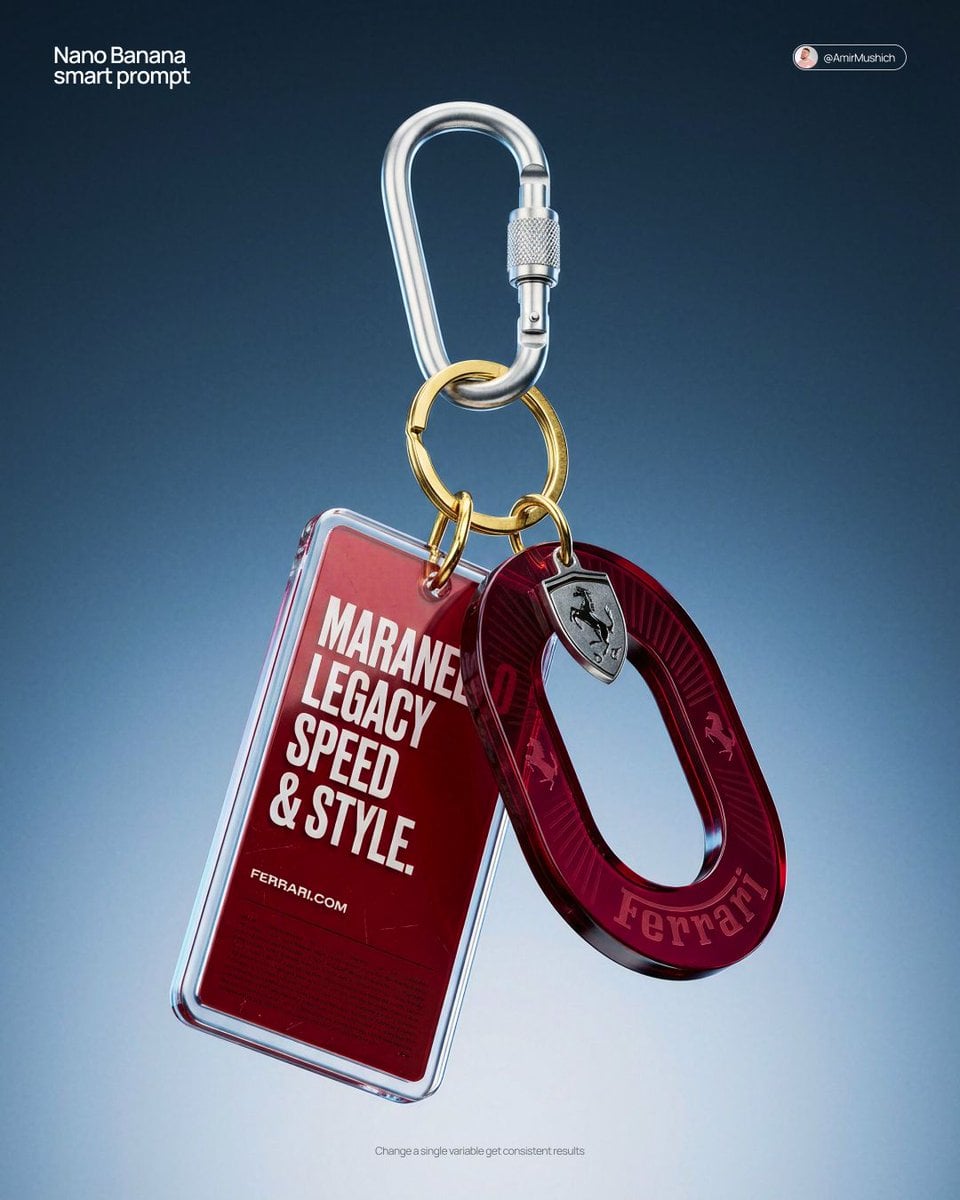
Paper Cut Fashion Editorial
Paper Cut Cityscape Tunnel Book
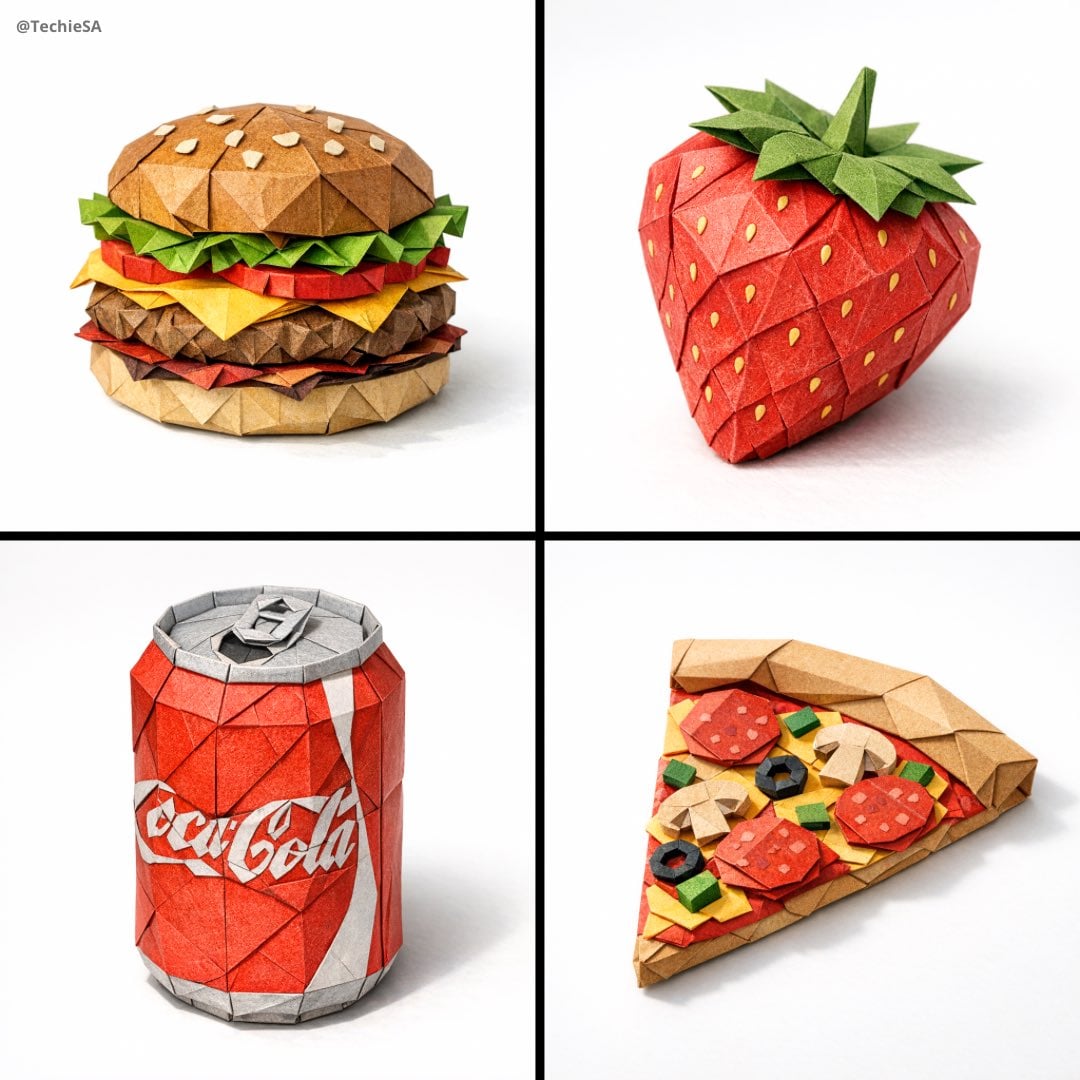
Paper Cut Botanical Illustration

Layered Paper Cut Forest Diorama
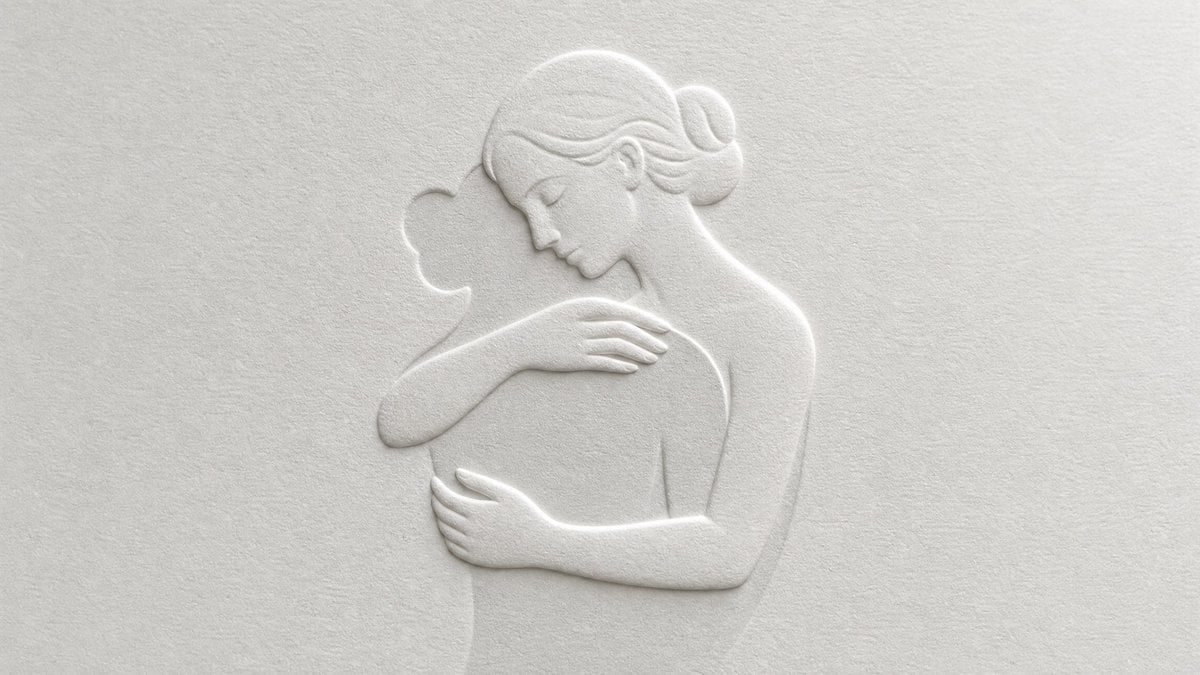
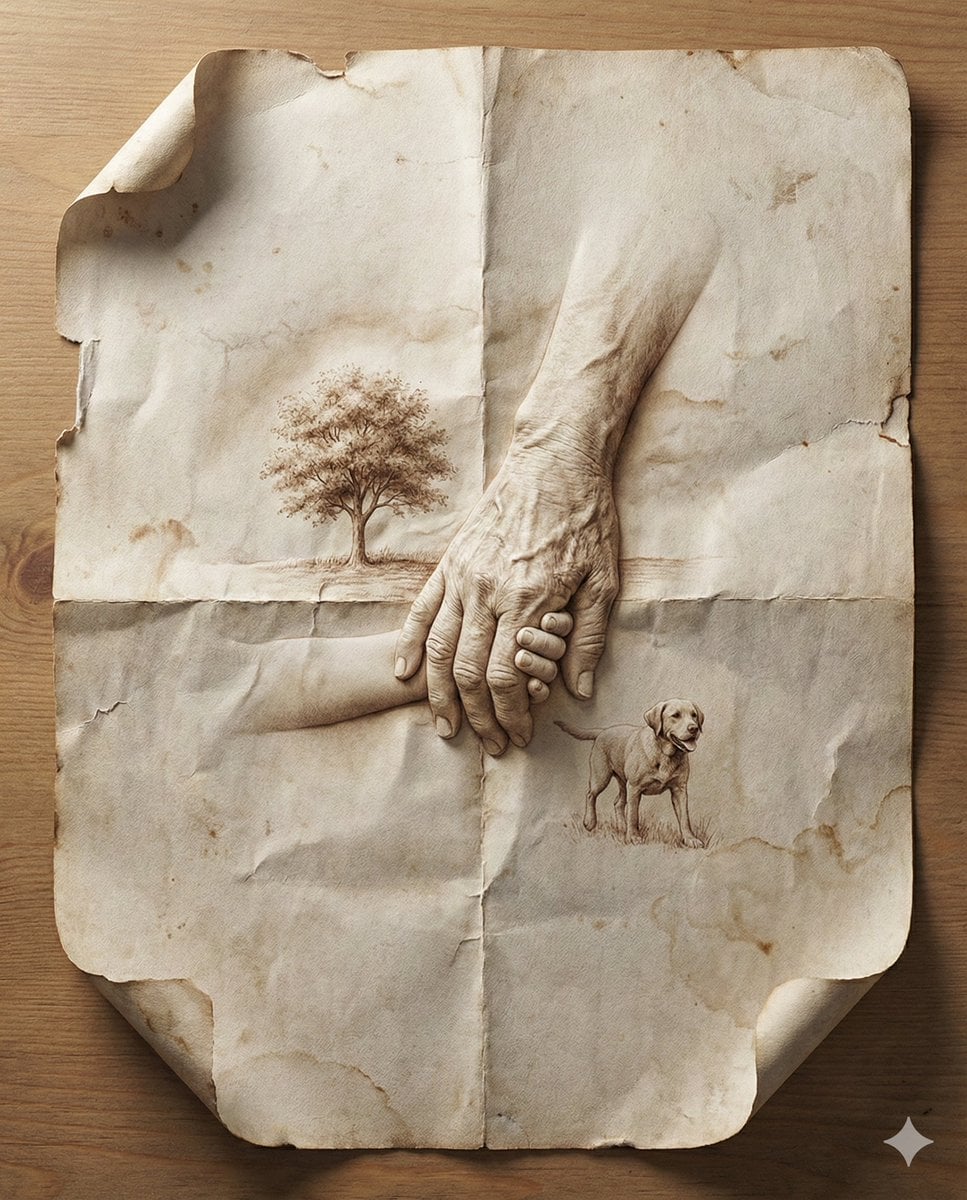
Master Blind Embossed Paper Art — White-on-White Monochromatic Luxury Stationery
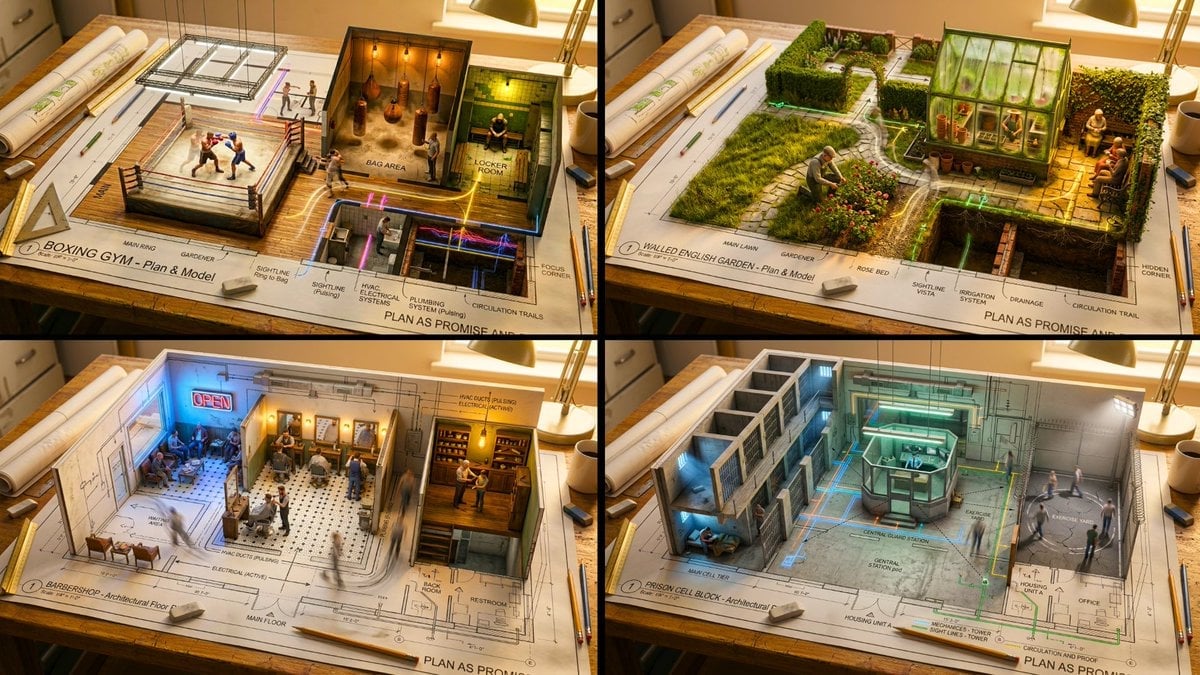
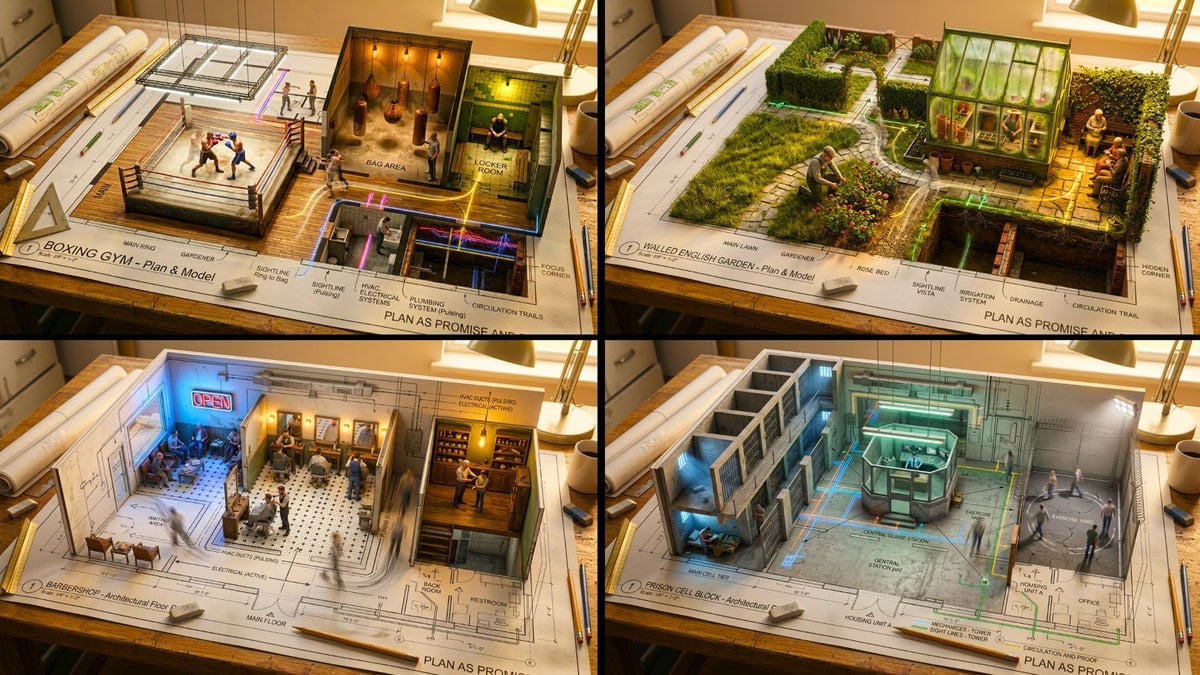
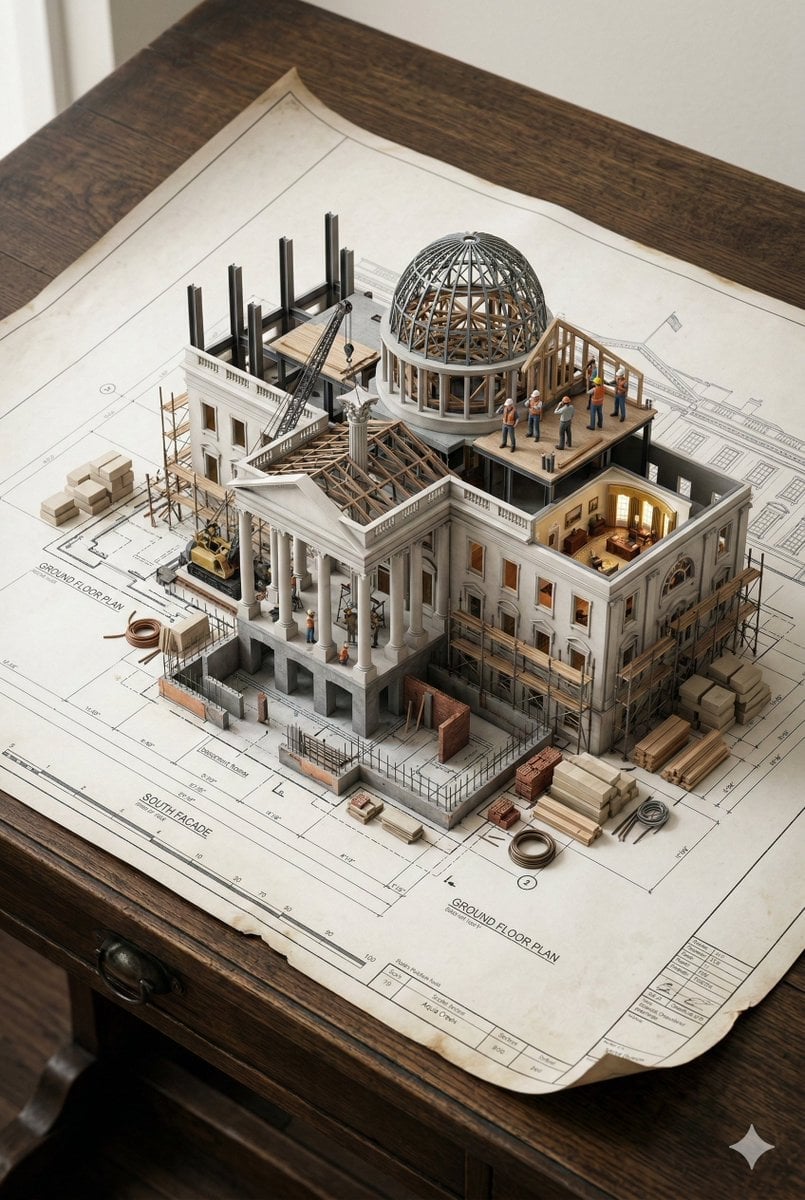
Master Architectural Paper Cut — Floor Plan Rising into Inhabitable Miniature
Make it yours
Paper Cut Celestial Map works as-is. These are the safest ways to change it without losing the look.
Change one field
Copy a single group, rewrite it, and generate again so you can see what that field is doing.
Keep the frame, change the subject
Hold the composition and light of Paper Cut Celestial Map, then swap wardrobe, props or the person for a new take.
| If the result… | Why | Fix |
|---|---|---|
| The result drifts from the preview | Too many fields changed at once. | Reuse Paper Cut Celestial Map as-is first, then change one group — subject, light, or setting. |
| The model over-stylizes the scene | The prose prompt leaves finish and camera underspecified. | Add one camera or lighting sentence and stay on PicX Studio. |
More image prompts
Fresh picks from across the catalog.

Iterative Cinematic Poster Prompts
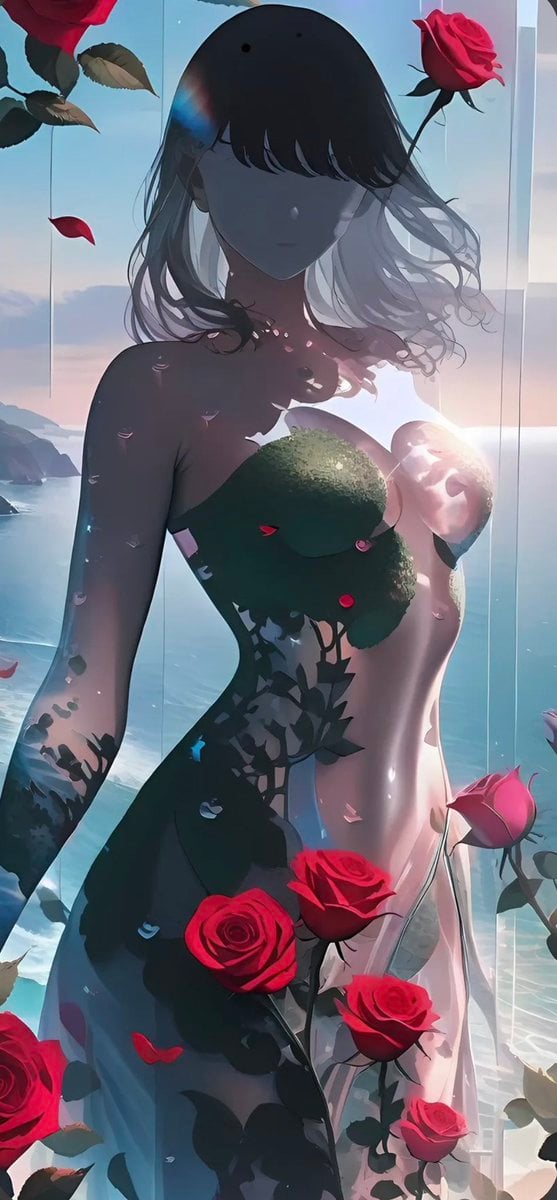
Rose Spirit Ocean Manhwa Portrait
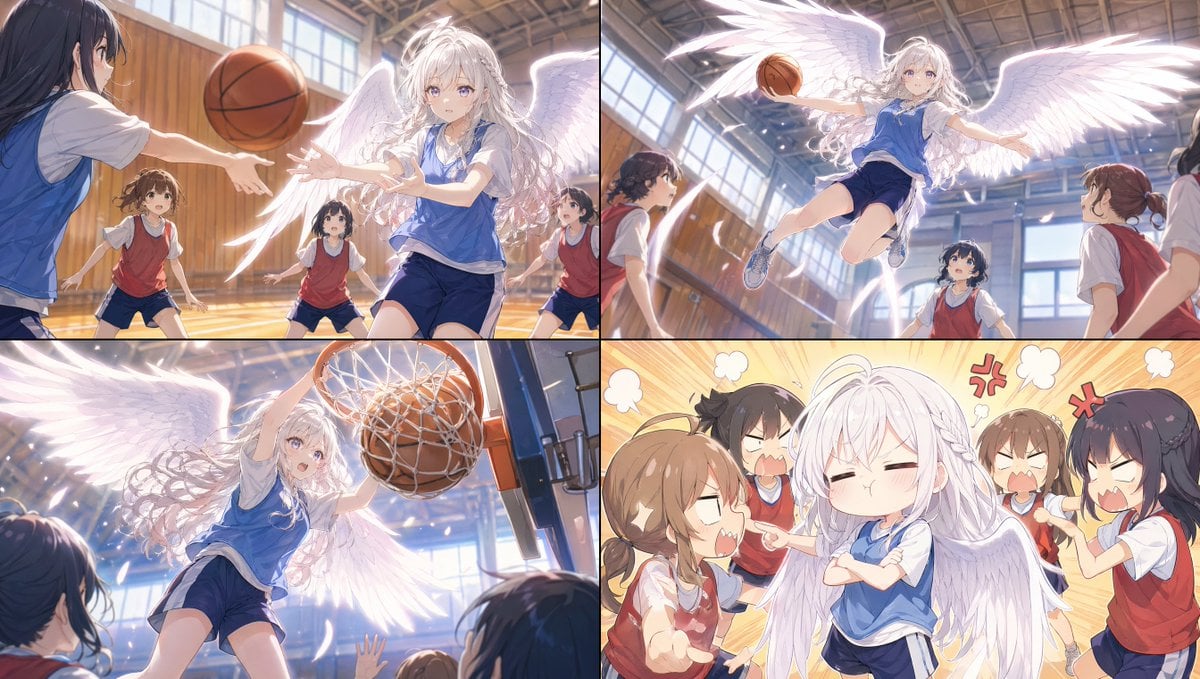
Angel Girl Basketball Storyboard
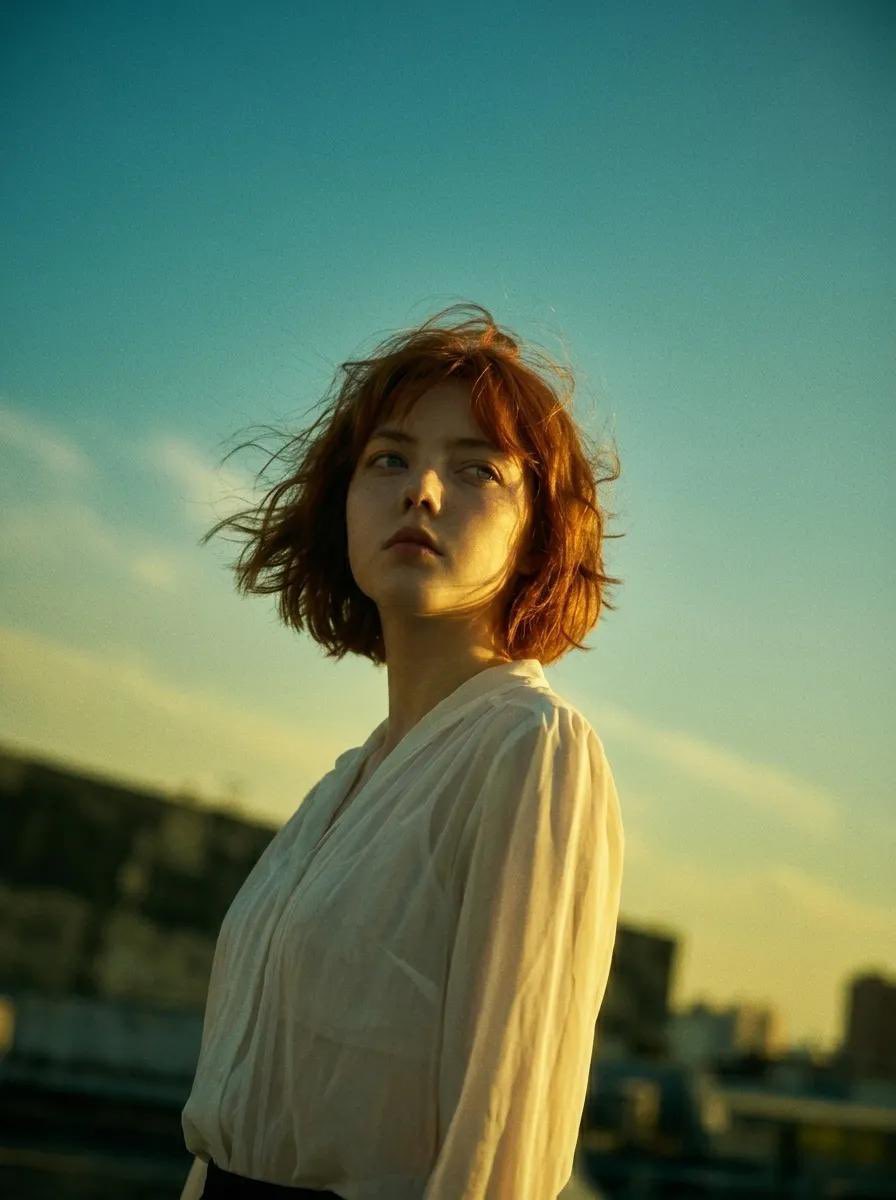
90s Hong Kong Cinema Portrait

Hyper-realistic image prompt featuring a person with Tom and Jerry in a studio setting
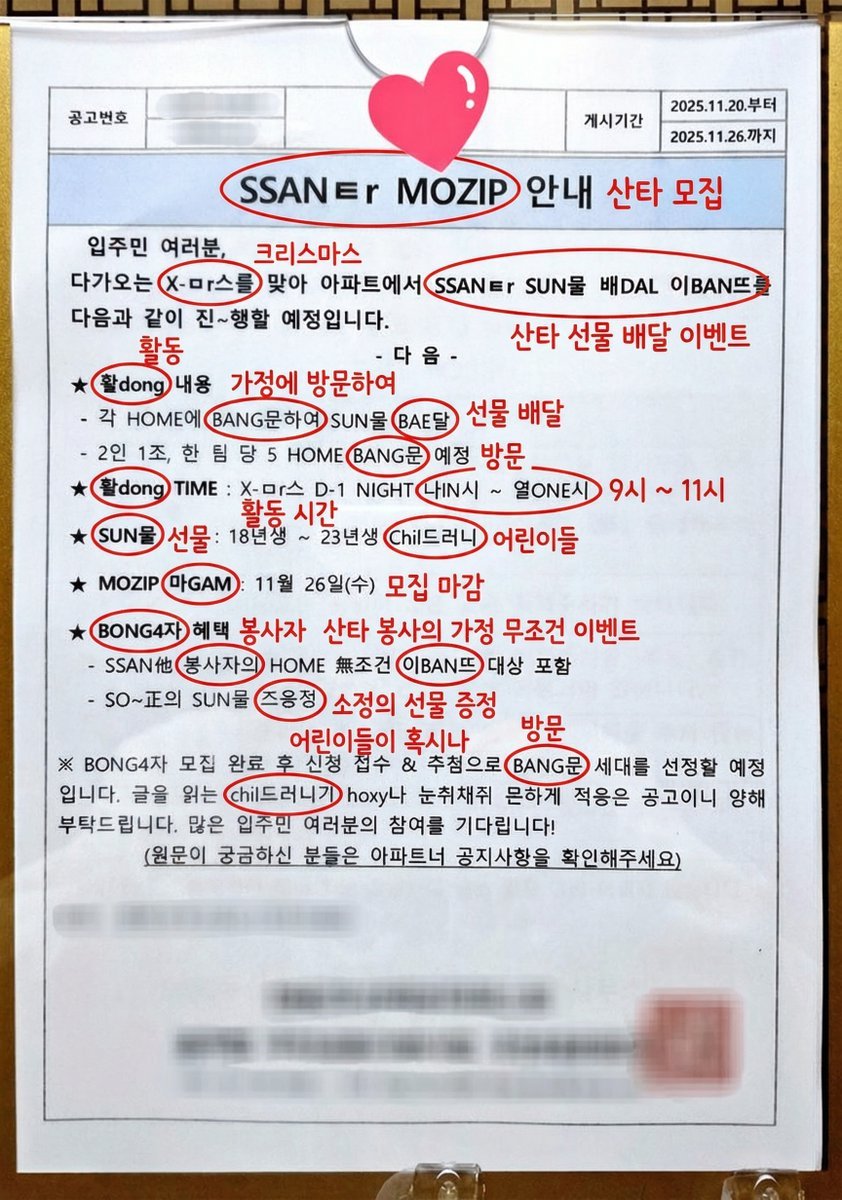
Annotated decoding of a cryptic Santa notice
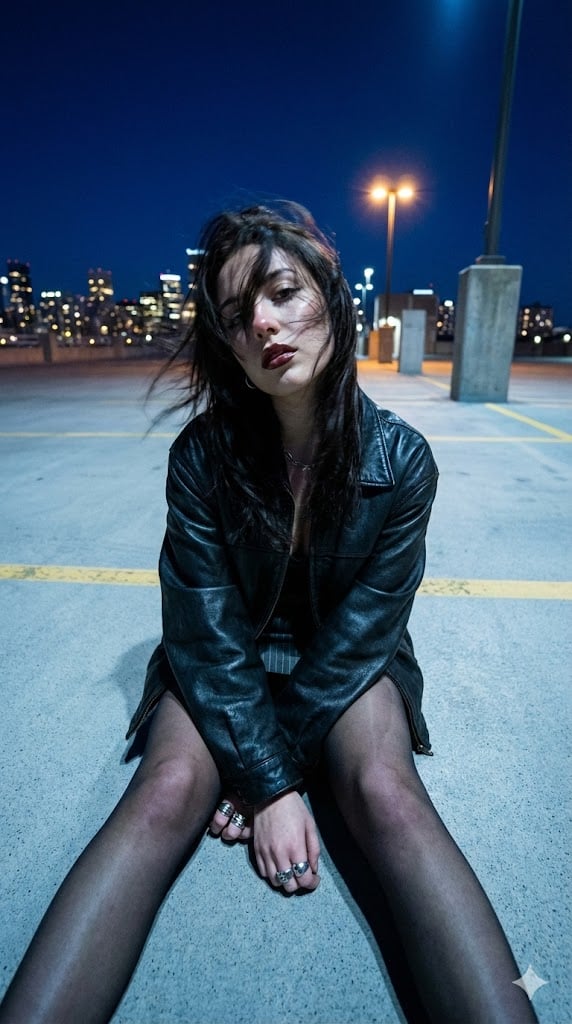
Structured Prompt for Urban Melancholia Portrait
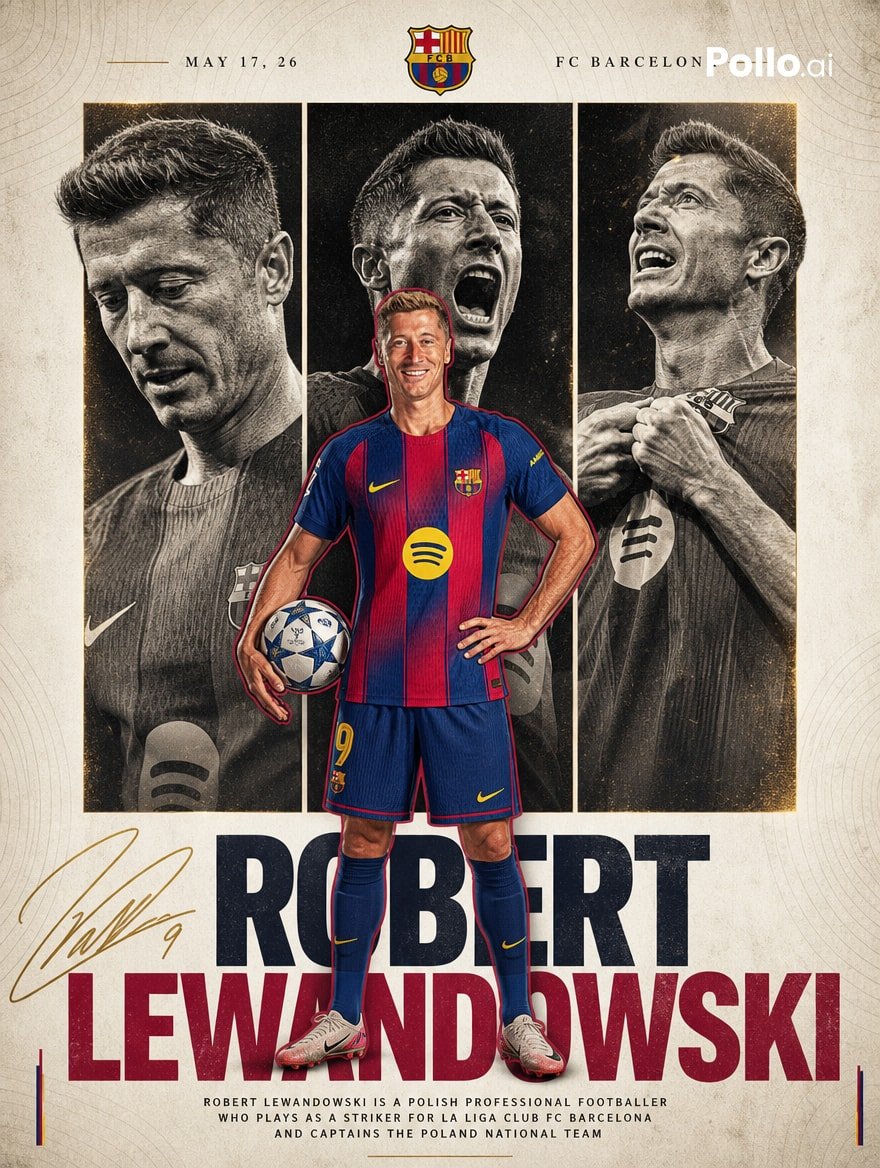
FC Barcelona Lewandowski Poster
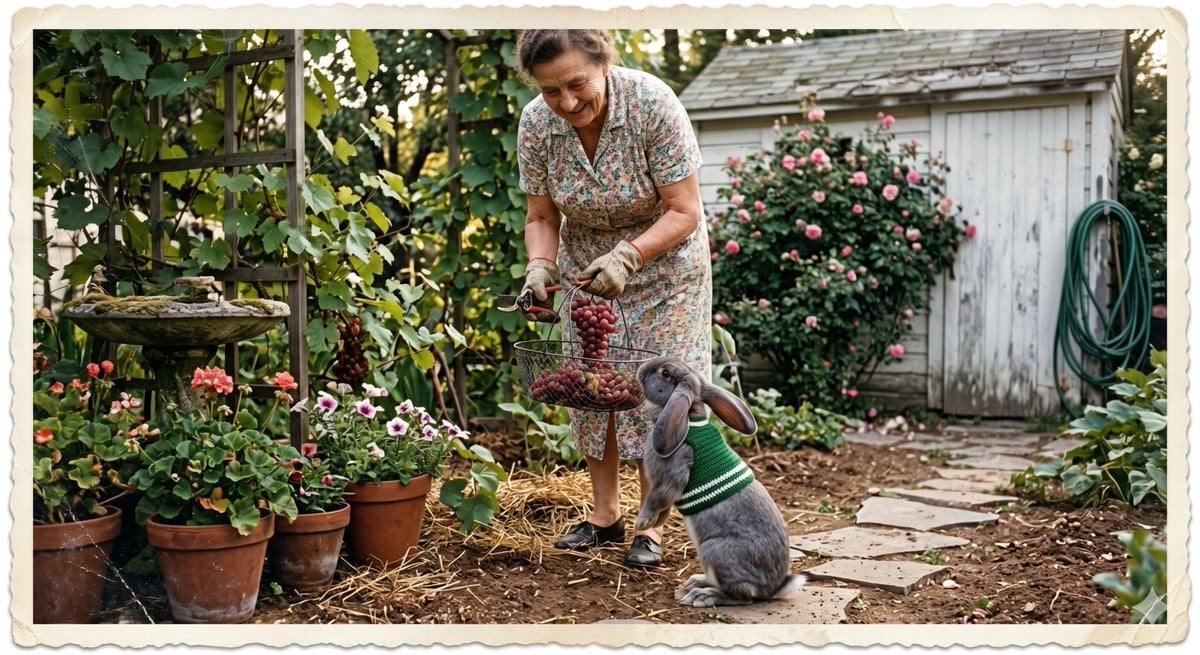
Vintage Gardener and Sweater Rabbit
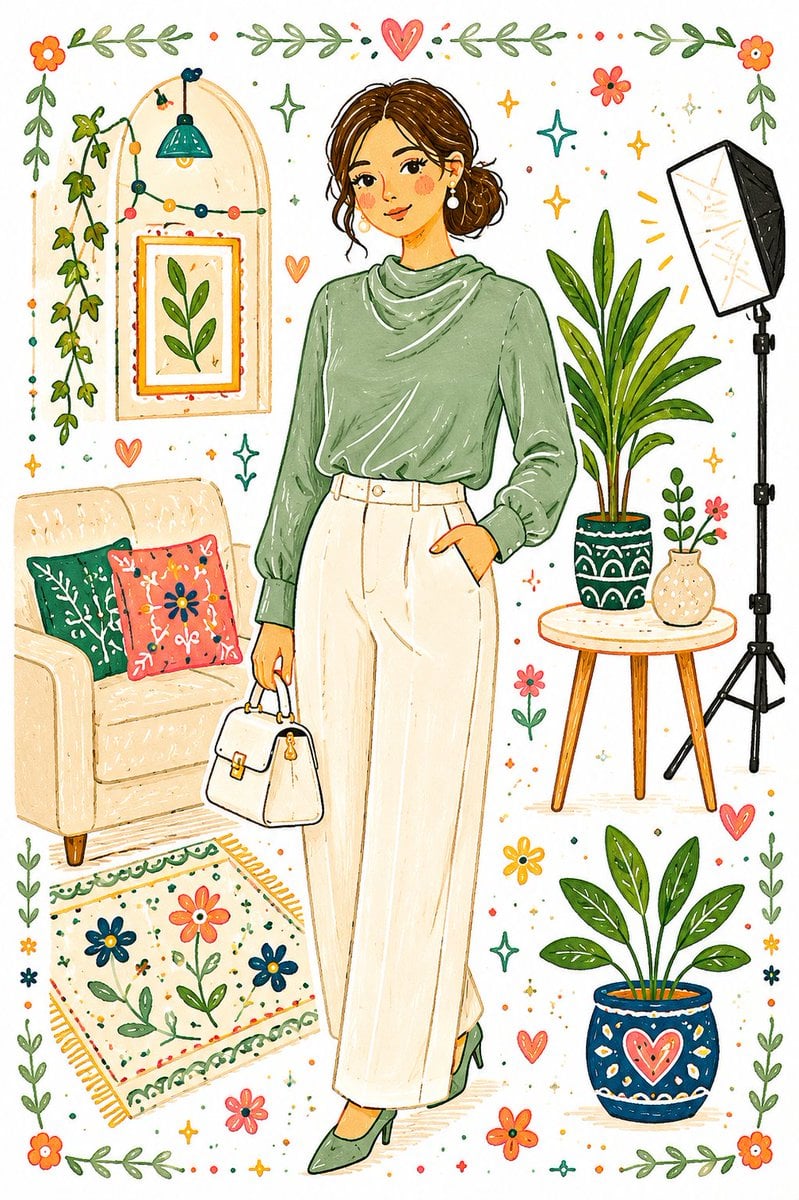
Whimsical Folk Art Transformation
Browse template categories
Paper Cut Celestial Map questions
How do I use the Paper Cut Celestial Map template?
Add your photo if the template asks for one, edit the prompt if you like — the template's model and format are already selected — and press Generate. Your version opens in PicX Studio.
Can I customize the Paper Cut Celestial Map template?
Yes. You can change the subject, setting, lighting, mood, format, and available model controls before creating your image.
Is the Paper Cut Celestial Map template free?
Opening and editing this template is free. Generating uses credits, shown on the Generate button when you are signed in.
Which AI model should I use?
Choose a compatible model in PicX Studio based on the style, speed, and output controls your project needs.
Looking for something else? Browse all templates.

Your photo, any look
Thousands of ready templates for every top image and video model, from one credit balance.