
Angel Girl Basketball Storyboard
A four-panel anime storyboard of a winged schoolgirl dominating a basketball game, useful for concept art, scene planning, or video generation keyframes.
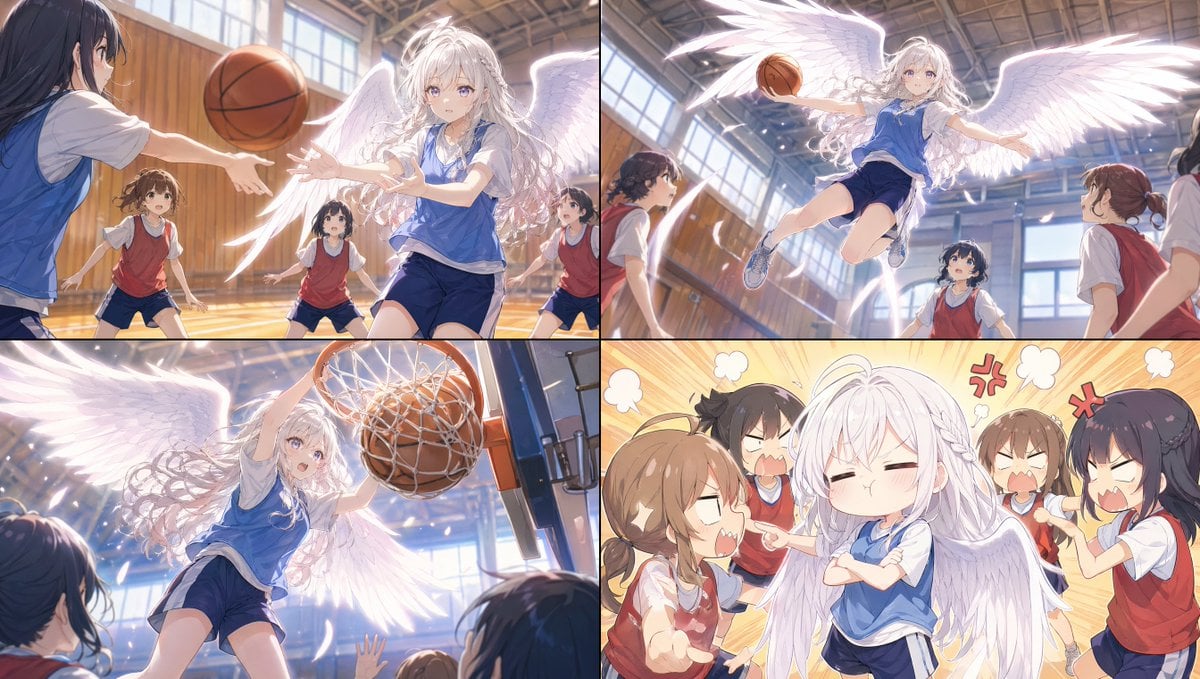
- Prompt included
- Model and format preset
- Free template
The prompt behind this image
Copy the exact prompt behind Angel Girl Basketball Storyboard, or open it in the studio and make it yours.
- Type
- anime storyboard collage
- Style
- high-quality polished anime illustration, cinematic lighting, soft bloom, dynamic motion, expressive character acting
- Subject › Main Character › Description
- a petite schoolgirl angel with large glowing white feathered wings, very long wavy white hair with a small side braid, fair skin, blue eyes, wearing a blue basketball practice bib over a white gym T-shirt and navy gym shorts
- Subject › Supporting Characters › Count
- 5
- Subject › Supporting Characters › Description
- other middle-school girls in a school gym, mostly wearing red practice bibs over white gym shirts and navy shorts, reacting as opponents or teammates
- Setting › Location
- Japanese indoor school gymnasium
- Setting › Details
- tall wooden wall panels, large sunlit windows, glossy hardwood court, basketball hoop and backboard, warm afternoon light streaming inside
- Layout › Composition
- 2x2 four-panel storyboard sheet
- Layout › Panels › 0 › Position
- top-left
- Layout › Panels › 0 › Count
- 1
- Layout › Panels › 0 › Scene
- the winged girl receives or reaches for a basketball during play, viewed at court level with another dark-haired girl in a blue bib in the left foreground and three red-bib players around them
- Layout › Panels › 0 › Camera
- dynamic medium-wide shot
- Layout › Panels › 0 › Effects
- ball suspended midair, backlit glowing wings, sports action motion
- Layout › Panels › 1 › Position
- top-right
- Layout › Panels › 1 › Count
- 1
- Layout › Panels › 1 › Scene
- the angel girl launches into the air with wings spread wide, holding a basketball in one hand as she flies toward the hoop while three girls below stare up in shock
- Layout › Panels › 1 › Camera
- dramatic low-angle action shot
- Layout › Panels › 1 › Effects
- bright rim light through feathers, sense of lift and speed, floating hair and limbs
- Layout › Panels › 2 › Position
- bottom-left
- Layout › Panels › 2 › Count
- 1
- Layout › Panels › 2 › Scene
- close-up low-angle dunk at the rim, the winged girl forcefully slams the basketball through the hoop
- Layout › Panels › 2 › Camera
- extreme dynamic low-angle near the backboard
- Layout › Panels › 2 › Effects
- net deformation, sparkling light particles, wings filling the frame, spectators' hands raised from below
- Layout › Panels › 3 › Position
- bottom-right
Raw JSON
{"type":"anime storyboard collage","style":"high-quality polished anime illustration, cinematic lighting, soft bloom, dynamic motion, expressive character acting","subject":{"main character":{"description":"a petite schoolgirl angel with large glowing white feathered wings, very long wavy white hair with a small side braid, fair skin, blue eyes, wearing a blue basketball practice bib over a white gym T-shirt and navy gym shorts"},"supporting characters":{"count":5,"description":"other middle-school girls in a school gym, mostly wearing red practice bibs over white gym shirts and navy shorts, reacting as opponents or teammates"}},"setting":{"location":"Japanese indoor school gymnasium","details":["tall wooden wall panels","large sunlit windows","glossy hardwood court","basketball hoop and backboard","warm afternoon light streaming inside"]},"layout":{"composition":"2x2 four-panel storyboard sheet","panels":[{"position":"top-left","count":1,"scene":"the winged girl receives or reaches for a basketball during play, viewed at court level with another dark-haired girl in a blue bib in the left foreground and three red-bib players around them","camera":"dynamic medium-wide shot","effects":["ball suspended midair","backlit glowing wings","sports action motion"]},{"position":"top-right","count":1,"scene":"the angel girl launches into the air with wings spread wide, holding a basketball in one hand as she flies toward the hoop while three girls below stare up in shock","camera":"dramatic low-angle action shot","effects":["bright rim light through feathers","sense of lift and speed","floating hair and limbs"]},{"position":"bottom-left","count":1,"scene":"close-up low-angle dunk at the rim, the winged girl forcefully slams the basketball through the hoop","camera":"extreme dynamic low-angle near the backboard","effects":["net deformation","sparkling light particles","wings filling the frame","spectators' hands raised from below"]},{"position":"bottom-right","count":1,"scene":"super-deformed comedic aftermath: the angel girl stands smugly with arms crossed and puffed cheeks while four other girls angrily complain around her","camera":"frontal chibi group shot","effects":["orange-yellow manga burst background","comic anger marks and steam puffs","exaggerated yelling expressions"]}]},"character consistency":{"main outfit pieces":["blue practice bib","white short-sleeve gym shirt","navy gym bloomers or shorts","light athletic sneakers"],"main hair features":["very long white hair","loose waves","small braid near the front"],"main wing features":["two large luminous white feathered wings"]},"prompt":"Create a {argument name=\"panel count\" default=\"4\"}-panel anime storyboard collage showing {argument name=\"character concept\" default=\"a white-haired angel schoolgirl dominating a basketball game\"}. Keep the same main character in every panel: a petite girl with {argument name=\"hair color\" default=\"white\"} hair, huge glowing feathered wings, and a {argument name=\"uniform color\" default=\"blue\"} basketball practice bib in a sunlit Japanese school gym. Panel 1: action pass/reception scene with multiple opposing girls in red bibs. Panel 2: airborne leap toward the basket, dramatic low angle, wings fully extended. Panel 3: powerful dunk seen from below near the hoop, sparkling impact, dynamic rim and net. Panel 4: chibi comedy reaction panel with the angel girl smug and arms crossed while 4 angry girls yell around her. Use {argument name=\"art style\" default=\"cinematic polished anime with soft bloom and energetic sports motion\"}."}How to use Angel Girl Basketball Storyboard in 3 steps
- 1Upload ImagePNG, JPG or paste
Add your photo
Upload the photo the template builds on. The prompt, model and format are already set.
- 2…a portrait of your subject in softgolden-hour light, 85mm…
Personalize
Edit the subject and creative details for your destination.
- 3Generate
Generate
Press Generate — your image is created in PicX Studio, so you can compare it with the original and refine one variable at a time.
More like this
Templates with the same subject, style or setup. Open one to see its prompt.

Teen Girl Alpine Lake Mountain View

Headphones Lifestyle Nine Panel Grid
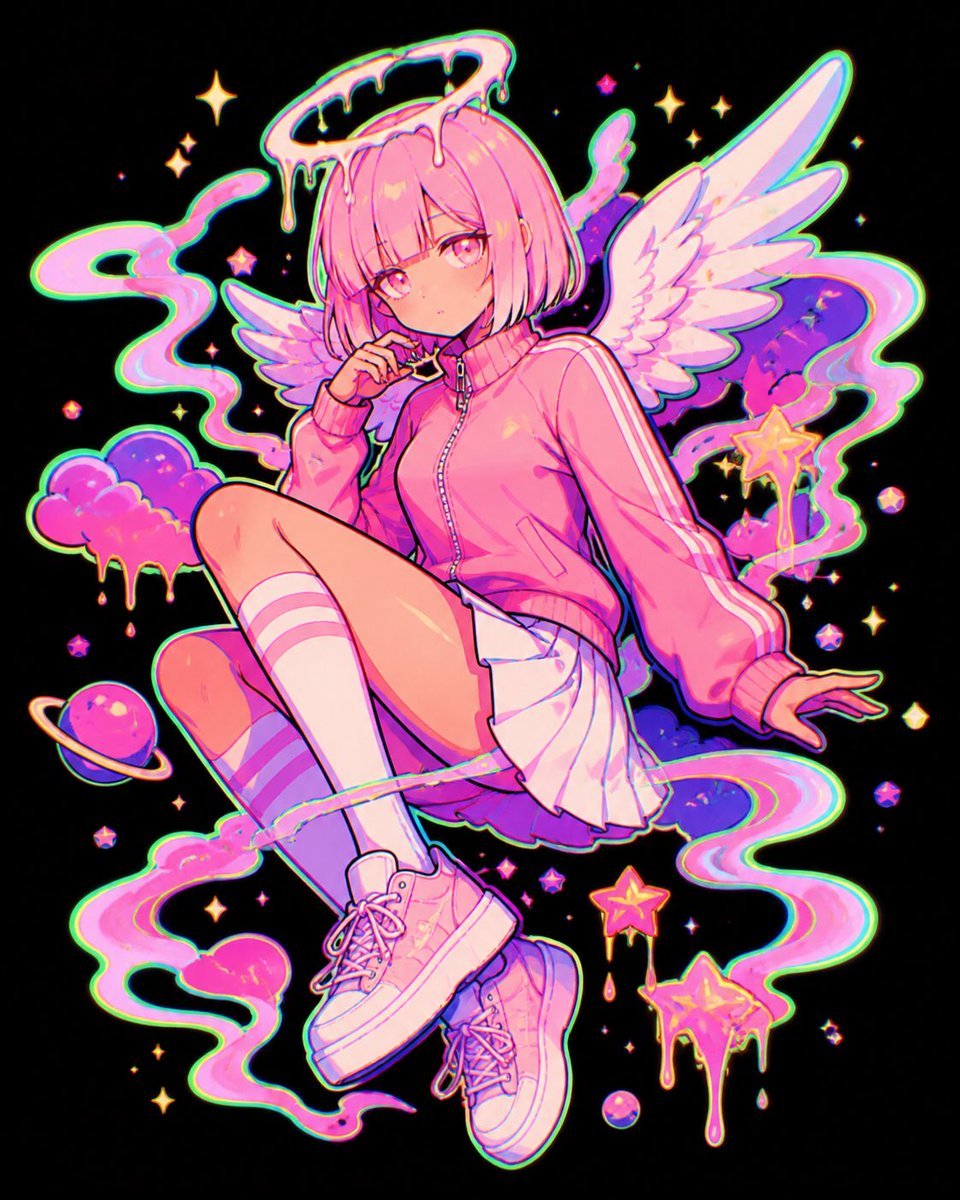
Pastel Neon Angel Girl
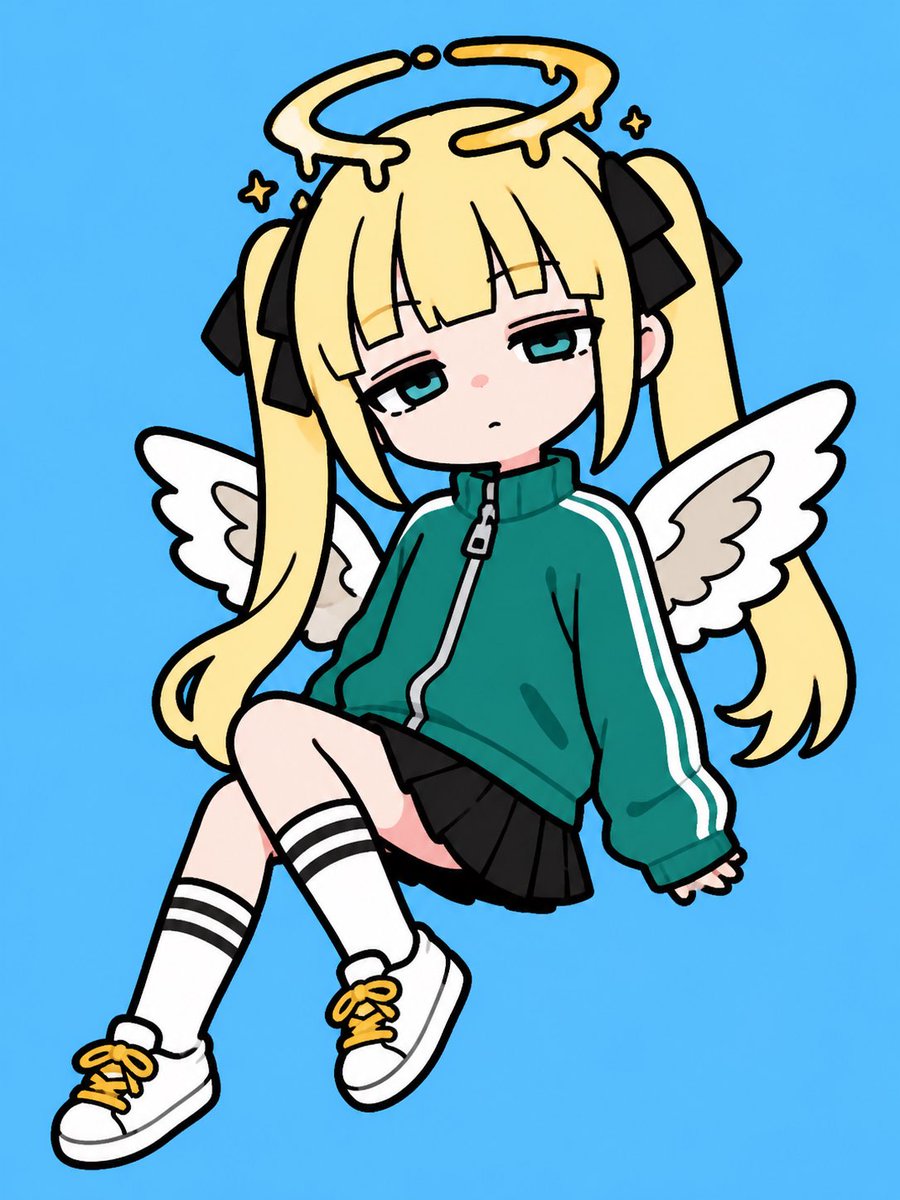
Sleepy Chibi Angel Girl
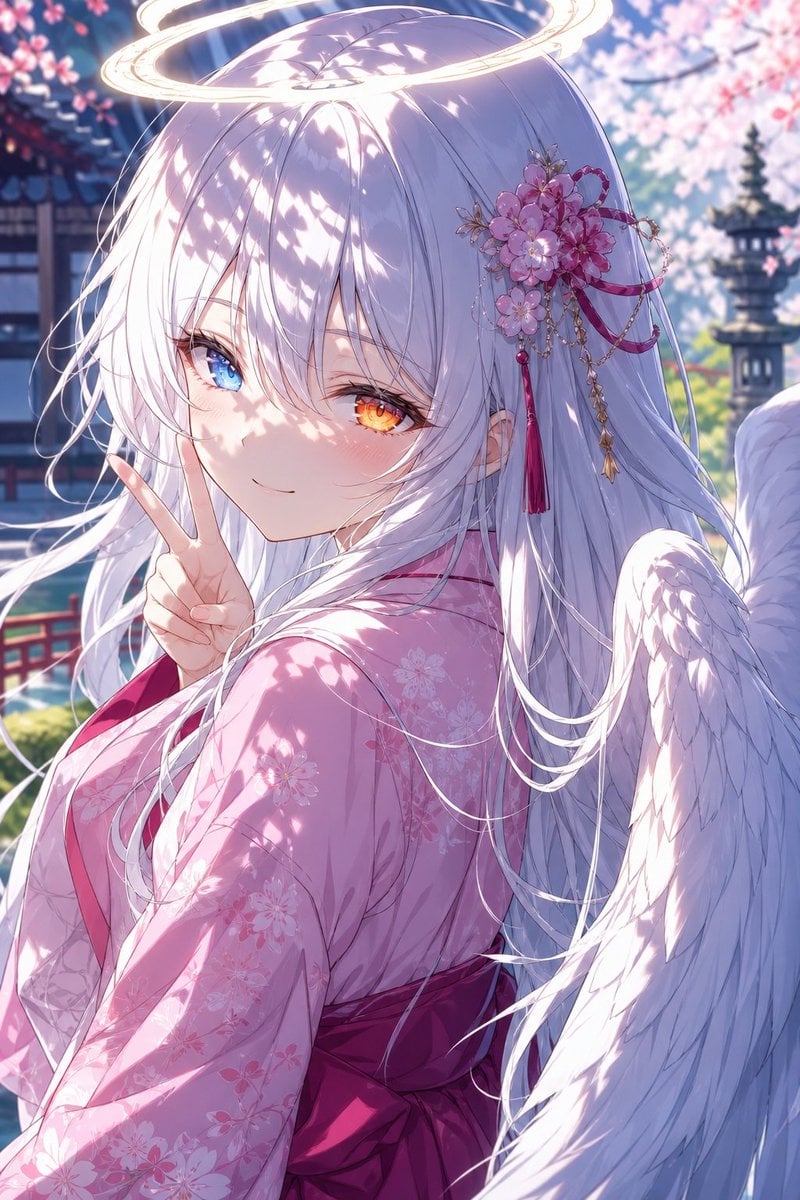
Angel Girl in Sakura Kimono
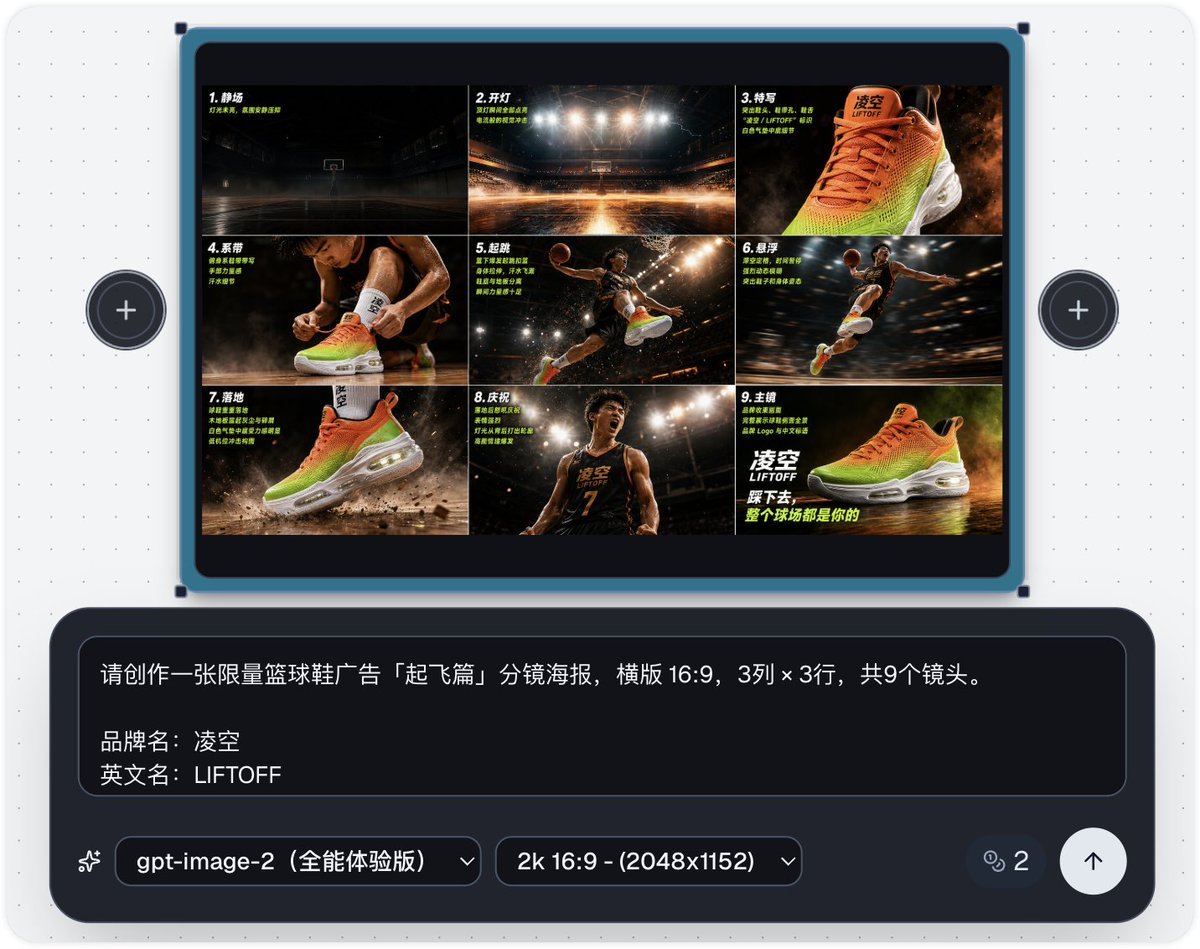
Basketball Shoe Storyboard Advertisement
Seedance - Storyboard to Movie
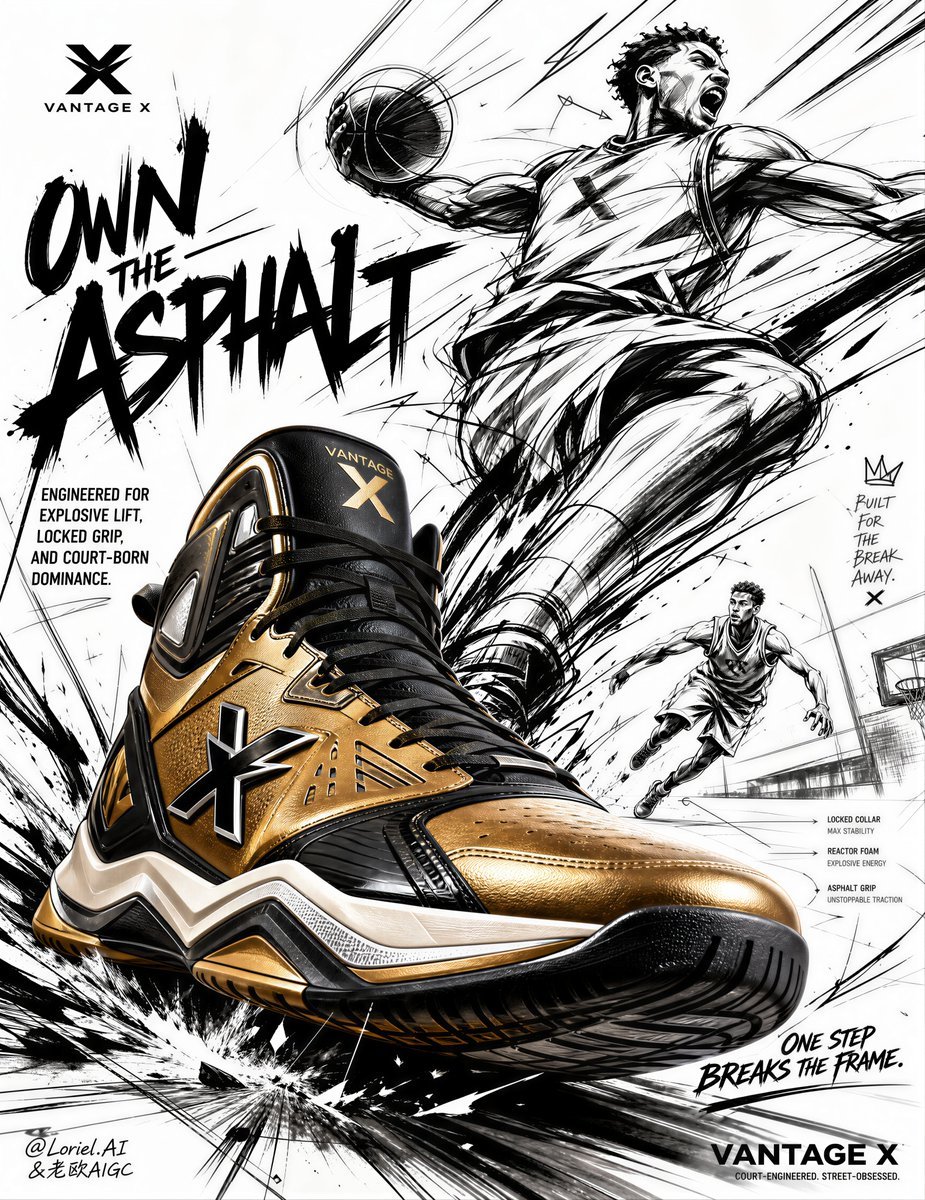
Urban Basketball Sneaker Poster Design
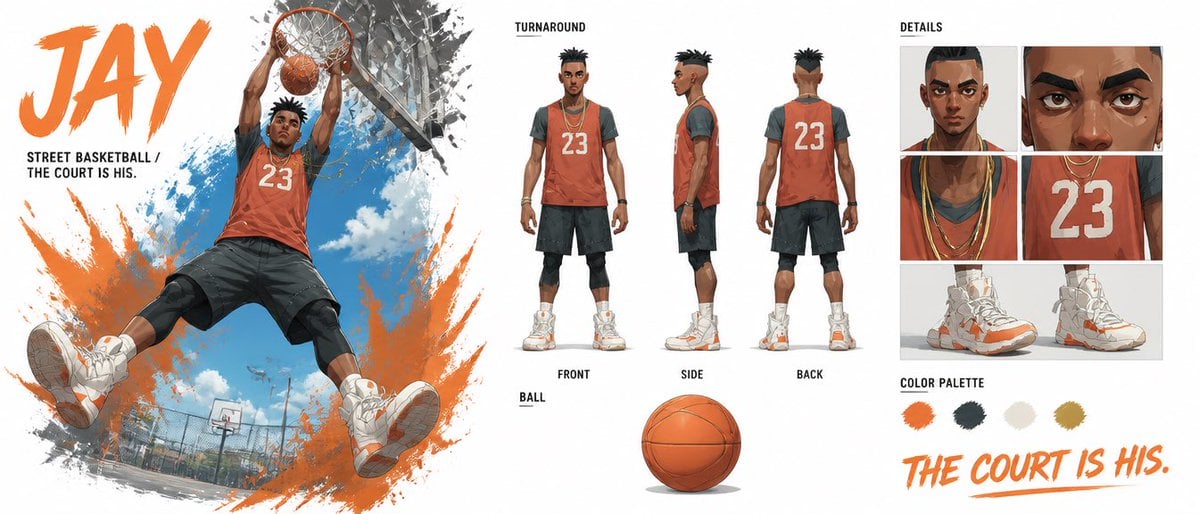
Basketball Character Bible Sheet

Obscured Cyberpunk Girl Poster
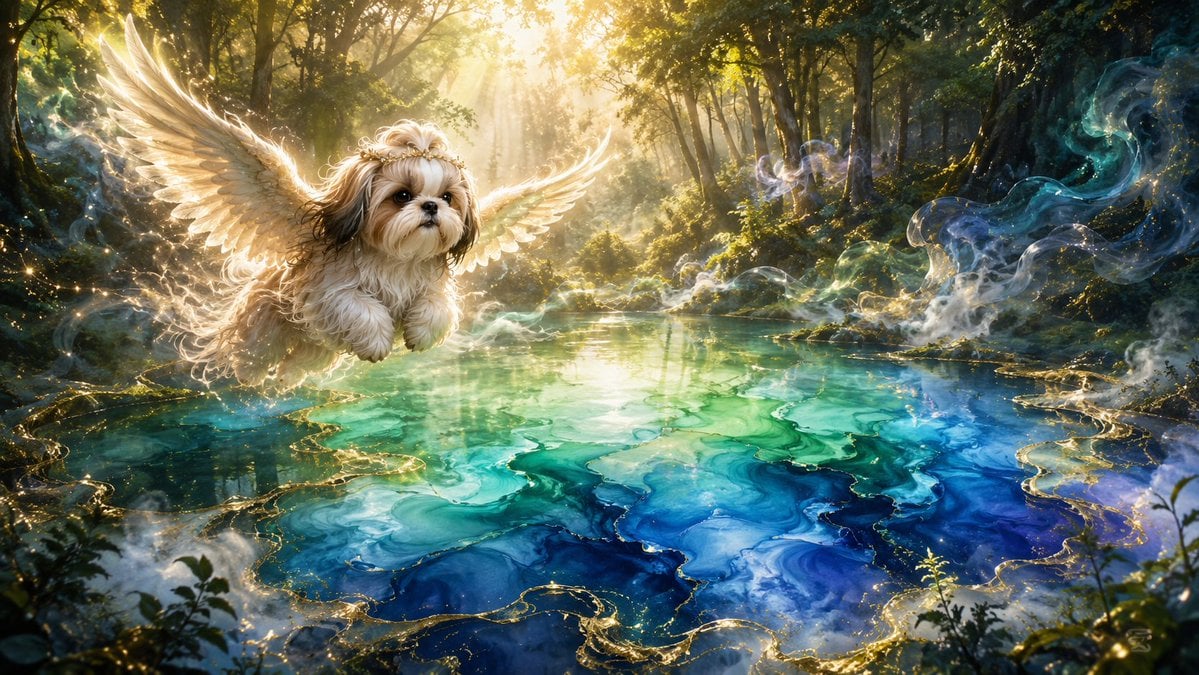
Angel Shih Tzu Over Ink Pond

Sunlit Orchard Girl With Apples
Make it yours
Angel Girl Basketball Storyboard works as-is. These are the safest ways to change it without losing the look.
Swap the setting
Keep the rest of the prompt and replace the location block. The current setting is “Japanese indoor school gymnasium”.
Change one field
Copy a single group, rewrite it, and generate again so you can see what that field is doing.
Keep the frame, change the subject
Hold the composition and light of Angel Girl Basketball Storyboard, then swap wardrobe, props or the person for a new take.
| If the result… | Why | Fix |
|---|---|---|
| The result drifts from the preview | Too many fields changed at once. | Reuse Angel Girl Basketball Storyboard as-is first, then change one group — subject, light, or setting. |
| GPT Image 2 ignores part of the JSON | Some models flatten or skip nested keys. | Keep the same values and paste them as a short paragraph instead. |
More GPT Image 2 templates
Other prompts made for GPT Image 2.

Six VTuber Japanese Logo Sheet

Realistic Portrait of Woman and Deer

The Vista Modular Condo Poster

AI Model Routing Comparison Infographic

2.5D Anime Art Board

Isometric Productivity Desk Scene

New York Double Exposure Poster

Four-Panel AI Landscape Comparison

Japanese Tatami Lifestyle Magazine Cover

NESCAFÉ Coffee Map Poster
More image prompts
Fresh picks from across the catalog.
Miniature Ecosystem Diorama Prompt
Pixar-Style Chibi Sticker Sheet
X Meng Dagg695 Gpt Image 2 on Socialsight
Short Prompt for AI Art Generation
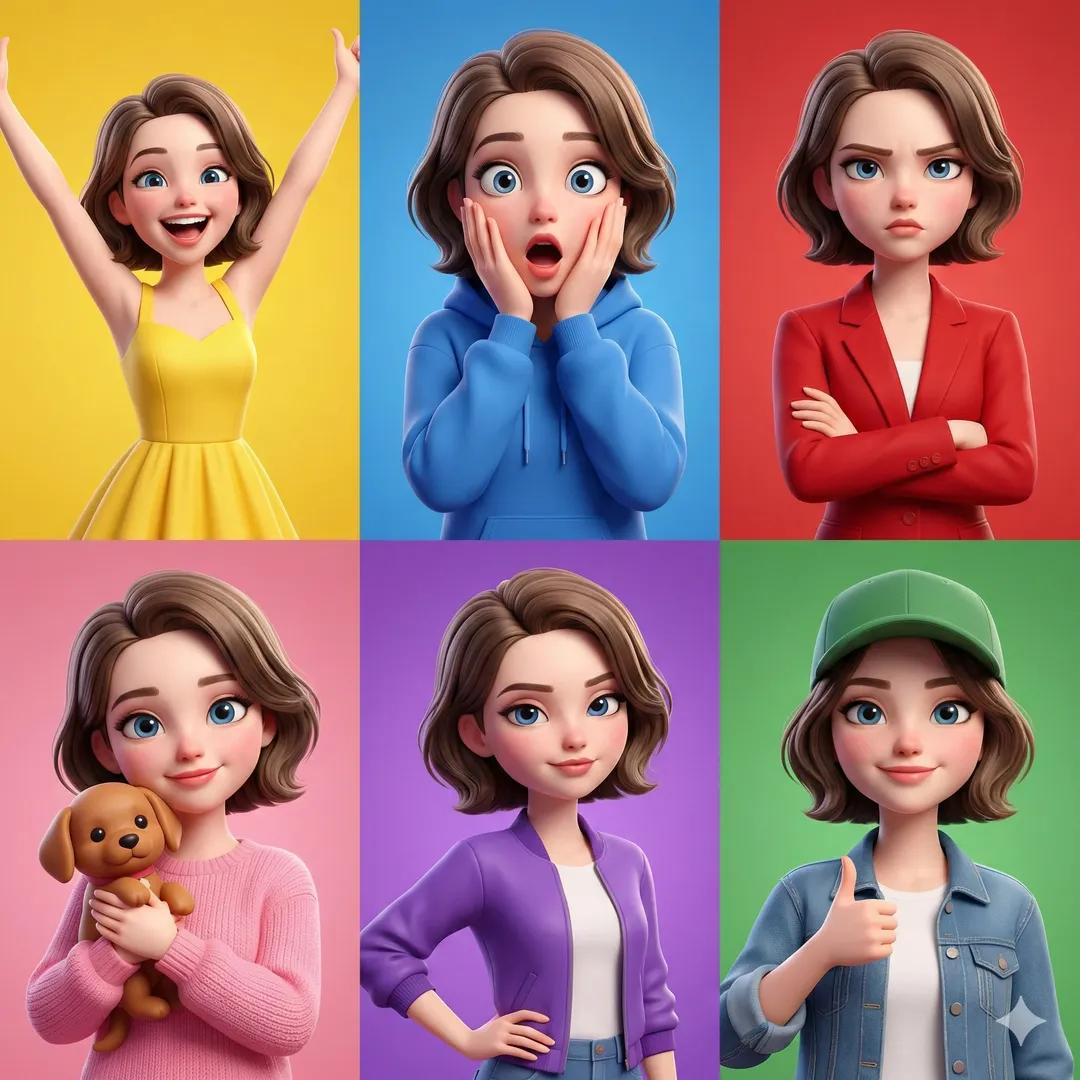
3D Pixar-Style Character Emotion Grid Prompt
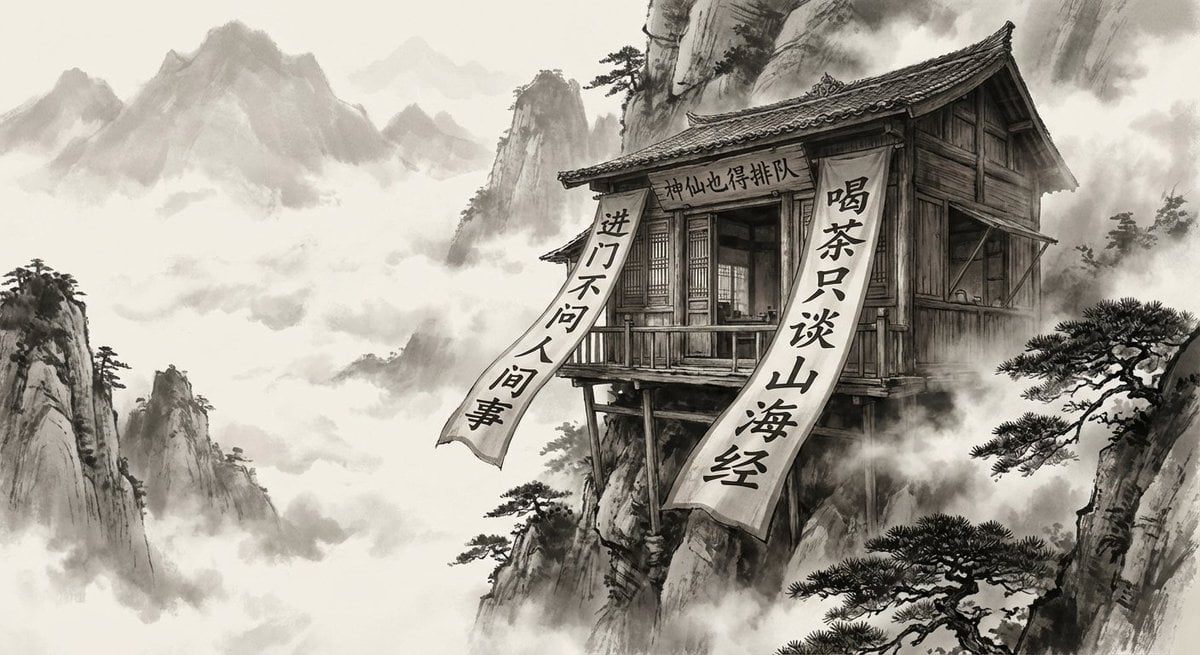
Illustration based on the poem “Song of Everlasting Regret”
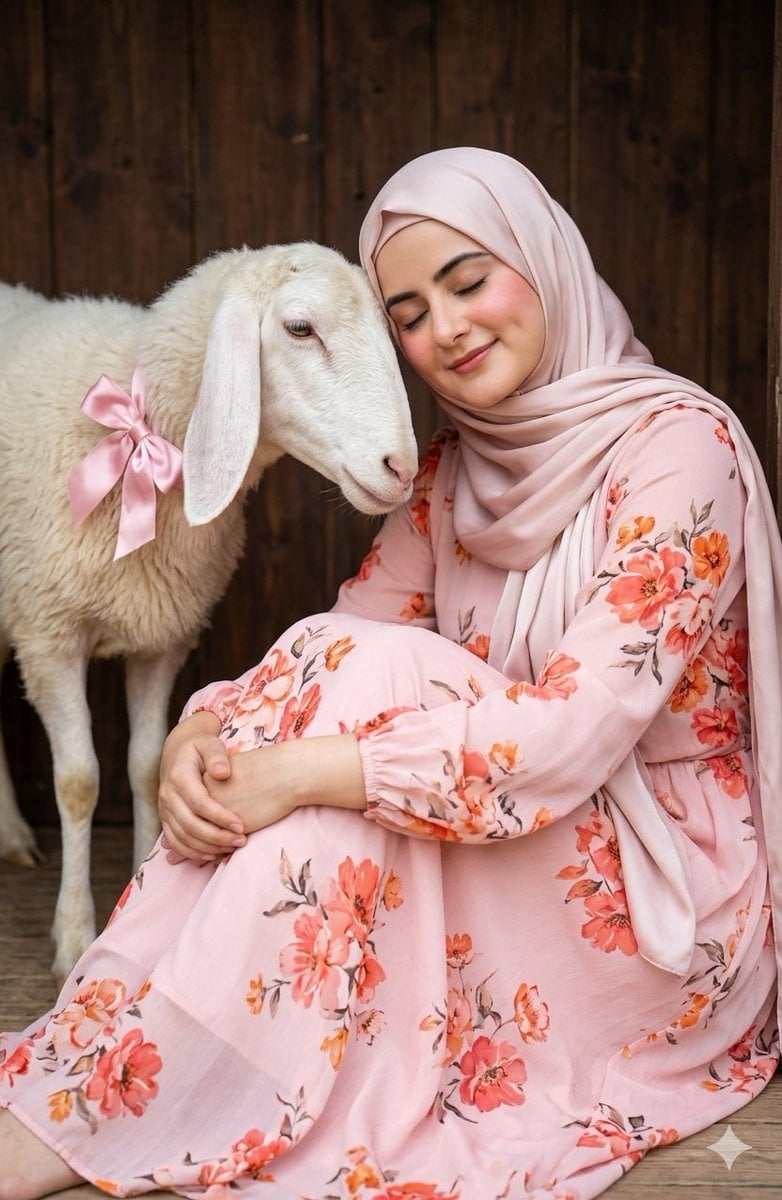
Soft Aesthetic Portrait with Sheep
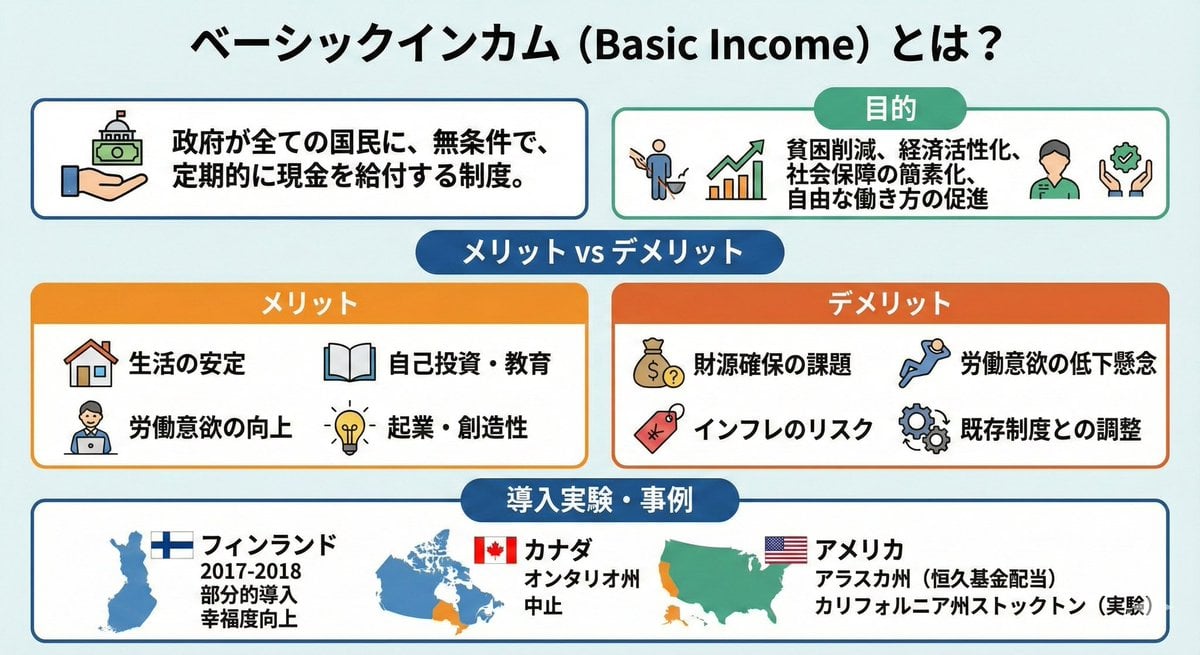
Image summarizing basic income
Night Drive Cinematic Portrait
AI Illustration Quality Upscaler
Browse template categories
Angel Girl Basketball Storyboard questions
How do I use the Angel Girl Basketball Storyboard template?
Add your photo if the template asks for one, edit the prompt if you like — the template's model and format are already selected — and press Generate. Your version opens in PicX Studio.
Can I customize the Angel Girl Basketball Storyboard template?
Yes. You can change the subject, setting, lighting, mood, format, and available model controls before creating your image.
Is the Angel Girl Basketball Storyboard template free?
Opening and editing this template is free. Generating uses credits, shown on the Generate button when you are signed in.
Which AI model should I use?
Start with GPT Image 2, which is the model associated with this template. You can compare another compatible model for a different finish.
Looking for something else? Browse all templates.

Your photo, any look
Thousands of ready templates for every top image and video model, from one credit balance.