
Pixar-Style Chibi Sticker Sheet
A detailed JSON prompt for Nano Banana 2 to generate a 3x3 grid of expressive, Pixar-style 3D chibi doll stickers, maintaining consistent identity across all panels, featuring pastel gradient hair and various outfits…
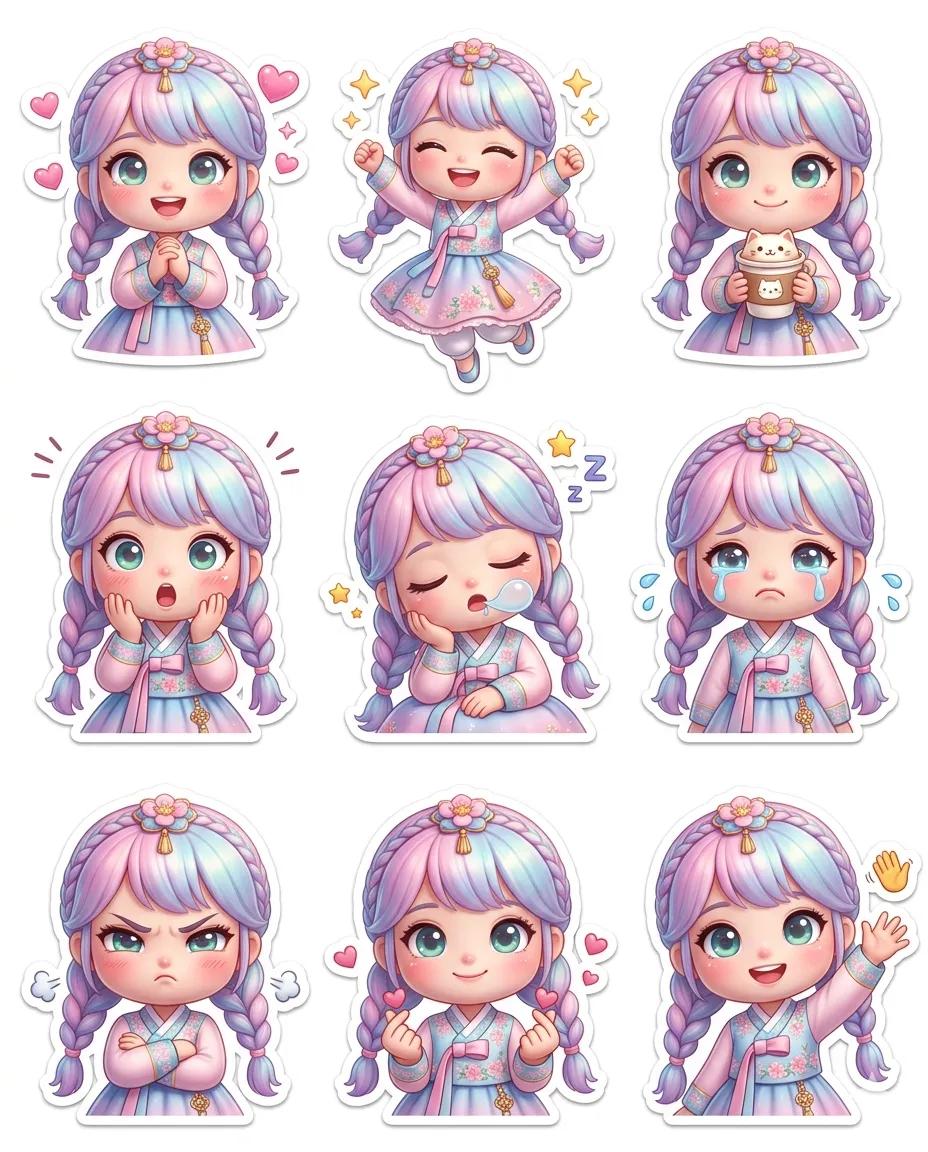
- Prompt included
- Model and format preset
- Premium template
The prompt behind this image
Copy the exact prompt behind Pixar-Style Chibi Sticker Sheet, or open it in the studio and make it yours.
- Layout
- 4:5
- Grid › Rows
- 3
- Grid › Columns
- 3
- Grid › Spacing
- even
- Grid › Centered
- true
- Character › Identity
- same across all stickers
- Character › Hair
- pastel gradient gold
- Character › Eyes
- big glossy greenish-blue
- Character › Head
- oversized
- Character › Body
- tiny
- Character › Blush
- soft
- Character › Appearance
- doll-like
- Style › Type
- Pixar-style 3D chibi doll
- Style › Design
- clean sticker
- Style › Background
- white or none
- Style › Shadows
- soft
- Style › Finish
- glossy
- Style › High Detail
- true
- Style › Consistent Design
- true
- Style › Edges
- clean
- Outfits › 0 › Type
- modern cute hanbok
- Outfits › 0 › Color
- pastel pink
- Outfits › 1 › Type
- soft pastel casual outfit
- Expressions Actions › 0 › Expression
- smiling with hearts
Raw JSON
{
  "layout": "4:5",
  "grid": {
    "rows": 3,
    "columns": 3,
    "spacing": "even",
    "centered": true
  },
  "character": {
    "identity": "same across all stickers",
    "hair": "pastel gradient gold",
    "eyes": "big glossy greenish-blue",
    "head": "oversized",
    "body": "tiny",
    "blush": "soft",
    "appearance": "doll-like"
  },
  "style": {
    "type": "Pixar-style 3D chibi doll",
    "design": "clean sticker",
    "background": "white or none",
    "shadows": "soft",
    "finish": "glossy",
    "high_detail": true,
    "consistent_design": true,
    "edges": "clean"
  },
  "outfits": [
    {
      "type": "modern cute hanbok",
      "color": "pastel pink"
    },
    {
      "type": "soft pastel casual outfit"
    }
  ],
  "expressions_actions": [
    {"expression": "smiling with hearts", "emoji": "💕"},
    {"expression": "happy jump", "emoji": "✨"},
    {"expression": "holding coffee", "emoji": "☕"},
    {"expression": "surprised", "emoji": "😲"},
    {"expression": "sleepy", "emoji": "😴"},
    {"expression": "crying (cute tears)", "emoji": "😢"},
    {"expression": "angry (pouting)", "emoji": "😤"},
    {"expression": "love / finger heart", "emoji": "💖"},
    {"expression": "waving hello", "emoji": "👋"}
  ],
  "mood": "cute, expressive, playful, sticker-friendly",
  "quality": {
    "resolution": "ultra high",
    "text_distortion": false
  }
}How to use Pixar-Style Chibi Sticker Sheet in 3 steps
- 1
Open
The prompt is already in the box next to the preview, with the template's model and format selected.
- 2…a portrait of your subject in softgolden-hour light, 85mm…
Personalize
Edit the subject and creative details for your destination.
- 3Generate
Generate
Press Generate — your image is created in PicX Studio, so you can compare it with the original and refine one variable at a time.
More like this
Templates with the same subject, style or setup. Open one to see its prompt.

Chibi Anime Ninja Sticker Sheet
Puffy Chibi Sticker Sheet
Kawaii Chibi Sticker Sheet

Pixar-Style Chibi Café Morning Scene
Chibi Japanese Schoolgirl Sticker Sheet
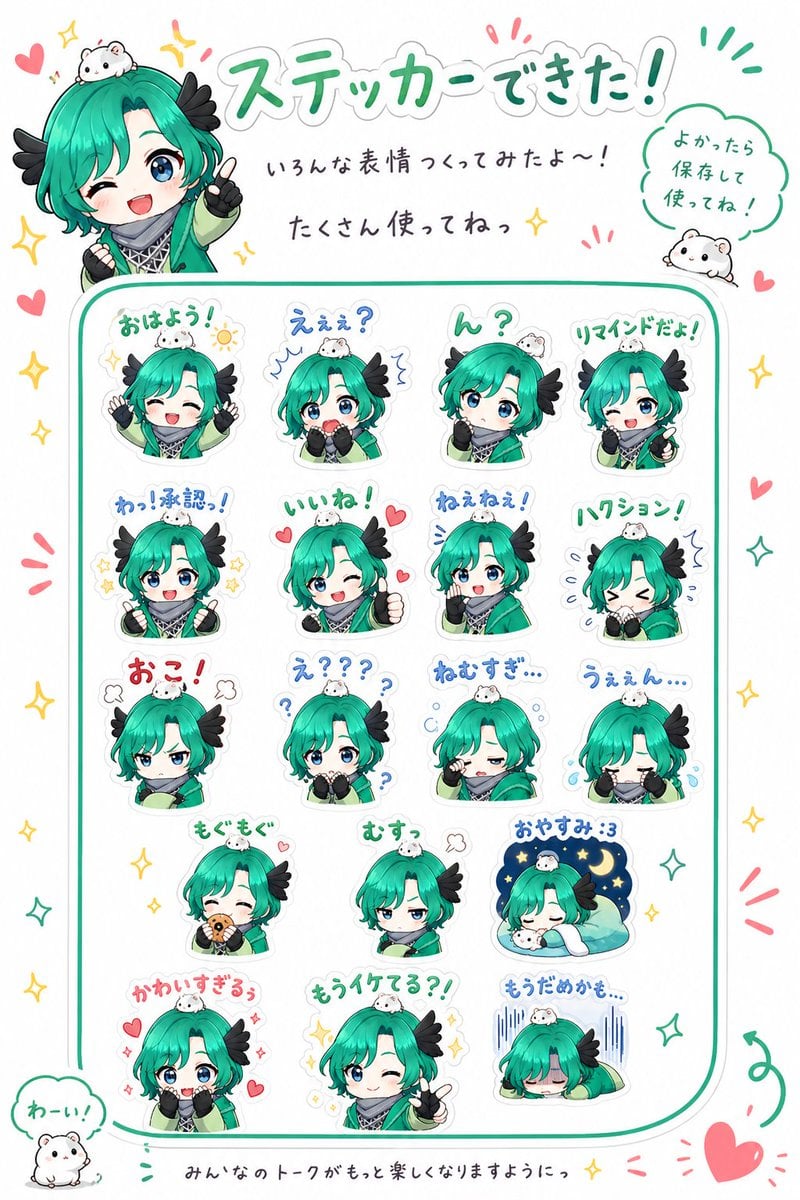
Chibi Character Sticker Sheet Ad
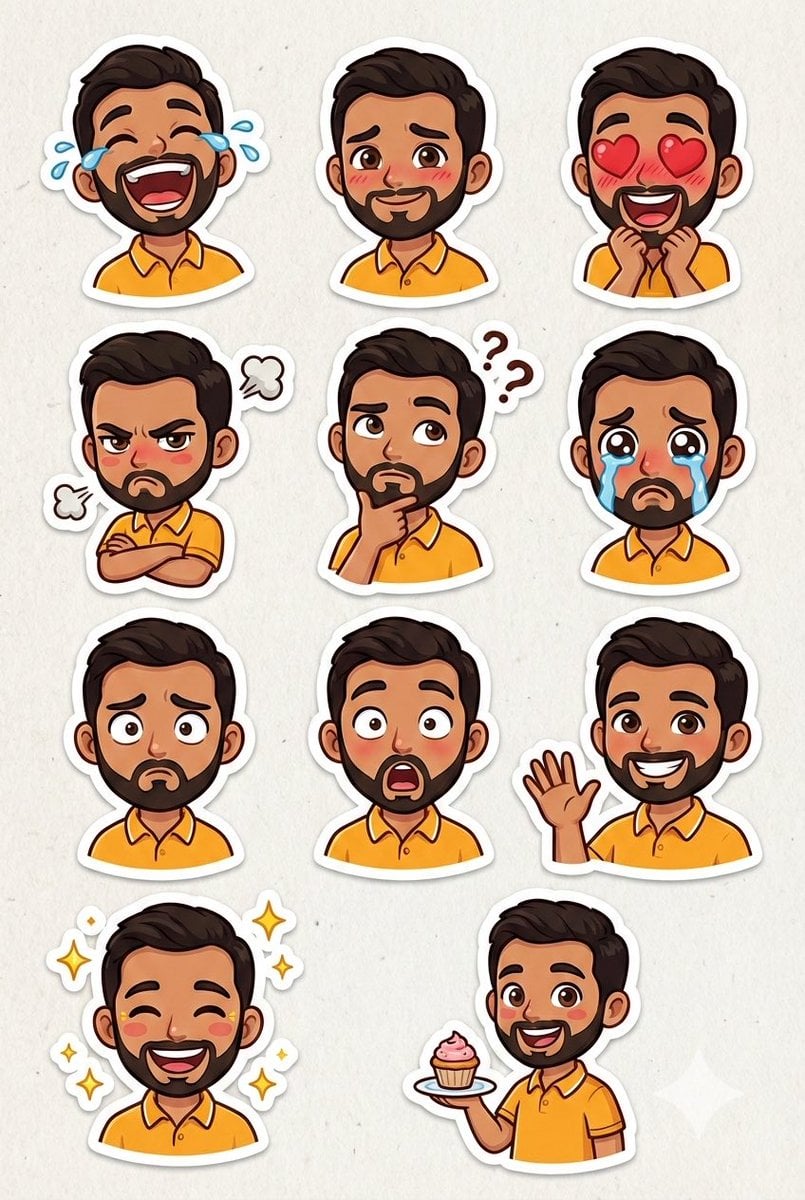
Pixar Sticker Sheet Generation Prompt

Brand Sticker Sheet Monoline Vector
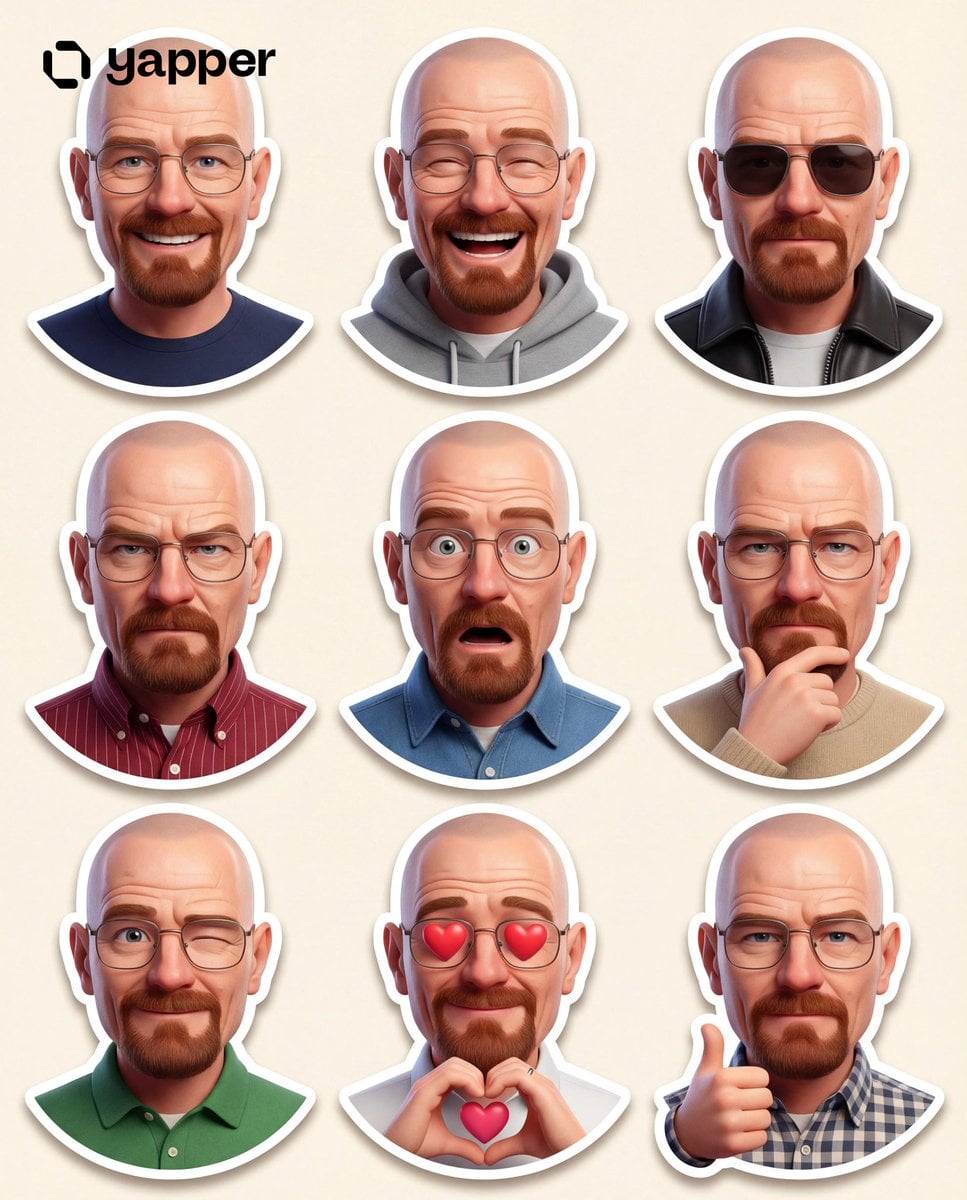
Pixar 3D Character Sticker Pack 3x3

A trendy, high-end Sticker Sheet set
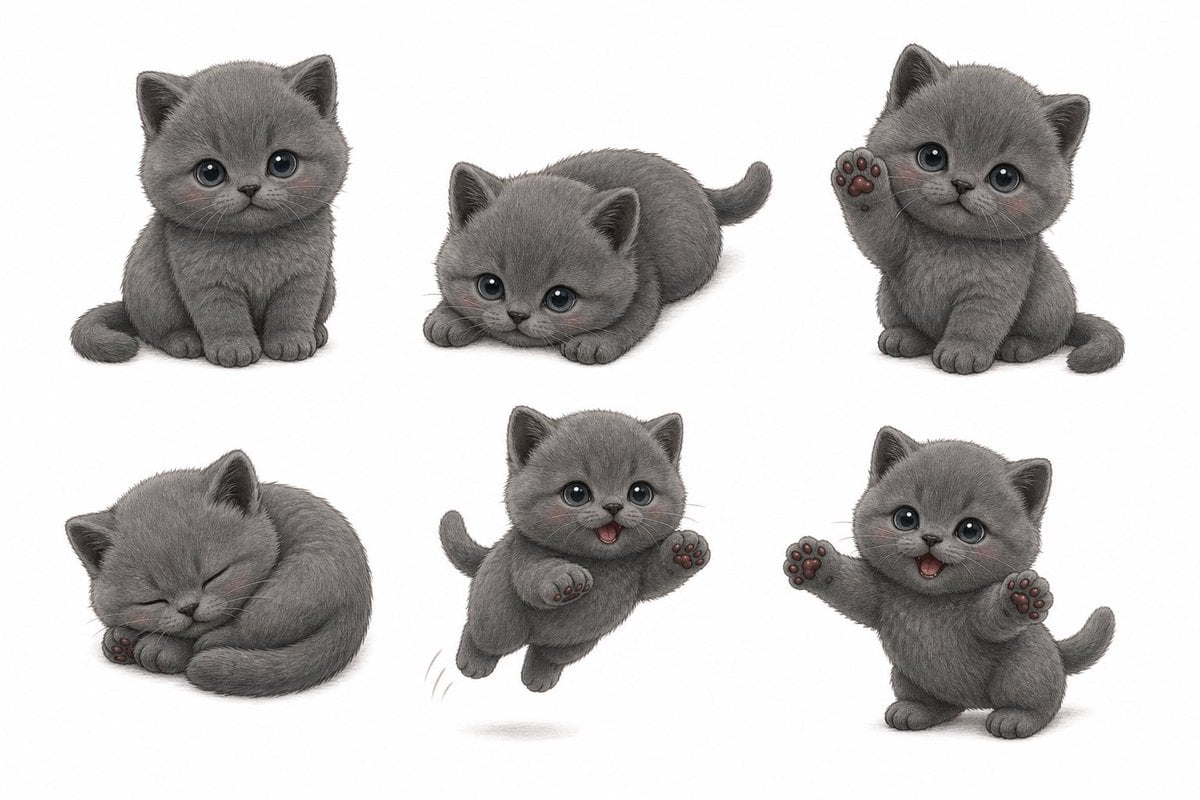
Gray Kitten Sticker Pack Sheet
Chibi Morning Greeting Sticker
Make it yours
Pixar-Style Chibi Sticker Sheet works as-is. These are the safest ways to change it without losing the look.
Swap the setting
Keep the rest of the prompt and replace the location block. The current setting is “white or none”.
Change one field
Copy a single group, rewrite it, and generate again so you can see what that field is doing.
Keep the frame, change the subject
Hold the composition and light of Pixar-Style Chibi Sticker Sheet, then swap wardrobe, props or the person for a new take.
| If the result… | Why | Fix |
|---|---|---|
| The result drifts from the preview | Too many fields changed at once. | Reuse Pixar-Style Chibi Sticker Sheet as-is first, then change one group — subject, light, or setting. |
| Nano Banana 2 ignores part of the JSON | Some models flatten or skip nested keys. | Keep the same values and paste them as a short paragraph instead. |
More Nano Banana 2 templates
Other prompts made for Nano Banana 2.

Photorealistic Leaf Shaped Like a Dragon

K-Pop Idol Portrait Grid for Rapid Selection

Poetic Rain Forest Portrait During Golden Hour

Urban Street Portrait with Cartoon Inner Self Duo

Candid Nighttime Photo with Cat Prompt

High-Concept 3D Diorama Generation Prompt

Cinematic Futuristic Studio Portrait Template

Skincare Editorial Photography Collage Prompt

Hyper-Realistic Commercial Product Photography (Splash Effect)

Hyper-Realistic Nightclub Portrait Prompt
More image prompts
Fresh picks from across the catalog.
Mystical Tree of Life Landscape
Monochrome Anime Horror Film Poster
Vintage Doll Mall Portrait
Cat with Toy Car at Go-Kart Track
Cinematic Frontline Warrior Last Stand
Cinematic Medium Shot with Chalkboard Background Prompt
Fantasy Dragon and Warrior Image Prompt
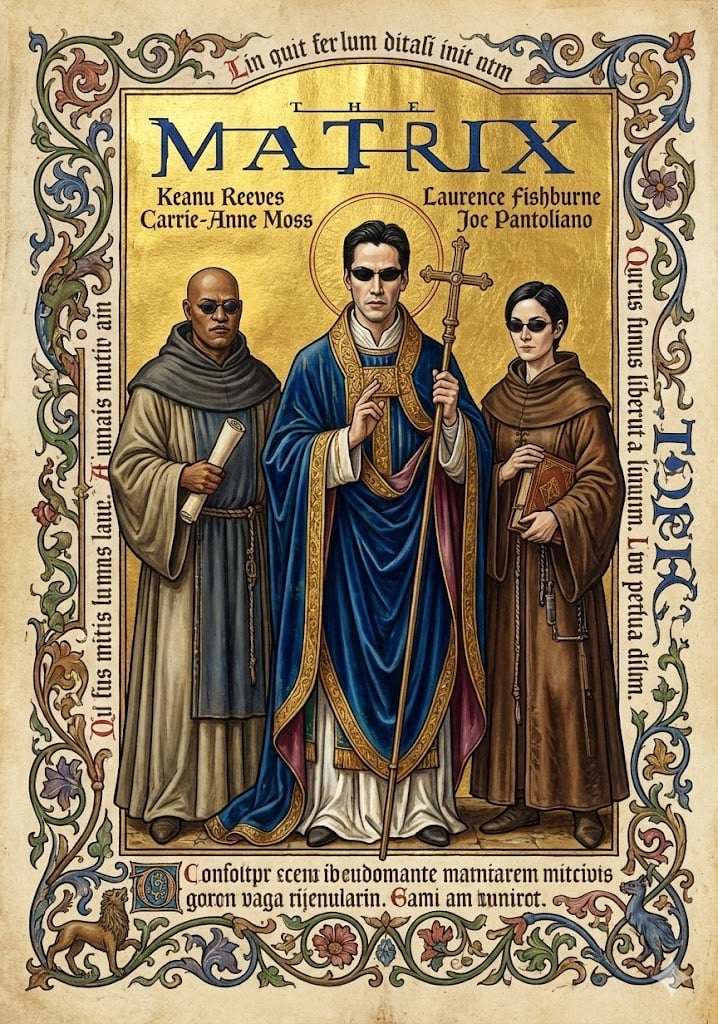
Medieval Illuminated Manuscript of The Matrix Characters
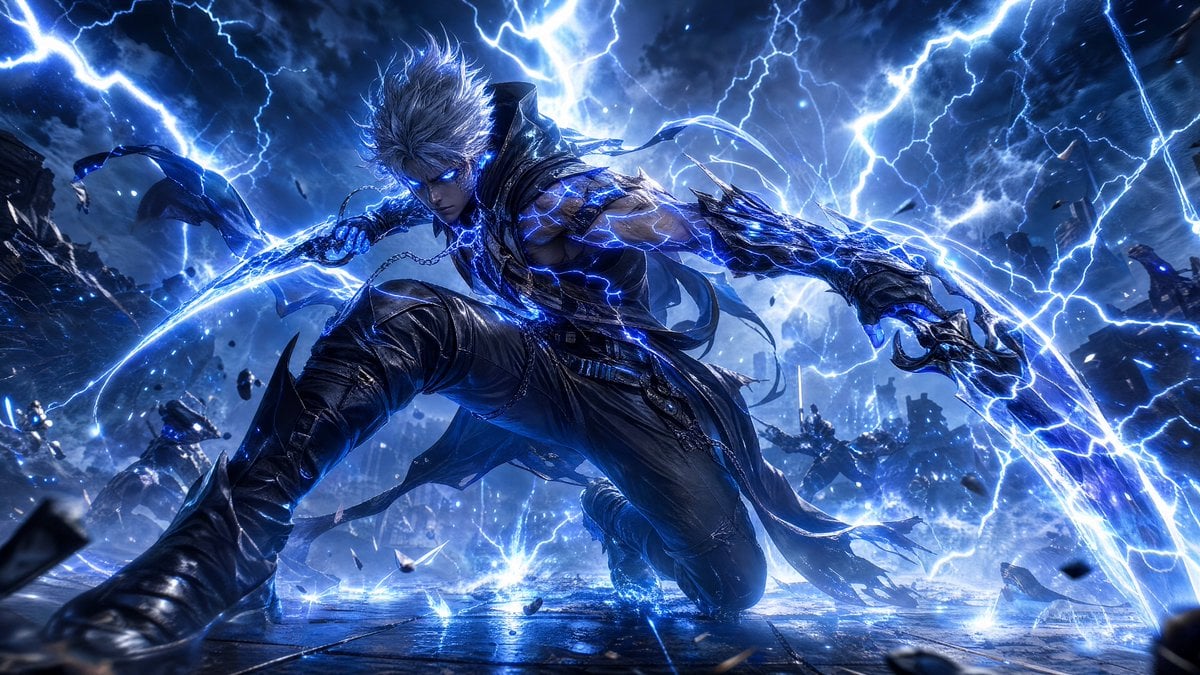
Storm-Born Lightning Rogue Character
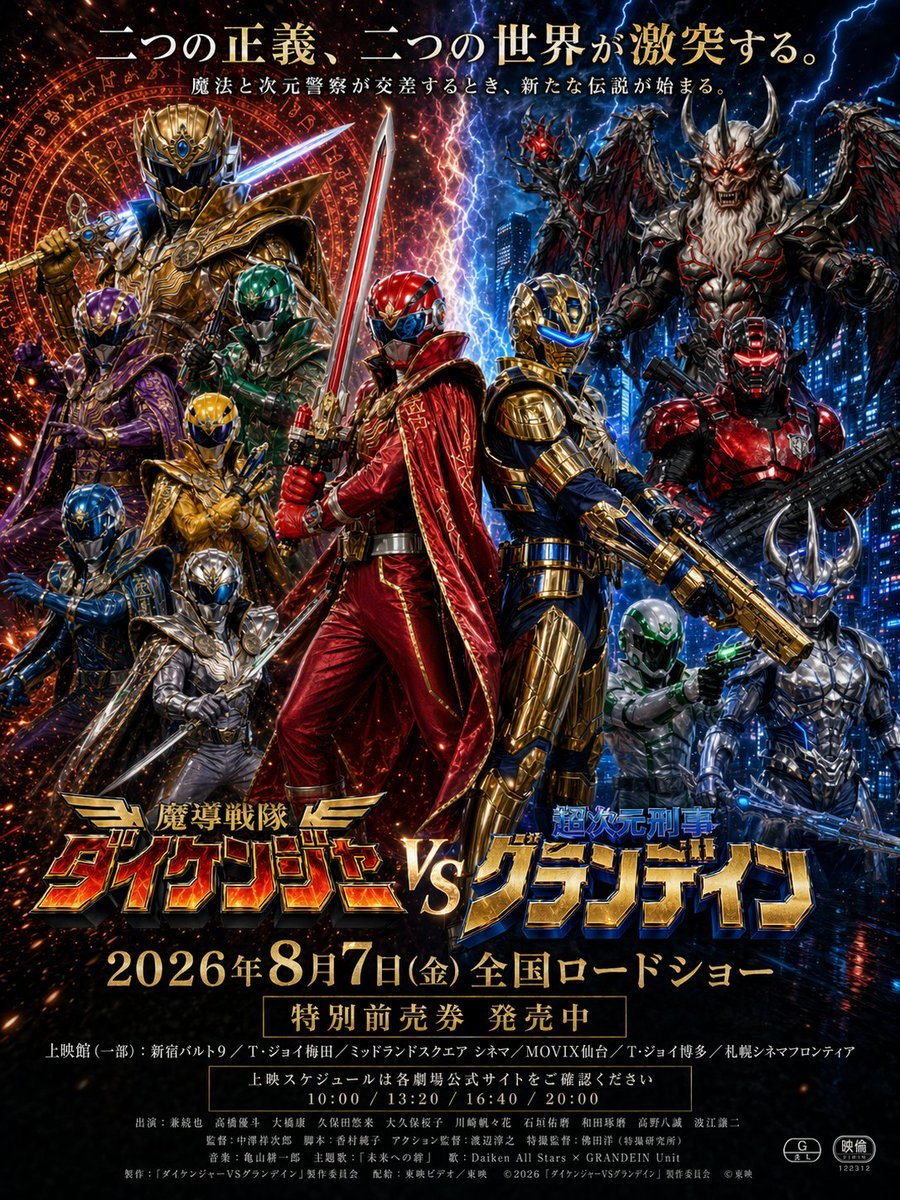
Tokusatsu Movie Poster Generator
Browse template categories
Pixar-Style Chibi Sticker Sheet questions
How do I use the Pixar-Style Chibi Sticker Sheet template?
Add your photo if the template asks for one, edit the prompt if you like — the template's model and format are already selected — and press Generate. Your version opens in PicX Studio.
Can I customize the Pixar-Style Chibi Sticker Sheet template?
Yes. You can change the subject, setting, lighting, mood, format, and available model controls before creating your image.
Is the Pixar-Style Chibi Sticker Sheet template free?
Opening and editing this template is free. Generating uses credits, shown on the Generate button when you are signed in.
Which AI model should I use?
Start with Nano Banana 2, which is the model associated with this template. You can compare another compatible model for a different finish.
Looking for something else? Browse all templates.

Your photo, any look
Thousands of ready templates for every top image and video model, from one credit balance.