How do I use the Puffy Chibi Sticker Sheet template?
Choose the primary action to open PicX Studio with the available template settings. Review the model and format, personalize the creative direction, and generate when ready.
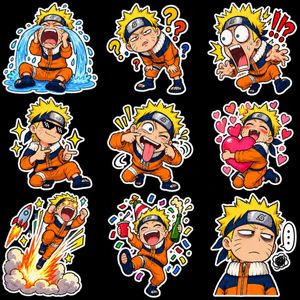
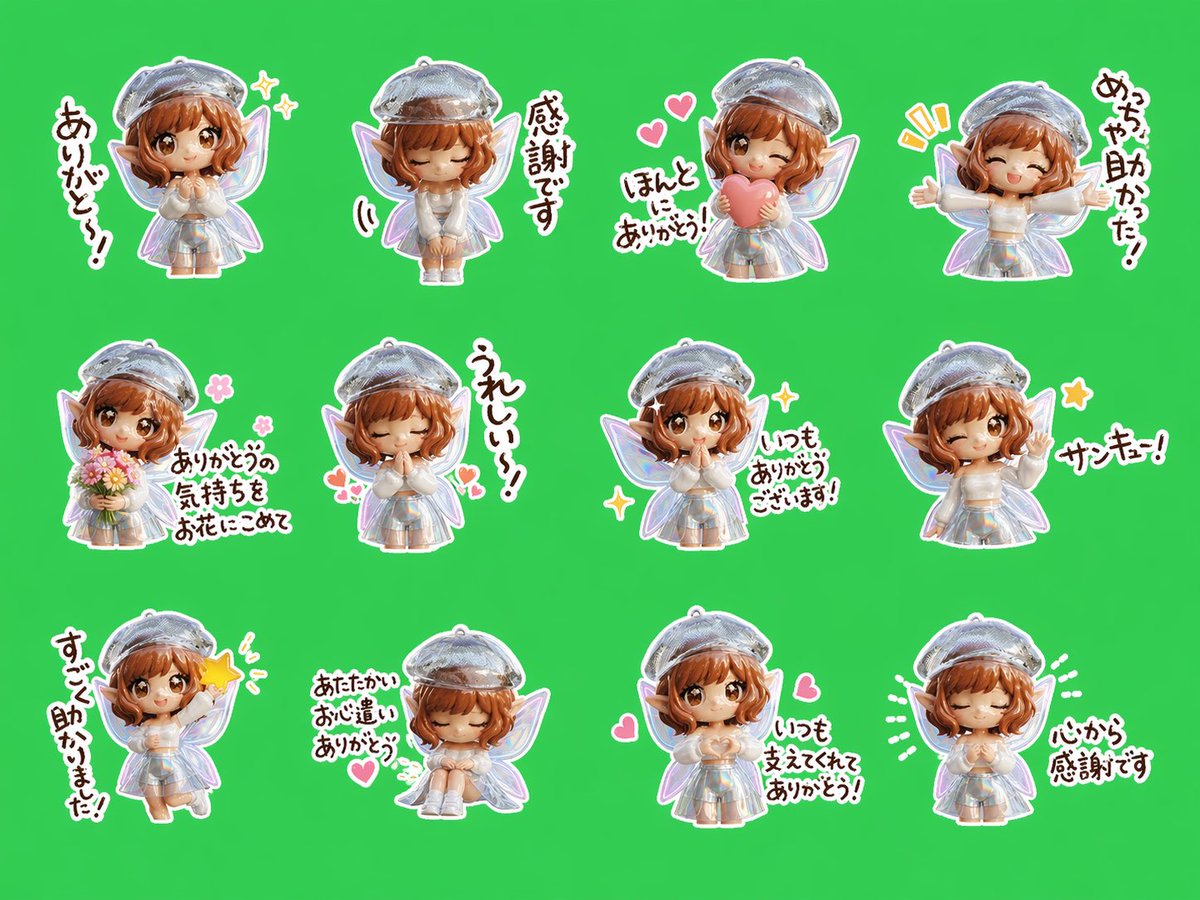
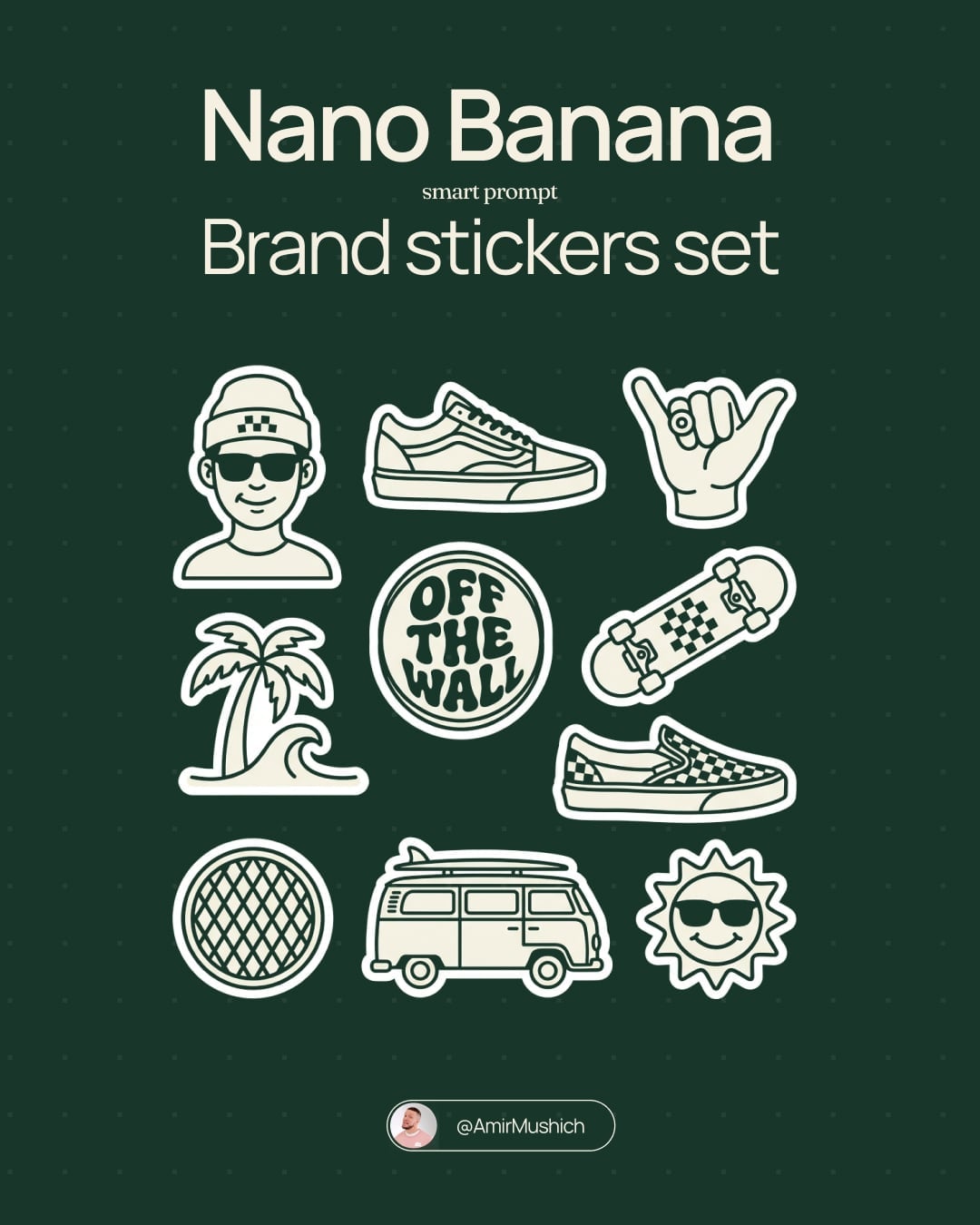
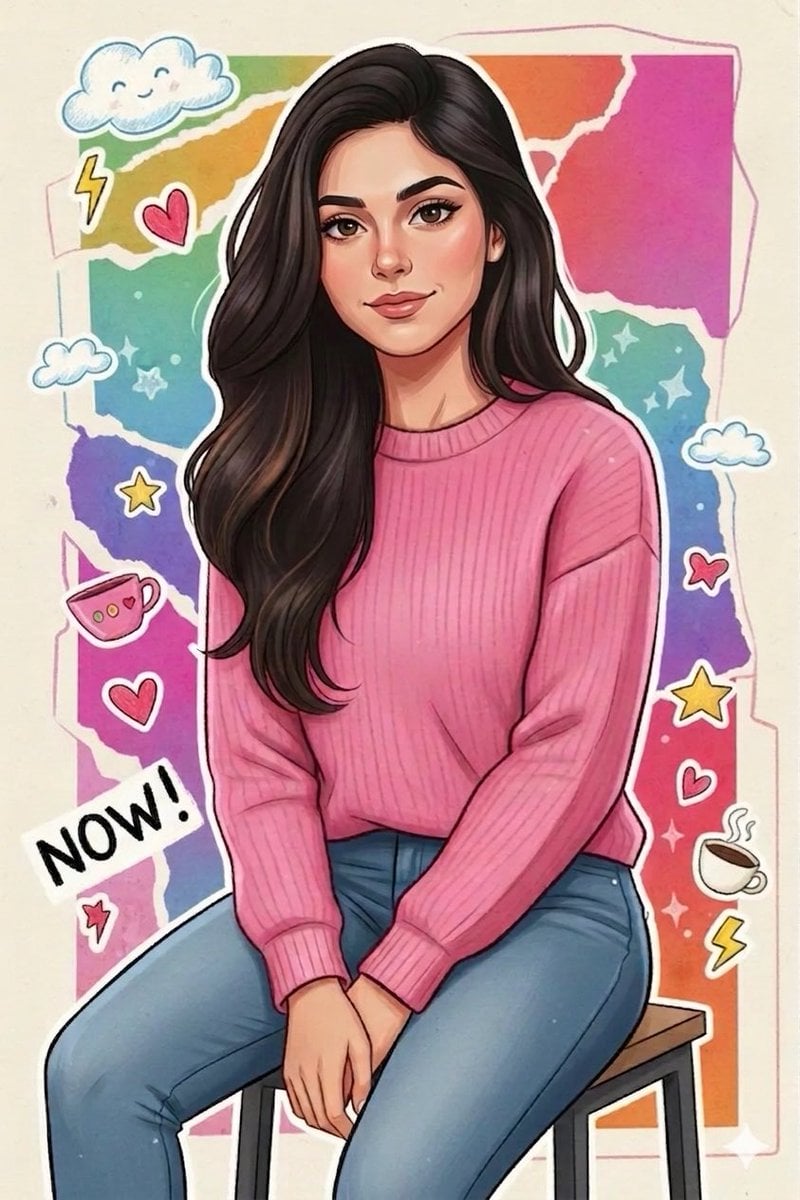
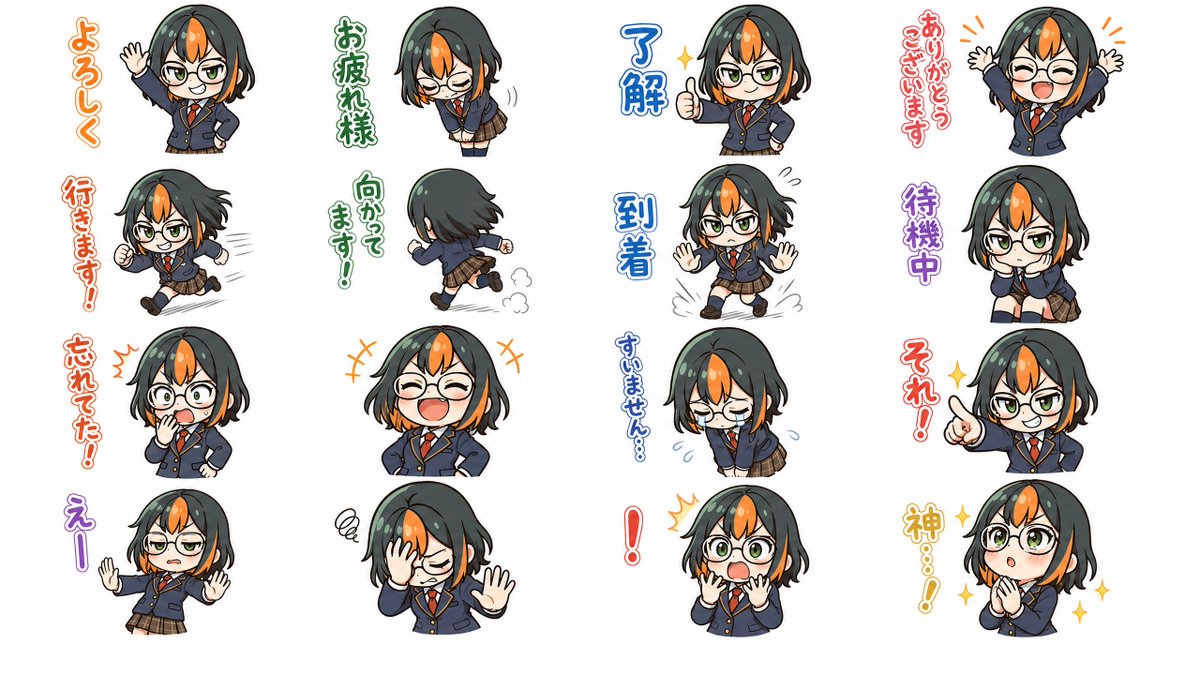
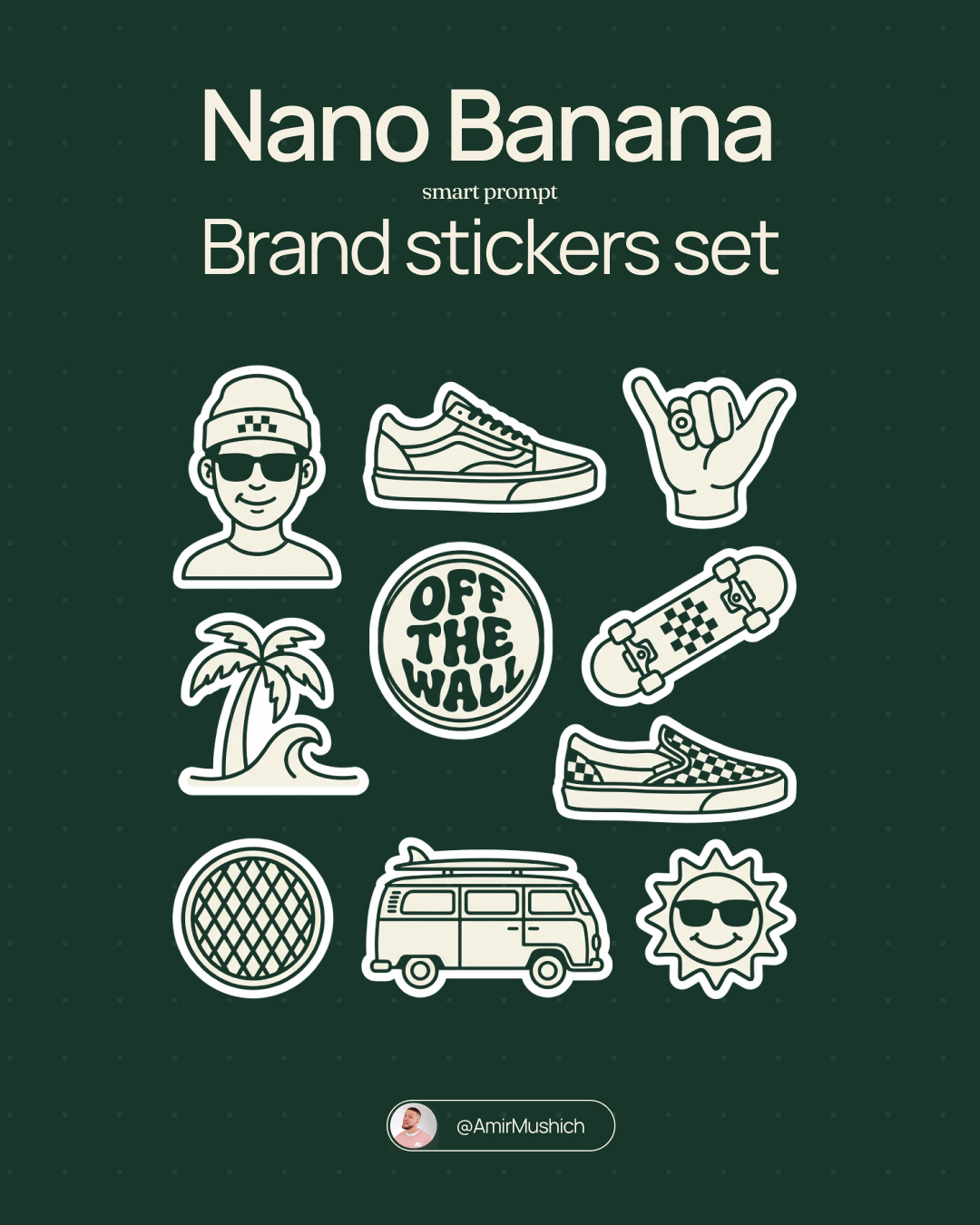
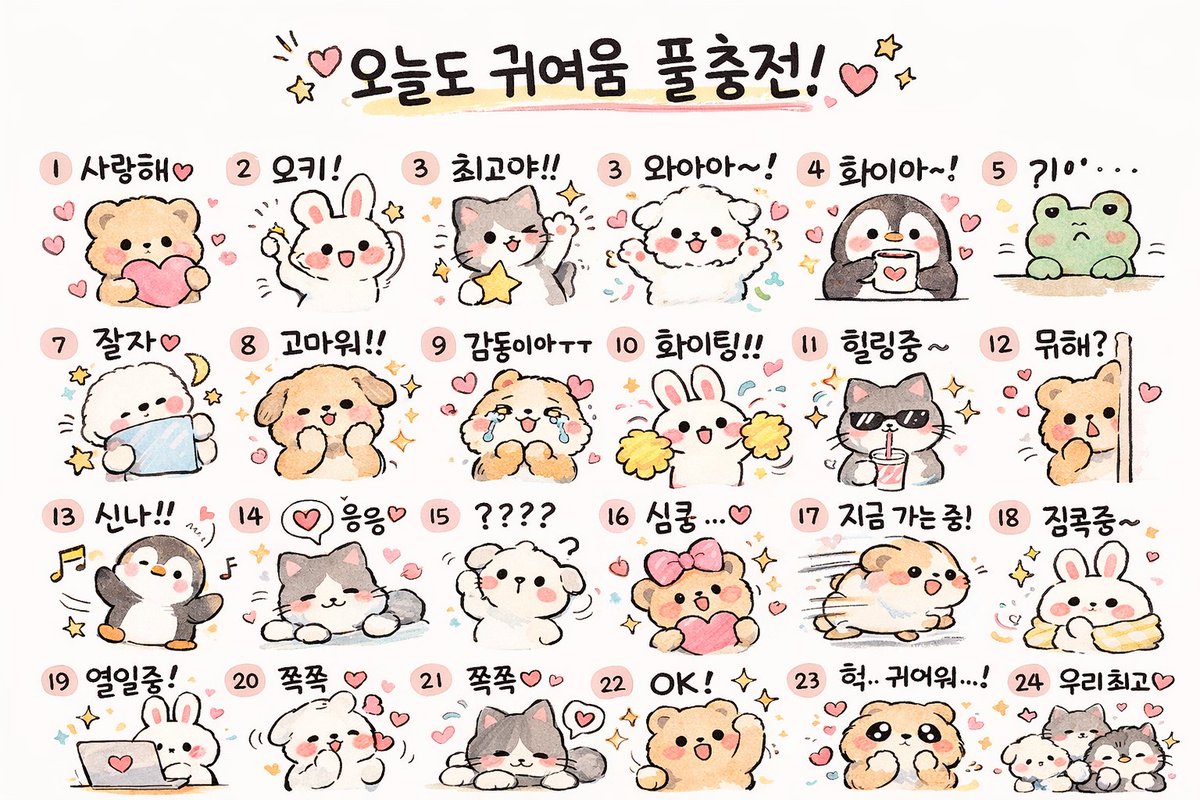
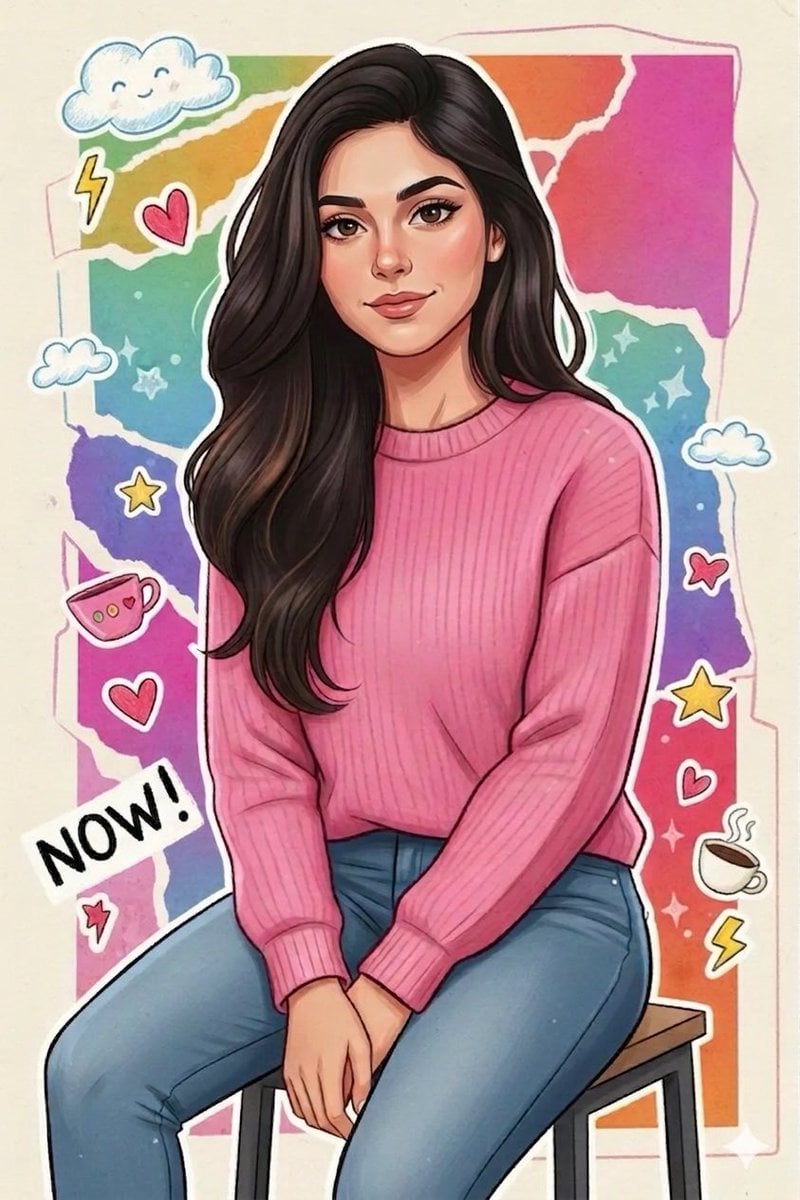
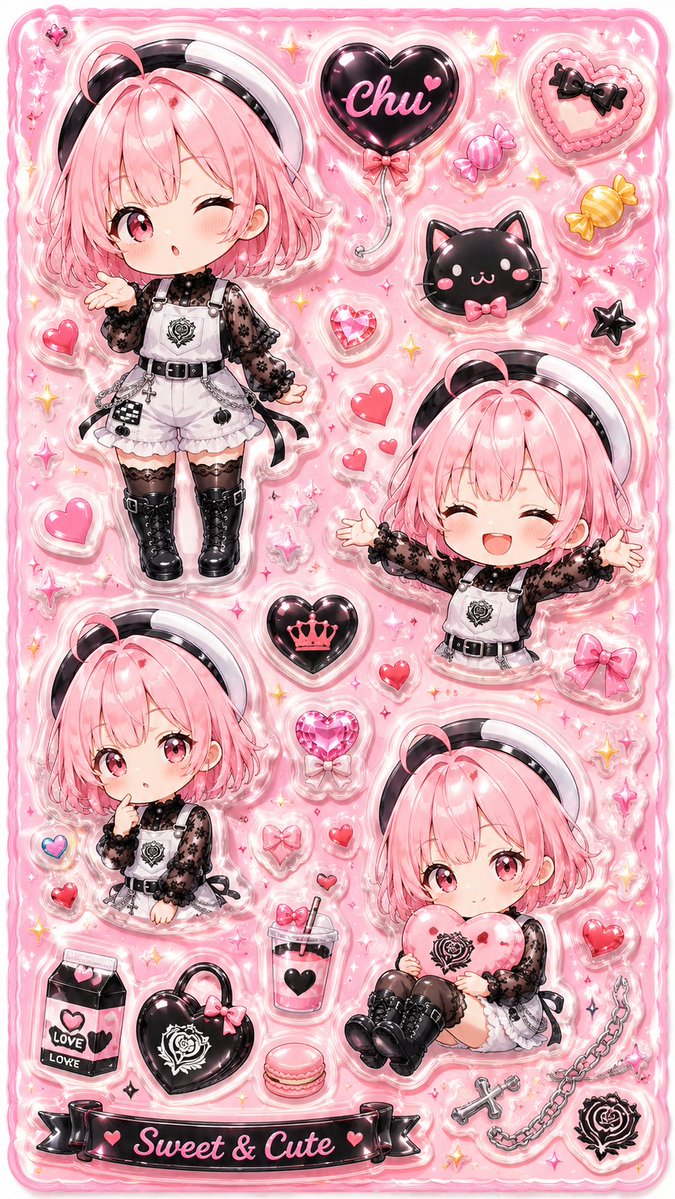
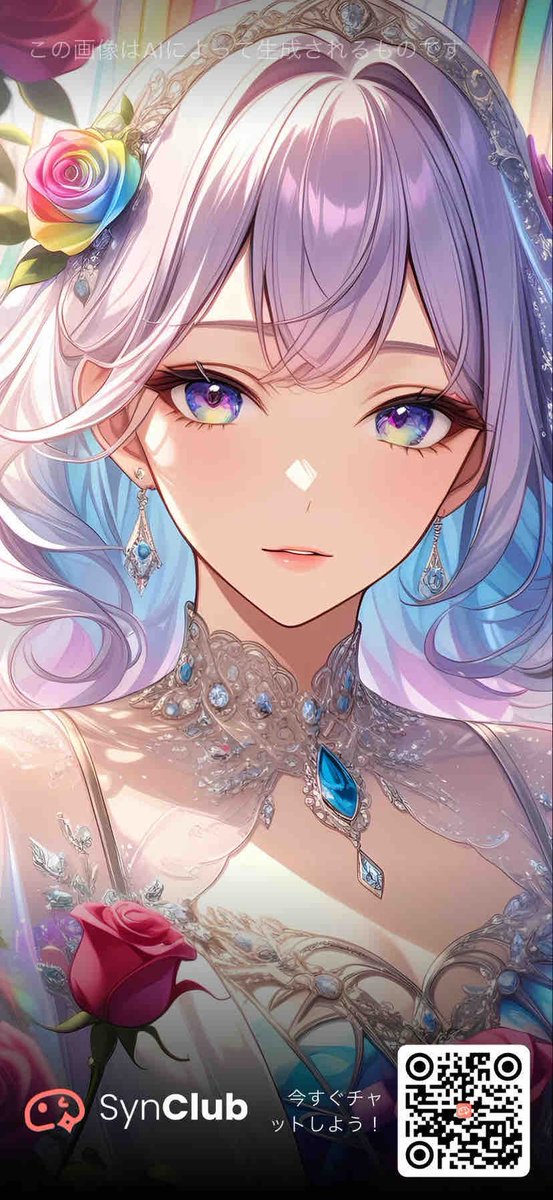
Generates a complete sheet of adorable, 3D-style puffy stickers with various expressions for a single chibi character, including custom text and motifs.
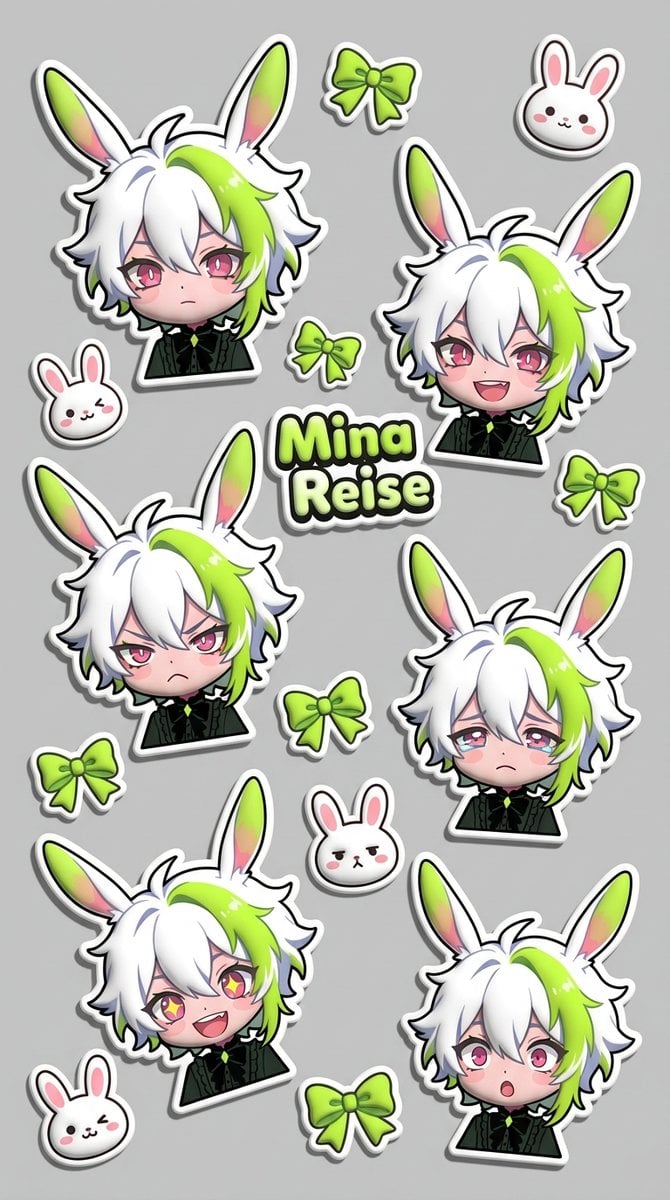
バストアップのデフォルメキャラクターの、ぷっくりとしたシールのデザインを作成してください。 デフォルメキャラクターの表情集(通常、笑顔、怒り、悲しみ、楽しい、驚き)を1枚の画像にまとめ、別々のシールに切り離してランダムに配置してください。 文字フォント: 丸々としたポップでキュートなデザイン 文字グラデーション: 「好きなカラー」 文字: 「{argument name="テキスト" default="好きな文字"}」を1個だけ配置 モチーフ: 「{argument name="モチーフ" default="好きなモチーフ"}」を別々のシールとして切り離し、ランダムに配置 背景色: 「{argument name="背景色" default="好きなカラー"}」 サイズ: 9:16
Choose the primary action to open PicX Studio with the available template settings. Review the model and format, personalize the creative direction, and generate when ready.
Yes. You can change the subject, setting, lighting, mood, format, and available model controls before creating your image.
This template is free to open and customize. Generation usage is shown in PicX Studio before you create.
Start with Nano Banana 2, which is the model associated with this template. You can compare another compatible model for a different finish.
Follow a topic to a crawlable collection of related PicX Studio templates.