
Surreal Octopus Burger Fine Dining Photo
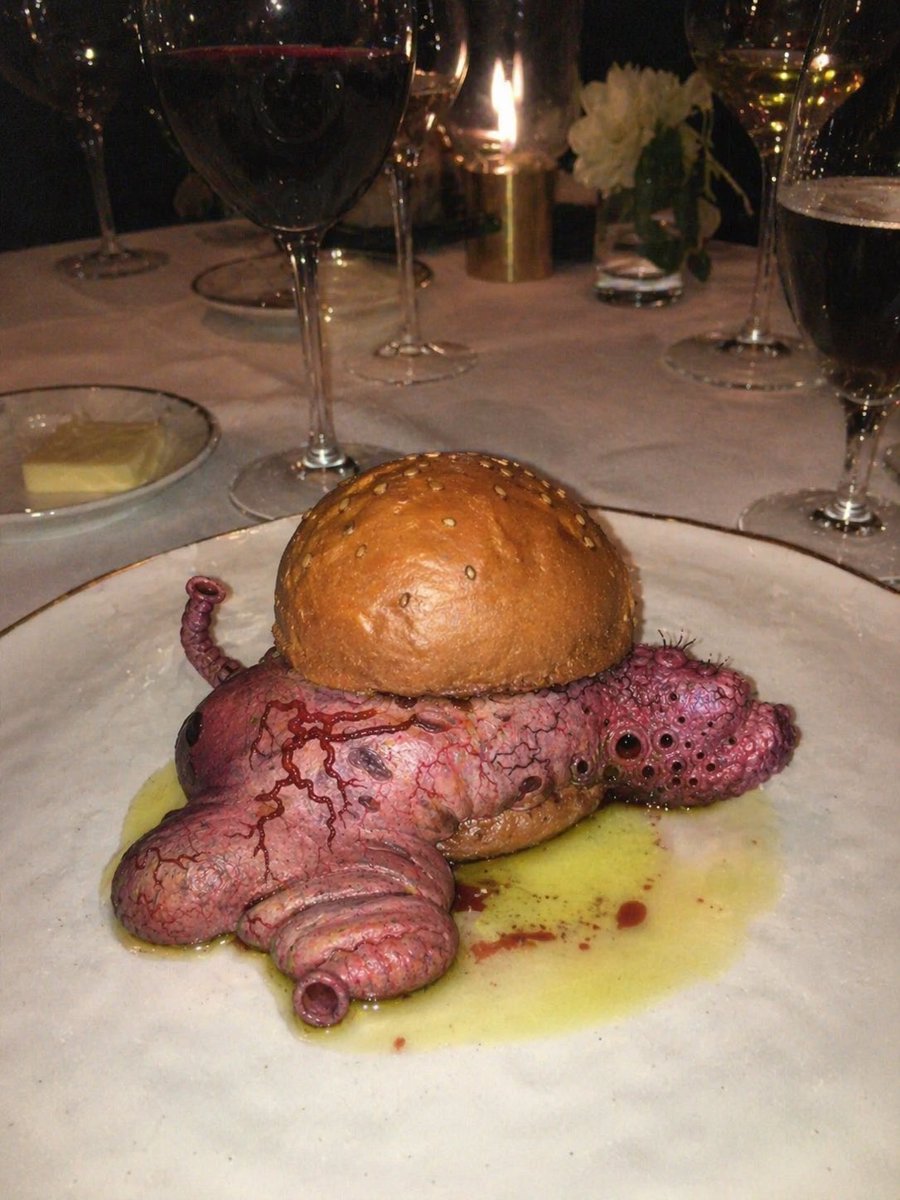
This prompt generates a photorealistic surreal-horror restaurant snapshot of an octopus-like burger plated at a candlelit fine-dining table, ideal for bizarre food art or uncanny culinary imagery.
- Prompt included
- Model and format preset
- Free template
The prompt behind this image
Copy the exact prompt behind Surreal Octopus Burger Fine Dining Photo, or open it in the studio and make it yours.
A dark, moody fine-dining restaurant scene photographed with direct flash and a slightly unsettling surreal-horror tone. Center the composition on a plated gourmet sandwich that looks like a realistic octopus used as the filling: a glossy golden-brown sesame burger bun on top of a fleshy pink-purple octopus body with detailed veins, pores, suction cups, wrinkled skin, and several visible tentacles protruding from the sides and front. The creature should appear cooked yet disturbingly lifelike, with one bulbous eye-like form visible on the left side and clustered holes and texture on the right side, creating an uncanny bio-organic appearance. The sandwich sits on a large round white ceramic plate with a pool of yellow butter-like or oily sauce spreading beneath it and a few small reddish droplets mixed into the sauce. In the foreground-left background place a small white dish holding a pat of butter. On the dining table include exactly 6 visible drinking glasses: 2 large red wine glasses, 3 tall white-wine or champagne-style stem glasses, and 1 dark beer glass at the right edge. In the back center place 1 small lit candle in a gold-toned holder and 1 small clear vase with white flowers. Use a white tablecloth, very dim ambient lighting, warm candle glow, strong camera flash reflections on the glassware, shallow casual snapshot framing, and a bizarre upscale restaurant presentation that feels grotesque, hyper-detailed, photorealistic, and intentionally shocking.
How to use Surreal Octopus Burger Fine Dining Photo in 3 steps
- 1Upload ImagePNG, JPG or paste
Add your photo
Upload the photo the template builds on. The prompt, model and format are already set.
- 2…a portrait of your subject in softgolden-hour light, 85mm…
Personalize
Edit the subject and creative details for your destination.
- 3Generate
Generate
Press Generate — your image is created in PicX Studio, so you can compare it with the original and refine one variable at a time.
More like this
Templates with the same subject, style or setup. Open one to see its prompt.
Surreal Fine Art Water Painting Portrait

Surreal Cat Astronaut — Humanoid Face Freefall
Elegant Fine Dining Portrait

Bold Red Contrast Fashion Editorial Newspaper Room

Stylized Fashion Portrait Bold Color Contrast Editorial
Surreal Landmark Dining Portrait
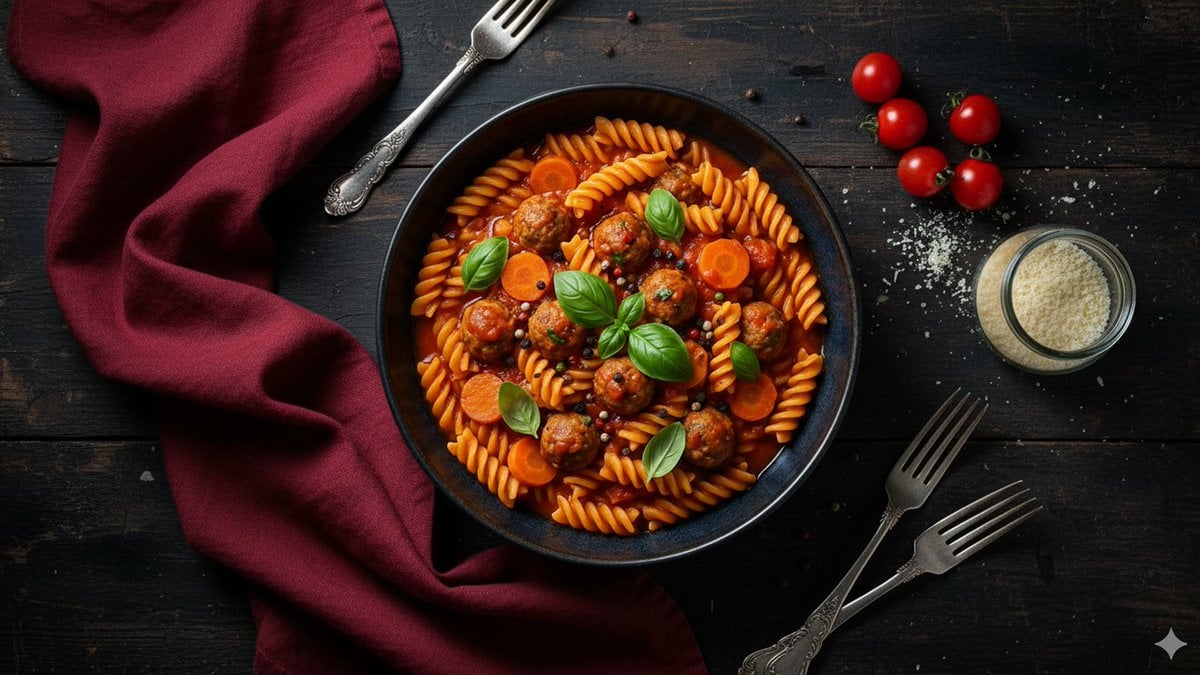
Refined Dining Scene with Fusilli and Meatballs
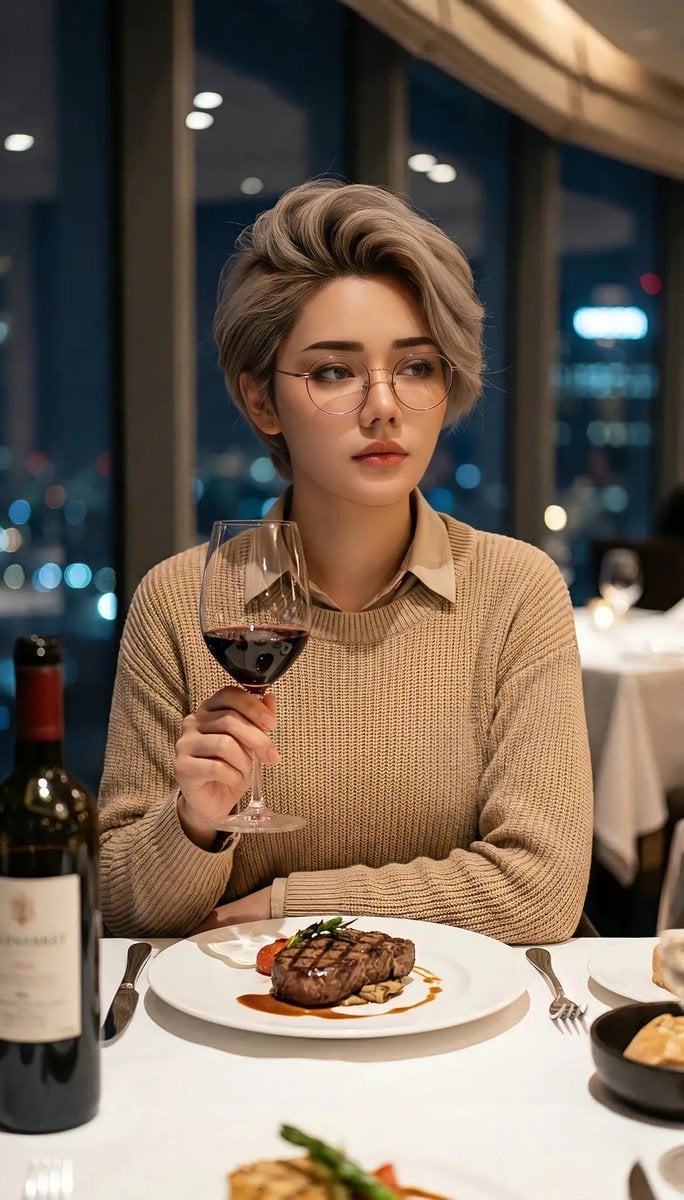
Cinematic Portrait in Fine Dining Restaurant

Azed Double Exposure

Firefly Pixar Spill — Nano Banana Pro
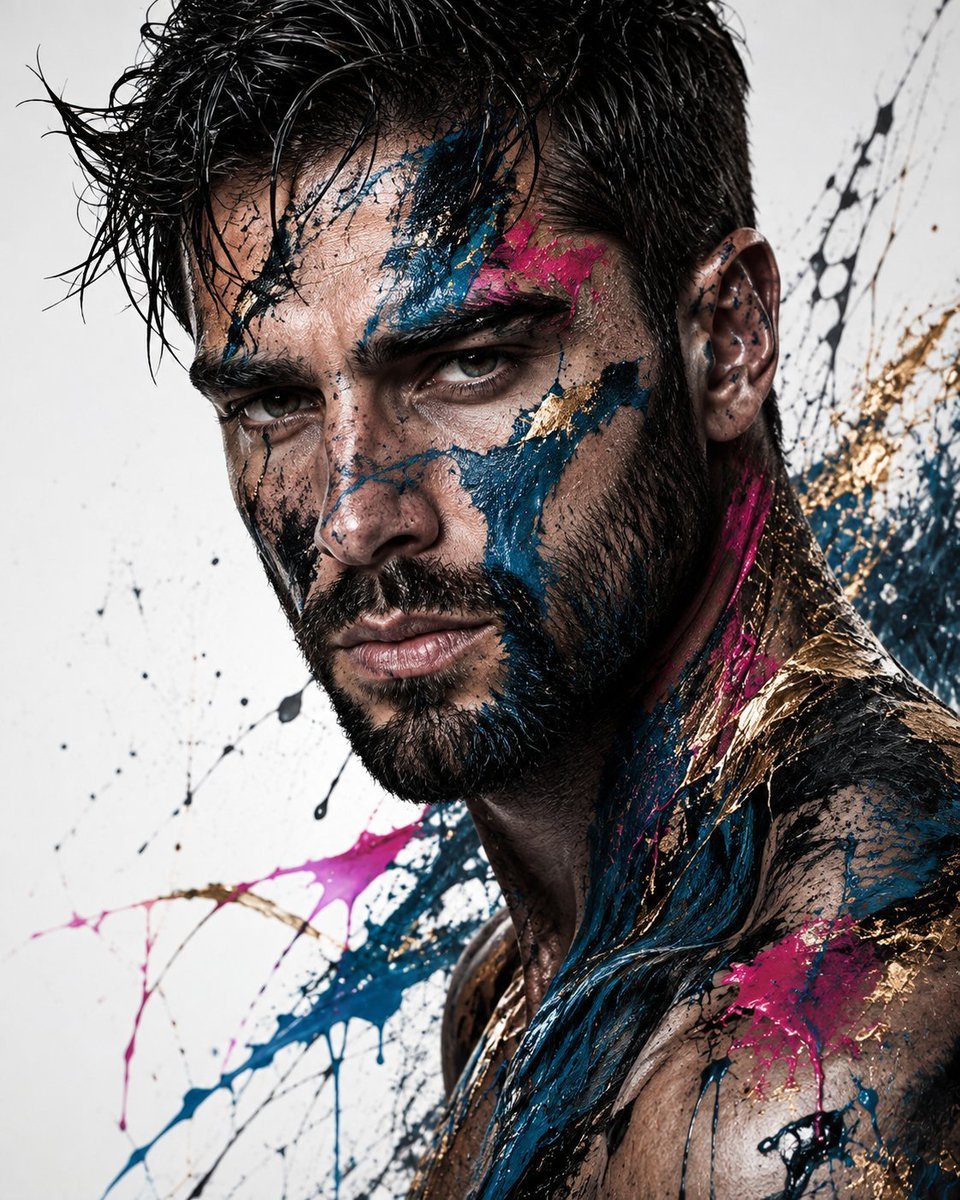
Abstract Fine-Art Editorial Portrait
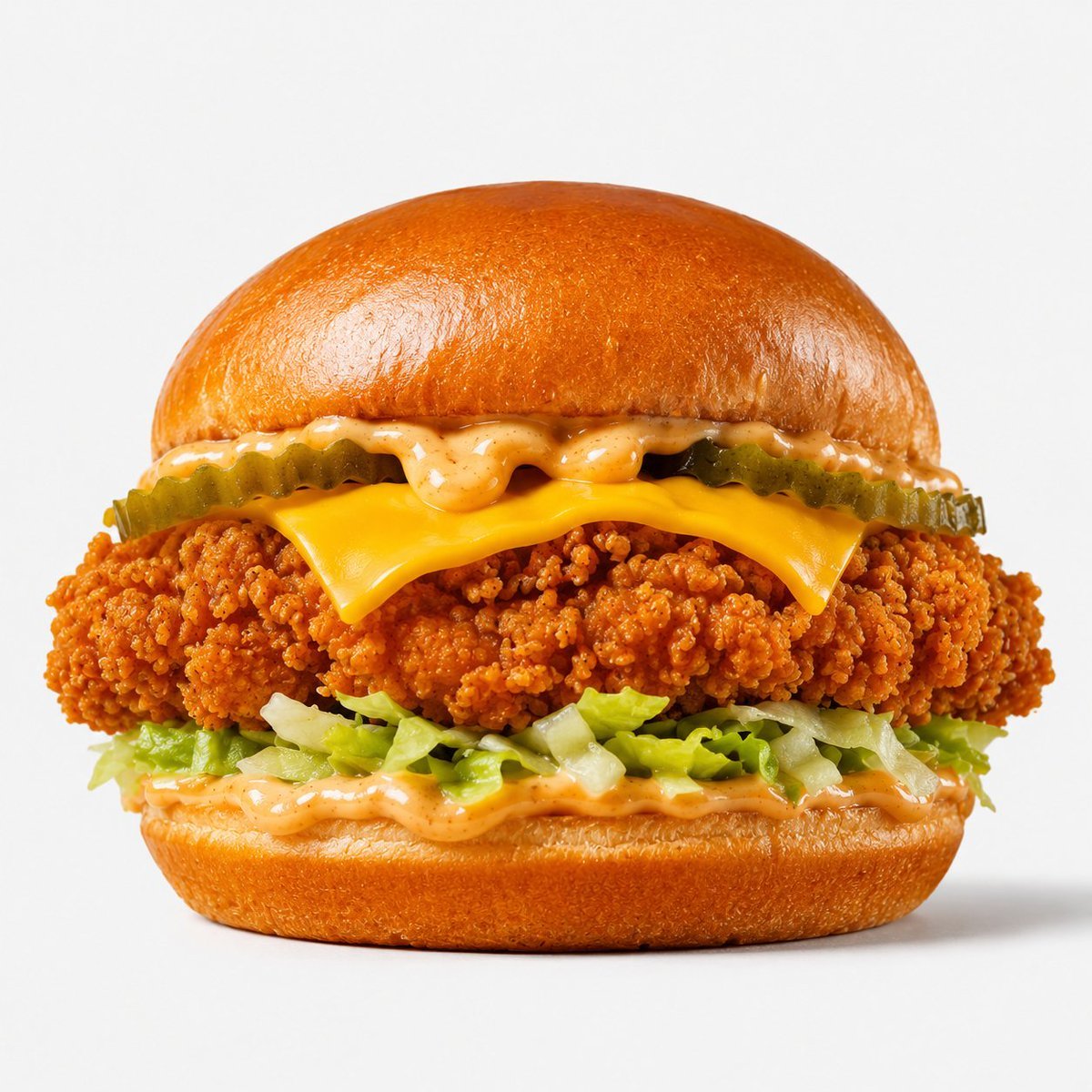
Crispy Chicken Burger Product Photo
Make it yours
Surreal Octopus Burger Fine Dining Photo works as-is. These are the safest ways to change it without losing the look.
Change one field
Copy a single group, rewrite it, and generate again so you can see what that field is doing.
Keep the frame, change the subject
Hold the composition and light of Surreal Octopus Burger Fine Dining Photo, then swap wardrobe, props or the person for a new take.
| If the result… | Why | Fix |
|---|---|---|
| The result drifts from the preview | Too many fields changed at once. | Reuse Surreal Octopus Burger Fine Dining Photo as-is first, then change one group — subject, light, or setting. |
| The model over-stylizes the scene | The prose prompt leaves finish and camera underspecified. | Add one camera or lighting sentence and stay on GPT Image 2. |
More GPT Image 2 templates
Other prompts made for GPT Image 2.

Six VTuber Japanese Logo Sheet

Realistic Portrait of Woman and Deer

The Vista Modular Condo Poster

AI Model Routing Comparison Infographic

2.5D Anime Art Board

Isometric Productivity Desk Scene

New York Double Exposure Poster

Four-Panel AI Landscape Comparison

Japanese Tatami Lifestyle Magazine Cover

NESCAFÉ Coffee Map Poster
More image prompts
Fresh picks from across the catalog.
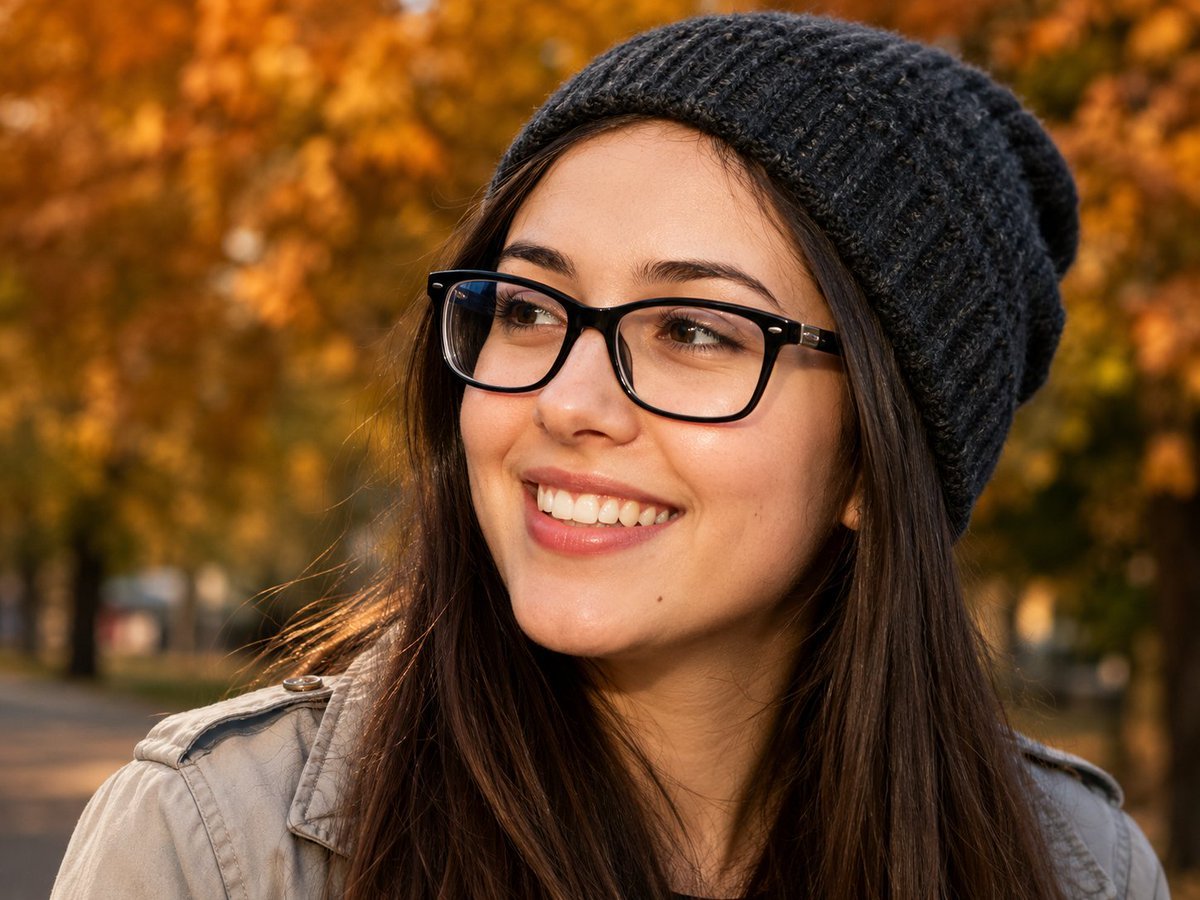
Centered Autumn Portrait Recreation
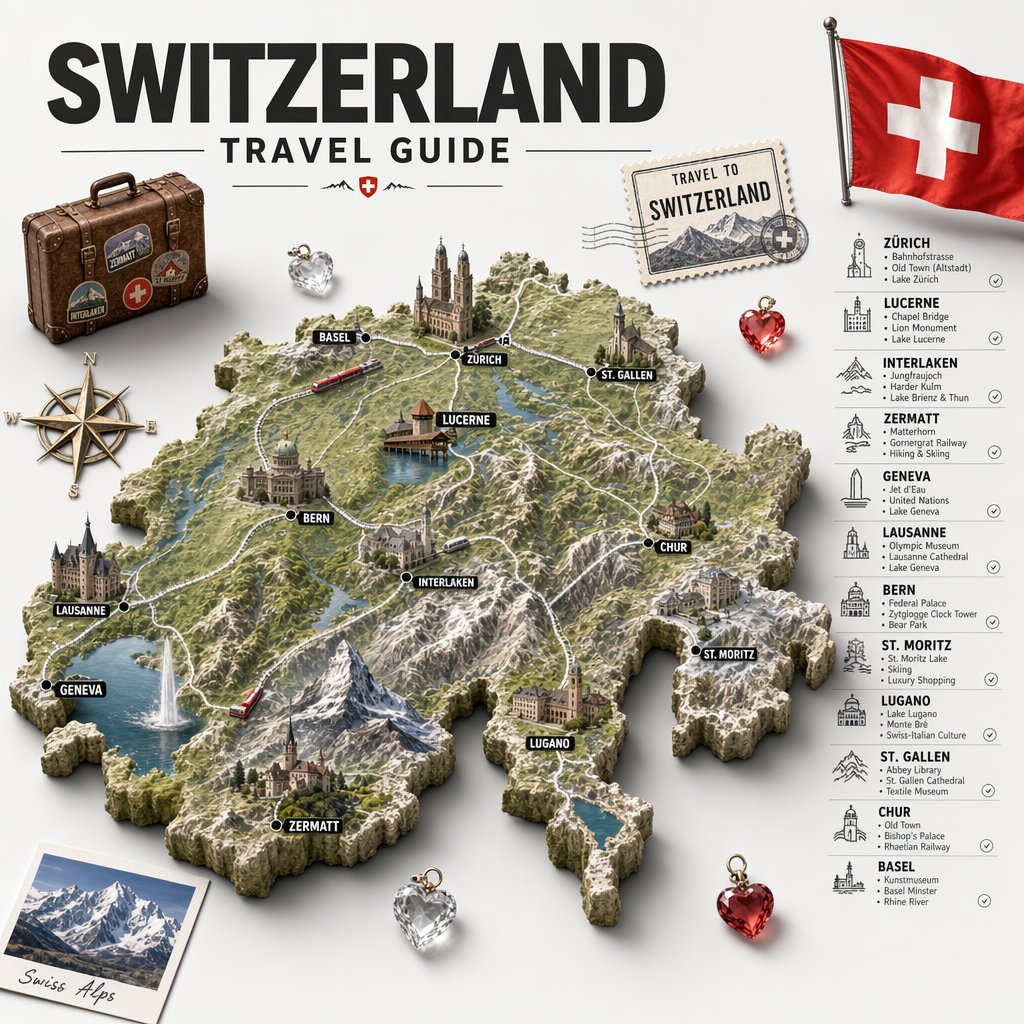
Swiss Travel Guide Relief Map Poster
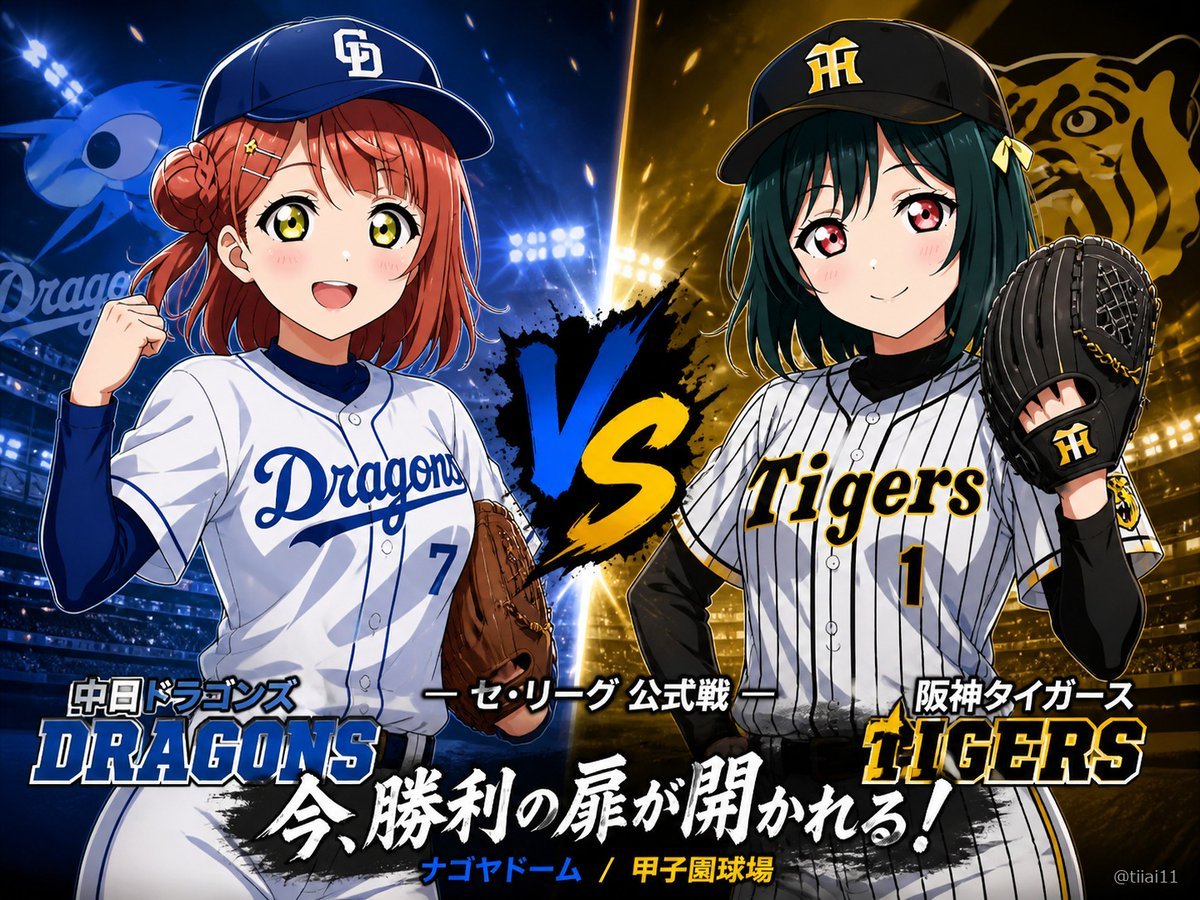
Anime Baseball Rivalry Poster
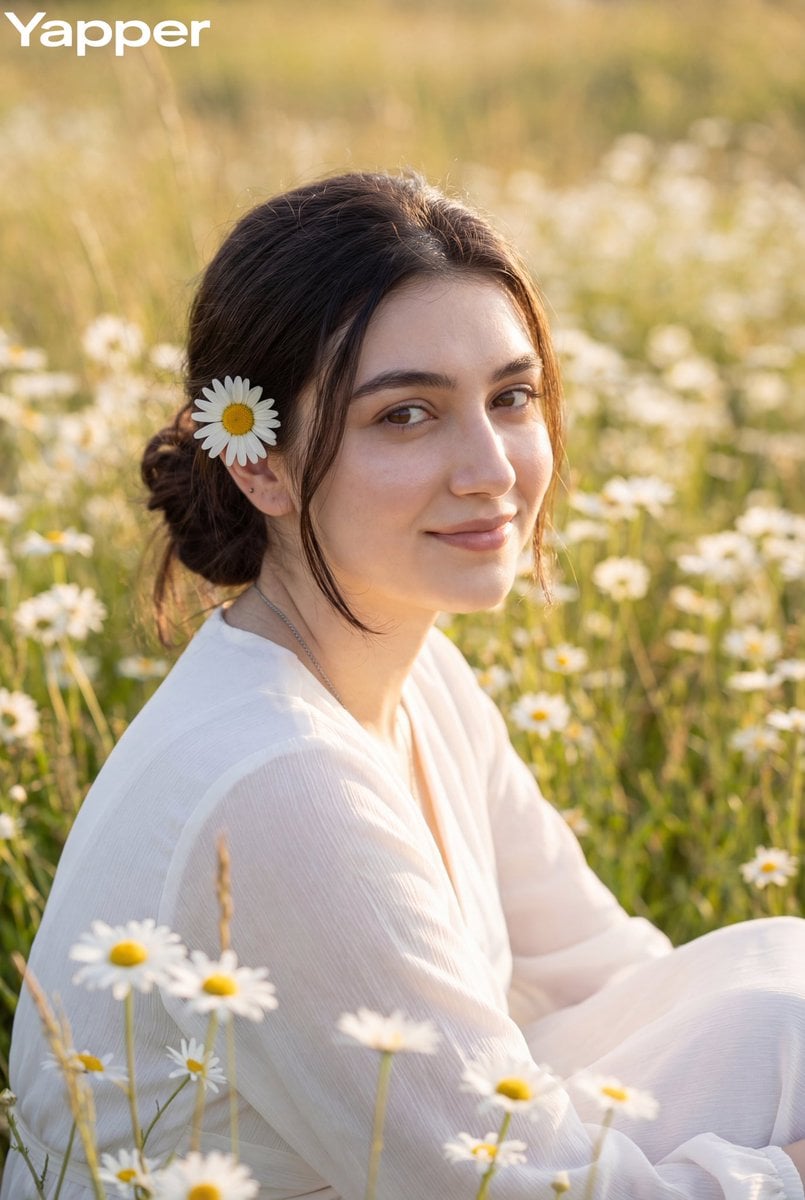
Dreamy Meadow Portrait at Golden Hour
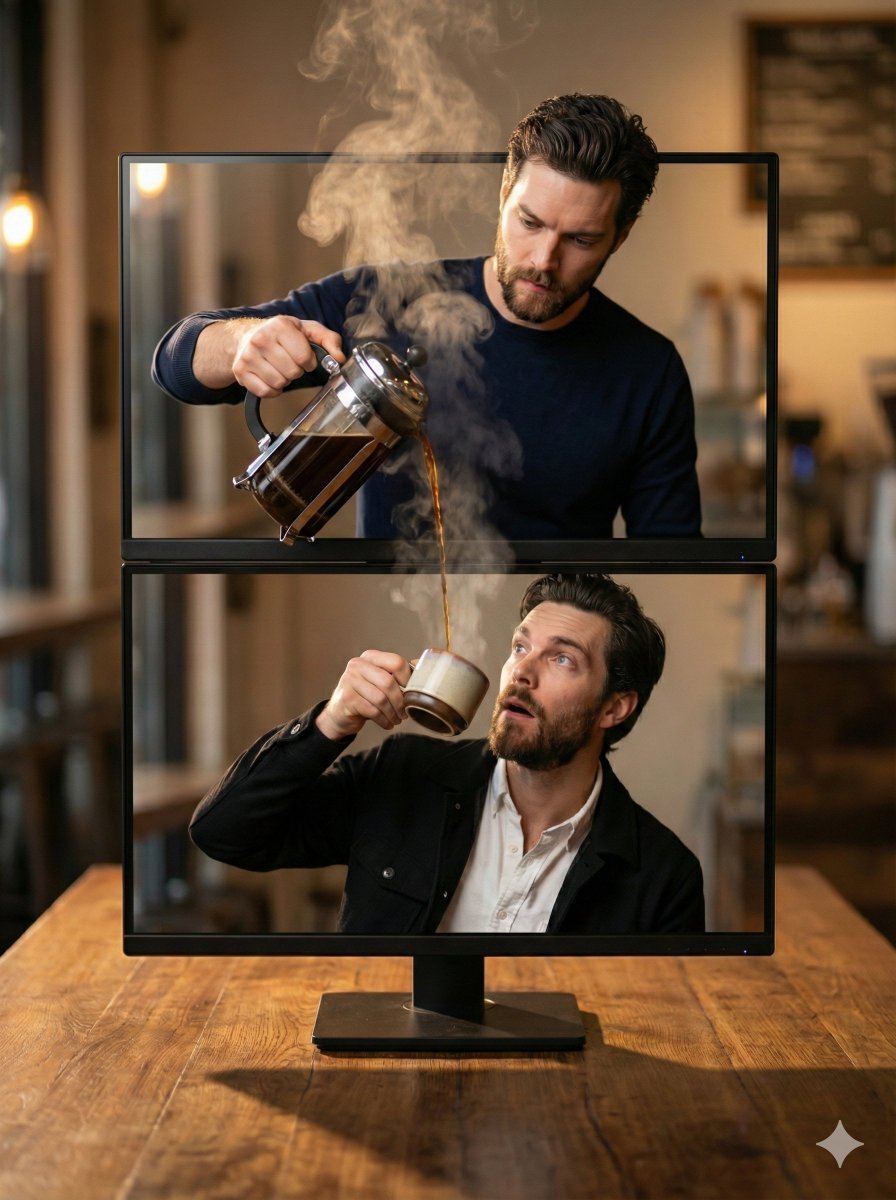
Coffee Pouring Cinematic Artwork (Dual Monitor)
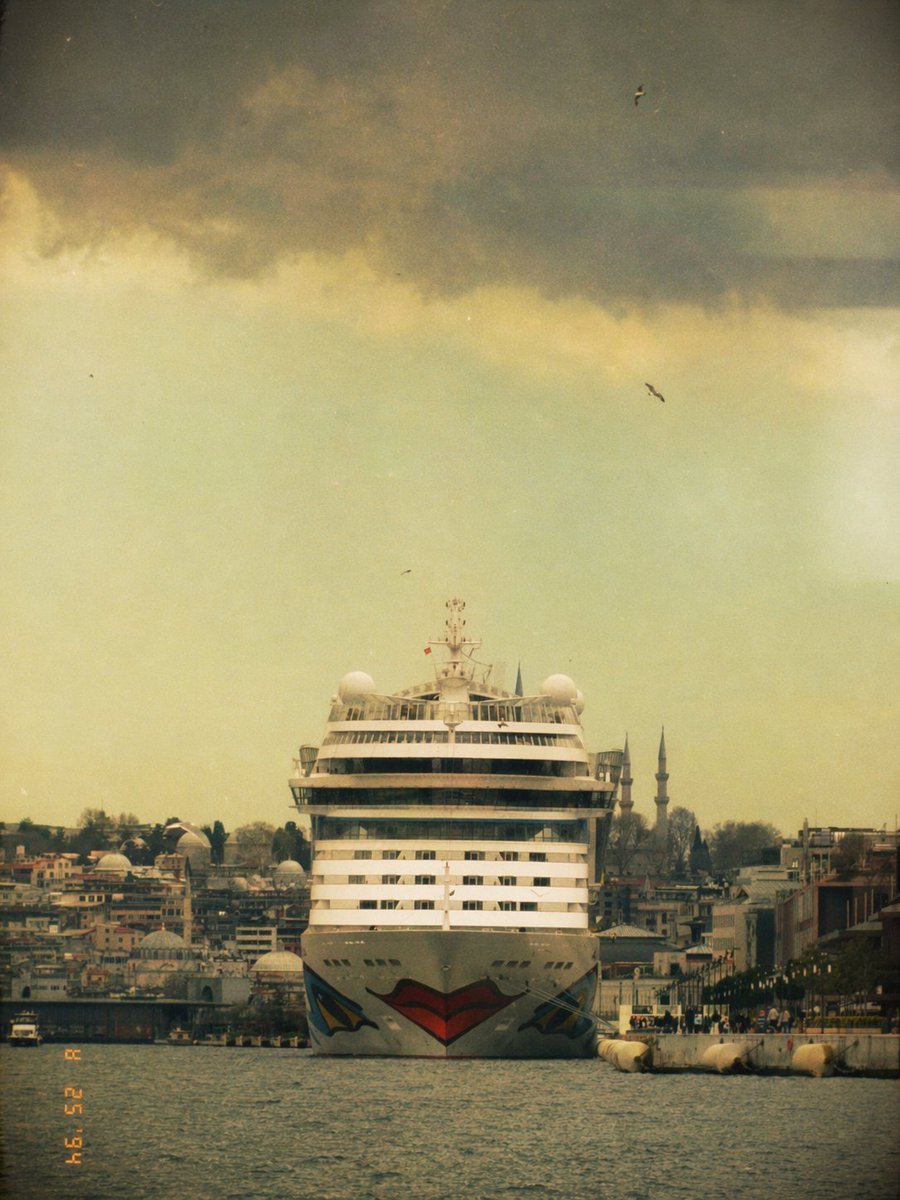
Vintage Cruise Ship in Istanbul
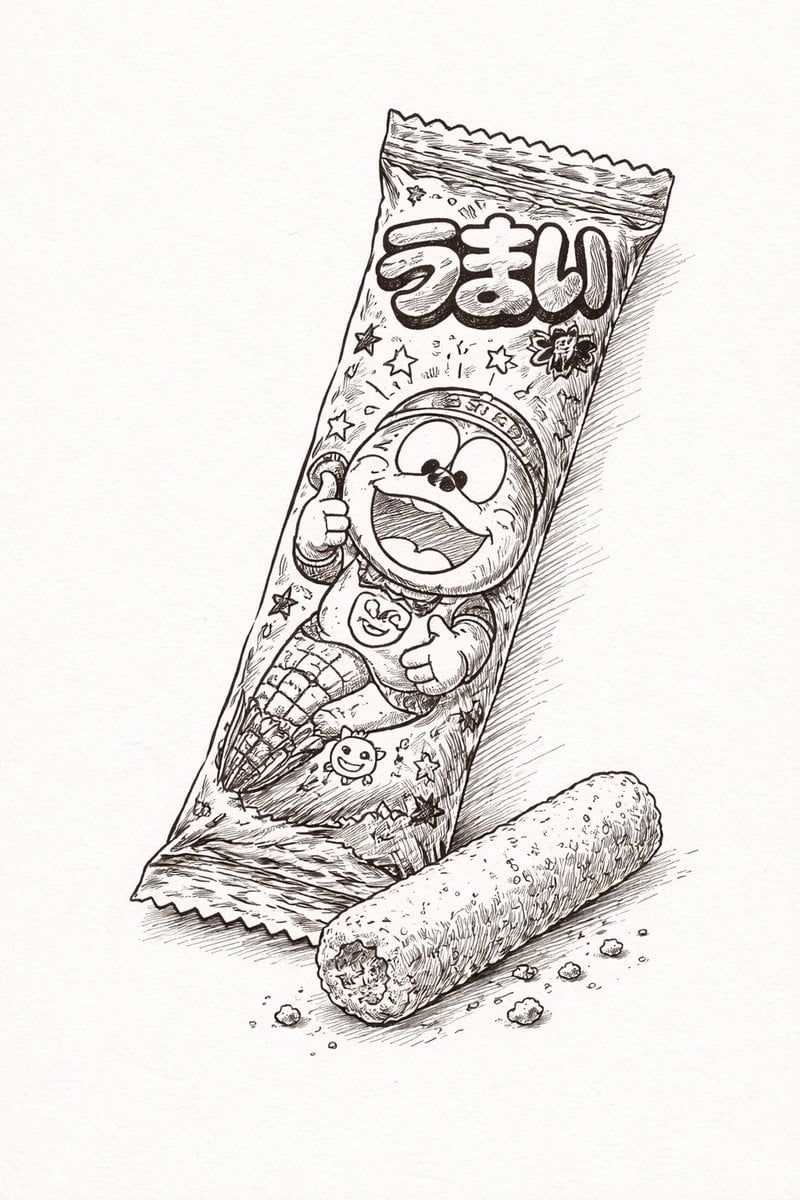
Ballpoint Pen Drawing of Umaibo Comparison
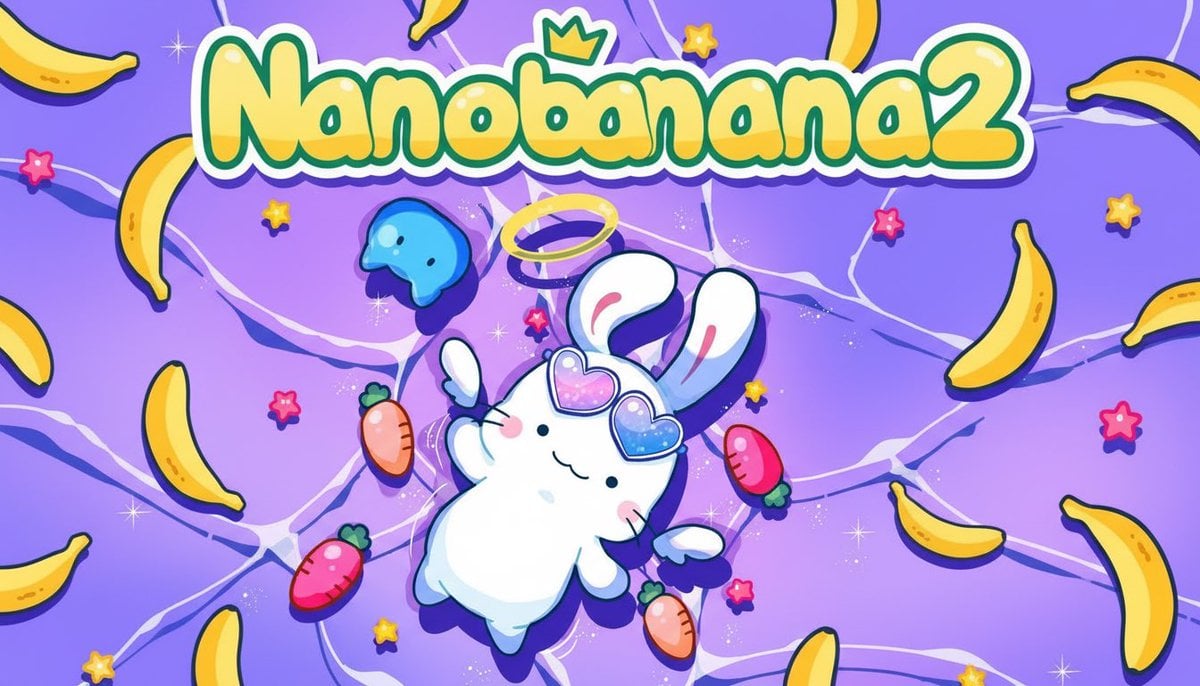
50 artifacts from different eras and cultures
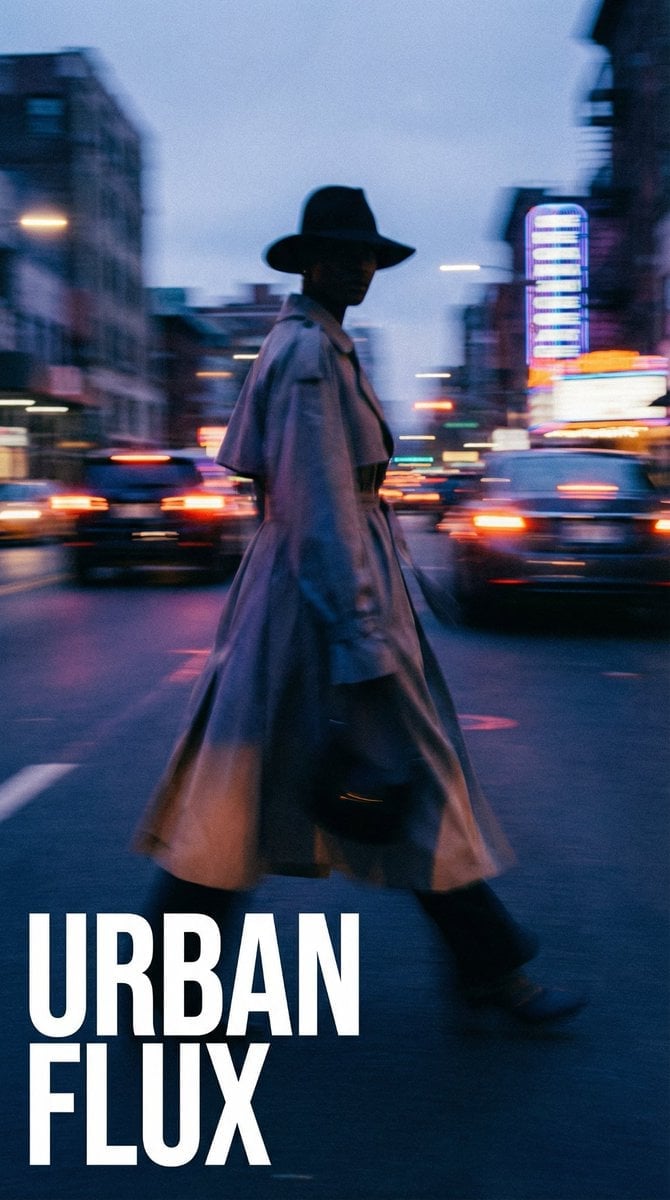
Dynamic Portrait with Cinematic Motion Blur
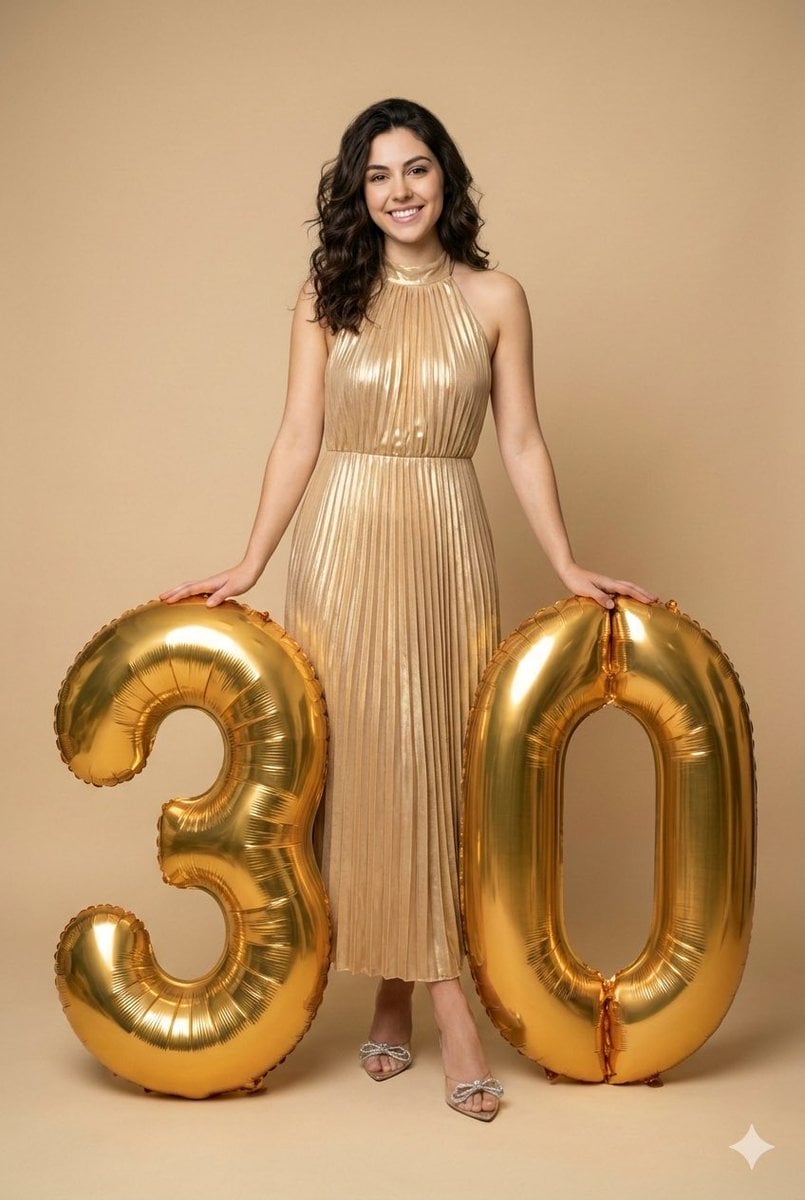
Creative Birthday Portrait with Metallic Balloons
Browse template categories
Surreal Octopus Burger Fine Dining Photo questions
How do I use the Surreal Octopus Burger Fine Dining Photo template?
Add your photo if the template asks for one, edit the prompt if you like — the template's model and format are already selected — and press Generate. Your version opens in PicX Studio.
Can I customize the Surreal Octopus Burger Fine Dining Photo template?
Yes. You can change the subject, setting, lighting, mood, format, and available model controls before creating your image.
Is the Surreal Octopus Burger Fine Dining Photo template free?
Opening and editing this template is free. Generating uses credits, shown on the Generate button when you are signed in.
Which AI model should I use?
Start with GPT Image 2, which is the model associated with this template. You can compare another compatible model for a different finish.
Looking for something else? Browse all templates.

Your photo, any look
Thousands of ready templates for every top image and video model, from one credit balance.