
Swiss Travel Guide Relief Map Poster
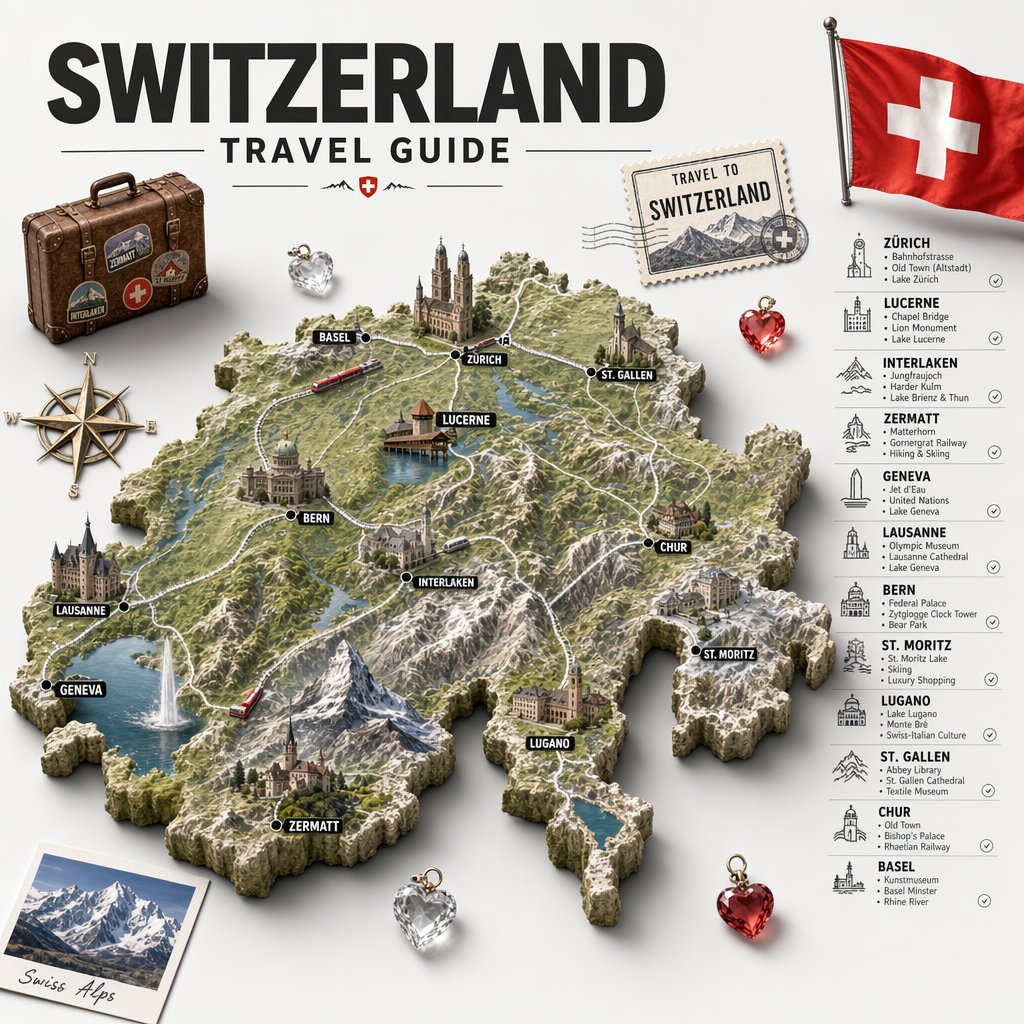
A polished tourism infographic poster showing a 3D relief map of Switzerland with 12 labeled destinations, landmarks, and surrounding vintage travel elements for editorial or campaign use.
- Prompt included
- Model and format preset
- Free template
The prompt behind this image
Copy the exact prompt behind Swiss Travel Guide Relief Map Poster, or open it in the studio and make it yours.
Create a highly detailed vintage-inspired illustrated travel poster and infographic for {argument name="country name" default="Switzerland"}, shown as a sculpted 3D relief map centered on a clean light gray background. At the top, place a huge bold black sans-serif title reading {argument name="headline text" default="SWITZERLAND"}, with smaller uppercase text below reading TRAVEL GUIDE, flanked by thin horizontal divider lines and a tiny red shield emblem with a white cross. The centerpiece is a raised topographic map of Switzerland rendered like a miniature diorama, with rocky borders, green valleys, snowy alpine peaks, blue lakes, winding white roads, and a few rail lines. Mark exactly 12 destinations on the map with black dot markers and bold black capsule labels with white uppercase text: BASEL, ZÜRICH, ST. GALLEN, LUCERNE, BERN, INTERLAKEN, CHUR, ST. MORITZ, LUGANO, ZERMATT, GENEVA, and LAUSANNE. Integrate miniature landmark buildings and scenery directly onto the map, including churches, old town towers, waterfront structures, castles, and mountain villages, plus two small red trains moving through the landscape. Add surrounding travel ephemera arranged around the map: 1 worn brown vintage suitcase with travel stickers and a red Swiss-cross badge in the upper left, 1 antique brass compass rose on the left, 1 postage stamp in the upper right reading TRAVEL TO SWITZERLAND with mountain art and postal cancellation marks, 1 realistic Swiss flag on a pole in the top right corner, 1 tilted polaroid photo in the lower left with snowy mountains and the caption {argument name="photo caption" default="Swiss Alps"}, and 4 faceted heart-shaped crystal charms total, with 2 clear/silver hearts and 2 red hearts placed around the composition. On the right side, add a vertical sightseeing list with icon illustrations and thin separators, containing exactly 12 city entries with headings and short attraction lines: ZÜRICH — Bahnhofstrasse; Old Town (Altstadt); Lake Zurich. LUCERNE — Chapel Bridge; Lion Monument; Lake Lucerne. INTERLAKEN — Jungfraujoch; Harder Kulm; Lake Brienz & Thun. ZERMATT — Matterhorn; Gornergrat Railway; Skiing & Hiking. GENEVA — Jet d'Eau; United Nations; Lake Geneva. LAUSANNE — Olympic Museum; Lausanne Cathedral; Lake Geneva. BERN — Federal Palace; Zytglogge Clock Tower; Bear Park. ST. MORITZ — St. Moritz Lake; Skiing; Luxury Shopping. LUGANO — Lake Lugano; Monte Brè; Swiss-Italian Culture. ST. GALLEN — Abbey Library; St. Gallen Cathedral; Textile Museum. CHUR — Old Town; Bishop's Palace; Rhine Valley. BASEL — Kunstmuseum; Basel Minster; Rhine River. Use a premium editorial travel-brand aesthetic, combining realistic miniature map rendering, crisp typography, soft studio shadows, subtle drop shadows under objects, and a polished tourism campaign look.
How to use Swiss Travel Guide Relief Map Poster in 3 steps
- 1Upload ImagePNG, JPG or paste
Add your photo
Upload the photo the template builds on. The prompt, model and format are already set.
- 2…a portrait of your subject in softgolden-hour light, 85mm…
Personalize
Edit the subject and creative details for your destination.
- 3Generate
Generate
Press Generate — your image is created in PicX Studio, so you can compare it with the original and refine one variable at a time.
More like this
Templates with the same subject, style or setup. Open one to see its prompt.

Japan Travel Brochure Poster

Clay Miniature Landmark Travel Diorama
Travel Relief Print Poster
Chengdu Scrapbook Travel Guide Poster
Watercolor Beijing Travel Map Poster
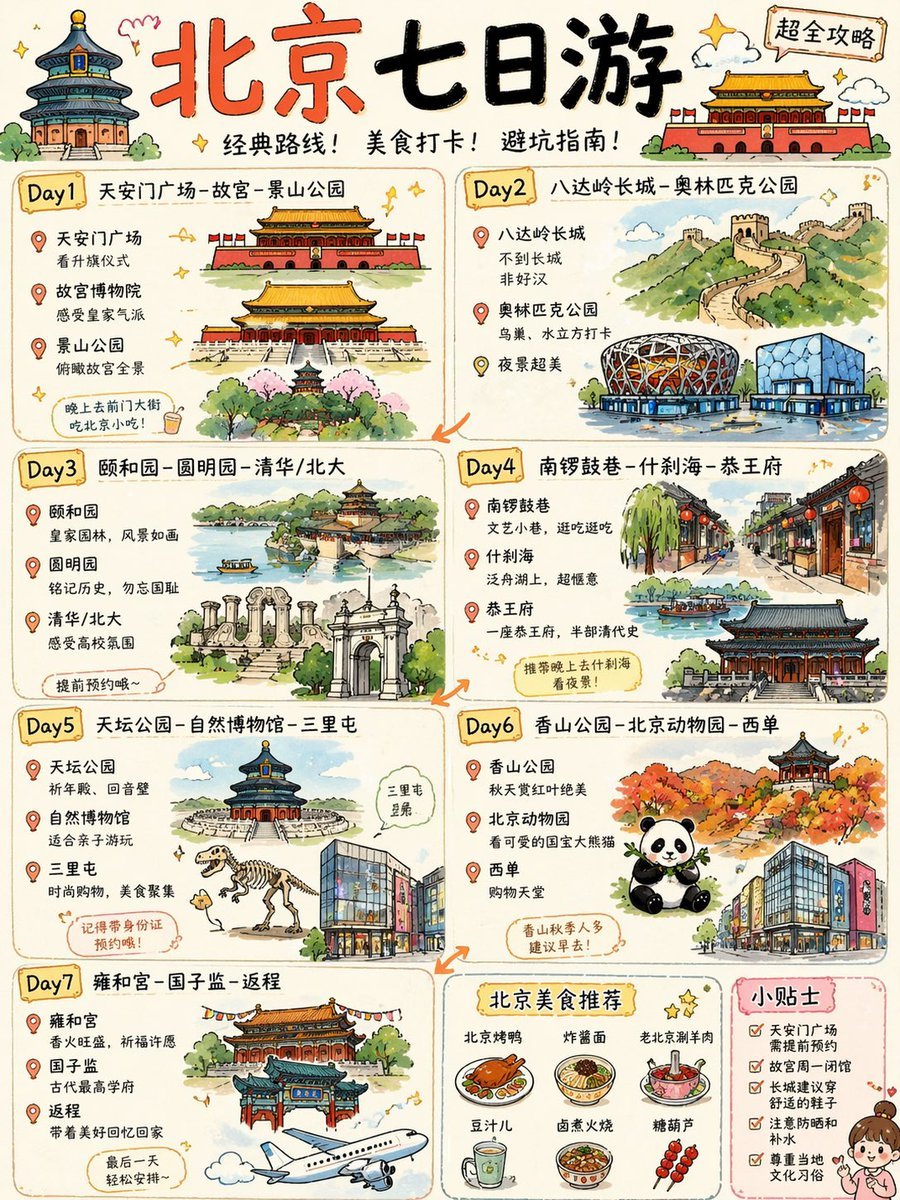
Cute Beijing 7-Day Travel Guide Poster
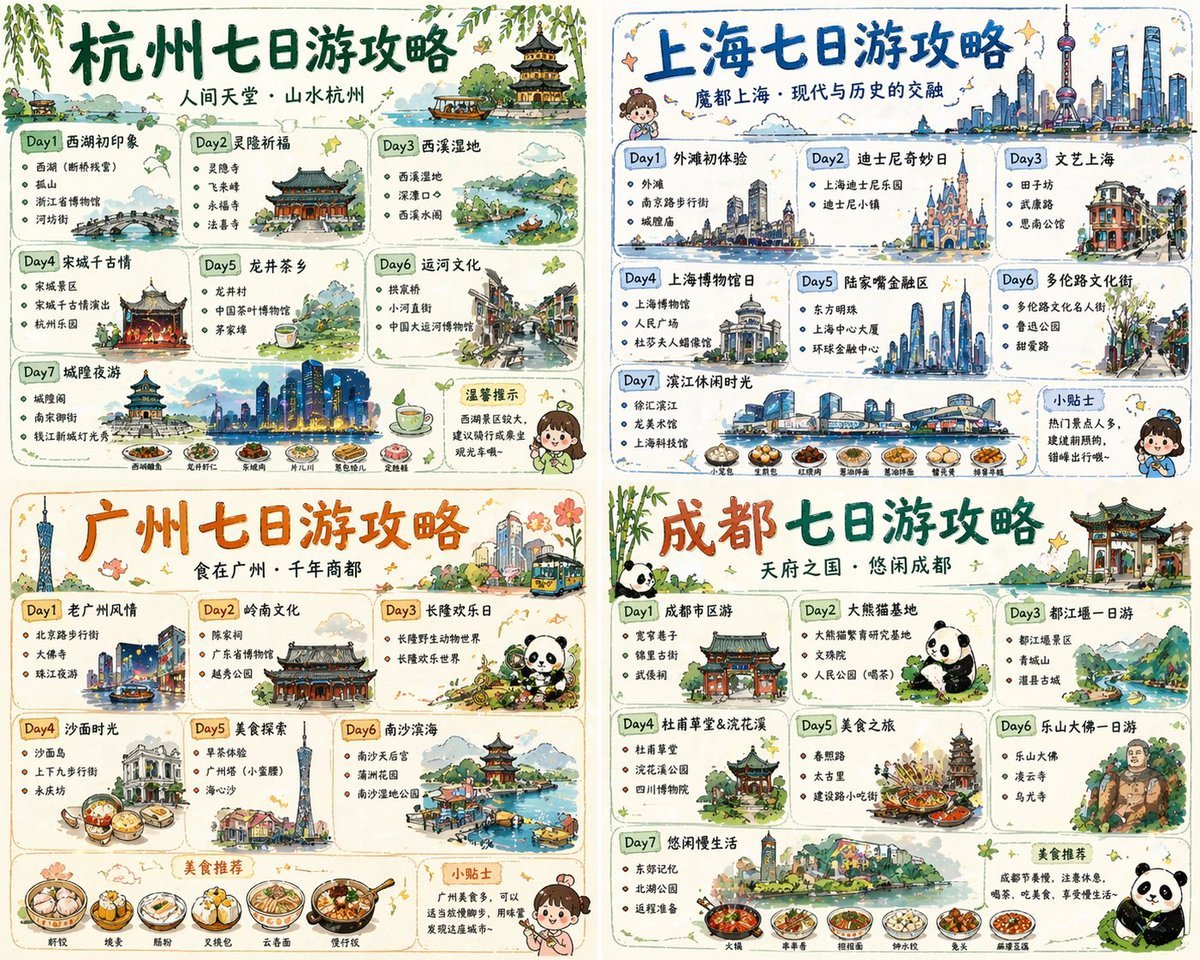
Four-City Chinese Travel Guide Poster Set
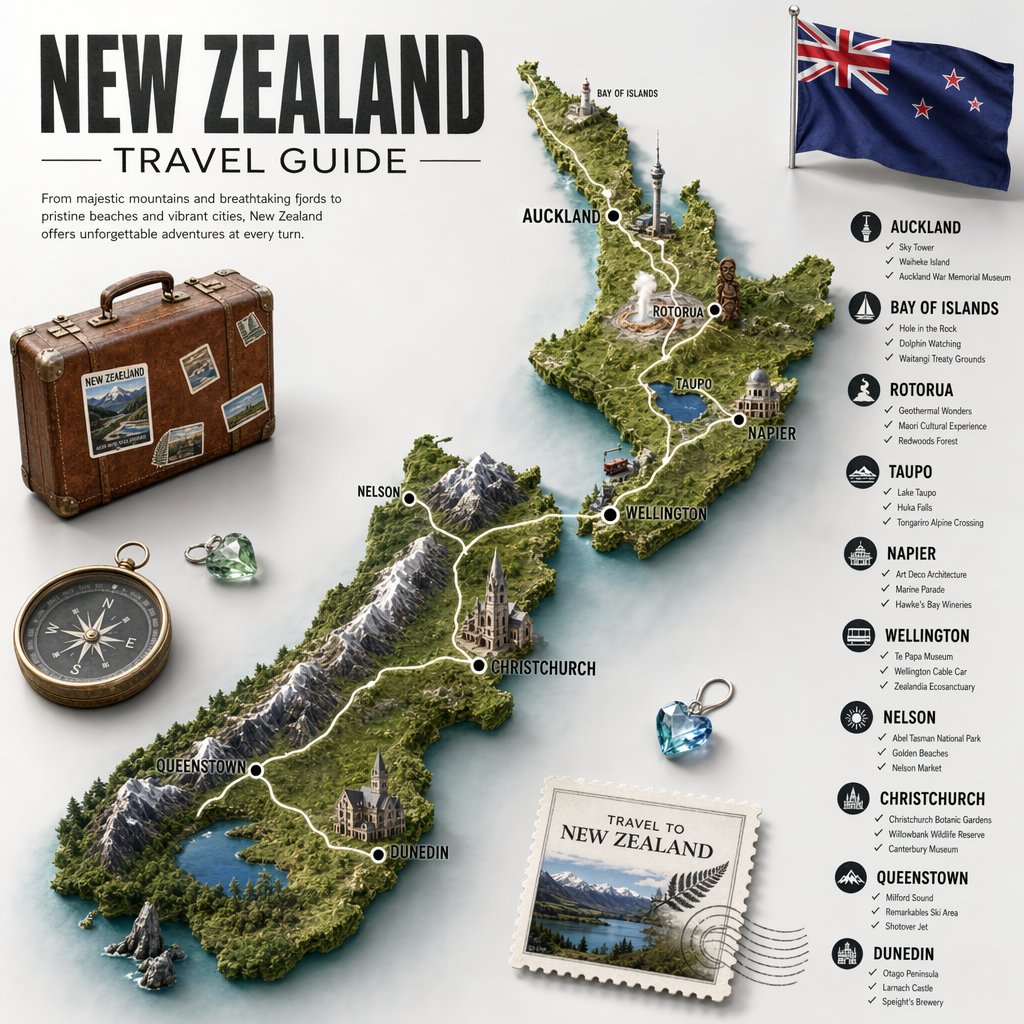
New Zealand Travel Guide Poster

City Posters by Nano Banana Pro
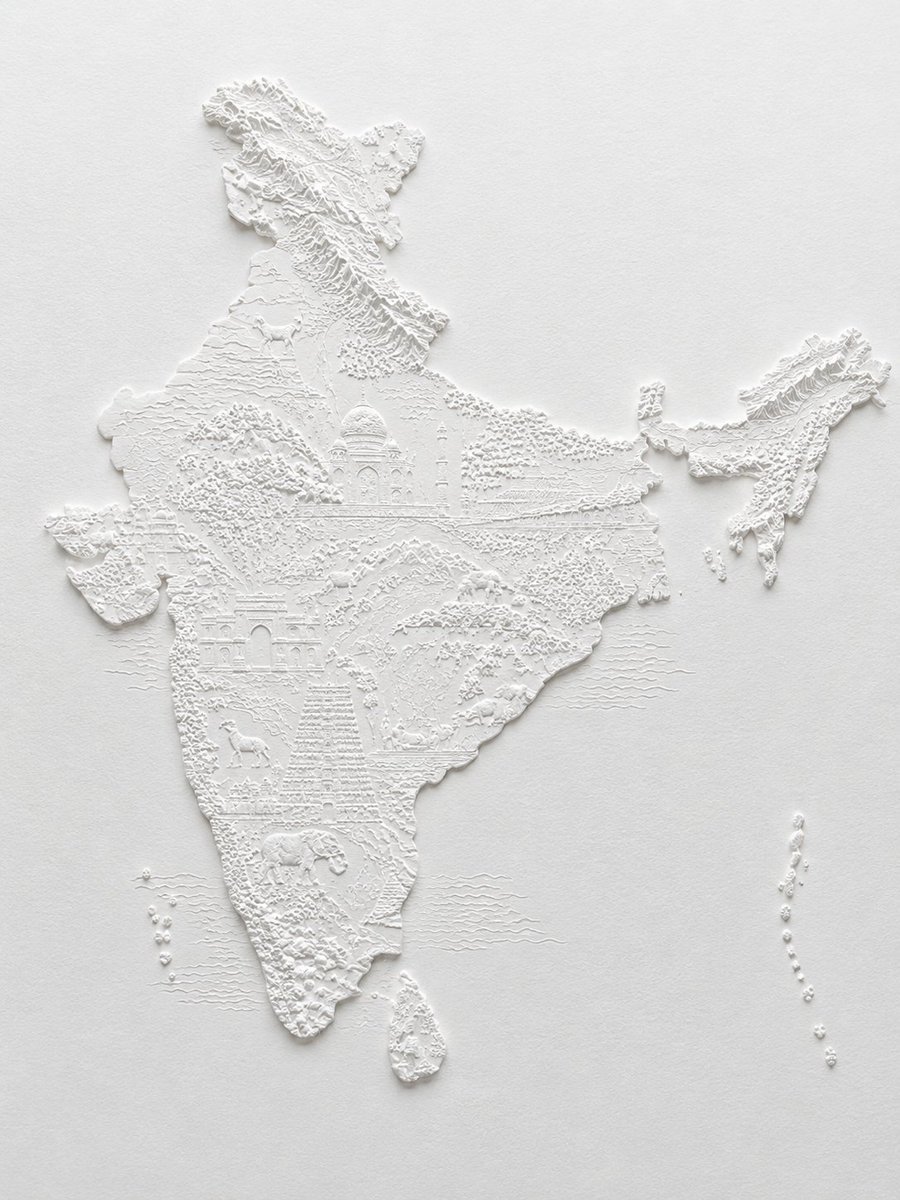
White Bas-Relief Map of India
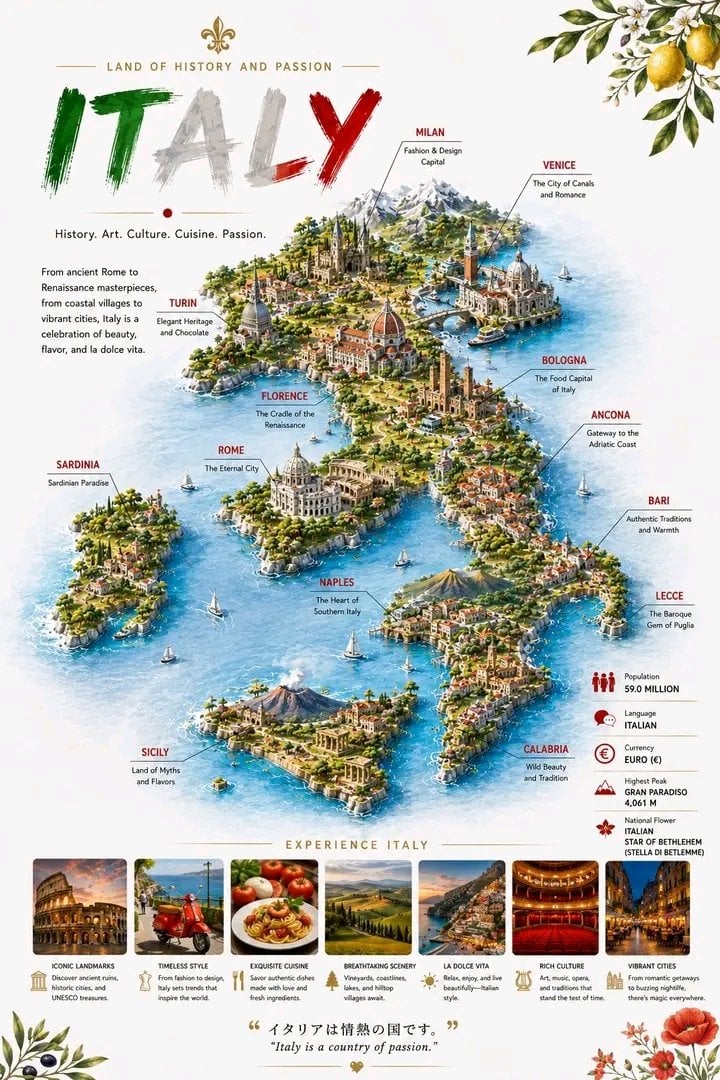
Detailed 3D Travel Infographic Map of Italy

Cartoon TV Show Poster Pack
Make it yours
Swiss Travel Guide Relief Map Poster works as-is. These are the safest ways to change it without losing the look.
Change one field
Copy a single group, rewrite it, and generate again so you can see what that field is doing.
Keep the frame, change the subject
Hold the composition and light of Swiss Travel Guide Relief Map Poster, then swap wardrobe, props or the person for a new take.
| If the result… | Why | Fix |
|---|---|---|
| The result drifts from the preview | Too many fields changed at once. | Reuse Swiss Travel Guide Relief Map Poster as-is first, then change one group — subject, light, or setting. |
| The model over-stylizes the scene | The prose prompt leaves finish and camera underspecified. | Add one camera or lighting sentence and stay on GPT Image 2. |
More GPT Image 2 templates
Other prompts made for GPT Image 2.

Six VTuber Japanese Logo Sheet

Realistic Portrait of Woman and Deer

The Vista Modular Condo Poster

AI Model Routing Comparison Infographic

2.5D Anime Art Board

Isometric Productivity Desk Scene

New York Double Exposure Poster

Four-Panel AI Landscape Comparison

Japanese Tatami Lifestyle Magazine Cover

NESCAFÉ Coffee Map Poster
More image prompts
Fresh picks from across the catalog.
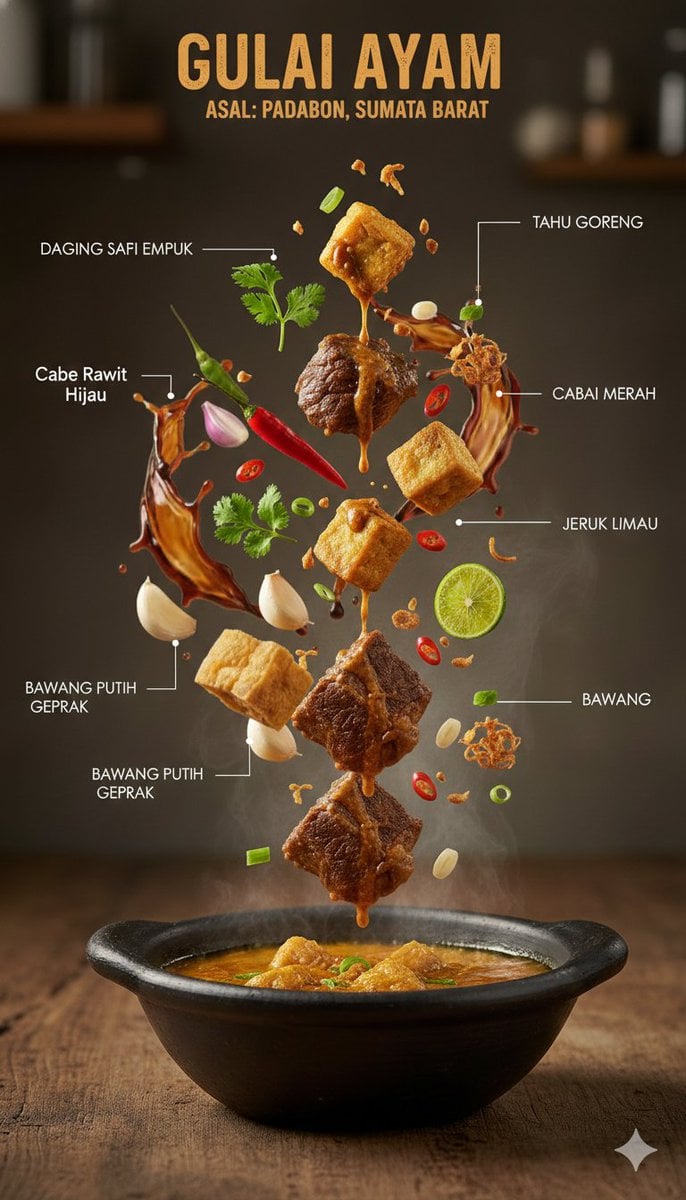
Ultra-Realistic Indonesian Culinary Infographic

Minimalist Eyewear Advertisement Poster

Dinosaur Jungle Adventure Collage
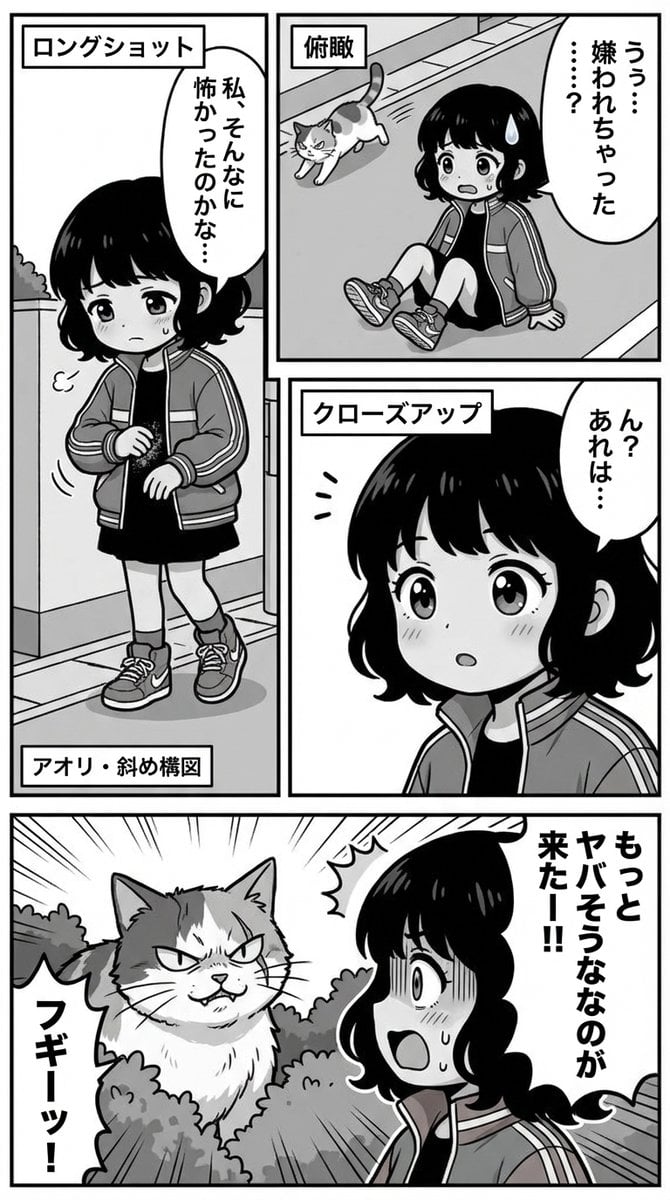
Nano Banana Pro Manga Generation Prompt with Character Consistency Rules
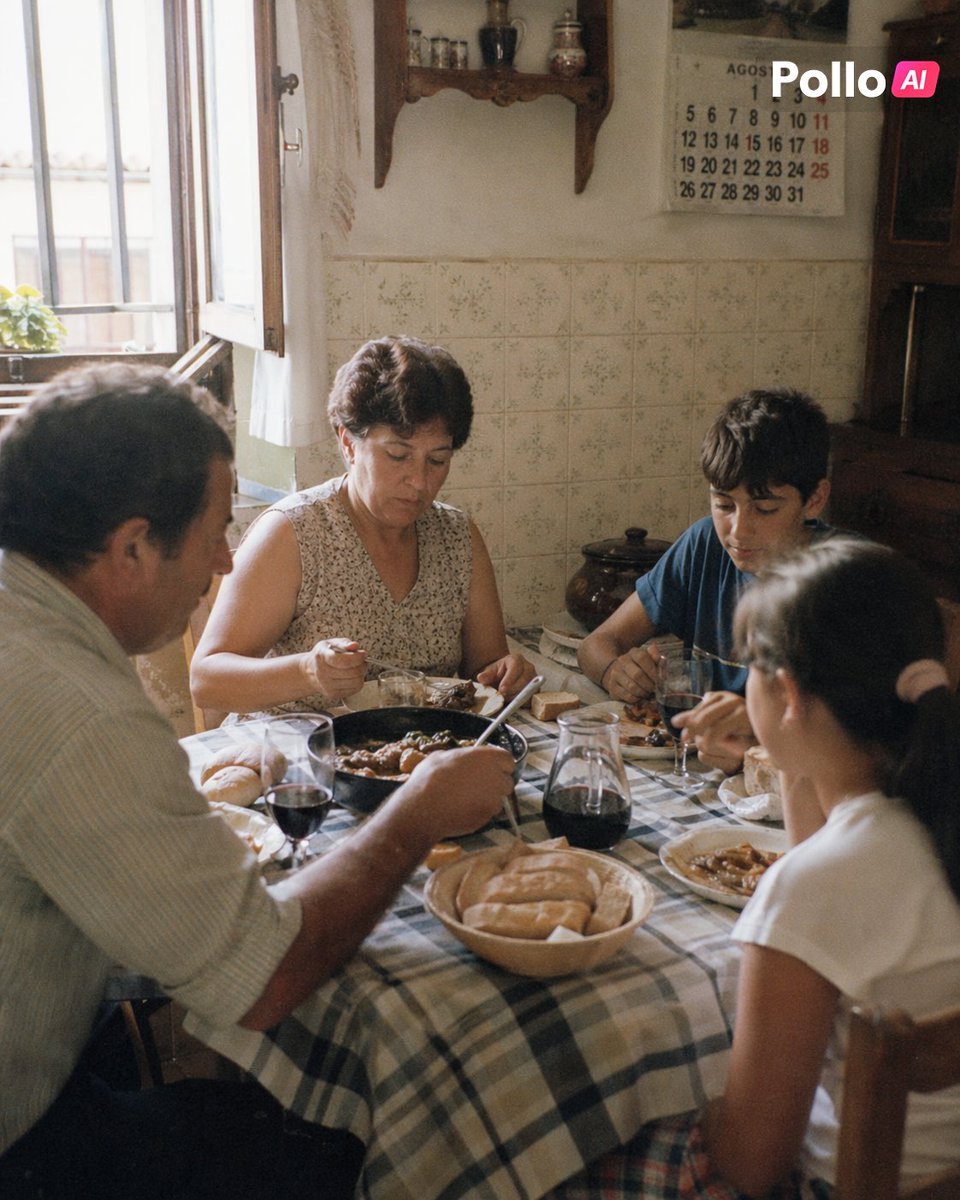
1990s Spanish Family Kitchen Lunch
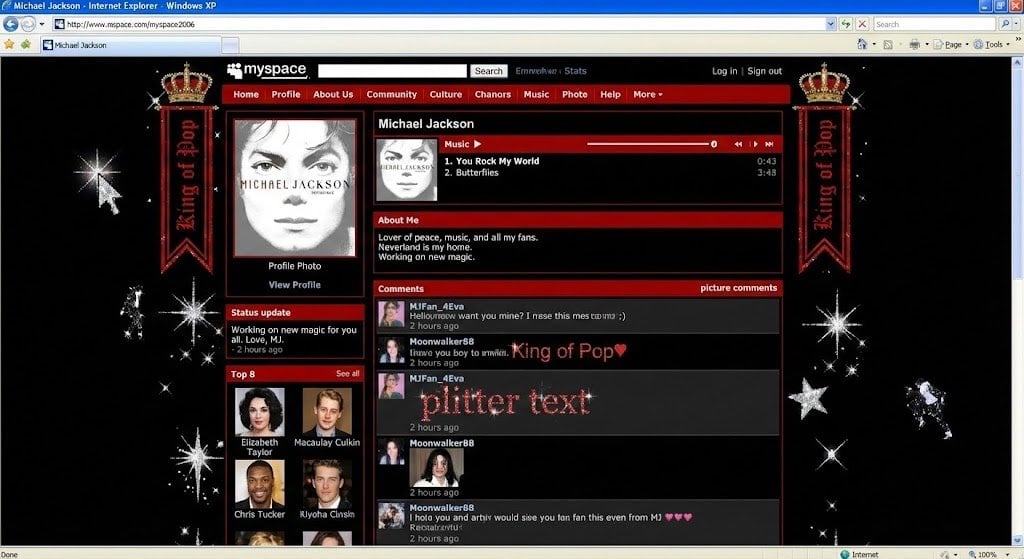
Authentic vintage MySpace page for a person
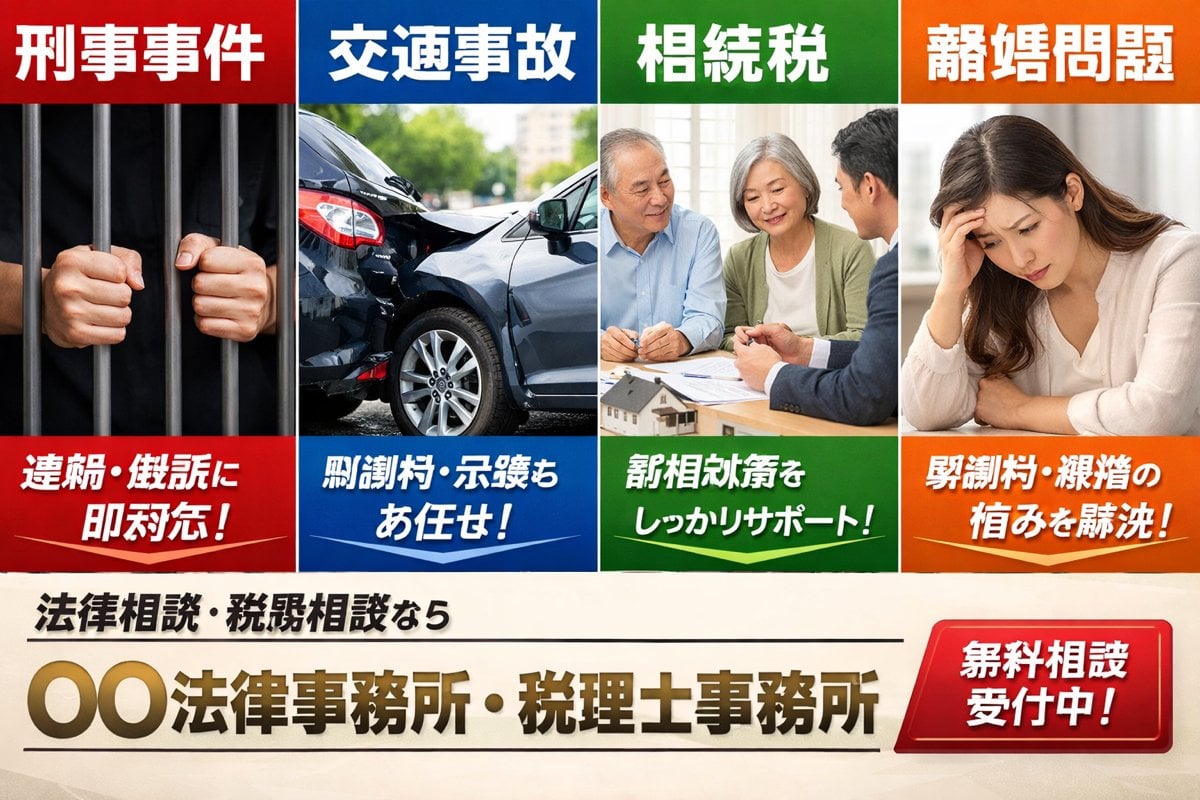
Japanese Legal Services LP Banner

Bubble Cat Sleeping in the Sky
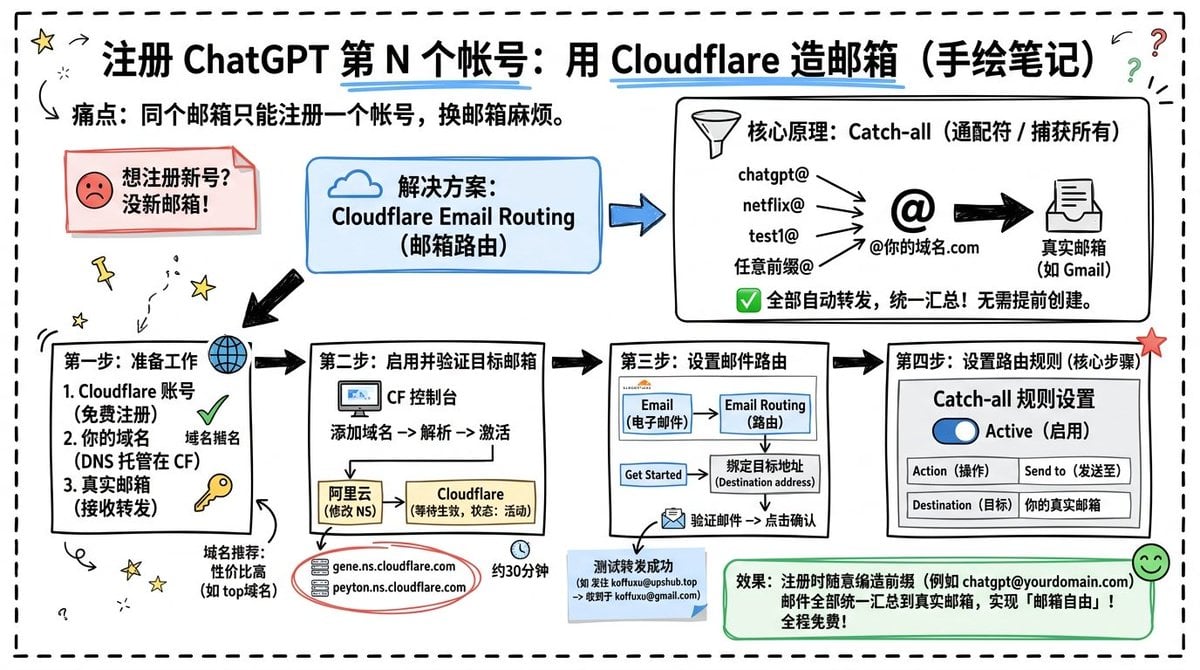
Cloudflare Catch-All Email Routing Infographic

Editorial Fashion Ballerina
Browse template categories
Swiss Travel Guide Relief Map Poster questions
How do I use the Swiss Travel Guide Relief Map Poster template?
Add your photo if the template asks for one, edit the prompt if you like — the template's model and format are already selected — and press Generate. Your version opens in PicX Studio.
Can I customize the Swiss Travel Guide Relief Map Poster template?
Yes. You can change the subject, setting, lighting, mood, format, and available model controls before creating your image.
Is the Swiss Travel Guide Relief Map Poster template free?
Opening and editing this template is free. Generating uses credits, shown on the Generate button when you are signed in.
Which AI model should I use?
Start with GPT Image 2, which is the model associated with this template. You can compare another compatible model for a different finish.
Looking for something else? Browse all templates.

Your photo, any look
Thousands of ready templates for every top image and video model, from one credit balance.