
Japanese Legal Services LP Banner
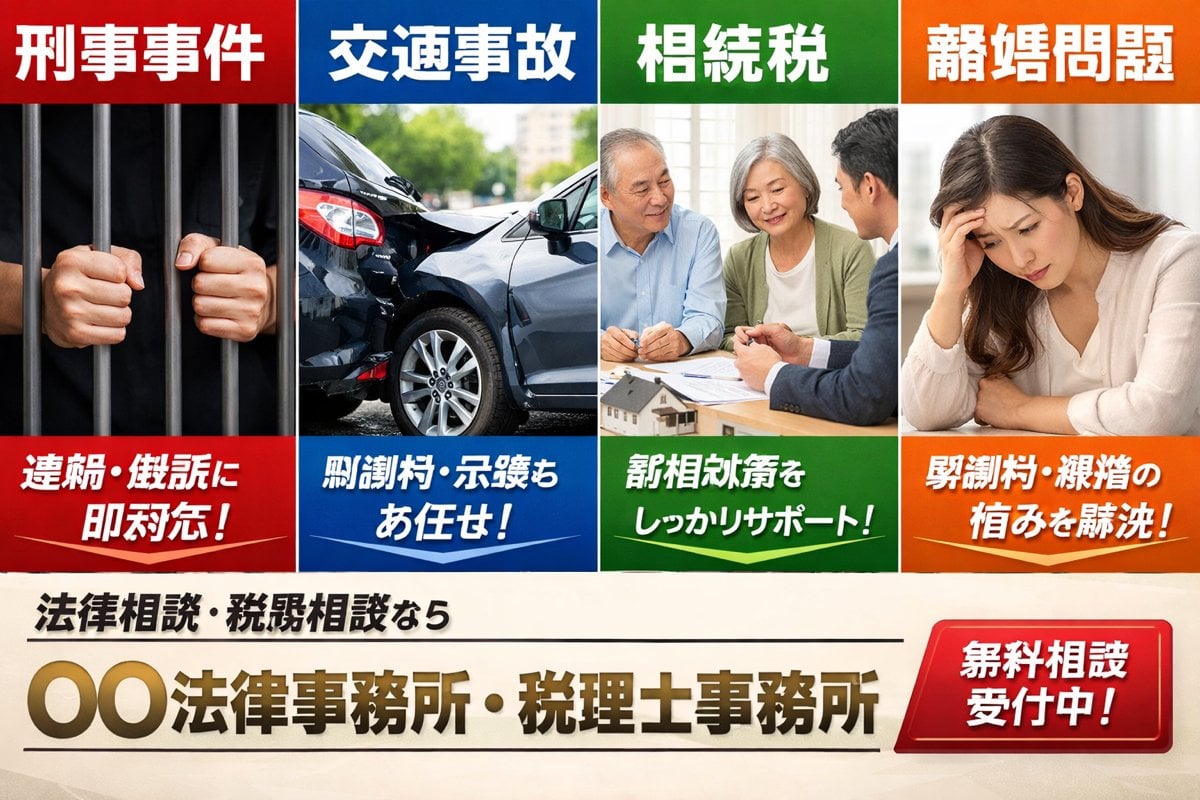
A bold Japanese landing-page hero image for a fictional law and tax office, useful for legal service ads, listing pages, and corporate LP mockups.
- Prompt included
- Model and format preset
- Free template
The prompt behind this image
Copy the exact prompt behind Japanese Legal Services LP Banner, or open it in the studio and make it yours.
A Japanese listing-ad style landing page hero banner for a fictional law office and tax accountant office, designed like a bold web advertisement with four equal vertical panels across the top and a strong call-to-action area across the bottom. The top row contains exactly 4 service panels, each with a colored header bar, a photo-realistic stock-photo image, and a colored caption bar at the bottom. Panel 1 is red and labeled 「刑事事件」 at the top, showing a close-up of two hands gripping dark prison bars against a black background; the bottom red caption reads 「逮捕・訴訟に即対応!」 in large bold white Japanese text. Panel 2 is blue and labeled 「交通事故」 at the top, showing a realistic rear-end car crash with two damaged dark-colored sedans on a city street in daylight; the bottom blue caption reads 「慰謝料・示談もお任せ!」 in large bold white Japanese text. Panel 3 is green and labeled 「相続税」 at the top, showing an elderly couple seated at a table consulting with a suited professional, with papers and a small house model visible; the bottom green caption reads 「税相続対策をしっかりサポート!」 in large bold white Japanese text. Panel 4 is orange and labeled 「離婚問題」 at the top, showing a distressed woman sitting indoors with her head resting on one hand; the bottom orange caption reads 「慰謝料・親権の悩みを解決!」 in large bold white Japanese text. Make the four panels touch edge-to-edge with clean white dividers, each panel occupying the same width, and use highly saturated primary colors with glossy ad-design styling. Beneath the four panels, create a cream or light beige background footer area. On the left side, place a smaller black subheadline in Japanese: 「法律相談・税務相談なら」. Centered below it, place the large main office name in metallic gold gradient bold Japanese lettering with a slight bevel effect: 「{argument name="office name" default="〇〇法律事務所・税理士事務所"}」. Add thin black horizontal divider lines above and below the main office name. On the lower right, place a large glossy red rounded rectangular button with a bright gradient and white bold Japanese text reading 「{argument name="button text" default="無料相談受付中!"}」. The overall style should feel like a Japanese legal and tax services LP main visual from a listing ad: corporate, urgent, trustworthy, commercial, photo-based, clean grid layout, bold typography, high contrast, and realistic brochure-quality compositing.
How to use Japanese Legal Services LP Banner in 3 steps
- 1Upload ImagePNG, JPG or paste
Add your photo
Upload the photo the template builds on. The prompt, model and format are already set.
- 2…a portrait of your subject in softgolden-hour light, 85mm…
Personalize
Edit the subject and creative details for your destination.
- 3Generate
Generate
Press Generate — your image is created in PicX Studio, so you can compare it with the original and refine one variable at a time.
More like this
Templates with the same subject, style or setup. Open one to see its prompt.
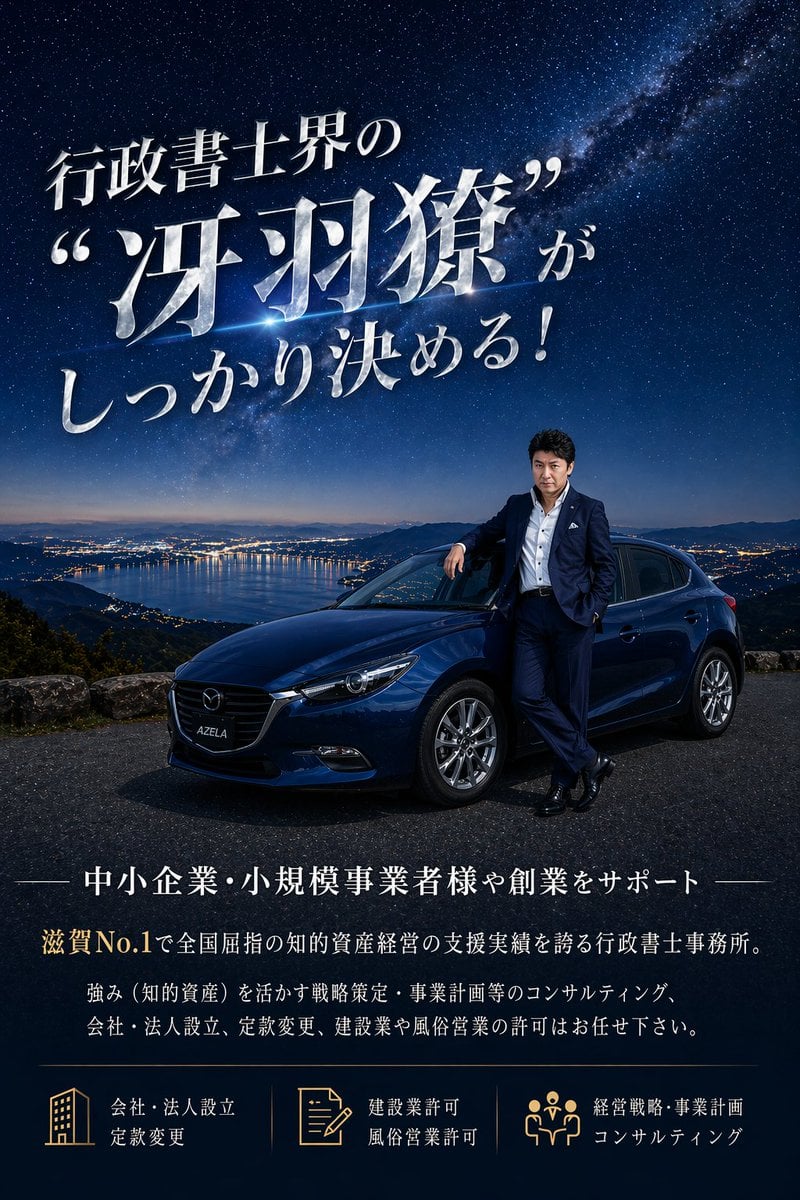
Luxury Japanese Legal Services Poster

Minecraft Japanese Research Lab Exploration

Japanese Architectural Concrete Studio Fashion Campaign

Japanese Minimalist Concrete Studio Fashion Editorial

Blue Backdrop Luxury Fashion Portrait Campaign

Japanese Film Reflection Idol

Coffee Boba Product Poster
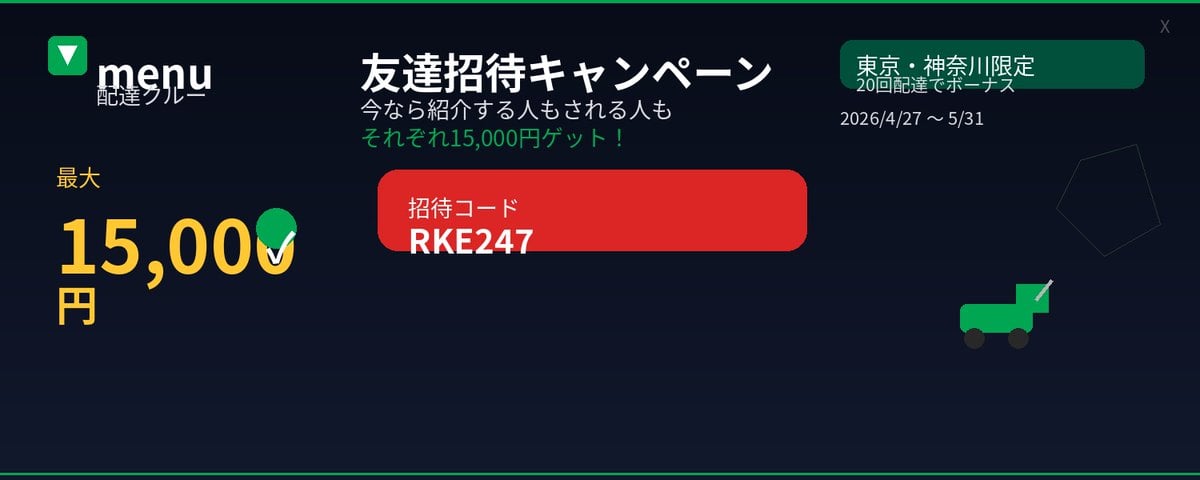
Japanese Delivery Referral Banner
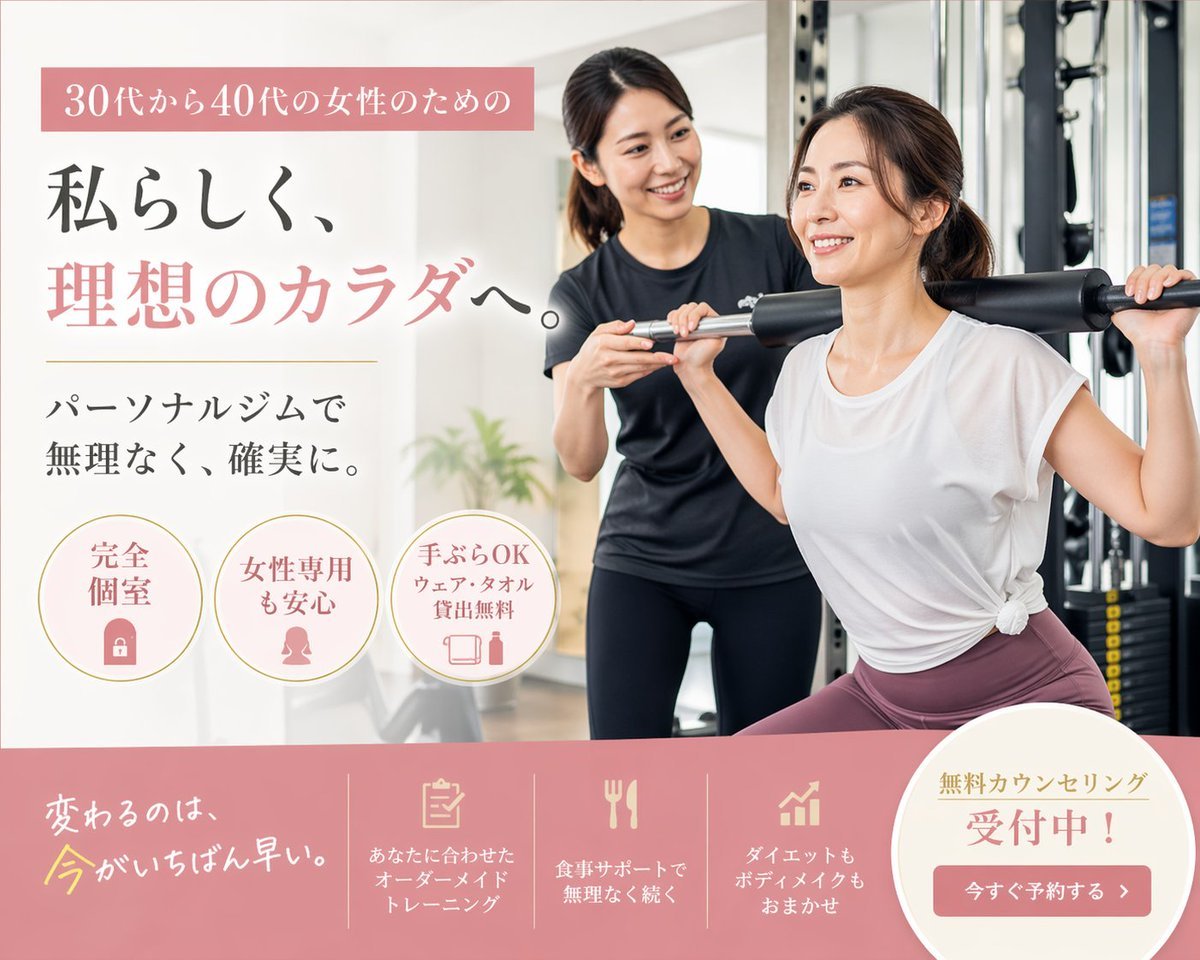
Japanese Women's Gym Hero Banner
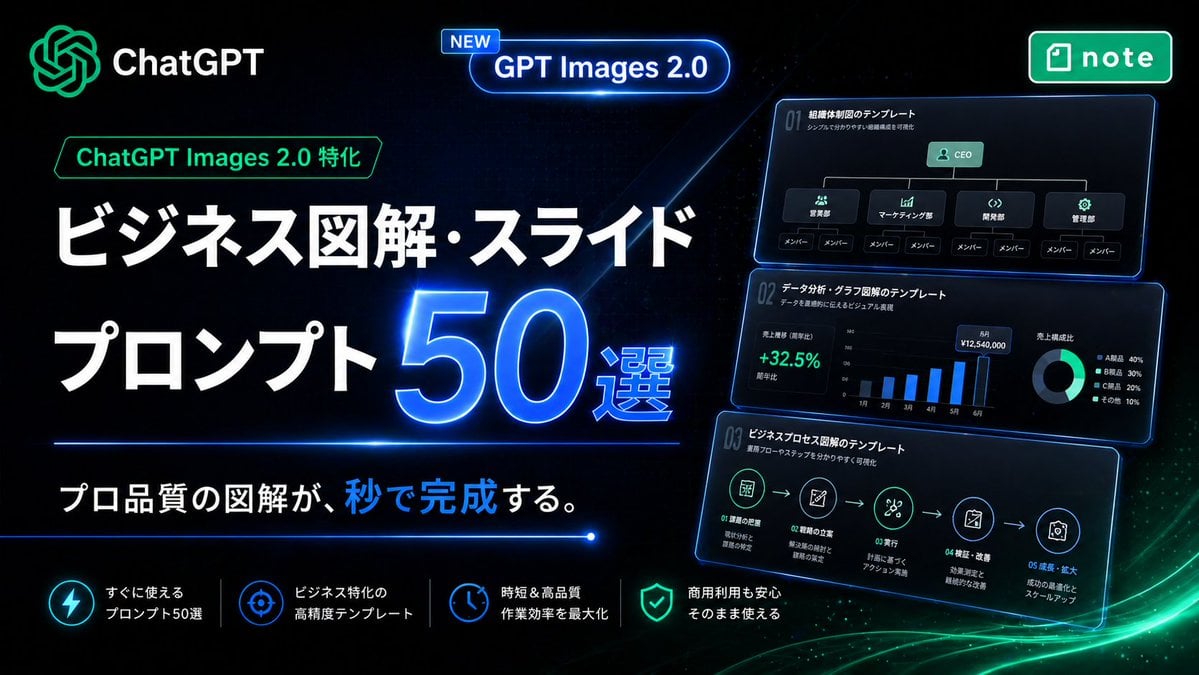
Neon Japanese AI Prompt Promo Banner
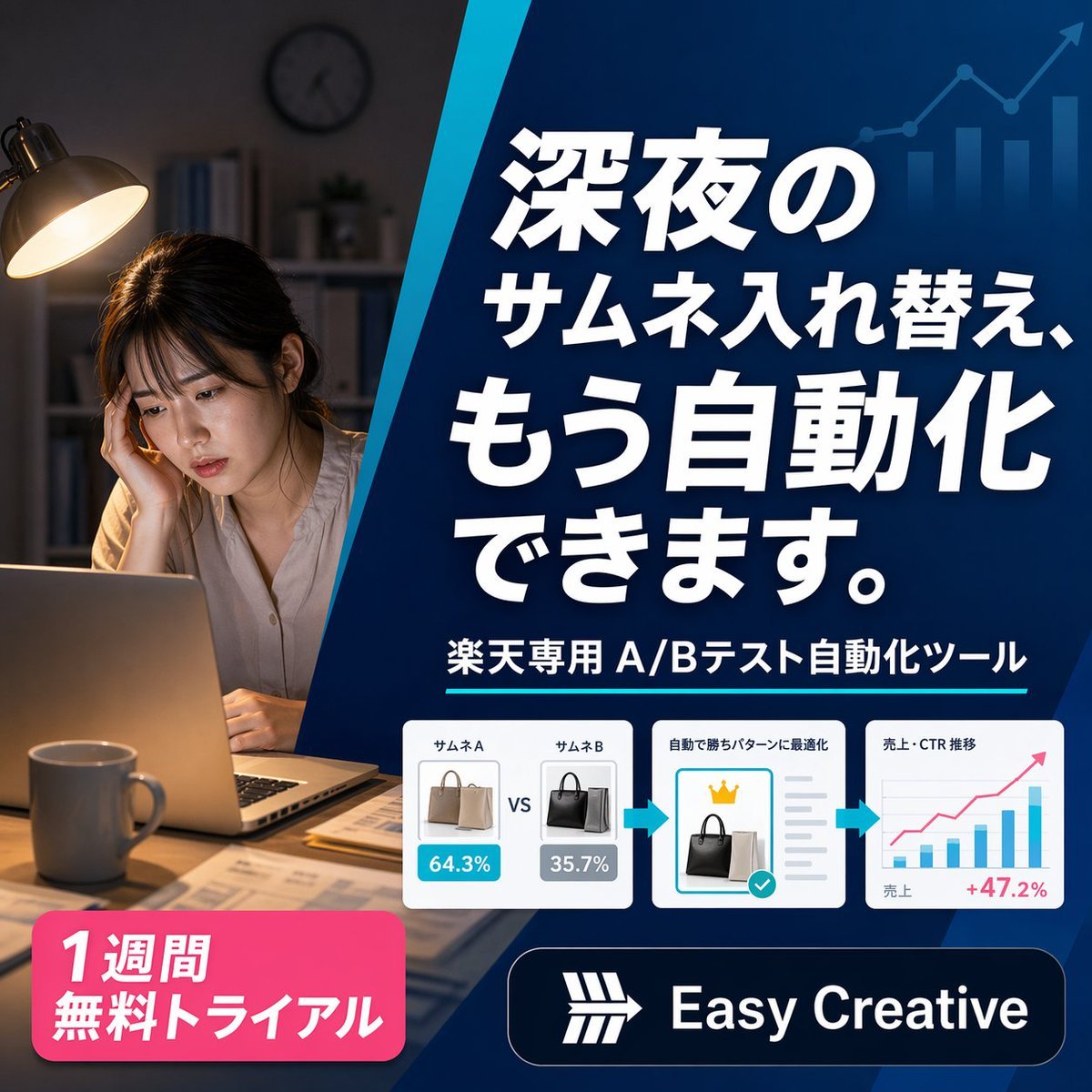
Japanese SaaS Ad Banner at Night
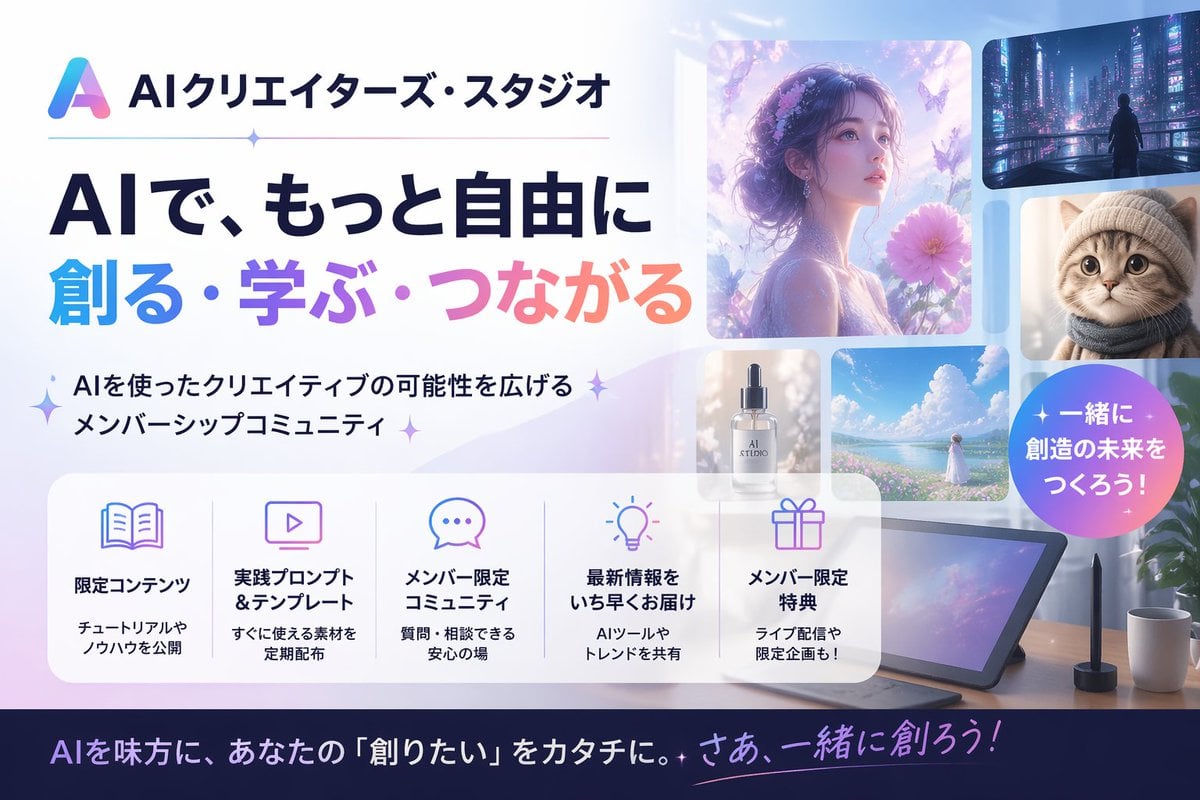
Japanese AI Creator Studio Banner
Make it yours
Japanese Legal Services LP Banner works as-is. These are the safest ways to change it without losing the look.
Change one field
Copy a single group, rewrite it, and generate again so you can see what that field is doing.
Keep the frame, change the subject
Hold the composition and light of Japanese Legal Services LP Banner, then swap wardrobe, props or the person for a new take.
| If the result… | Why | Fix |
|---|---|---|
| The result drifts from the preview | Too many fields changed at once. | Reuse Japanese Legal Services LP Banner as-is first, then change one group — subject, light, or setting. |
| The model over-stylizes the scene | The prose prompt leaves finish and camera underspecified. | Add one camera or lighting sentence and stay on GPT Image 2. |
More GPT Image 2 templates
Other prompts made for GPT Image 2.

Six VTuber Japanese Logo Sheet

Realistic Portrait of Woman and Deer

The Vista Modular Condo Poster

AI Model Routing Comparison Infographic

2.5D Anime Art Board

Isometric Productivity Desk Scene

New York Double Exposure Poster

Four-Panel AI Landscape Comparison

Japanese Tatami Lifestyle Magazine Cover

NESCAFÉ Coffee Map Poster
More image prompts
Fresh picks from across the catalog.
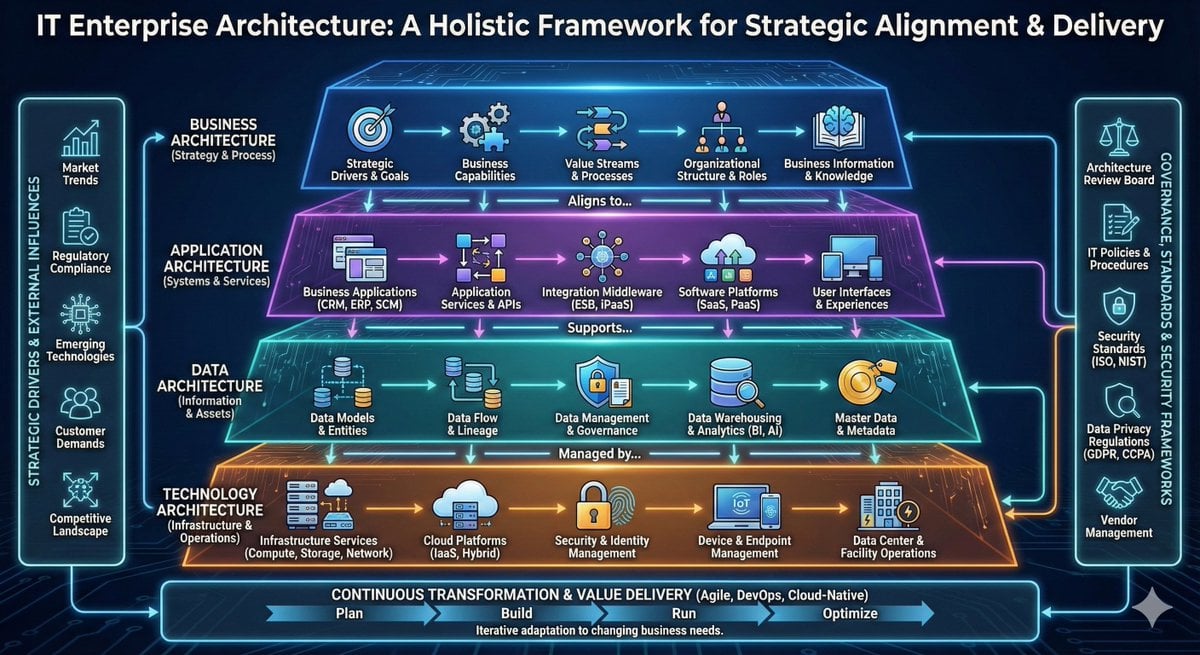
High-detail IT careers infographic (Thai/English mix)
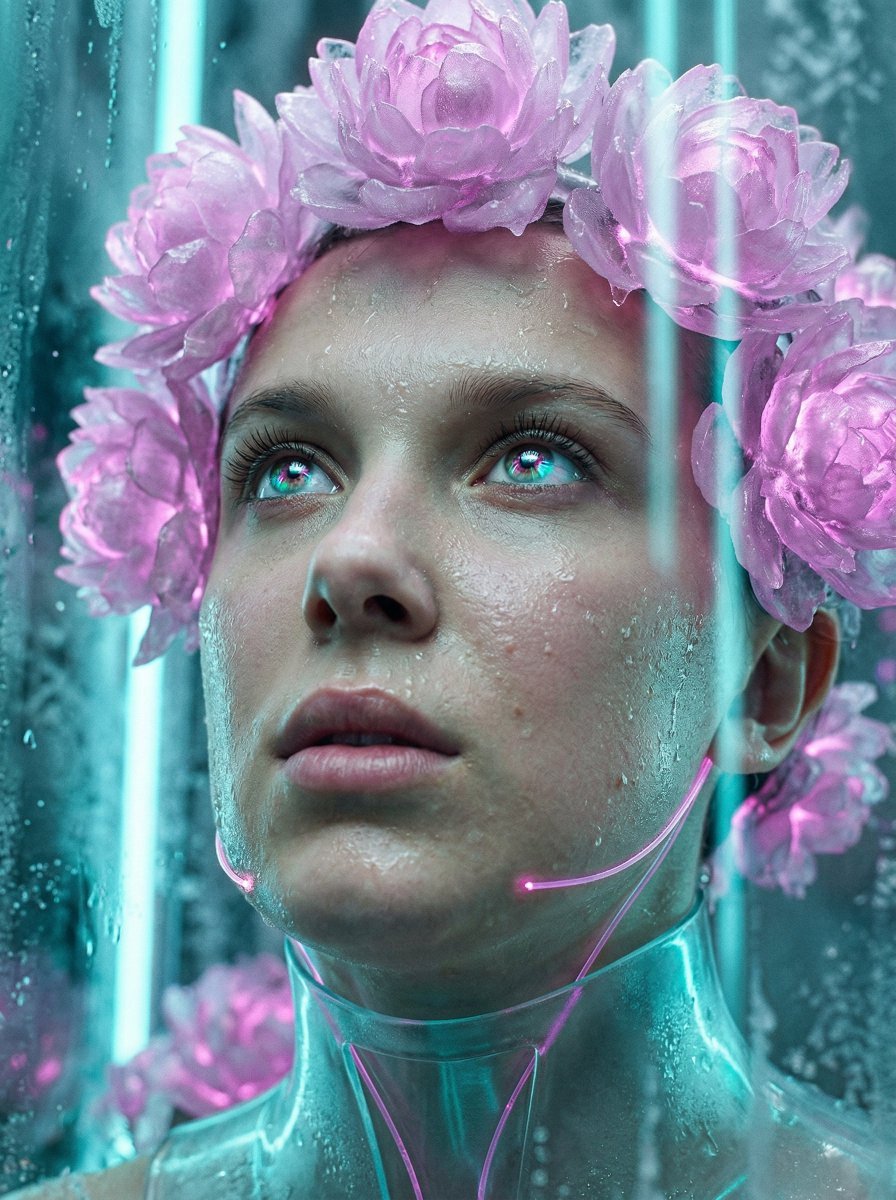
Synthetic Flora Prophecy (Sci-Fi Portrait)
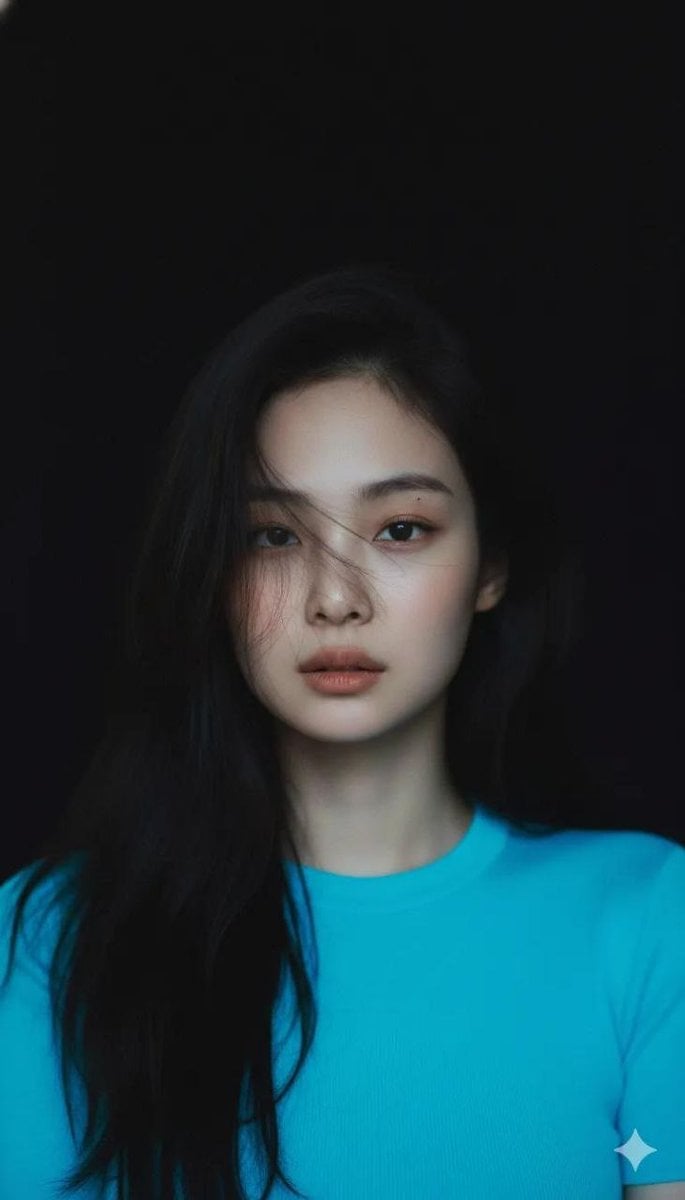
Moody Cinematic Portrait with Neon Blue Top Prompt
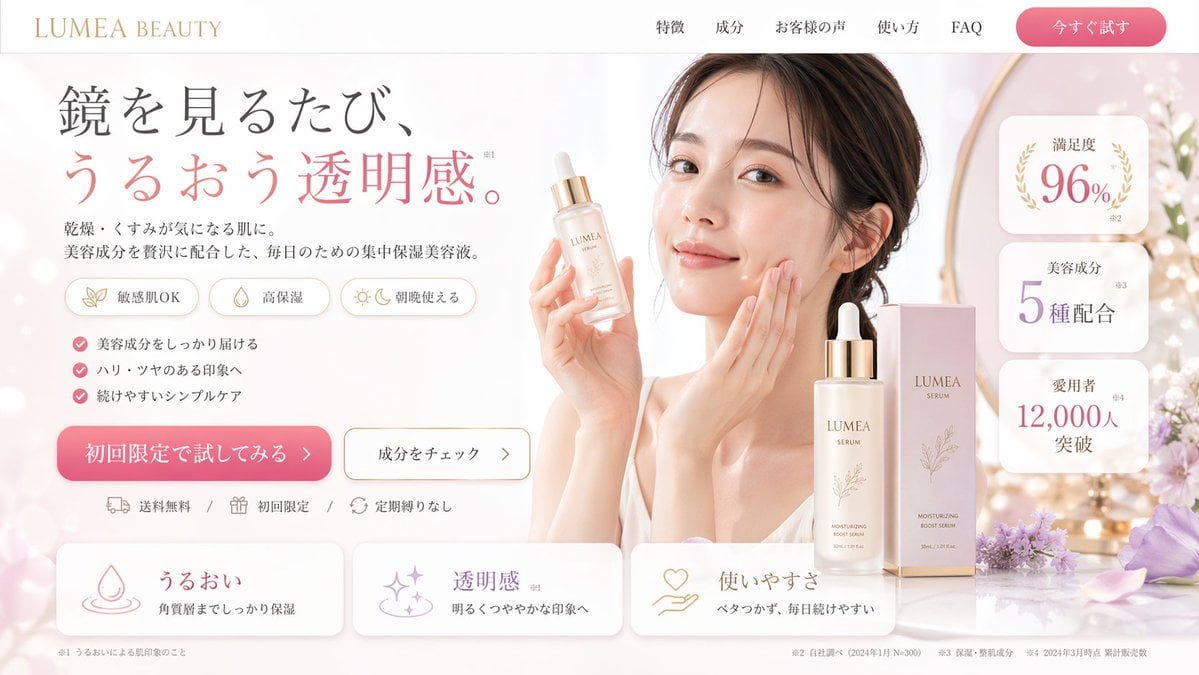
Beauty Product Landing Page Mockup
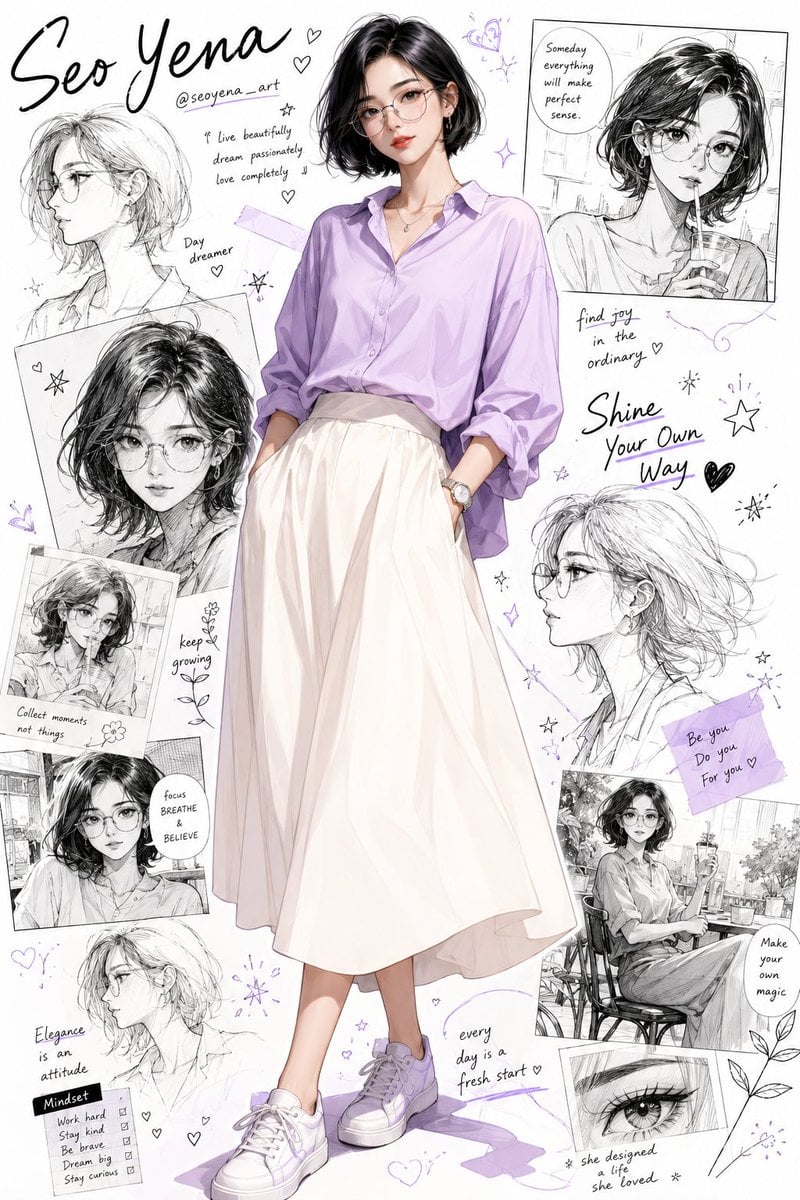
Anime Inspired Korean Fashion Portrait
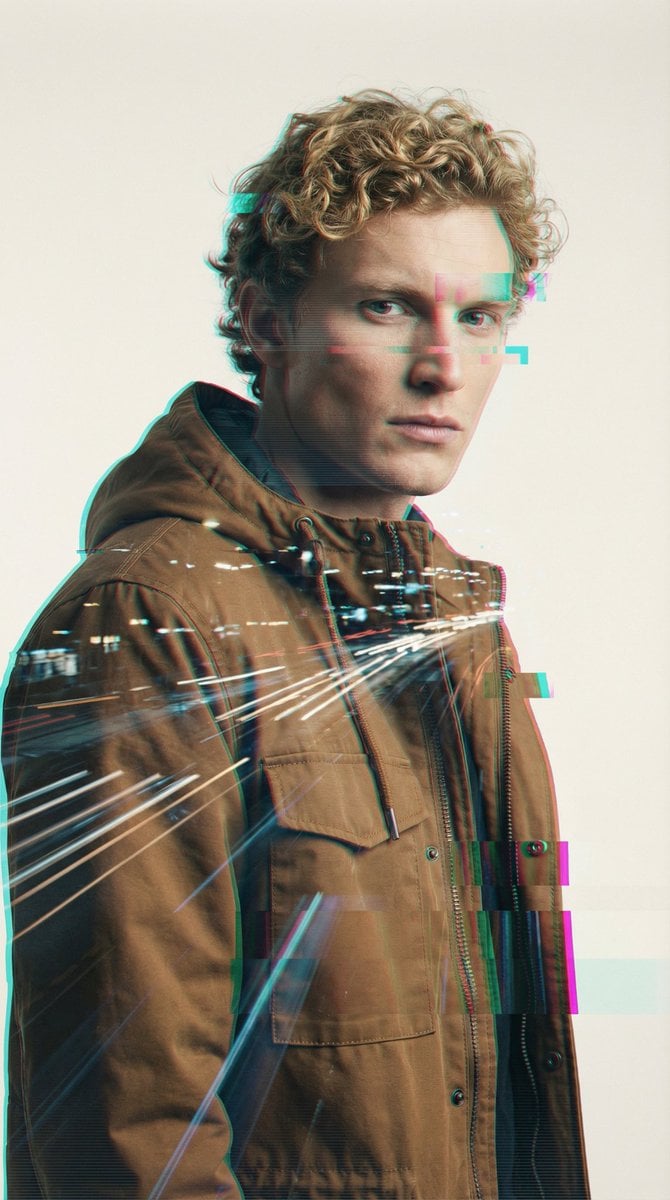
Digital Glitch Portrait Prompt
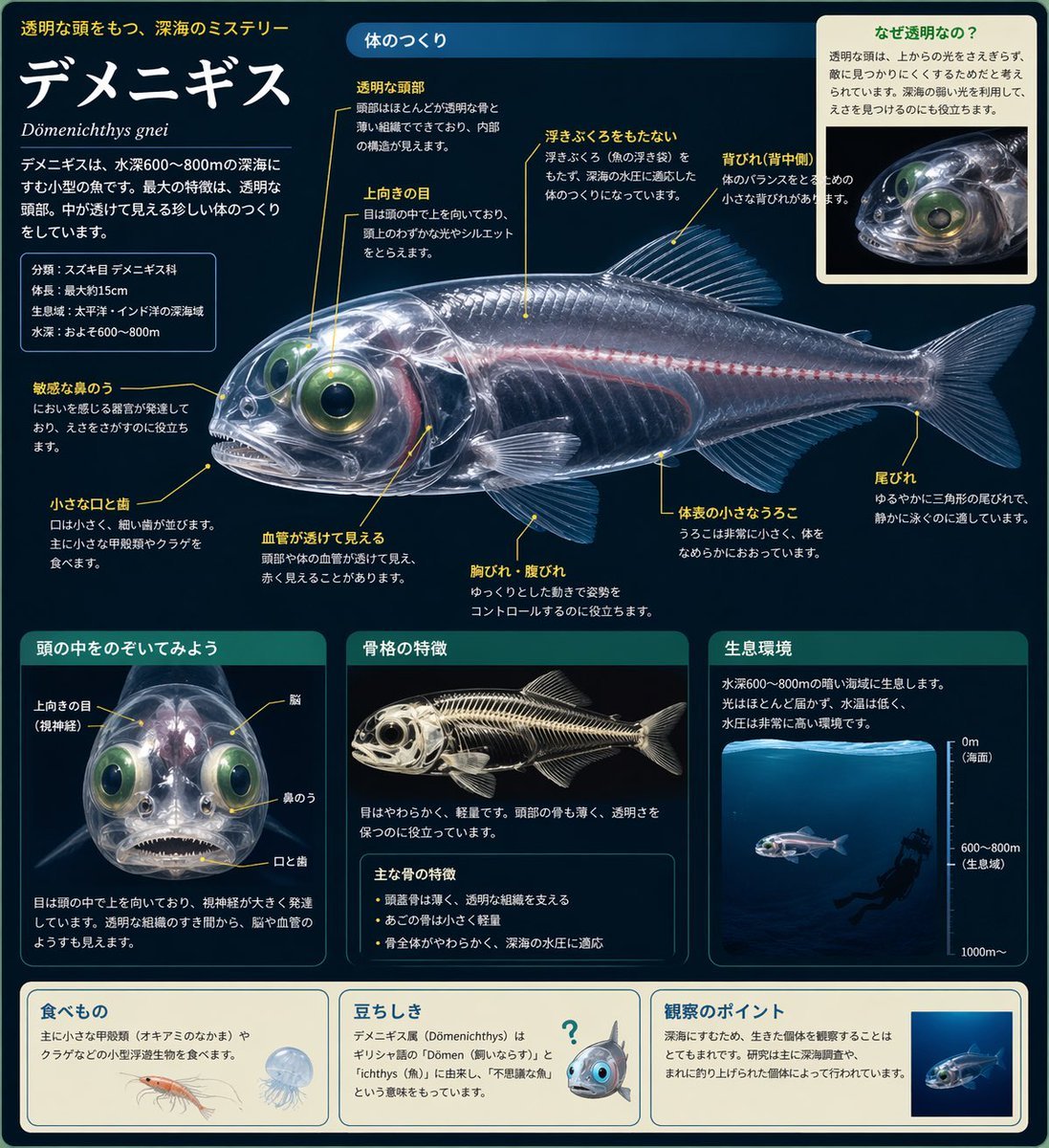
Biological Illustration Page

Inspired Prompt from LudovicCreator
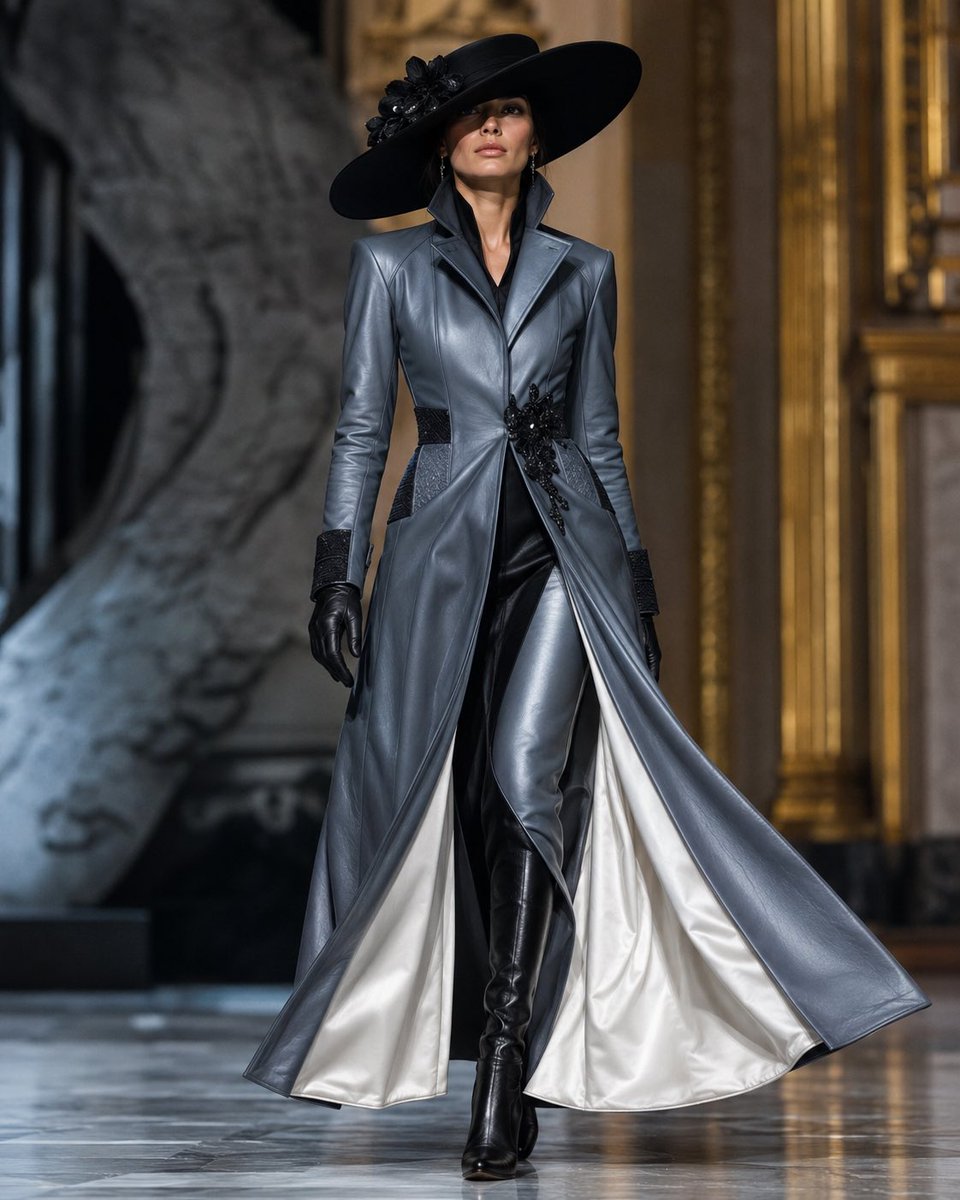
Couture Leather Runway Model
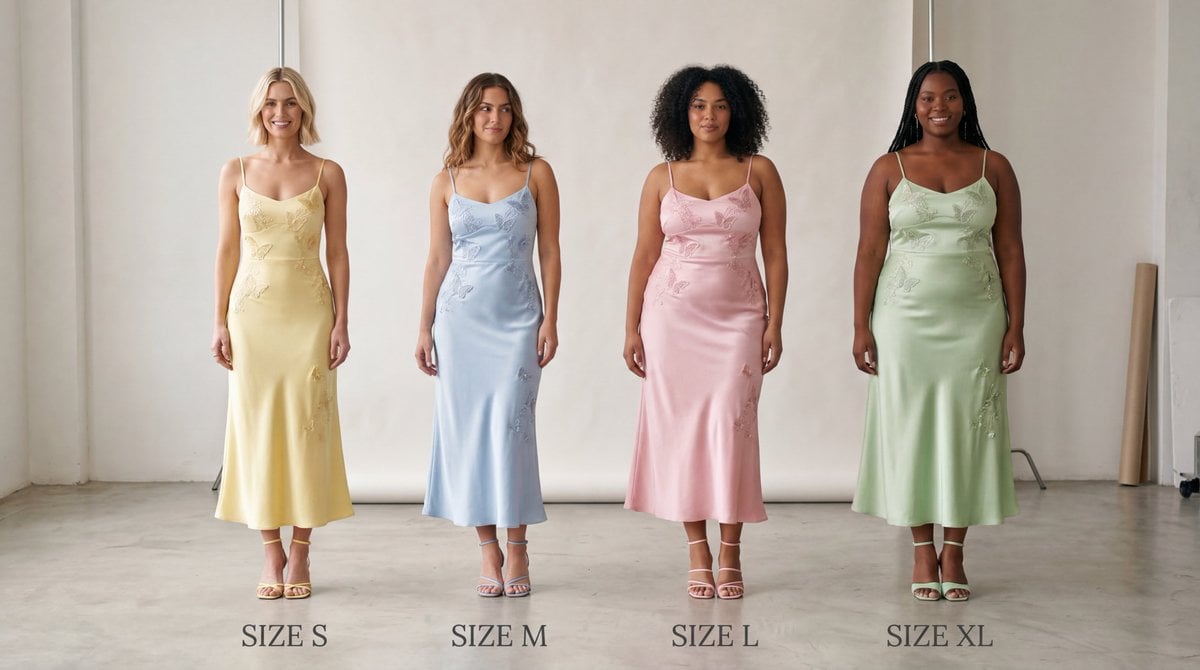
Realistic Size Range Fashion Lineup
Browse template categories
Japanese Legal Services LP Banner questions
How do I use the Japanese Legal Services LP Banner template?
Add your photo if the template asks for one, edit the prompt if you like — the template's model and format are already selected — and press Generate. Your version opens in PicX Studio.
Can I customize the Japanese Legal Services LP Banner template?
Yes. You can change the subject, setting, lighting, mood, format, and available model controls before creating your image.
Is the Japanese Legal Services LP Banner template free?
Opening and editing this template is free. Generating uses credits, shown on the Generate button when you are signed in.
Which AI model should I use?
Start with GPT Image 2, which is the model associated with this template. You can compare another compatible model for a different finish.
Looking for something else? Browse all templates.

Your photo, any look
Thousands of ready templates for every top image and video model, from one credit balance.