
Couture Leather Runway Model
Generates a dramatic editorial runway fashion photo featuring a model in a metallic leather couture coat inside an ornate palace-like venue.
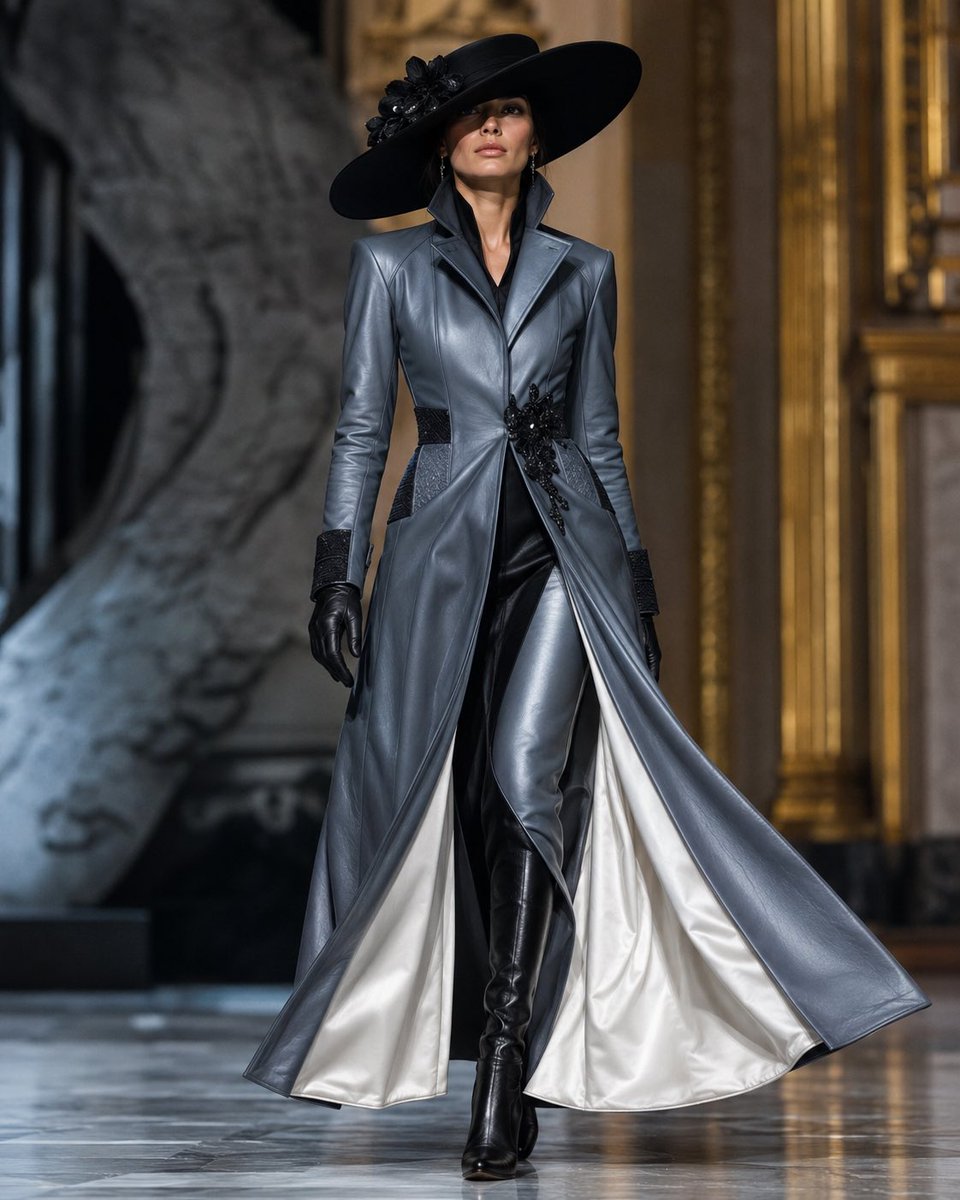
- Prompt included
- Model and format preset
- Free template
The prompt behind this image
Copy the exact prompt behind Couture Leather Runway Model, or open it in the studio and make it yours.
Create a high-fashion runway photograph of a tall, slender female model with a softly blurred, non-identifiable face walking confidently down a polished marble catwalk inside an ornate historic palace hall. She wears a dramatic couture ensemble: a wide-brim black hat with a black floral applique on one side, a structured metallic {argument name="coat color" default="slate gray"} leather trench coat with a high popped collar, sharp tailored shoulders, fitted waist, black textured cuffs and side panels, and a large black jeweled floral embellishment at the waist. The long coat is open in motion, revealing a luminous {argument name="lining color" default="ivory satin"} interior and slim glossy black leather trousers, paired with knee-high black leather boots and black leather gloves. Capture the coat flaring outward as she strides, emphasizing sweeping fabric movement, luxury materials, and sculptural tailoring. The setting has golden architectural trim, dark stone walls, a large abstract stone sculpture in the background, reflective marble flooring, shallow depth of field, soft runway lighting, realistic editorial fashion photography, full-body frontal composition, centered subject, elegant dramatic mood, ultra-detailed textures, 4:5 vertical aspect ratio.
How to use Couture Leather Runway Model in 3 steps
- 1Upload ImagePNG, JPG or paste
Add your photo
Upload the photo the template builds on. The prompt, model and format are already set.
- 2…a portrait of your subject in softgolden-hour light, 85mm…
Personalize
Edit the subject and creative details for your destination.
- 3Generate
Generate
Press Generate — your image is created in PicX Studio, so you can compare it with the original and refine one variable at a time.
More like this
Templates with the same subject, style or setup. Open one to see its prompt.
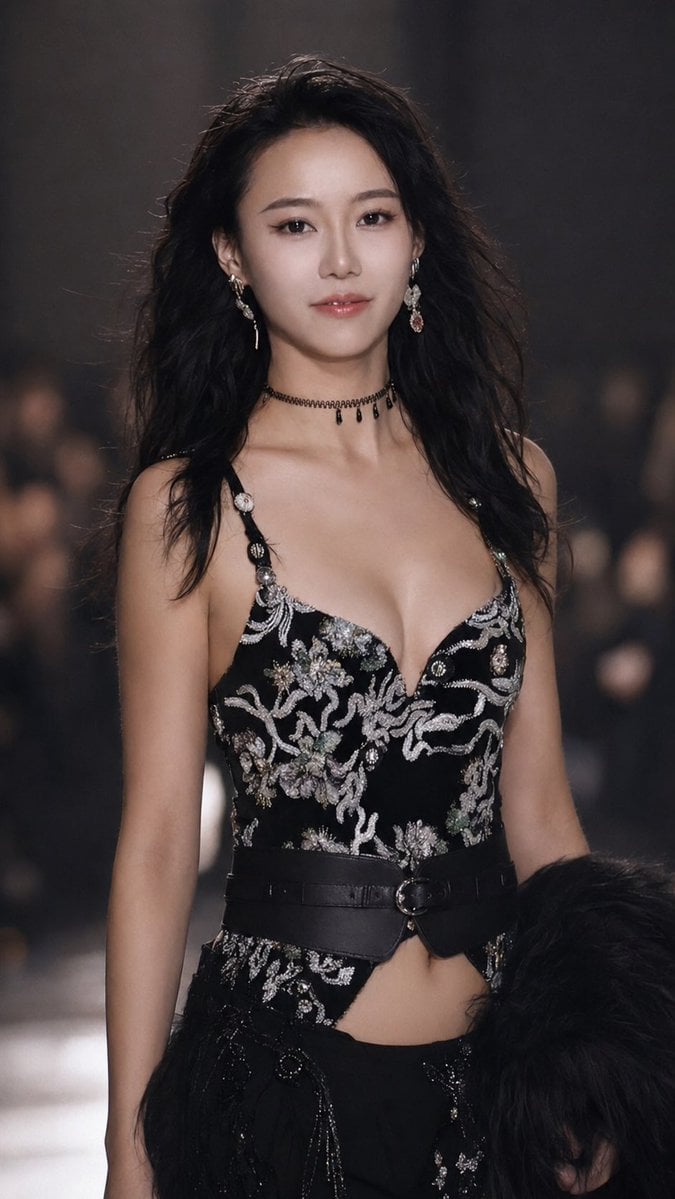
Runway Couture Portrait
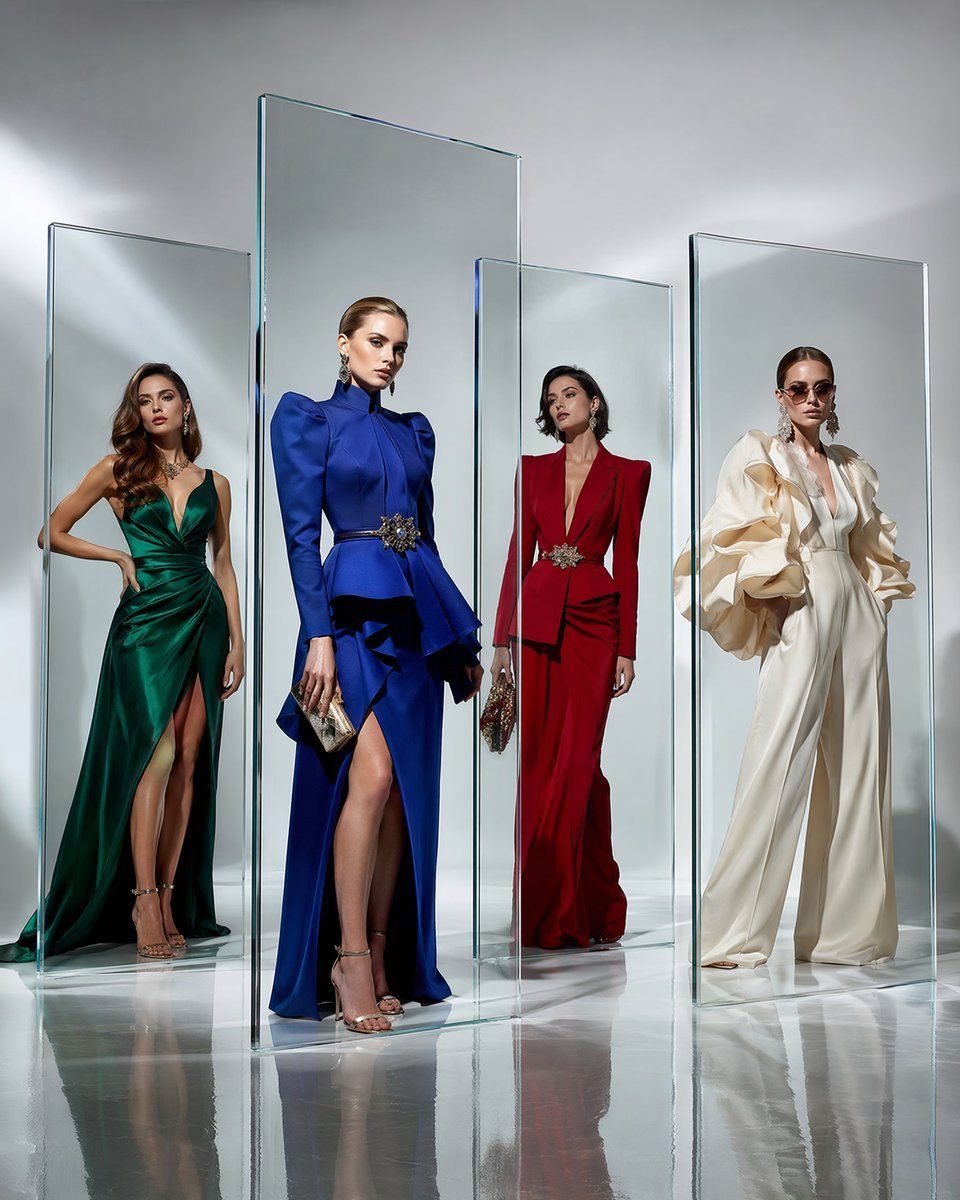
Crystal Panel European Couture Fashion Composite

Dark Runway Luxury Fashion Magazine Cover
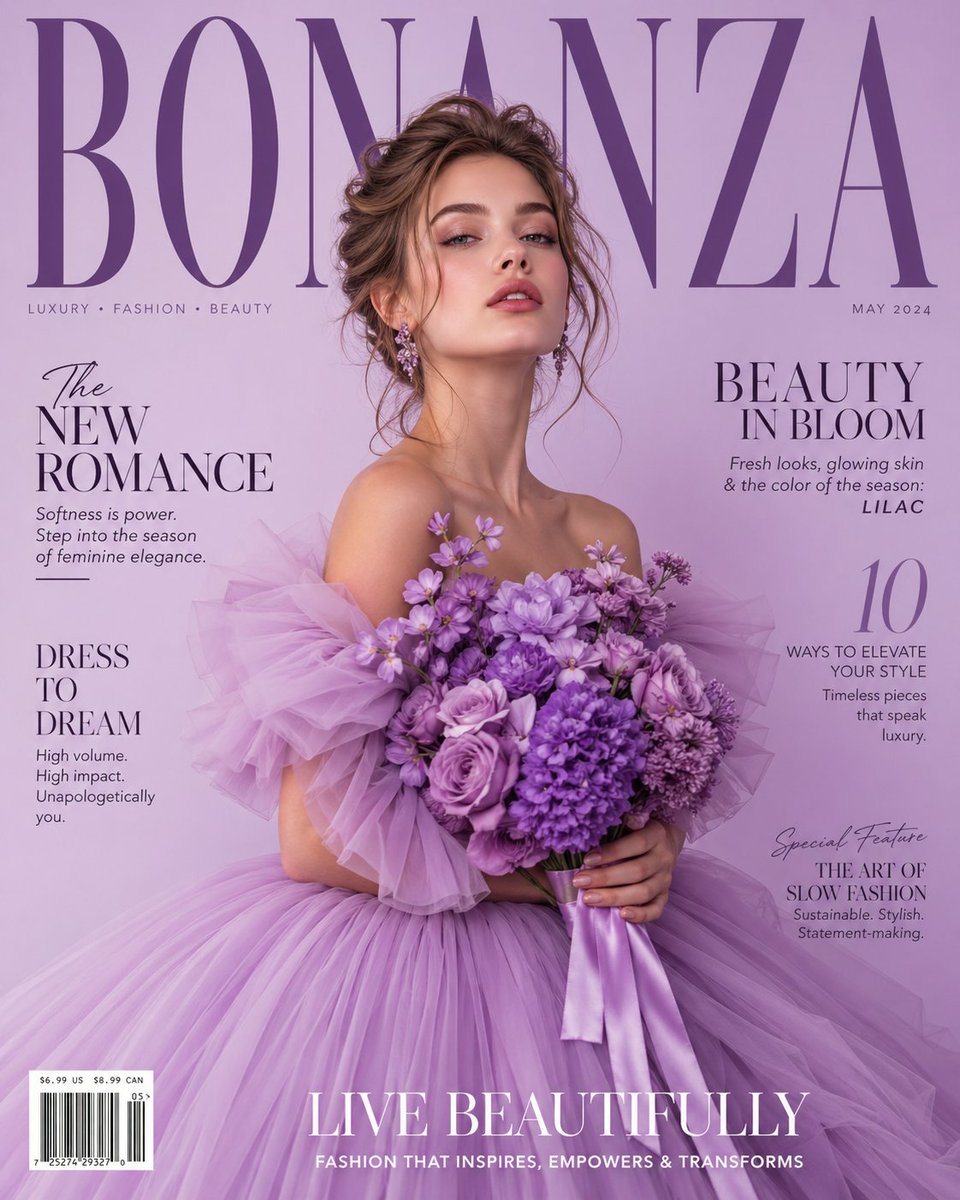
Lavender Couture Magazine Cover Fashion Portrait

Premium Vertical Product Campaign Poster
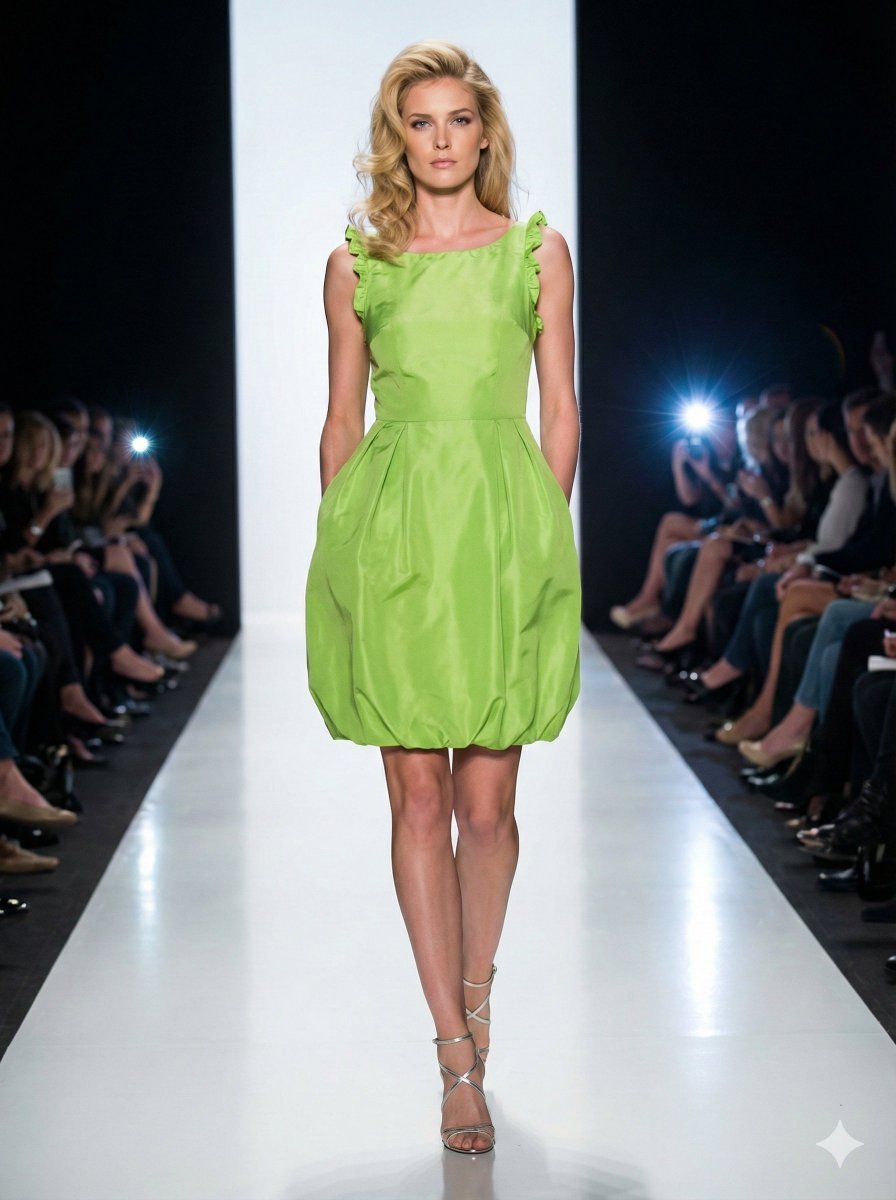
Model Walking Down Runway Prompt
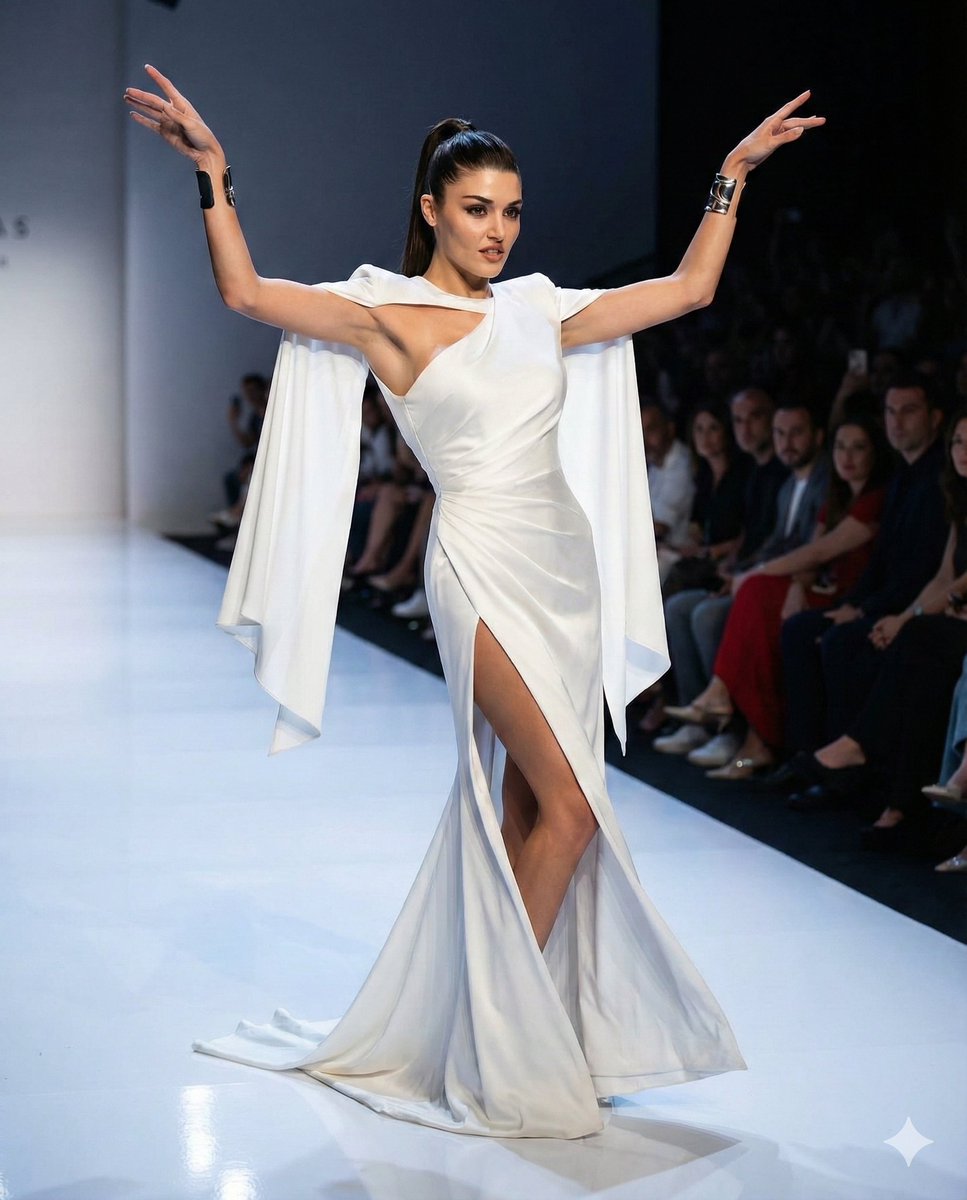
Couture Runway Fashion Editorial of Hande Ercel
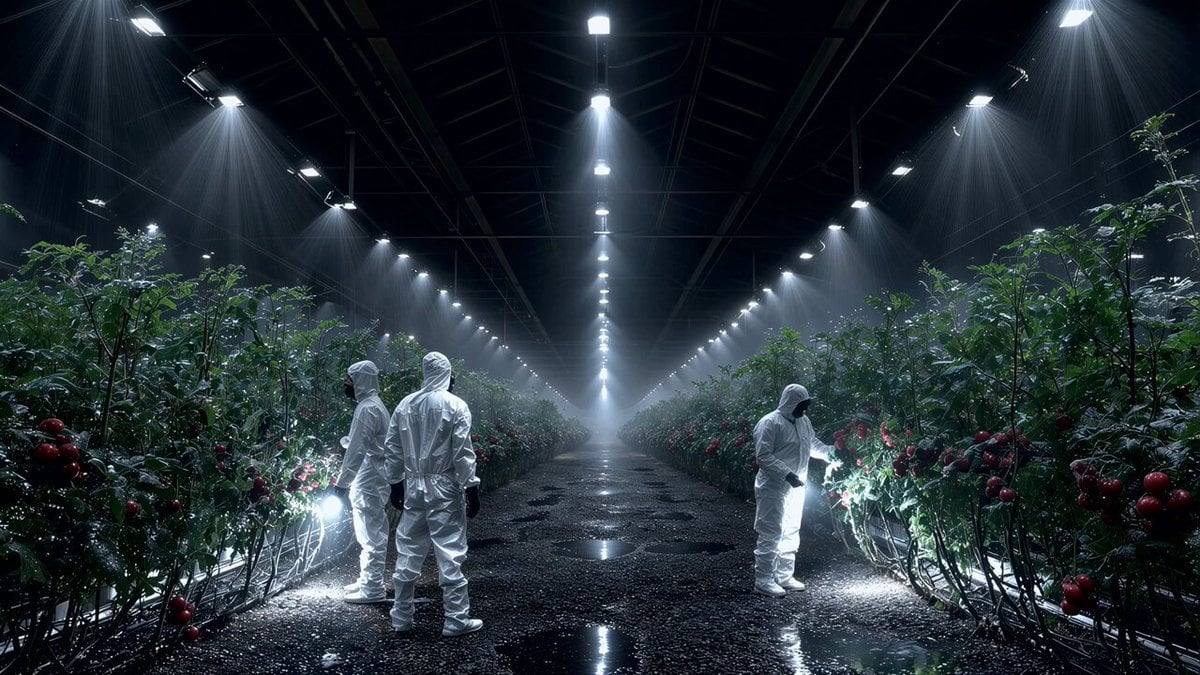
Seedance 2.0 on Runway - Heather Cooper
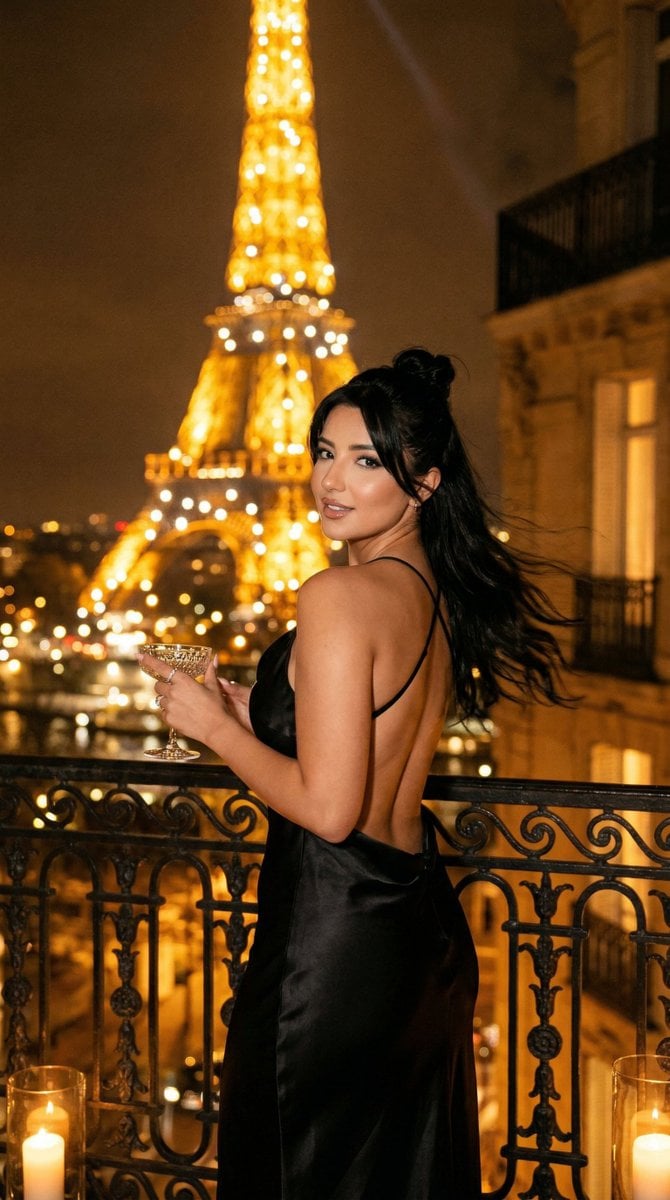
Nano Banana - Yacht Eiffel Night
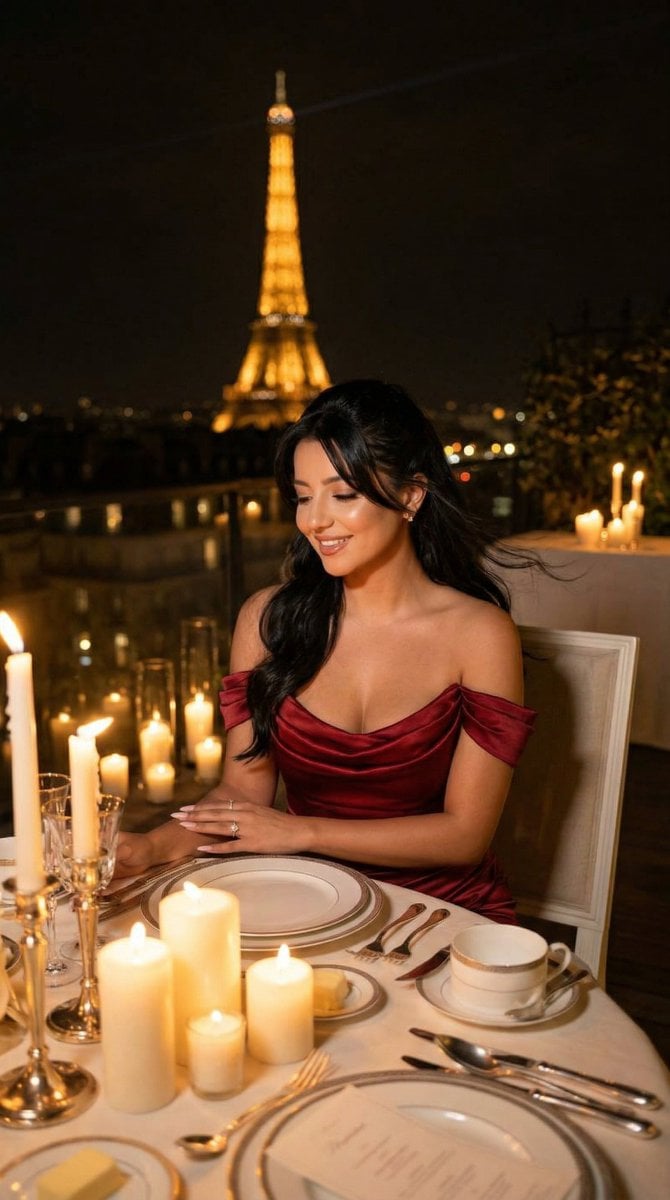
Nano Banana - Opera Red Gown Couture
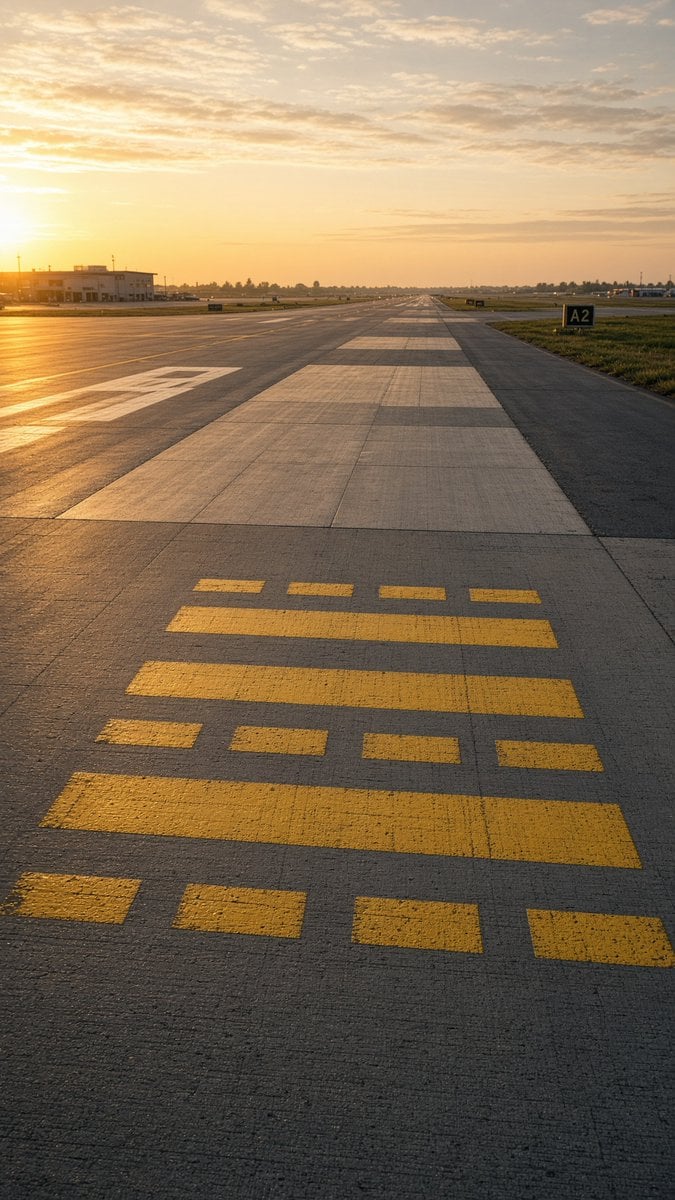
Golden Hour Empty Airport Runway
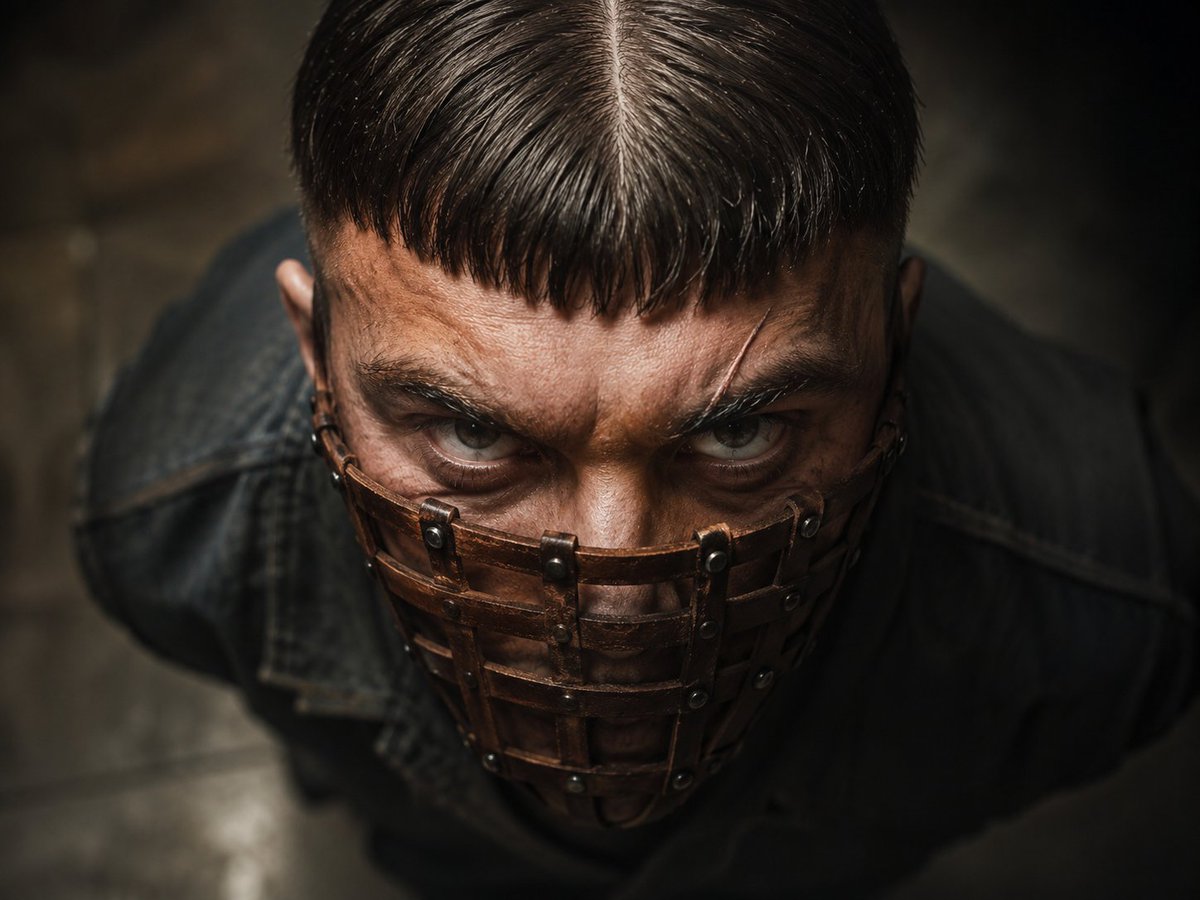
Menacing Leather Muzzle Portrait
Make it yours
Couture Leather Runway Model works as-is. These are the safest ways to change it without losing the look.
Change one field
Copy a single group, rewrite it, and generate again so you can see what that field is doing.
Keep the frame, change the subject
Hold the composition and light of Couture Leather Runway Model, then swap wardrobe, props or the person for a new take.
| If the result… | Why | Fix |
|---|---|---|
| The result drifts from the preview | Too many fields changed at once. | Reuse Couture Leather Runway Model as-is first, then change one group — subject, light, or setting. |
| The model over-stylizes the scene | The prose prompt leaves finish and camera underspecified. | Add one camera or lighting sentence and stay on GPT Image 2. |
More GPT Image 2 templates
Other prompts made for GPT Image 2.

Six VTuber Japanese Logo Sheet

Realistic Portrait of Woman and Deer

The Vista Modular Condo Poster

AI Model Routing Comparison Infographic

2.5D Anime Art Board

Isometric Productivity Desk Scene

New York Double Exposure Poster

Four-Panel AI Landscape Comparison

Japanese Tatami Lifestyle Magazine Cover

NESCAFÉ Coffee Map Poster
More image prompts
Fresh picks from across the catalog.
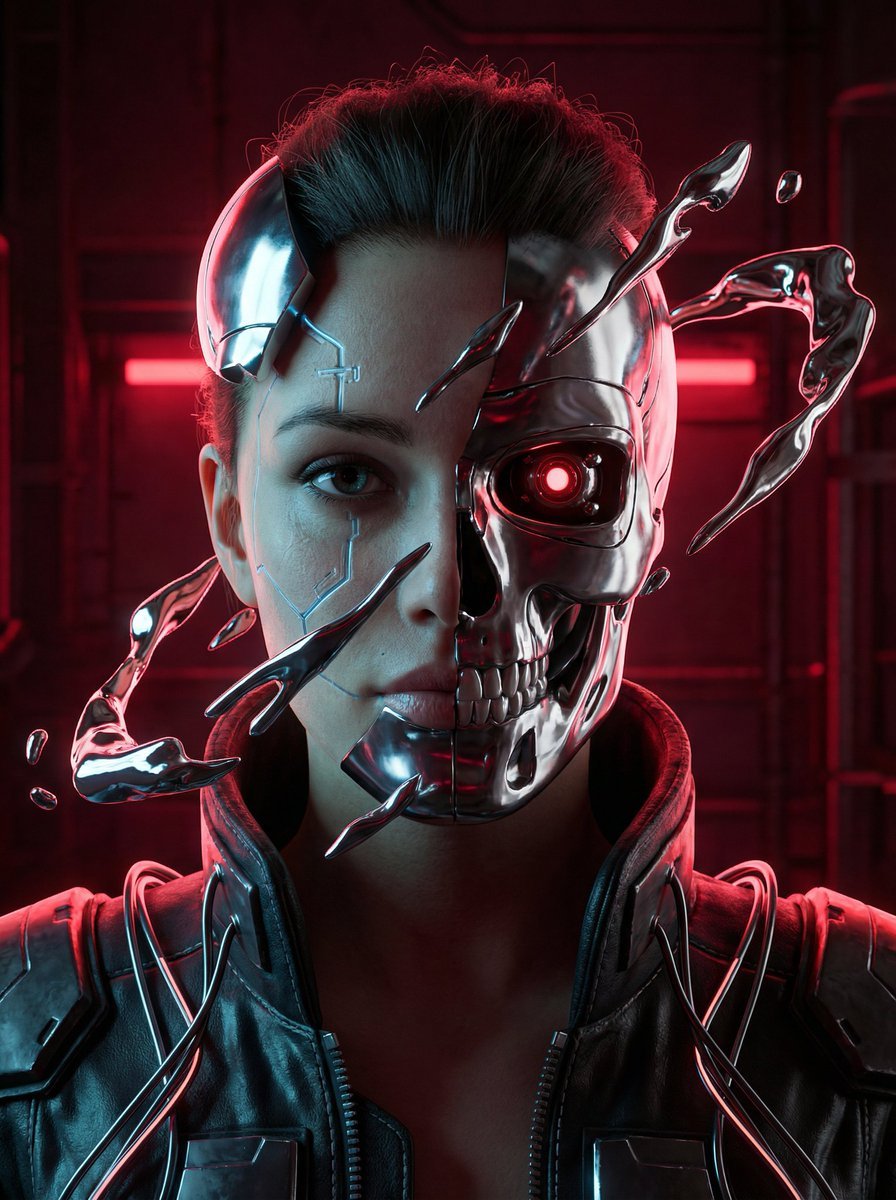
Cyberpunk Biomechanical Portrait
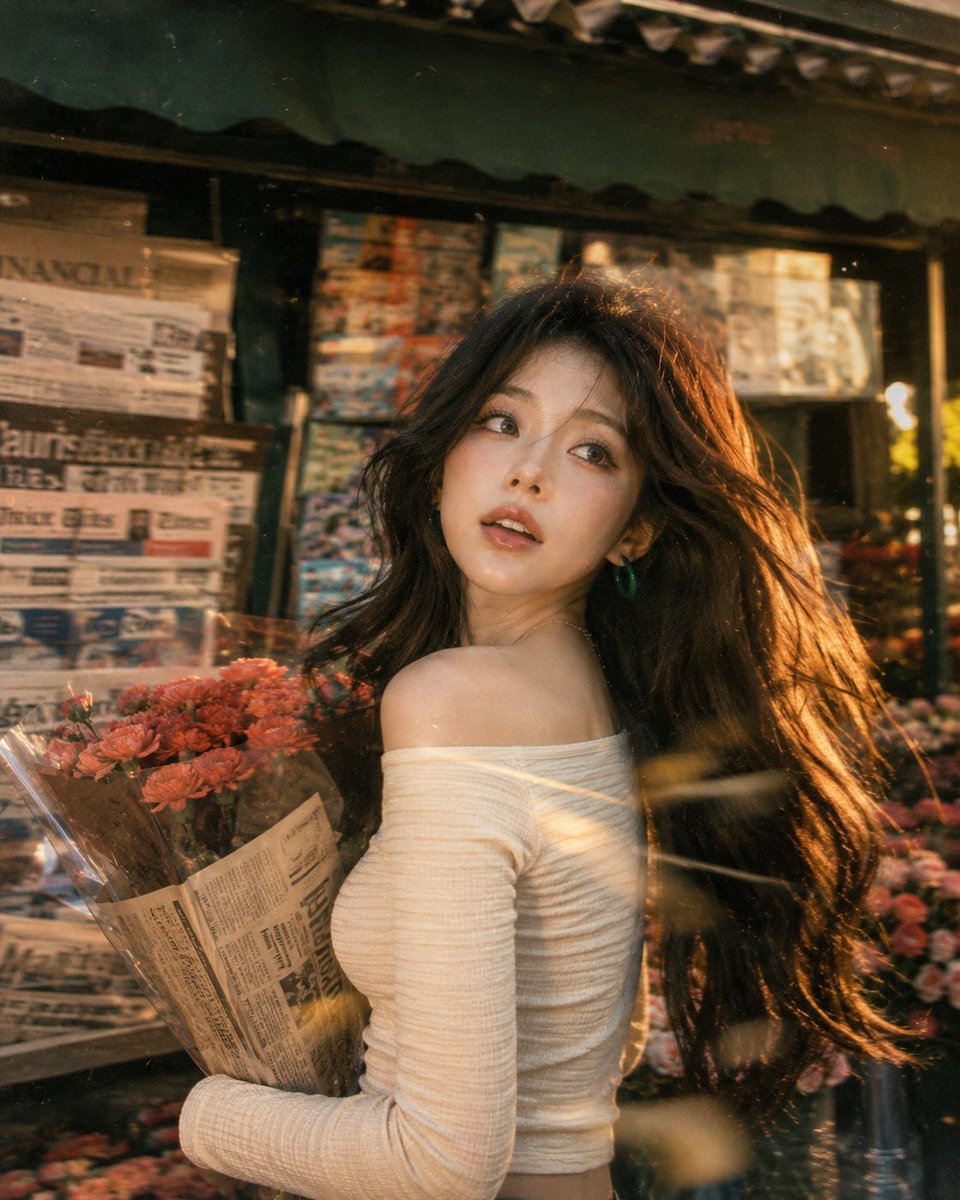
Vintage Fujifilm Film Portrait
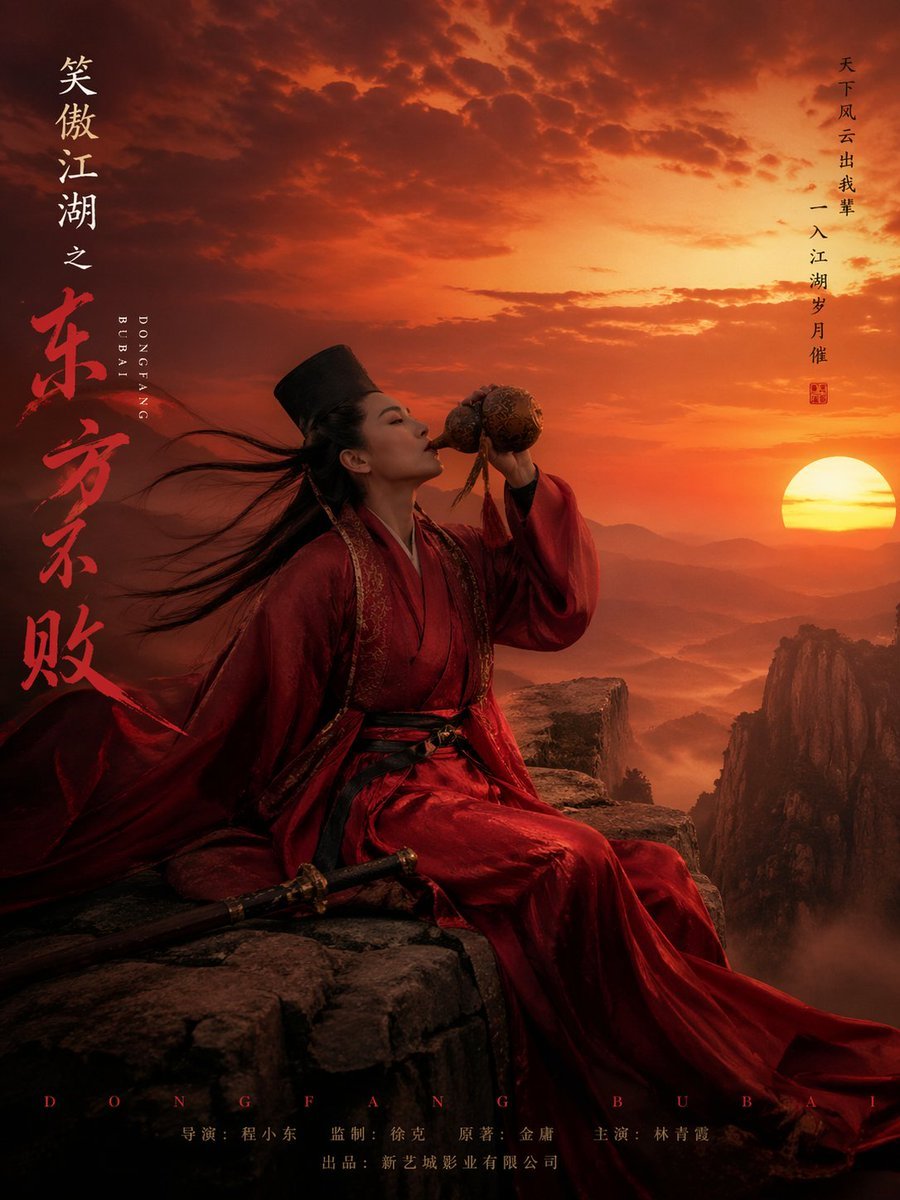
Wuxia Movie Character Posters
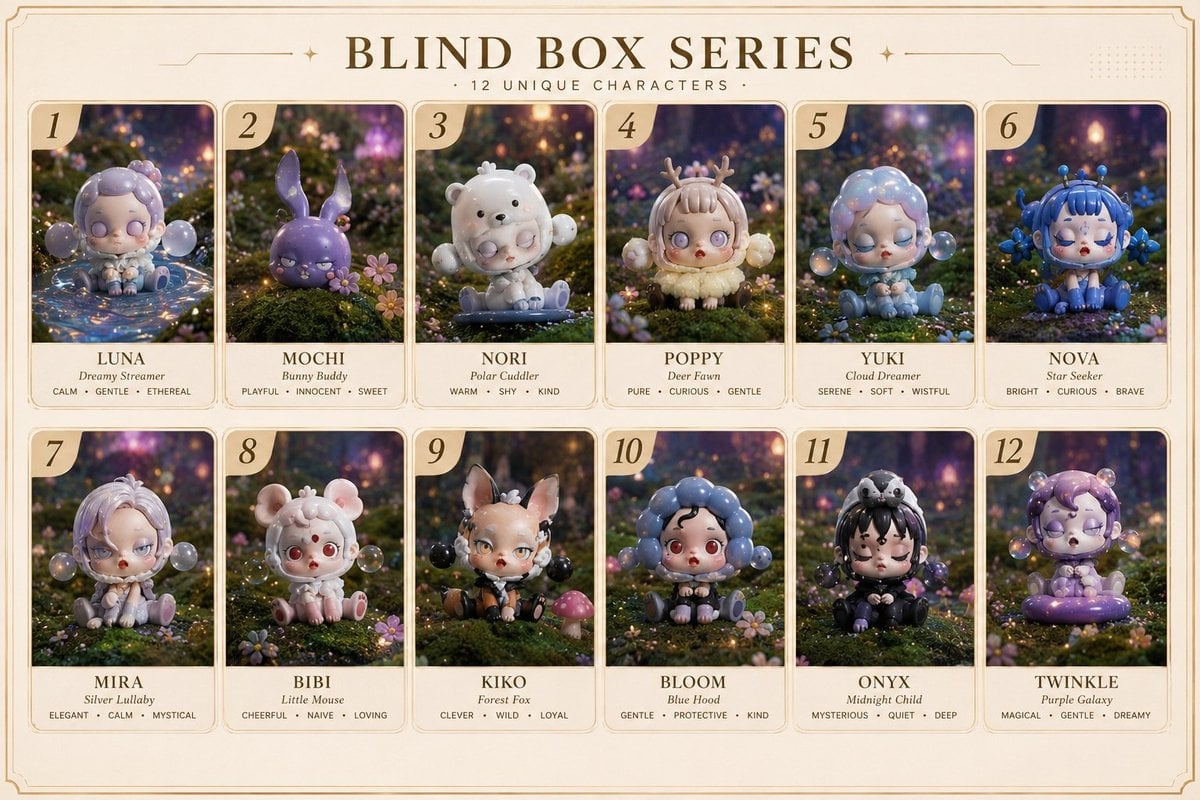
Fantasy Blind Box Character Series Poster
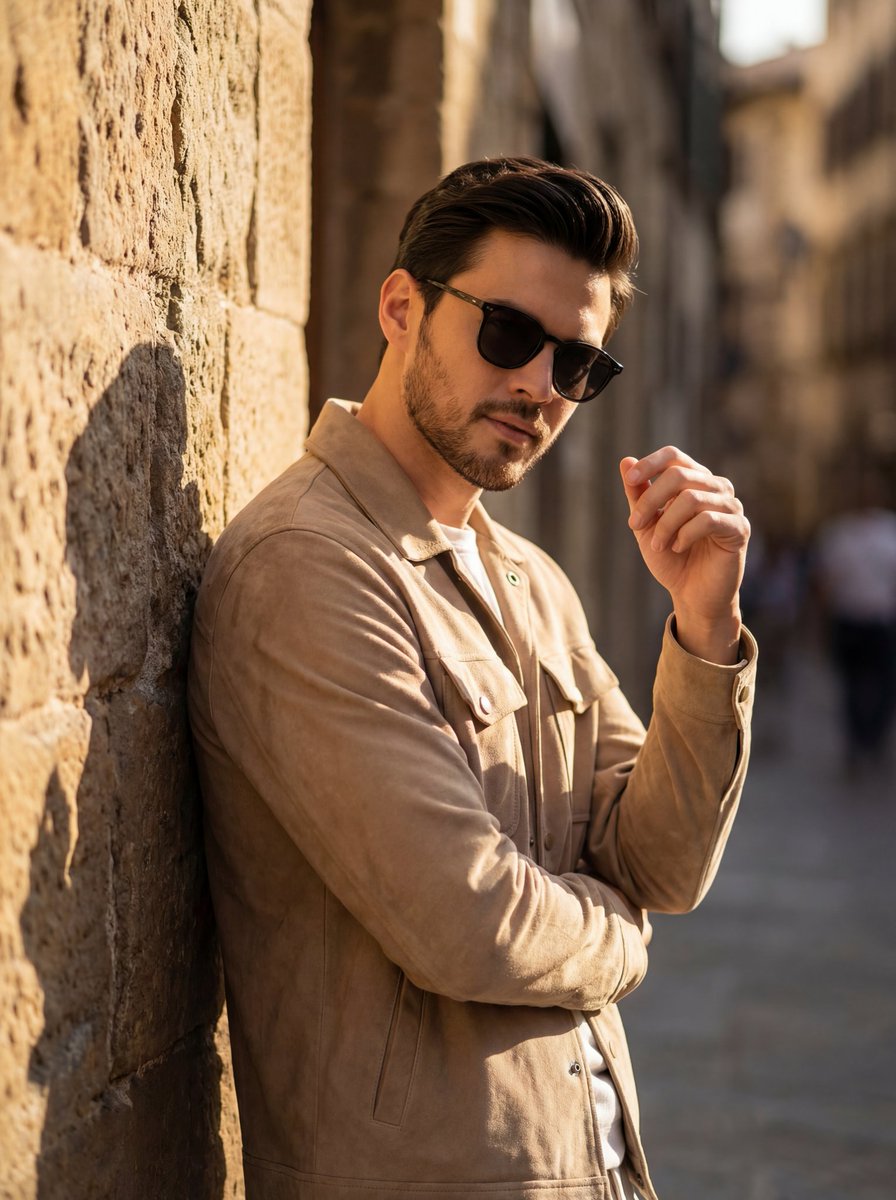
Cinematic Golden Hour Portrait of Stylish Man
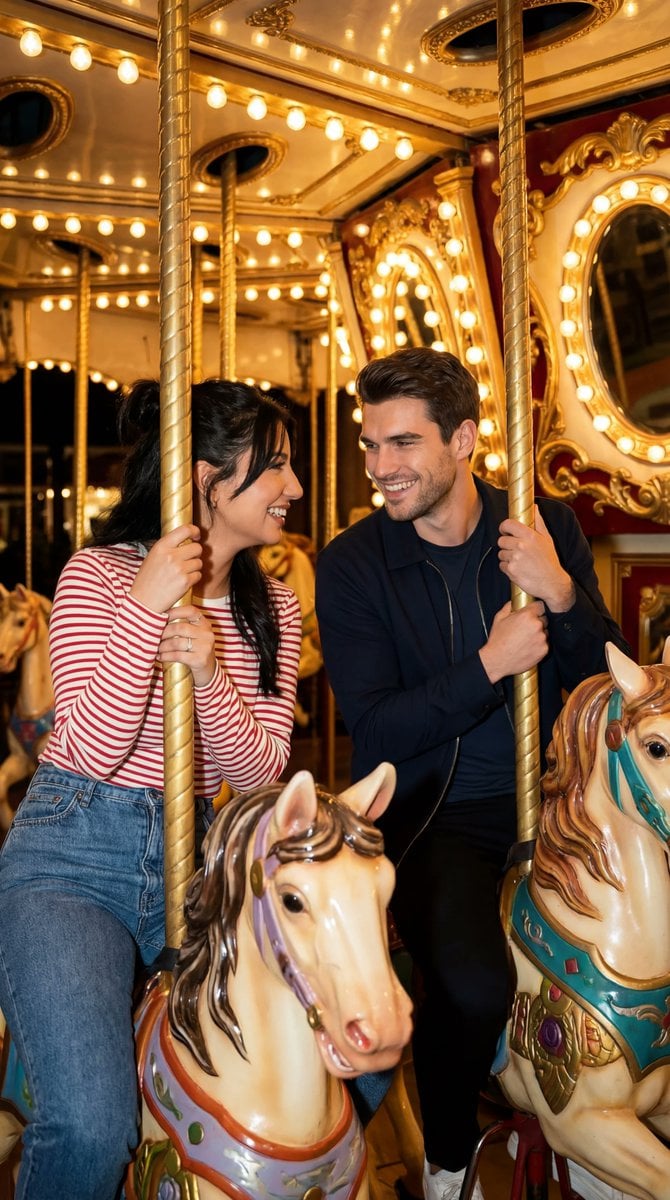
Cinematic Romcom Scene on a Carousel with Identity Lock
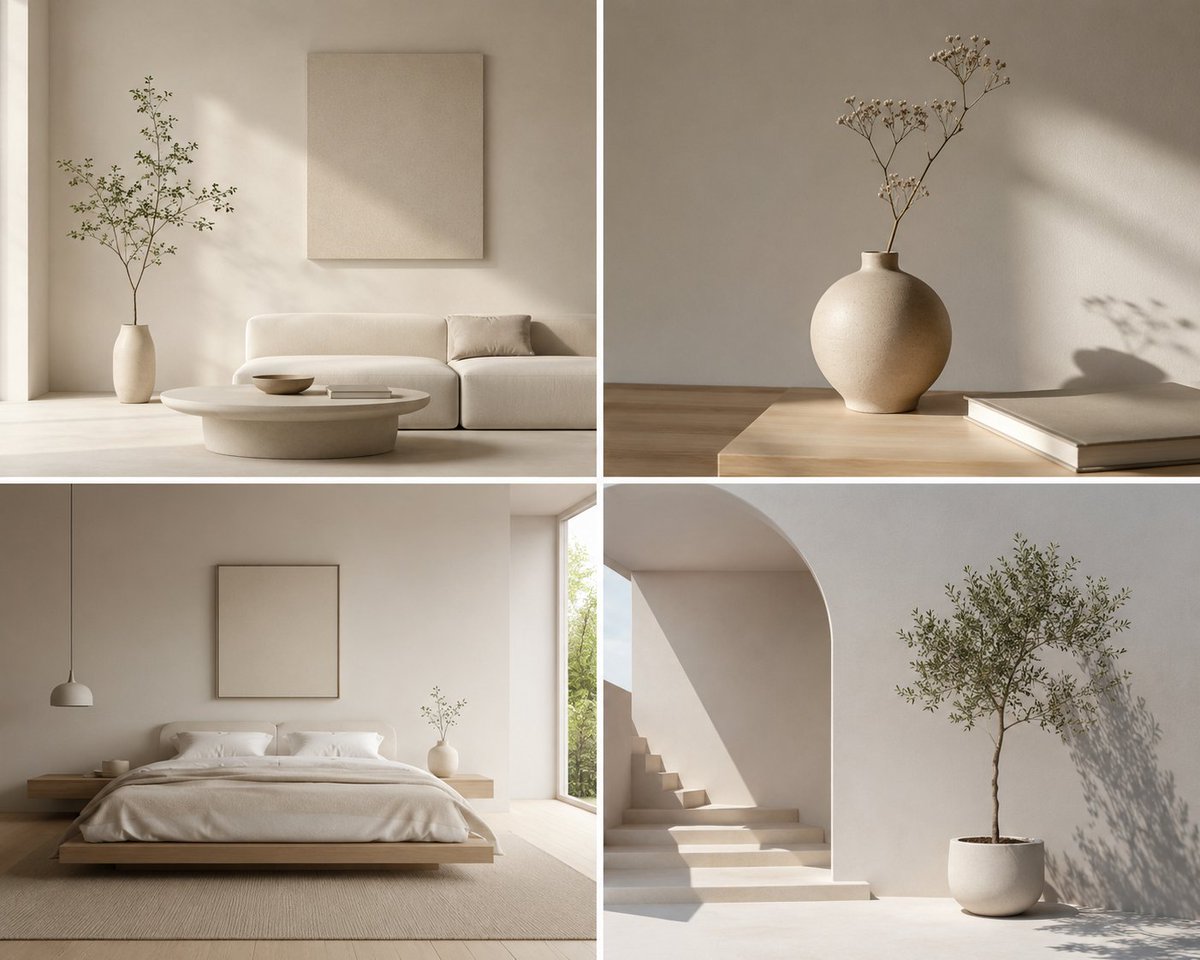
Minimalist Design Scene
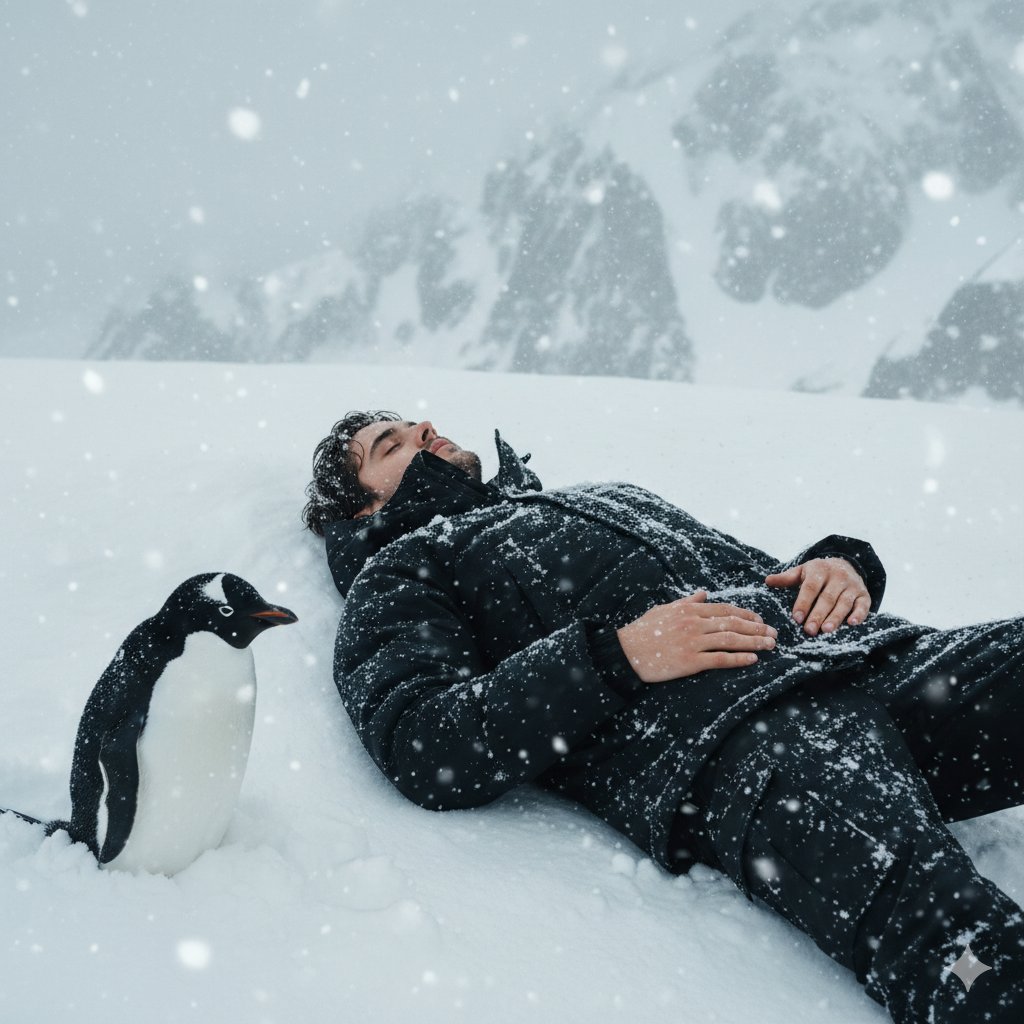
Tired Penguin in Alt Text Prompt
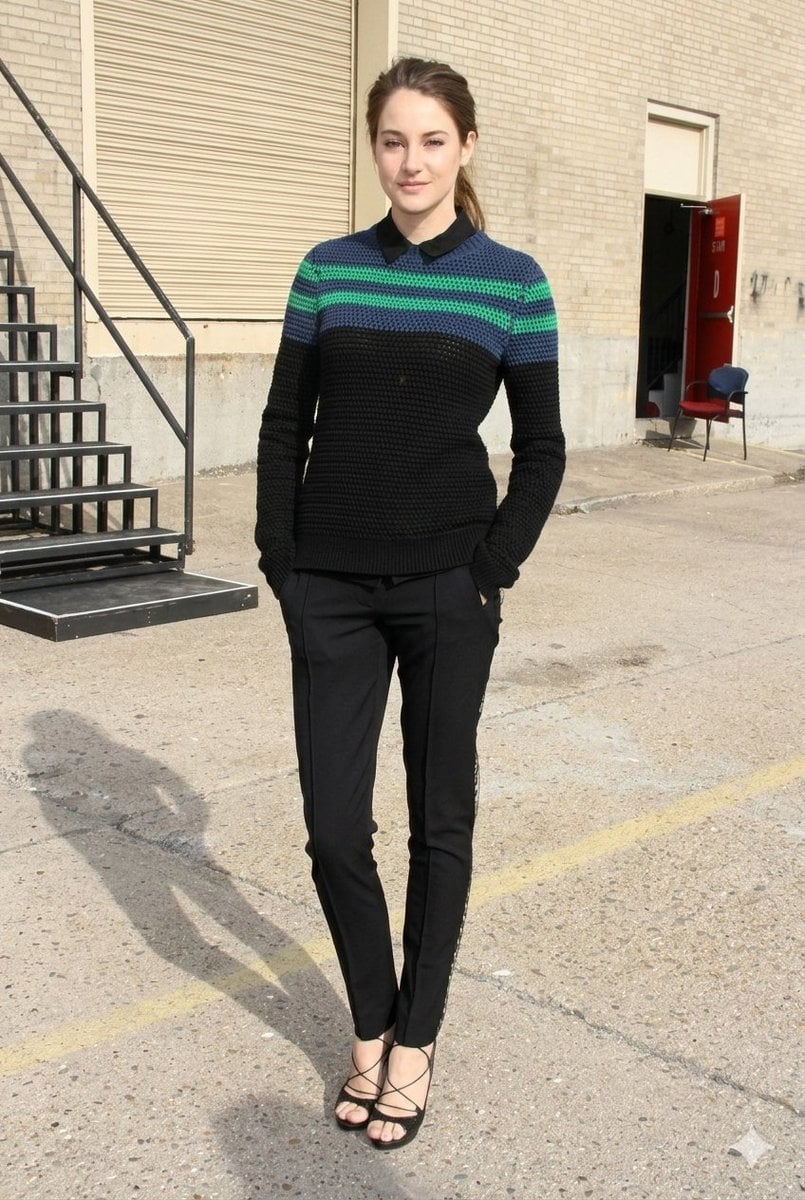
Photorealistic Fashion Portrait with Urban Industrial Background
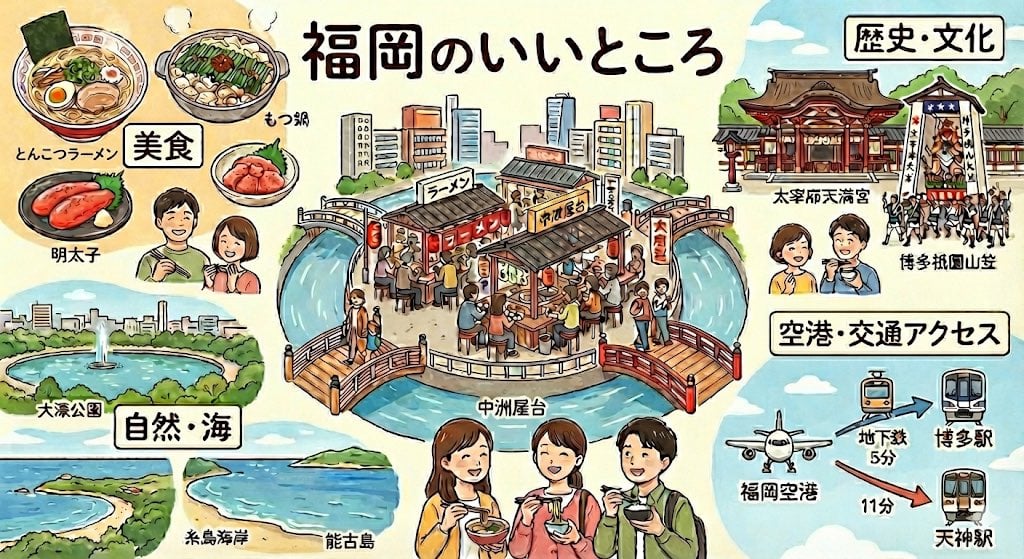
Summarize Fukuoka’s good points in one image
Browse template categories
Couture Leather Runway Model questions
How do I use the Couture Leather Runway Model template?
Add your photo if the template asks for one, edit the prompt if you like — the template's model and format are already selected — and press Generate. Your version opens in PicX Studio.
Can I customize the Couture Leather Runway Model template?
Yes. You can change the subject, setting, lighting, mood, format, and available model controls before creating your image.
Is the Couture Leather Runway Model template free?
Opening and editing this template is free. Generating uses credits, shown on the Generate button when you are signed in.
Which AI model should I use?
Start with GPT Image 2, which is the model associated with this template. You can compare another compatible model for a different finish.
Looking for something else? Browse all templates.

Your photo, any look
Thousands of ready templates for every top image and video model, from one credit balance.