
Photorealistic Fashion Portrait with Urban Industrial Background
A detailed image generation prompt for a photorealistic fashion portrait of a young woman wearing a hand-crocheted black jumper in an urban industrial setting, emphasizing texture, lighting, and cinematic clarity.
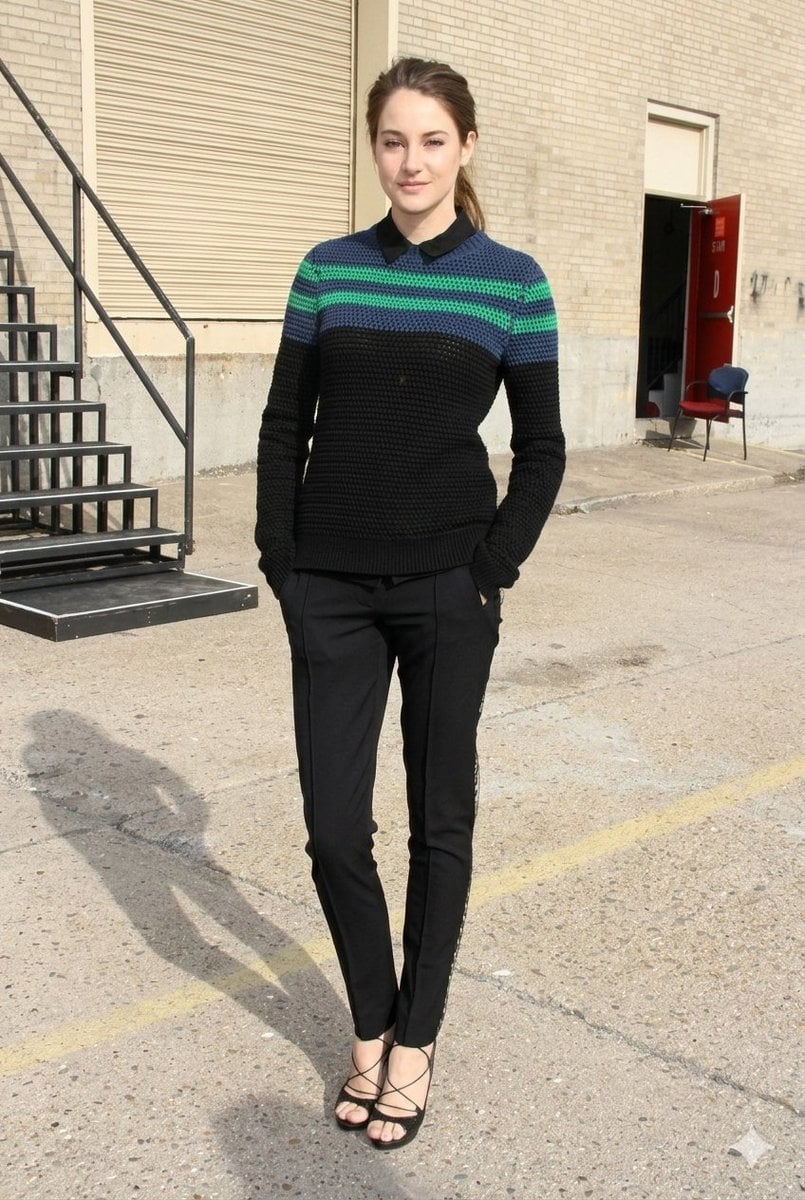
- Prompt included
- Model and format preset
- Premium template
The prompt behind this image
Copy the exact prompt behind Photorealistic Fashion Portrait with Urban Industrial Background, or open it in the studio and make it yours.
- Prompt
- photorealistic candid fashion portrait of a young brunette woman with a delicate face and long hair tied in a sleek ponytail, soft natural makeup, clear realistic skin texture, subtle freckles, expressive eyes, standing in a relaxed confident pose with both hands casually placed inside the pockets of her trousers, wearing a thick hand-crocheted black jumper featuring wide horizontal stripes in deep navy blue and teal green, textured knit pattern clearly visible, black polo-style collar slightly open at the neck, fitted skinny black trousers with decorative lace-up detailing at the hem near the ankles, elegant strappy black high-heeled sandals, modern minimalist fashion aesthetic, full body composition, natural body proportions, urban industrial environment with an old brick warehouse wall, large red metal door, exposed metal staircase and railings, concrete ground with subtle texture, soft daylight illumination creating gentle shadows, street style editorial photography, spontaneous candid moment, ultra detailed fabric textures, crisp focus, high dynamic range, professional fashion photography look, realistic lighting, depth of field, 8k ultra high resolution, cinematic clarity
- Aspect Ratio
- 2:3
- Stylize
- 250
- Version
- 6
- Quality
- 2
Raw JSON
{
  "prompt": "photorealistic candid fashion portrait of a young brunette woman with a delicate face and long hair tied in a sleek ponytail, soft natural makeup, clear realistic skin texture, subtle freckles, expressive eyes, standing in a relaxed confident pose with both hands casually placed inside the pockets of her trousers, wearing a thick hand-crocheted black jumper featuring wide horizontal stripes in deep navy blue and teal green, textured knit pattern clearly visible, black polo-style collar slightly open at the neck, fitted skinny black trousers with decorative lace-up detailing at the hem near the ankles, elegant strappy black high-heeled sandals, modern minimalist fashion aesthetic, full body composition, natural body proportions, urban industrial environment with an old brick warehouse wall, large red metal door, exposed metal staircase and railings, concrete ground with subtle texture, soft daylight illumination creating gentle shadows, street style editorial photography, spontaneous candid moment, ultra detailed fabric textures, crisp focus, high dynamic range, professional fashion photography look, realistic lighting, depth of field, 8k ultra high resolution, cinematic clarity",
  "aspect_ratio": "2:3",
  "stylize": 250,
  "version": "6",
  "quality": 2
}How to use Photorealistic Fashion Portrait with Urban Industrial Background in 3 steps
- 1
Open
The prompt is already in the box next to the preview, with the template's model and format selected.
- 2…a portrait of your subject in softgolden-hour light, 85mm…
Personalize
Edit the subject and creative details for your destination.
- 3Generate
Generate
Press Generate — your image is created in PicX Studio, so you can compare it with the original and refine one variable at a time.
More like this
Templates with the same subject, style or setup. Open one to see its prompt.

Caution Tape Fashion — Industrial Editorial

Nano Banana 2 High Fashion Sports Campai

Couture Fashion Editorial Woman and Drag

Ive Yujin Fashion Portrait in Blue

Nano Banana 2 Editorial Fashion Portrait
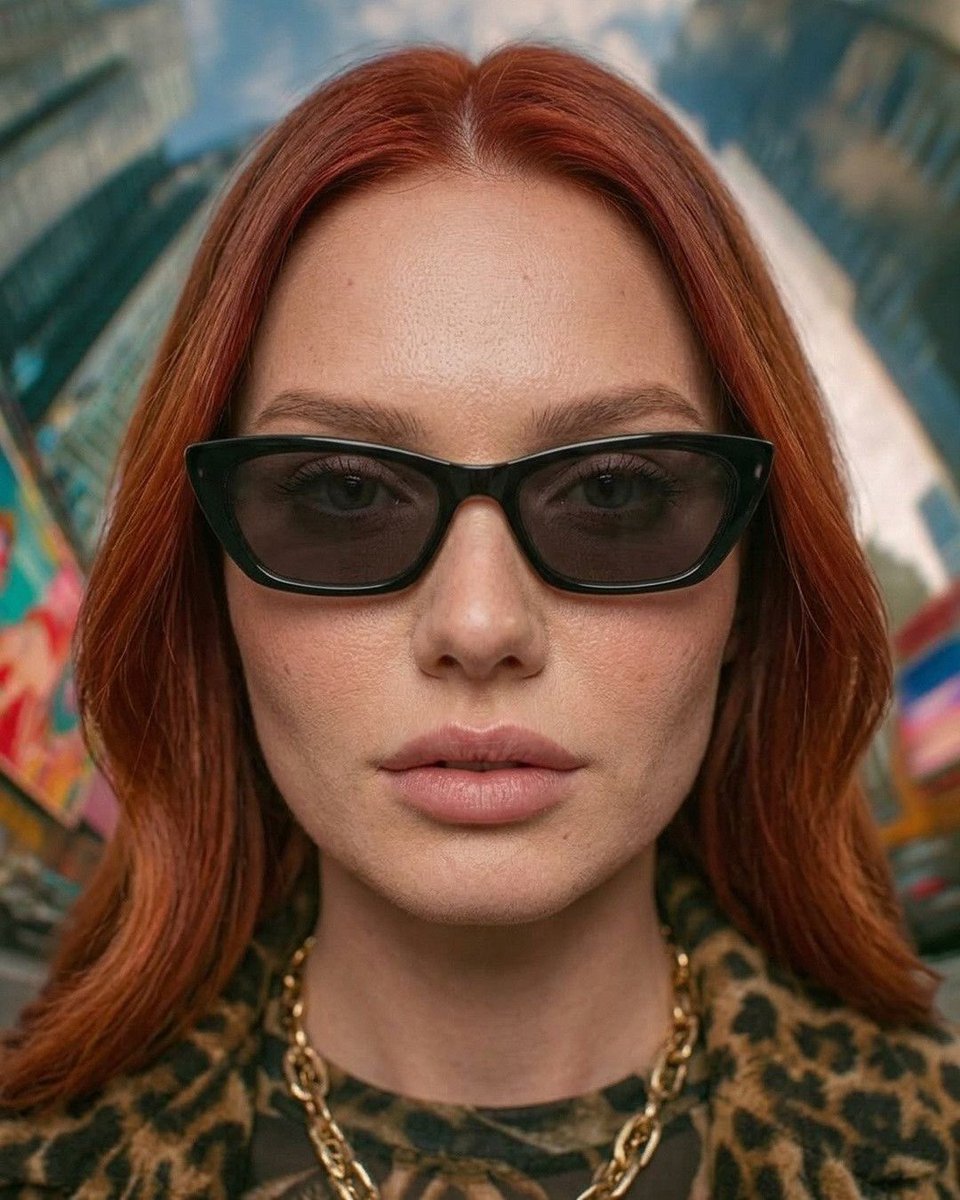
Urban Fashion Symmetrical Portrait
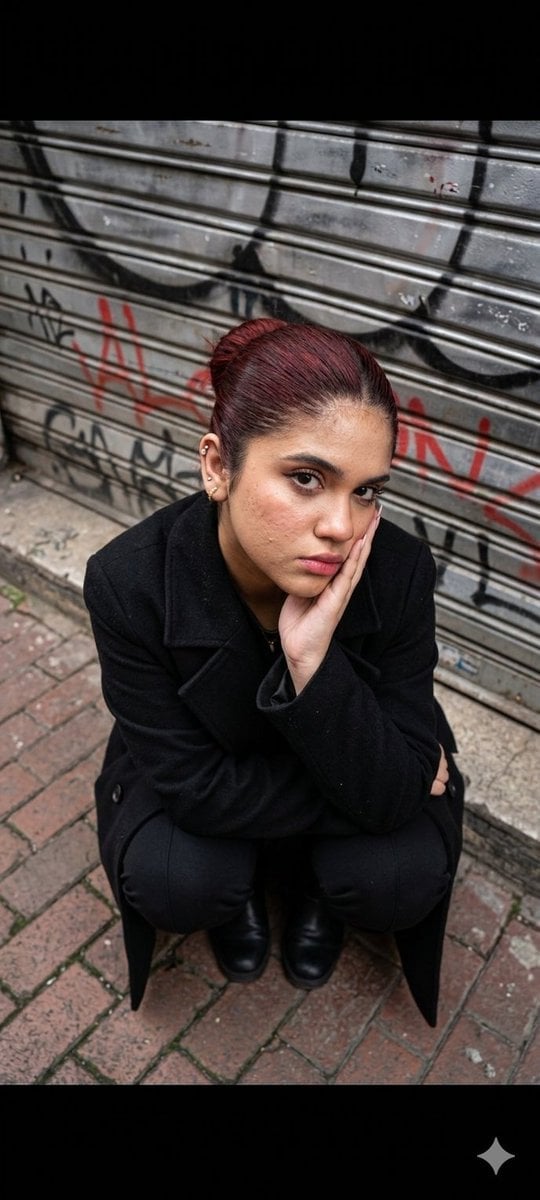
Urban Fashion Portrait
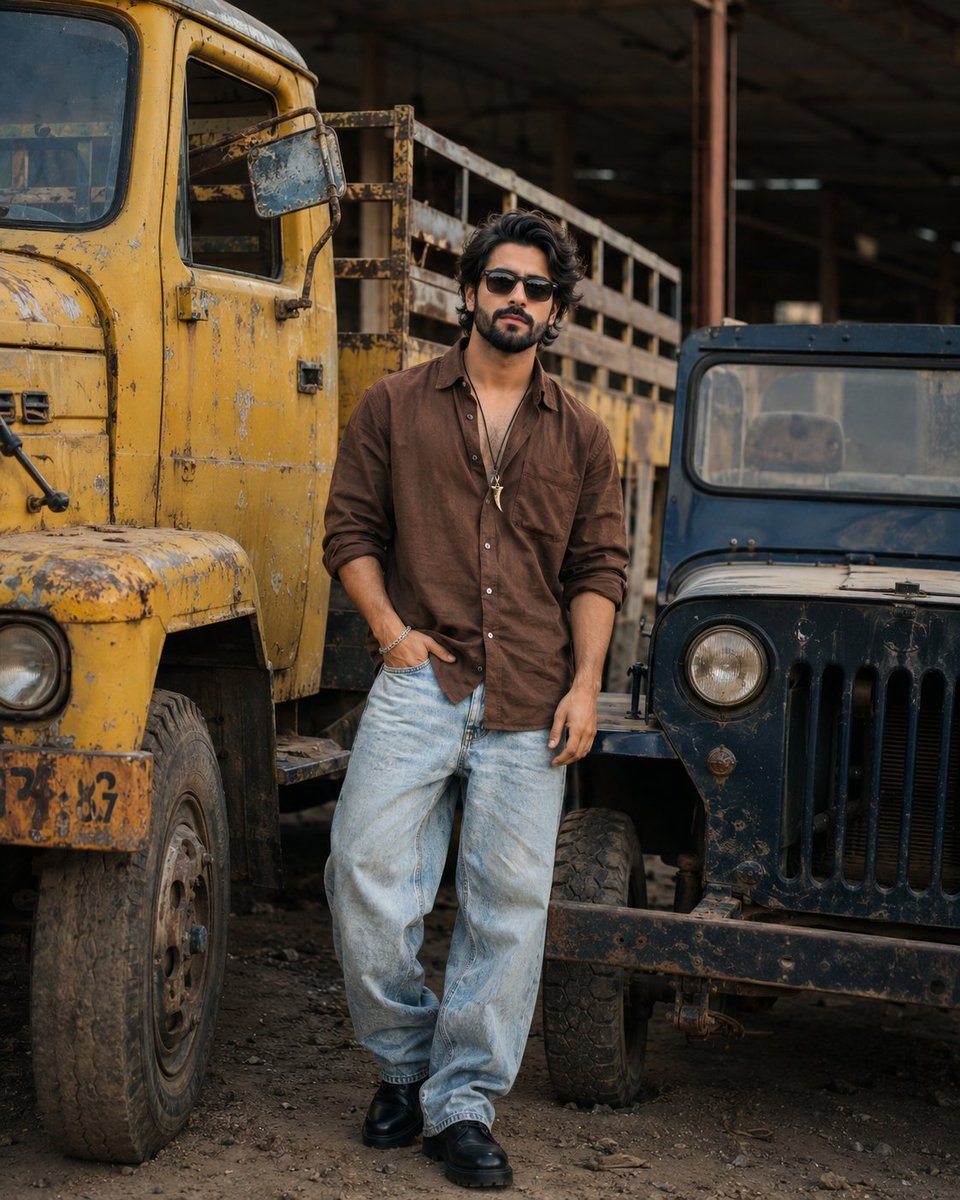
Industrial Fashion Portrait of South Asian Boy
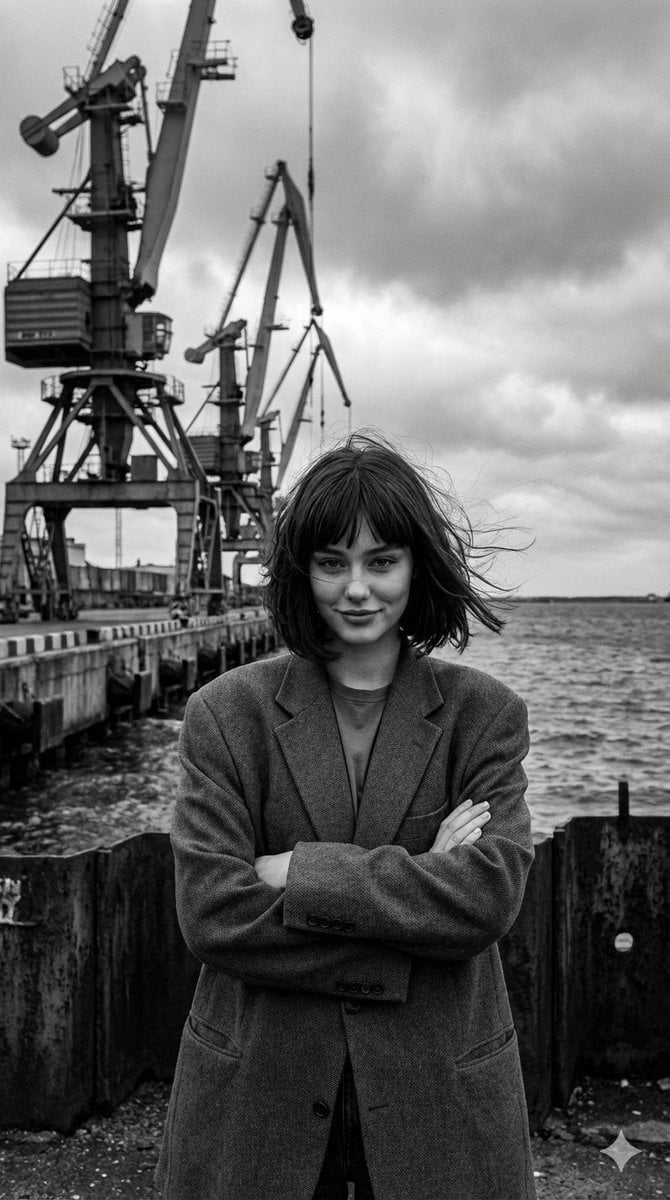
Black and White Industrial Fashion Portrait
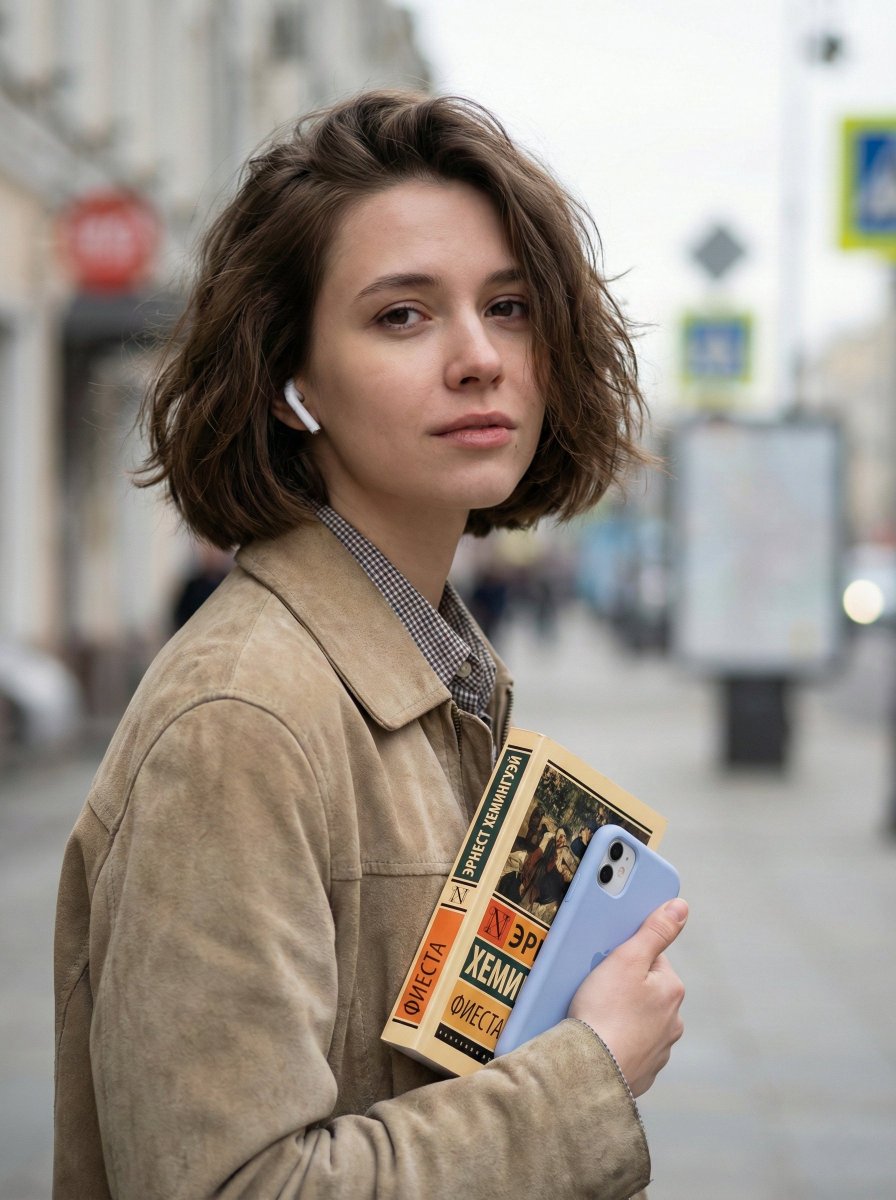
Photorealistic Street Portrait with Bokeh Background
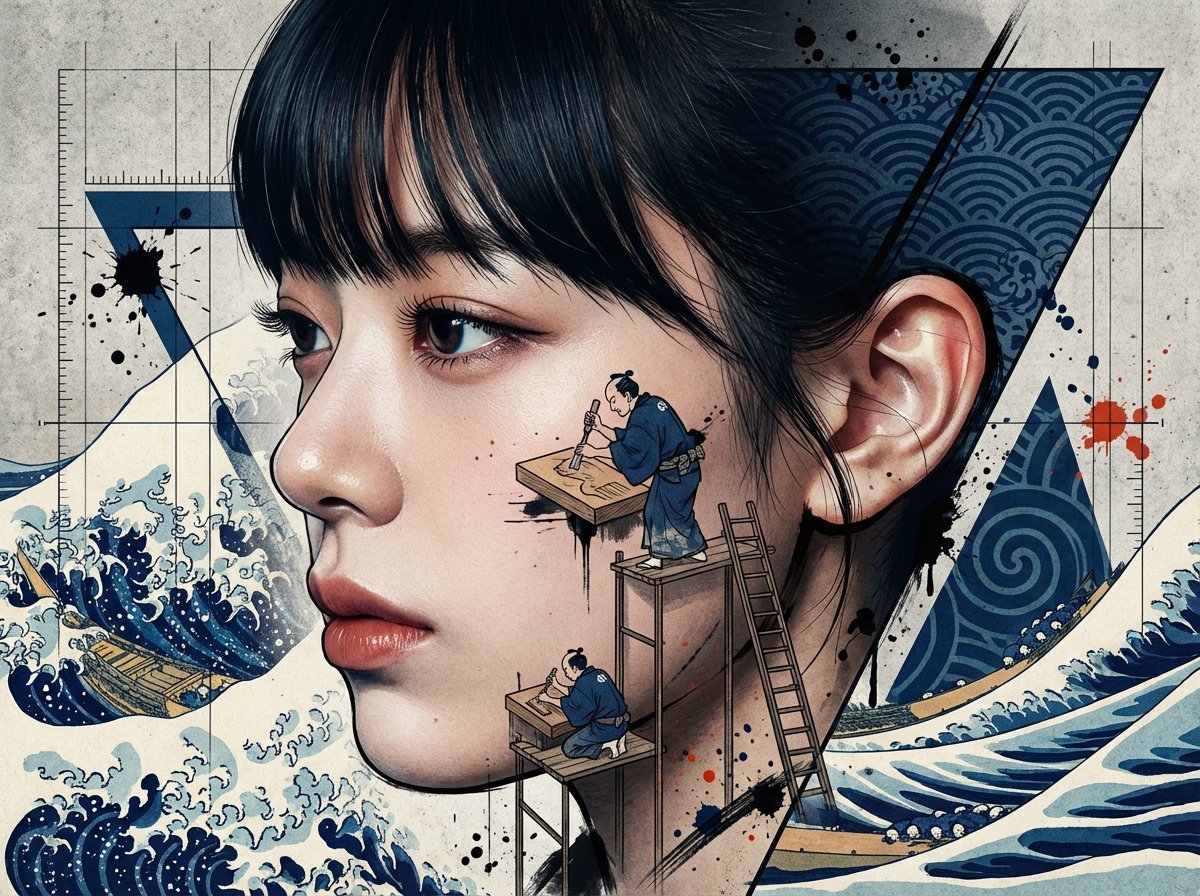
Photorealistic Portrait with Ukiyo-e and Industrial Fusion

Miniature Self Portrait Collage
Make it yours
Photorealistic Fashion Portrait with Urban Industrial Background works as-is. These are the safest ways to change it without losing the look.
Change one field
Copy a single group, rewrite it, and generate again so you can see what that field is doing.
Keep the frame, change the subject
Hold the composition and light of Photorealistic Fashion Portrait with Urban Industrial Background, then swap wardrobe, props or the person for a new take.
| If the result… | Why | Fix |
|---|---|---|
| The result drifts from the preview | Too many fields changed at once. | Reuse Photorealistic Fashion Portrait with Urban Industrial Background as-is first, then change one group — subject, light, or setting. |
| Nano Banana 2 ignores part of the JSON | Some models flatten or skip nested keys. | Keep the same values and paste them as a short paragraph instead. |
More Nano Banana 2 templates
Other prompts made for Nano Banana 2.

Photorealistic Leaf Shaped Like a Dragon

K-Pop Idol Portrait Grid for Rapid Selection

Poetic Rain Forest Portrait During Golden Hour

Urban Street Portrait with Cartoon Inner Self Duo

Candid Nighttime Photo with Cat Prompt

High-Concept 3D Diorama Generation Prompt

Cinematic Futuristic Studio Portrait Template

Skincare Editorial Photography Collage Prompt

Hyper-Realistic Commercial Product Photography (Splash Effect)

Hyper-Realistic Nightclub Portrait Prompt
More image prompts
Fresh picks from across the catalog.

Fluffy Pirate Cat Captain Portrait
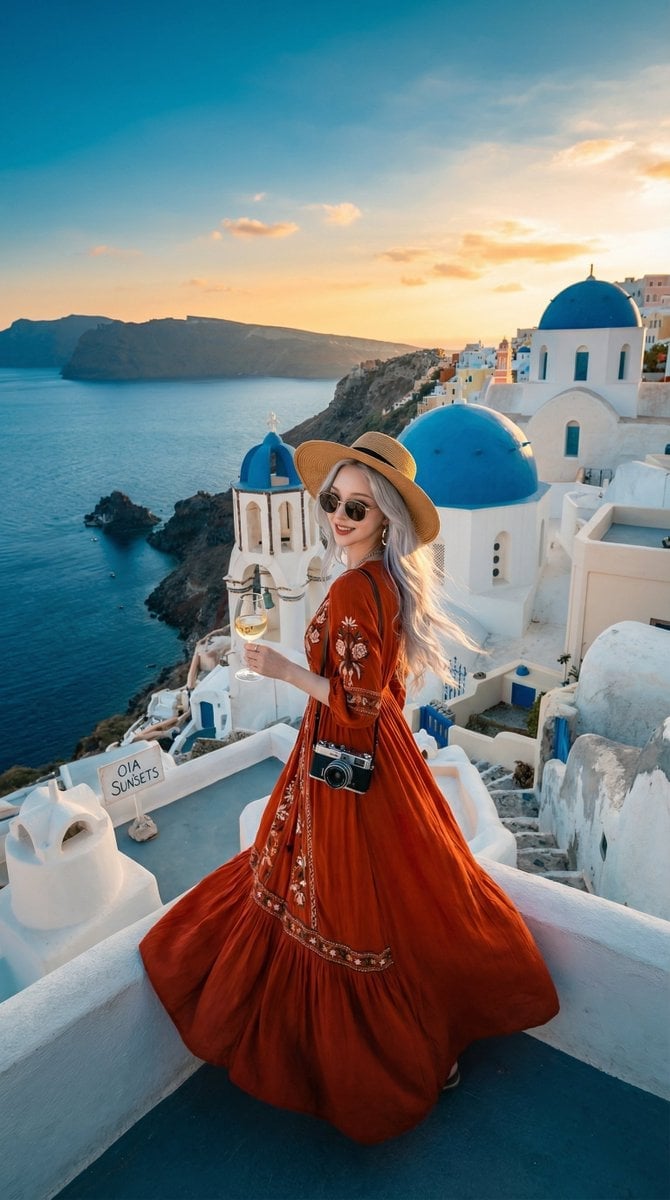
Travel Influencer Photo Prompt for Nano Banana Pro
Pop-Art Triple Exposure Fashion Editorial Prompt
Aesthetic Creator Workspace
Hyper-realistic Cinematic Tarmac Photo
Image Sharpening and Blur Removal
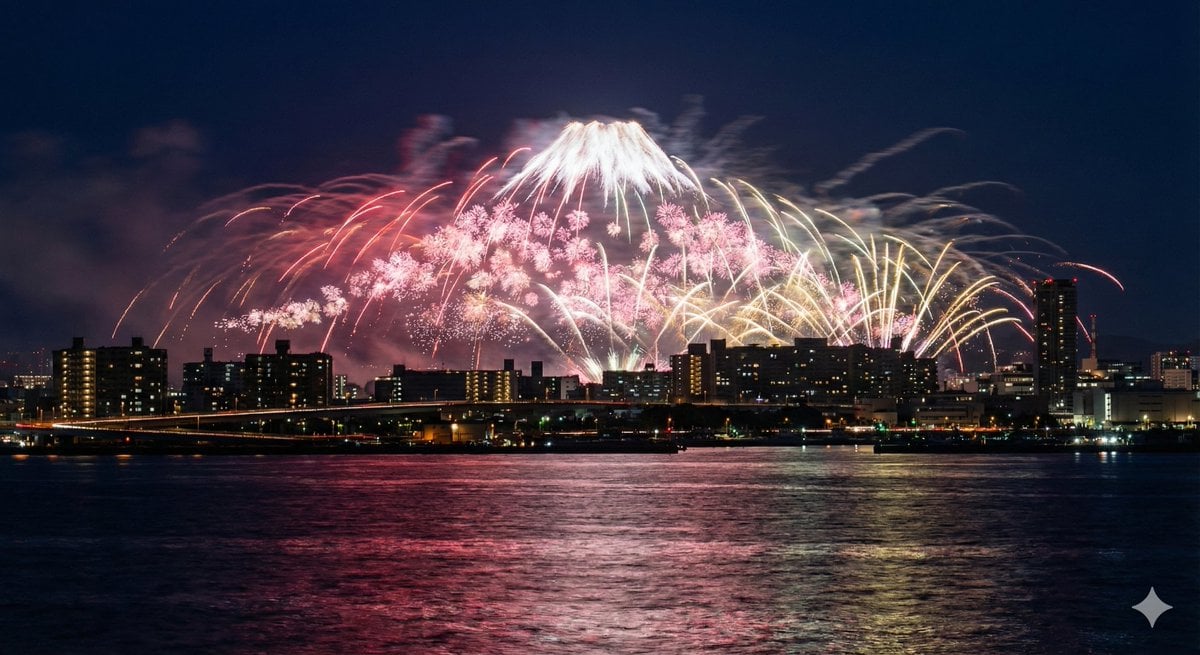
Photorealistic Long-Exposure Fireworks over a City Skyline
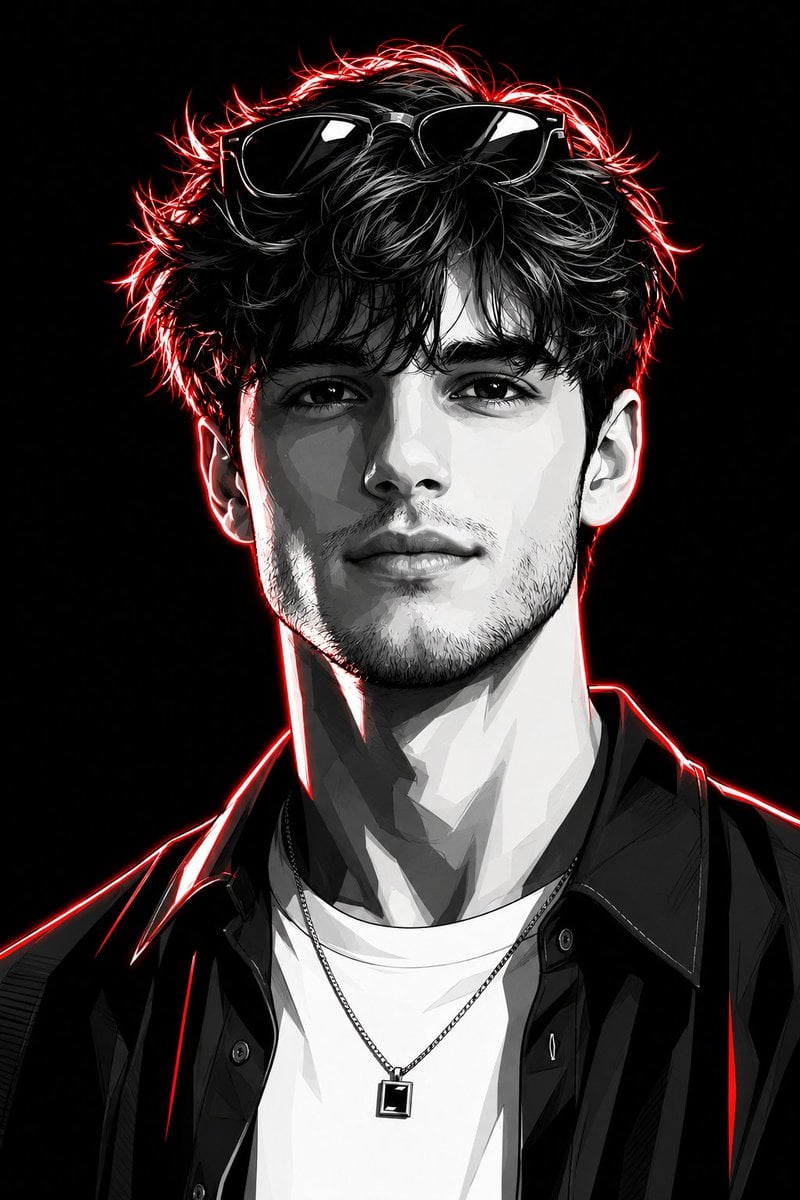
Neon Graphic Novel Character Transformation
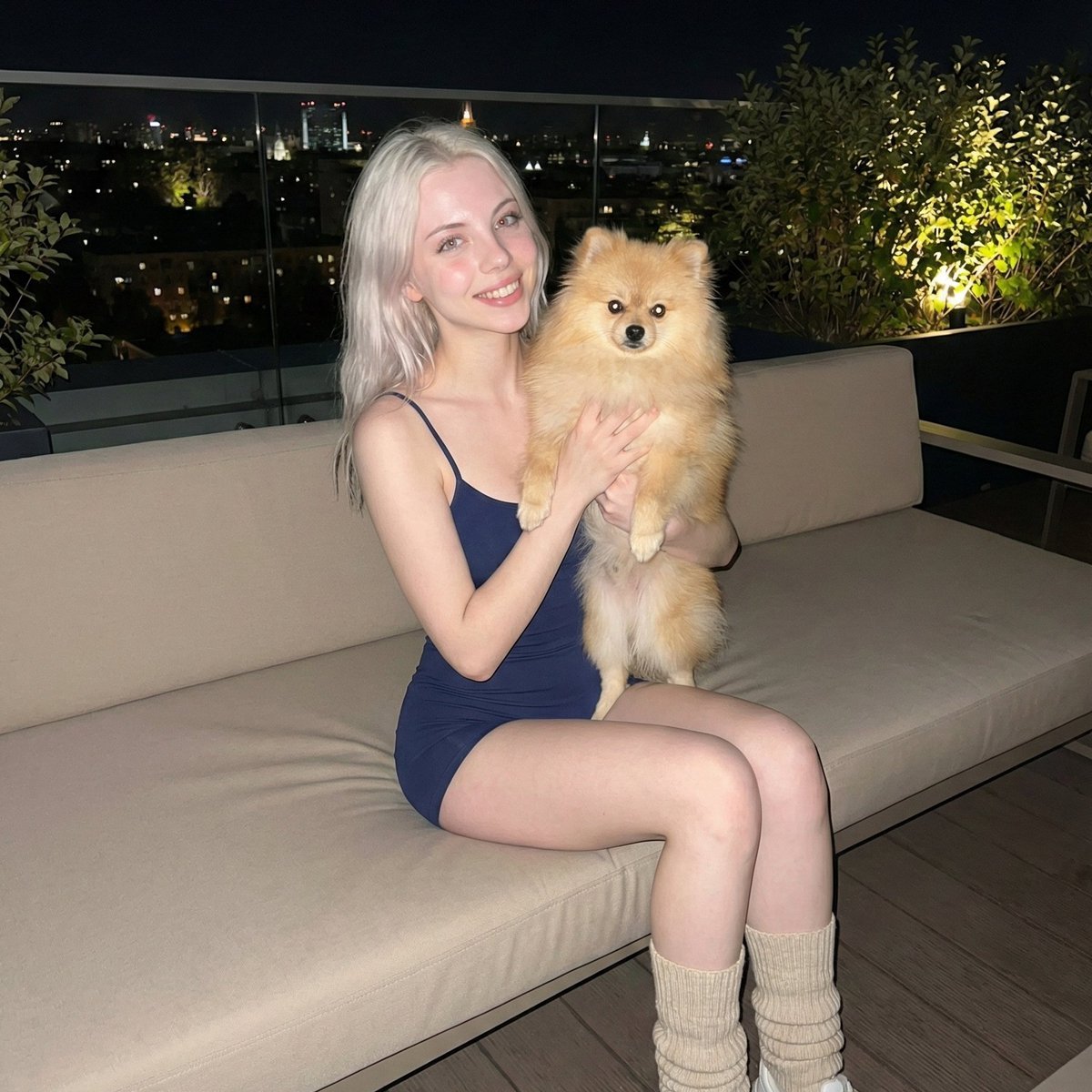
Photorealistic Portrait of Woman Holding a Pomeranian (iPhone Style)
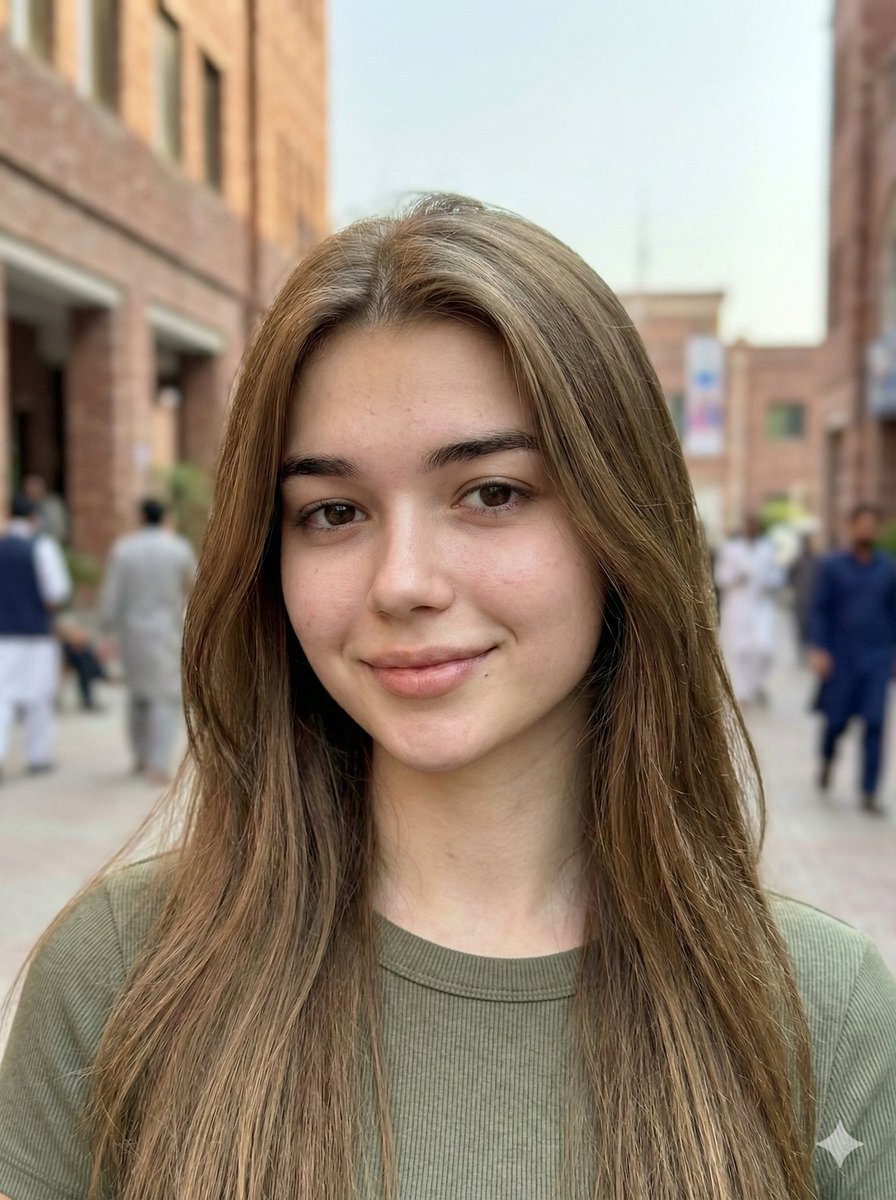
Hyper-Realistic Mobile Camera Portrait of a Girl
Browse template categories
Photorealistic Fashion Portrait with Urban Industrial Background questions
How do I use the Photorealistic Fashion Portrait with Urban Industrial Background template?
Add your photo if the template asks for one, edit the prompt if you like — the template's model and format are already selected — and press Generate. Your version opens in PicX Studio.
Can I customize the Photorealistic Fashion Portrait with Urban Industrial Background template?
Yes. You can change the subject, setting, lighting, mood, format, and available model controls before creating your image.
Is the Photorealistic Fashion Portrait with Urban Industrial Background template free?
Opening and editing this template is free. Generating uses credits, shown on the Generate button when you are signed in.
Which AI model should I use?
Start with Nano Banana 2, which is the model associated with this template. You can compare another compatible model for a different finish.
Looking for something else? Browse all templates.

Your photo, any look
Thousands of ready templates for every top image and video model, from one credit balance.