
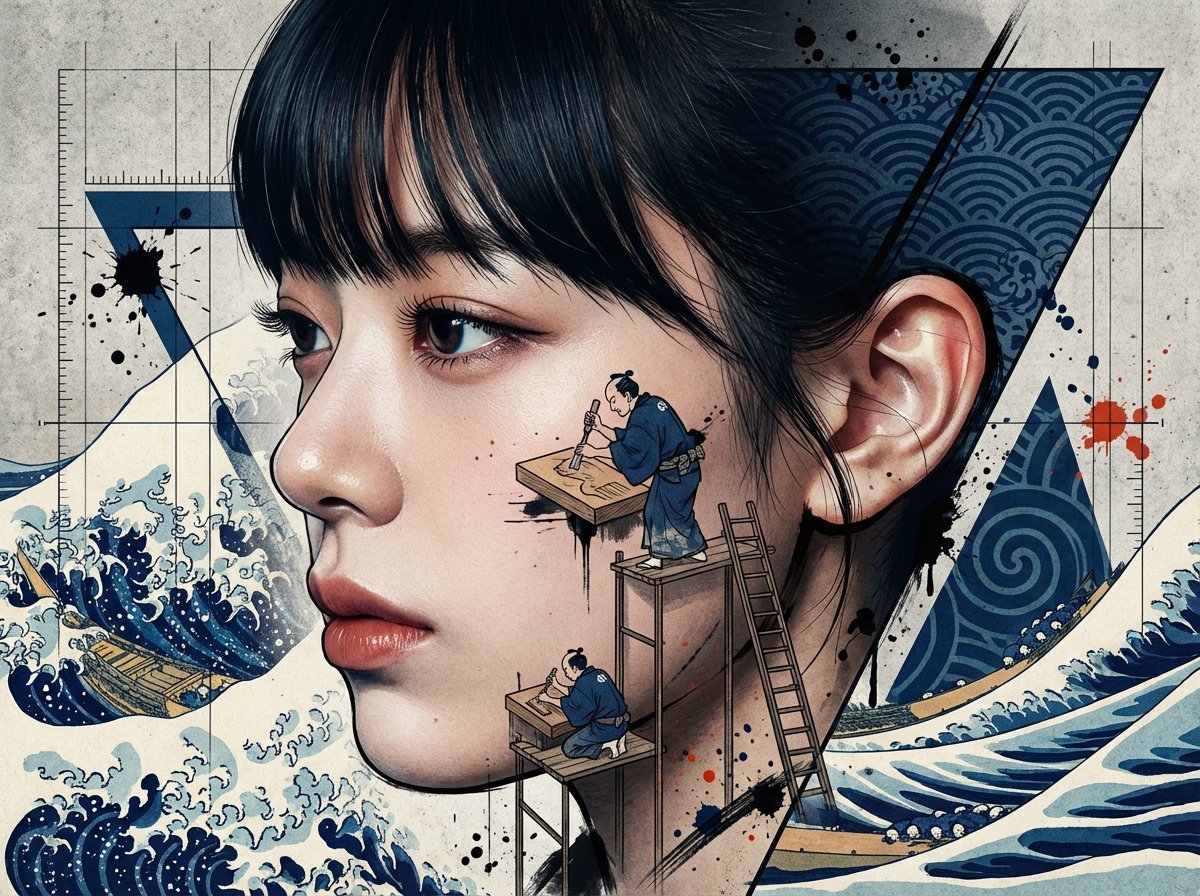
Photorealistic Portrait with Ukiyo-e and Industrial Fusion
A complex image generation prompt used across Nano Banana Pro, Nano Banana 2, GPT Image 1.5, and Seedream 5, focusing on a photorealistic portrait fused with urban, industrial, and Ukiyo-e (Japanese woodblock print)…
- Prompt included
- Model and format preset
- Free template
The prompt behind this image
Copy the exact prompt behind Photorealistic Portrait with Ukiyo-e and Industrial Fusion, or open it in the studio and make it yours.
Use the woman in the attached image as the model. A side-profile portrait. A left-facing profile, with a cool, intellectual expression. A bust-up composition. The woman's face and skin must maintain completely photorealistic photographic quality. This is the top priority, and it must not become illustration-style or anime-style. Ultra-high-definition texture, showing pores, fine hairs, individual eyelashes, and even the translucency of the ear cartilage. The background and decorative elements are a fusion of urban, industrial, and ukiyo-e. Grid lines and measurement lines run across the entire frame, but part of that grid is deformed into the curves of Hokusai's waves. The straight blueprint lines suddenly transform, from a certain point, into the swell of a wave crest. Numeric and scale notations are mixed with vertically written Japanese text. The sharp geometric triangles and lines placed in the background are indigo — the same deep blue as ukiyo-e indigo printing (ai-zuri). Inside the triangles, woodblock-print wave patterns and swirl motifs show through. Geometry and ukiyo-e patterns coexist within a single frame. Miniature-sized people are working on the woman's face and profile. They are Edo-period woodblock-print carvers and printers, carving the printing block with small chisels and printing onto washi paper with a baren. The ukiyo-e craftsmen wear indigo-colored kimonos. Small scaffolding and ladders are set up along the contour of the face. The contour line of the woman's profile is, in some parts, a sharp digital vector line, and in other parts, an ukiyo-e-style outline made with ink and brush. The two line-drawing techniques intersect on a single face. Ink splatters and spray are scattered across the entire frame, with indigo ink splatter and vermilion splatter mixed in among the black ink splatter. The grunge texture is an overlap of concrete-wall texture and washi-paper fiber texture. Do not include any text, typography, Japanese characters, artist's seal, stamp, hanko, or signature anywhere in the frame. The lighting has strong-contrast, dramatic shadows. Hard light from the left side of the frame makes the profile's contour stand out in clear light and dark. Film grain. Ultra-high resolution. Sharp. Art-poster style.
How to use Photorealistic Portrait with Ukiyo-e and Industrial Fusion in 3 steps
- 1Upload ImagePNG, JPG or paste
Add your photo
Upload the photo the template builds on. The prompt, model and format are already set.
- 2…a portrait of your subject in softgolden-hour light, 85mm…
Personalize
Edit the subject and creative details for your destination.
- 3Generate
Generate
Press Generate — your image is created in PicX Studio, so you can compare it with the original and refine one variable at a time.
More like this
Templates with the same subject, style or setup. Open one to see its prompt.

FLORAVERSE BOTANICAL FUSION

Caution Tape Fashion — Industrial Editorial

Floraverse Botanical Fusion
Art Nouveau & Ukiyo-e Fusion Portrait
Photorealistic Fashion Portrait with Urban Industrial Background

Found Photograph: Us, 1970

80s Couple Studio Portrait

80s Bollywood Star

80s Golden Hour Cinema

Me in 1985

1985 Studio Portrait

Hyper-Realistic Minecraft POV Portrait
Make it yours
Photorealistic Portrait with Ukiyo-e and Industrial Fusion works as-is. These are the safest ways to change it without losing the look.
Change one field
Copy a single group, rewrite it, and generate again so you can see what that field is doing.
Keep the frame, change the subject
Hold the composition and light of Photorealistic Portrait with Ukiyo-e and Industrial Fusion, then swap wardrobe, props or the person for a new take.
| If the result… | Why | Fix |
|---|---|---|
| The result drifts from the preview | Too many fields changed at once. | Reuse Photorealistic Portrait with Ukiyo-e and Industrial Fusion as-is first, then change one group — subject, light, or setting. |
| The model over-stylizes the scene | The prose prompt leaves finish and camera underspecified. | Add one camera or lighting sentence and stay on Nano Banana 2. |
More Nano Banana 2 templates
Other prompts made for Nano Banana 2.

Photorealistic Leaf Shaped Like a Dragon

K-Pop Idol Portrait Grid for Rapid Selection

Poetic Rain Forest Portrait During Golden Hour

Urban Street Portrait with Cartoon Inner Self Duo

Candid Nighttime Photo with Cat Prompt

High-Concept 3D Diorama Generation Prompt

Cinematic Futuristic Studio Portrait Template

Skincare Editorial Photography Collage Prompt

Hyper-Realistic Commercial Product Photography (Splash Effect)

Hyper-Realistic Nightclub Portrait Prompt
More image prompts
Fresh picks from across the catalog.

OOTD Sticker Style Breakdown

Japanese Company Setup Landing Page

Stylized Screen Print Illustration of Woman in Sea
Isometric Business People Set
UGC Skincare Review - Seedance 2.0
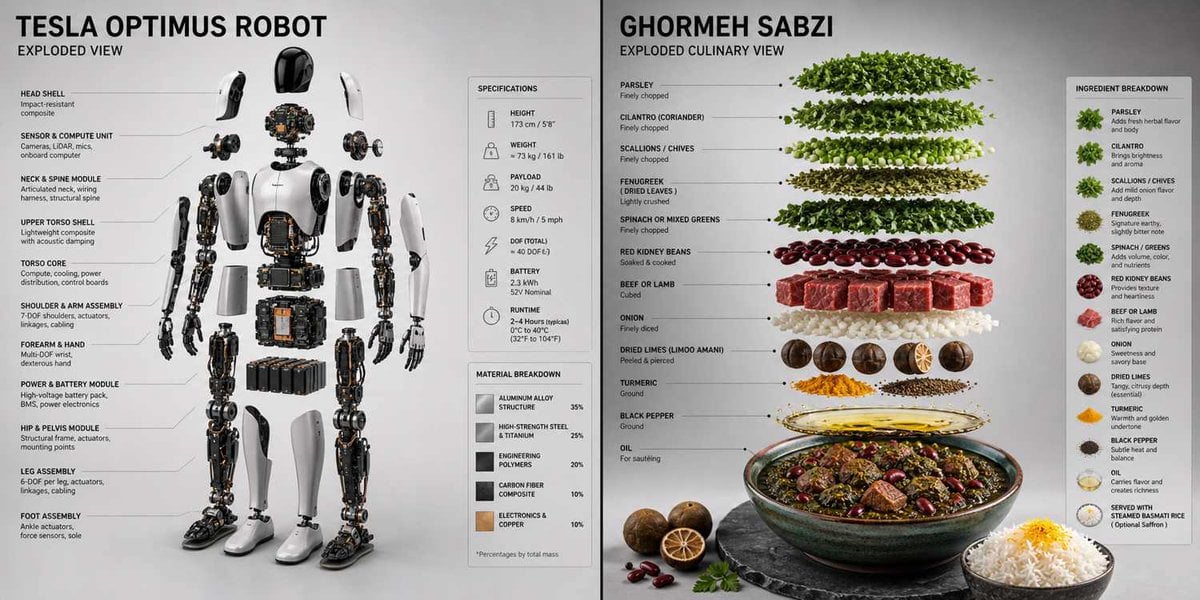
Technical 3D Exploded View
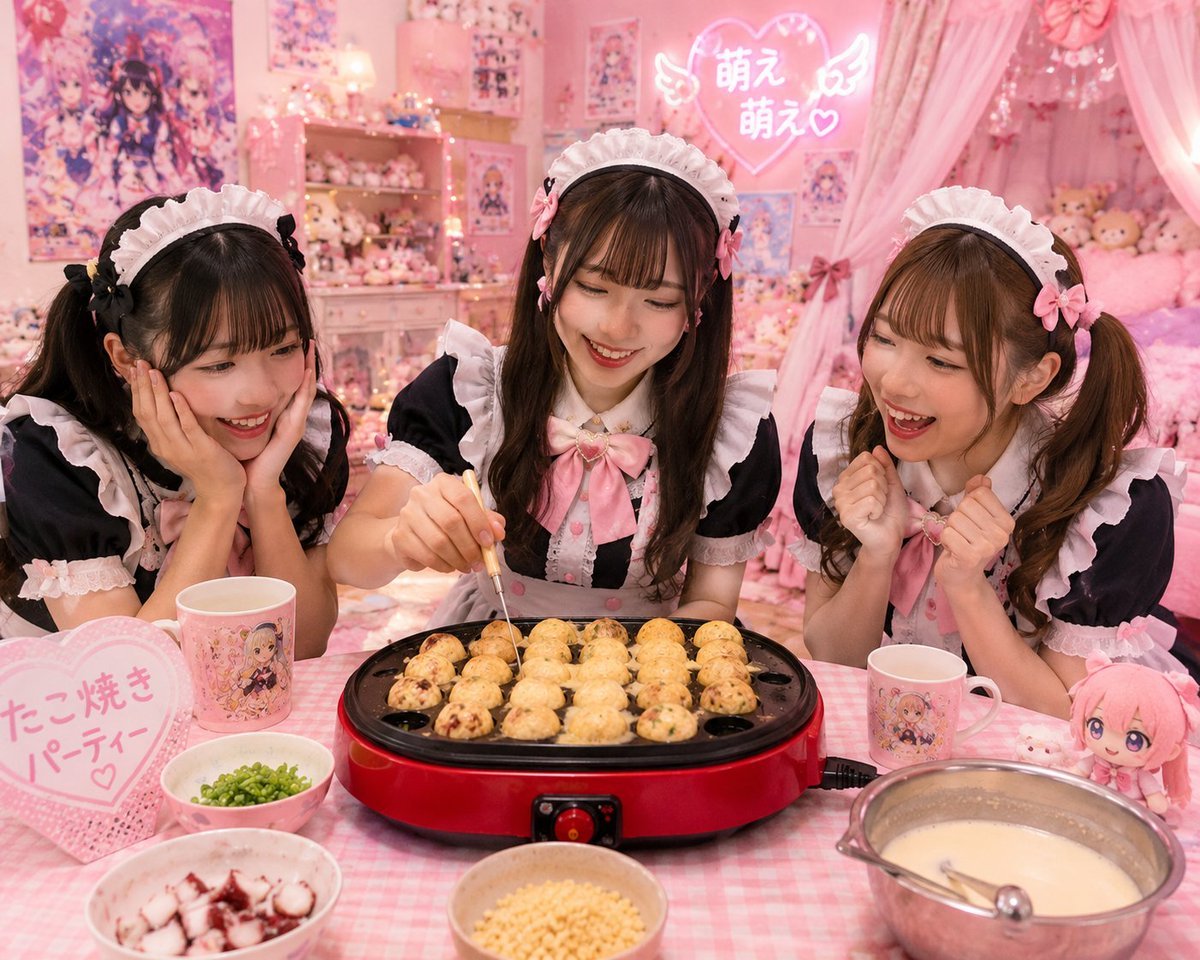
Kawaii Takoyaki Maid Party

AI Saws Enterprise Developers Branch
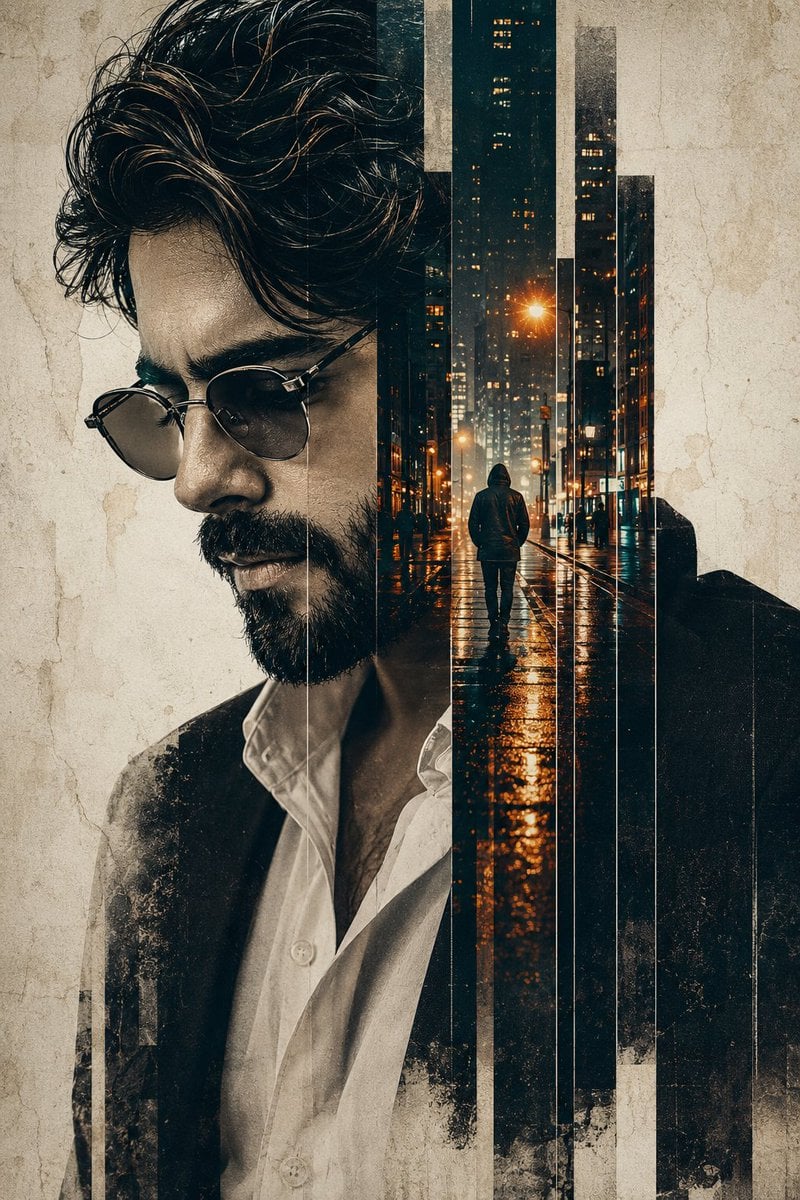
Double Exposure Pensive Portrait
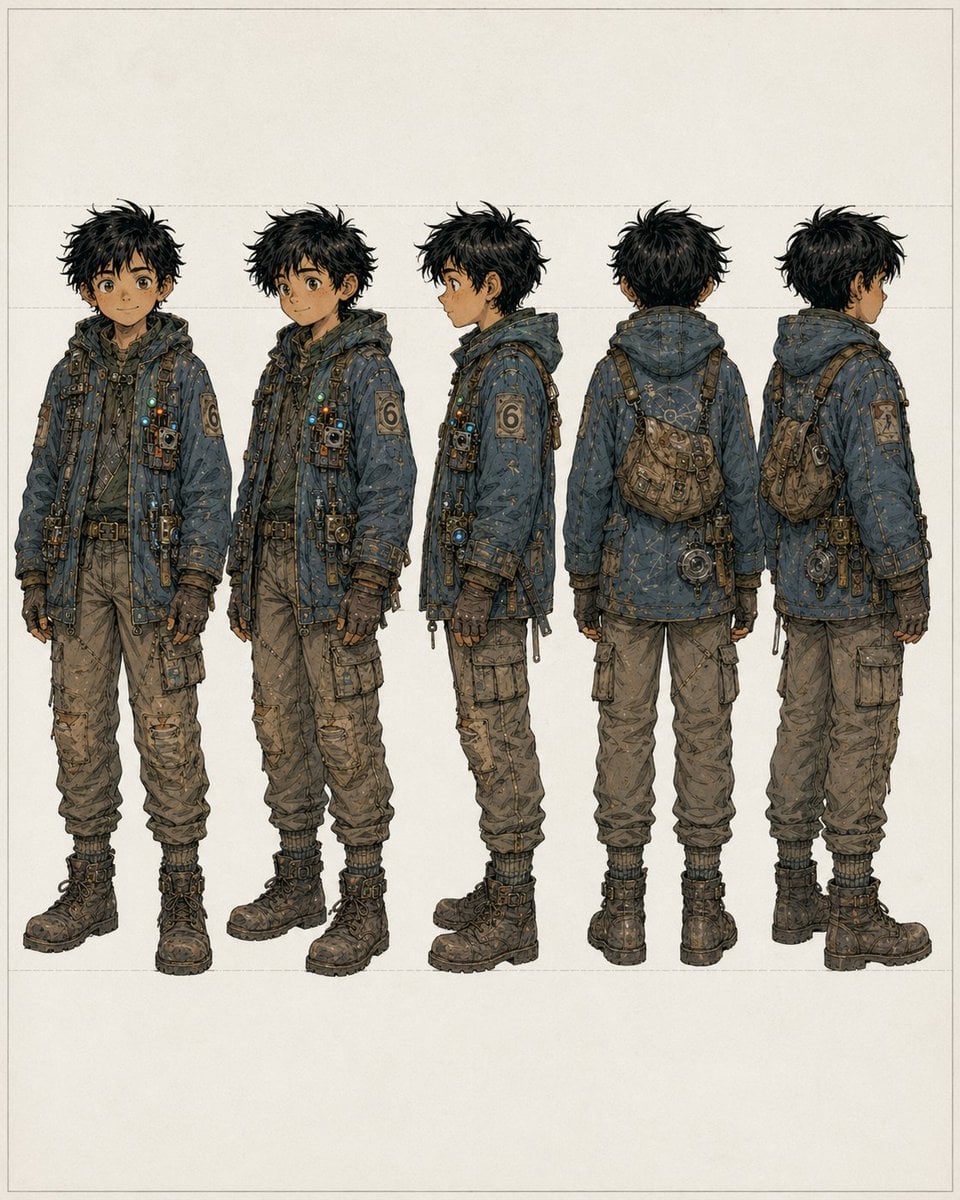
Five-View Boy Scavenger Turnaround
Browse template categories
Photorealistic Portrait with Ukiyo-e and Industrial Fusion questions
How do I use the Photorealistic Portrait with Ukiyo-e and Industrial Fusion template?
Add your photo if the template asks for one, edit the prompt if you like — the template's model and format are already selected — and press Generate. Your version opens in PicX Studio.
Can I customize the Photorealistic Portrait with Ukiyo-e and Industrial Fusion template?
Yes. You can change the subject, setting, lighting, mood, format, and available model controls before creating your image.
Is the Photorealistic Portrait with Ukiyo-e and Industrial Fusion template free?
Opening and editing this template is free. Generating uses credits, shown on the Generate button when you are signed in.
Which AI model should I use?
Start with Nano Banana 2, which is the model associated with this template. You can compare another compatible model for a different finish.
Looking for something else? Browse all templates.

Your photo, any look
Thousands of ready templates for every top image and video model, from one credit balance.