
Five-View Boy Scavenger Turnaround
A detailed character turnaround sheet showing a rugged young scavenger from five angles, suitable for concept art, model sheets, and visual character development.
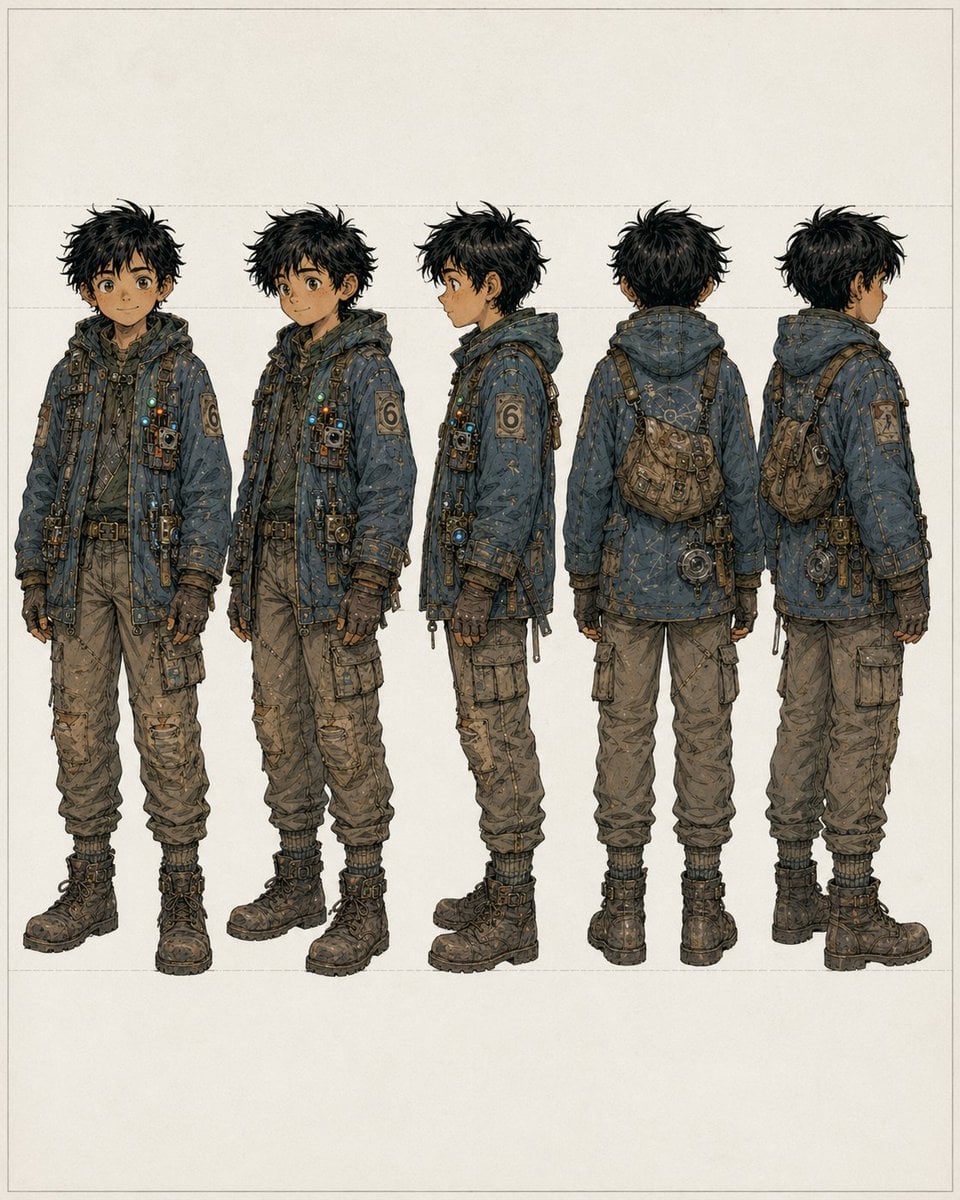
- Prompt included
- Model and format preset
- Free template
The prompt behind this image
Copy the exact prompt behind Five-View Boy Scavenger Turnaround, or open it in the studio and make it yours.
- Type
- character turnaround sheet
- Subject
- full-body concept art of a young male scavenger/adventurer
- Style
- high-detail anime-inspired concept design with fine ink linework, muted earthy colors, lightly weathered texture, clean studio presentation
- Background › Color
- warm off-white paper
- Background › Details
- minimal blank backdrop with faint rectangular guide lines and generous margins
- Character › Age Appearance
- teenage boy
- Character › Build
- slim, slightly short, practical proportions
- Character › Hair › Color
- {argument name="hair color" default="messy black"}
- Character › Hair › Style
- thick tousled short hair with spiky, unkempt silhouette
- Character › Face › Visibility
- face partially obscured or blurred in the front and side views, no clear facial detail
- Character › Outfit › Outerwear
- oversized hooded utility jacket in desaturated blue-gray, heavily stitched and patched, covered with small straps, fasteners, dangling cords, metal clips, tiny lights, and technical trinkets
- Character › Outfit › Left Sleeve Patch
- large numeral 6 patch
- Character › Outfit › Pants
- baggy tan cargo pants with multiple pockets, wrinkles, wear, and gathered cuffs
- Character › Outfit › Gloves
- dark fingerless or fitted utility gloves
- Character › Outfit › Boots
- heavy dark lace-up combat boots with thick soles
- Character › Accessories
- cross-body harness straps, small chest-mounted pouches and devices, belt with attached tools and hanging hardware, compact worn satchel worn across the back/side, round mechanical device hanging near the hip in rear views
- Character › Palette
- dusty blue, charcoal, brown, tan, brass, and muted metallic accents
- Layout › Composition
- five evenly spaced full-body figures aligned horizontally
- Layout › Views
- front view, three-quarter front view, left side profile, back view, three-quarter back view
- Layout › Count
- 5
- Layout › Presentation
- consistent scale, turnaround/reference-sheet format, centered on page
Raw JSON
{"type":"character turnaround sheet","subject":"full-body concept art of a young male scavenger/adventurer","style":"high-detail anime-inspired concept design with fine ink linework, muted earthy colors, lightly weathered texture, clean studio presentation","background":{"color":"warm off-white paper","details":"minimal blank backdrop with faint rectangular guide lines and generous margins"},"character":{"age_appearance":"teenage boy","build":"slim, slightly short, practical proportions","hair":{"color":"{argument name=\"hair color\" default=\"messy black\"}","style":"thick tousled short hair with spiky, unkempt silhouette"},"face":{"visibility":"face partially obscured or blurred in the front and side views, no clear facial detail"},"outfit":{"outerwear":"oversized hooded utility jacket in desaturated blue-gray, heavily stitched and patched, covered with small straps, fasteners, dangling cords, metal clips, tiny lights, and technical trinkets","left_sleeve_patch":"large numeral 6 patch","pants":"baggy tan cargo pants with multiple pockets, wrinkles, wear, and gathered cuffs","gloves":"dark fingerless or fitted utility gloves","boots":"heavy dark lace-up combat boots with thick soles"},"accessories":["cross-body harness straps","small chest-mounted pouches and devices","belt with attached tools and hanging hardware","compact worn satchel worn across the back/side","round mechanical device hanging near the hip in rear views"],"palette":"dusty blue, charcoal, brown, tan, brass, and muted metallic accents"},"layout":{"composition":"five evenly spaced full-body figures aligned horizontally","views":["front view","three-quarter front view","left side profile","back view","three-quarter back view"],"count":5,"presentation":"consistent scale, turnaround/reference-sheet format, centered on page"}}How to use Five-View Boy Scavenger Turnaround in 3 steps
- 1Upload ImagePNG, JPG or paste
Add your photo
Upload the photo the template builds on. The prompt, model and format are already set.
- 2…a portrait of your subject in softgolden-hour light, 85mm…
Personalize
Edit the subject and creative details for your destination.
- 3Generate
Generate
Press Generate — your image is created in PicX Studio, so you can compare it with the original and refine one variable at a time.
More like this
Templates with the same subject, style or setup. Open one to see its prompt.
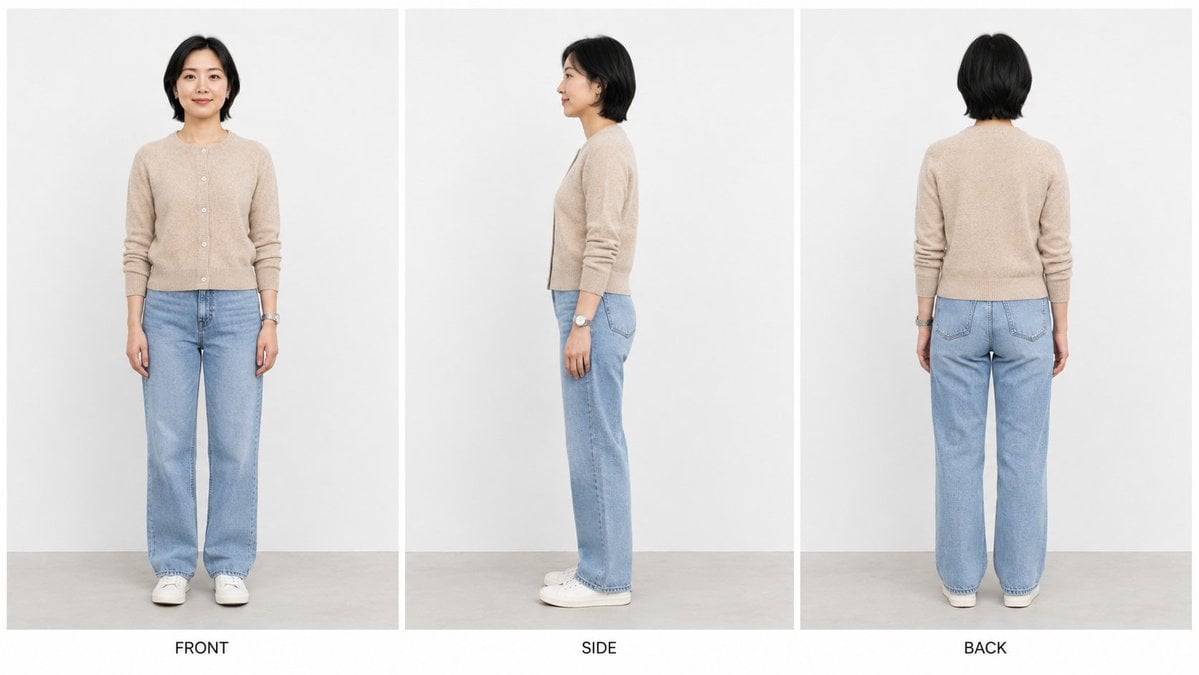
Three-View Character Turnaround
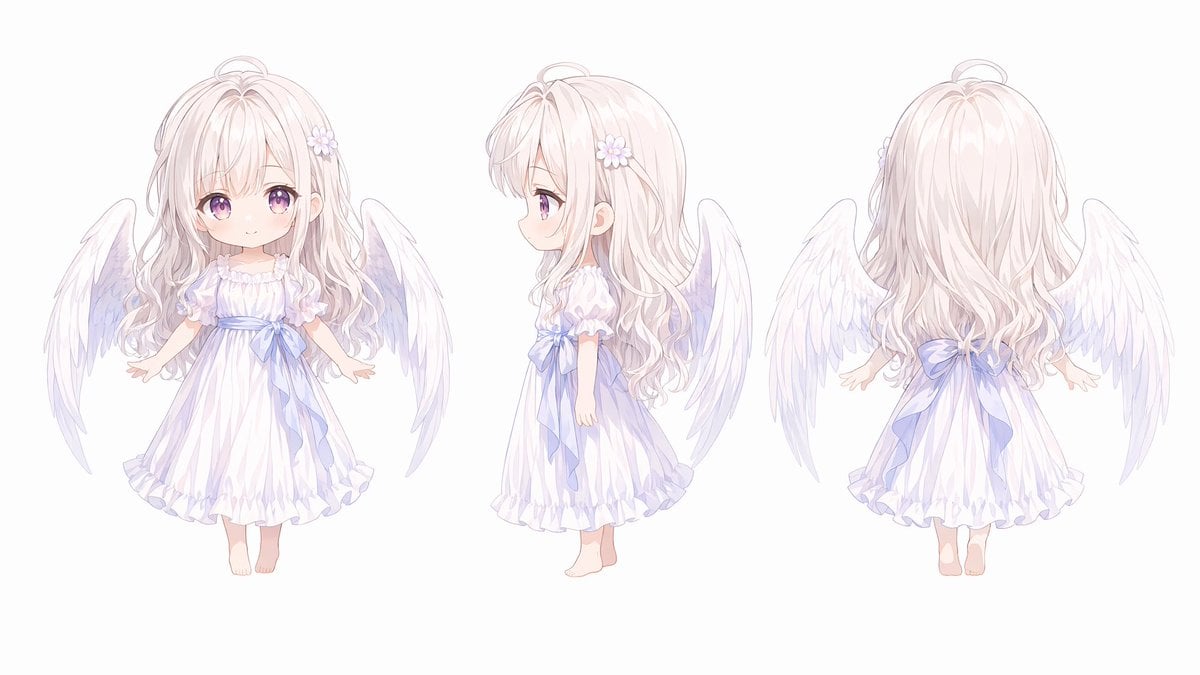
Chibi Angel Three-View Turnaround
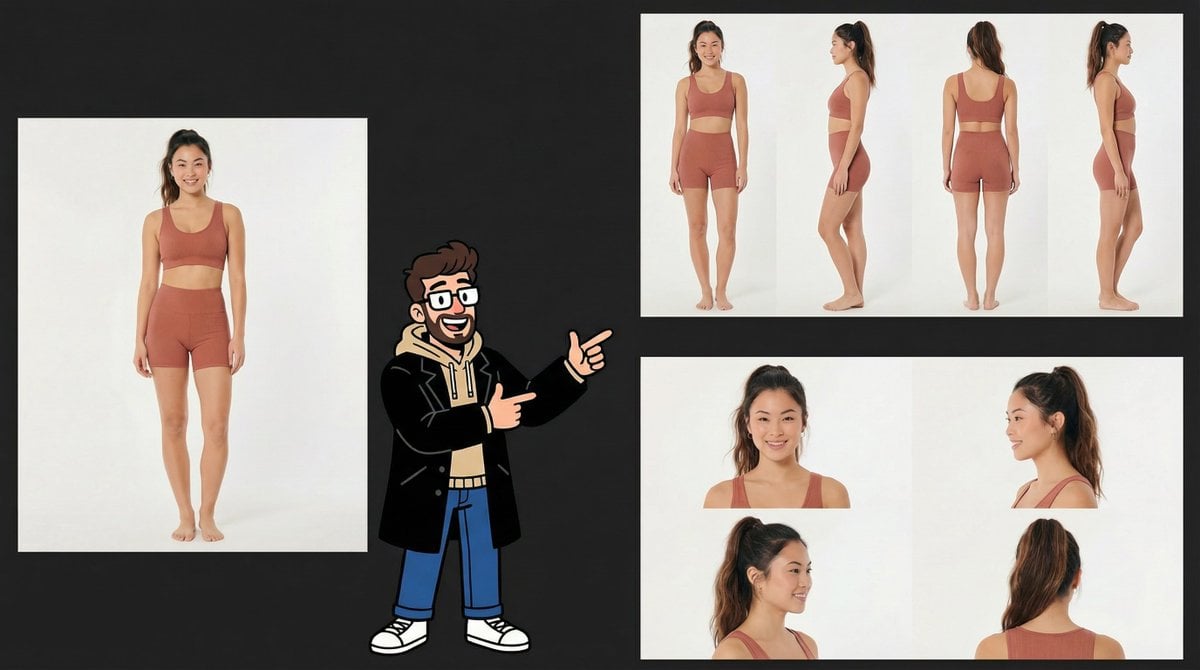
Consistency Prompt for 360 Turnaround Views
Cinematic Fire Portrait - Boy
Realistic Schoolgirl Turnaround Sheet
Urban Samurai Girl Turnaround Sheet

Anime Elf Maid Turnaround Sheet
Dark Ghost Spirit Turnaround
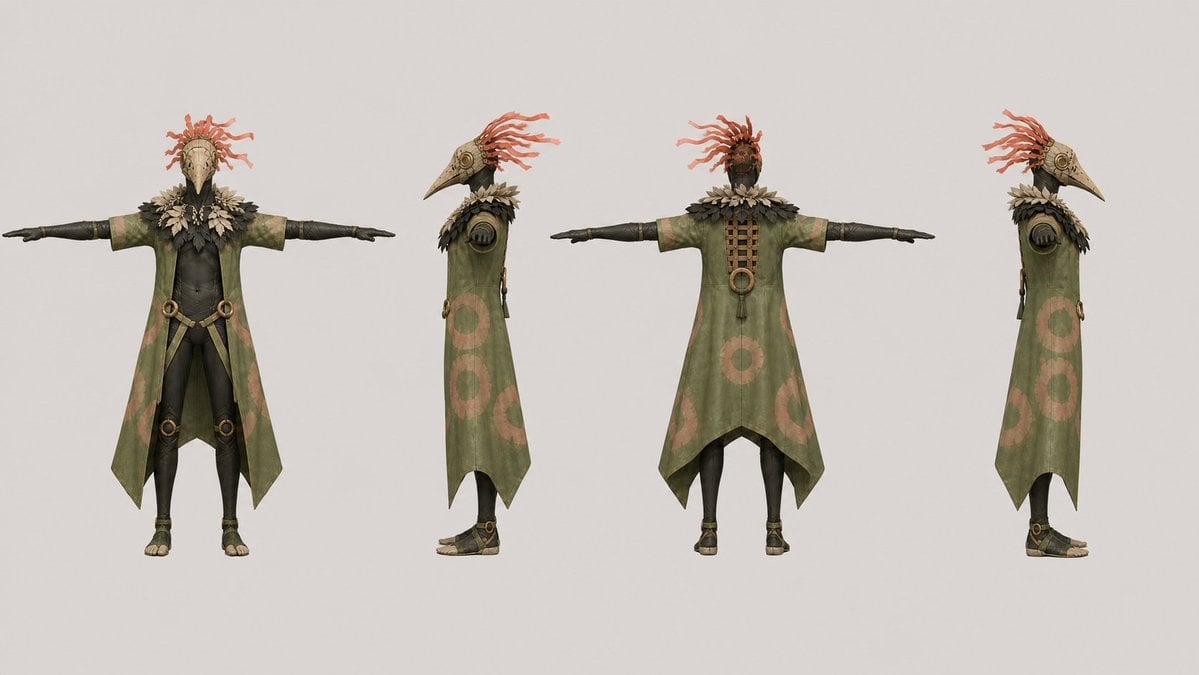
Bird Shaman Character Turnaround
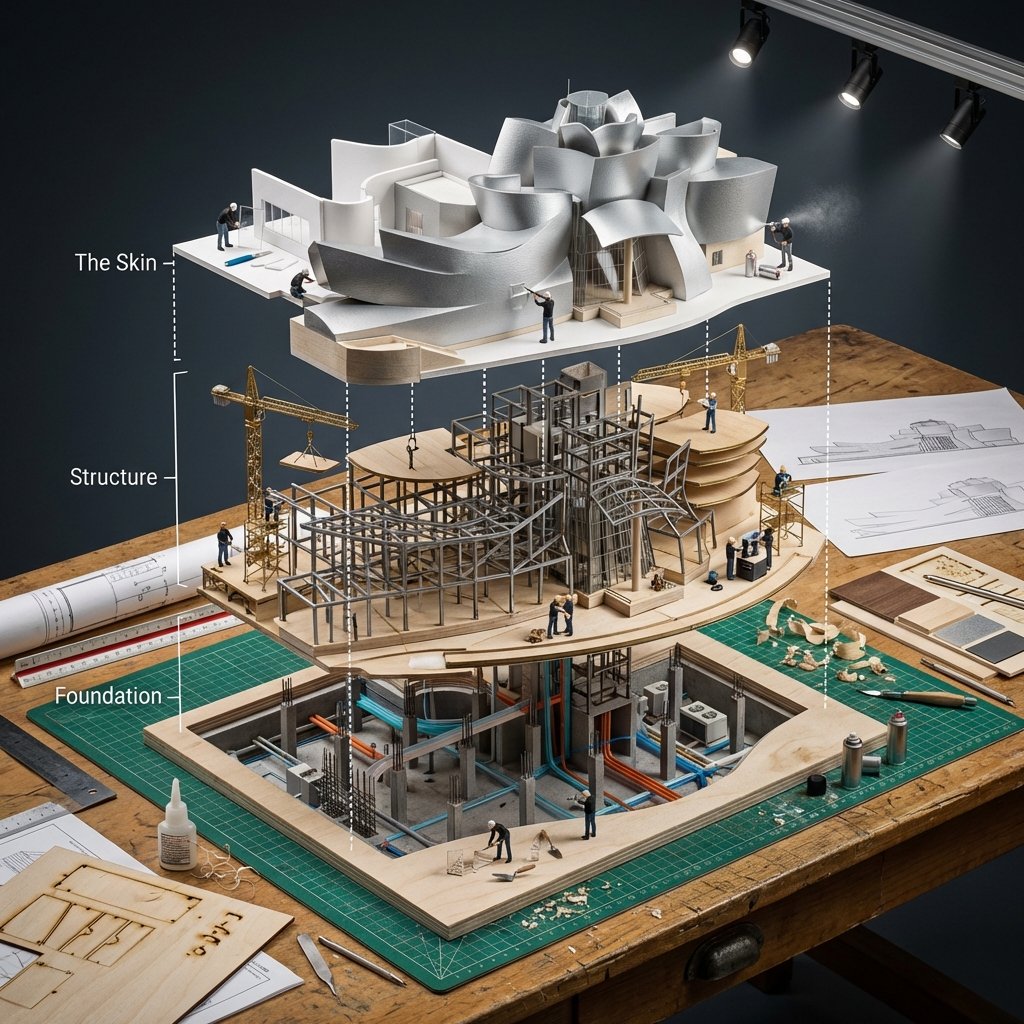
Building Exploded View Architectural Diorama

Teen Girl Alpine Lake Mountain View
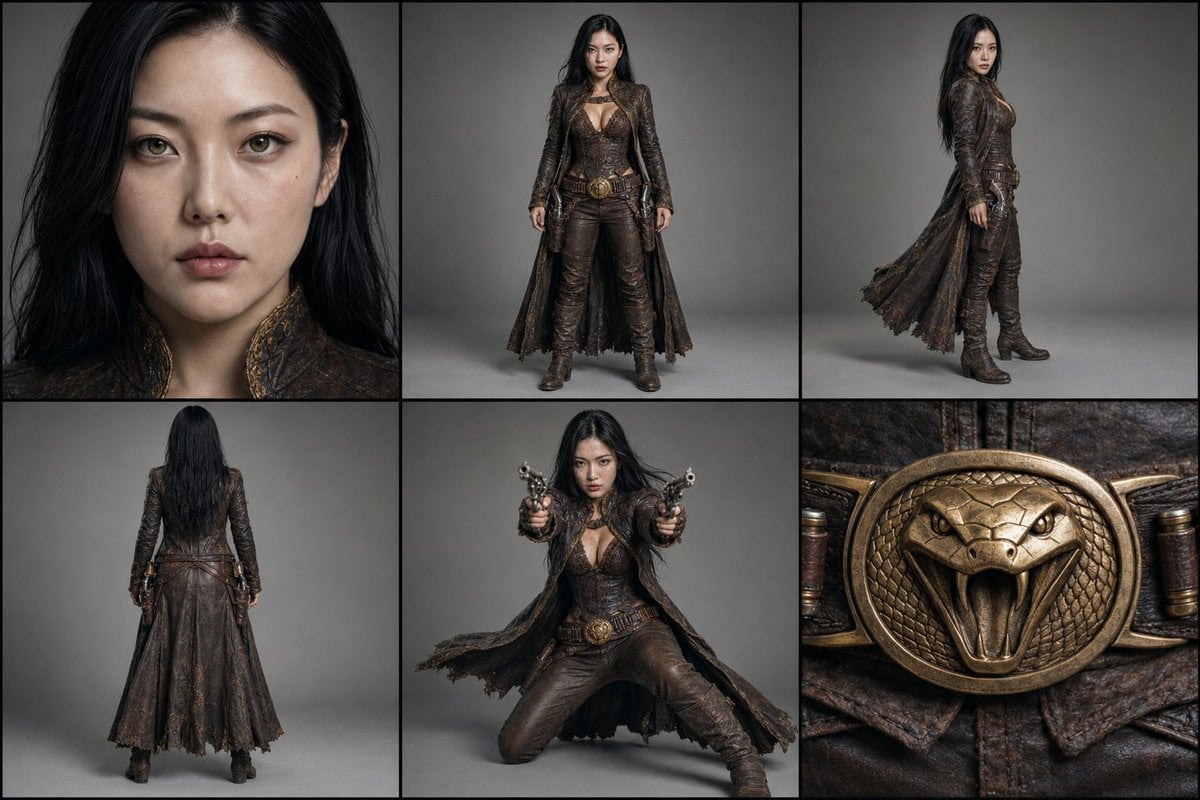
Character Reference Turnaround Sheet
Make it yours
Five-View Boy Scavenger Turnaround works as-is. These are the safest ways to change it without losing the look.
Swap the setting
Keep the rest of the prompt and replace the location block. The current setting is “warm off-white paper”.
Change one field
Copy a single group, rewrite it, and generate again so you can see what that field is doing.
Keep the frame, change the subject
Hold the composition and light of Five-View Boy Scavenger Turnaround, then swap wardrobe, props or the person for a new take.
| If the result… | Why | Fix |
|---|---|---|
| The result drifts from the preview | Too many fields changed at once. | Reuse Five-View Boy Scavenger Turnaround as-is first, then change one group — subject, light, or setting. |
| GPT Image 2 ignores part of the JSON | Some models flatten or skip nested keys. | Keep the same values and paste them as a short paragraph instead. |
More GPT Image 2 templates
Other prompts made for GPT Image 2.

Six VTuber Japanese Logo Sheet

Realistic Portrait of Woman and Deer

The Vista Modular Condo Poster

AI Model Routing Comparison Infographic

2.5D Anime Art Board

Isometric Productivity Desk Scene

New York Double Exposure Poster

Four-Panel AI Landscape Comparison

Japanese Tatami Lifestyle Magazine Cover

NESCAFÉ Coffee Map Poster
More image prompts
Fresh picks from across the catalog.
Luxury Street Style Portrait
Royal Perfume Advertisement Prompt
Hand-Drawn Isometric Schematic Diagram Prompt
Tiny Characters Festival on Everyday Object Prompt
Man and Animated Mini-Me Portrait
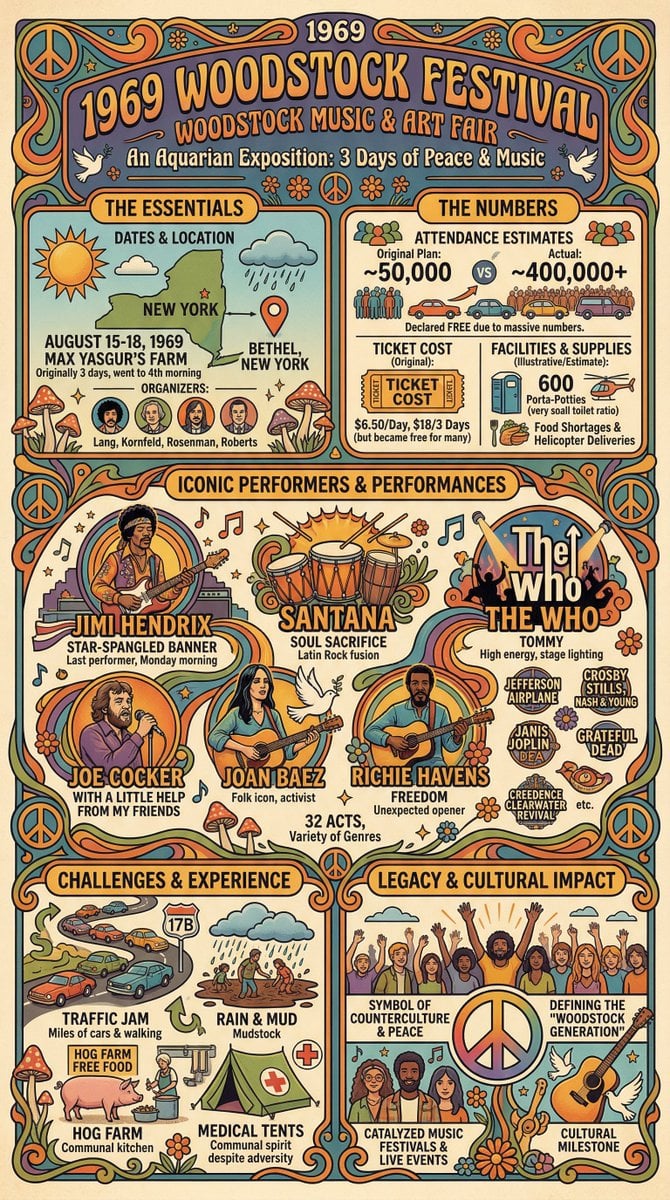
Infographic Creation with Simple Text Prompt

Nano Banana Pro Cinematic Night Romcom Ride Prompt
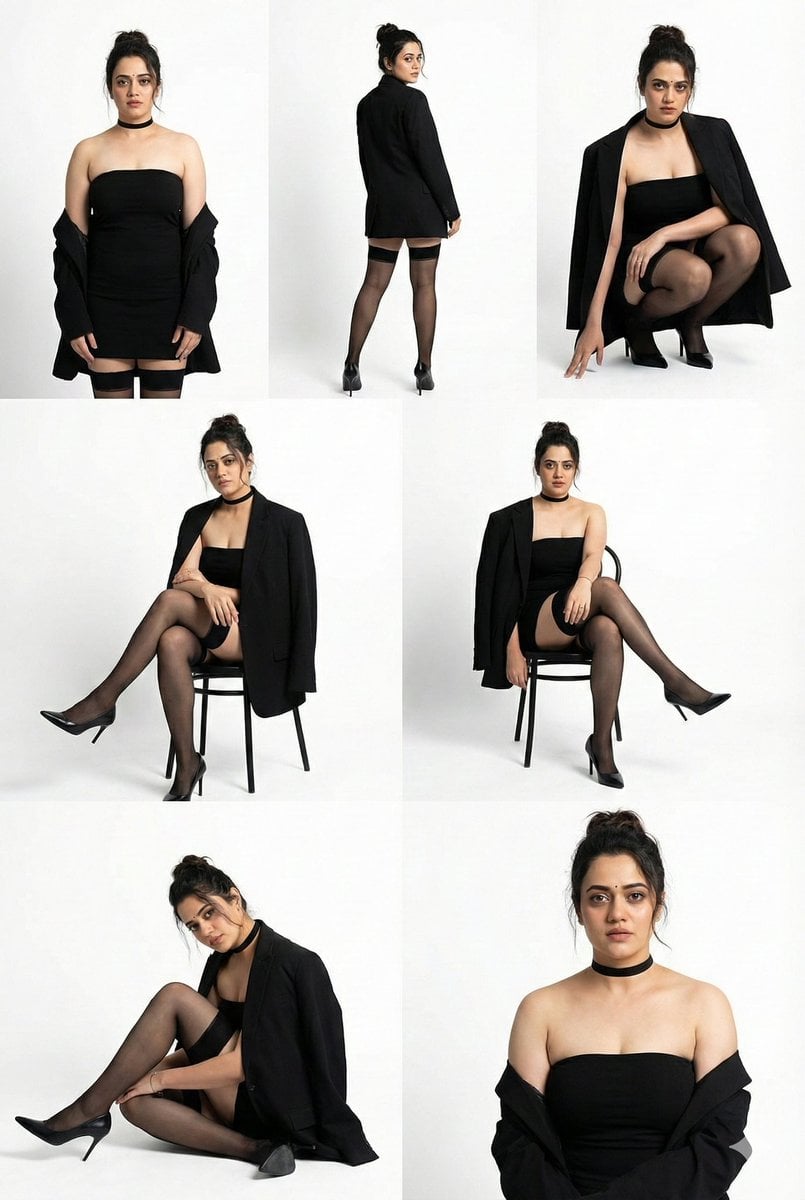
High-Fashion Studio Photo Collage Prompt
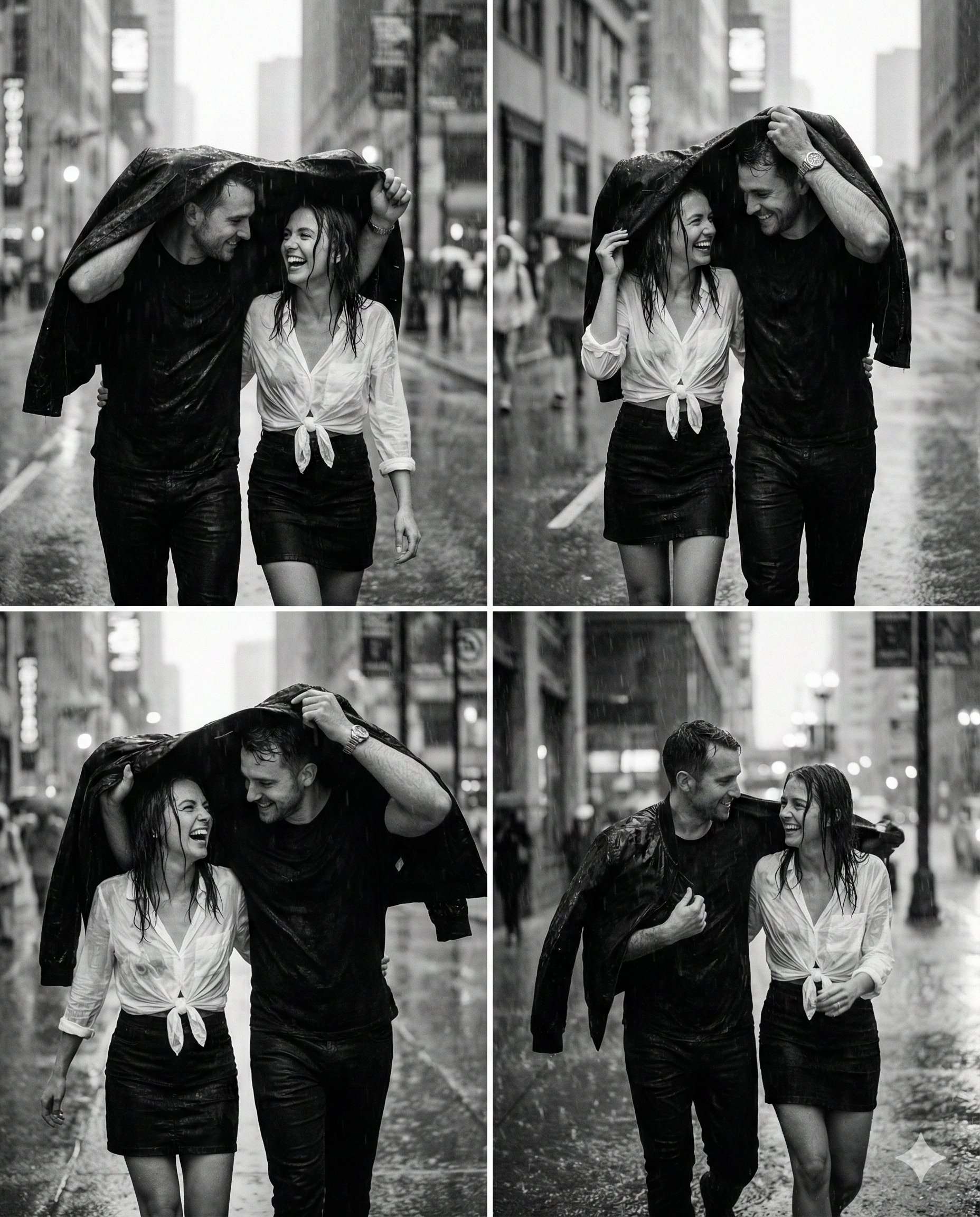
Magical Ai Prompt for Couple
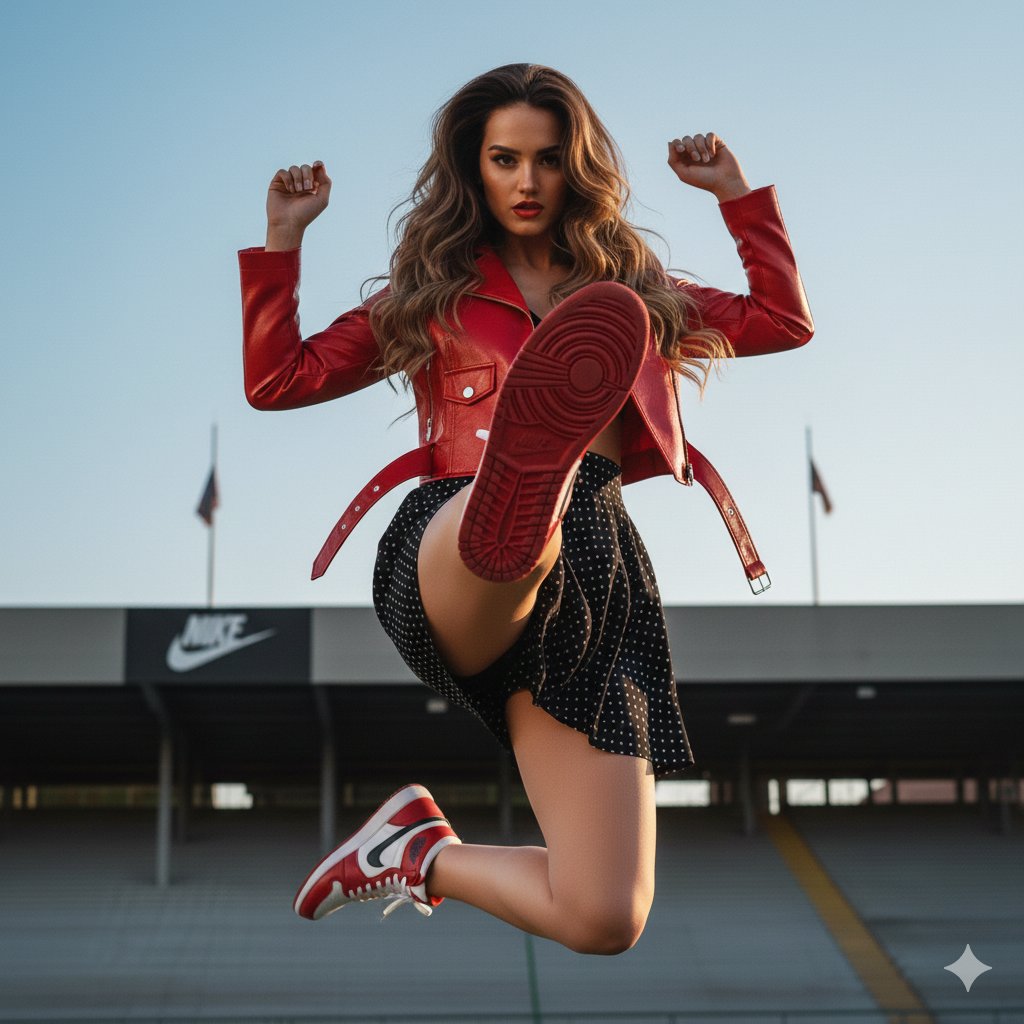
Photorealistic Fashion Portrait with Exact Face Match Prompt
Browse template categories
Five-View Boy Scavenger Turnaround questions
How do I use the Five-View Boy Scavenger Turnaround template?
Add your photo if the template asks for one, edit the prompt if you like — the template's model and format are already selected — and press Generate. Your version opens in PicX Studio.
Can I customize the Five-View Boy Scavenger Turnaround template?
Yes. You can change the subject, setting, lighting, mood, format, and available model controls before creating your image.
Is the Five-View Boy Scavenger Turnaround template free?
Opening and editing this template is free. Generating uses credits, shown on the Generate button when you are signed in.
Which AI model should I use?
Start with GPT Image 2, which is the model associated with this template. You can compare another compatible model for a different finish.
Looking for something else? Browse all templates.

Your photo, any look
Thousands of ready templates for every top image and video model, from one credit balance.