
Three-View Character Turnaround
Generates a realistic three-panel front, side, and back studio reference sheet for checking character and outfit consistency.
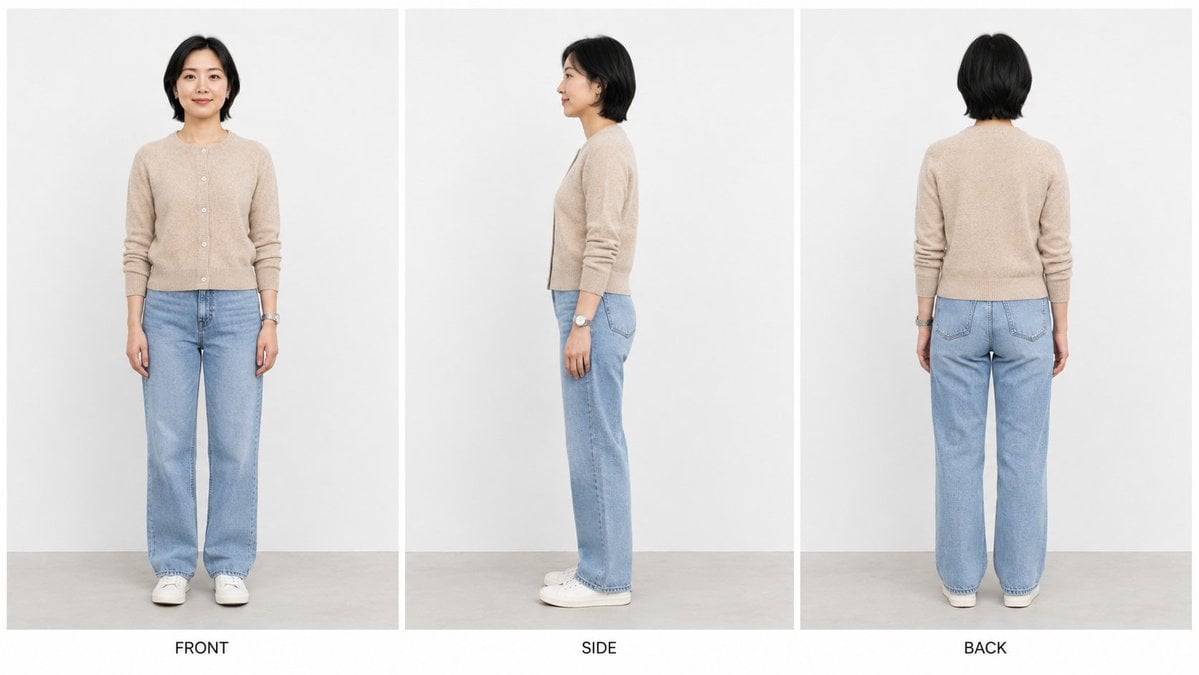
- Prompt included
- Model and format preset
- Free template
The prompt behind this image
Copy the exact prompt behind Three-View Character Turnaround, or open it in the studio and make it yours.
Create a clean studio character turnaround reference sheet in a 16:9 widescreen canvas. Show exactly 3 vertical panels separated by thin white dividers: left panel labeled “FRONT”, center panel labeled “SIDE”, right panel labeled “BACK”. Each panel must depict the same {argument name="character description" default="28-year-old East Asian woman"} as a full-body realistic fashion photo, standing upright against a plain light gray-white studio wall with a pale gray floor. Keep her identity, body proportions, outfit, hair, and accessories consistent across all three views; only the camera angle changes. She has {argument name="hair style" default="short black bob-length hair, softly layered and tucked around the ears"}, a calm neutral expression when visible, and natural minimal makeup. Outfit: {argument name="top" default="beige knit button-front cardigan with long sleeves pushed slightly up"}, {argument name="pants" default="light blue straight-leg jeans"}, white low-top sneakers, and a silver wristwatch on her left wrist. Panel 1: front view, arms relaxed at sides, looking toward camera. Panel 2: true side profile view facing left, arms relaxed, the silver watch visible on the left wrist. Panel 3: back view, arms relaxed, cardigan back and jean pockets visible. Use soft even studio lighting, realistic proportions, crisp details, no extra props, no additional people, no watermark, and keep the three labels centered below their panels in simple black uppercase sans-serif text.
How to use Three-View Character Turnaround in 3 steps
- 1Upload ImagePNG, JPG or paste
Add your photo
Upload the photo the template builds on. The prompt, model and format are already set.
- 2…a portrait of your subject in softgolden-hour light, 85mm…
Personalize
Edit the subject and creative details for your destination.
- 3Generate
Generate
Press Generate — your image is created in PicX Studio, so you can compare it with the original and refine one variable at a time.
More like this
Templates with the same subject, style or setup. Open one to see its prompt.
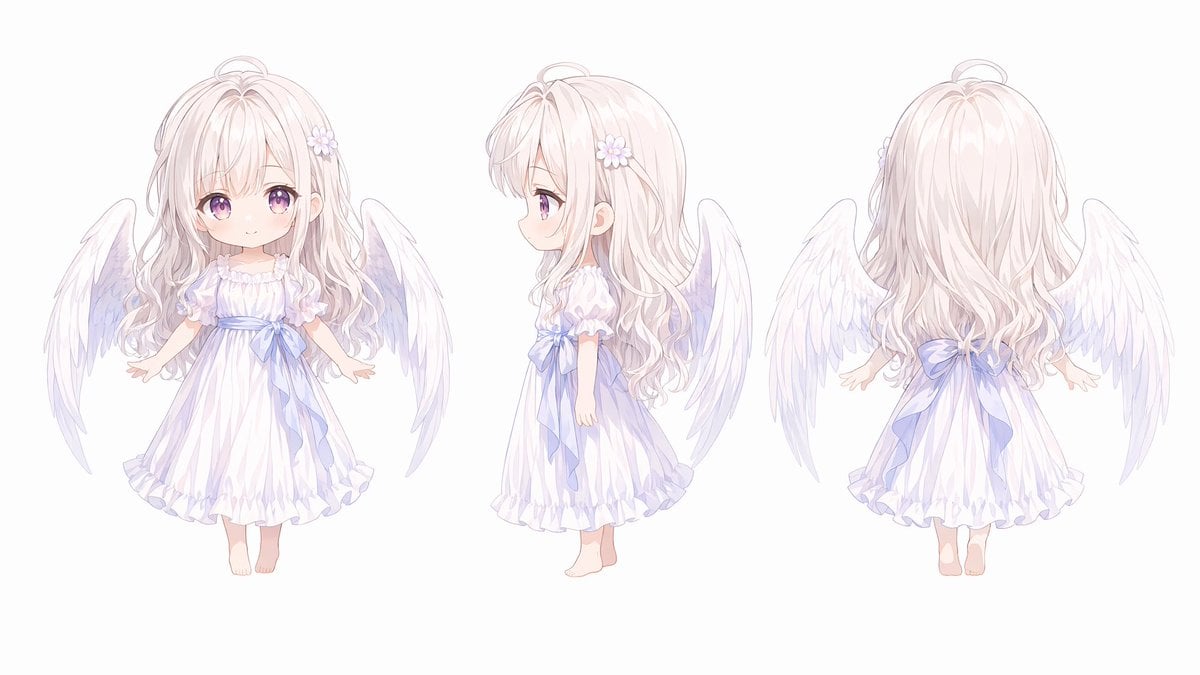
Chibi Angel Three-View Turnaround
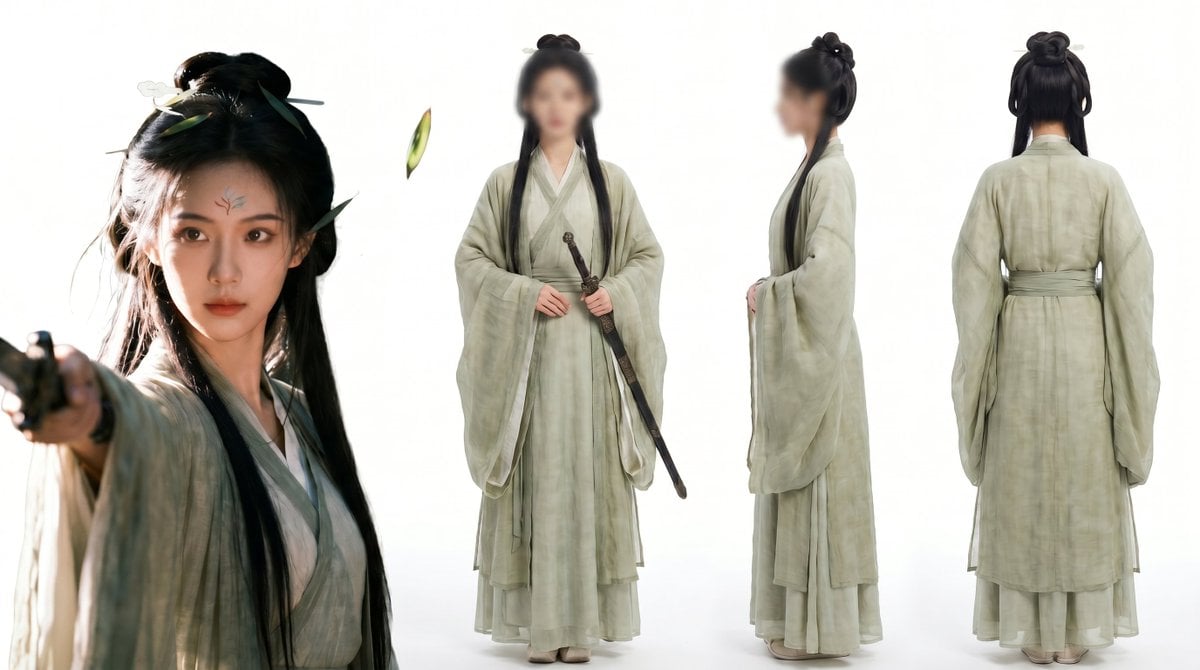
Consistent Three-View Character Sheet
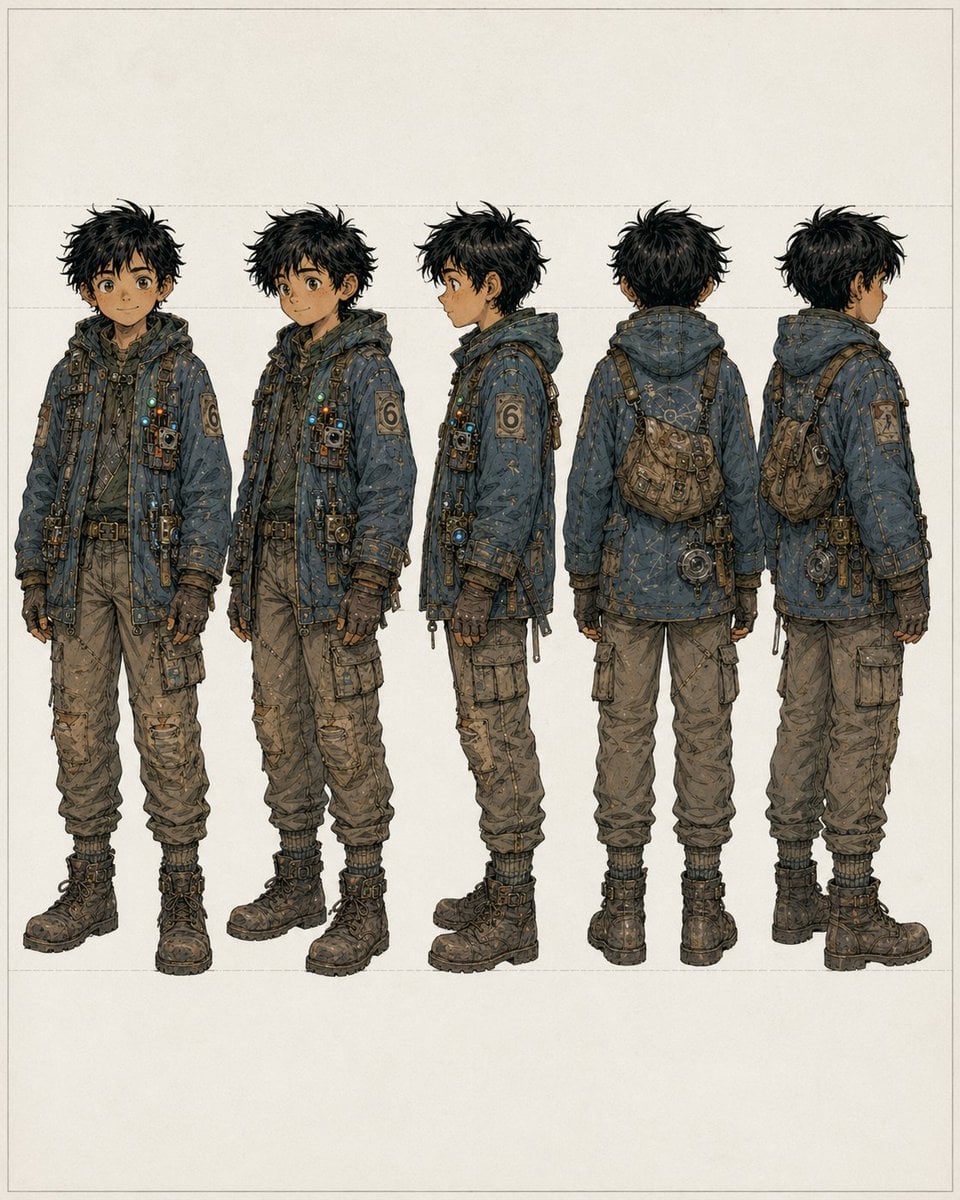
Five-View Boy Scavenger Turnaround
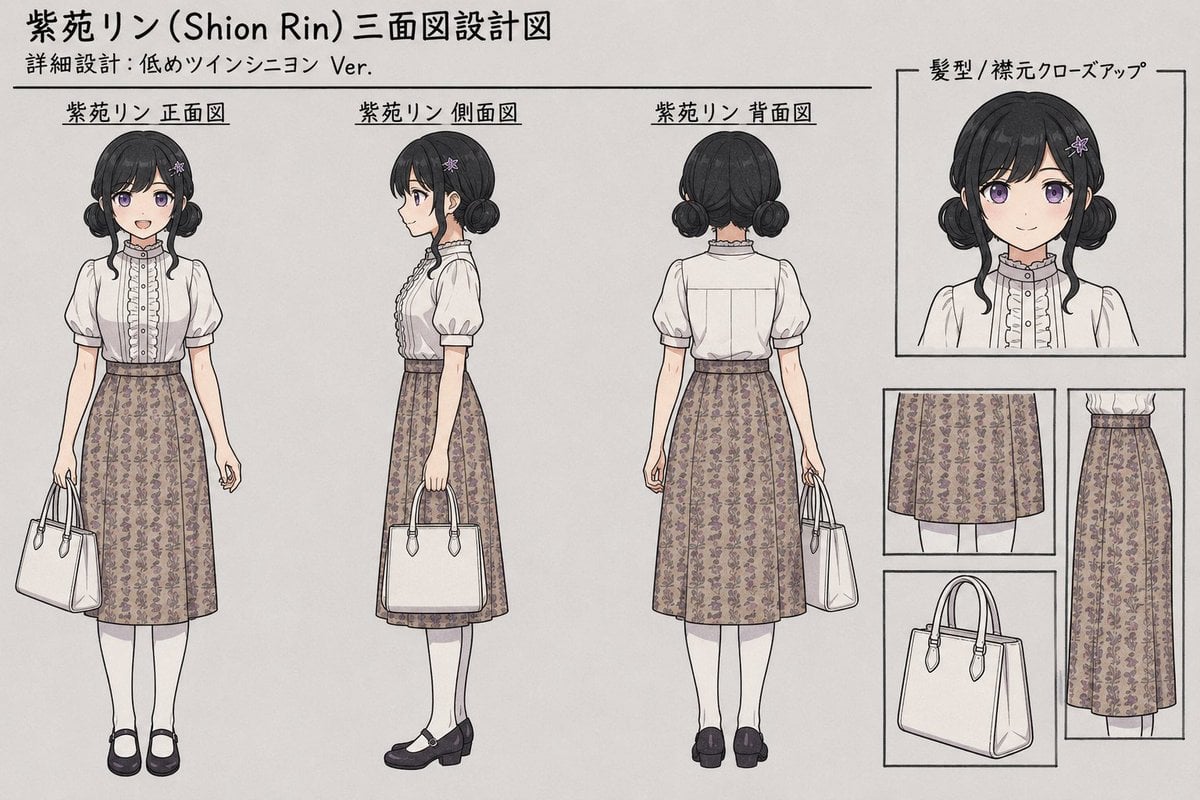
Shion Rin Three-View Design Sheet
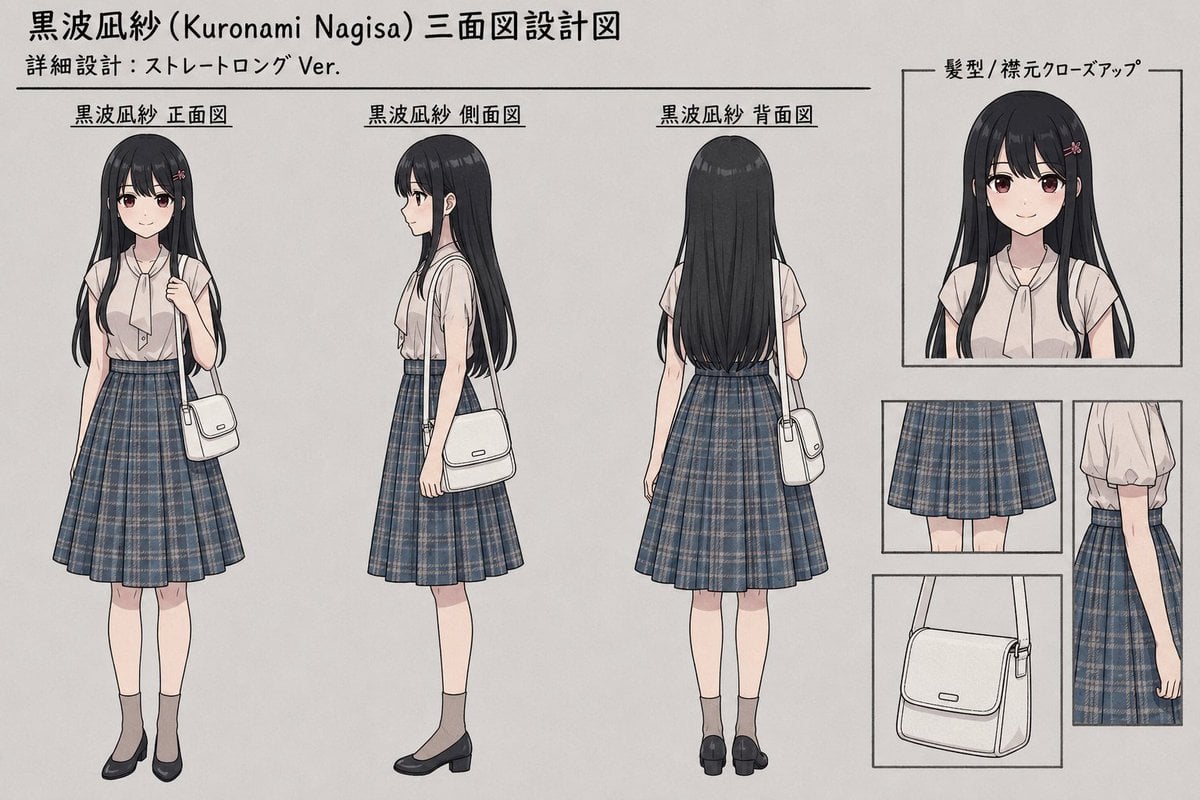
Anime Three-View Character Sheet
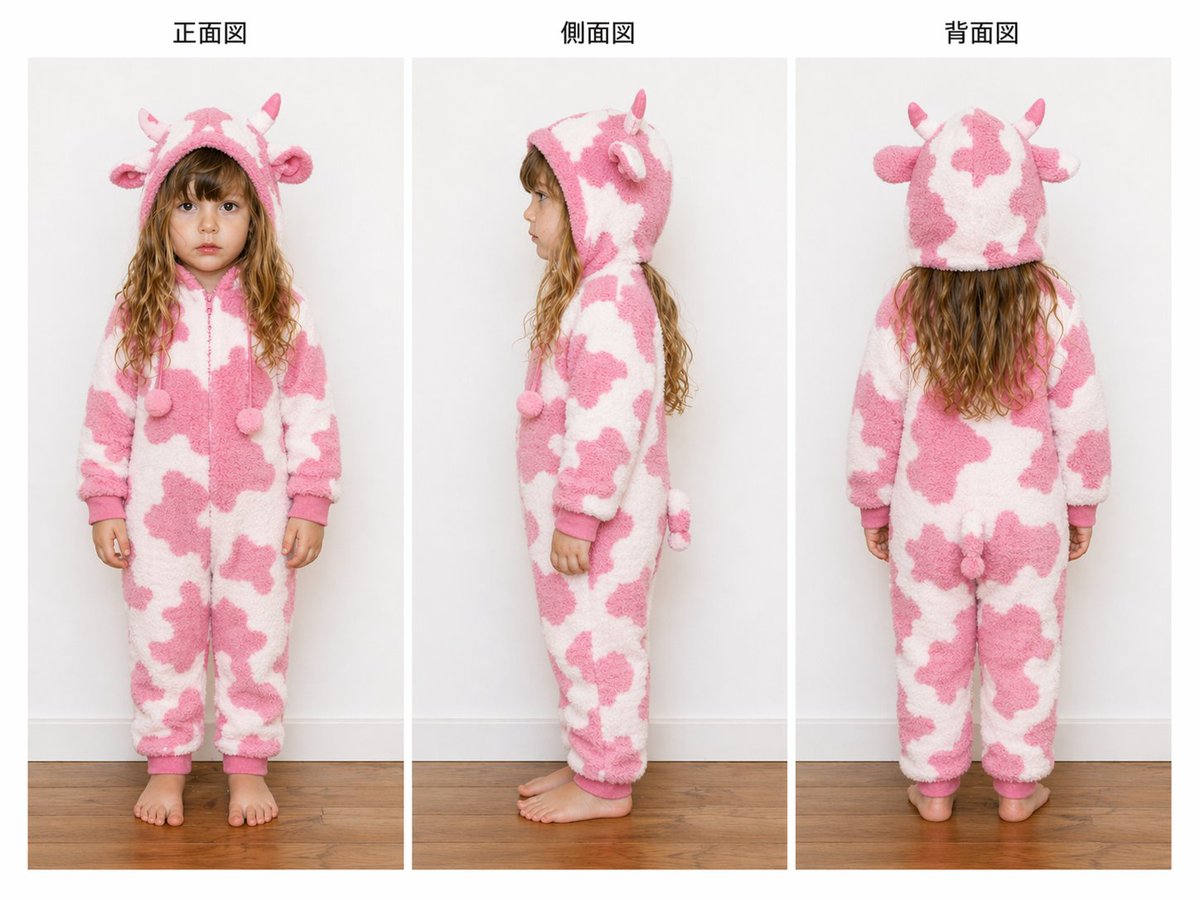
Child Cow Onesie Three-View Sheet
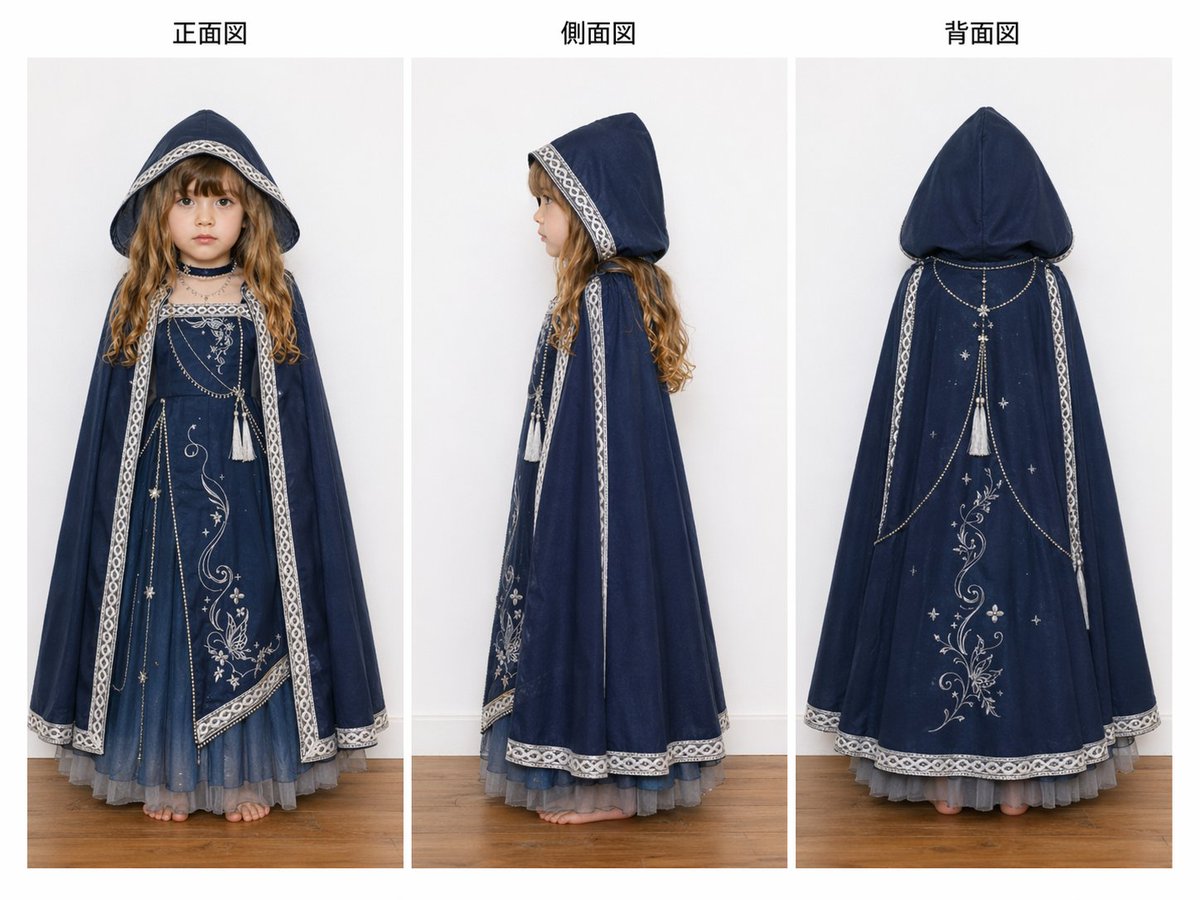
Three-View Hooded Fantasy Dress Sheet
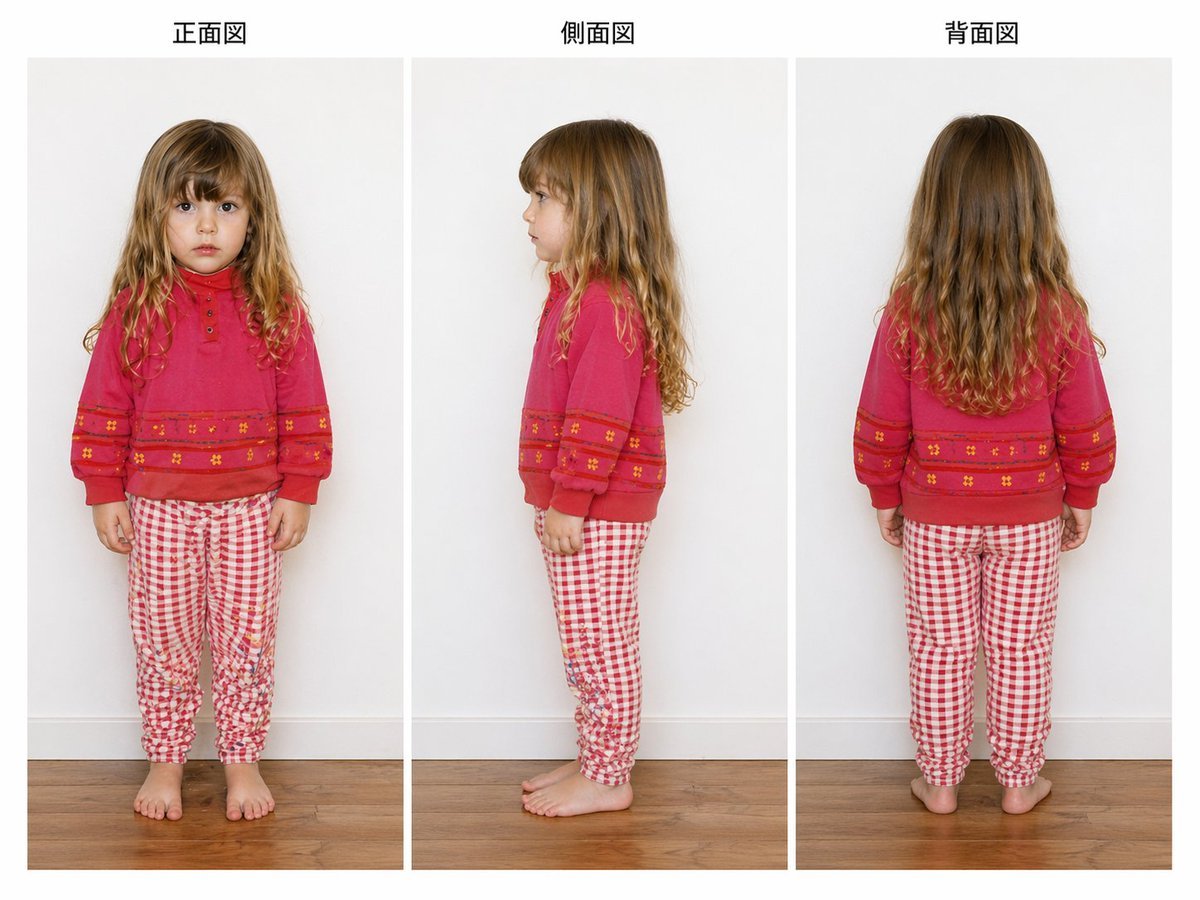
Child Three-View Clothing Reference
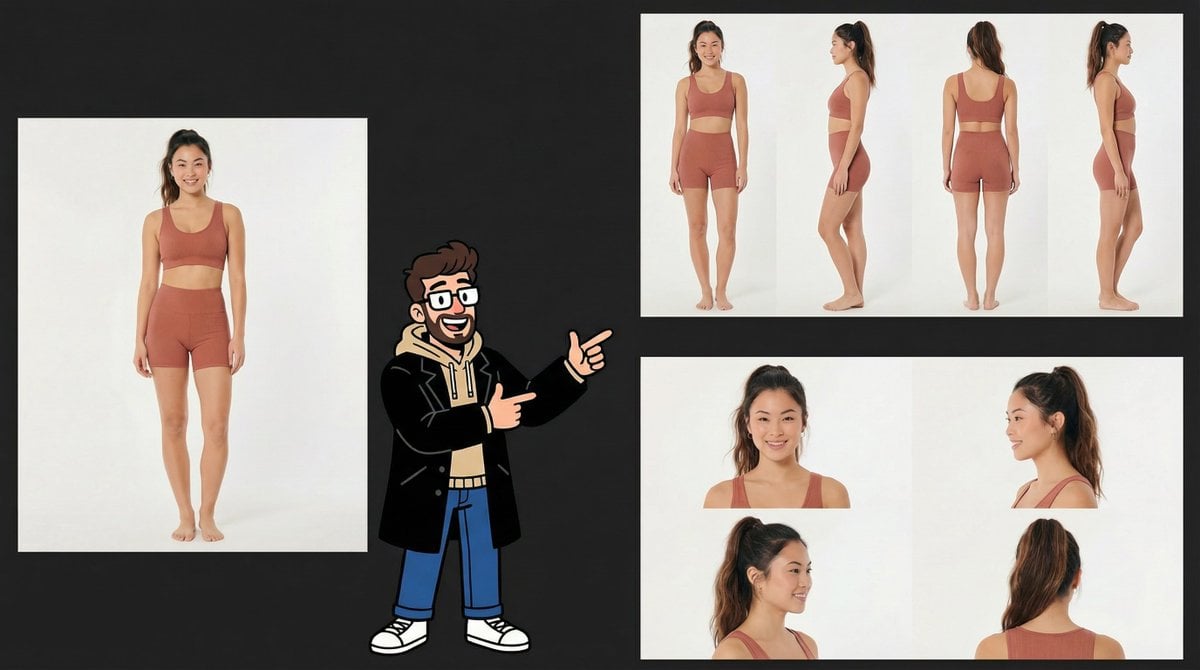
Consistency Prompt for 360 Turnaround Views

Three Character Asset Comparison Board
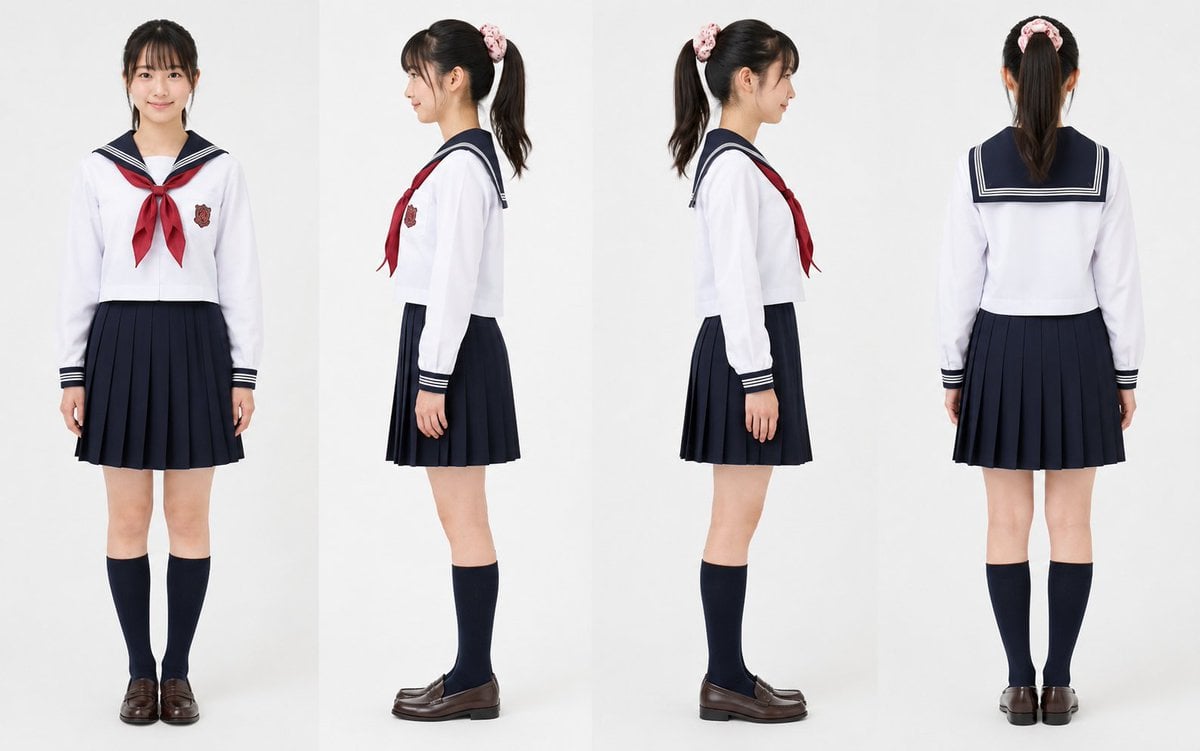
Realistic Schoolgirl Turnaround Sheet
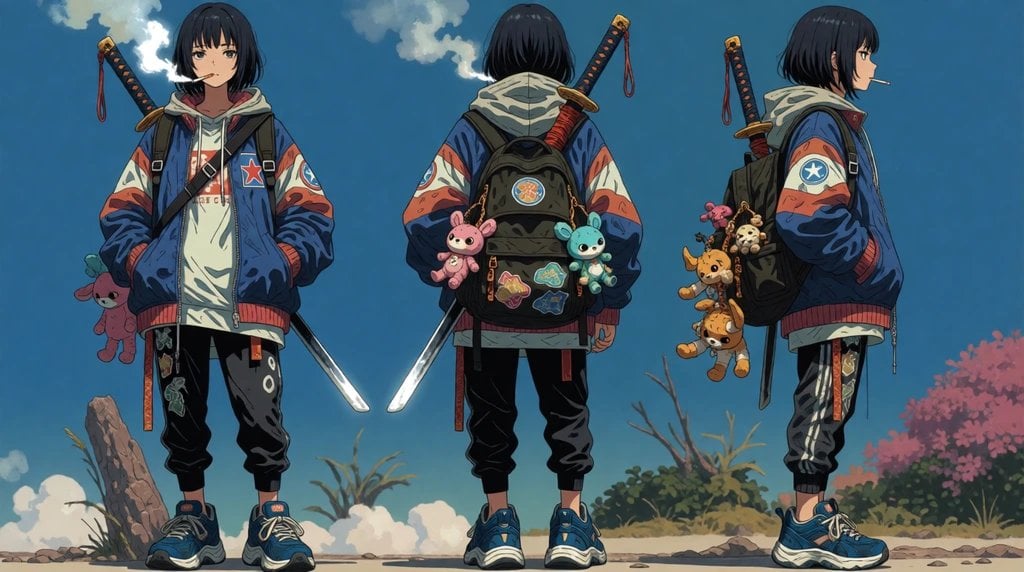
Urban Samurai Girl Turnaround Sheet
Make it yours
Three-View Character Turnaround works as-is. These are the safest ways to change it without losing the look.
Change one field
Copy a single group, rewrite it, and generate again so you can see what that field is doing.
Keep the frame, change the subject
Hold the composition and light of Three-View Character Turnaround, then swap wardrobe, props or the person for a new take.
| If the result… | Why | Fix |
|---|---|---|
| The result drifts from the preview | Too many fields changed at once. | Reuse Three-View Character Turnaround as-is first, then change one group — subject, light, or setting. |
| The model over-stylizes the scene | The prose prompt leaves finish and camera underspecified. | Add one camera or lighting sentence and stay on GPT Image 2. |
More GPT Image 2 templates
Other prompts made for GPT Image 2.

Six VTuber Japanese Logo Sheet

Realistic Portrait of Woman and Deer

The Vista Modular Condo Poster

AI Model Routing Comparison Infographic

2.5D Anime Art Board

Isometric Productivity Desk Scene

New York Double Exposure Poster

Four-Panel AI Landscape Comparison

Japanese Tatami Lifestyle Magazine Cover

NESCAFÉ Coffee Map Poster
More image prompts
Fresh picks from across the catalog.
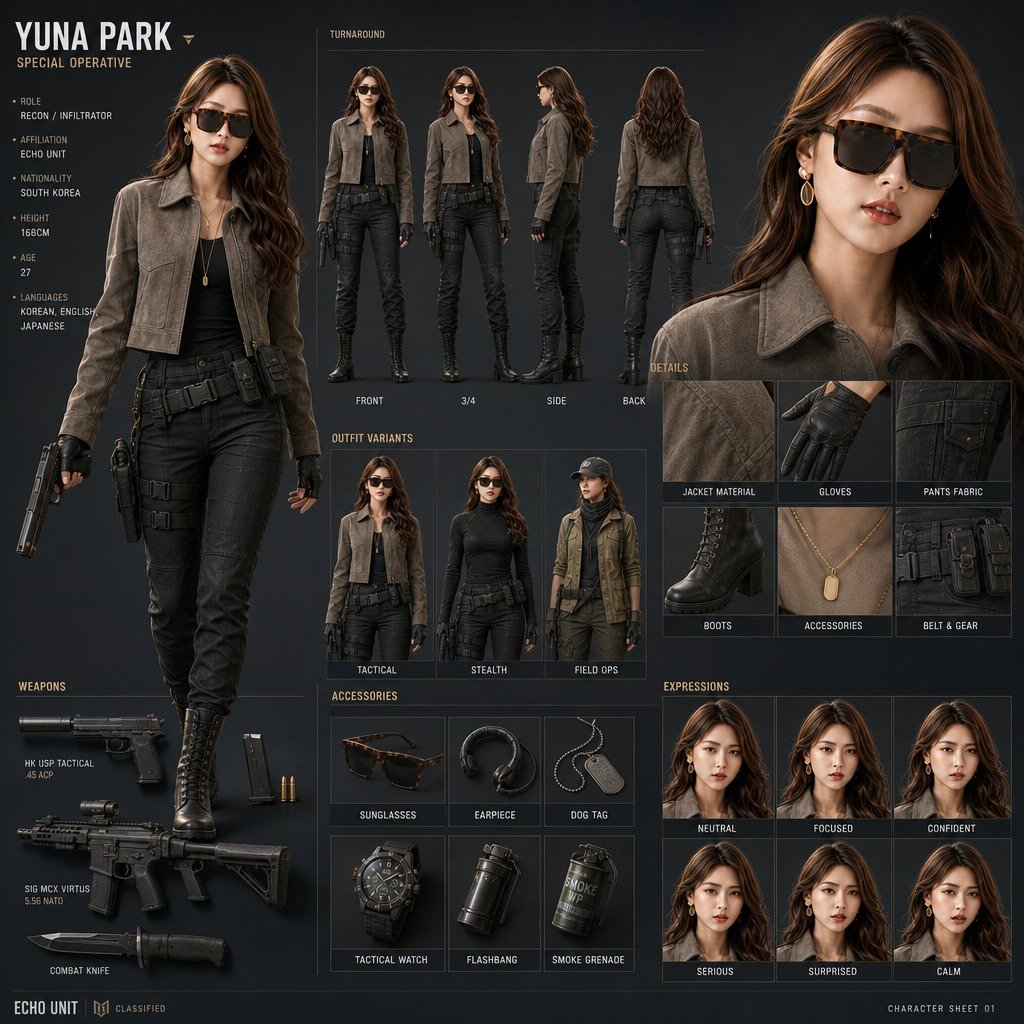
Yuna Park Tactical Character Sheet
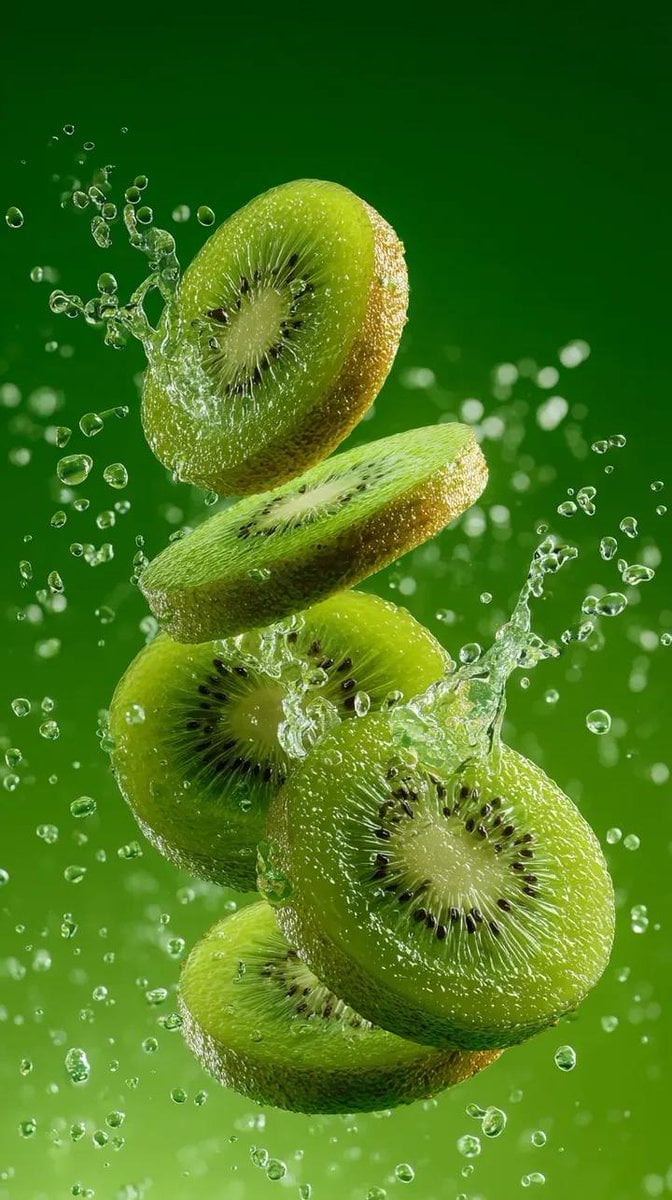
Hyper-Realistic Kiwi Splash Macro Photography Prompt
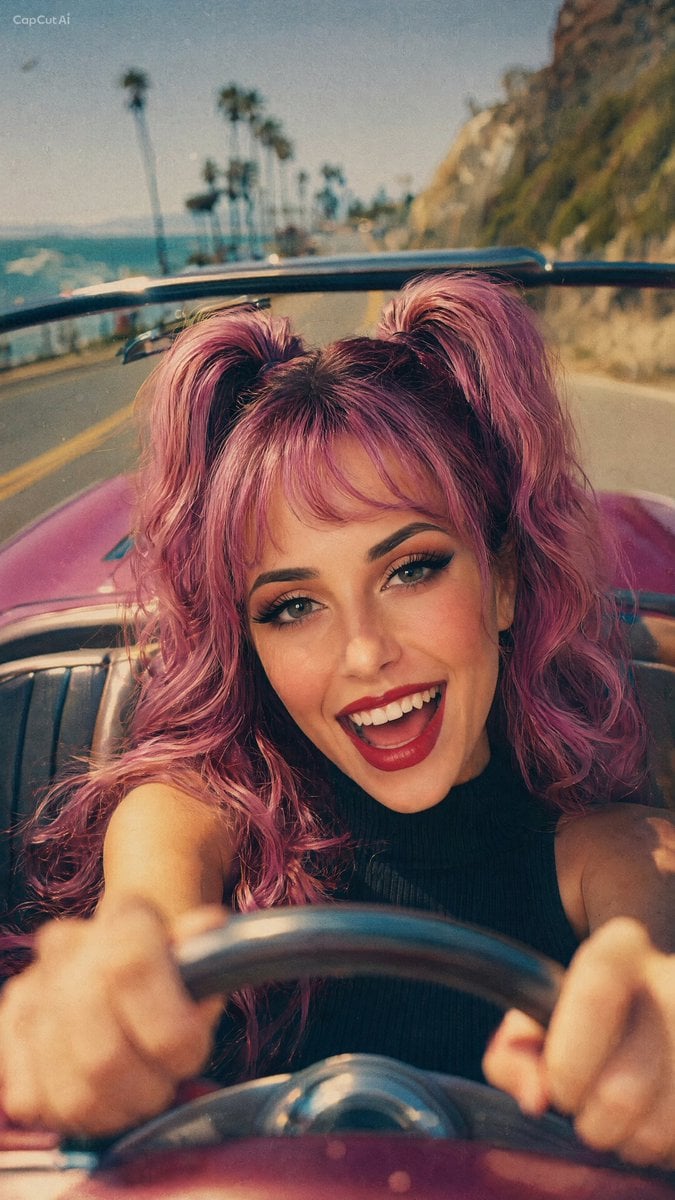
90s Retro Film Driving Shot

Cinematic Tennis Sports Poster
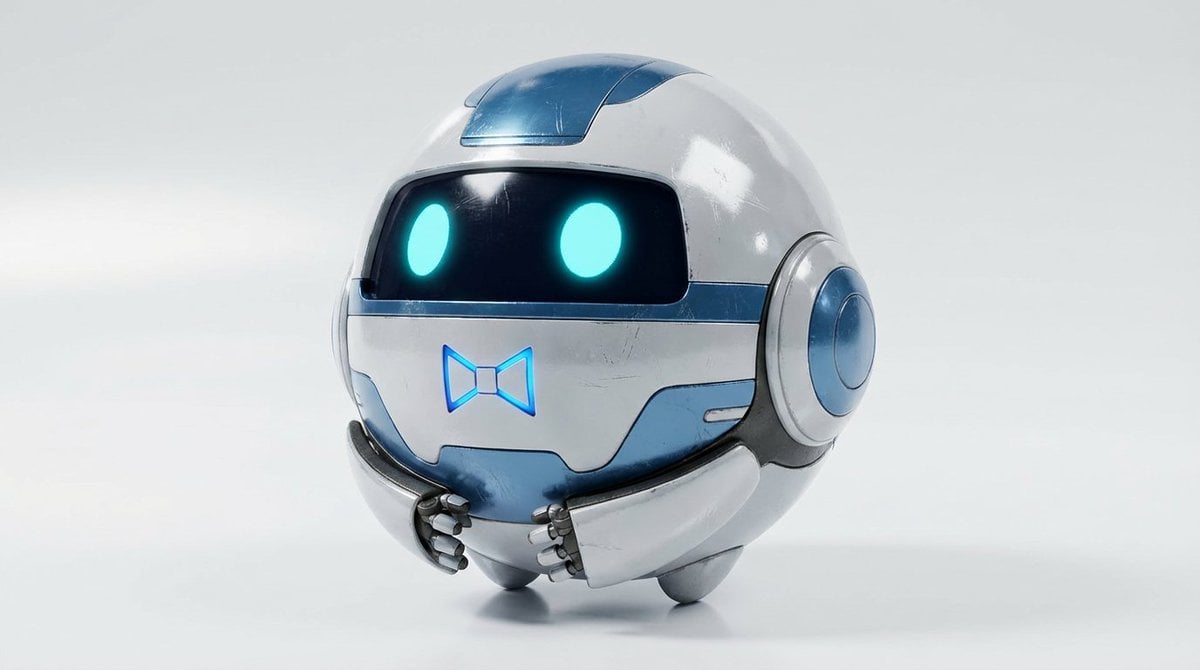
Basic Product Shot Prompt for Moving Parts
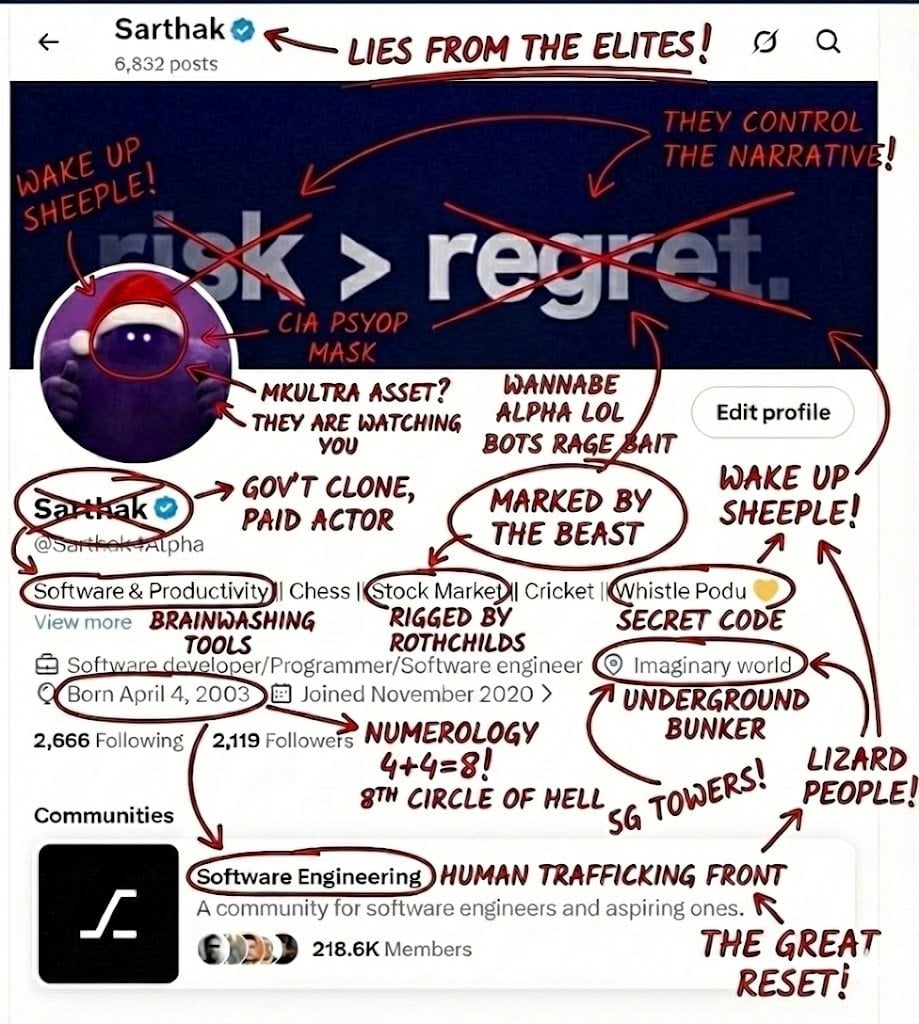
Image Overlay Prompt for Roasting Scribbles
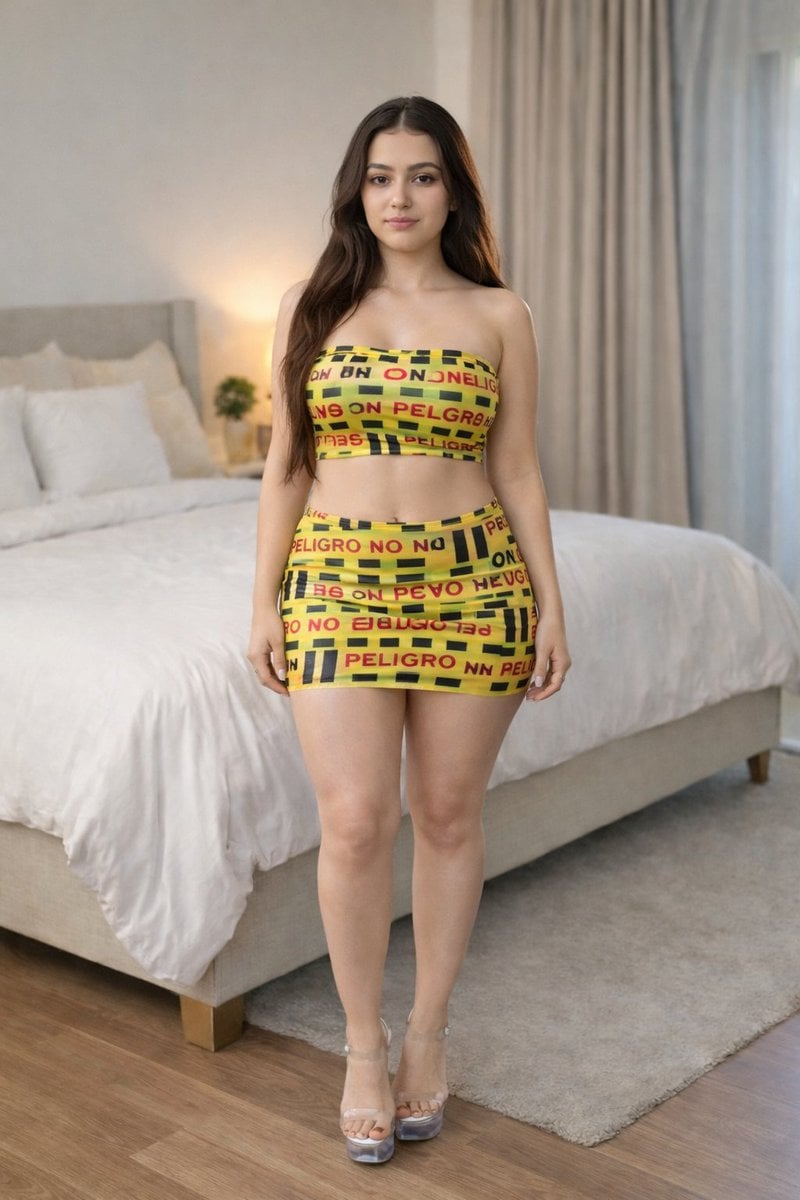
Caution Tape Fashion Photography Prompt
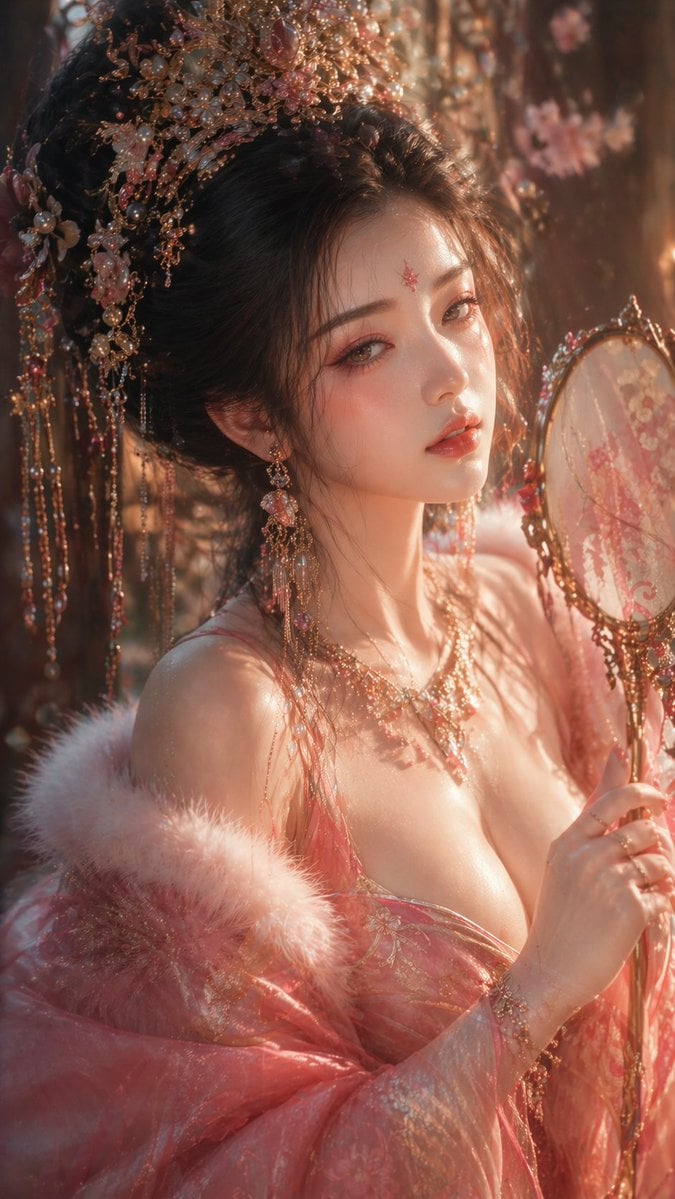
Tang Dynasty Aesthetic CG Illustration
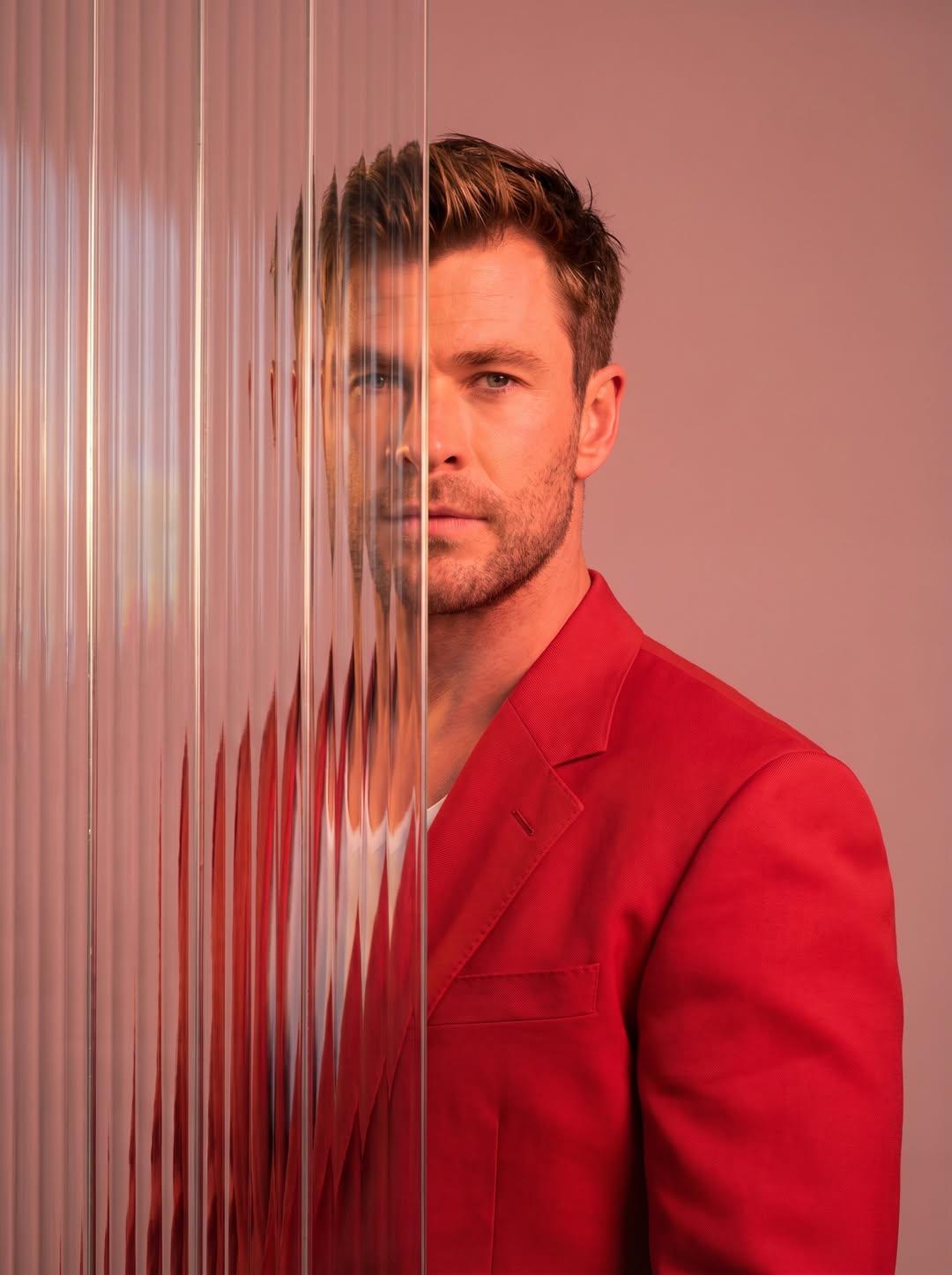
Gemini Nano Banana 2
Photo to Watercolor Illustration of Couple
Browse template categories
Three-View Character Turnaround questions
How do I use the Three-View Character Turnaround template?
Add your photo if the template asks for one, edit the prompt if you like — the template's model and format are already selected — and press Generate. Your version opens in PicX Studio.
Can I customize the Three-View Character Turnaround template?
Yes. You can change the subject, setting, lighting, mood, format, and available model controls before creating your image.
Is the Three-View Character Turnaround template free?
Opening and editing this template is free. Generating uses credits, shown on the Generate button when you are signed in.
Which AI model should I use?
Start with GPT Image 2, which is the model associated with this template. You can compare another compatible model for a different finish.
Looking for something else? Browse all templates.

Your photo, any look
Thousands of ready templates for every top image and video model, from one credit balance.