
Child Three-View Clothing Reference
A clean studio-style three-view reference image showing a young girl in front, side, and back poses for apparel documentation, model extraction, or turnaround-style analysis.
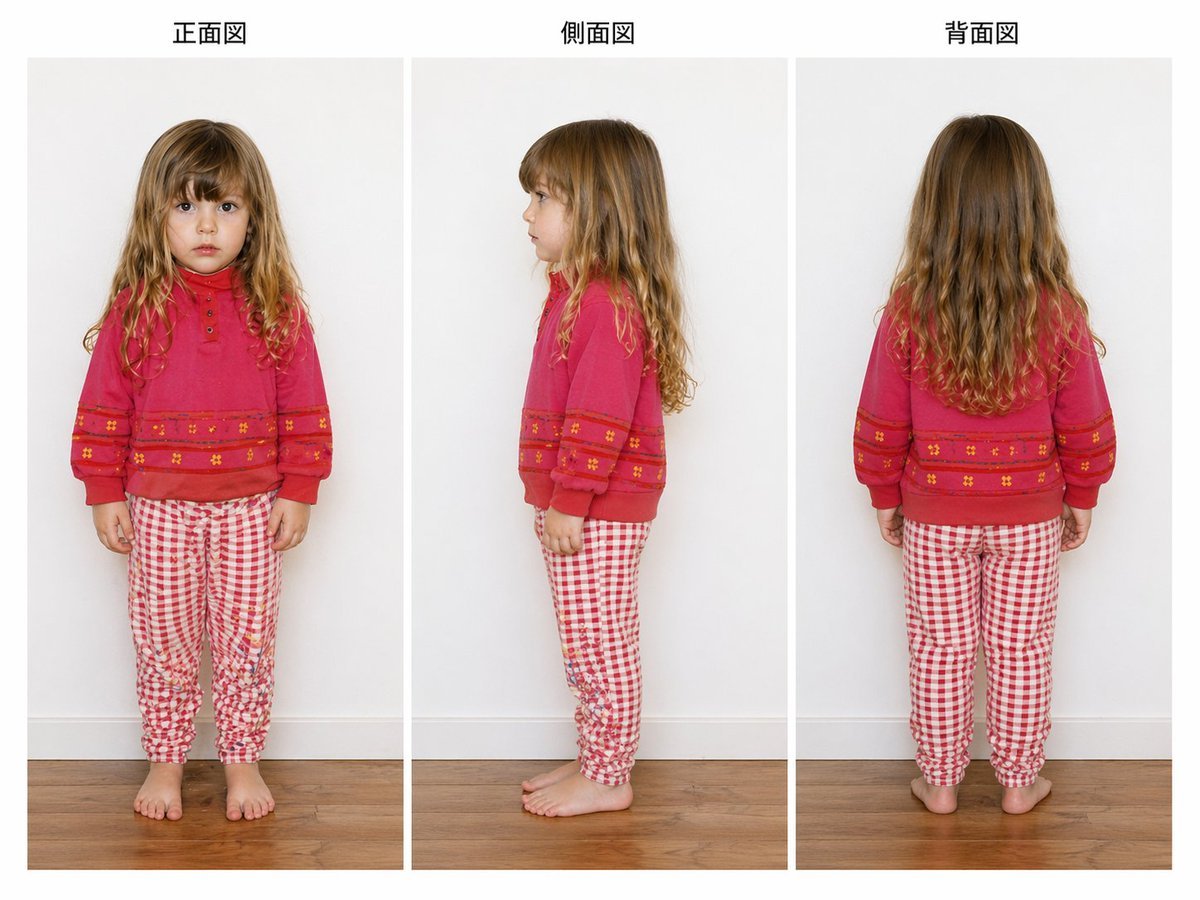
- Prompt included
- Model and format preset
- Free template
The prompt behind this image
Copy the exact prompt behind Child Three-View Clothing Reference, or open it in the studio and make it yours.
- Type
- children's clothing reference sheet
- Style
- clean studio fashion documentation photo
- Subject › Person
- young girl
- Subject › Age Appearance
- approximately 5 to 7 years old
- Subject › Face
- anonymized with a soft rectangular blur covering the face in the front and side views
- Subject › Hair › Color
- light brown to dark blonde
- Subject › Hair › Style
- long loose wavy hair with a center part, slightly curlier toward the ends
- Subject › Pose Set
- standing naturally with arms relaxed
- Outfit › Top › Type
- sweatshirt
- Outfit › Top › Color
- bright pink-red
- Outfit › Top › Details
- crew neckline, long sleeves with cuffed wrists, small button placket at upper chest, horizontal decorative bands across lower chest and sleeves, tiny floral motifs within the bands
- Outfit › Bottom › Type
- pants
- Outfit › Bottom › Color
- red and white
- Outfit › Bottom › Pattern
- small gingham check
- Outfit › Bottom › Fit
- slim jogger-style pajama or lounge pants with gathered ankles
- Outfit › Footwear
- barefoot
- Layout › Background
- plain light gray indoor wall with white baseboard and warm medium-tone wooden floor
- Layout › Sections › 0 › Title
- 正面図
- Layout › Sections › 0 › Position
- left
- Layout › Sections › 0 › Count
- 1
- Layout › Sections › 0 › Labels
- front view
- Layout › Sections › 1 › Title
- 側面図
- Layout › Sections › 1 › Position
- center
- Layout › Sections › 1 › Count
- 1
Raw JSON
{"type":"children's clothing reference sheet","style":"clean studio fashion documentation photo","subject":{"person":"young girl","age_appearance":"approximately 5 to 7 years old","face":"anonymized with a soft rectangular blur covering the face in the front and side views","hair":{"color":"light brown to dark blonde","style":"long loose wavy hair with a center part, slightly curlier toward the ends"},"pose_set":"standing naturally with arms relaxed"},"outfit":{"top":{"type":"sweatshirt","color":"bright pink-red","details":["crew neckline","long sleeves with cuffed wrists","small button placket at upper chest","horizontal decorative bands across lower chest and sleeves","tiny floral motifs within the bands"]},"bottom":{"type":"pants","color":"red and white","pattern":"small gingham check","fit":"slim jogger-style pajama or lounge pants with gathered ankles"},"footwear":"barefoot"},"layout":{"background":"plain light gray indoor wall with white baseboard and warm medium-tone wooden floor","sections":[{"title":"正面図","position":"left","count":1,"labels":["front view"]},{"title":"側面図","position":"center","count":1,"labels":["side view"]},{"title":"背面図","position":"right","count":1,"labels":["back view"]}],"figure_count":3,"composition":"three evenly spaced full-body photos arranged in vertical panels across a landscape canvas","view_details":{"left":"full frontal standing view","center":"left-facing side profile standing view","right":"full back standing view"}},"image_quality":{"lighting":"soft even studio lighting with minimal shadows","camera":"straight-on eye-level fashion catalog framing","render_intent":"accurate apparel and body-view documentation, similar to a garment fitting or model extraction reference image"}}How to use Child Three-View Clothing Reference in 3 steps
- 1Upload ImagePNG, JPG or paste
Add your photo
Upload the photo the template builds on. The prompt, model and format are already set.
- 2…a portrait of your subject in softgolden-hour light, 85mm…
Personalize
Edit the subject and creative details for your destination.
- 3Generate
Generate
Press Generate — your image is created in PicX Studio, so you can compare it with the original and refine one variable at a time.
More like this
Templates with the same subject, style or setup. Open one to see its prompt.
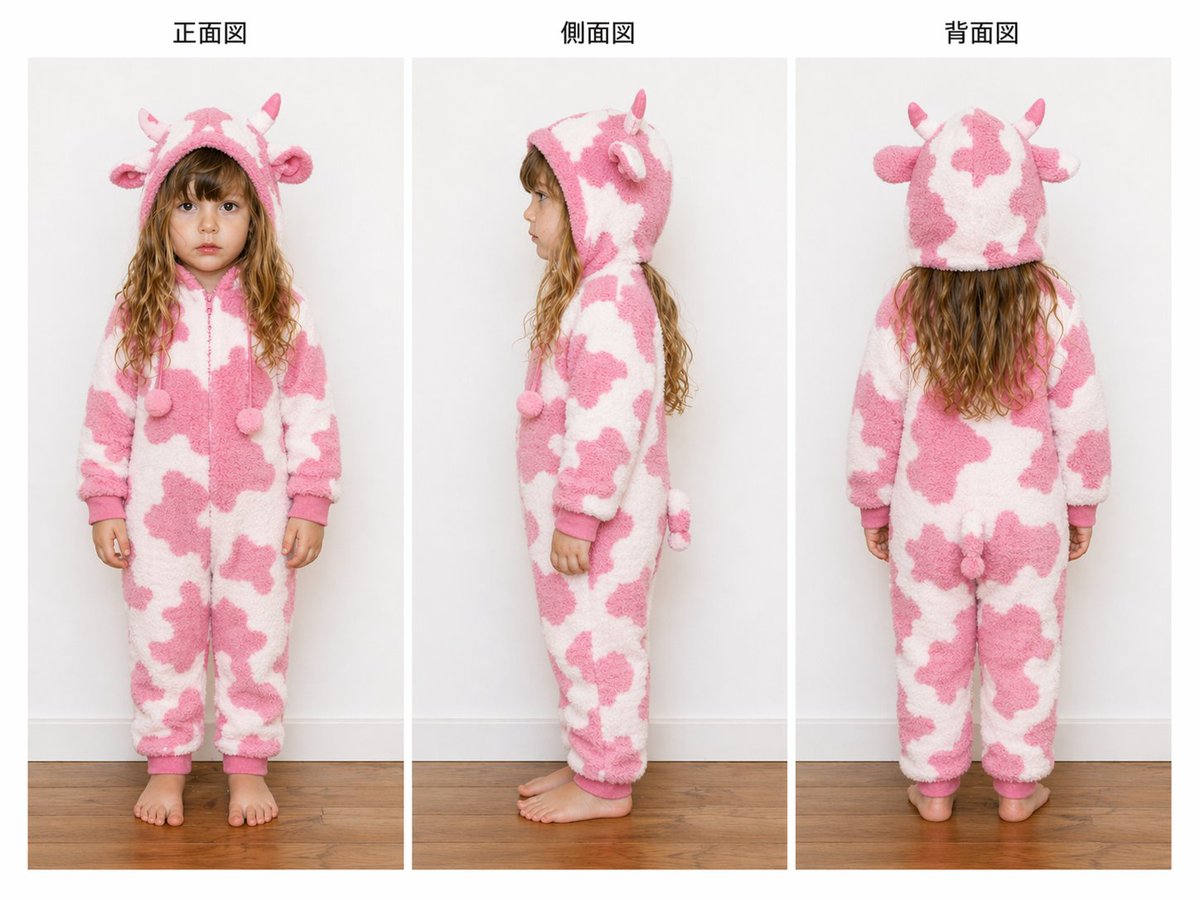
Child Cow Onesie Three-View Sheet

Dancer Character - Four View Reference Sheet
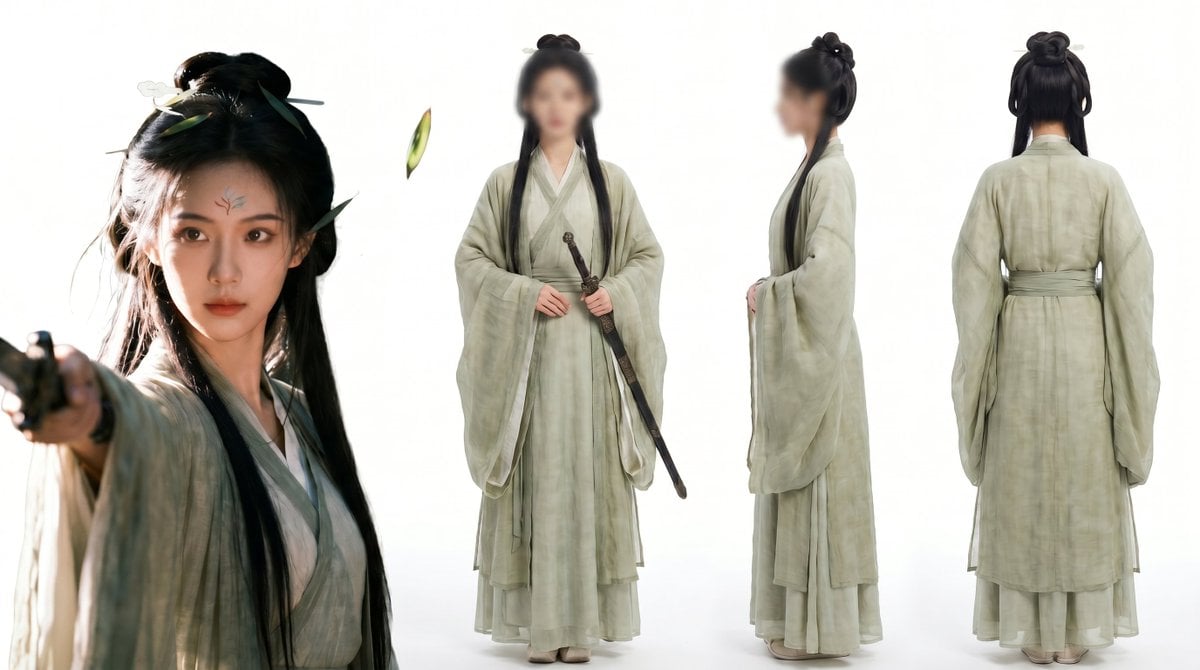
Consistent Three-View Character Sheet
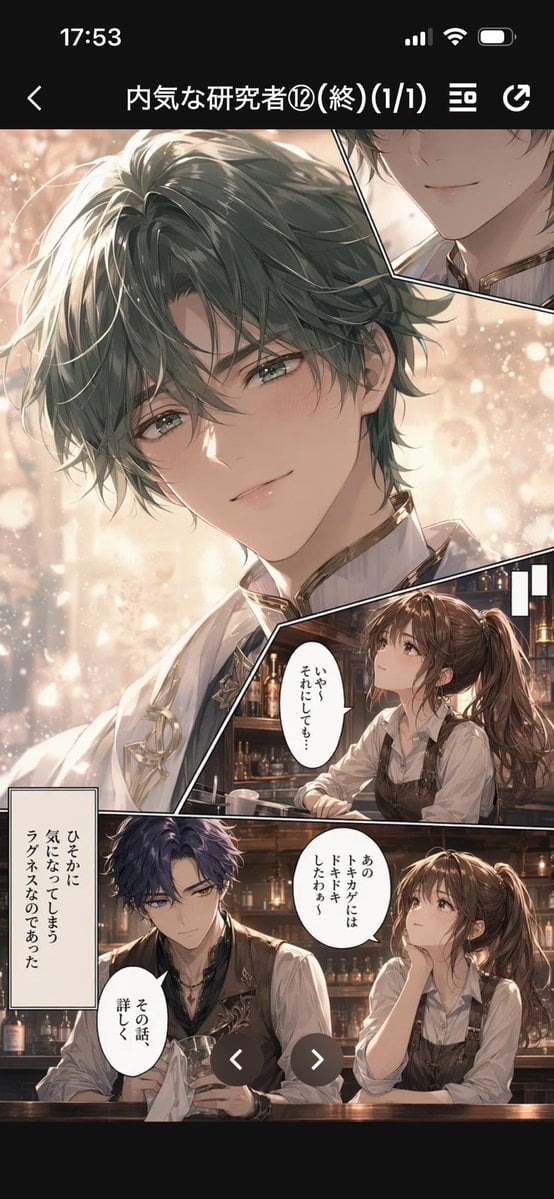
Manga Viewer Page from Reference Character
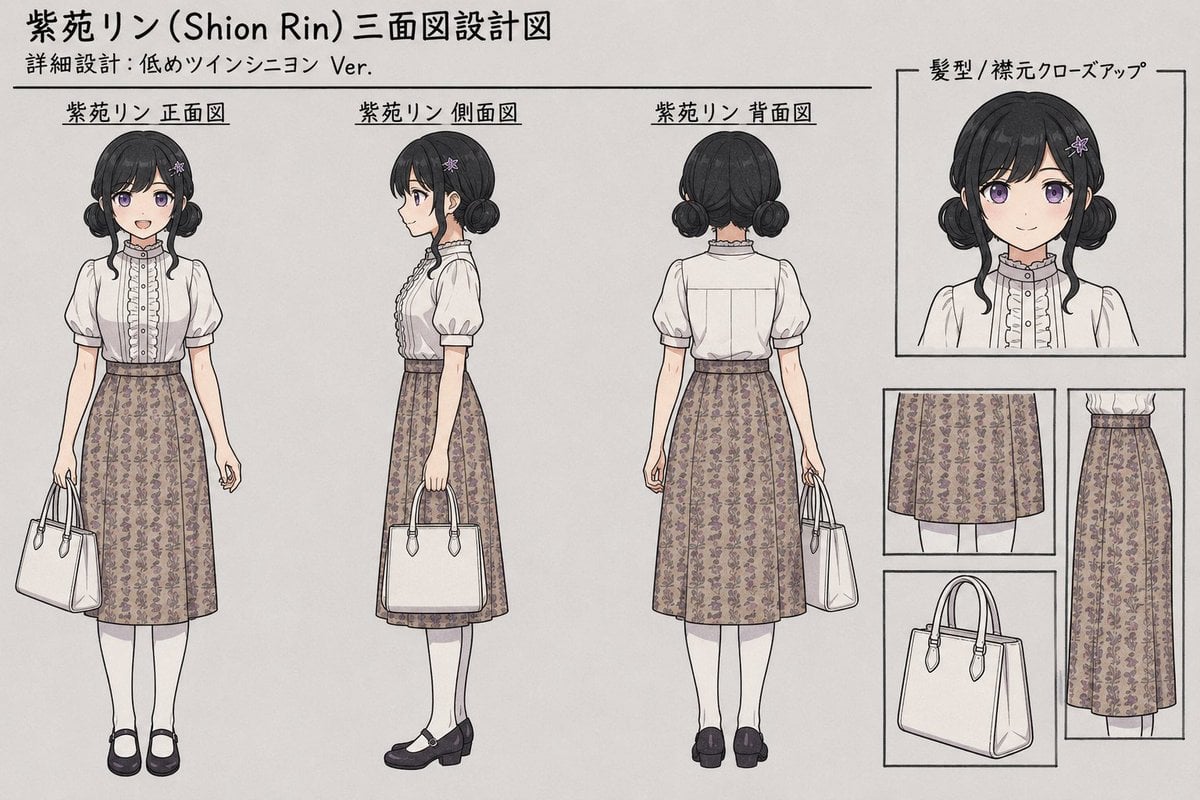
Shion Rin Three-View Design Sheet
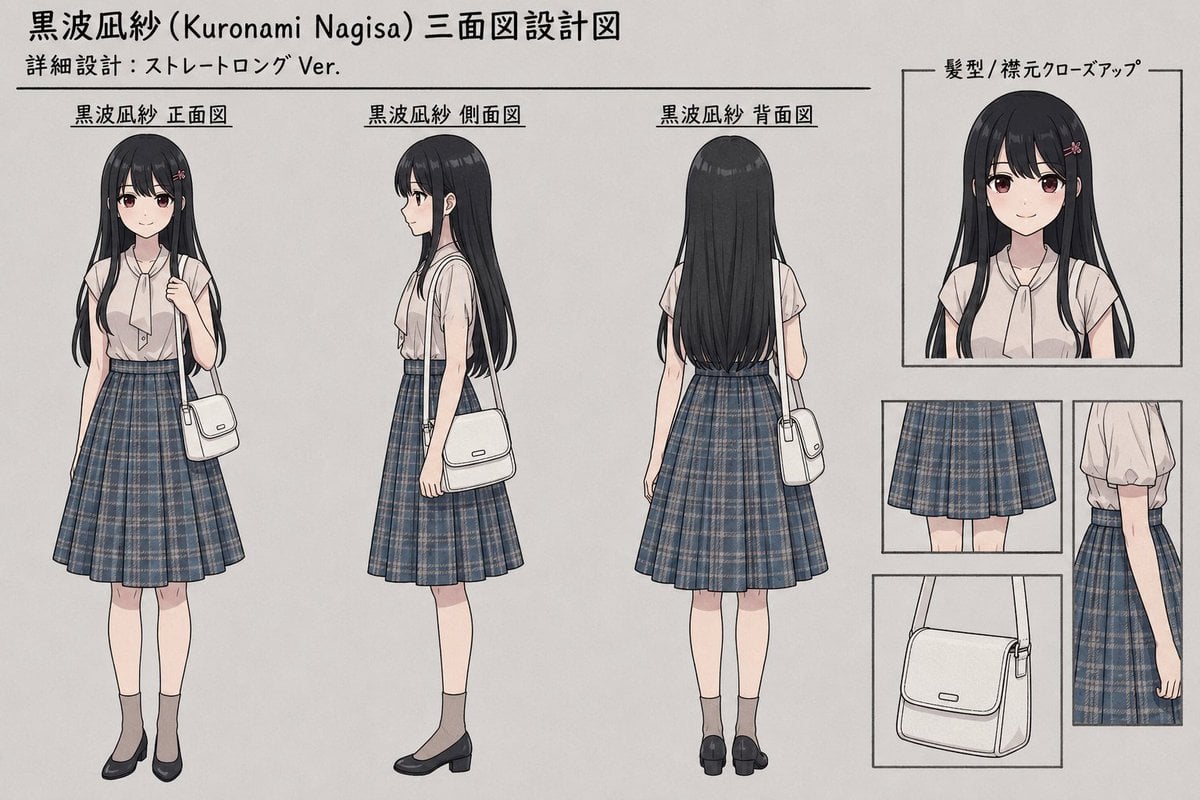
Anime Three-View Character Sheet
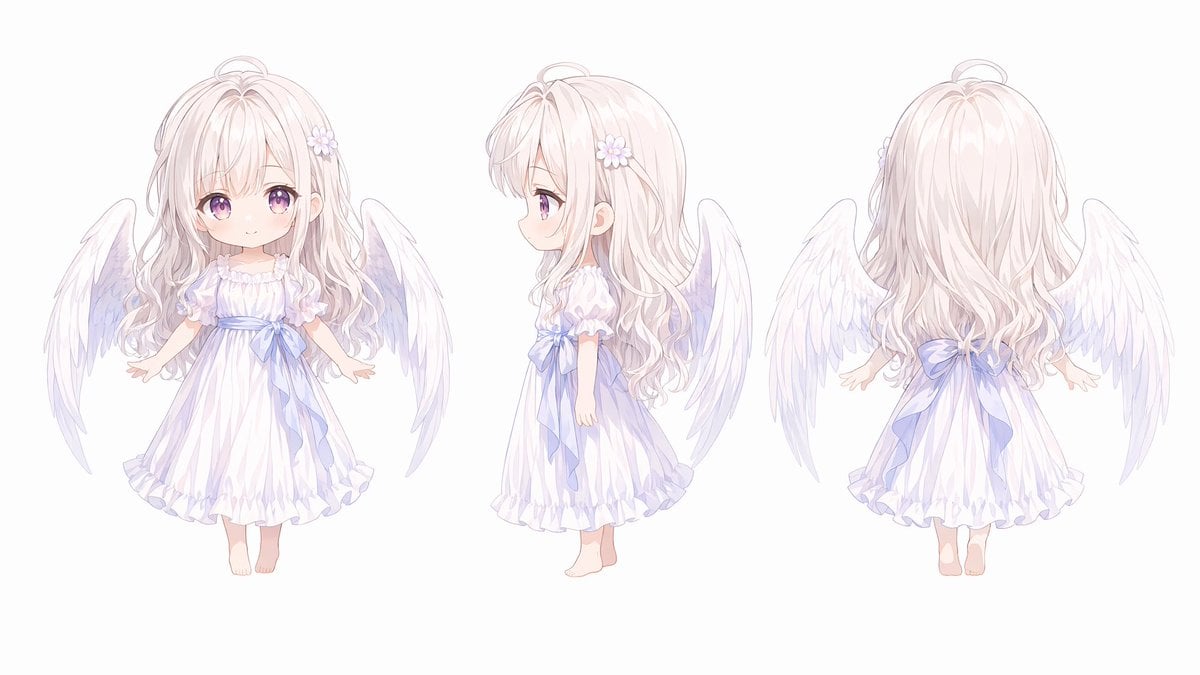
Chibi Angel Three-View Turnaround
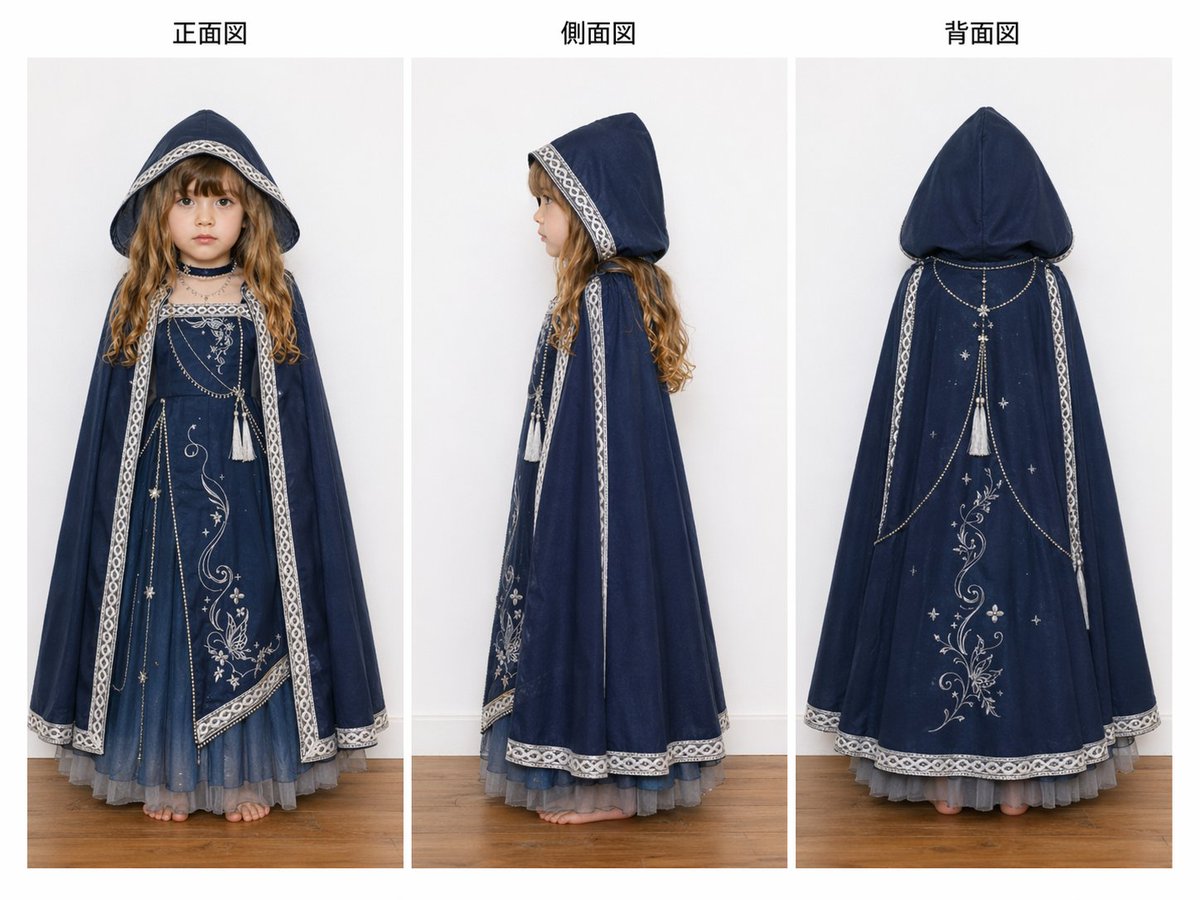
Three-View Hooded Fantasy Dress Sheet
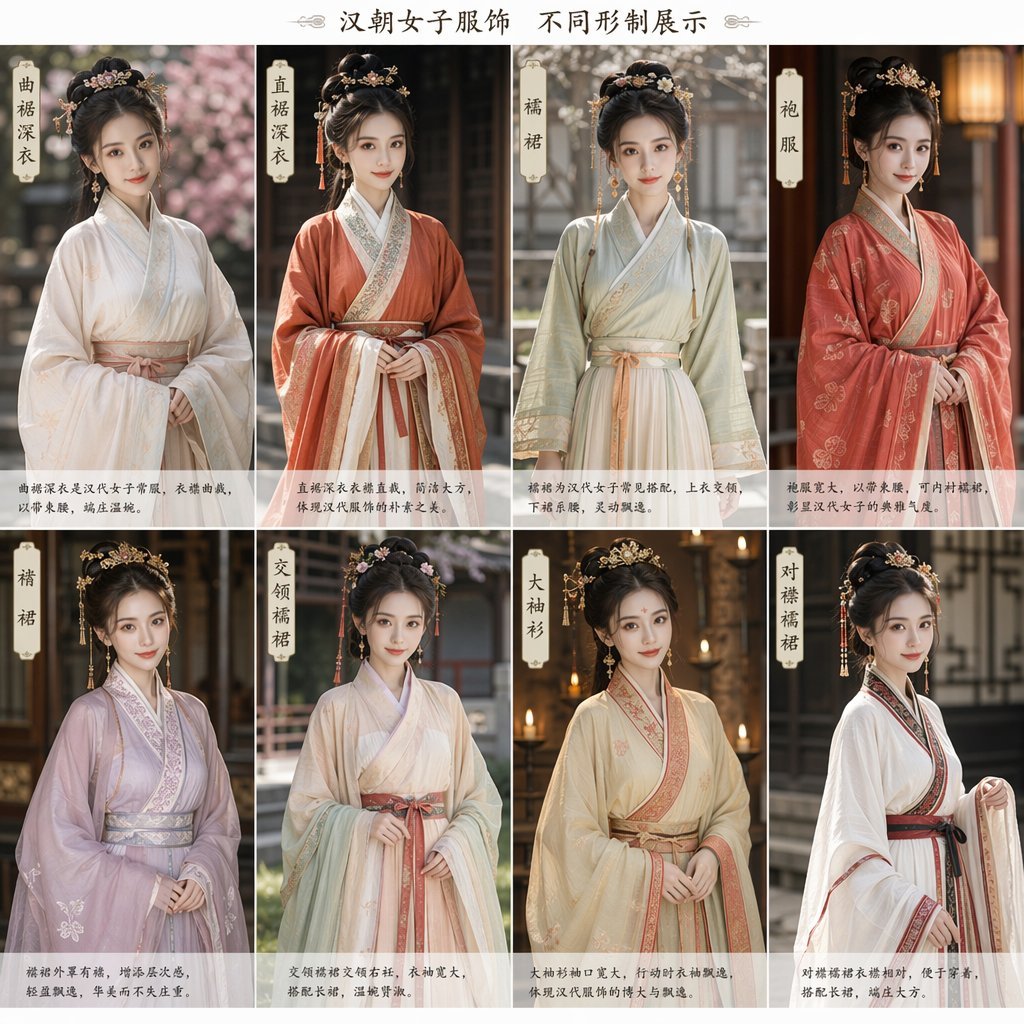
Eight-Panel Hanfu Clothing Reference Poster

Movement Sheet - Dance Reference (Seedance 2.0)
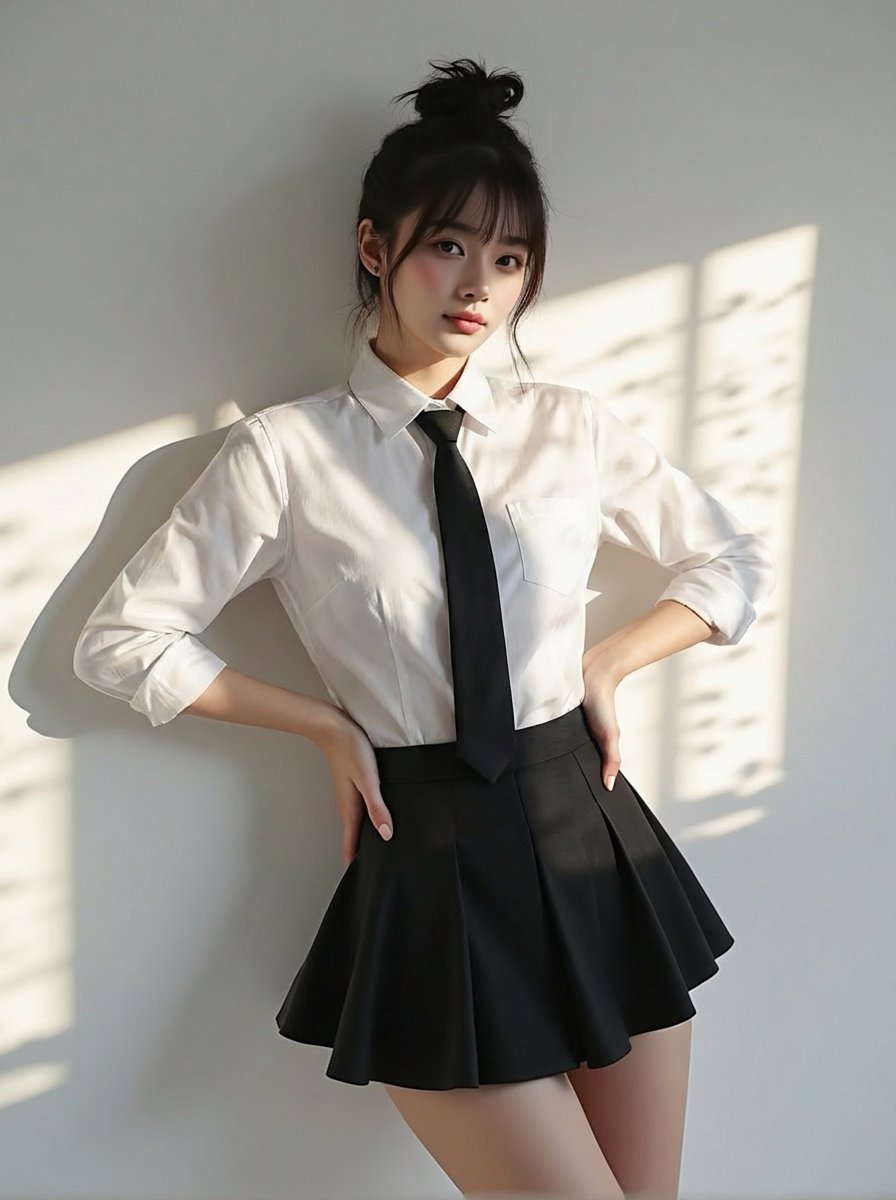
Change clothing to match reference outfit
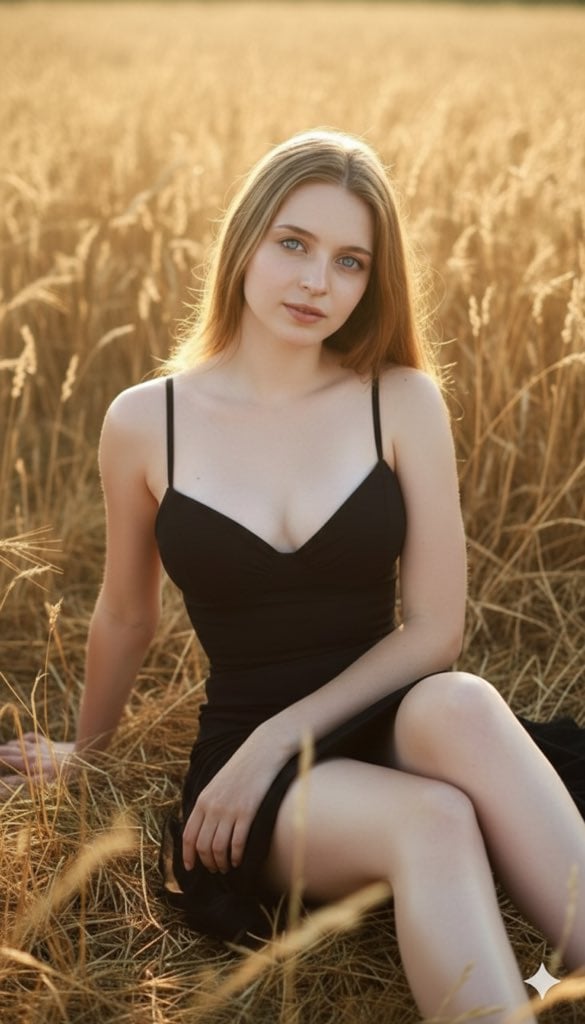
Three Variations of a Blonde Woman in Black Clothing
Make it yours
Child Three-View Clothing Reference works as-is. These are the safest ways to change it without losing the look.
Swap the setting
Keep the rest of the prompt and replace the location block. The current setting is “plain light gray indoor wall with white baseboard and warm medium-tone wooden fl”.
Swap the light
One lighting change is enough to compare takes. Current light: “soft even studio lighting with minimal shadows”.
Change one field
Copy a single group, rewrite it, and generate again so you can see what that field is doing.
| If the result… | Why | Fix |
|---|---|---|
| The result drifts from the preview | Too many fields changed at once. | Reuse Child Three-View Clothing Reference as-is first, then change one group — subject, light, or setting. |
| GPT Image 2 ignores part of the JSON | Some models flatten or skip nested keys. | Keep the same values and paste them as a short paragraph instead. |
More GPT Image 2 templates
Other prompts made for GPT Image 2.

Six VTuber Japanese Logo Sheet

Realistic Portrait of Woman and Deer

The Vista Modular Condo Poster

AI Model Routing Comparison Infographic

2.5D Anime Art Board

Isometric Productivity Desk Scene

New York Double Exposure Poster

Four-Panel AI Landscape Comparison

Japanese Tatami Lifestyle Magazine Cover

NESCAFÉ Coffee Map Poster
More image prompts
Fresh picks from across the catalog.
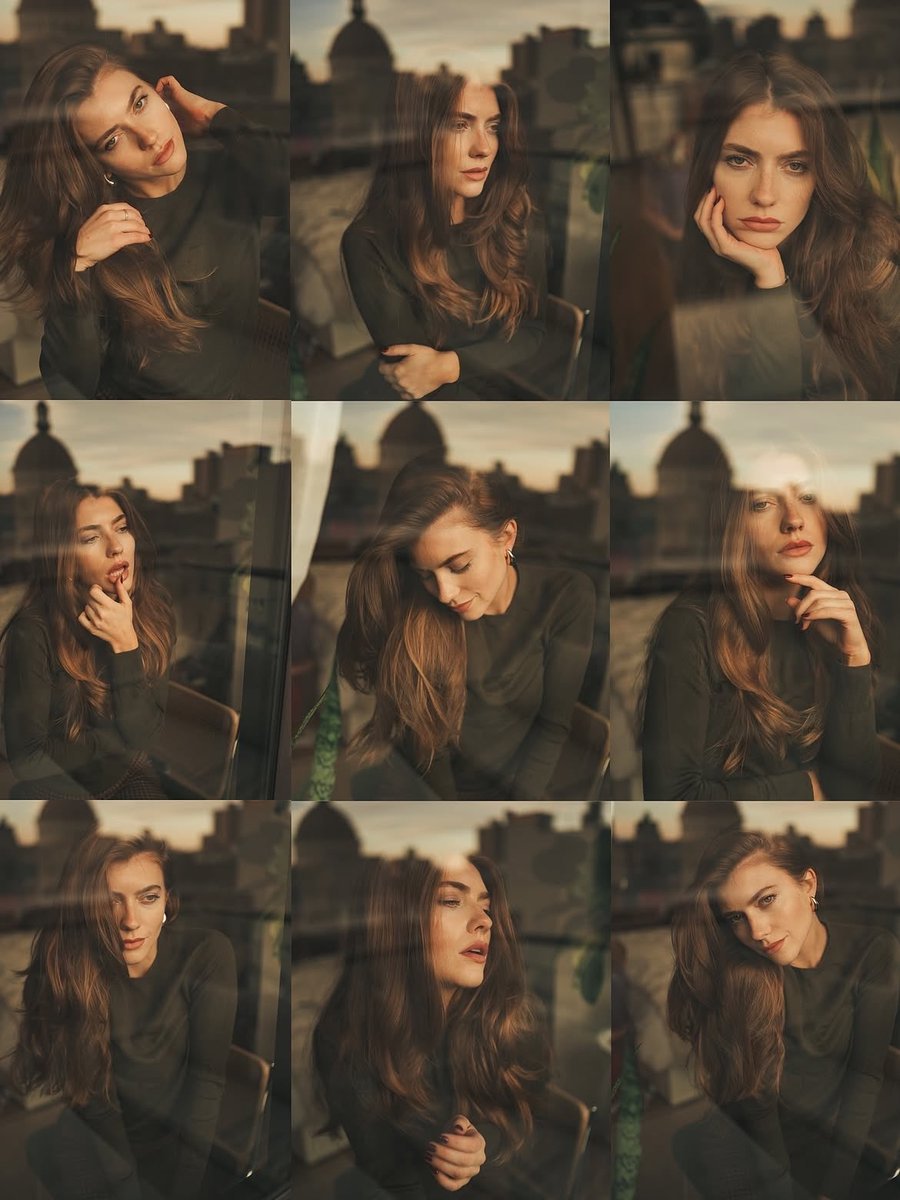
Cinematic Portrait Series by Window at Golden Hour
Cinematic Male Suit Portrait
1970s Vintage Portrait Series Continuation
Complex Comic Panel Generation: Speech Bubbles and Identity Separation
Plush Kaiju Cat Smashing Tokyo
Professional Recipe Card Designer
Influencer Lifestyle Loungewear Portrait
3D Embossed Executive Plaque Mockup from Reference Image
Toko Inui and Lize Helesta Illustration
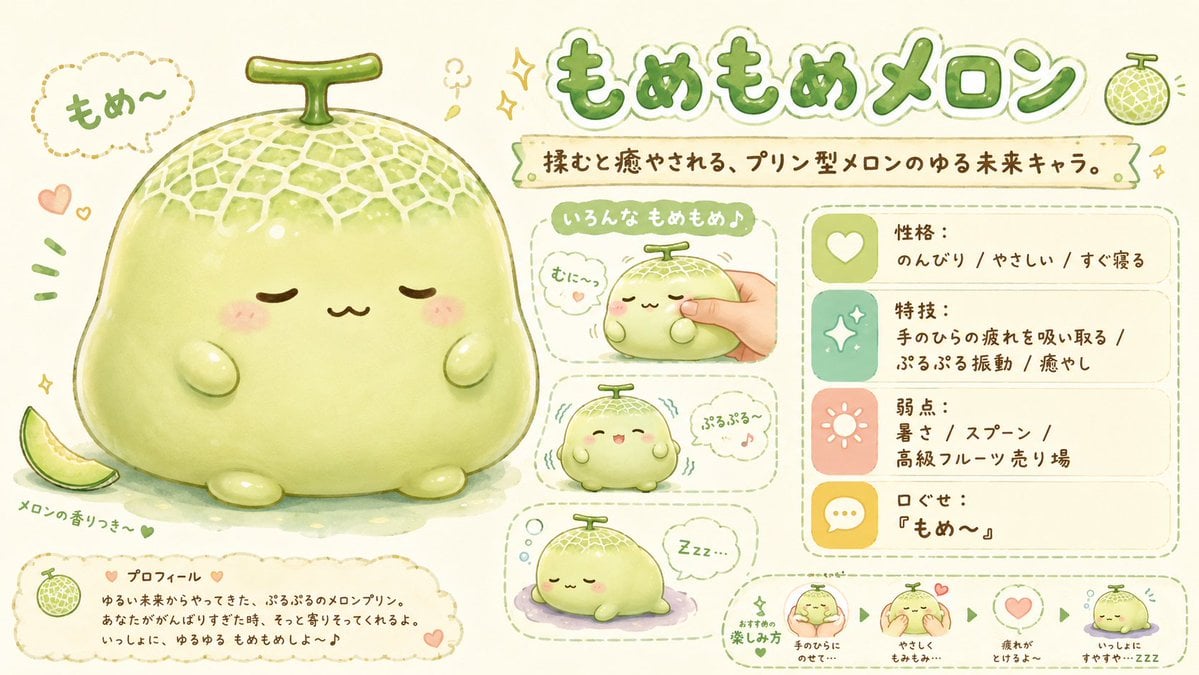
Kawaii Melon Mascot Character Sheet
Browse template categories
Child Three-View Clothing Reference questions
How do I use the Child Three-View Clothing Reference template?
Add your photo if the template asks for one, edit the prompt if you like — the template's model and format are already selected — and press Generate. Your version opens in PicX Studio.
Can I customize the Child Three-View Clothing Reference template?
Yes. You can change the subject, setting, lighting, mood, format, and available model controls before creating your image.
Is the Child Three-View Clothing Reference template free?
Opening and editing this template is free. Generating uses credits, shown on the Generate button when you are signed in.
Which AI model should I use?
Start with GPT Image 2, which is the model associated with this template. You can compare another compatible model for a different finish.
Looking for something else? Browse all templates.

Your photo, any look
Thousands of ready templates for every top image and video model, from one credit balance.