
Shion Rin Three-View Design Sheet
Generates a Japanese anime character turnaround sheet with three full-body views and four fashion detail close-ups for character design reference.
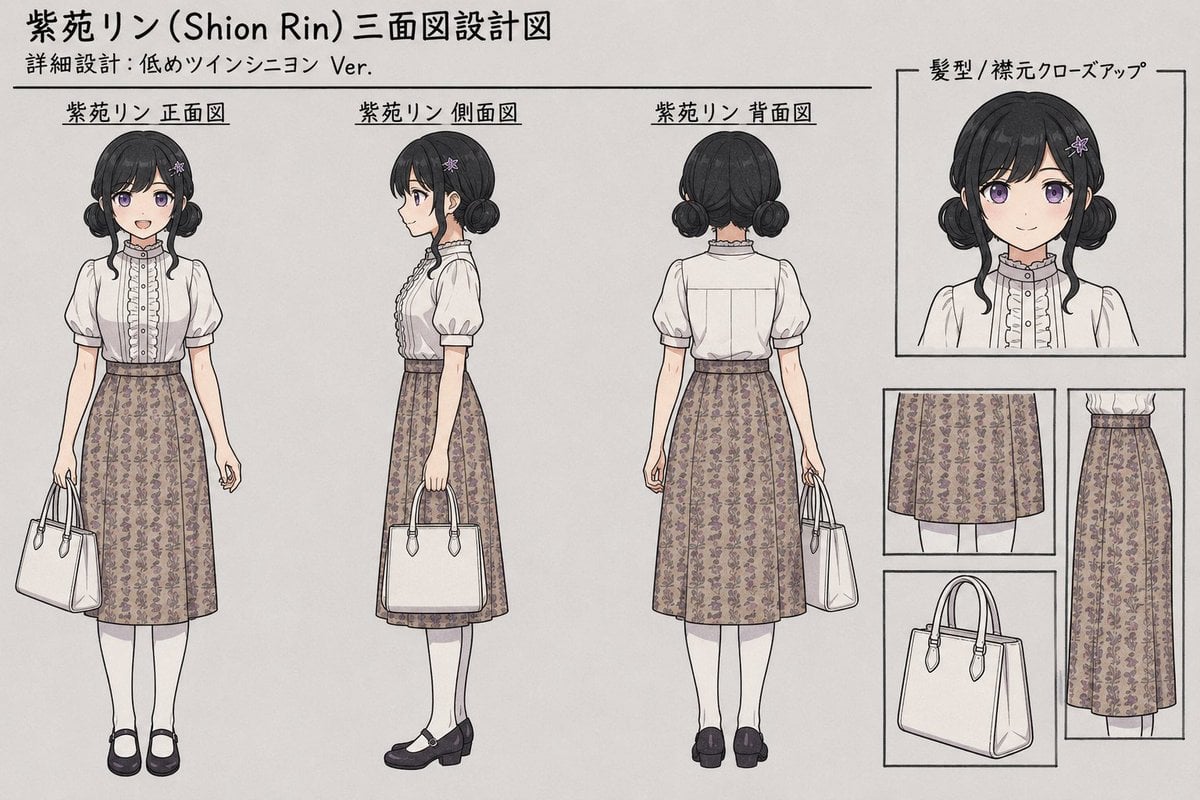
- Prompt included
- Model and format preset
- Free template
The prompt behind this image
Copy the exact prompt behind Shion Rin Three-View Design Sheet, or open it in the studio and make it yours.
Goal: Create a clean anime character design sheet / three-view turnaround for {argument name="character name" default="紫苑リン (Shion Rin)"}, styled like a Japanese fashion reference board. Canvas: Wide horizontal sheet, 3:2 aspect ratio, warm off-white paper background with thin black divider lines and hand-drawn technical illustration feel. Use delicate pencil/ink outlines, muted watercolor shading, soft gray shadows, and a neat printed layout. Header text: At the top left, write “紫苑リン (Shion Rin) 三面図設計図”. Directly below it, smaller text: “詳細設計:低めツインシニヨン Ver.” Add a long horizontal rule beneath the subtitle. Main layout: Show exactly 3 full-body views of the same young woman, evenly spaced across the left and center of the sheet, each with a Japanese label above it: 1) “紫苑リン 正面図” front view, 2) “紫苑リン 側面図” side view, 3) “紫苑リン 背面図” back view. The face area should be intentionally blurred or covered by a soft rectangular censor-like blur while the clothing, hair, and body silhouette remain clear. Character details: A petite young woman with {argument name="hair color" default="black"} hair in low twin chignon buns, chin-length side locks, straight bangs, and a small purple flower hairpin on one side. Outfit: white short-sleeve blouse with puff sleeves, high ruffled collar, vertical frill placket, small buttons, and modest fitted bodice; high-waisted knee-length A-line skirt in {argument name="skirt fabric" default="taupe beige fabric with tiny purple floral pattern"}; white knee socks; black Mary Jane shoes with low chunky heels. She carries a structured white handbag with double handles and small strap attachments. Pose details for the 3 views: Front view stands upright with the handbag hanging from the left hand. Side view faces left in profile with the handbag held at the side, showing blouse frills and skirt thickness. Back view shows the blouse back seams, both low hair buns, skirt from behind, white socks, black shoes, and the handbag hanging from one hand. Right-side detail area: Include exactly 4 boxed close-up panels arranged in a neat column/grid on the right. Panel 1 is a large upper-right bust close-up labeled “髪型 / 襟元クローズアップ”, showing the low twin chignon hairstyle, bangs, flower hairpin, ruffled collar, and blouse front, with the face blurred. Panel 2 is a small close-up of the skirt front showing the floral textile pattern and hem. Panel 3 is a small close-up of the white handbag, angled slightly, with handles and side gusset visible. Panel 4 is a tall narrow close-up of the skirt from the side, showing the high waist, vertical silhouette, and floral pattern. Visual style: Japanese anime fashion design reference, refined line art, subdued colors, realistic garment construction, consistent proportions across all views, clean labels, minimal background, no decorative clutter. Constraints: Use exactly 3 labeled full-body turnaround figures and exactly 4 boxed detail panels. Keep the sheet legible and symmetrical. Preserve the Japanese labels exactly as written. Do not add extra characters, extra views, logos, watermarks, or unrelated text.
How to use Shion Rin Three-View Design Sheet in 3 steps
- 1Upload ImagePNG, JPG or paste
Add your photo
Upload the photo the template builds on. The prompt, model and format are already set.
- 2…a portrait of your subject in softgolden-hour light, 85mm…
Personalize
Edit the subject and creative details for your destination.
- 3Generate
Generate
Press Generate — your image is created in PicX Studio, so you can compare it with the original and refine one variable at a time.
More like this
Templates with the same subject, style or setup. Open one to see its prompt.
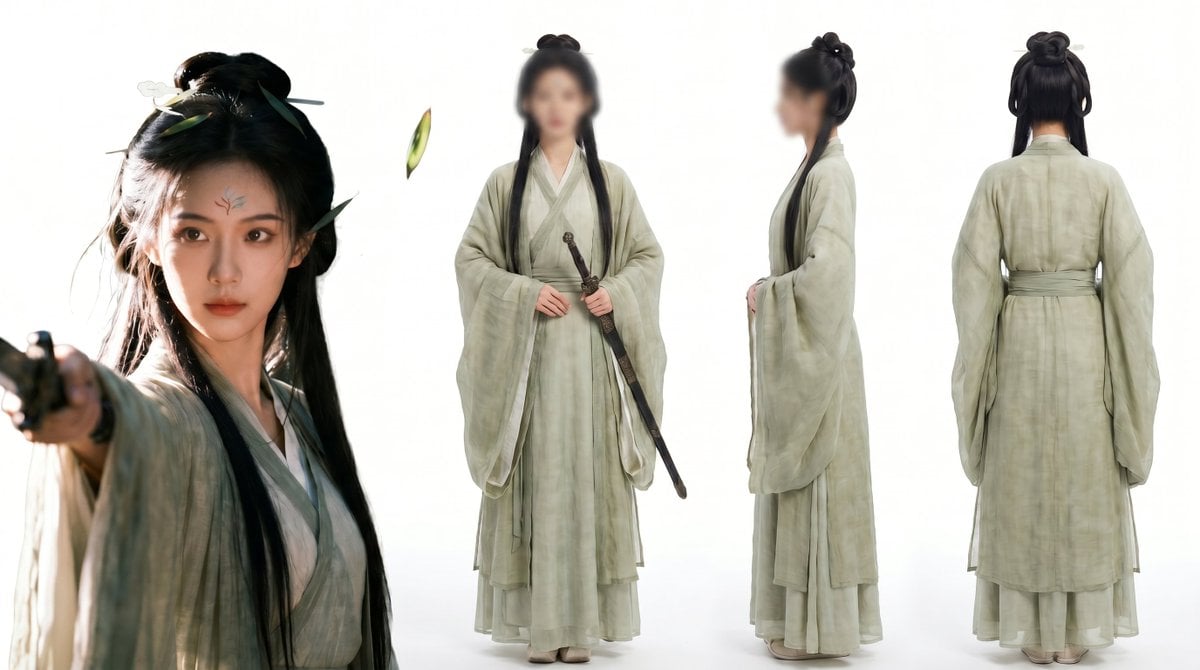
Consistent Three-View Character Sheet
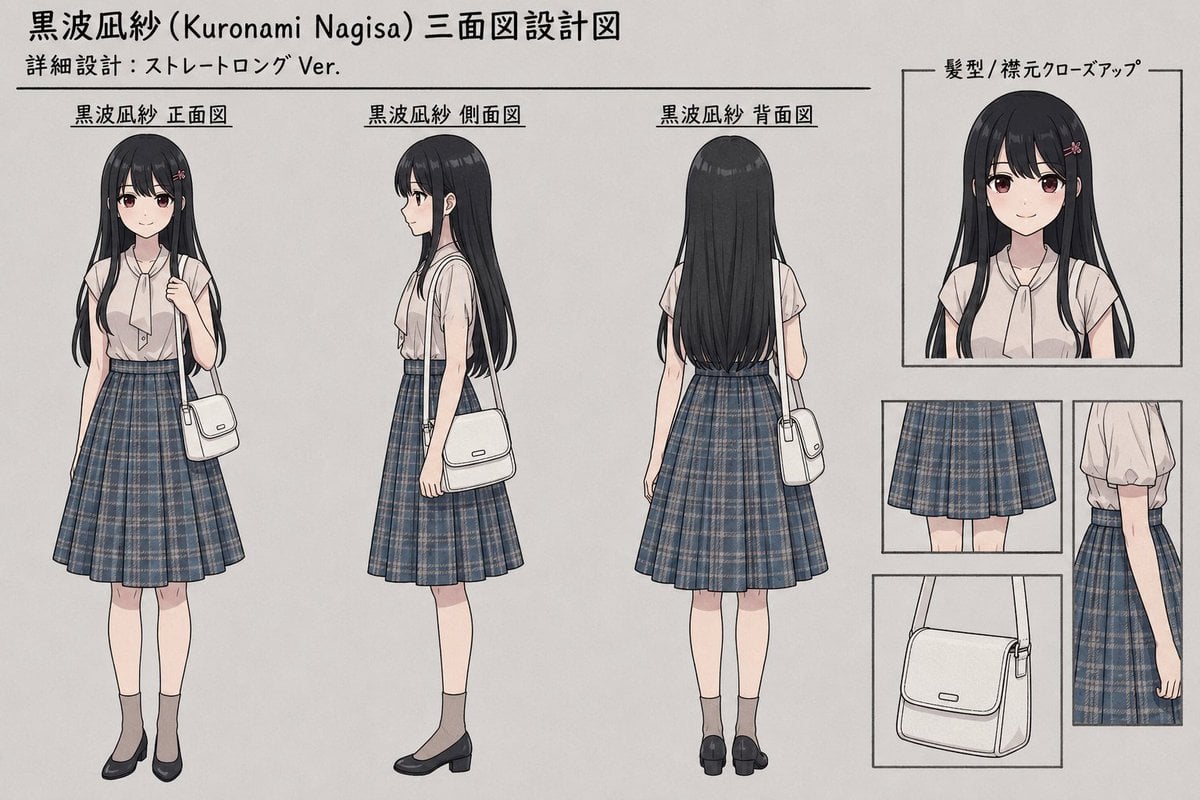
Anime Three-View Character Sheet
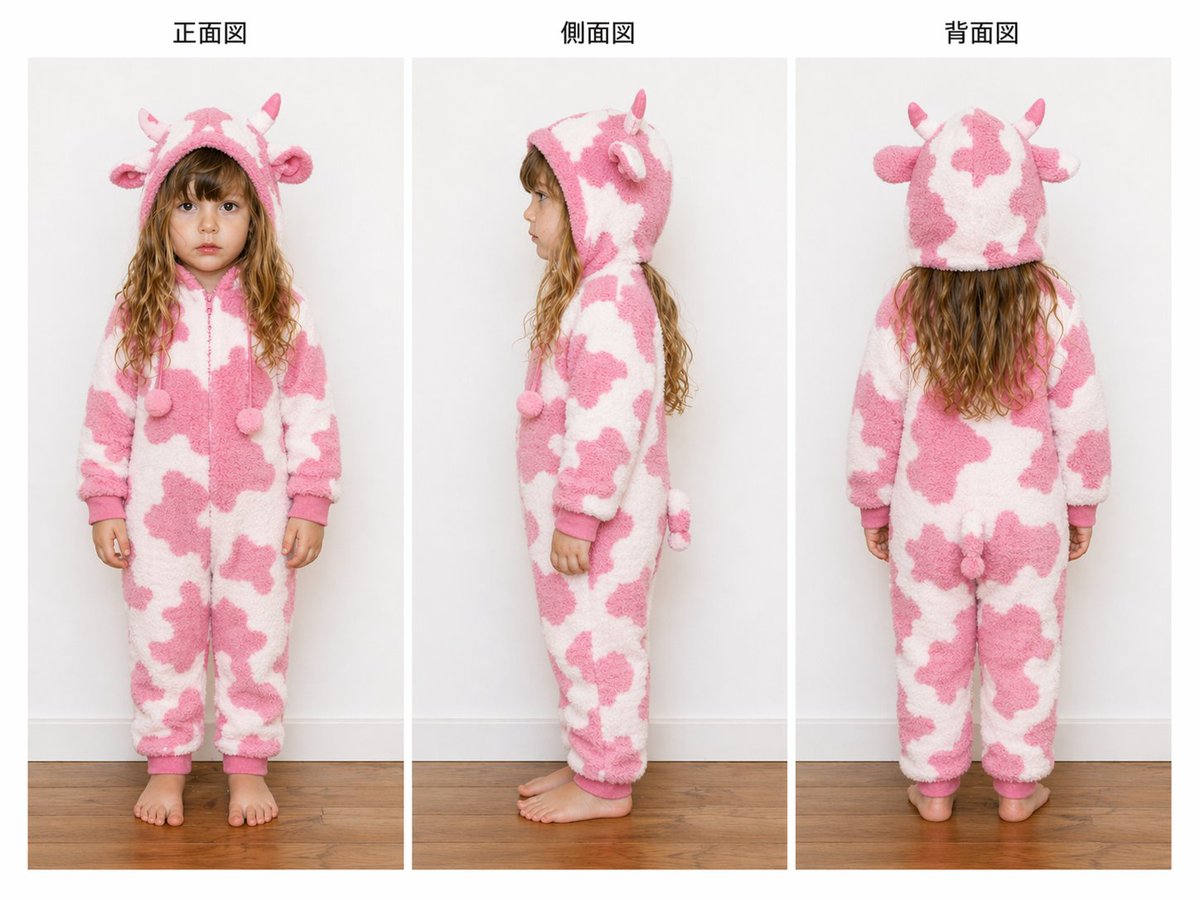
Child Cow Onesie Three-View Sheet
Three-View Hooded Fantasy Dress Sheet

Dancer Character - Four View Reference Sheet

A luxury brand advertisement featuring three stylish arranged
Anime Character Blueprint Sheet
Anime Shrine Maiden Character Sheet
Chibi Angel Three-View Turnaround
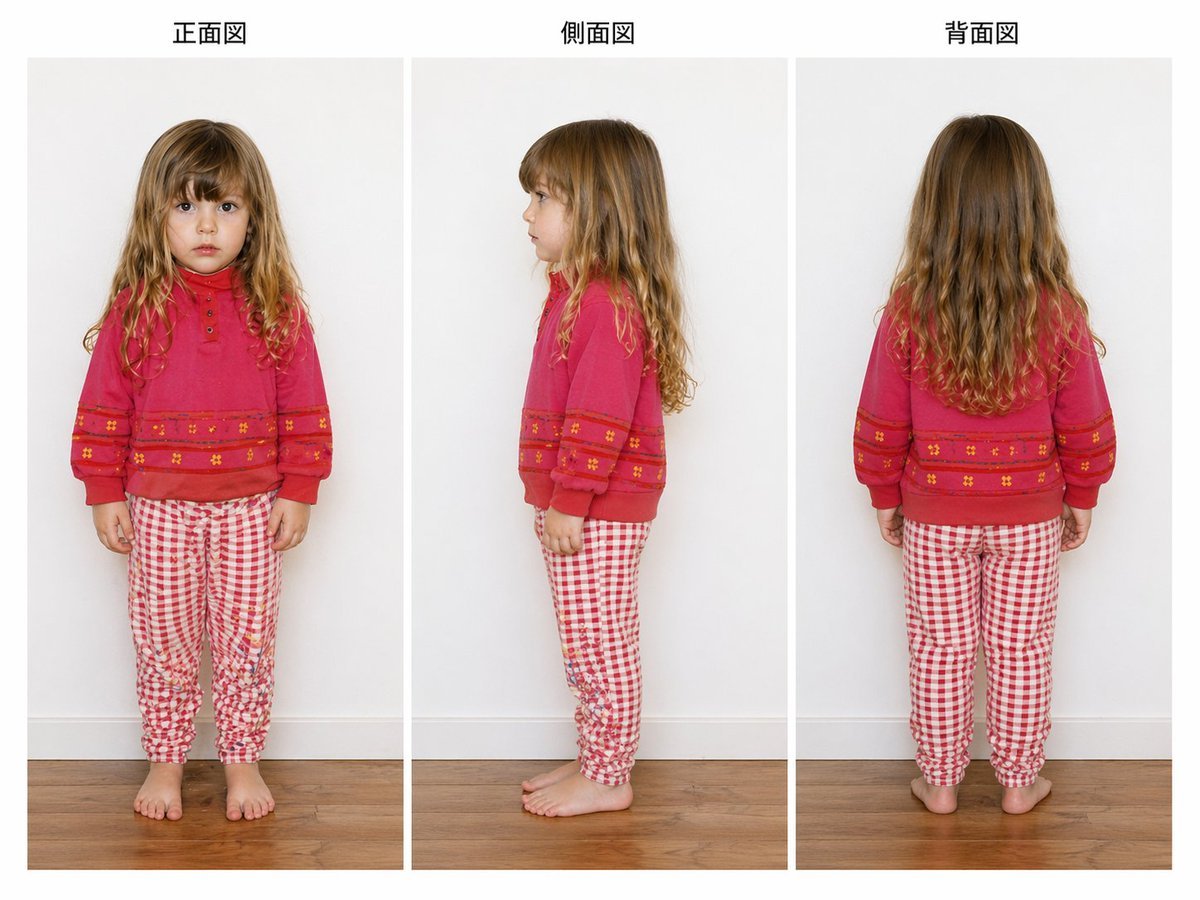
Child Three-View Clothing Reference
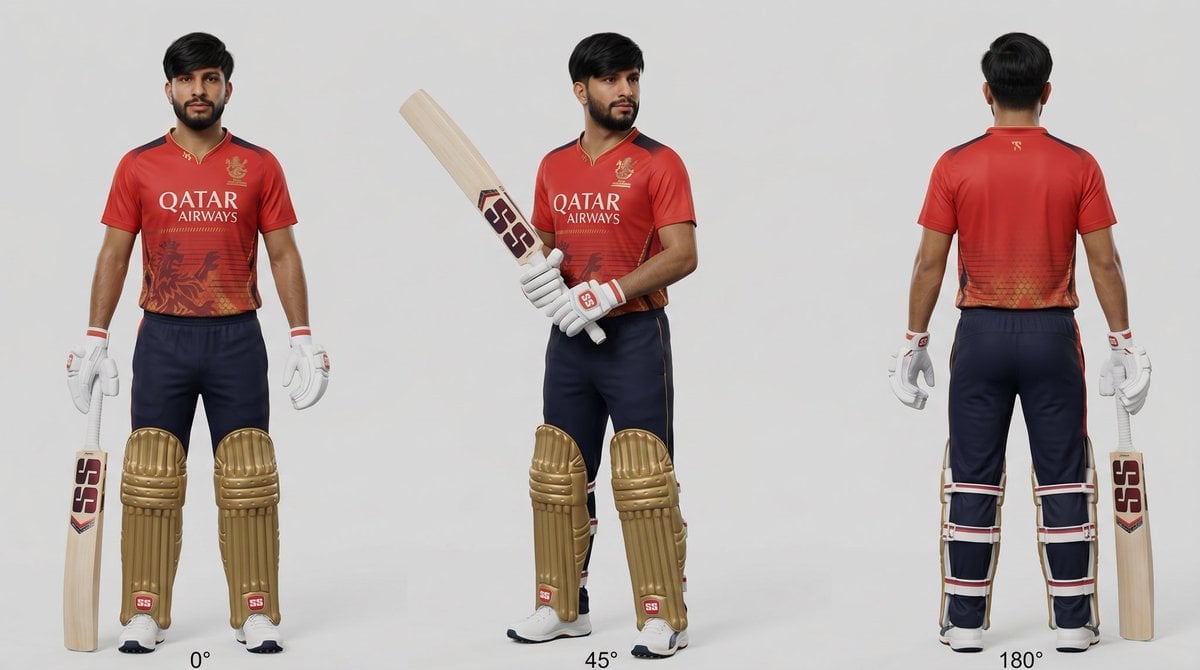
Cricket Player Three-Angle Character Sheet

Movement Sheet - Dance Reference (Seedance 2.0)
Make it yours
Shion Rin Three-View Design Sheet works as-is. These are the safest ways to change it without losing the look.
Change one field
Copy a single group, rewrite it, and generate again so you can see what that field is doing.
Keep the frame, change the subject
Hold the composition and light of Shion Rin Three-View Design Sheet, then swap wardrobe, props or the person for a new take.
| If the result… | Why | Fix |
|---|---|---|
| The result drifts from the preview | Too many fields changed at once. | Reuse Shion Rin Three-View Design Sheet as-is first, then change one group — subject, light, or setting. |
| The model over-stylizes the scene | The prose prompt leaves finish and camera underspecified. | Add one camera or lighting sentence and stay on GPT Image 2. |
More GPT Image 2 templates
Other prompts made for GPT Image 2.

Realistic Portrait of Woman and Deer

The Vista Modular Condo Poster

AI Model Routing Comparison Infographic

2.5D Anime Art Board

Isometric Productivity Desk Scene

New York Double Exposure Poster

Four-Panel AI Landscape Comparison

Japanese Tatami Lifestyle Magazine Cover

NESCAFÉ Coffee Map Poster

Brutalist Cogito Chinese Typography Poster
More image prompts
Fresh picks from across the catalog.
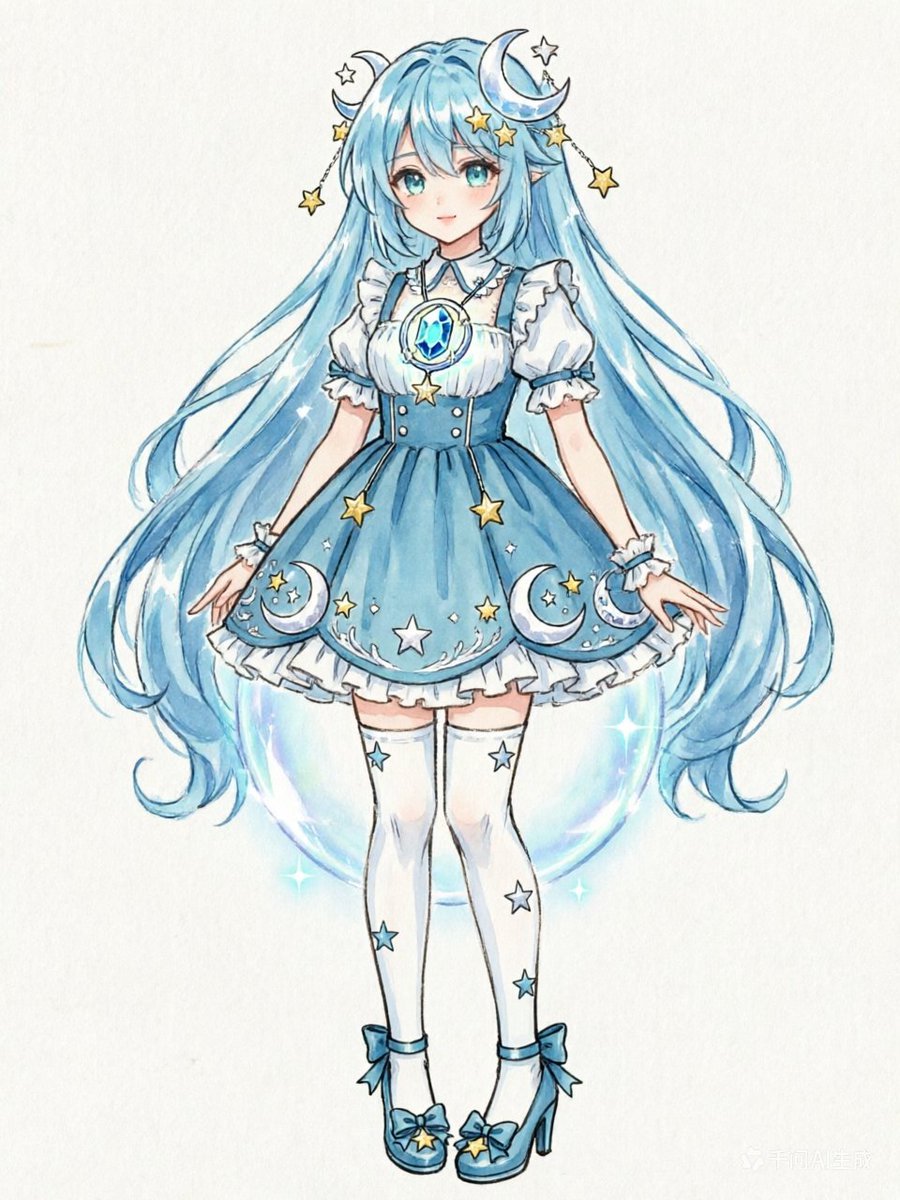
Blue Celestial Anime Girl Design
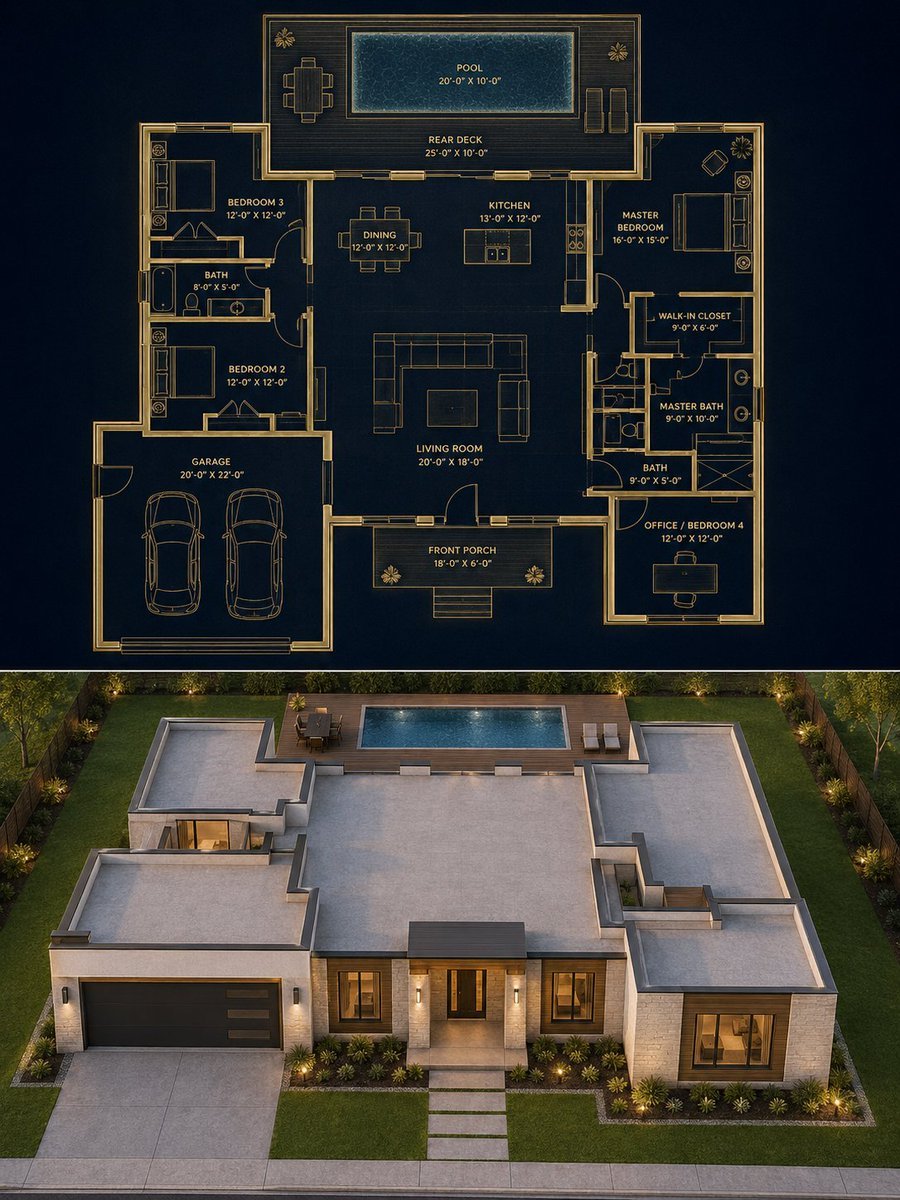
Split Blueprint and Modern House Render
Controlling Lighting in Image Generation
Chic Mirror Selfie Fashion Illustration
Ethereal Floral Fantasy Portrait
3x3 Grid Visual Concept Presentation
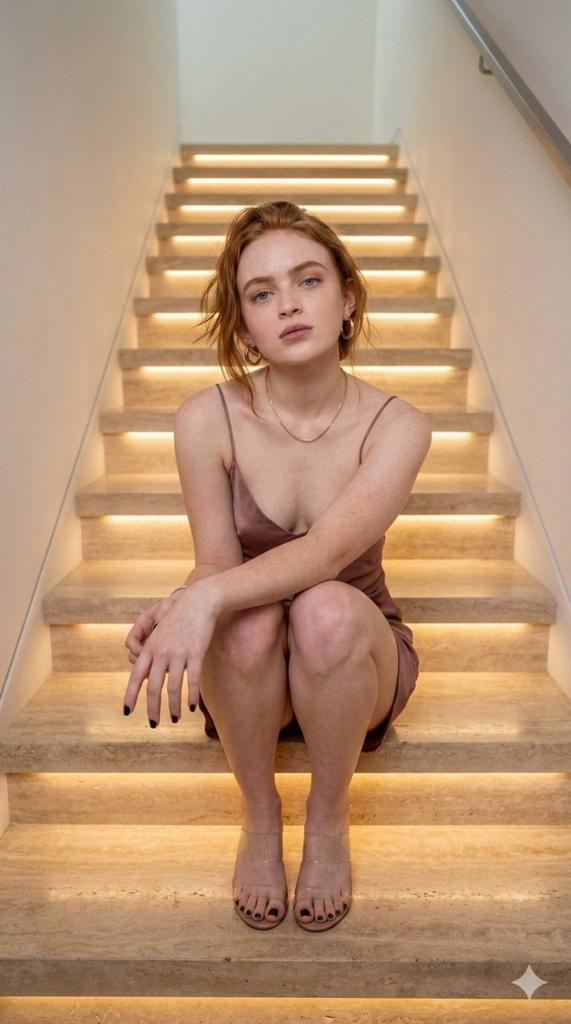
Cinematic Portrait of a Woman on Illuminated Stairs
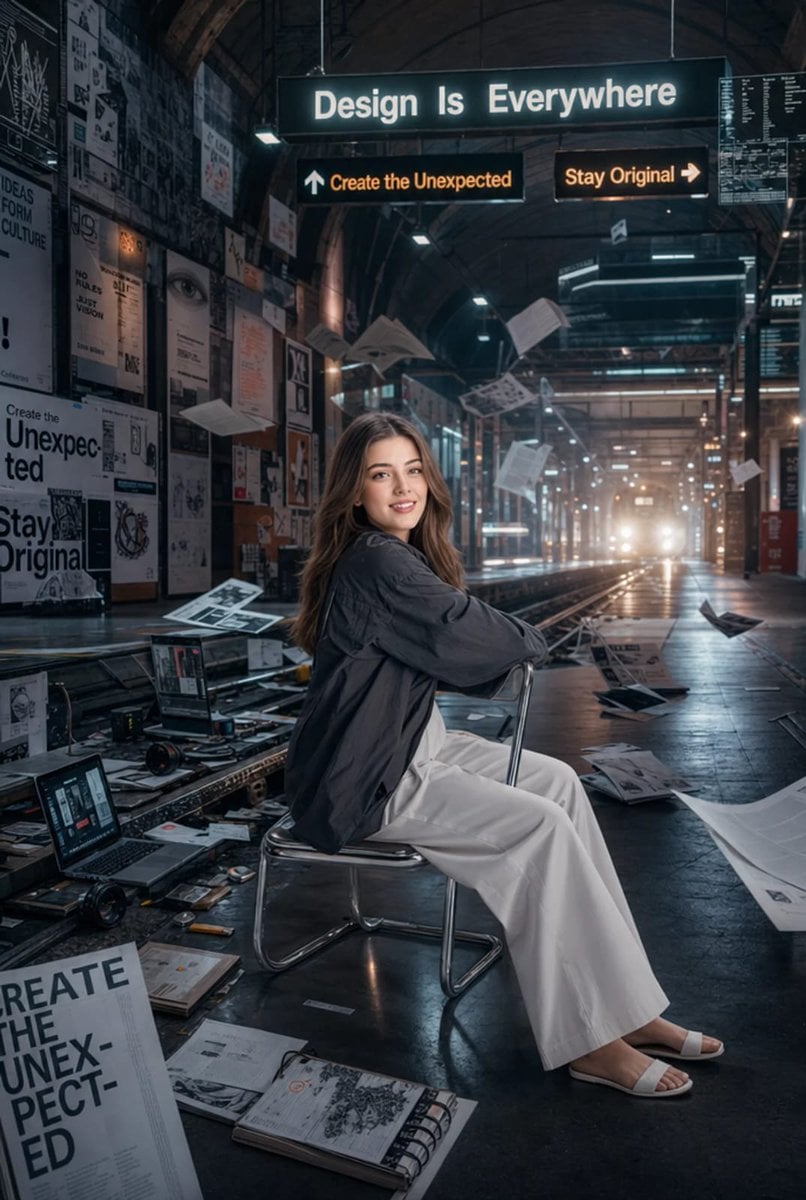
Surreal Cinematic Subway Studio
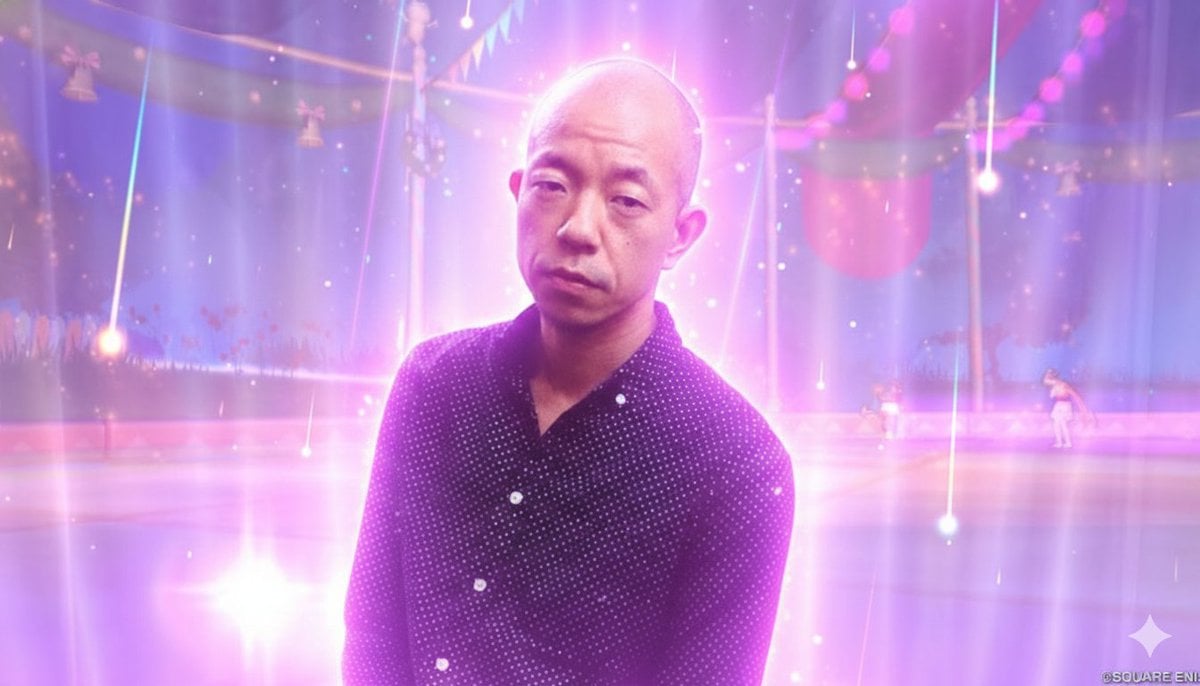
Image Style Transfer Prompt: Viking to Dragon Quest X 'Sage's Breath of God'
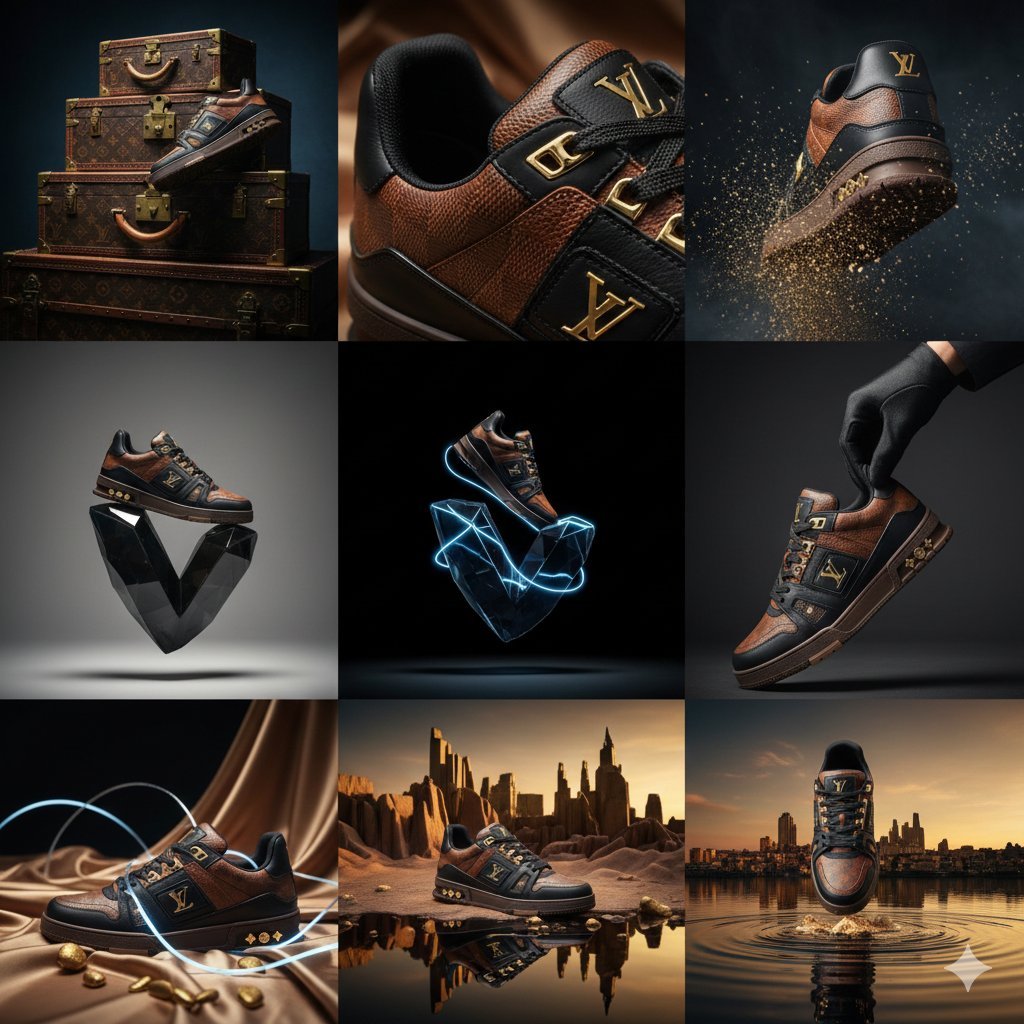
Louis Vuitton Sneaker Editorial Grid Prompt
Browse template categories
Shion Rin Three-View Design Sheet questions
How do I use the Shion Rin Three-View Design Sheet template?
Add your photo if the template asks for one, edit the prompt if you like — the template's model and format are already selected — and press Generate. Your version opens in PicX Studio.
Can I customize the Shion Rin Three-View Design Sheet template?
Yes. You can change the subject, setting, lighting, mood, format, and available model controls before creating your image.
Is the Shion Rin Three-View Design Sheet template free?
Opening and editing this template is free. Generating uses credits, shown on the Generate button when you are signed in.
Which AI model should I use?
Start with GPT Image 2, which is the model associated with this template. You can compare another compatible model for a different finish.
Looking for something else? Browse all templates.

Your photo, any look
Thousands of ready templates for every top image and video model, from one credit balance.