
Surreal Cinematic Subway Studio
A highly detailed cinematic prompt for transforming a subway station into a surreal creative studio, focusing on texture, lighting, and fashion photography aesthetics.
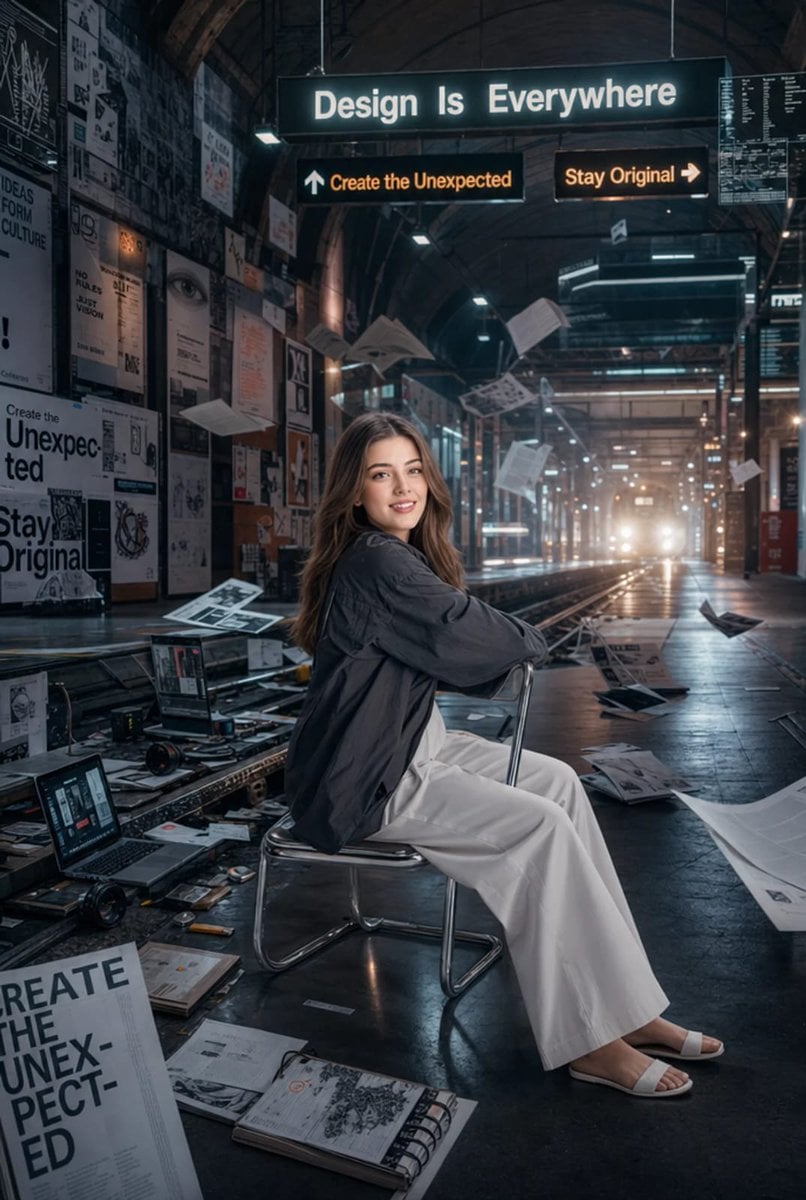
- Prompt included
- Model and format preset
- Free template
The prompt behind this image
Copy the exact prompt behind Surreal Cinematic Subway Studio, or open it in the studio and make it yours.
Cinematic 35mm photography of a young woman sitting backwards on a modern chrome chair inside an enormous underground subway station transformed into a surreal creative studio, {argument name="reference image" default="uploaded face"} used 100% as reference. She is wearing a {argument name="top" default="dark graphite oversized shirt"}, {argument name="bottom" default="loose white trousers"}, and white slip-on sandals. She has long, silky dark hair, flawless skin, elegant feminine features, and a confident, creative expression. Around her, the station walls are covered with layered poster collages, ripped magazine spreads, handwritten typography experiments, floating transparent UI windows, and glowing directional signs displaying phrases like “Design Is Everywhere,” “Create the Unexpected,” and “Stay Original.” Abandoned train tracks are filled with scattered sketchbooks, camera lenses, open laptops showing editing software, rolls of film, and oversized blueprint papers blowing dramatically through the station from incoming wind. Cinematic fluorescent lights flicker overhead while distant train headlights create atmospheric haze, volumetric lighting, and reflective highlights across the polished floor. Muted monochrome tones dominate the image, enhanced by faded cyan highlights and subtle warm orange accents from glowing neon signs. The composition feels like a luxury streetwear campaign fused with a futuristic graphic design exhibition, blending modern creative culture with urban industrial aesthetics. Highly detailed textures, cinematic depth, realistic skin texture, soft analog film grain, slightly desaturated editorial color grading, premium fashion photography, immersive environmental storytelling, ultra-sharp focus, masterpiece-quality detail, luxury Instagram campaign aesthetic, visually rich and emotionally cinematic composition.
How to use Surreal Cinematic Subway Studio in 3 steps
- 1Upload ImagePNG, JPG or paste
Add your photo
Upload the photo the template builds on. The prompt, model and format are already set.
- 2…a portrait of your subject in softgolden-hour light, 85mm…
Personalize
Edit the subject and creative details for your destination.
- 3Generate
Generate
Press Generate — your image is created in PicX Studio, so you can compare it with the original and refine one variable at a time.
More like this
Templates with the same subject, style or setup. Open one to see its prompt.

Stylized Fashion Portrait Bold Color Contrast Editorial

80s Couple Studio Portrait

1985 Studio Portrait
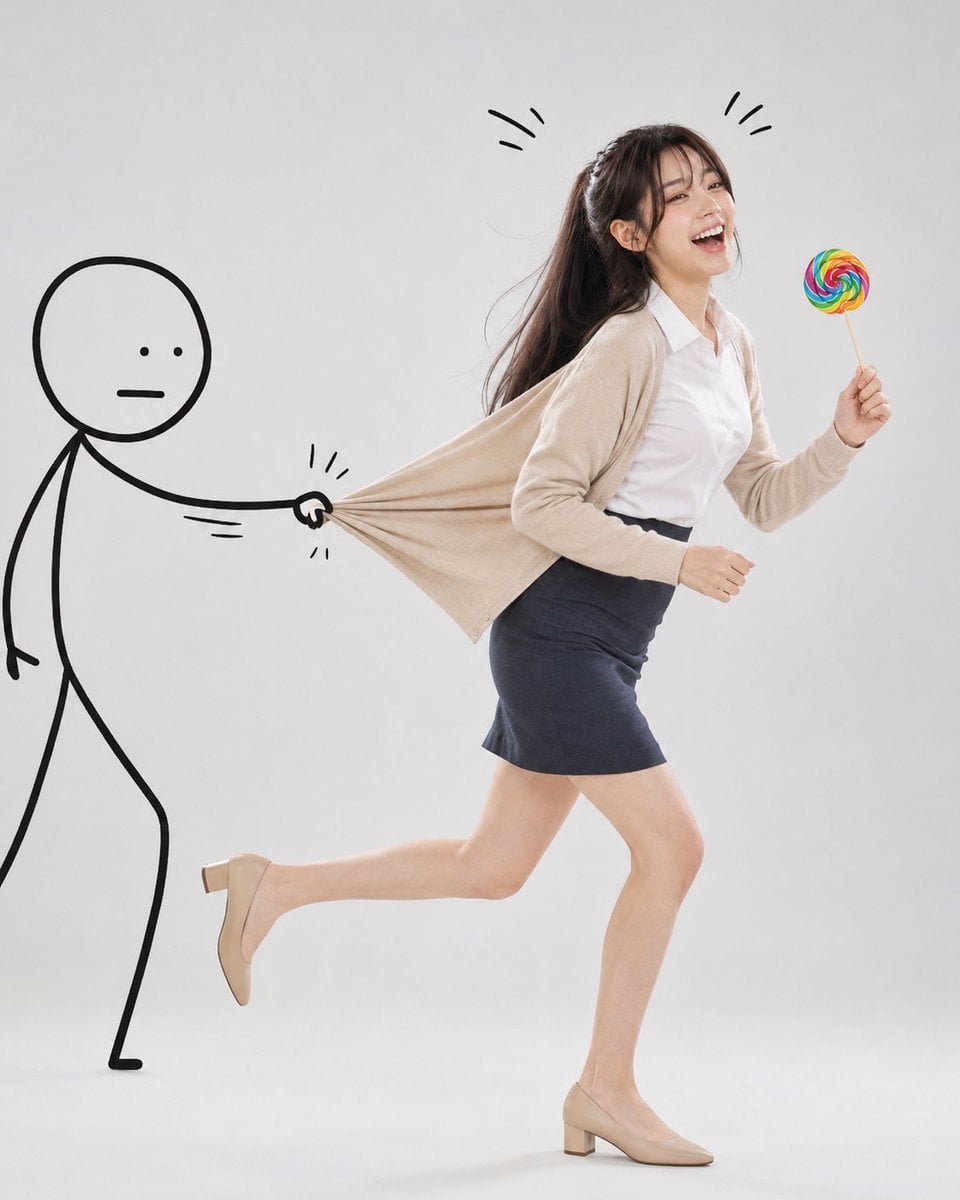
Surreal Studio Photography with Hand-Drawn Doodle

Surreal Cat Astronaut — Humanoid Face Freefall

Bold Red Contrast Fashion Editorial Newspaper Room

Cinematic Low-Angle Fashion Portrait Smoke Editorial

Japanese Architectural Concrete Studio Fashion Campaign

Japanese Minimalist Concrete Studio Fashion Editorial
Cinematic Low-Angle Fashion Portrait Smoke Editorial
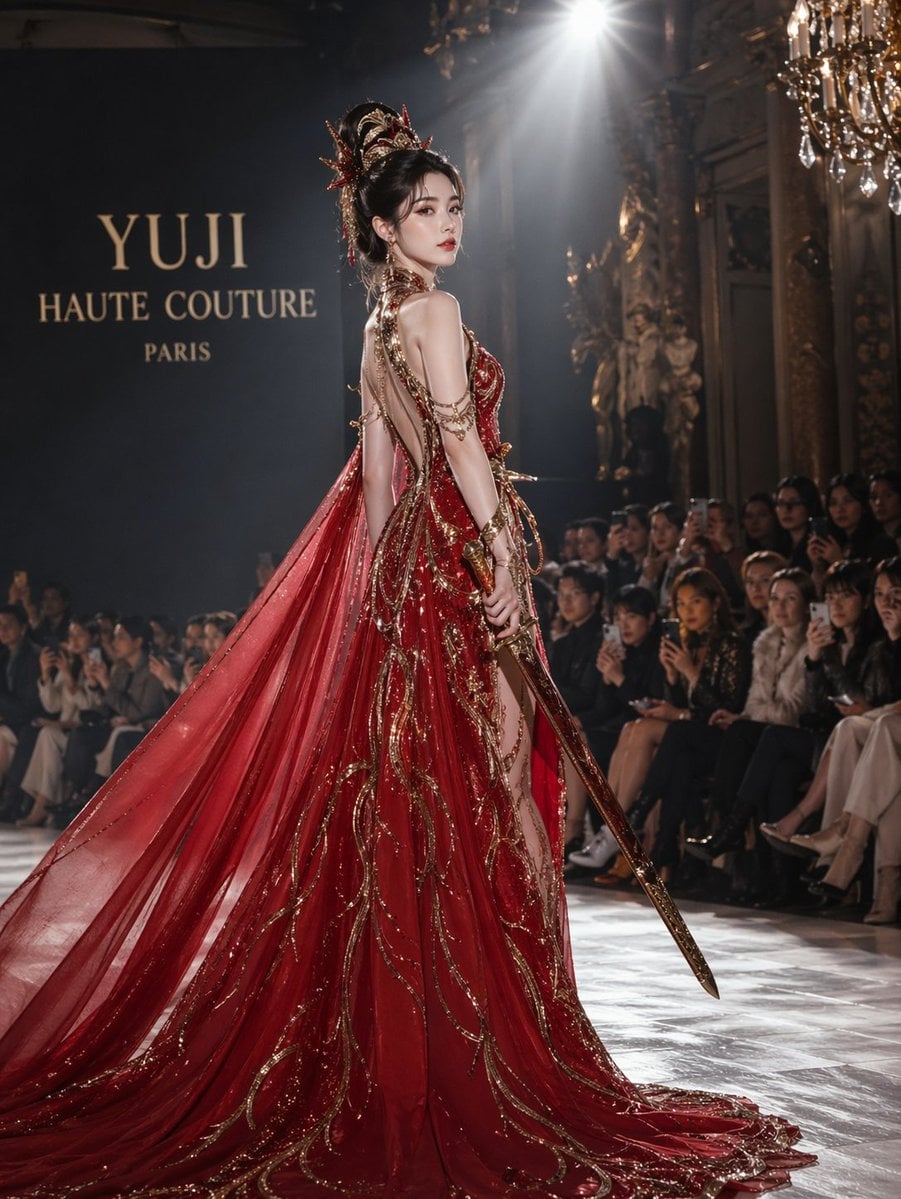
High-Fashion Bauhaus Geometric Cutout Editorial
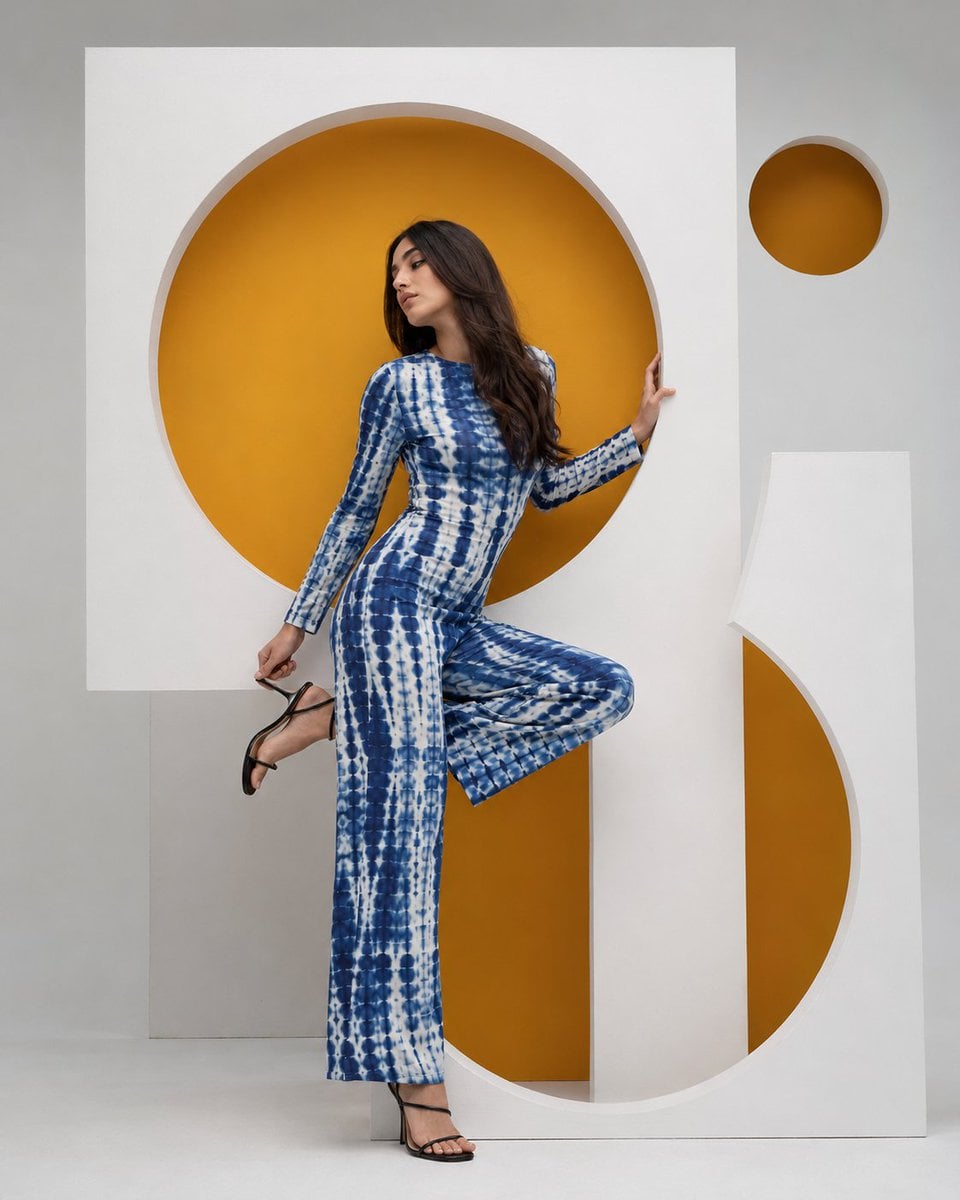
High-Fashion Bauhaus Geometric Cutout Editorial
Make it yours
Surreal Cinematic Subway Studio works as-is. These are the safest ways to change it without losing the look.
Change one field
Copy a single group, rewrite it, and generate again so you can see what that field is doing.
Keep the frame, change the subject
Hold the composition and light of Surreal Cinematic Subway Studio, then swap wardrobe, props or the person for a new take.
| If the result… | Why | Fix |
|---|---|---|
| The result drifts from the preview | Too many fields changed at once. | Reuse Surreal Cinematic Subway Studio as-is first, then change one group — subject, light, or setting. |
| The model over-stylizes the scene | The prose prompt leaves finish and camera underspecified. | Add one camera or lighting sentence and stay on GPT Image 2. |
More GPT Image 2 templates
Other prompts made for GPT Image 2.

Six VTuber Japanese Logo Sheet

Realistic Portrait of Woman and Deer

The Vista Modular Condo Poster

AI Model Routing Comparison Infographic

2.5D Anime Art Board

Isometric Productivity Desk Scene

New York Double Exposure Poster

Four-Panel AI Landscape Comparison

Japanese Tatami Lifestyle Magazine Cover

NESCAFÉ Coffee Map Poster
More image prompts
Fresh picks from across the catalog.
Simulated iPhone 14 Pro Selfie in Harsh Lighting
Natural Language Prompt for Miniature World Inside a Teacup
Minimal Analog Wall Clock at 05:29
Red Pink Fractal Kaleidoscope
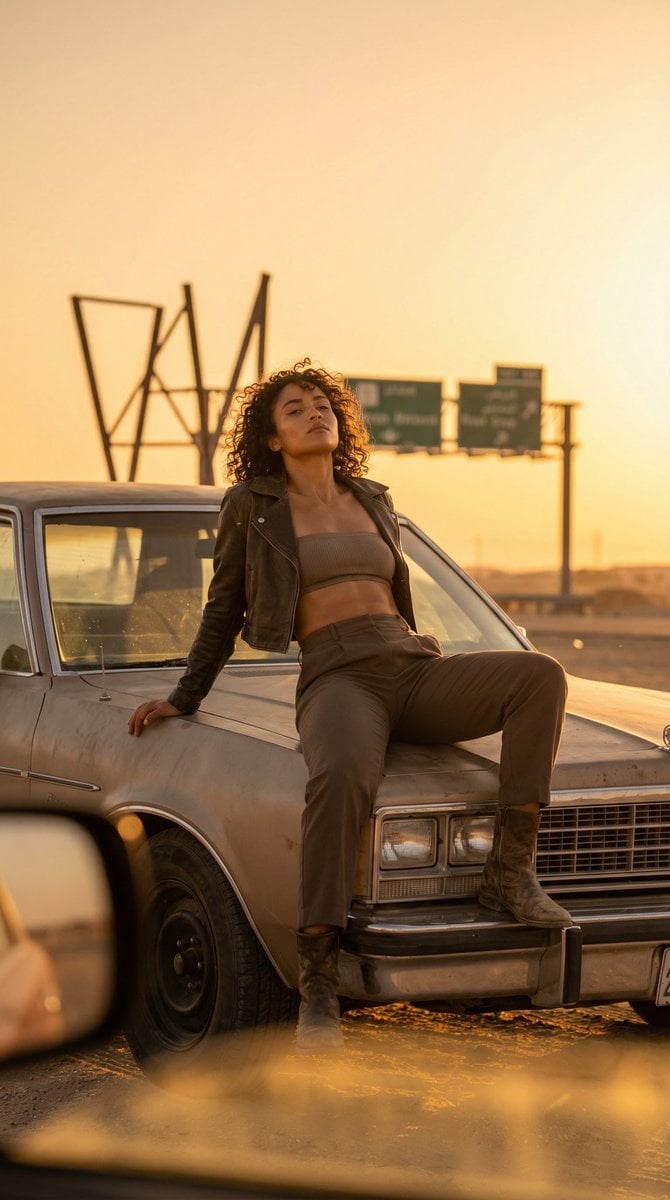
Cinematic Desert Rest Stop Portrait at Golden Hour
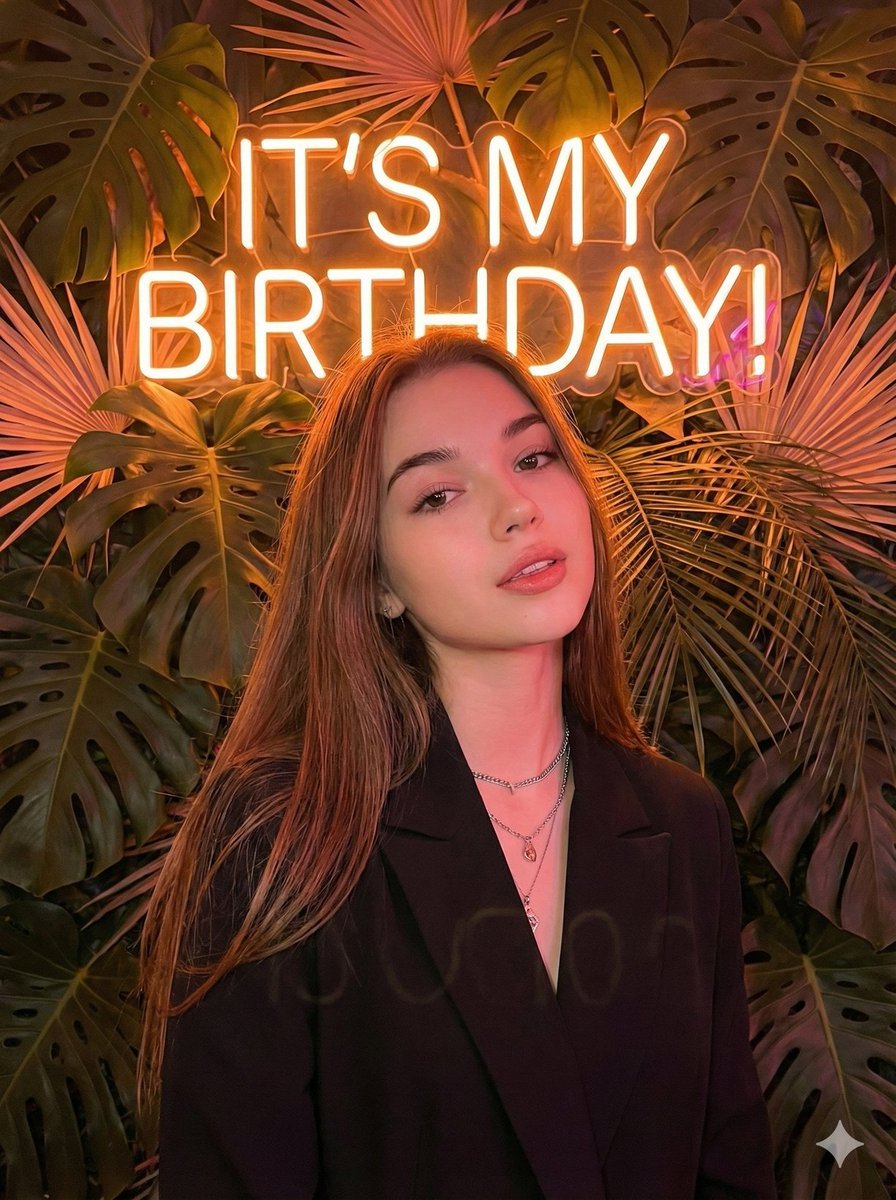
Birthday Celebration Neon Poster Collage Prompt
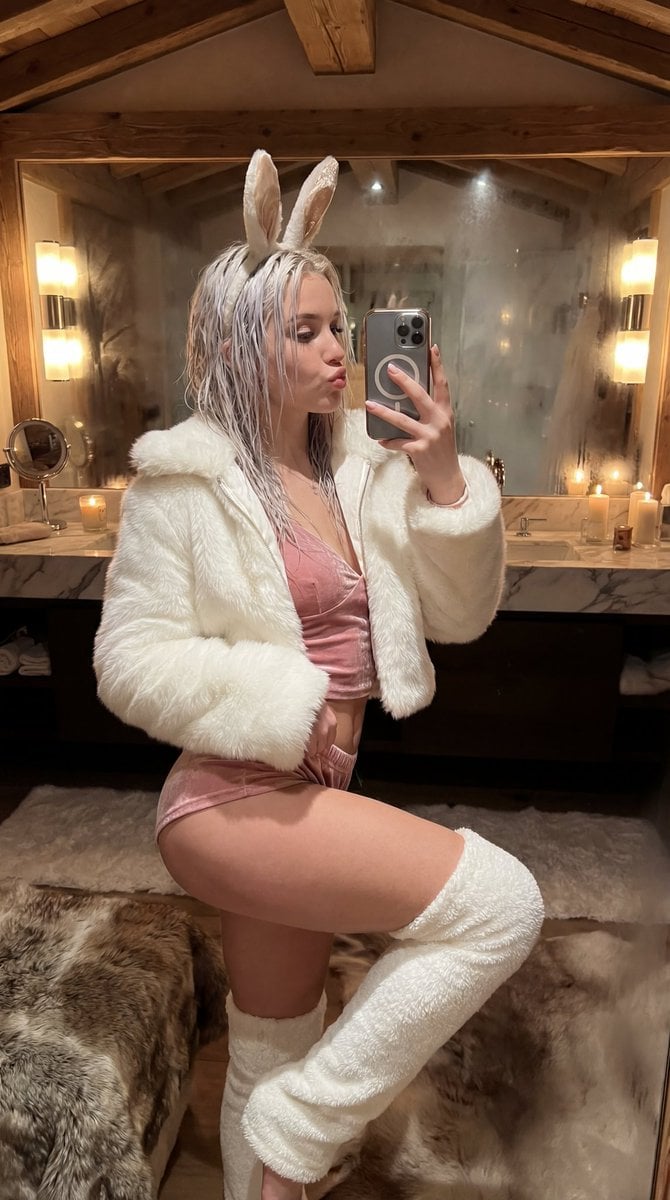
Après-Ski Naughty Bunny Selfie Prompt
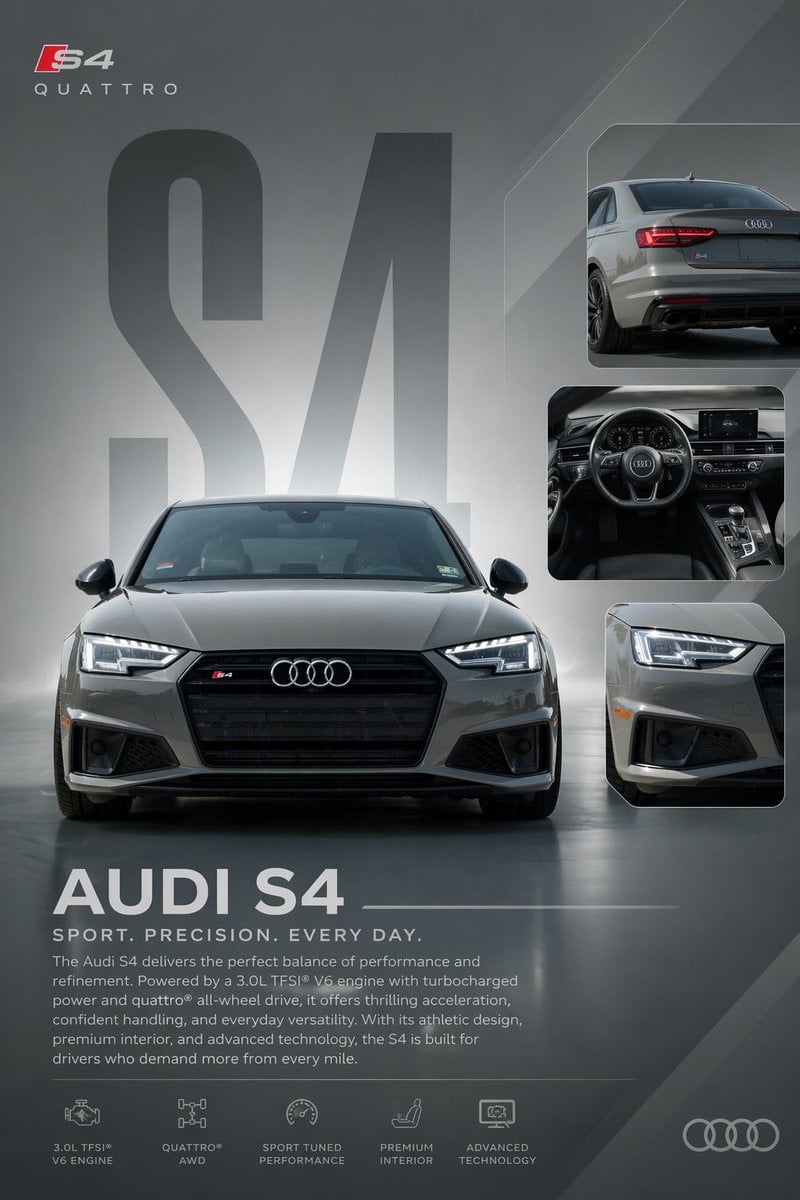
Audi S4 Promotional Poster
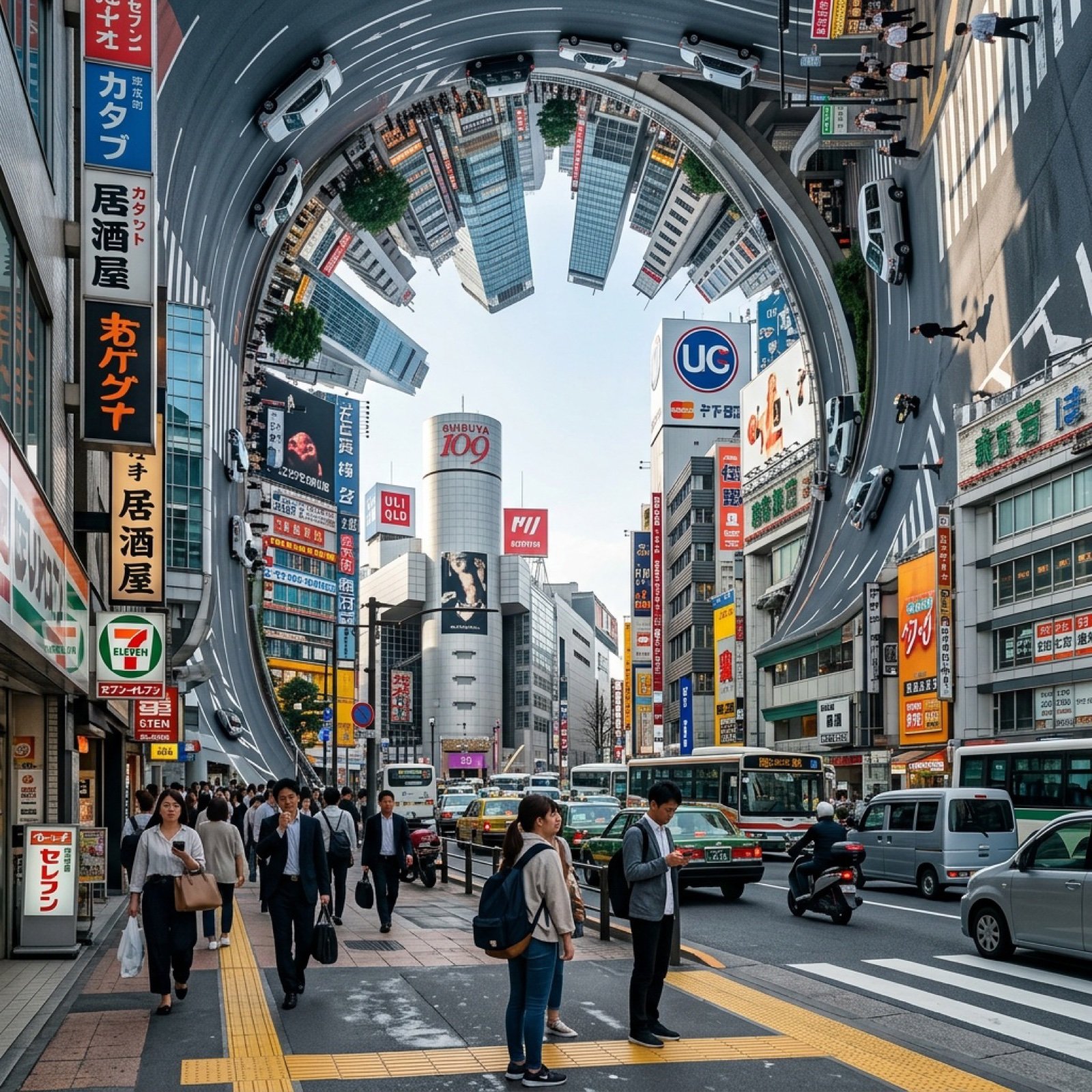
Inception-Style City Street Bending Upward
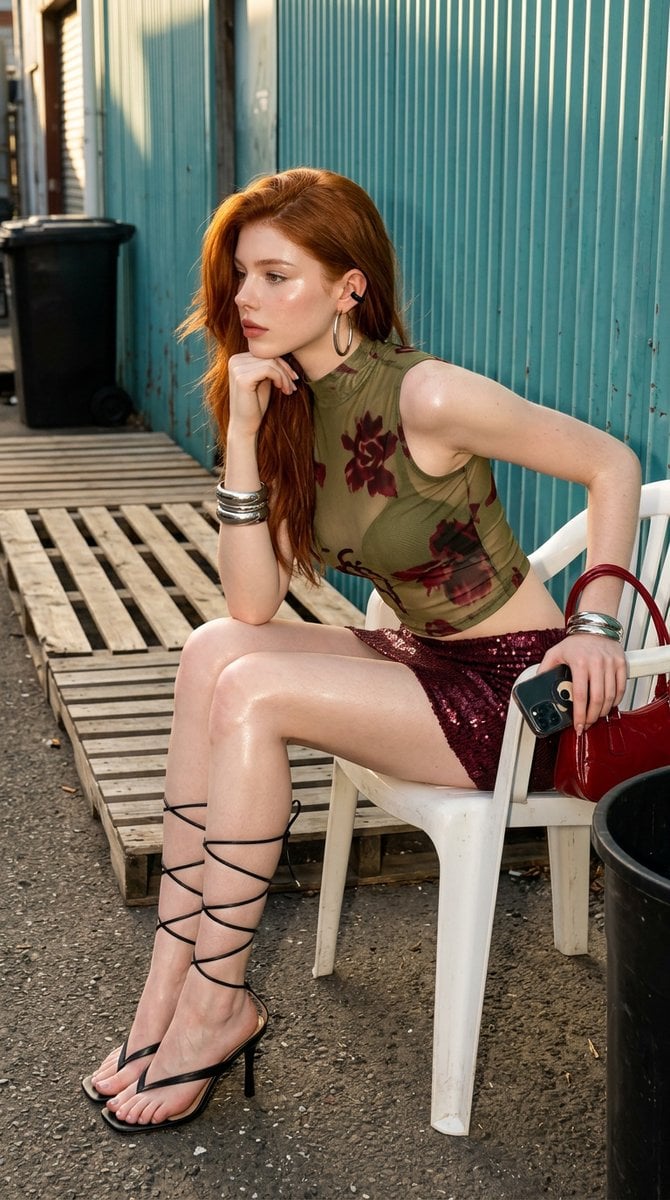
Urban Chic Fashion Editorial in an Alleyway
Browse template categories
Surreal Cinematic Subway Studio questions
How do I use the Surreal Cinematic Subway Studio template?
Add your photo if the template asks for one, edit the prompt if you like — the template's model and format are already selected — and press Generate. Your version opens in PicX Studio.
Can I customize the Surreal Cinematic Subway Studio template?
Yes. You can change the subject, setting, lighting, mood, format, and available model controls before creating your image.
Is the Surreal Cinematic Subway Studio template free?
Opening and editing this template is free. Generating uses credits, shown on the Generate button when you are signed in.
Which AI model should I use?
Start with GPT Image 2, which is the model associated with this template. You can compare another compatible model for a different finish.
Looking for something else? Browse all templates.

Your photo, any look
Thousands of ready templates for every top image and video model, from one credit balance.