
Surreal Studio Photography with Hand-Drawn Doodle
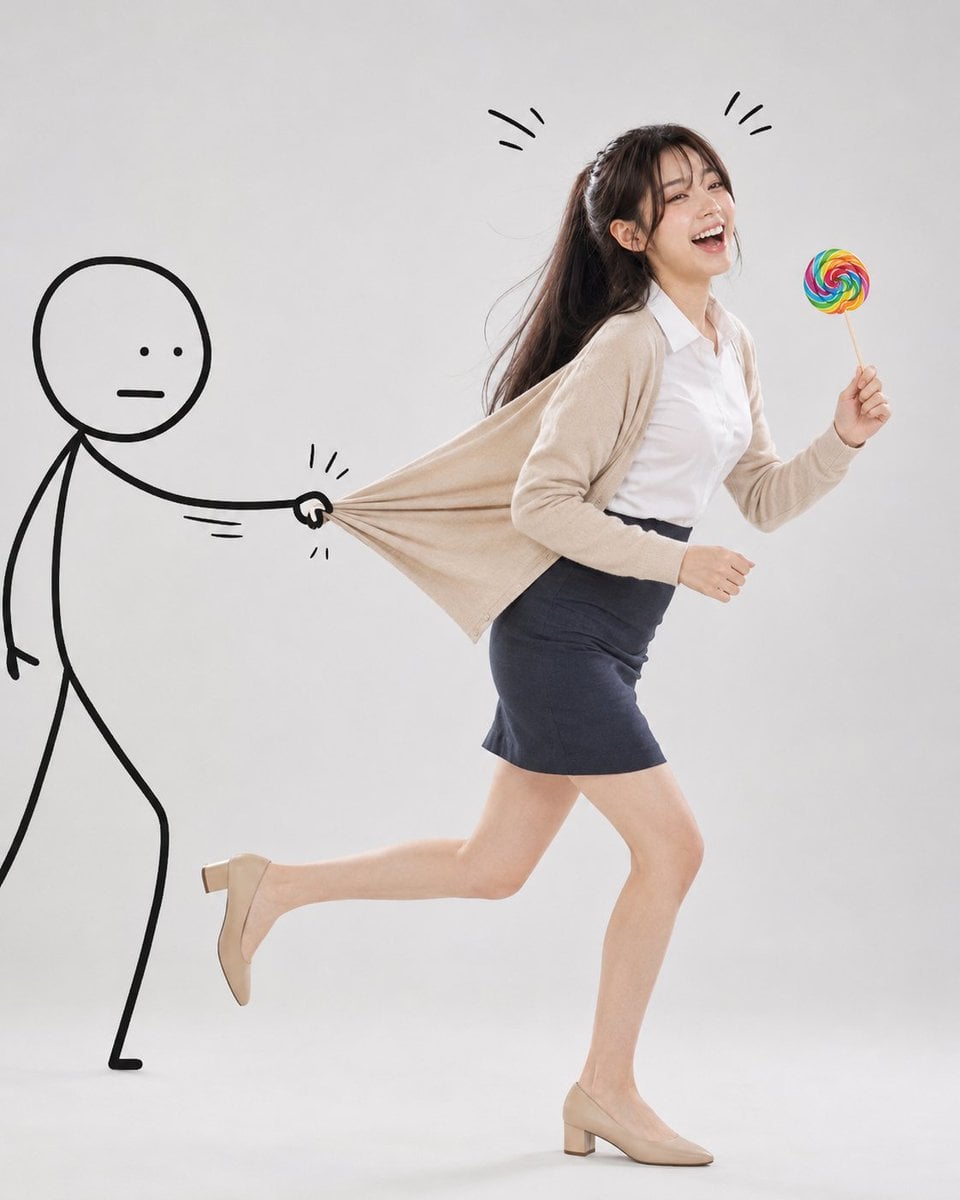
A sophisticated prompt designed for generating a minimalist studio photograph of a person in a dynamic running pose, physically interacting with a hand-drawn marker doodle character.
- Prompt included
- Model and format preset
- Premium template
The prompt behind this image
Copy the exact prompt behind Surreal Studio Photography with Hand-Drawn Doodle, or open it in the studio and make it yours.
Please reproduce the reference face image exactly. Retain the subject’s identity, proportions, hairstyle, age, skin tone and all identifiable facial features exactly as shown. Create a surreal editorial lifestyle photograph in a clean, minimalist studio with a {argument name="background" default="smooth, light grey, plain background"}. The subject is a {argument name="subject" default="cheerful woman"} with the hairstyle shown in the attached photograph. The figure in the photograph has been captured mid-run, as if trying to escape; she is laughing uncontrollably with her mouth wide open, her eyes crinkled with happiness, and her expression is playful and lively. The pull of the sweatshirt causes the body to lean back slightly, whilst at the same time, the upper body leans forward naturally in time with the movement. Pose: A dynamic running pose. One foot is naturally off the ground. Arms swinging naturally whilst running. Holding a {argument name="held object" default="colourful lollipop with a rainbow swirl pattern"} in one hand. Her hair sways subtly in time with her running motion. The outfit and body posture must clearly convey the forward momentum. Outfit: Use the outfit shown in the attached photo. Interaction with the doodle character: Draw a simple, hand-drawn black doodle character in a minimalist stick-figure style on the left-hand side of the screen. Its features are as follows: A round head, Small dot-shaped eyes, An expressionless, straight line for a mouth, Thick, bold black marker lines. The doodle character has one arm stretched out, firmly gripping the back of the woman’s outfit and dramatically pulling the fabric backwards to prevent her from escaping. The outfit must stretch naturally to reflect realistic fabric tension, with multiple layers of folds and creases radiating outwards towards the doodle character’s hand. As the woman struggles to keep running forwards, her upper body should be subtly pulled backwards by the pulling force, creating a believable physical interaction. The doodle character itself should also appear slightly strained, with subtle motion lines drawn around the hands and arms to emphasise the pulling force. Add playful doodle motion lines around the woman’s head to emphasise laughter and movement. The doodle should look as though it has been drawn by hand directly onto a photograph, as if finished with thick black marker ink. Hands: Anatomically accurate hands. Natural finger proportions. Keep the sleeves oversized, but ensure both hands are clearly visible. The pose of holding the lollipop must be depicted realistically. Lighting and Style: Bright, high-key studio lighting. Soft, natural light shadows. A very clean, minimalist composition. Editorial lifestyle photography. Realistic physical rendering of fabrics. Humorous visual storytelling. A sophisticated and contemporary aesthetic. A playful yet wholesome atmosphere. Surreal. Sharp detail. 8K resolution. Vertical 4:5 aspect ratio.
How to use Surreal Studio Photography with Hand-Drawn Doodle in 3 steps
- 1Upload ImagePNG, JPG or paste
Add your photo
Upload the photo the template builds on. The prompt, model and format are already set.
- 2…a portrait of your subject in softgolden-hour light, 85mm…
Personalize
Edit the subject and creative details for your destination.
- 3Generate
Generate
Press Generate — your image is created in PicX Studio, so you can compare it with the original and refine one variable at a time.
More like this
Templates with the same subject, style or setup. Open one to see its prompt.
Stylized Fashion Portrait Bold Color Contrast Editorial
Hand-Drawn Doodle Grid Poster
A candid paparazzi-style street photography shot of a handsome man
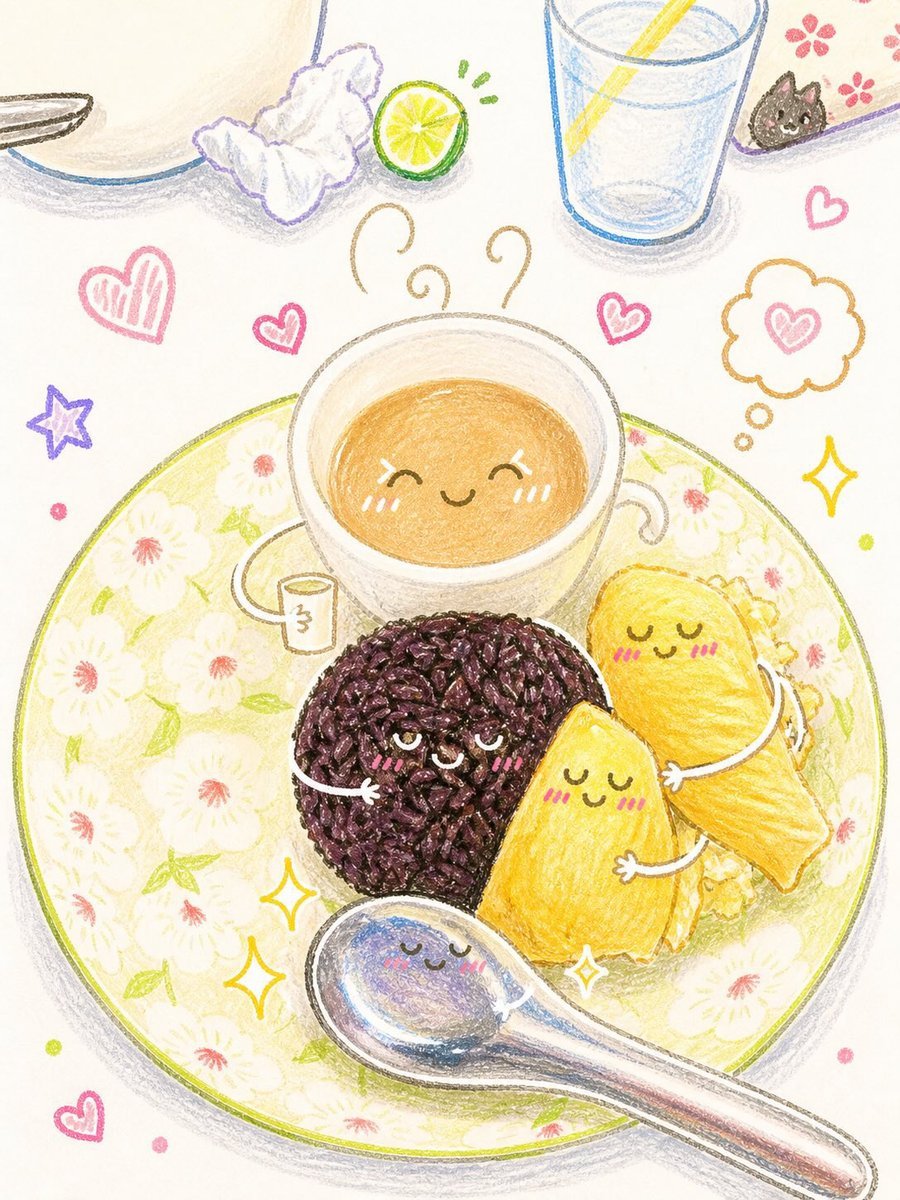
Interactive Hand-Drawn Doodle Art
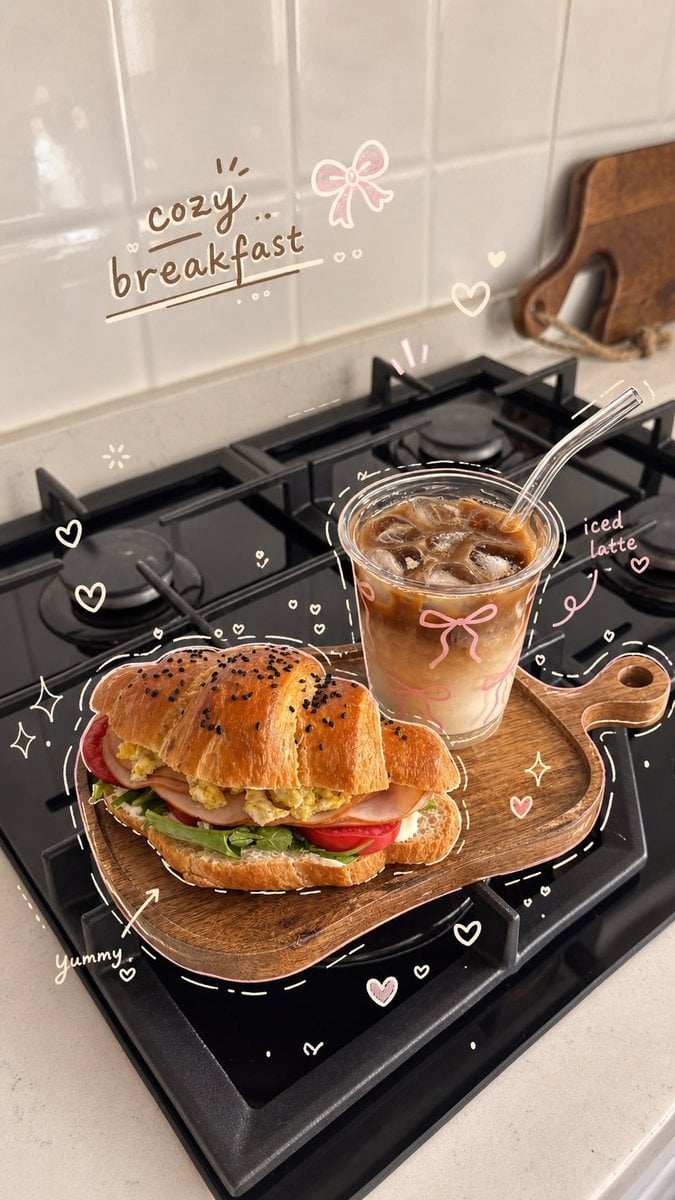
Cozy Hand-Drawn Food Doodle
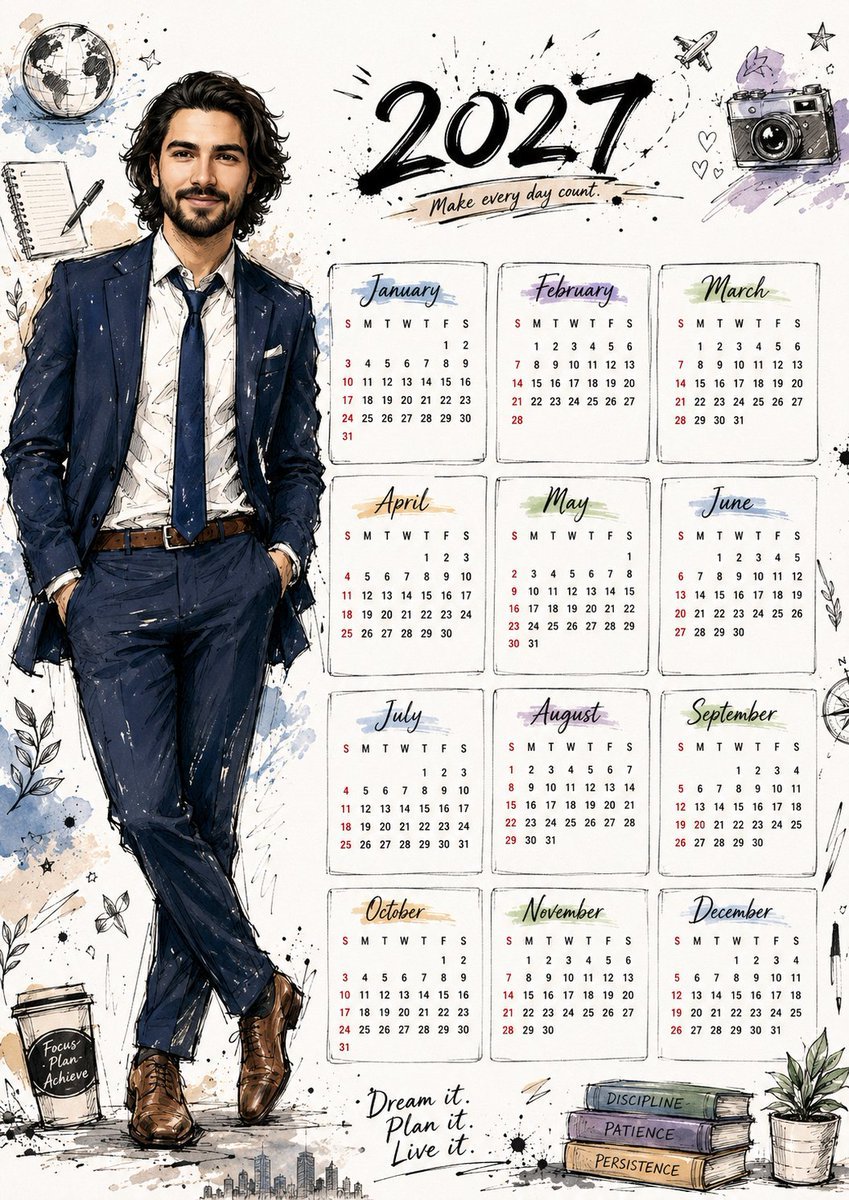
Hand Drawn Doodle Calendar Illustration

80s Couple Studio Portrait

1985 Studio Portrait
Simple Hand-Drawn Koala Mascot
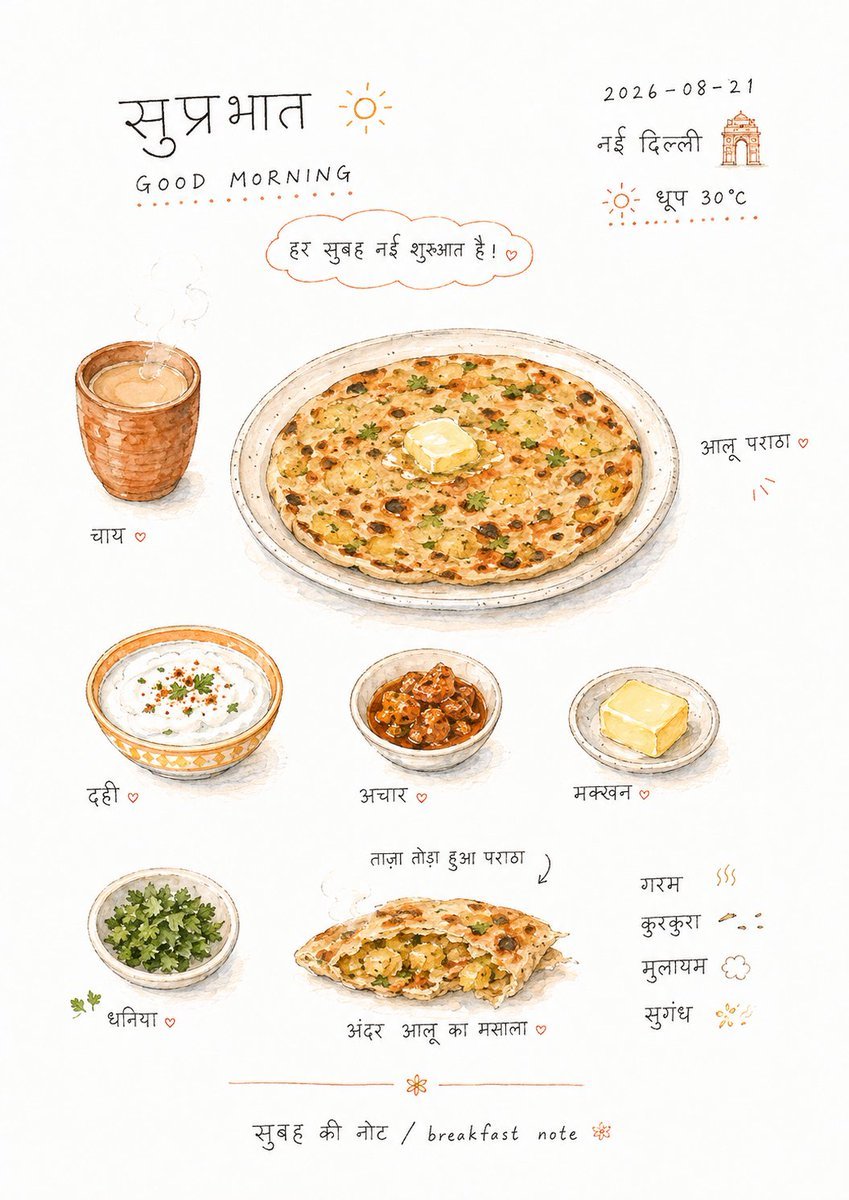
Hand-drawn Breakfast Journal Aesthetic Poster
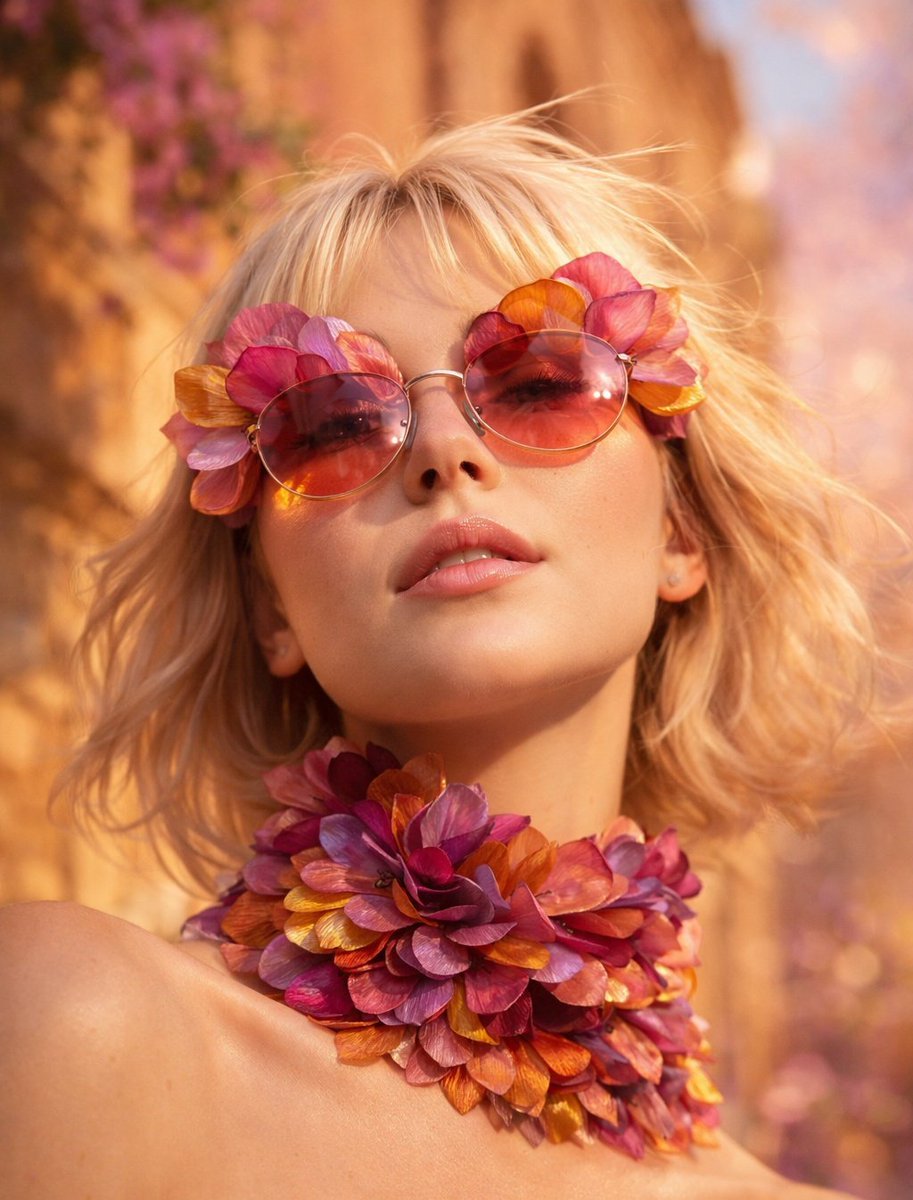
Flower Petal Sunglasses Couture Portrait
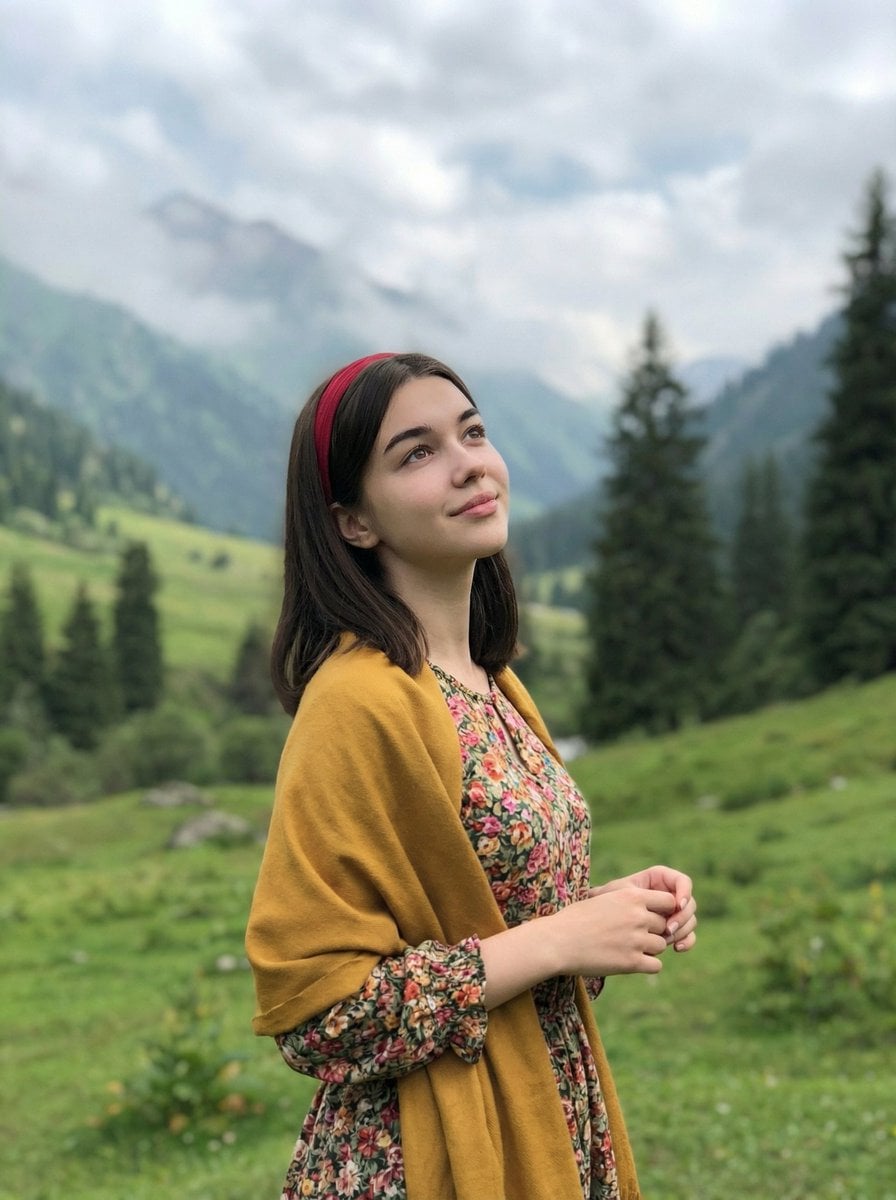
Mountain Valley Lifestyle Portrait
Make it yours
Surreal Studio Photography with Hand-Drawn Doodle works as-is. These are the safest ways to change it without losing the look.
Change one field
Copy a single group, rewrite it, and generate again so you can see what that field is doing.
Keep the frame, change the subject
Hold the composition and light of Surreal Studio Photography with Hand-Drawn Doodle, then swap wardrobe, props or the person for a new take.
| If the result… | Why | Fix |
|---|---|---|
| The result drifts from the preview | Too many fields changed at once. | Reuse Surreal Studio Photography with Hand-Drawn Doodle as-is first, then change one group — subject, light, or setting. |
| The model over-stylizes the scene | The prose prompt leaves finish and camera underspecified. | Add one camera or lighting sentence and stay on GPT Image 2. |
More GPT Image 2 templates
Other prompts made for GPT Image 2.

Six VTuber Japanese Logo Sheet

Realistic Portrait of Woman and Deer

The Vista Modular Condo Poster

AI Model Routing Comparison Infographic

2.5D Anime Art Board

Isometric Productivity Desk Scene

New York Double Exposure Poster

Four-Panel AI Landscape Comparison

Japanese Tatami Lifestyle Magazine Cover

NESCAFÉ Coffee Map Poster
More image prompts
Fresh picks from across the catalog.
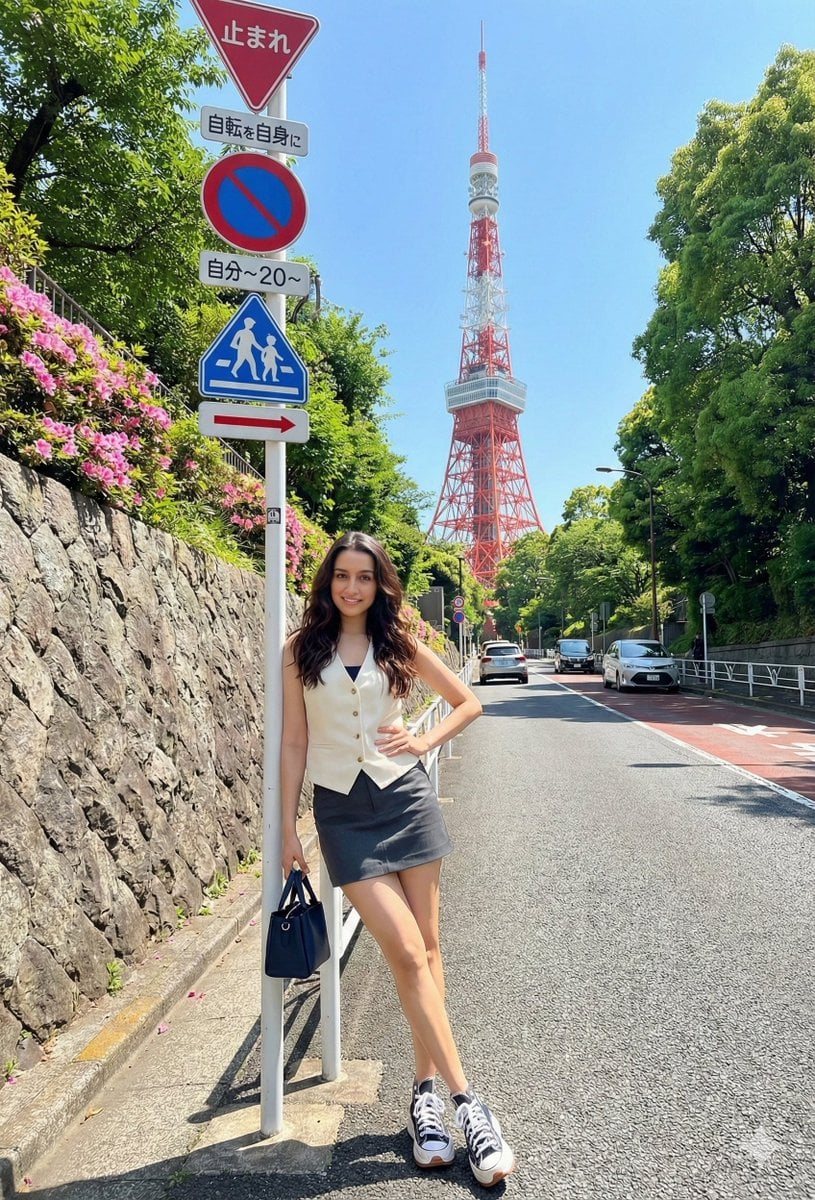
Japanese Travel Photo Prompts (Tokyo & Theme Park)
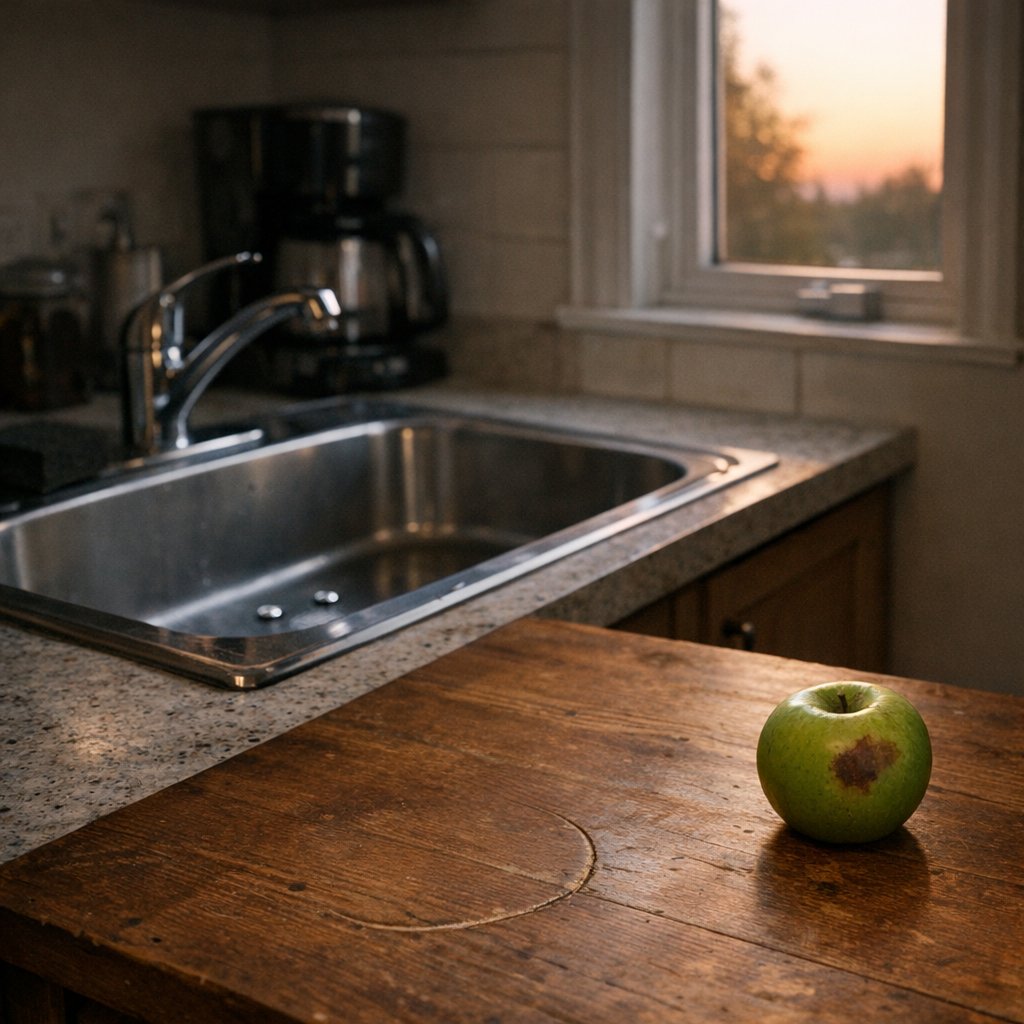
Constraint Fidelity Test: Kitchen Scene
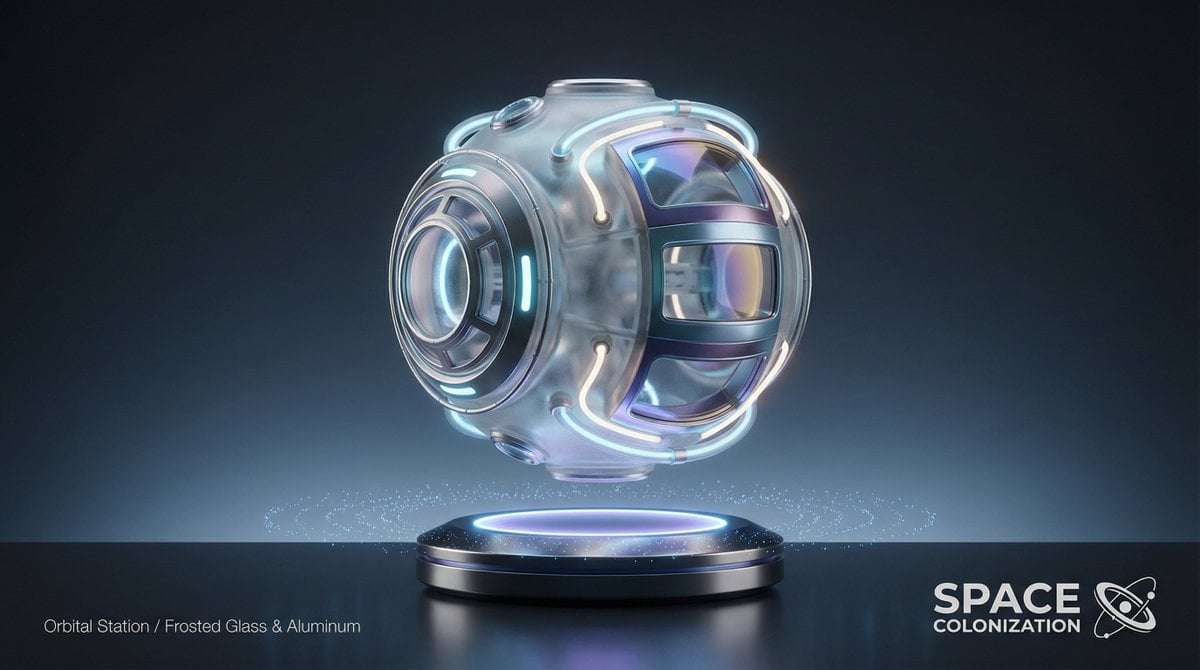
Futuristic Sci-Fi Still Life Photography Template
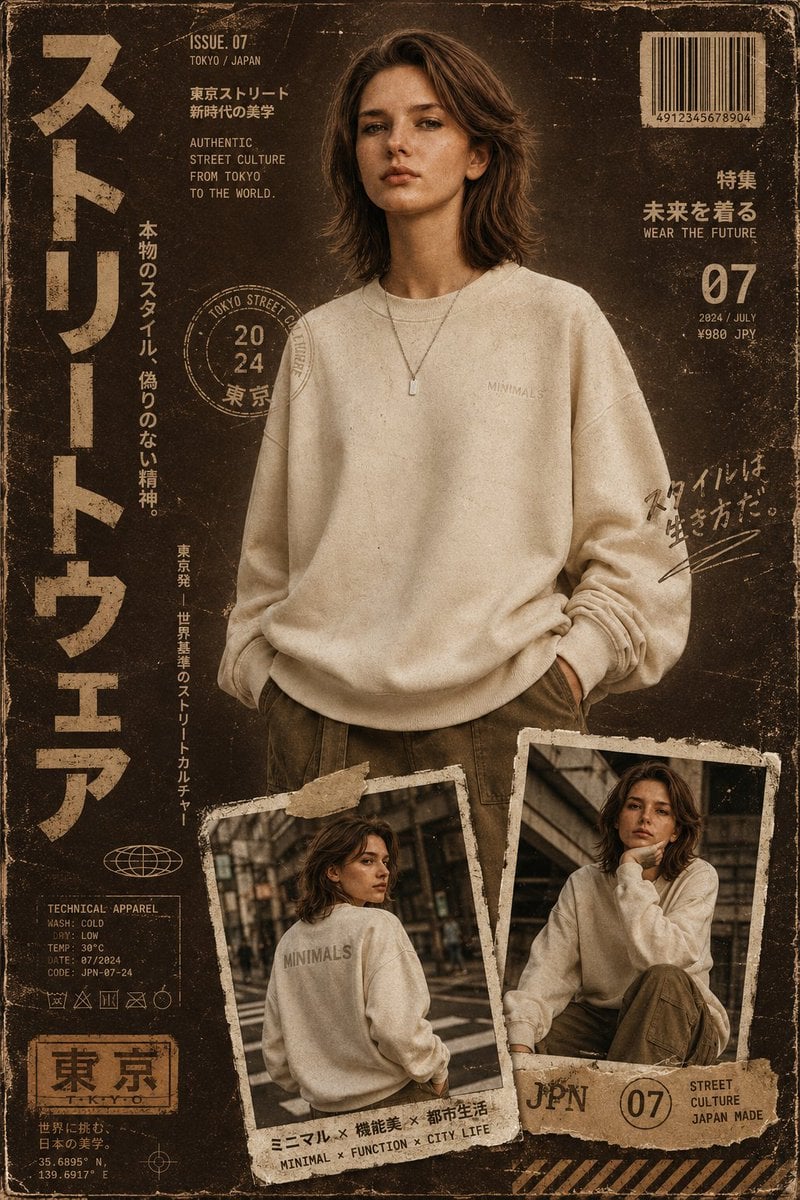
Streetwear Magazine Layout Template
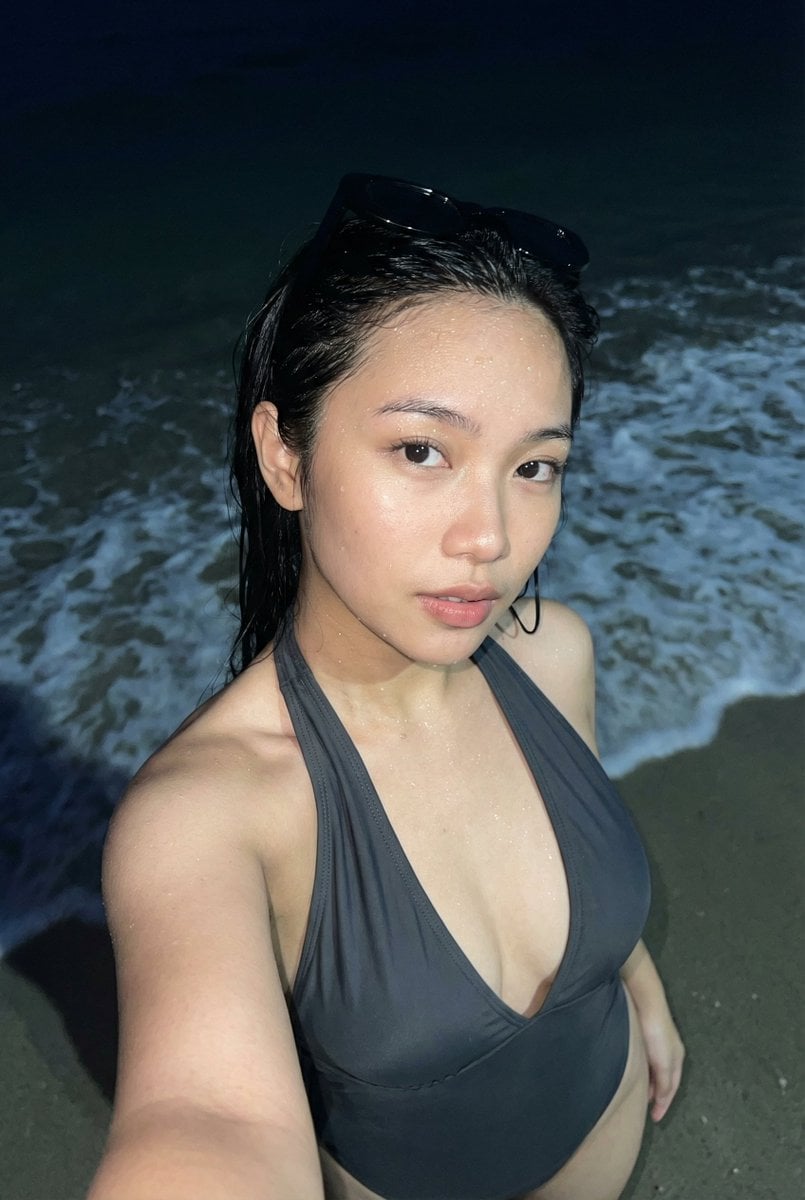
Realistic Smartphone Flash Selfie at Night Beach
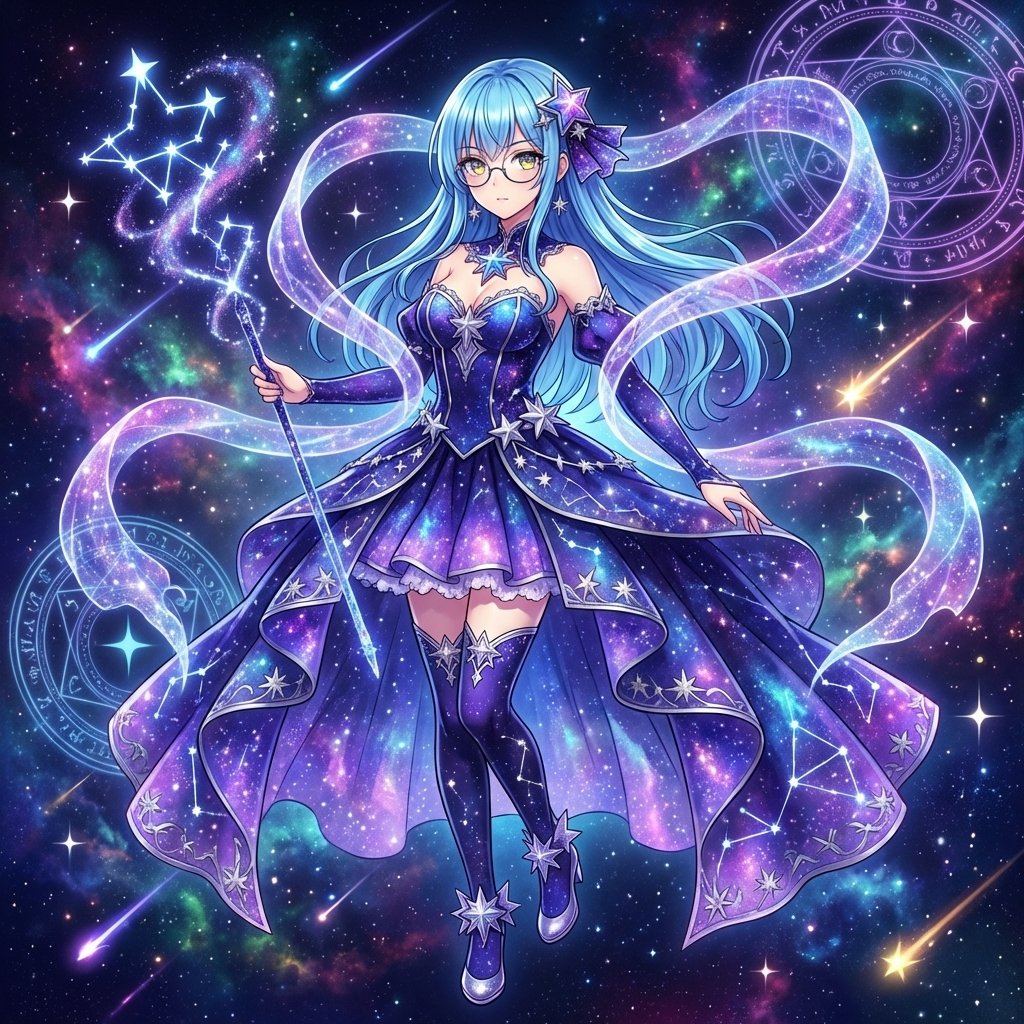
Magical Girl Transformation Prompt (Cosmic Attribute)
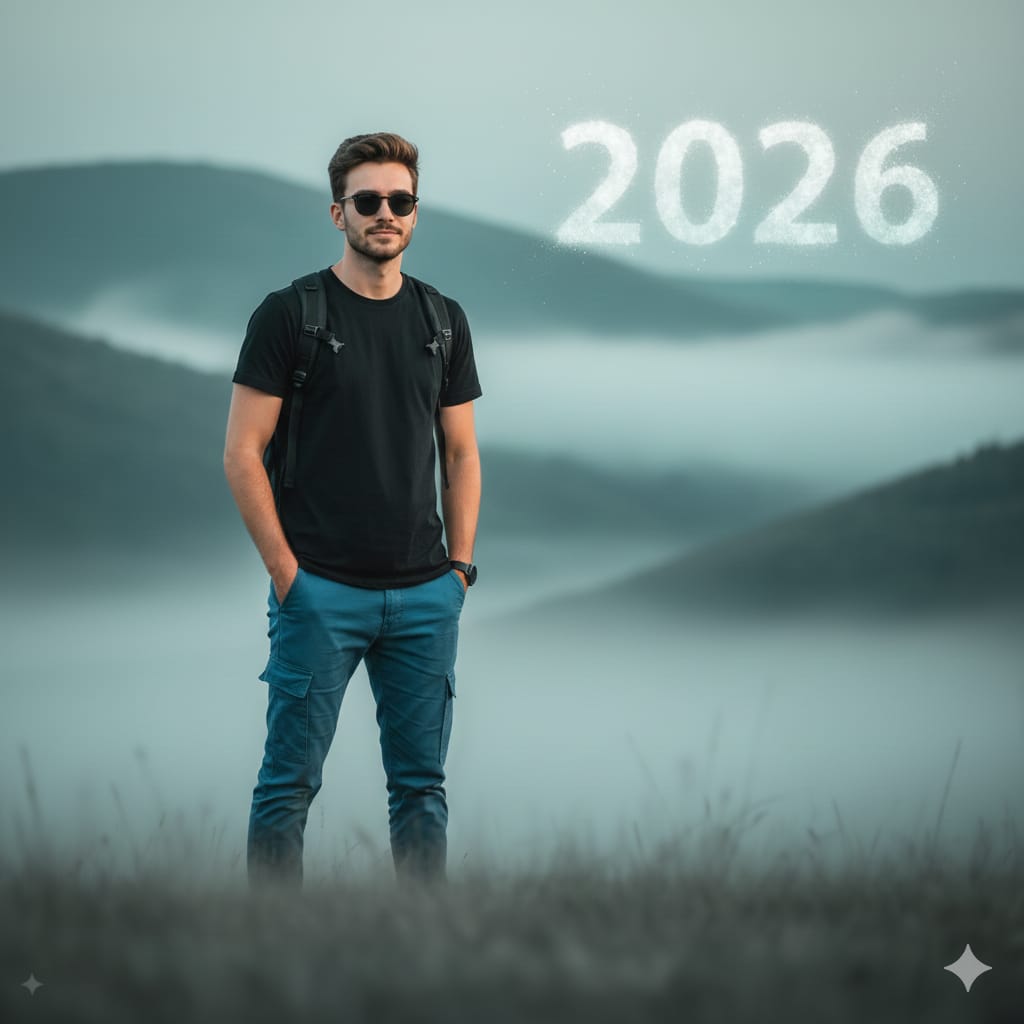
Cinematic Mountain Portrait with Floating Text
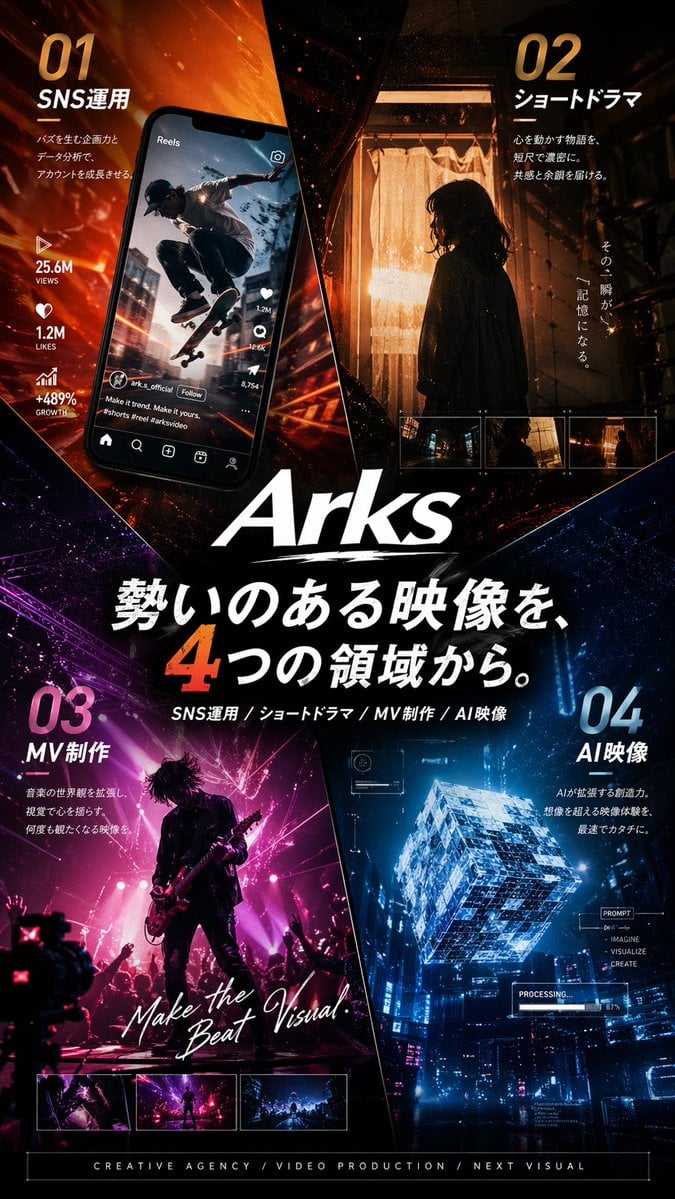
Japanese Creative Agency Poster
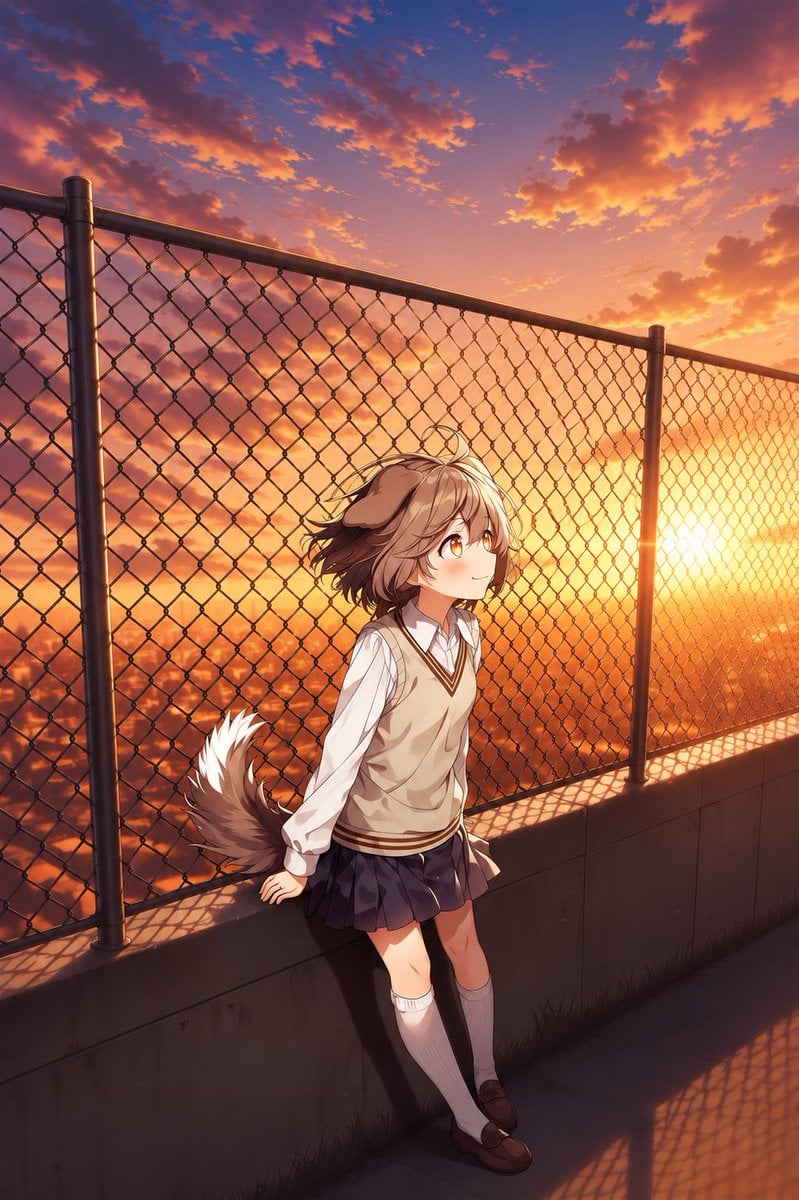
Perspective Shift Card Modification
Prompt for premium visuals using Nano Banana Pro
Browse template categories
Surreal Studio Photography with Hand-Drawn Doodle questions
How do I use the Surreal Studio Photography with Hand-Drawn Doodle template?
Add your photo if the template asks for one, edit the prompt if you like — the template's model and format are already selected — and press Generate. Your version opens in PicX Studio.
Can I customize the Surreal Studio Photography with Hand-Drawn Doodle template?
Yes. You can change the subject, setting, lighting, mood, format, and available model controls before creating your image.
Is the Surreal Studio Photography with Hand-Drawn Doodle template free?
Opening and editing this template is free. Generating uses credits, shown on the Generate button when you are signed in.
Which AI model should I use?
Start with GPT Image 2, which is the model associated with this template. You can compare another compatible model for a different finish.
Looking for something else? Browse all templates.

Your photo, any look
Thousands of ready templates for every top image and video model, from one credit balance.