
Japanese Creative Agency Poster
A cinematic four-panel Japanese promo poster for a creative agency, ideal for advertising social media, short drama, music video, and AI visual production services.
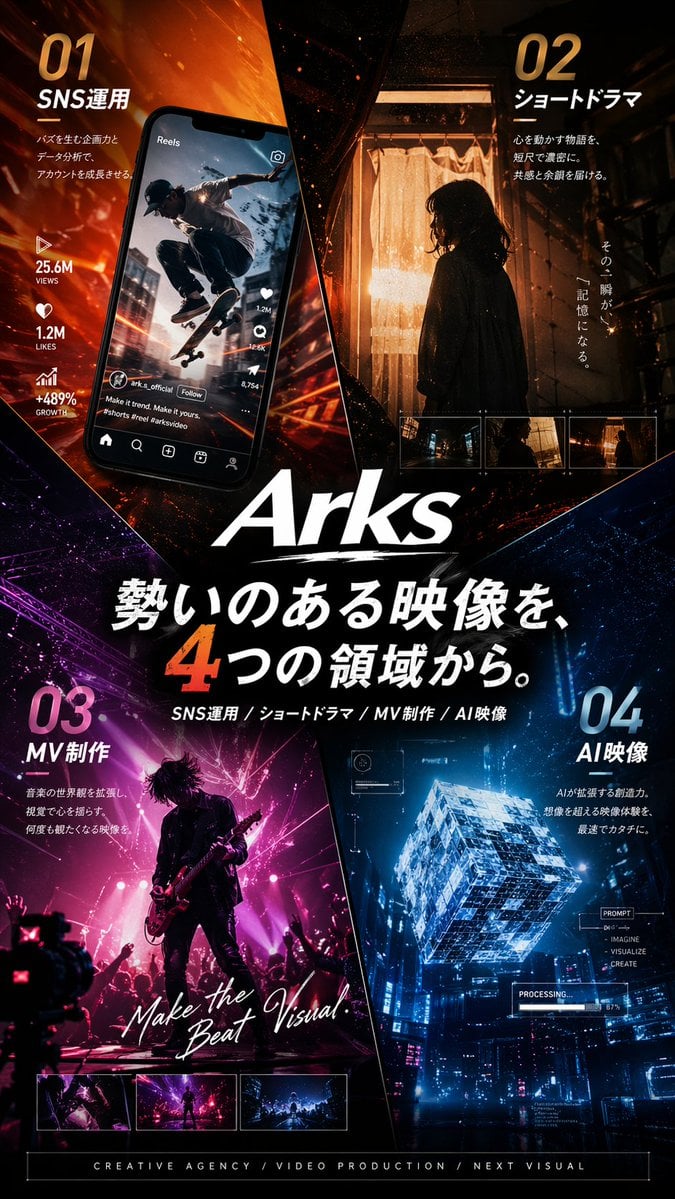
- Prompt included
- Model and format preset
- Free template
The prompt behind this image
Copy the exact prompt behind Japanese Creative Agency Poster, or open it in the studio and make it yours.
- Type
- Japanese promotional poster
- Purpose
- high-end cinematic advertising poster for a creative agency or video production brand
- Brand › Name
- {argument name="brand name" default="Arks"}
- Brand › LogoStyle
- large white italic logotype centered slightly below the middle with a rough brush underline
- Format › Orientation
- portrait
- Format › AspectRatio
- roughly 2:3
- Format › FullBleed
- true
- Style › Overall
- premium futuristic Japanese commercial key visual, glossy, dramatic, highly polished, realistic photography blended with graphic design
- Style › Mood
- energetic, bold, cinematic, urban, high-impact
- Style › ColorPalette
- burning orange, amber, deep black, magenta-purple, electric blue, white typography
- Style › Lighting
- strong contrast, neon glow, sparks, rim light, volumetric haze, reflective highlights
- Style › Composition
- poster divided into 4 diagonal wedge-like sections converging toward the center logo and headline
- Layout › Sections › 0 › Title
- 01 SNS運用
- Layout › Sections › 0 › Position
- top-left
- Layout › Sections › 0 › Count
- 5
- Layout › Sections › 0 › Labels
- 01, SNS運用, 25.6M VIEWS, 1.2M LIKES, +489% GROWTH
- Layout › Sections › 0 › Scene
- a tilted smartphone showing an Instagram Reels style interface with a skateboarder mid-jump in an urban street scene; social media icons and engagement metrics run vertically beside or on the phone; fiery orange motion streaks radiate behind it
- Layout › Sections › 1 › Title
- 02 ショートドラマ
- Layout › Sections › 1 › Position
- top-right
- Layout › Sections › 1 › Count
- 5
- Layout › Sections › 1 › Labels
- 02, ショートドラマ, その一瞬が、, 記憶になる。, 3 small filmstrip thumbnails
- Layout › Sections › 1 › Scene
- a moody cinematic still of a woman in side silhouette standing indoors by a glowing curtain-lit doorway, warm tungsten light behind her, dark hallway framing, with 3 small rectangular preview thumbnails aligned near the bottom of this panel
- Layout › Sections › 2 › Title
- 03 MV制作
- Layout › Sections › 2 › Position
- bottom-left
Raw JSON
{"type":"Japanese promotional poster","purpose":"high-end cinematic advertising poster for a creative agency or video production brand","brand":{"name":"{argument name=\"brand name\" default=\"Arks\"}","logoStyle":"large white italic logotype centered slightly below the middle with a rough brush underline"},"format":{"orientation":"portrait","aspectRatio":"roughly 2:3","fullBleed":true},"style":{"overall":"premium futuristic Japanese commercial key visual, glossy, dramatic, highly polished, realistic photography blended with graphic design","mood":"energetic, bold, cinematic, urban, high-impact","colorPalette":["burning orange","amber","deep black","magenta-purple","electric blue","white typography"],"lighting":"strong contrast, neon glow, sparks, rim light, volumetric haze, reflective highlights","composition":"poster divided into 4 diagonal wedge-like sections converging toward the center logo and headline"},"layout":{"sections":[{"title":"01 SNS運用","position":"top-left","count":5,"labels":["01","SNS運用","25.6M VIEWS","1.2M LIKES","+489% GROWTH"],"scene":"a tilted smartphone showing an Instagram Reels style interface with a skateboarder mid-jump in an urban street scene; social media icons and engagement metrics run vertically beside or on the phone; fiery orange motion streaks radiate behind it"},{"title":"02 ショートドラマ","position":"top-right","count":5,"labels":["02","ショートドラマ","その一瞬が、","記憶になる。","3 small filmstrip thumbnails"],"scene":"a moody cinematic still of a woman in side silhouette standing indoors by a glowing curtain-lit doorway, warm tungsten light behind her, dark hallway framing, with 3 small rectangular preview thumbnails aligned near the bottom of this panel"},{"title":"03 MV制作","position":"bottom-left","count":4,"labels":["03","MV制作","Make the Beat Visual.","3 small preview thumbnails"],"scene":"a live concert performance with a guitarist in silhouette on stage, magenta and pink spotlights, crowd hands raised, dynamic rock music video energy, with handwritten white script text across the image and 3 thumbnail previews along the bottom edge"},{"title":"04 AI映像","position":"bottom-right","count":6,"labels":["04","AI映像","PROMPT","IMAGINE","VISUALIZE","CREATE"],"scene":"a glowing transparent futuristic cube floating above a cyberpunk cityscape at night, blue holographic interface overlays, technical HUD graphics, and a small progress readout like PROCESSING"}],"centerText":{"count":3,"labels":["{argument name=\"main headline\" default=\"勢いのある映像を、4つの領域から。\"}","SNS運用 / ショートドラマ / MV制作 / AI映像","CREATIVE AGENCY / VIDEO PRODUCTION / NEXT VISUAL"]}},"typography":{"language":"Japanese with some English subtext","headlineStyle":"very large bold white Japanese characters with one oversized orange numeral 4","sectionNumbers":"huge gradient numerals in each quadrant","supportText":"small clean sans-serif copy blocks under each section title","englishAccents":"mix of bold sans-serif and handwritten script for emphasis"},"background":{"base":"dark black with abstract shards and diagonal separators","effects":"glowing particles, light trails, embers, lens flare, subtle texture, neon reflections"},"rendering":{"quality":"ultra-detailed","finish":"commercial poster print ready","sharpness":"crisp text and graphics","realism":"photorealistic scenes within each quadrant combined into a cohesive agency advertisement"}}How to use Japanese Creative Agency Poster in 3 steps
- 1Upload ImagePNG, JPG or paste
Add your photo
Upload the photo the template builds on. The prompt, model and format are already set.
- 2…a portrait of your subject in softgolden-hour light, 85mm…
Personalize
Edit the subject and creative details for your destination.
- 3Generate
Generate
Press Generate — your image is created in PicX Studio, so you can compare it with the original and refine one variable at a time.
More like this
Templates with the same subject, style or setup. Open one to see its prompt.
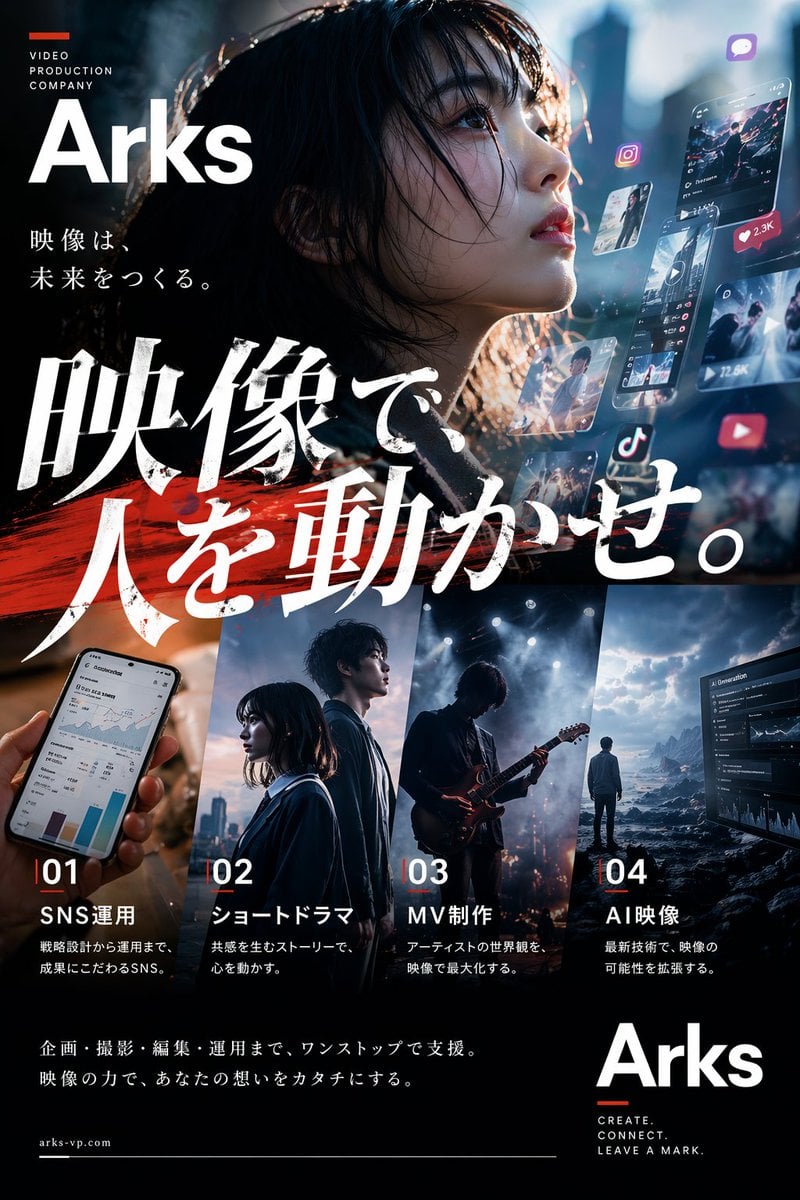
Cinematic Japanese Agency Poster

Minecraft Japanese Research Lab Exploration

Japan Travel Brochure Poster

Cartoon TV Show Poster Pack

Trendy Cafe Drink Promo Poster

Urban Fashion Editorial Collage Streetwear Poster

Japanese Architectural Concrete Studio Fashion Campaign

Premium Fashion Editorial Cover Layout System

Polo Ralph Lauren Luxury American Heritage Fashion Campaign

Monochrome Halftone Editorial Fashion Poster

Retro Mirror Luxury Fashion Campaign Poster

Luxury Fashion Campaign Typography Poster System
Make it yours
Japanese Creative Agency Poster works as-is. These are the safest ways to change it without losing the look.
Swap the setting
Keep the rest of the prompt and replace the location block. The current setting is “dark black with abstract shards and diagonal separators”.
Swap the light
One lighting change is enough to compare takes. Current light: “strong contrast, neon glow, sparks, rim light, volumetric haze, reflective highl”.
Change one field
Copy a single group, rewrite it, and generate again so you can see what that field is doing.
| If the result… | Why | Fix |
|---|---|---|
| The result drifts from the preview | Too many fields changed at once. | Reuse Japanese Creative Agency Poster as-is first, then change one group — subject, light, or setting. |
| GPT Image 2 ignores part of the JSON | Some models flatten or skip nested keys. | Keep the same values and paste them as a short paragraph instead. |
More GPT Image 2 templates
Other prompts made for GPT Image 2.

Six VTuber Japanese Logo Sheet

Realistic Portrait of Woman and Deer

The Vista Modular Condo Poster

AI Model Routing Comparison Infographic

2.5D Anime Art Board

Isometric Productivity Desk Scene

New York Double Exposure Poster

Four-Panel AI Landscape Comparison

Japanese Tatami Lifestyle Magazine Cover

NESCAFÉ Coffee Map Poster
More image prompts
Fresh picks from across the catalog.

Fantasy GPTImage2 Skill Banner
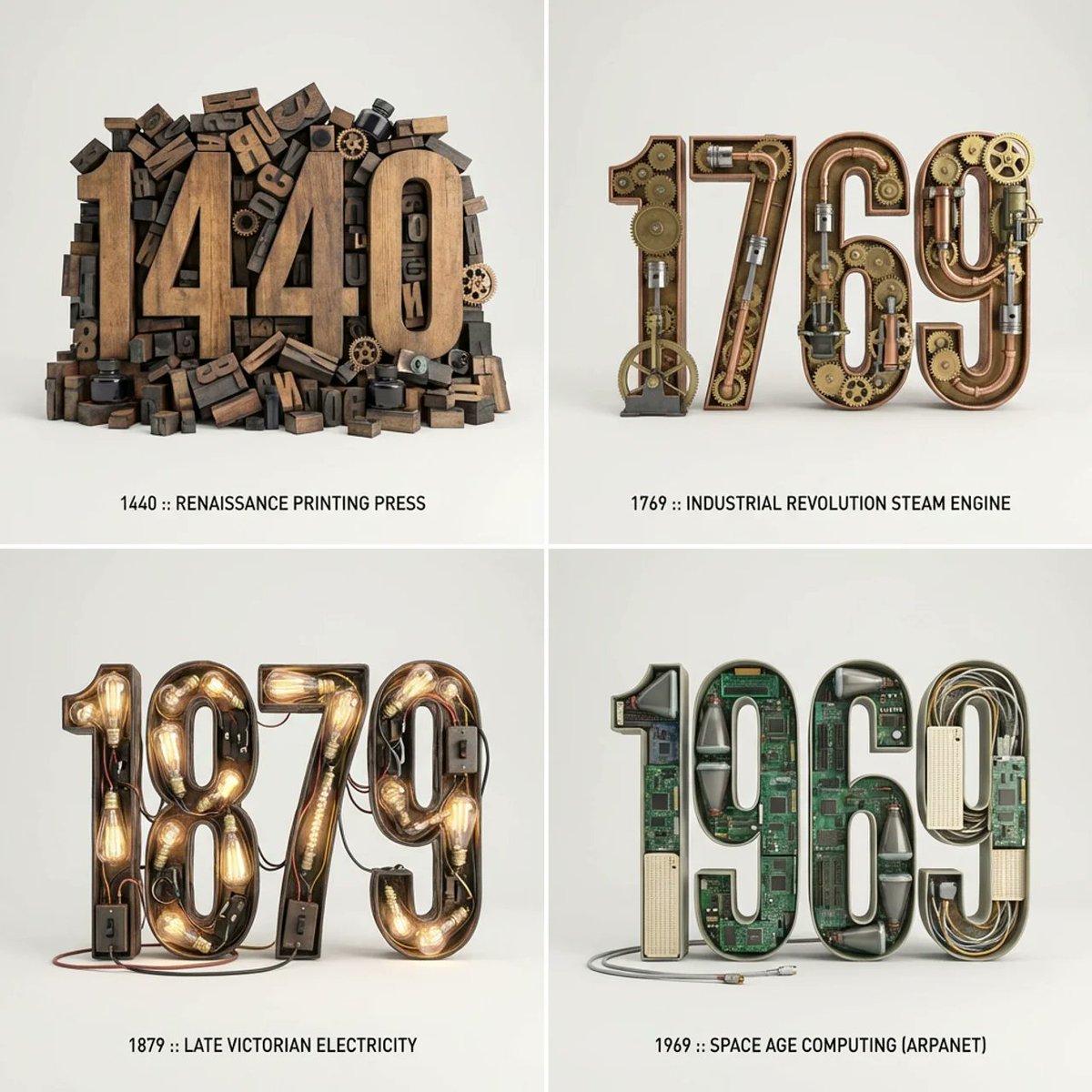
Typographic Sculpture of Historical Inventions

Mad Max Wasteland Survivor Film Still

Gemini Nano Banana 2 Isometric 3d City D
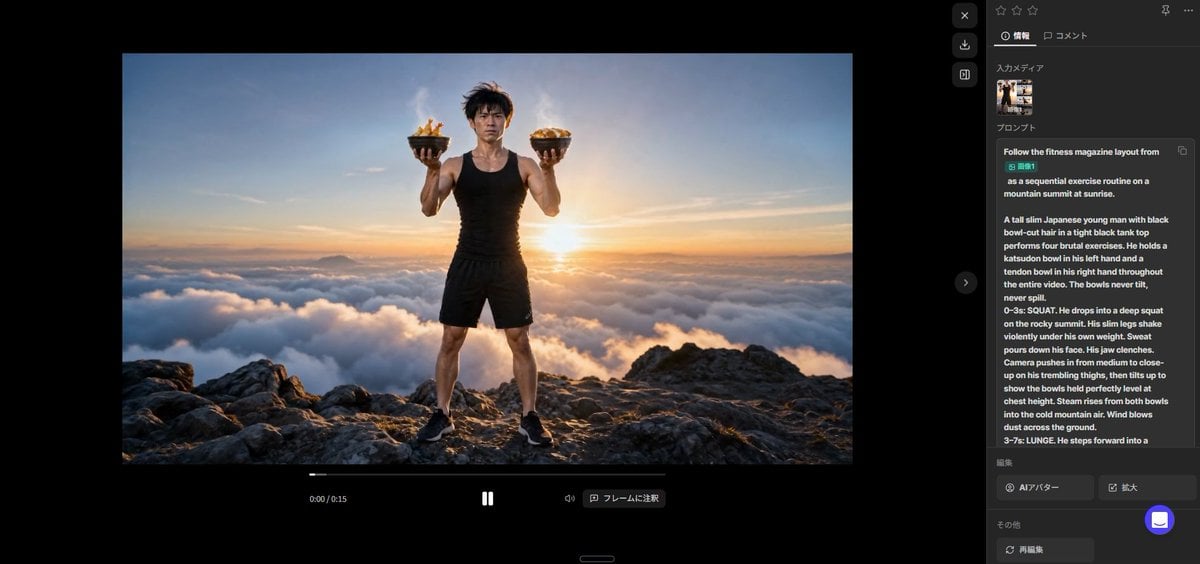
Fitness Magazine Page Motion Sheet

Candid Couple Portrait with Identity Lock
MRE Package Design Prompt (Short)
Hyper-realistic New Chinese Style Portrait with Gobo Lighting
Four-Panel Manga: The Legend of the 5000 Yen Cost
Blonde Schoolgirl Ice Pop Diptych
Browse template categories
Japanese Creative Agency Poster questions
How do I use the Japanese Creative Agency Poster template?
Add your photo if the template asks for one, edit the prompt if you like — the template's model and format are already selected — and press Generate. Your version opens in PicX Studio.
Can I customize the Japanese Creative Agency Poster template?
Yes. You can change the subject, setting, lighting, mood, format, and available model controls before creating your image.
Is the Japanese Creative Agency Poster template free?
Opening and editing this template is free. Generating uses credits, shown on the Generate button when you are signed in.
Which AI model should I use?
Start with GPT Image 2, which is the model associated with this template. You can compare another compatible model for a different finish.
Looking for something else? Browse all templates.

Your photo, any look
Thousands of ready templates for every top image and video model, from one credit balance.