
Blonde Schoolgirl Ice Pop Diptych
Generates a two-panel sunny classroom anime illustration of a blonde girl holding a blue popsicle with star jewelry and face-censor blocks.
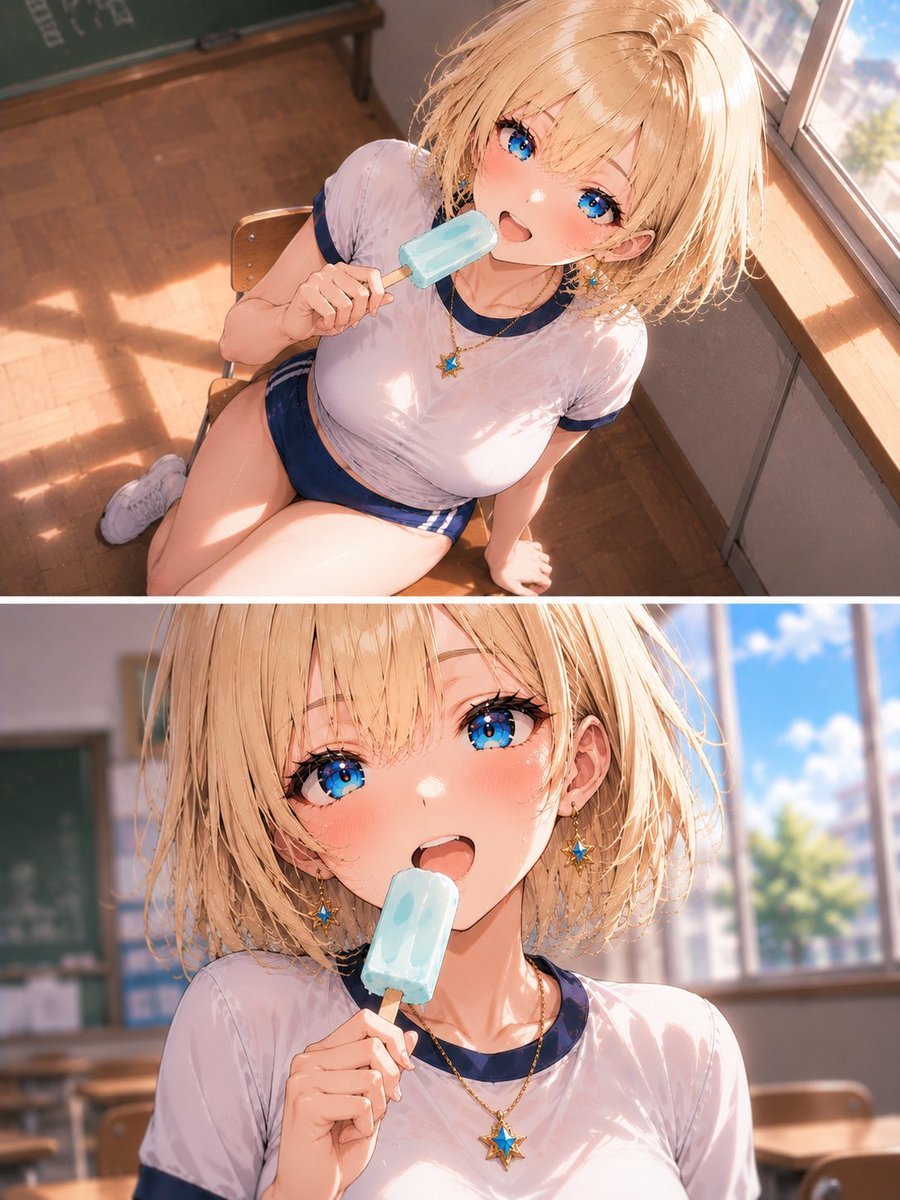
- Prompt included
- Model and format preset
- Free template
The prompt behind this image
Copy the exact prompt behind Blonde Schoolgirl Ice Pop Diptych, or open it in the studio and make it yours.
Create a polished anime-style illustration arranged as two horizontal stacked panels separated by a thin white divider, showing the same {argument name="character name" default="Riona"}, a blonde schoolgirl in a bright classroom on a sunny day. There are exactly 2 panels: the top panel is a high-angle view from above her right side as she sits on a wooden classroom chair beside a large sunlit window, holding a pale blue popsicle near her mouth; the bottom panel is a closer chest-up portrait from the front with the same popsicle held in one hand, classroom desks and a chalkboard softly blurred behind her, and a vivid blue sky with white clouds visible through the window. She has short, slightly messy wet-looking {argument name="hair color" default="golden blonde"} bob hair catching warm sunlight, a fair complexion, and wears a damp-looking white gym shirt with navy collar and sleeve trim plus navy athletic shorts. Add exactly 2 star accessories: one blue-and-gold star necklace pendant and one matching dangling star earring. The scene should feel summery and nostalgic, with warm afternoon light, glossy highlights, parquet classroom floor, wooden desks, a chalkboard in the background, and soft depth of field. Place flat opaque tan censor rectangles over the face area in both panels, matching the skin-tone block style visible in the image, while keeping the hair, ear, jewelry, outfit, hand, popsicle, classroom, and window lighting visible. Use detailed semi-realistic anime rendering, soft painterly shading, high-resolution vertical composition, {argument name="aspect ratio" default="3:4"} aspect ratio, and a bright clean color palette centered on white, navy blue, gold, and sky blue.
How to use Blonde Schoolgirl Ice Pop Diptych in 3 steps
- 1Upload ImagePNG, JPG or paste
Add your photo
Upload the photo the template builds on. The prompt, model and format are already set.
- 2…a portrait of your subject in softgolden-hour light, 85mm…
Personalize
Edit the subject and creative details for your destination.
- 3Generate
Generate
Press Generate — your image is created in PicX Studio, so you can compare it with the original and refine one variable at a time.
More like this
Templates with the same subject, style or setup. Open one to see its prompt.
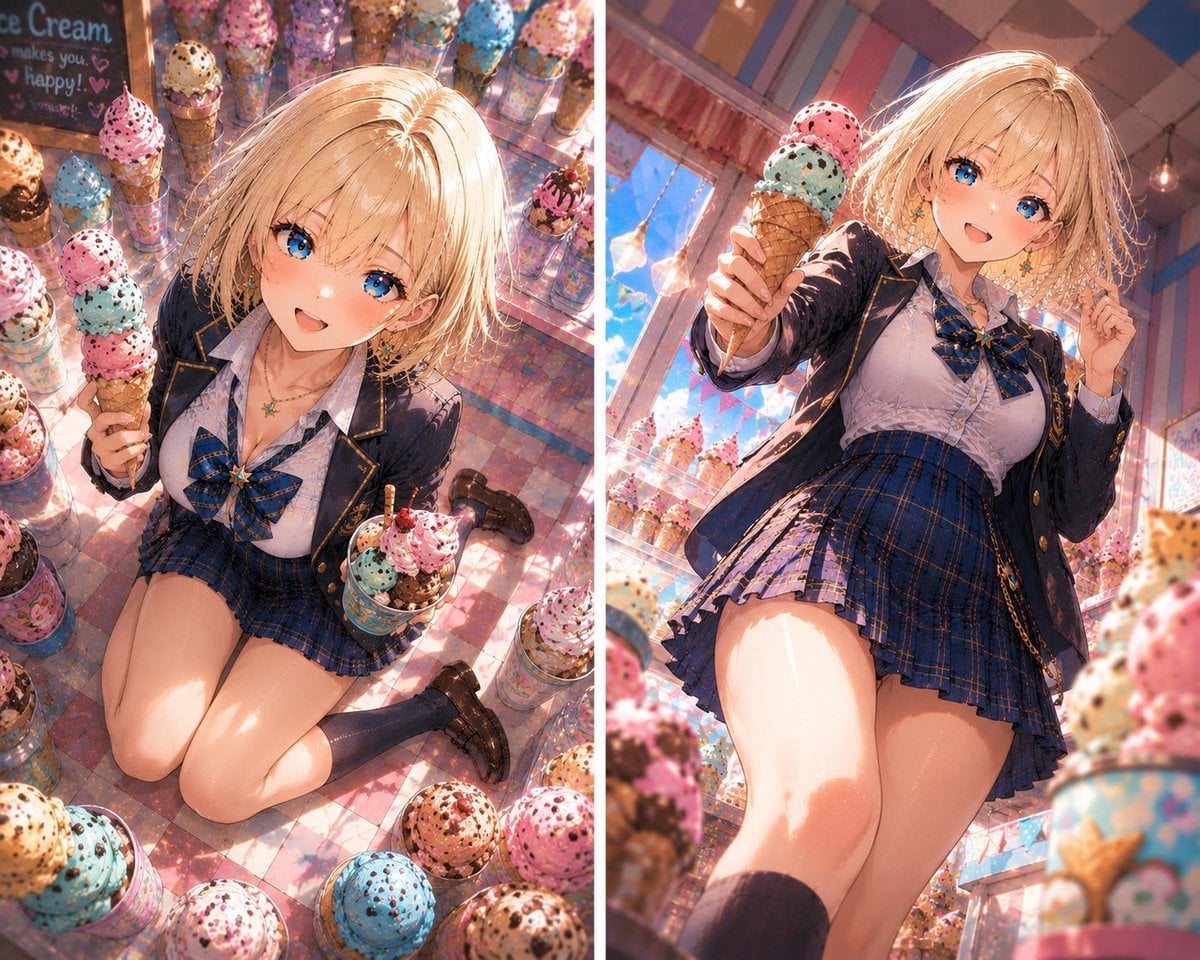
Blonde Anime Ice Cream Shop Diptych
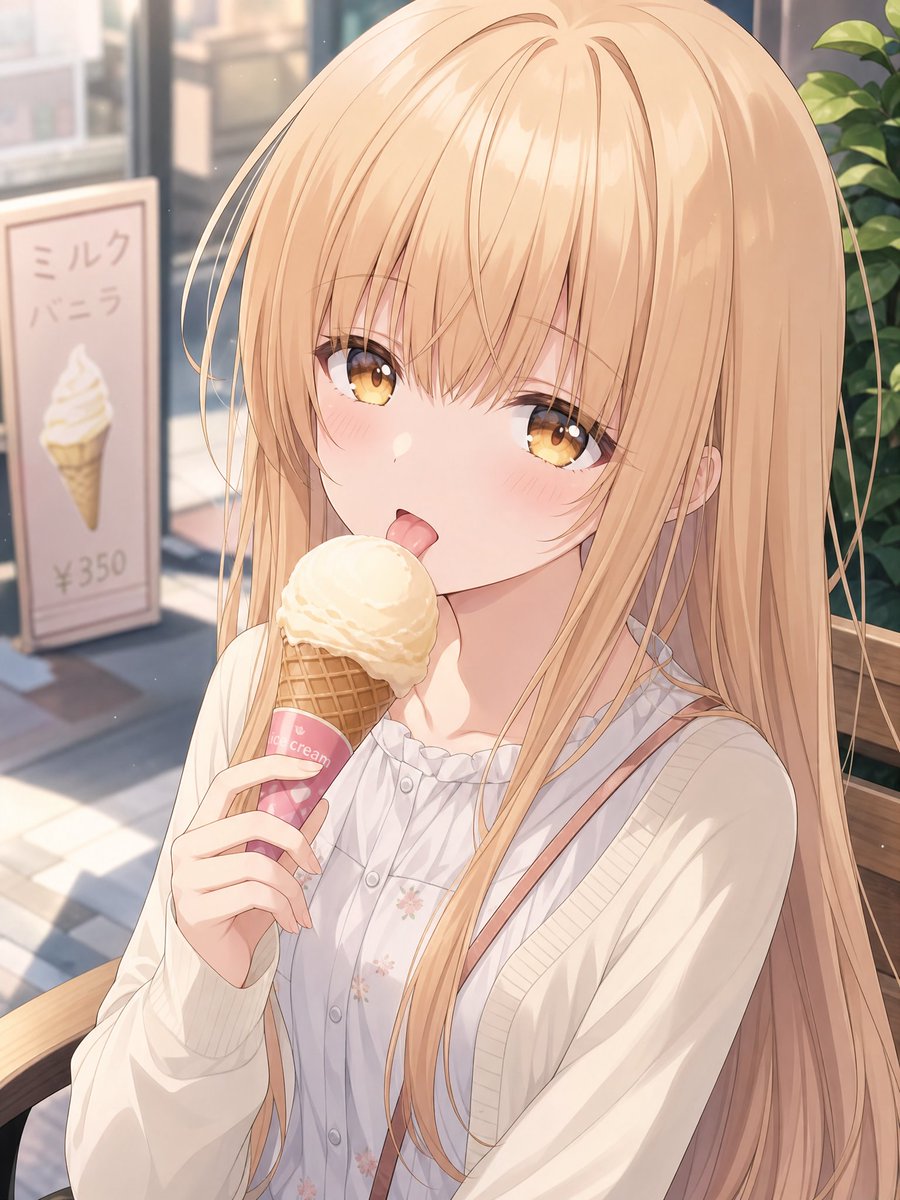
Blonde Anime Girl with Ice Cream
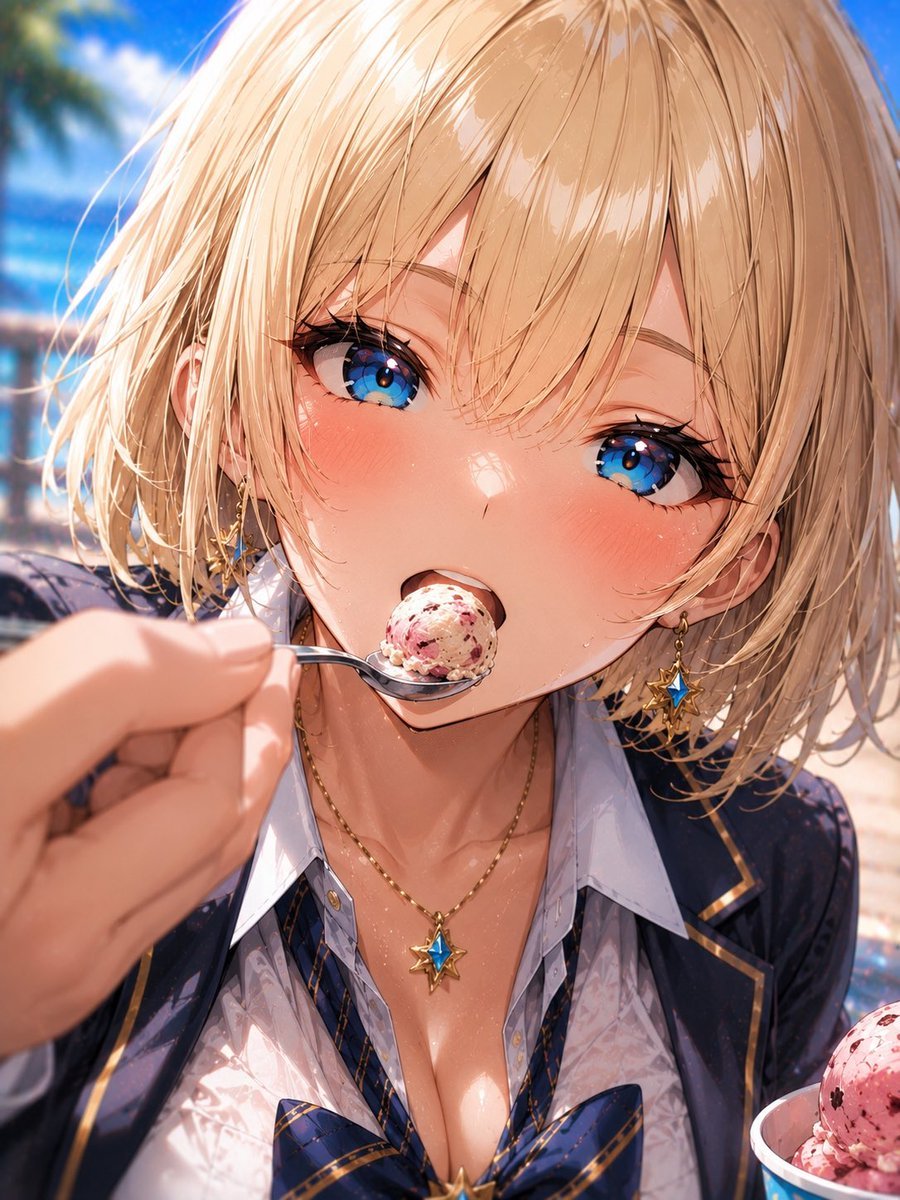
Blonde Beach Anime Girl with Ice Cream
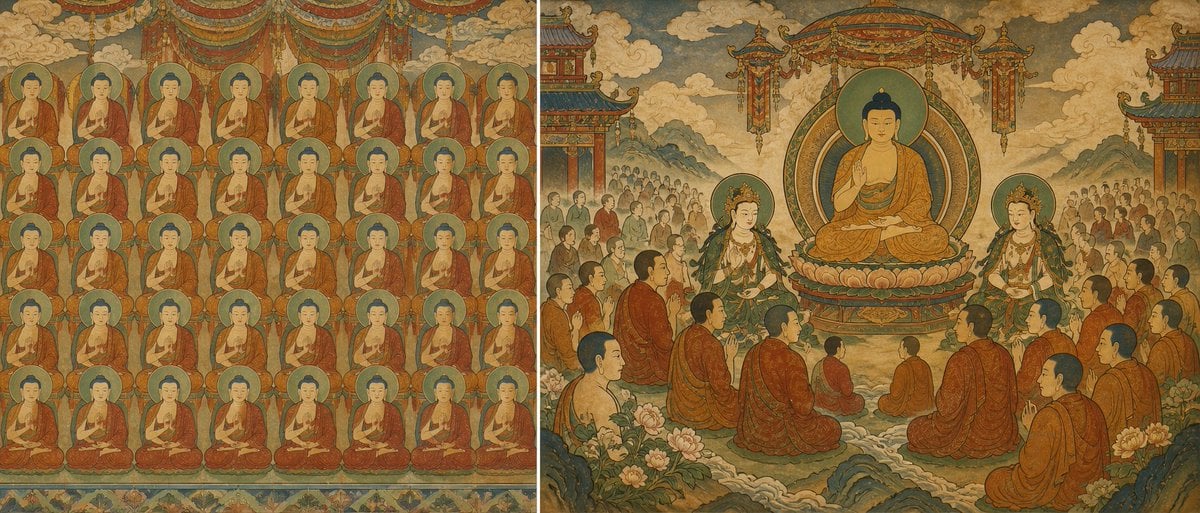
Buddhist Mural Composition Diptych
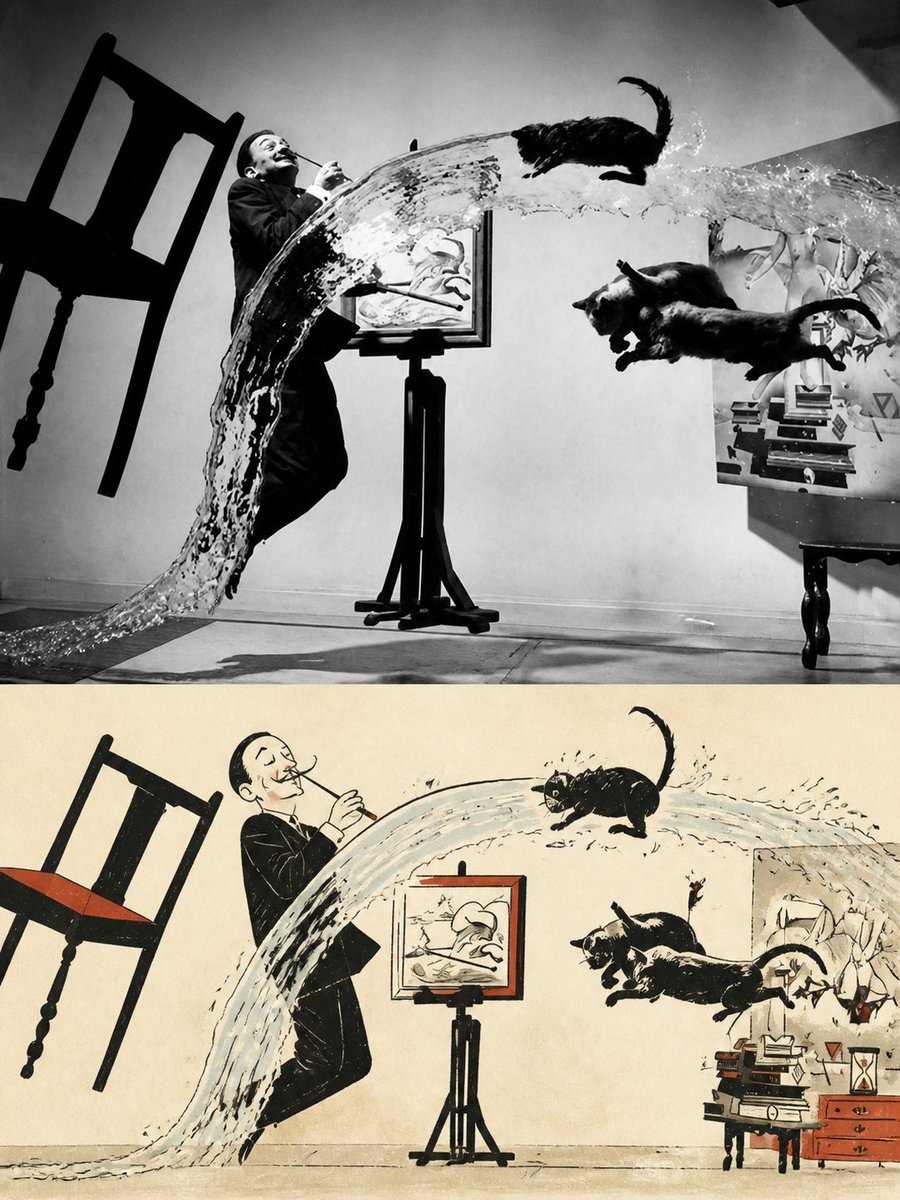
Surreal Photo to Watercolor Diptych
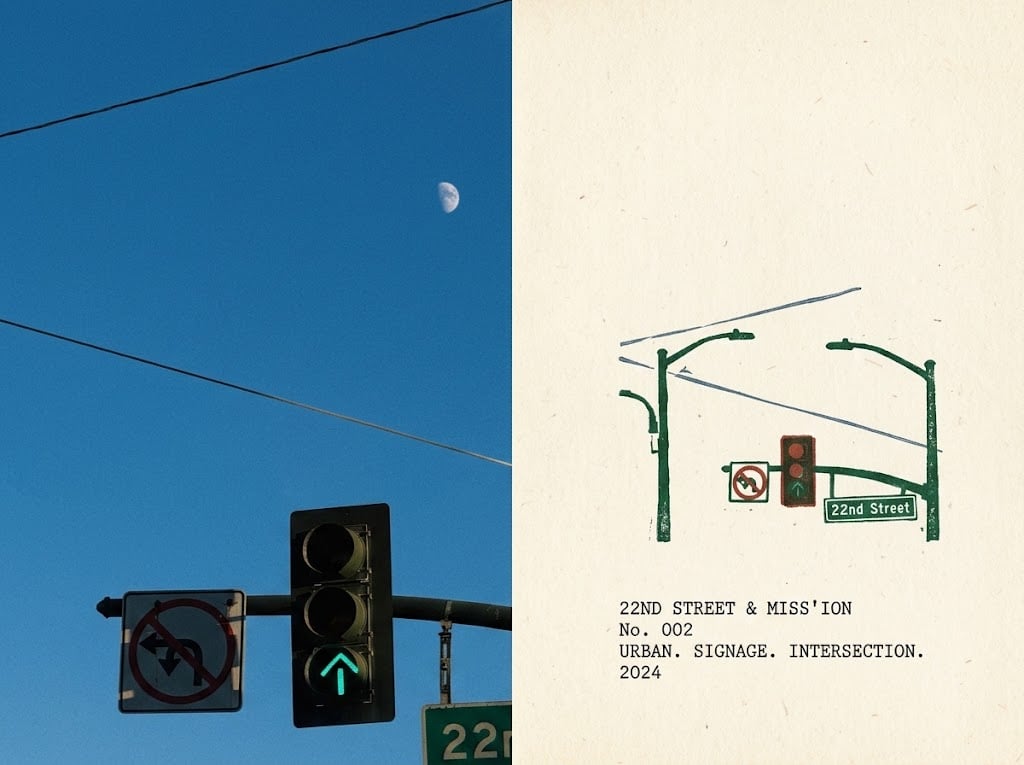
Urban Intersection Photo and Sketch Diptych
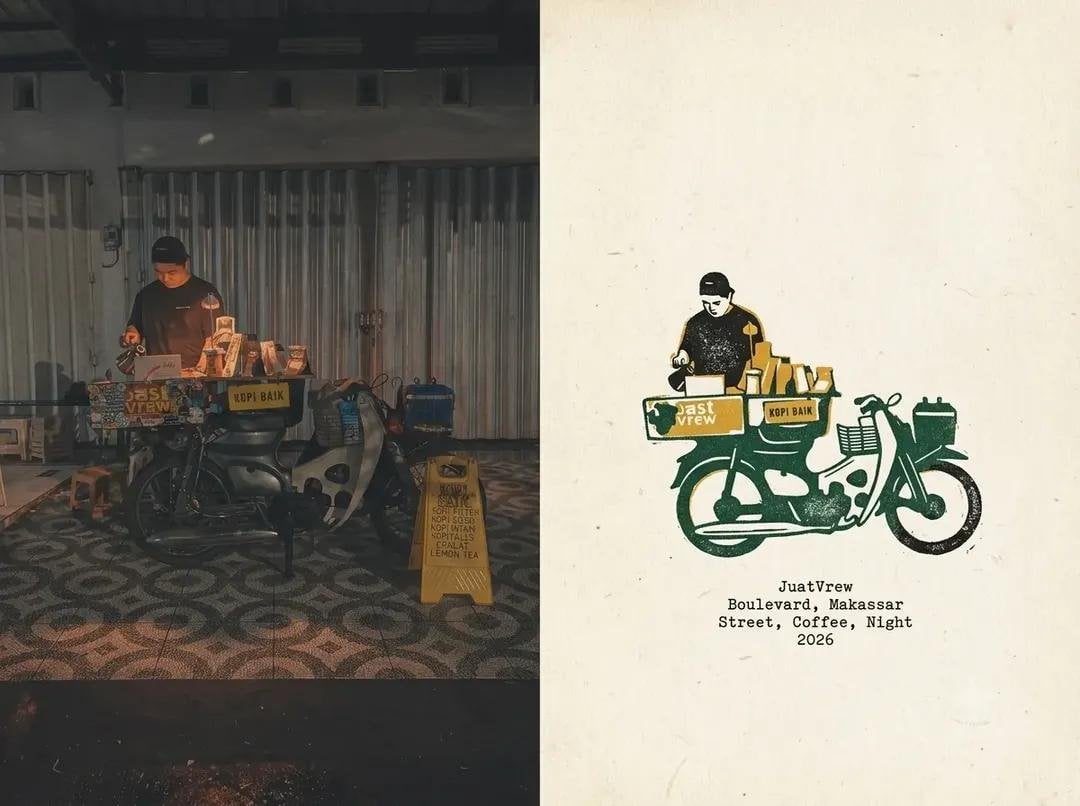
Coffee Shop Journal Diptych
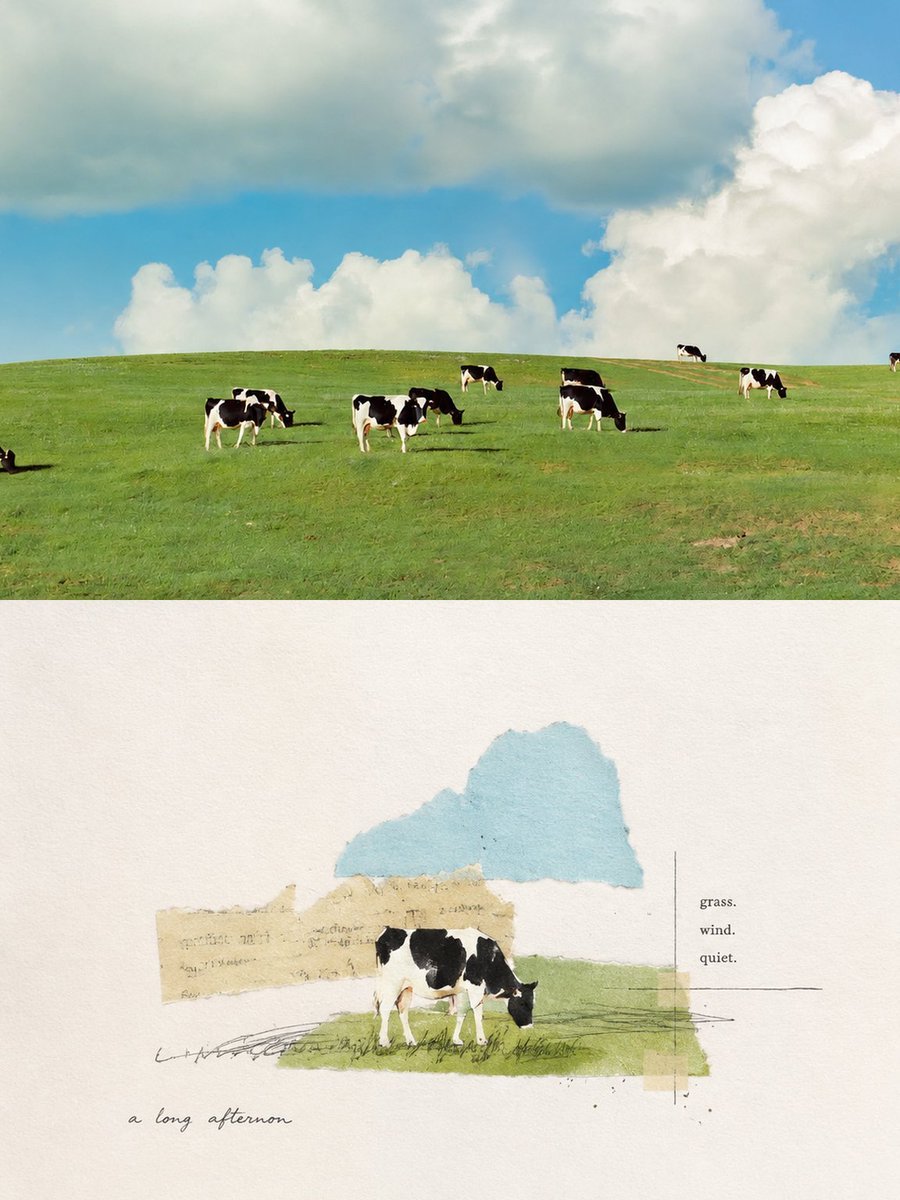
Pastoral Cow Collage Diptych
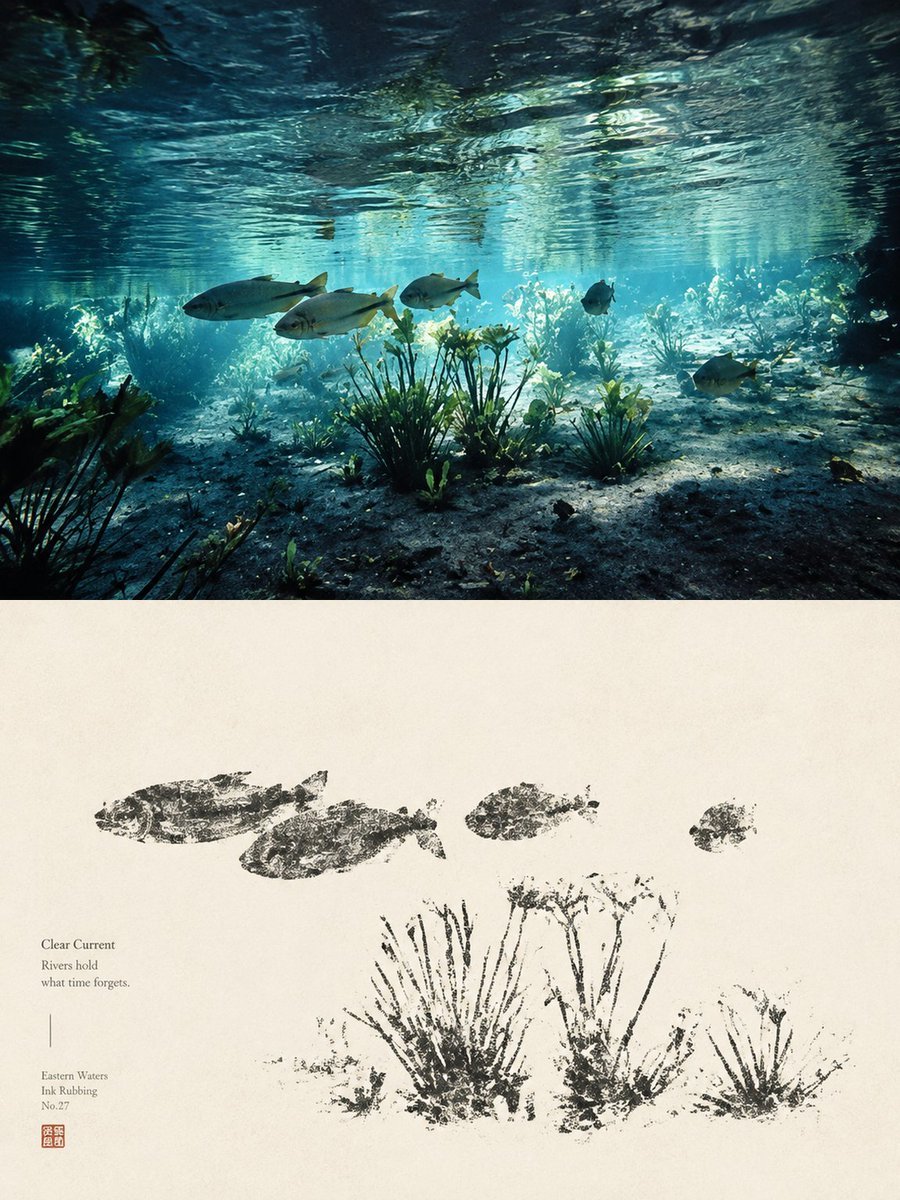
Underwater River Ink Rubbing Diptych

Pop Art Summer Fruit Fashion Illustration
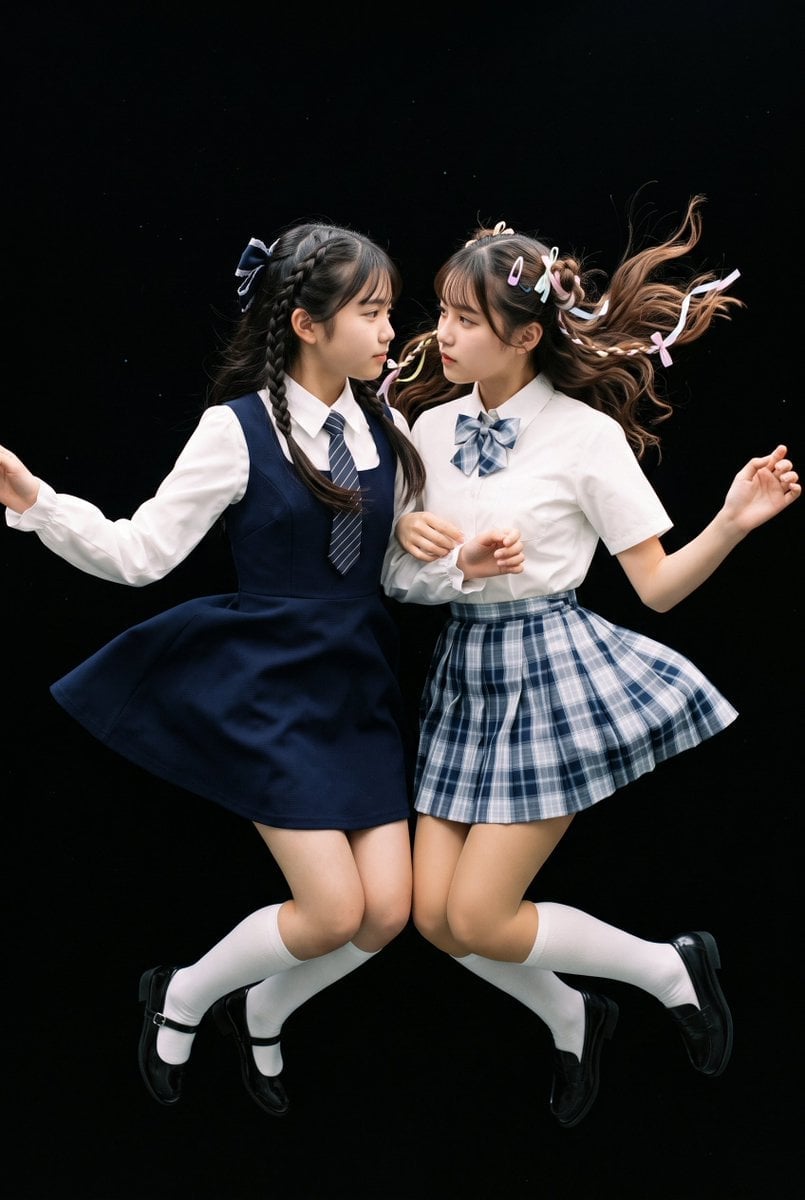
Floating Schoolgirl in Dark
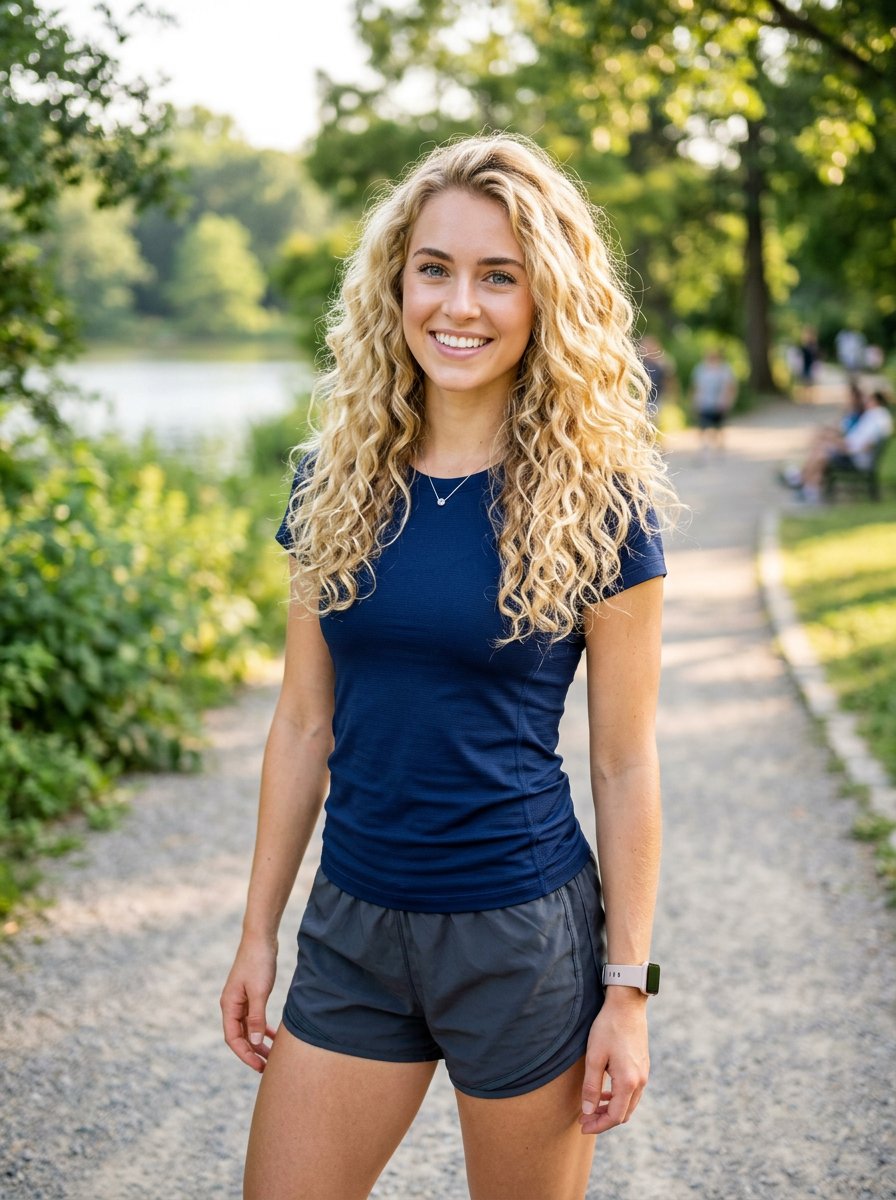
Athletic Blonde Curly Hair Portrait
Make it yours
Blonde Schoolgirl Ice Pop Diptych works as-is. These are the safest ways to change it without losing the look.
Change one field
Copy a single group, rewrite it, and generate again so you can see what that field is doing.
Keep the frame, change the subject
Hold the composition and light of Blonde Schoolgirl Ice Pop Diptych, then swap wardrobe, props or the person for a new take.
| If the result… | Why | Fix |
|---|---|---|
| The result drifts from the preview | Too many fields changed at once. | Reuse Blonde Schoolgirl Ice Pop Diptych as-is first, then change one group — subject, light, or setting. |
| The model over-stylizes the scene | The prose prompt leaves finish and camera underspecified. | Add one camera or lighting sentence and stay on GPT Image 2. |
More GPT Image 2 templates
Other prompts made for GPT Image 2.

Six VTuber Japanese Logo Sheet

Realistic Portrait of Woman and Deer

The Vista Modular Condo Poster

AI Model Routing Comparison Infographic

2.5D Anime Art Board

Isometric Productivity Desk Scene

New York Double Exposure Poster

Four-Panel AI Landscape Comparison

Japanese Tatami Lifestyle Magazine Cover

NESCAFÉ Coffee Map Poster
More image prompts
Fresh picks from across the catalog.
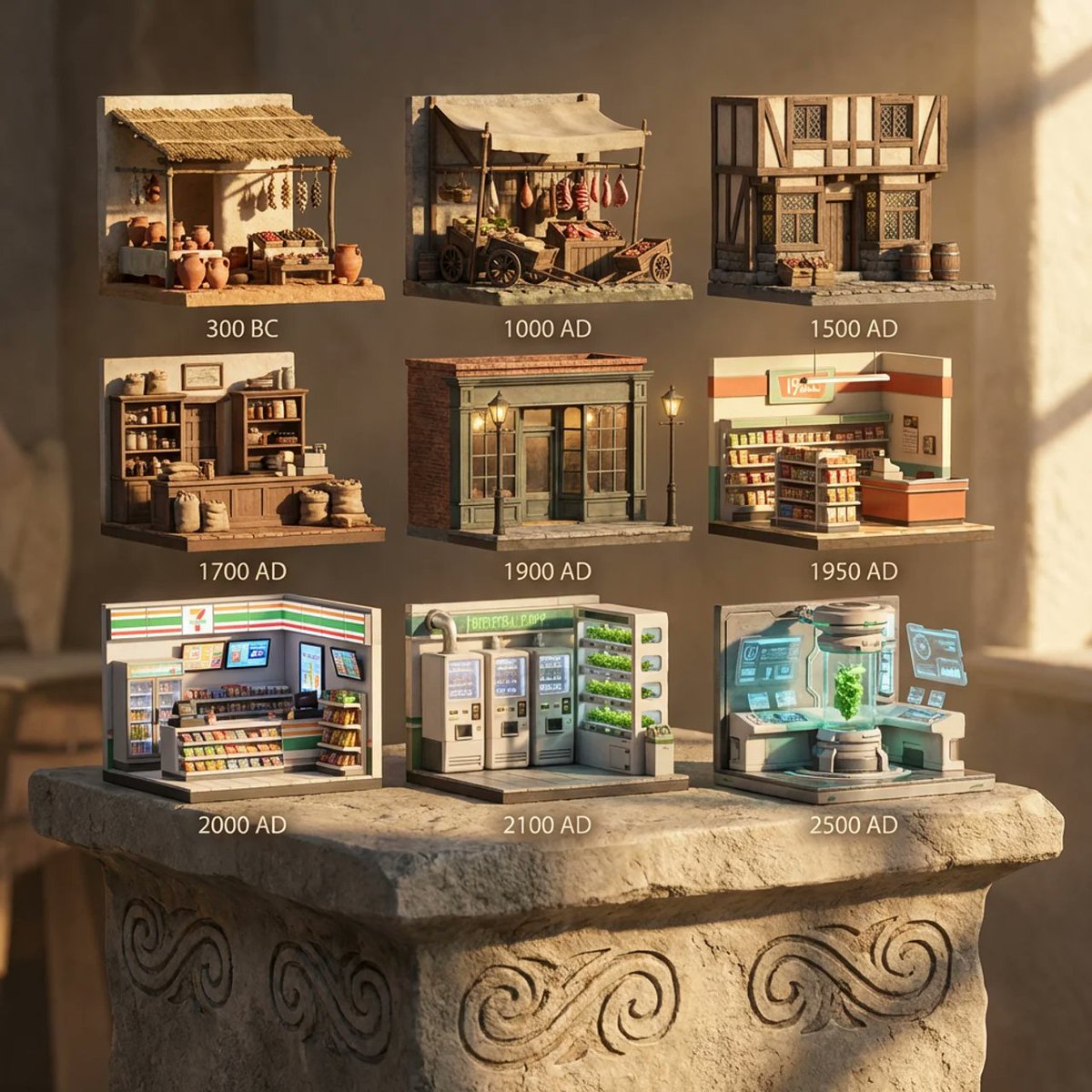
Evolution of Grocery Shops 3D Grid Prompt
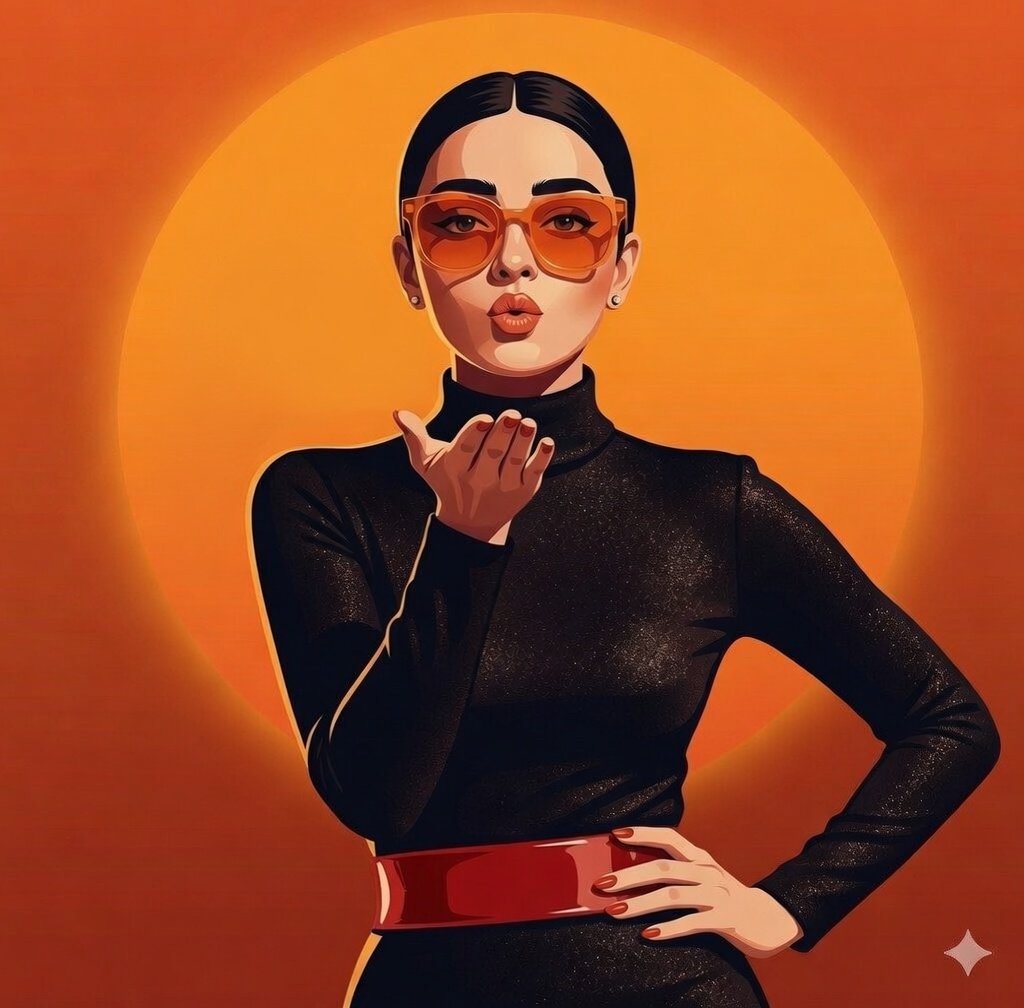
Gemini Nano Banana X Grok
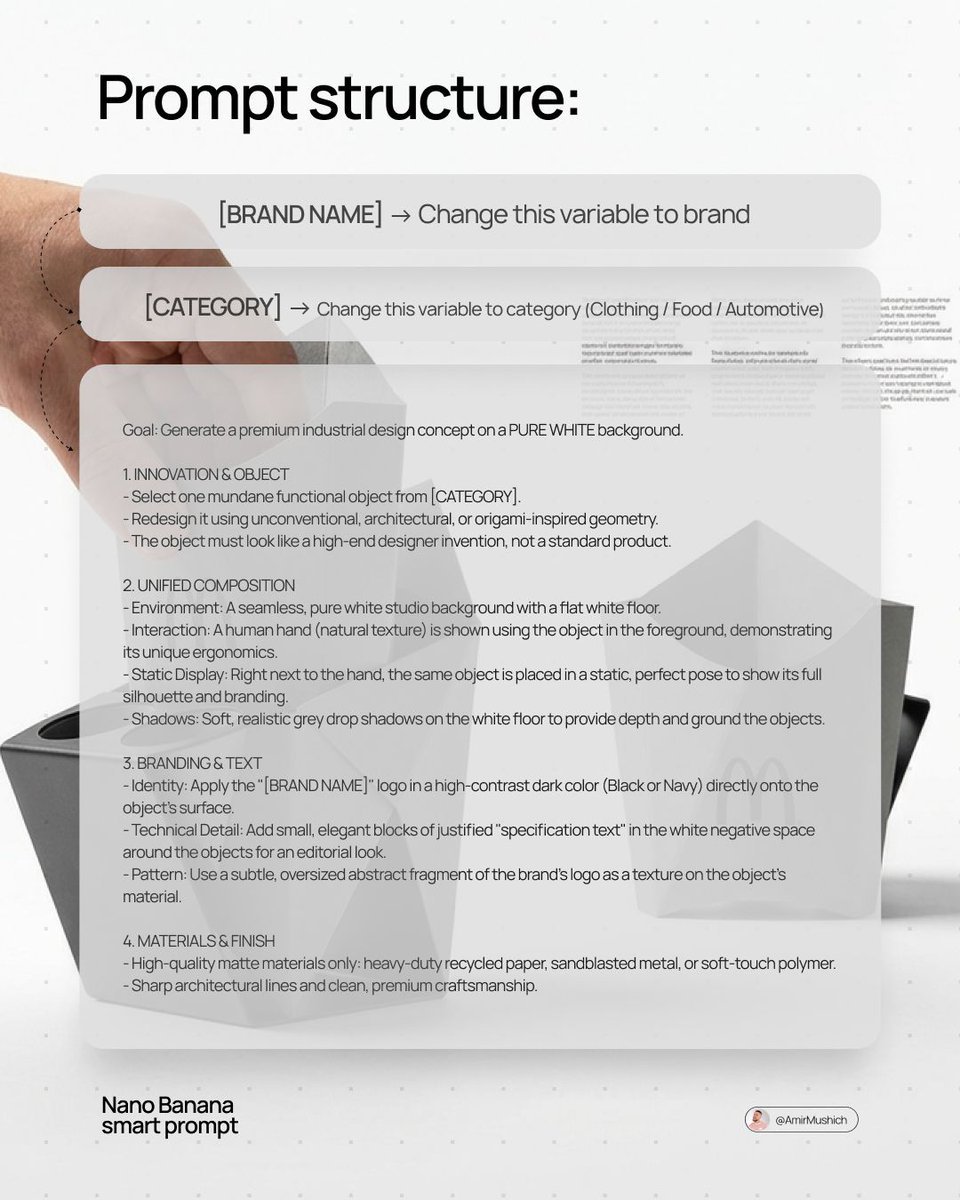
Industrial Design Concept Prompt
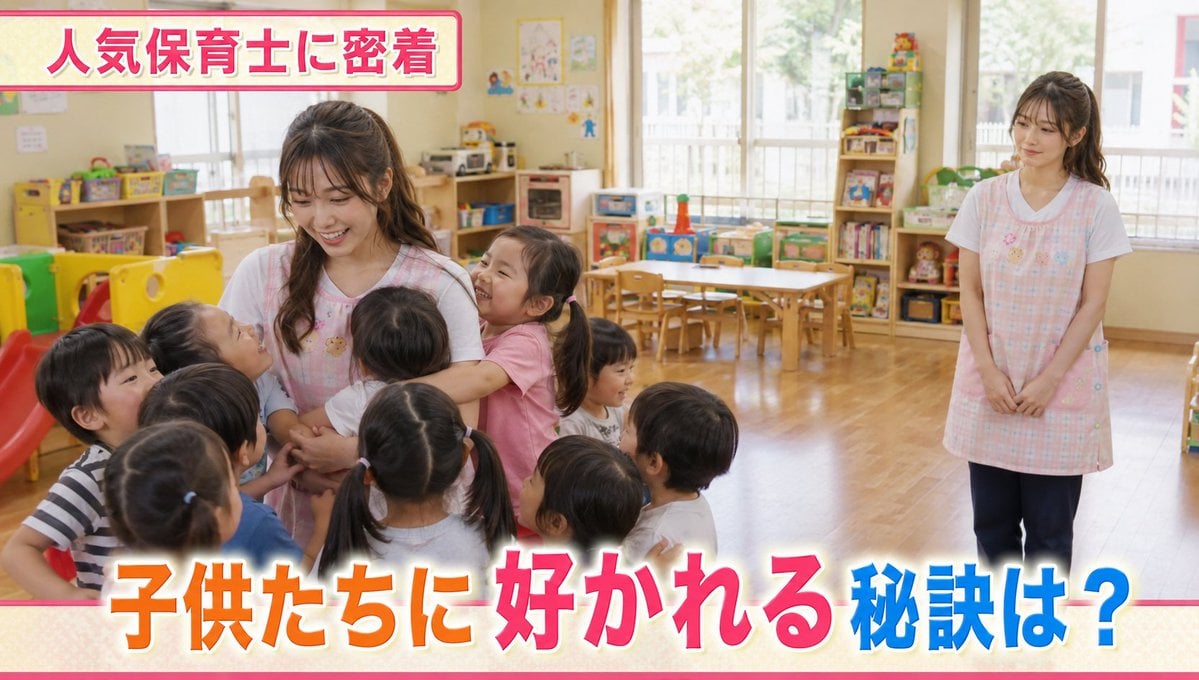
Contrast in Popularity Twin Teachers
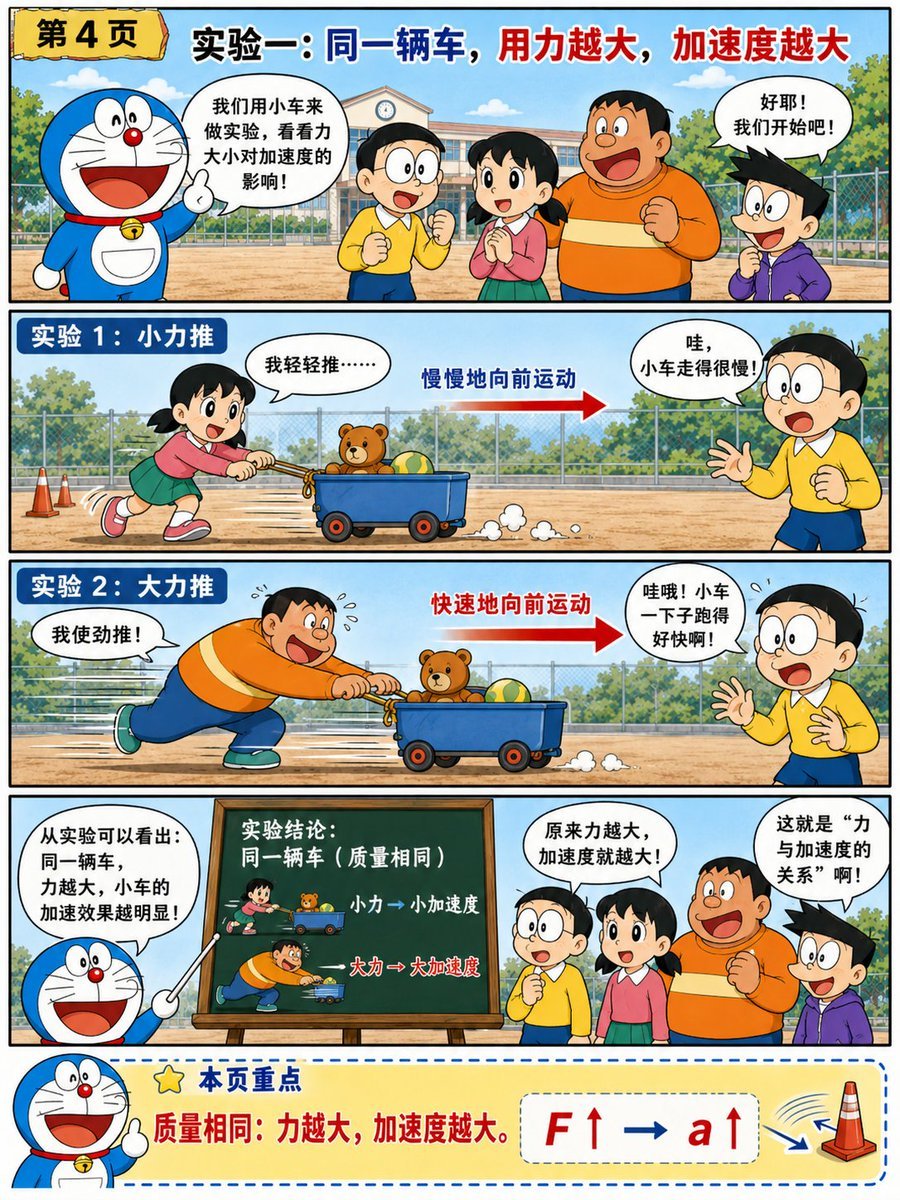
Doraemon-Style Newton’s Second Law Comic
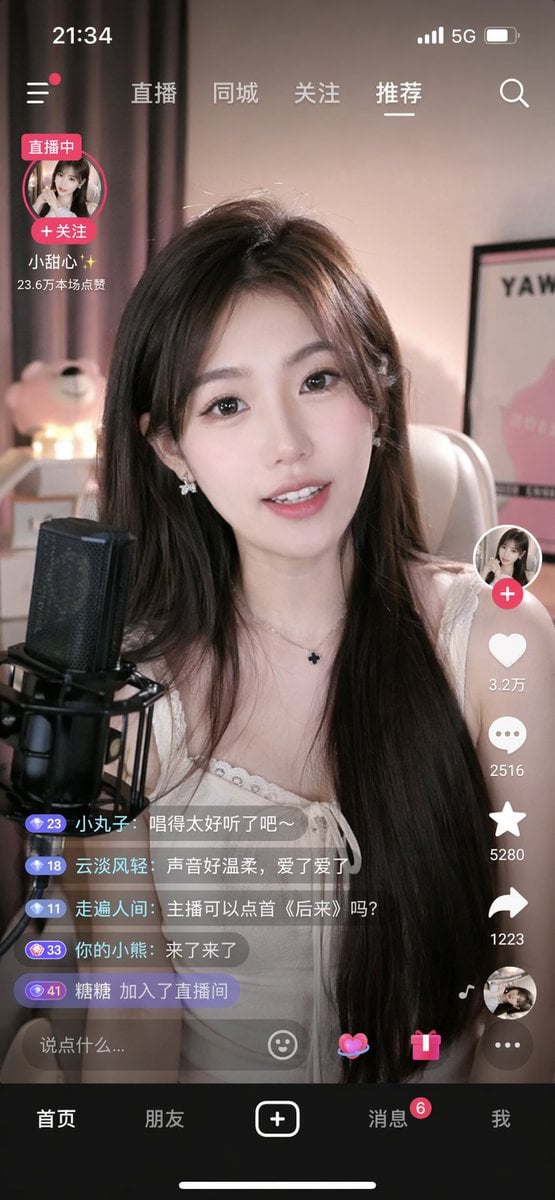
Mobile Live Streaming App Interface
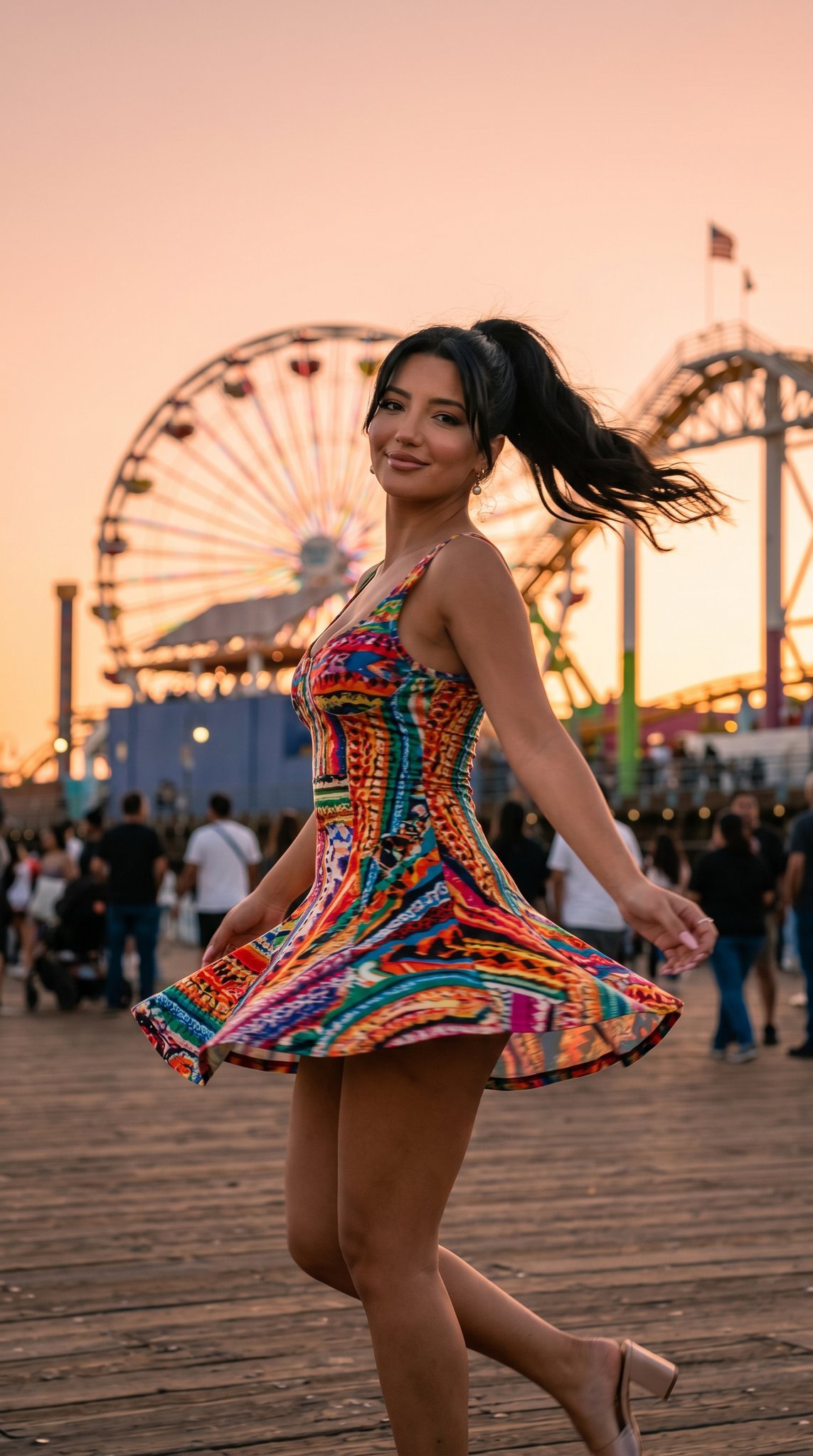
05 Santa Monica Pier — California Series
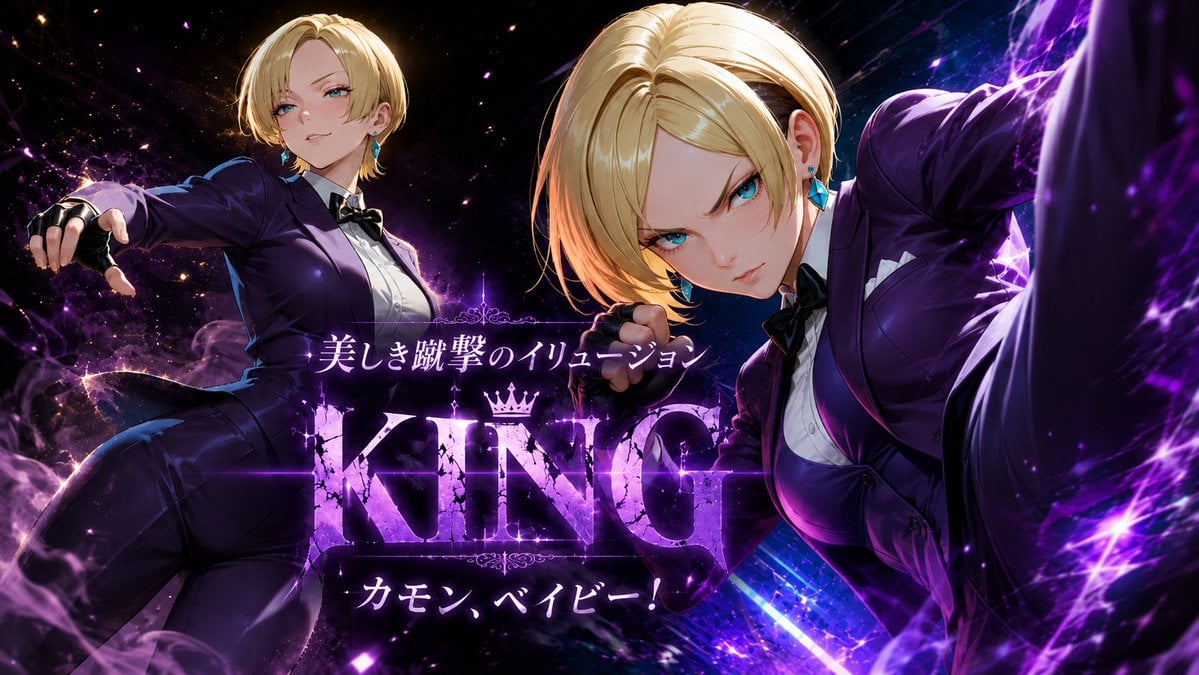
Purple Anime Fighter King Poster
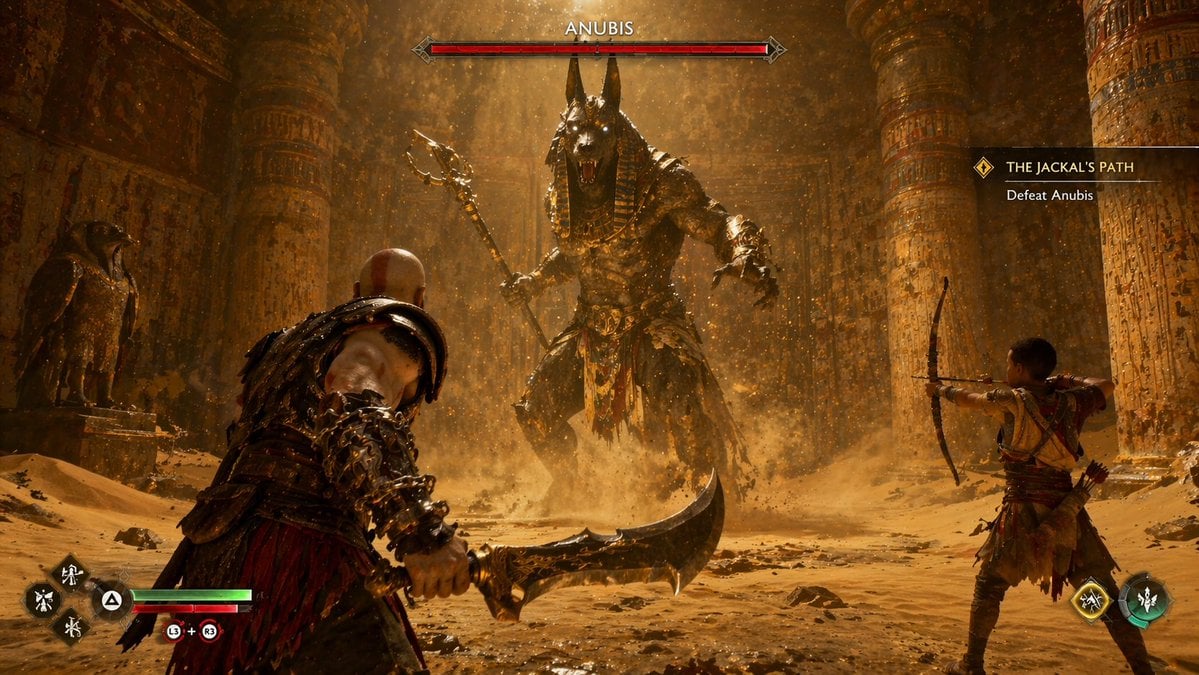
Mythological Action Game Screenshot

Rooftop Walkway Fashion OOTD
Browse template categories
Blonde Schoolgirl Ice Pop Diptych questions
How do I use the Blonde Schoolgirl Ice Pop Diptych template?
Add your photo if the template asks for one, edit the prompt if you like — the template's model and format are already selected — and press Generate. Your version opens in PicX Studio.
Can I customize the Blonde Schoolgirl Ice Pop Diptych template?
Yes. You can change the subject, setting, lighting, mood, format, and available model controls before creating your image.
Is the Blonde Schoolgirl Ice Pop Diptych template free?
Opening and editing this template is free. Generating uses credits, shown on the Generate button when you are signed in.
Which AI model should I use?
Start with GPT Image 2, which is the model associated with this template. You can compare another compatible model for a different finish.
Looking for something else? Browse all templates.

Your photo, any look
Thousands of ready templates for every top image and video model, from one credit balance.